Bulk import screen examples
Bulk import screen design examples from SaaS apps. Browse examples from Mailchimp, Dovetail, Lightfield.
Explore the examples
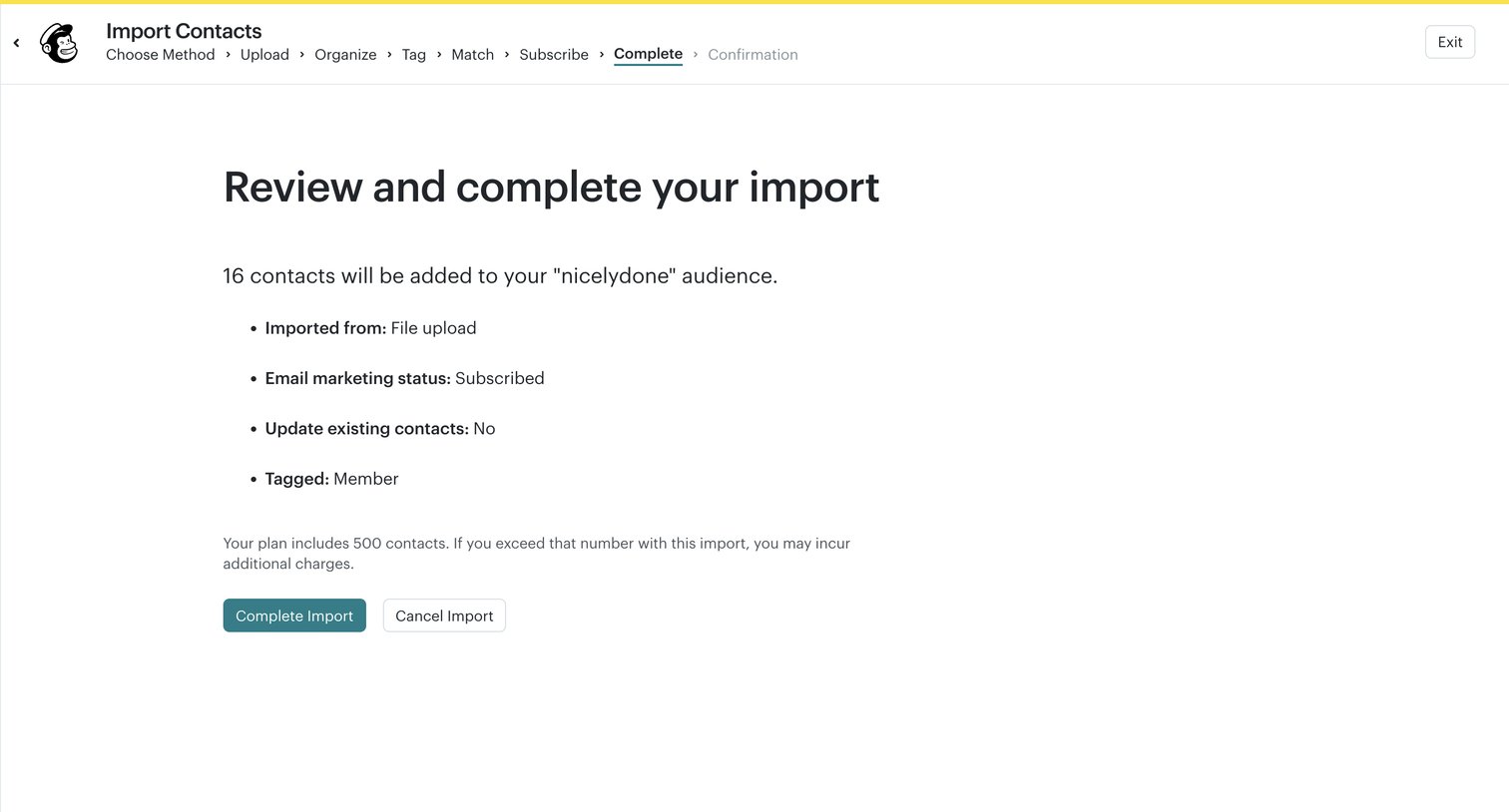

Wizard step where the user reviews the source, status, and tag details of their contact import before finalizing.
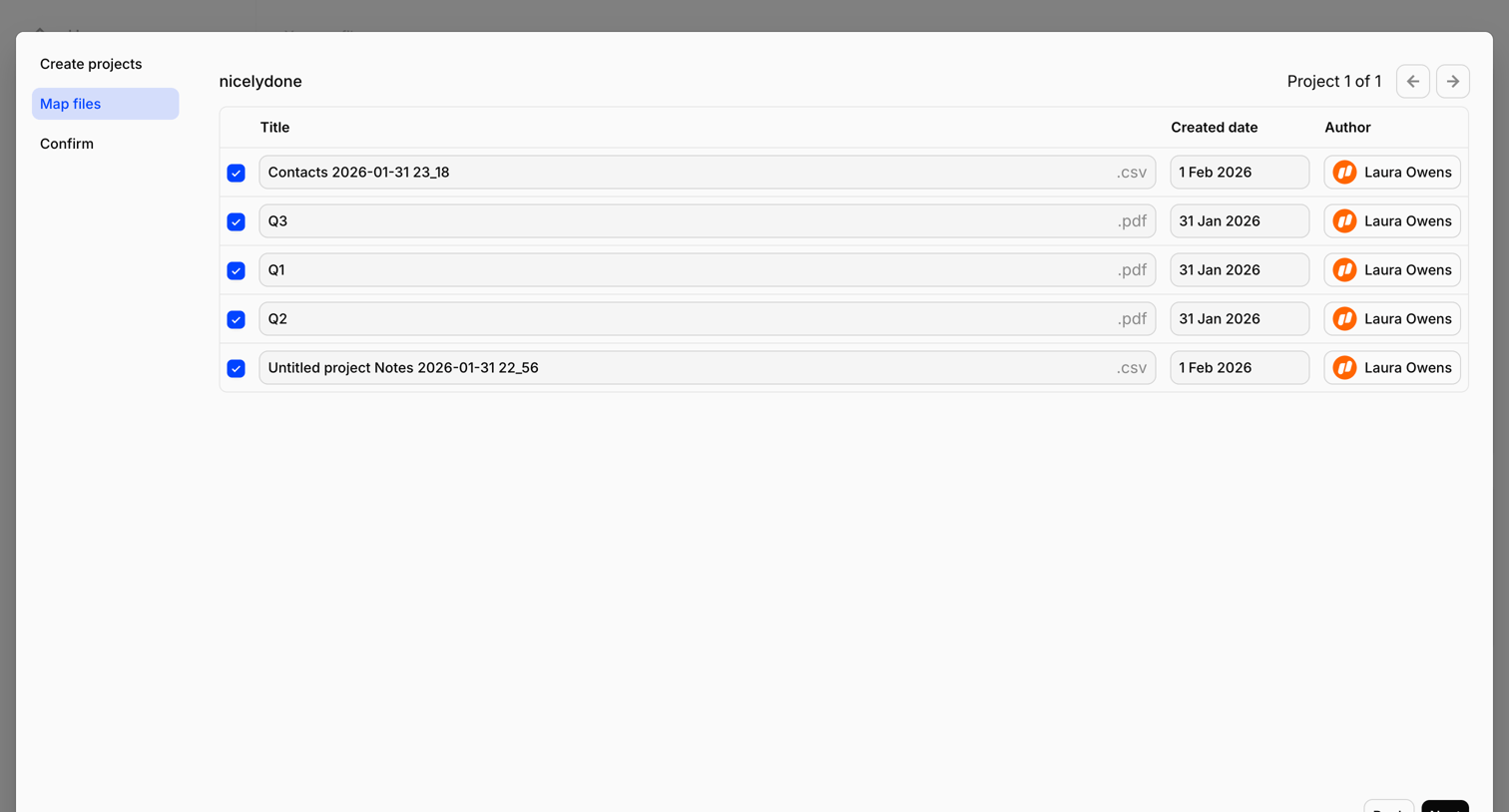

Wizard step where the user reviews and edits titles, creation dates, and authors for a batch of CSV and PDF files before finalizing the import.
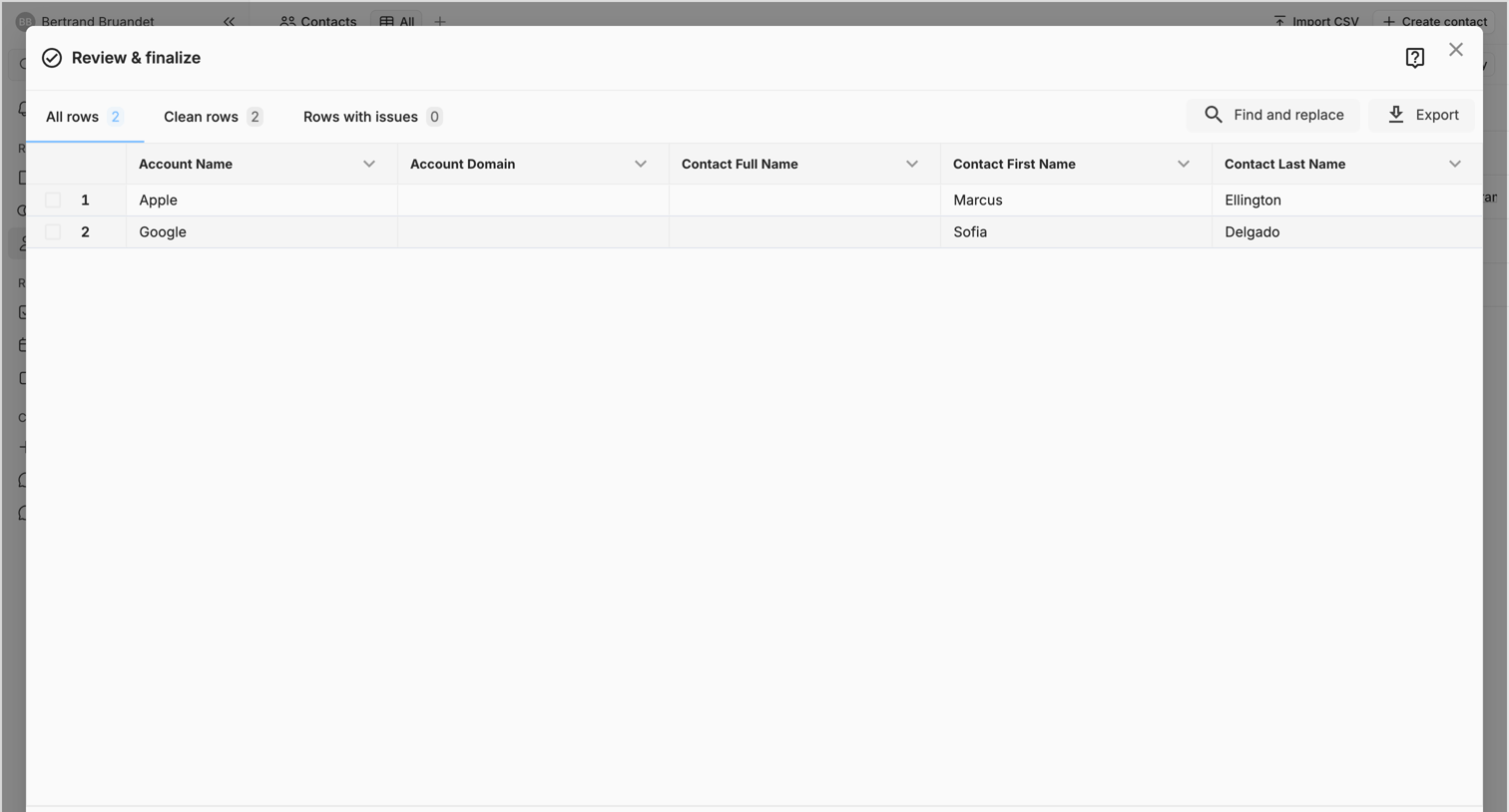

List view with a large modal where the user reviews and finalizes a contact data import before committing it to the CRM.
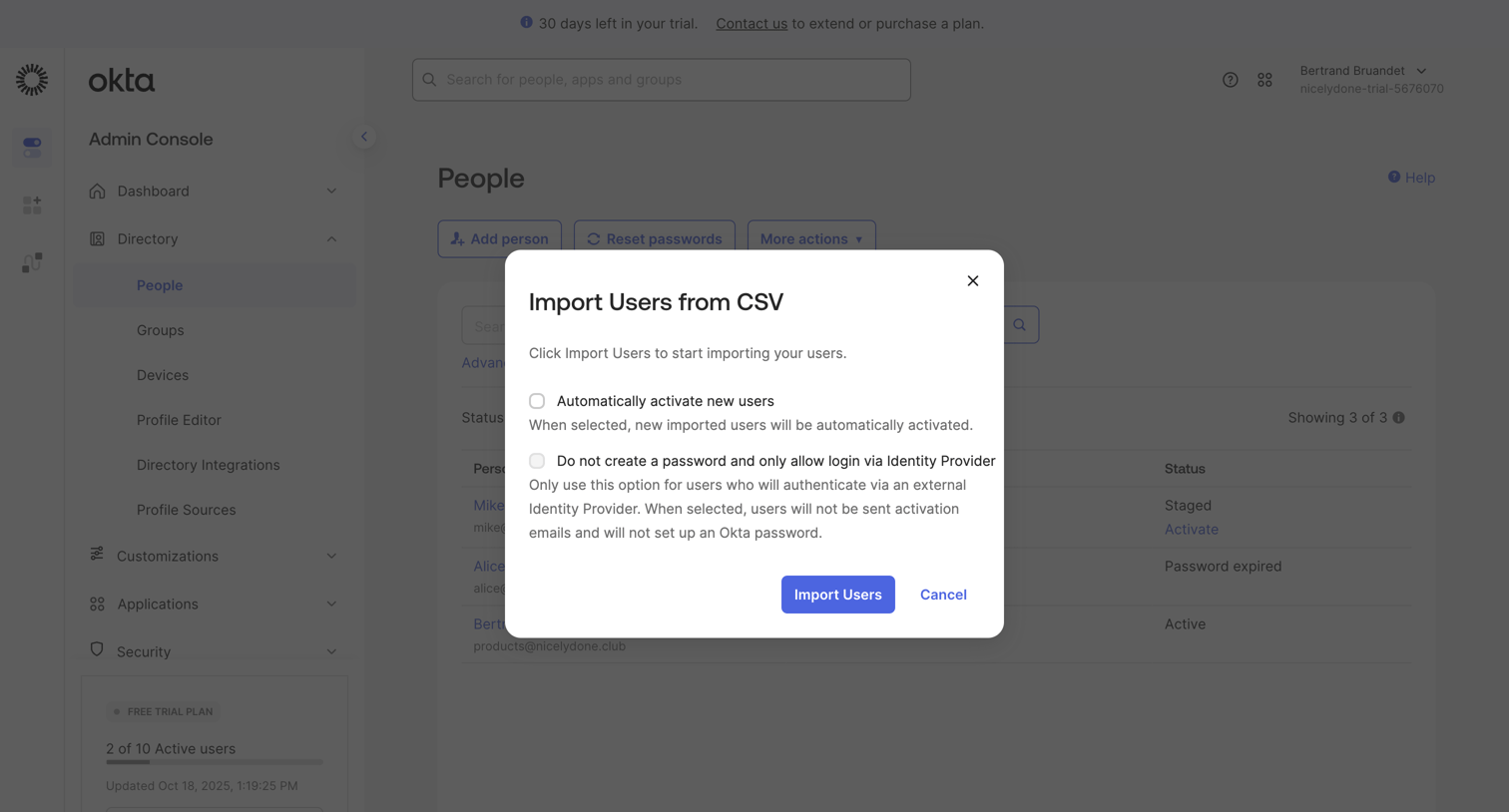

Modal where the user configures options for importing users from a CSV file, including automatic activation and identity provider settings.
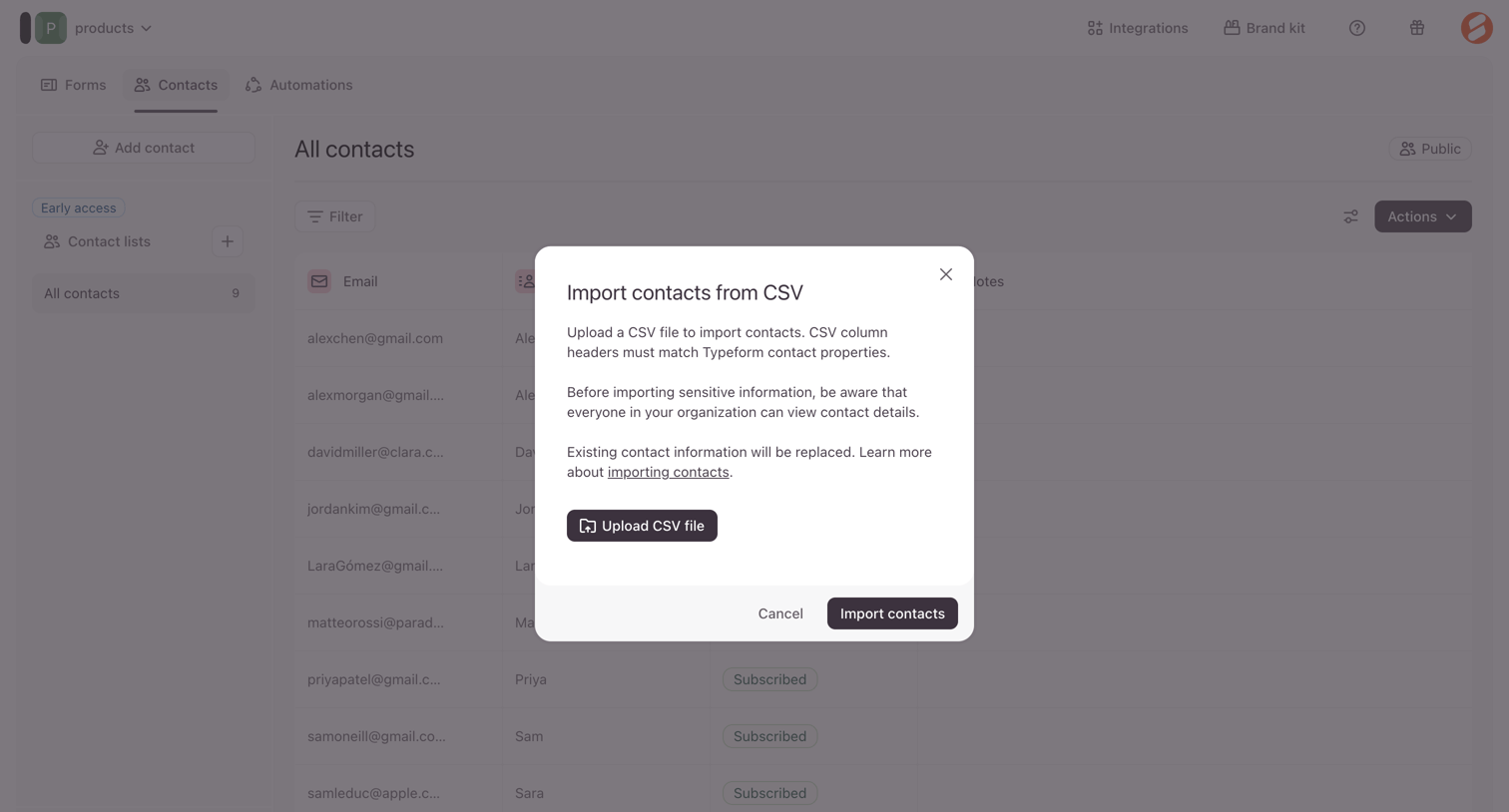

Contact management list view where the user is prompted to upload a CSV file to import new contacts and replace existing information.
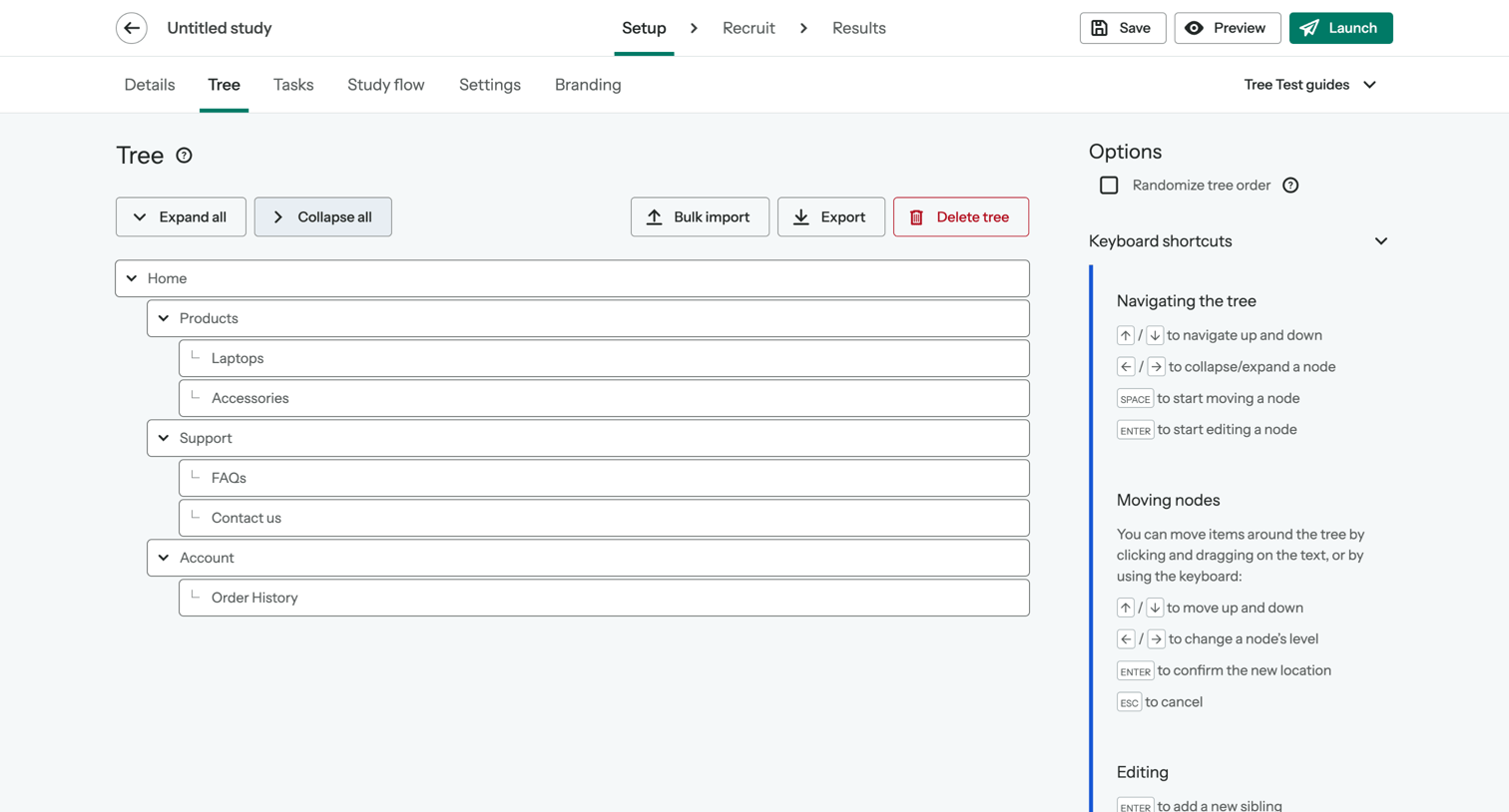

Content editor where the user builds and manages the hierarchical tree structure for a tree testing study, with options to import, export, and view keyboard shortcuts.
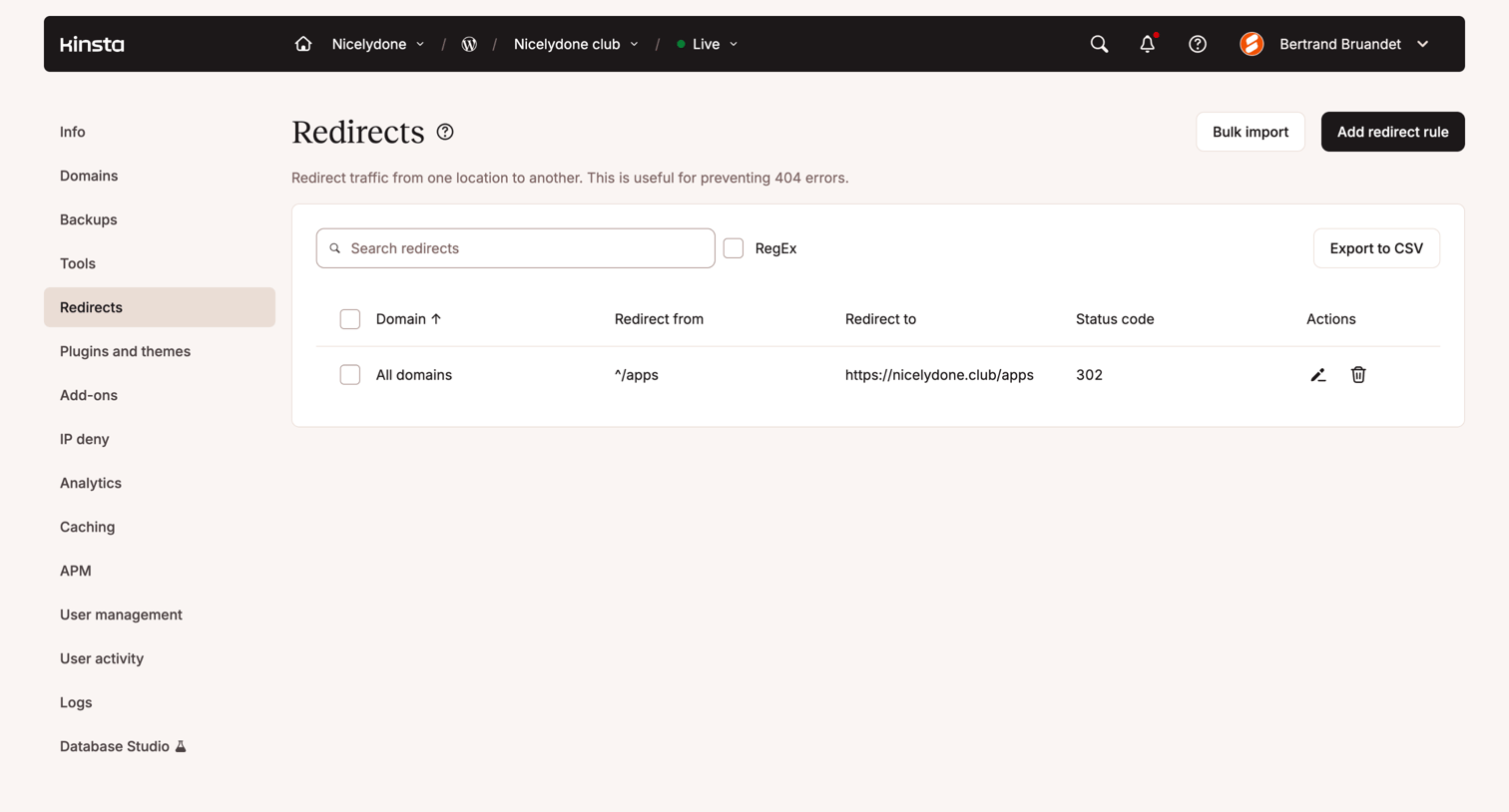

Settings page where the user manages URL redirects for a site, featuring a data table that lists domains, redirect sources, destinations, and status codes, alongside options to bulk import or export rules.
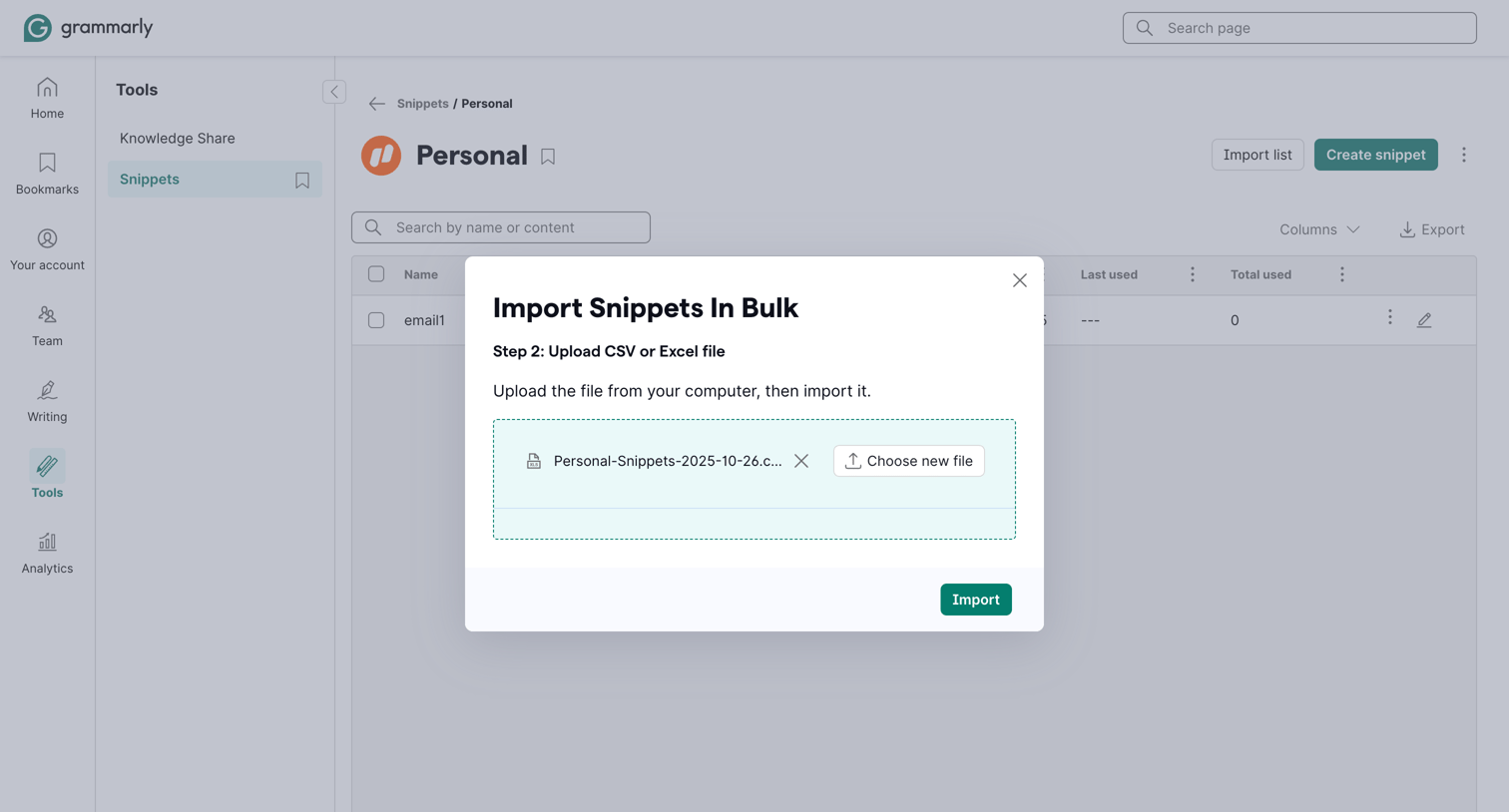

List view of personal snippets with an active modal overlay for bulk importing a CSV or Excel file.
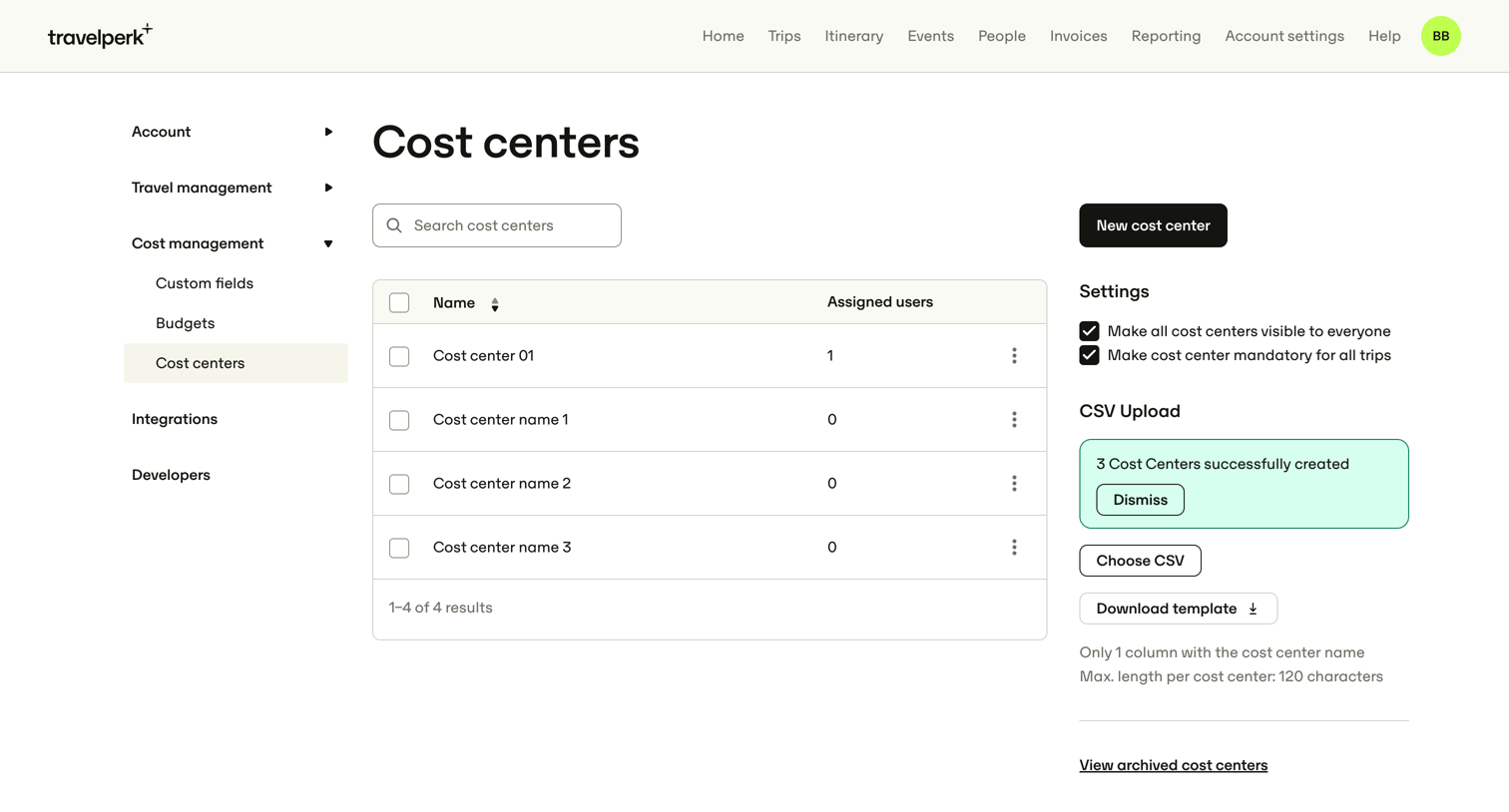

Settings page where the user manages cost centers, configures their global visibility, and can bulk upload them via CSV.
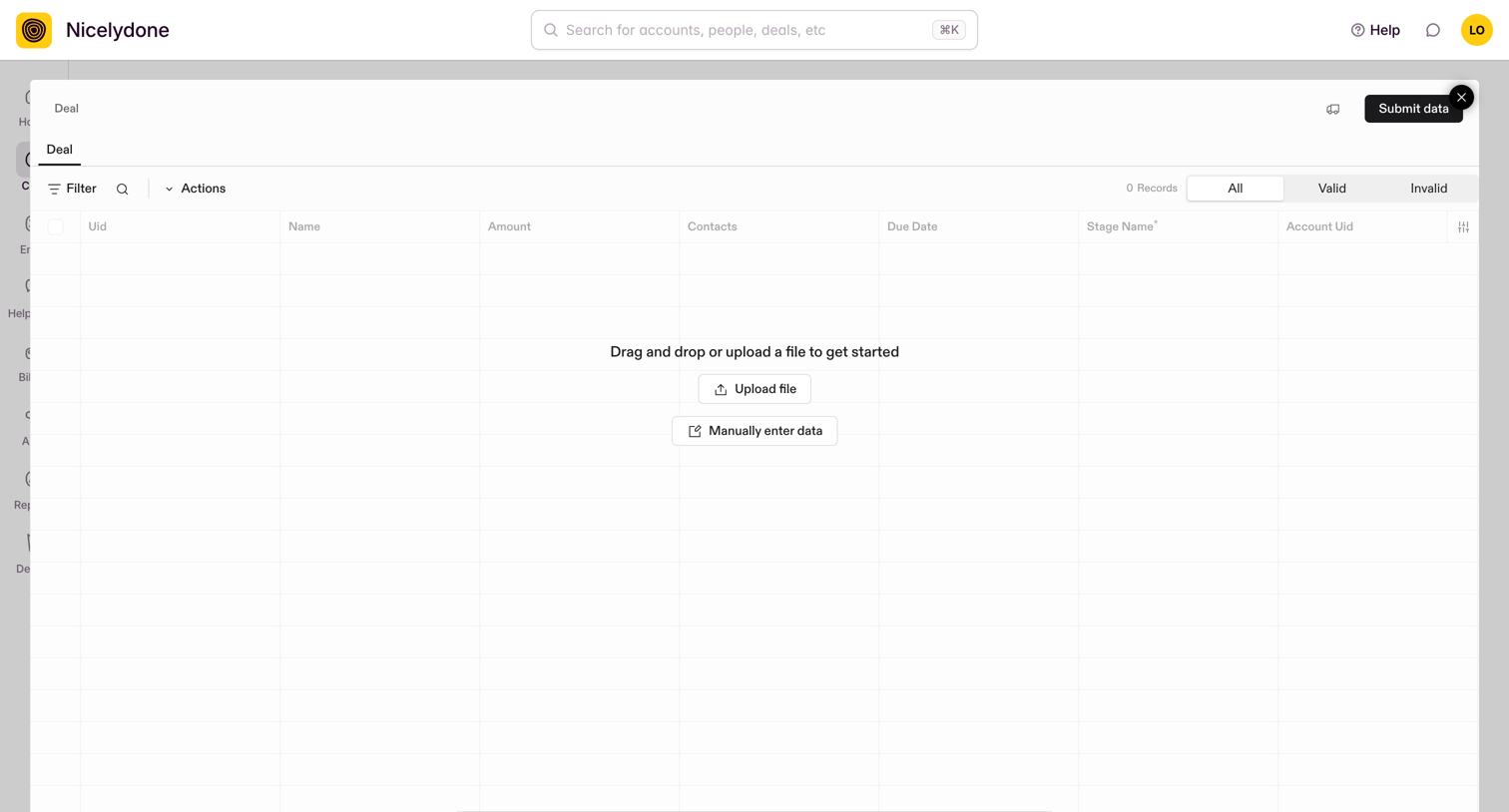

List view with a large modal overlay where the user imports deal records by uploading a file or entering data manually.
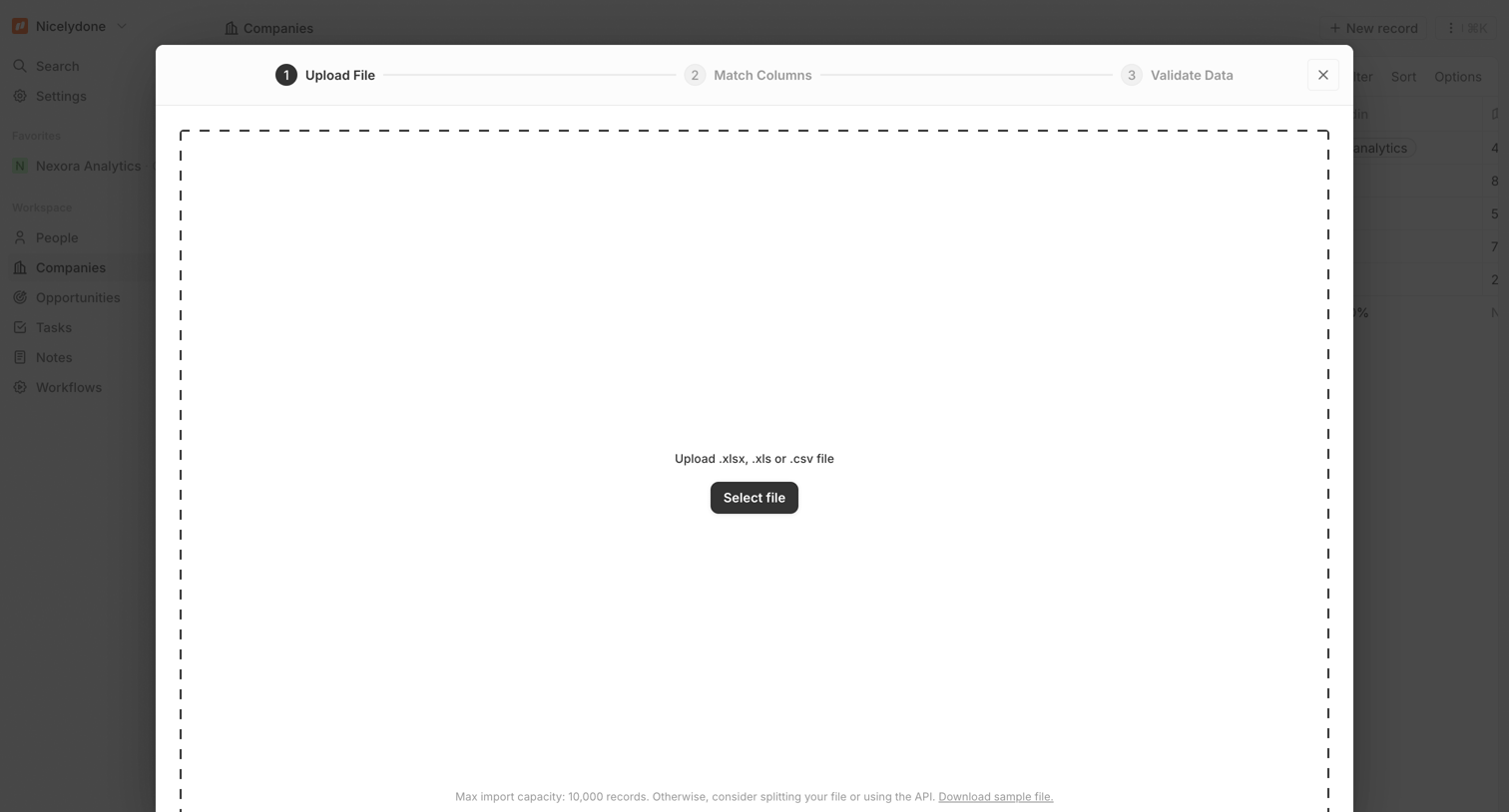

Modal where the user uploads an Excel or CSV file to import company records, featuring a three-step progress indicator and a drag-and-drop zone.
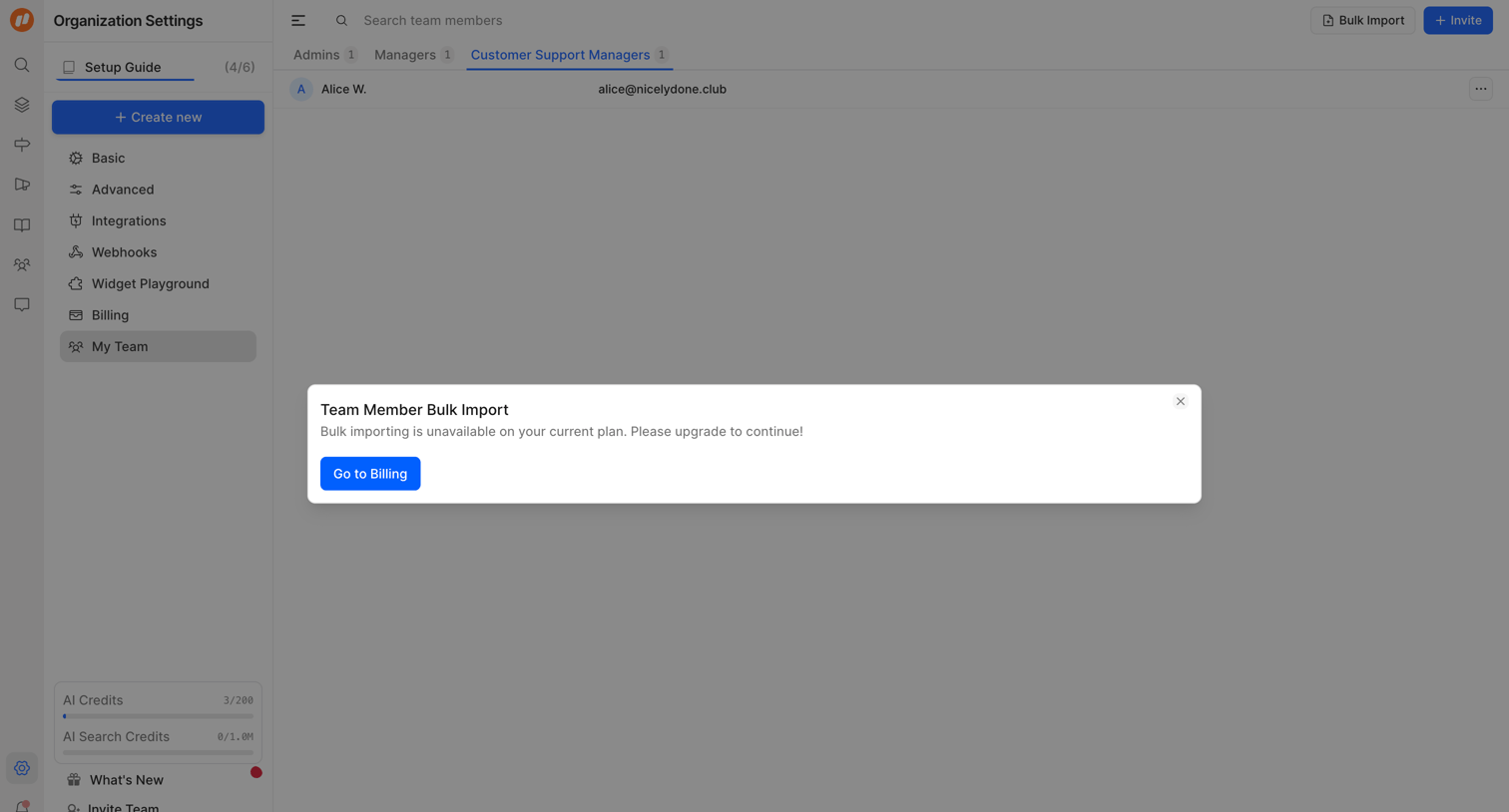

Settings page where the user is blocked from bulk importing team members and prompted to upgrade their plan via a modal.
Explore the full SaaS screen library
Upgrade to unlock the full library.
Trusted by the best teams







