Bulk archive screen examples
Bulk archive screen design examples from SaaS apps. Browse examples from Cushion, Scale, Notion Mail.
Explore the examples
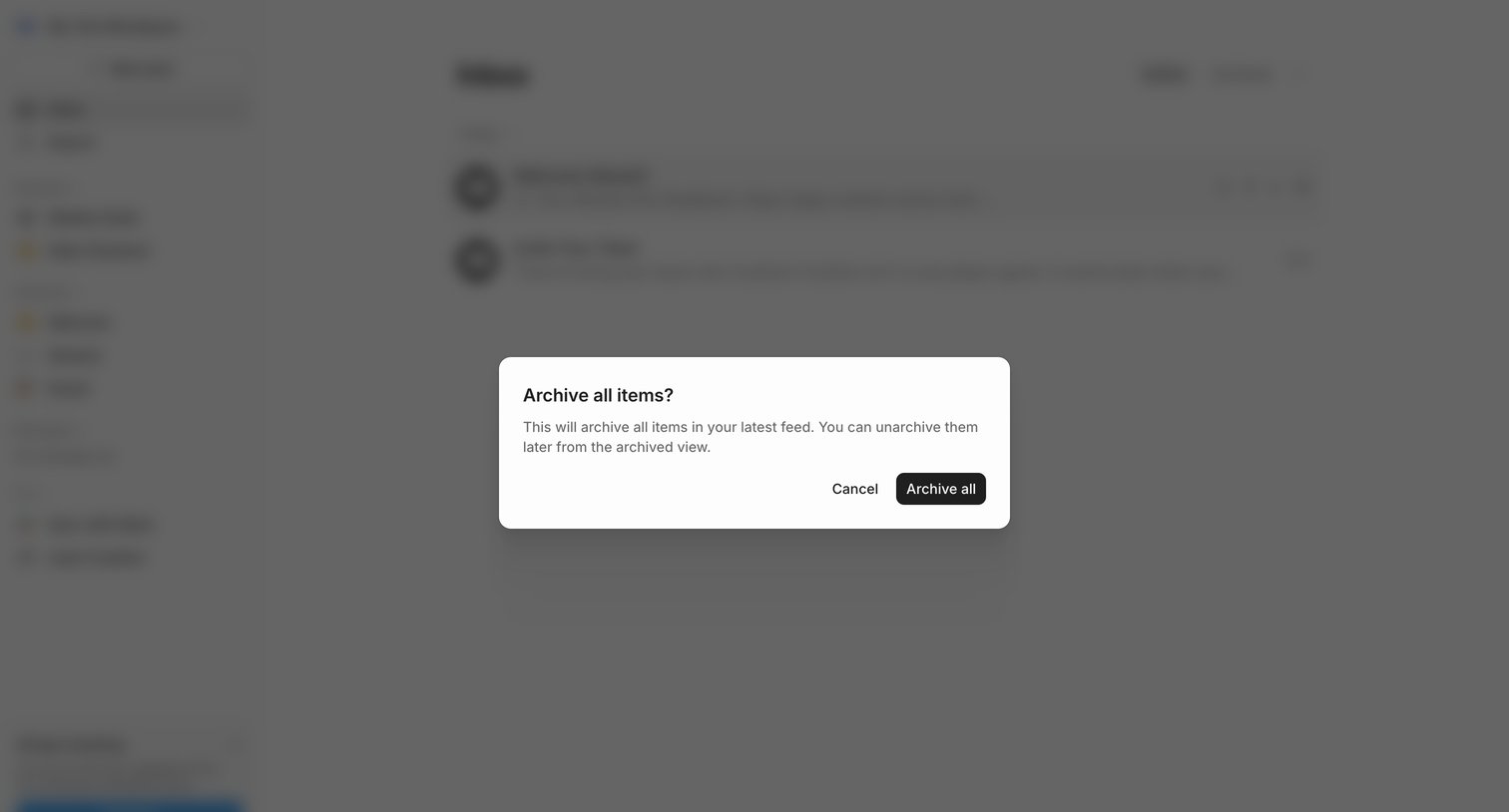

Inbox view with a confirmation dialog asking the user to archive all items in their latest feed.
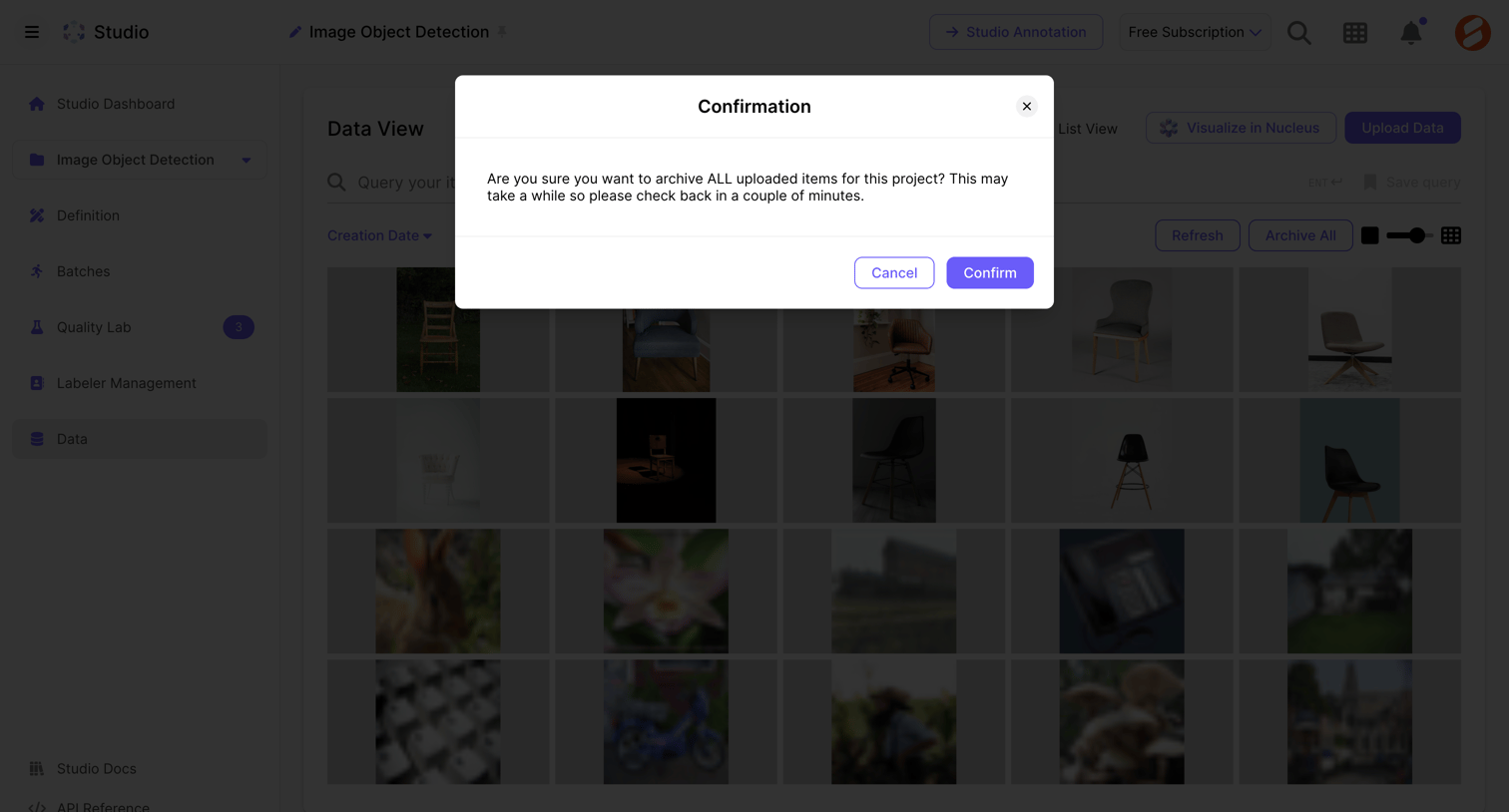

Data view where the user is prompted to confirm archiving all uploaded items for an image object detection project.
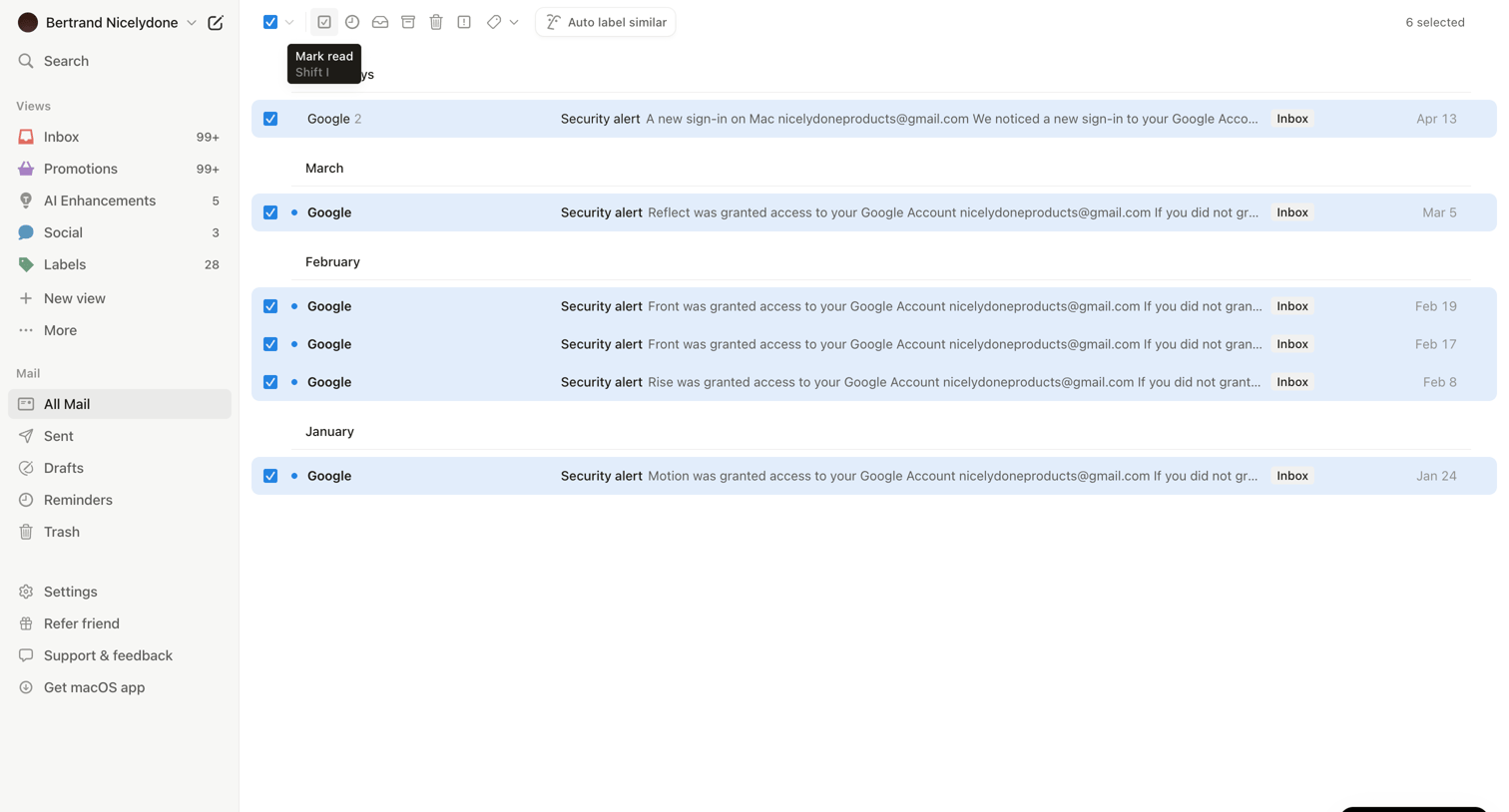

Inbox view where the user is managing all mail, with several security alert emails from Google selected to perform bulk actions.
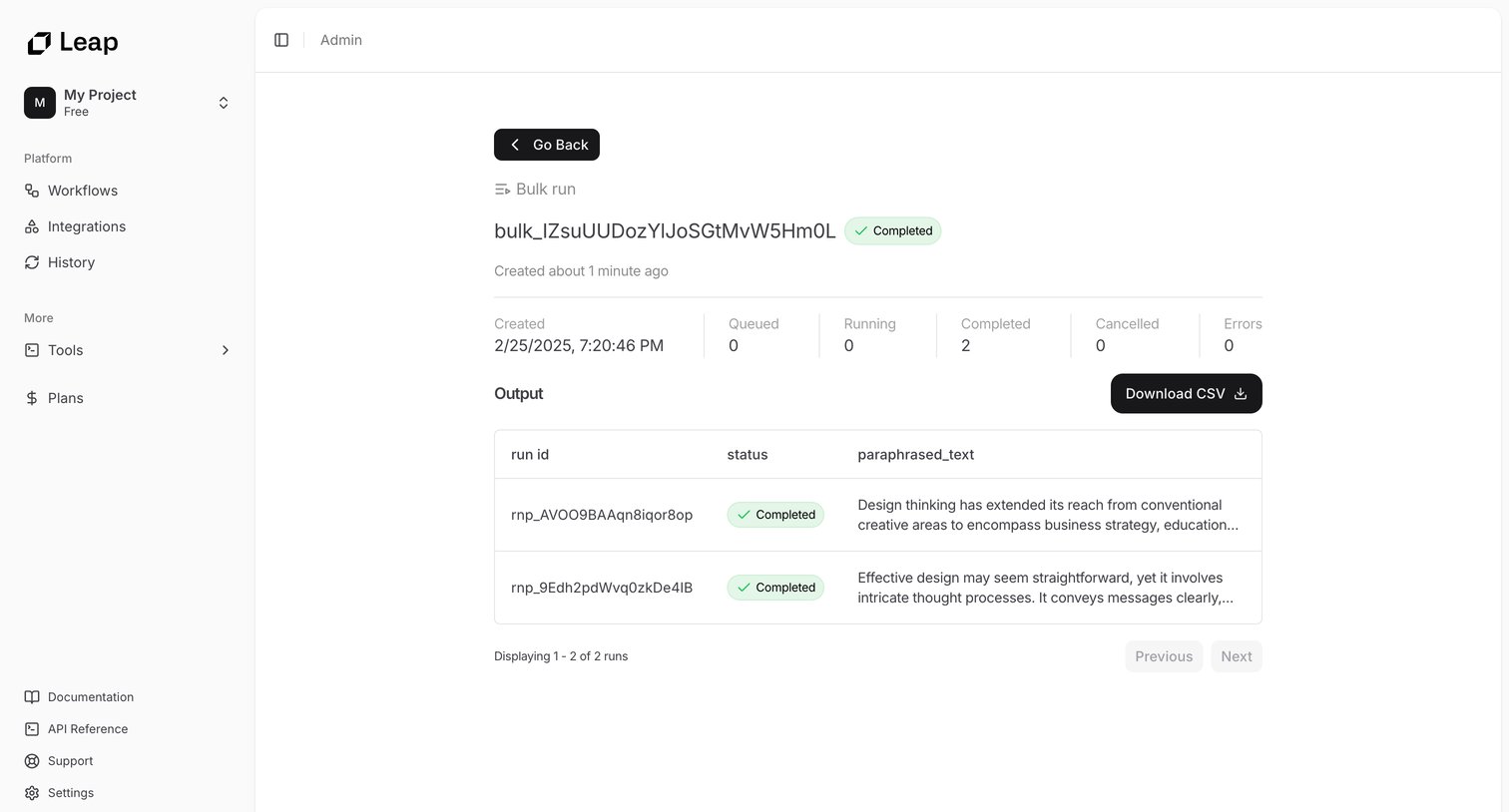

Detail page for a completed bulk workflow run showing execution metrics and a table of paraphrased text outputs with a CSV download option.
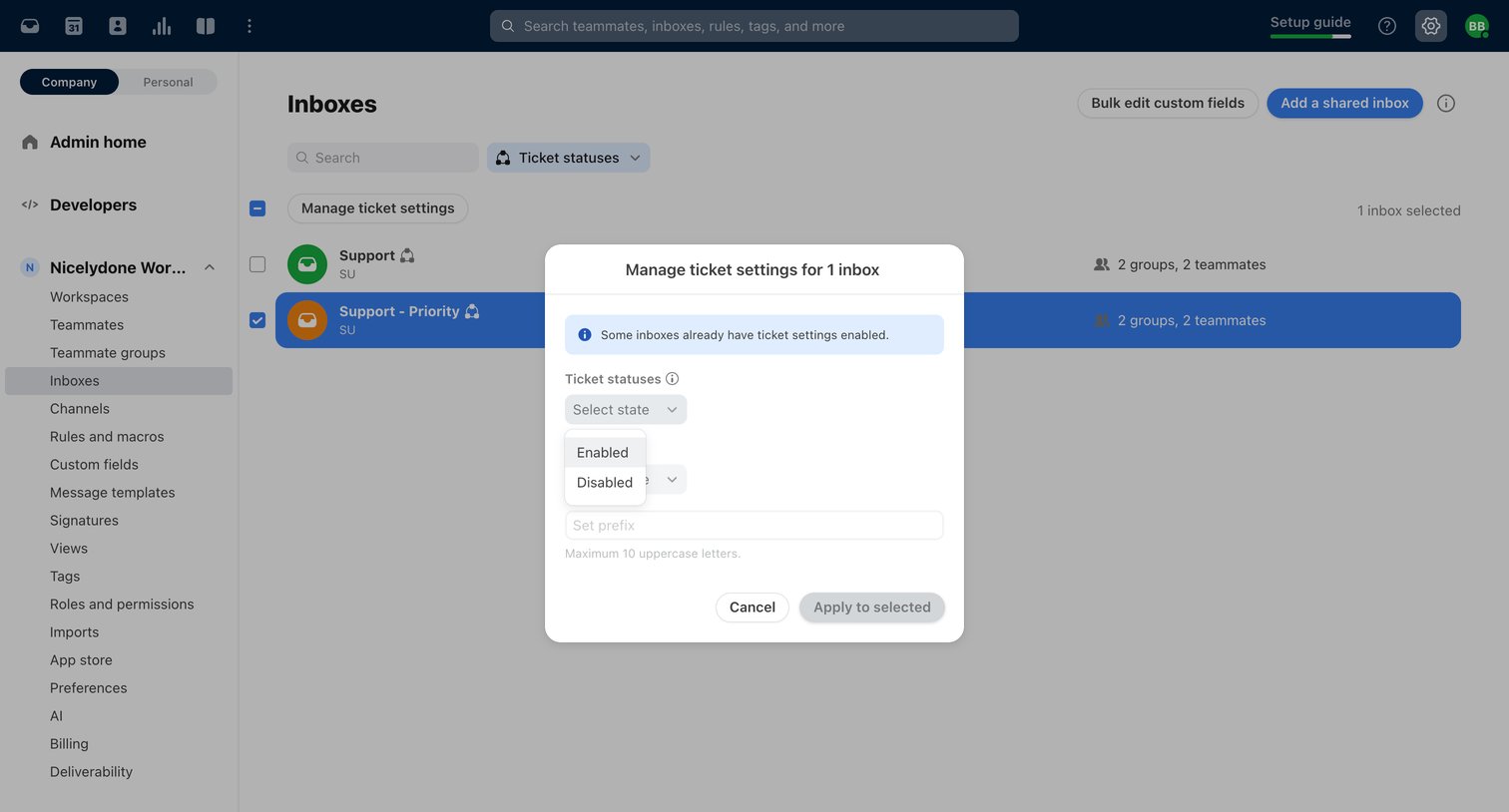

Settings page where the user configures ticket statuses for a selected shared inbox via a bulk-action modal.
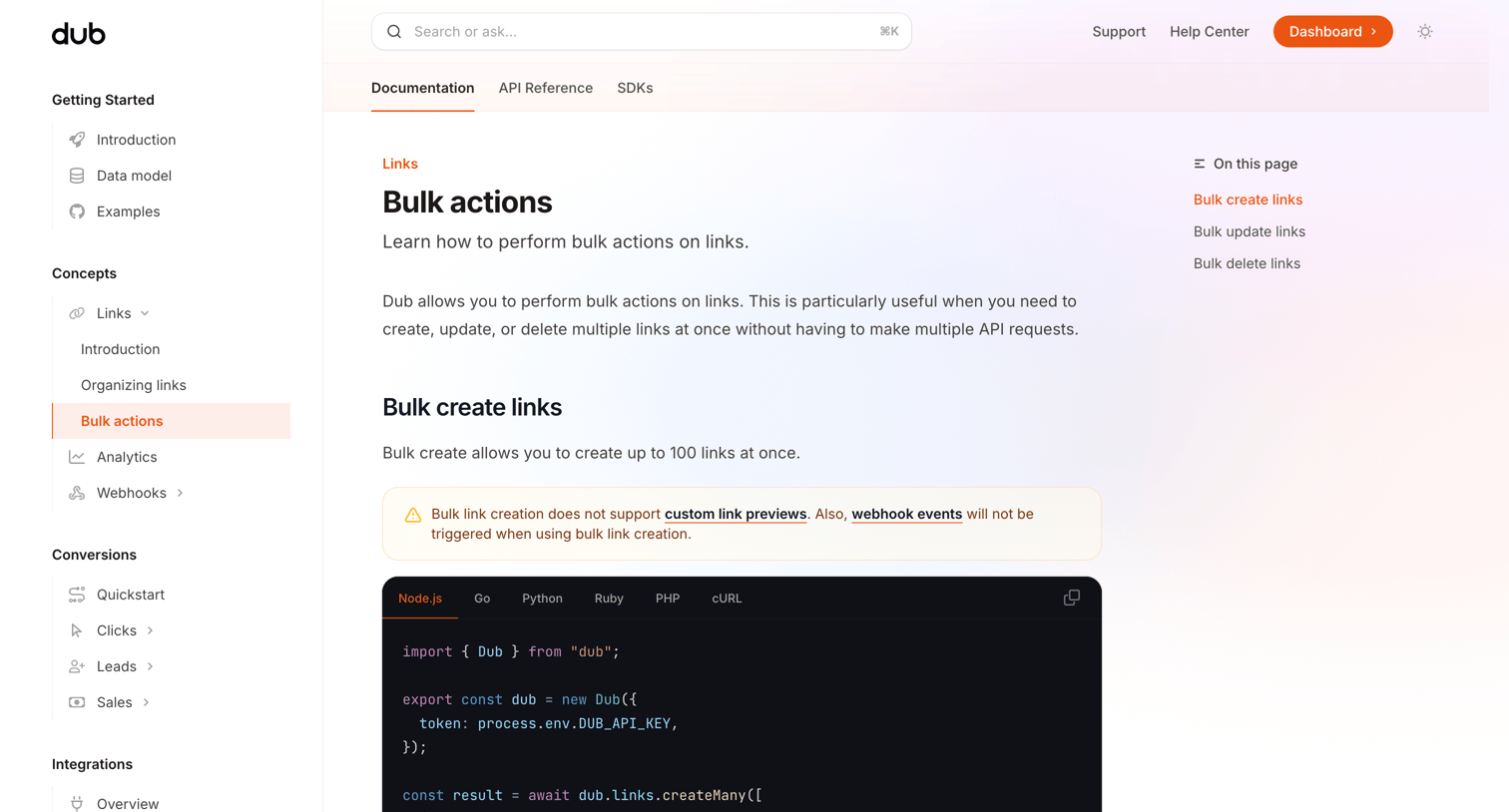

Developer documentation page explaining how to perform bulk create, update, and delete actions on links via the API, complete with code snippets in multiple languages.
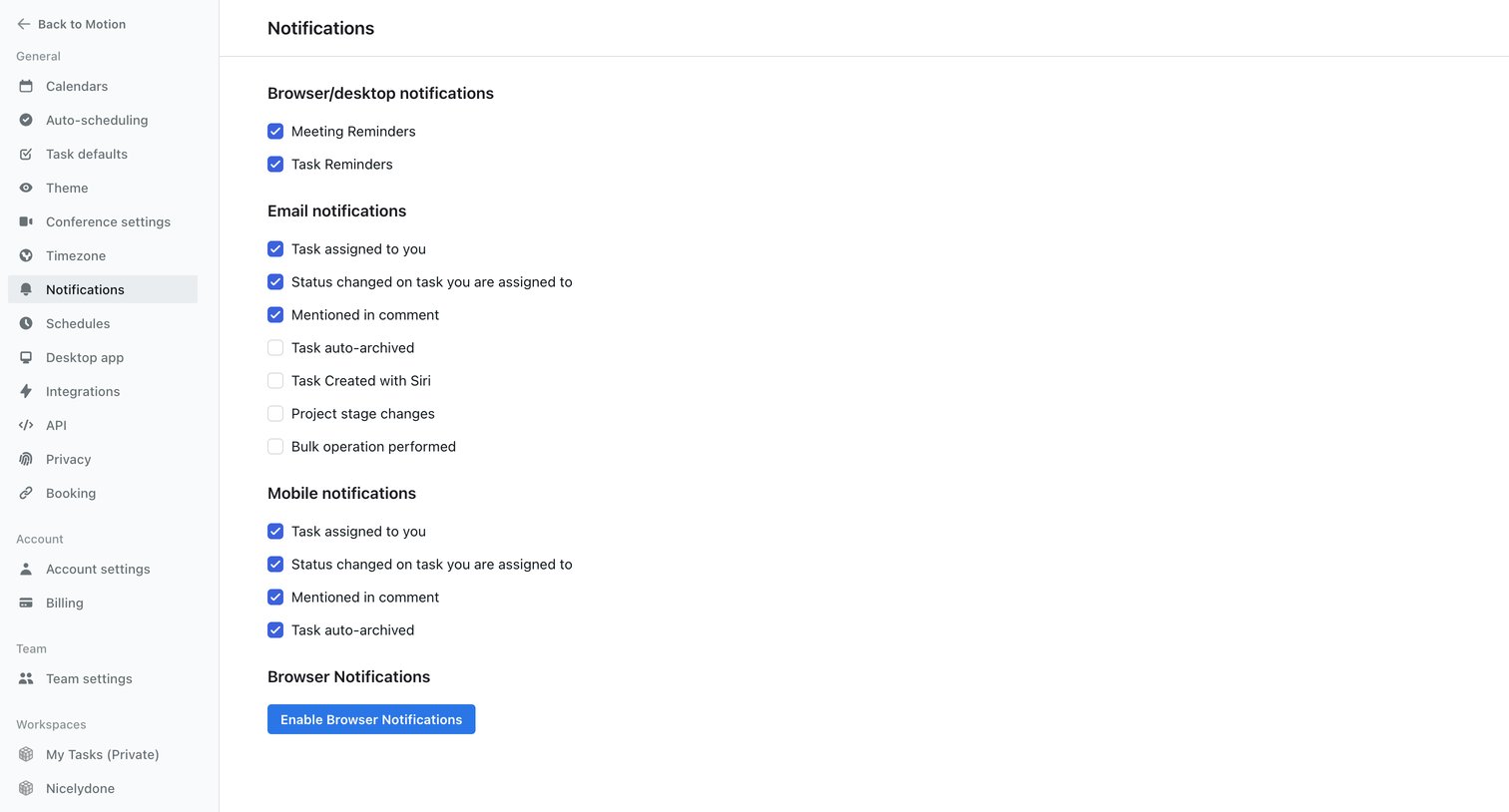

Settings page where the user configures which events trigger browser, desktop, email, and mobile notifications via a list of checkboxes.
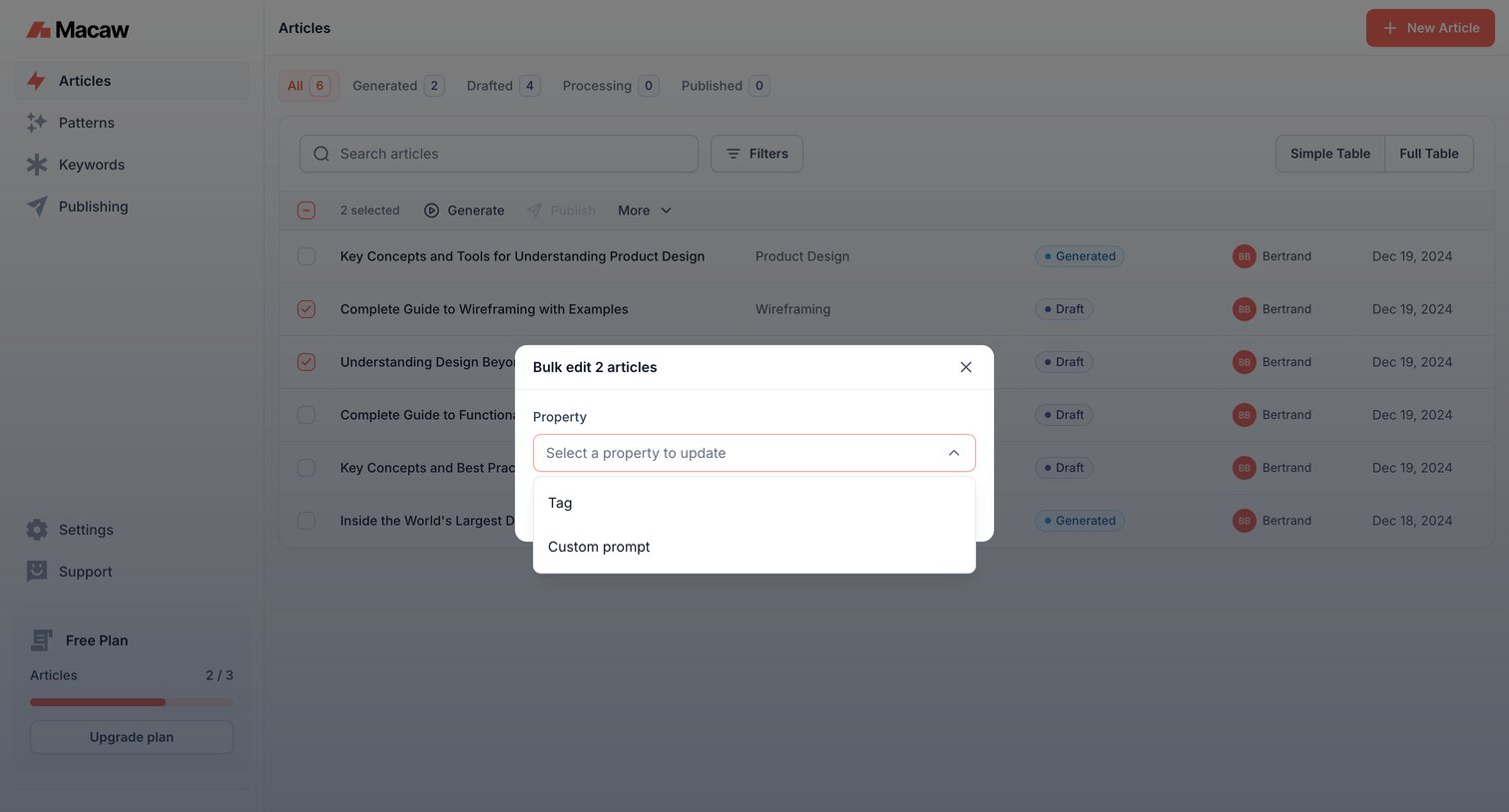

List view of articles with an active modal for bulk-updating properties on selected rows.
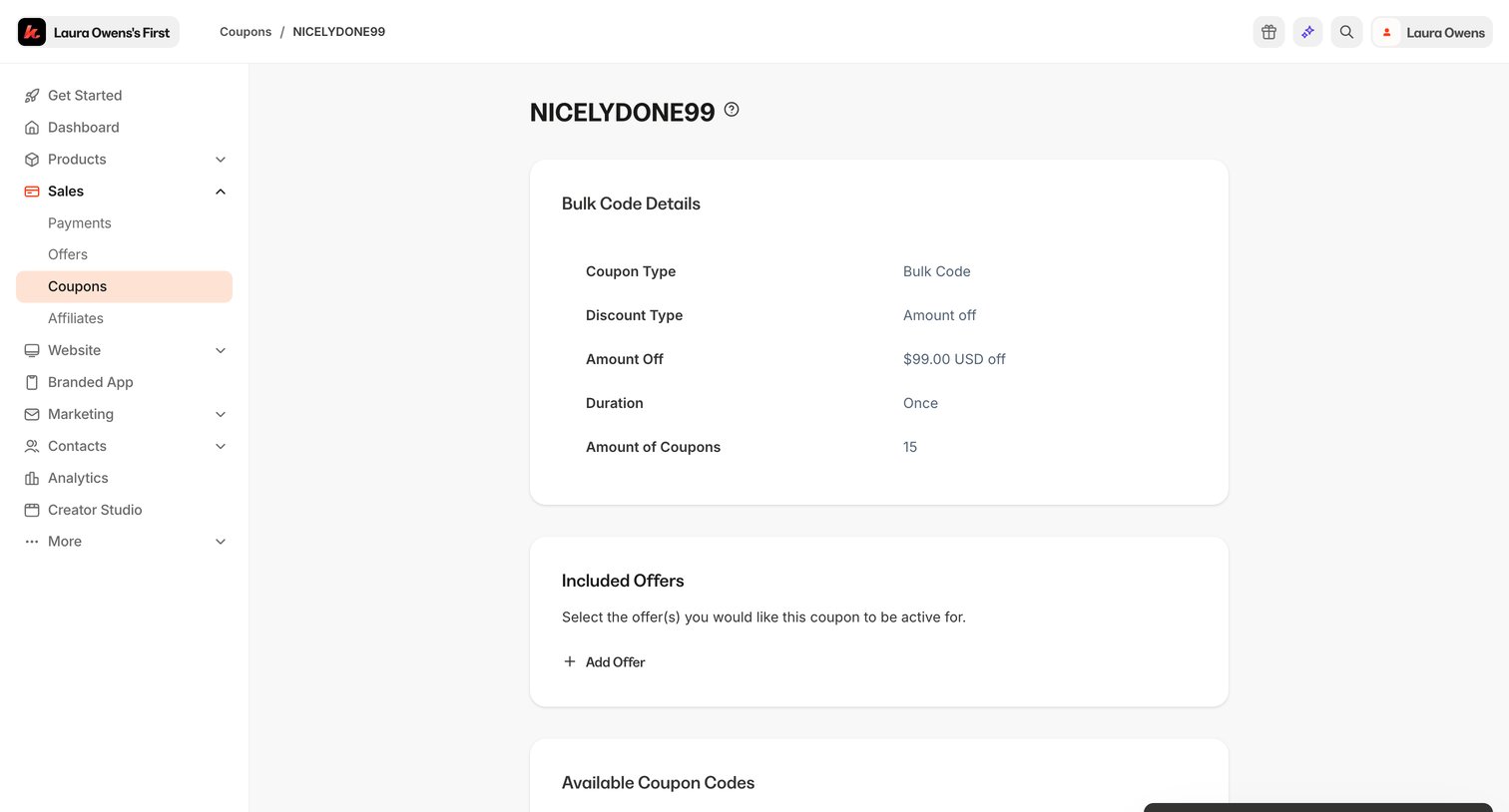

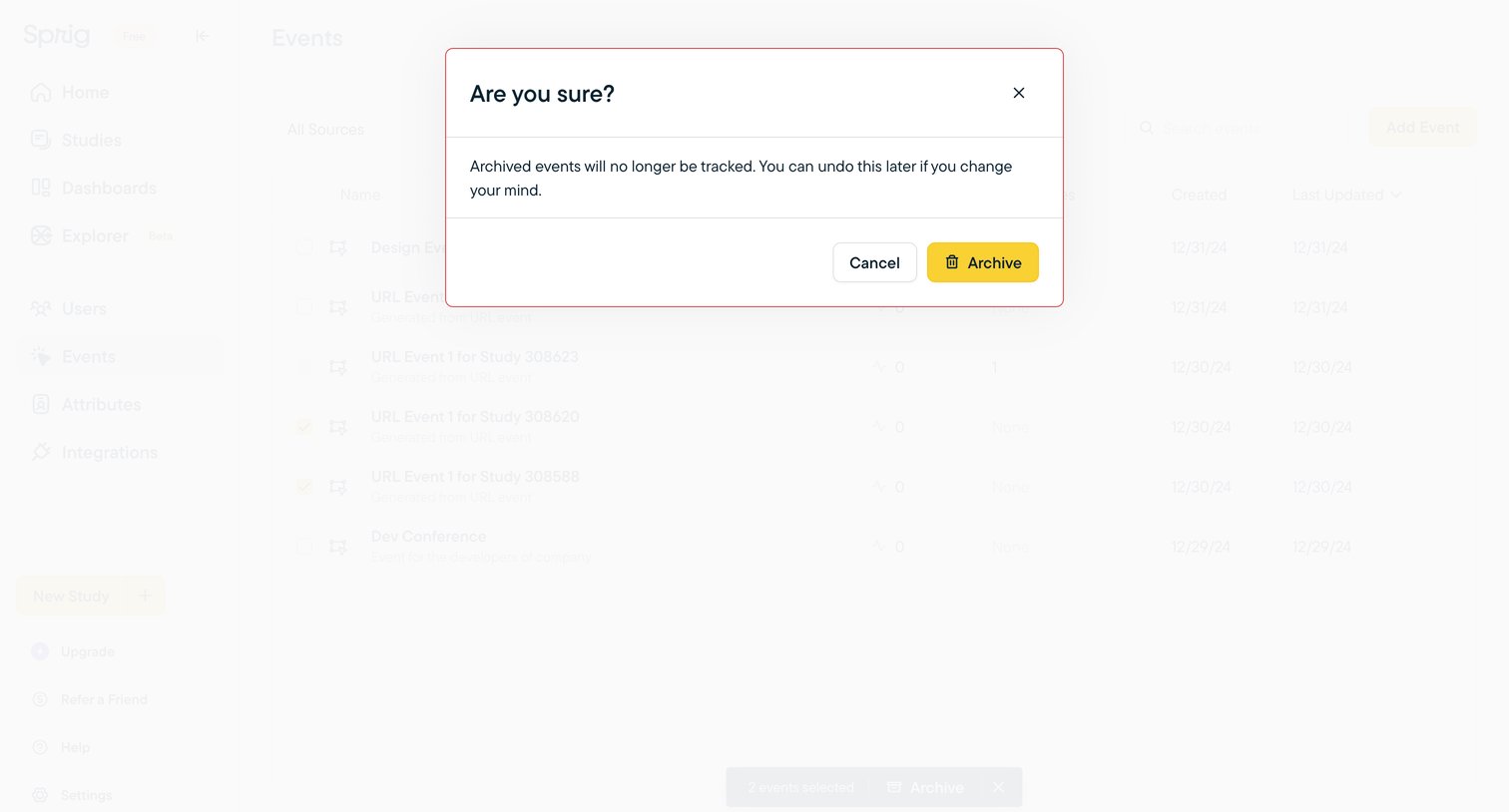

List view where the user confirms archiving selected events via a warning dialog after initiating a bulk action.
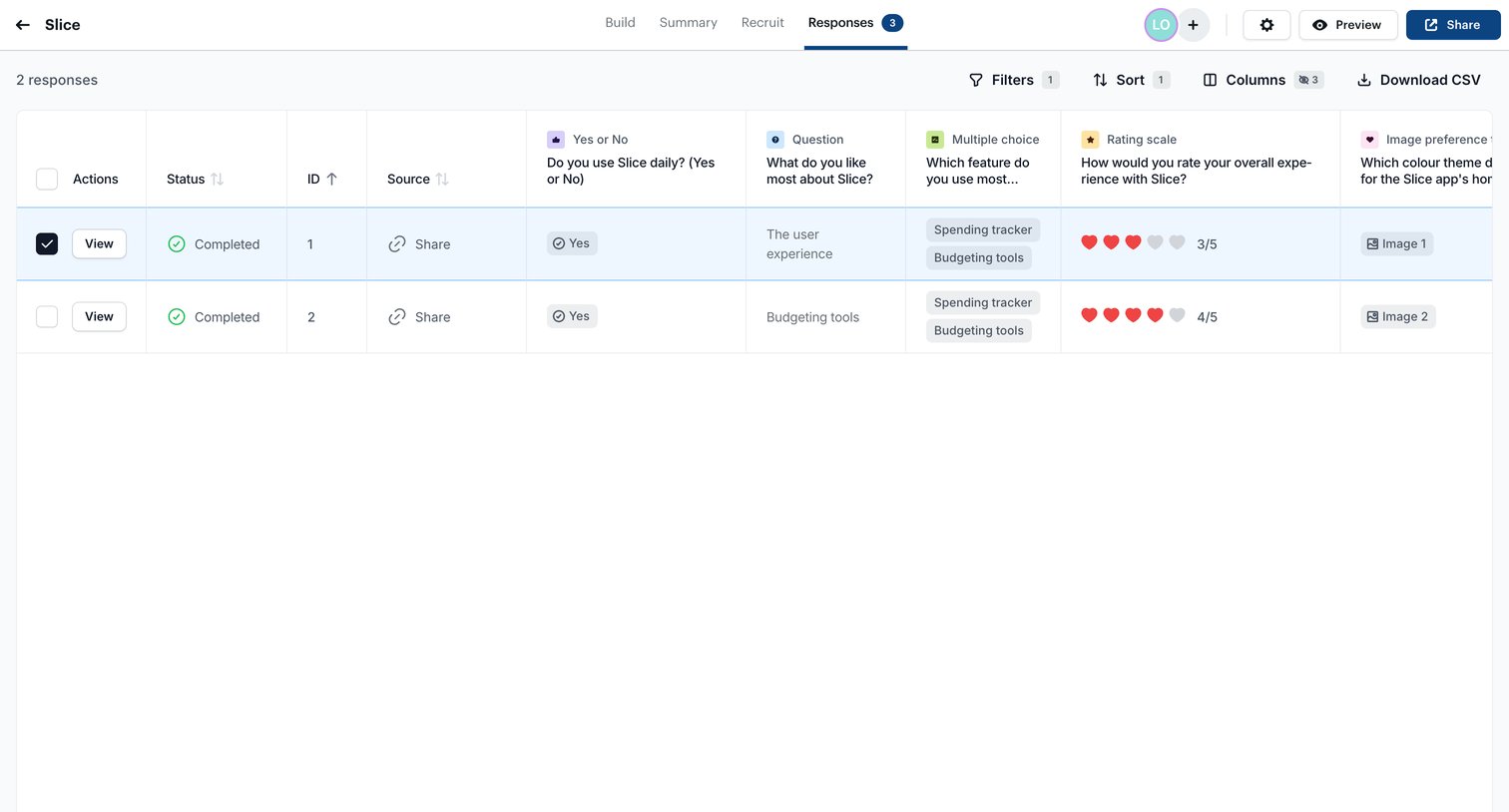

List view where the user reviews completed survey responses for a project, with options to filter, sort, export data, and perform bulk deletions.
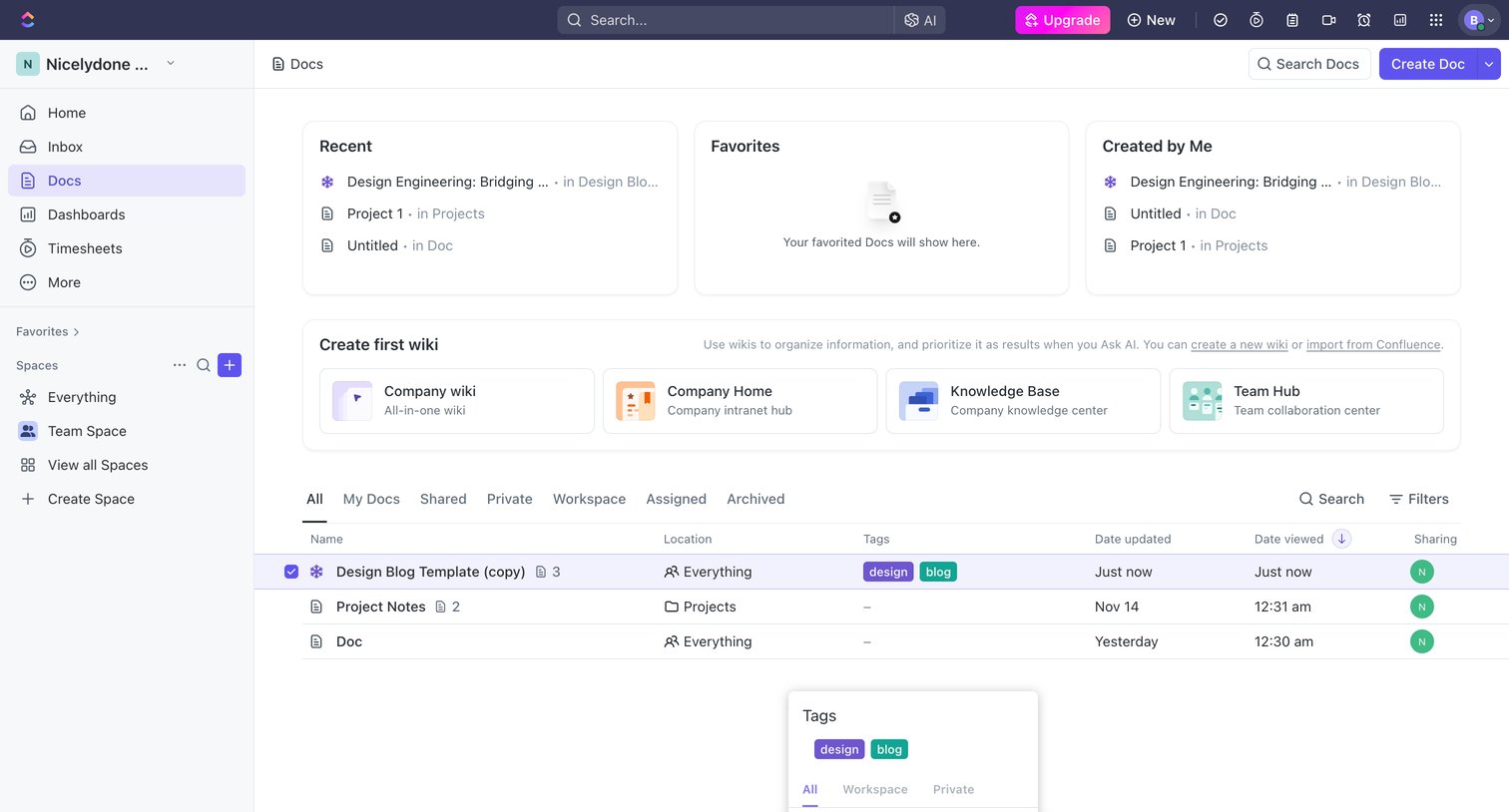

Document management home where the user views recent and favorited files, browses templates to create a wiki, and manages a list of documents with a bulk-action toolbar open.
Explore the full SaaS screen library
Upgrade to unlock the full library.
Trusted by the best teams







