Automation setup screen examples
Automation setup screen design examples from SaaS apps. Browse examples from Steel, Dock, Voiceflow.
Explore the examples
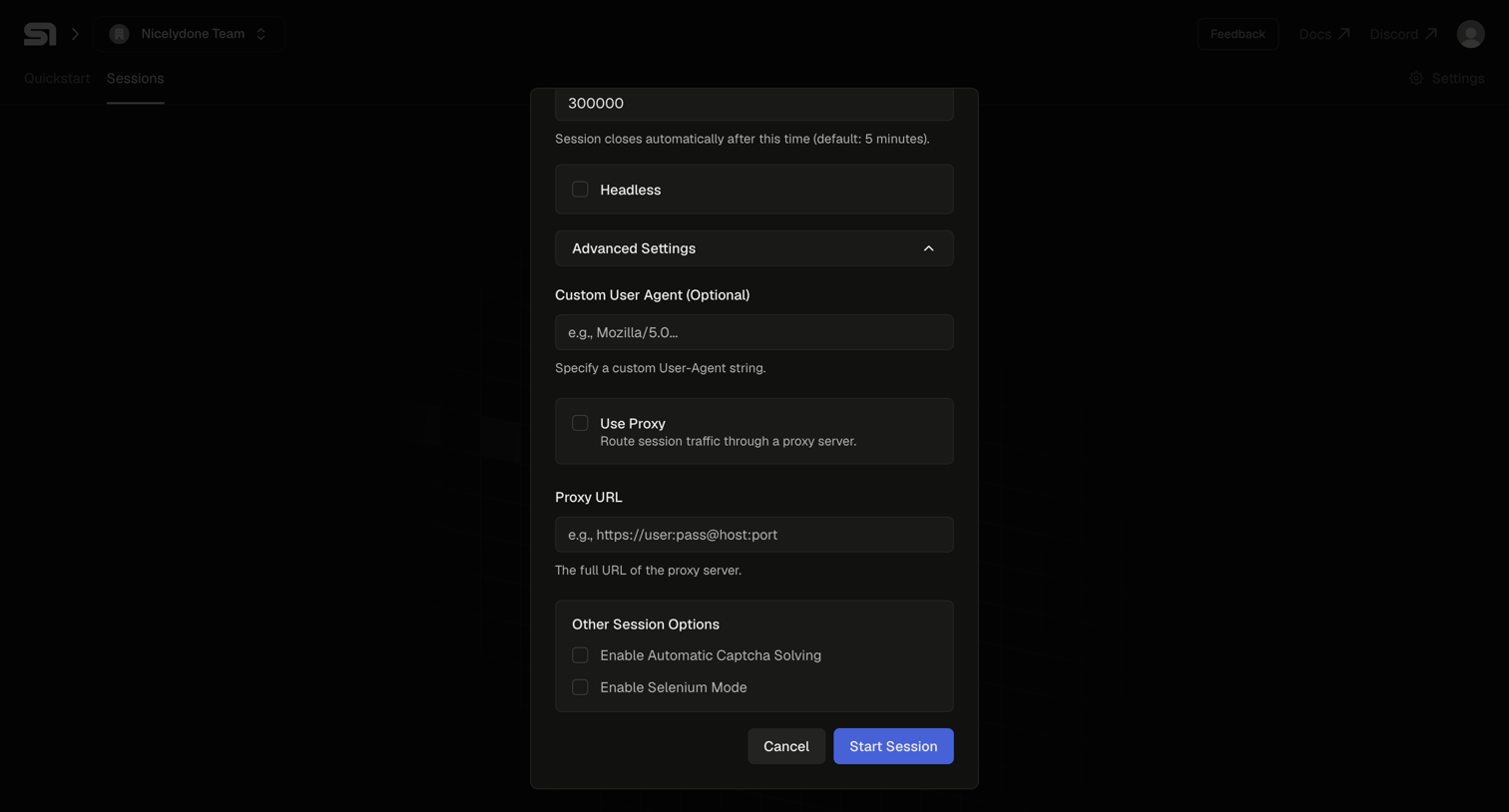

Modal where the user configures advanced settings like custom user agent, proxy, and captcha solving to start a new session.
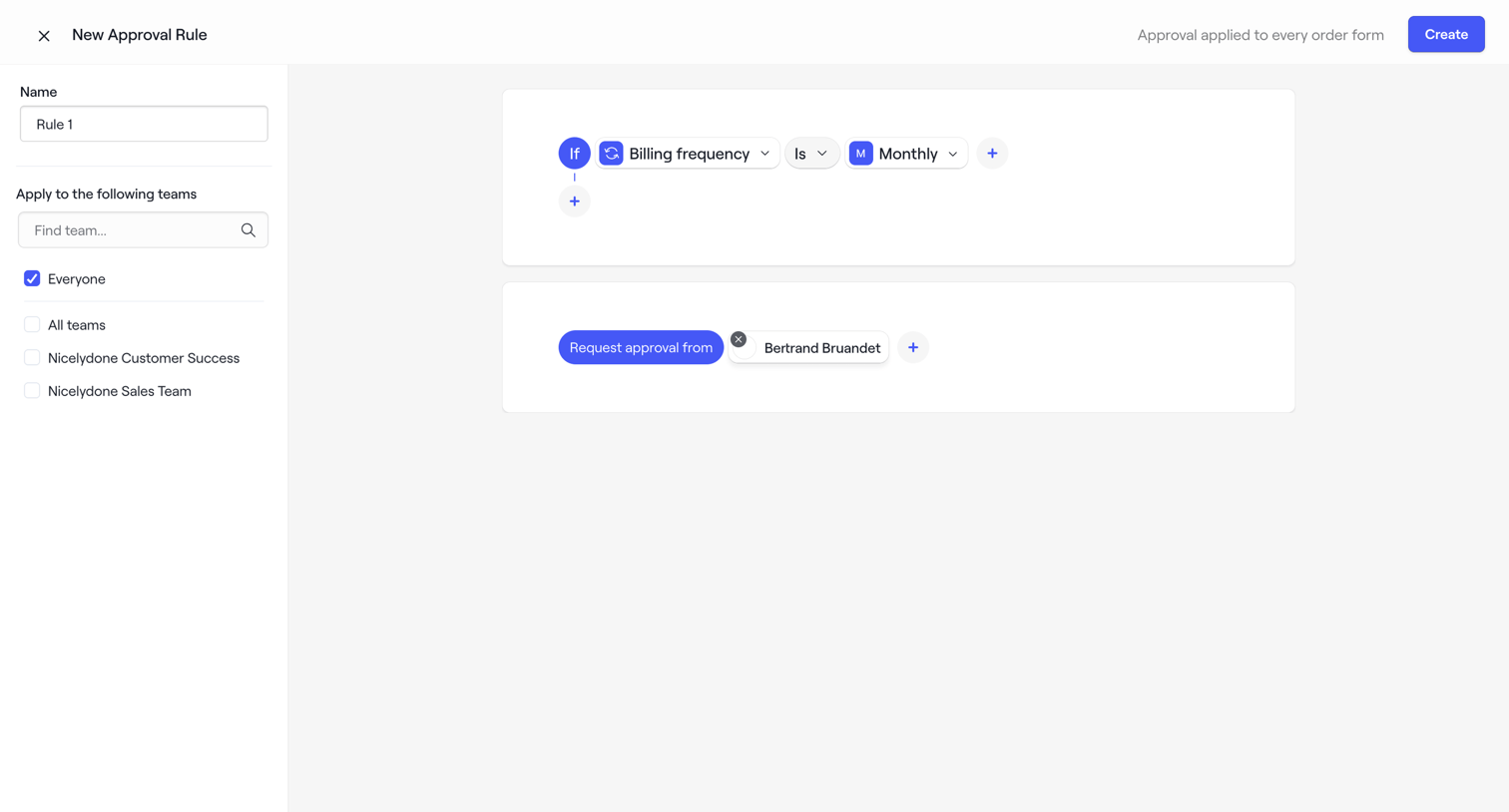

Creation screen where the user configures a new approval rule by setting a name, selecting applicable teams, and defining logic for billing frequency and approvers.
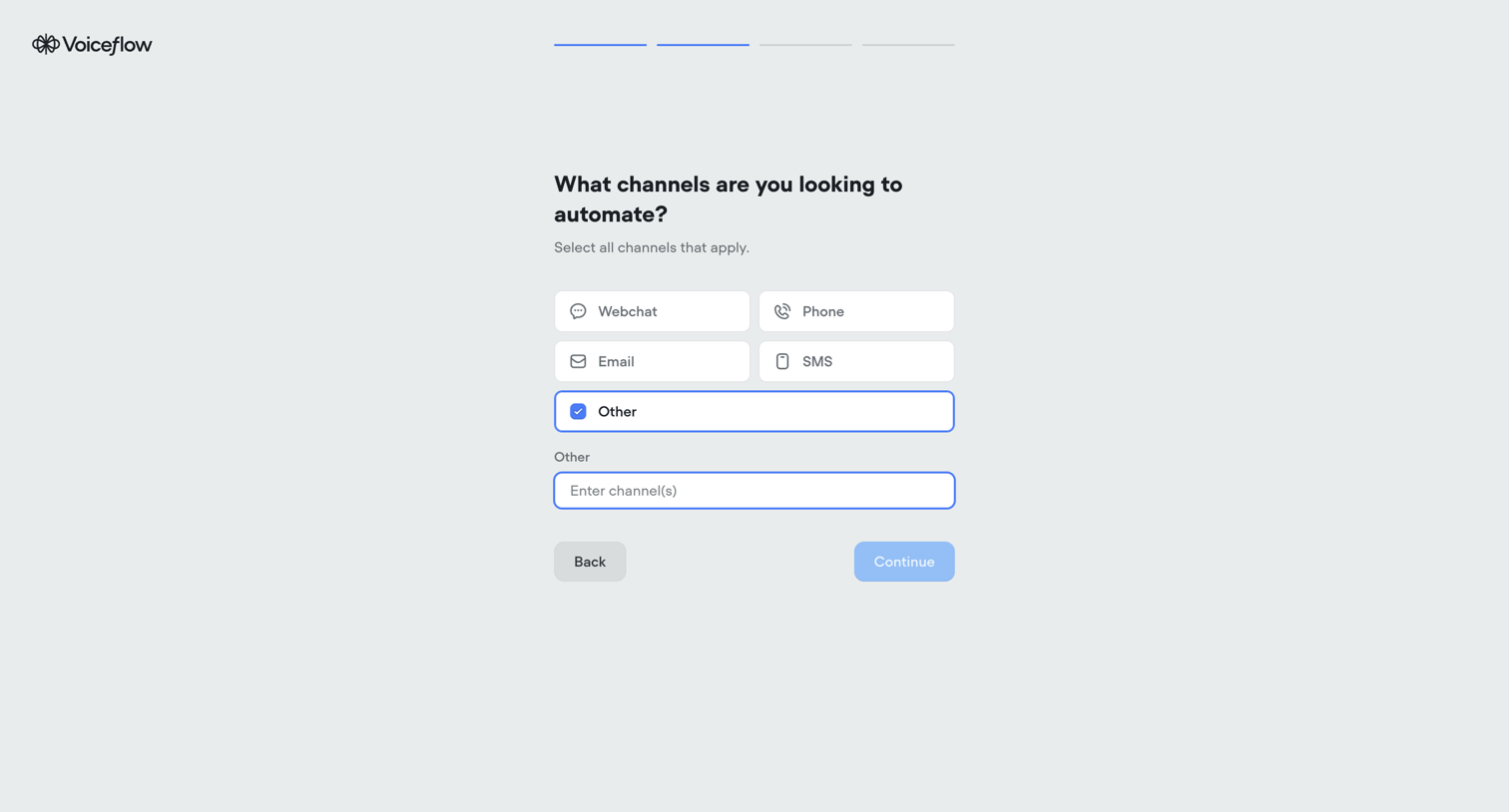

Onboarding step where the user selects which channels they want to automate, such as webchat, phone, email, SMS, or other.
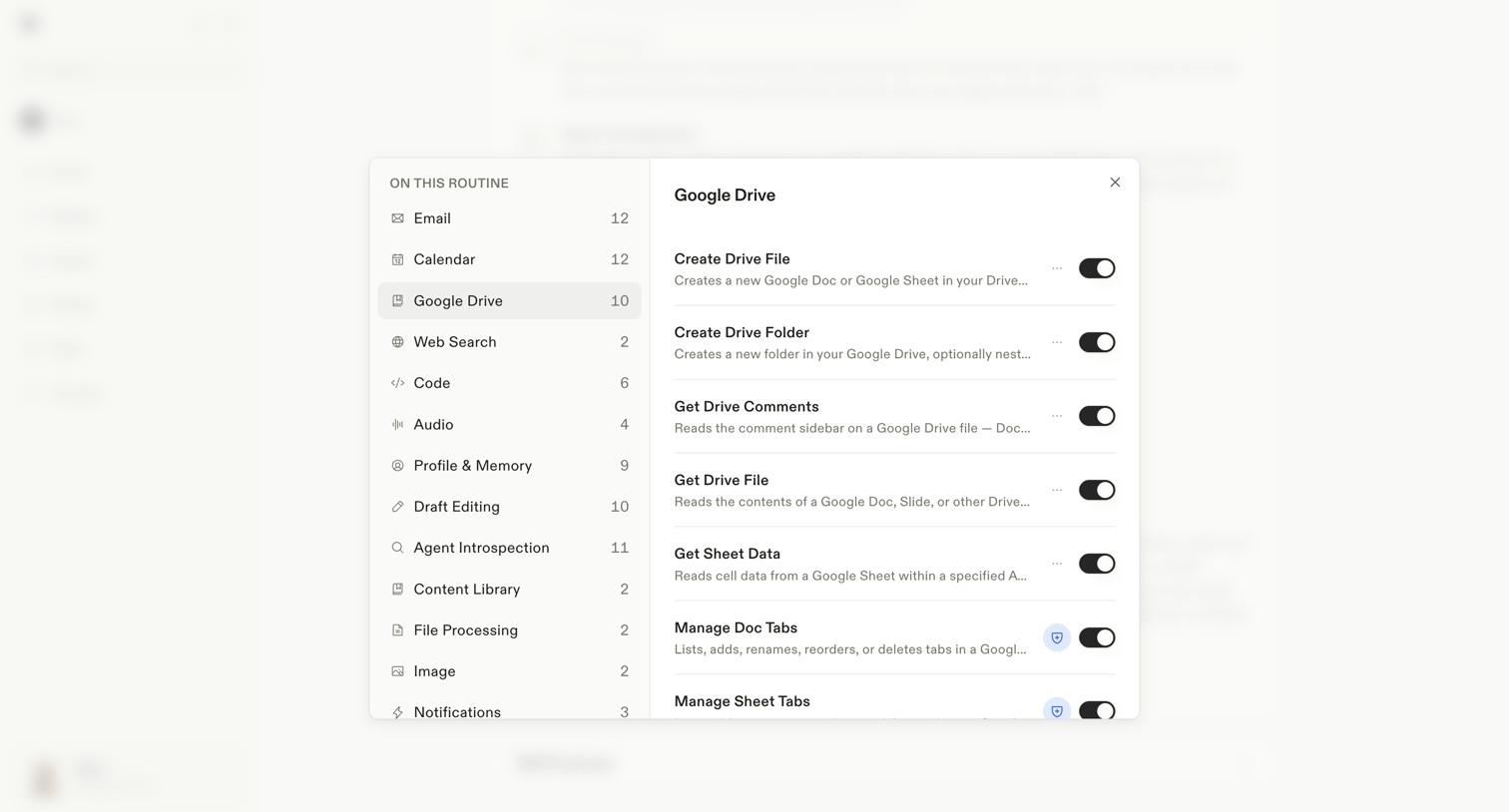

Settings modal where the user configures which specific Google Drive actions are enabled for an AI routine.
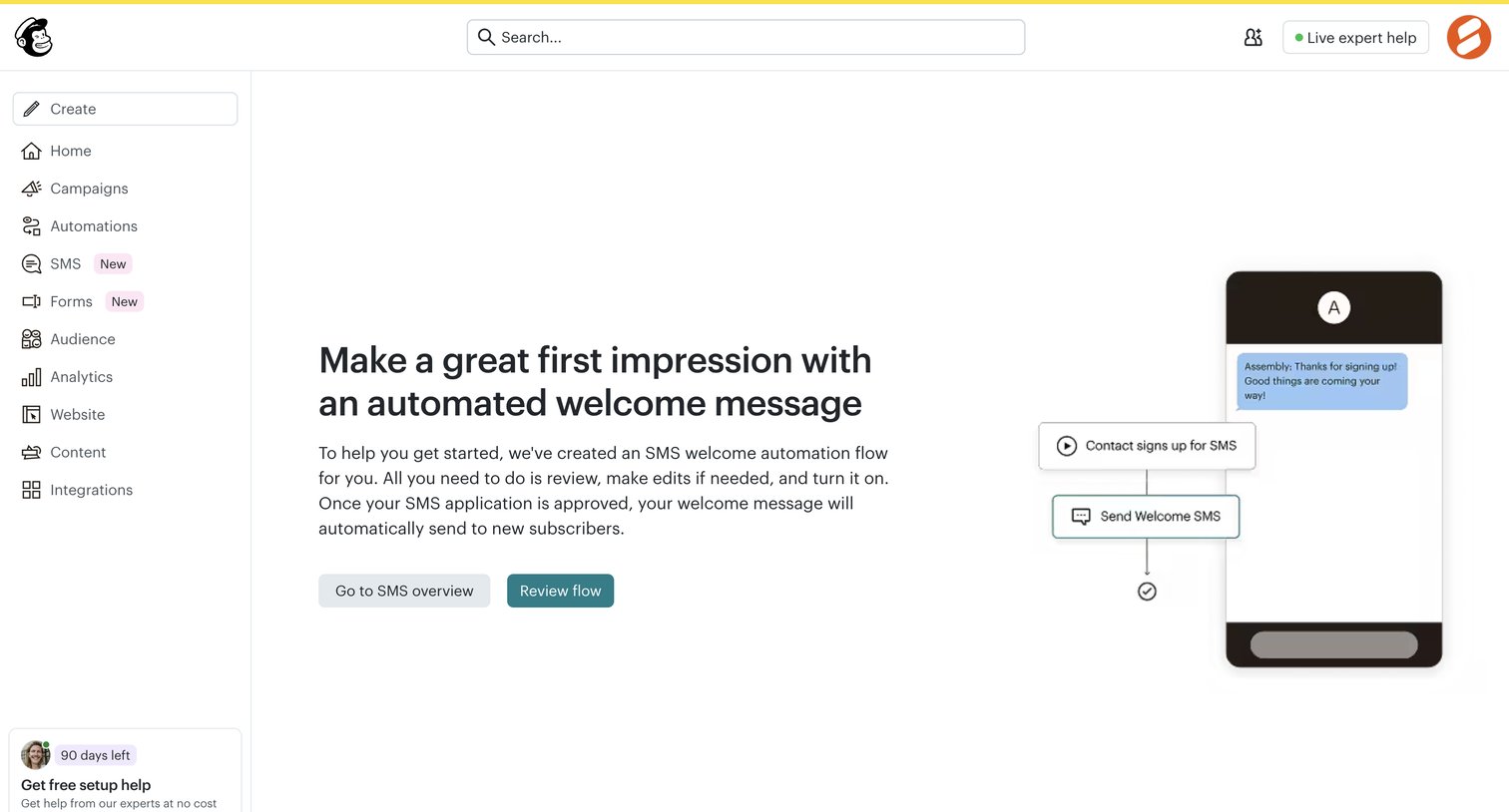

Onboarding step where the user is prompted to review and activate an automated SMS welcome flow after their application is approved.
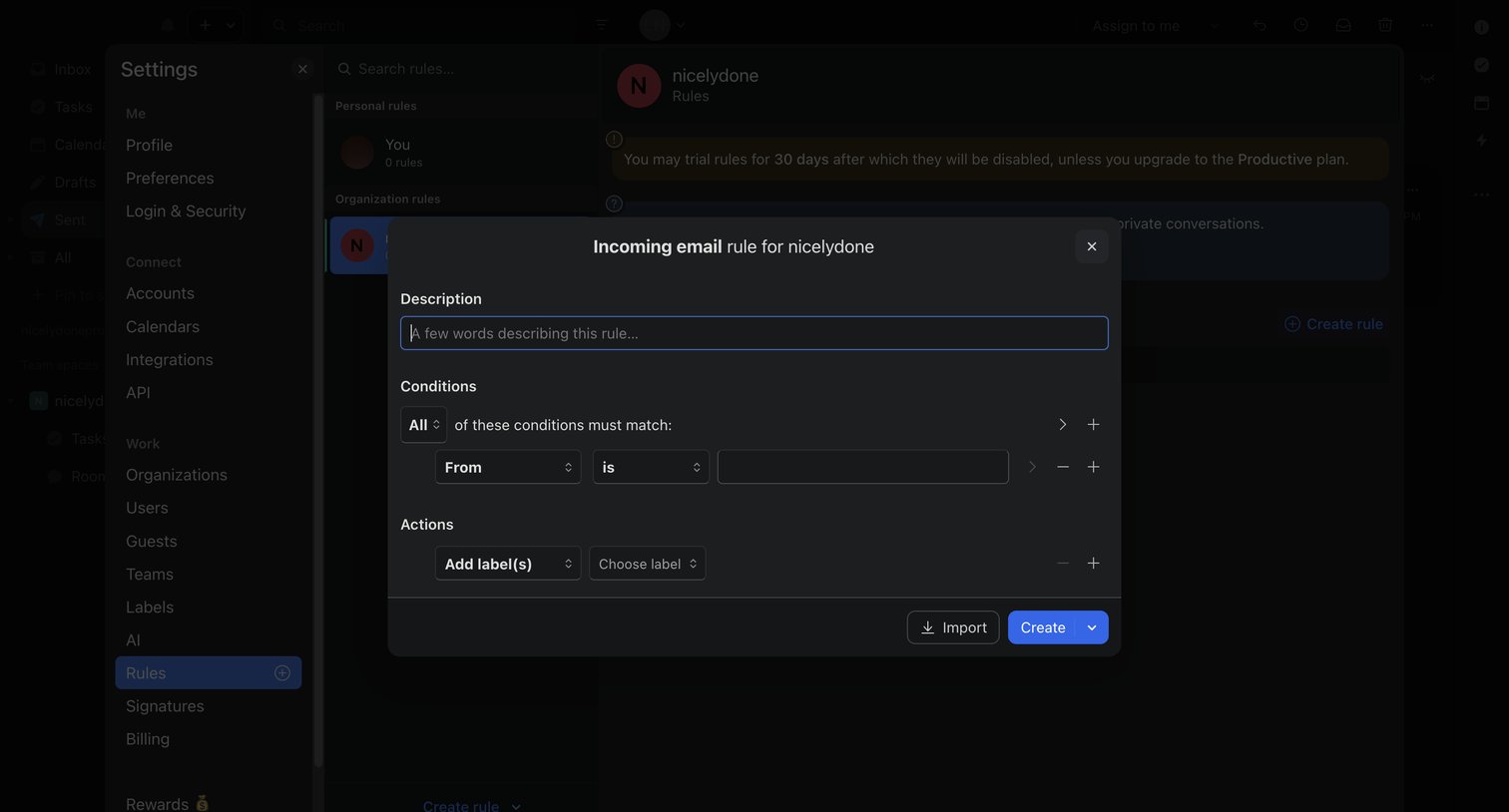

Settings page where the user builds an incoming email rule with conditions and actions via a modal overlay.
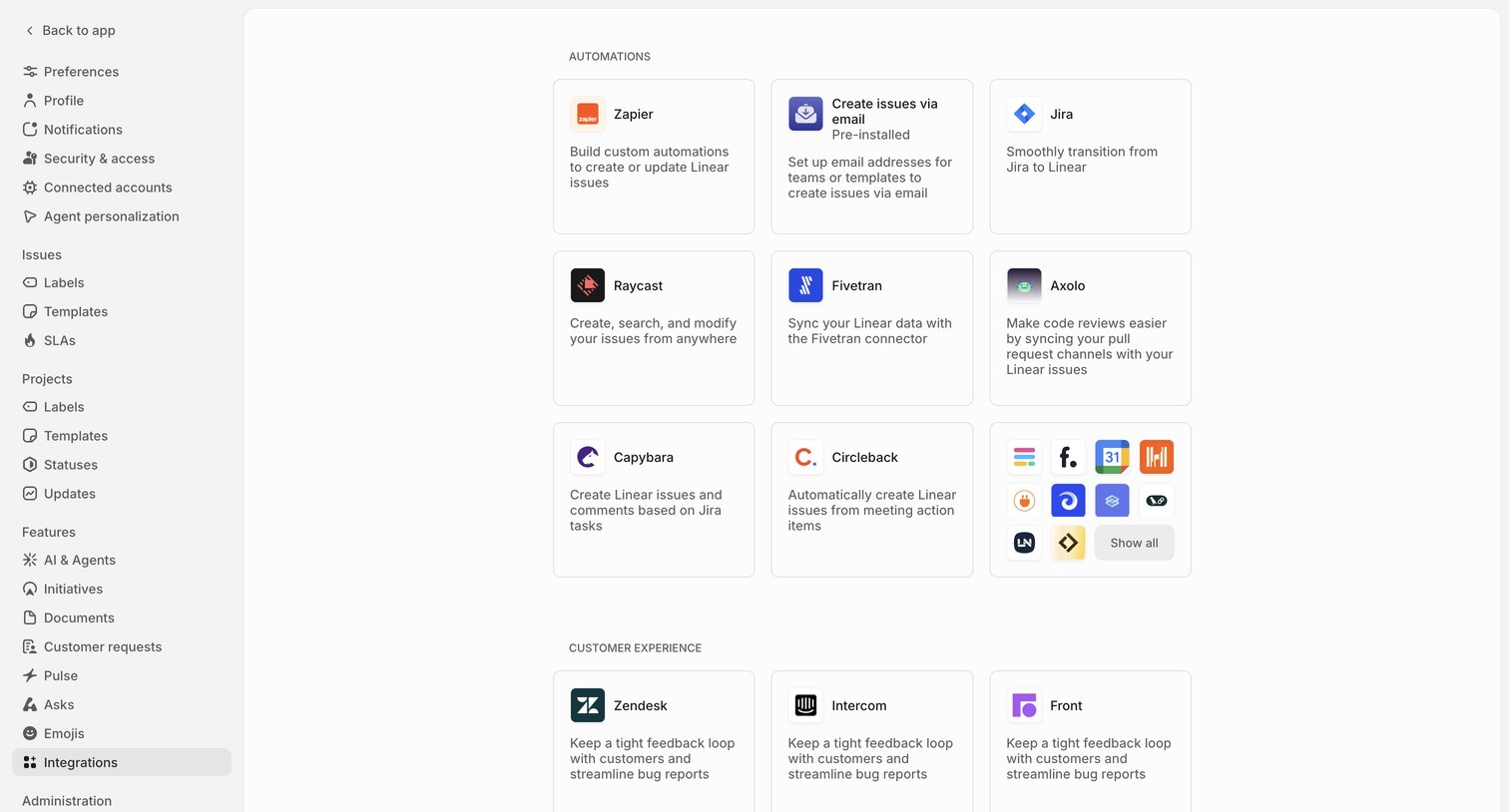

Settings page where the user browses and connects third-party integrations like Zapier, Jira, and Zendesk, organized by categories such as Automations and Customer Experience.
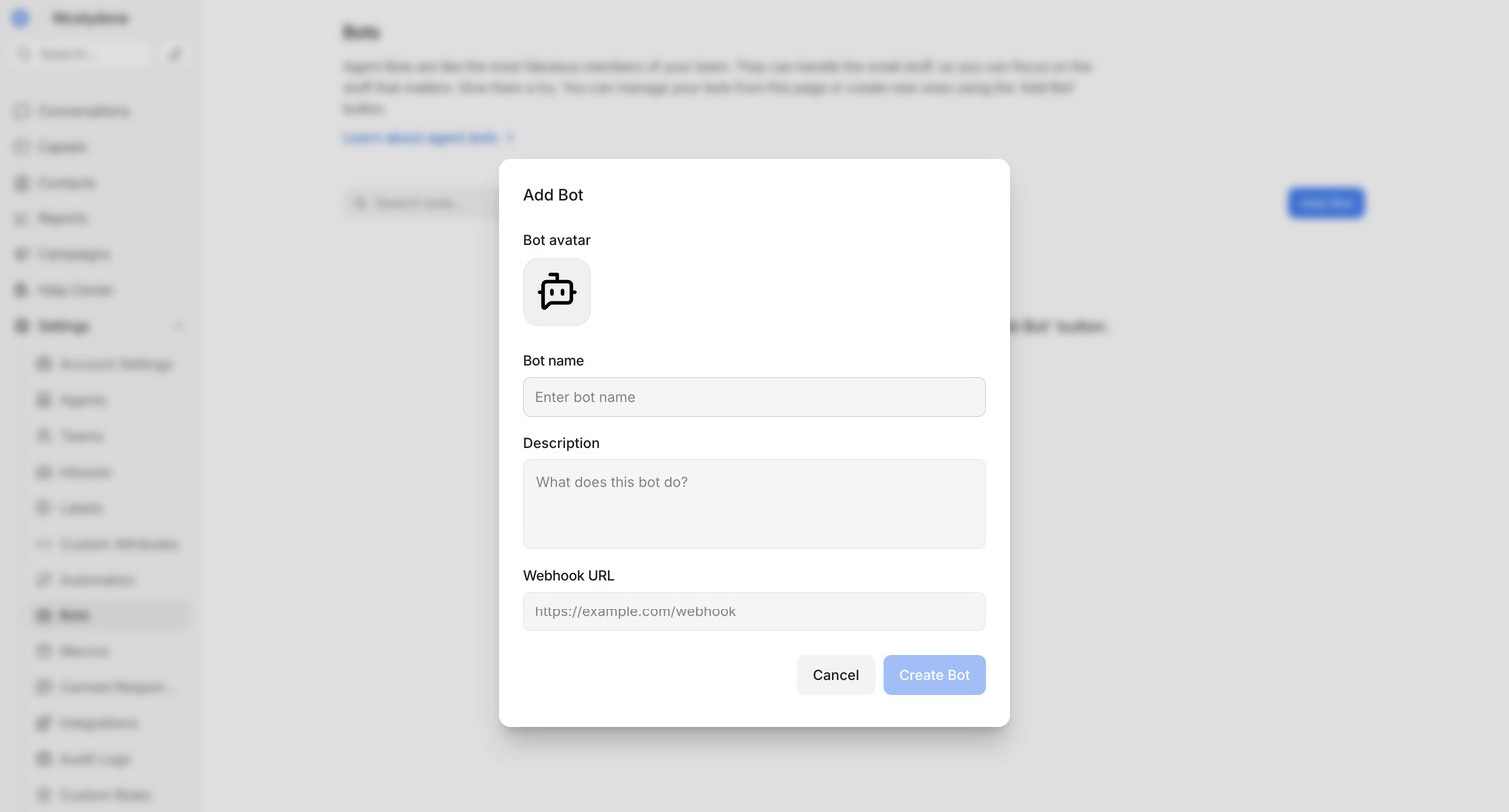

Settings page where the user creates a new agent bot by providing a name, description, and webhook URL in a modal.
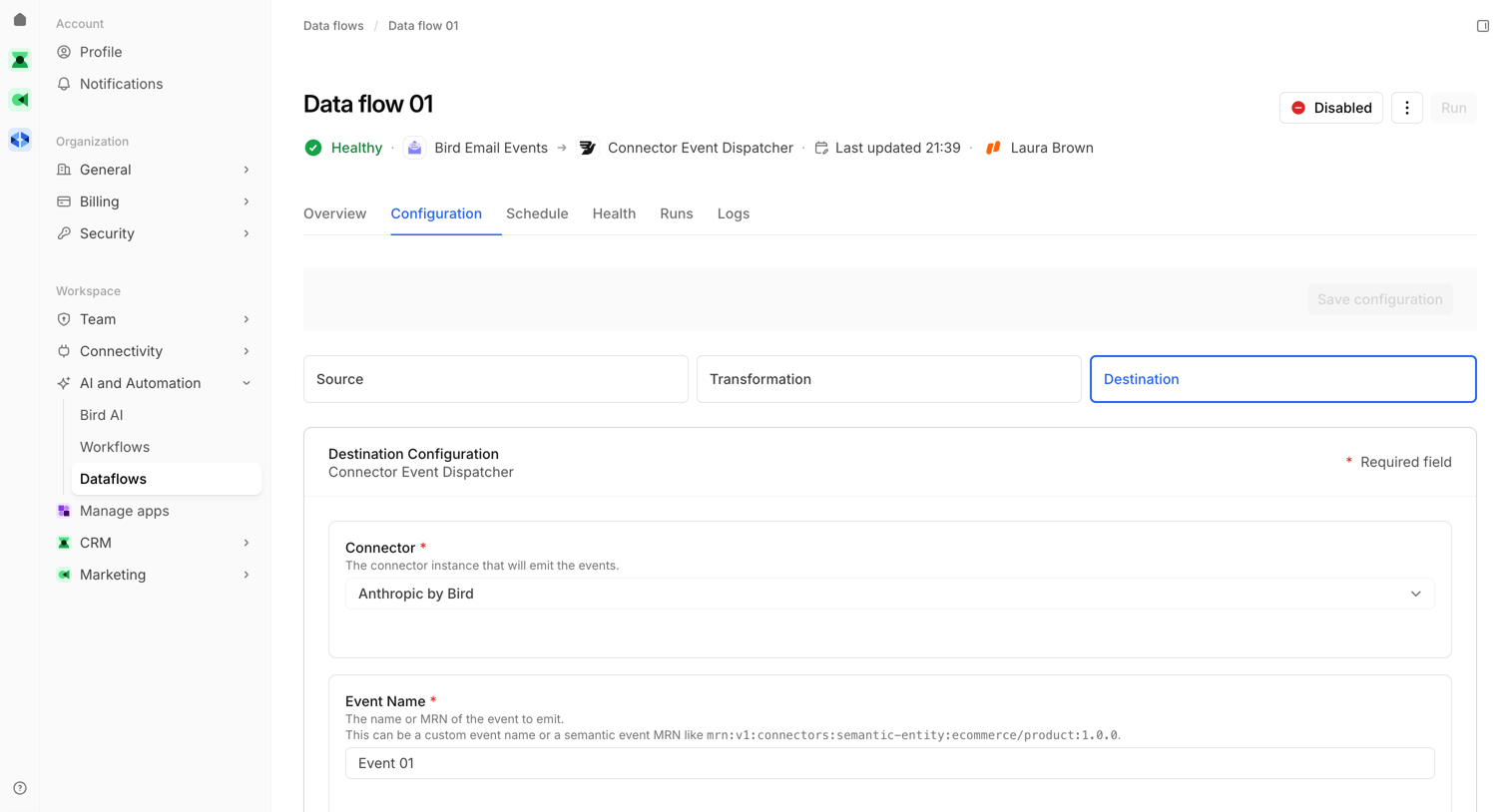

Detail page where the user configures the destination settings for a specific data flow, including selecting a connector and defining the event name.
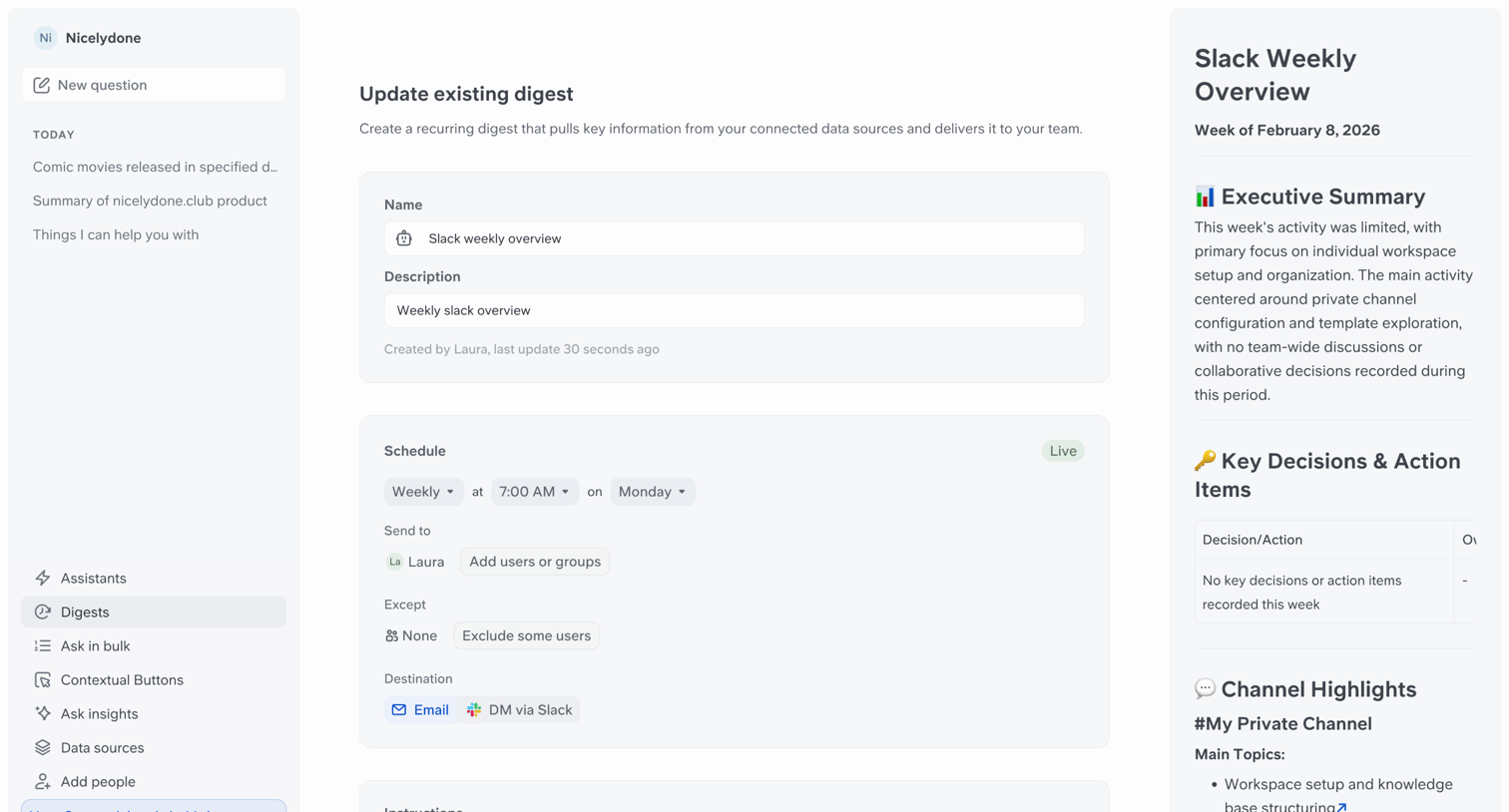

Editor page where the user configures a recurring Slack digest by setting its schedule, recipients, destination, and AI instructions alongside a live preview.
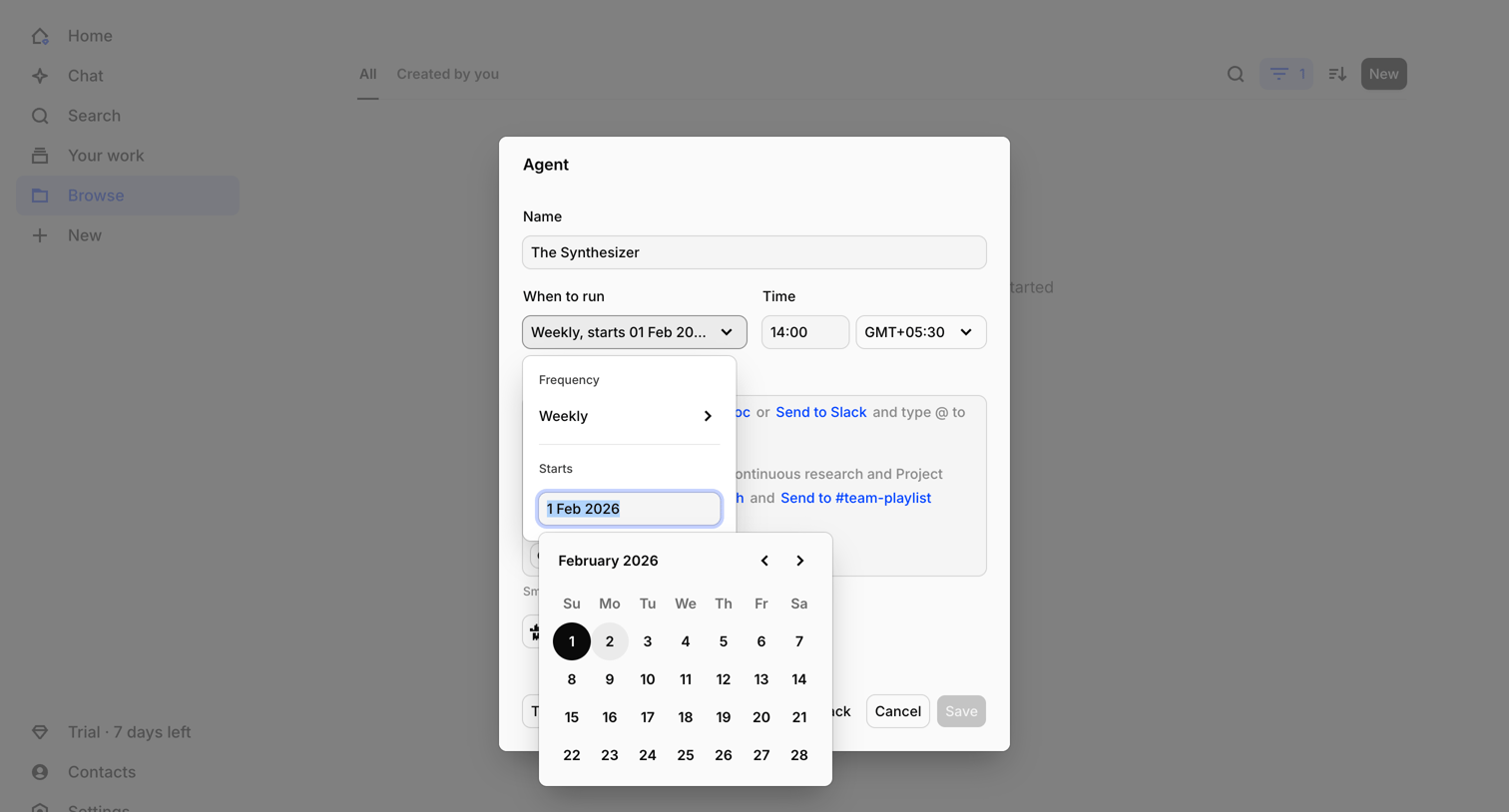

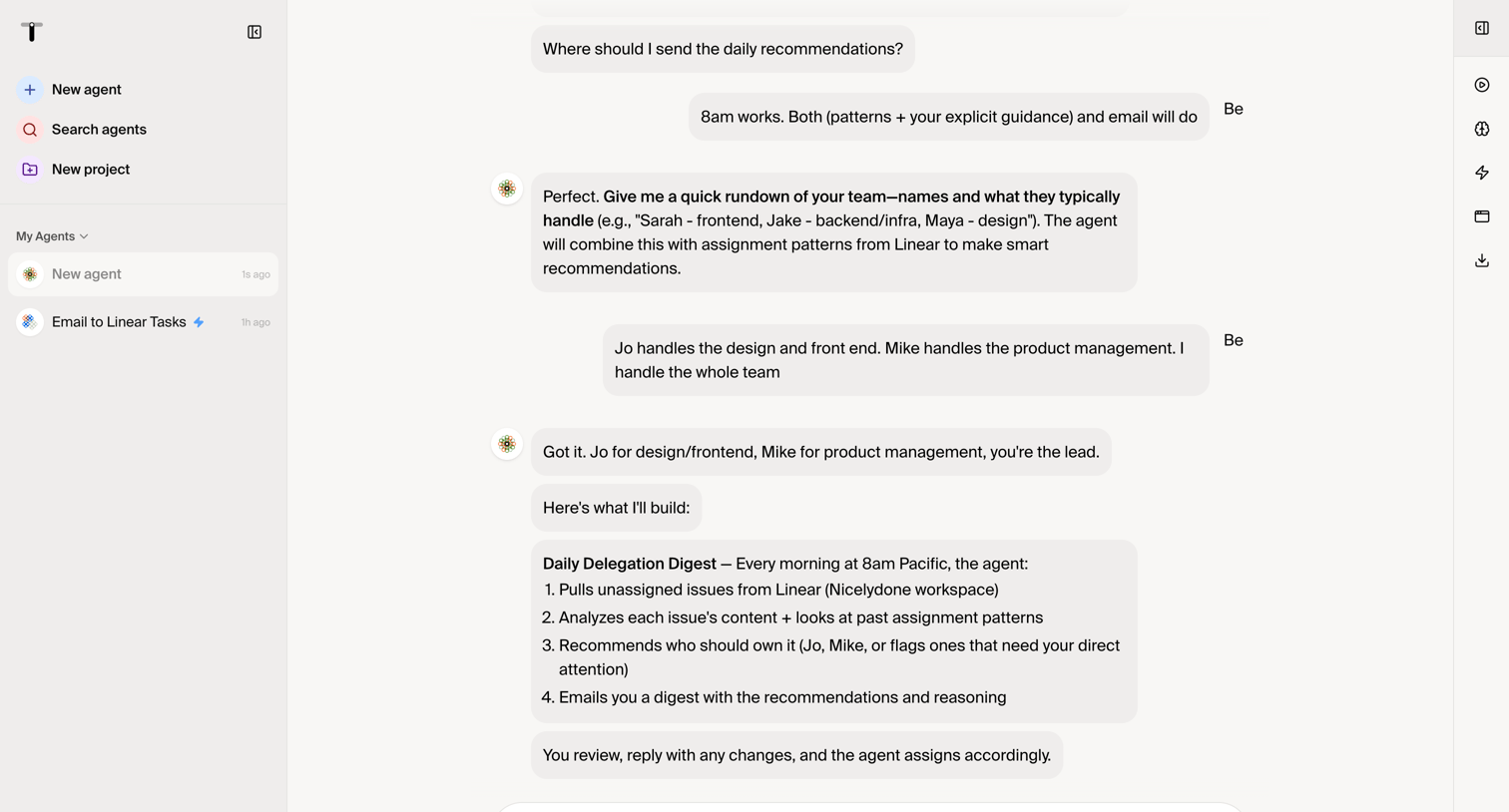

Explore the full SaaS screen library
Upgrade to unlock the full library.
Trusted by the best teams







