SwayChat design examples
Explore SwayChat UI design examples. Keep your customers happy
Product screens
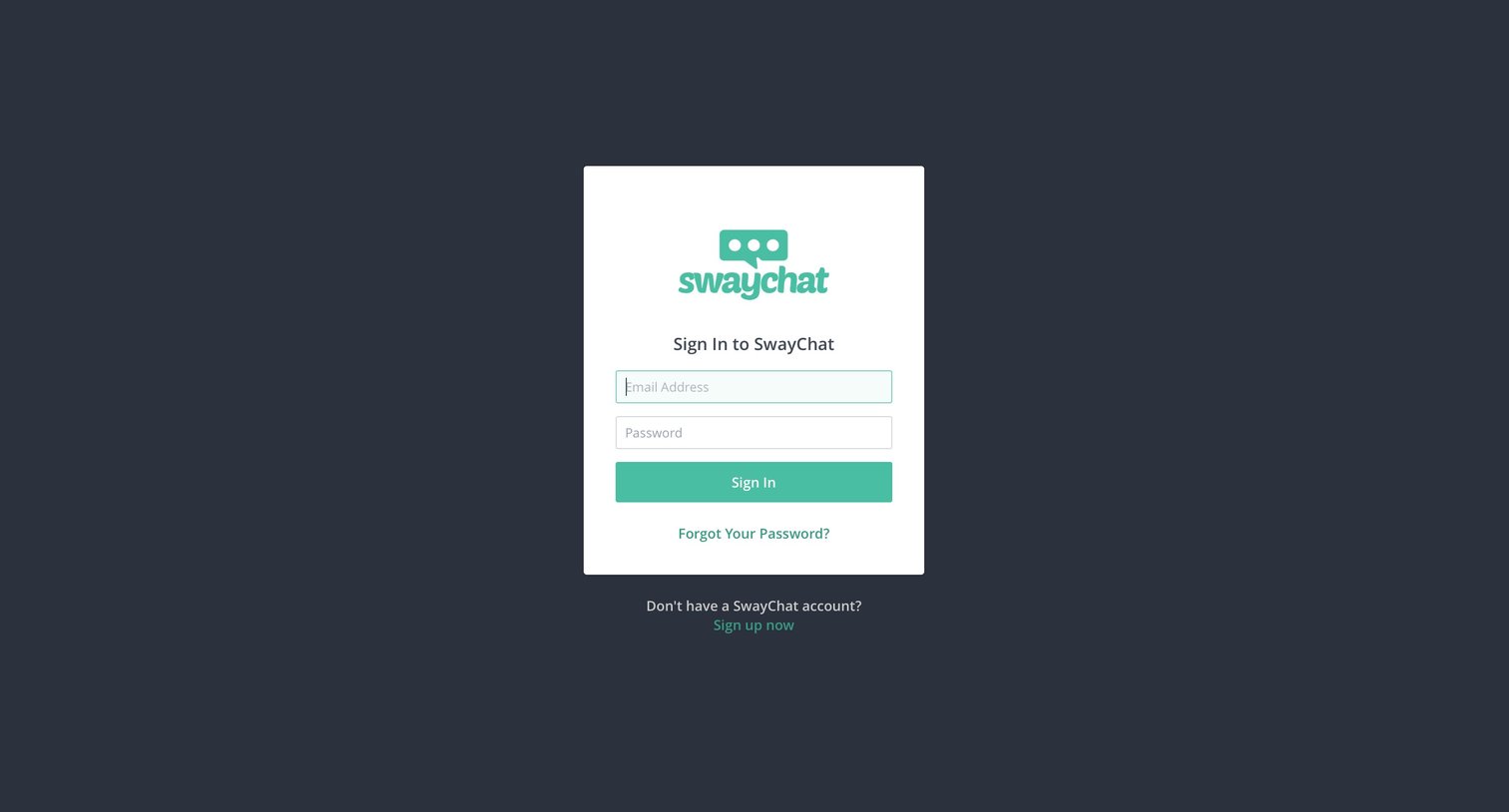
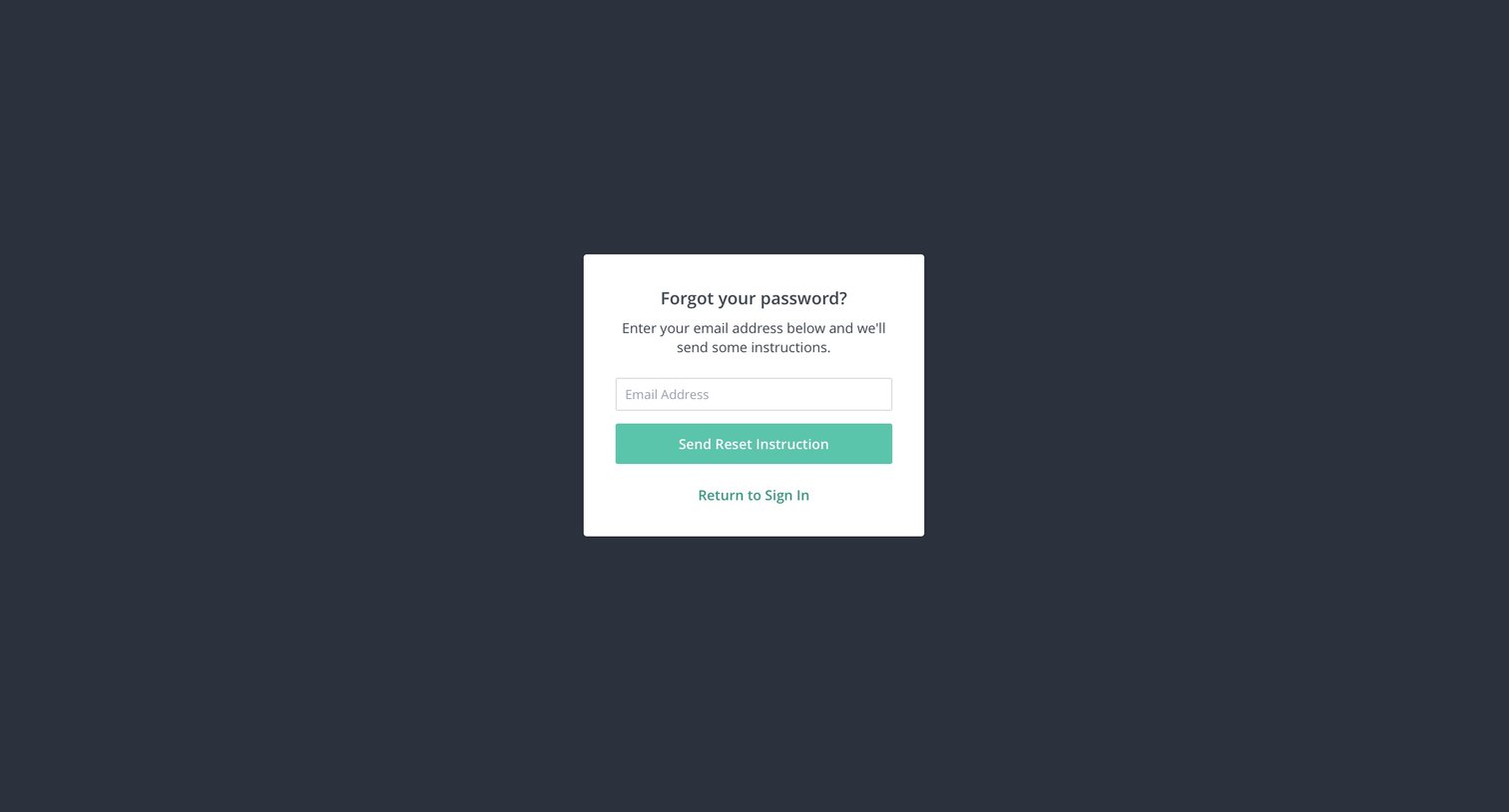

Password recovery screen where the user enters their email address to receive reset instructions.
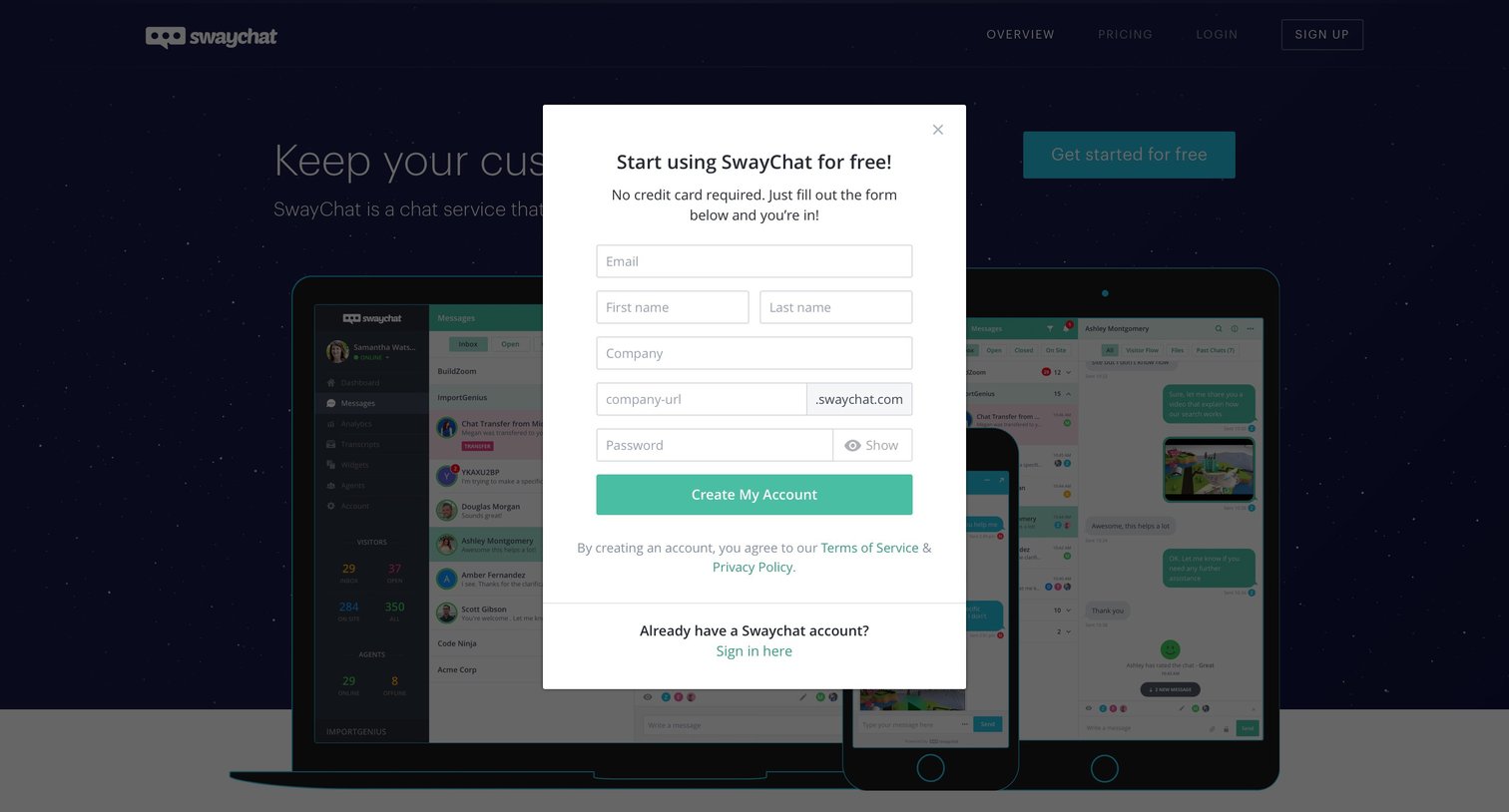
Landing page with an open modal where the user creates a new SwayChat account by providing their email, name, company details, and choosing a custom domain.
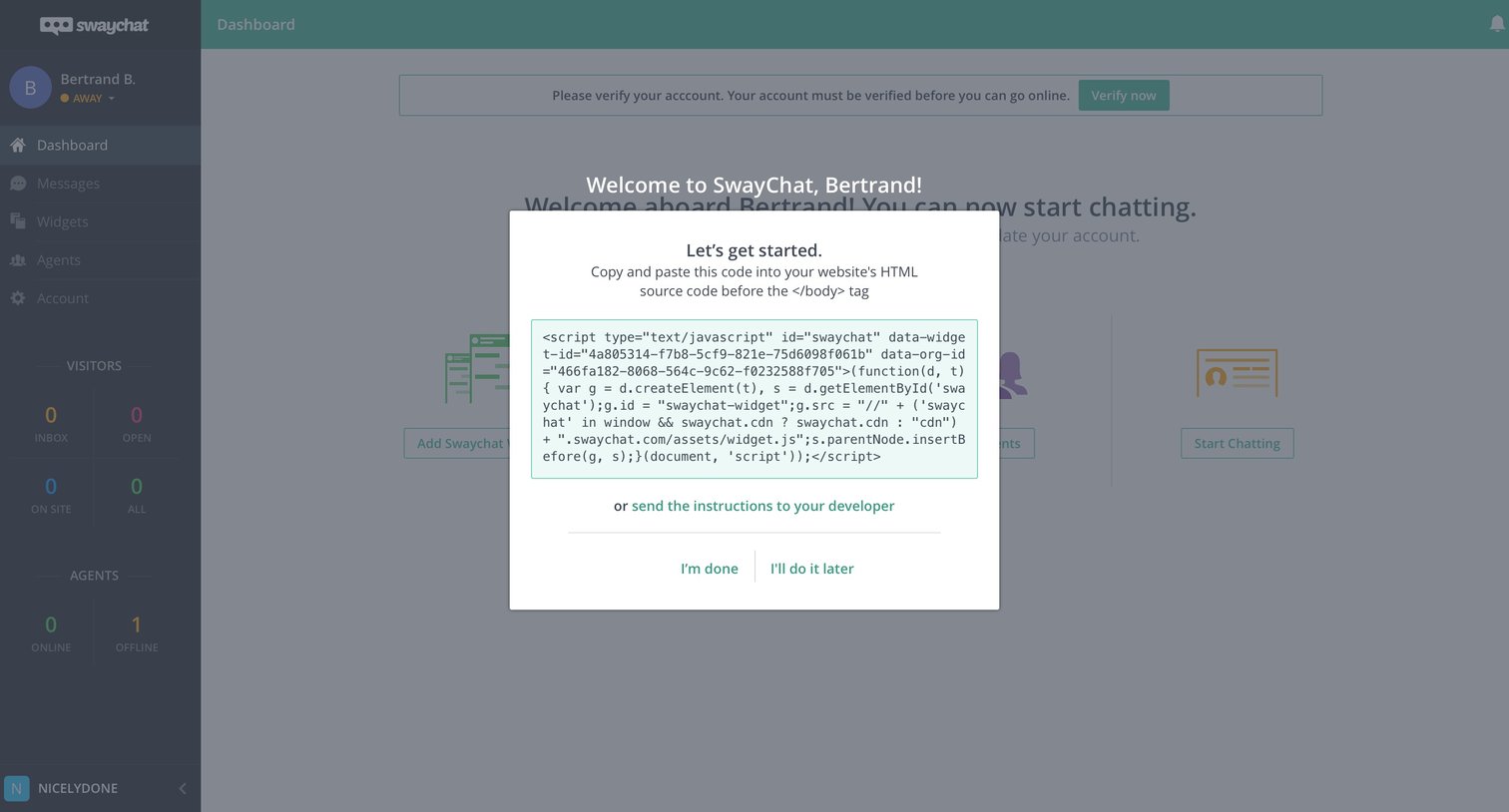
Onboarding screen where the user is prompted to copy and paste a JavaScript snippet to install the chat widget on their website.
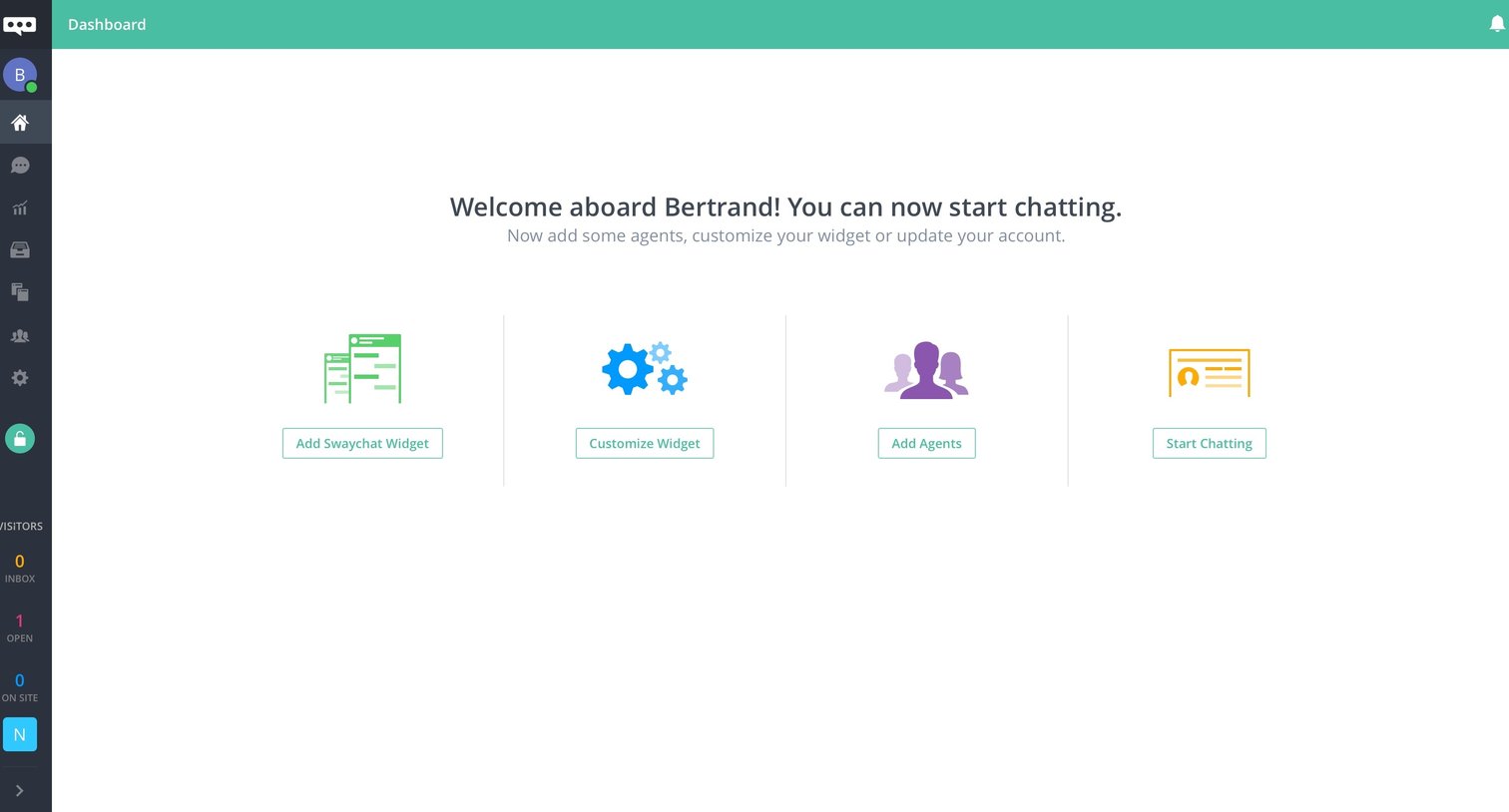
Dashboard empty state where a new user is welcomed and presented with four setup actions to configure their chat widget and agents.
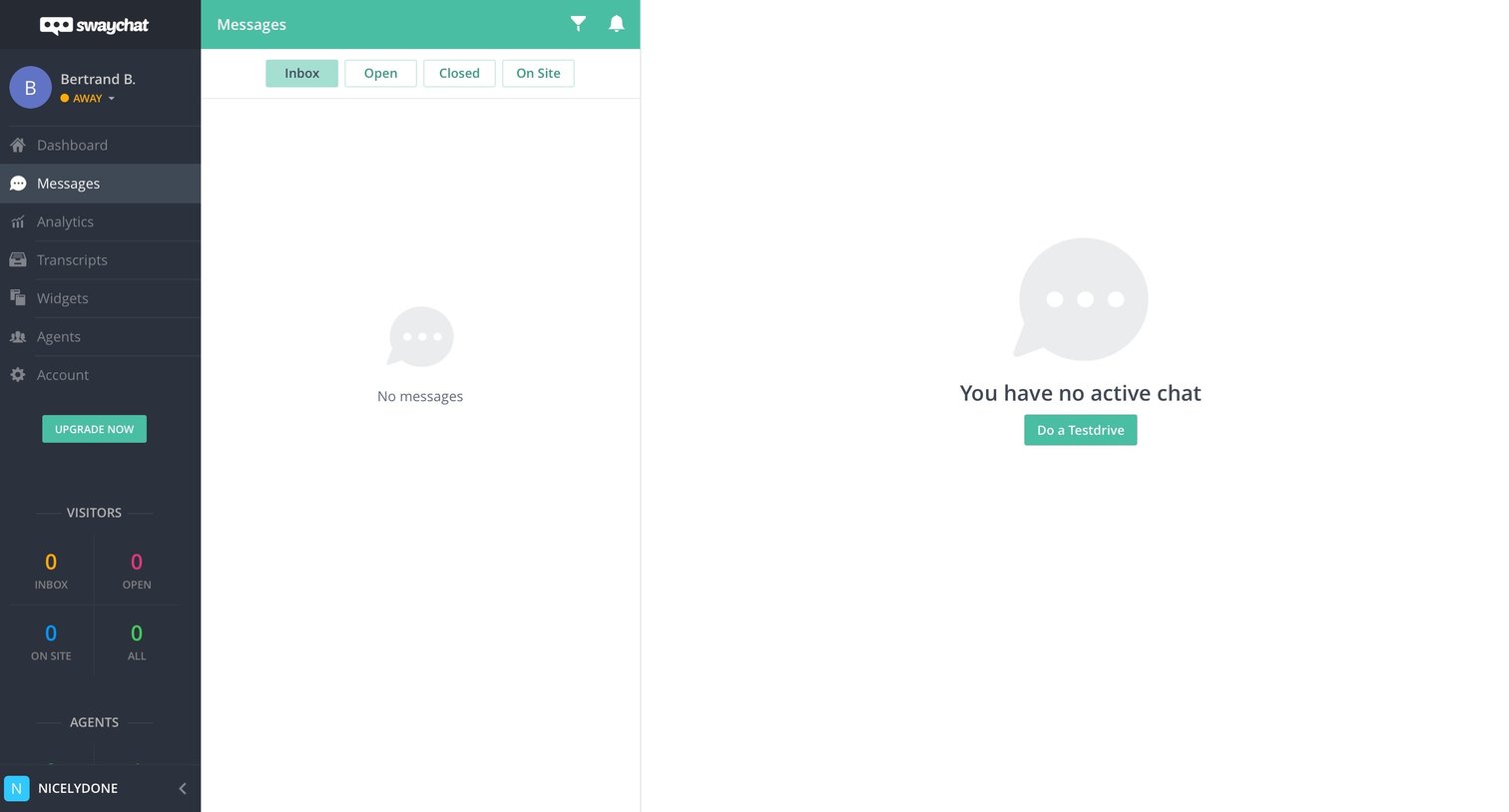
Inbox view where the user manages live chats, currently showing empty states for both the message list and the active chat pane.
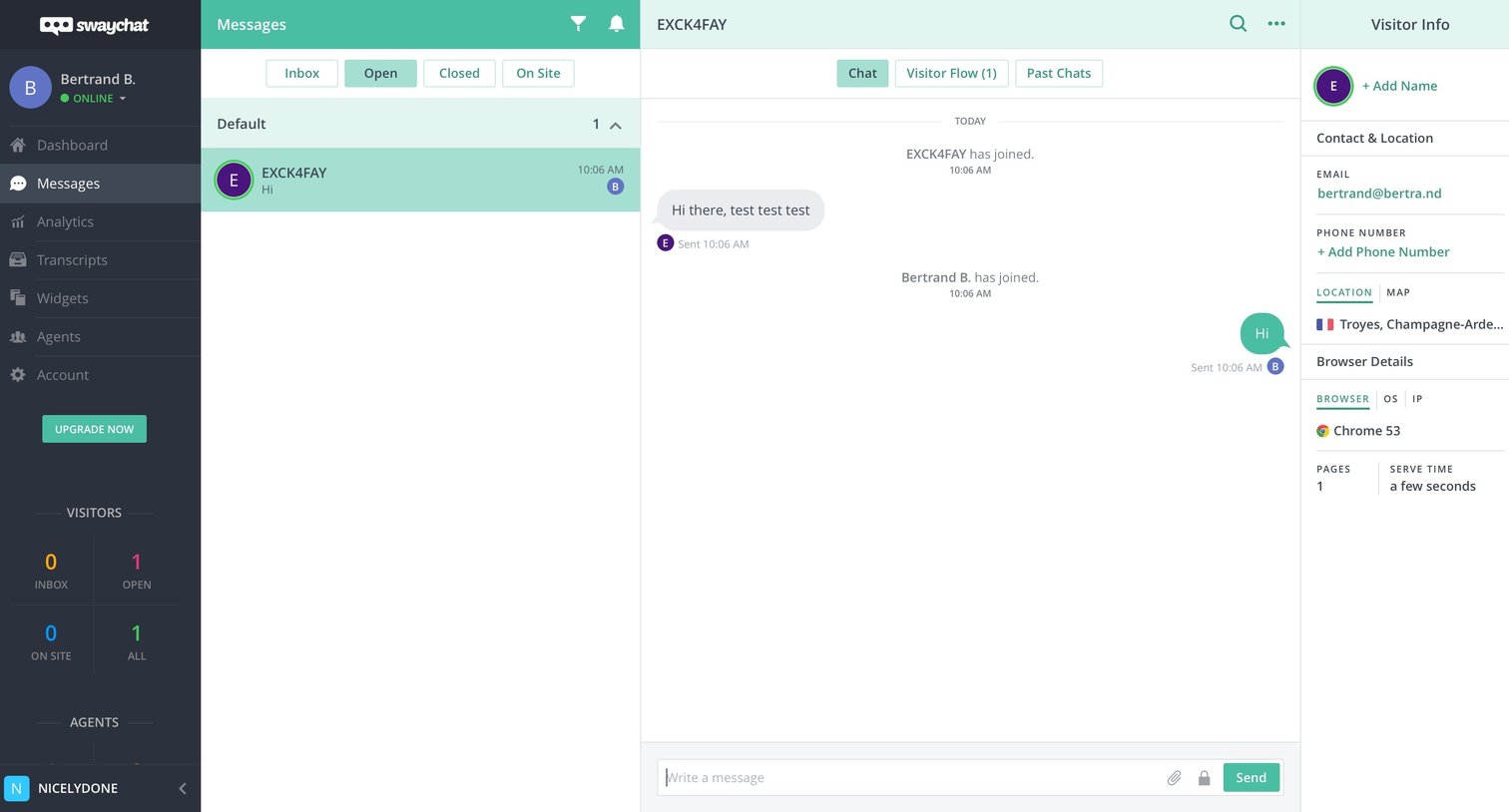
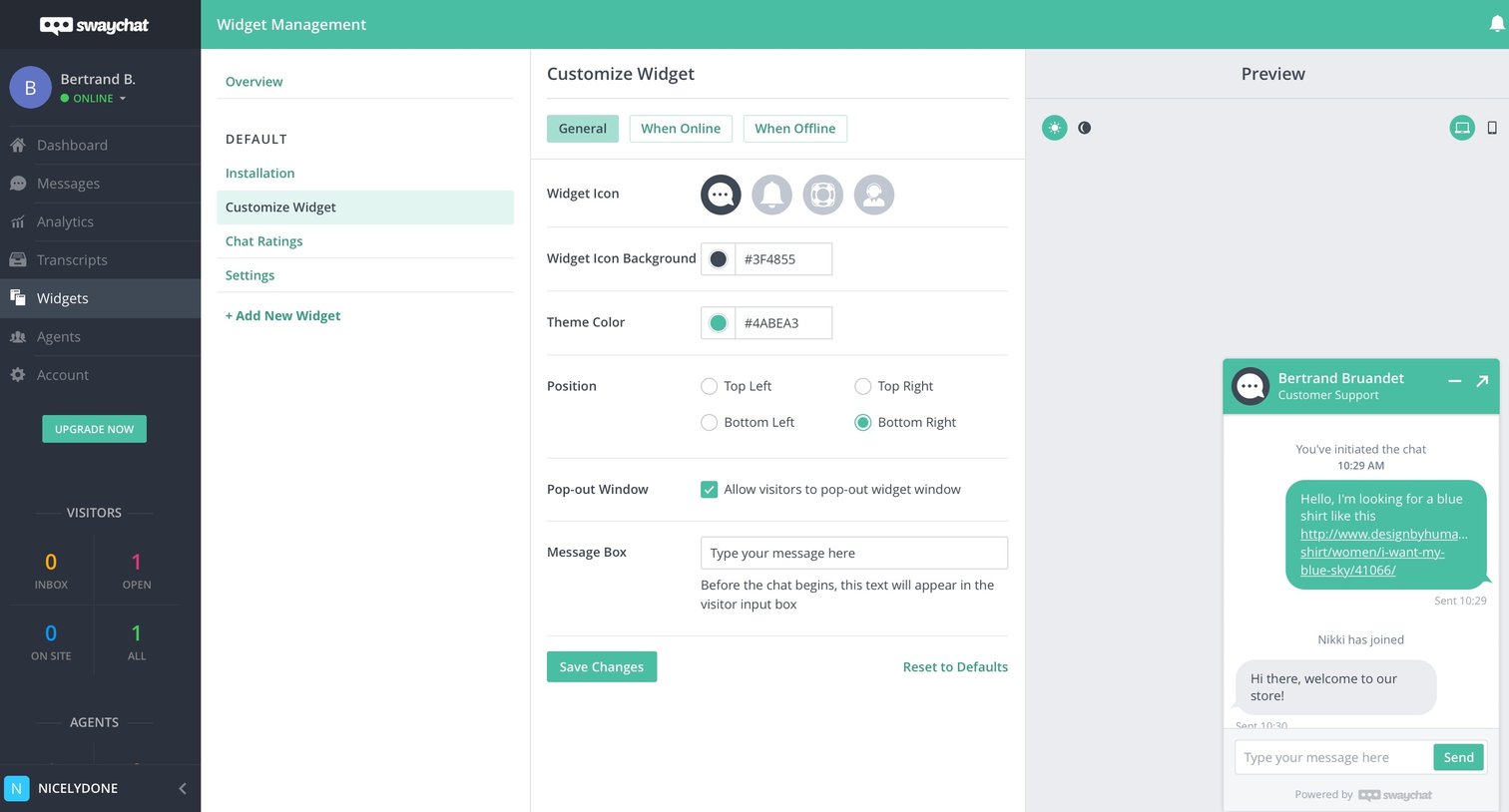
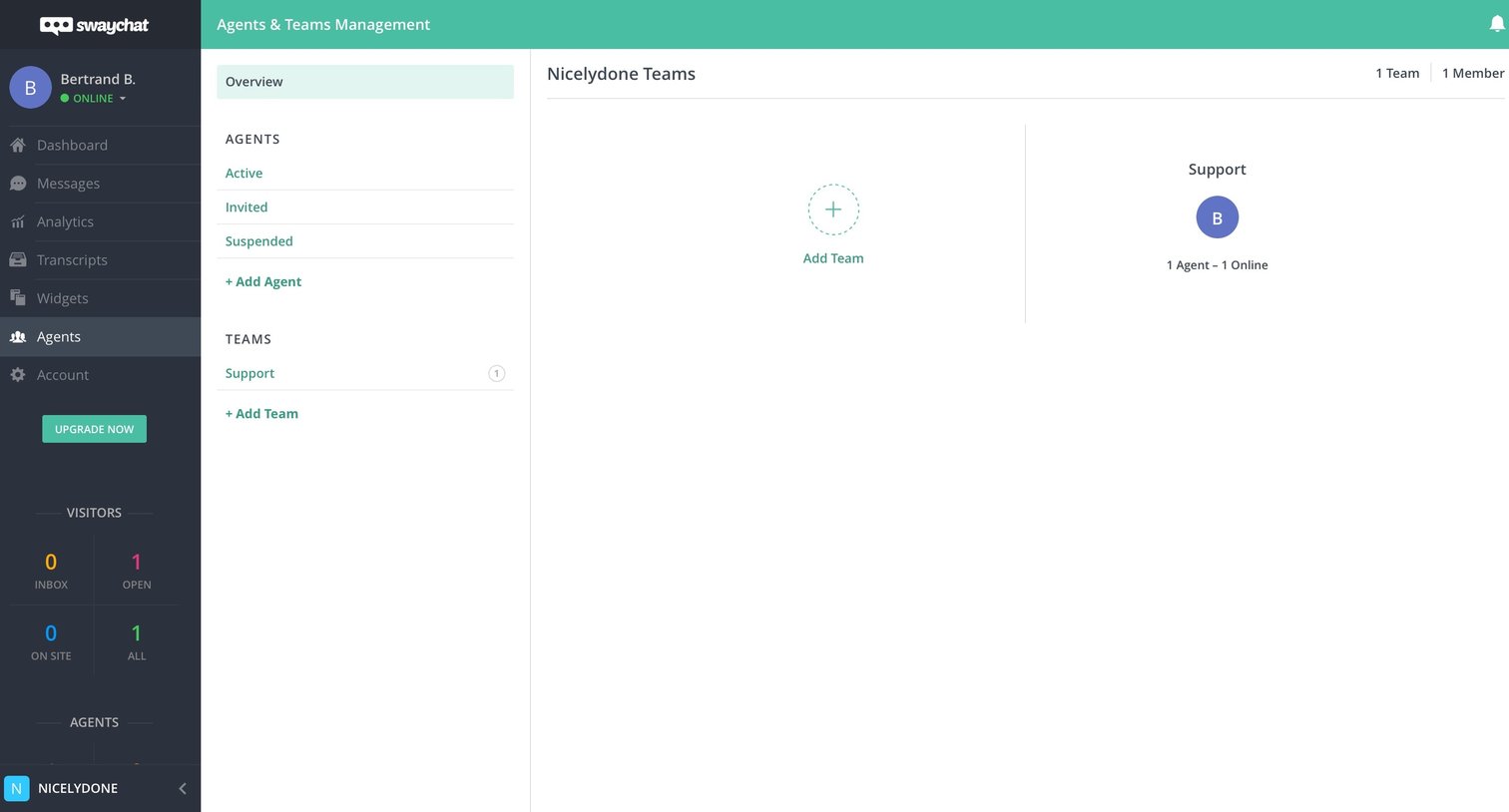
Settings page where the user manages support agents and teams, showing active teams alongside visitor statistics in the sidebar.
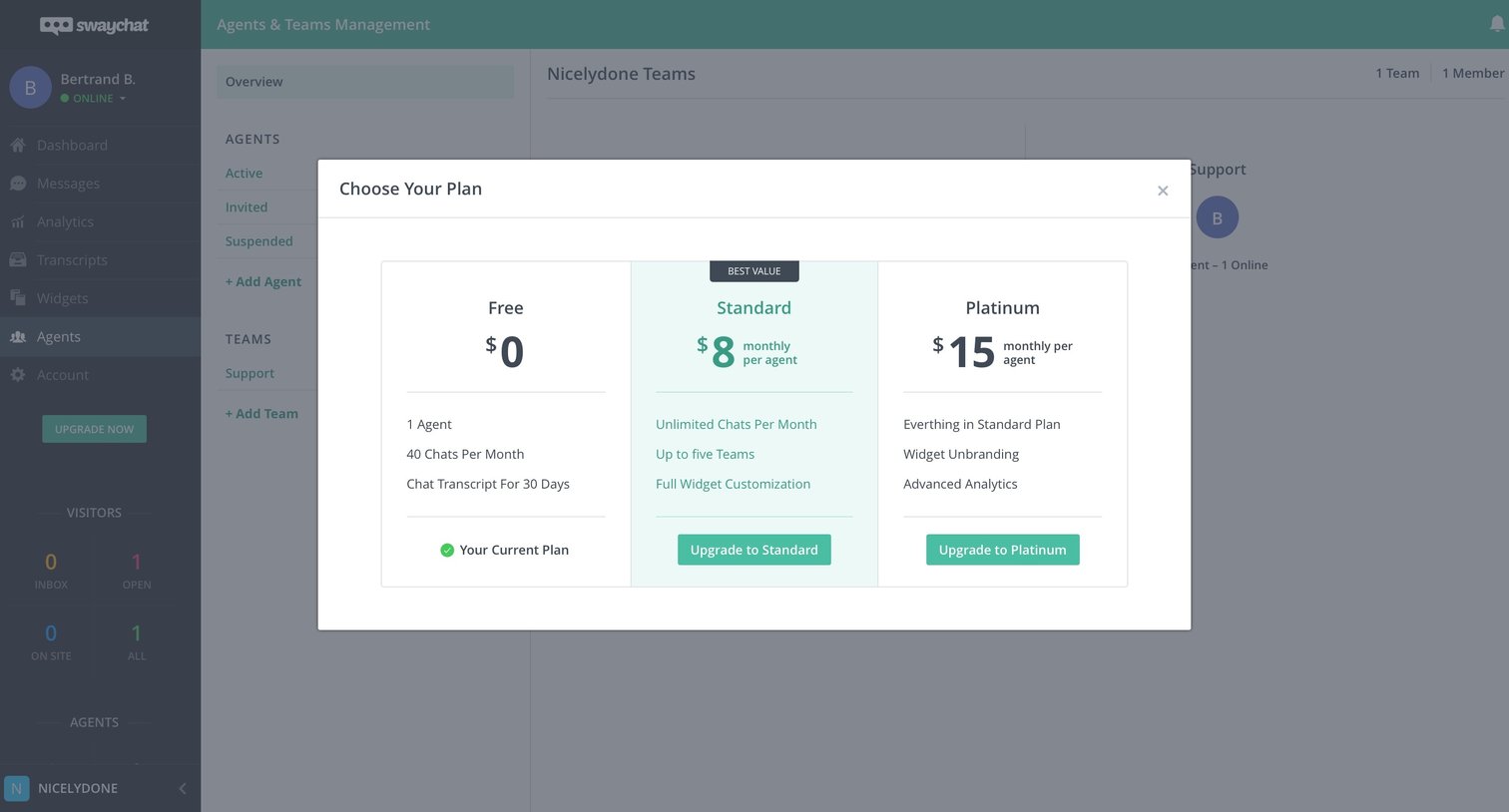
Paywall modal where the user can choose to upgrade their current free plan to a Standard or Platinum tier to unlock more agents and features.
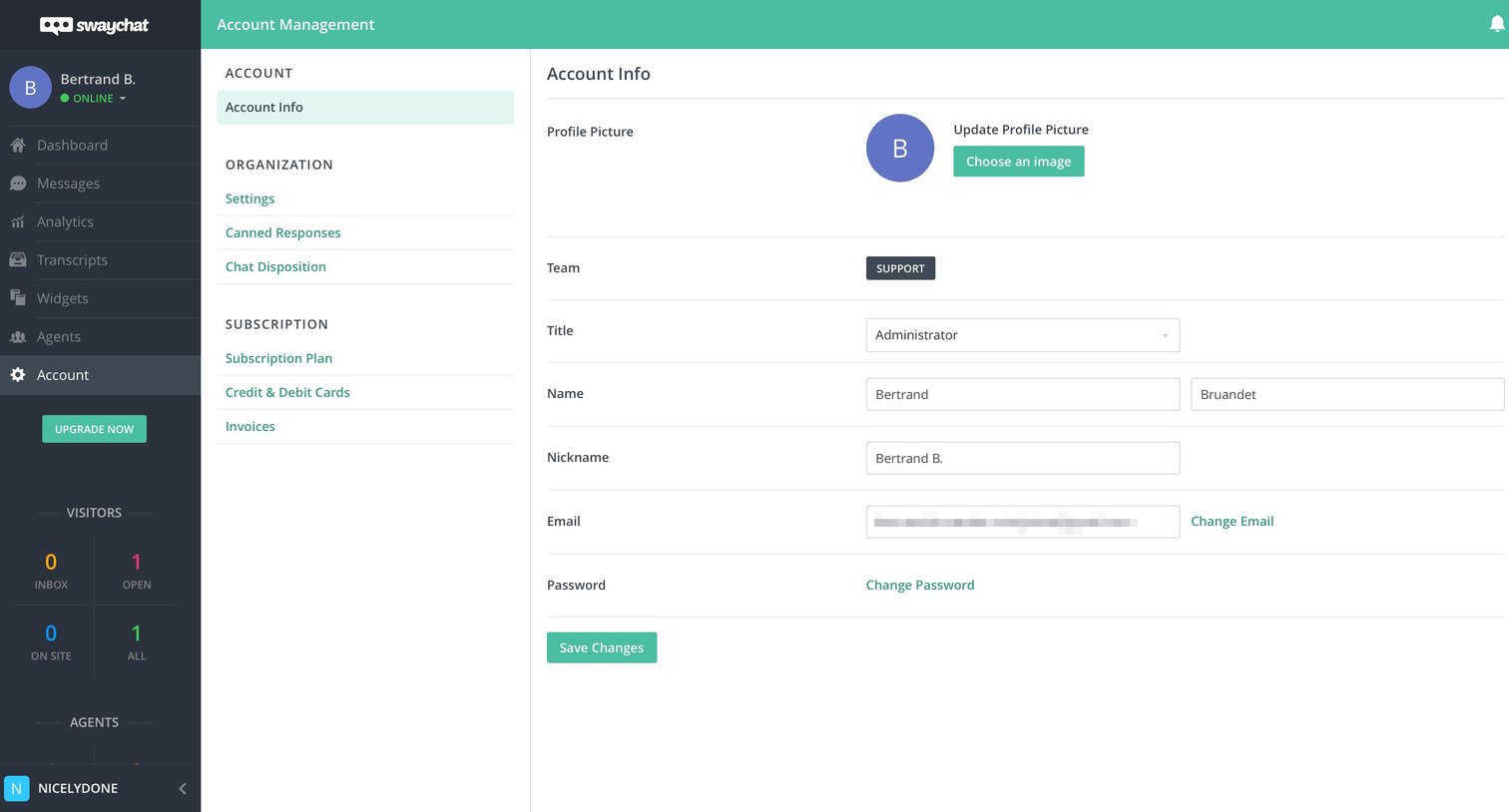
Settings page where the user updates their profile picture, name, title, and account credentials.
Browse the full SaaS app library
Explore real SaaS apps with their product screens, marketing screens, flows, and components.
Trusted by the best teams







