Dock product screens examples
Browse Dock screen design examples. Preview the interface screenshots and explore related UI patterns. End data fraud and reduce verification costs
Explore the examples

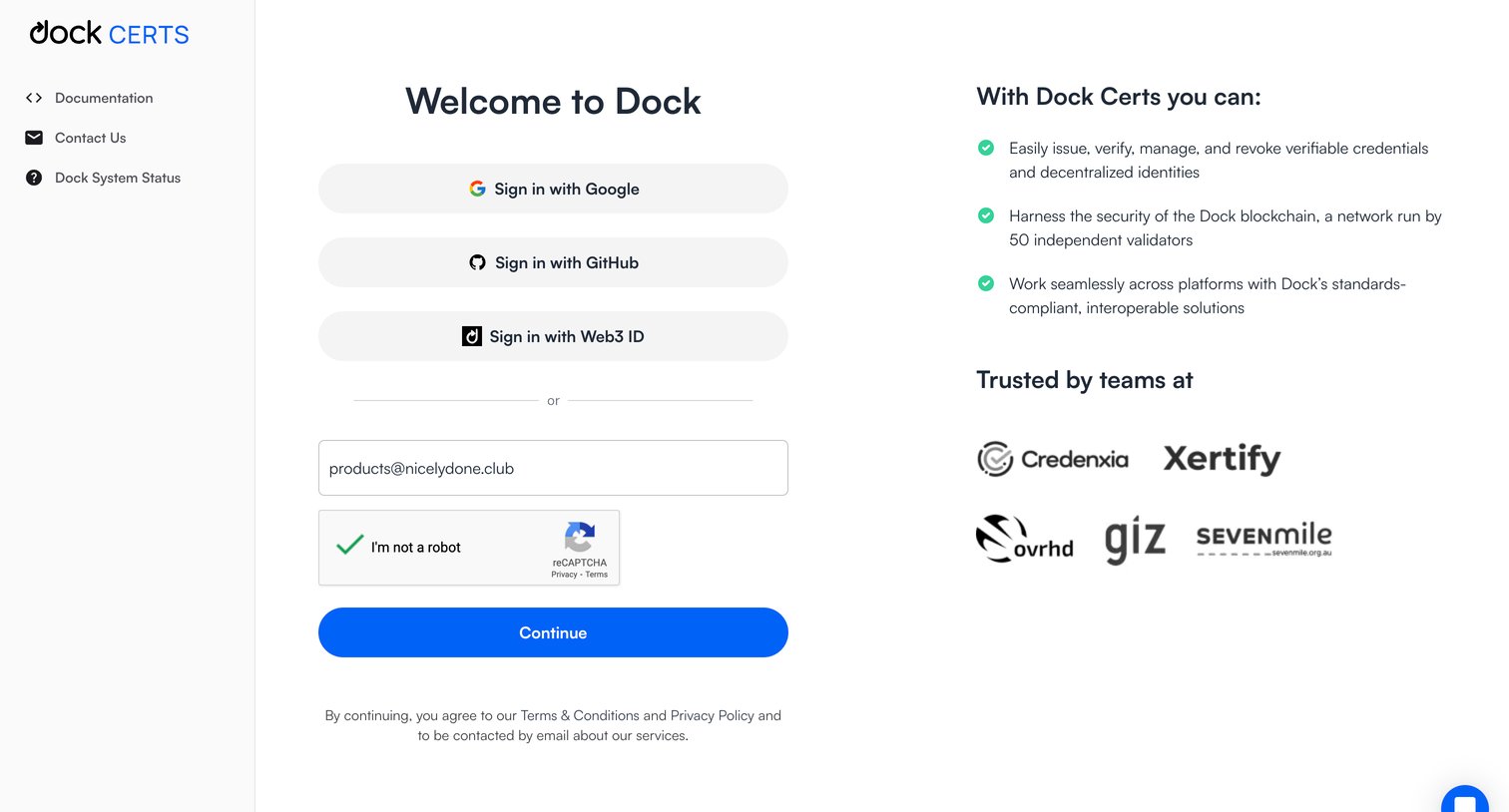
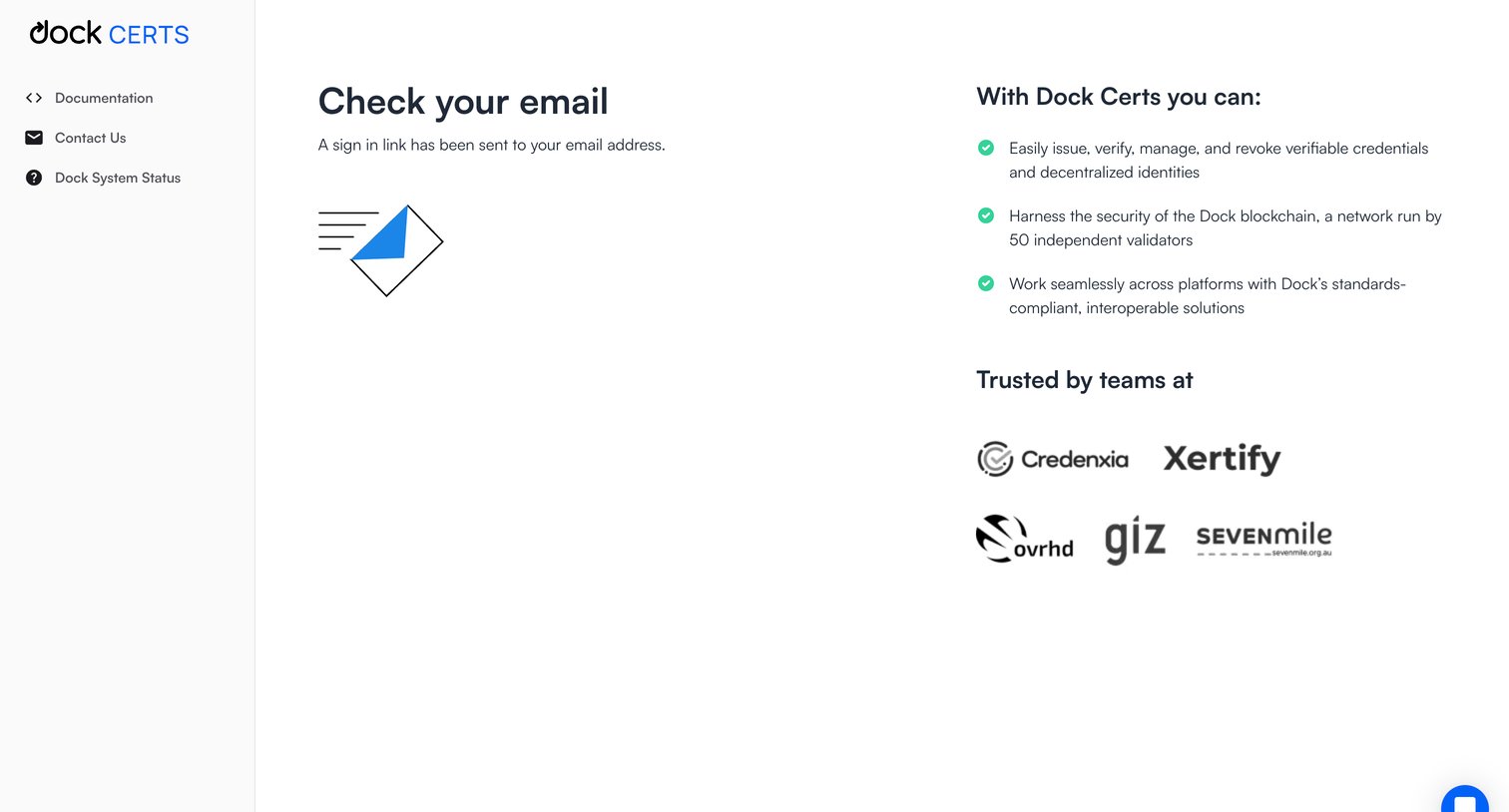

Verification screen where the user is instructed to check their email for a sign-in link, alongside a list of product features and trusted company logos.
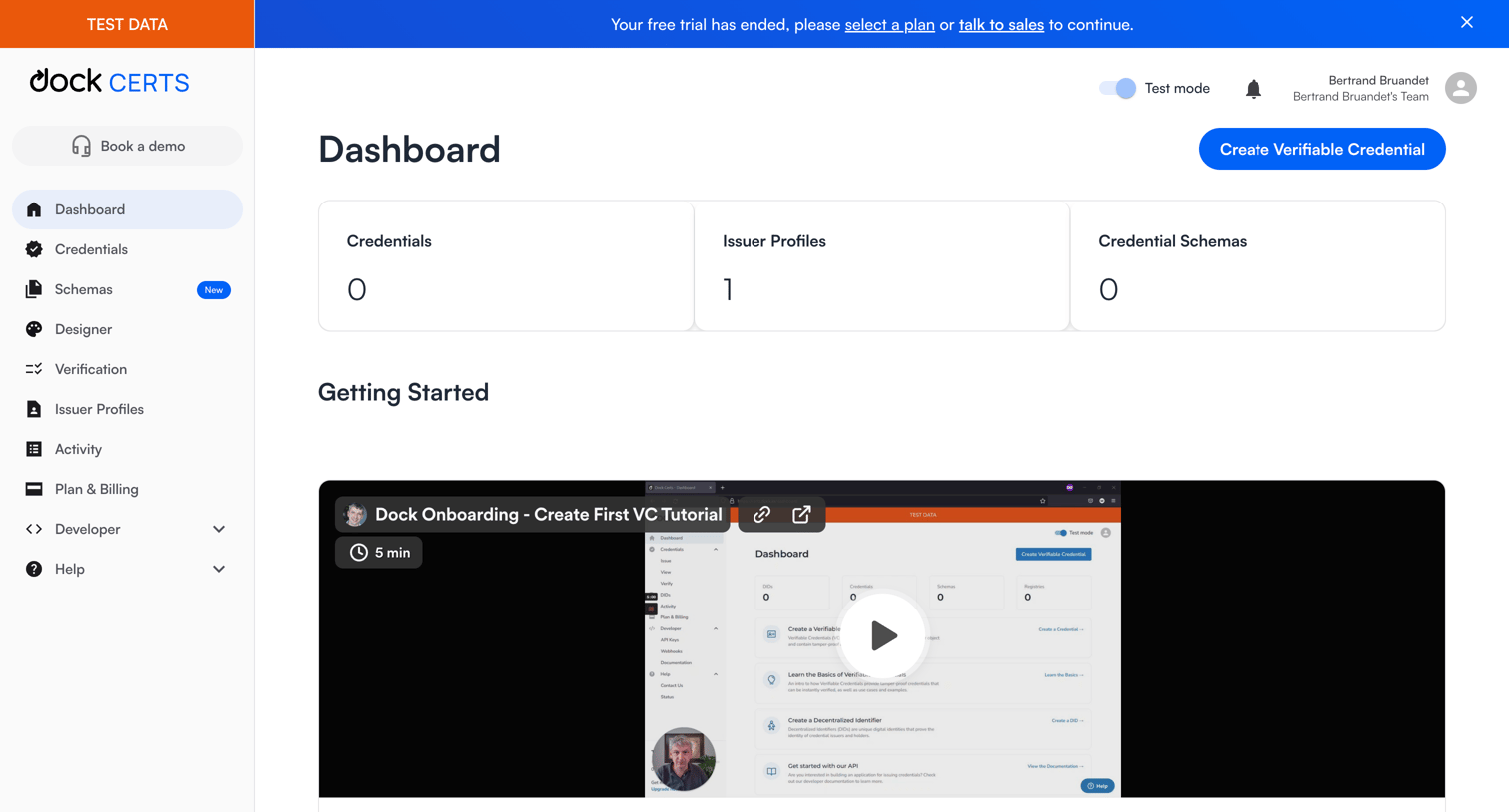
Dashboard for managing verifiable credentials and issuer profiles, featuring a trial expiration banner, an onboarding video tutorial, and quick links to developer documentation.
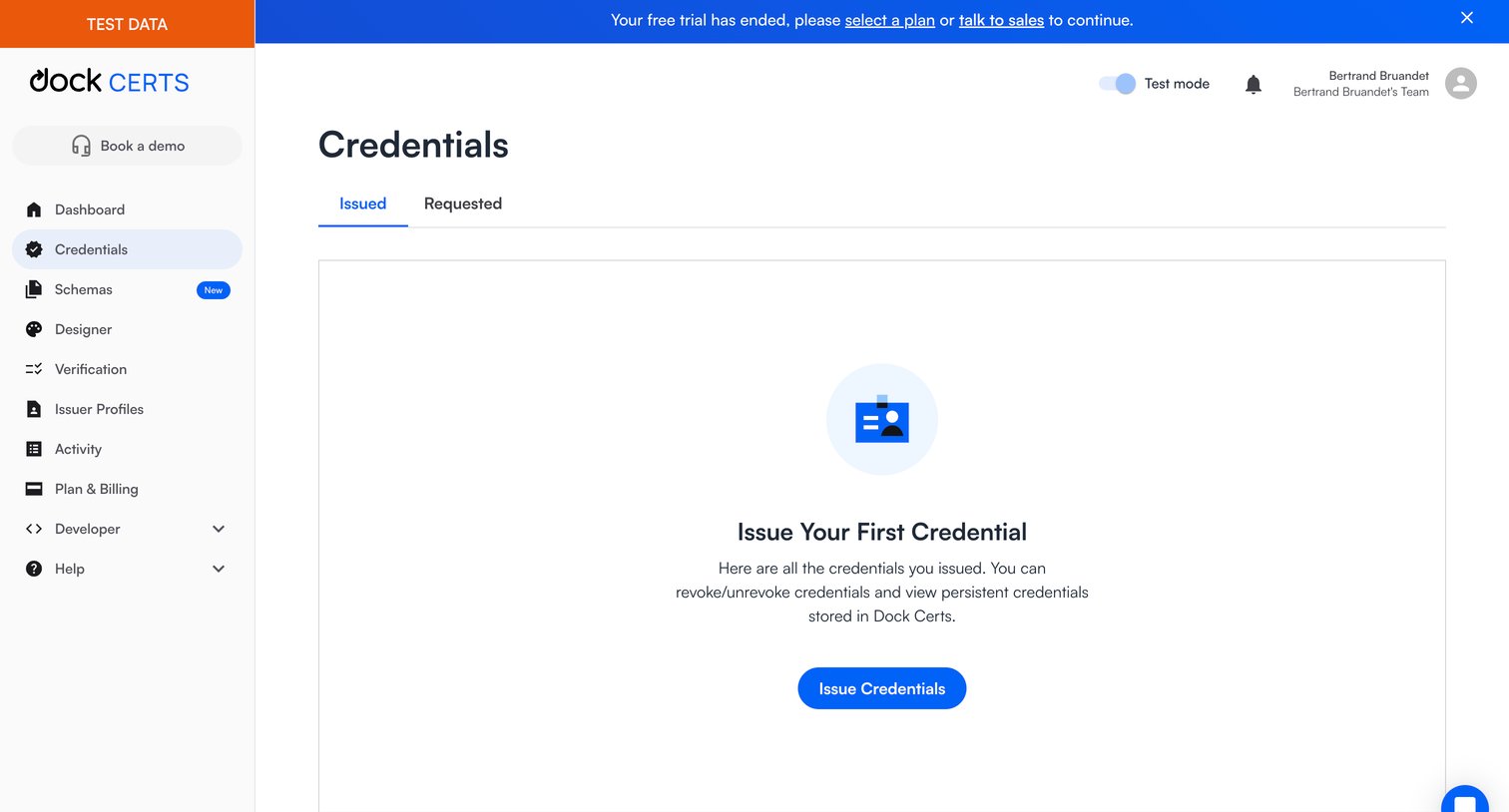
List view where the user manages issued and requested credentials, currently showing an empty state prompting them to issue their first credential beneath a trial-expired banner.
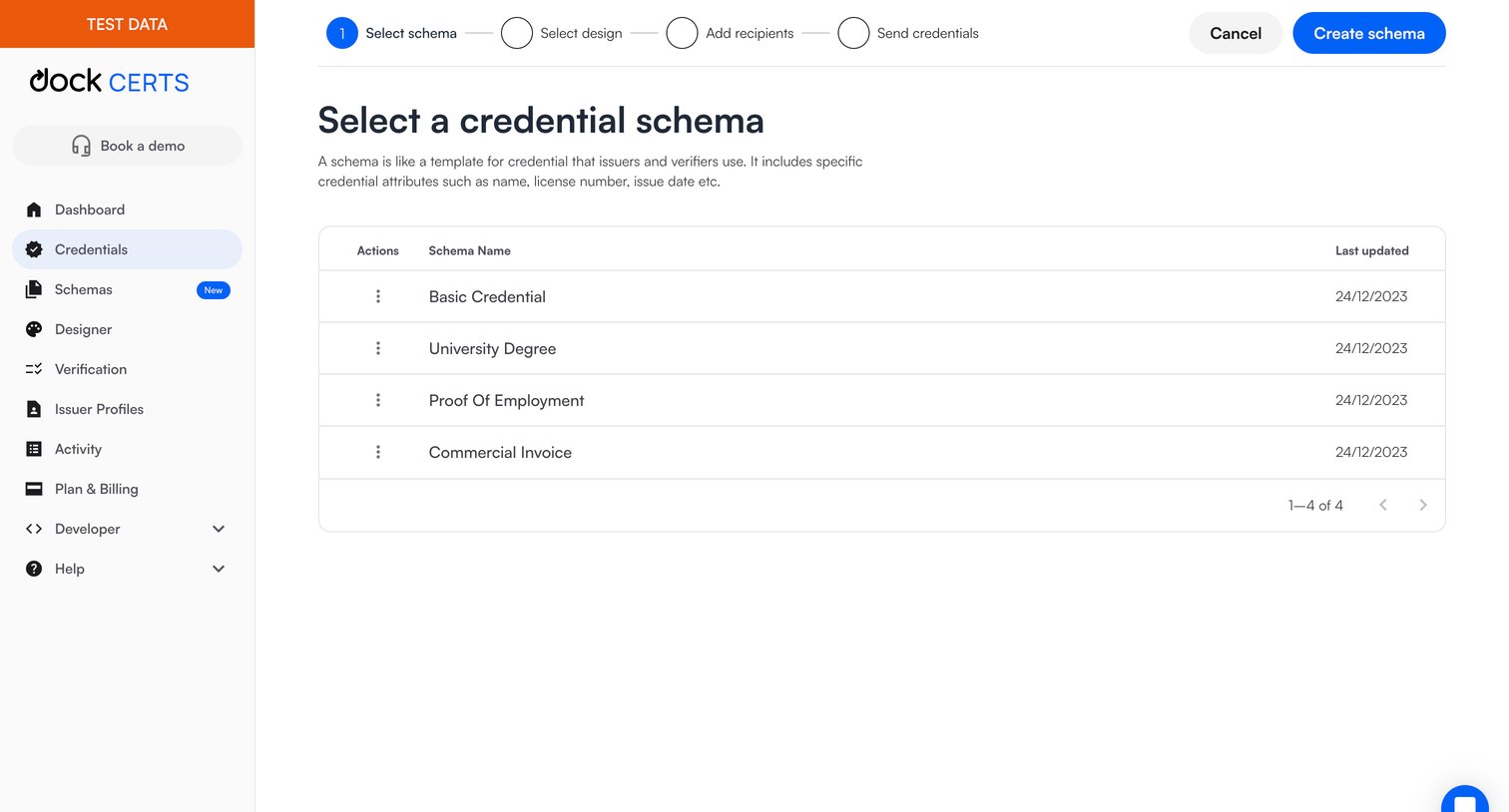
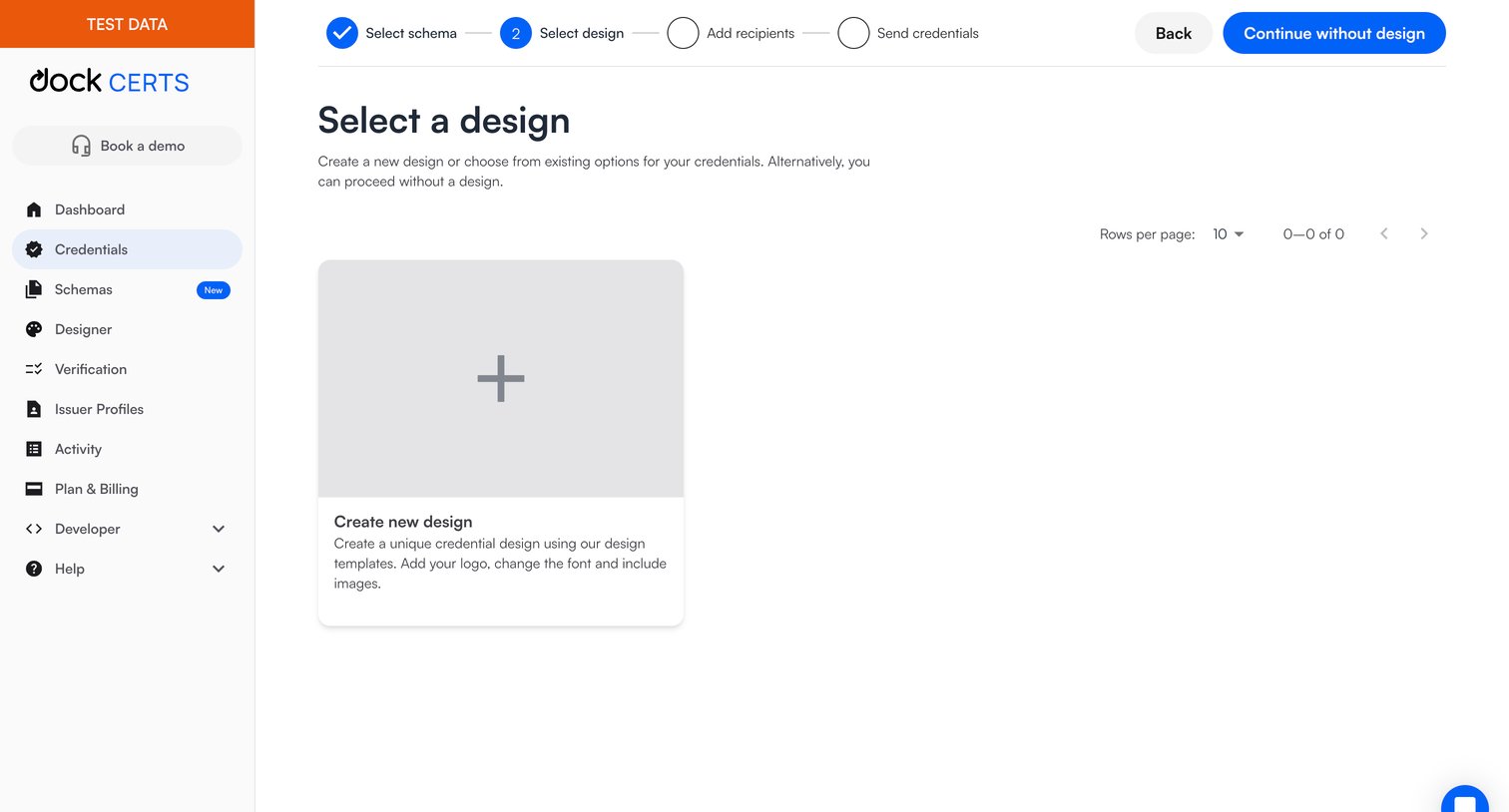
Wizard step for issuing credentials where the user selects an existing design template or chooses to create a new one from scratch.
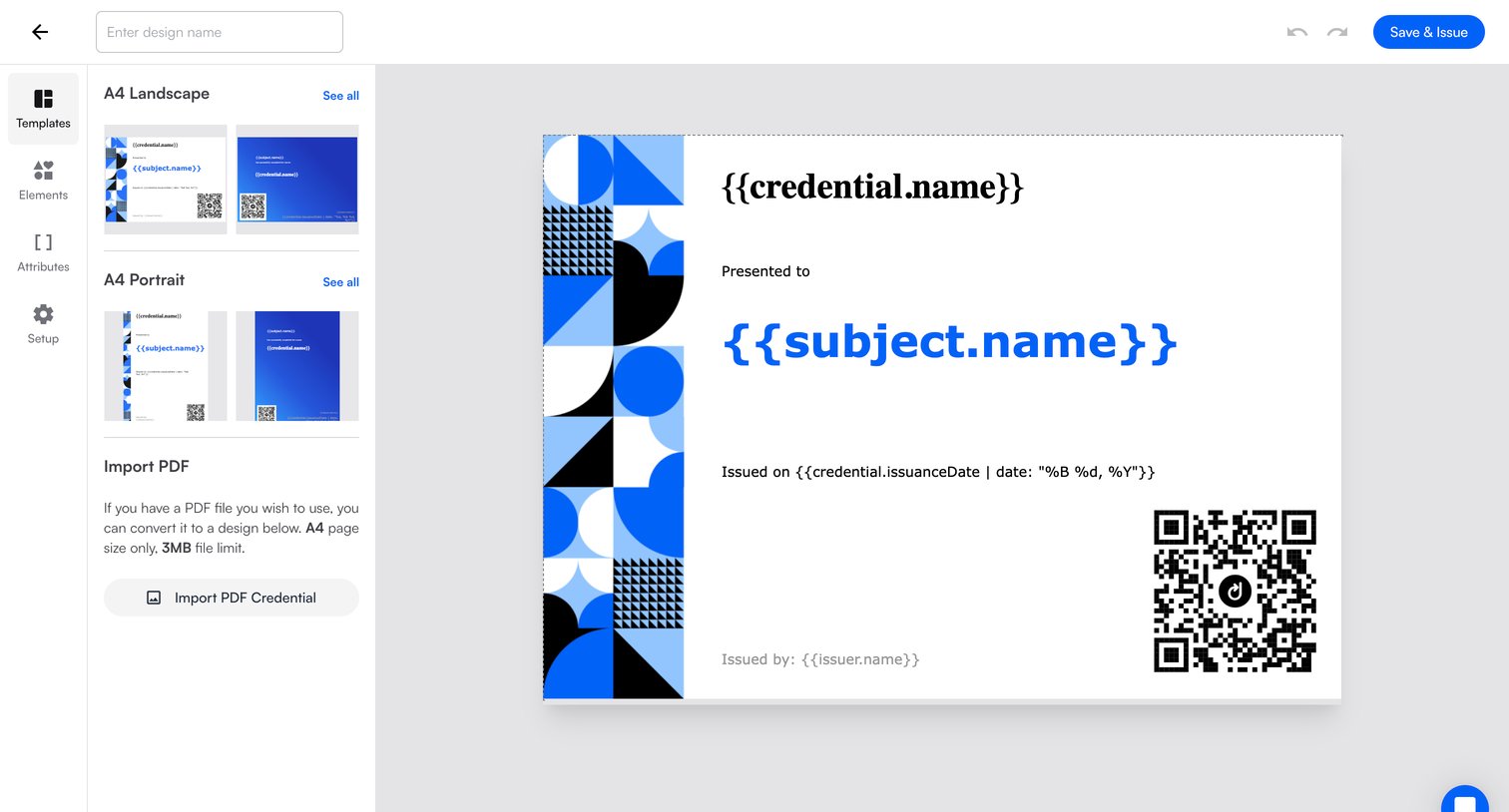
Design editor where the user customizes a credential template with dynamic attributes before saving and issuing it.
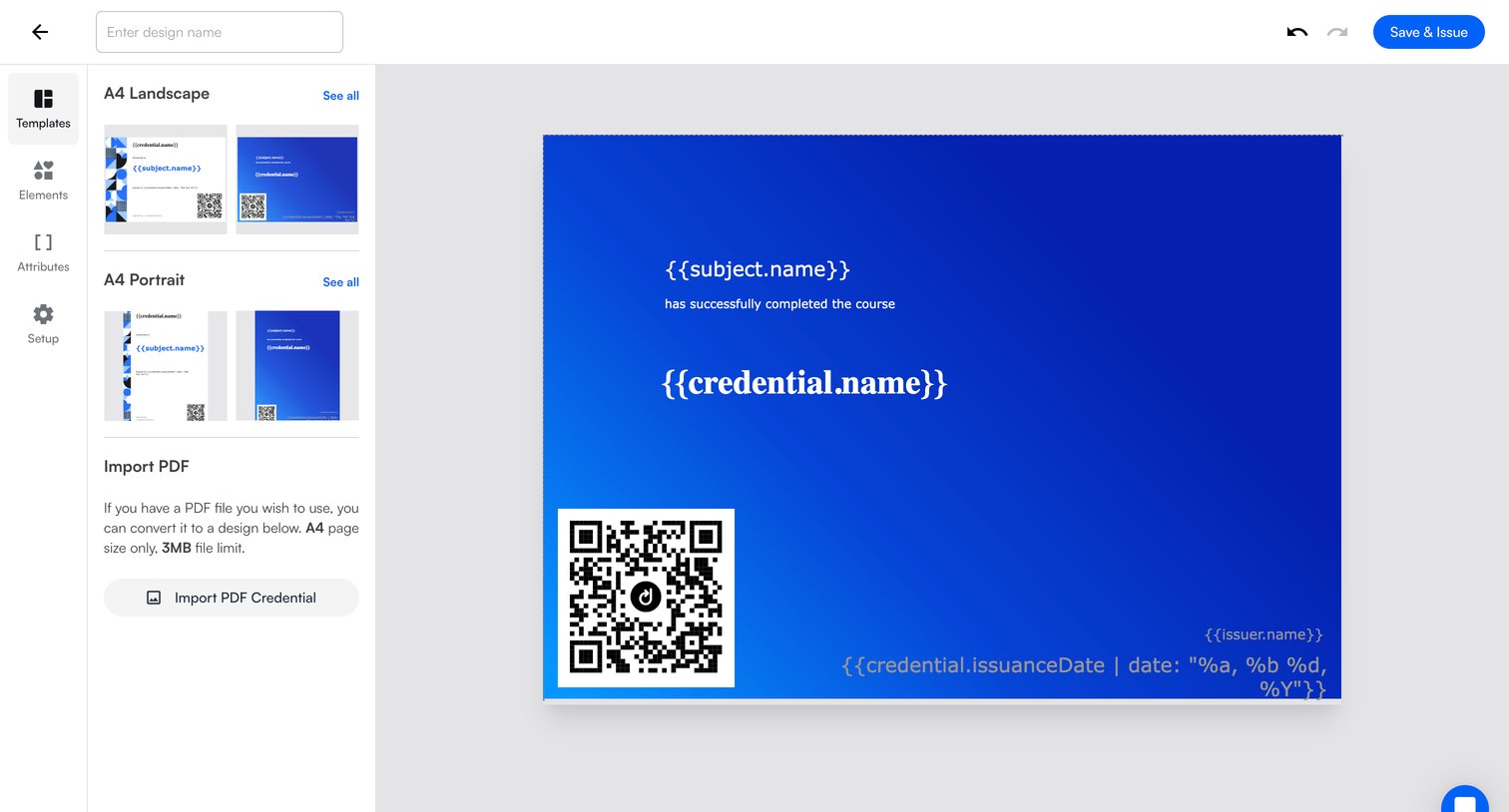
Design editor where the user creates a credential template by selecting A4 layouts, importing PDFs, and placing dynamic variables on a canvas.
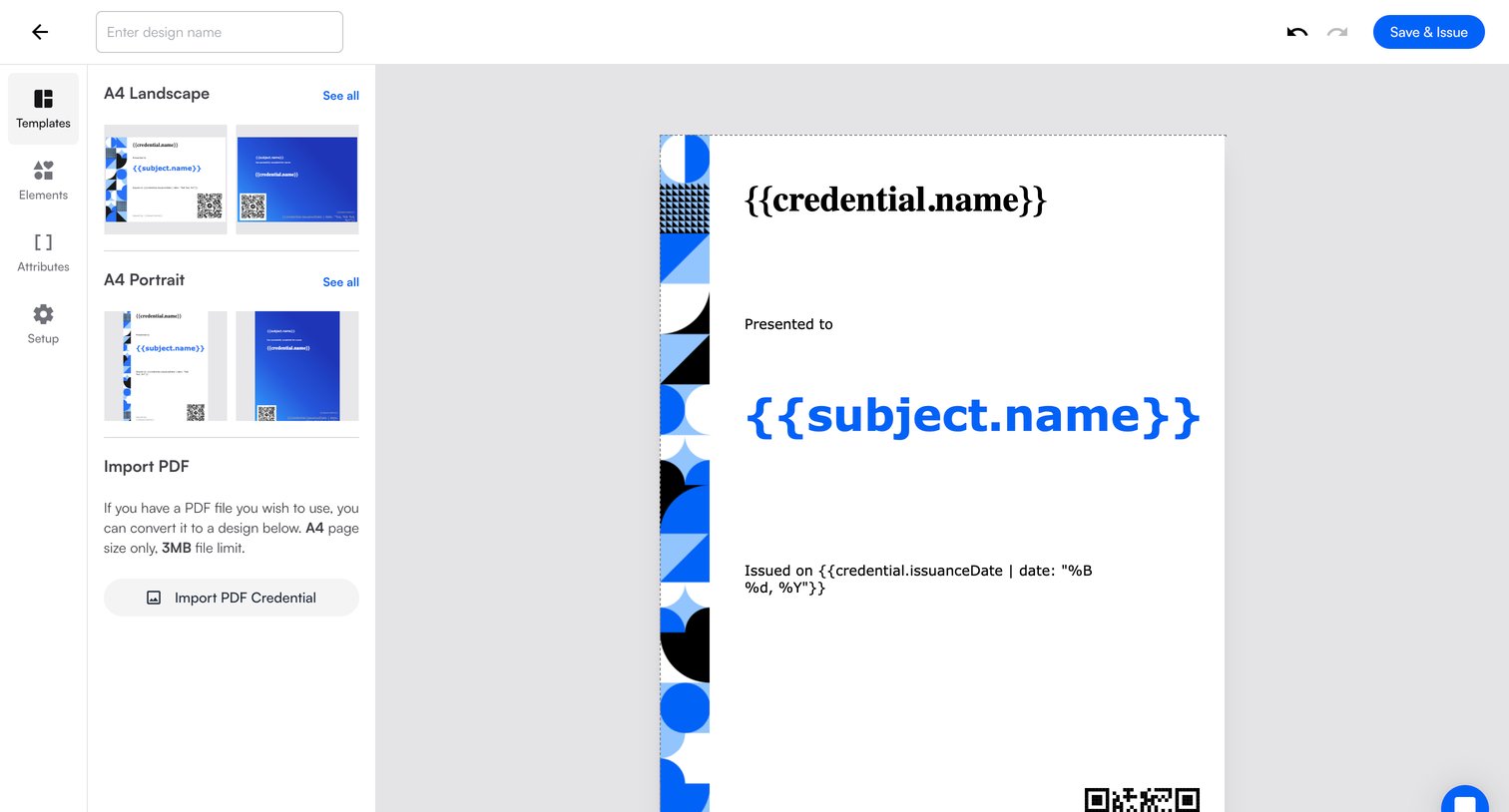
Design editor where the user customizes a credential template by selecting a layout, adding dynamic attributes, or importing a PDF.
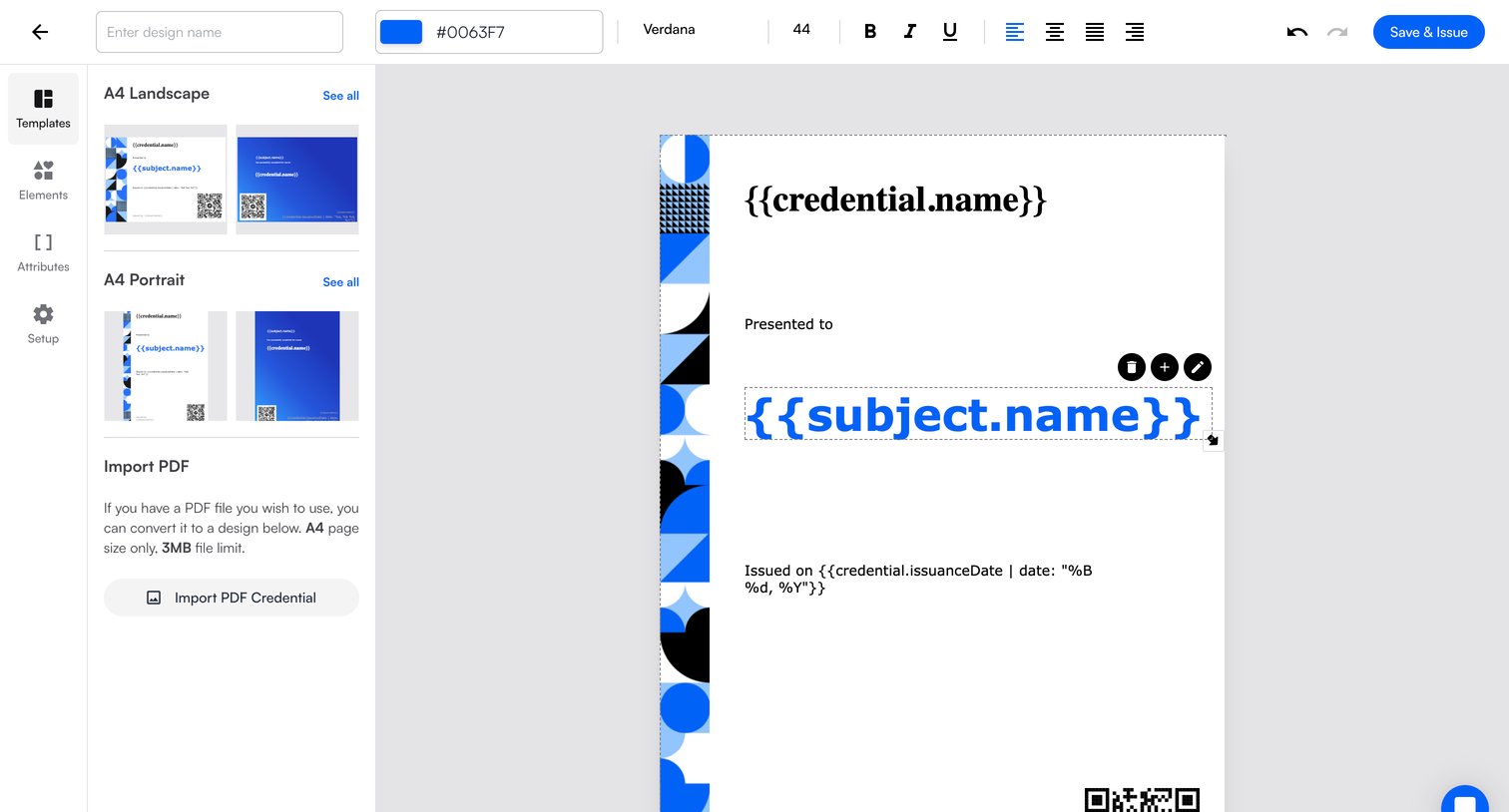
Design editor where the user customizes a credential template by adjusting text formatting, colors, and dynamic variables before issuing.
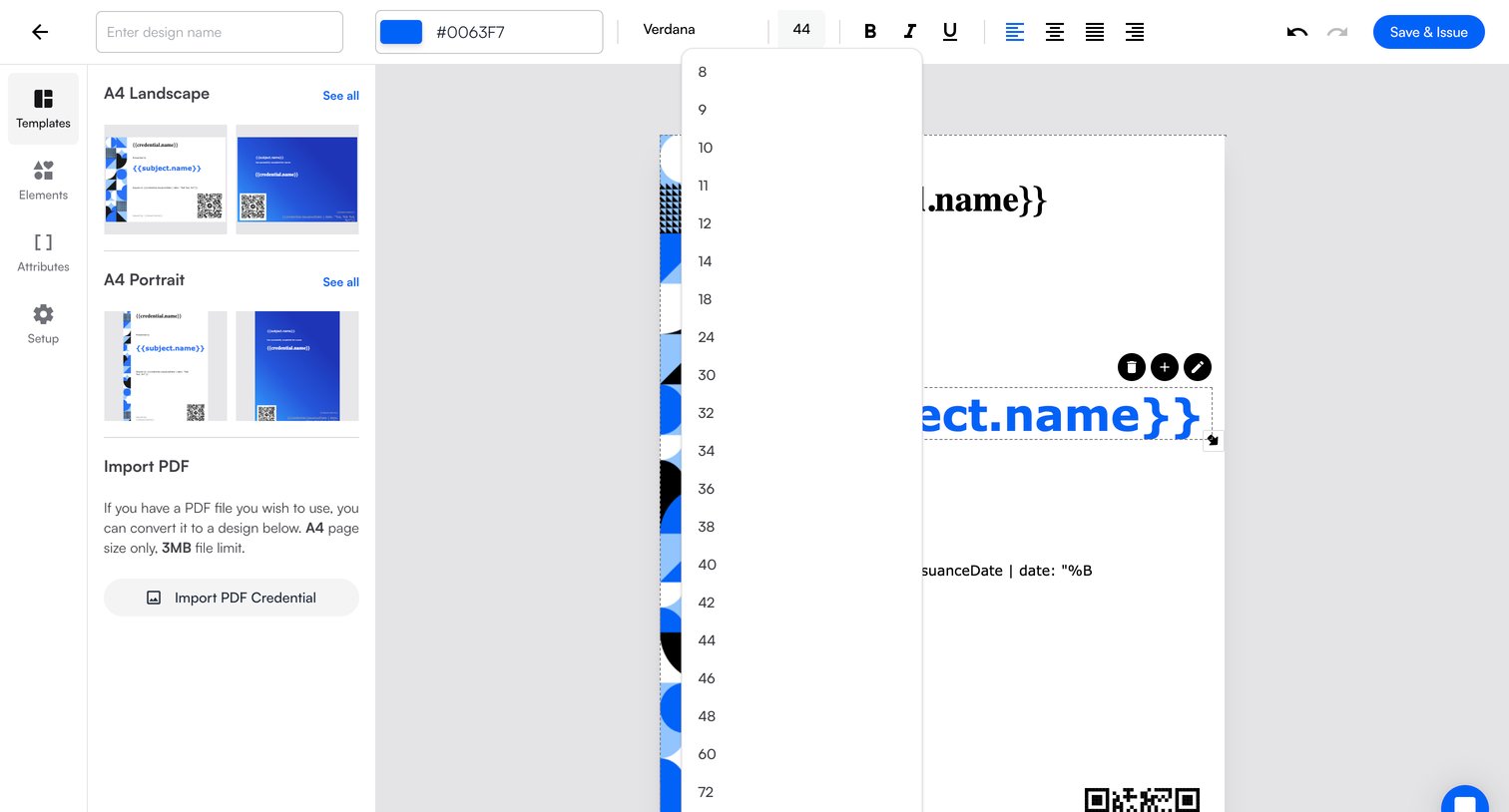
Design editor where the user customizes a credential template by adjusting text formatting, font size, and colors on a drag-and-drop canvas.
Explore the full SaaS screen library
Upgrade to unlock the full library.
Trusted by the best teams







