Vercel design examples
Explore Vercel UI design examples. Develop. Preview. Ship.
Product screens
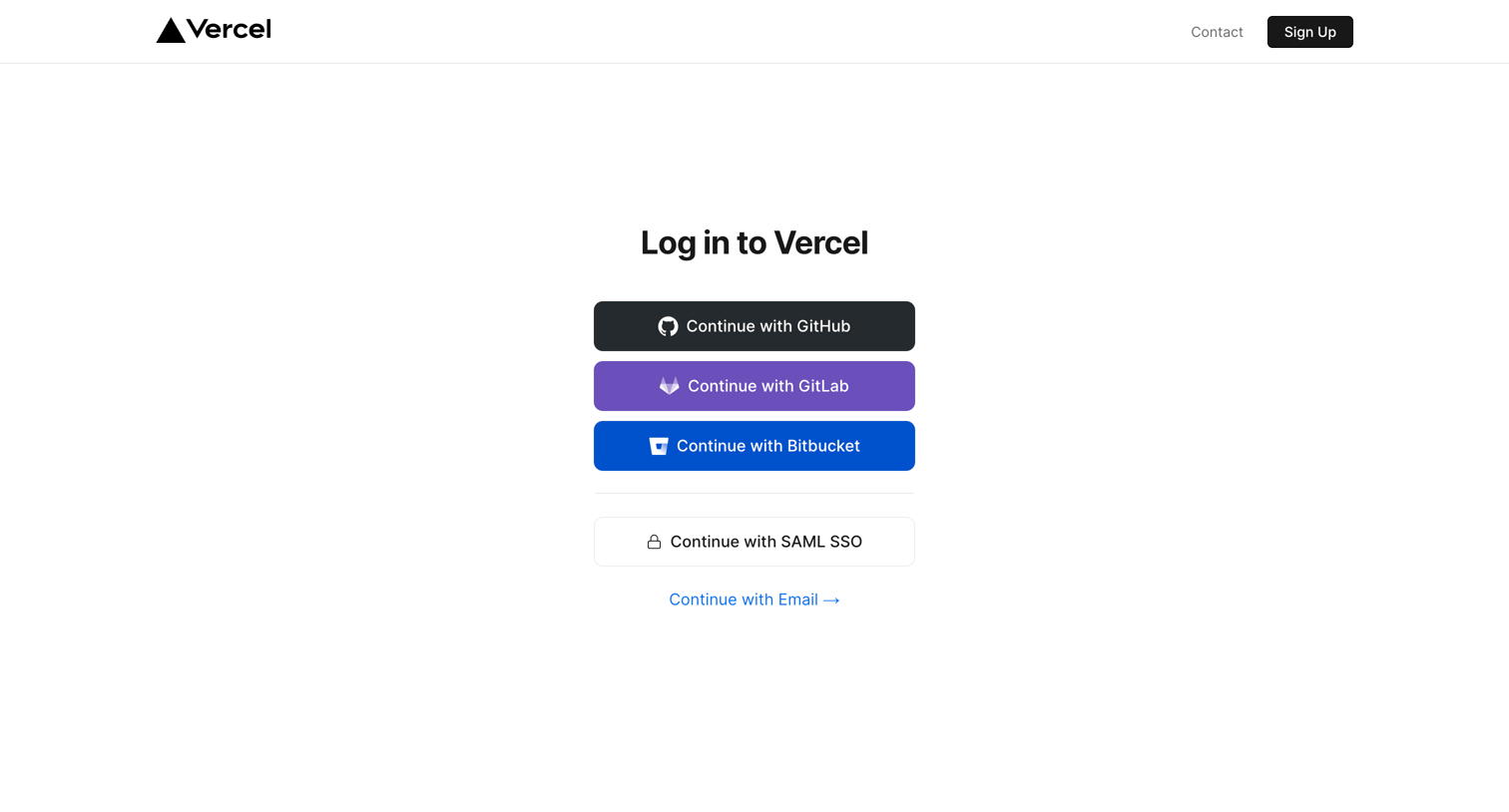
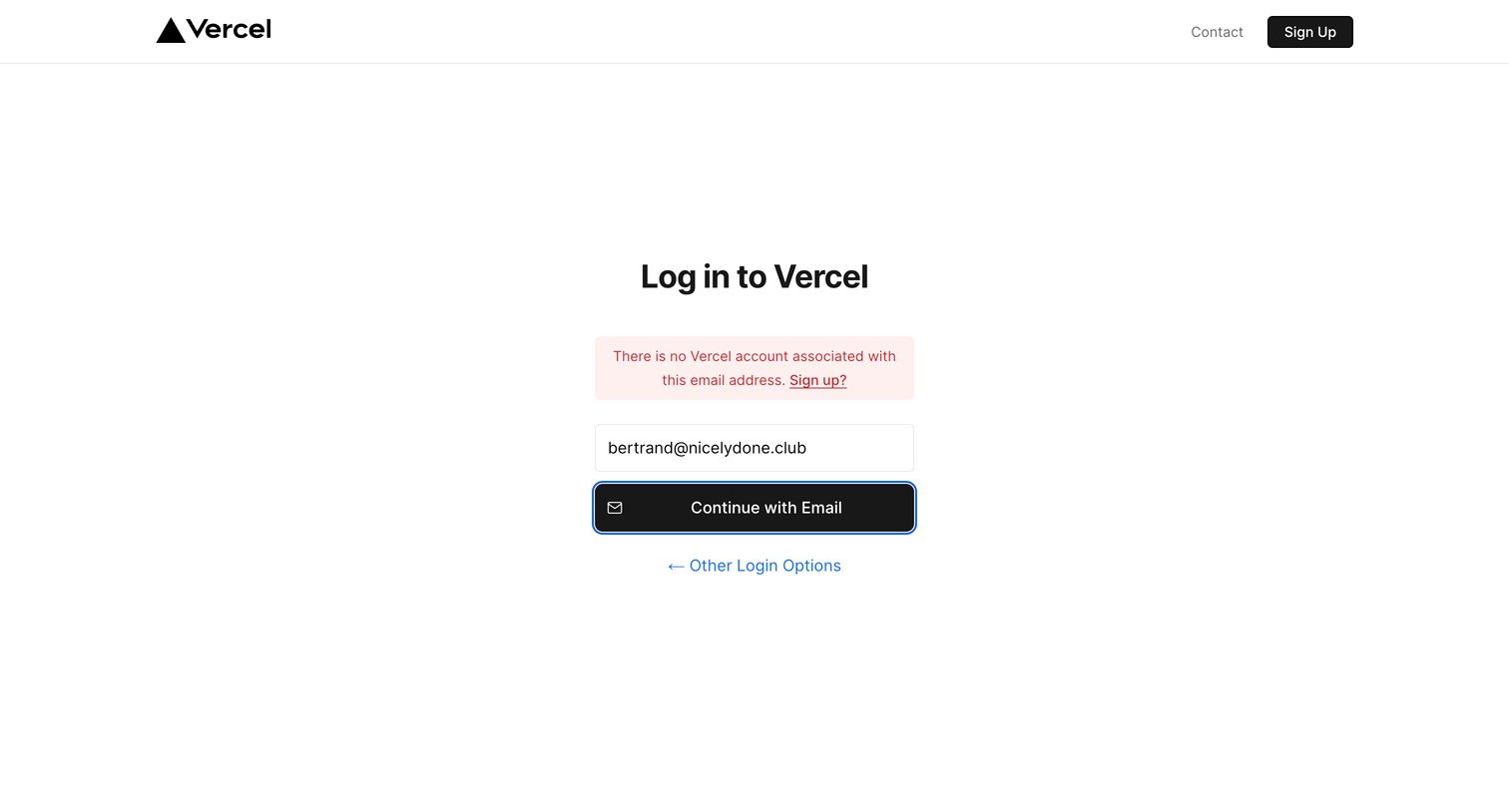
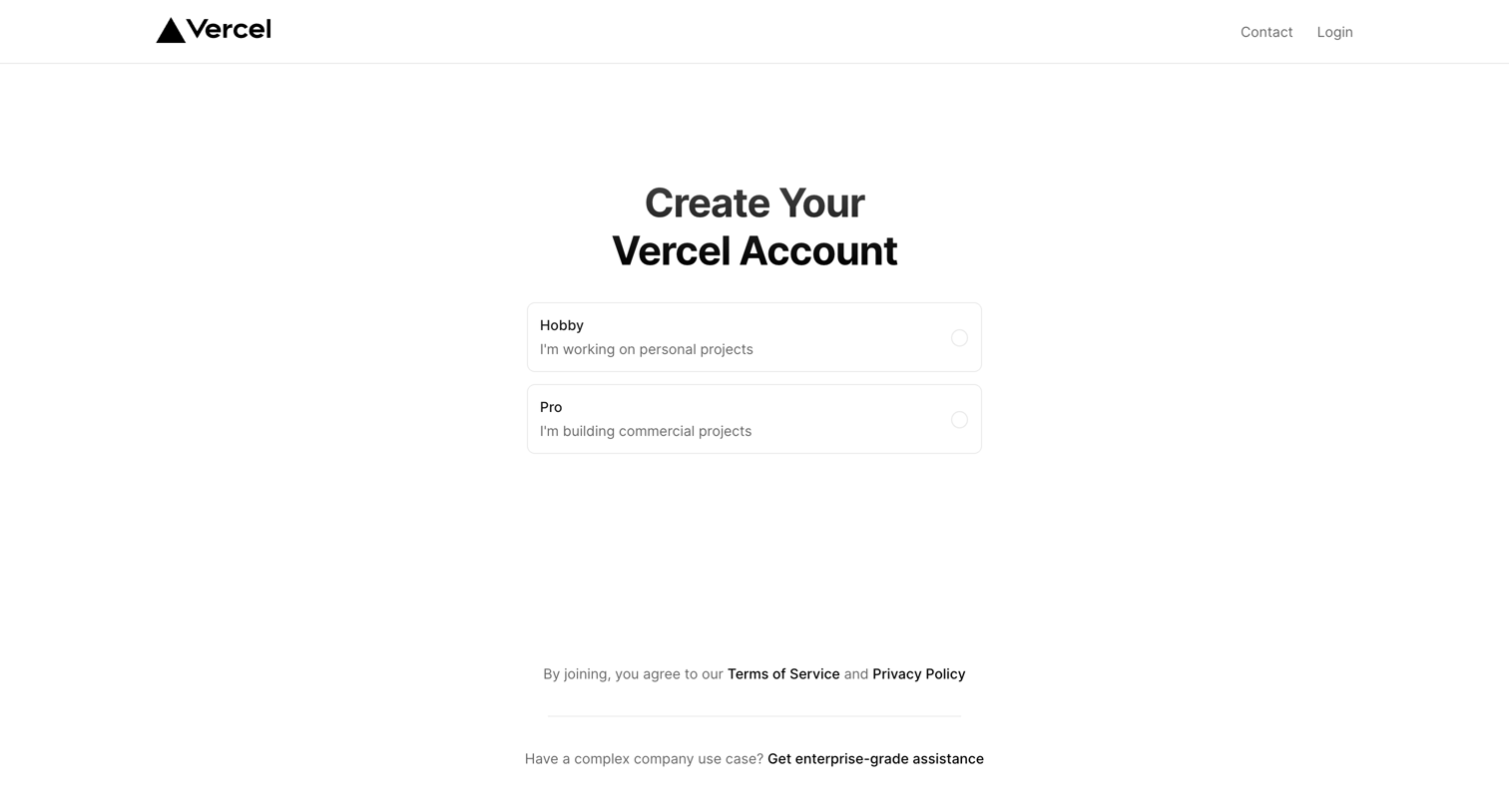
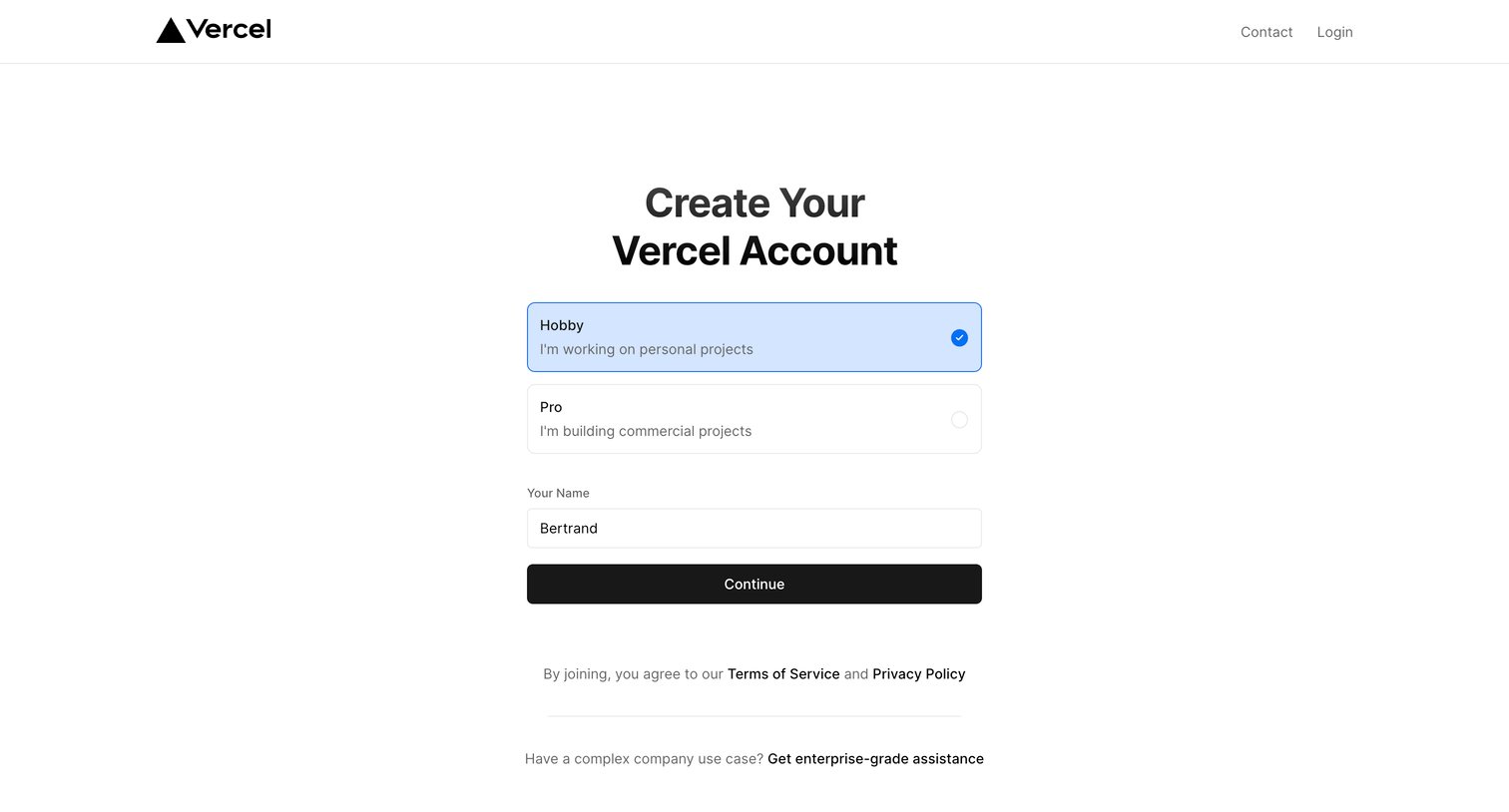
Signup screen where the user selects between Hobby and Pro account types and enters their name to create a Vercel account.
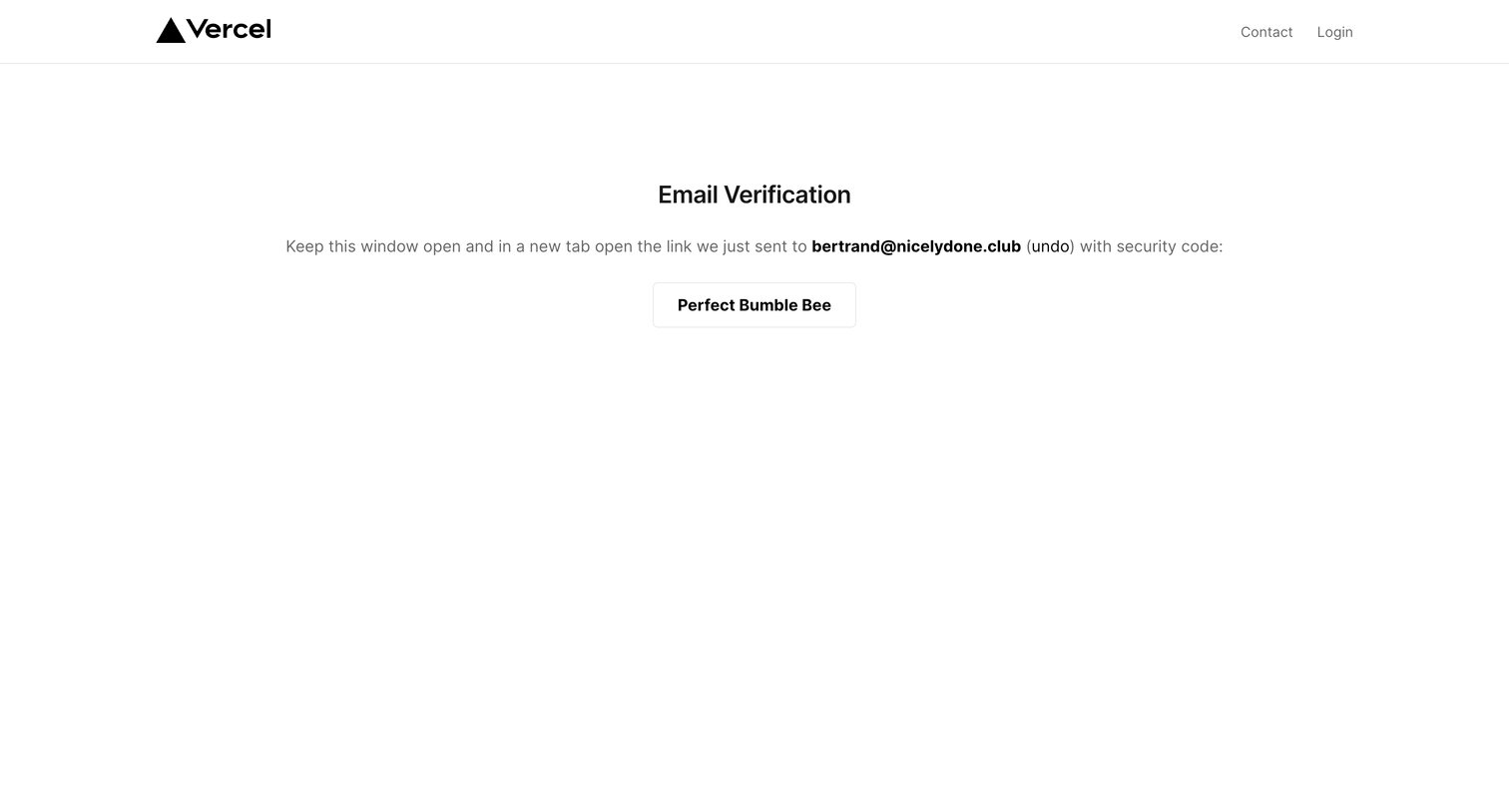
Verification screen where the user is instructed to check their email for a login link and verify it matches the displayed security code.
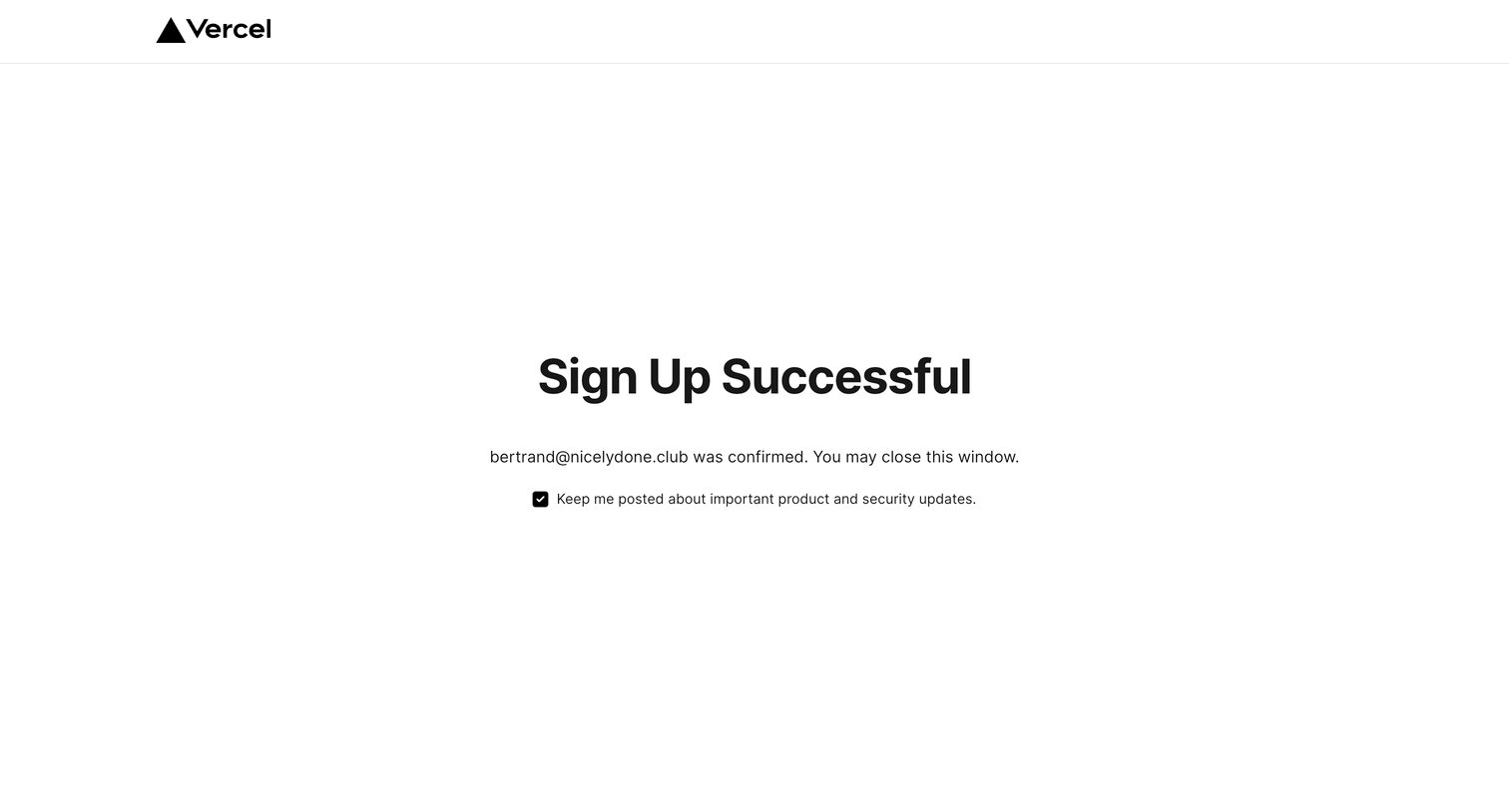
Verification screen confirming a successful user signup and providing a checkbox to opt into product updates.
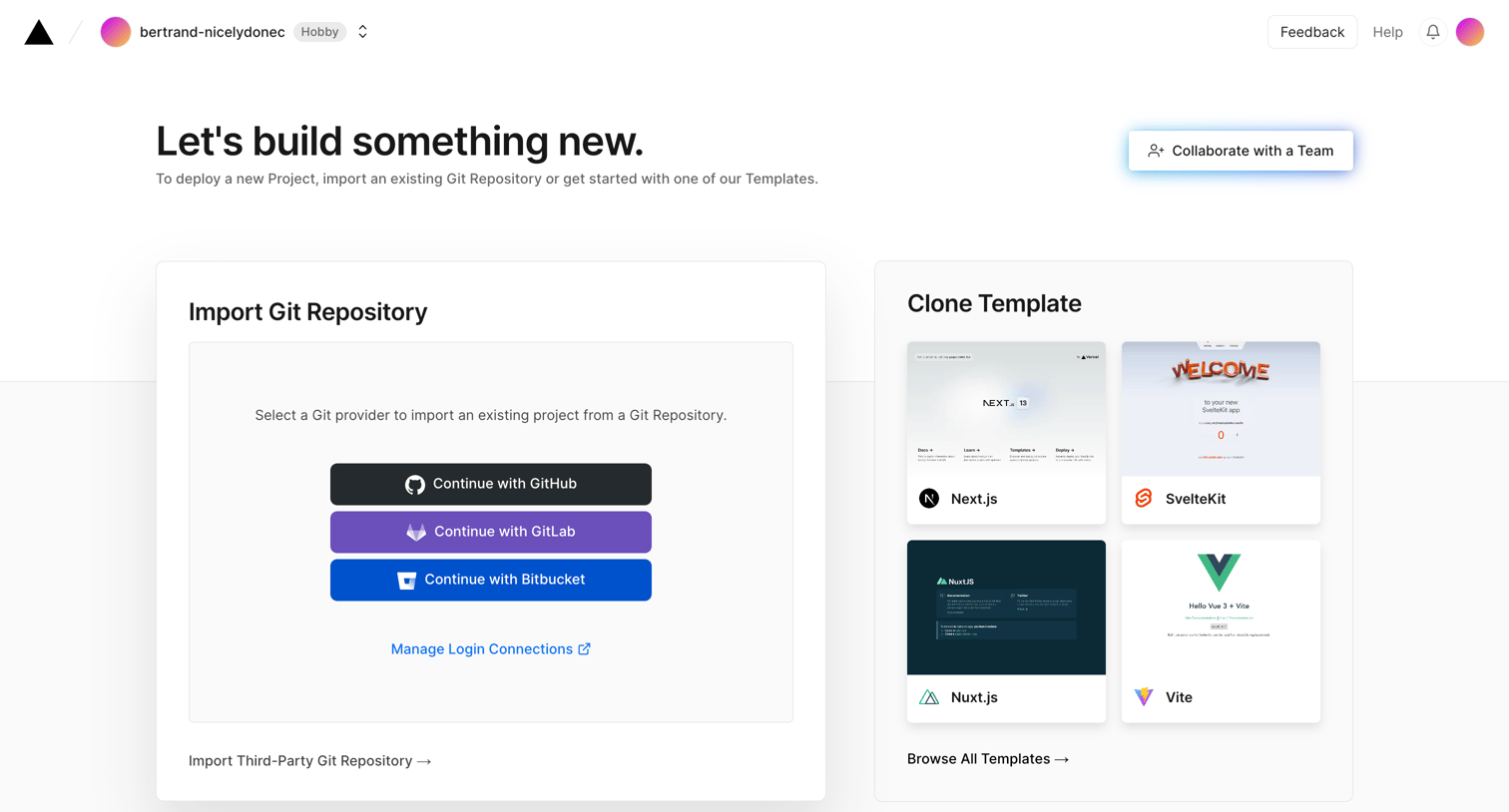
Creation screen where the user starts a new project by either importing an existing Git repository from GitHub, GitLab, or Bitbucket, or cloning a starter template like Next.js or SvelteKit.
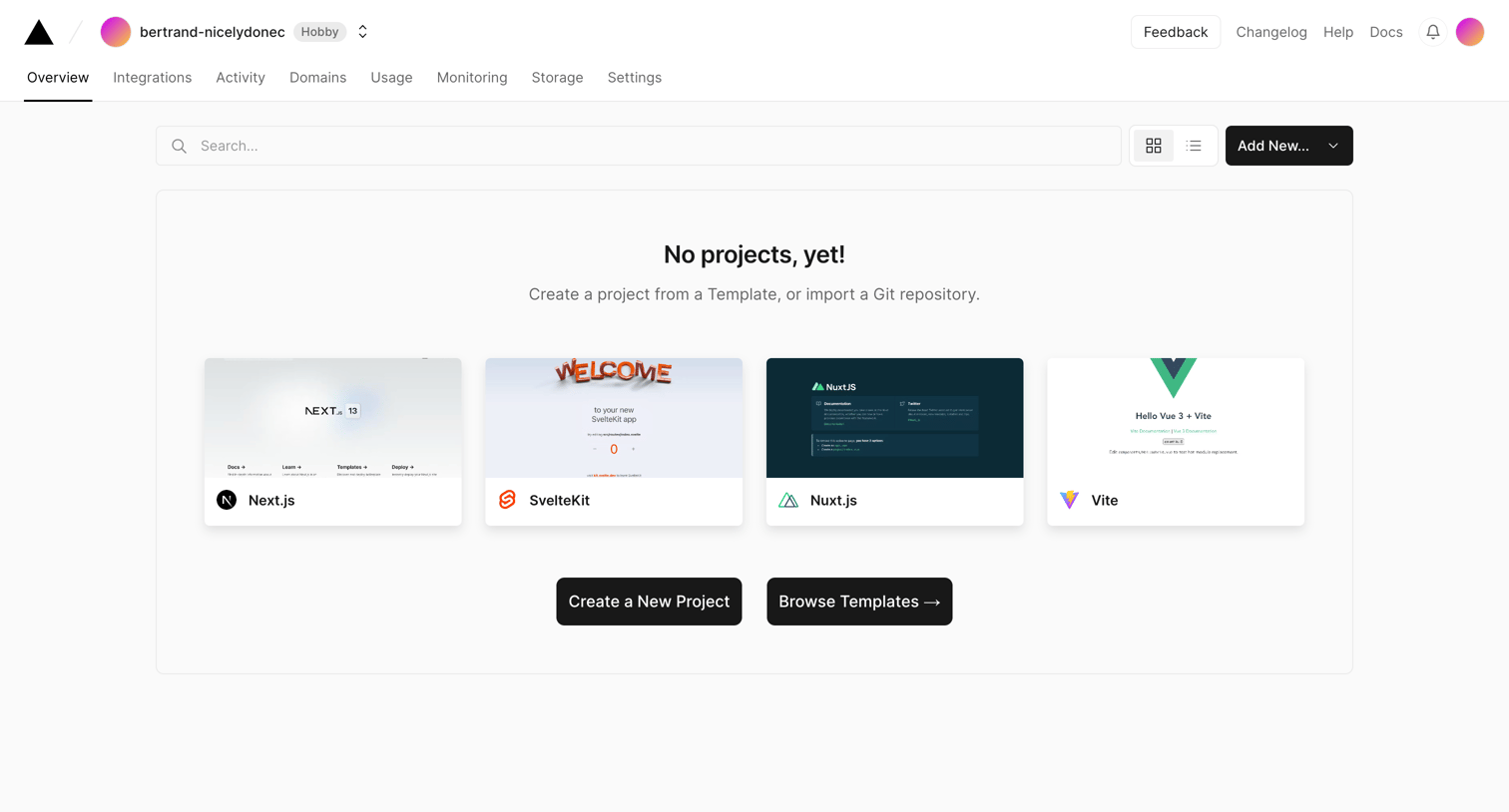
Dashboard empty state where the user is prompted to create their first project from a framework template or import a repository.
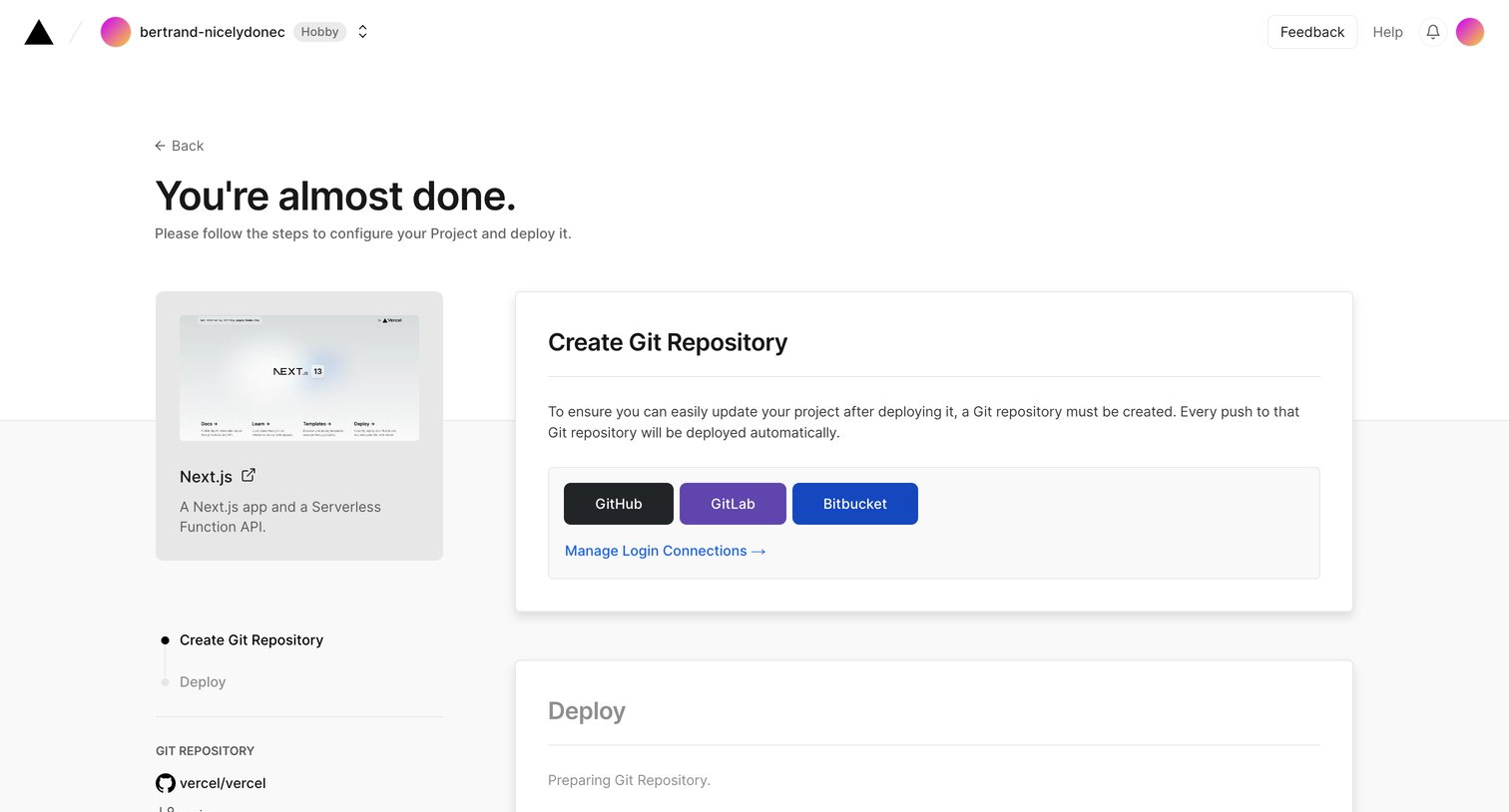
Project creation step where the user connects a Git repository to deploy a selected Next.js template.
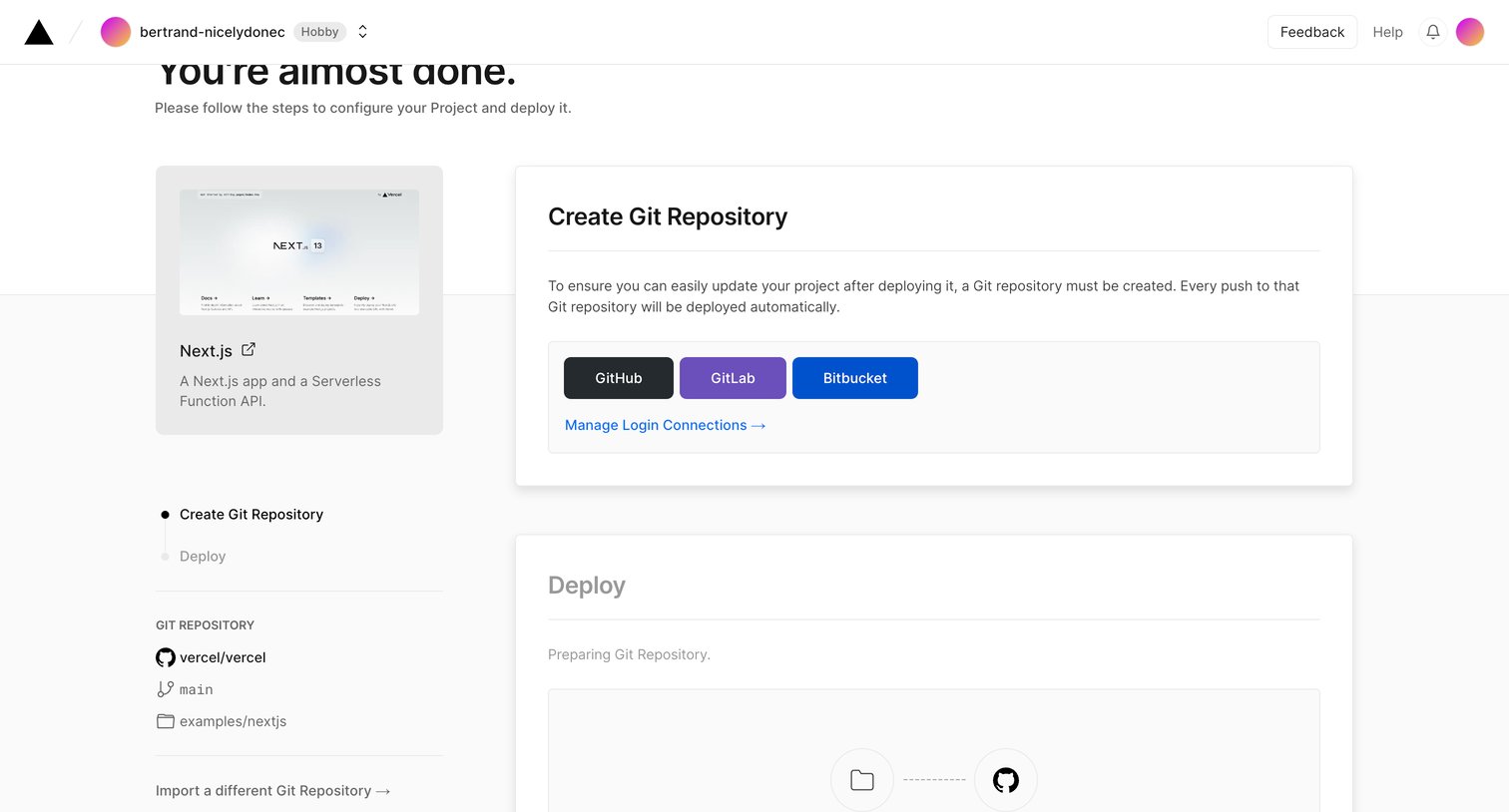
Creation wizard where the user connects a GitHub, GitLab, or Bitbucket repository to deploy a cloned Next.js template.
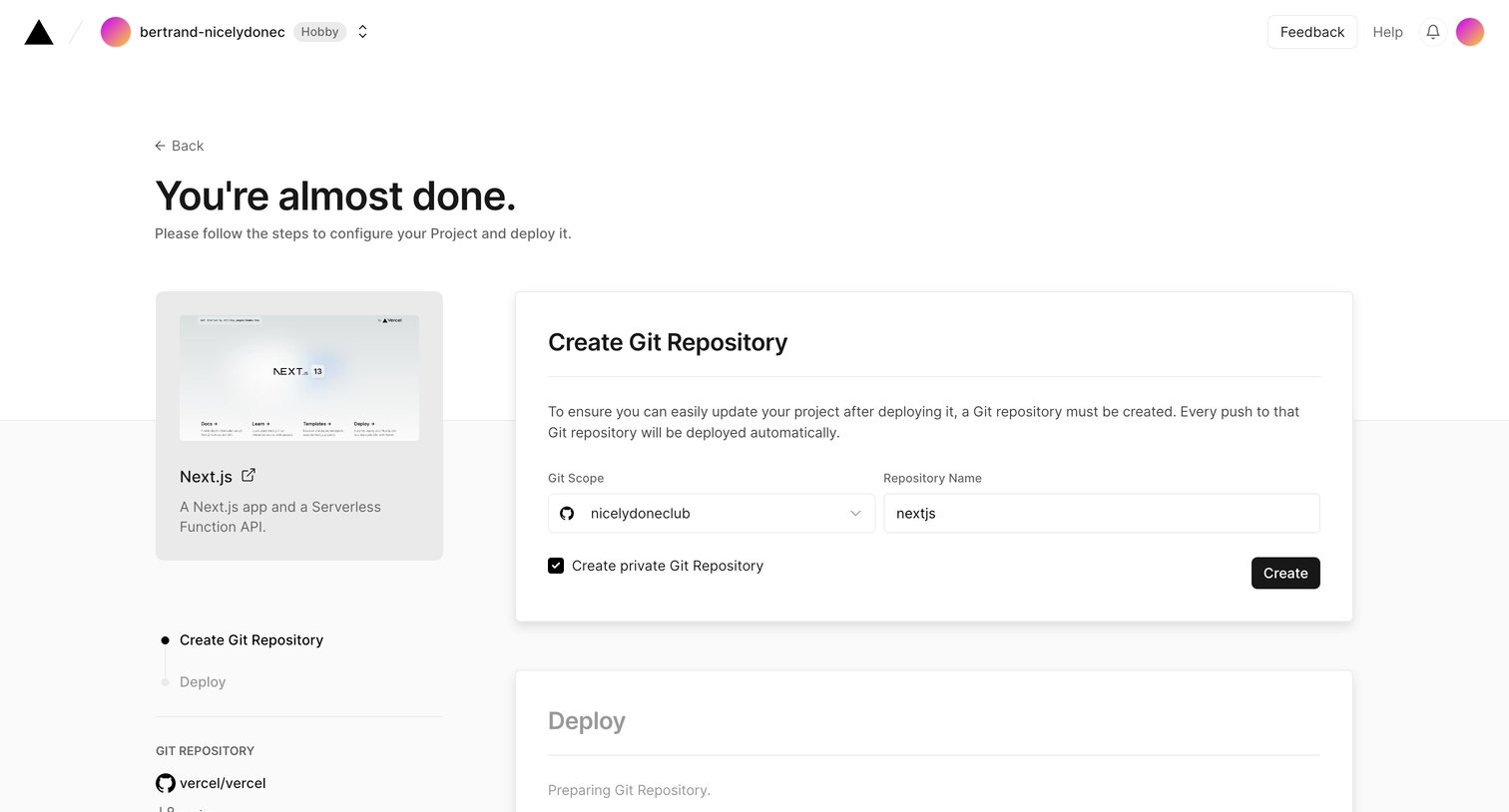
Wizard step where the user configures a new Git repository to clone and deploy a Next.js template.
Browse the full SaaS app library
Explore real SaaS apps with their product screens, marketing screens, flows, and components.
Trusted by the best teams







