Vercel user flows examples
Explore Vercel user flow examples. Preview the opening screens and steps for each task. Develop. Preview. Ship.
Preview these flows

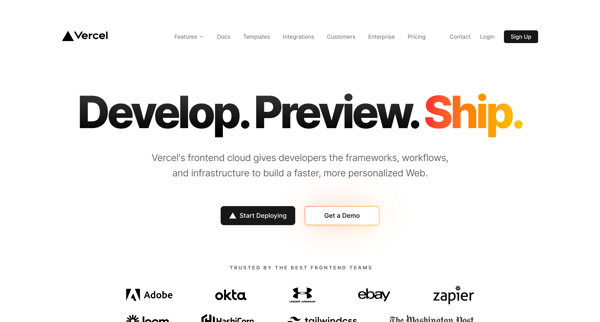
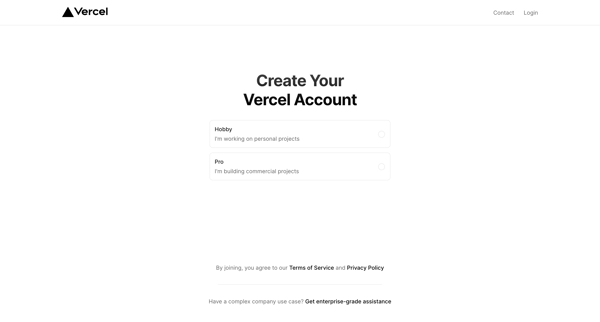
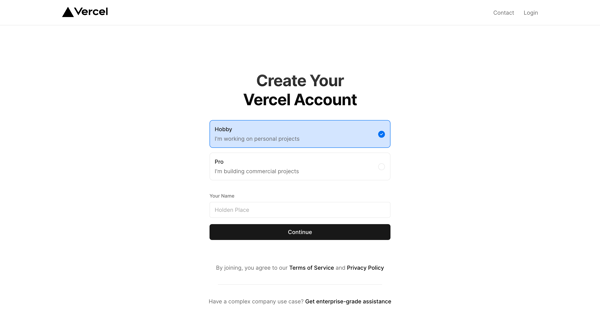
This user flow guides a new user through the process of creating an account on Vercel, choosing a plan, signing up with email verification, and finally setting up a project by connecting a Gi
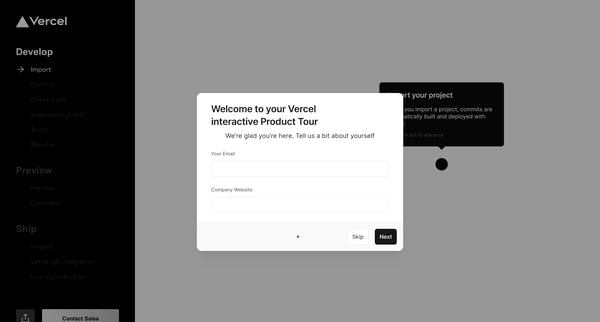
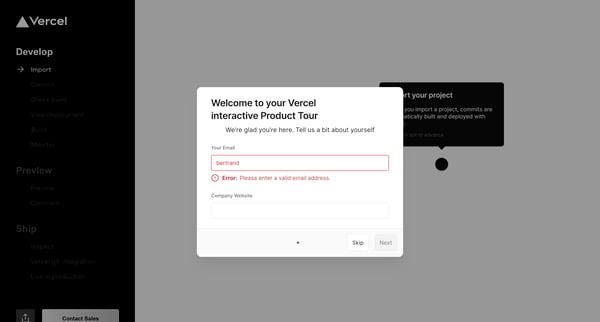
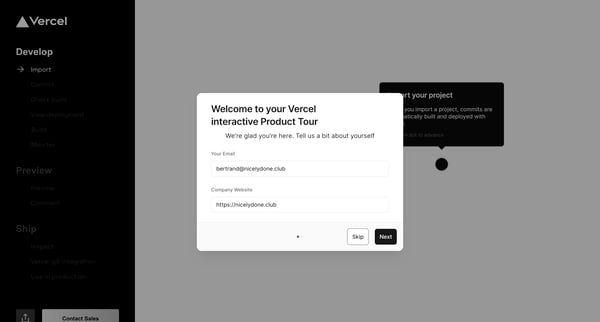
This flow guides users through the Vercel platform's product tour, collecting project and team information, showcasing features, and culminating in getting the project live, with options to c
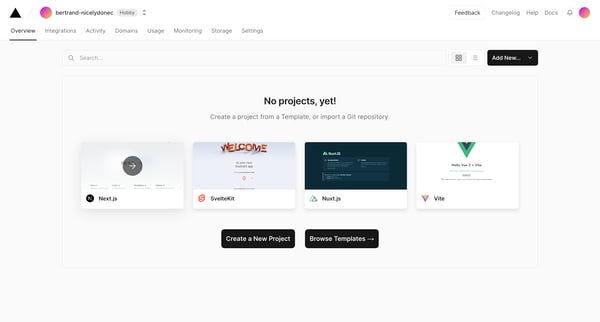
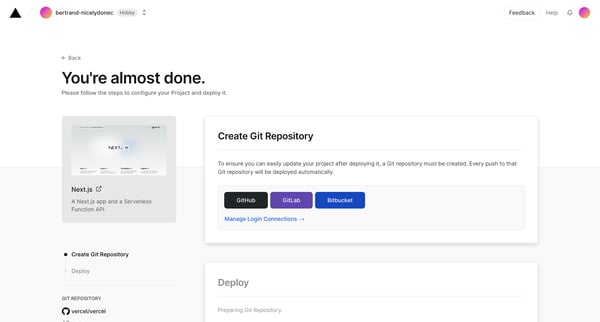
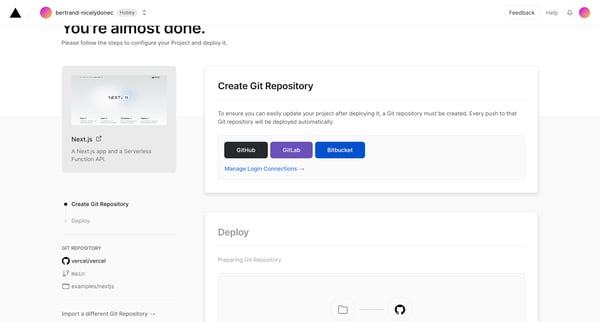
This flow guides a user through the process of creating and deploying a new project on Vercel, starting from the home screen and ending with the successful deployment and management of the pr
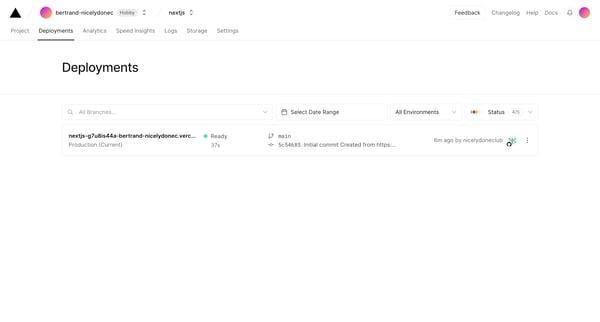
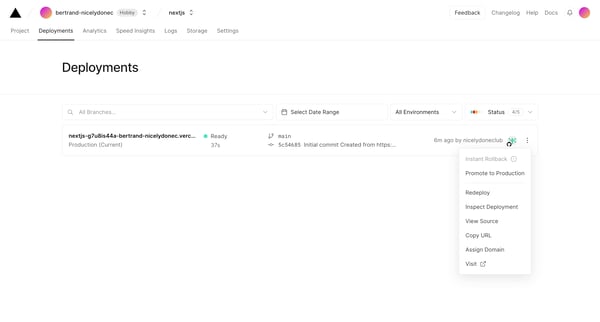
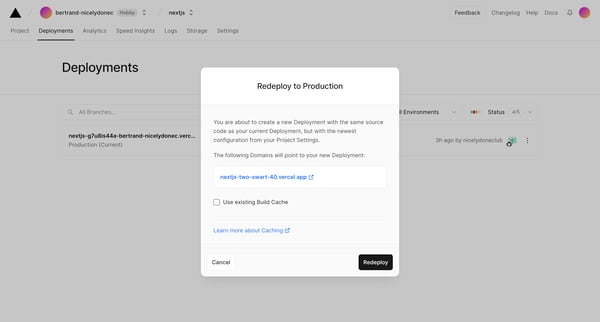
This flow guides the user through the process of redeploying a project within Vercel, from initial deployment settings adjustment, confirmation, monitoring build progress, to finally viewing
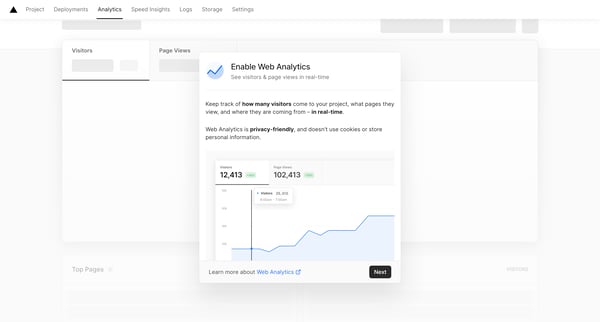
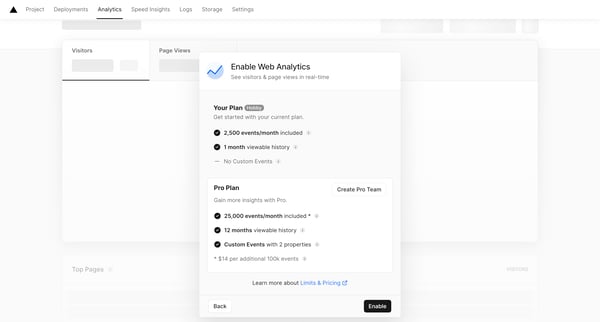
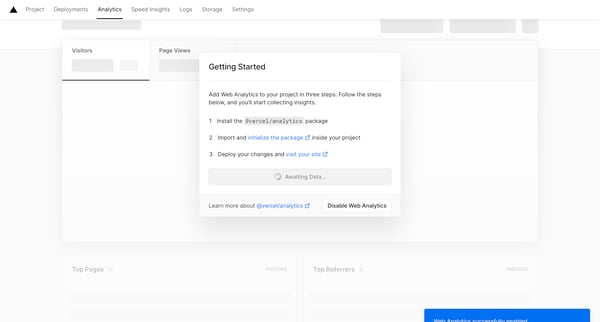
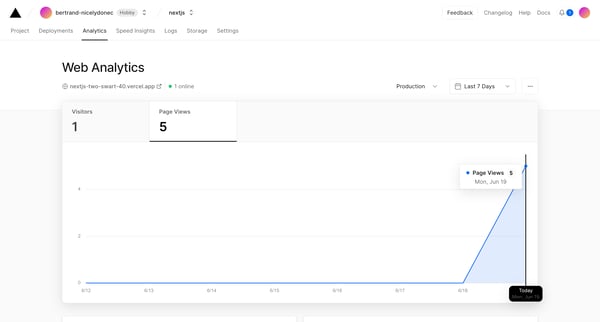
This flow enables users to activate and monitor Web Analytics for their project on Vercel, offering real-time visibility into visitor traffic, page views, and other insights.
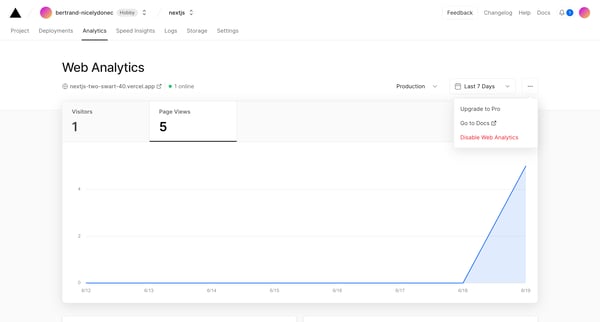
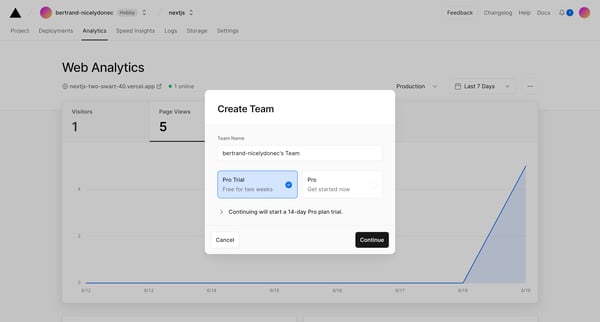
This flow guides a user through the process of creating a team, initiating a pro trial, adding team members, and confirming payment to upgrade the account.
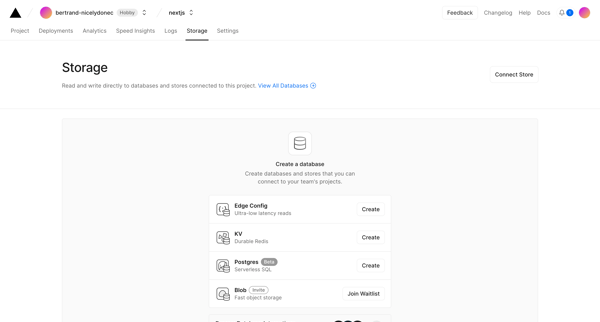
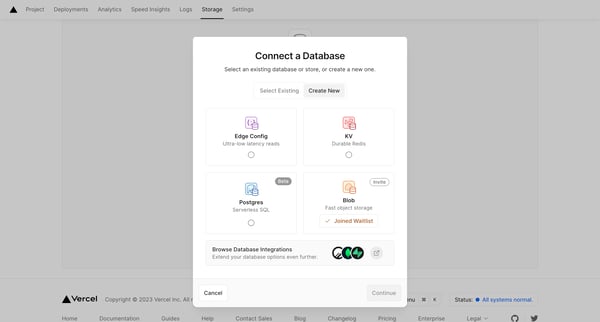
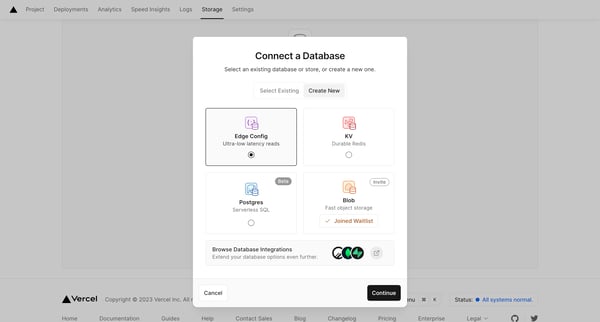
This user flow outlines the steps a user takes to connect a Vercel project with a database or store, starting from accessing storage options to the final connection and configuration setup.
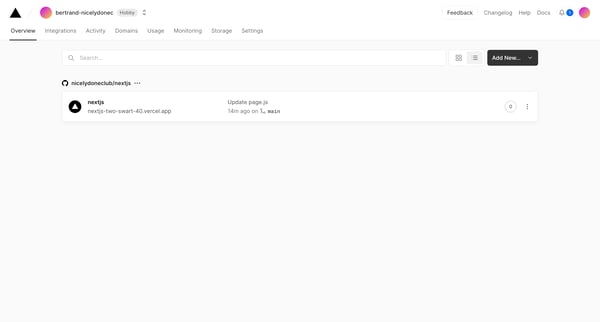
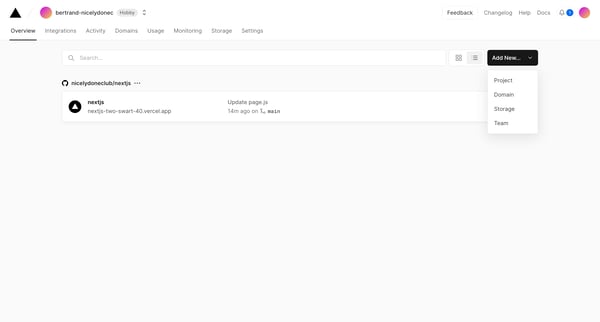
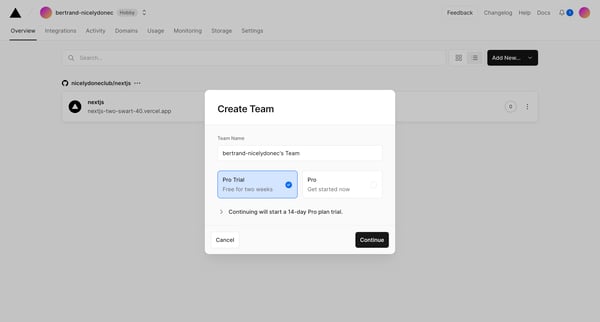
This flow enables a user to create a team, add team members, and decide whether to transfer projects from a personal account to the newly created team, all within a responsive and engaging us
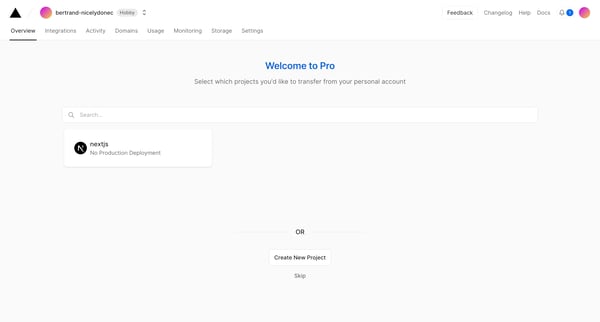
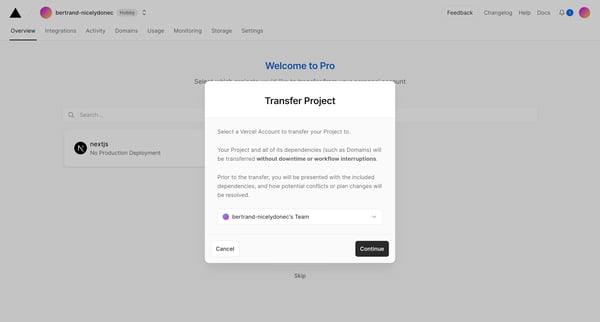
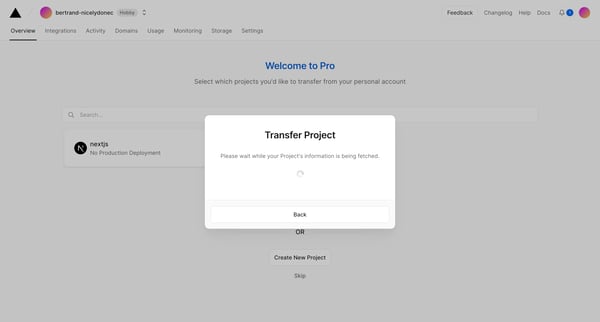
This flow guides a user through transferring a project from their personal account to a team account on Vercel, concluding with an overview of a new Pro trial period.
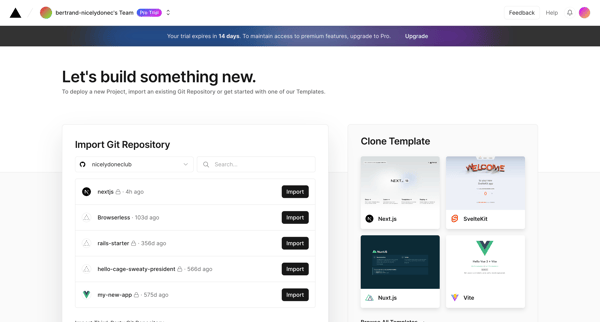
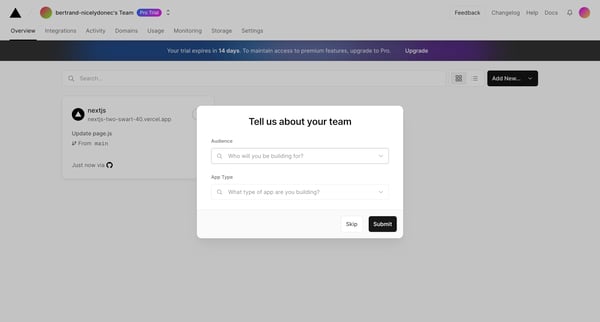
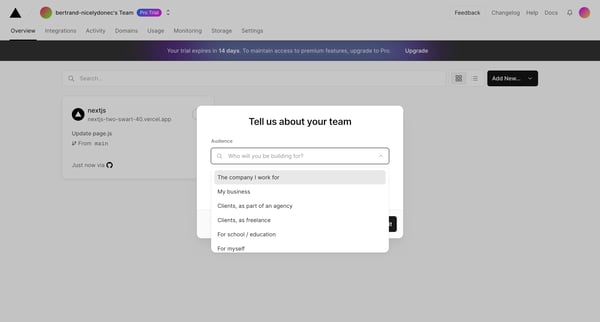
This user flow guides a user through the process of upgrading their subscription on Vercel, from the promotion of the upgrade to payment confirmation and exploring further integrations.
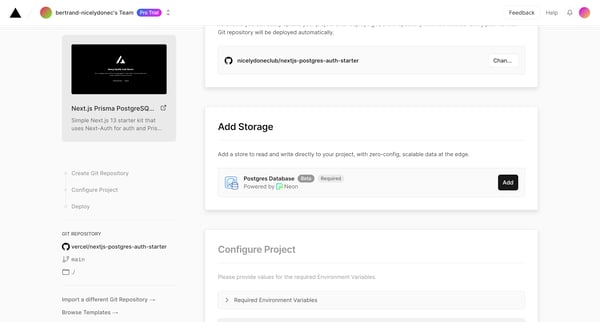
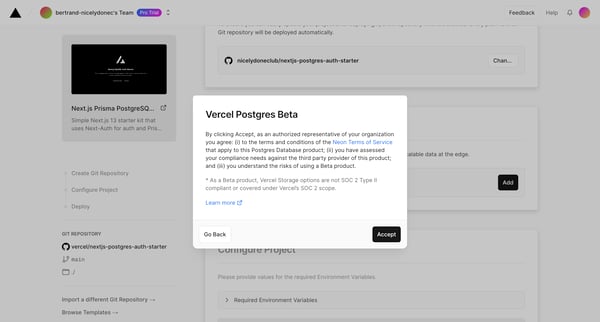
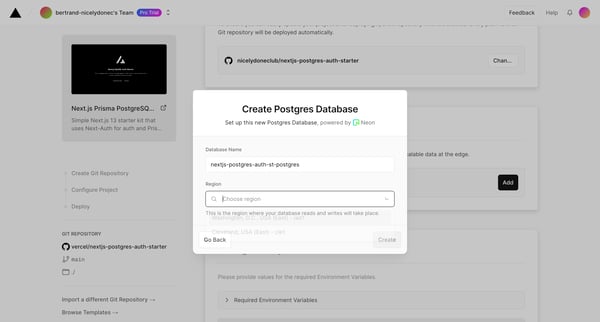
This flow provides a step-by-step process to configure and deploy a Next.js project with a PostgreSQL database on Vercel, including repository setup, database creation, and project connection
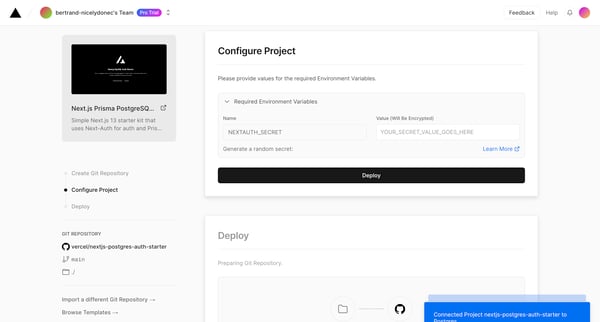
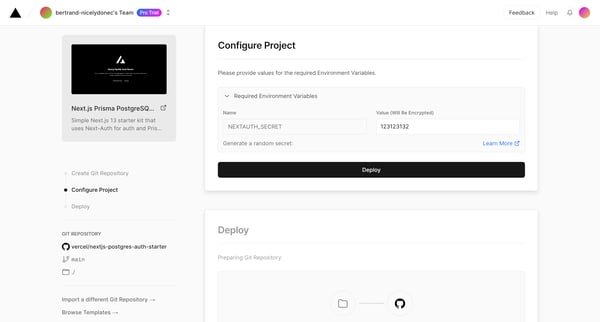
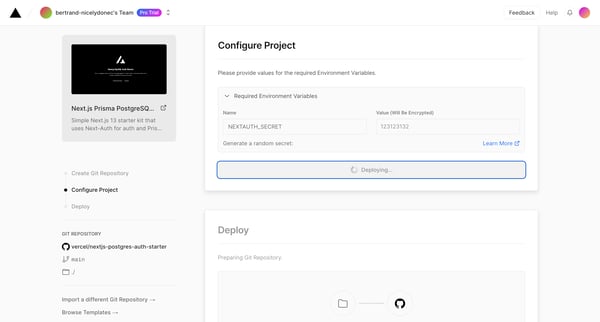
This flow guides a user through setting up a new project environment on Vercel, including project configuration, deployment, and post-deployment steps.
Explore the full SaaS flow library
Browse the full SaaS flow library.
Trusted by the best teams







