Vercel marketing pages examples
Explore Vercel website design examples. Preview marketing pages and browse related SaaS page designs. Develop. Preview. Ship.
Explore the examples


Landing page for a frontend cloud platform detailing the build, preview, and ship workflow with framework integrations and deployment metrics.
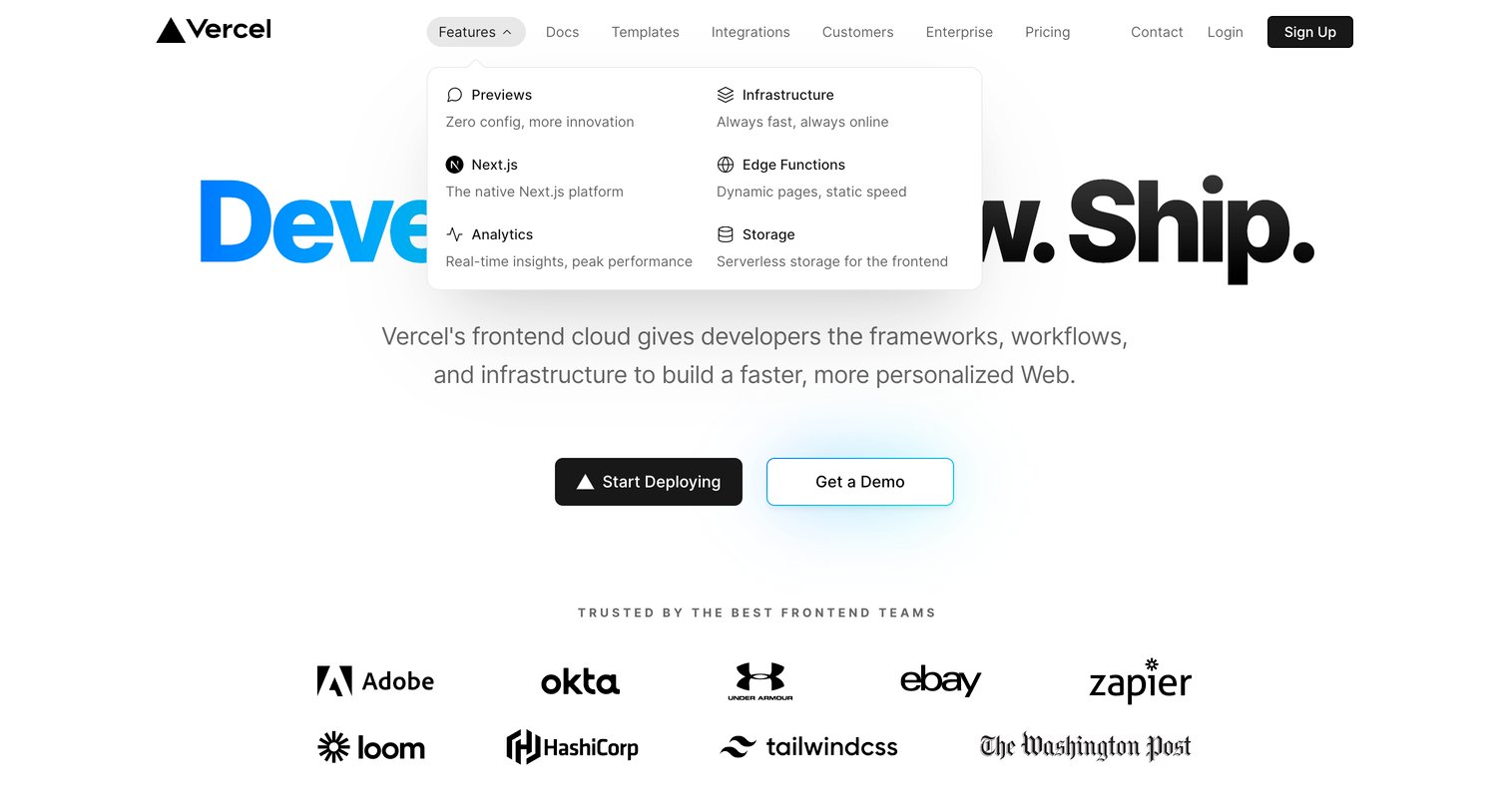
Landing page hero section where the user can explore the features mega-menu or proceed to start deploying their frontend application.
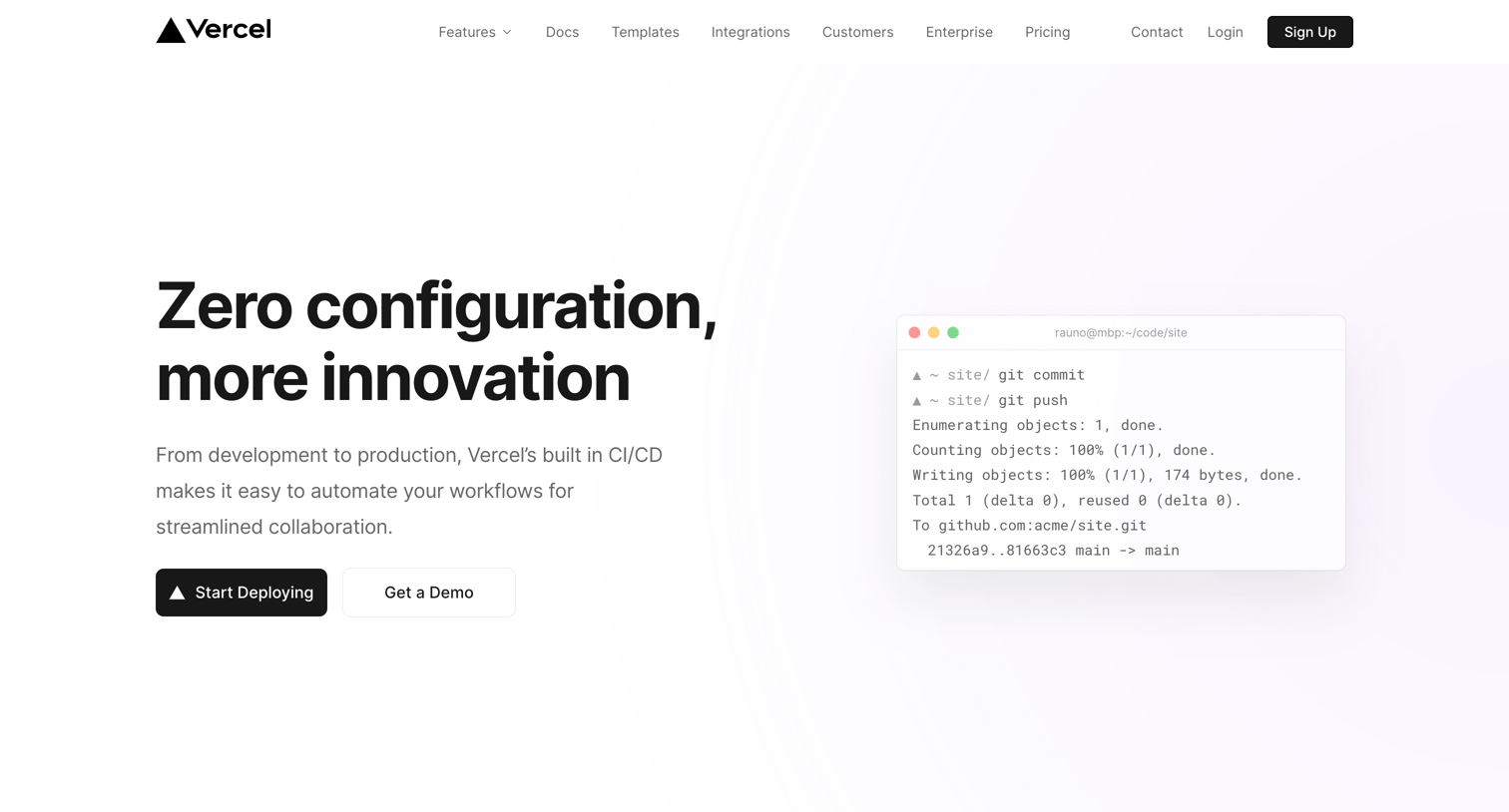
Feature page where the user learns about Vercel's CI/CD preview deployments, including automated testing, collaborative feedback, and core web vitals checks.
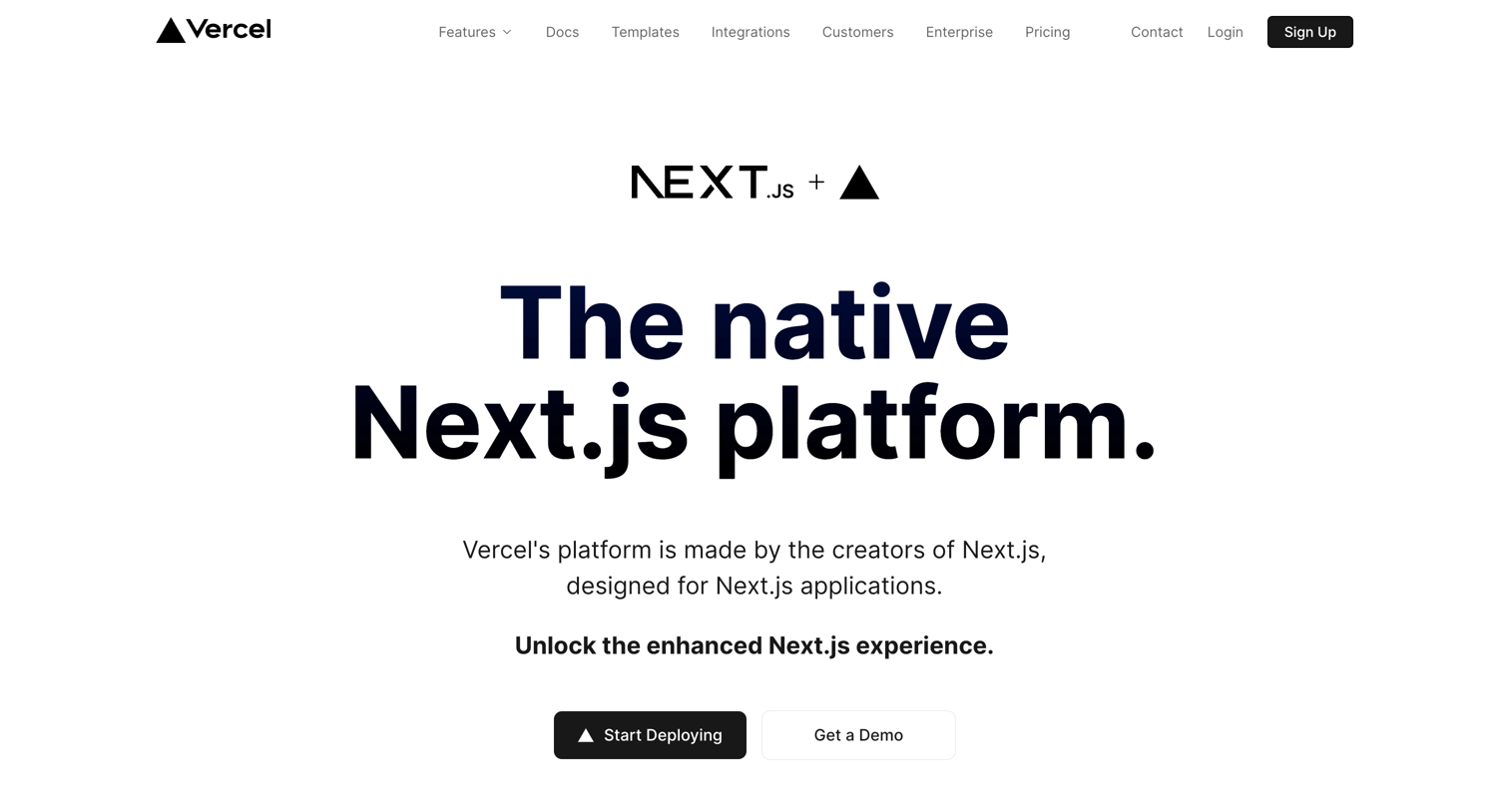
Product page pitching Vercel as the native platform for Next.js applications, highlighting features like ISR, Edge Middleware, and out-of-the-box support.
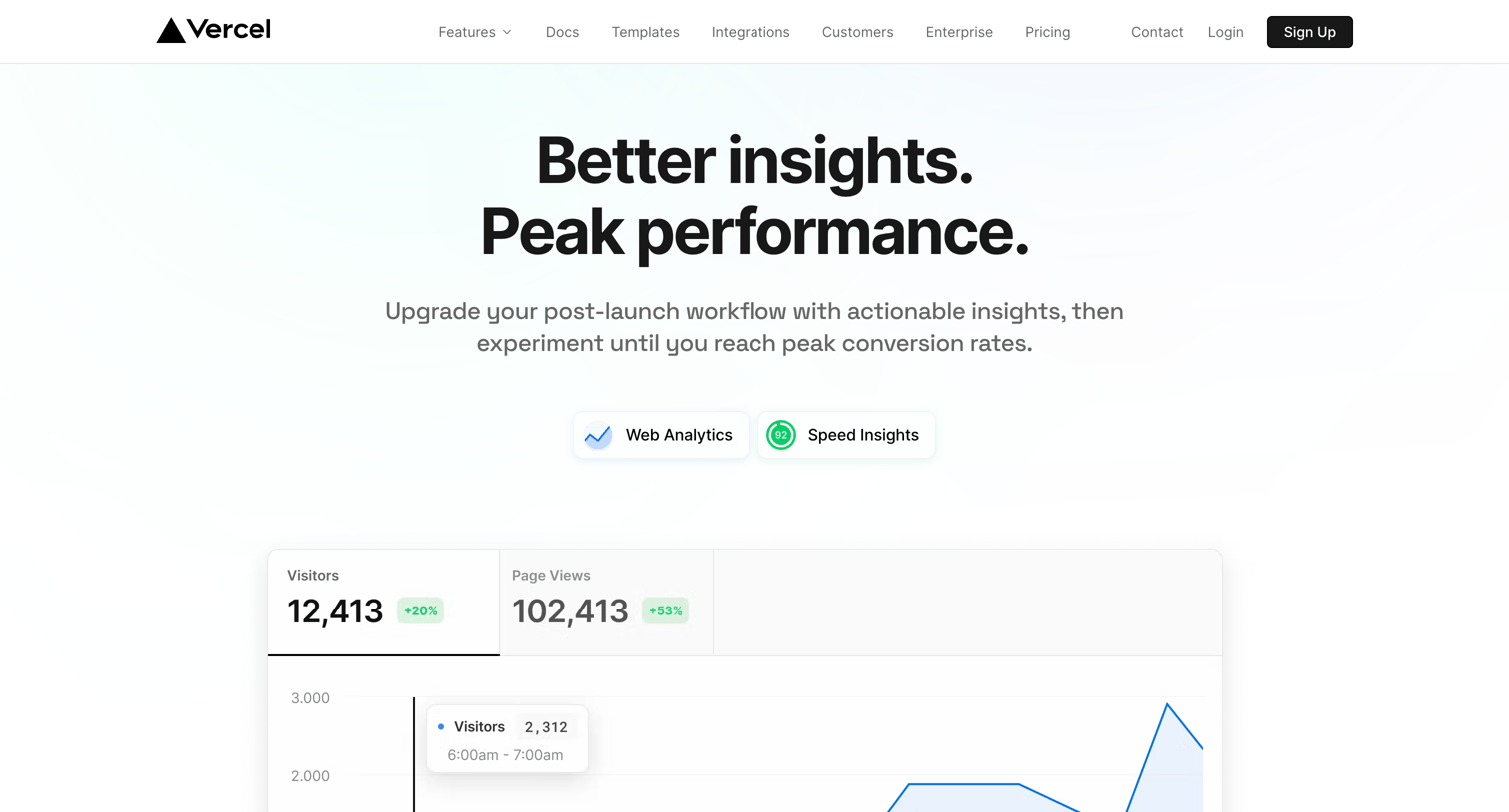
Feature page for Vercel Analytics and Speed Insights where the user can learn about real-time traffic monitoring and core web vitals performance scores before enabling the service.
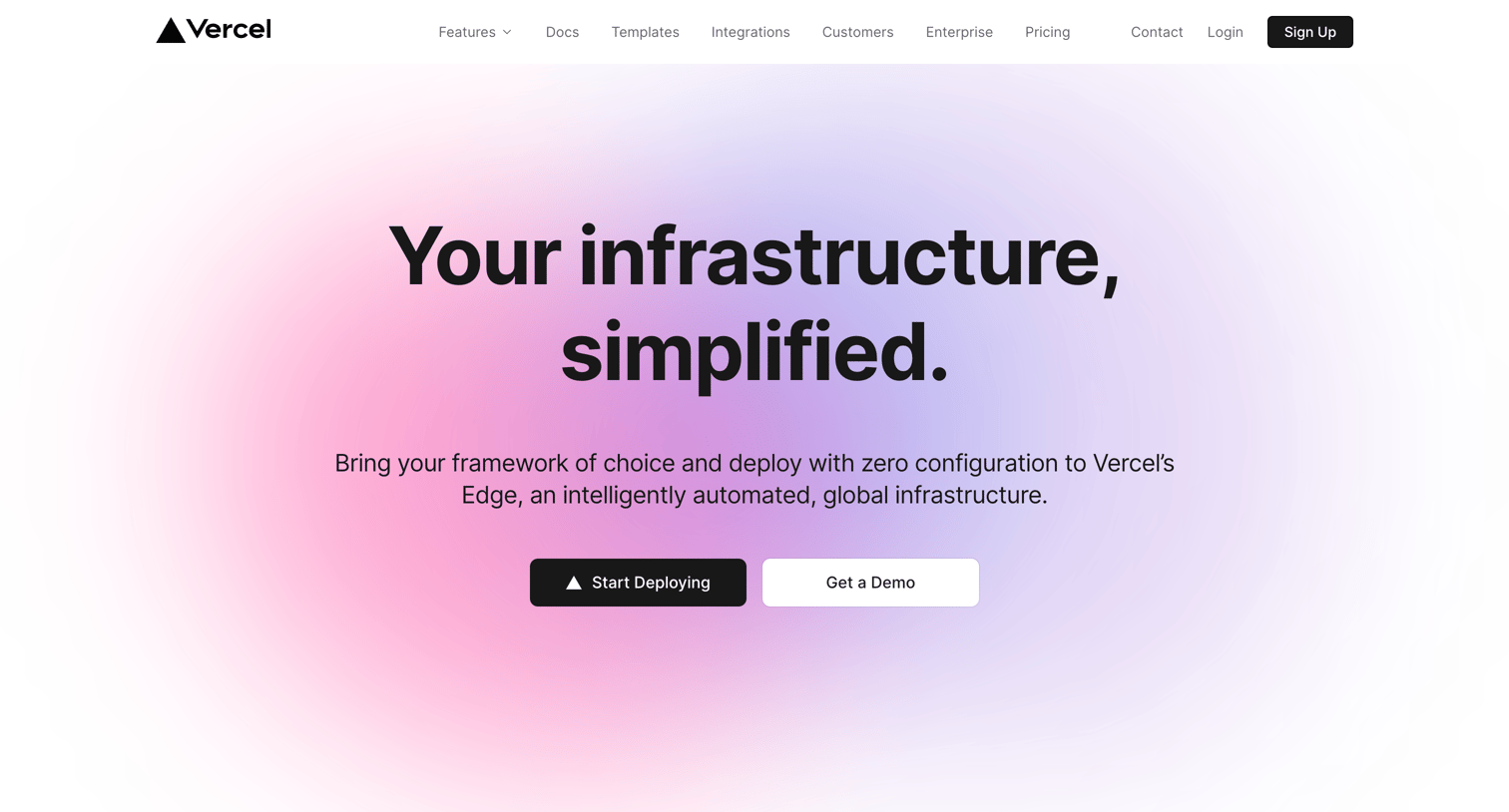
Feature page detailing Vercel's global edge infrastructure, highlighting zero-configuration deployments, automated scaling, and incremental static regeneration.
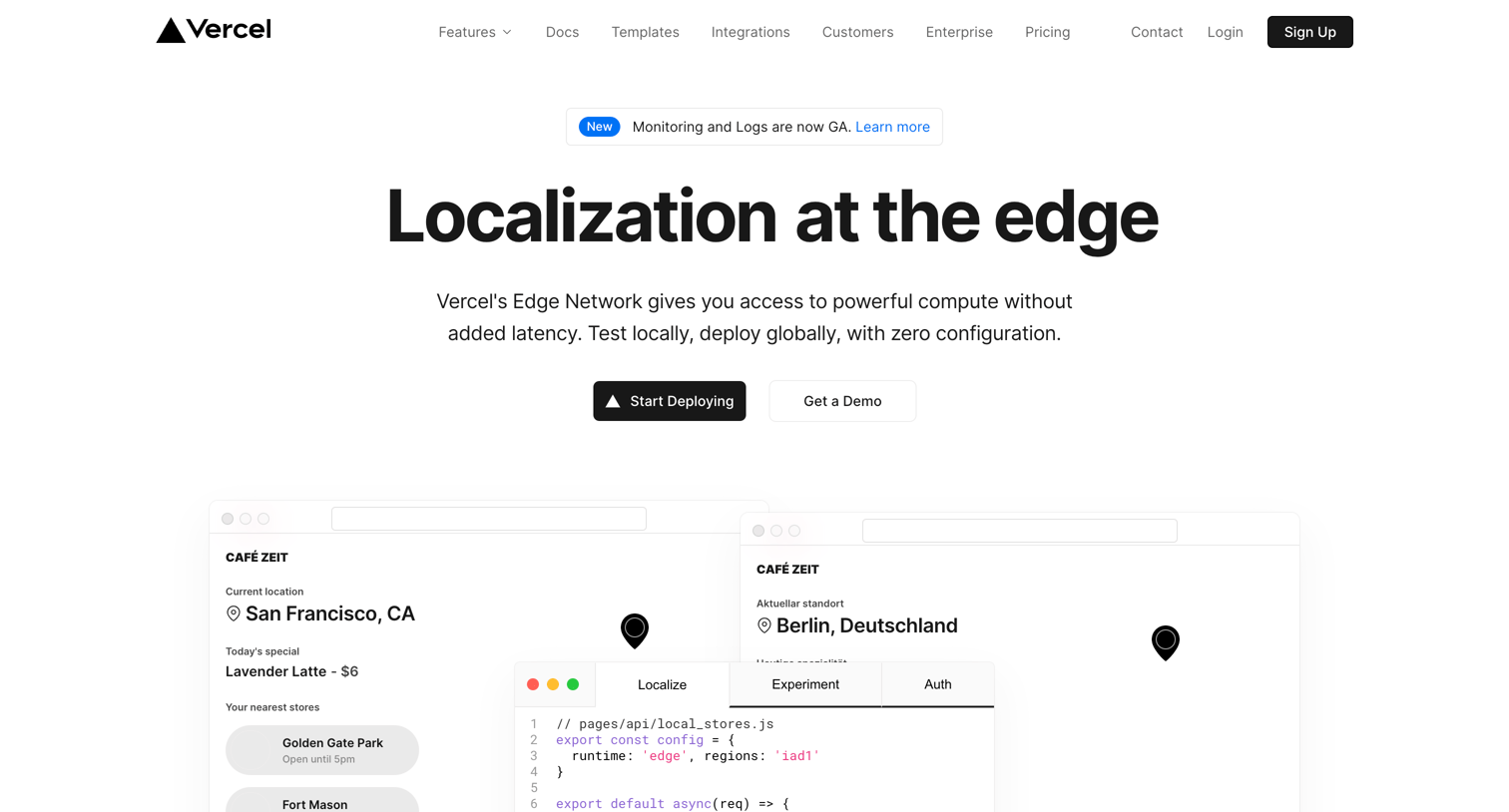
Feature page explaining Vercel's Edge Functions and Middleware, showcasing code examples, performance benefits, and a filterable grid of starter templates.
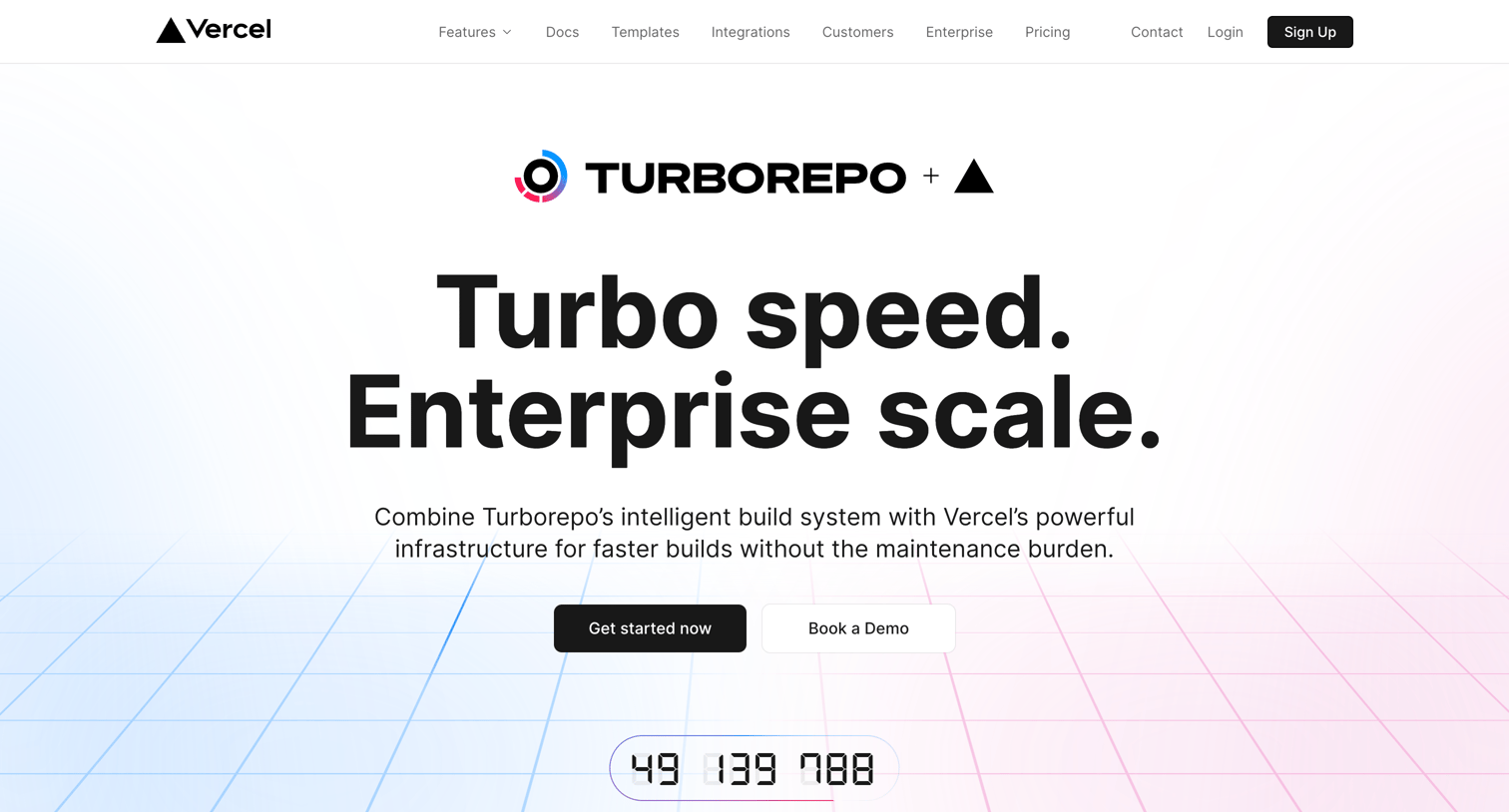
Product page where the user learns how Turborepo integrates with Vercel for faster monorepo builds, remote caching, and zero-configuration deployments.
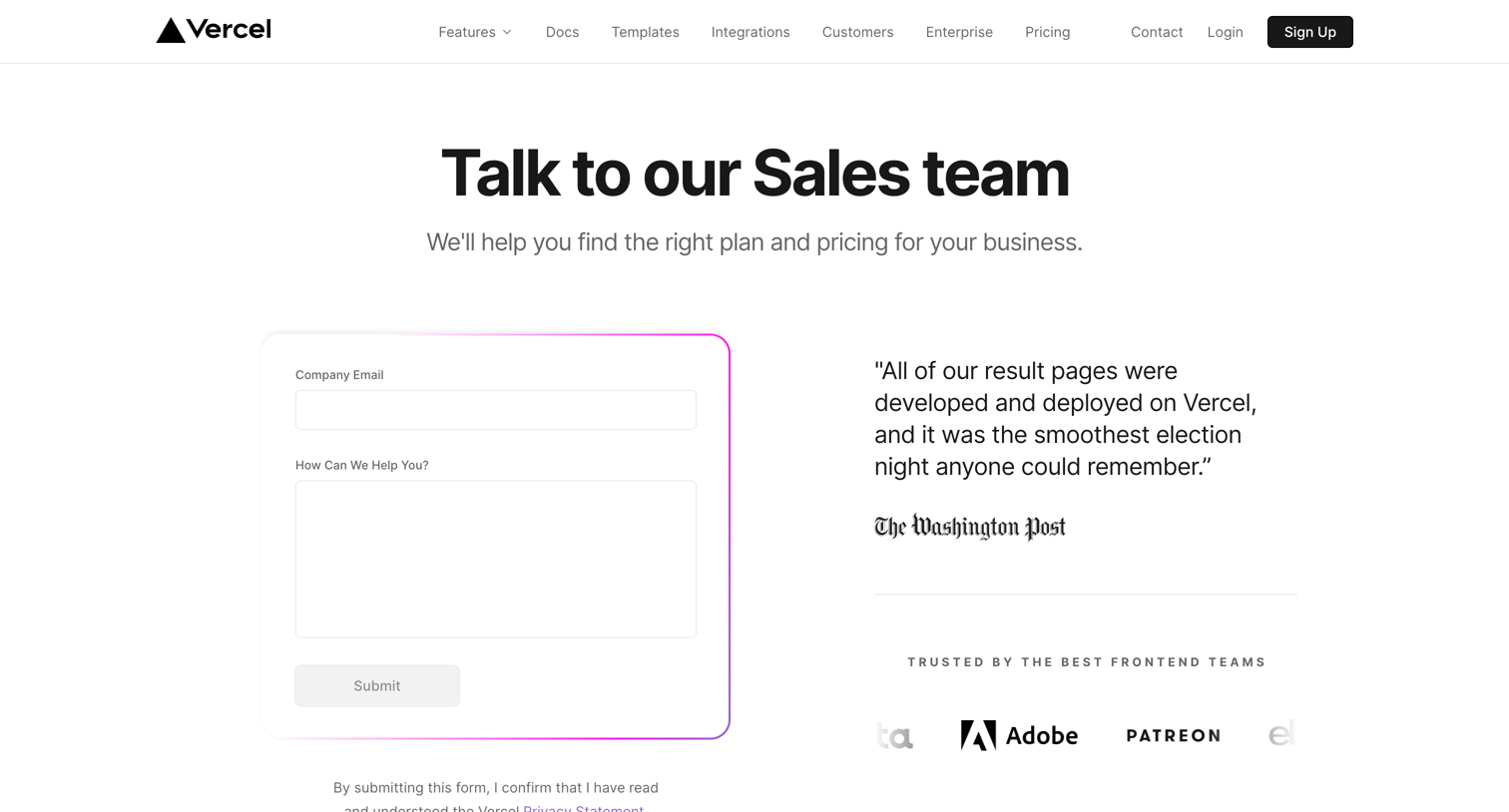
Contact page where prospective enterprise customers can submit an inquiry form alongside social proof from The Washington Post and other brands.
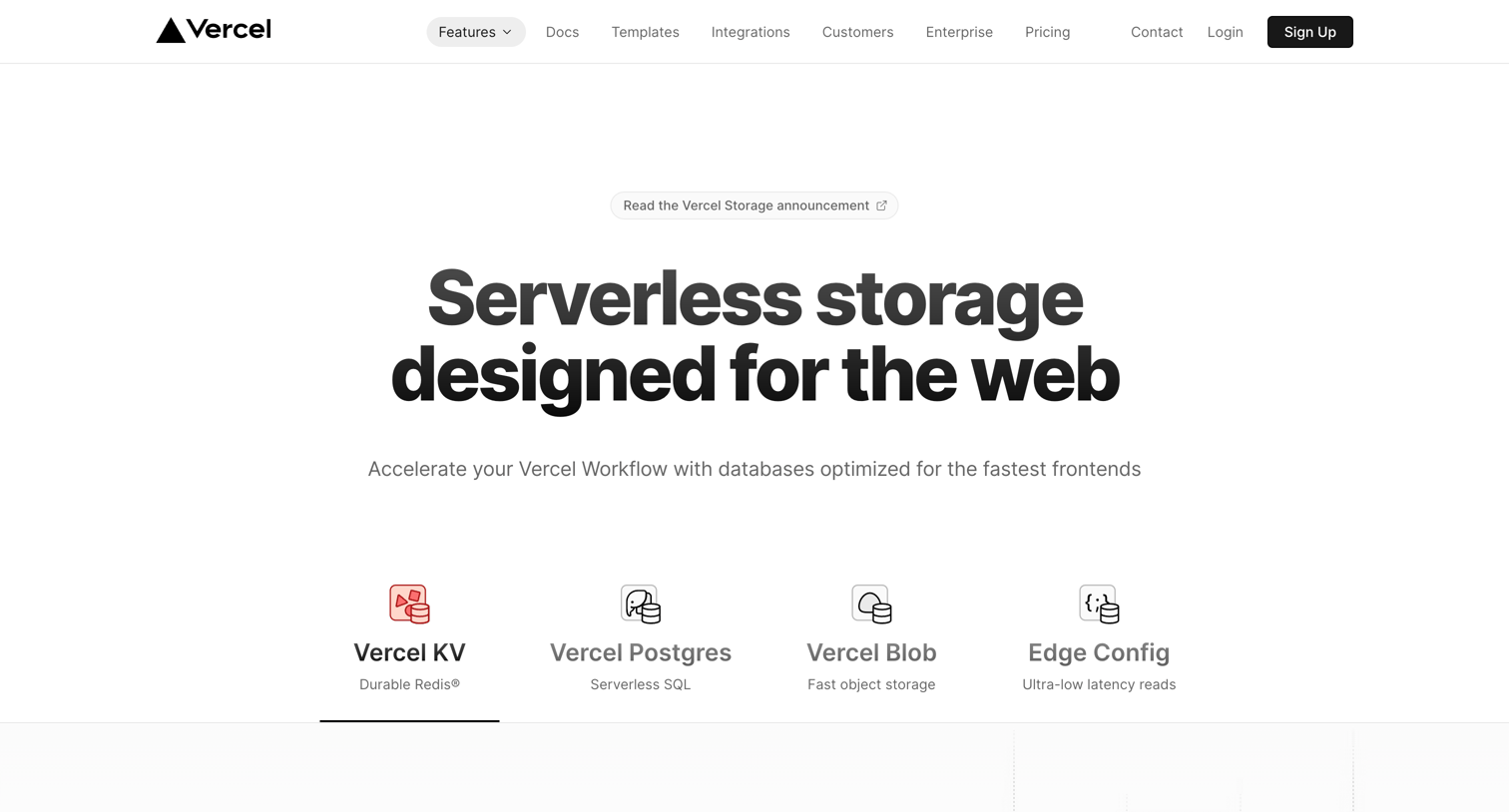
Marketing page for Vercel KV highlighting its serverless Redis-compatible database features, framework integrations, and starter templates.
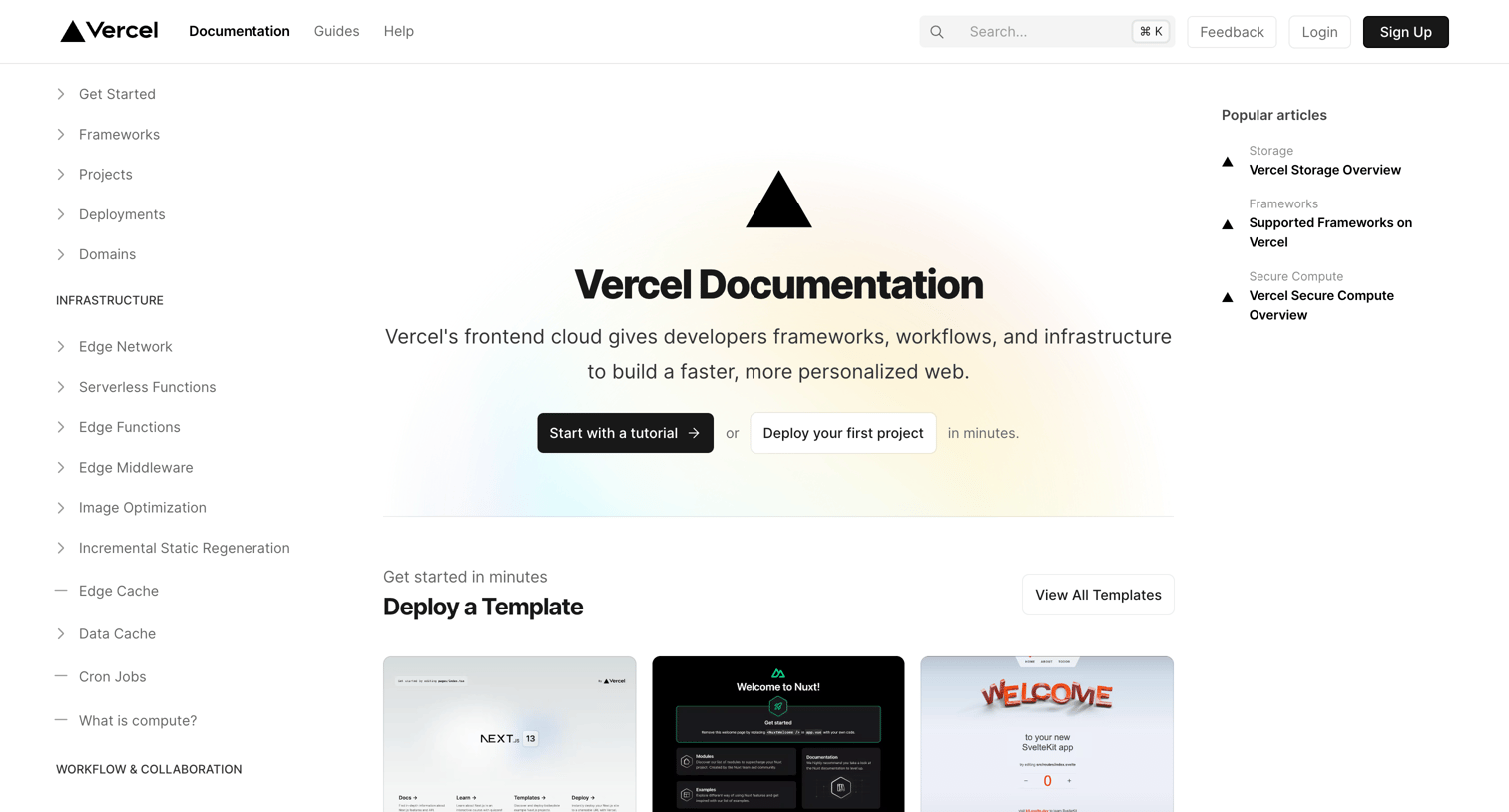
Developer documentation homepage featuring a central hero, quick-start templates, product directories, guides, and recent changelog updates, flanked by navigation and popular articles.
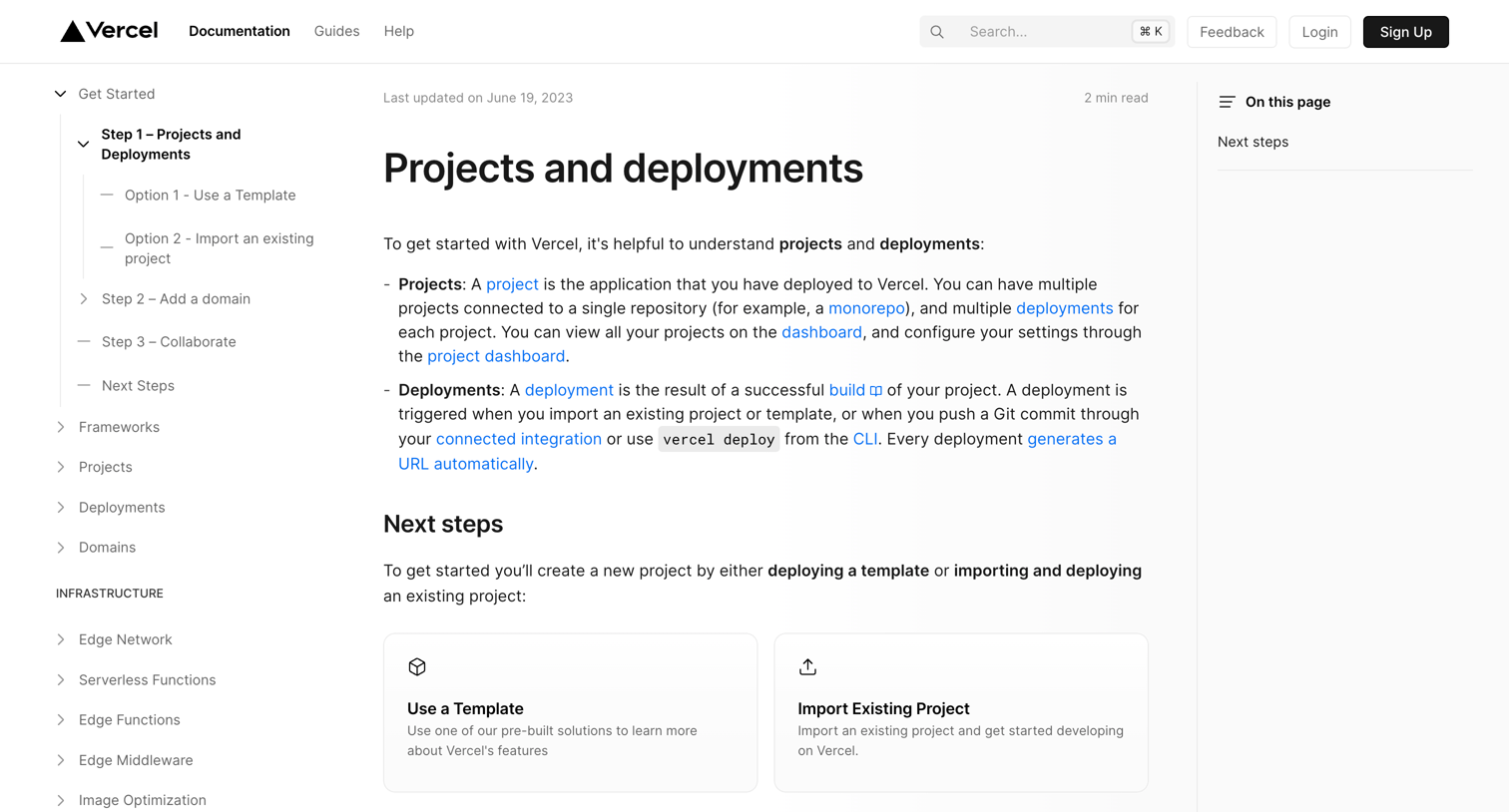
Documentation page explaining the concepts of projects and deployments, featuring next-step cards to use a template or import an existing project.
Explore the full SaaS screen library
Upgrade to unlock the full library.
Trusted by the best teams







