Skip to content

Vercel product screens examples

Browse Vercel screen design examples. Preview the interface screenshots and explore related UI patterns. Develop. Preview. Ship.

Explore the examples
Vercel - Login – Vercel screen
Vercel logo
Vercel

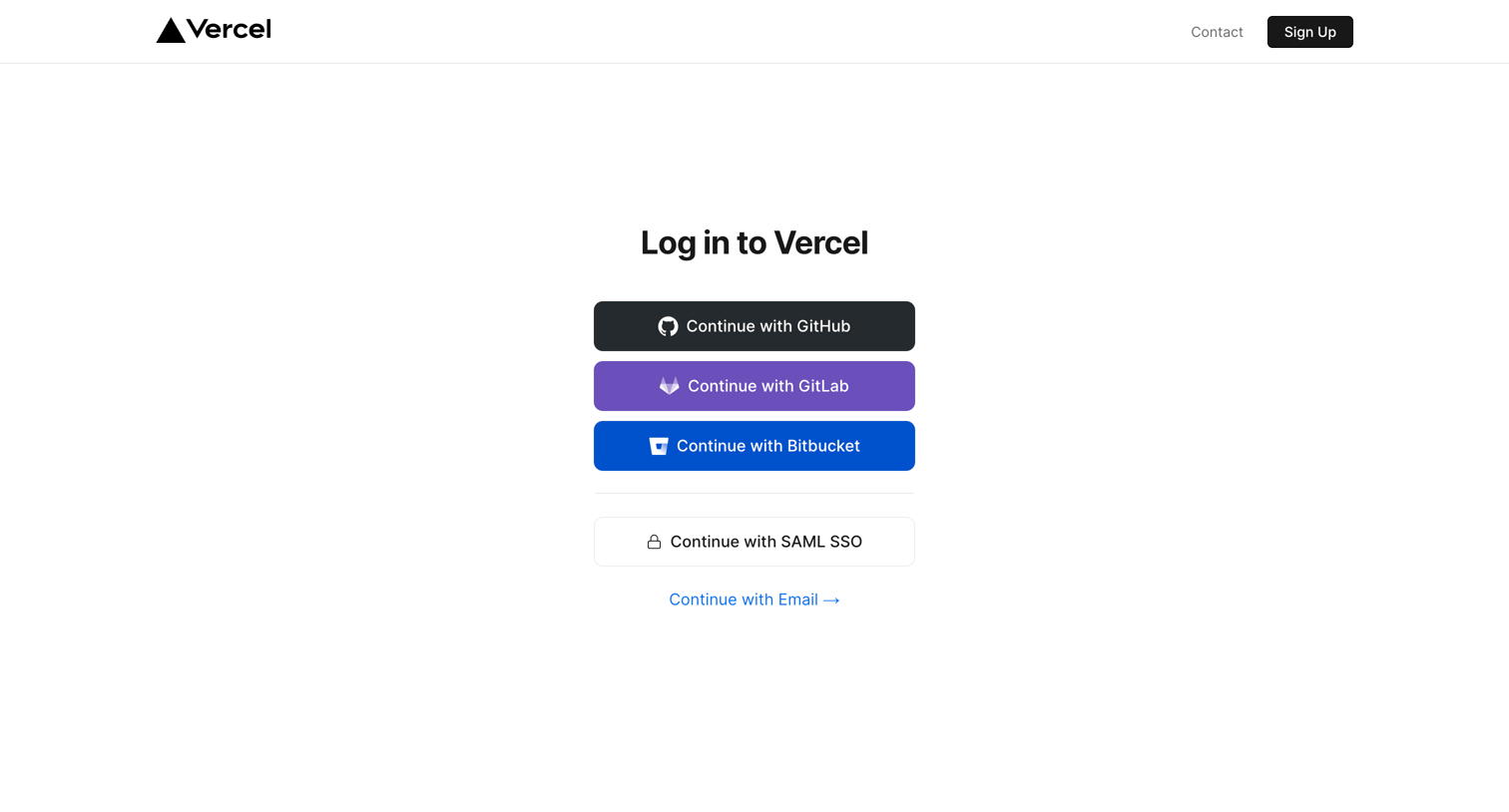
Signin screen where the user authenticates with GitHub, GitLab, Bitbucket, SAML SSO, or email.

Vercel - Login – Vercel screen
Vercel logo
Vercel

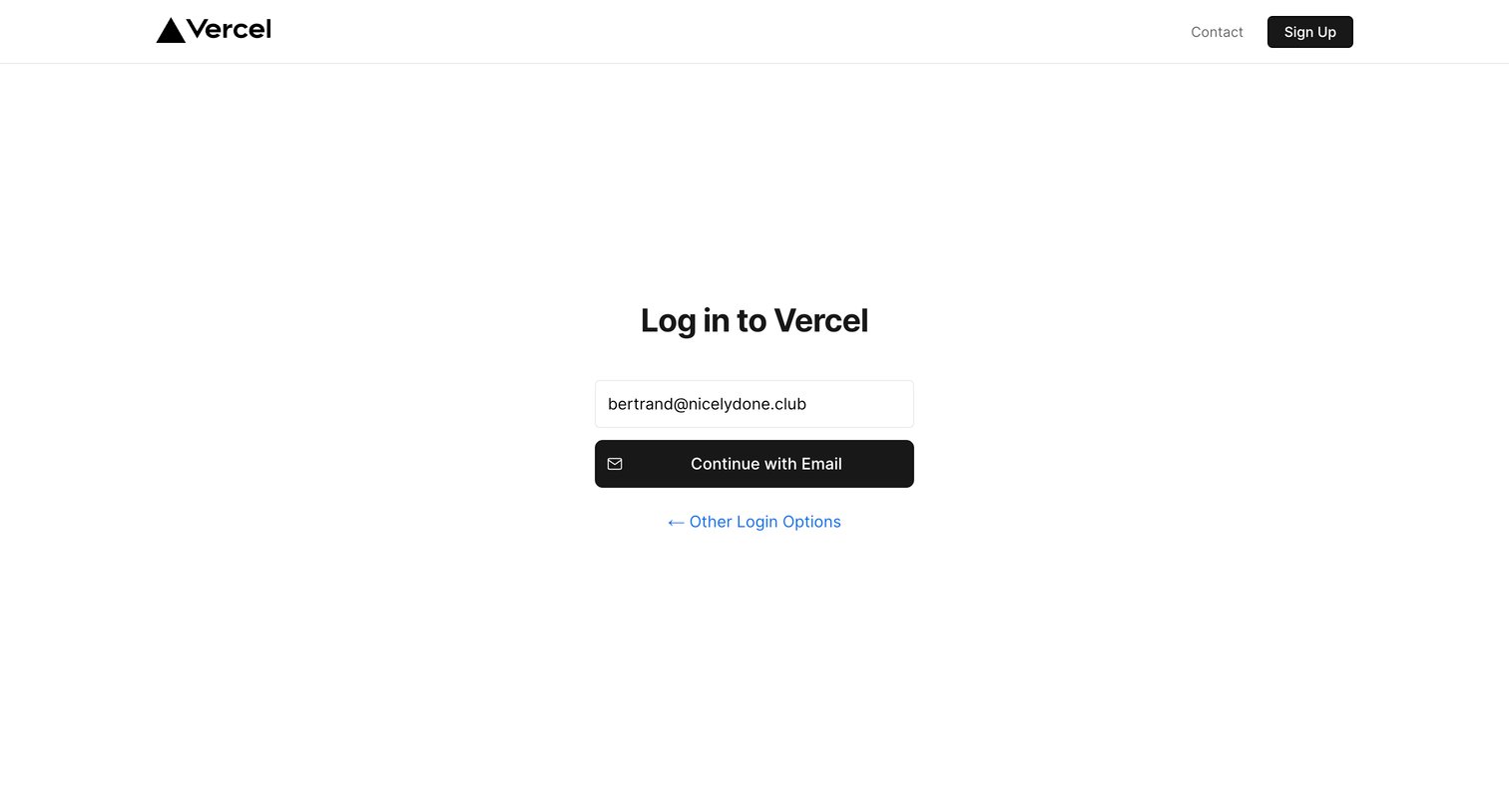
Signin screen where the user enters their email address to continue the authentication process, with an option to return to other login methods.

Vercel - Login – Vercel screen
Vercel logo
Vercel

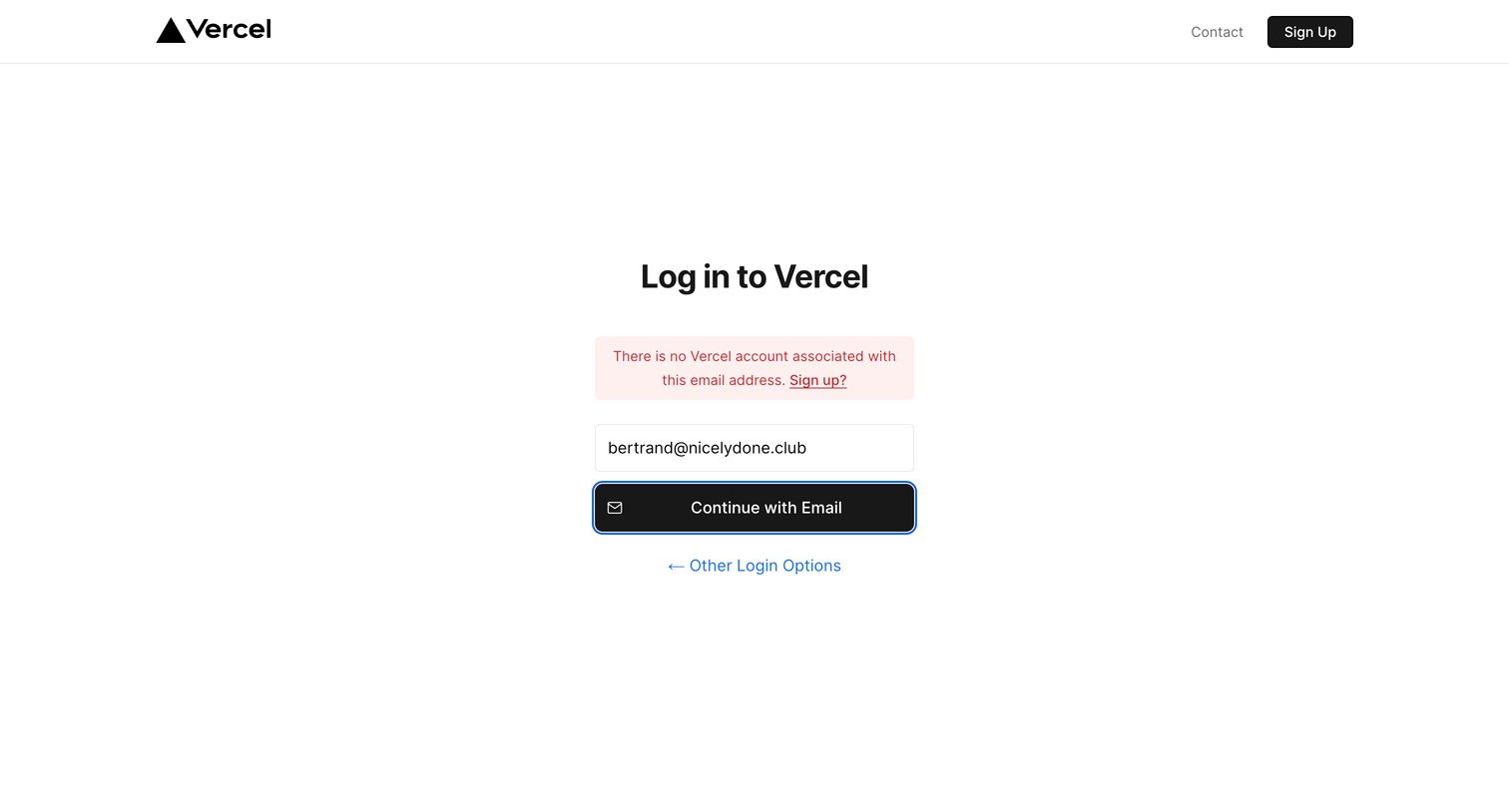
Sign-in screen where the user attempted to log in with an email but received an error indicating no account exists, prompting them to sign up instead.

Vercel - Sign Up – Vercel screen
Vercel logo
Vercel

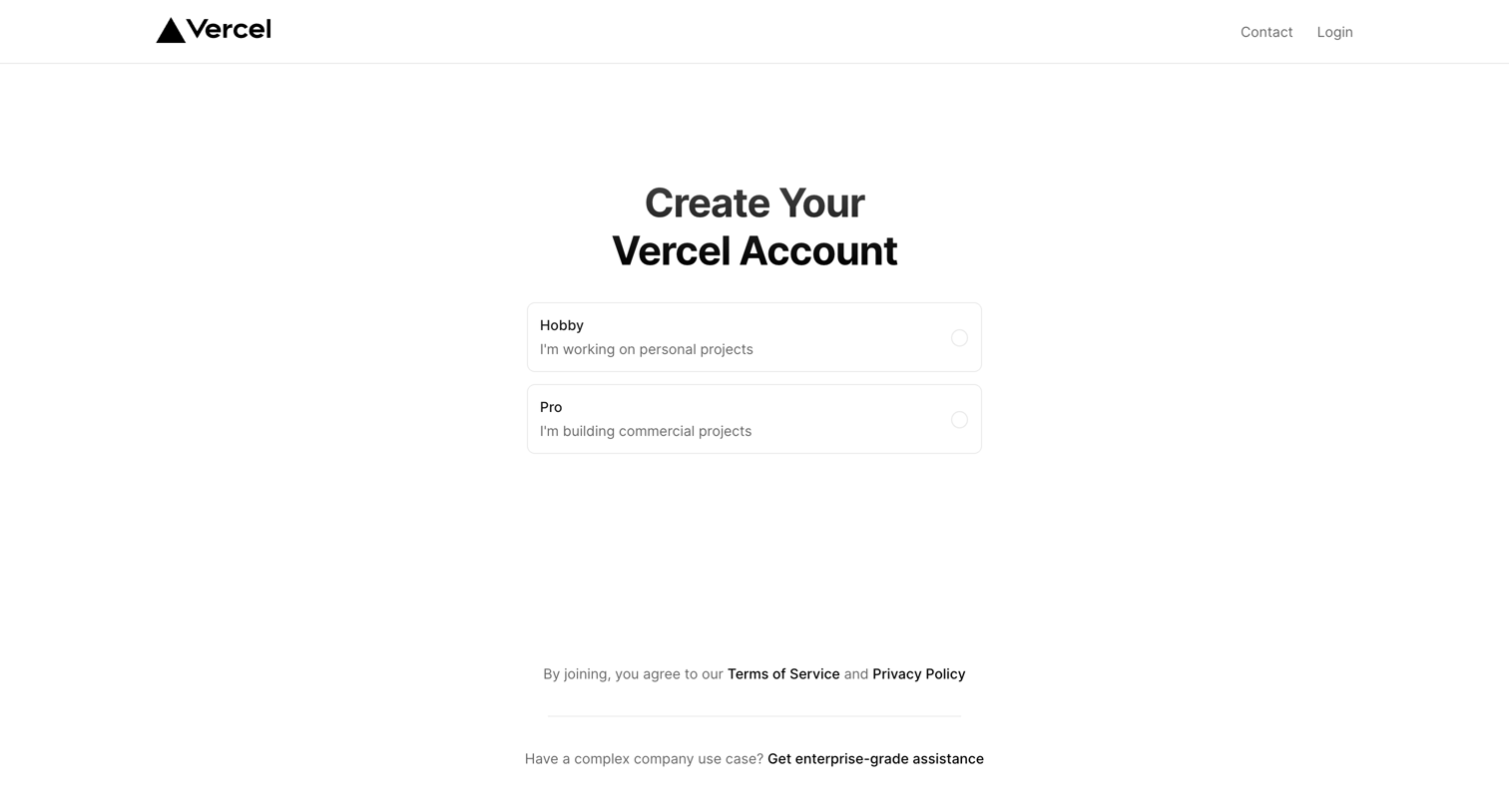
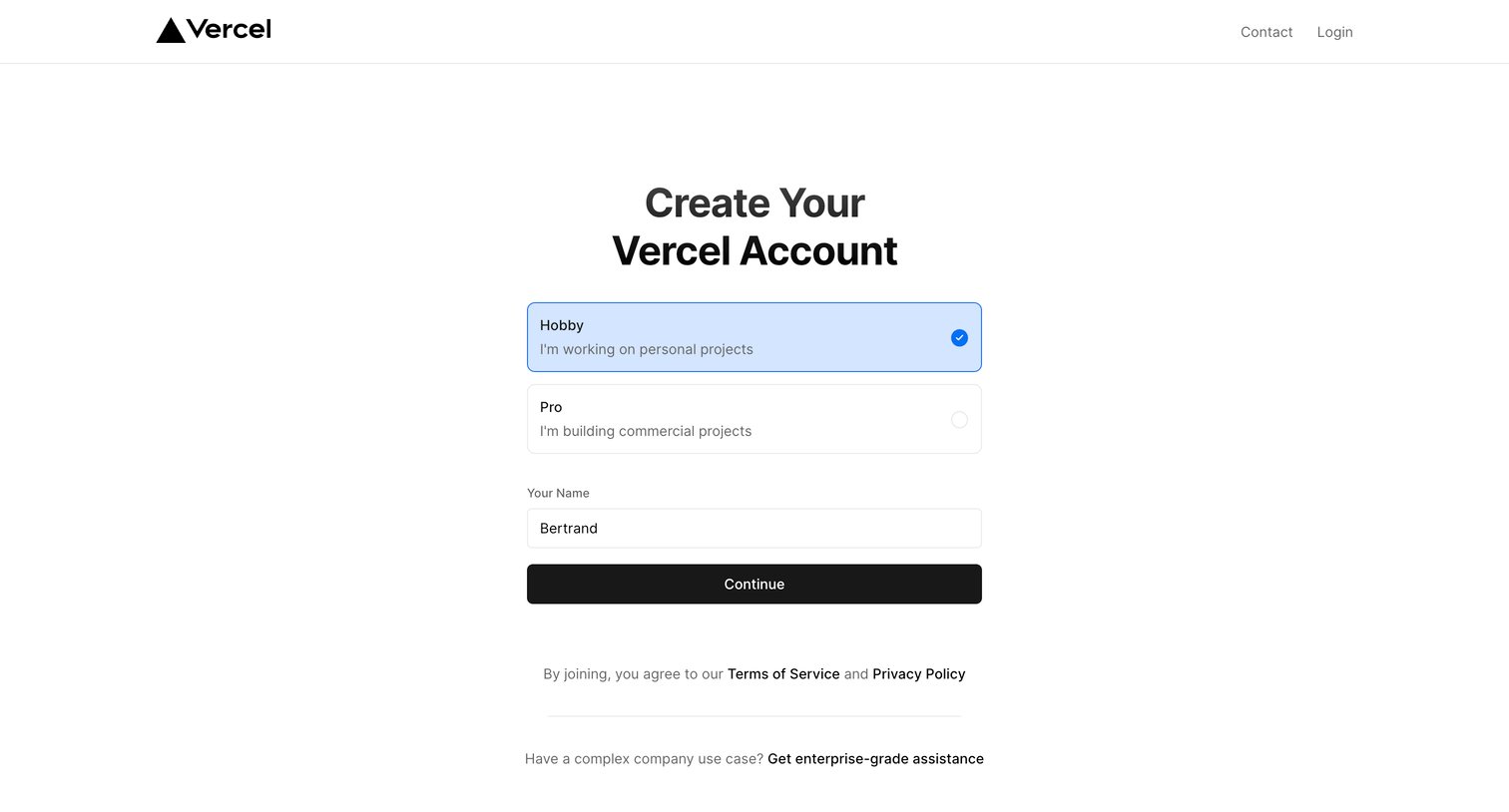
Signup screen where the user chooses between a personal Hobby plan and a commercial Pro plan before creating their account.

Vercel - Sign Up – Vercel screen
Vercel logo
Vercel

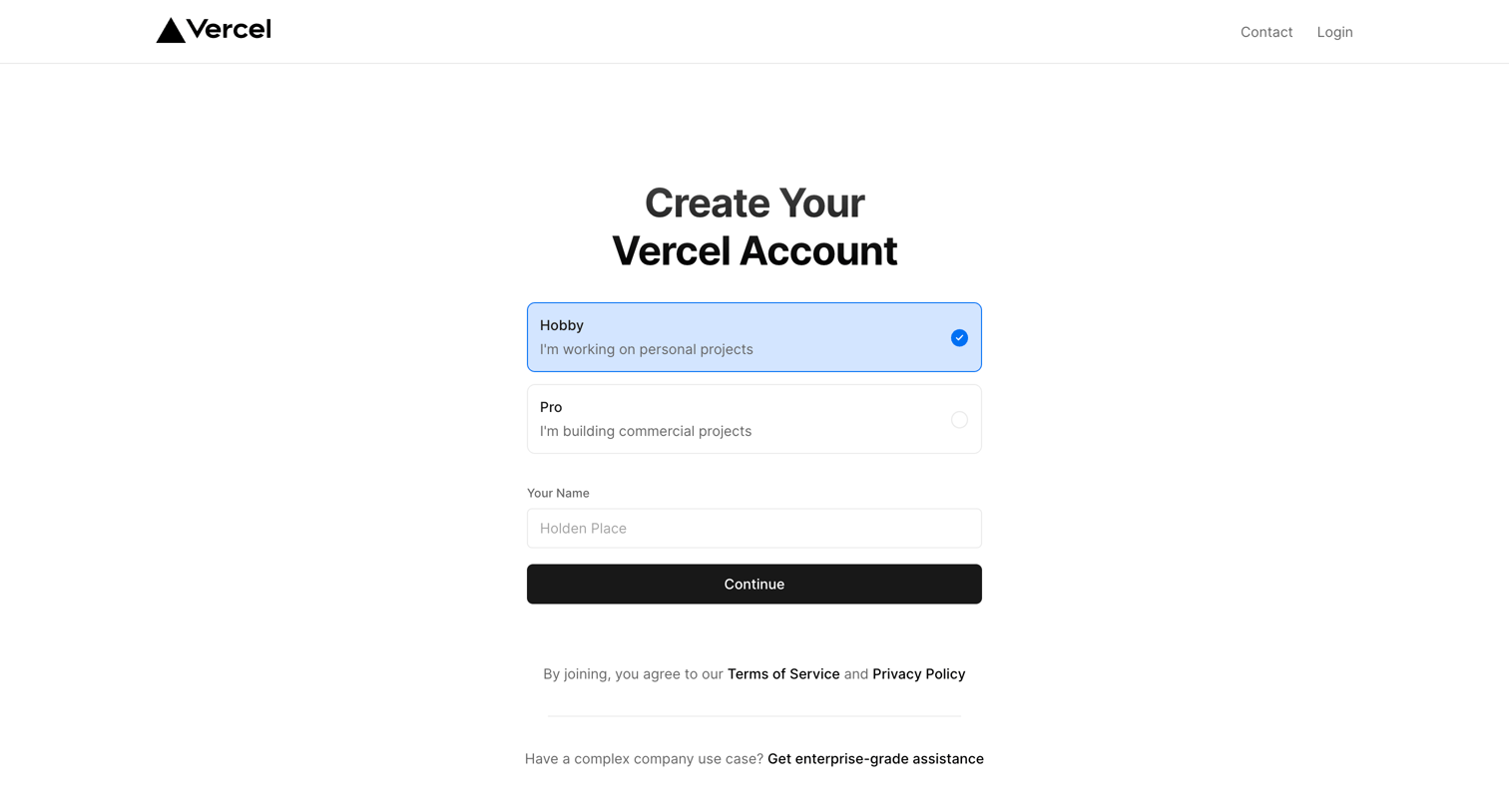
Signup screen where the user selects between Hobby and Pro account types and enters their name to continue.

Vercel - Sign Up – Vercel screen
Vercel logo
Vercel

Signup screen where the user selects between Hobby and Pro account types and enters their name to create a Vercel account.
Vercel - Sign Up – Vercel screen
Vercel logo
Vercel

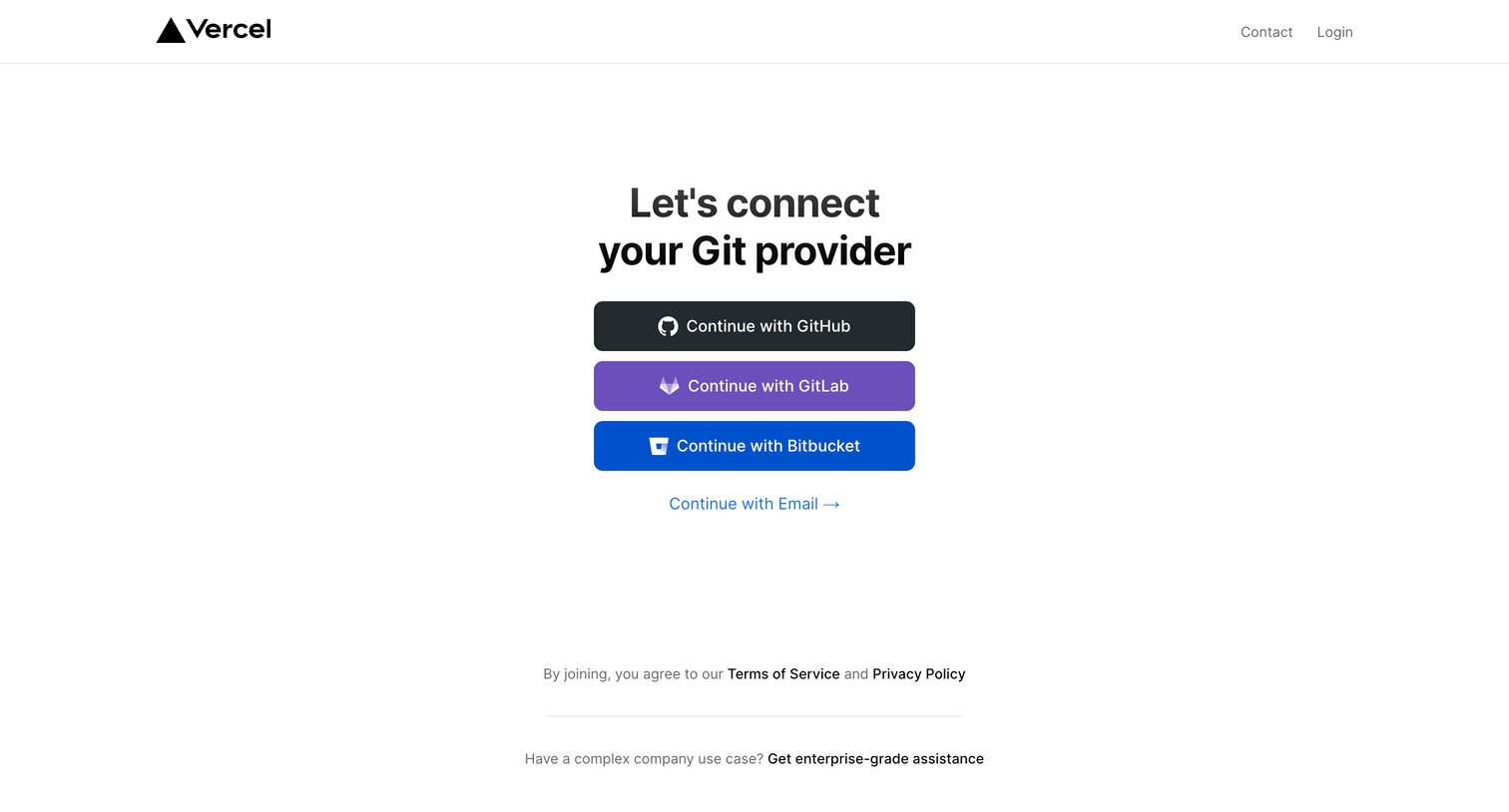
Signup screen where the user chooses to authenticate via GitHub, GitLab, Bitbucket, or email.

Vercel - Sign Up – Vercel screen
Vercel logo
Vercel

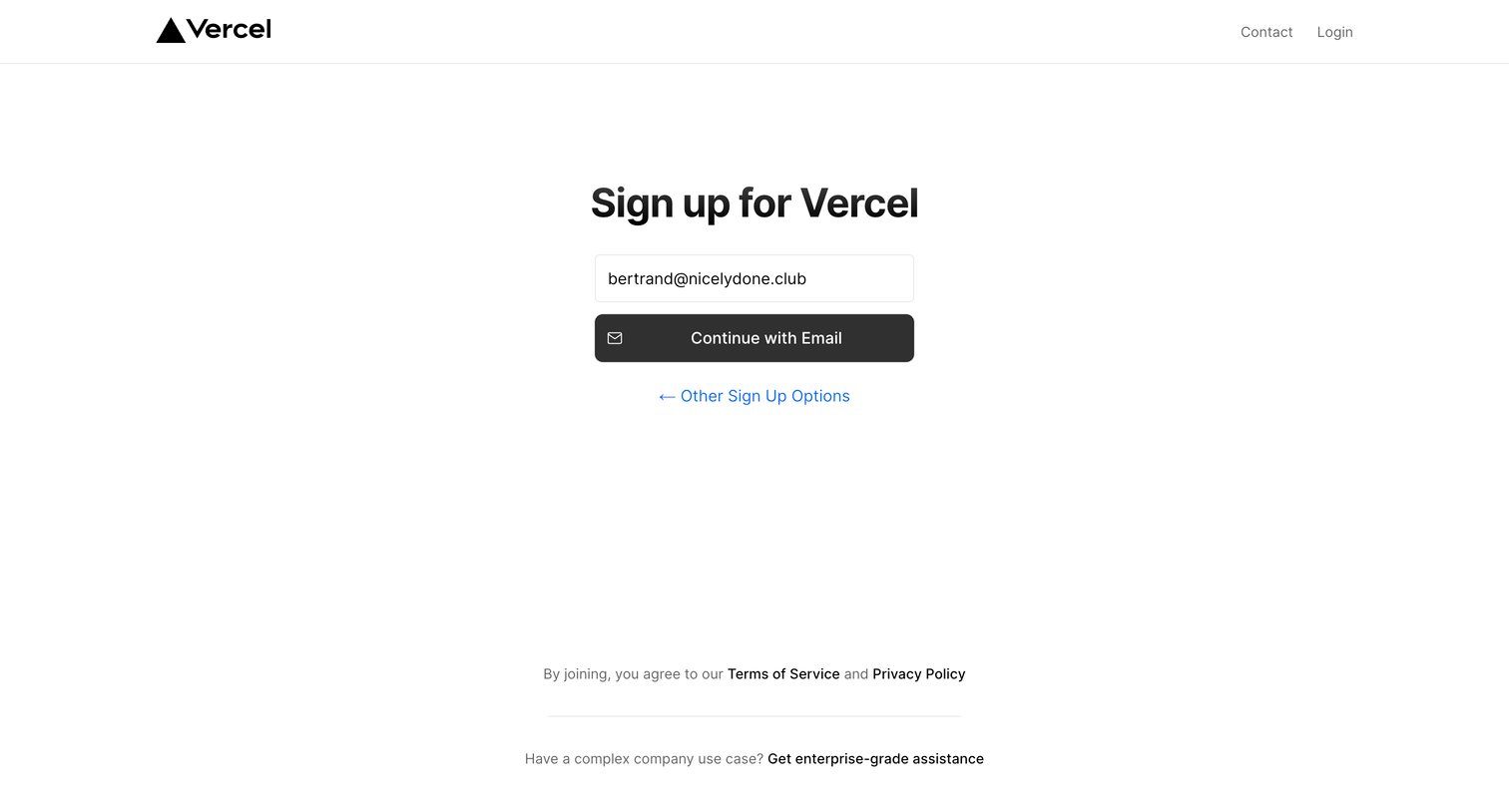
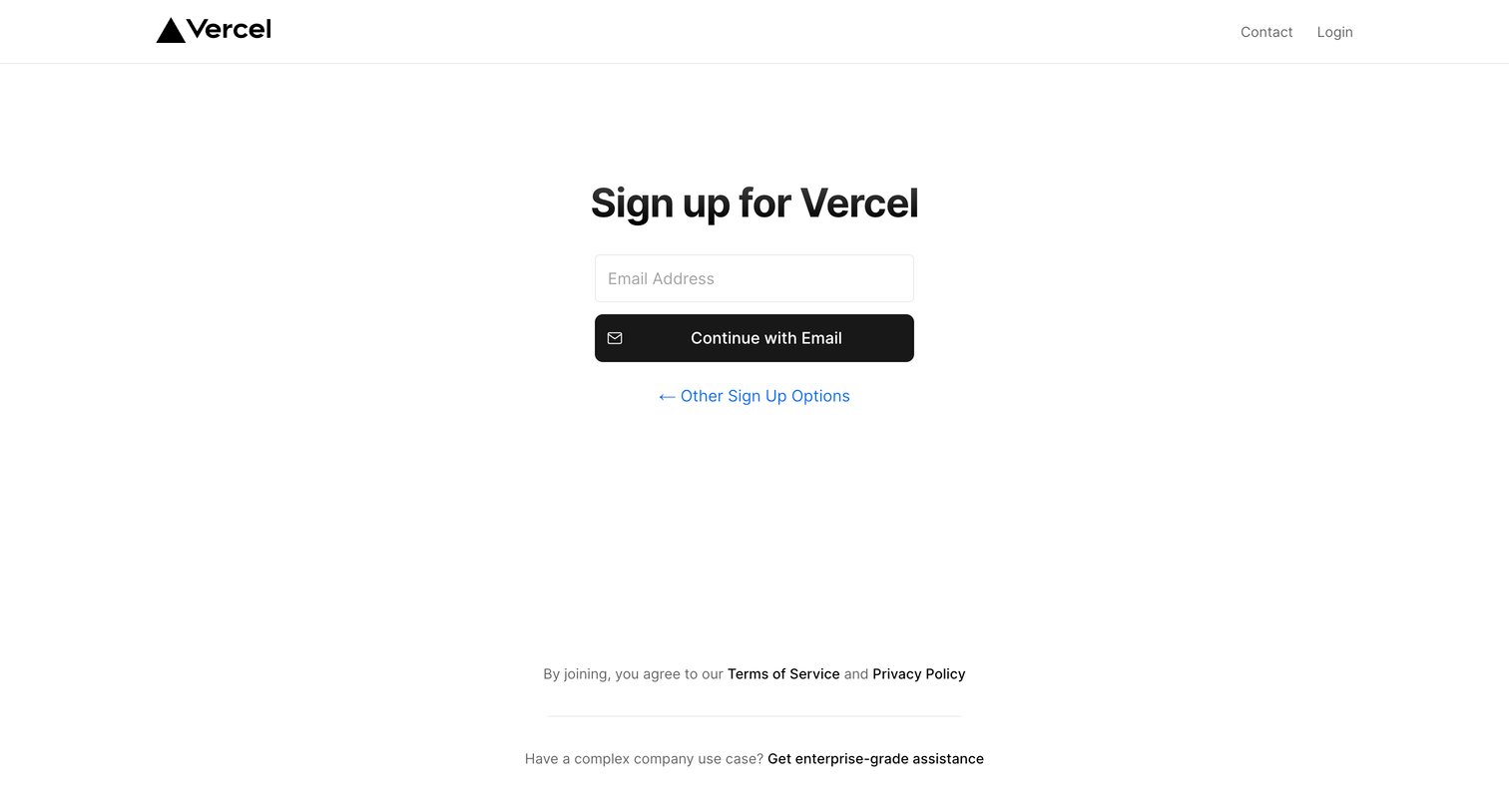
Sign-up screen where the user enters their email address to begin account creation, with options to view other methods or contact enterprise sales.

Vercel - Sign Up – Vercel screen
Vercel logo
Vercel

Signup page where the user enters their email address to continue account creation, with links to alternative methods and enterprise support.

Vercel - Sign Up – Vercel screen
Vercel logo
Vercel

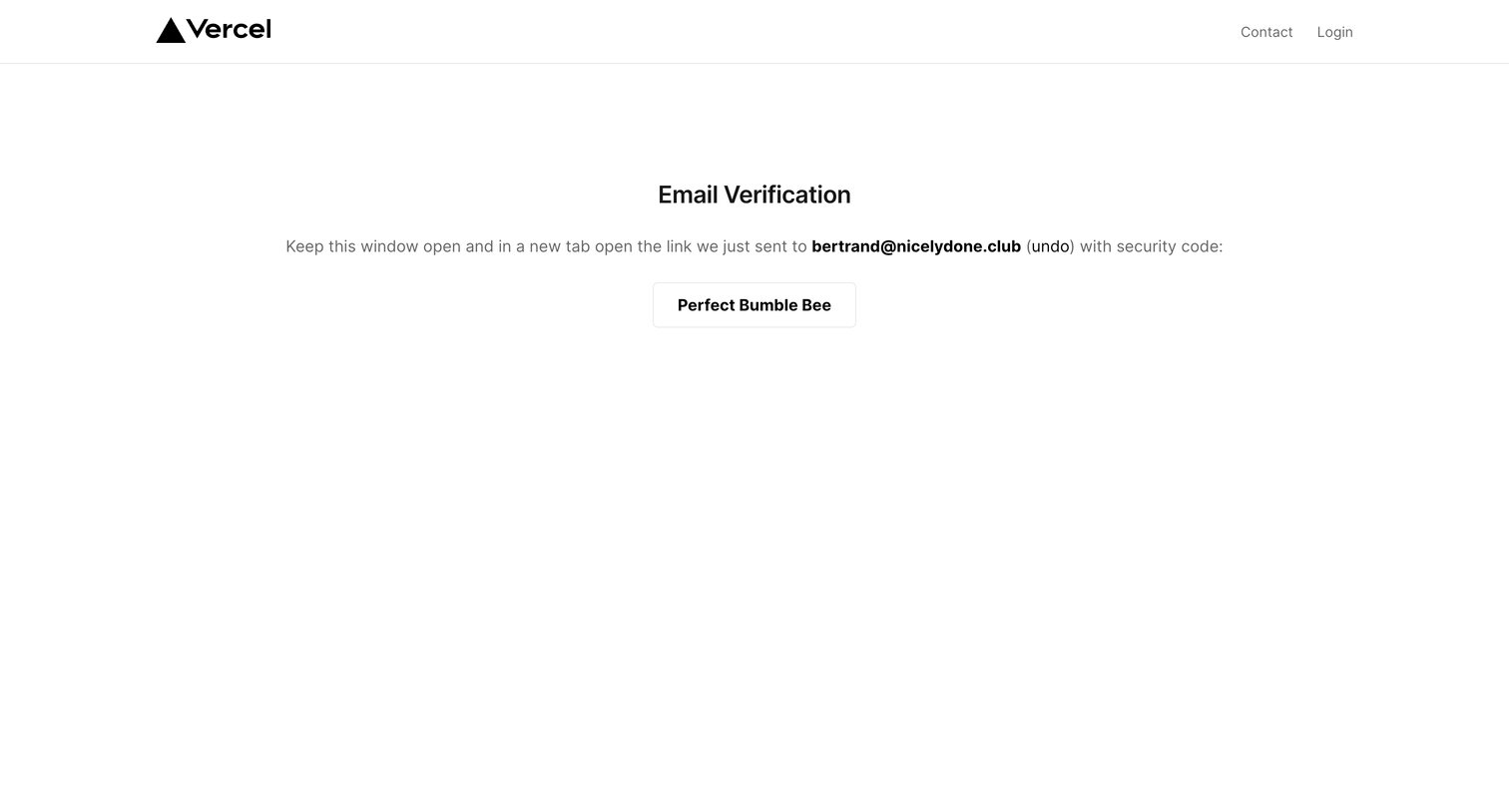
Verification screen where the user is instructed to check their email for a login link and verify it matches the displayed security code.
Vercel - Confirm – Vercel screen
Vercel logo
Vercel

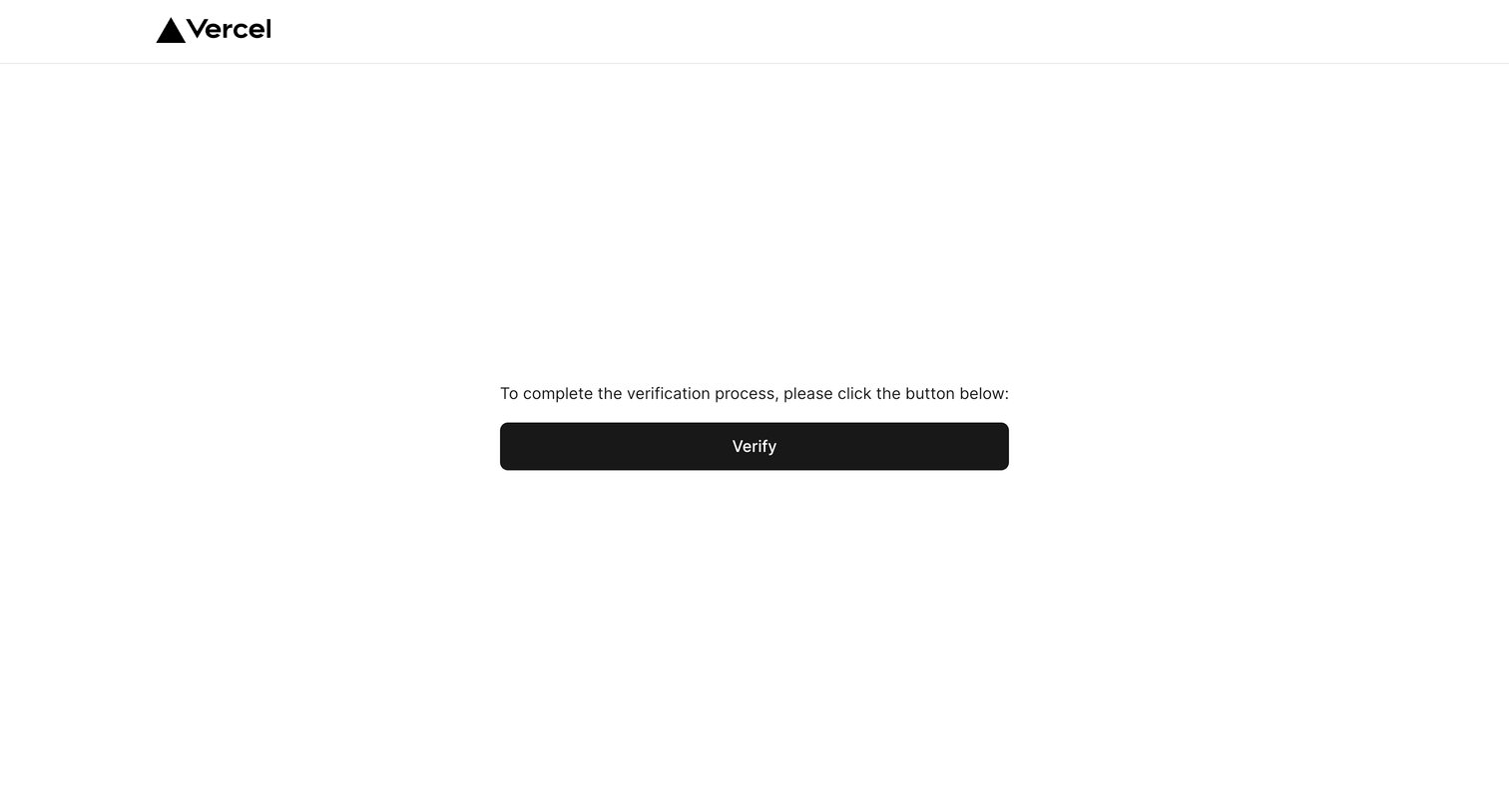
Verification screen where the user clicks a button to confirm their email address during the signup flow.
Vercel - Sign Up Successful – Vercel screen
Vercel logo
Vercel

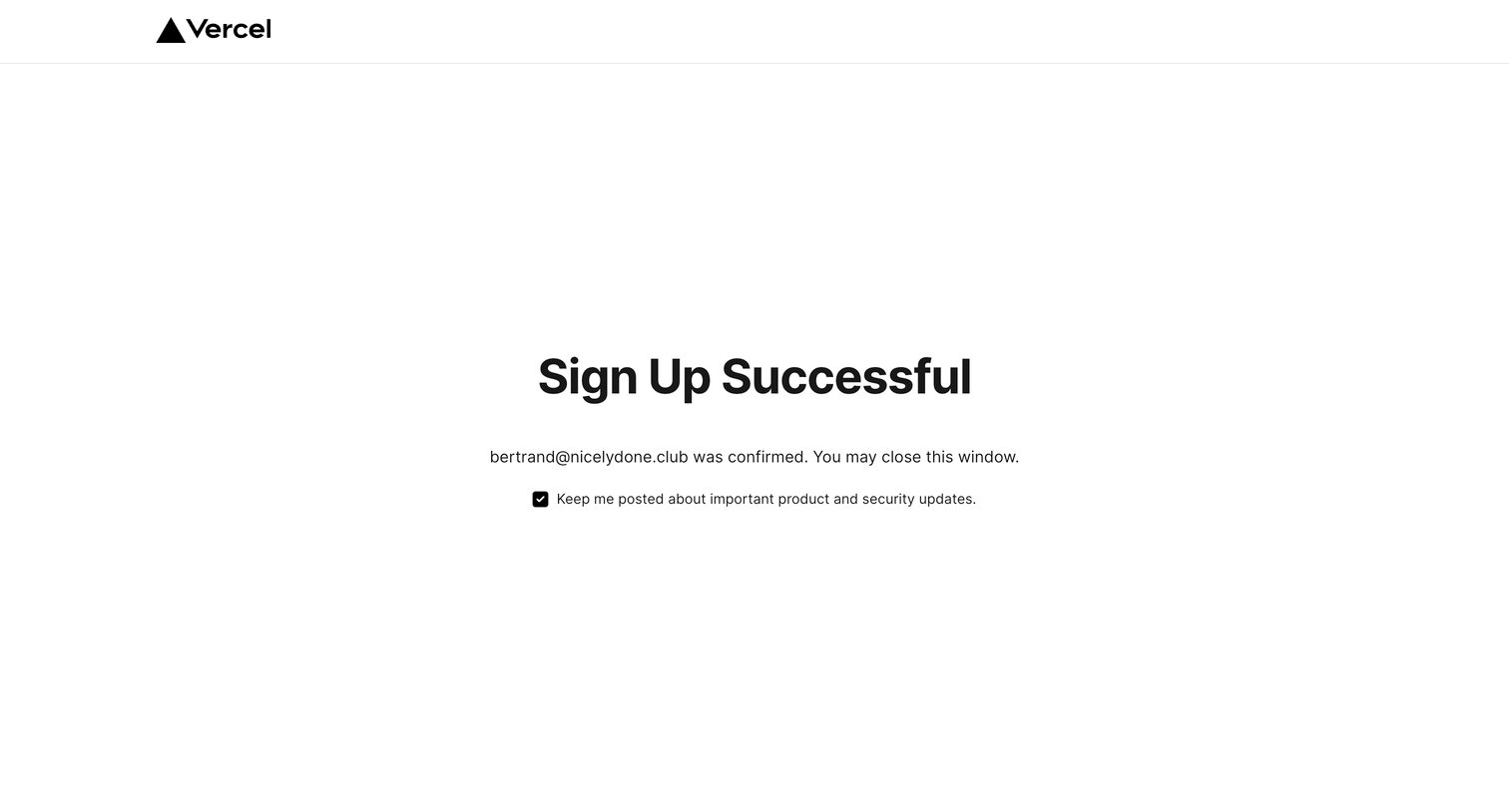
Verification screen confirming a successful user signup and providing a checkbox to opt into product updates.

Explore the full SaaS screen library

Upgrade to unlock the full library.

Trusted by the best teams