
Articulate design examples
Explore Articulate UI design examples. E-learning software and authoring tools
Product screens

Sign-in modal where the user enters their email and password to access their Articulate ID, with options to reset their password or start a free trial.
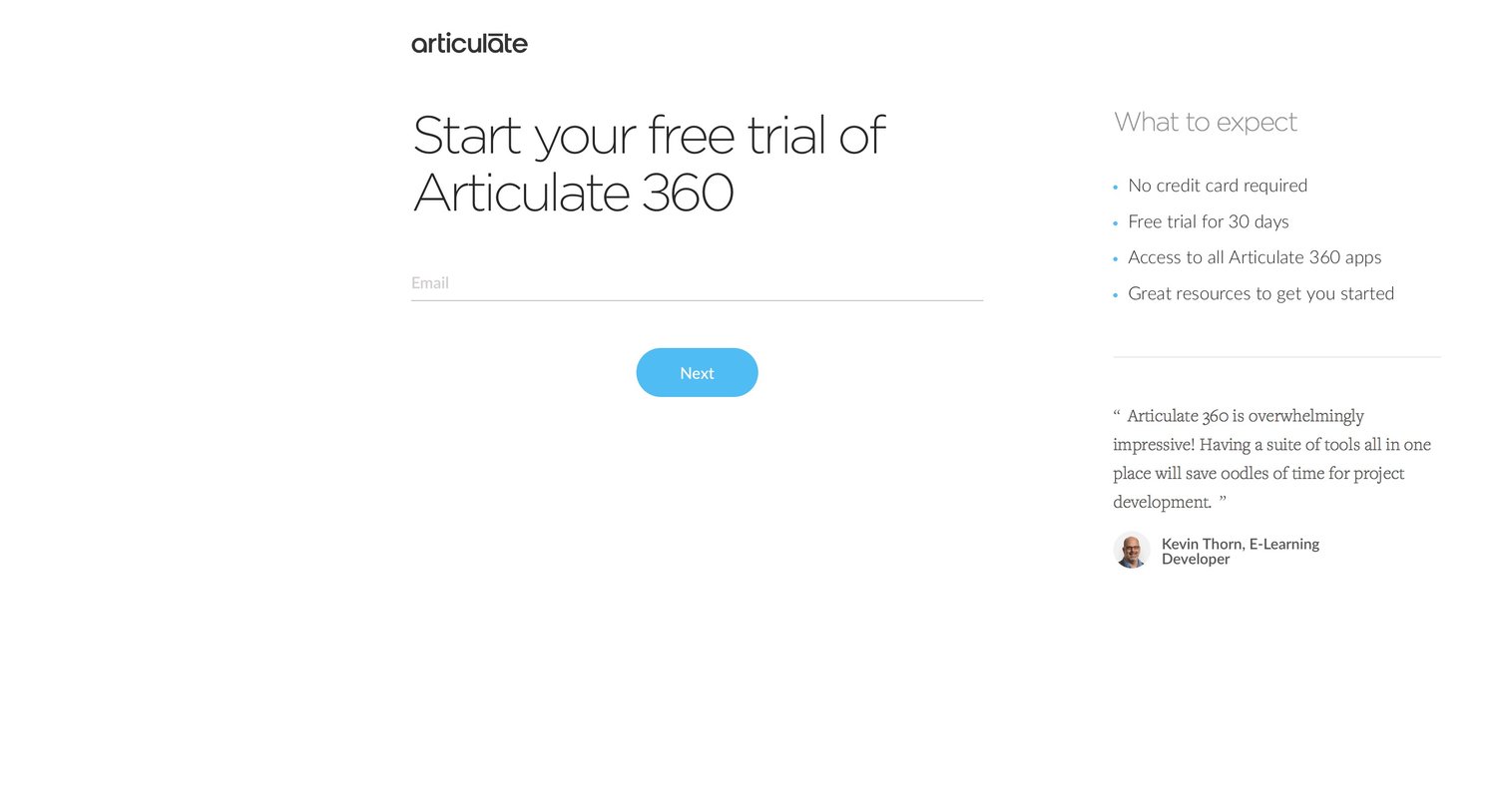
Signup screen where the user enters their email to start a free trial, accompanied by trial expectations and a customer testimonial.

Verification screen confirming successful signup and prompting the user to check their email to start a free 30-day trial.

Home screen where the user selects between different applications in the Articulate 360 suite like Rise, Review, Content Library, and Live.

Content editor where the user starts outlining a new course by adding a title, description, and the first lesson.

Course editor where the user selects a pre-built lesson type like video, quiz, or timeline from a modal overlay.

List view where the user can browse their existing training courses, toggle between grid and list layouts, sort by recency, or create a new course.

Home screen for a review application displaying a welcome message and a placeholder graphic, prompting the user to publish items or upload a video to get started.

Detail page where a user reviews a video asset, featuring a right sidebar for timestamped comments and an open modal to browse and save related clips to a board.
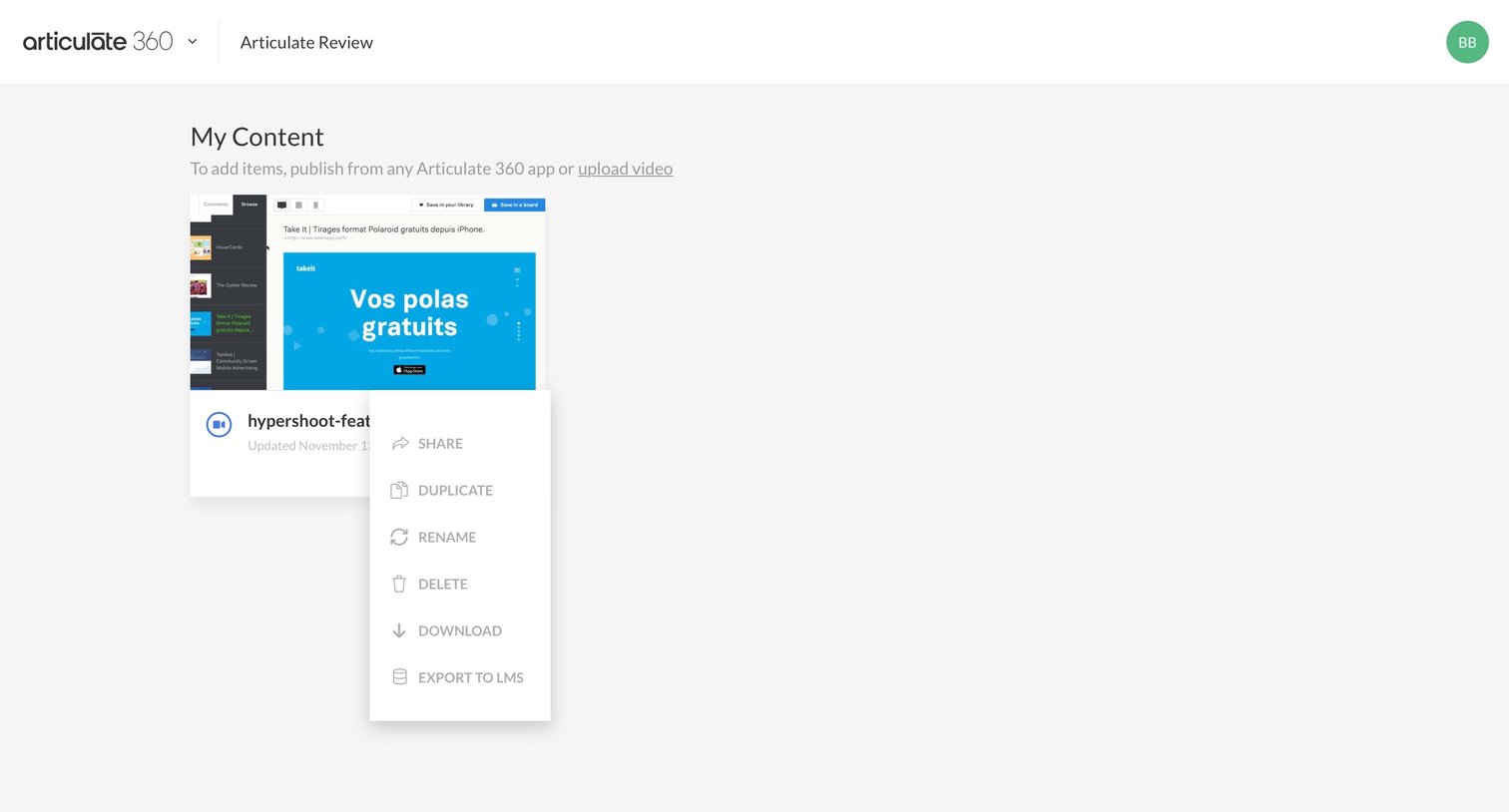
List view where the user manages their uploaded projects, showing an open context menu with options to share, duplicate, rename, delete, download, and export a specific item.
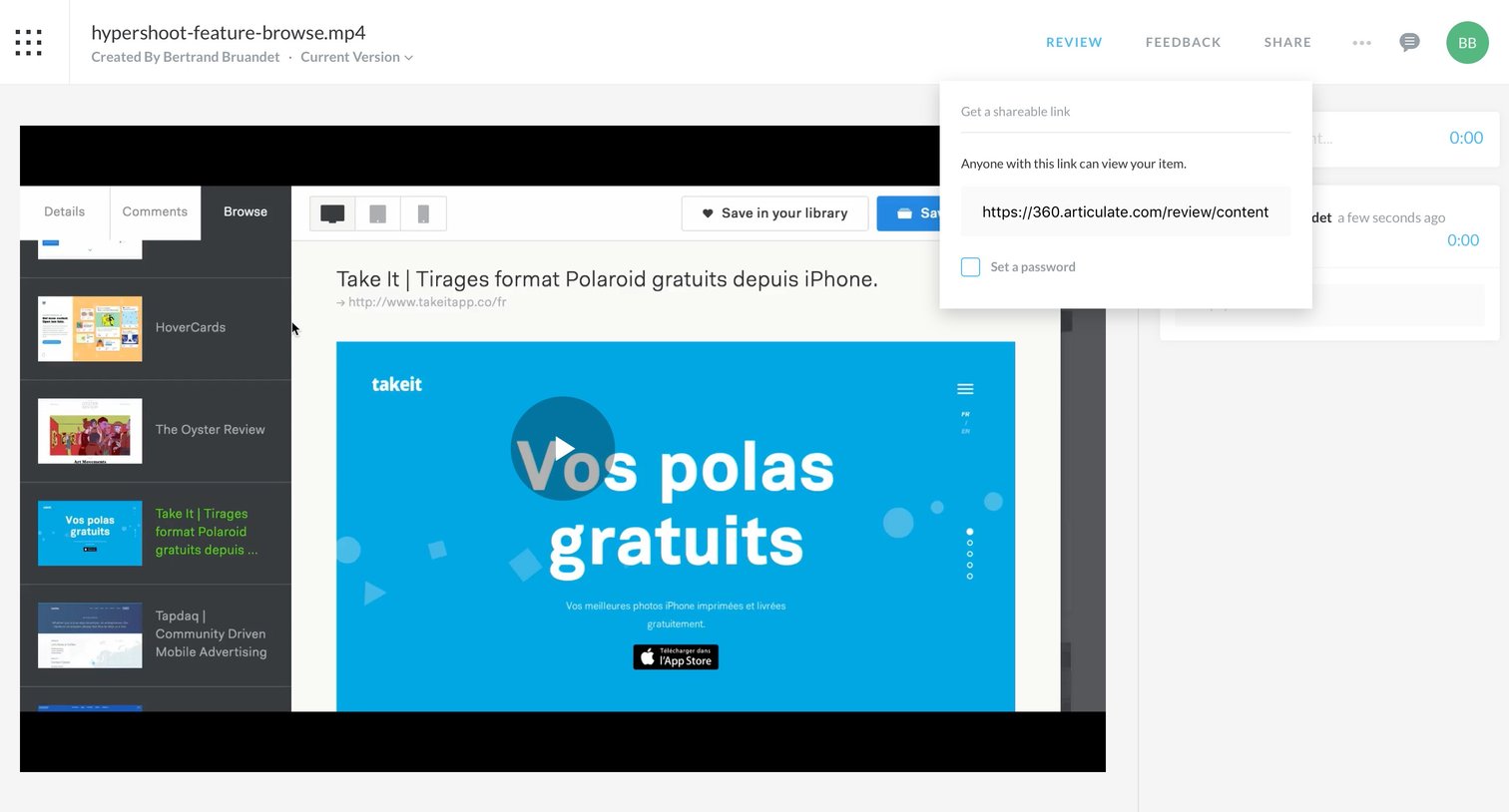
Detail page for a video asset where the user has opened the share dialog to get a public link, with options to browse other assets and leave timestamped comments.
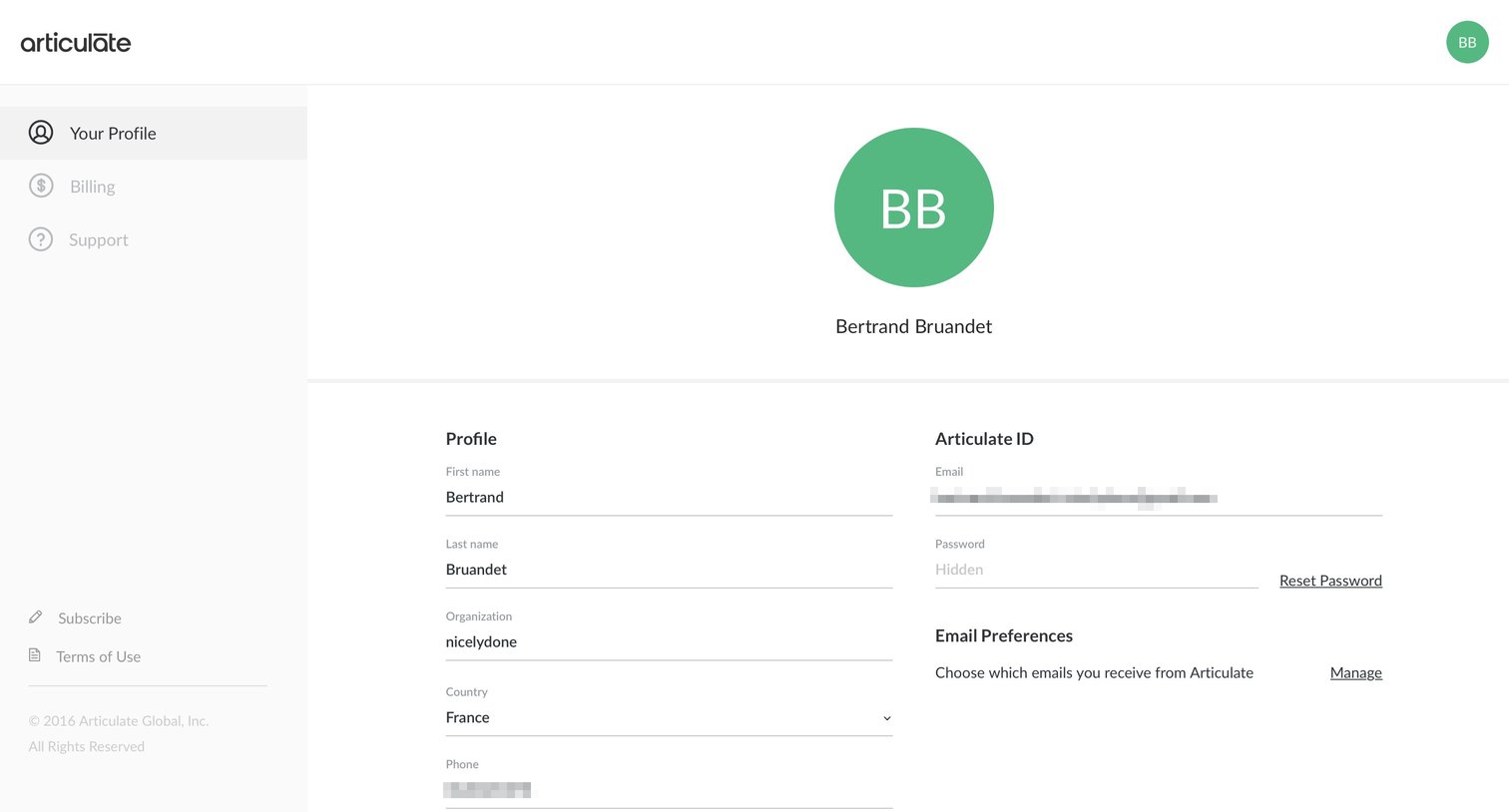
Settings page where the user views and manages their personal profile details, Articulate ID, and email preferences.
Browse the full SaaS app library
Explore real SaaS apps with their product screens, marketing screens, flows, and components.
Trusted by the best teams







