Home screen examples
Home screen design examples from SaaS apps. Explore the first screen people see inside an app. Look at how recent work, suggested actions, and navigation are arranged to help them choose where to begin.
Explore the examples
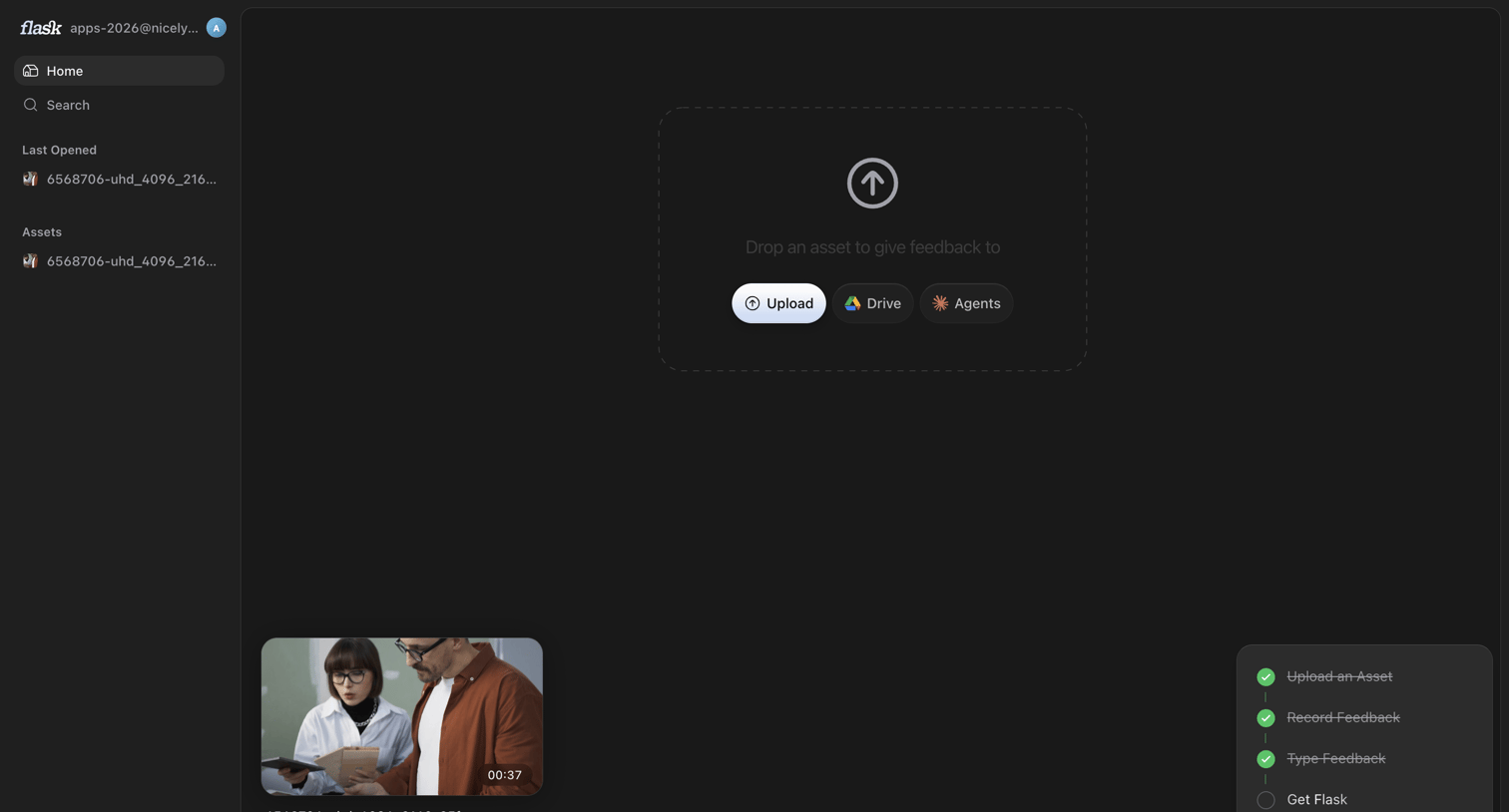

Home screen where the user can upload new assets via a central dropzone, access recent files, and track their onboarding progress.
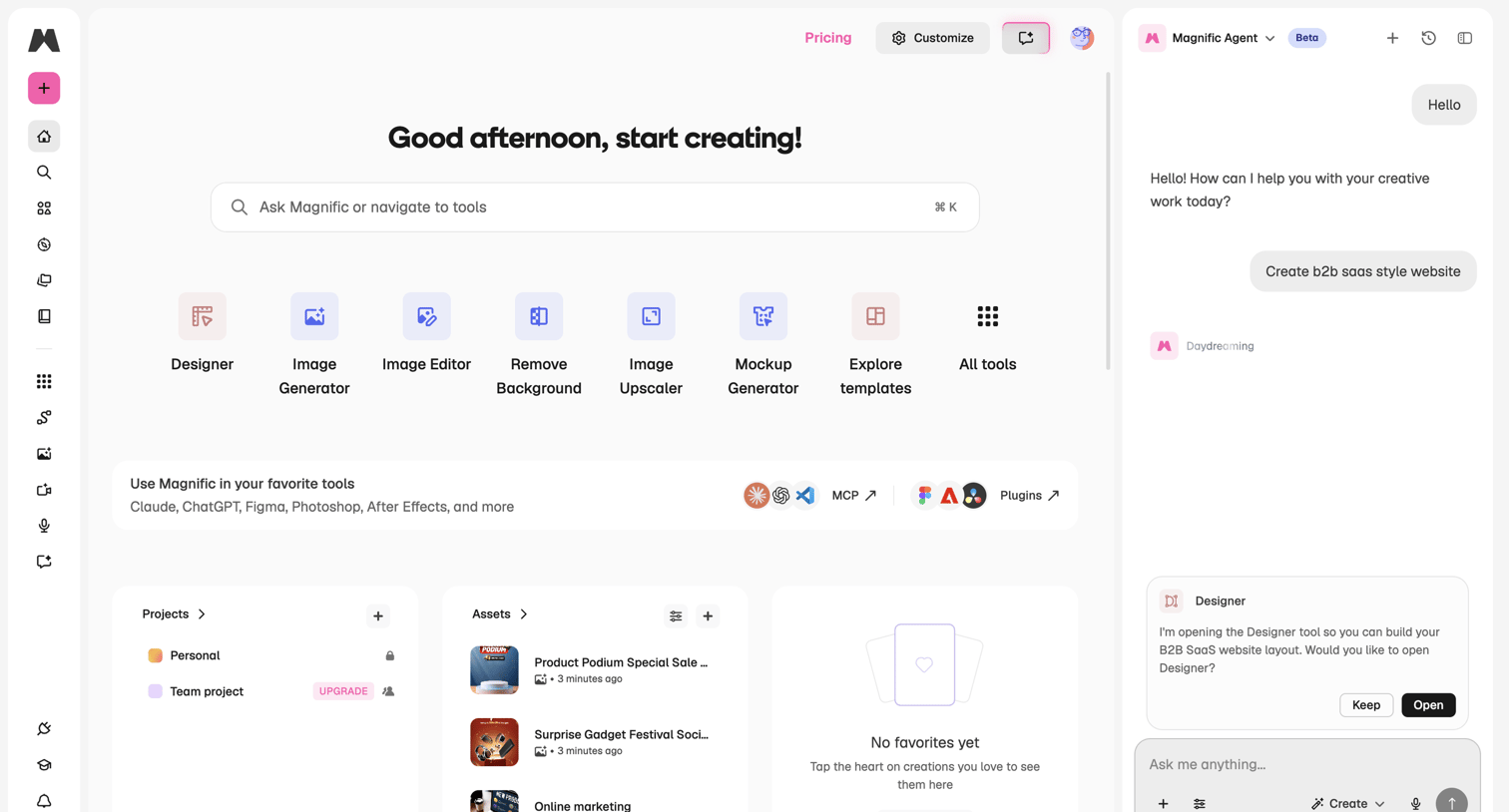

Home screen where the user can access creative tools like Designer and Image Generator, view recent assets, and chat with an AI agent to build a B2B SaaS website layout.
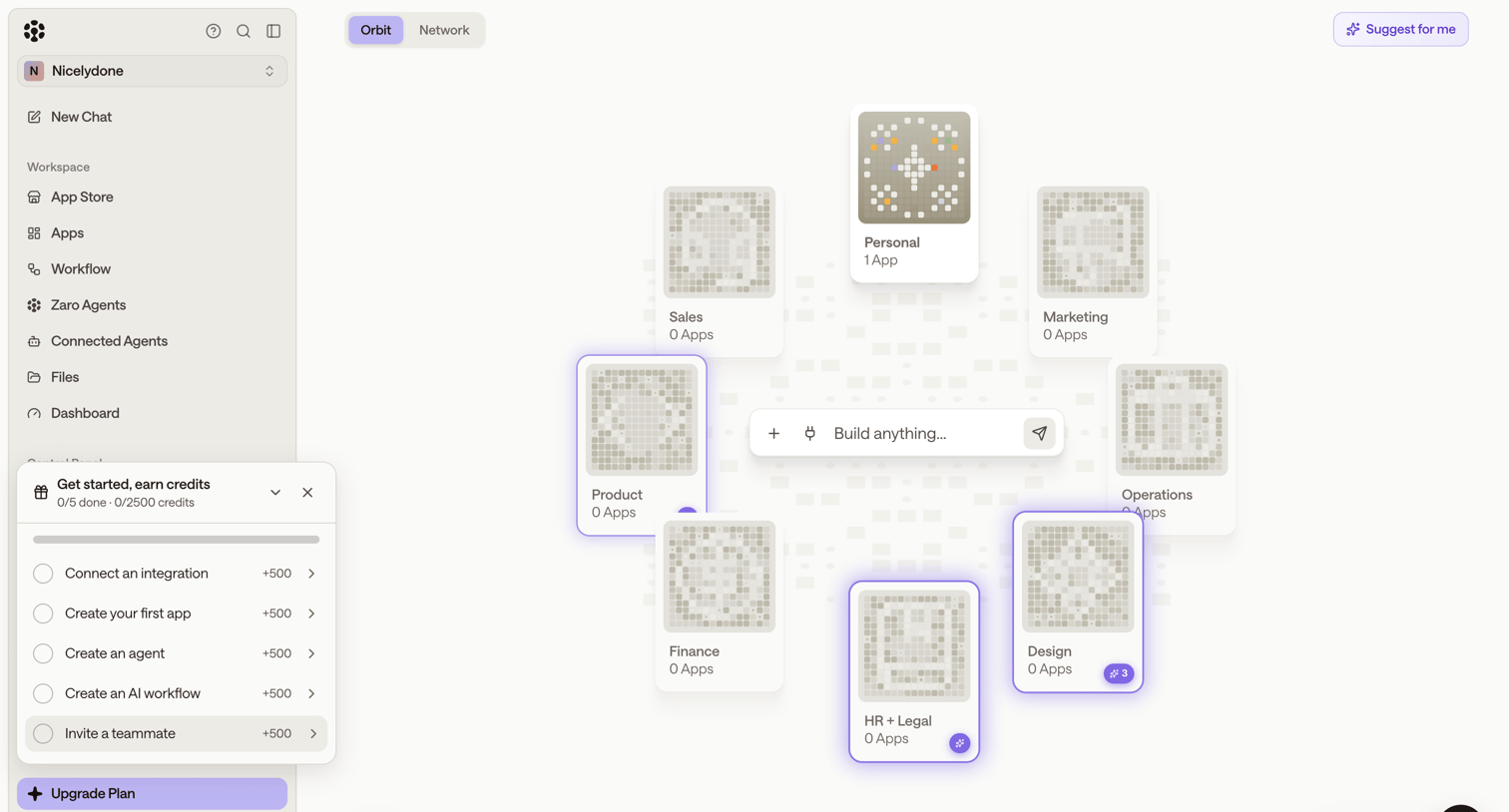

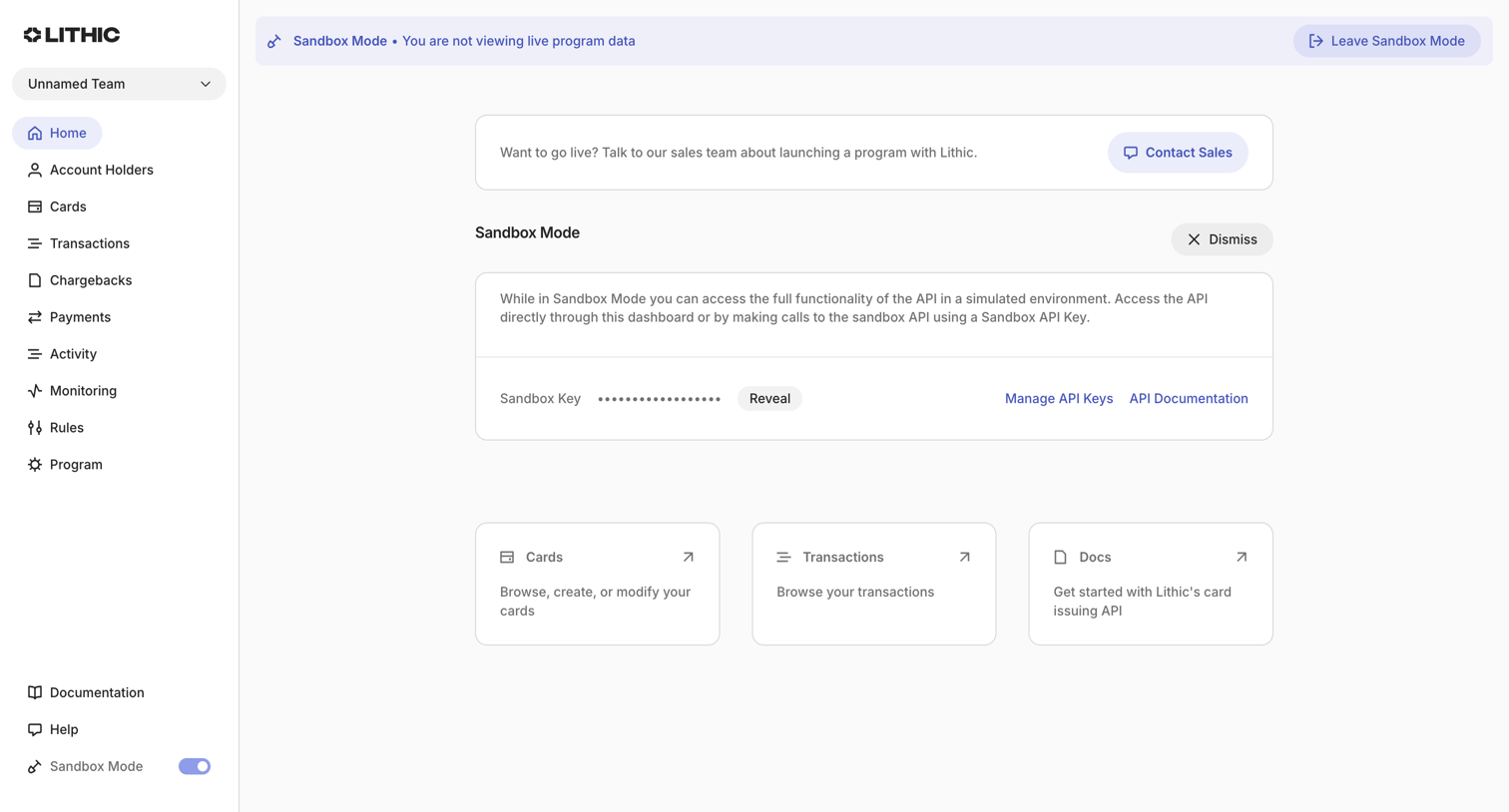
Home screen where the user can build new apps via a central AI prompt or navigate to categorized workspaces like Sales, Product, and Design.
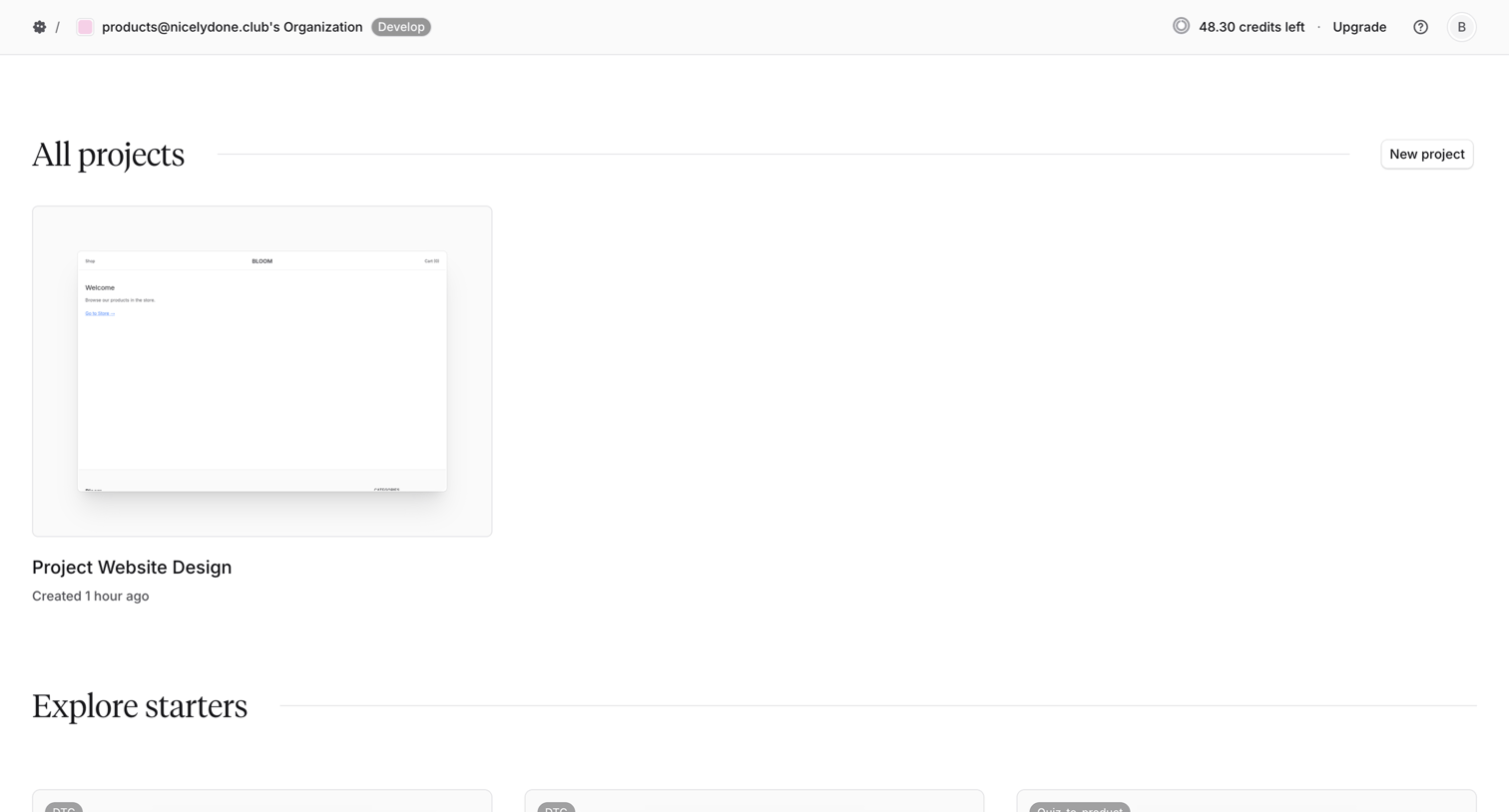

Home screen where the user can access their existing projects like 'Project Website Design' or create a new one from starters like 'DTC' or 'Quiz-to-product'.

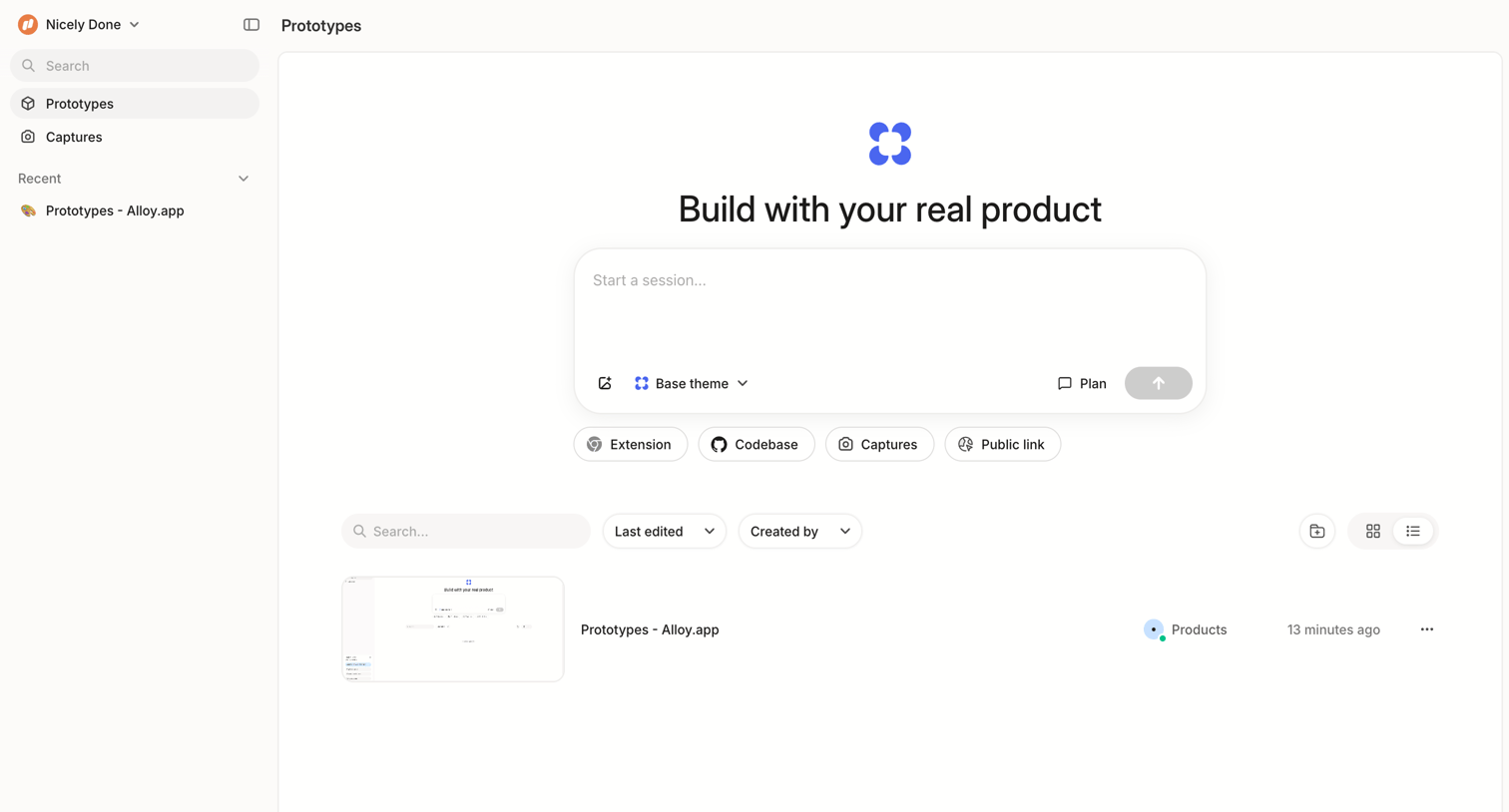

Home screen where the user can start a new session, filter by source like Extension or Codebase, and access recent prototypes.
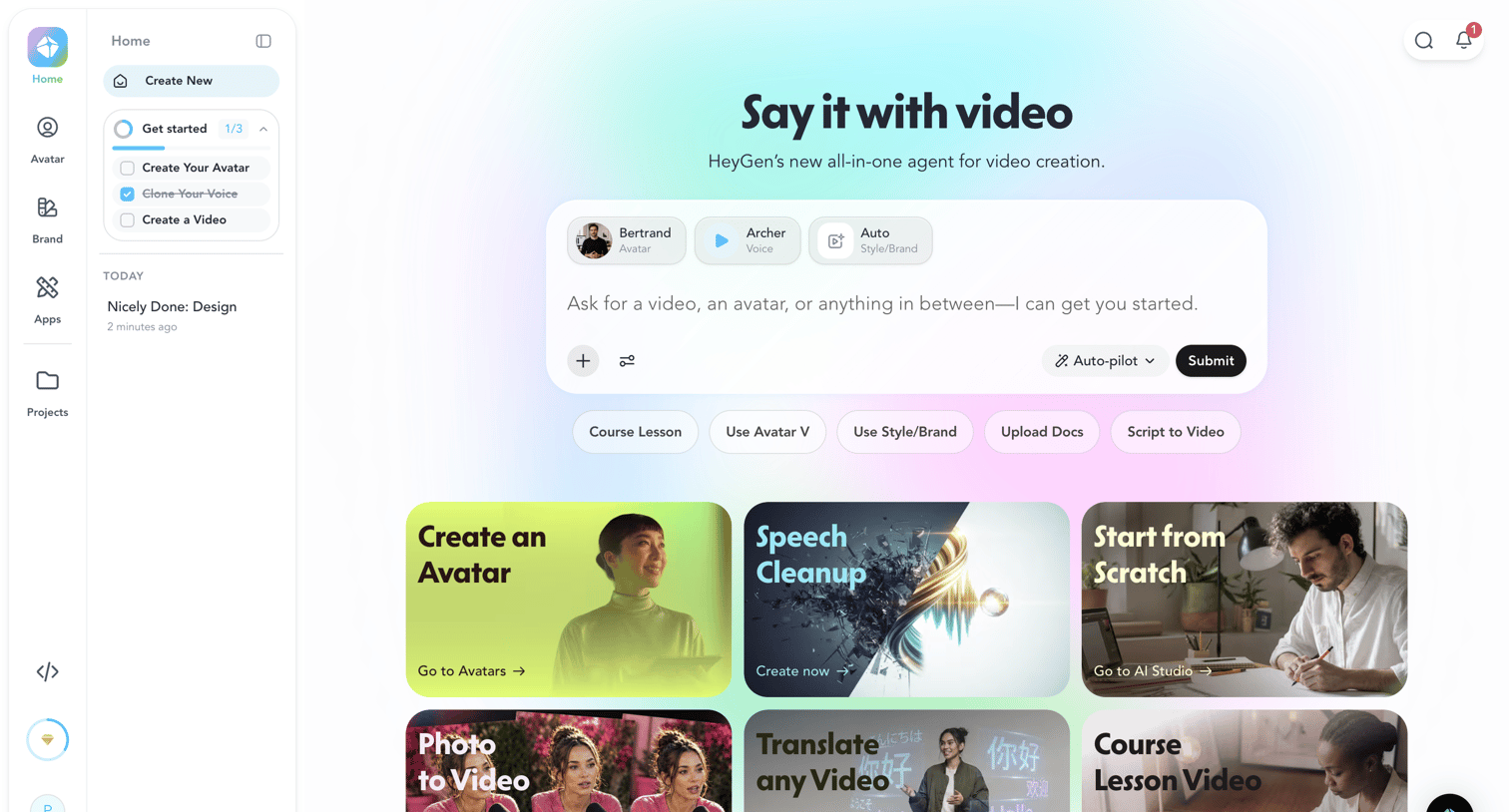

Home screen where the user can prompt an AI agent to generate a video using selected avatars and voices, or start from predefined templates like Speech Cleanup or Photo to Video.
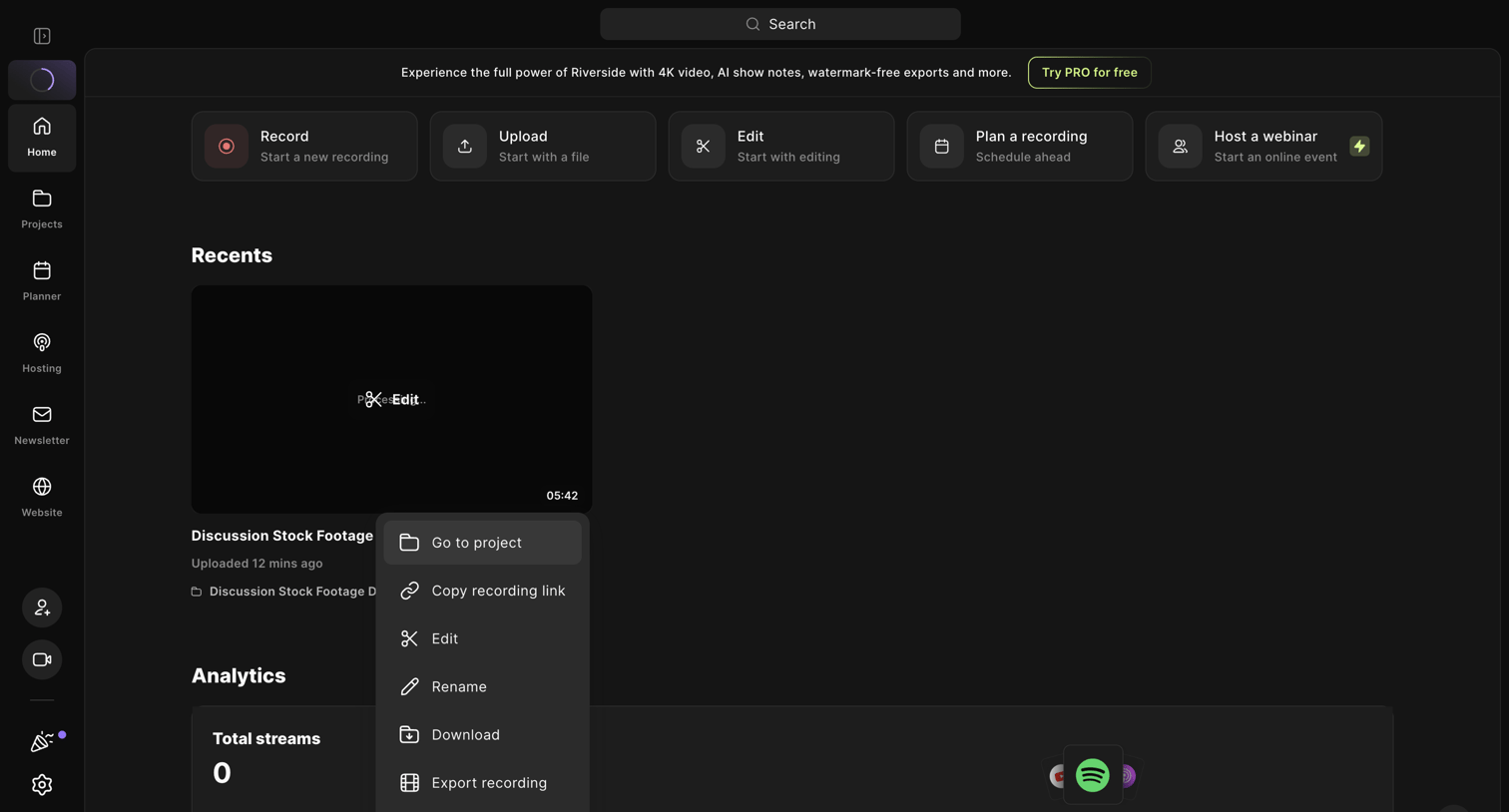

Home dashboard where the user can start a new recording, upload a file, or manage a recent video project via an open context menu.
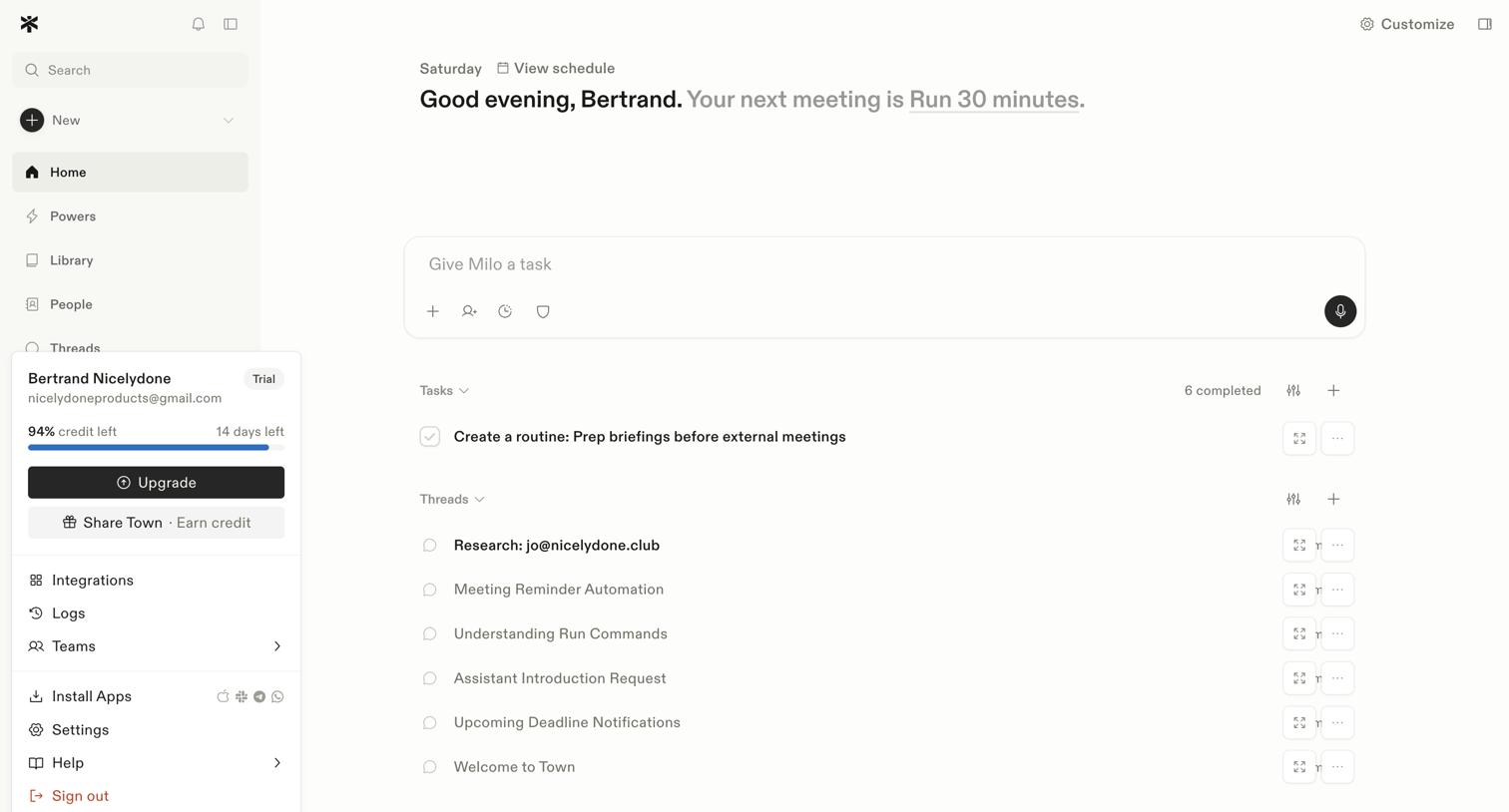

Home screen where the user can give their AI assistant a task, view upcoming meetings, and manage recent tasks and threads.

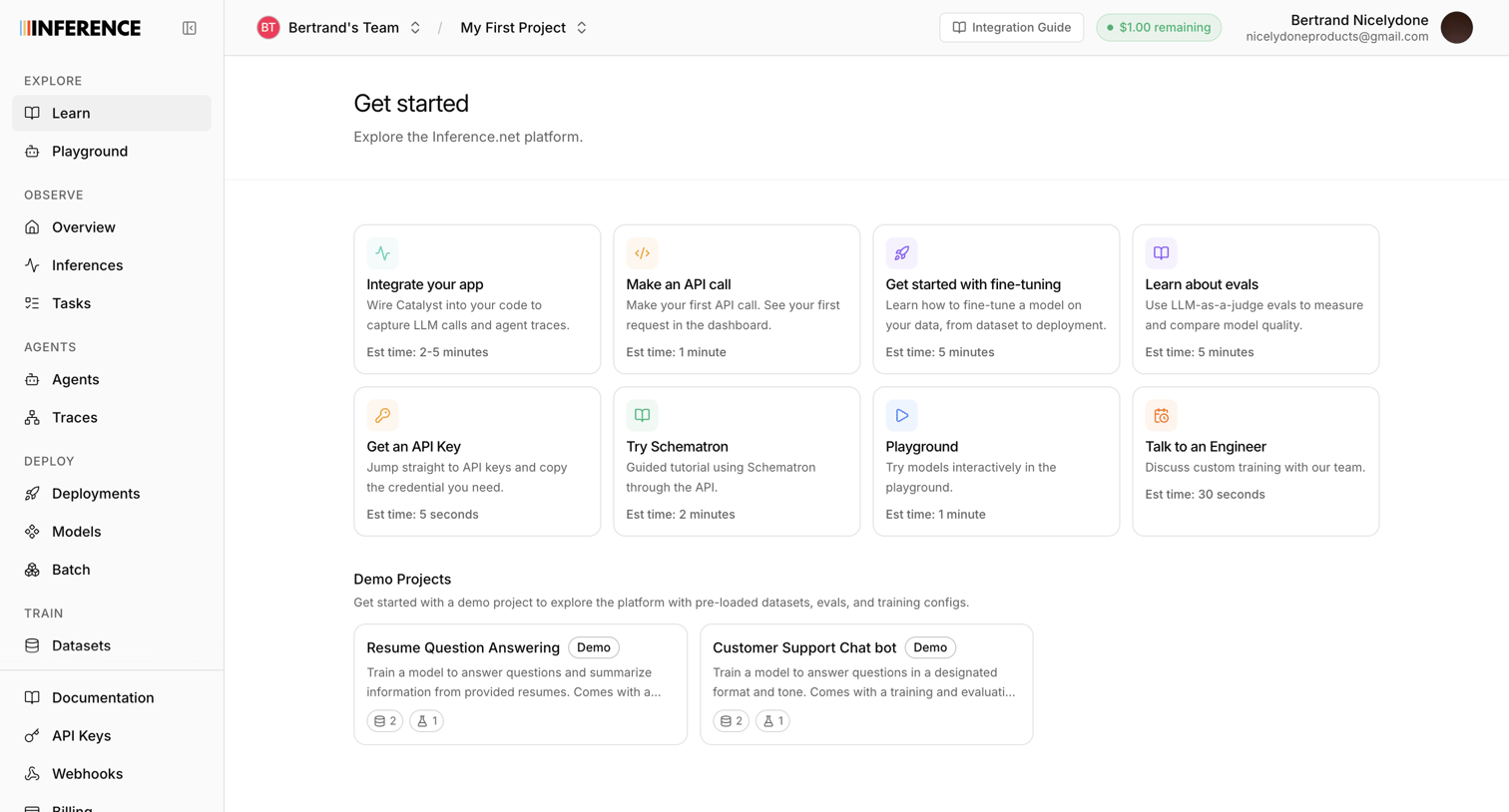

Home screen where the user can explore the platform via getting started guides, tutorials, and pre-loaded demo projects.
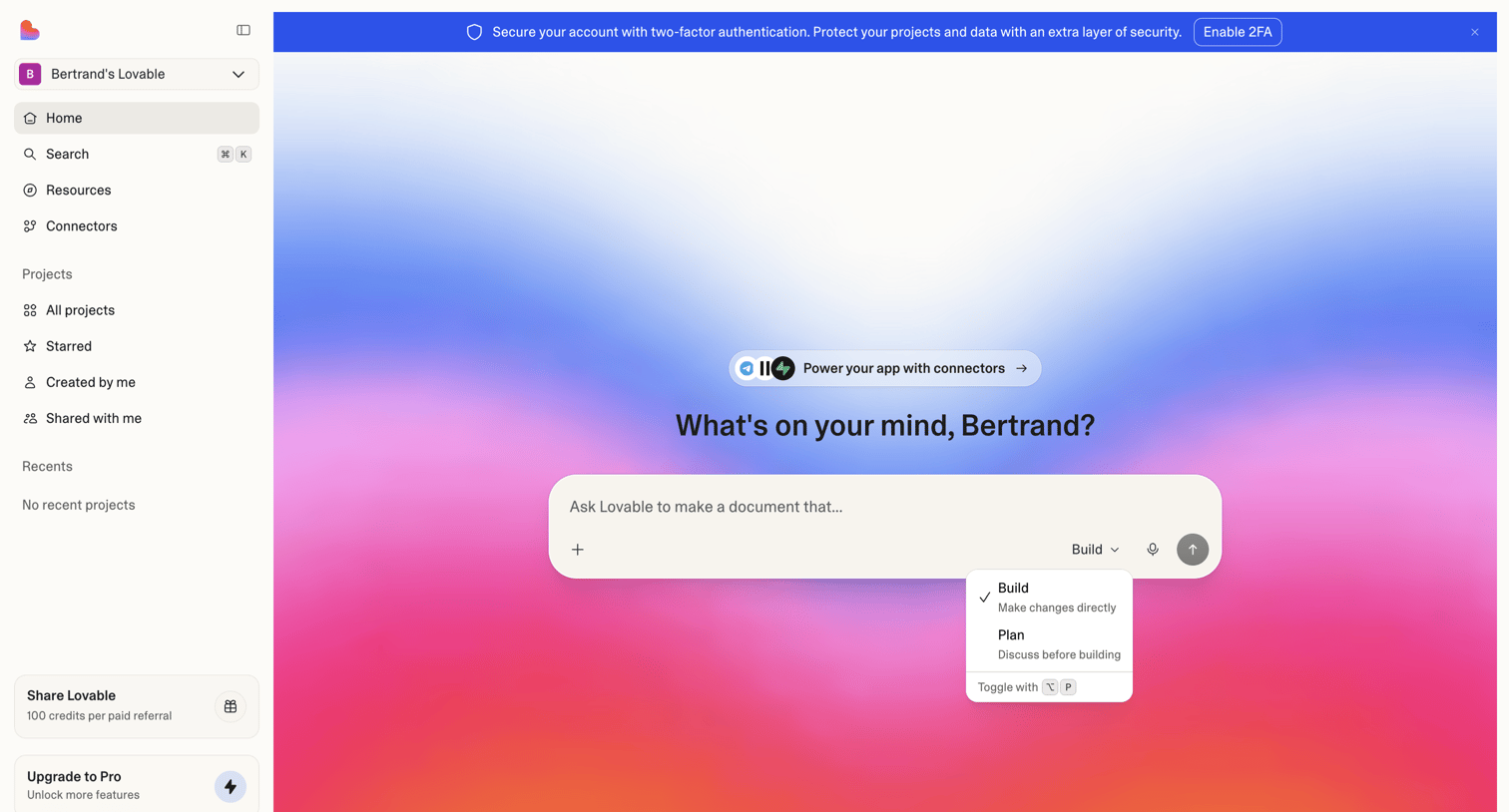

App builder home screen where the user starts a new project by typing a natural language prompt.
Explore the full SaaS screen library
Upgrade to unlock the full library.
Trusted by the best teams








About Home
Explore the first screen people see inside an app. Look at how recent work, suggested actions, and navigation are arranged to help them choose where to begin.