Workspace management screen examples
Workspace management screen design examples from SaaS apps. See how apps organize the settings and resources of a shared workspace. Explore how identity, membership, and configuration controls relate to the space…
Explore the examples
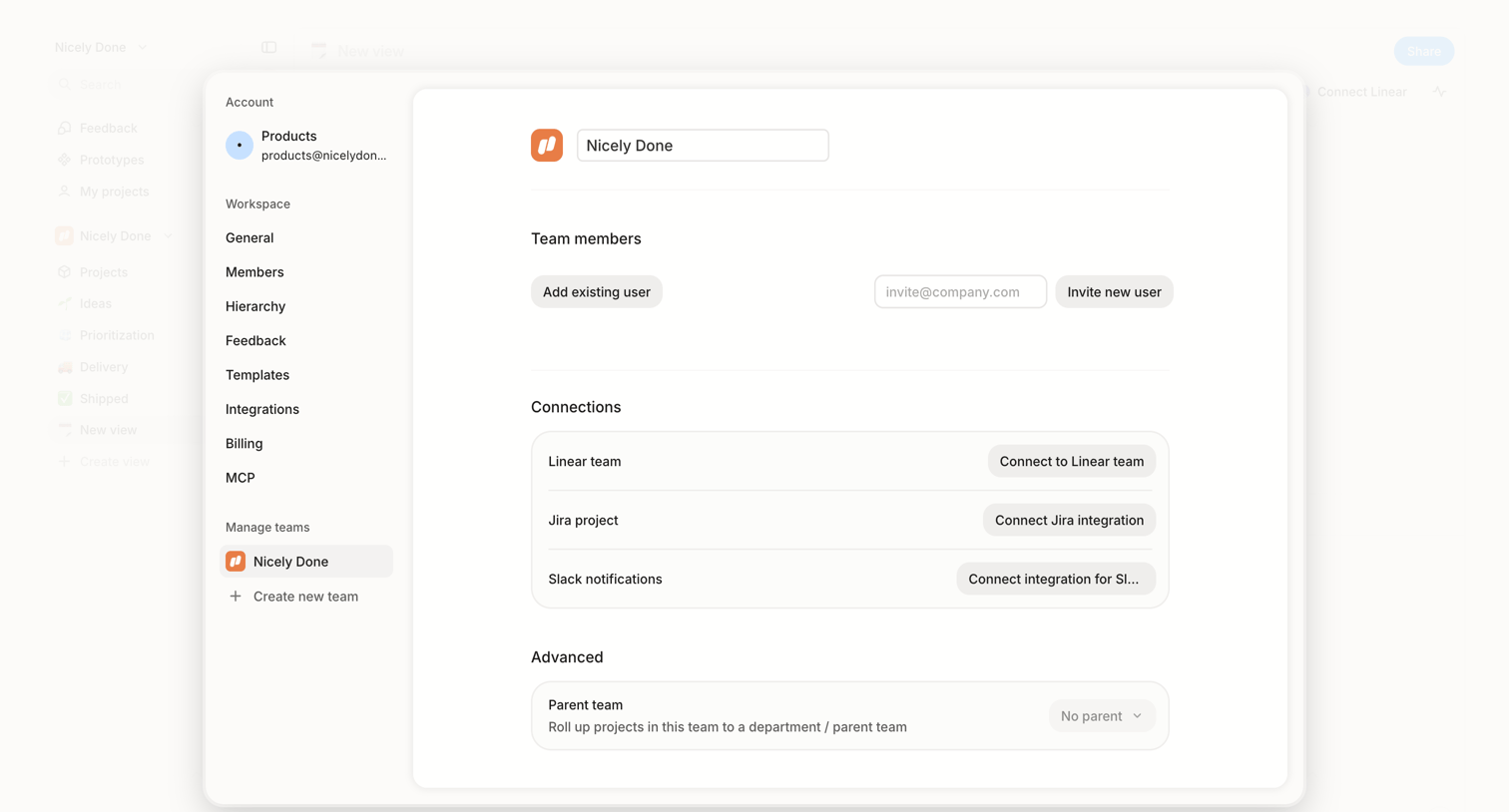

Settings modal where the user manages team members, configures integrations for Linear, Jira, and Slack, and sets up team hierarchy.
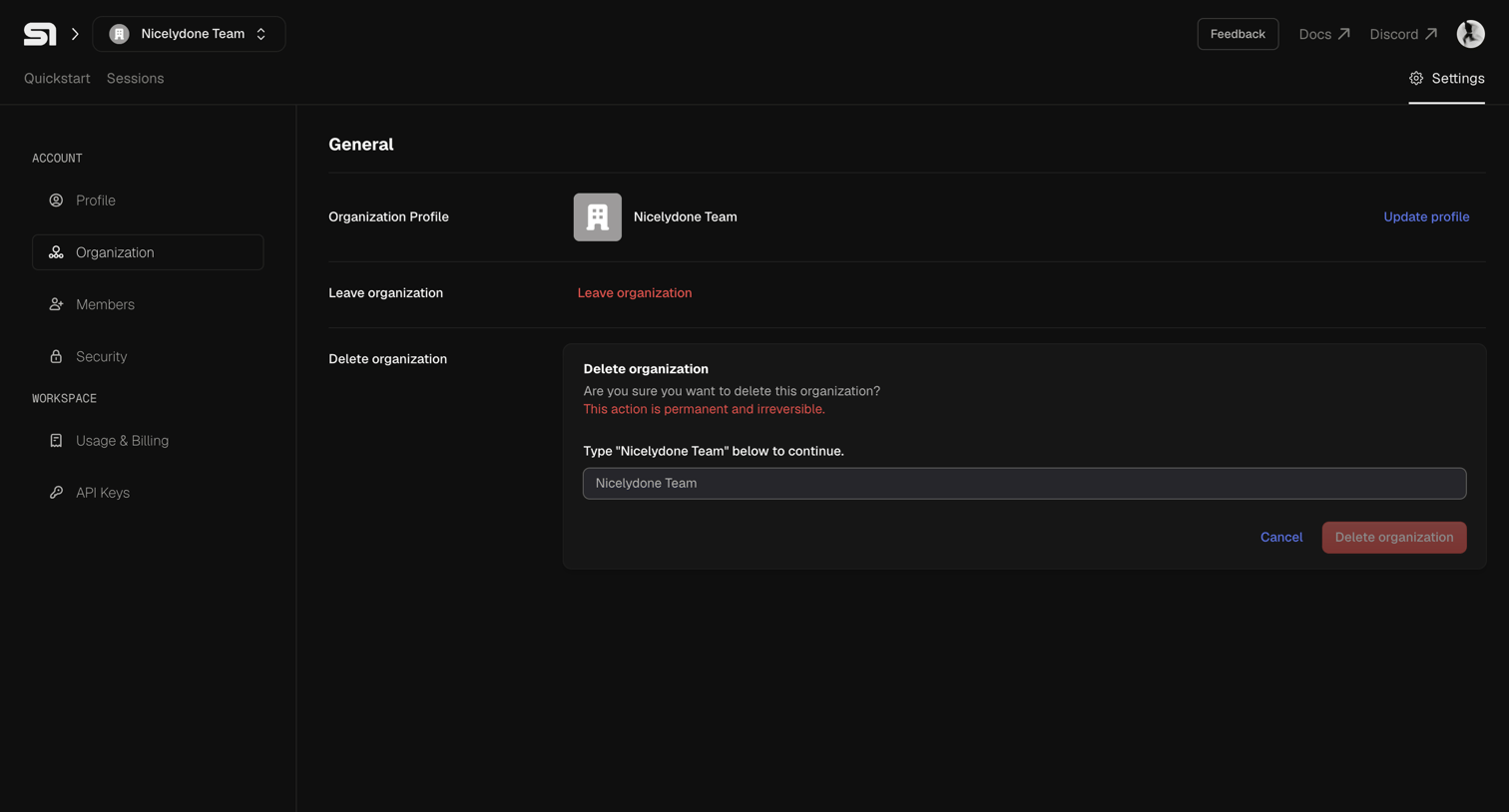

Settings page where the user can manage their organization profile, leave the team, or permanently delete the organization by typing its name to confirm.
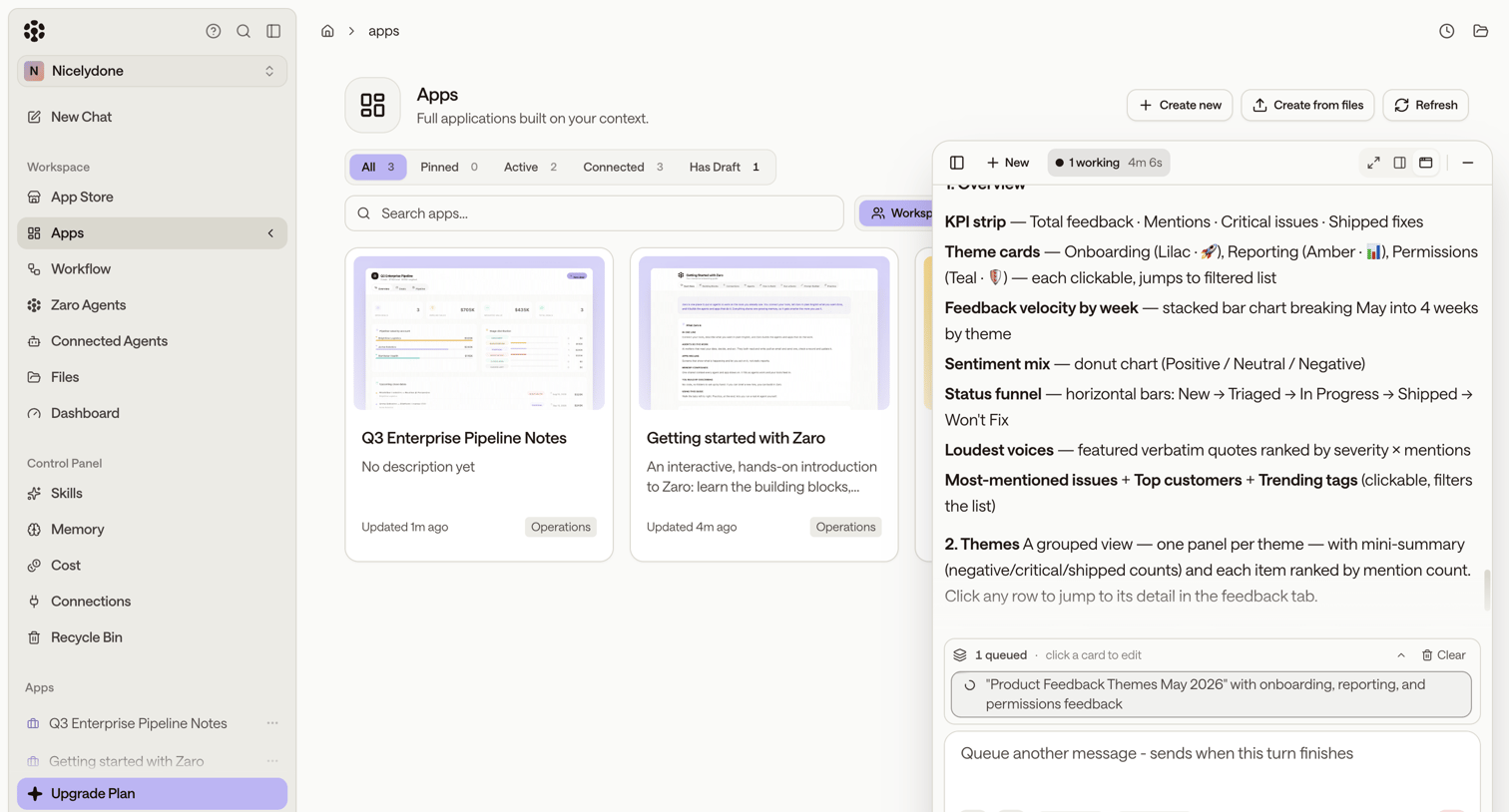

List view where the user browses, searches, and filters their custom applications while interacting with a floating AI assistant.
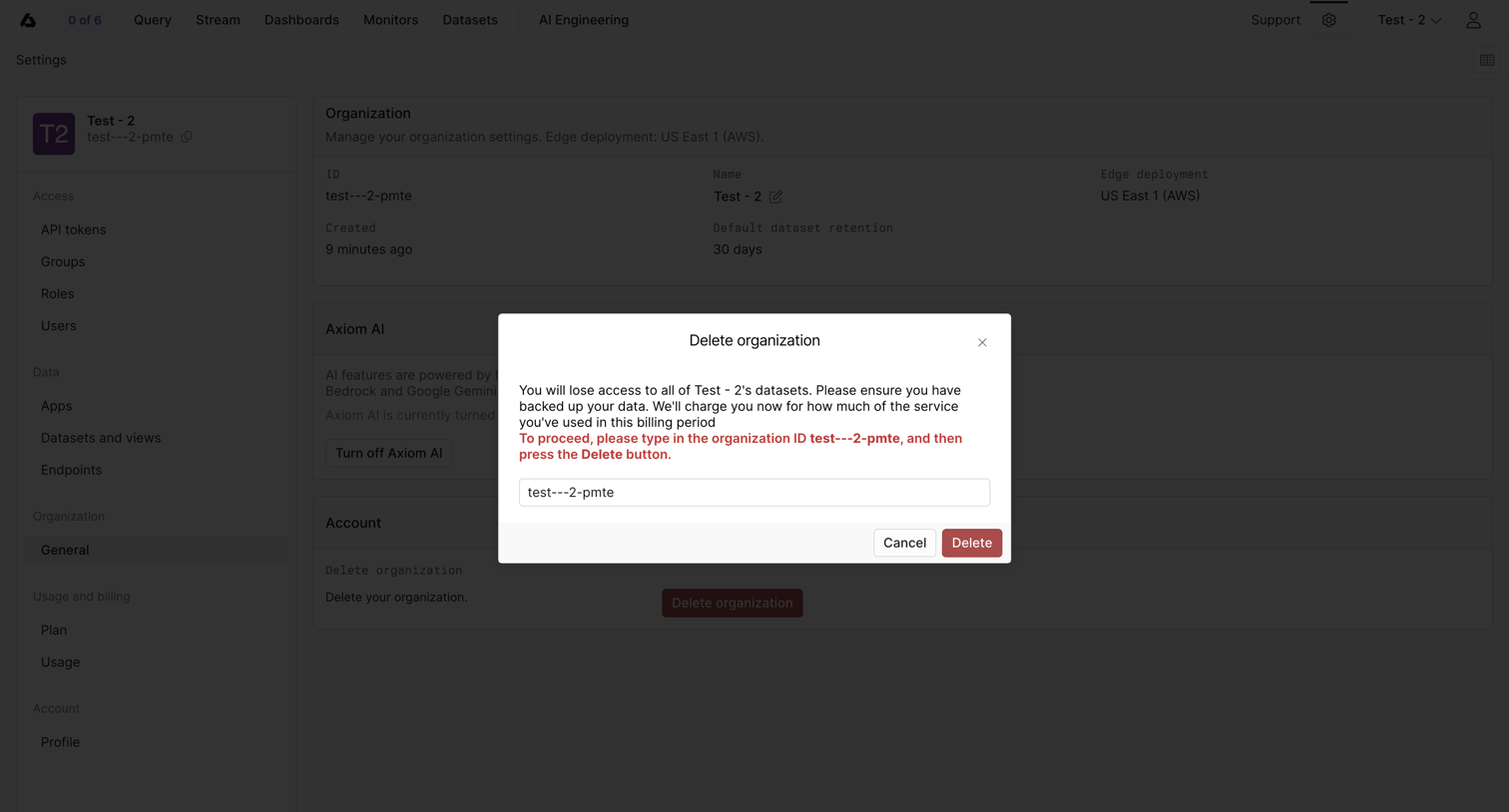

Organization settings page where the user must type the organization ID into a destructive alert dialog to confirm deletion.
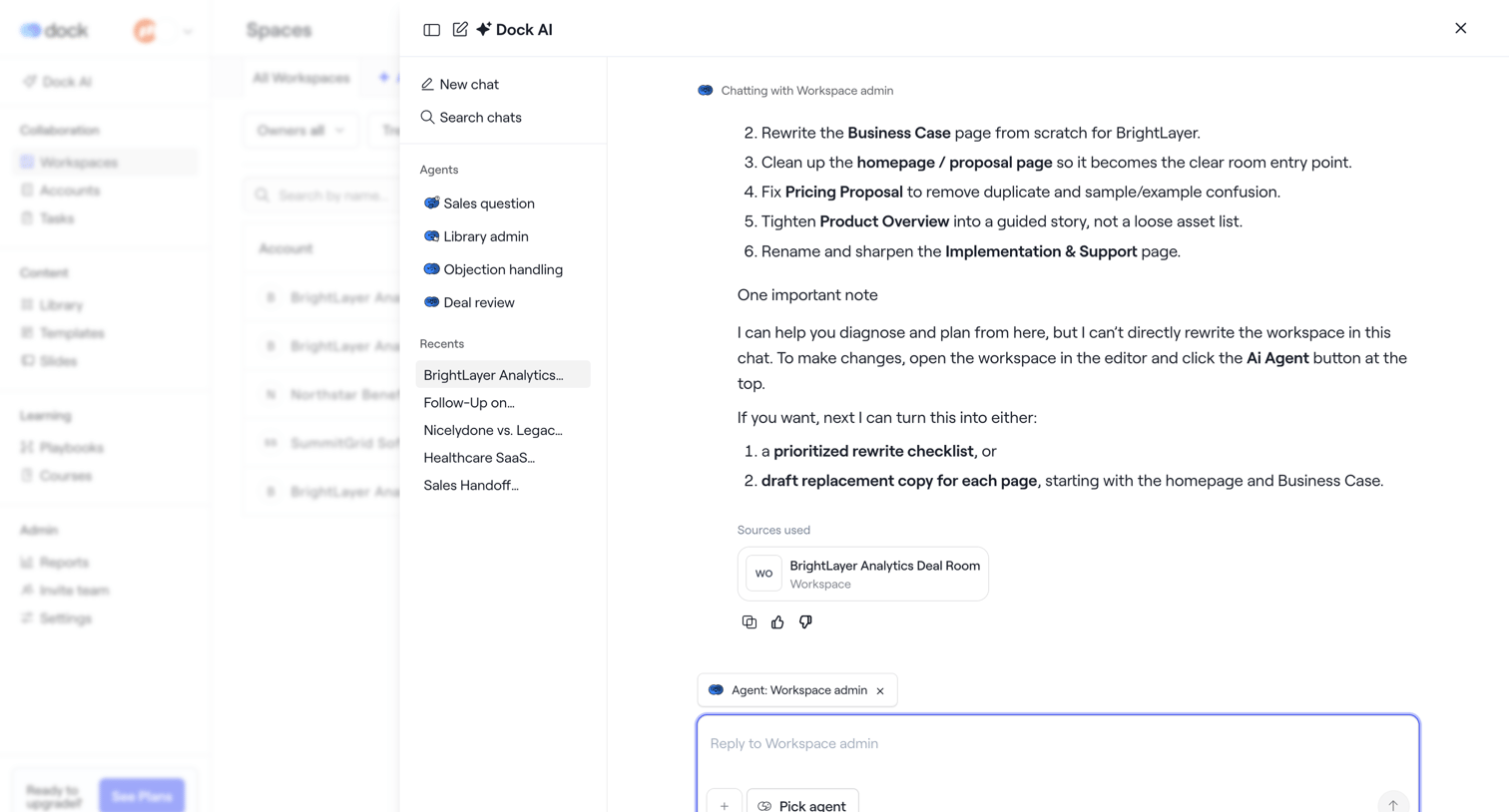

AI chat drawer where the user interacts with a workspace agent to rewrite documents and plan deal room content.
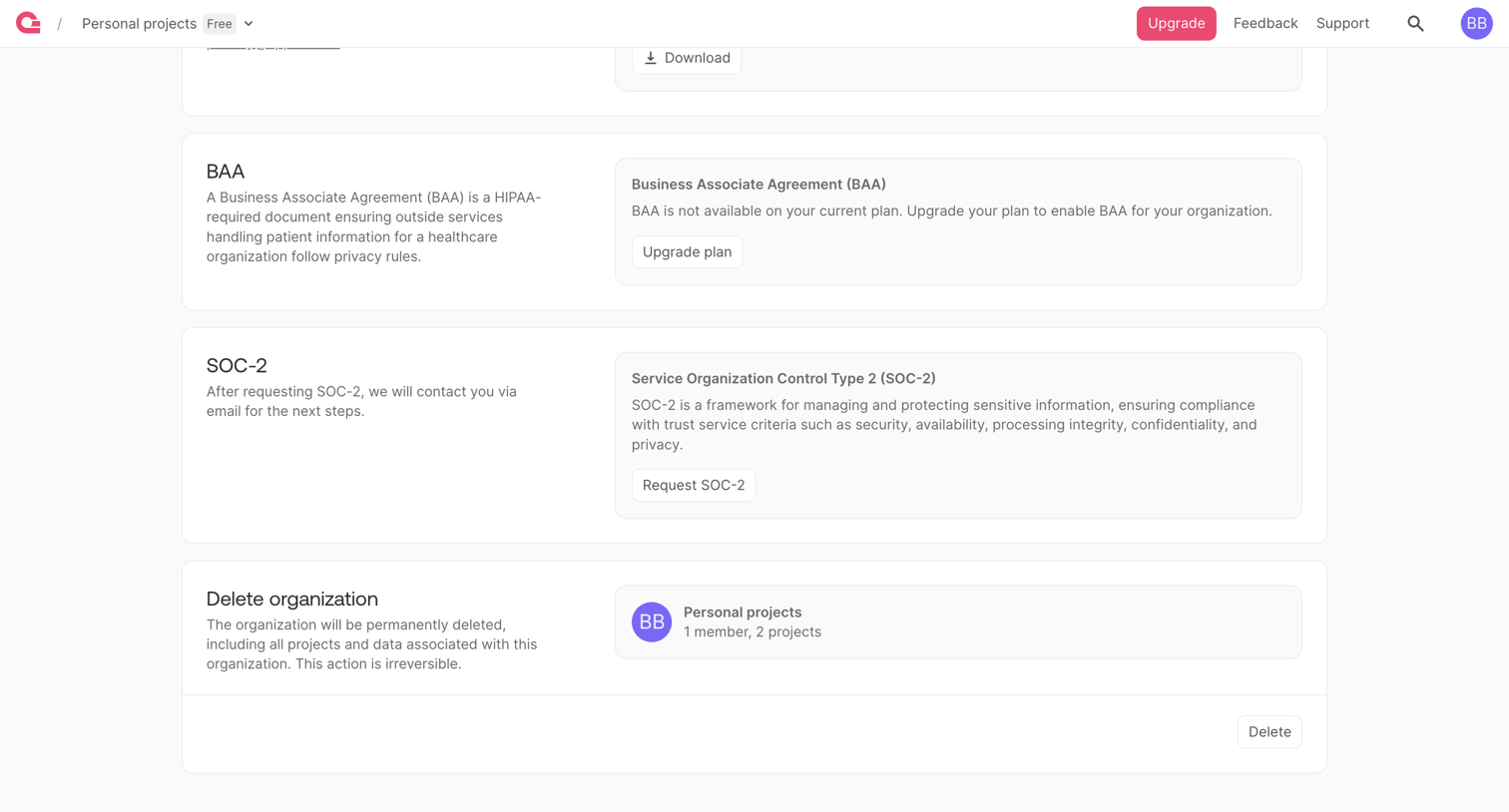

Settings page where the user manages organization compliance by requesting BAA or SOC-2 agreements and can permanently delete their organization.
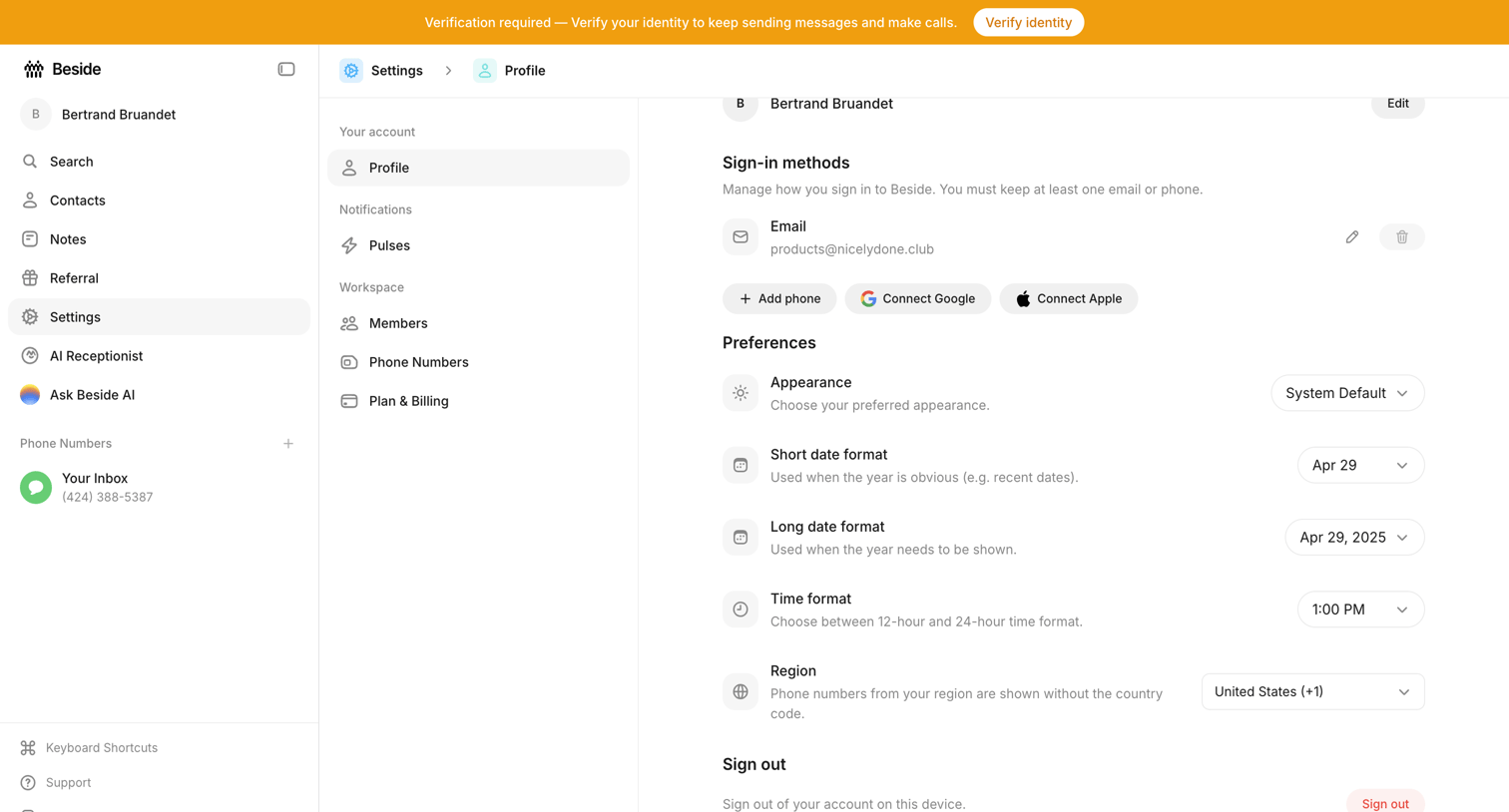

Settings page where the user configures their sign-in methods, appearance preferences, and regional date and time formats.
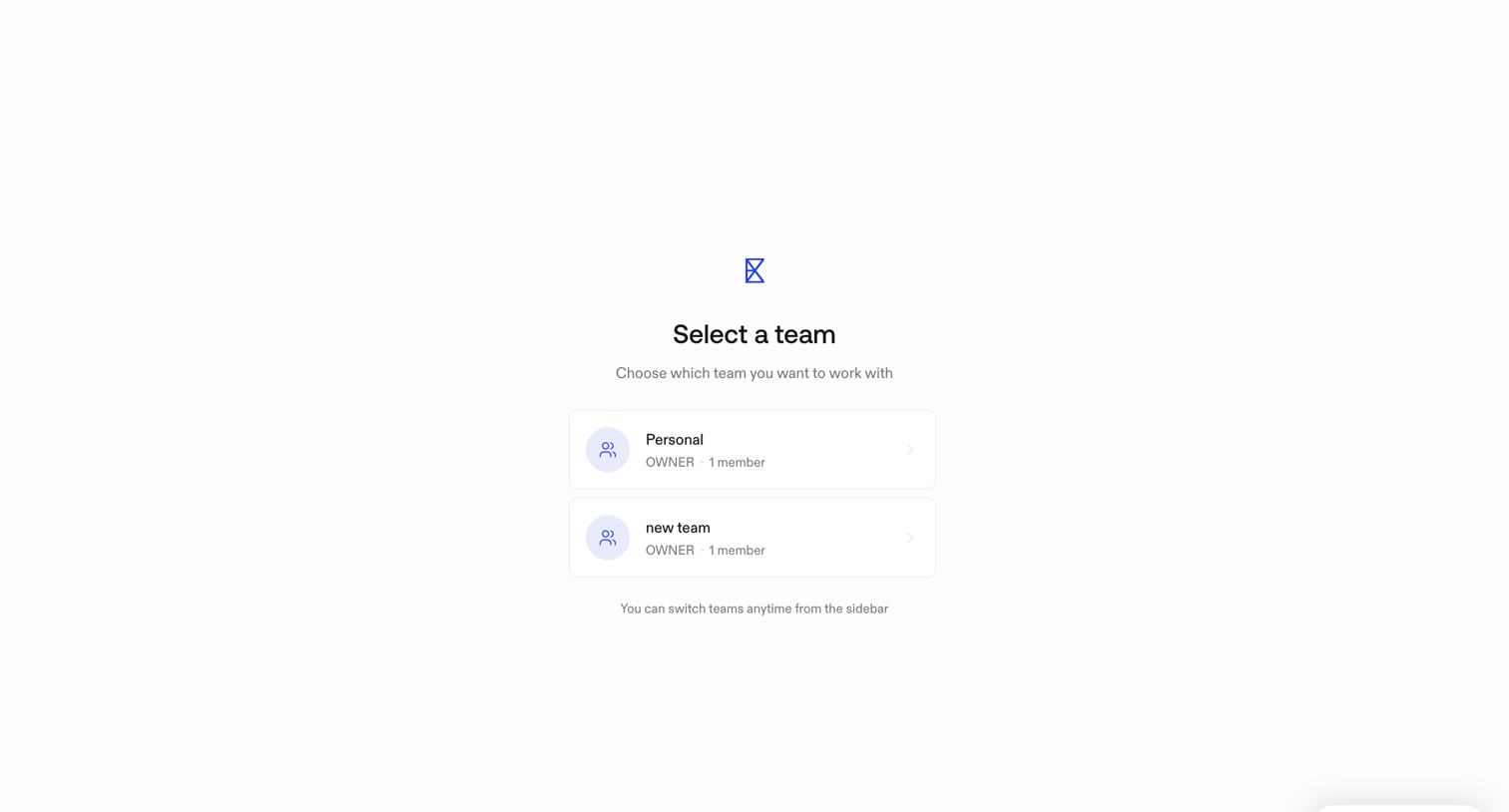

Onboarding step where the user selects which team workspace they want to access before entering the main application.
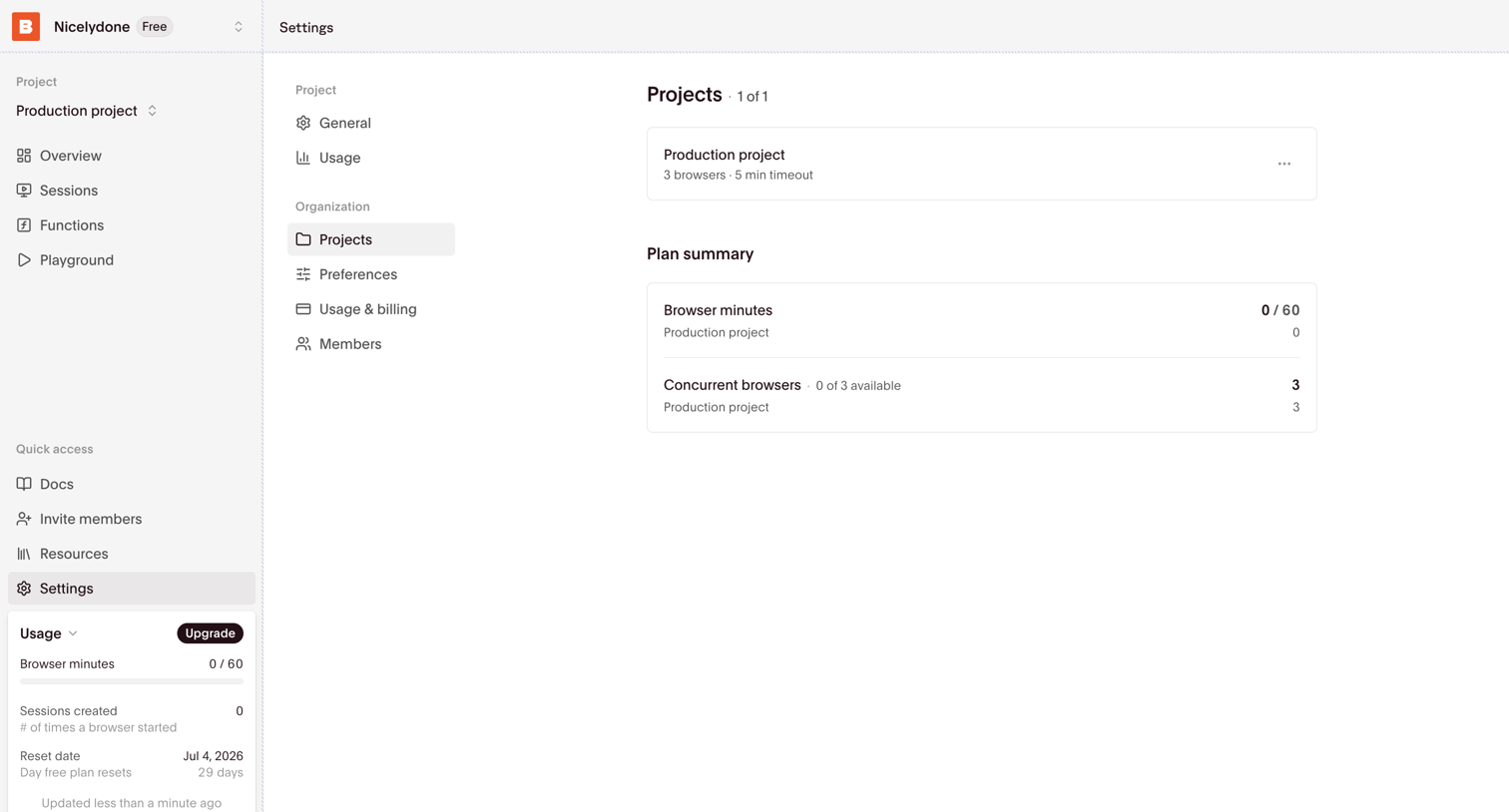

Settings page where the user views their configured projects and a summary of their plan's browser minutes and concurrent browser usage.
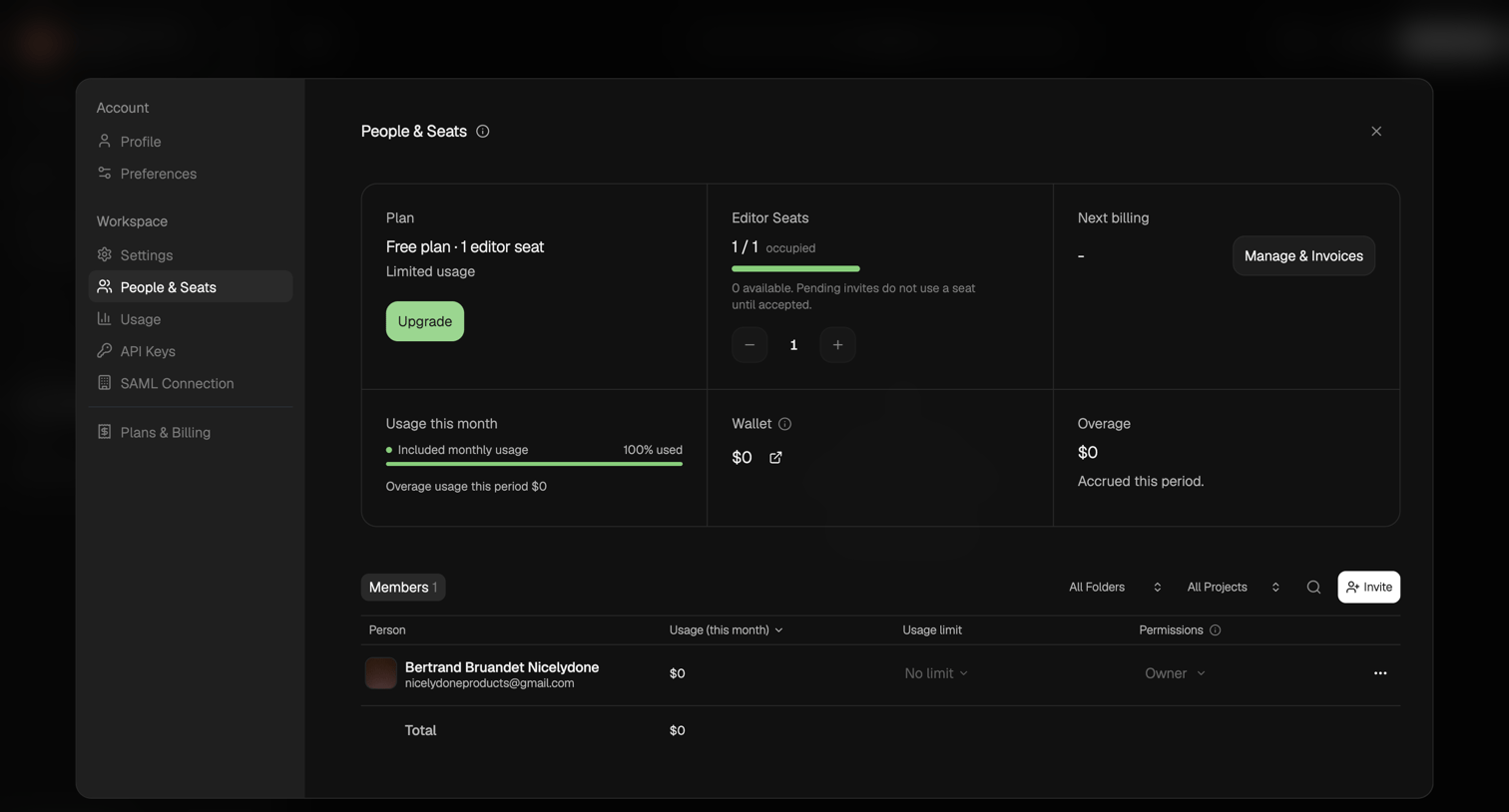

Settings modal where the user manages their workspace plan, editor seats, usage limits, and invites new members.
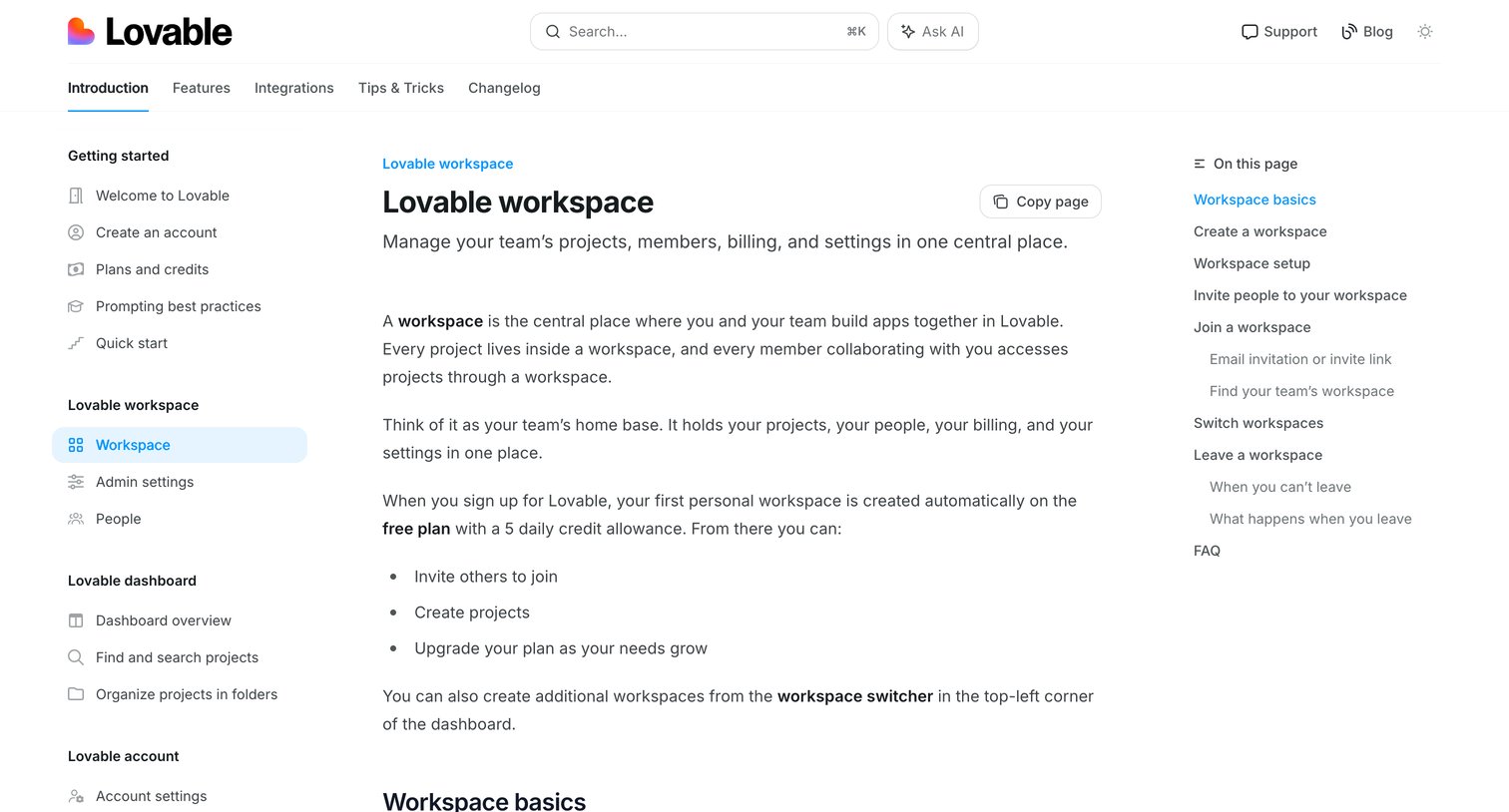

Help center article explaining how to create, join, and manage workspaces, including details on billing and member permissions.
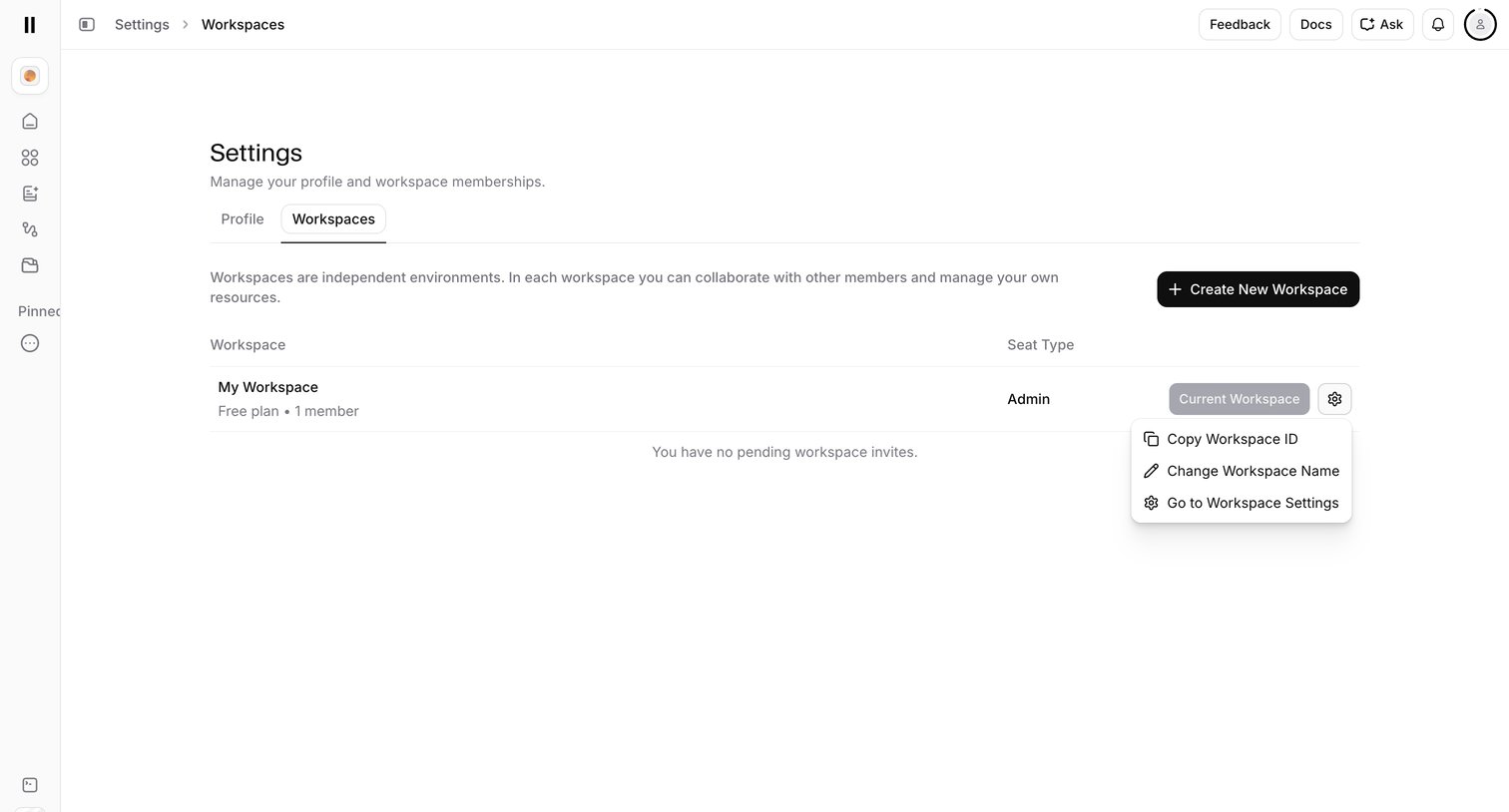

Settings page where the user manages their workspace memberships, creates new workspaces, and accesses workspace-specific options via a dropdown menu.
Explore the full SaaS screen library
Upgrade to unlock the full library.
Trusted by the best teams








About Workspace management
See how apps organize the settings and resources of a shared workspace. Explore how identity, membership, and configuration controls relate to the space being managed.