Workflow steps screen examples
Workflow steps screen design examples from SaaS apps. Browse examples from Zapier, Vero, Qatalog.
Explore the examples
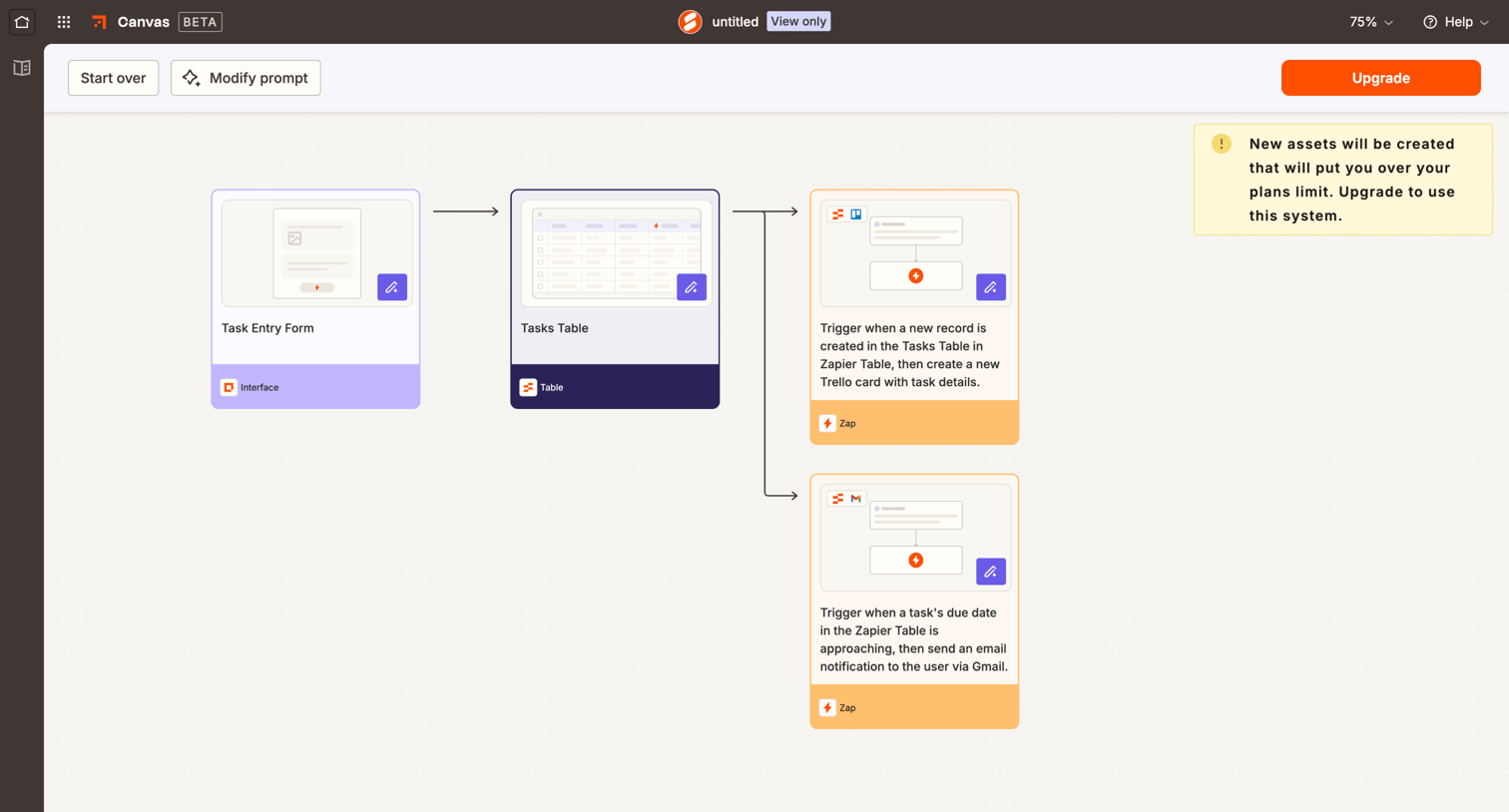

Workflow editor where the user previews an AI-drafted automation sequence connecting a form, table, and actions, with a prominent warning to upgrade their plan to use the generated assets.
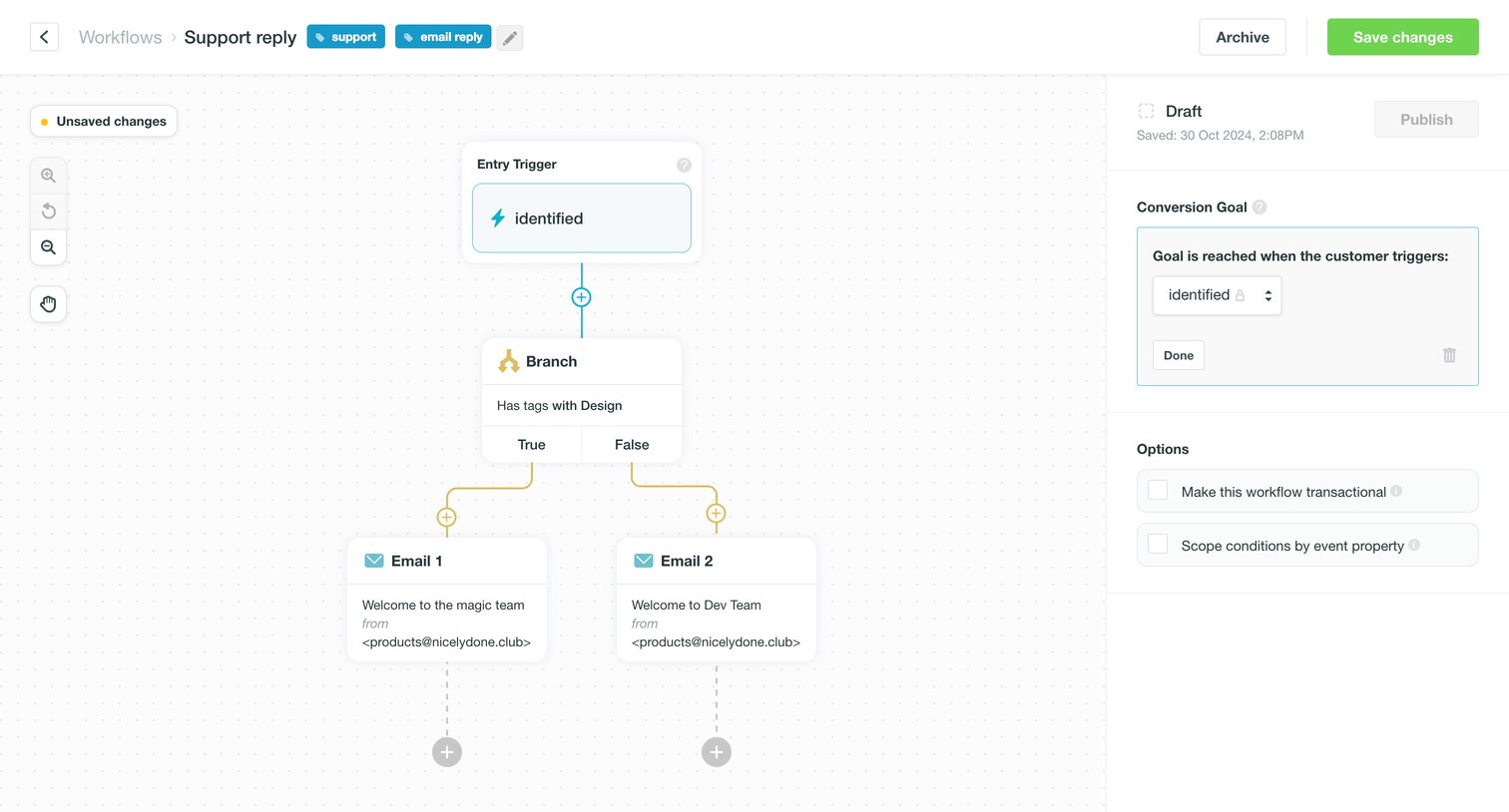

Visual workflow editor where the user configures a support reply automation with entry triggers, branching logic, and email actions.
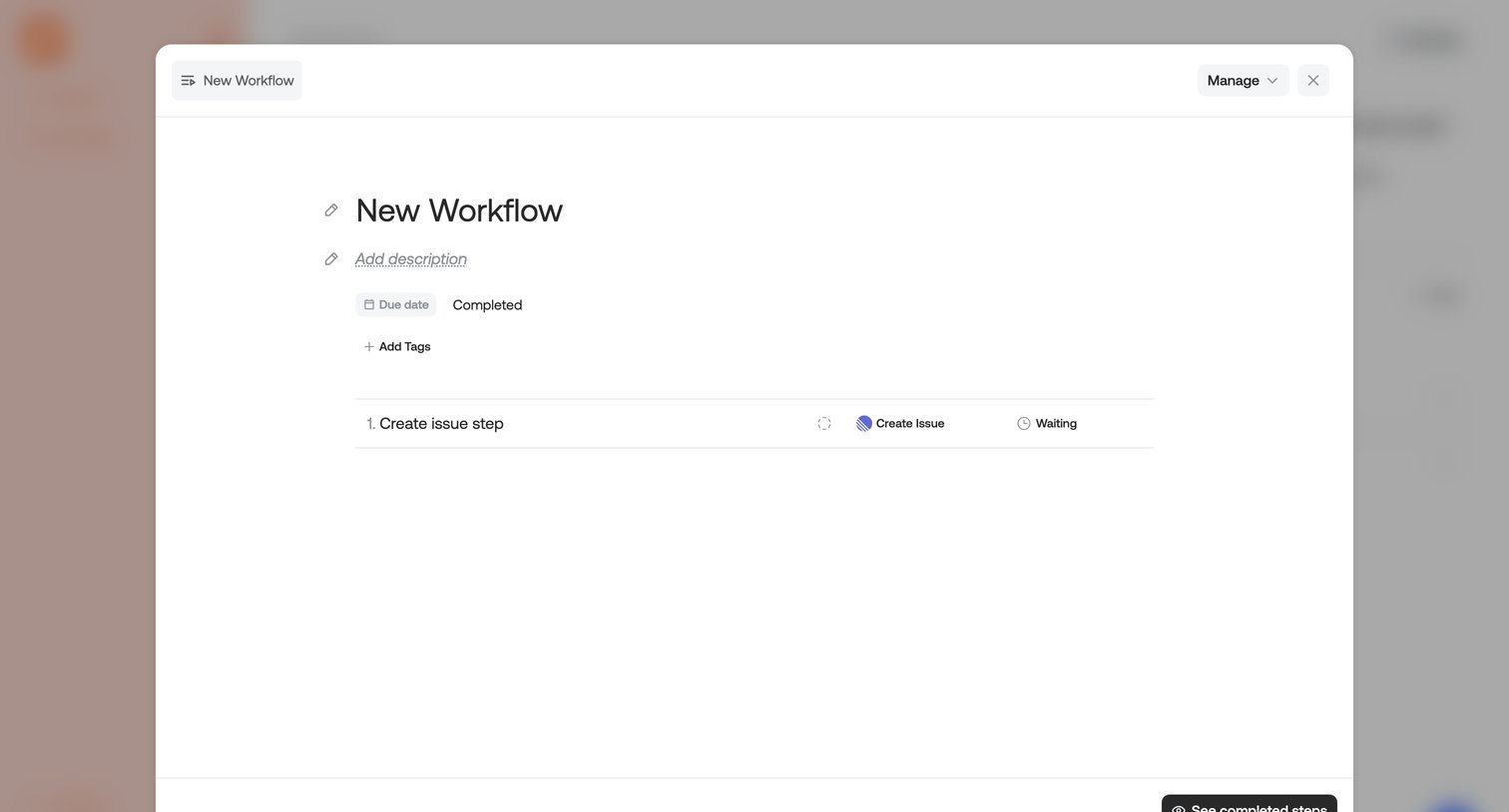

Detail modal where the user views and edits a workflow assignment, including its title, description, due date, and individual steps.
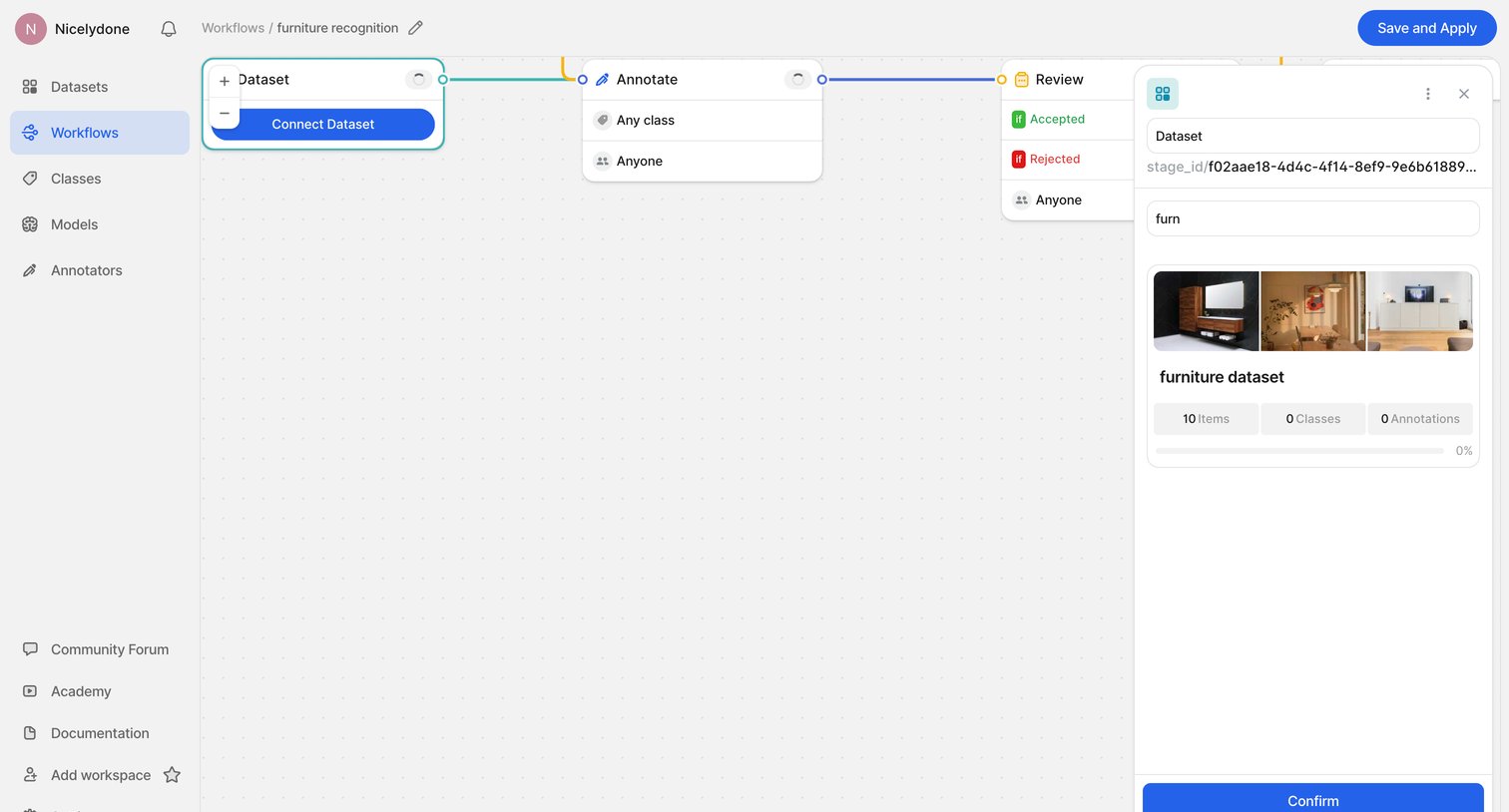

Design editor where the user builds a furniture recognition pipeline by connecting dataset, annotate, and review nodes, with a floating inspector panel open to search and configure the dataset.
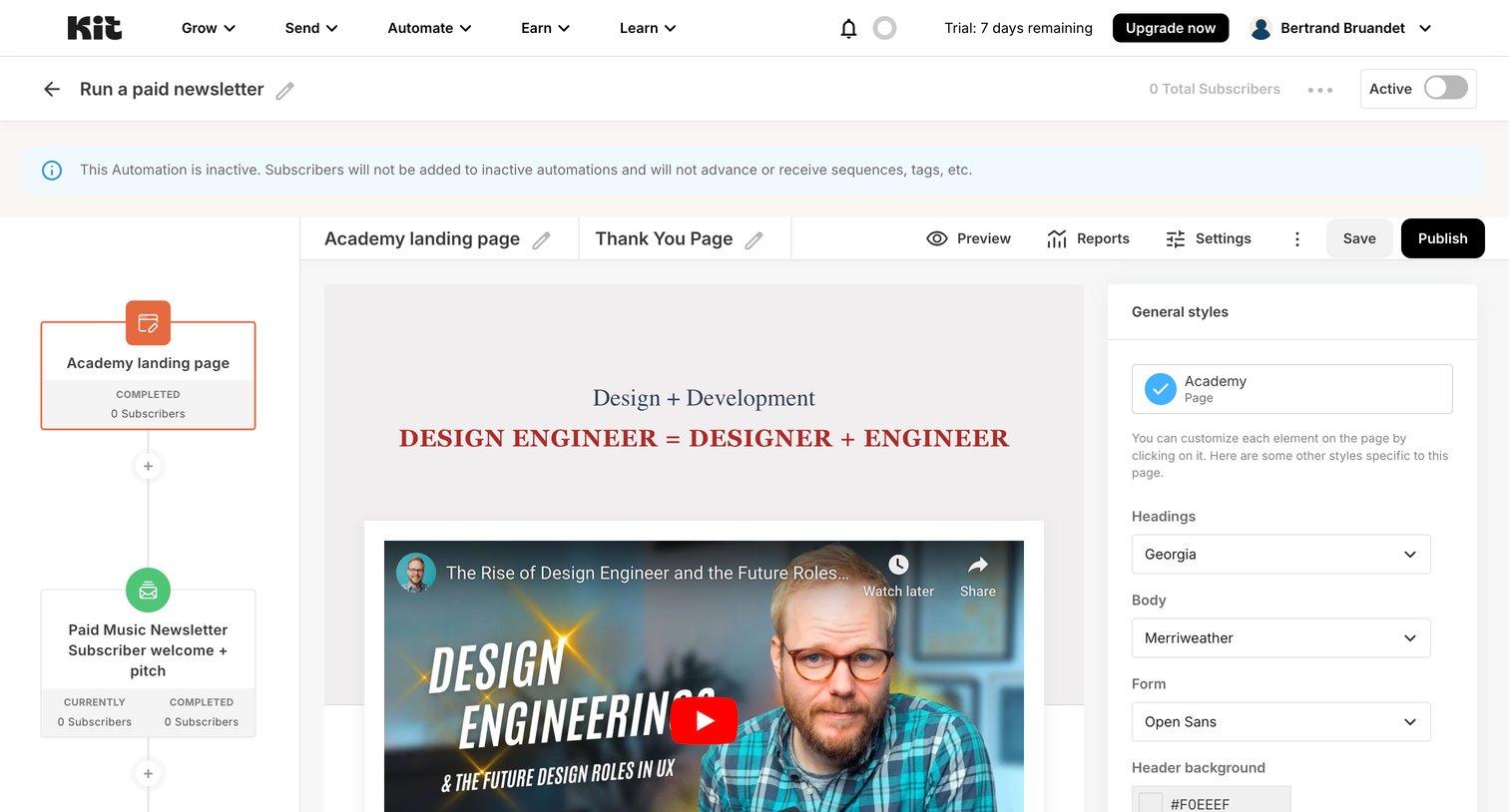

Workflow editor where the user configures an automation for a paid newsletter, currently adjusting the typography and colors of an academy landing page node.
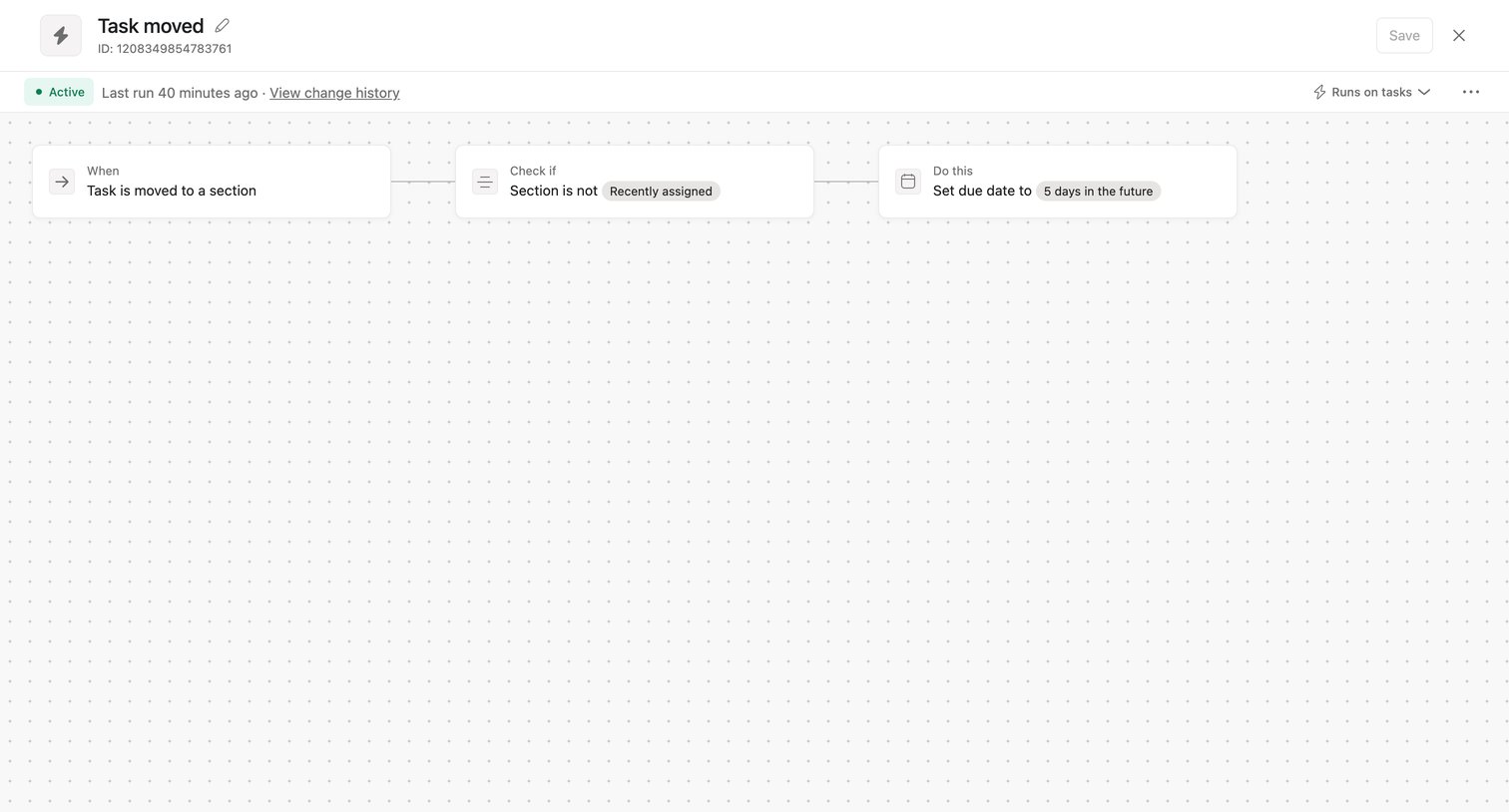

Workflow editor where the user configures an automation rule triggered when a task is moved to a specific section.
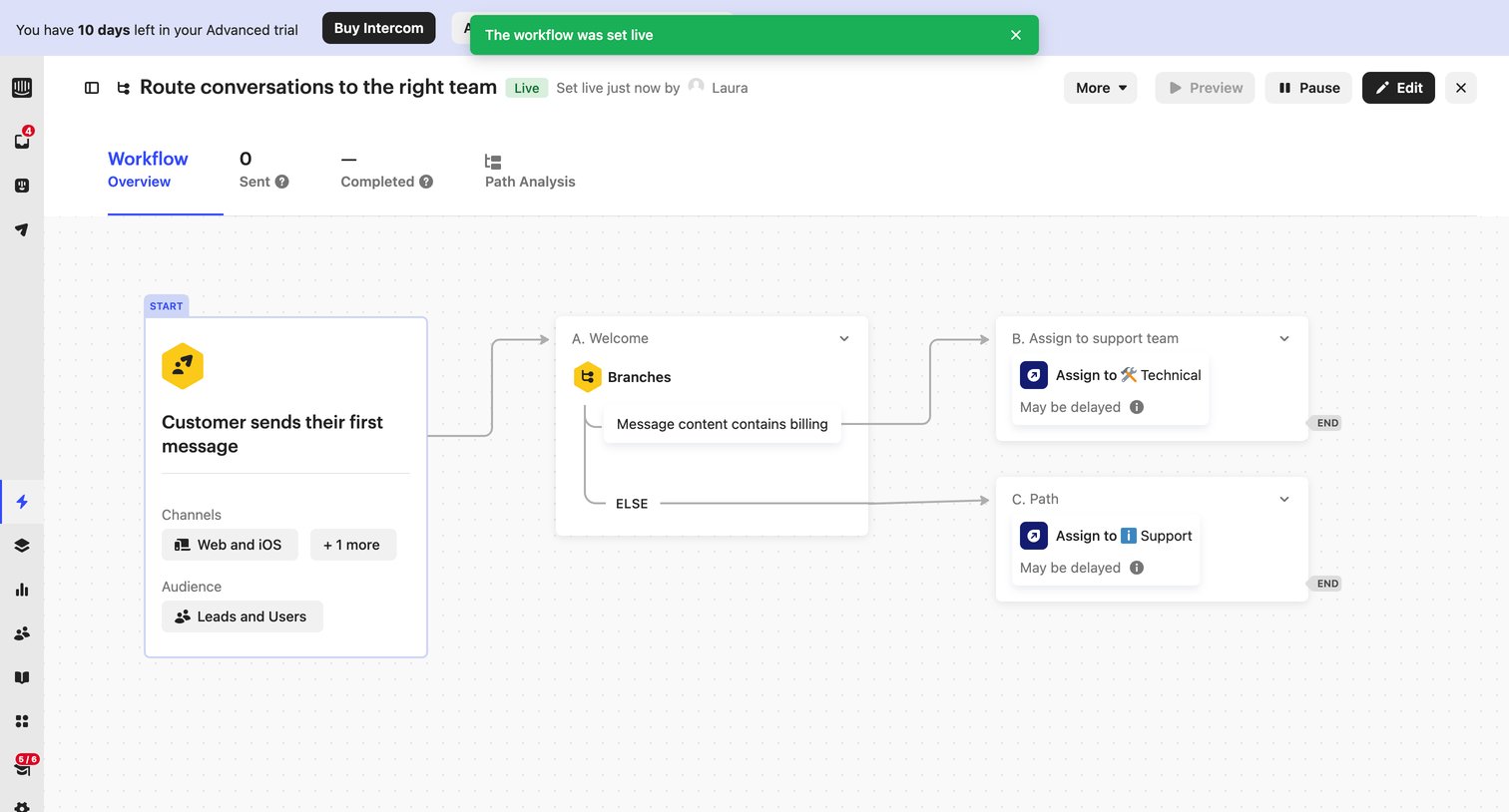

Design editor where the user views a live automation workflow that routes customer messages to technical or support teams based on message content.
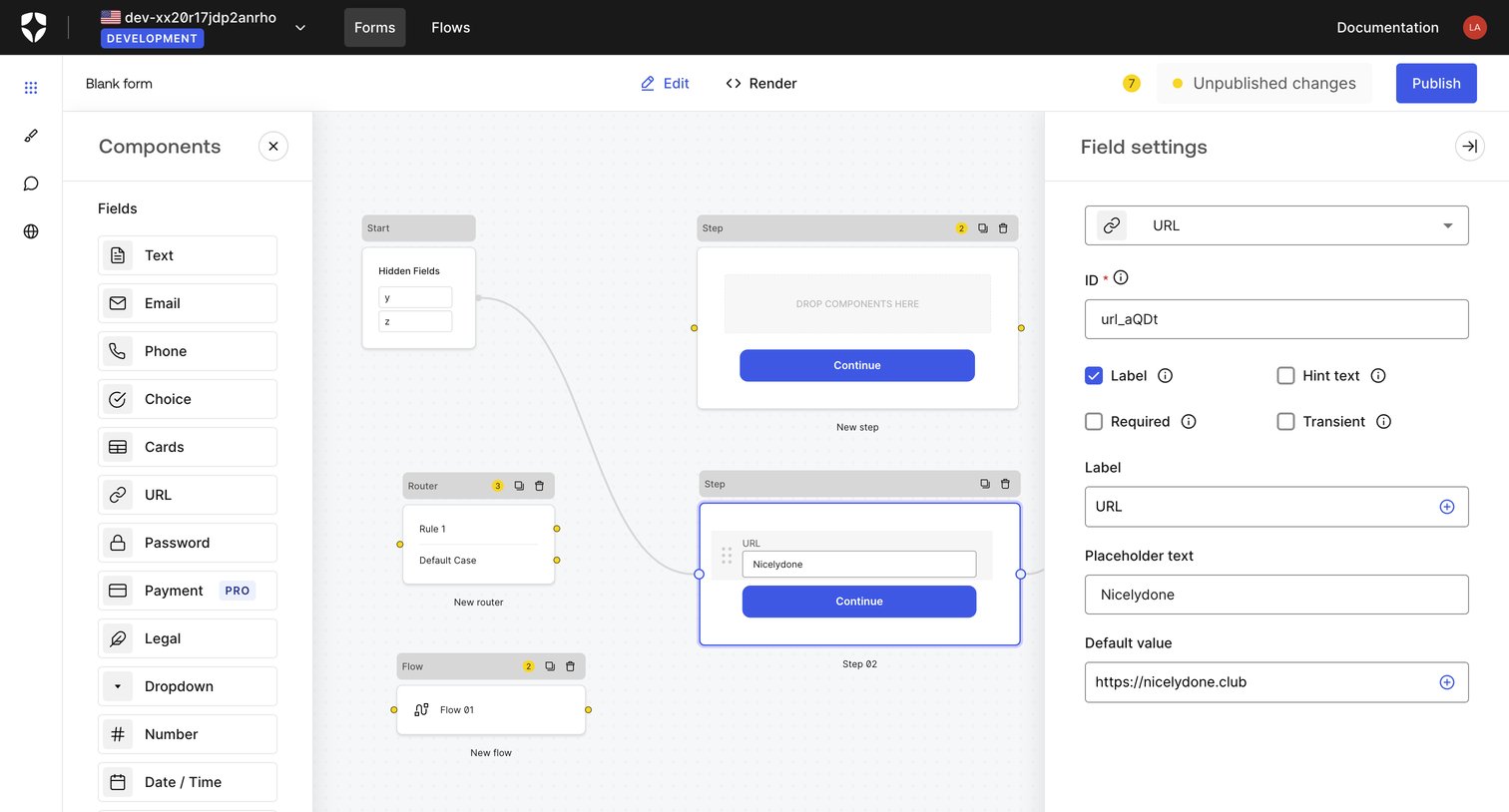

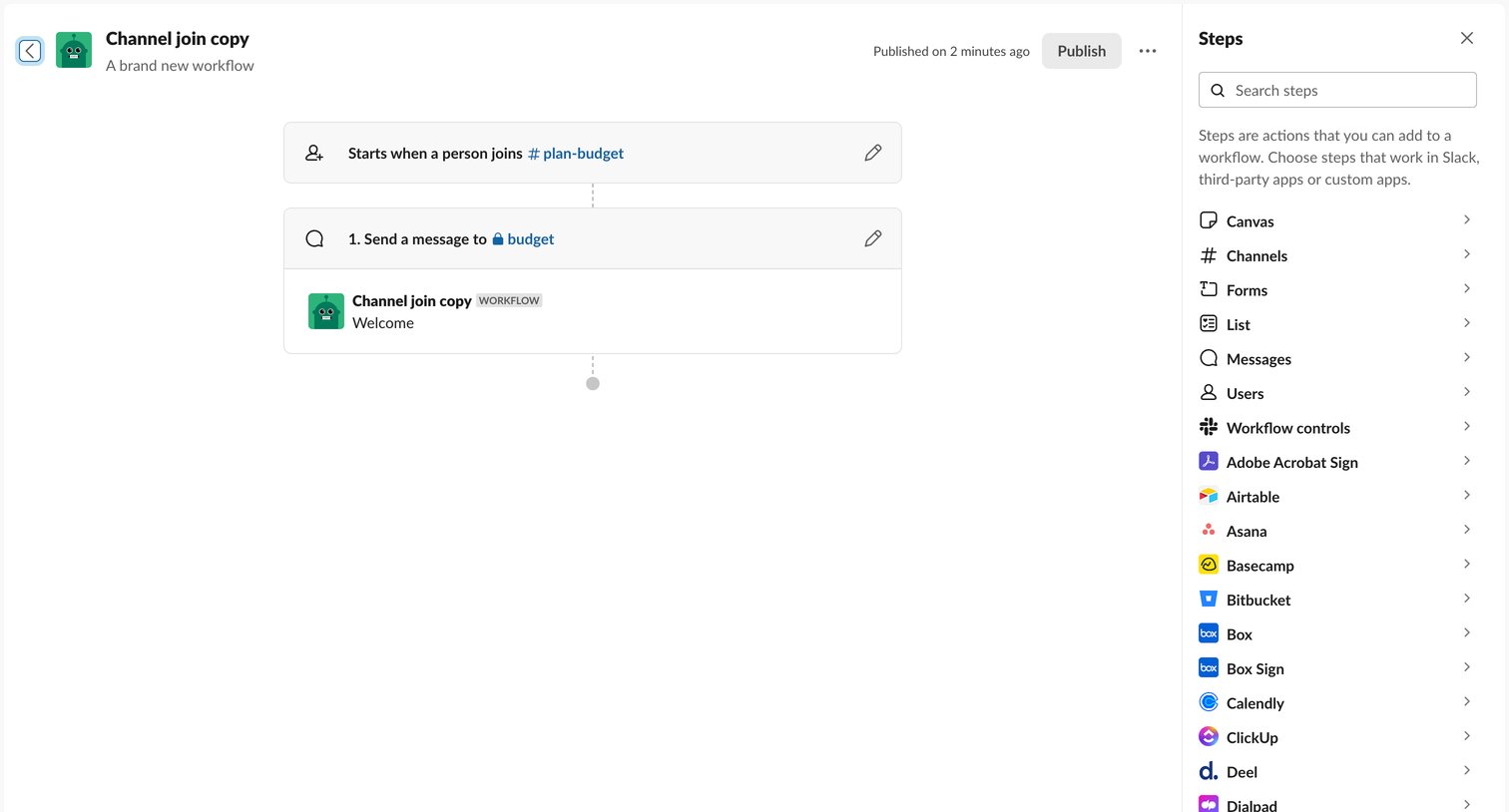

Design editor where the user builds an automation by connecting a channel join trigger to a message action, with a sidebar to search and add new integration steps.
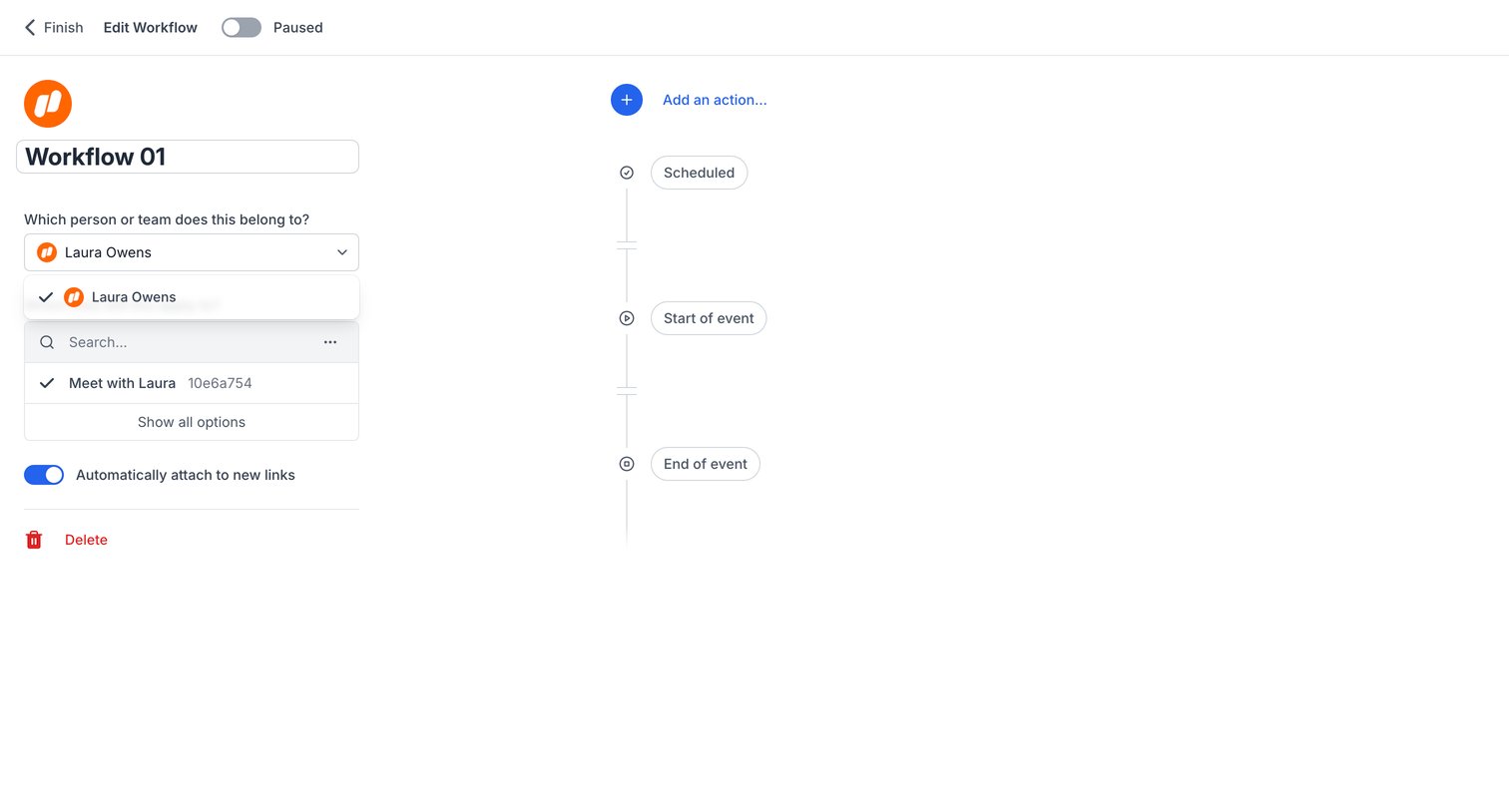

Workflow editor where the user configures automation triggers and actions for a specific scheduling link.
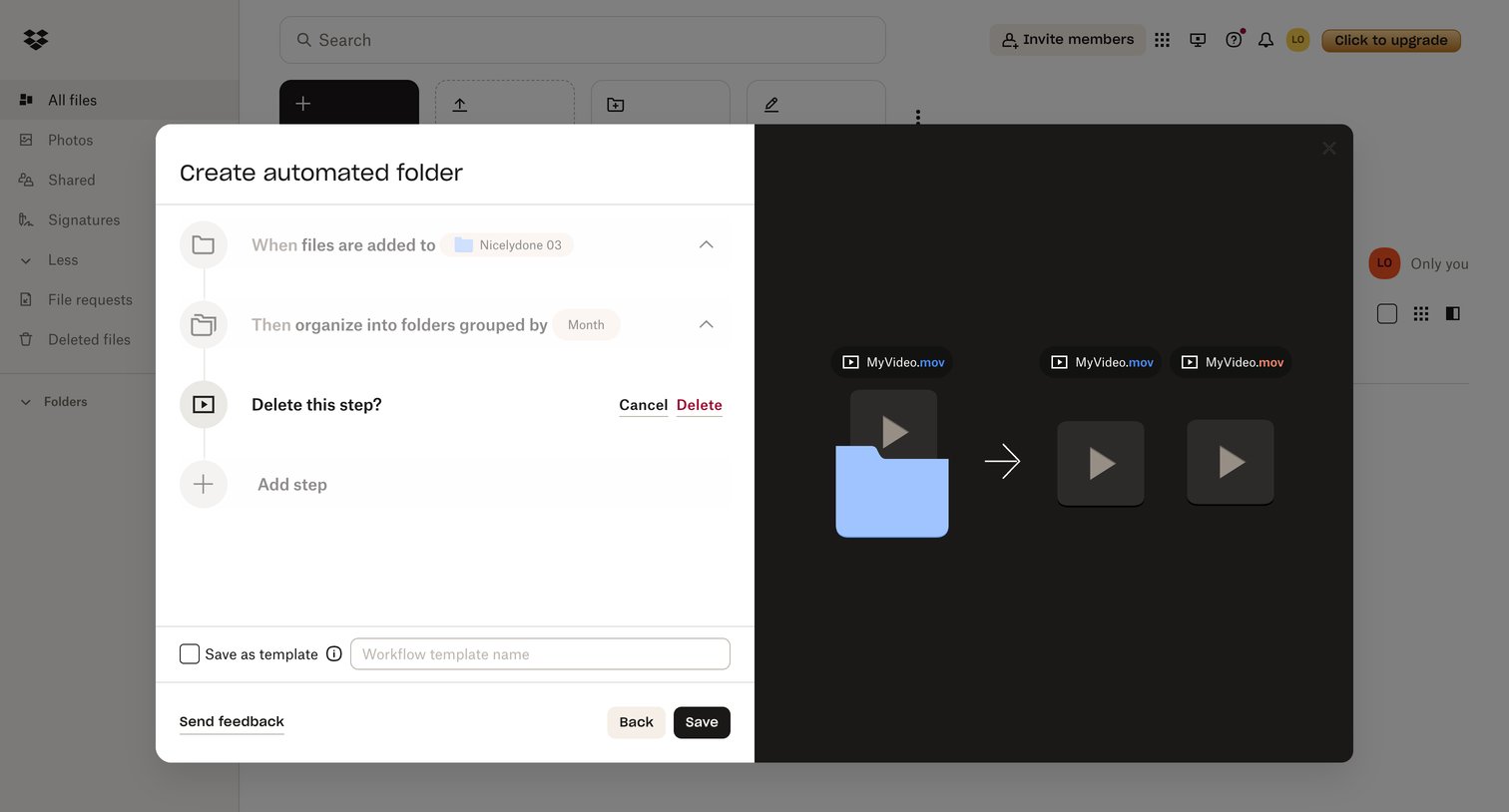

Modal where the user configures an automated folder by defining trigger events and organizational rules.
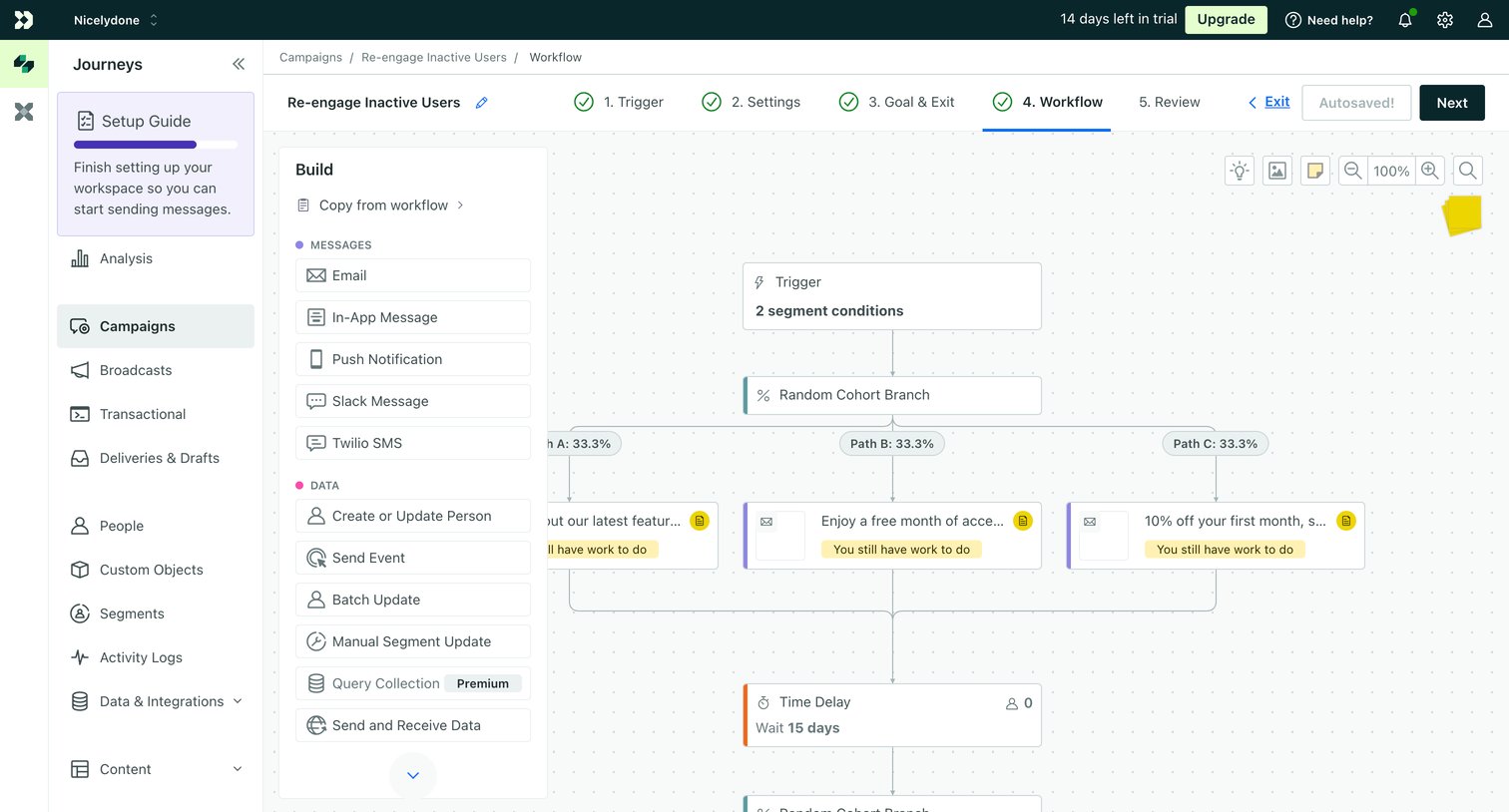

Workflow editor where the user configures an automated re-engagement campaign using a visual node-based canvas.
Explore the full SaaS screen library
Upgrade to unlock the full library.
Trusted by the best teams







