Workflow editor screen examples
Workflow editor screen design examples from SaaS apps. Browse examples from Flora, Elevenlabs, Navattic.
Explore the examples
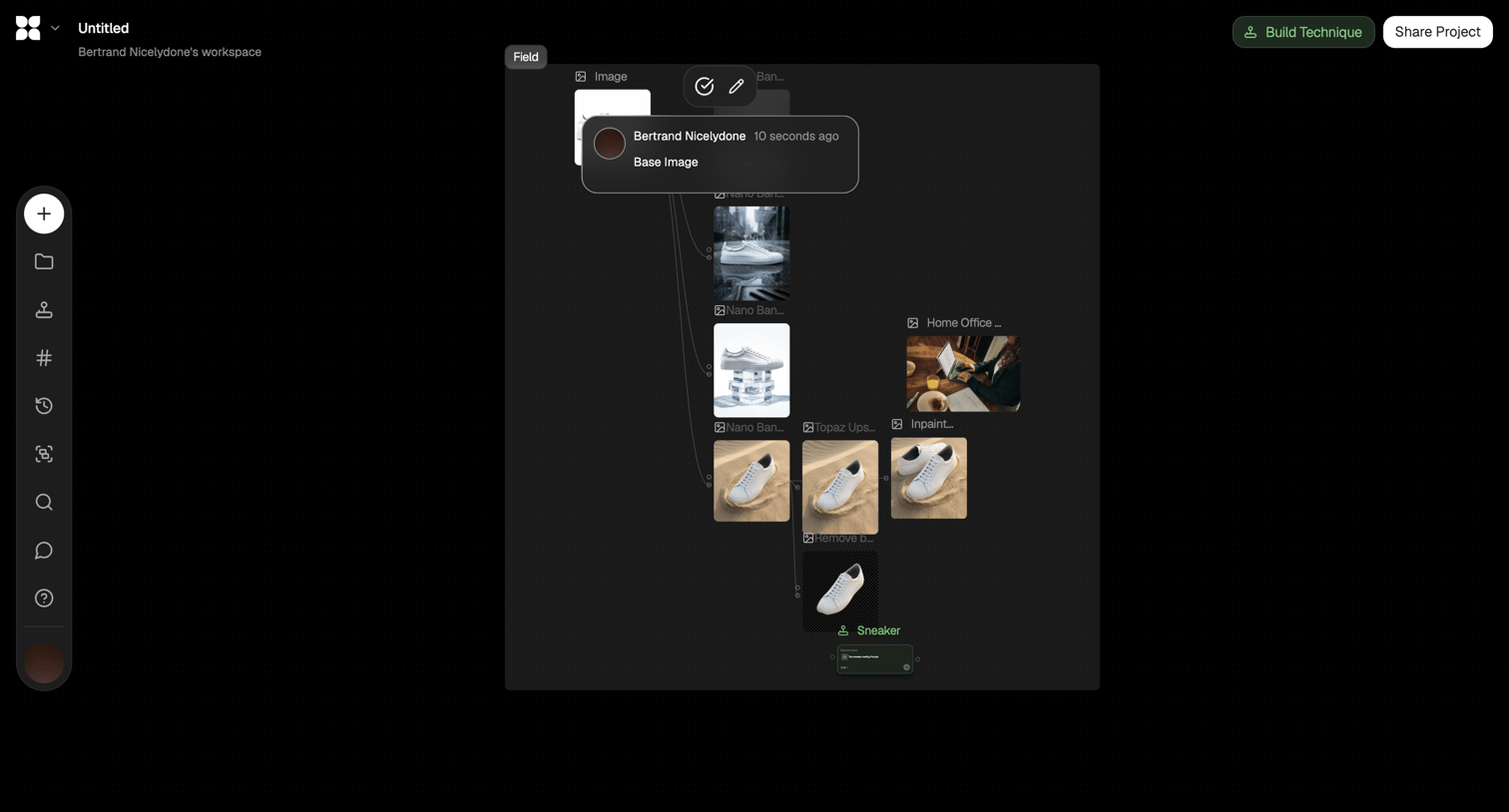

Node-based workflow editor where the user connects image generation and manipulation steps like background removal and upscaling.
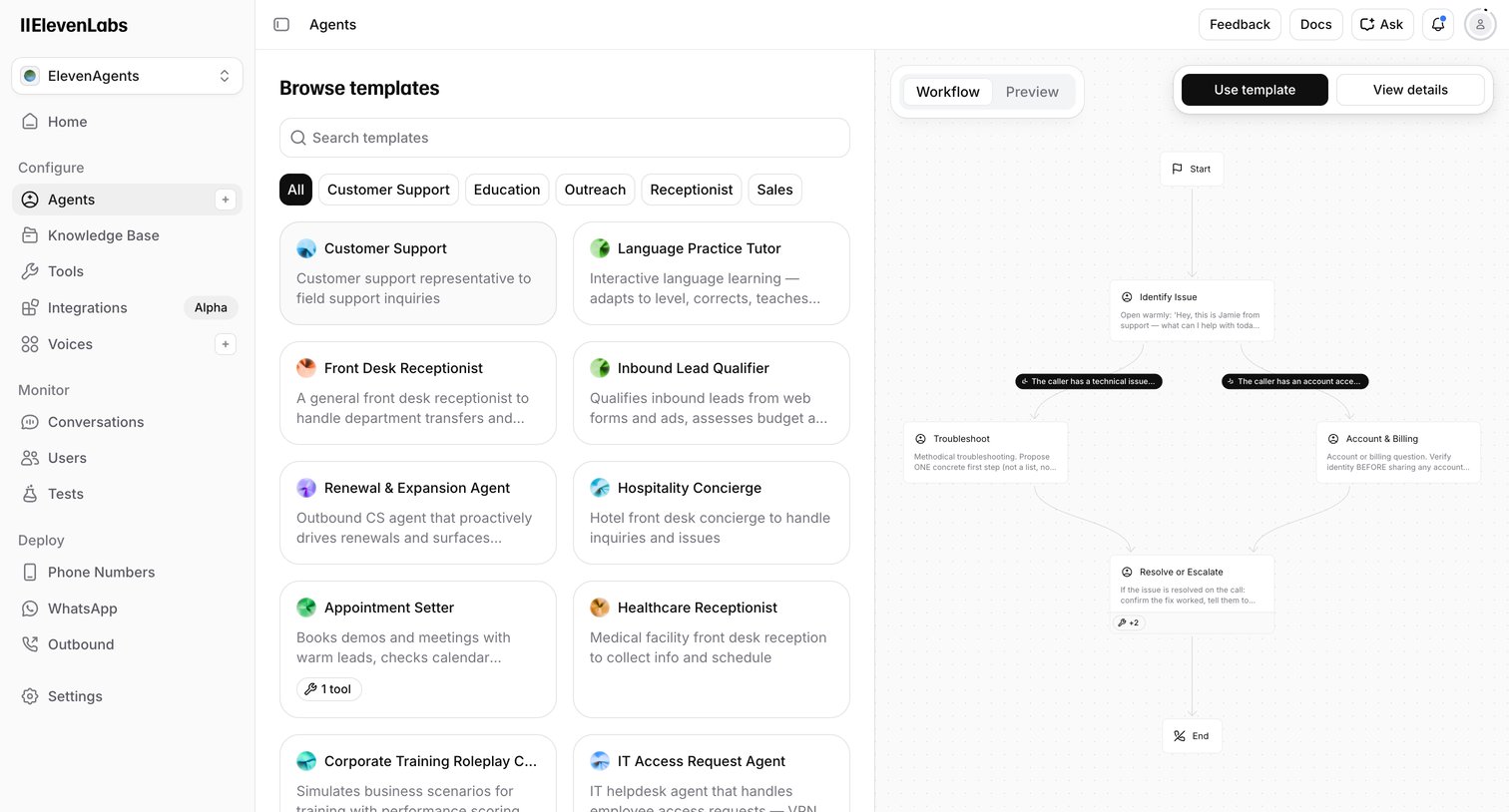

Create page where the user browses voice AI agent templates by category and previews their conversational workflow before starting.
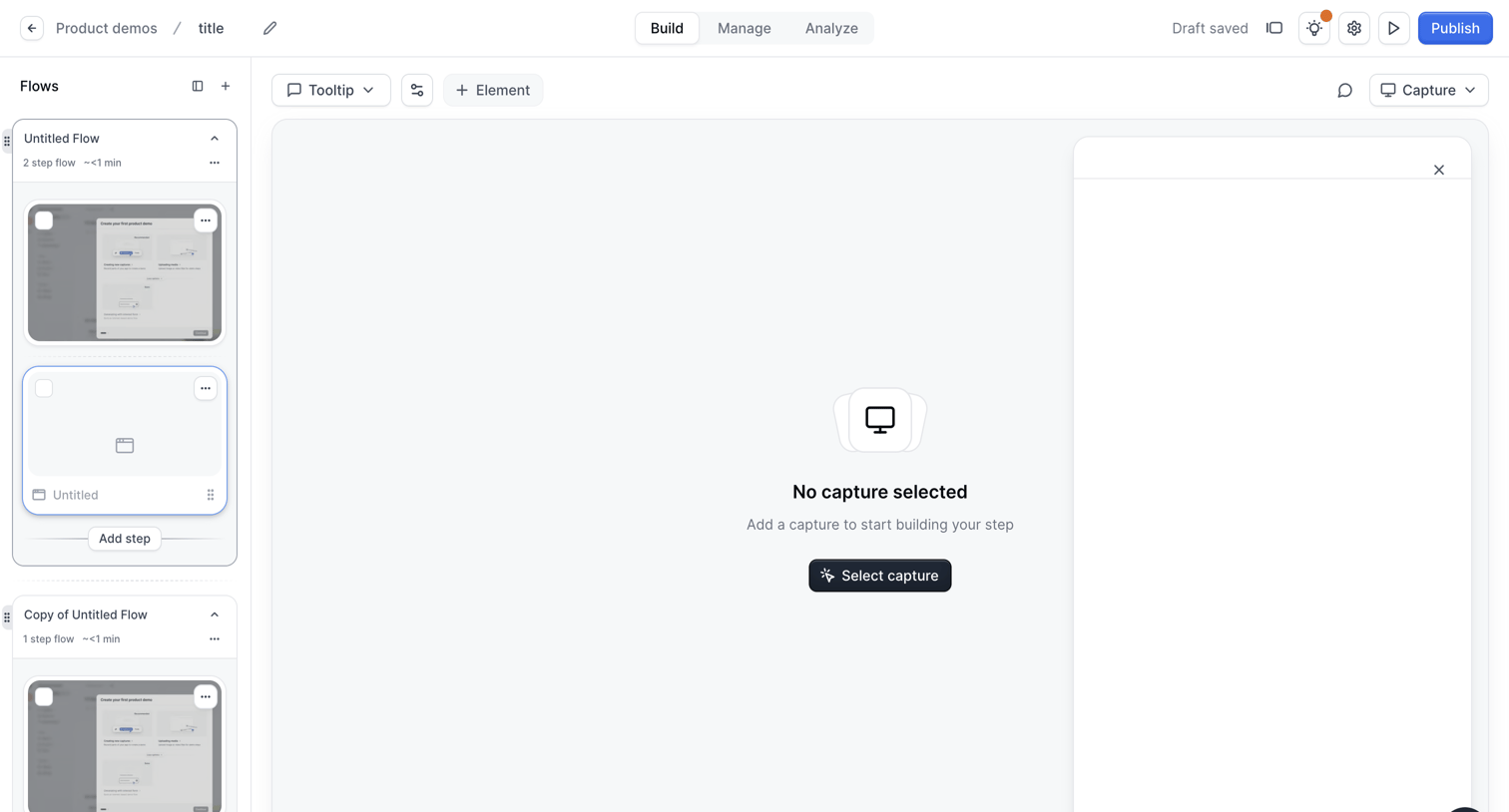

Design editor where the user builds an interactive product demo by arranging flow steps in a sidebar and selecting screen captures for the main canvas.
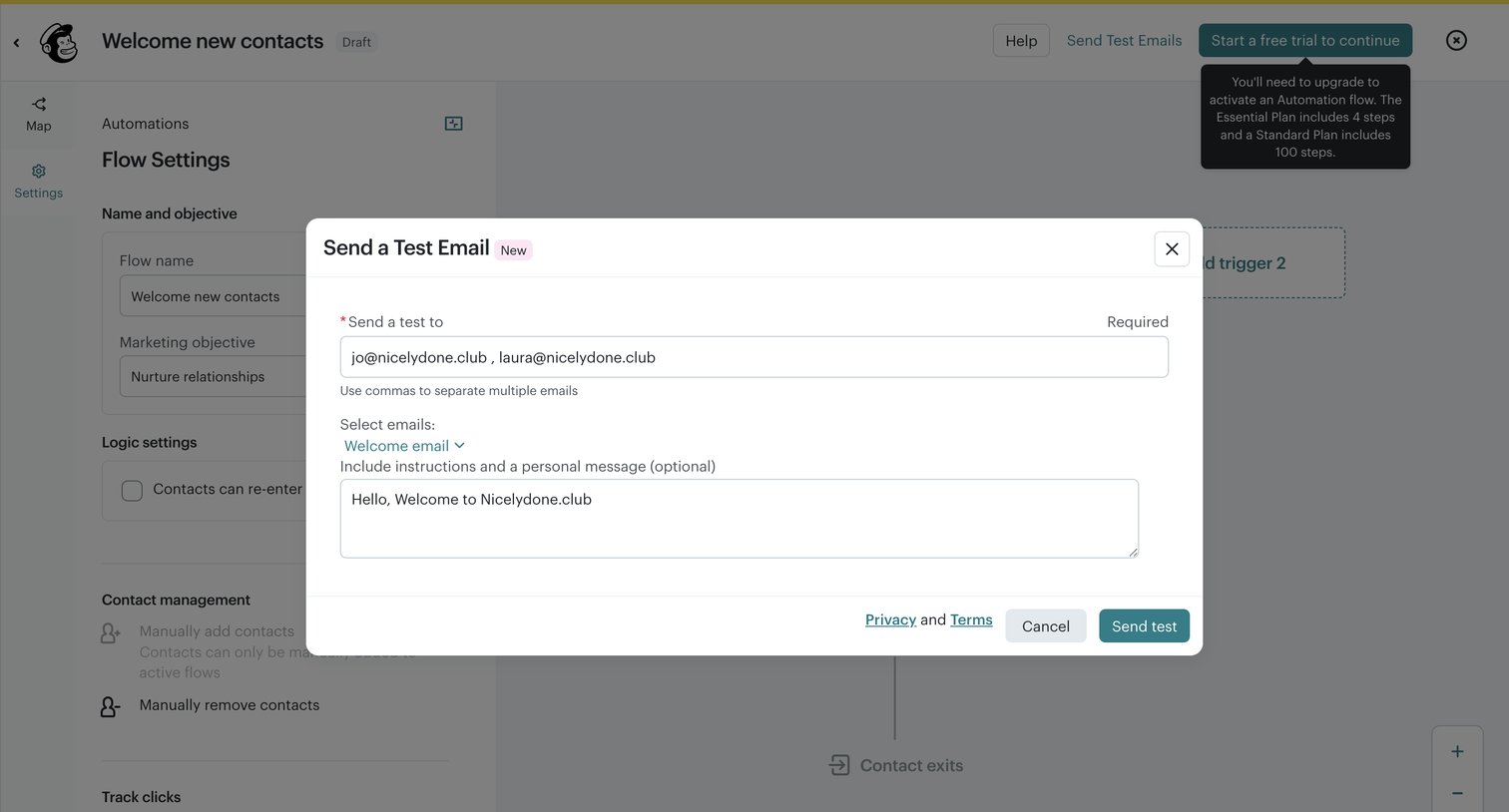

Workflow editor where the user configures a test email for a new contact welcome automation before activating it.
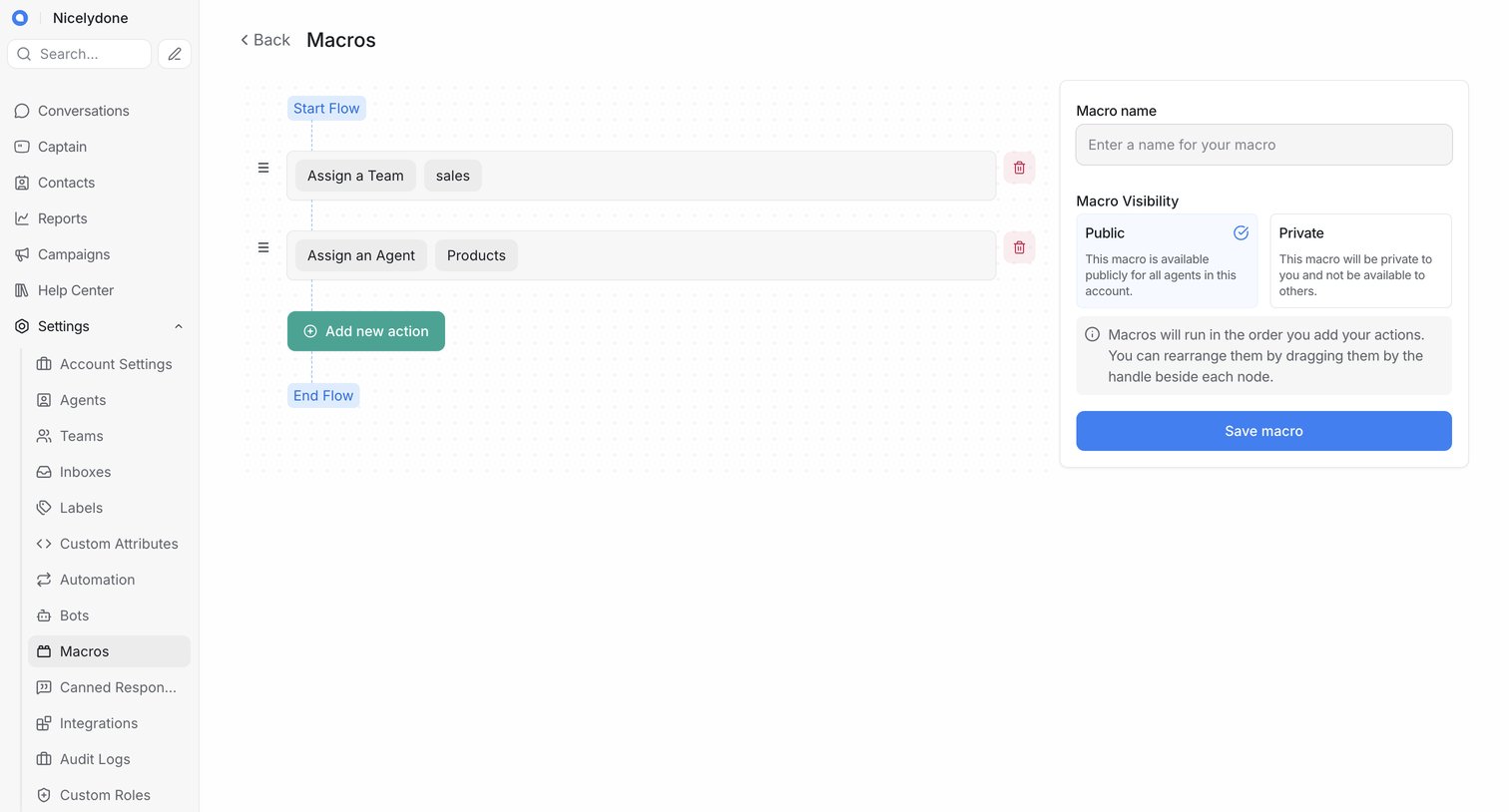

Workflow editor where the user builds a new macro by chaining actions like assigning a team and an agent.
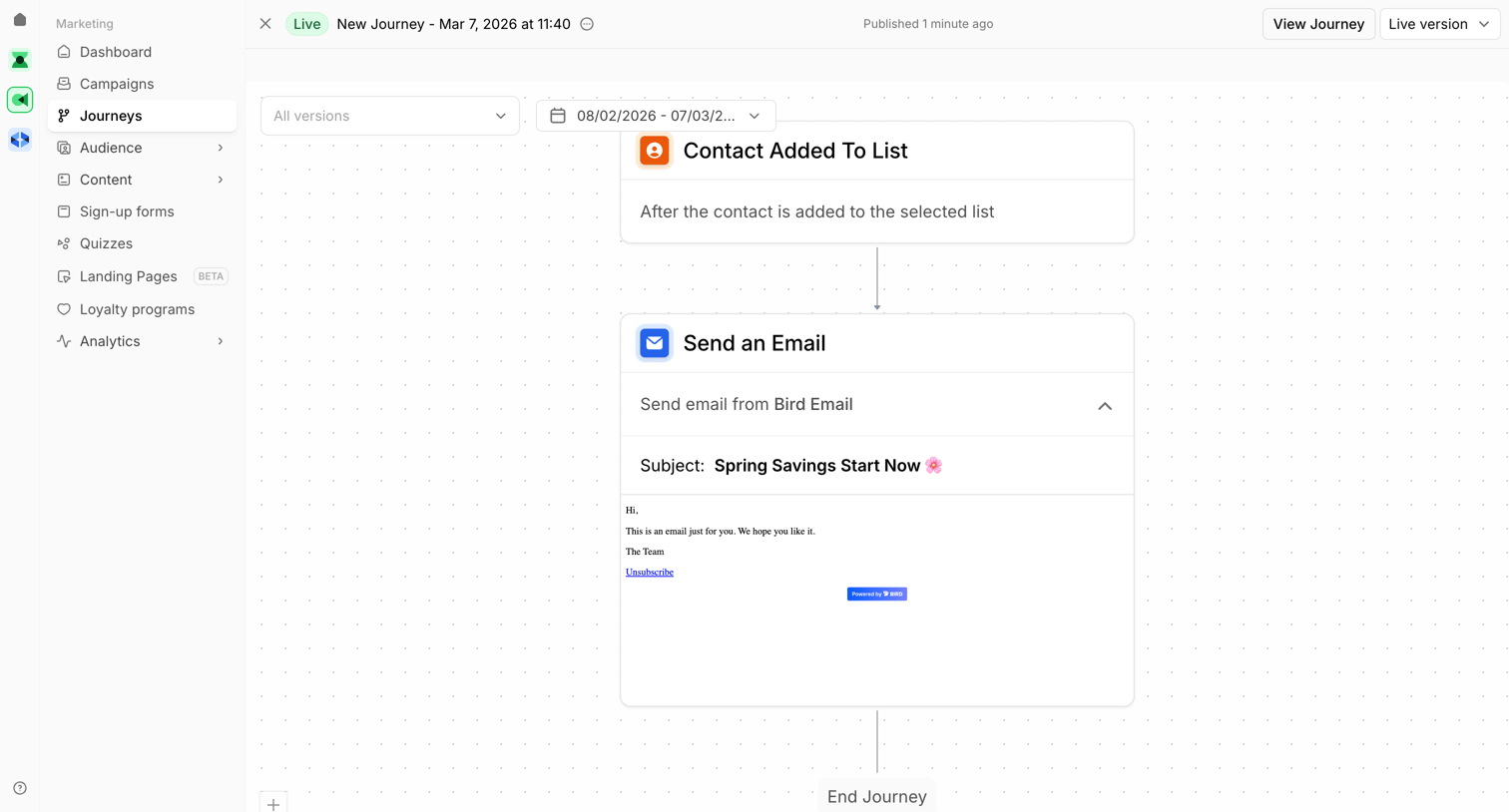

Workflow editor where the user views a live marketing journey that triggers when a contact is added to a list and follows up by sending an email.
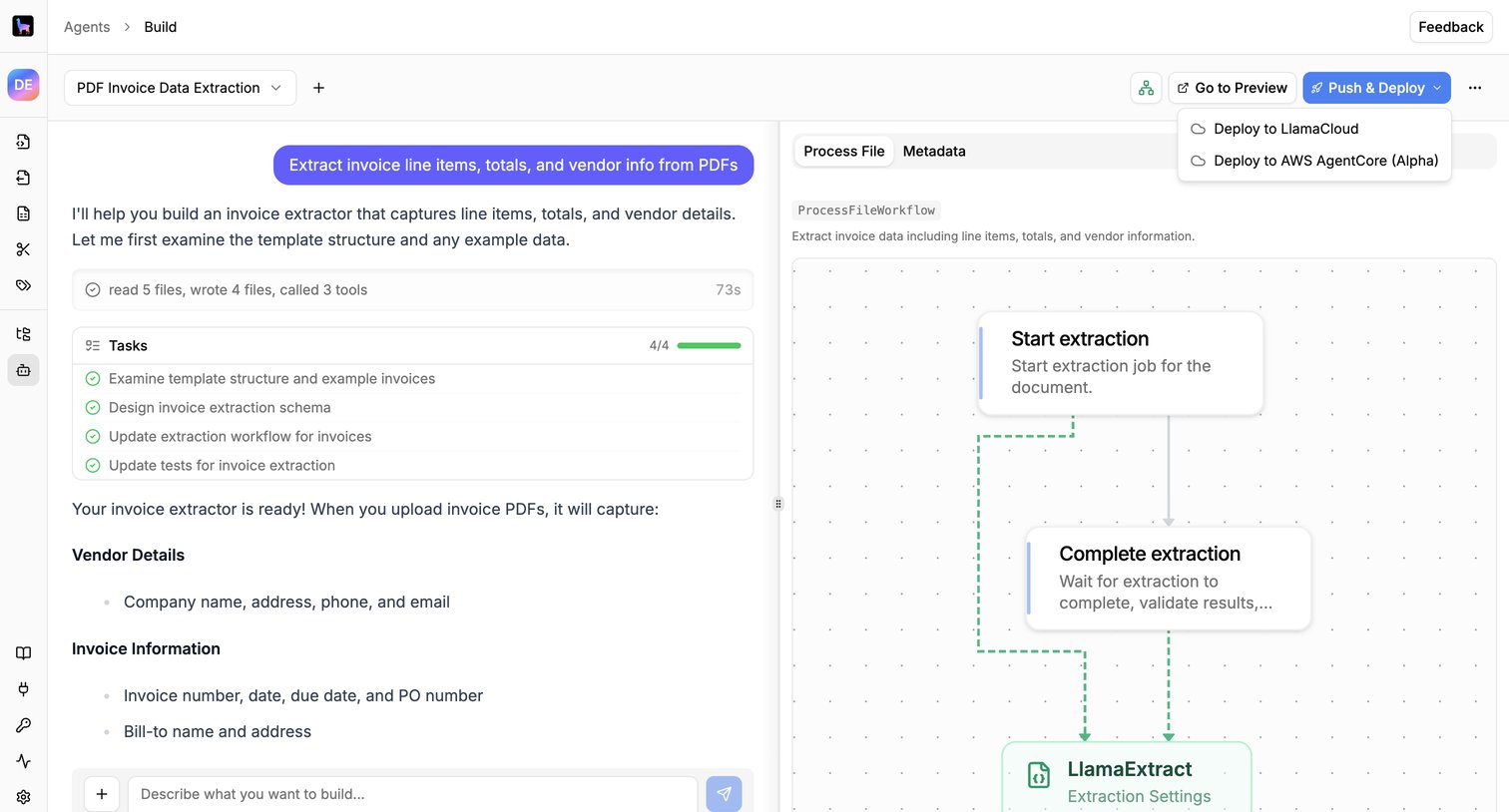

Design editor where the user builds an invoice data extraction workflow using an AI chat assistant alongside a visual node canvas.
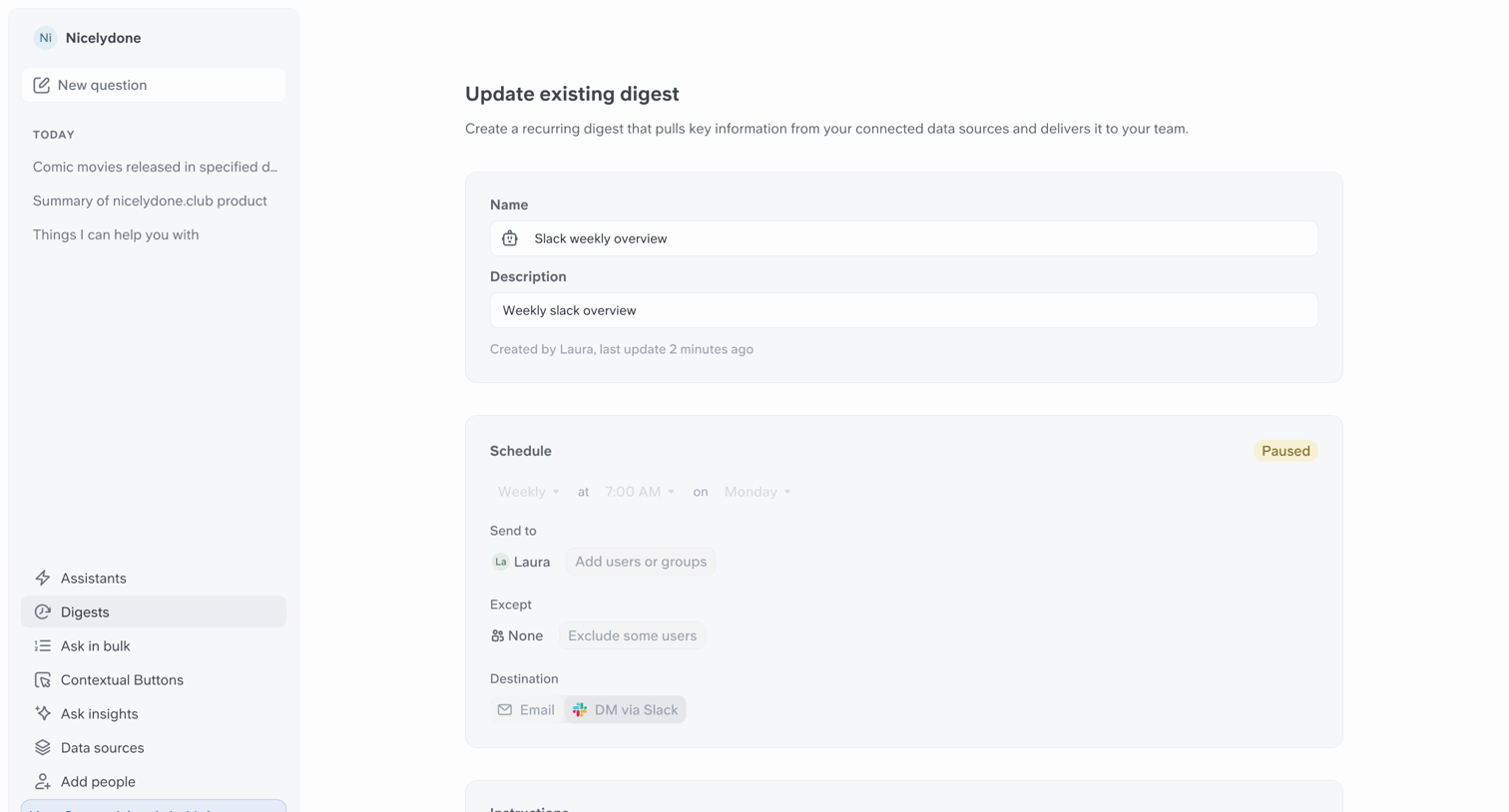

Detail page where the user configures a recurring Slack weekly overview digest, including its schedule, recipients, and AI instructions.
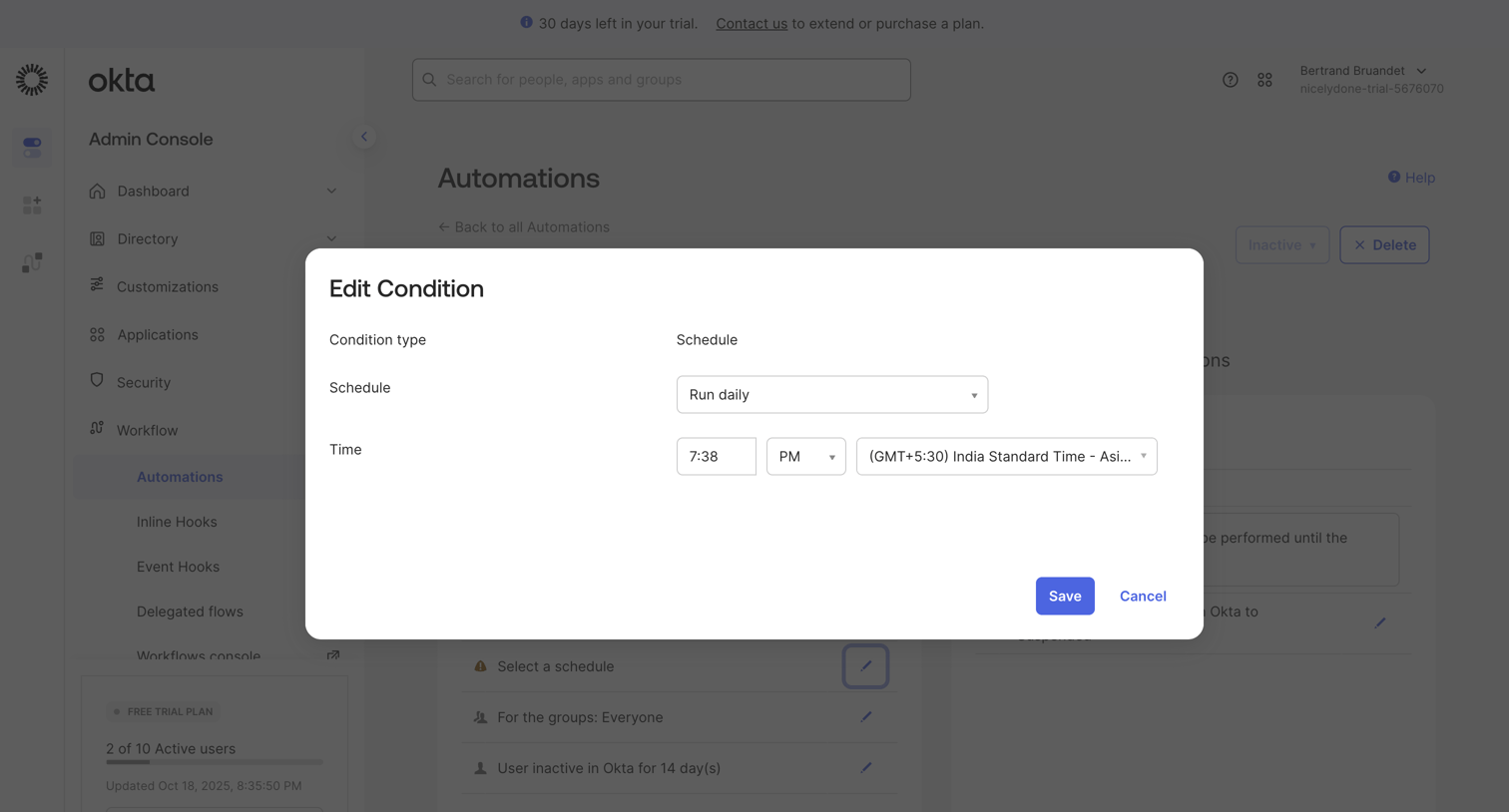

Modal where the user configures the schedule and time for an automation condition to run.
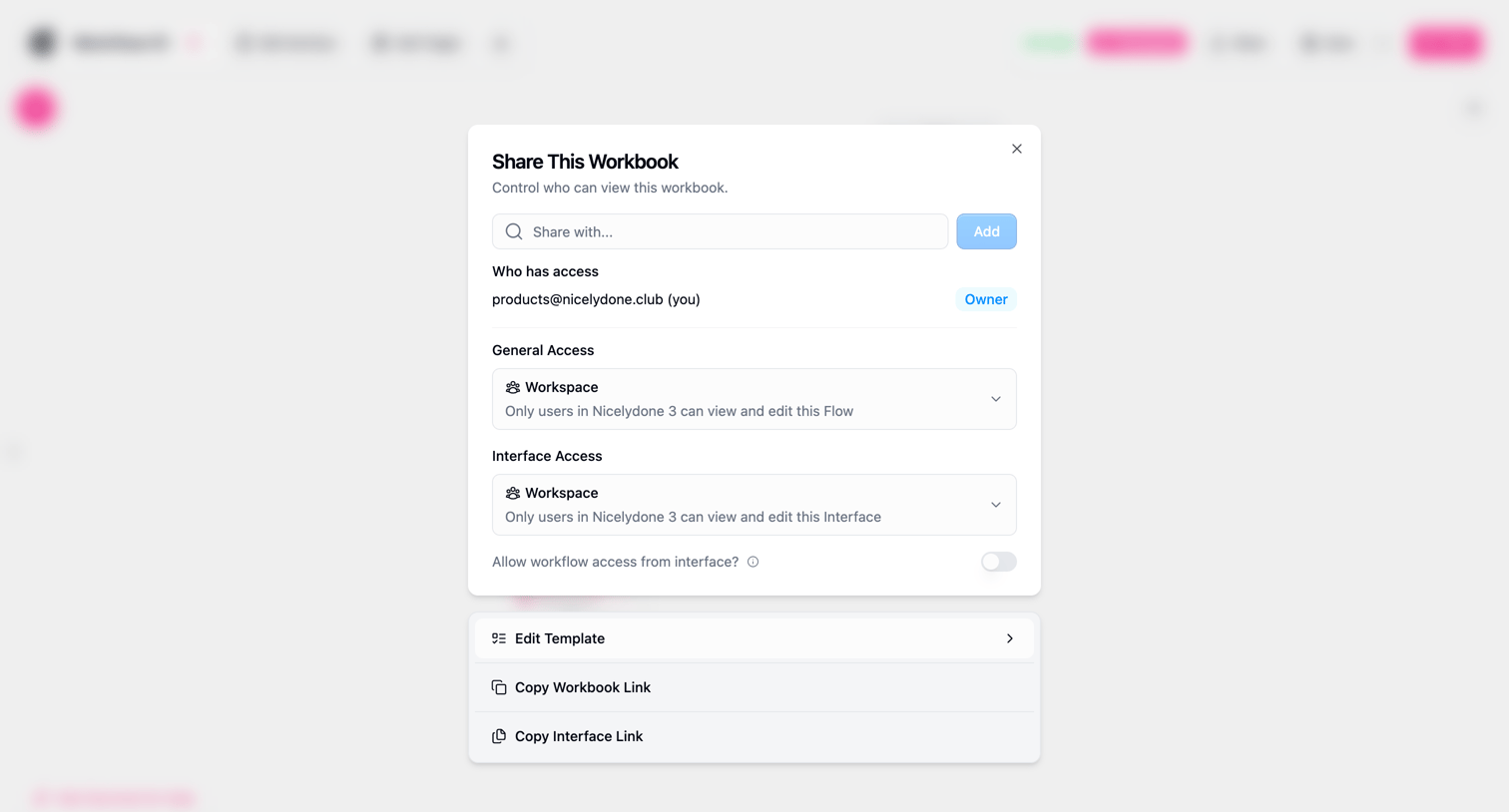

Modal where the user manages sharing permissions for a workbook, including inviting specific users and setting workspace access levels.
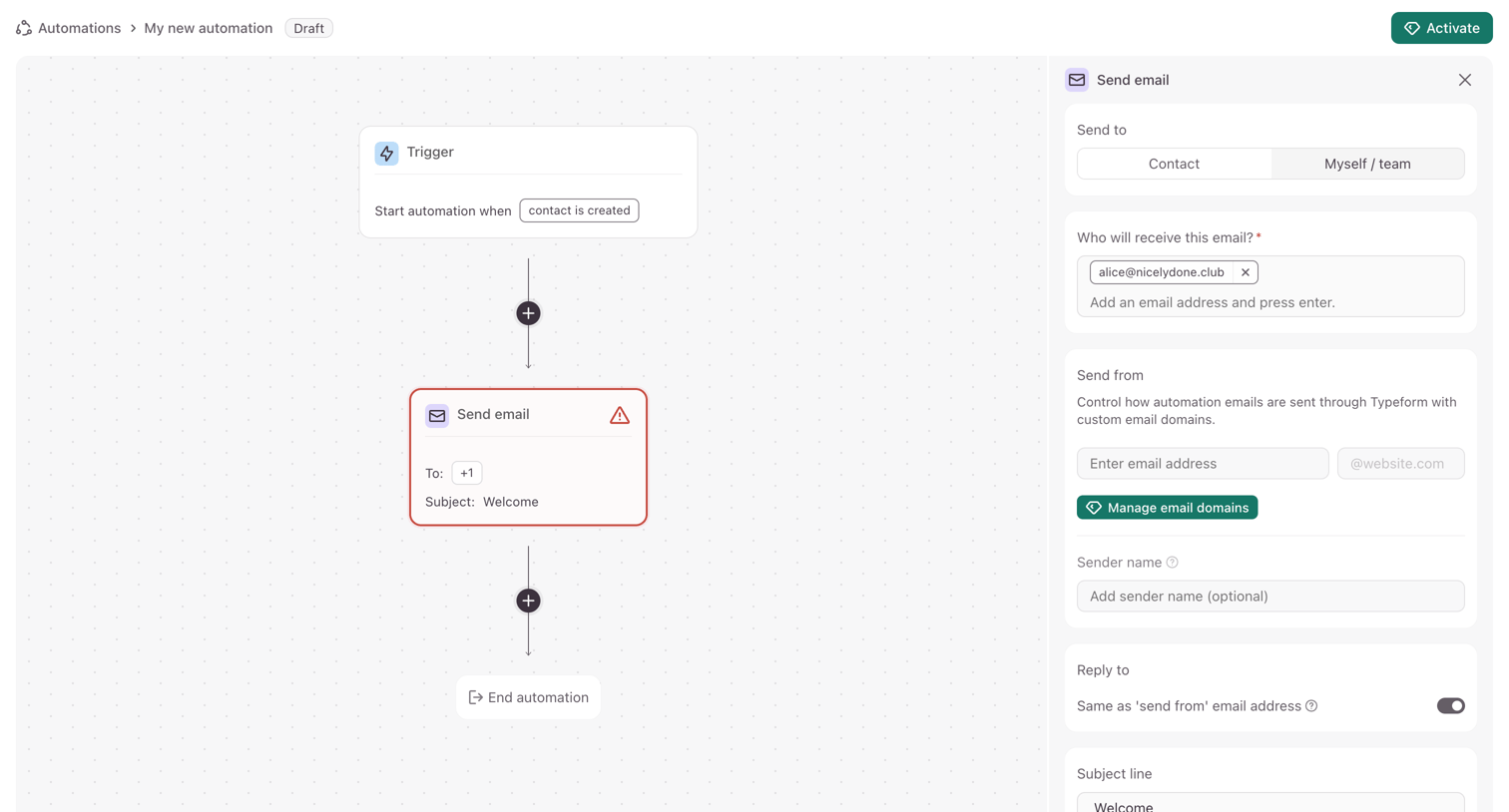

Workflow editor where the user configures an automated email sequence using a visual node canvas and a properties side-panel.
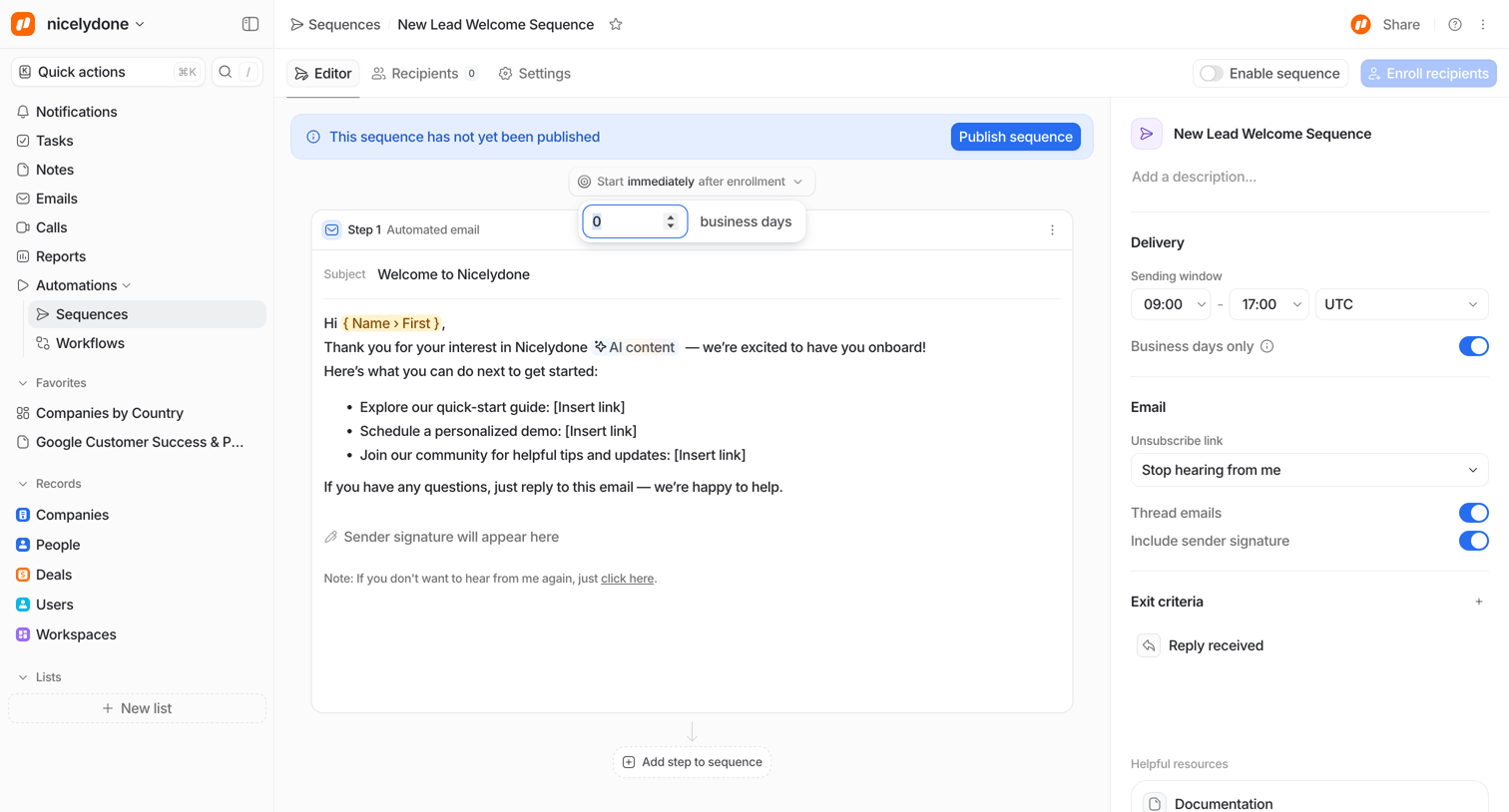

Design editor where the user configures an automated welcome email sequence, setting delivery windows, exit criteria, and composing the email content.
Explore the full SaaS screen library
Upgrade to unlock the full library.
Trusted by the best teams







