Voice screen examples
Voice screen design examples from SaaS apps. Browse examples from Beside, Huly, Lemni.
Explore the examples
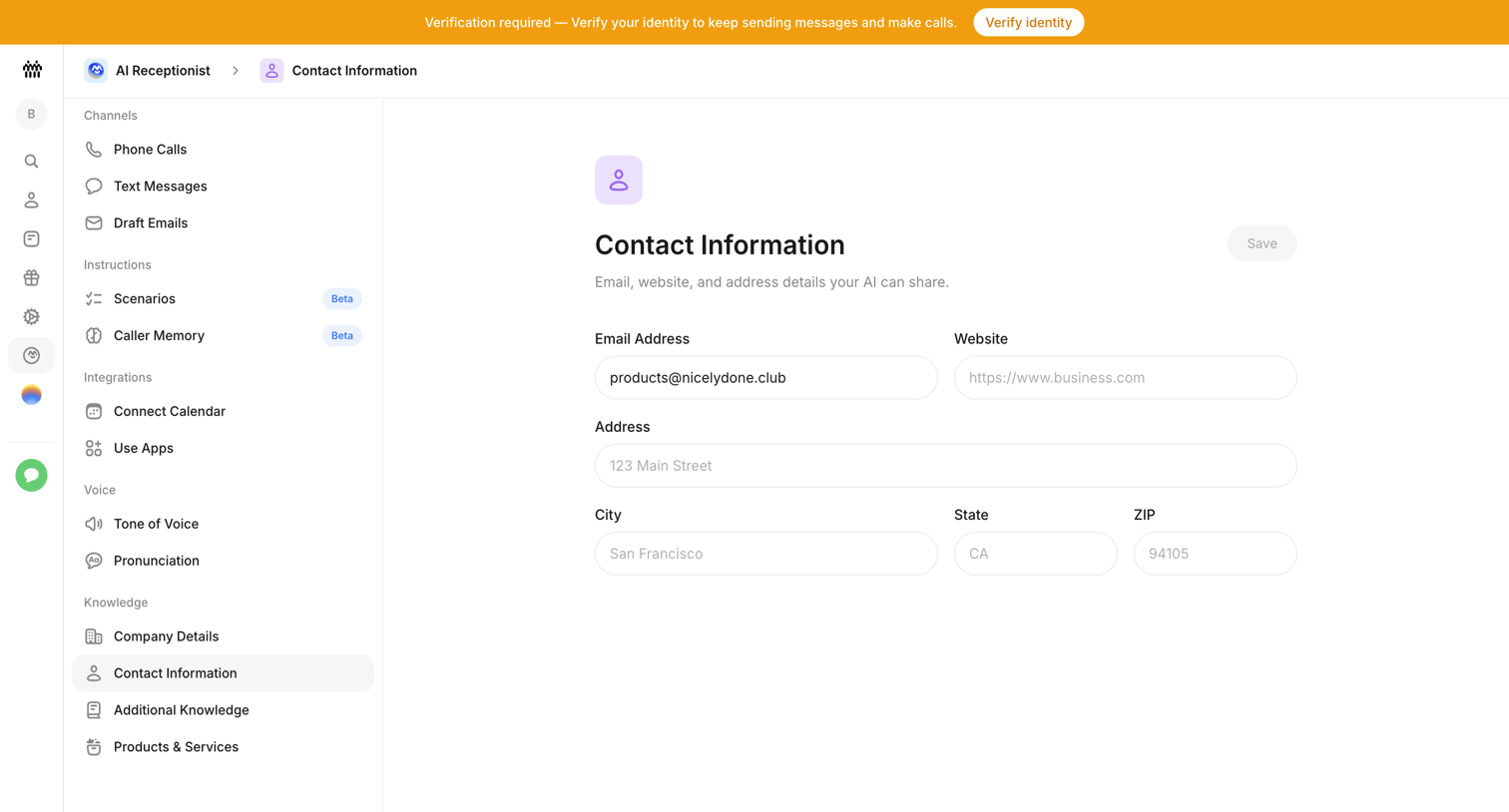

Settings page where the user configures the email, website, and physical address details that their AI receptionist can share.
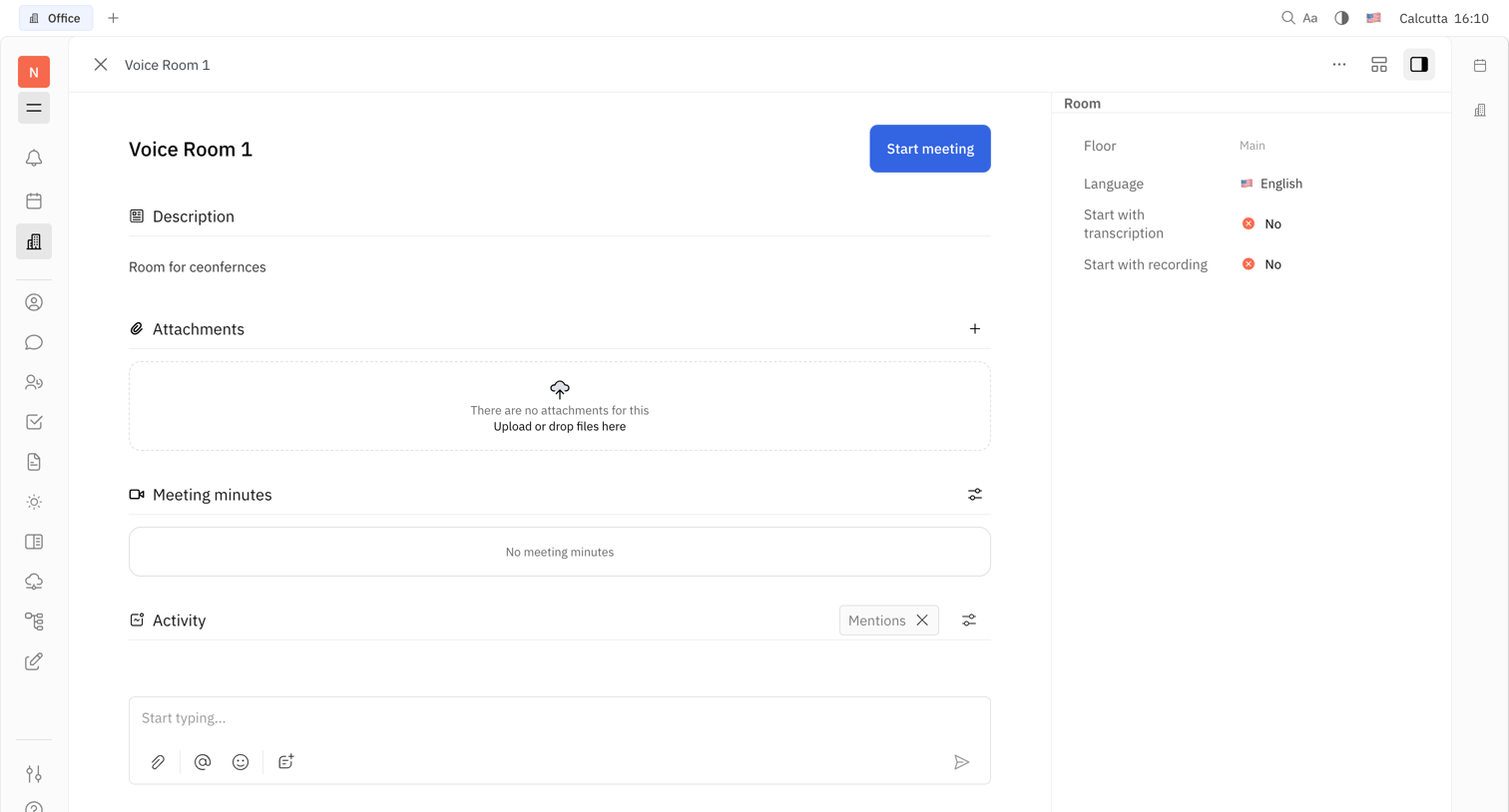

Detail page for a voice room displaying its description, an empty attachments dropzone, meeting minutes, an activity feed with a composer, and a right-side inspector panel showing room properties like language and recording settings.
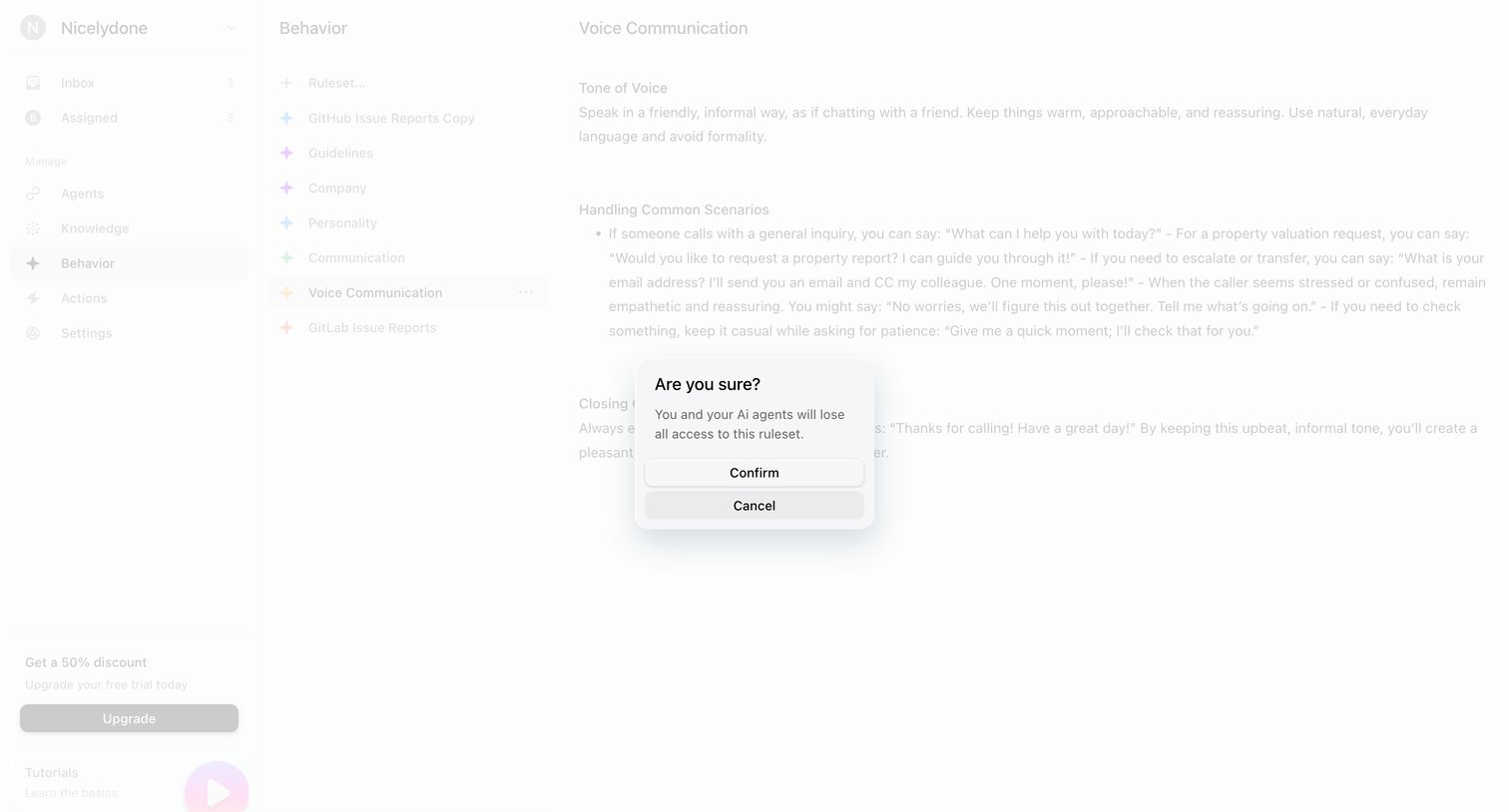

Confirmation dialog where the user is warned before deleting an AI agent ruleset.
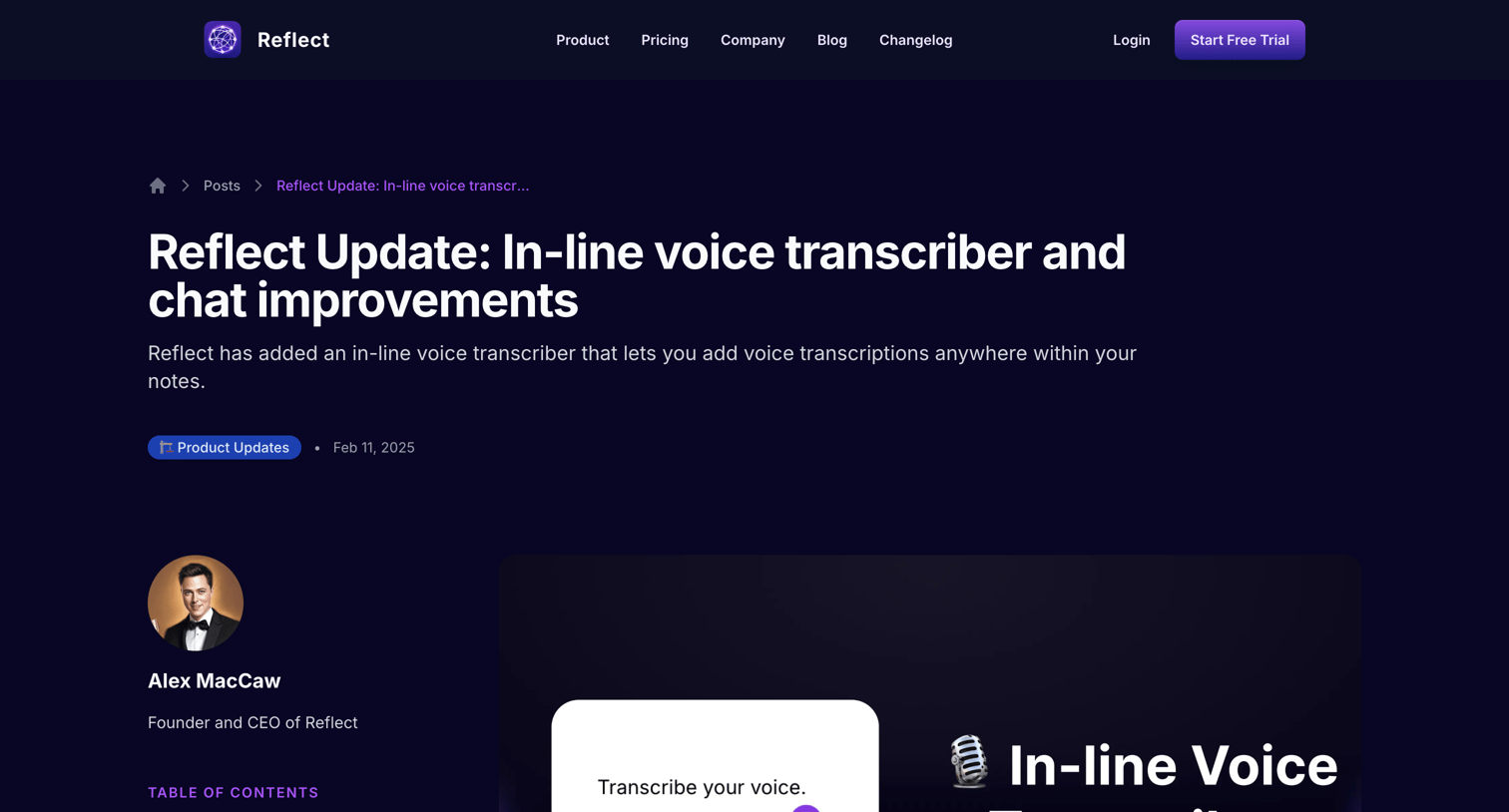

Blog article detailing a new in-line voice transcriber and Gemini AI chat improvements, featuring a left-aligned table of contents and a related posts grid.
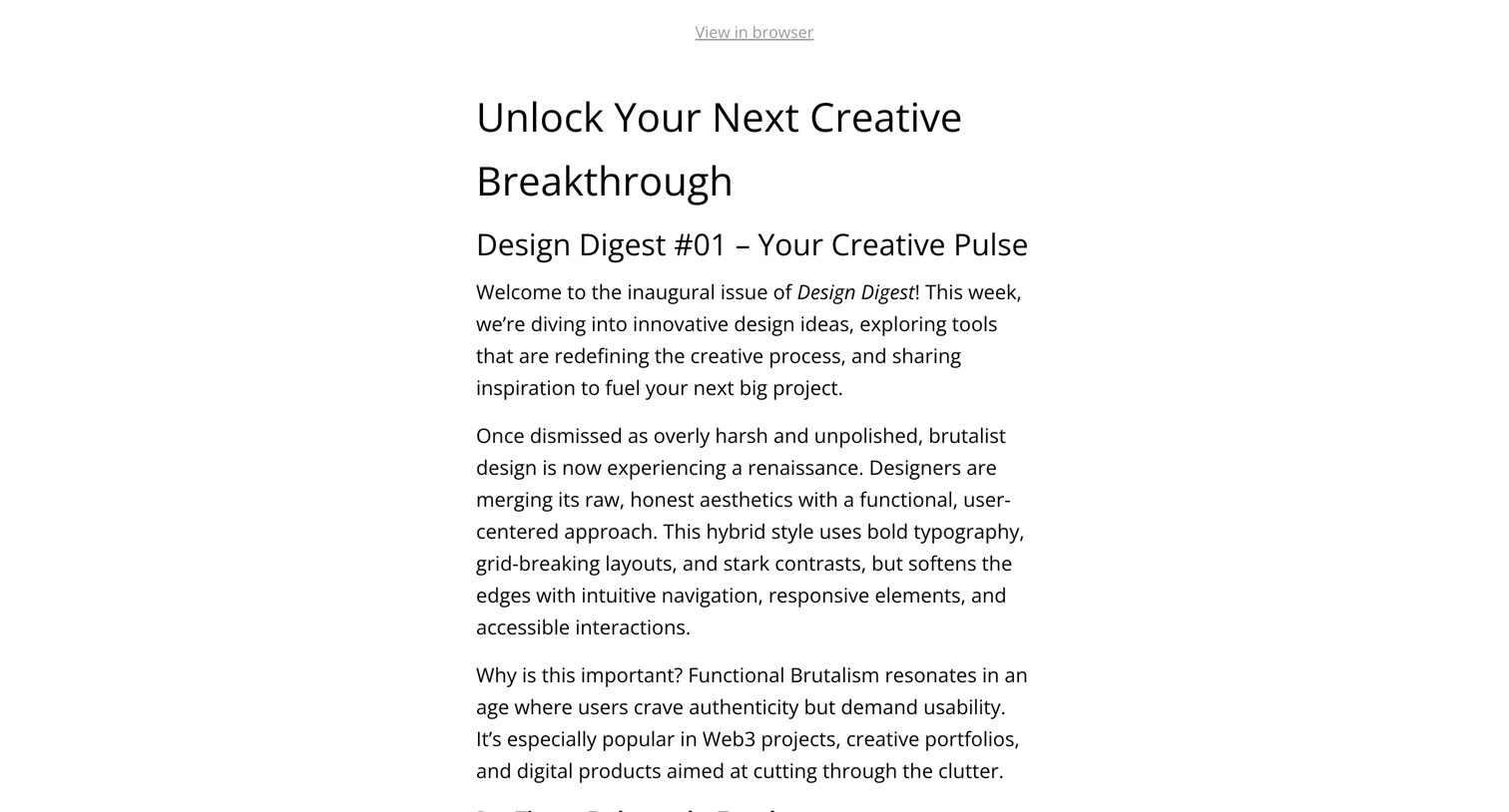

Detail page where the user previews the content, layout, and links of an email broadcast newsletter draft before sending.
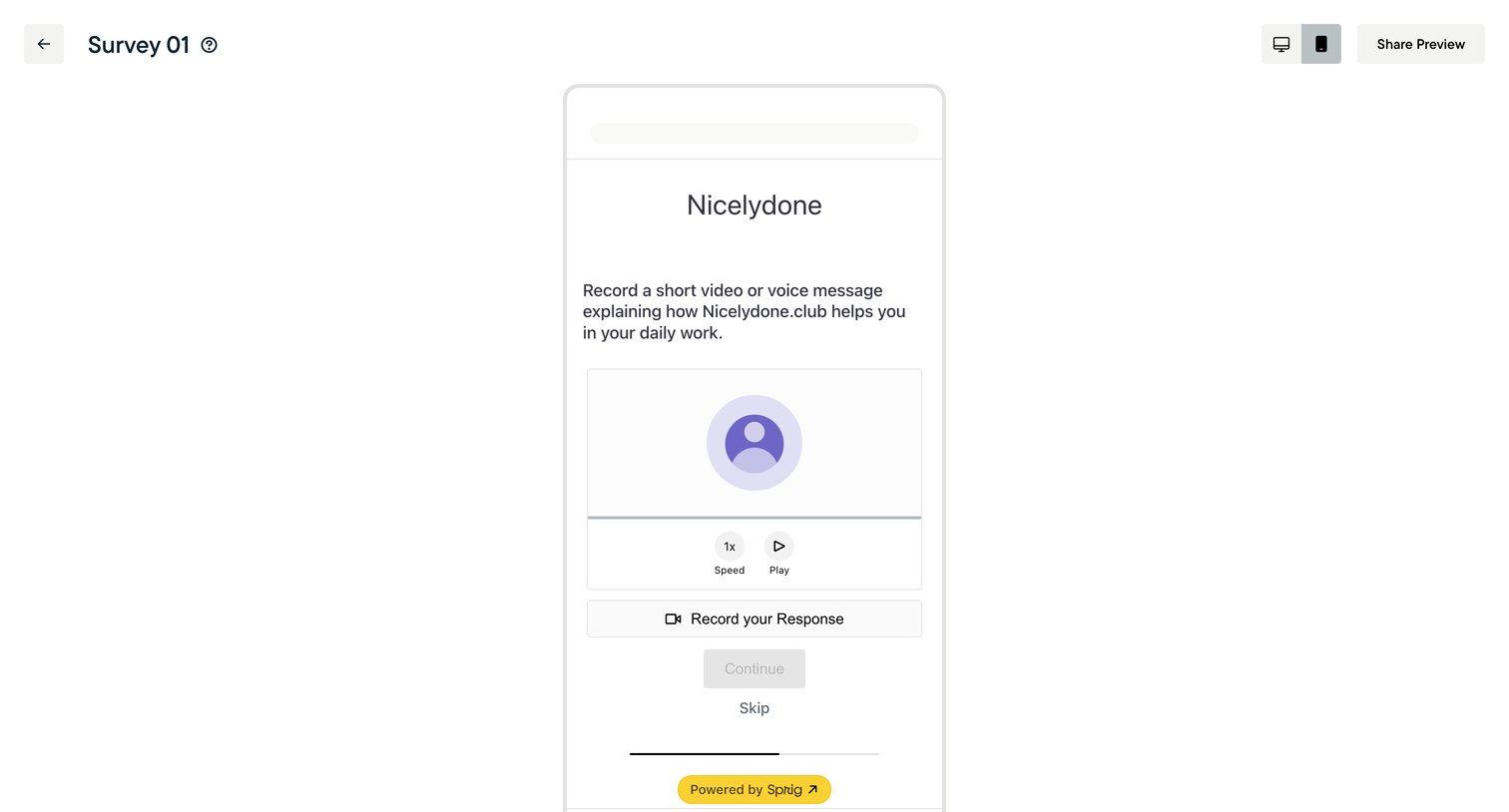

Form builder preview where the user tests a mobile survey step asking for a video or voice response.
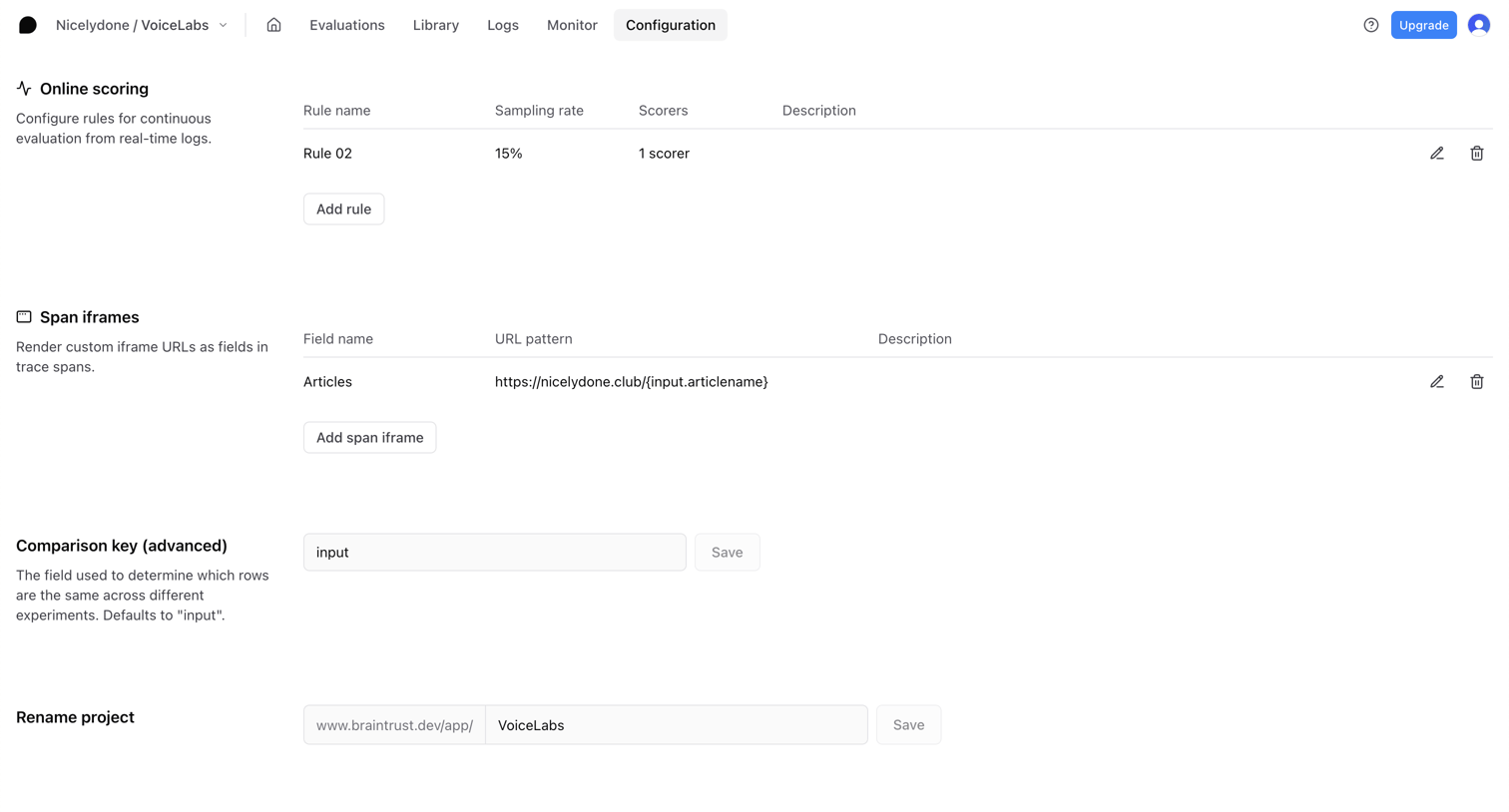

Settings page where the user configures online scoring rules, span iframes, comparison keys, and project details.
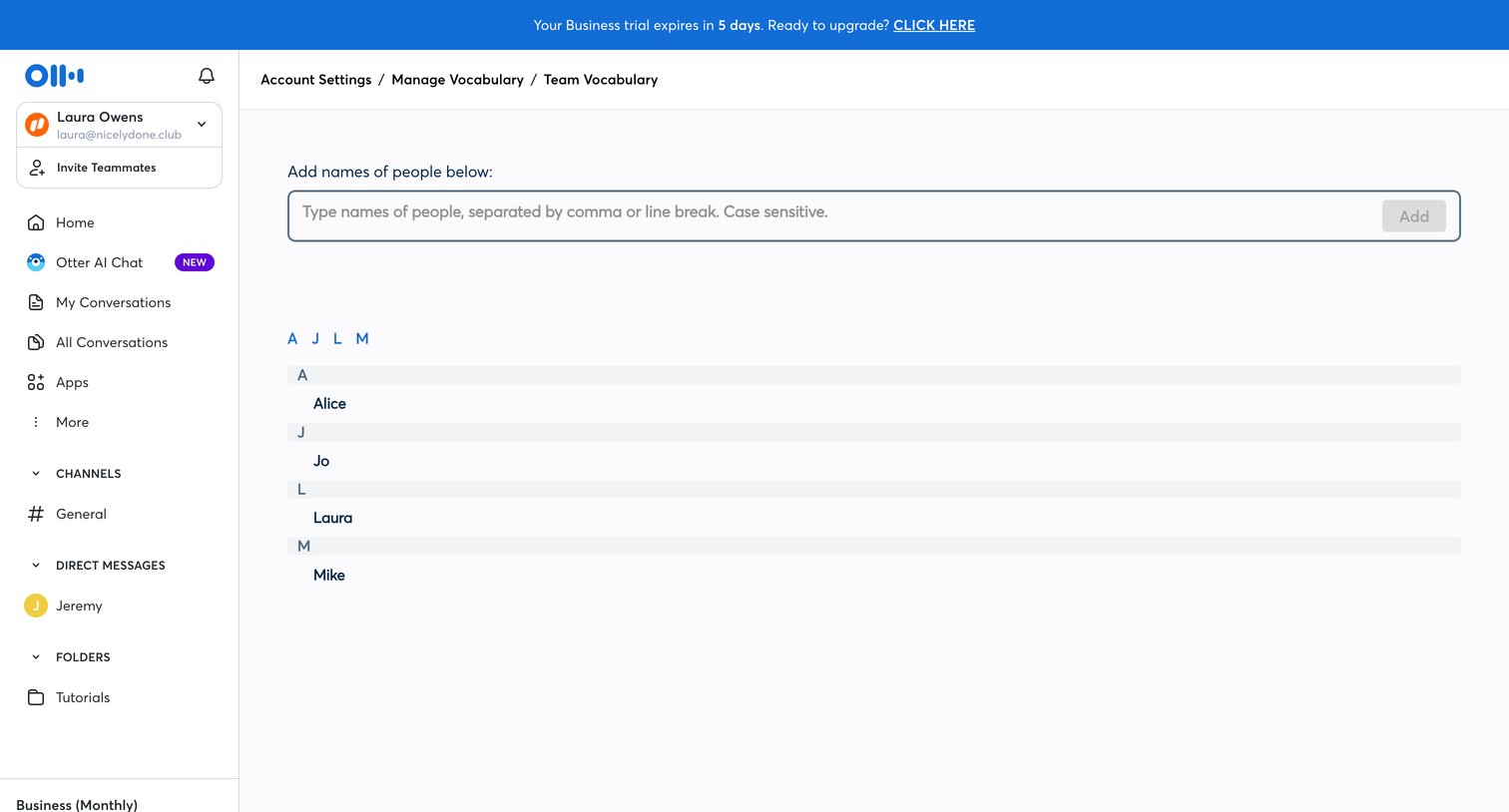

Settings page where the user configures custom vocabulary by adding specific names of people to improve team transcription accuracy.
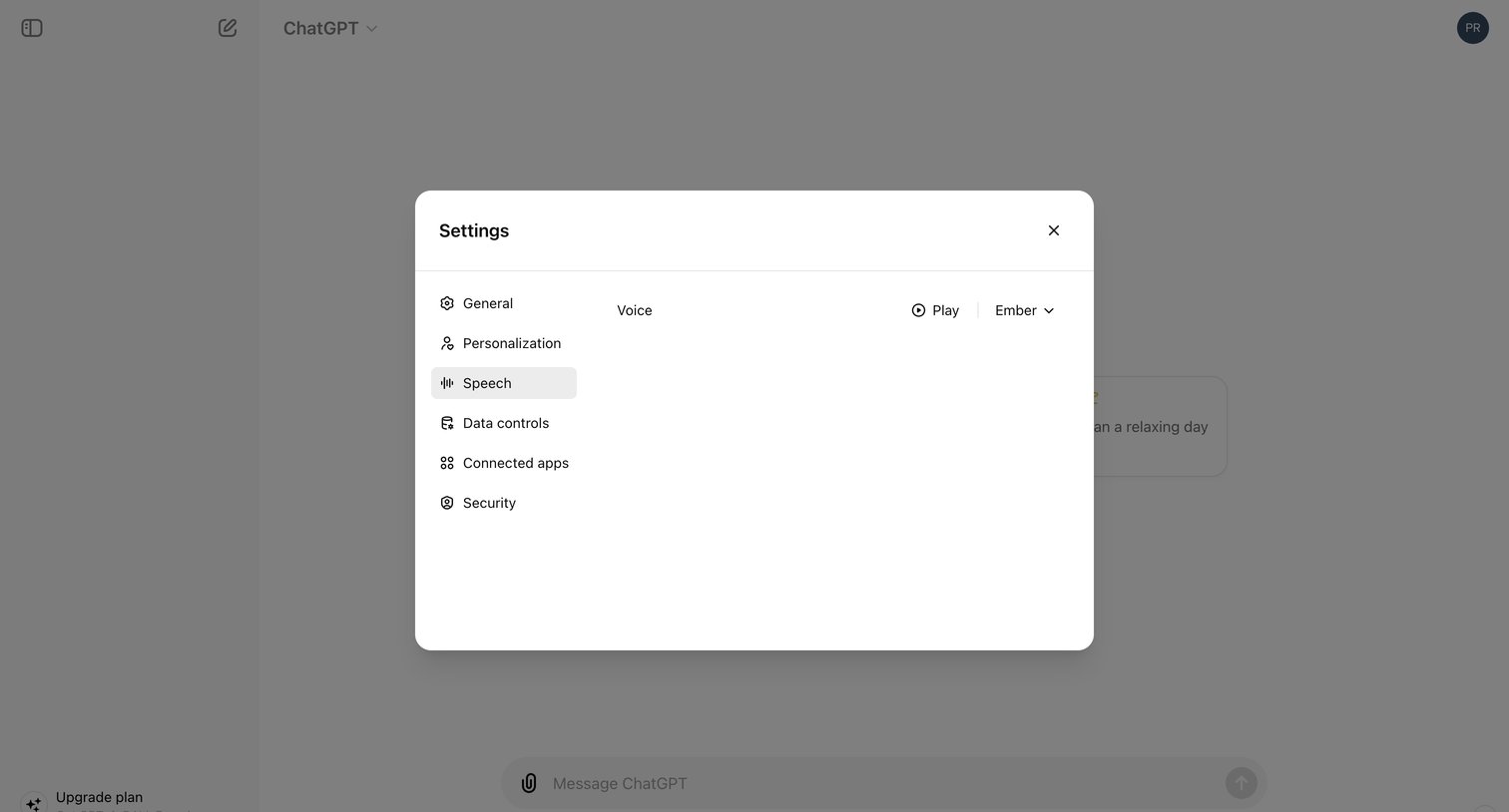

Settings modal where the user configures the AI's voice by previewing and selecting a specific voice option.
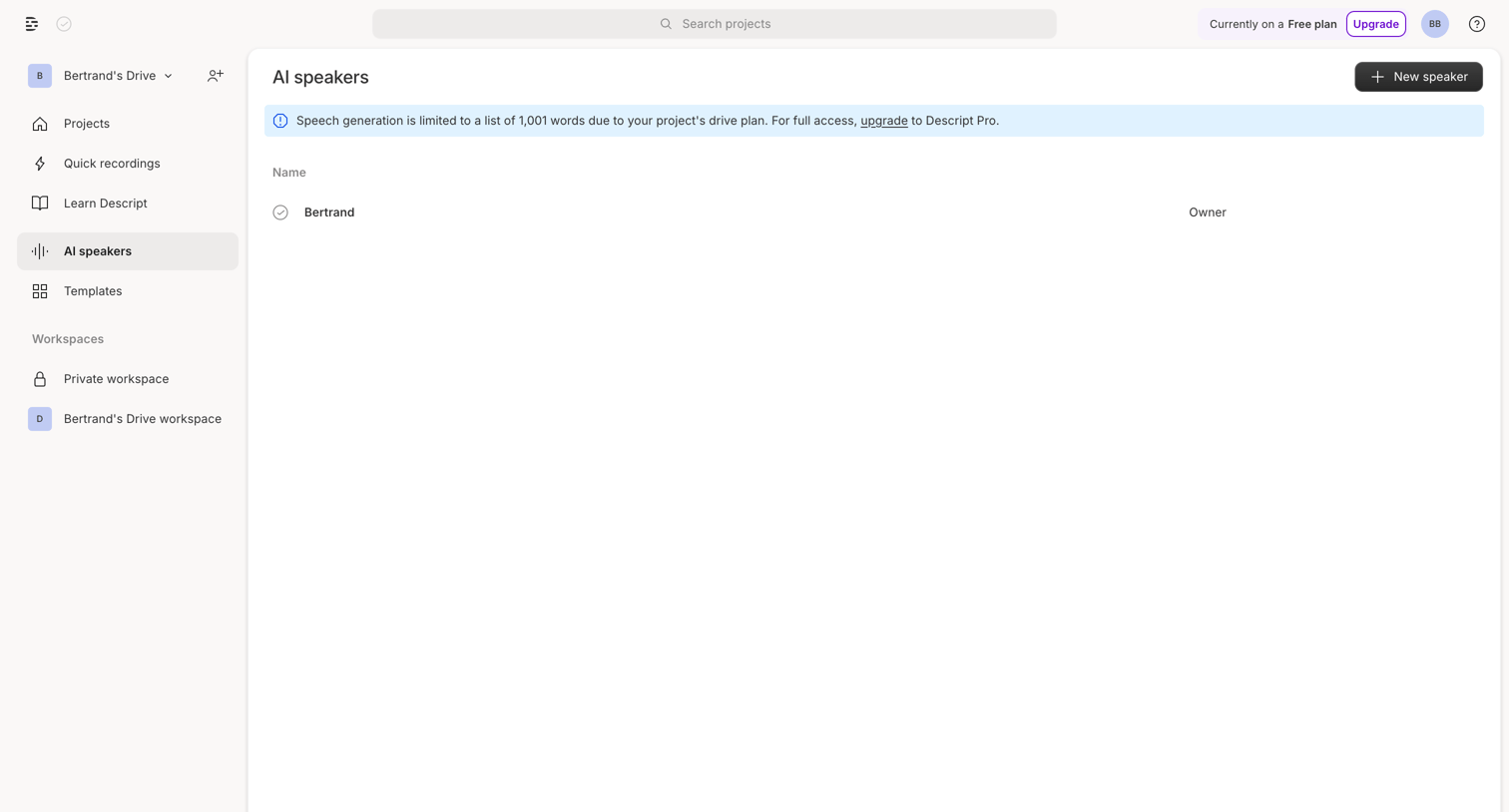

List view where the user manages their AI voice speakers, with a banner prompting an upgrade to lift word generation limits.
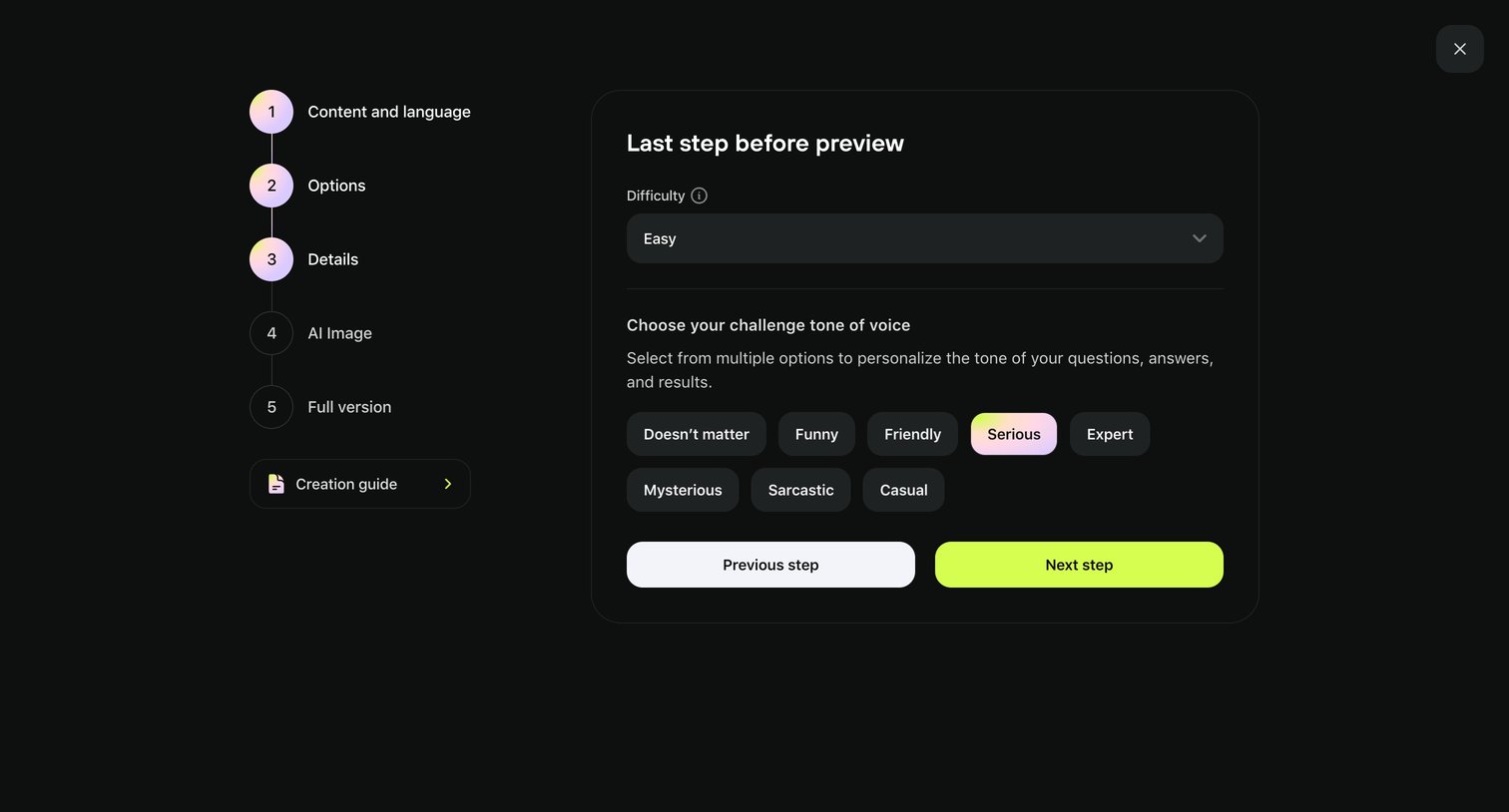

Creation wizard step where the user configures the difficulty and tone of voice for their challenge before previewing it.


Career page detailing the Video Content Creator role, including responsibilities, qualifications, and a prompt to apply via email, followed by a grid of other open positions.
Explore the full SaaS screen library
Upgrade to unlock the full library.
Trusted by the best teams







