Transaction history screen examples
Transaction history screen design examples from SaaS apps. Browse examples from Polar, Origin Financial, Lithic.
Explore the examples
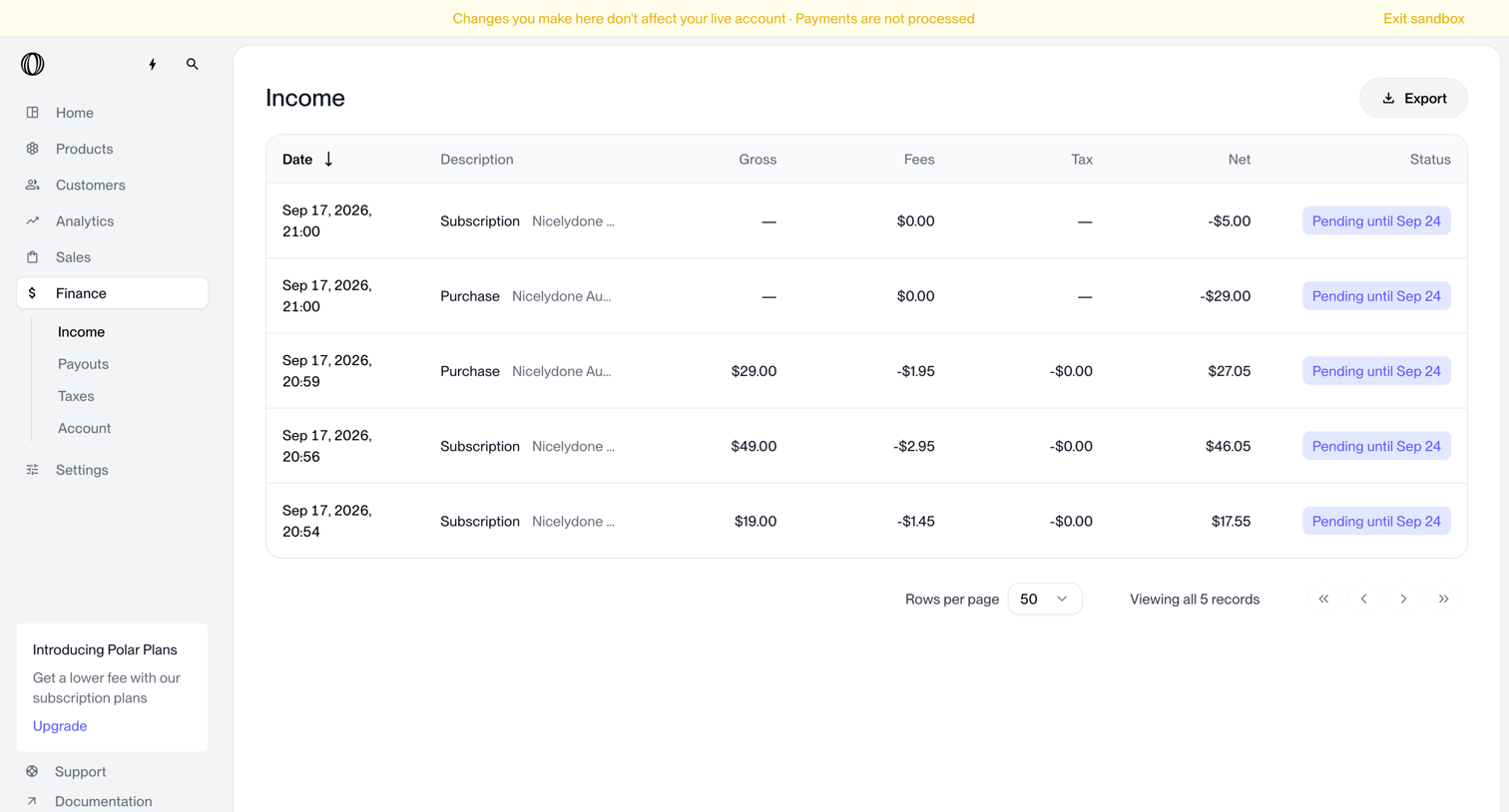

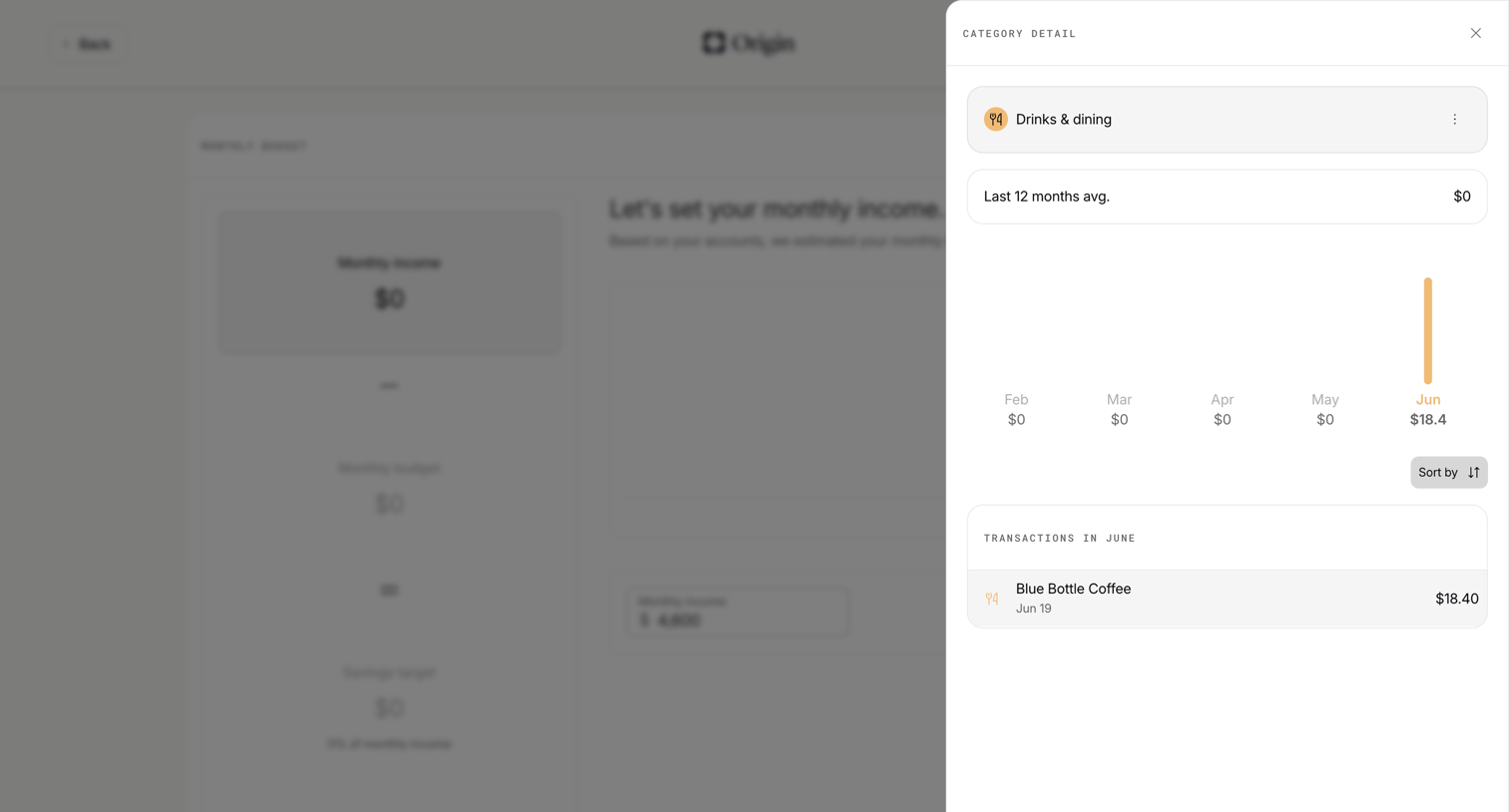

Onboarding step where the user views transaction details and historical spending for a specific category like drinks and dining in a side drawer.
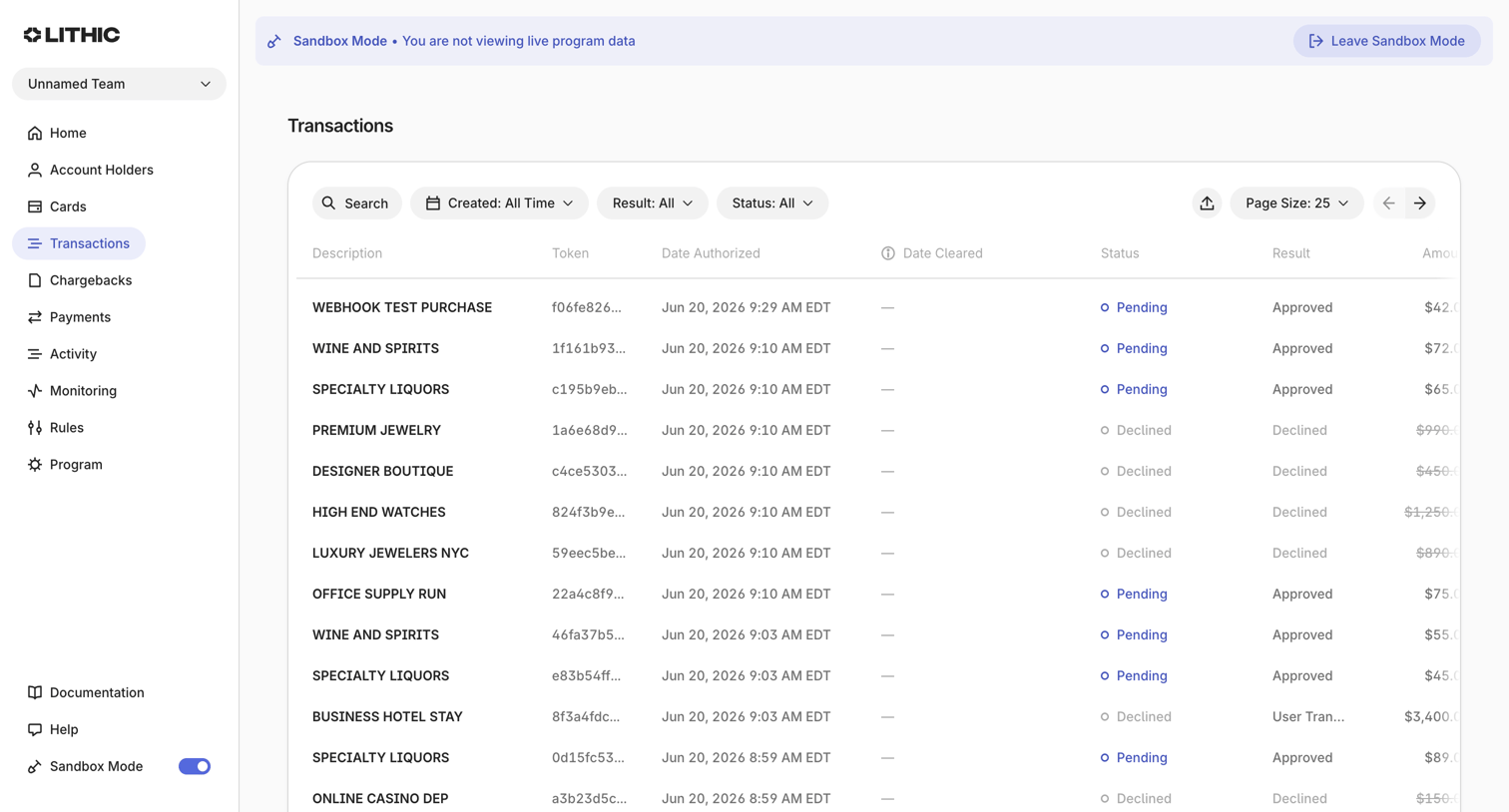

Transactions list where the user views, searches, and filters a table of simulated purchases and authorizations.
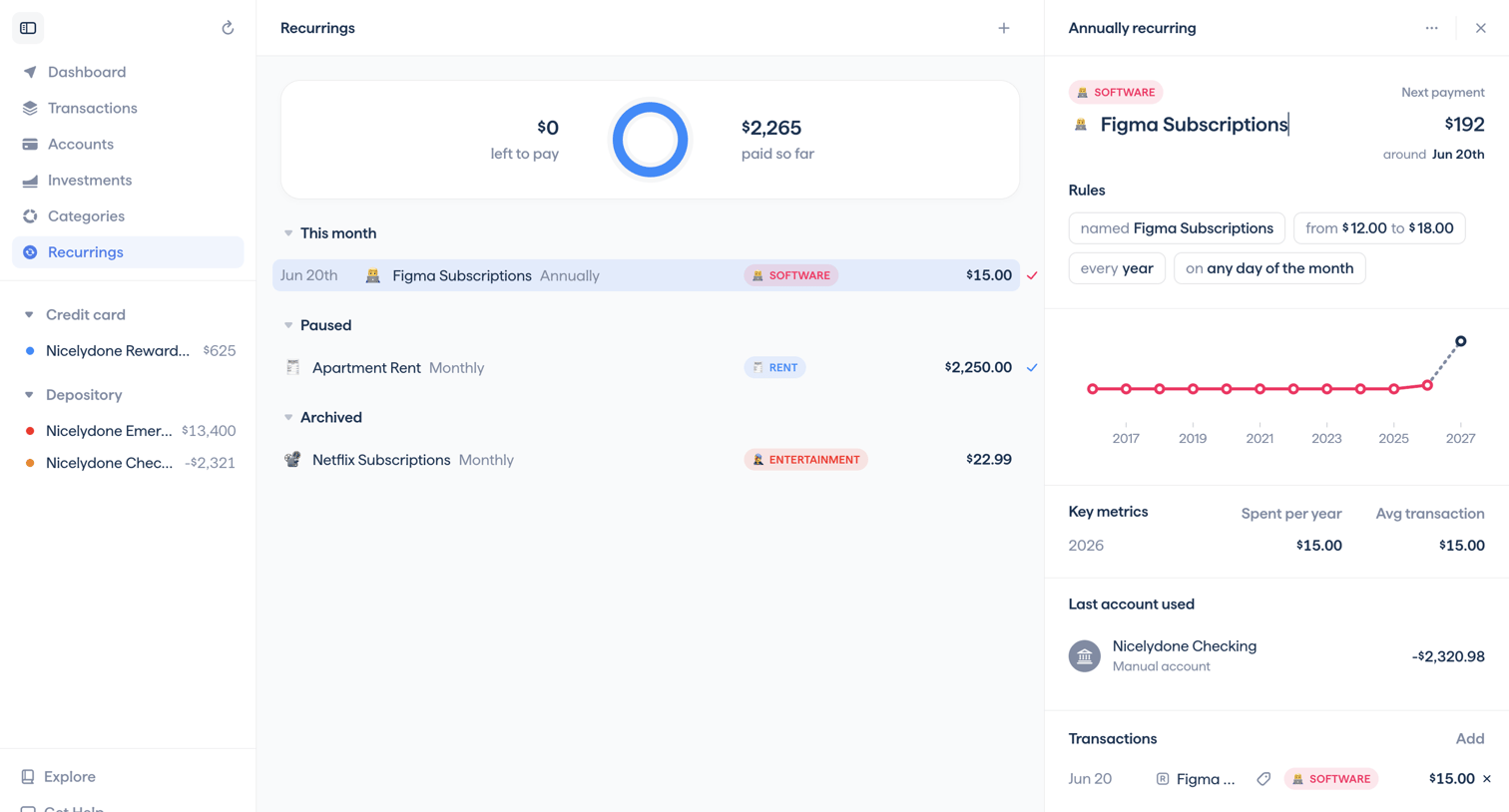

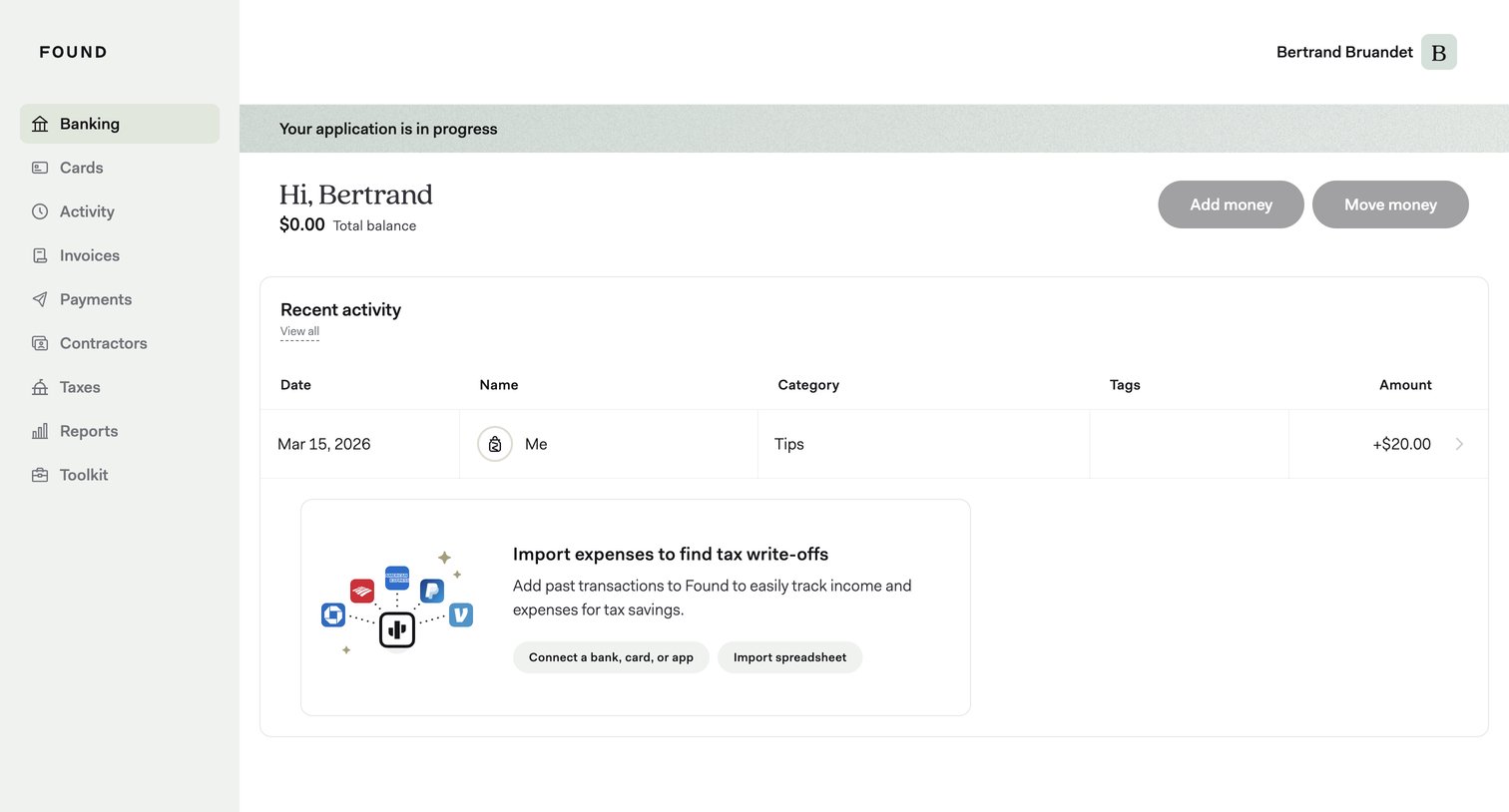

Dashboard showing the user's total balance, recent transaction activity, and prompts to import expenses or connect accounts.
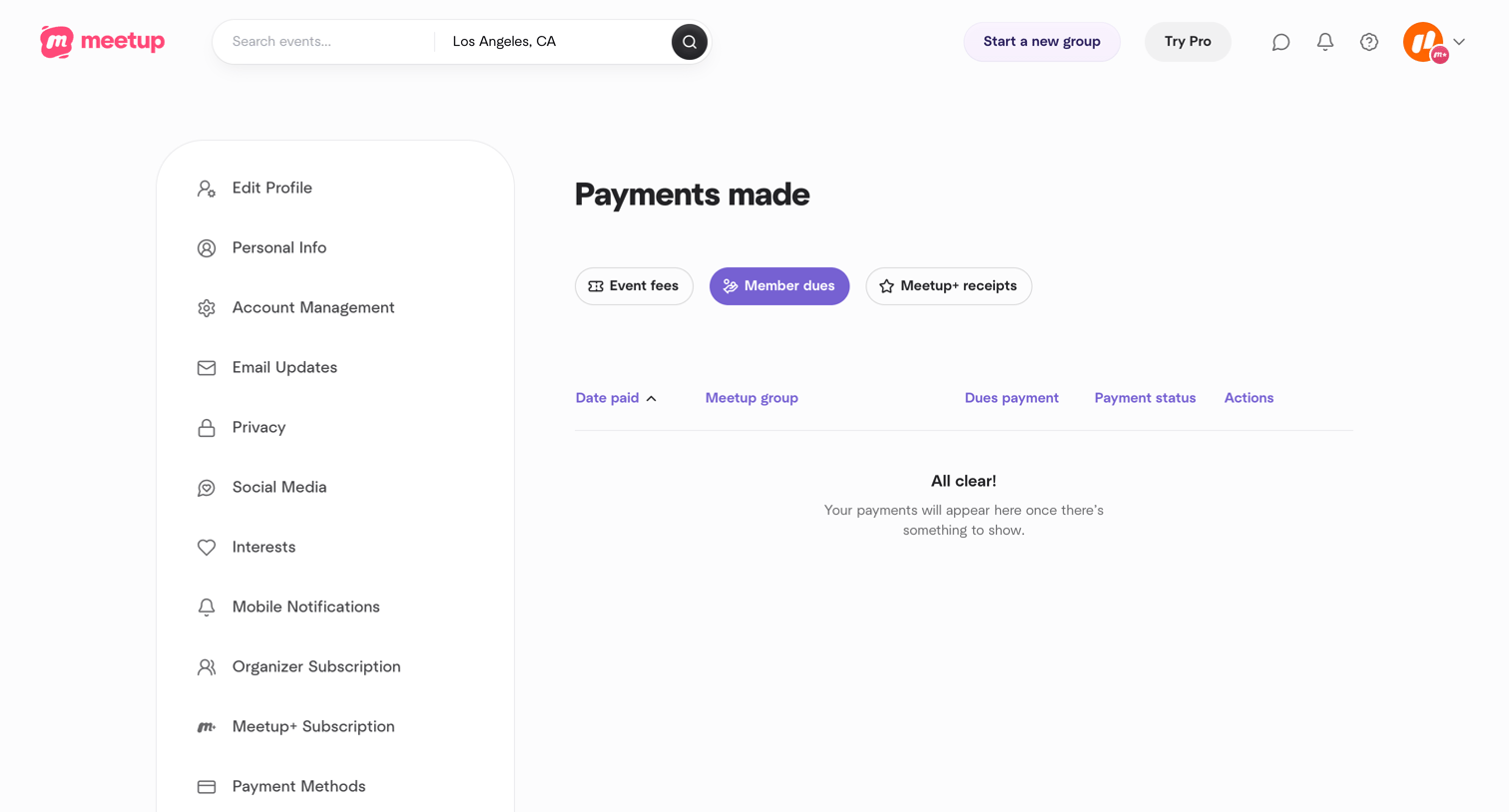

Settings page where the user views their history of member dues payments, currently showing an empty state.
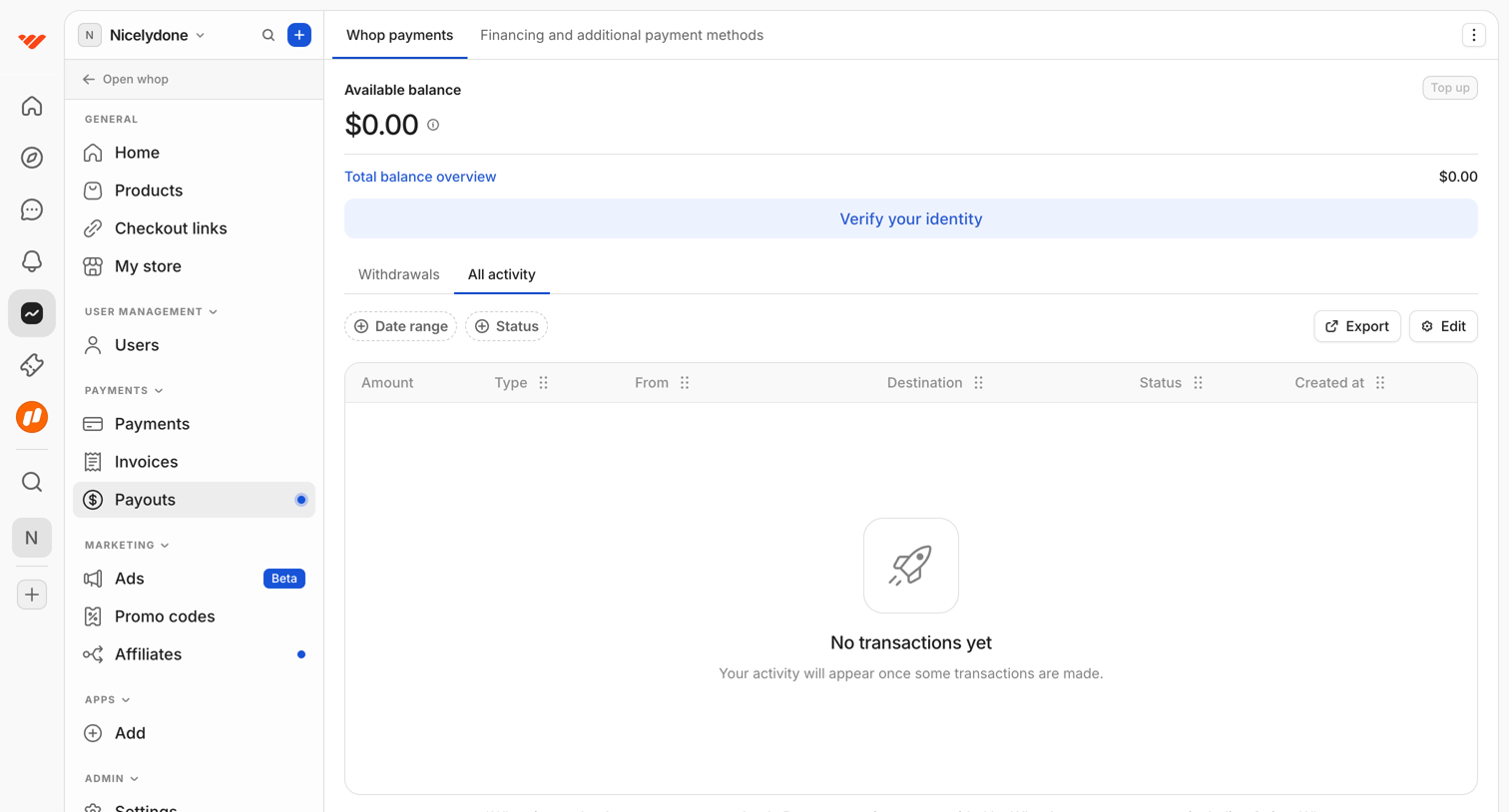

Payouts page showing an empty activity table with a prompt to verify identity and options to filter or export transactions.
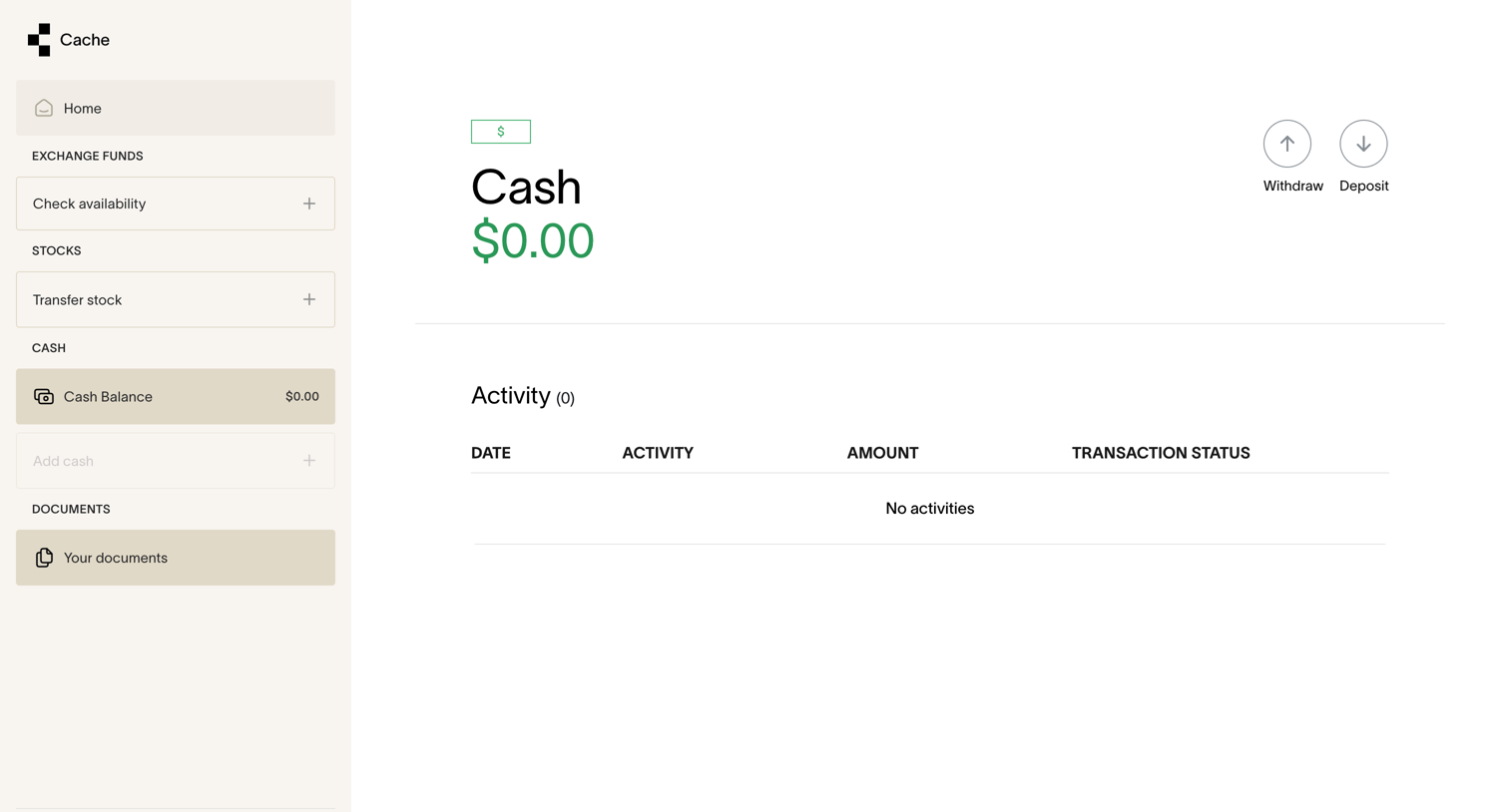

Detail page for a cash account showing a zero balance and an empty activity ledger, with options to withdraw or deposit funds.
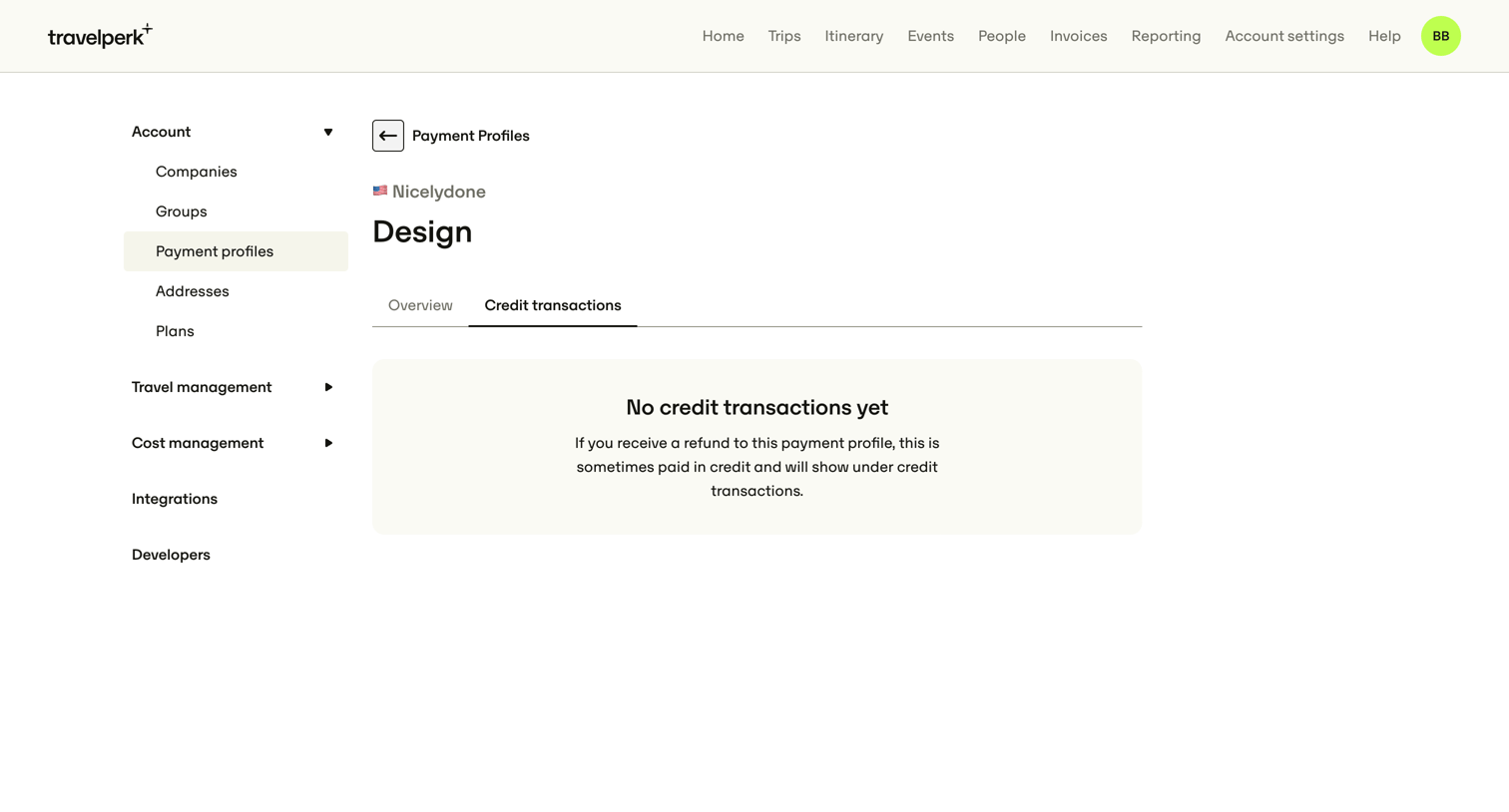

Settings detail page showing an empty state for credit transactions on a specific payment profile.
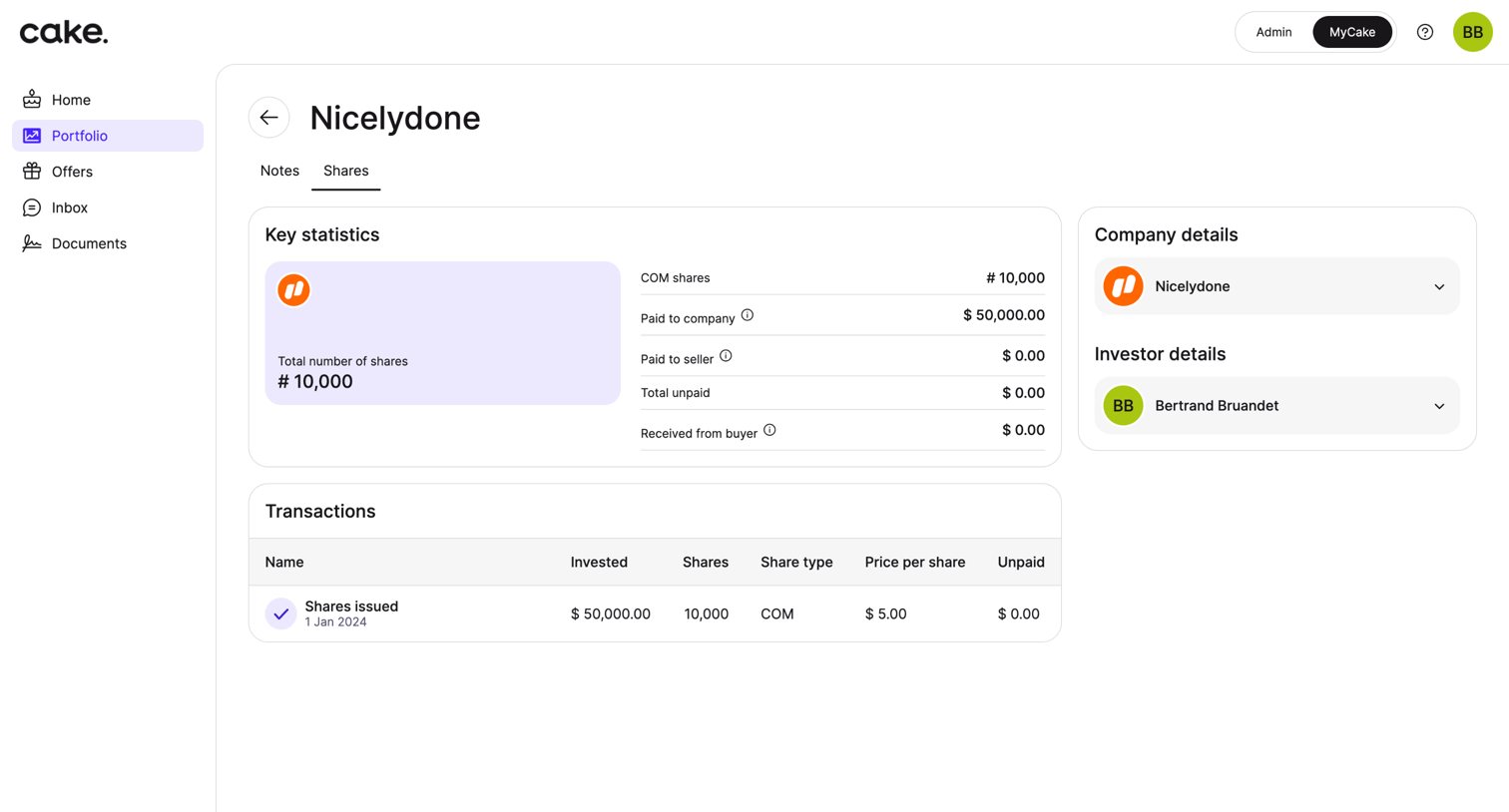

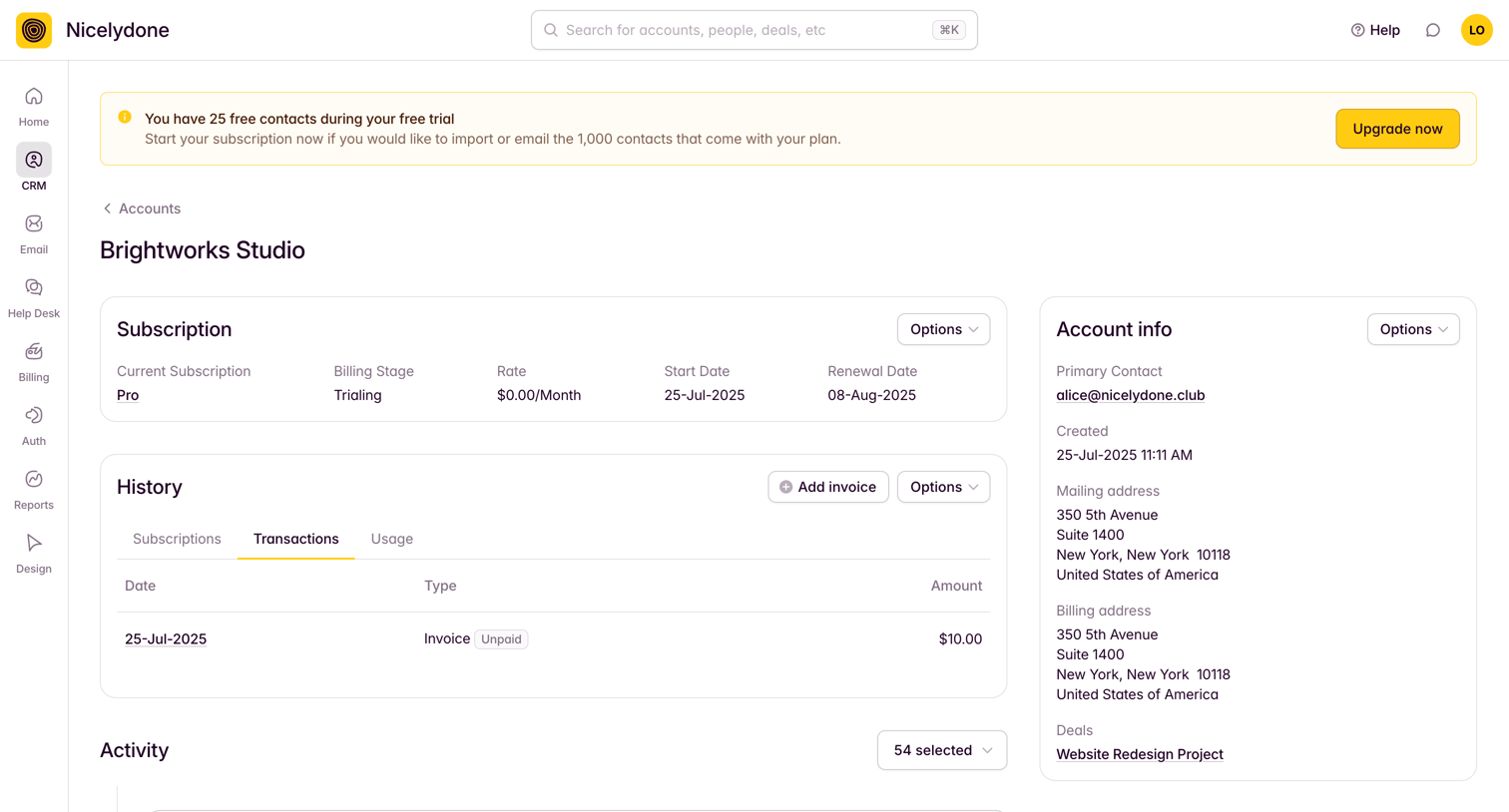

Detail page for a CRM account showing subscription status, transaction history, recent activity timeline, and primary contact info, along with a banner prompting the user to upgrade their free trial.
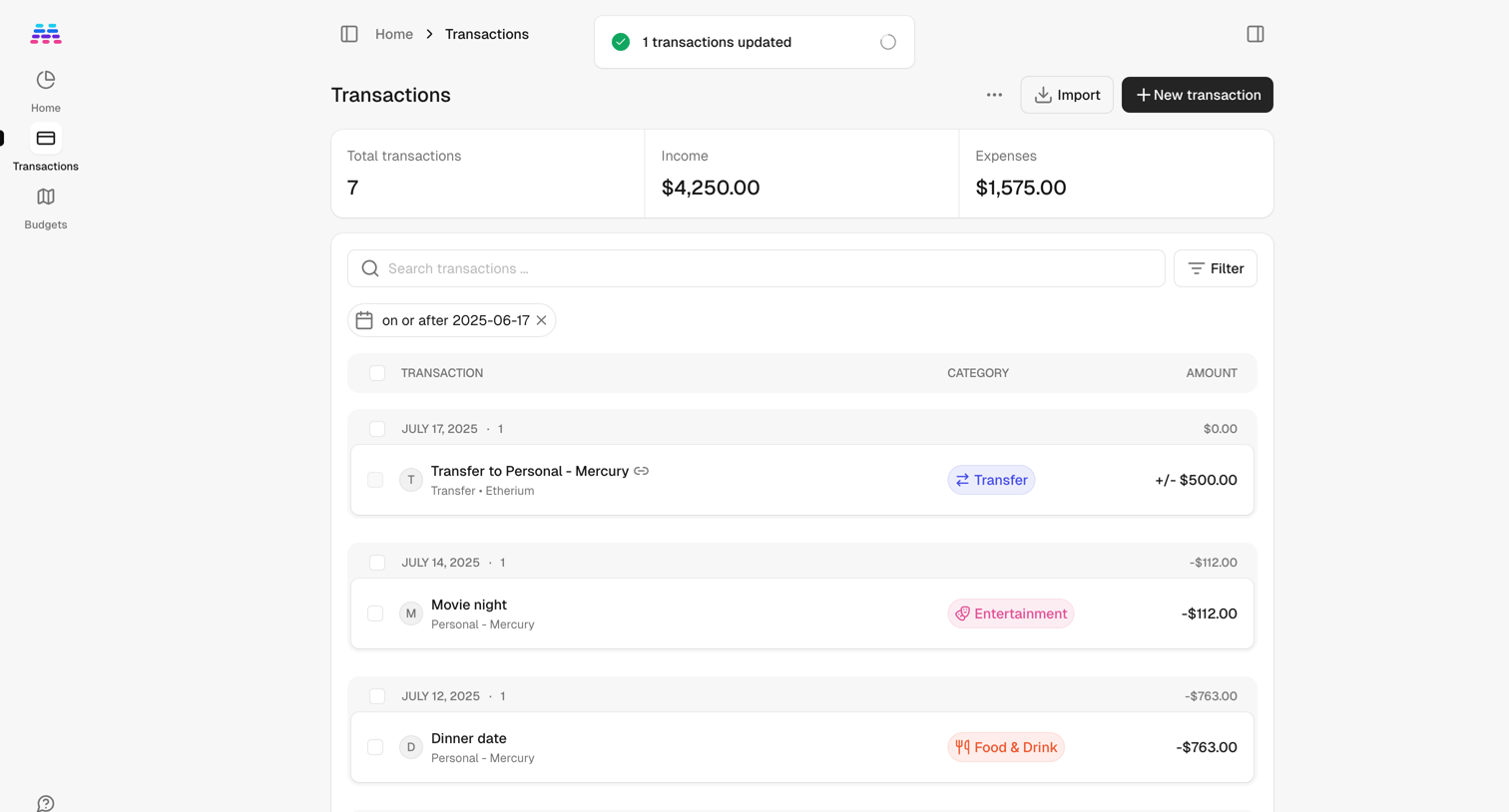

List view displaying user transactions grouped by date, featuring summary metrics for income and expenses, along with search and filtering controls.
Explore the full SaaS screen library
Upgrade to unlock the full library.
Trusted by the best teams







