Social feed screen examples
Social feed screen design examples from SaaS apps. Browse examples from Whop, Mighty, The org.
Explore the examples
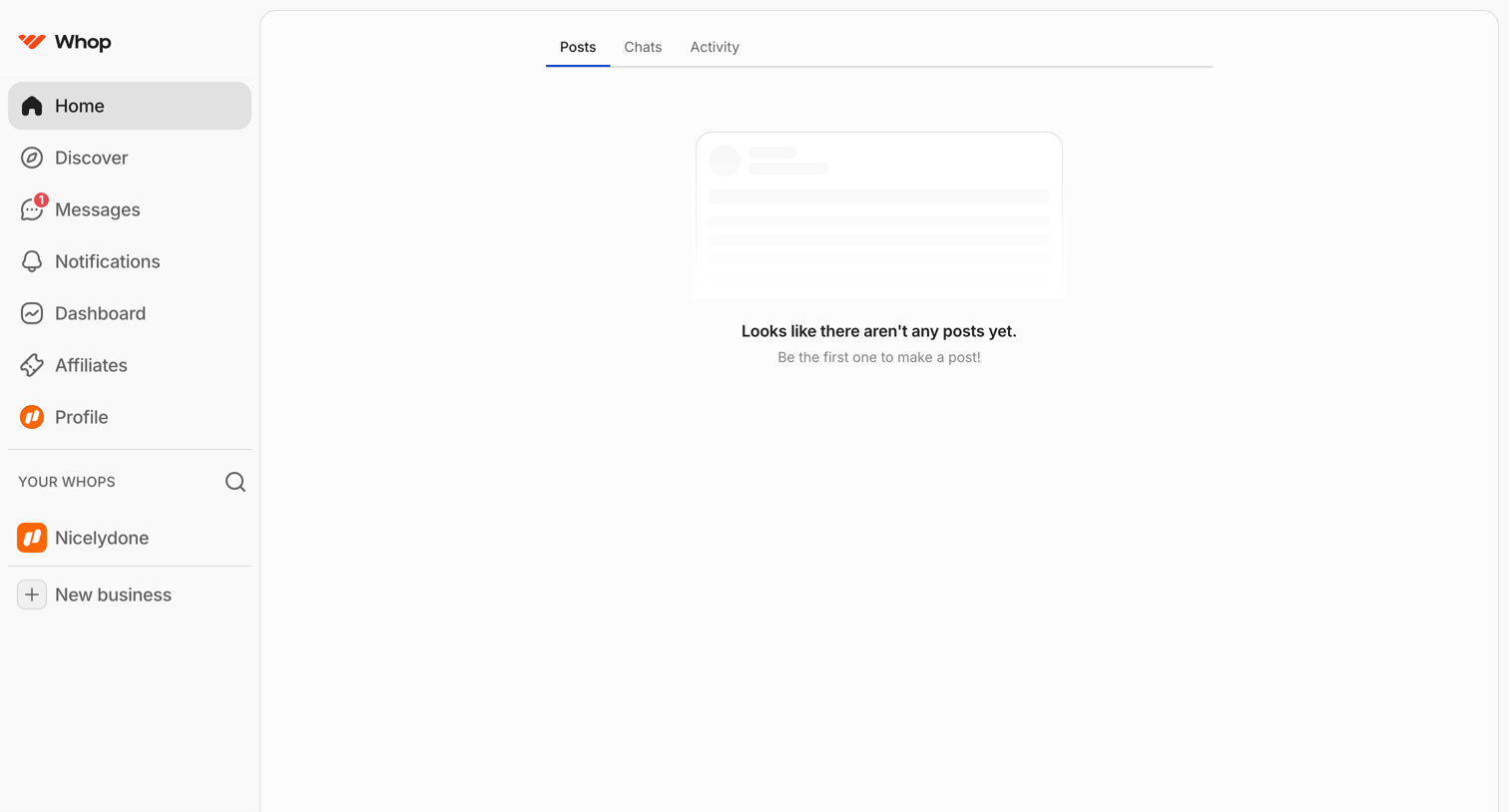

Home screen where the user views their posts, chats, and activity, currently showing an empty state for posts.
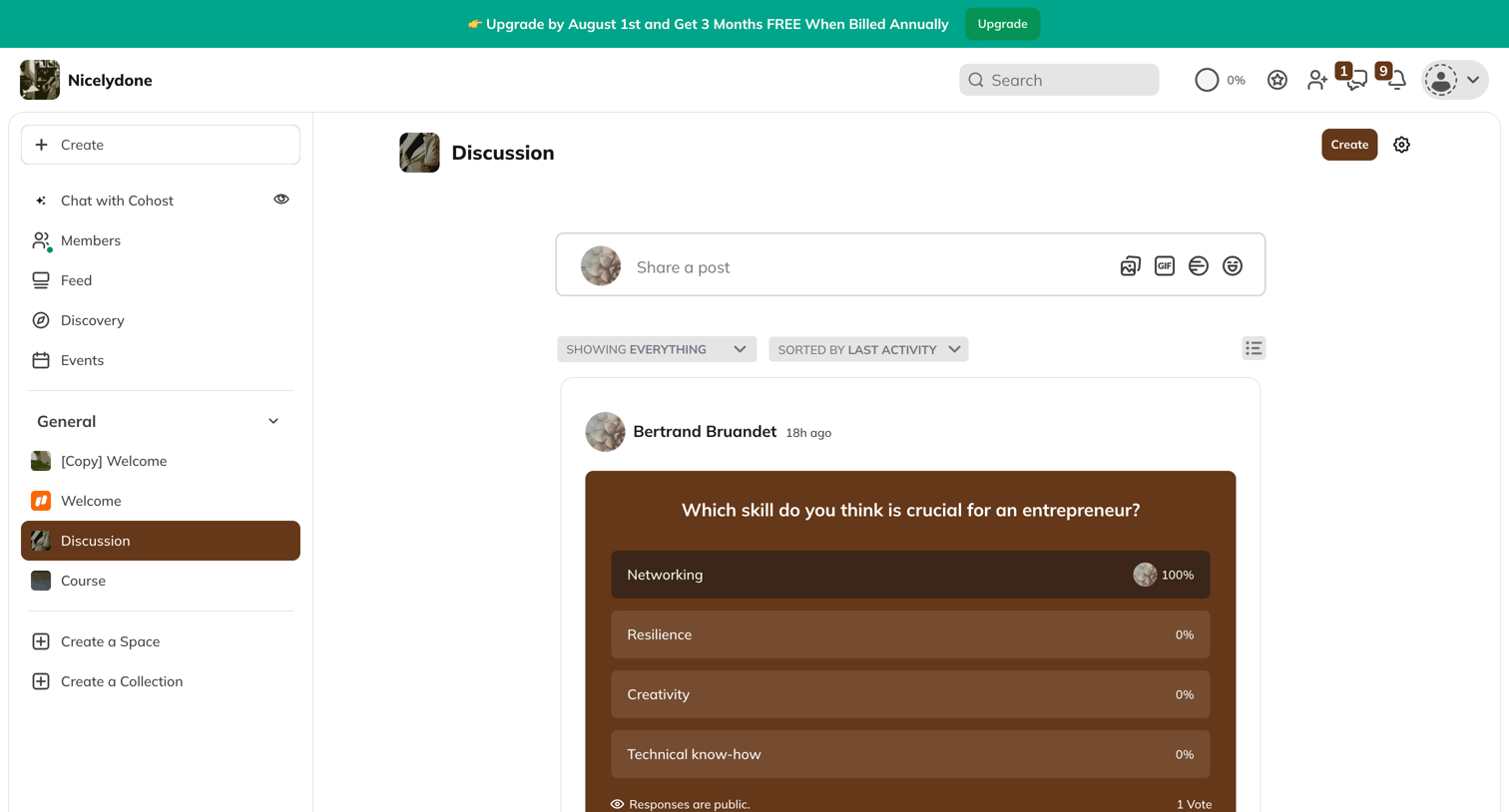

Community feed where the user views recent discussions, filters posts, and sees the results of a voted poll.
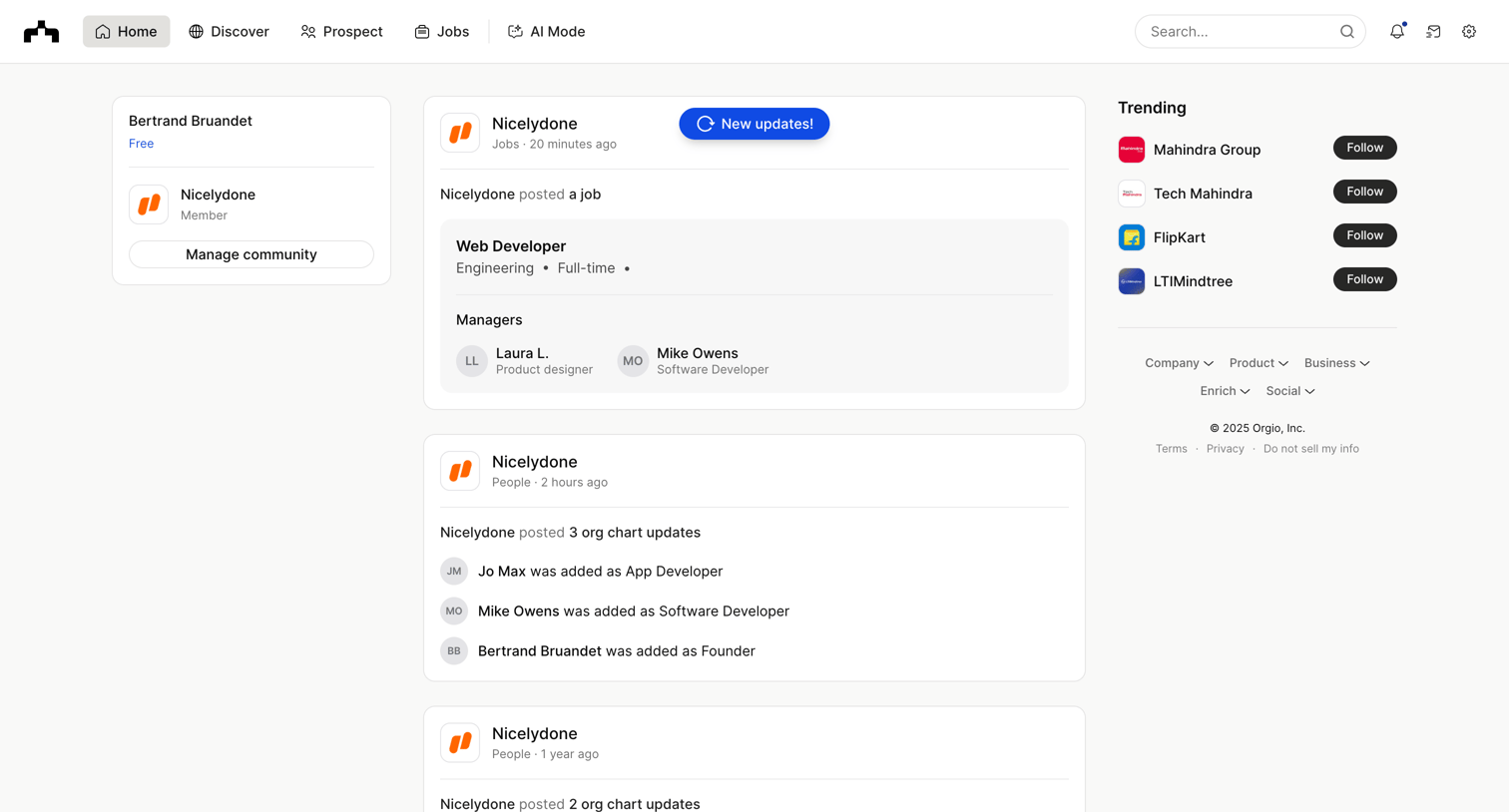

Home feed where the user views recent company updates, job postings, and org chart changes alongside a list of trending companies to follow.
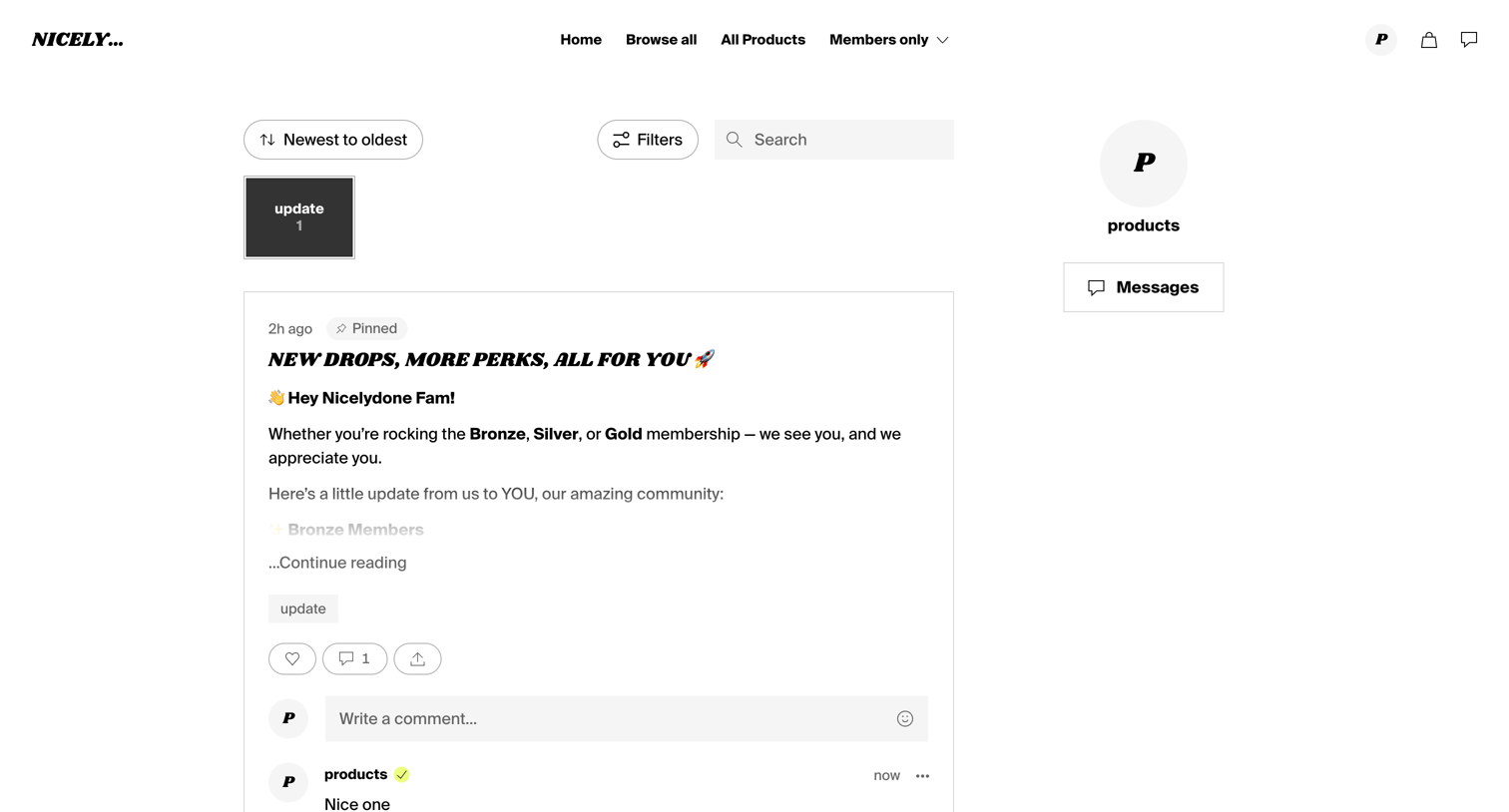

Feed where supporters can read pinned updates, filter by category, and interact via comments and likes.
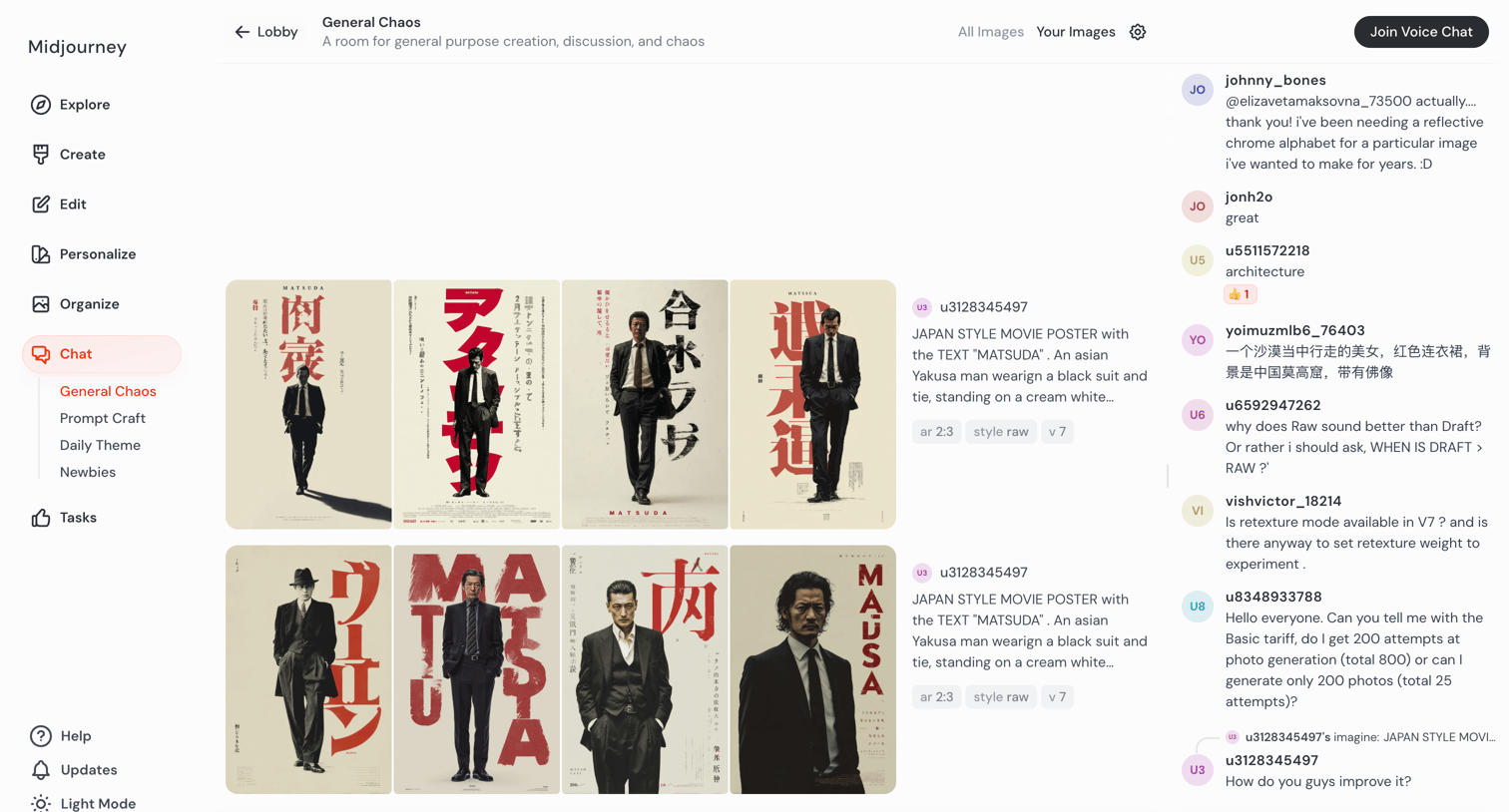

Shared AI generation room where users create images from text prompts while chatting with others in a real-time community feed.
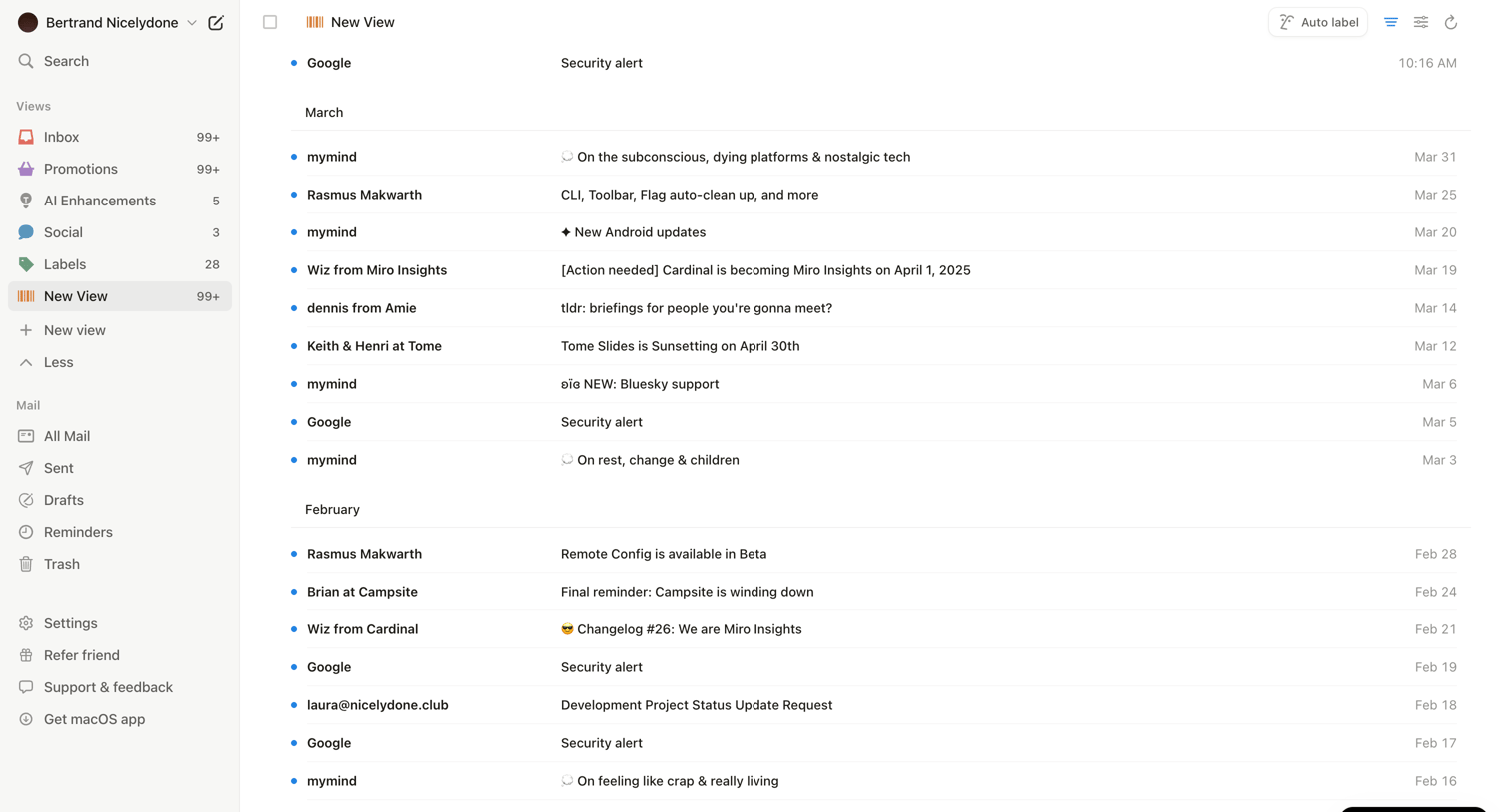

Inbox view where the user browses a grouped list of recent emails and can trigger an AI auto-labeling feature.
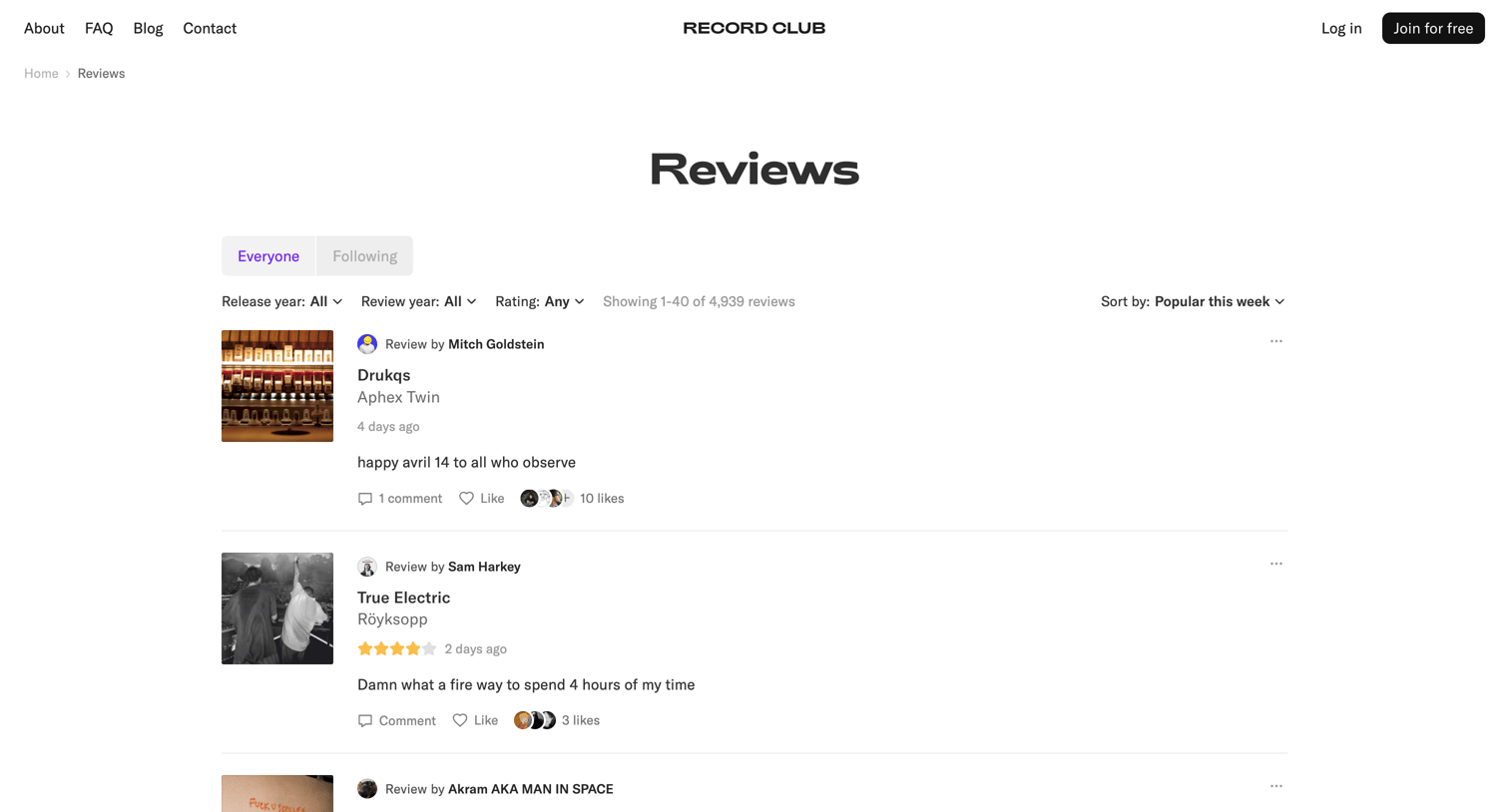

Public community feed where users can browse recent record reviews, filter by release year or rating, and sort by popularity.
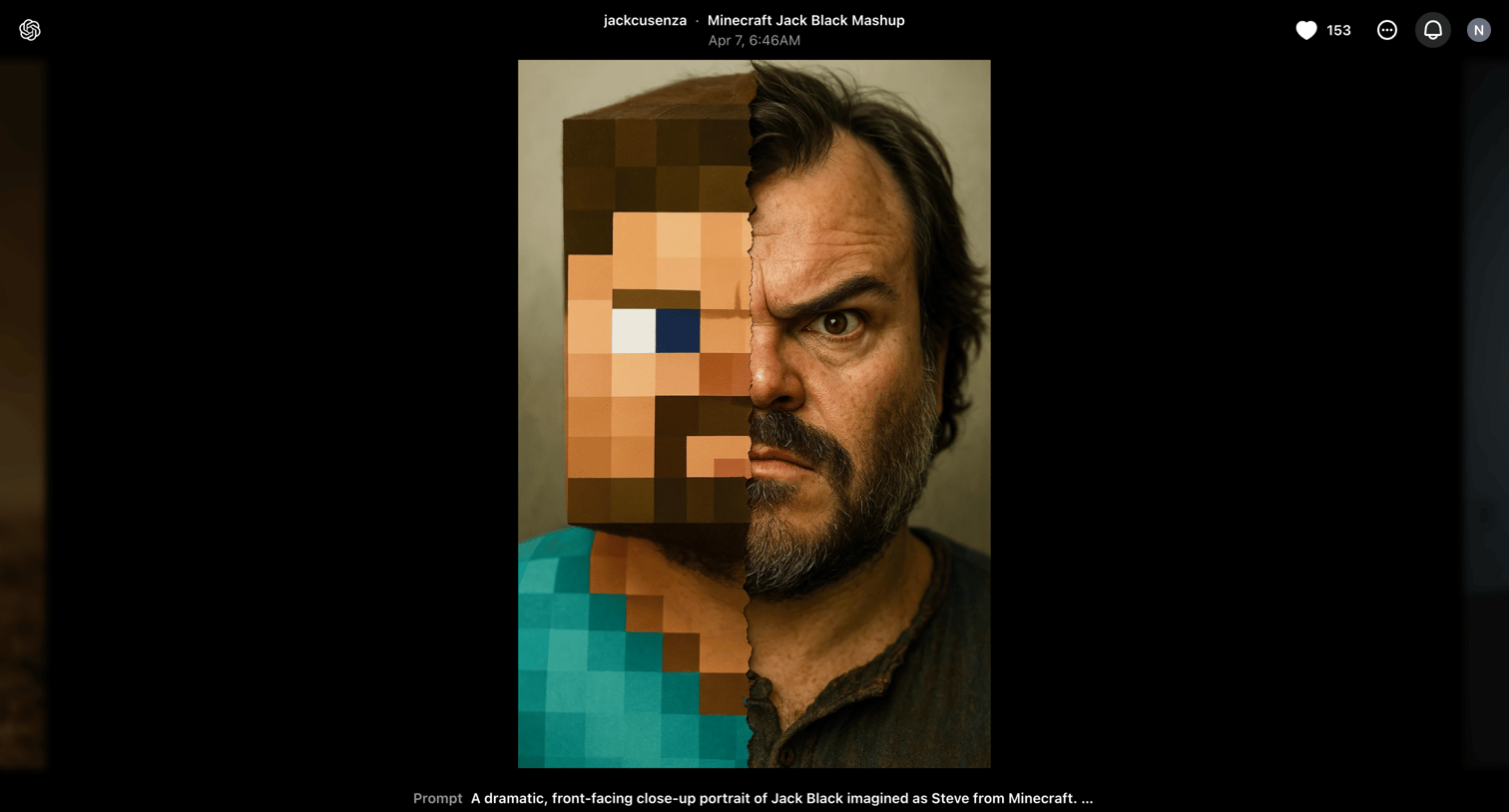

Detail page where the user views a generated image of Jack Black as Minecraft Steve, reads the original prompt, and can choose to edit the prompt, remix the image, or create a video.
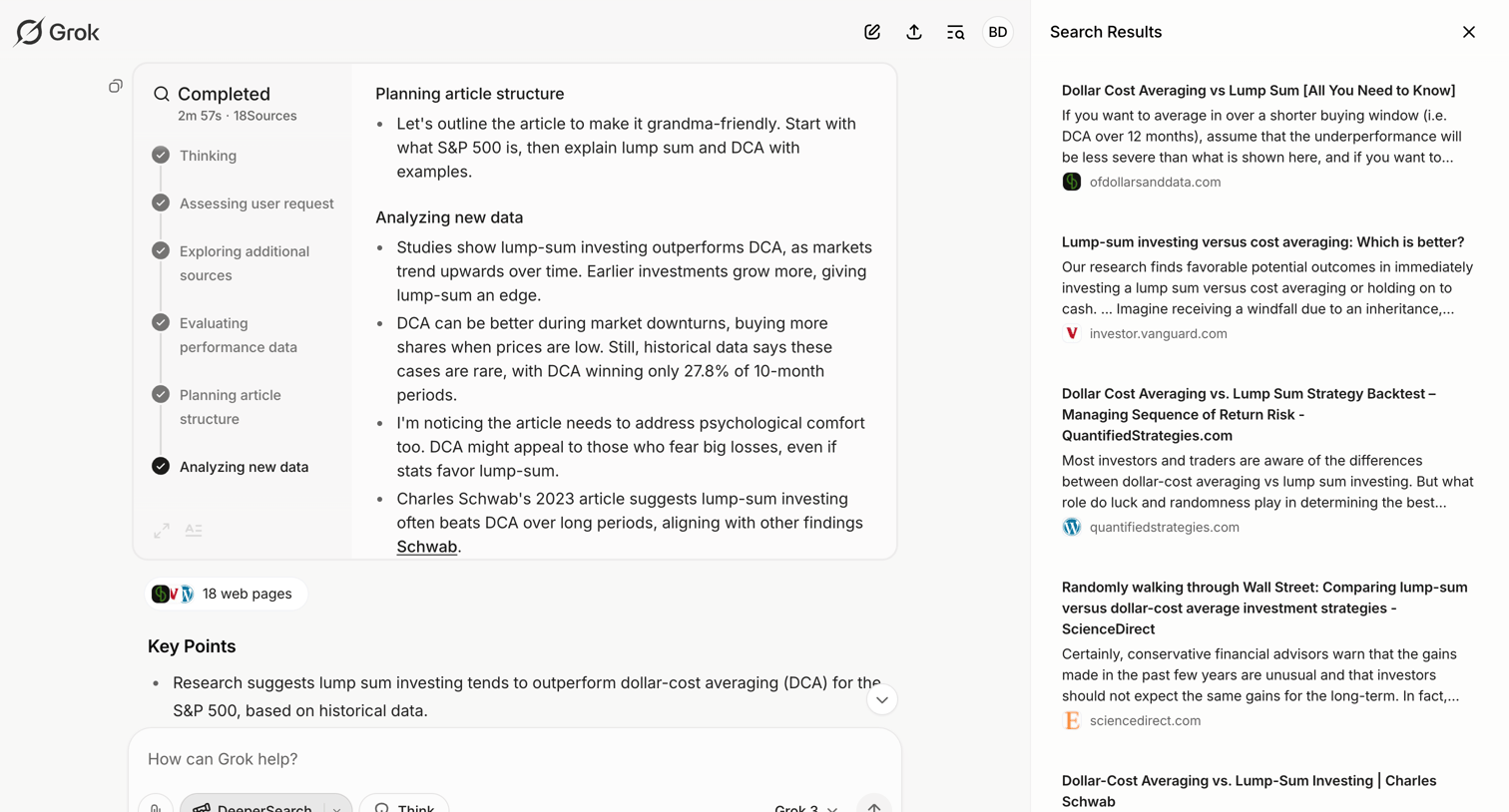

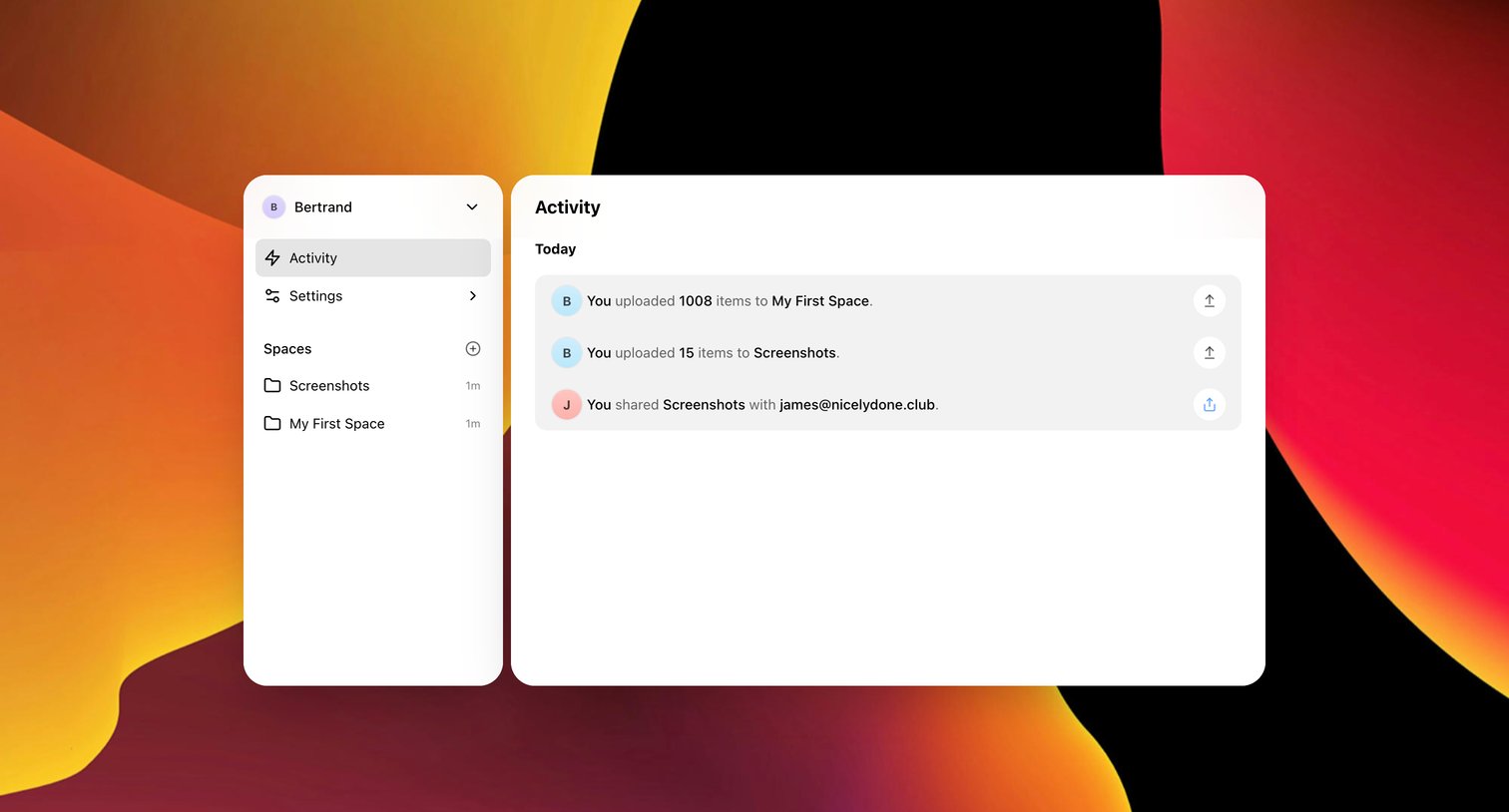

Activity feed where the user views recent file uploads and sharing events grouped by day.
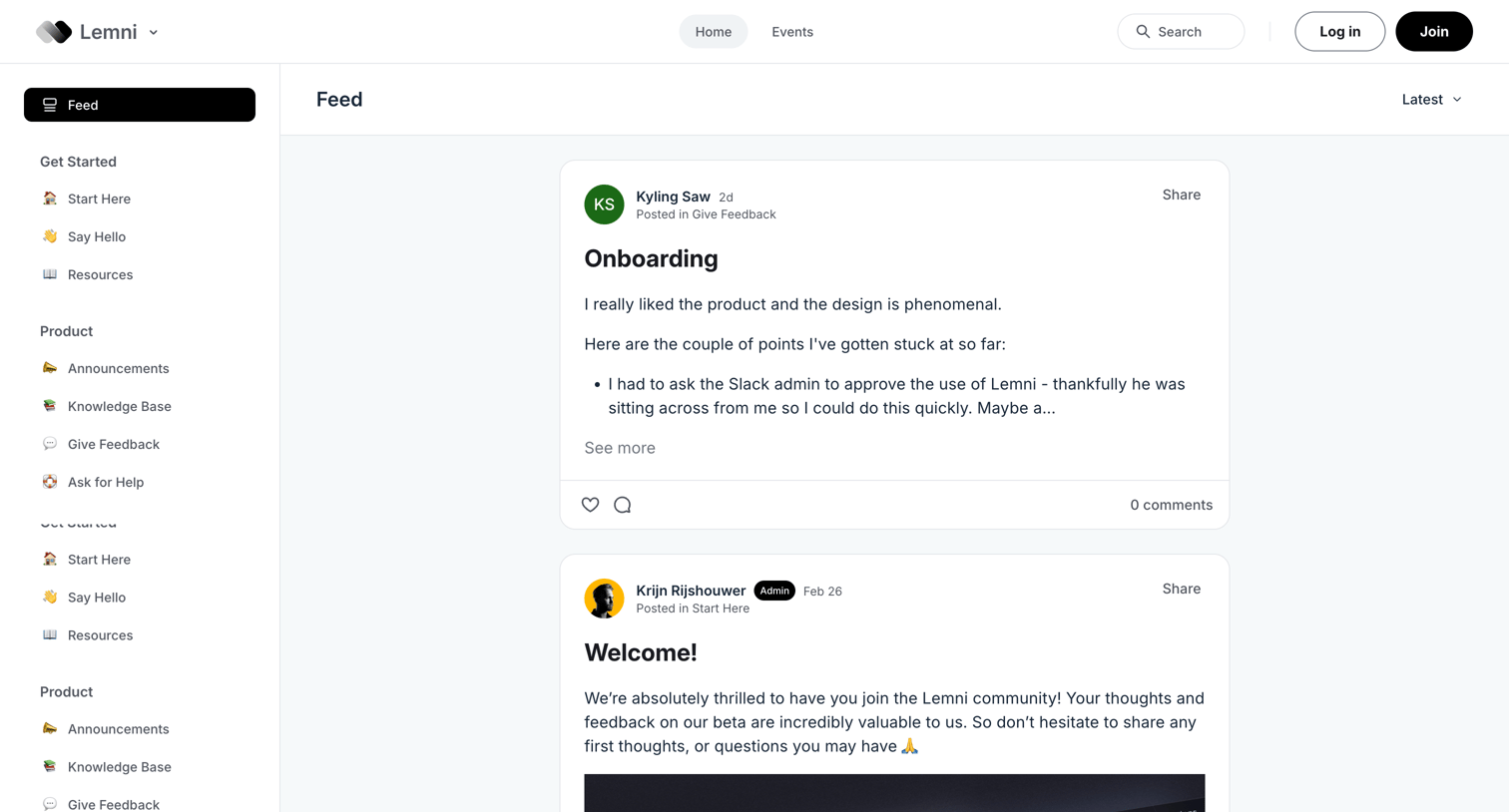

Community forum feed where users browse recent posts, announcements, and product feedback, with prompts to log in or join the community.
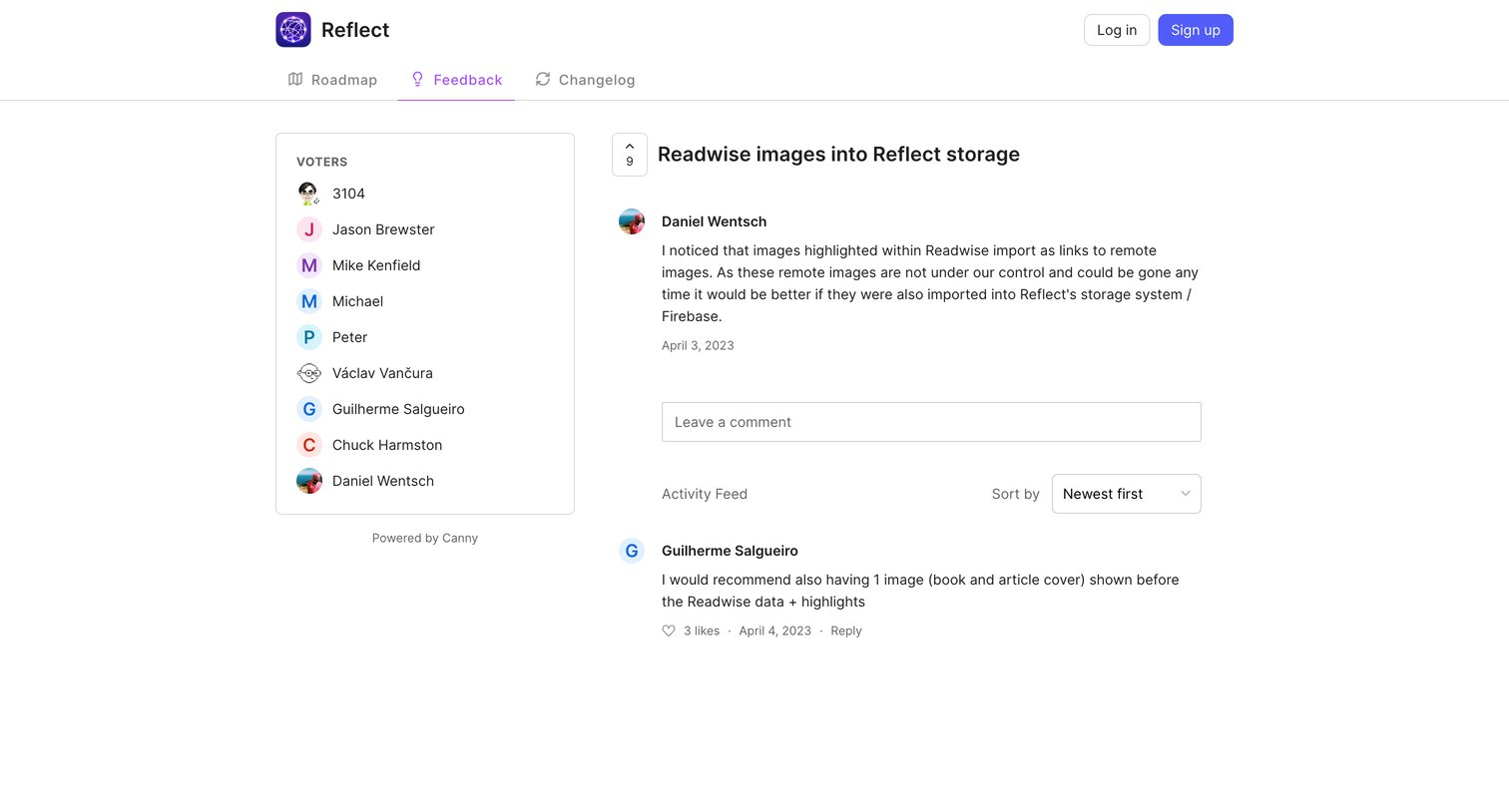

Detail page where the user reads a feature request about importing Readwise images, views the list of voters, and can read or leave comments in the activity feed.
Explore the full SaaS screen library
Upgrade to unlock the full library.
Trusted by the best teams







