Sharing screen examples
Sharing screen design examples from SaaS apps. Browse examples from Dock, Flora, Lovable.
Explore the examples
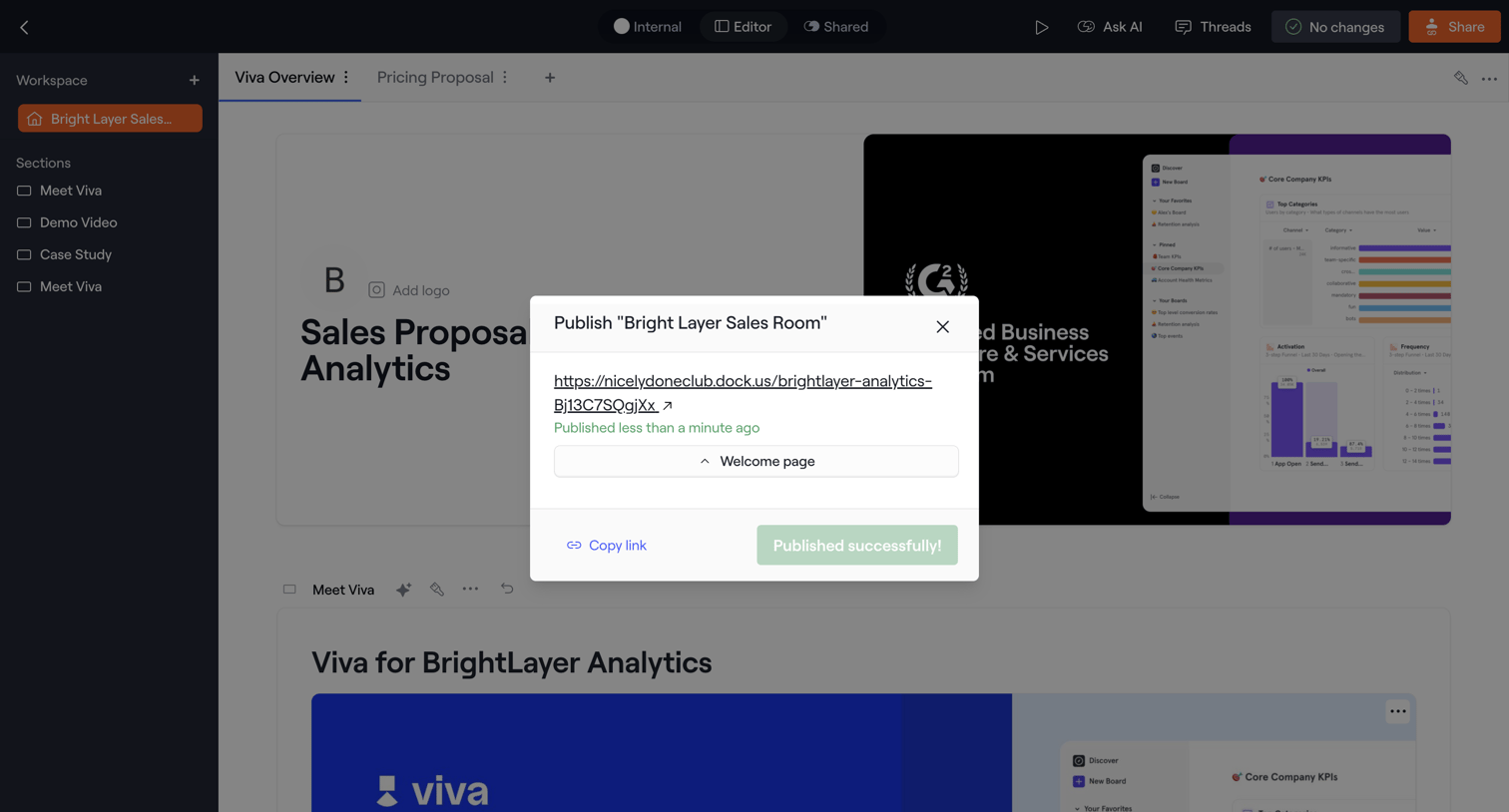

Design editor where the user successfully publishes a sales proposal and can copy the public link from a confirmation modal.
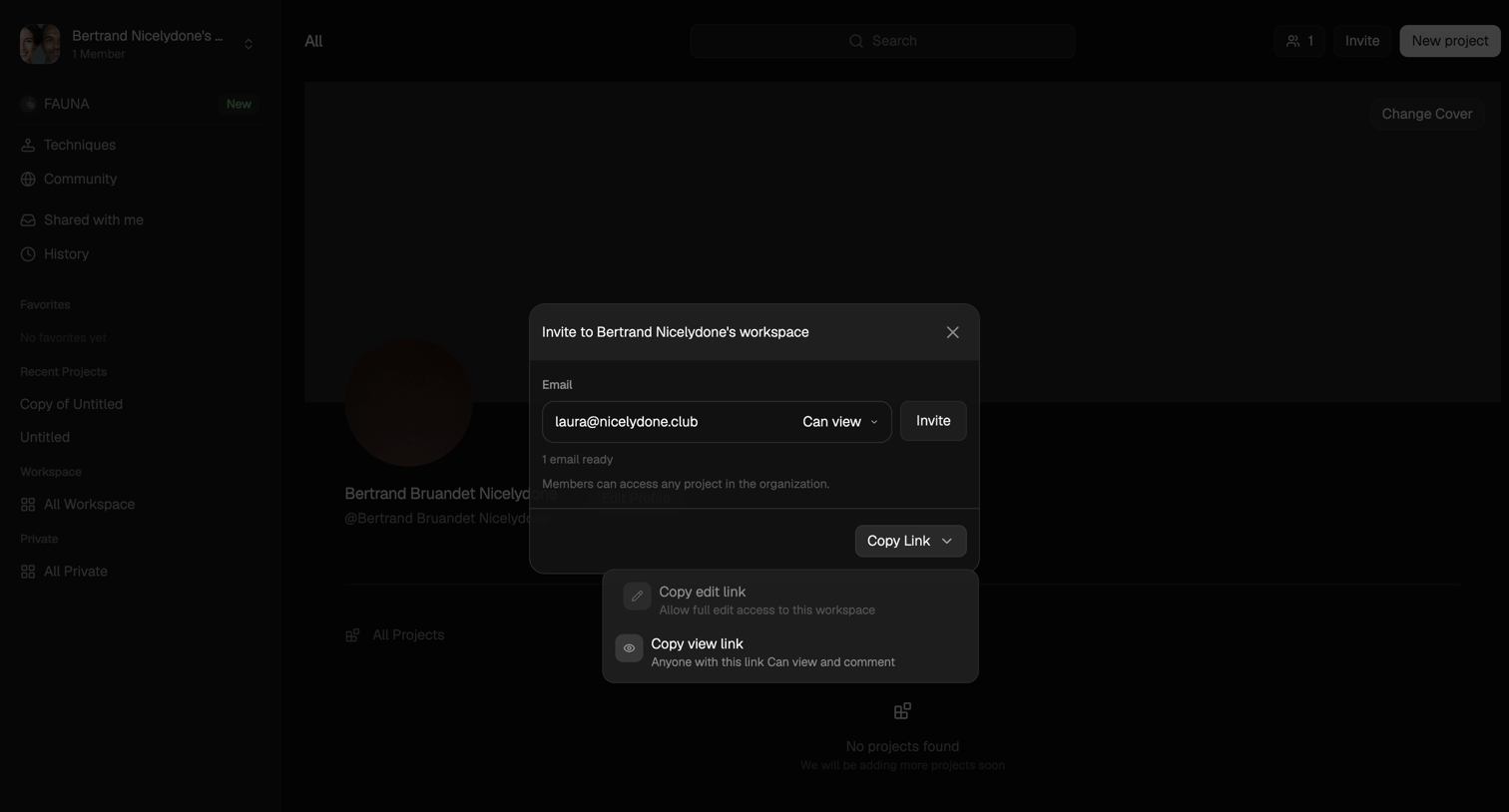

Detail page where the user invites teammates to their workspace via email or by copying a role-specific shareable link.
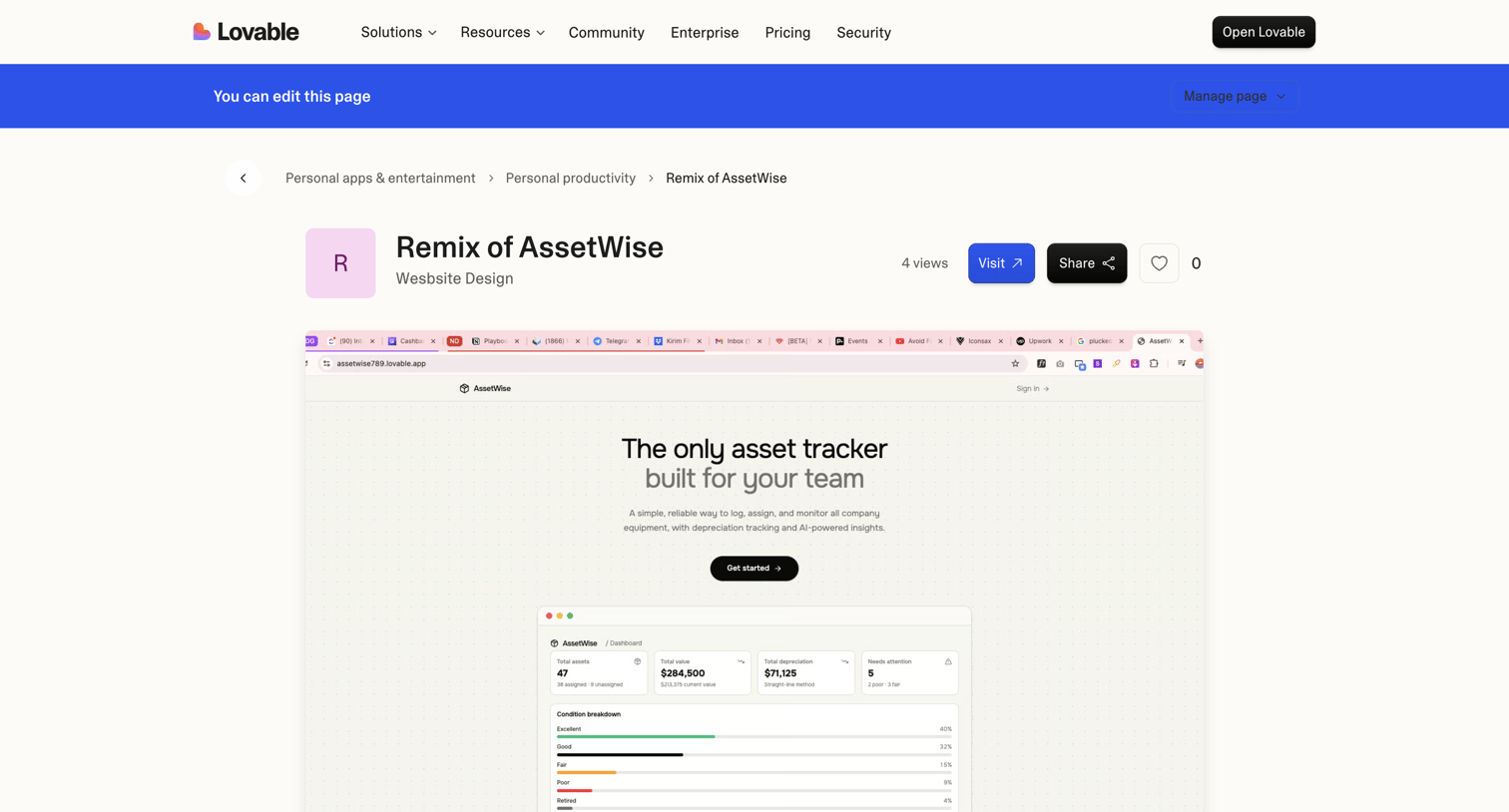

Community showcase detail page where a user views a specific app built with the platform, including its category breadcrumbs, view count, and a live preview.

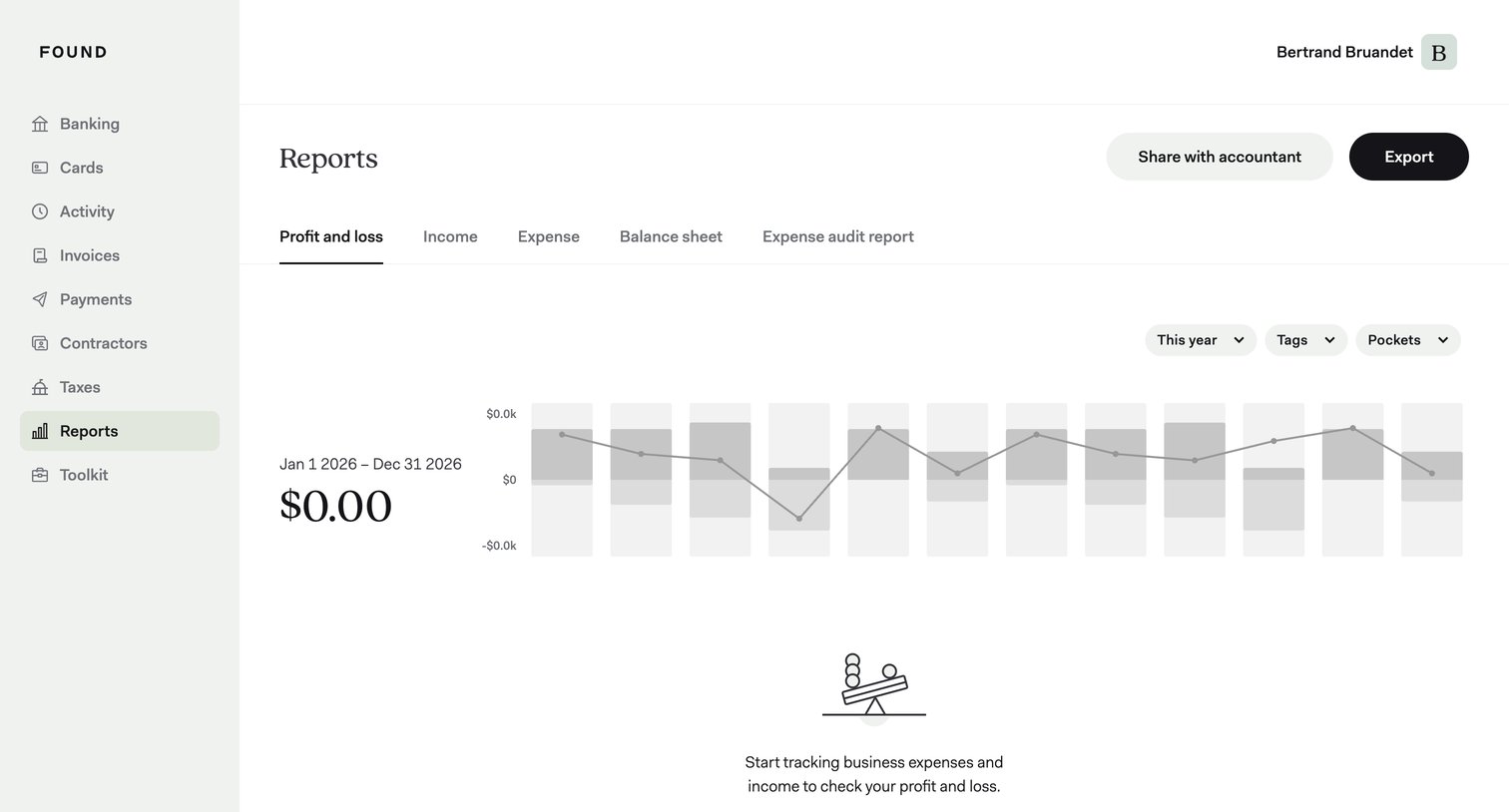

Analytics dashboard showing an empty profit and loss report with a prompt to start tracking expenses, alongside filters for year, tags, and pockets.
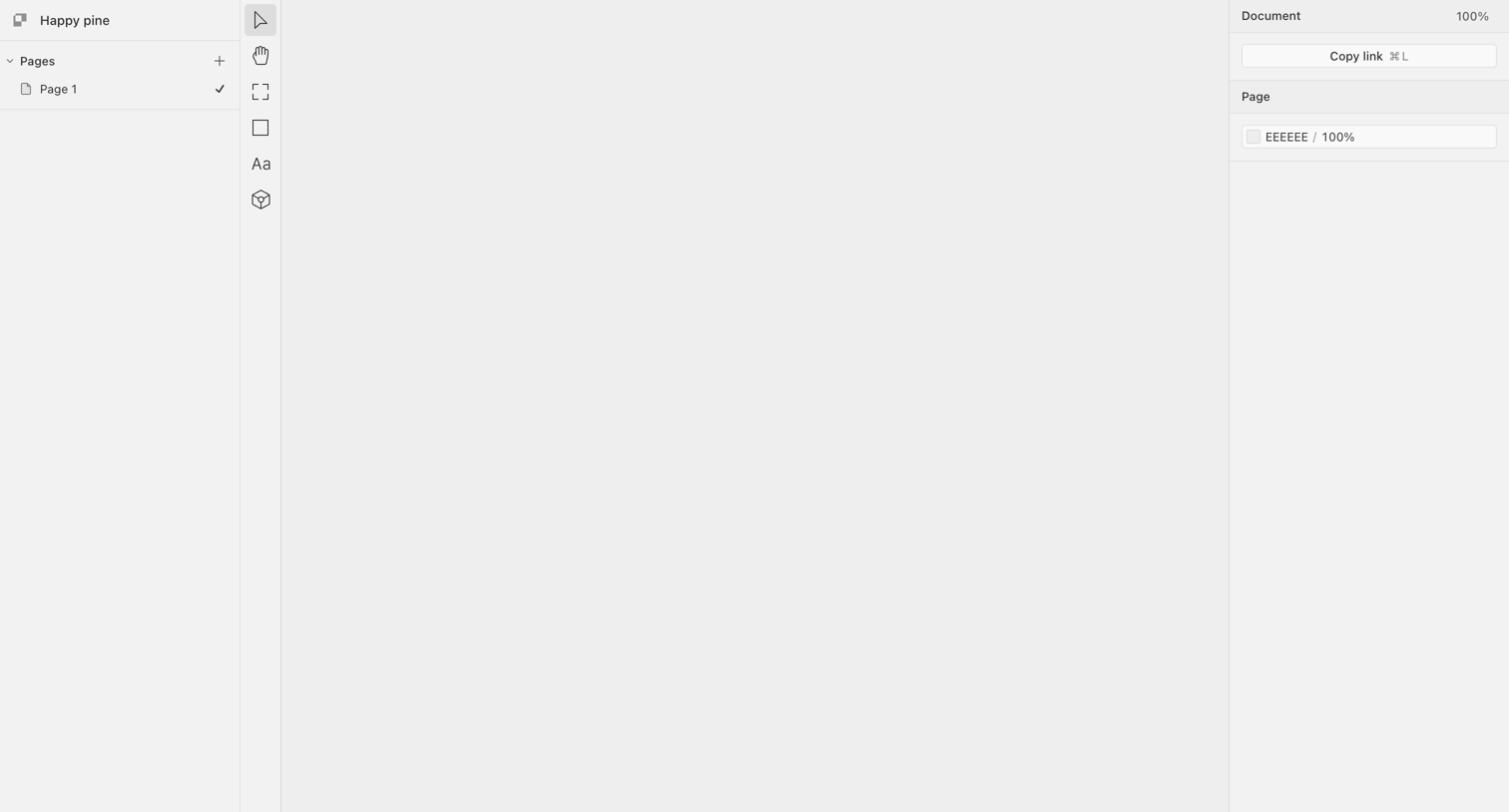

Design editor with an empty canvas, a pages list on the left, a central vertical toolbar, and a properties inspector on the right.
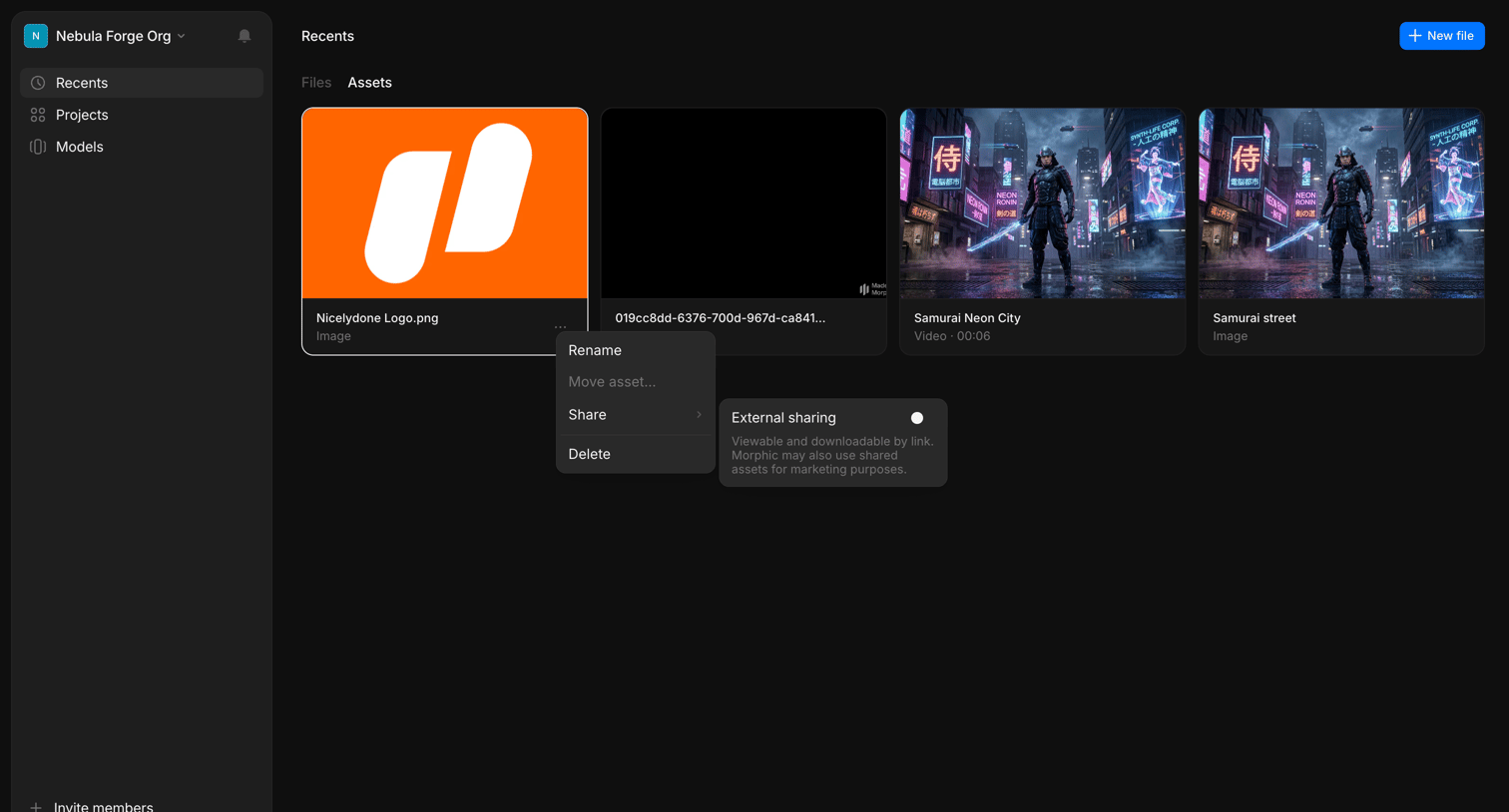

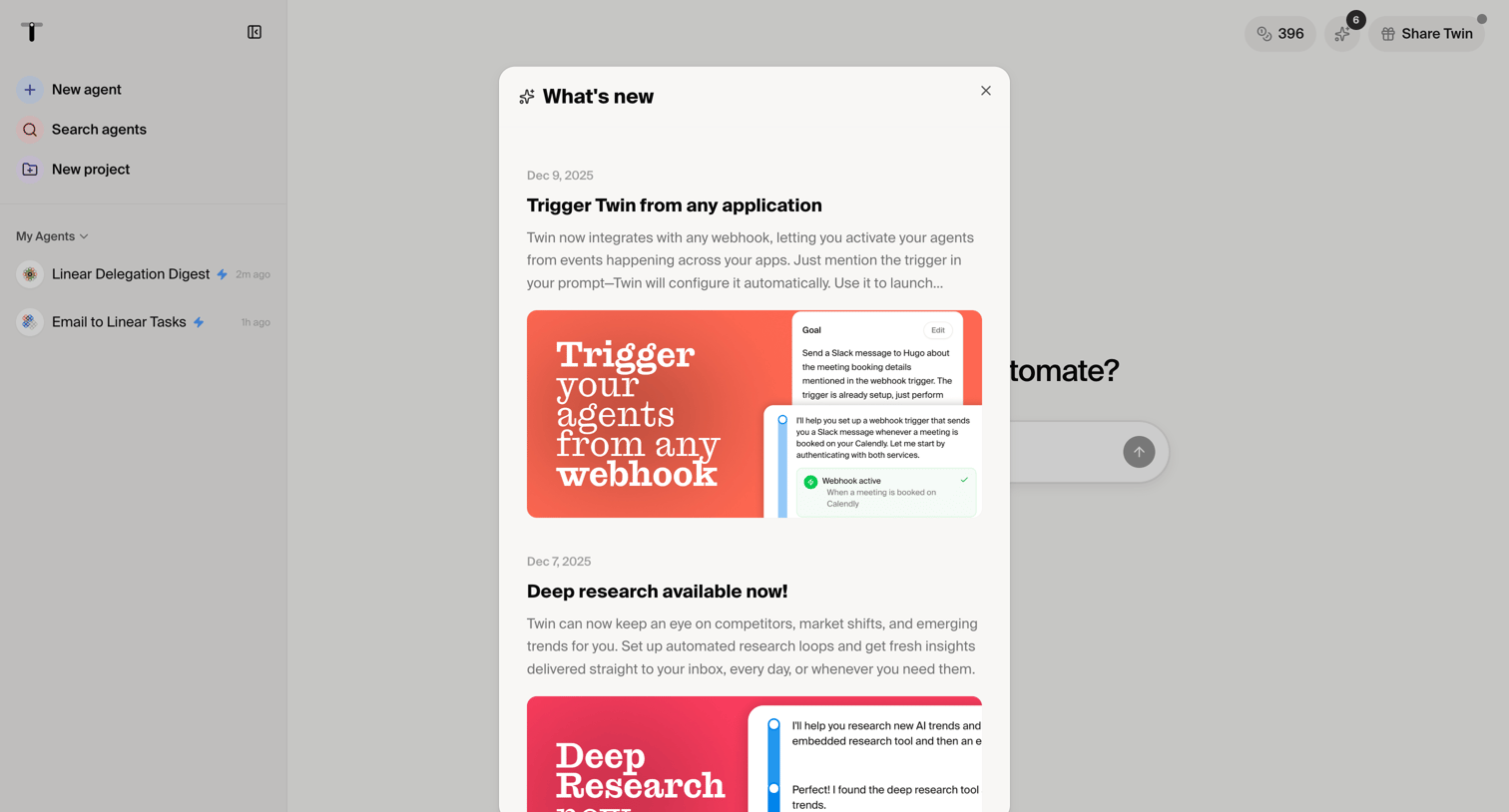

Dashboard start screen with a modal announcing new features like webhook triggers and deep research capabilities.
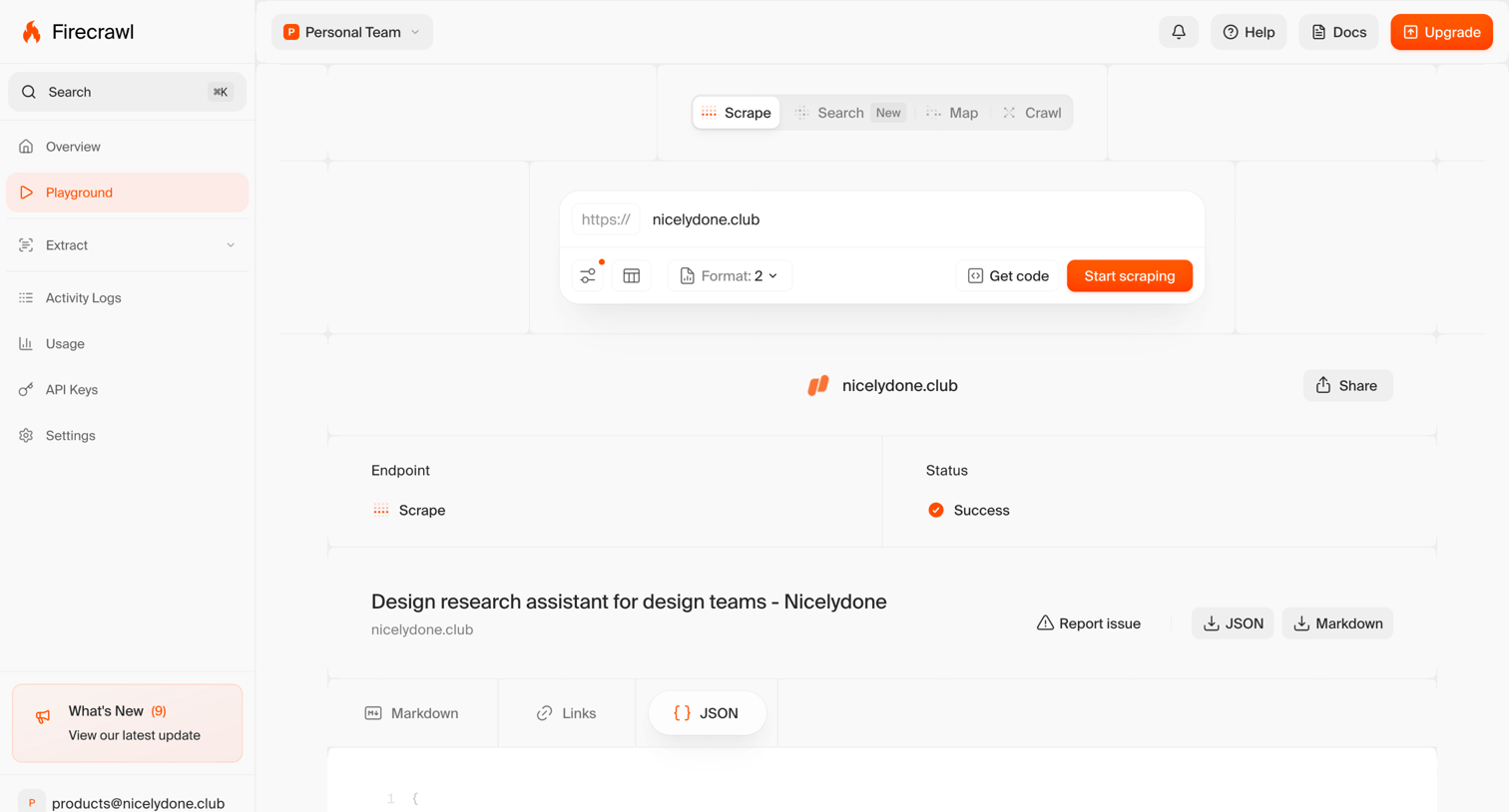

Playground tool where the user configures a web scraping request for a specific URL and views the resulting JSON output.
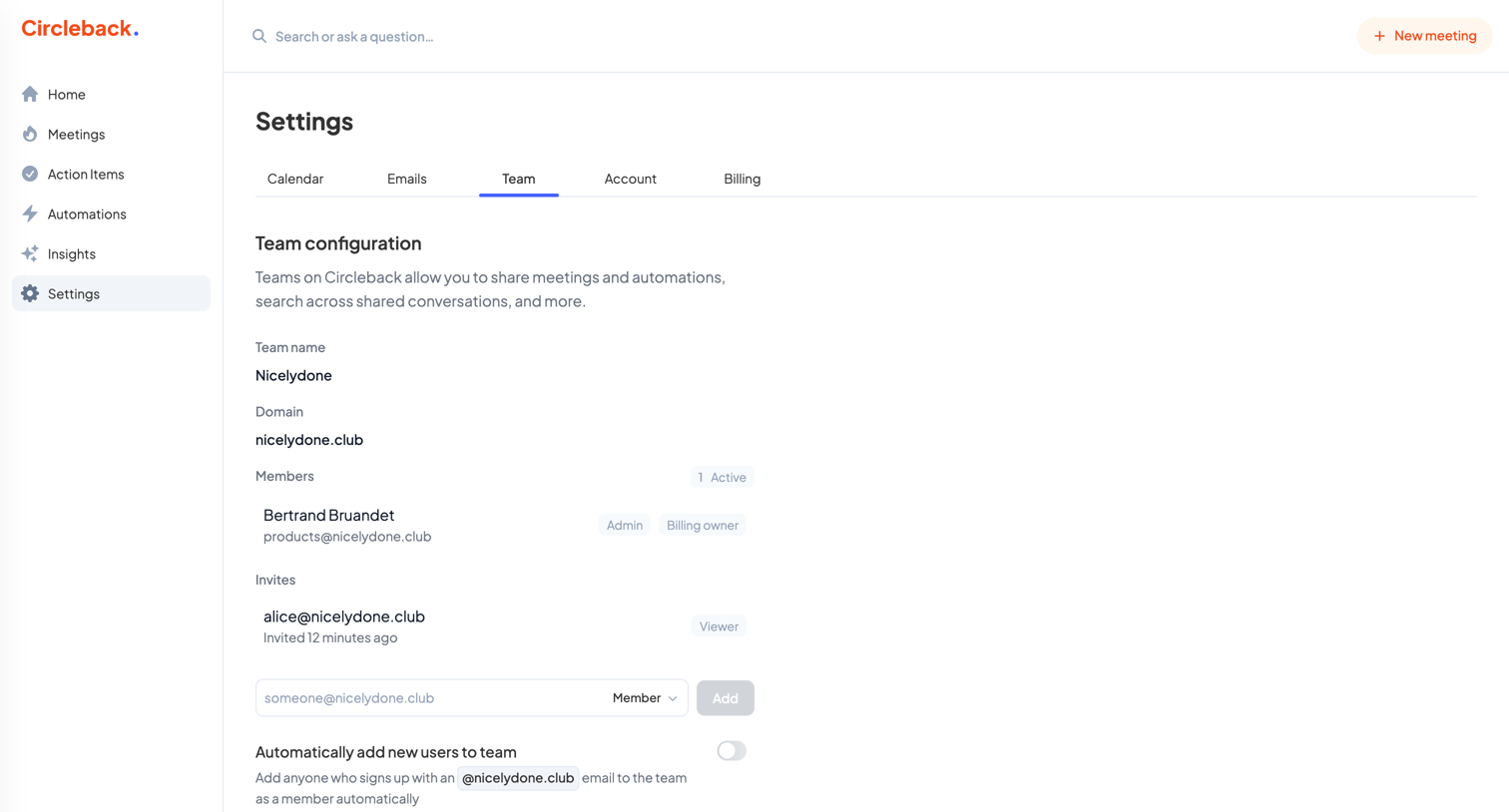

Settings page where the user manages team configuration, including the team name, domain, existing members, and pending invites.
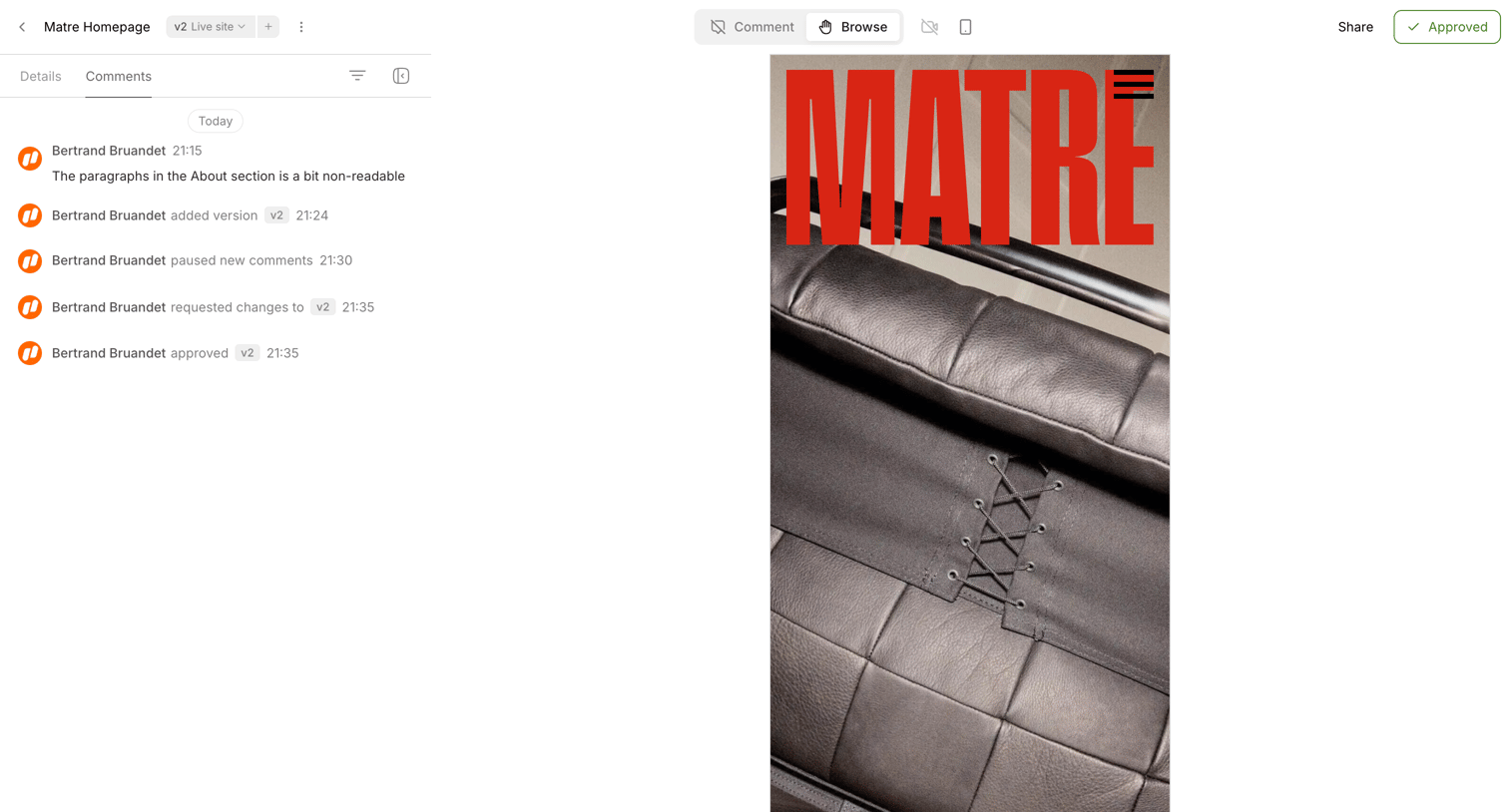

Detail page where a user reviews a mobile design preview alongside a timeline of comments and version changes.
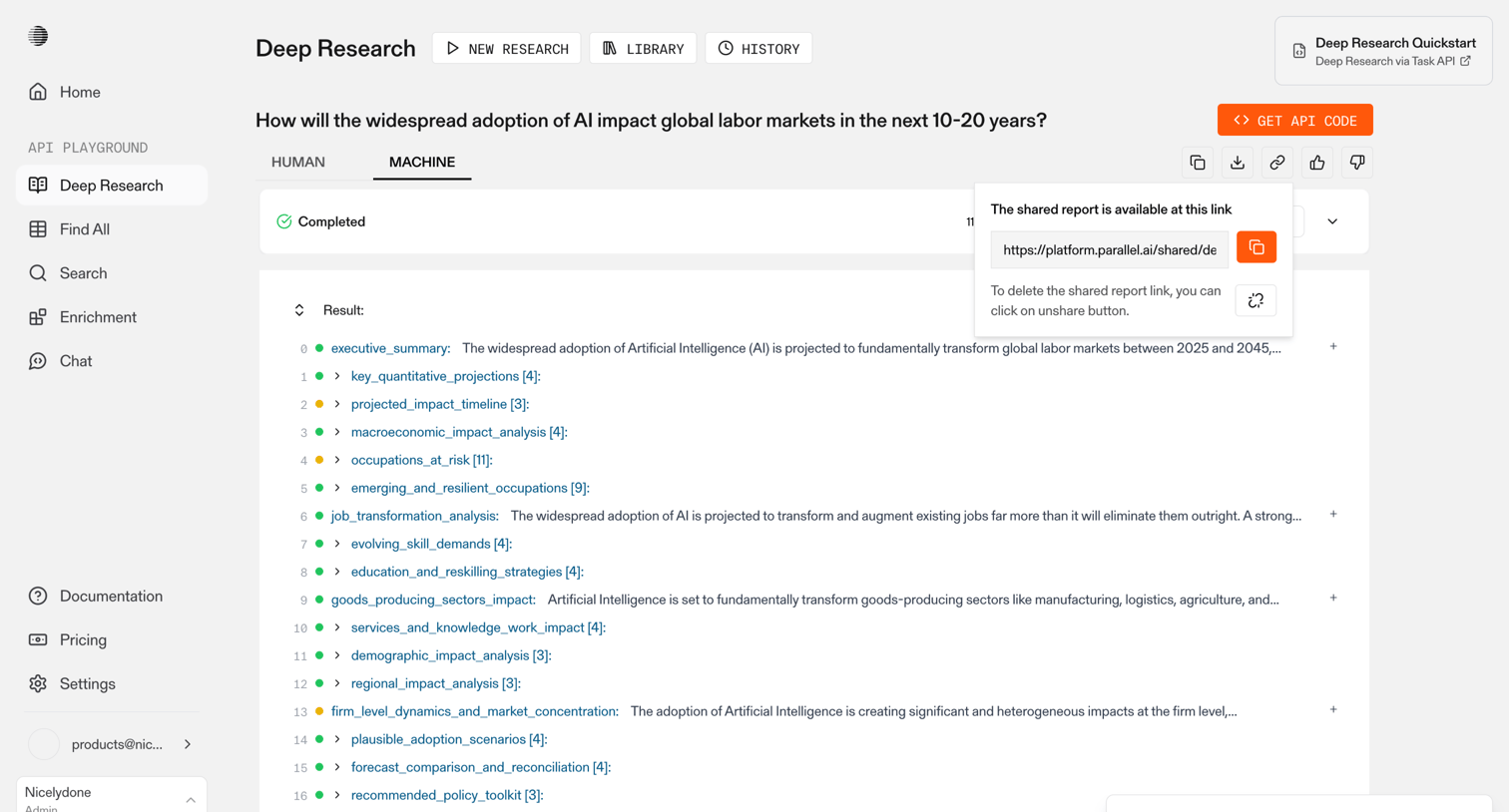

Explore the full SaaS screen library
Upgrade to unlock the full library.
Trusted by the best teams







