Skip to content

Search menu screen examples

Search menu screen design examples from SaaS apps. Browse examples from Midday, Copilot, Evervault.

Explore the examples
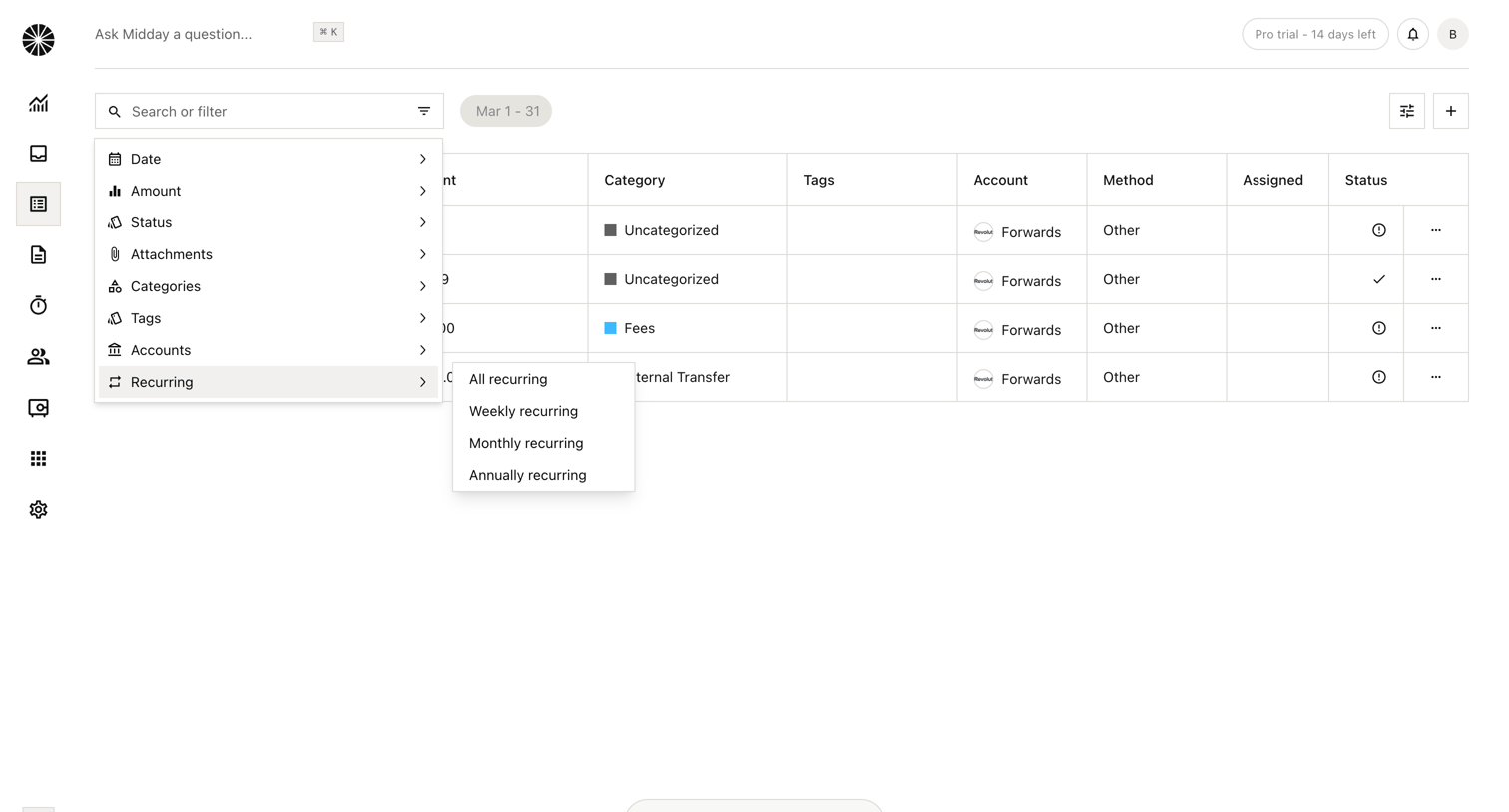
Midday - Transactions | Midday screen
Midday logo
Midday

Transactions list view where the user is applying a filter via a nested dropdown menu to select recurring transaction types.
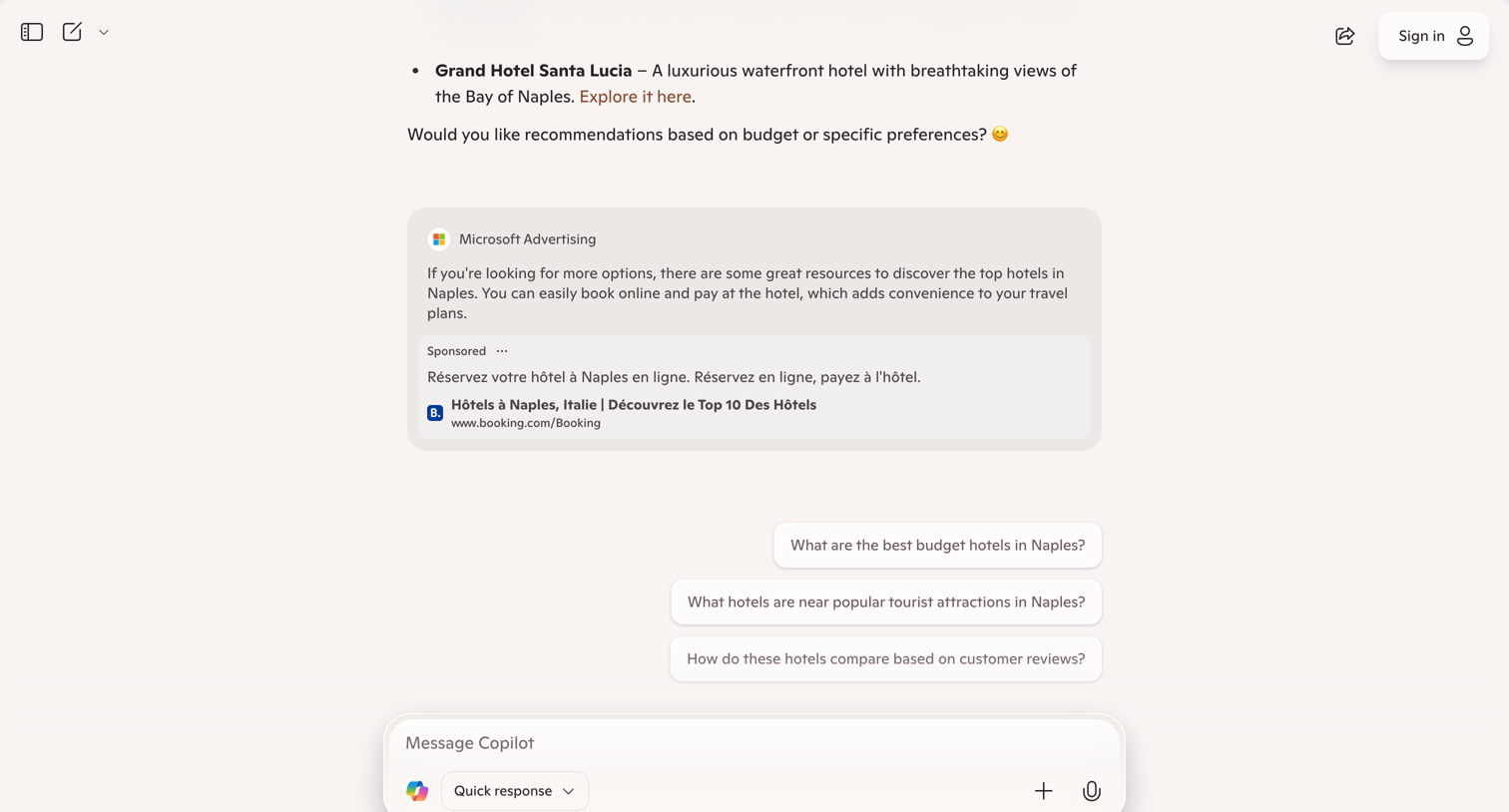

Copilot - Microsoft Copilot: Your AI companion screen
Copilot logo
Copilot

AI chat interface where the user views a hotel recommendation and a sponsored ad, with prompt suggestions available before typing a new message.

Evervault screen
Evervault logo
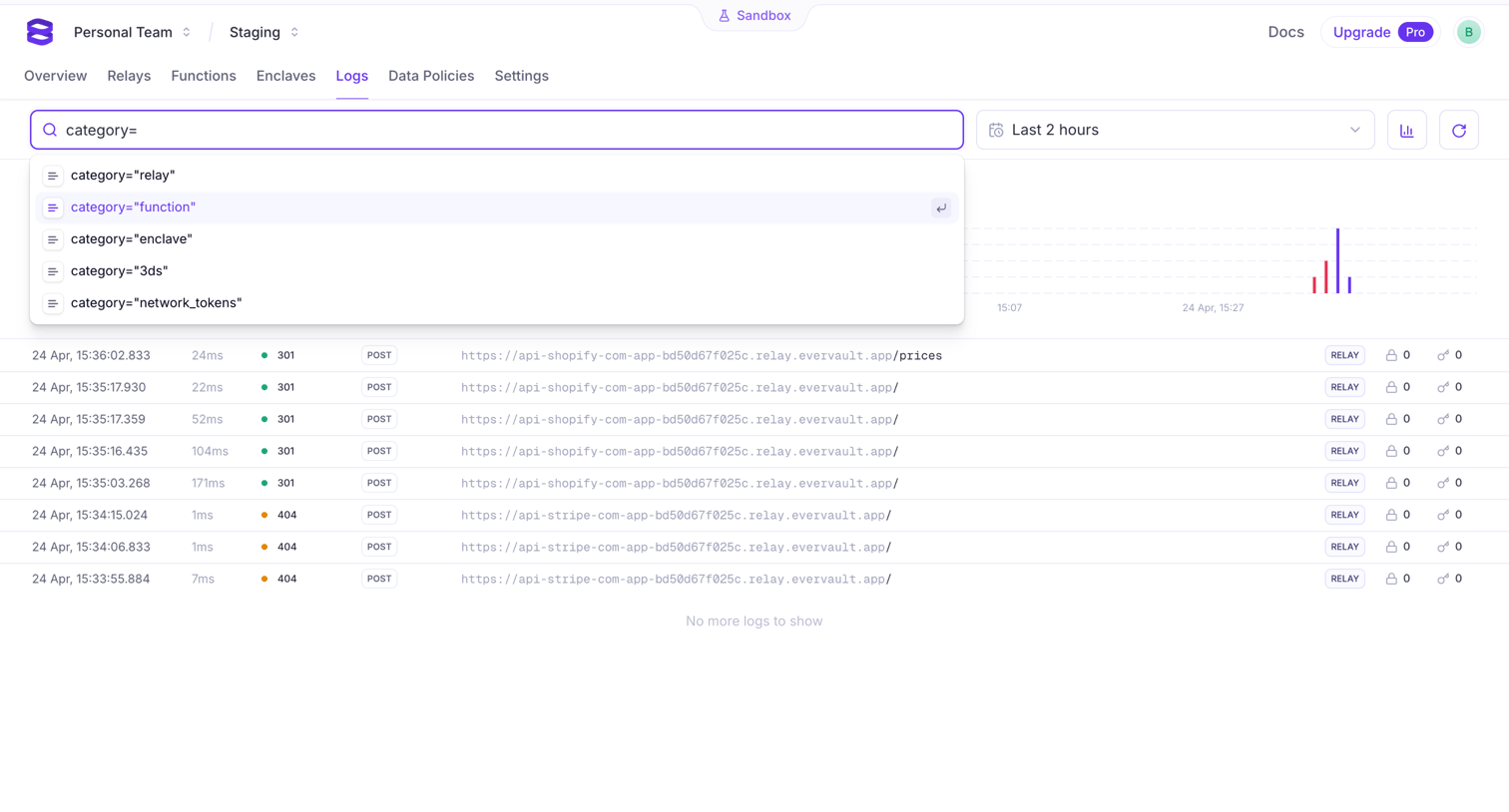
Evervault

Logs view where the developer can search API requests using key-value syntax, filter by time, and monitor request volume via a bar chart.
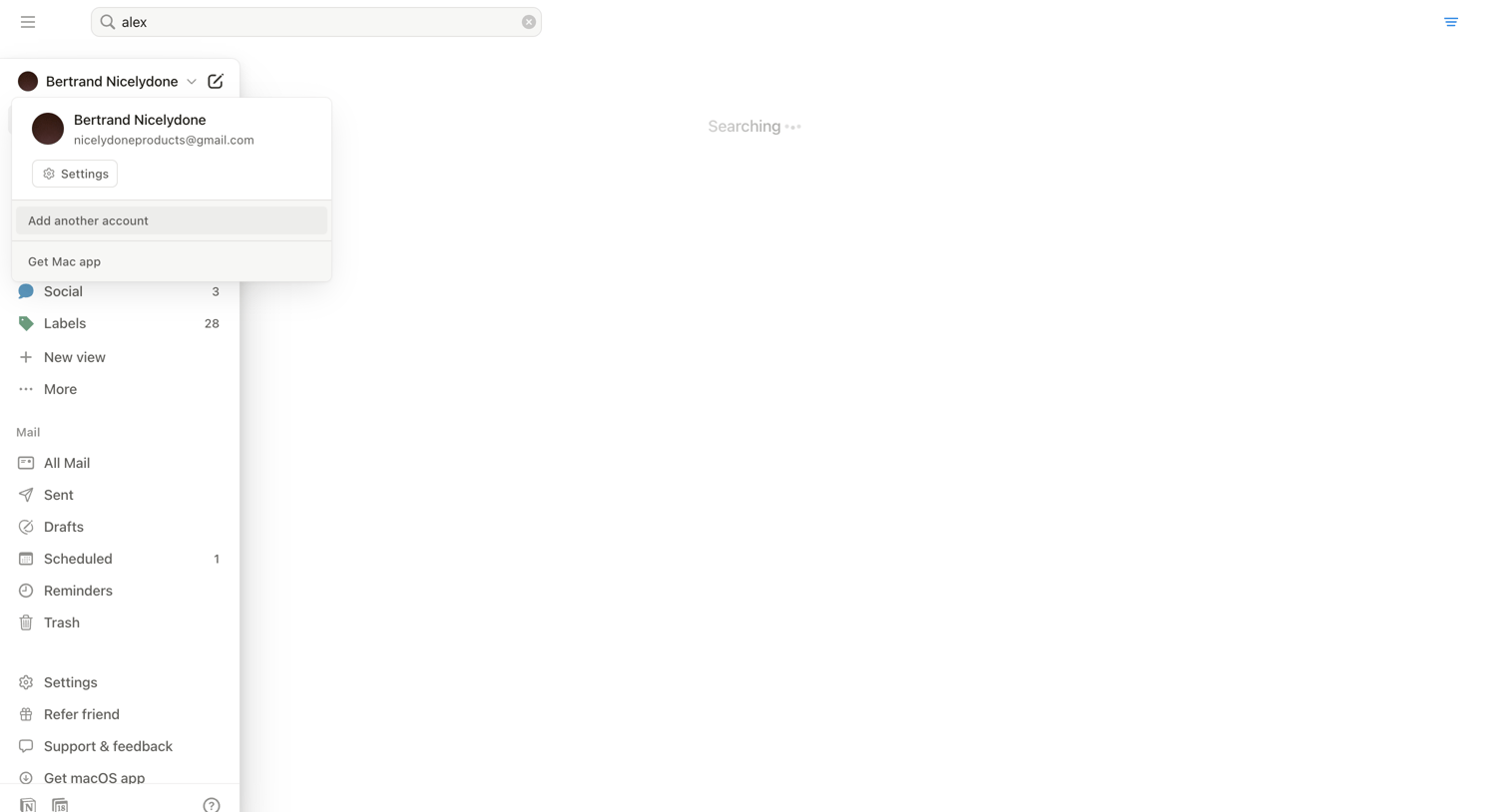

Notion Mail - Search • nicelydoneproducts@gmail.com • Notion Mail screen
Notion Mail logo
Notion Mail

Search page where the user is waiting for results matching their query to load.
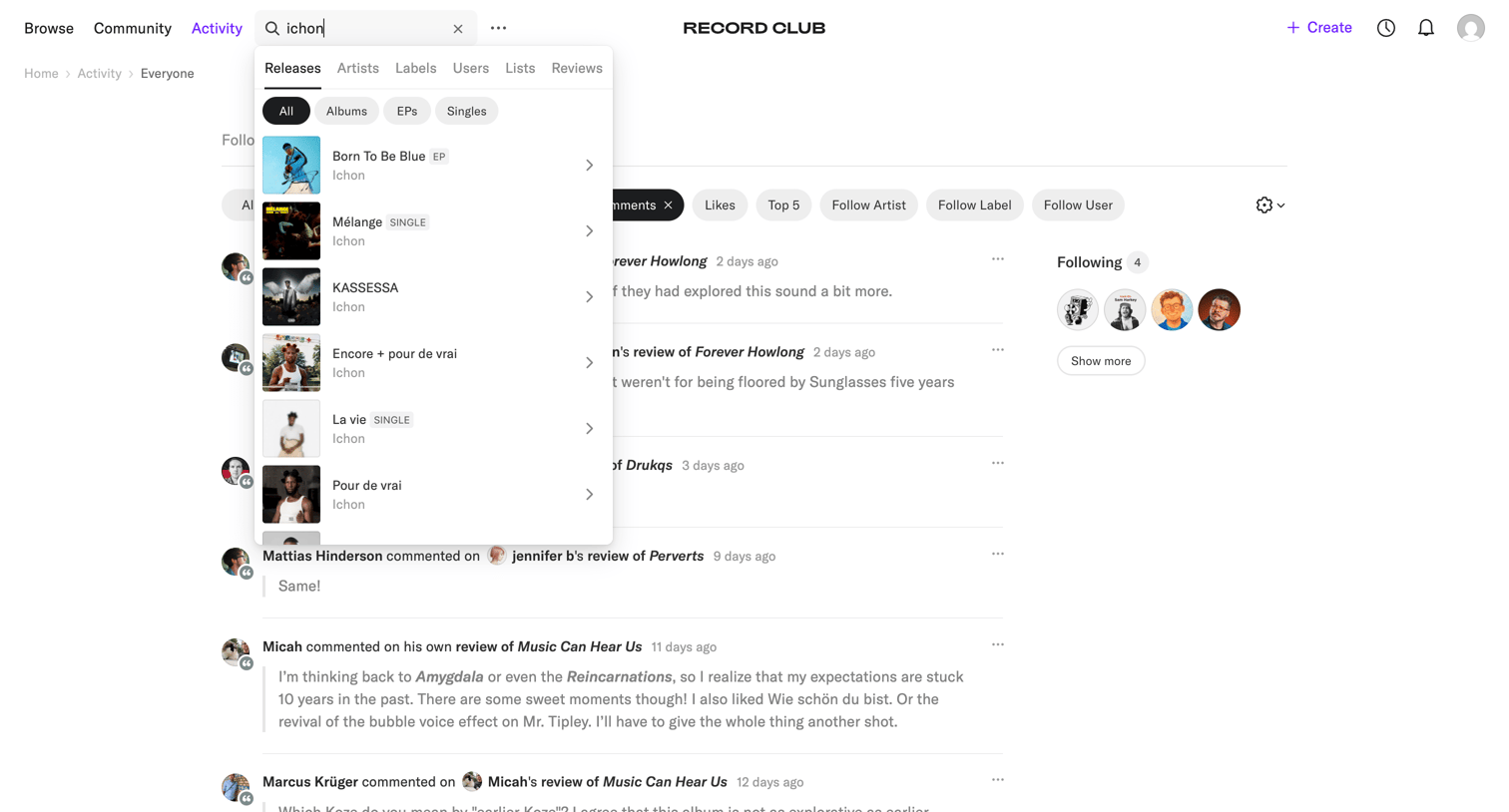
Record club - Activity – Record Club screen
Record club logo
Record club

Activity feed where the user views recent comments and reviews from the community, with an active search overlay open to find specific releases or artists.
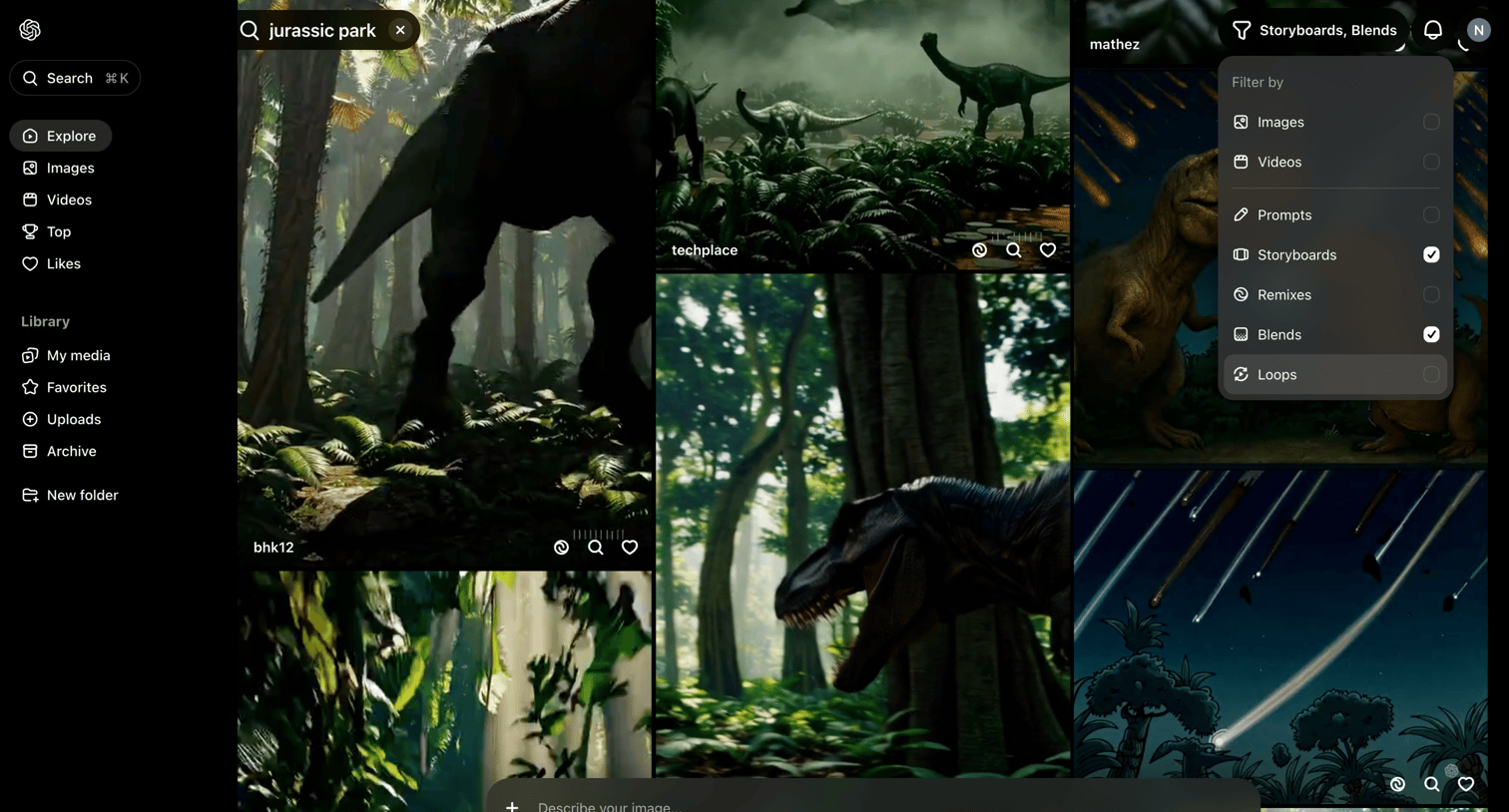

Sora screen
Sora logo
Sora

Search results page where the user is browsing generated videos for 'jurassic park' and filtering by storyboards and blends.
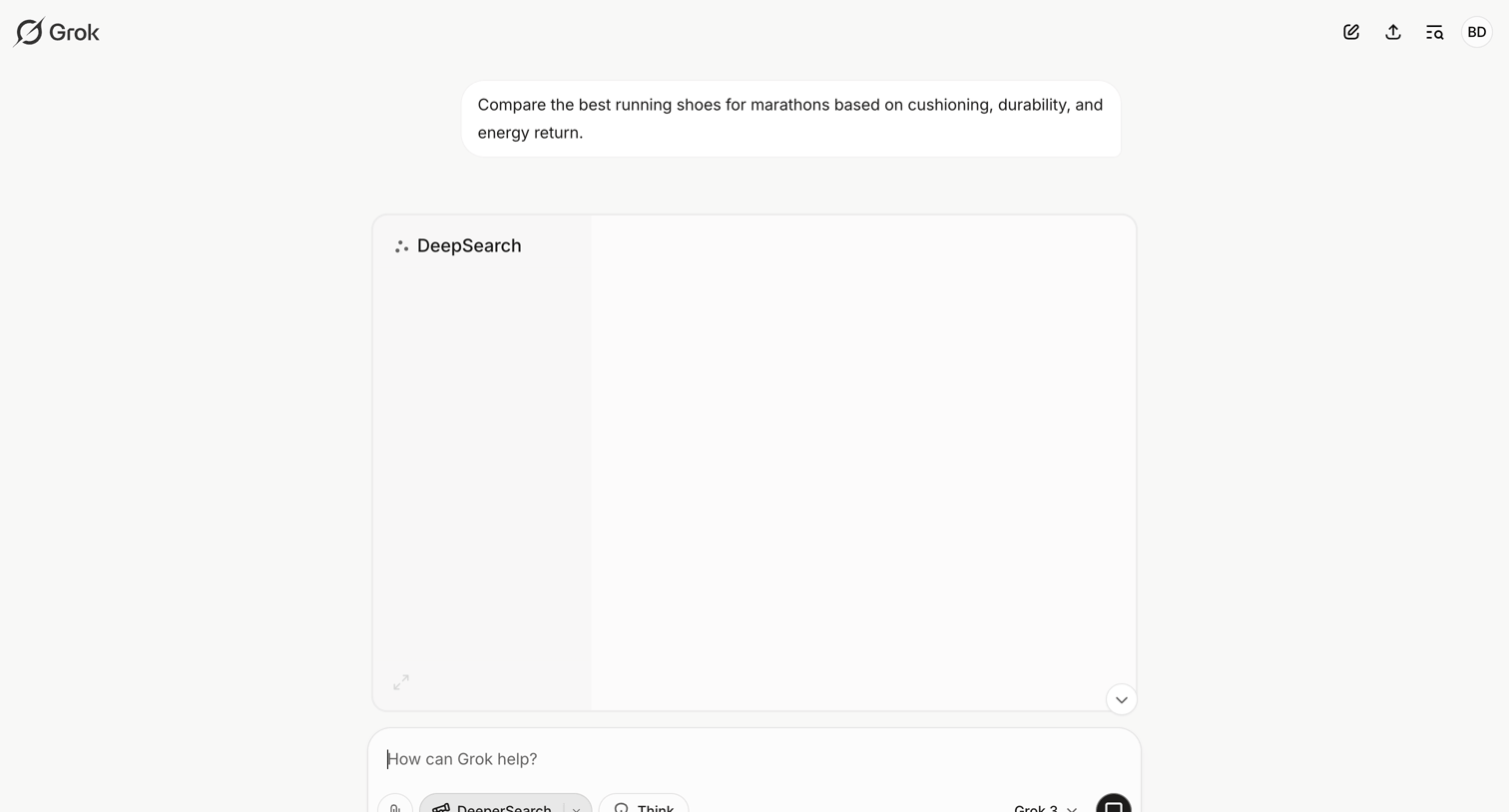

Grok - New conversation - Grok screen
Grok logo
Grok

AI chat interface where the user has asked to compare marathon running shoes and the model is currently performing a deep search to generate the response.

Bitly - Bitly | Links screen
Bitly logo
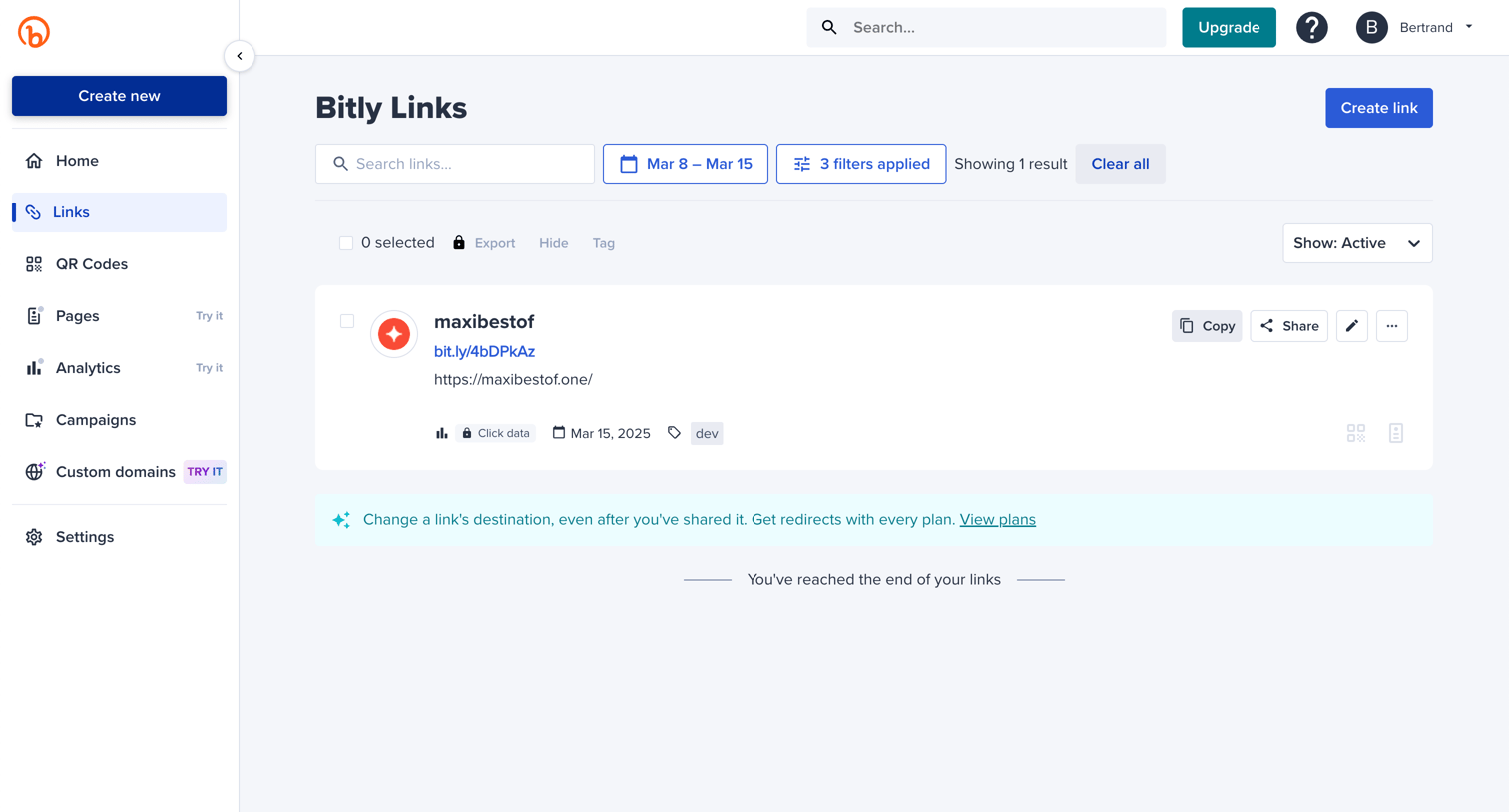
Bitly

List view where the user searches and filters their active shortened links, with inline actions to copy, share, and edit.
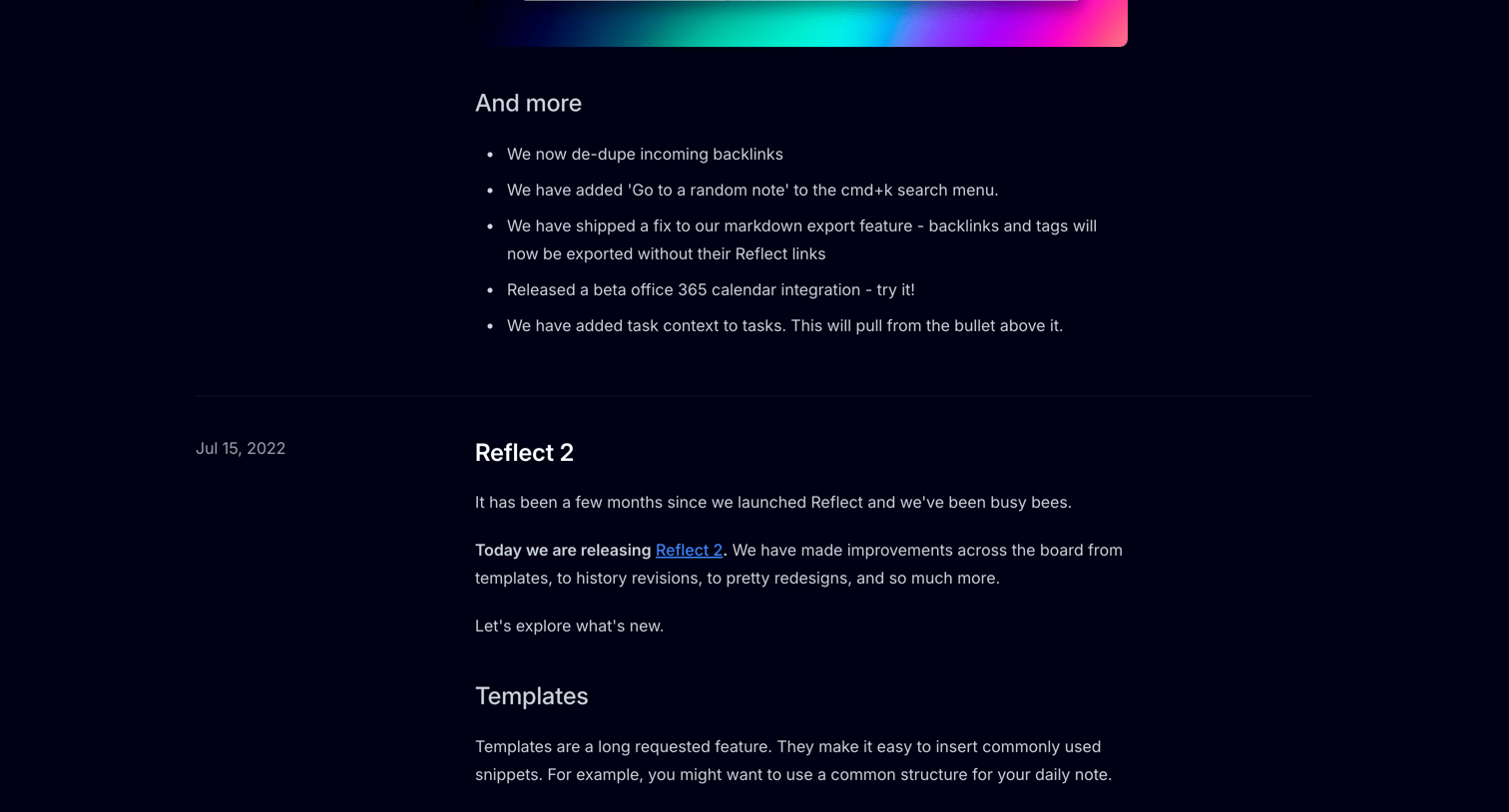
Reflect - Reflect #3 screen
Reflect logo
Reflect

Changelog page detailing new features, editor improvements, and bug fixes for the Reflect app, organized by release date in a timeline format.
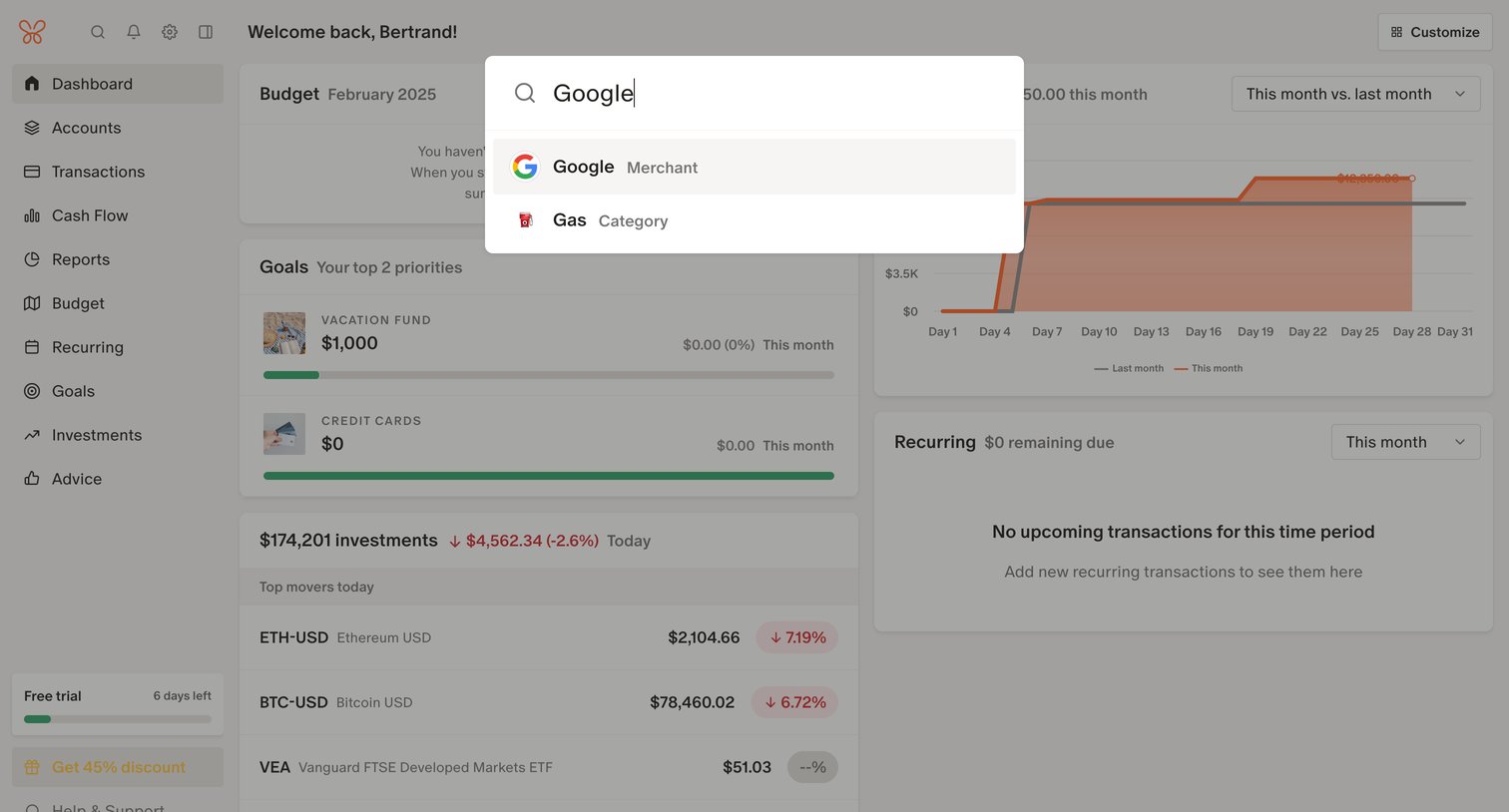
Monarch - Monarch | Dashboard screen
Monarch logo
Monarch

Search overlay where the user looks for specific merchants or categories over their financial dashboard.

Assembly - Ideas screen
Assembly logo
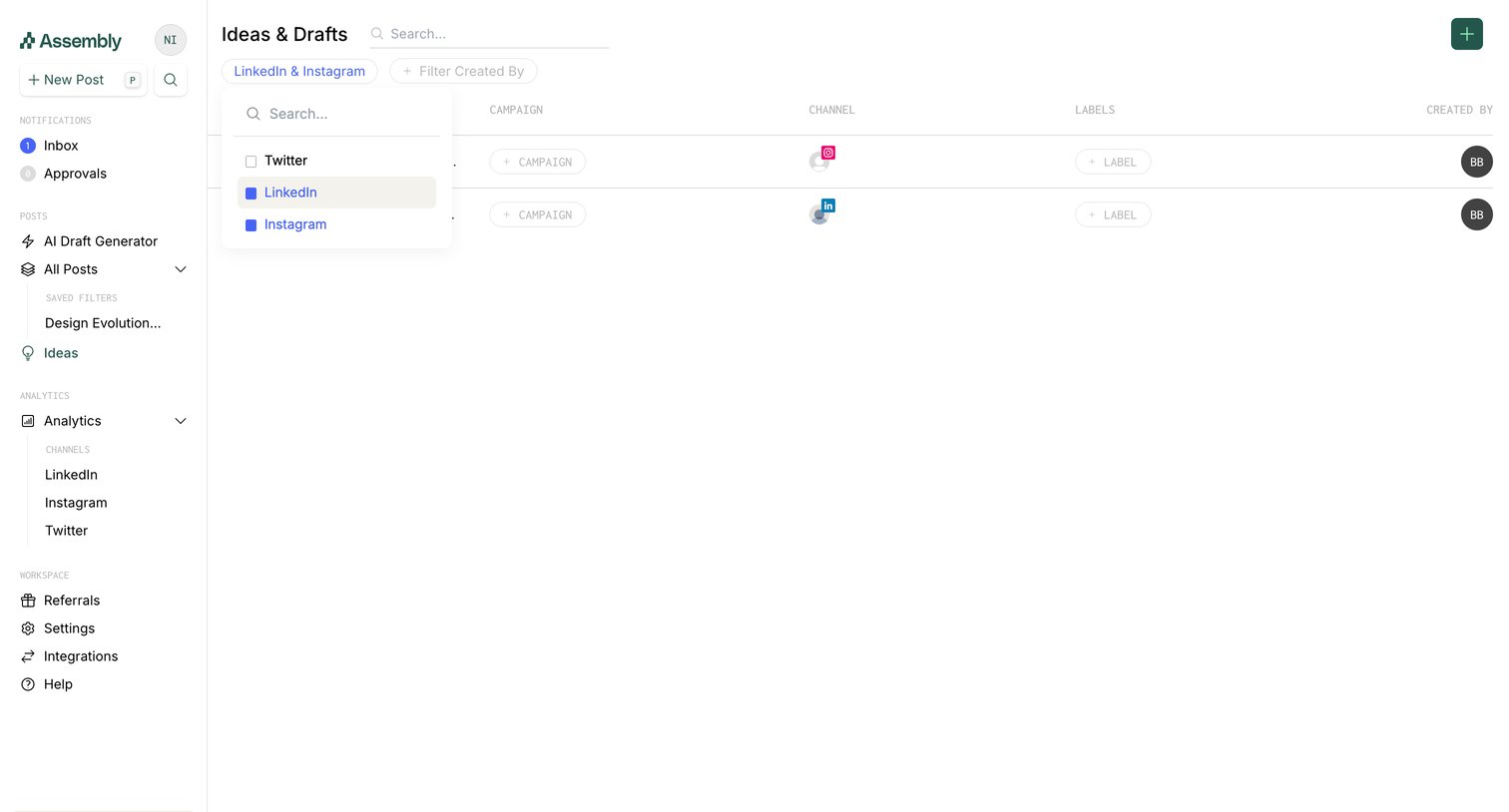
Assembly

List view where the user manages social media post ideas and drafts, currently filtering by LinkedIn and Instagram.

Leap - Leap AI | Automate any workflow with AI screen
Leap logo
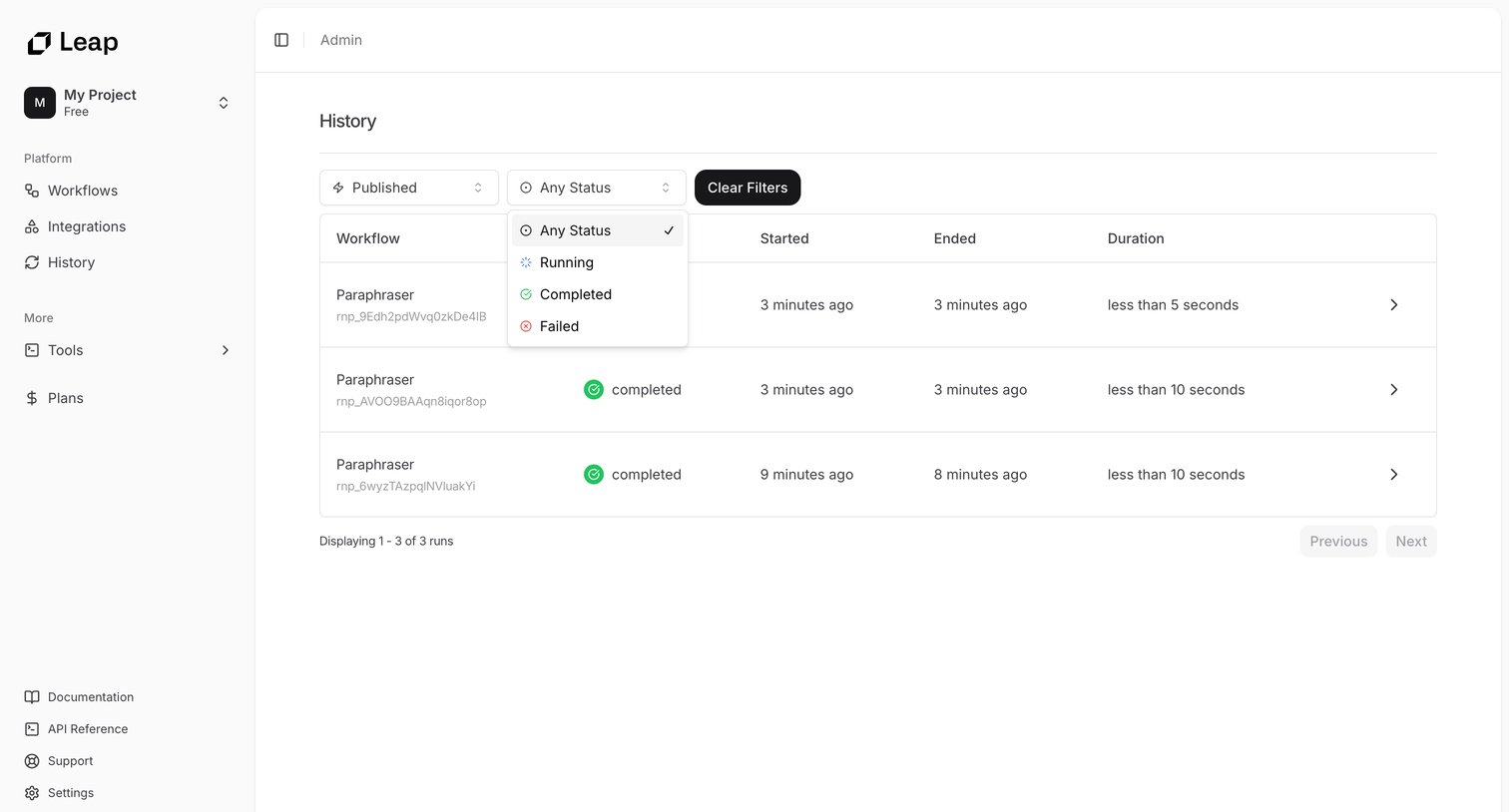
Leap

List view where the user filters and reviews past workflow runs by status.

Explore the full SaaS screen library

Upgrade to unlock the full library.

Trusted by the best teams