Search bar screen examples
Search bar screen design examples from SaaS apps. Browse examples from Airbnb, Extend, Dock.
Explore the examples
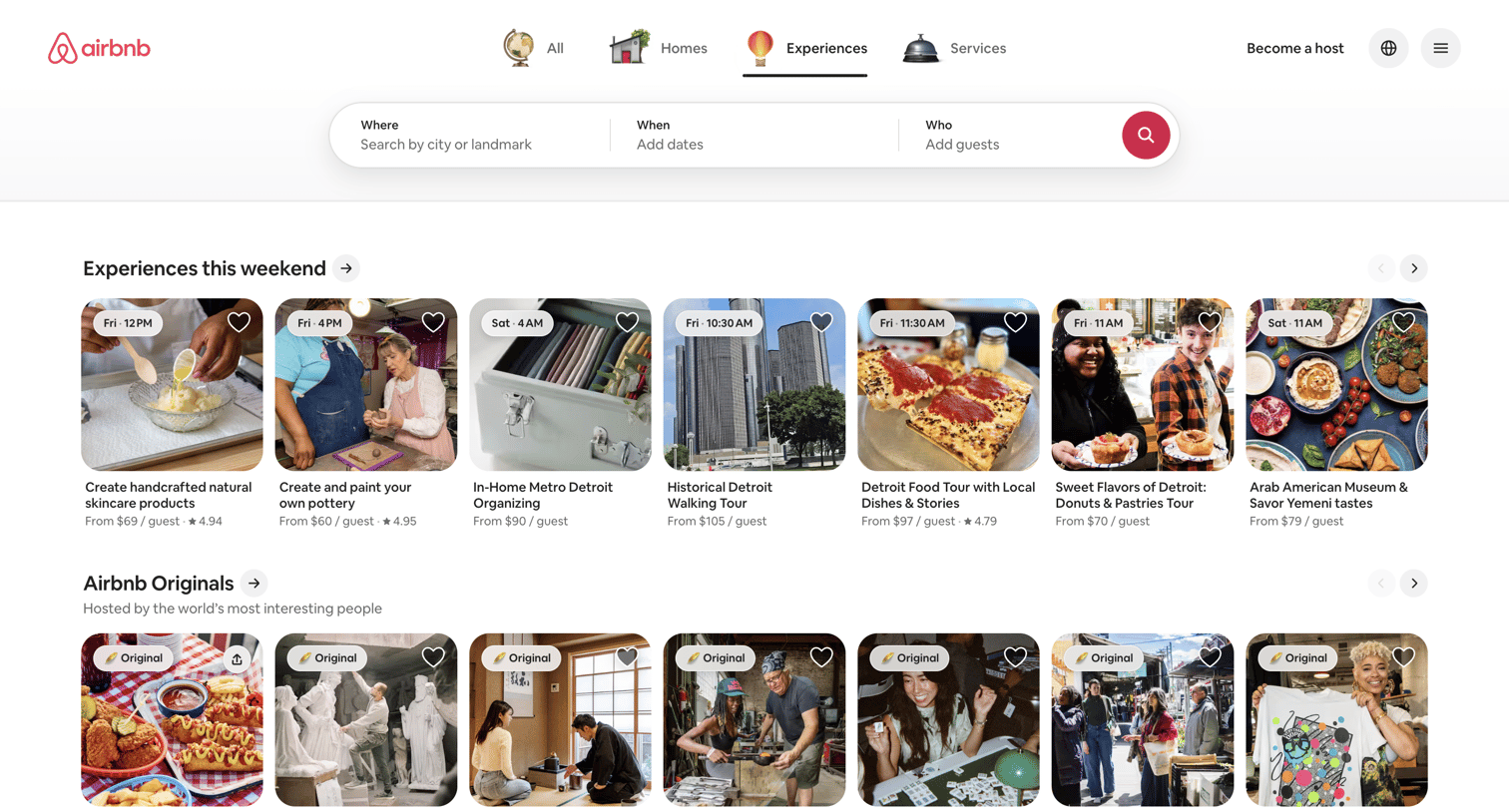

Landing page for Airbnb Experiences where the user can search by location, date, and guests, and browse carousels of trending and original activities.
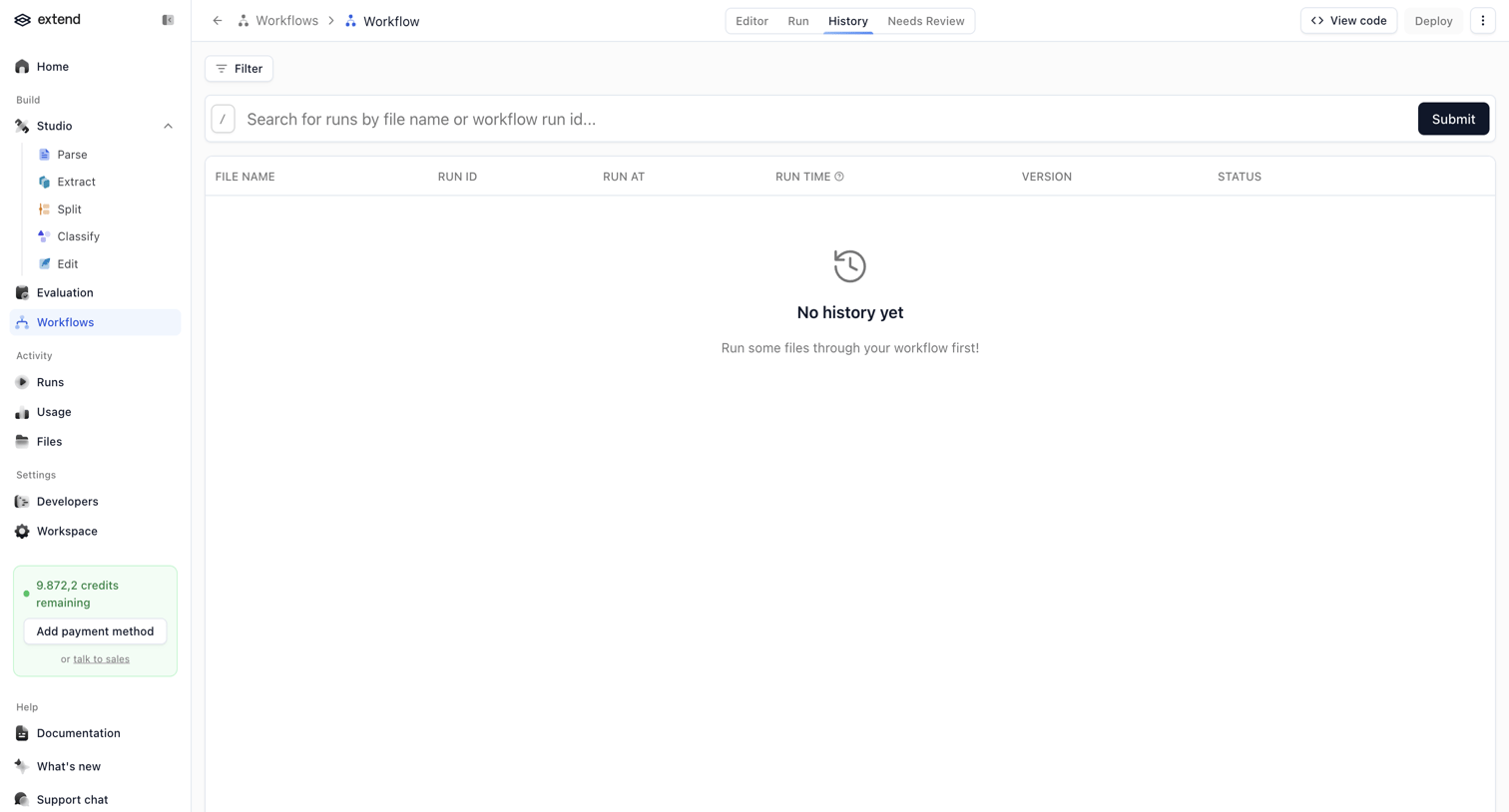

List view showing an empty state for workflow run history with a search bar, filter option, and a credit usage widget in the sidebar.


Settings page where the user can create and manage subscription plans for order forms, currently showing an empty state.
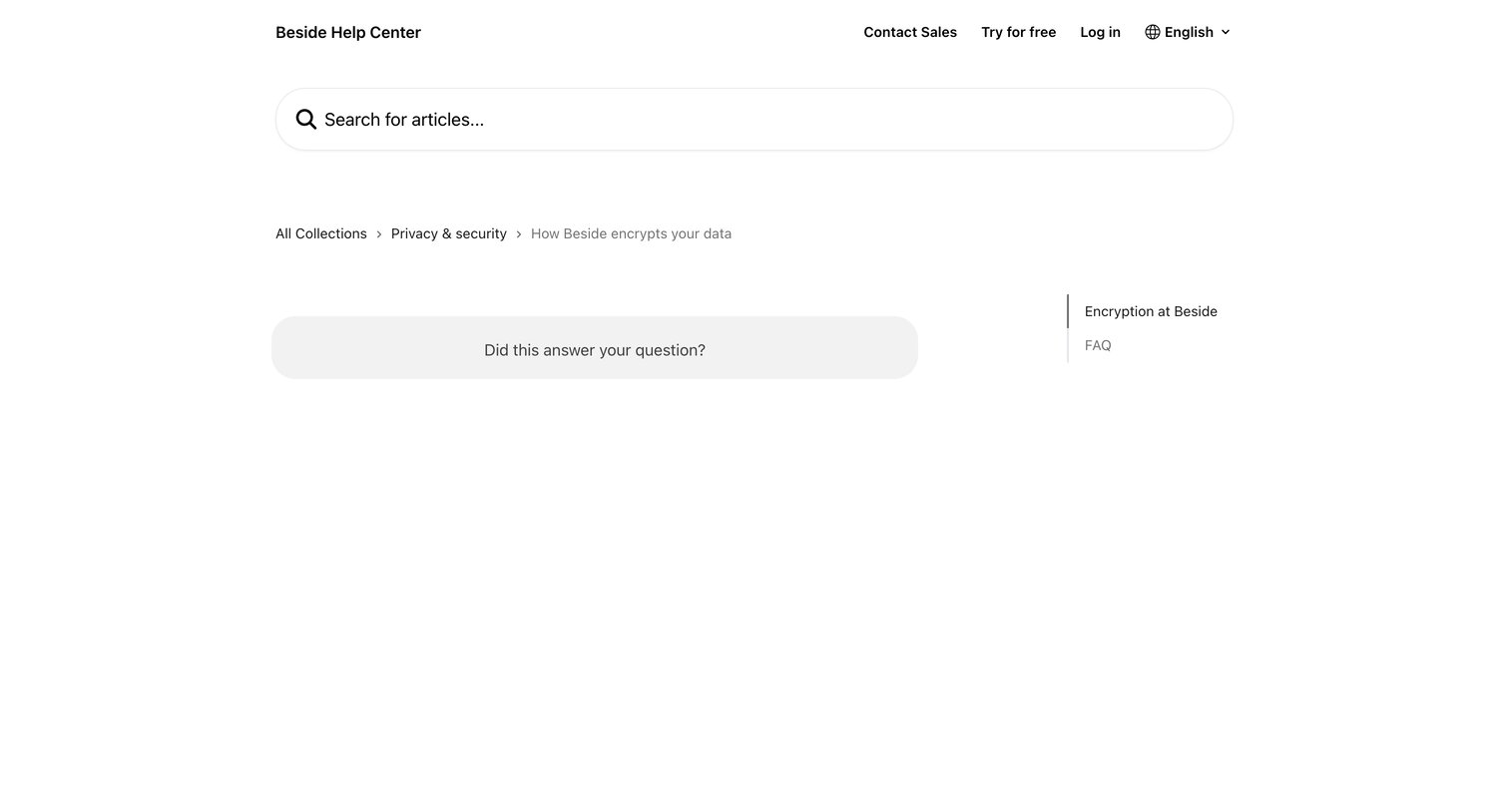

Help center article explaining data encryption practices, featuring a prominent search bar, breadcrumb navigation, and a helpfulness feedback prompt.
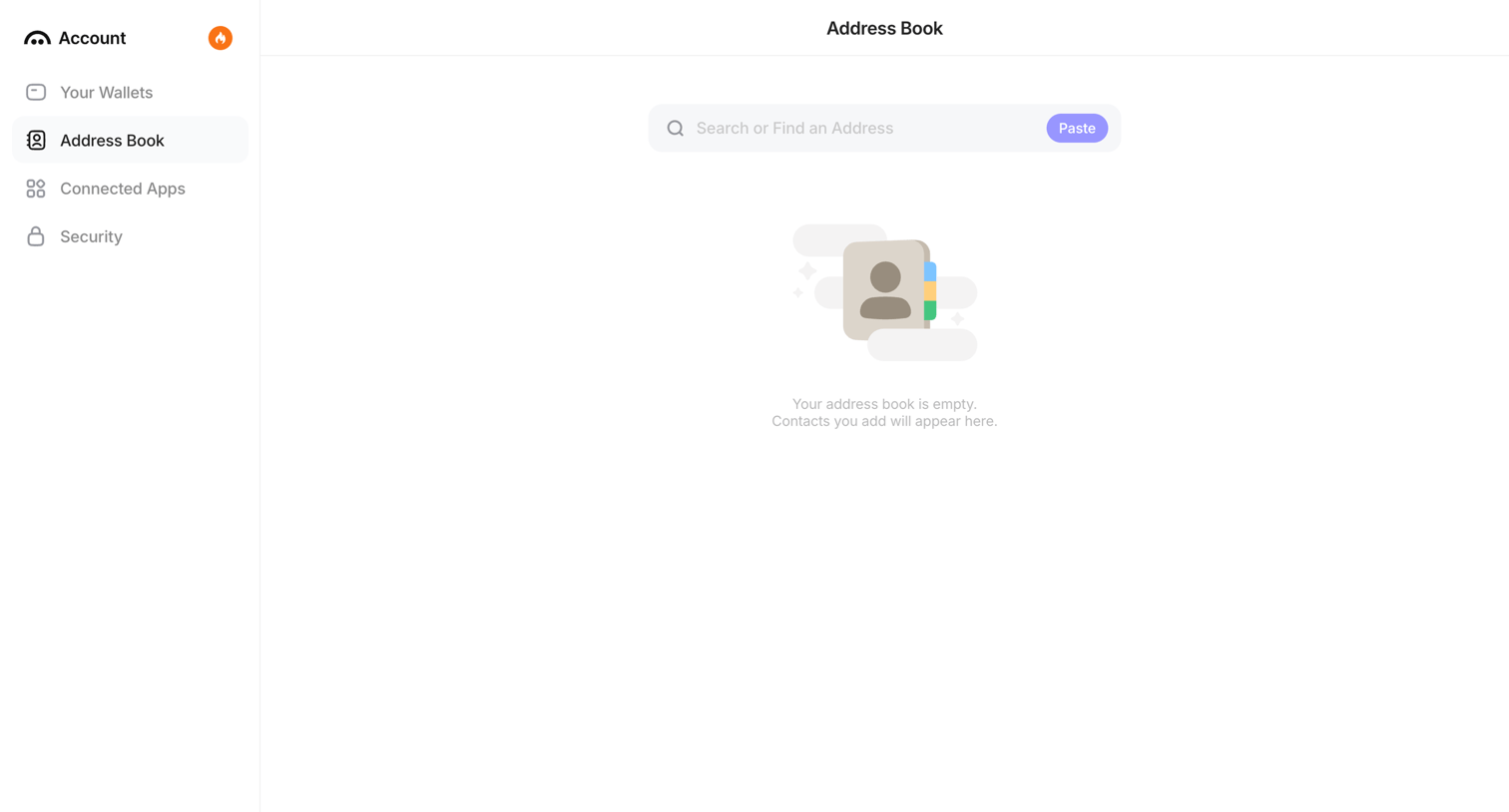

List view for an account address book, currently showing an empty state with a search bar to find or add new contacts.
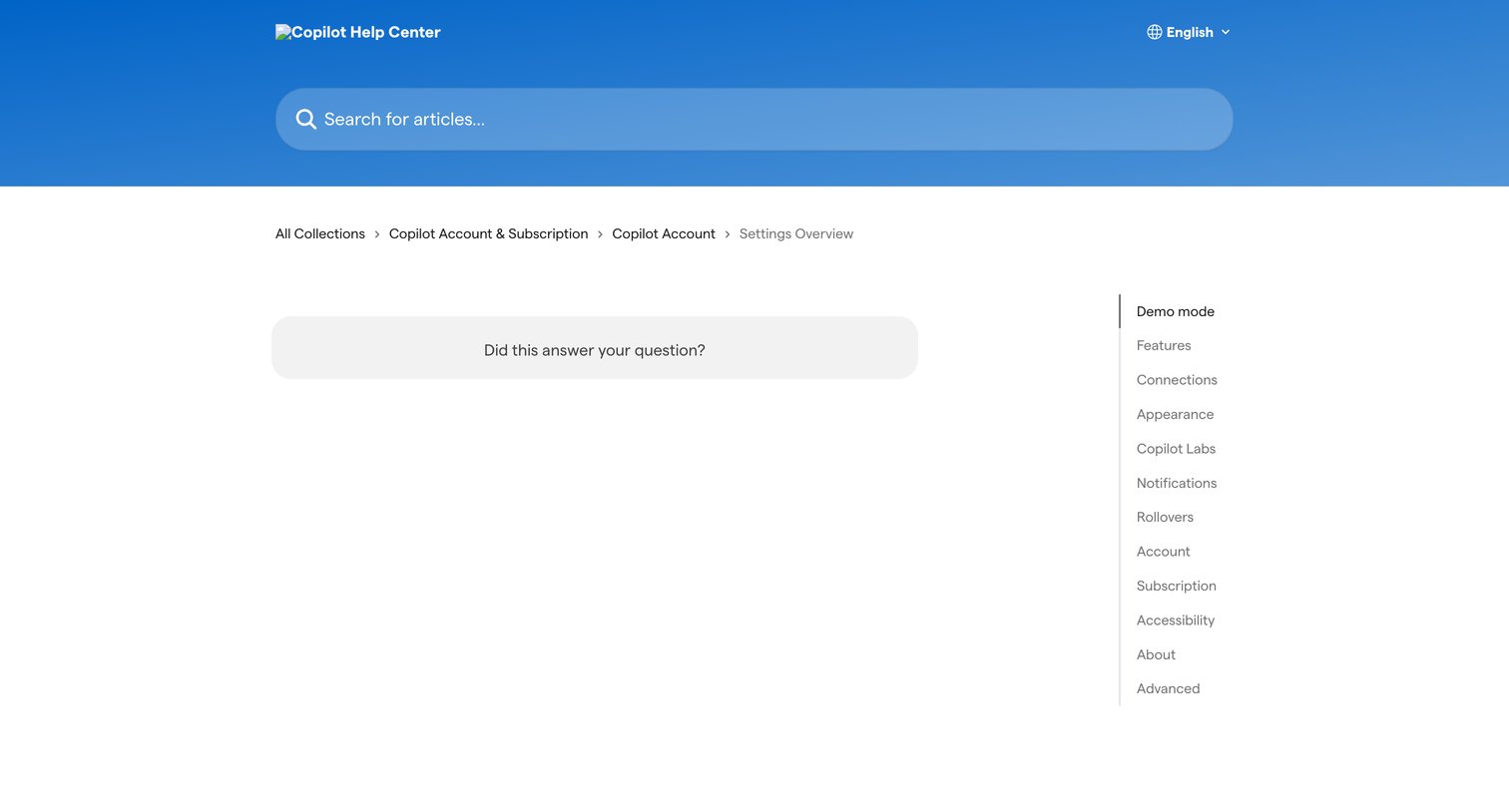

Help center article under the Copilot Account collection, featuring a right-side table of contents with sections like Demo mode, Features, and Connections, and a feedback prompt at the bottom.
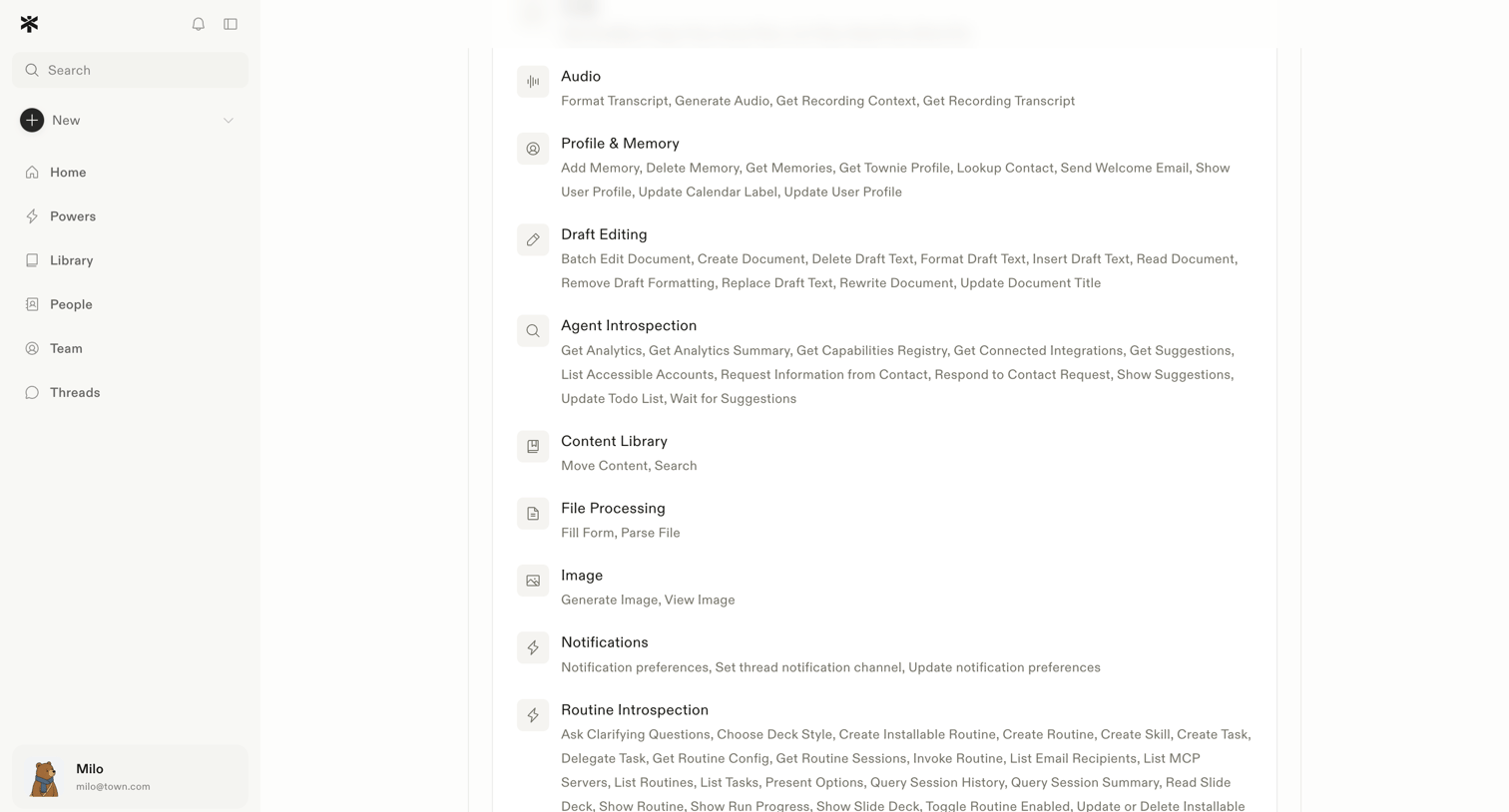

Settings page where the user views the available capabilities and skills for their AI assistant, grouped by category.
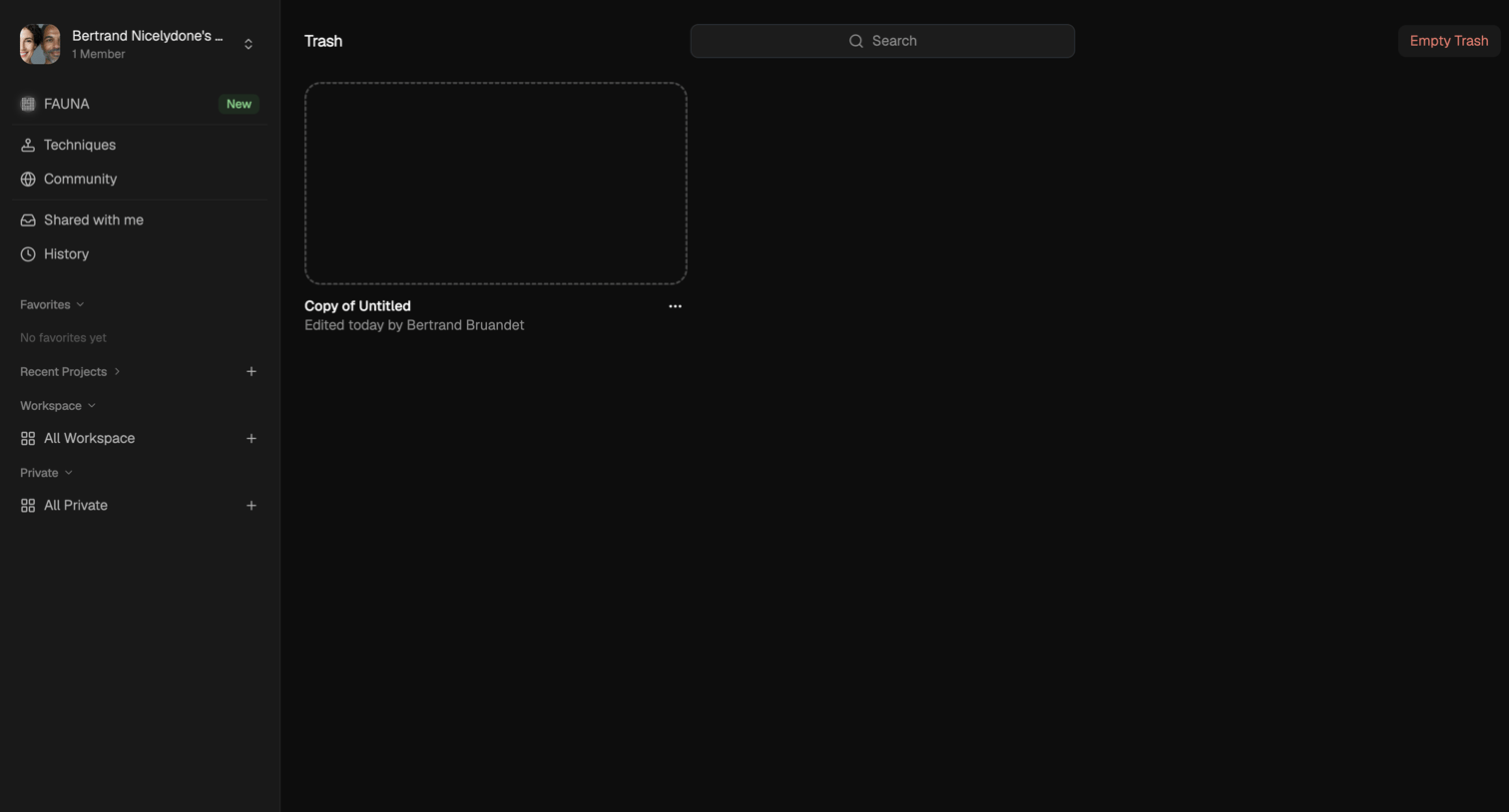

List view where the user manages deleted items in their trash, with options to search for specific files or empty the trash entirely.
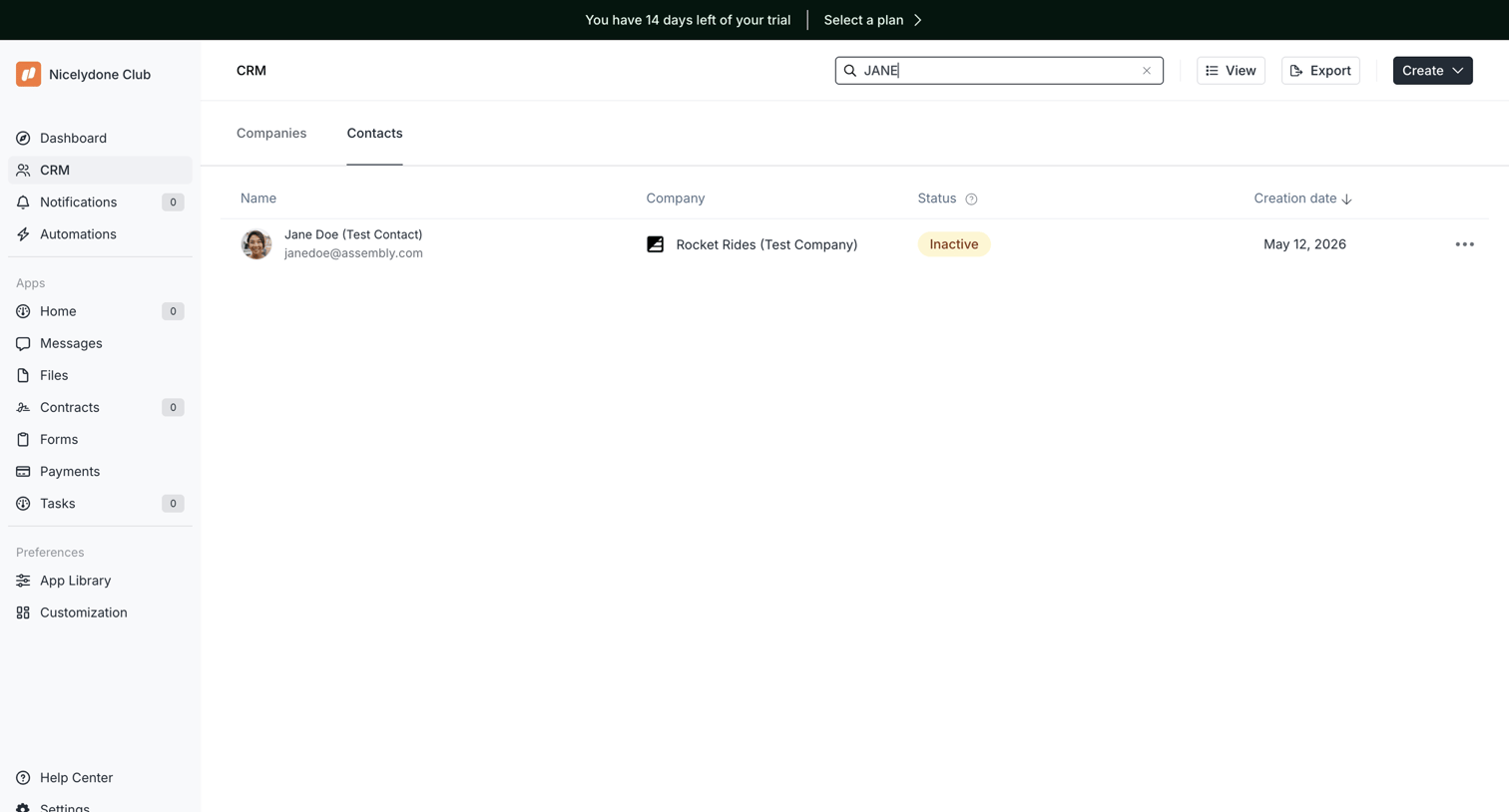

List view where the user searches and manages CRM contacts, featuring a prominent trial countdown banner.
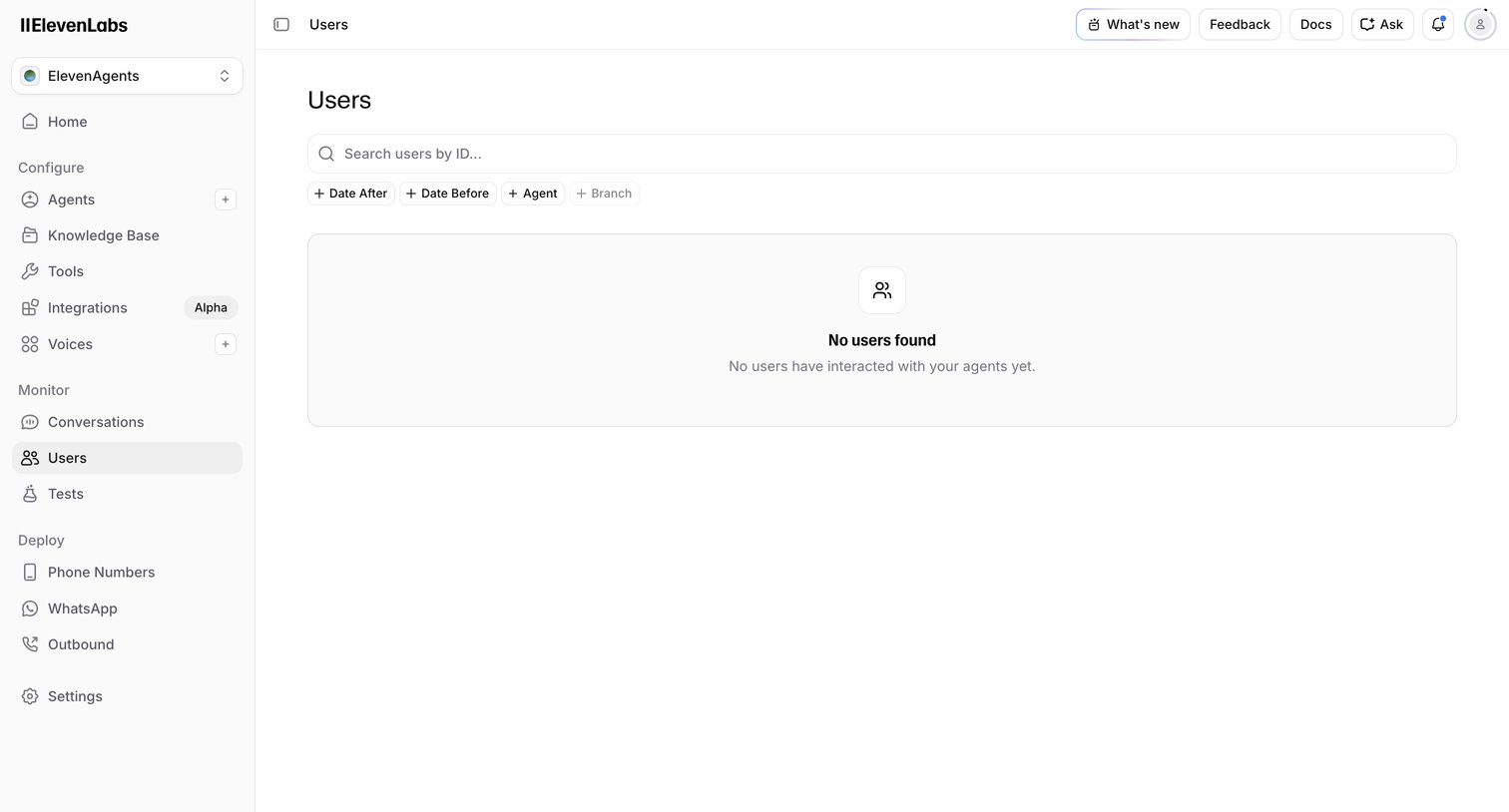

Empty list view where the user can search and filter for users who have interacted with their agents.
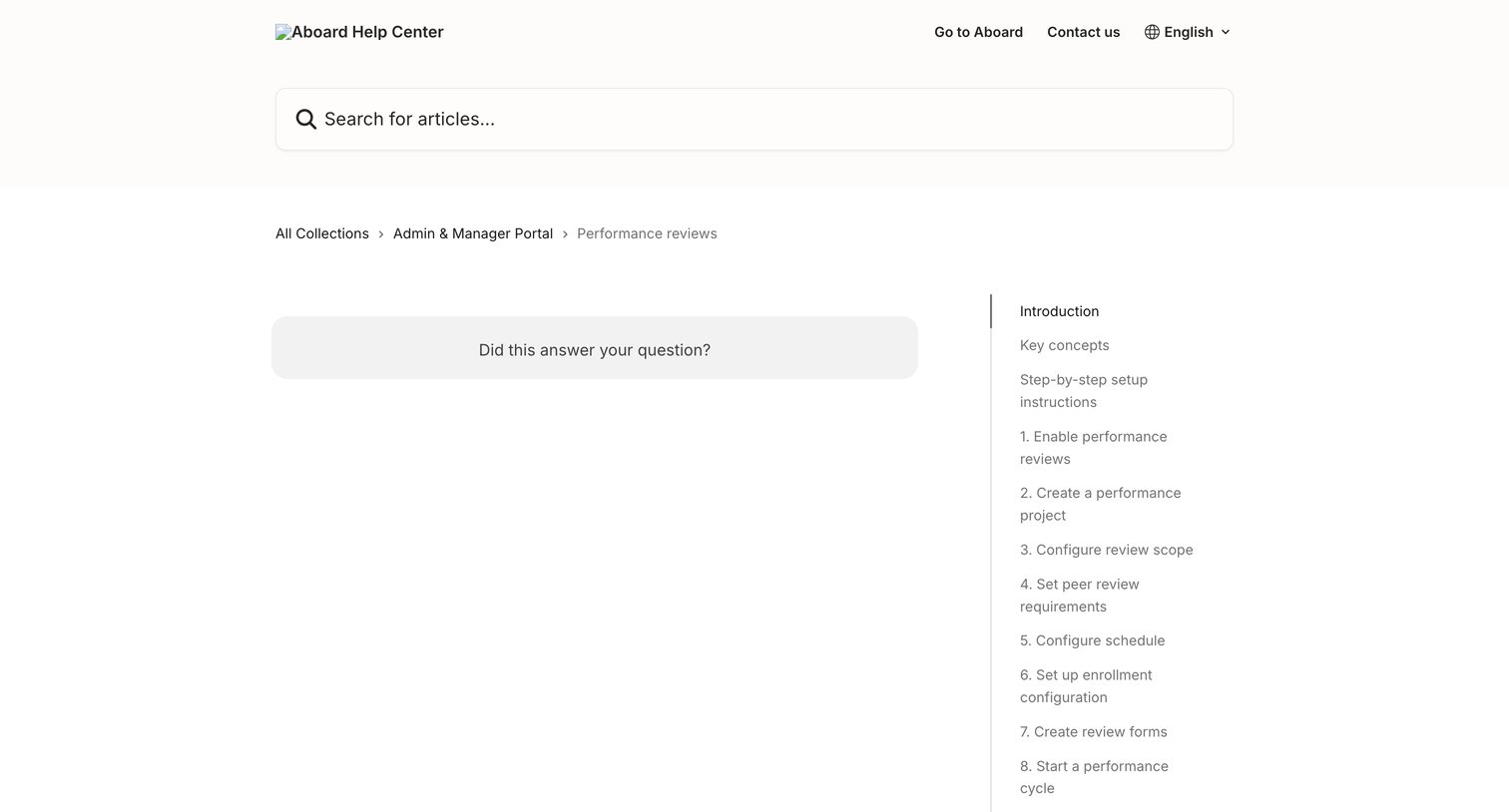

Help center article page for performance reviews featuring a prominent search bar, breadcrumb navigation, and a right-hand table of contents.
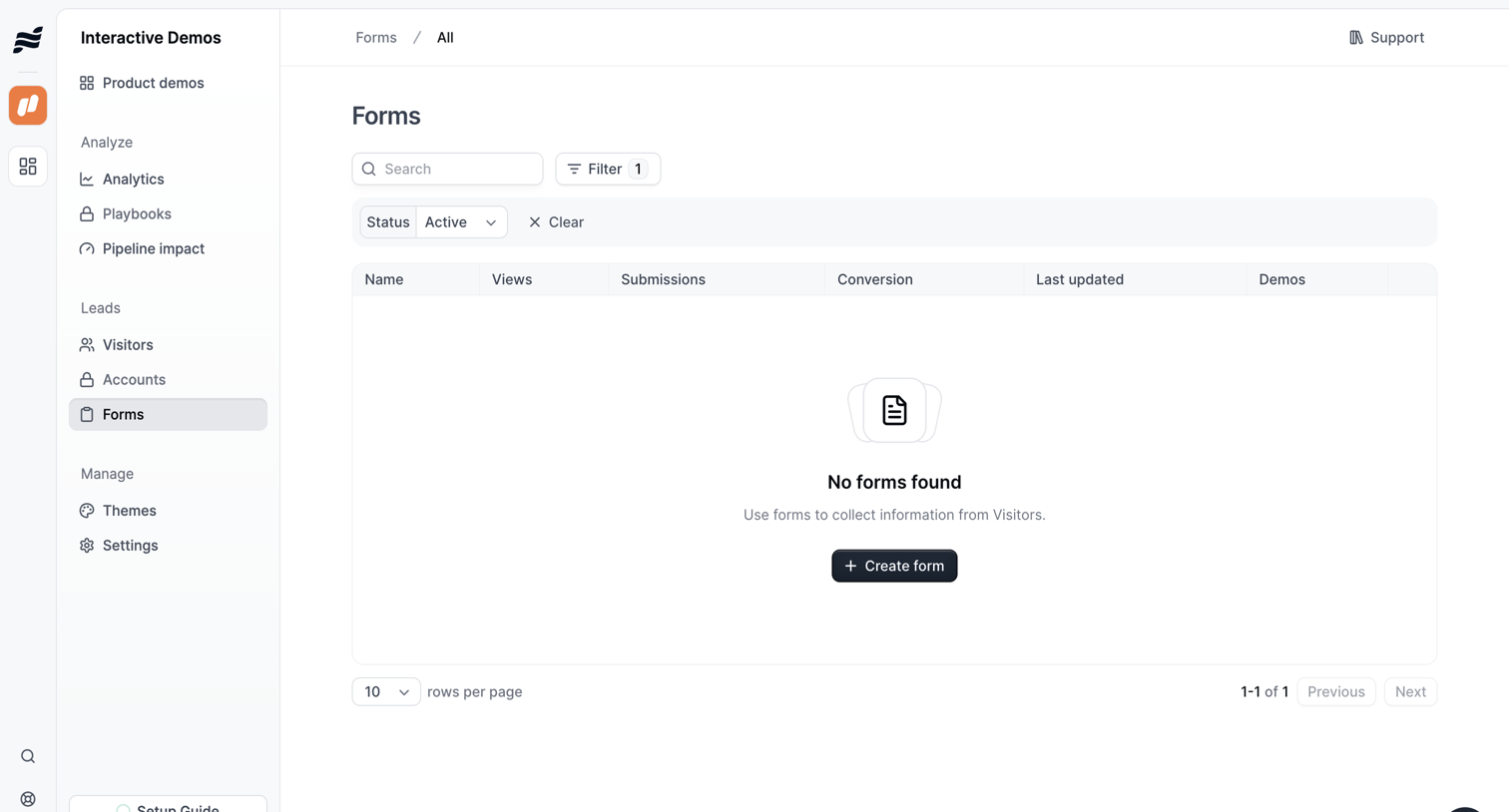

List view showing an empty state for forms, prompting the user to create a new form to collect visitor information.
Explore the full SaaS screen library
Upgrade to unlock the full library.
Trusted by the best teams







