Sales CRM screen examples
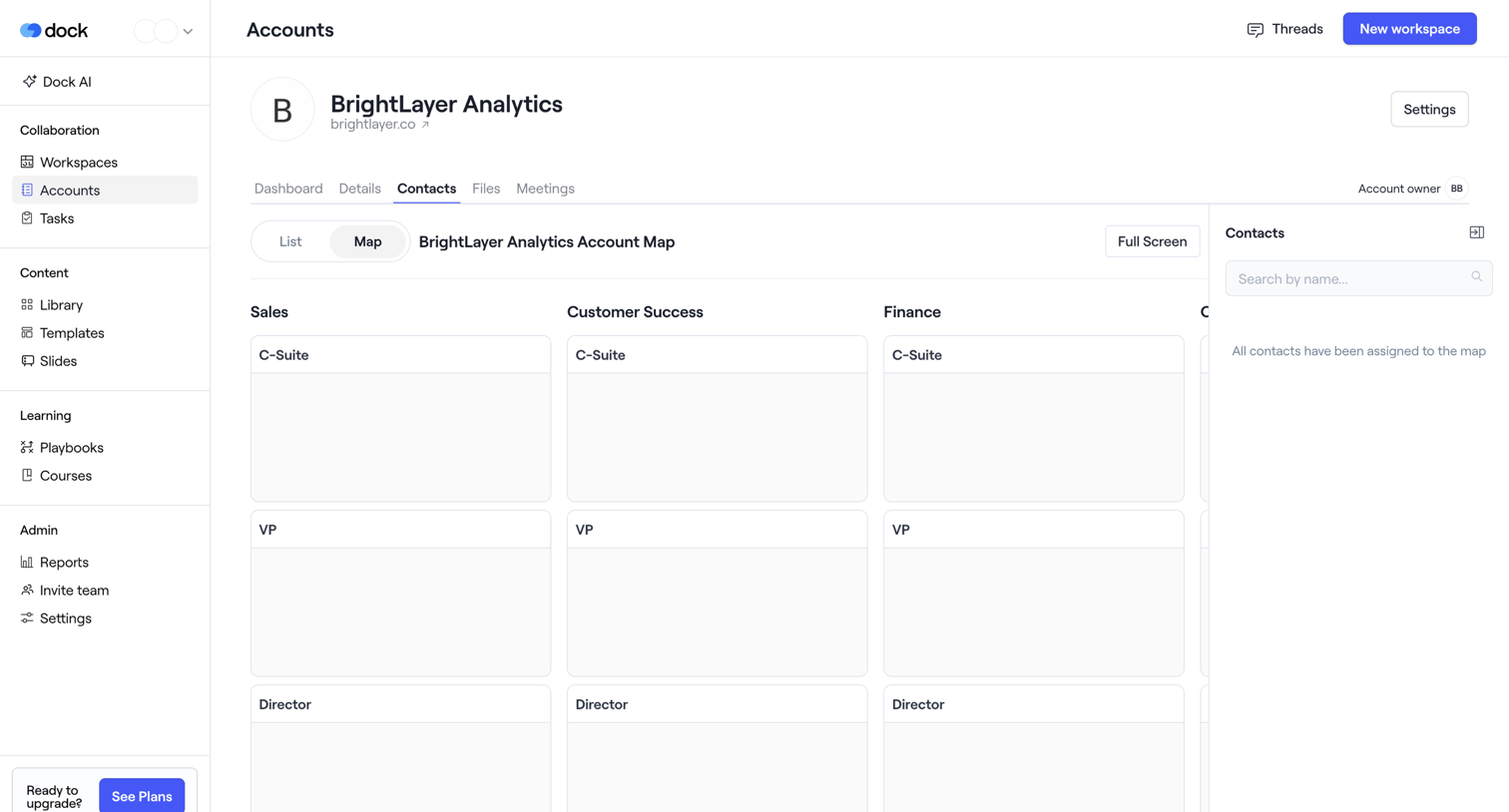
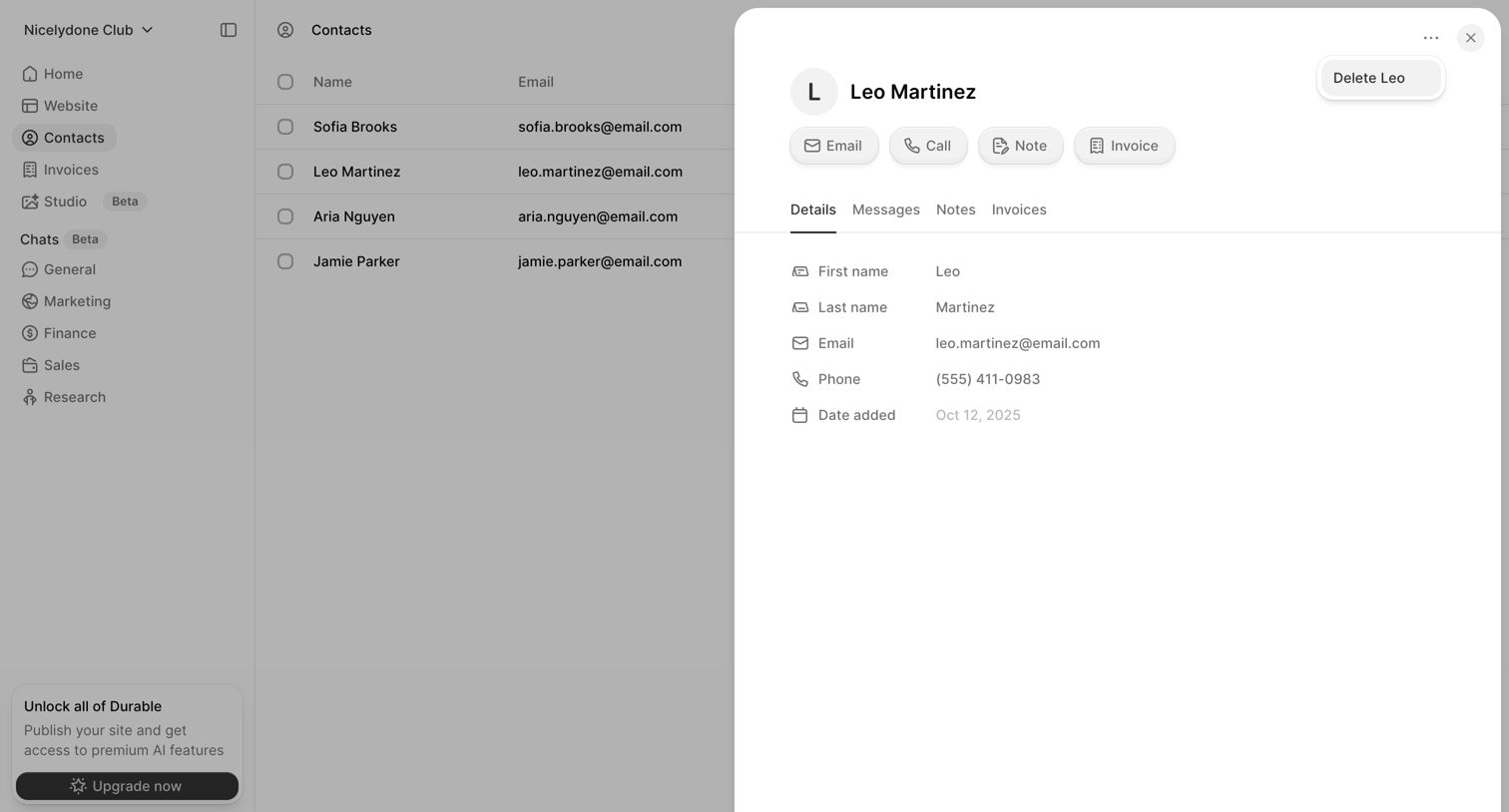
Sales CRM screen design examples from SaaS apps. Browse examples from Dock, Bird, Lightfield.
Explore the examples

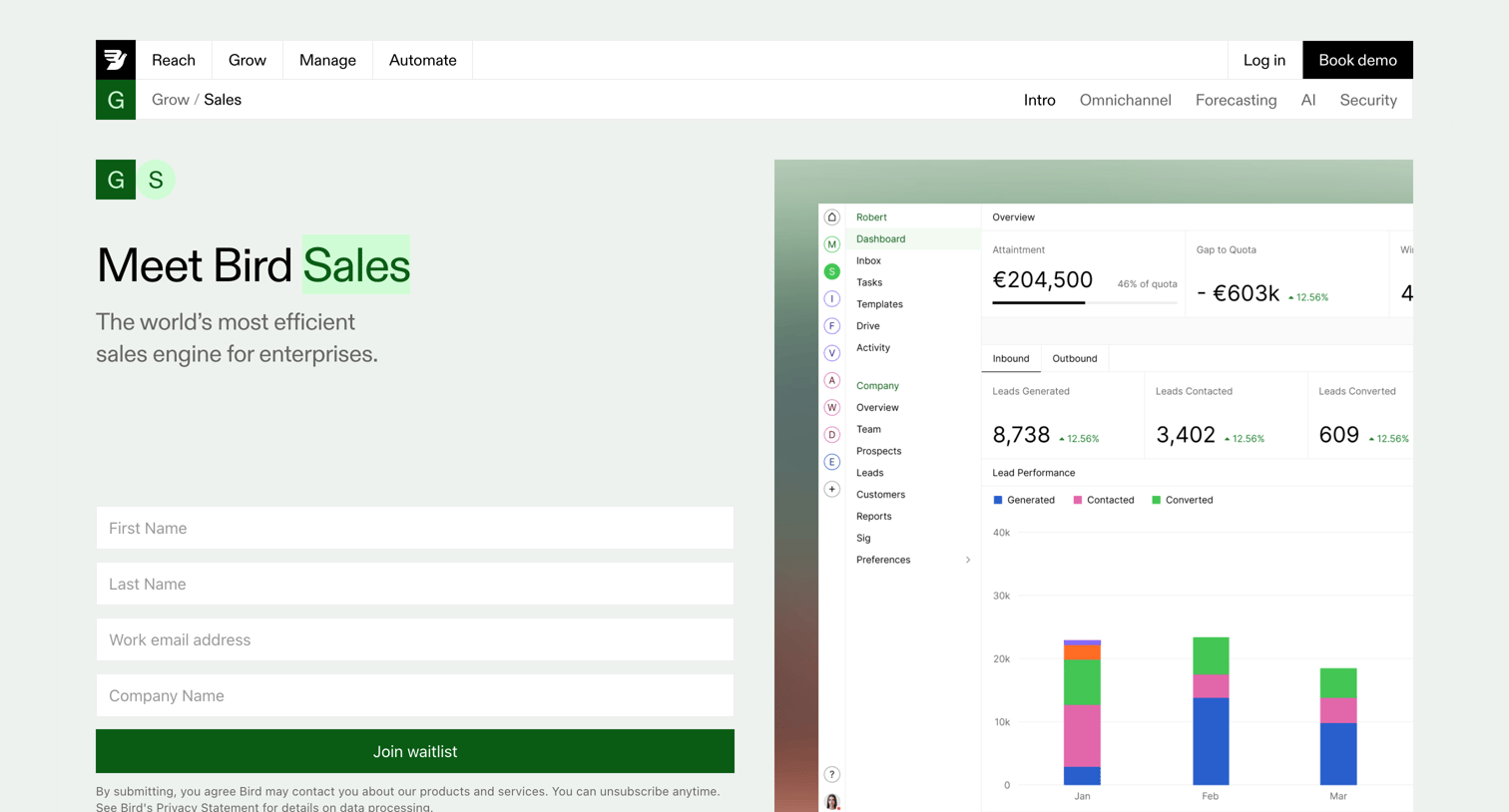

Product page for a sales engine featuring a waitlist form, feature breakdowns with product screenshots, and customer testimonials.
![Lightfield - [GreenTech Solutions] screen](https://assets.nicelydone.club/cdn-cgi/image/g=top,w=1512,h=814,f=webp,fit=cover/https://assets.nicelydone.club/f/c49a25d1-d5ba-44f7-8e39-b0757c6f4aa3.png)

Detail page where the user views an account overview for a specific company, including an AI-generated business summary, a recent activity timeline, and related CRM records in a right sidebar.

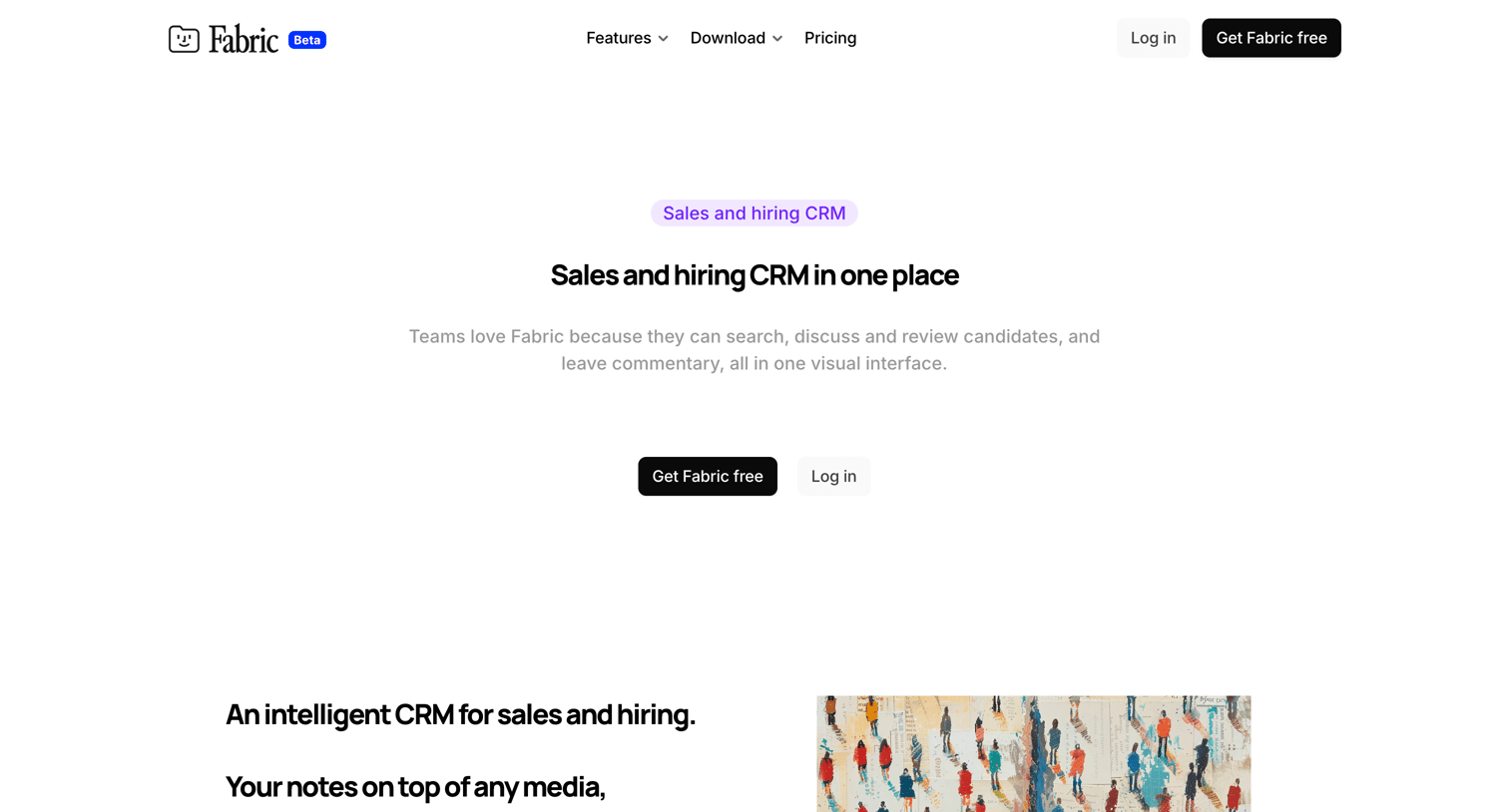

Marketing use case page explaining how Fabric functions as an intelligent CRM for sales and hiring, featuring a list of capabilities and a grid exploring other ways to use the product.
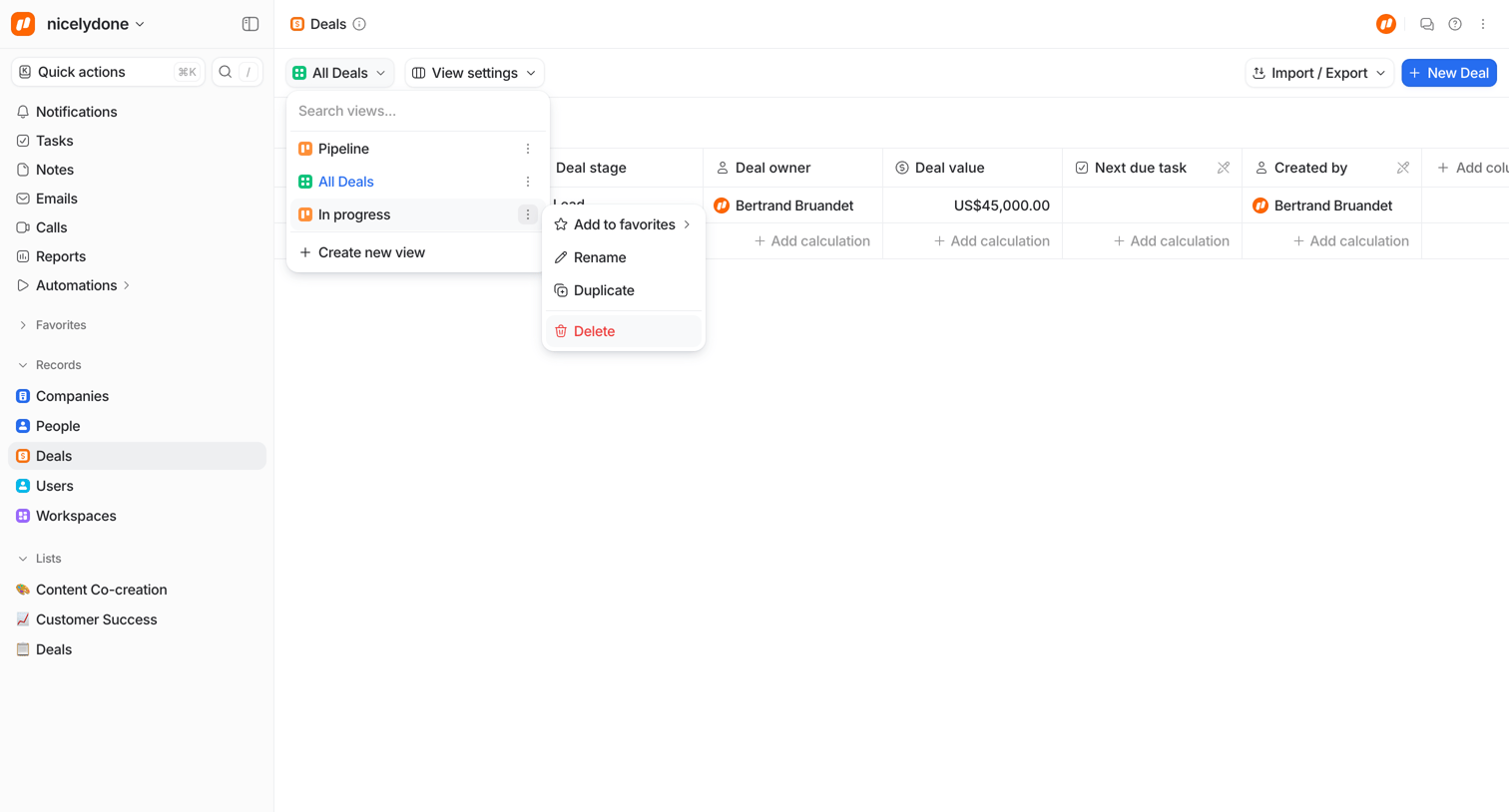

List view displaying a data table of deals with an active dropdown menu for switching between custom views like Pipeline and In progress, and a nested context menu exposing actions to rename, duplicate, or delete a view.
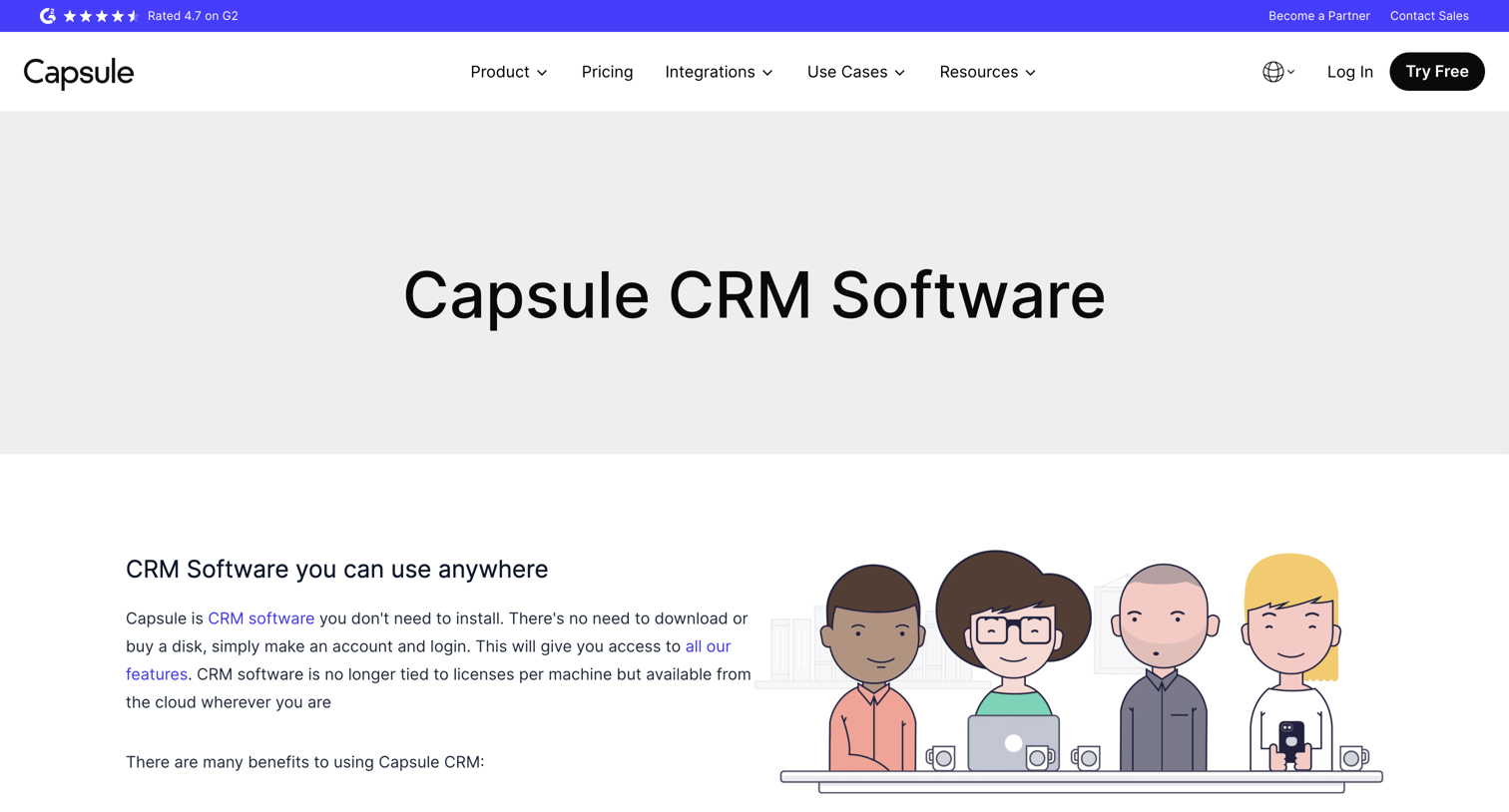

Product page for Capsule CRM software featuring a list of benefits, customer testimonials, a prominent free signup call to action, and an accordion-style frequently asked questions section.
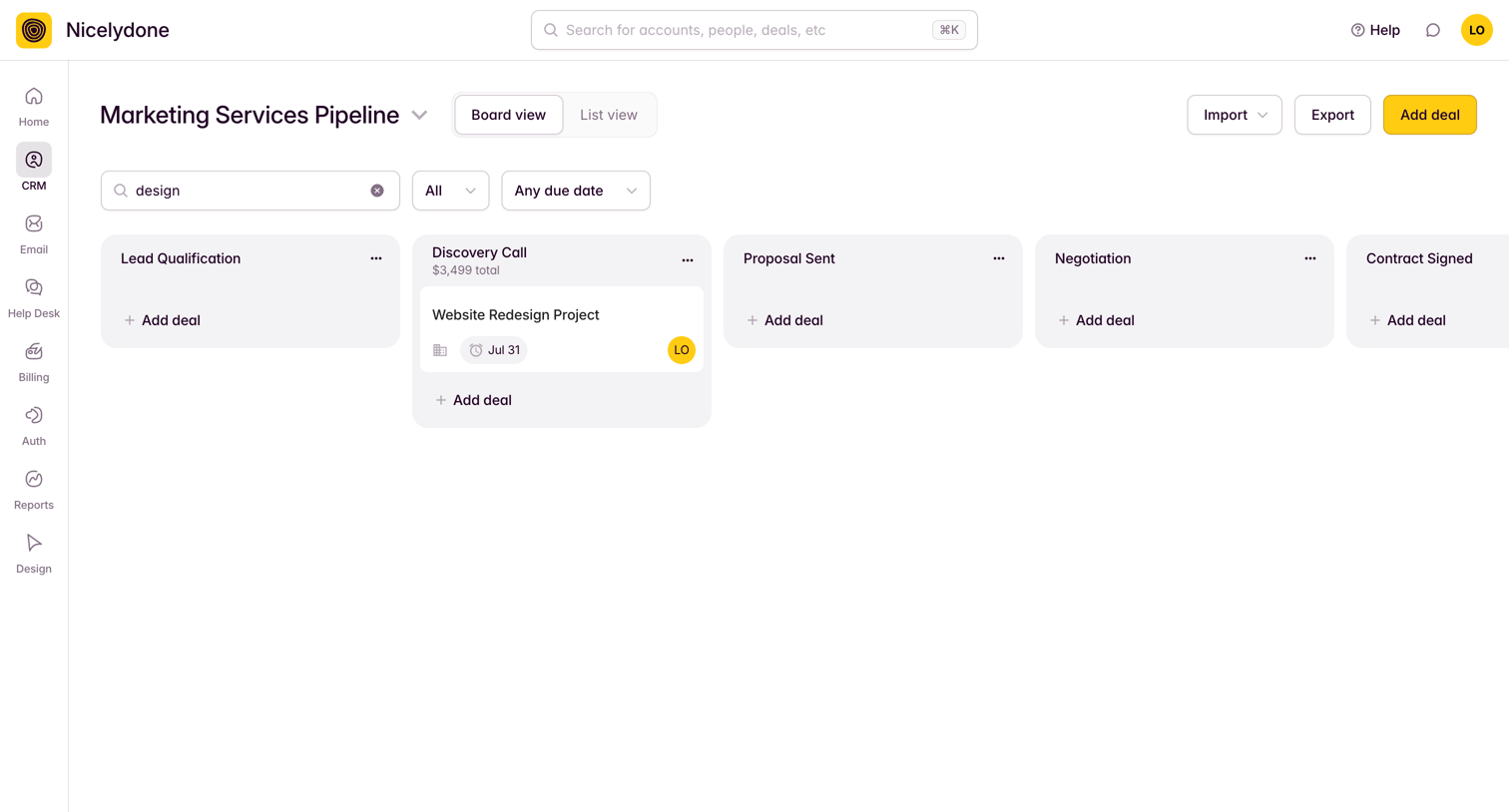

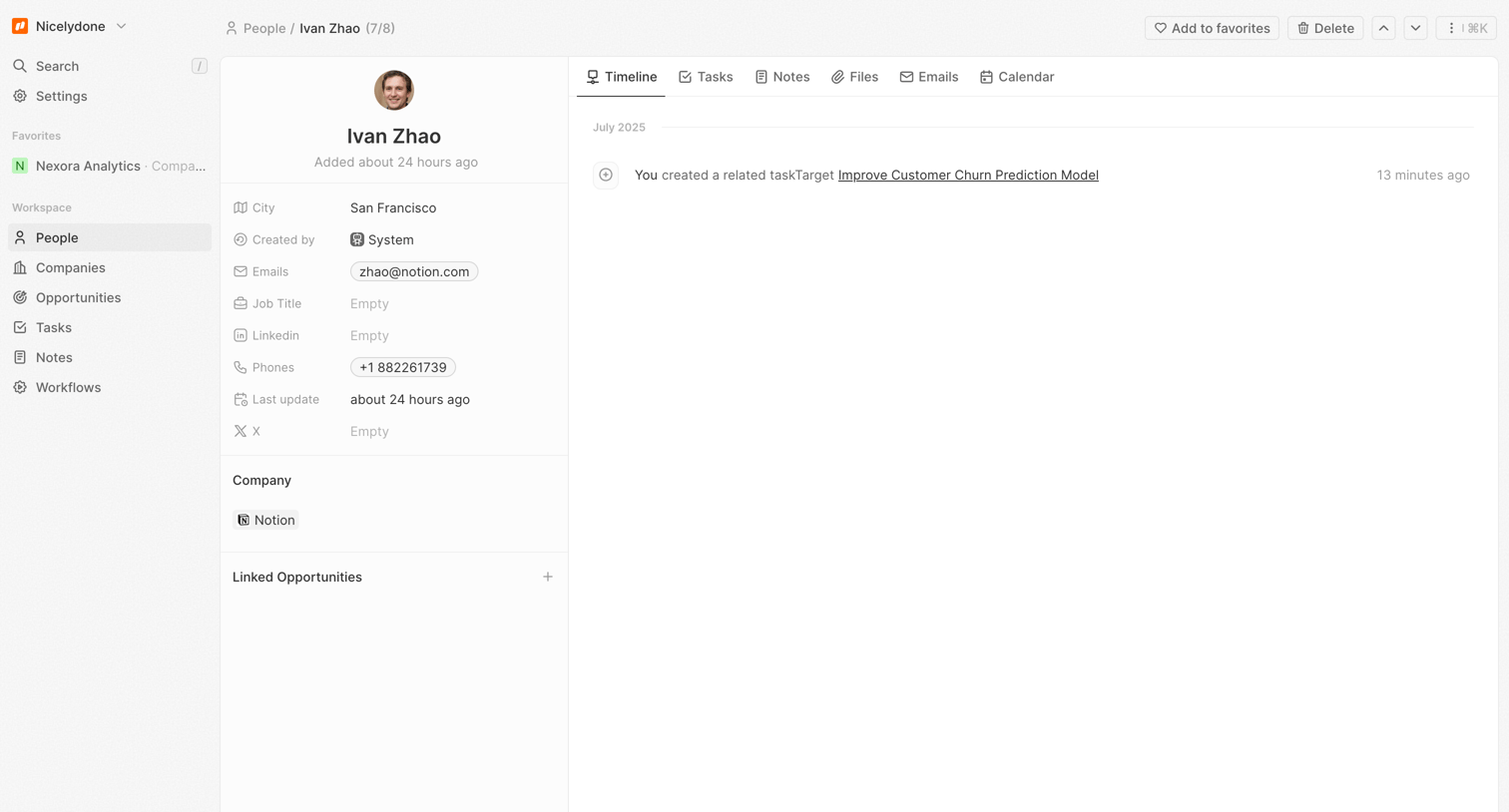

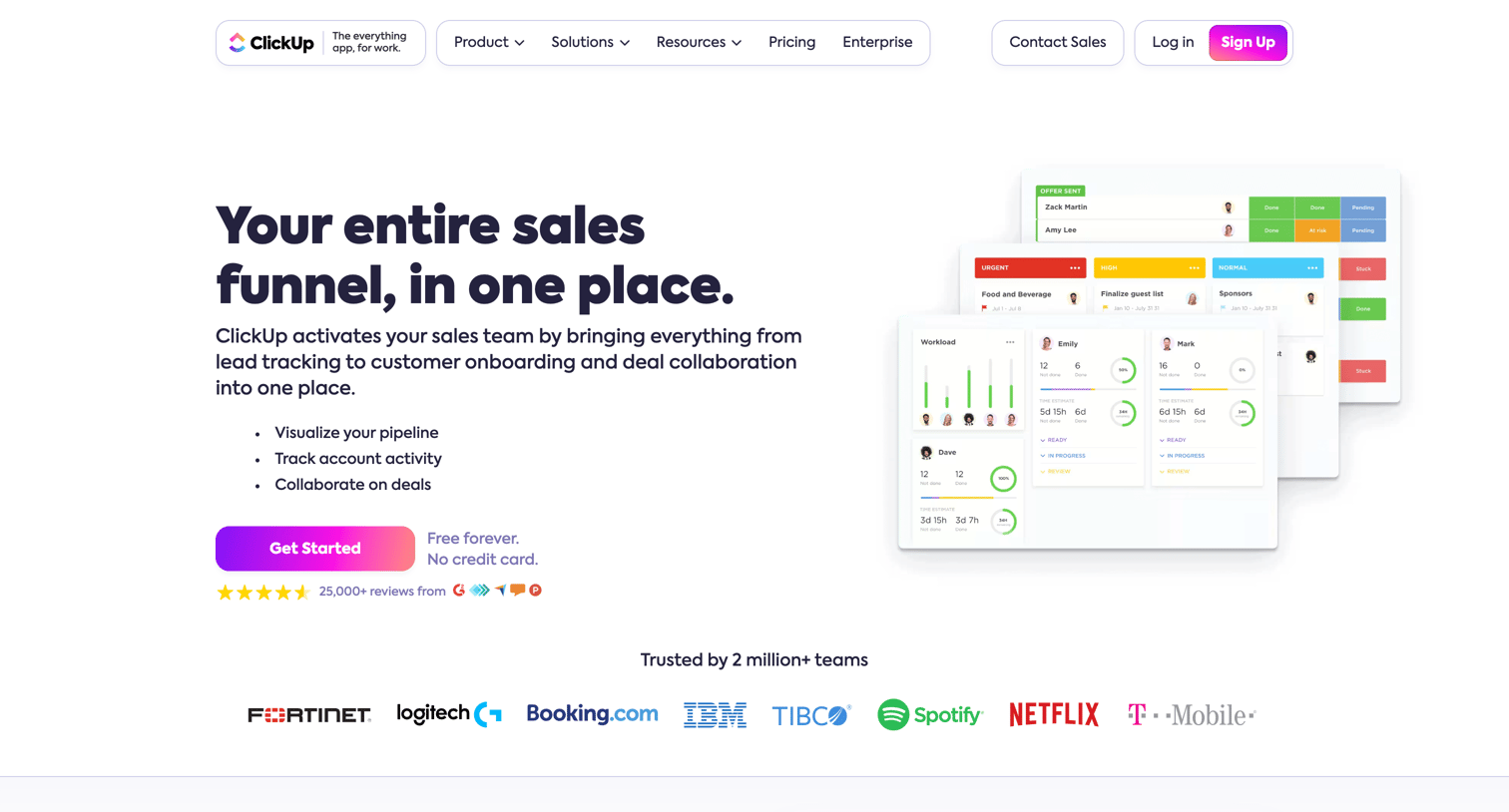

Marketing page for sales teams highlighting CRM capabilities, automation, account management, and integrations with tools like Slack and Google Drive.
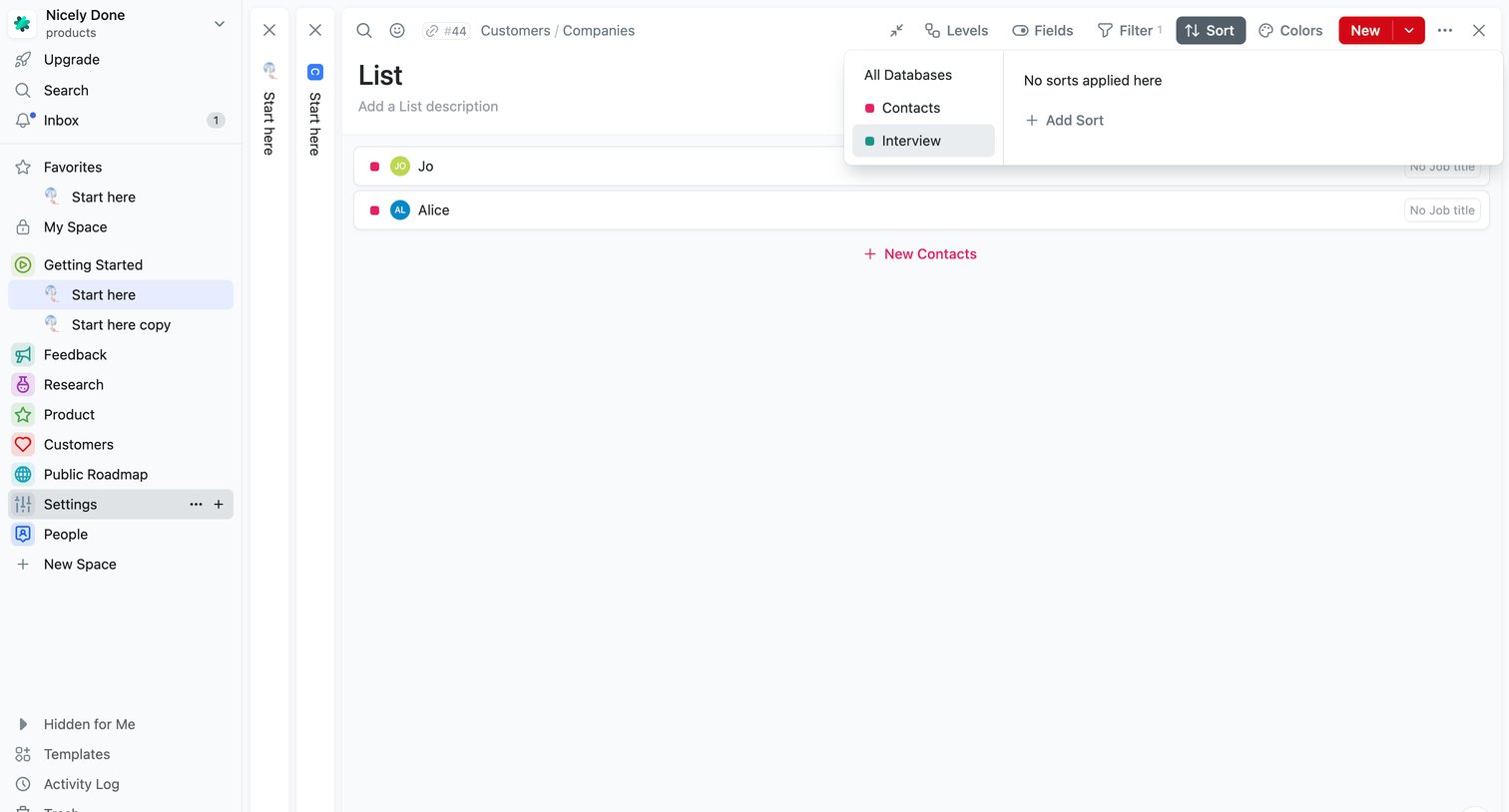

List view of company contacts (Jo and Alice) where the user is configuring sort settings and choosing which database — Contacts or Interview — to sort by.
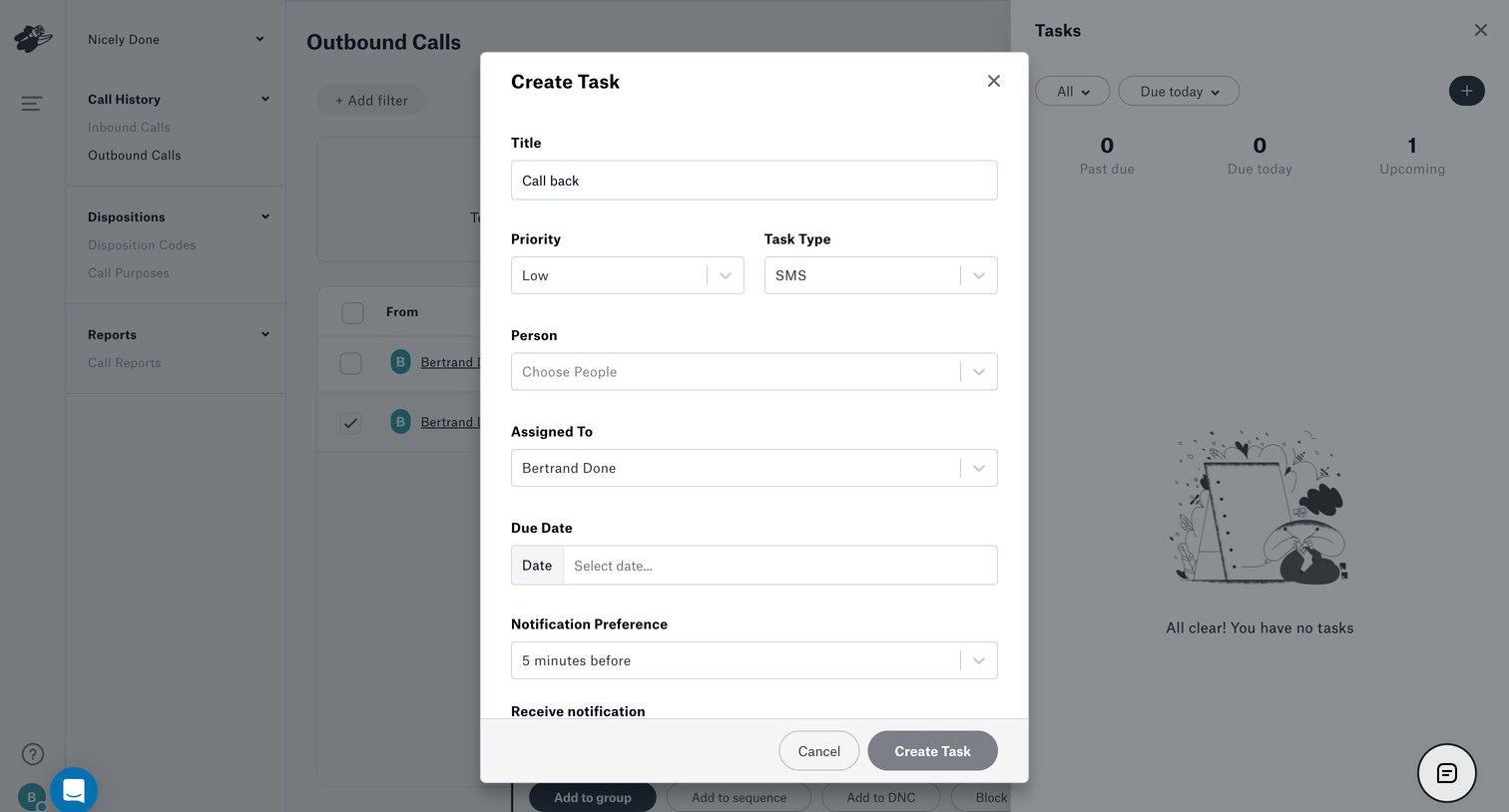

Create modal where the user configures a new task with title, priority, type, assignee, and due date.
Explore the full SaaS screen library
Upgrade to unlock the full library.
Trusted by the best teams







