Project management screen examples
Project management screen design examples from SaaS apps. See how apps organize a project's work and settings. Explore how tasks, ownership, and project details connect the overview with individual actions.
Explore the examples
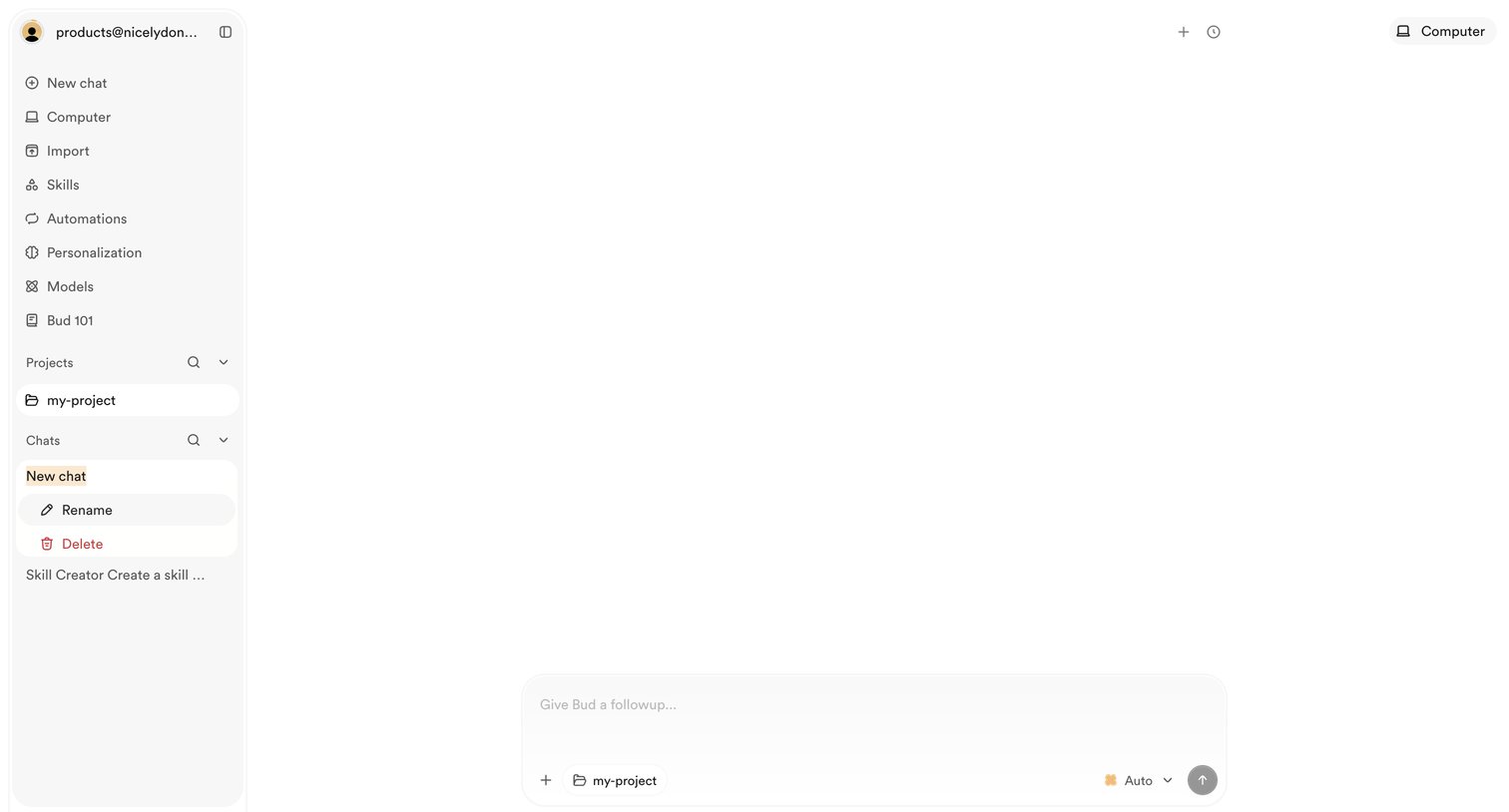

AI chat interface in an empty state where the user can start a new conversation, select a project context like 'my-project', and choose an AI model before sending a message.
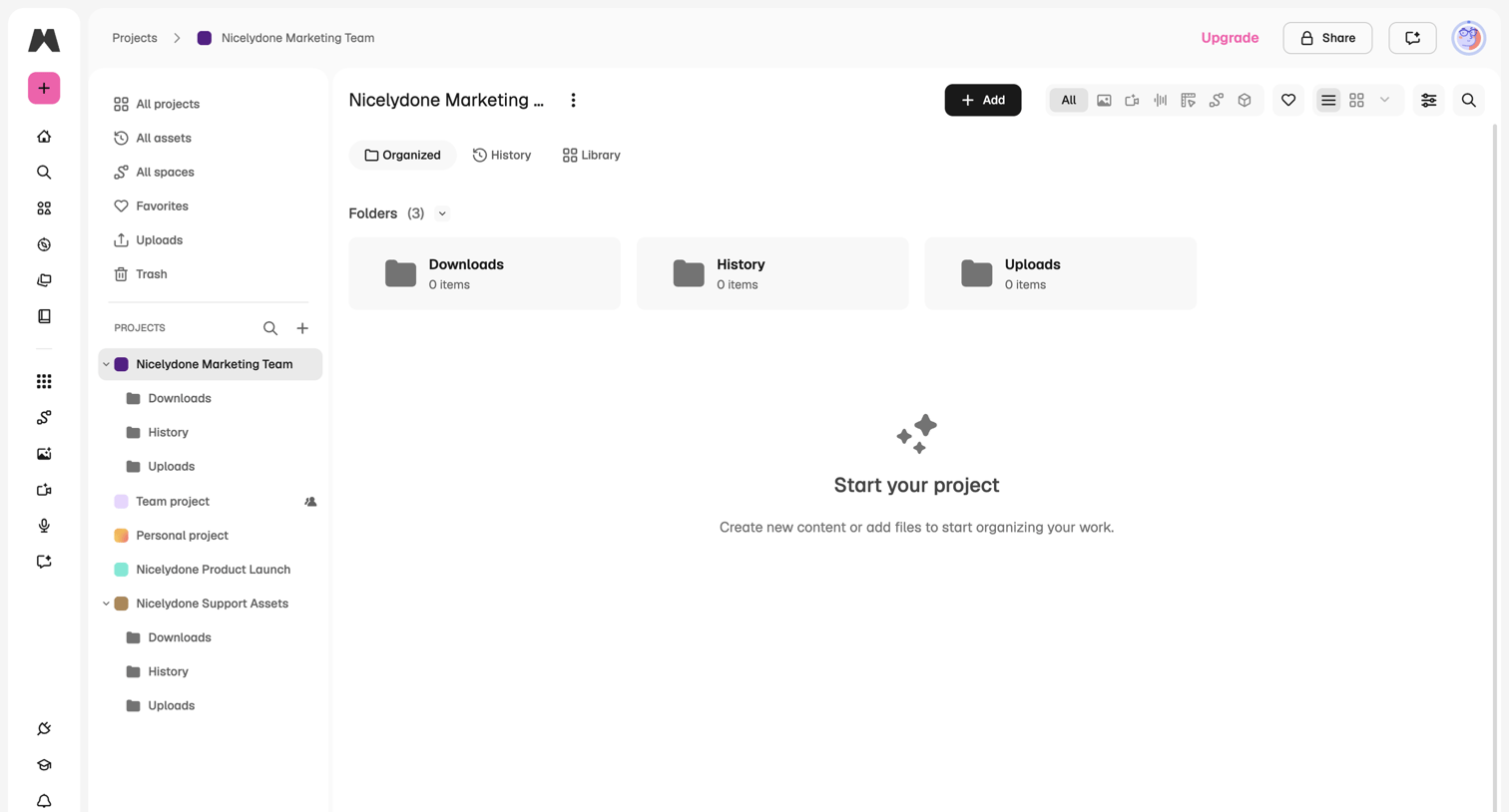

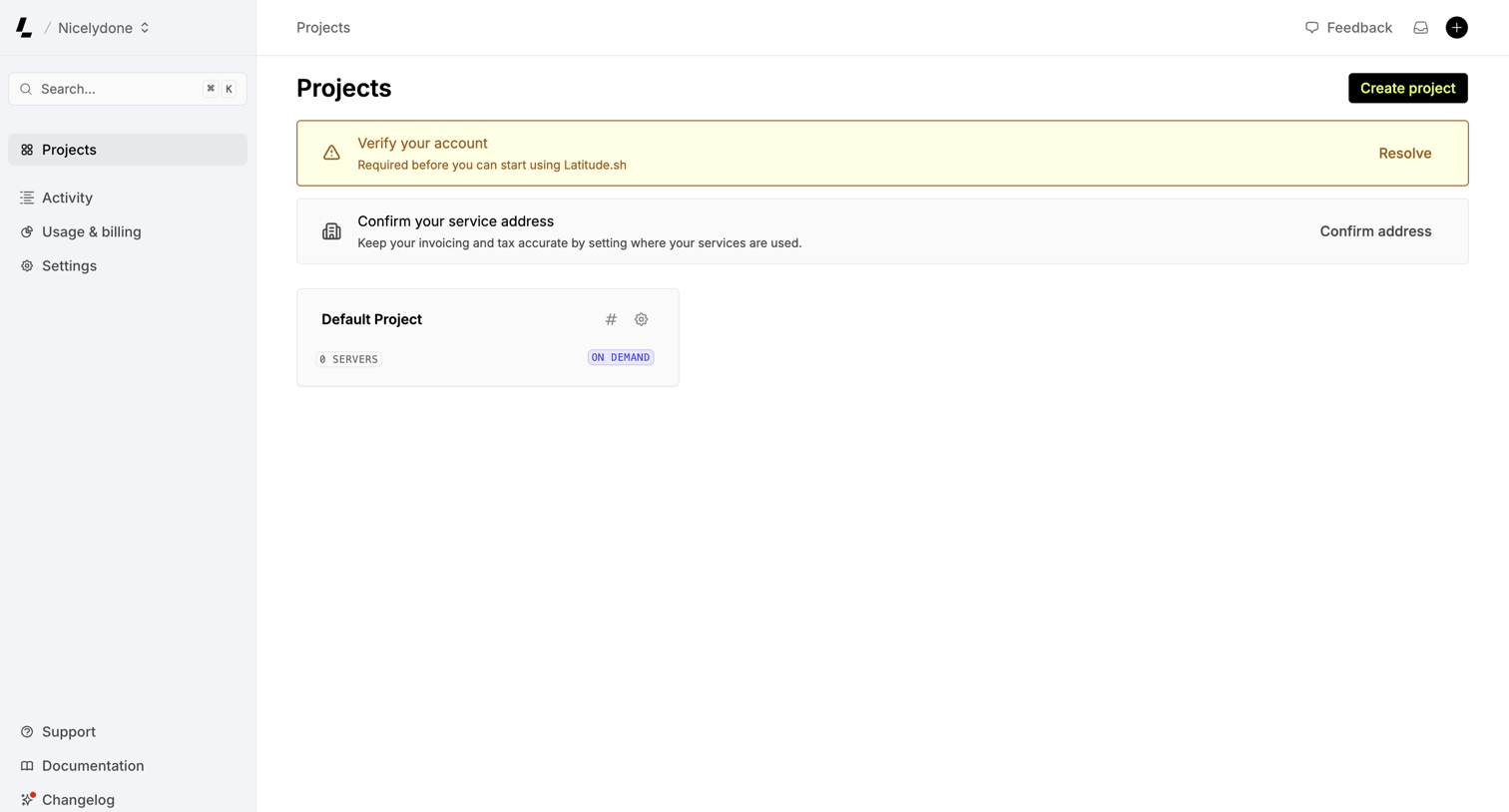

List view where the user manages their projects and is prompted to complete account setup steps like verifying their account and confirming their service address.
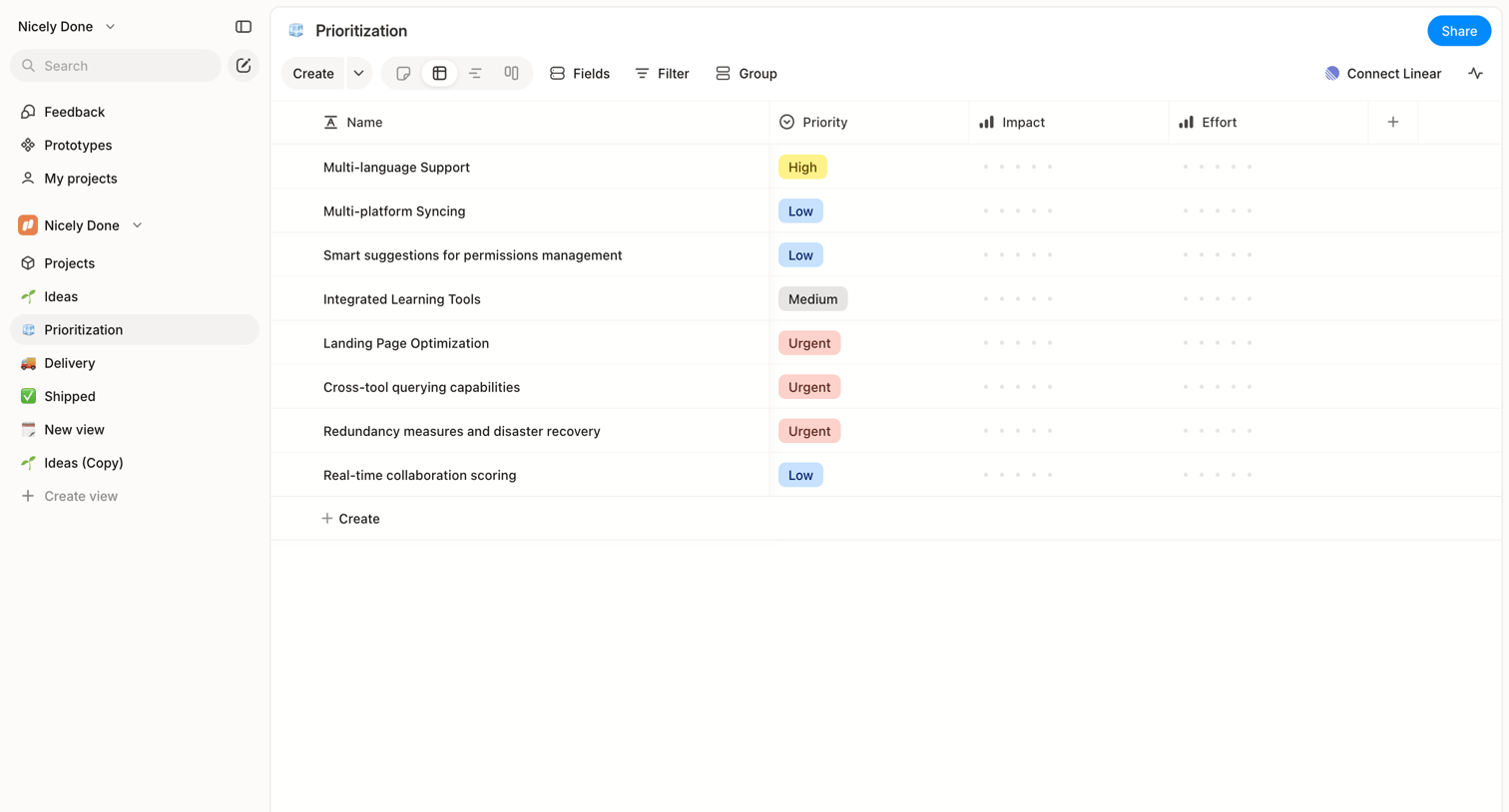

List view where the user manages feature prioritization with columns for priority, impact, and effort.
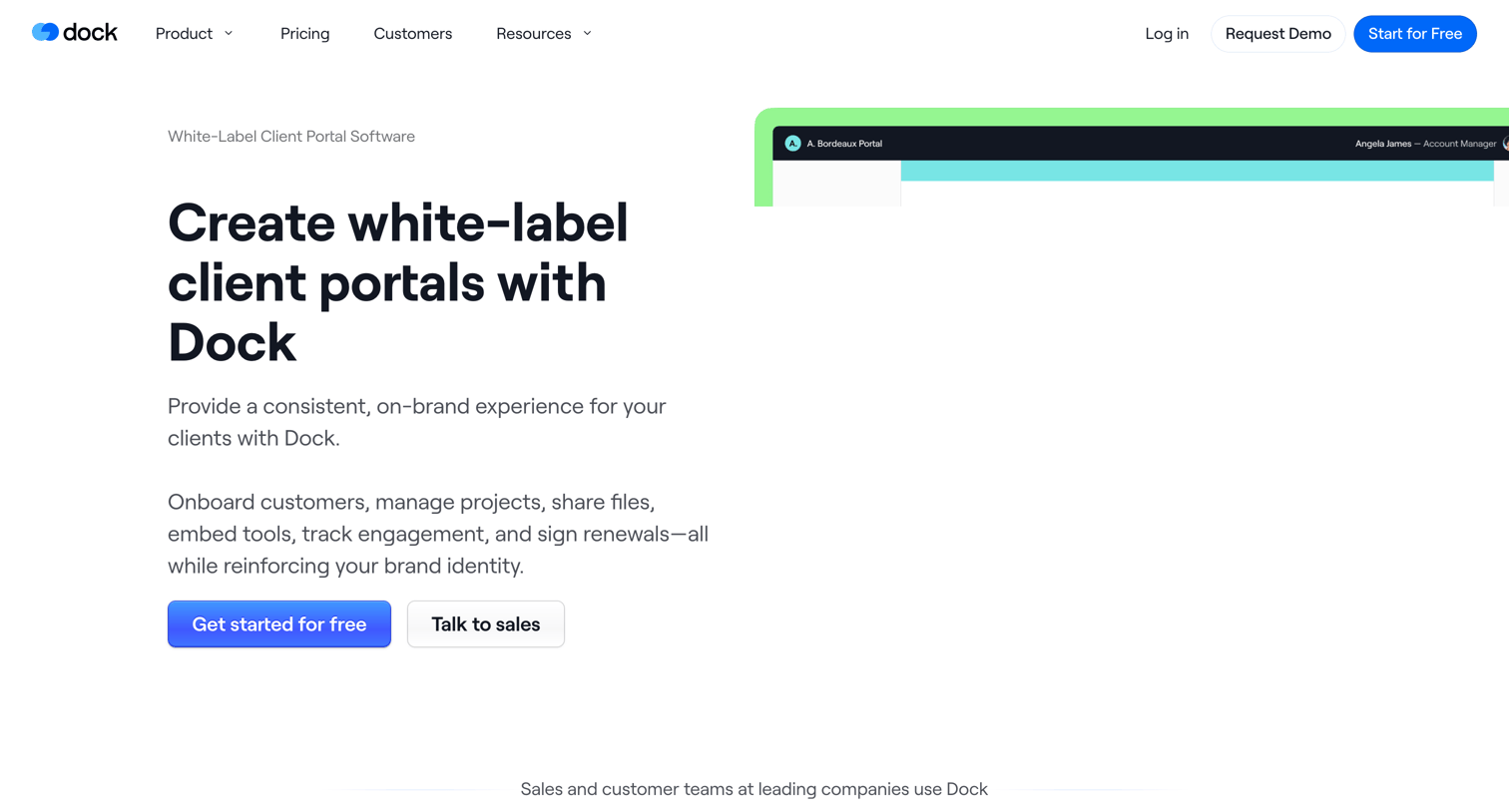

Product solution page detailing how teams can create branded, white-label client portals with custom logos, colors, and domains to manage onboarding and projects.
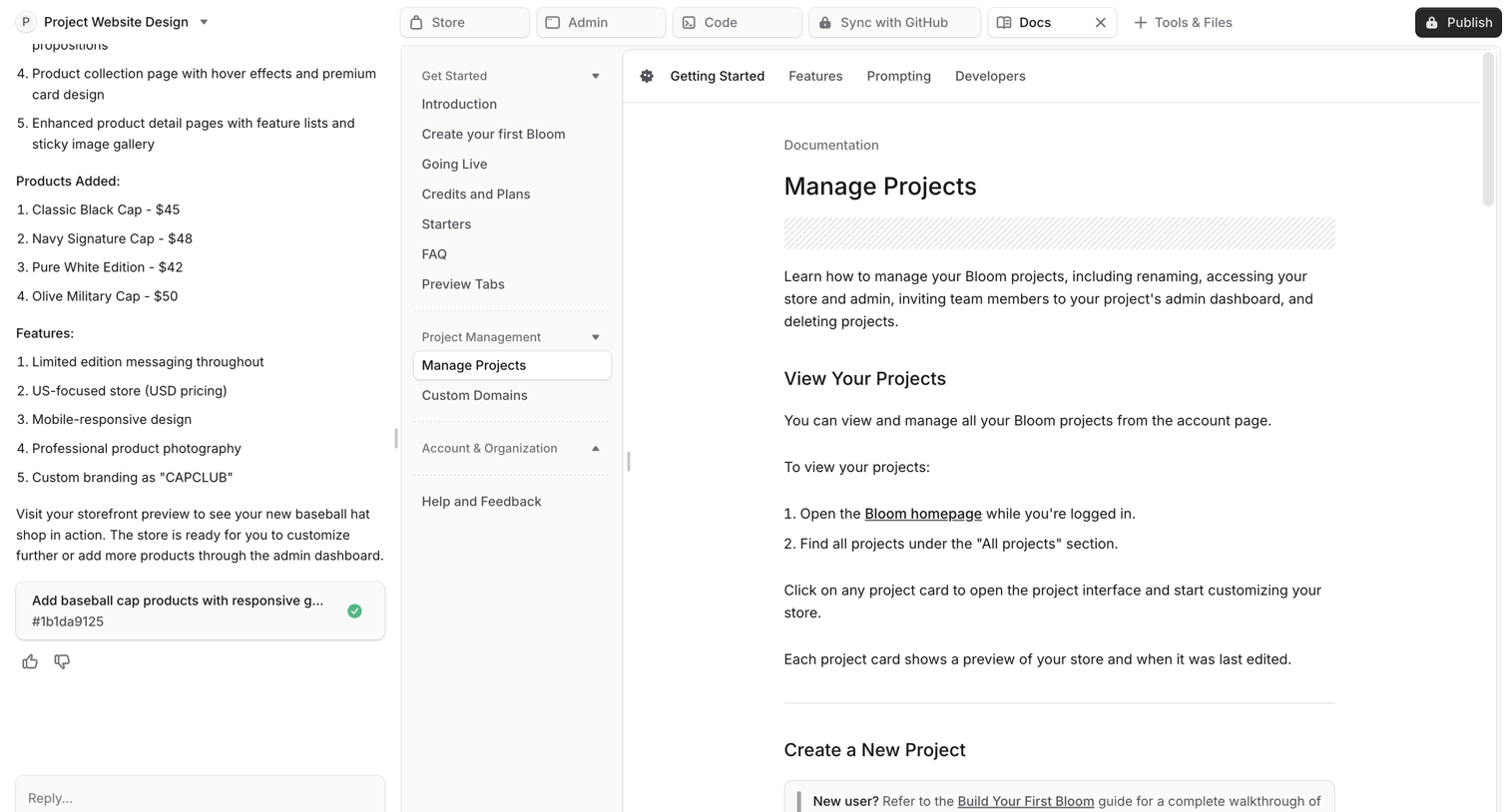

AI-powered project workspace where the user is viewing documentation in the main artifact panel while maintaining an active chat session on the left.
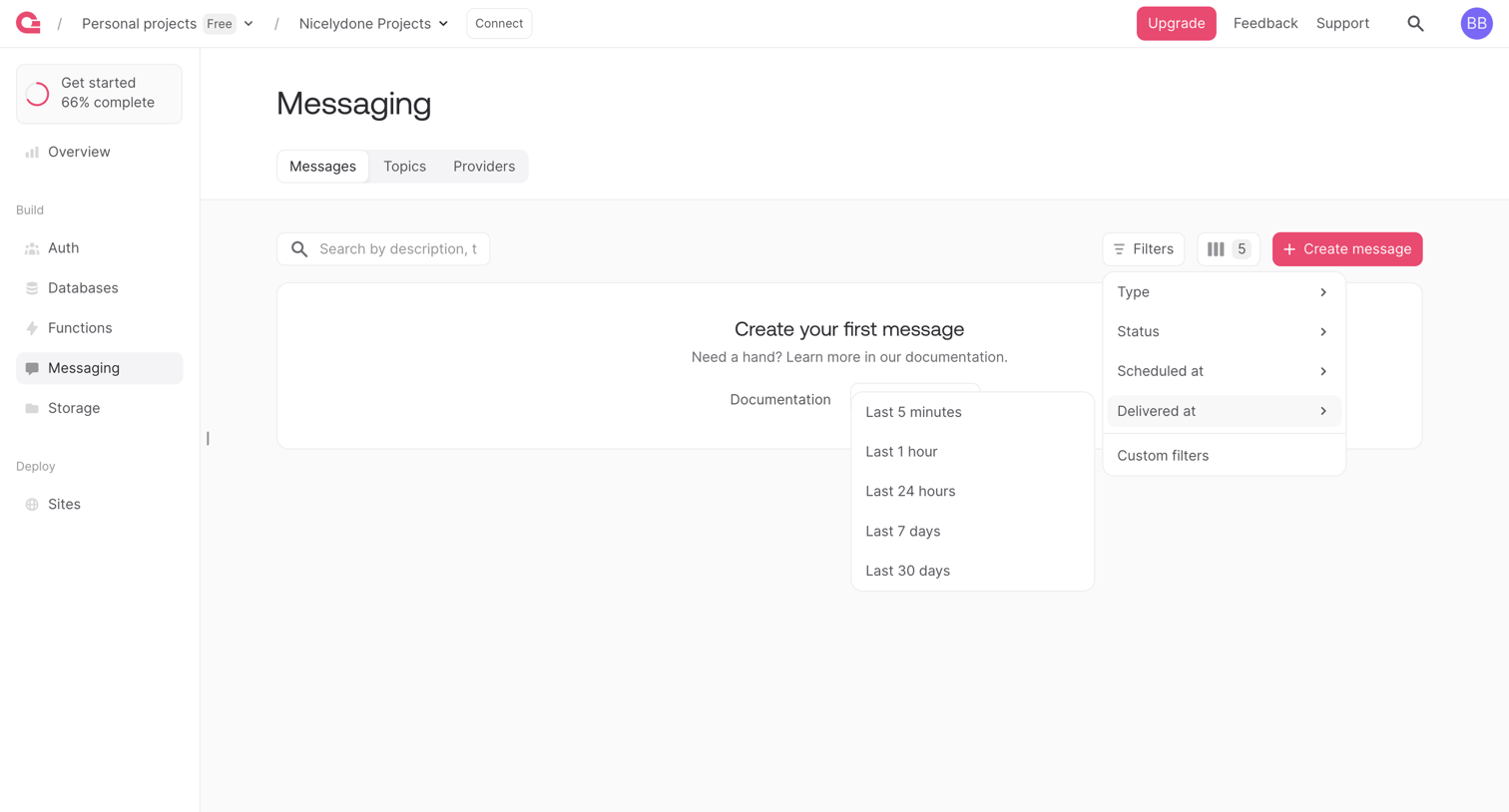

Messaging list view in an empty state showing an open cascading filter menu for delivery times.
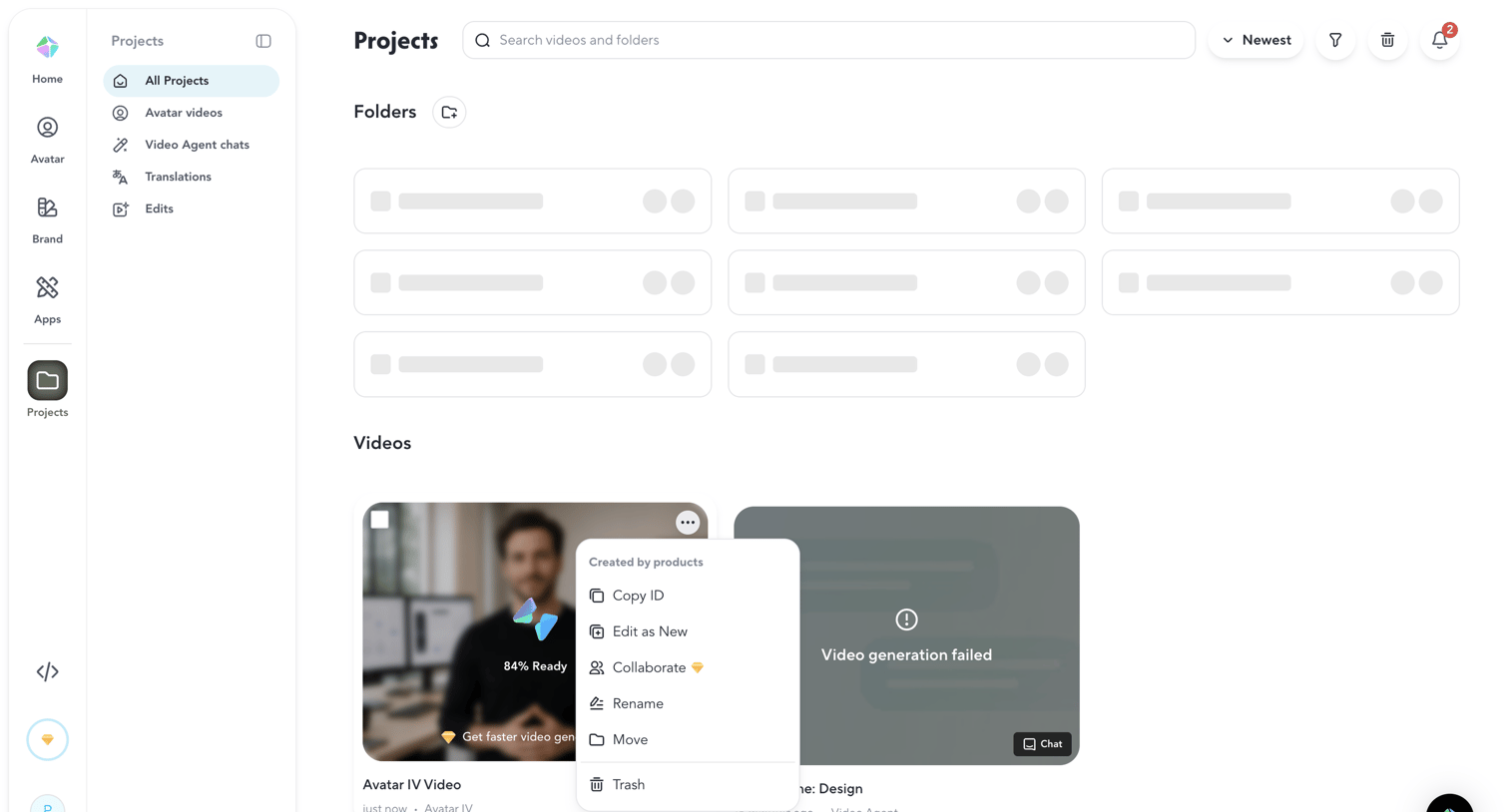

List view where the user browses their generated avatar videos and folders, with options to search, filter, and access video-specific actions via an open context menu.
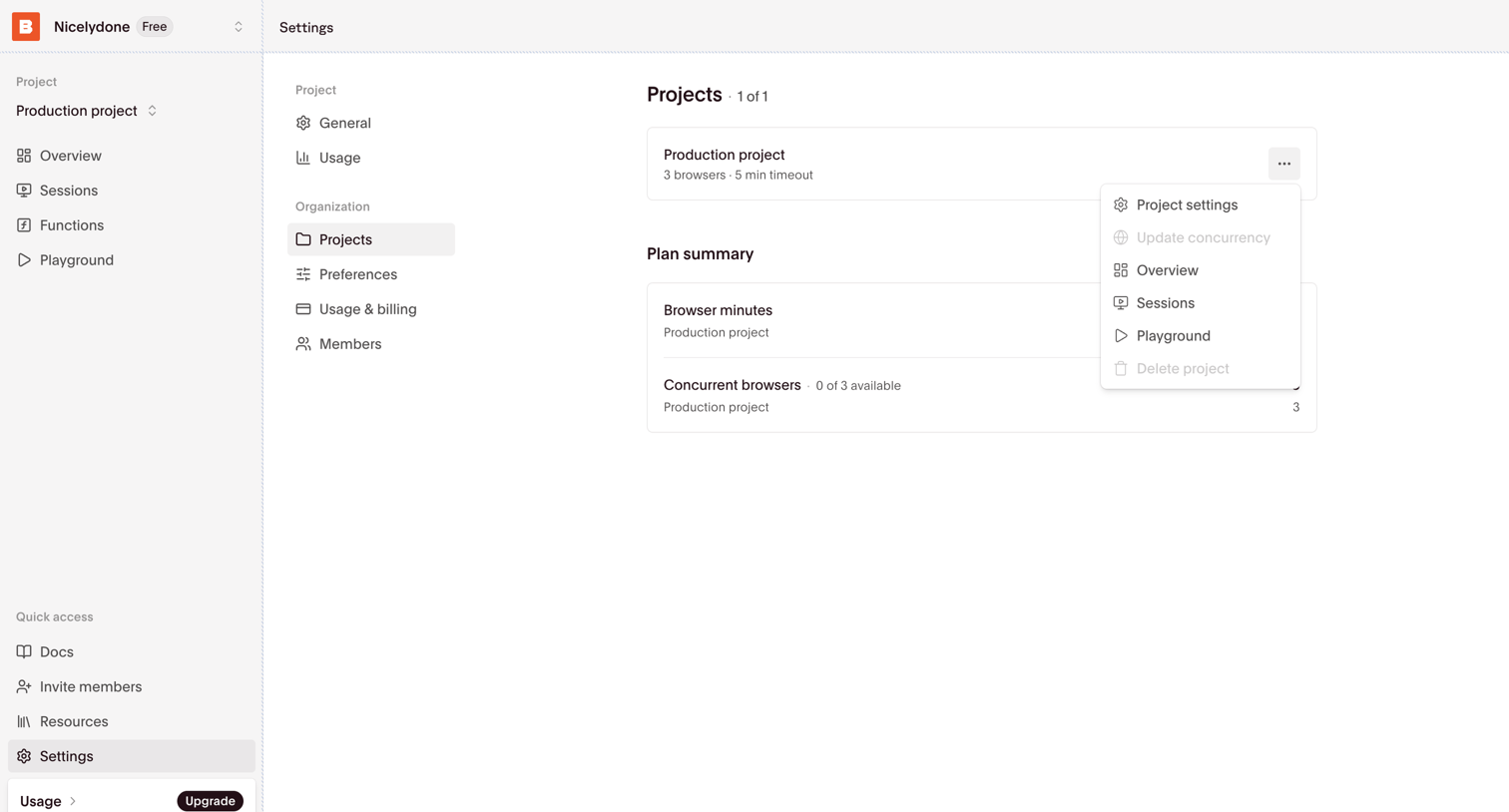

Settings page where the user manages their organization's projects and views a high-level plan summary of browser usage.
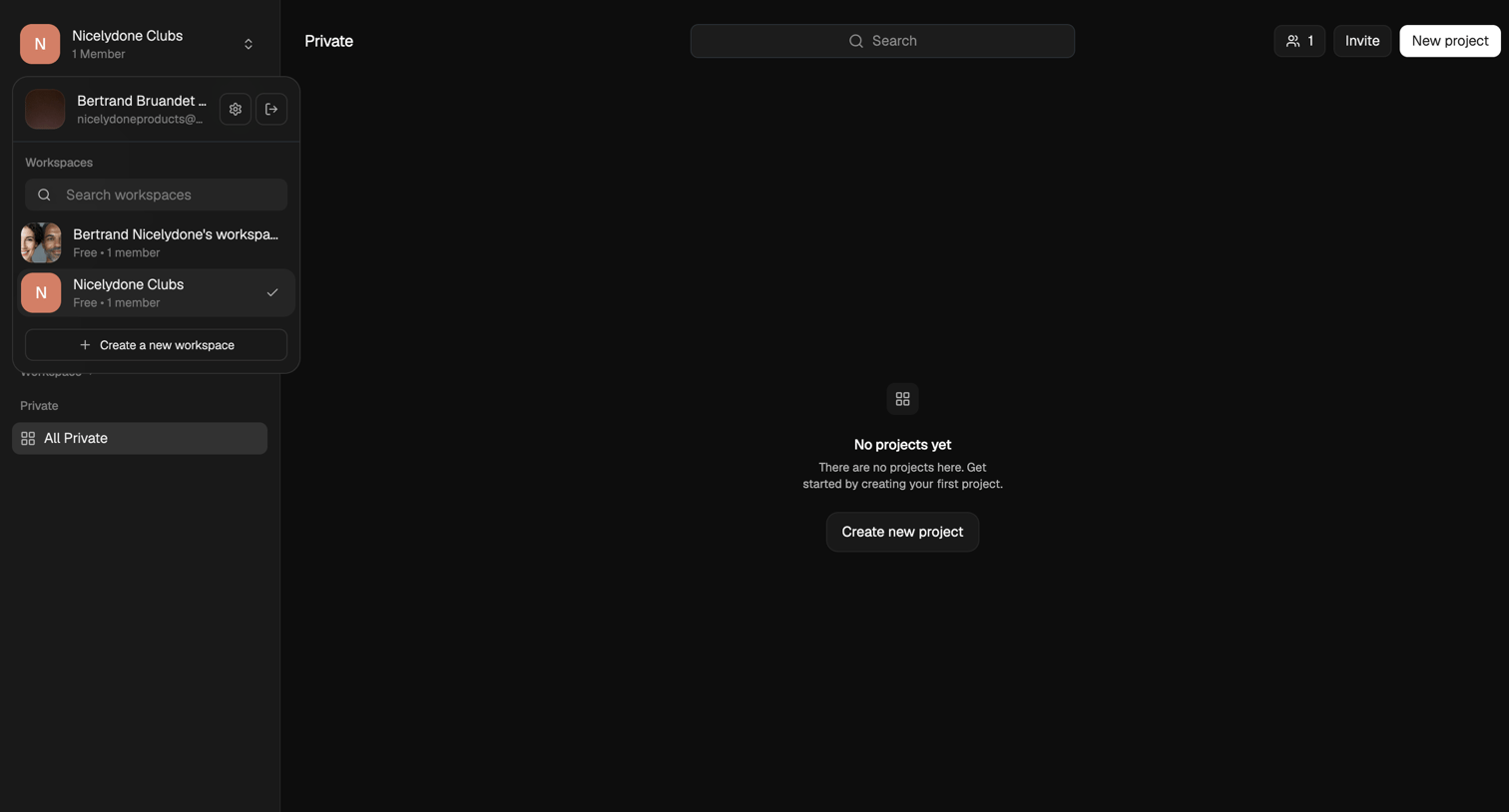

List view where the user is prompted to create their first project in a private workspace.
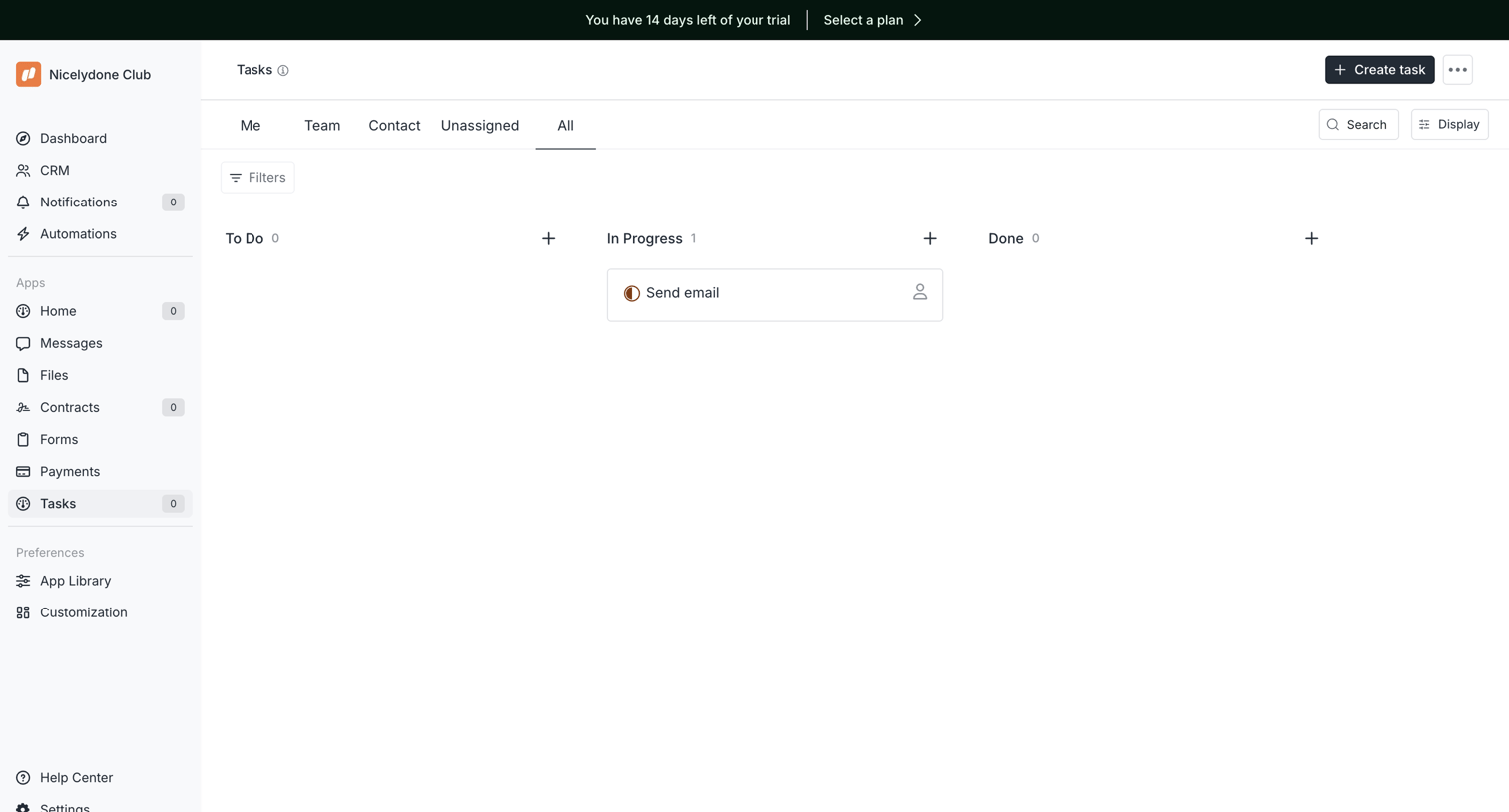

Task management board where the user views tasks organized by status columns like To Do, In Progress, and Done.
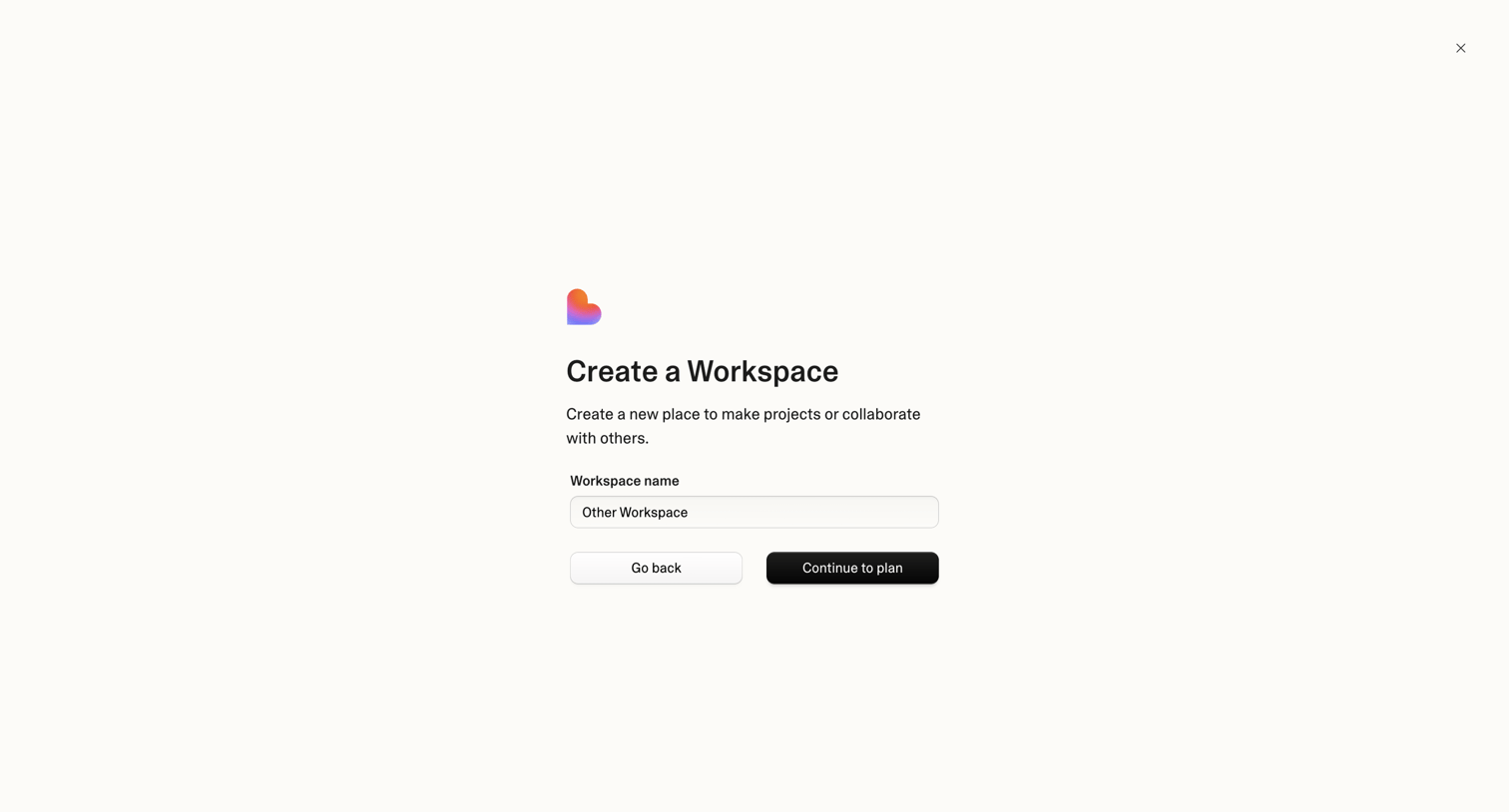

Creation modal where the user names a new workspace and proceeds to plan selection.
Explore the full SaaS screen library
Upgrade to unlock the full library.
Trusted by the best teams








About Project management
See how apps organize a project's work and settings. Explore how tasks, ownership, and project details connect the overview with individual actions.