Project creation screen examples
Project creation screen design examples from SaaS apps. Browse examples from Magnific, Inference, Zaro.
Explore the examples
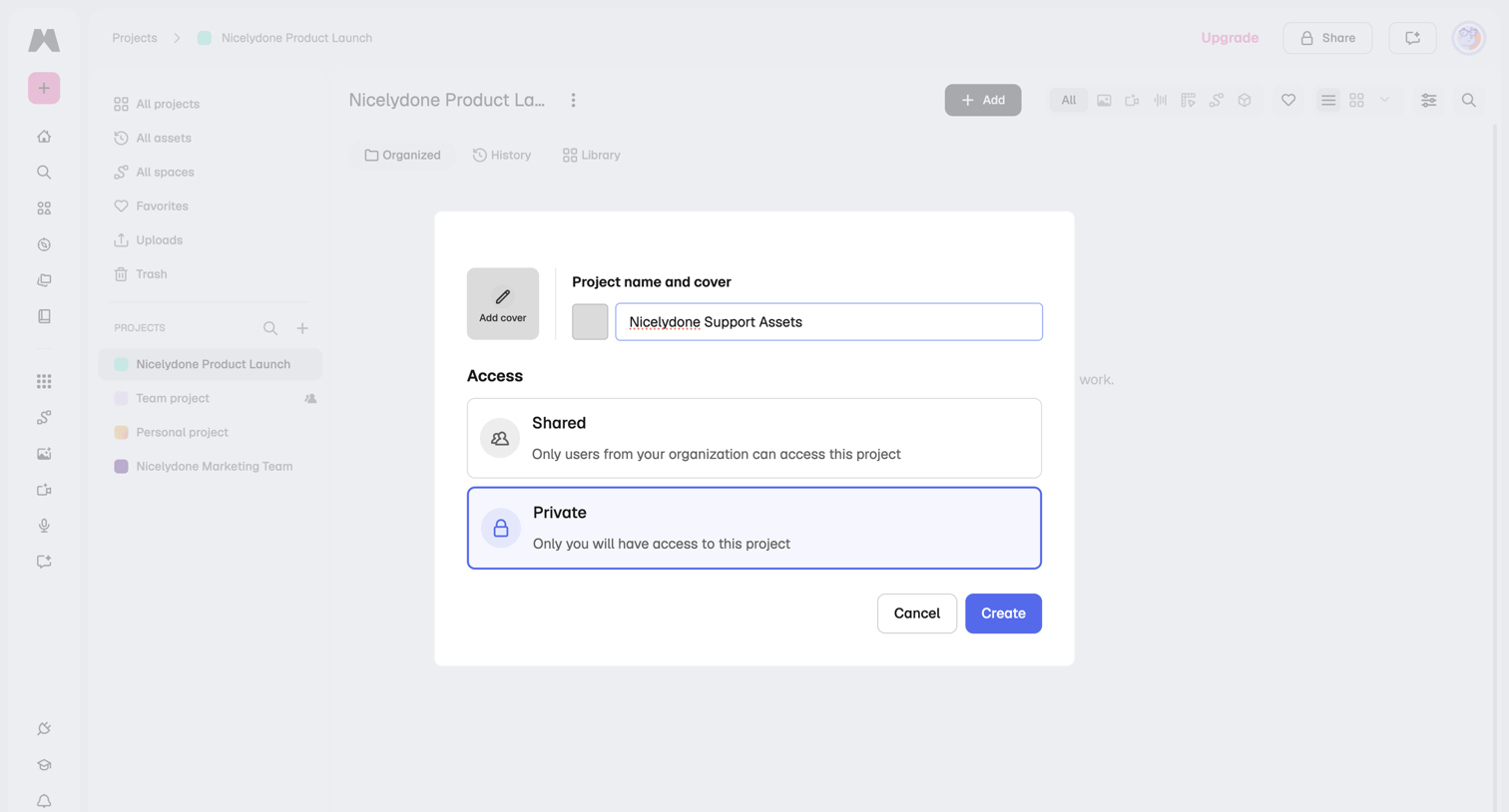

Modal overlay where the user creates a new project by providing a name, optional cover image, and setting access permissions to shared or private.
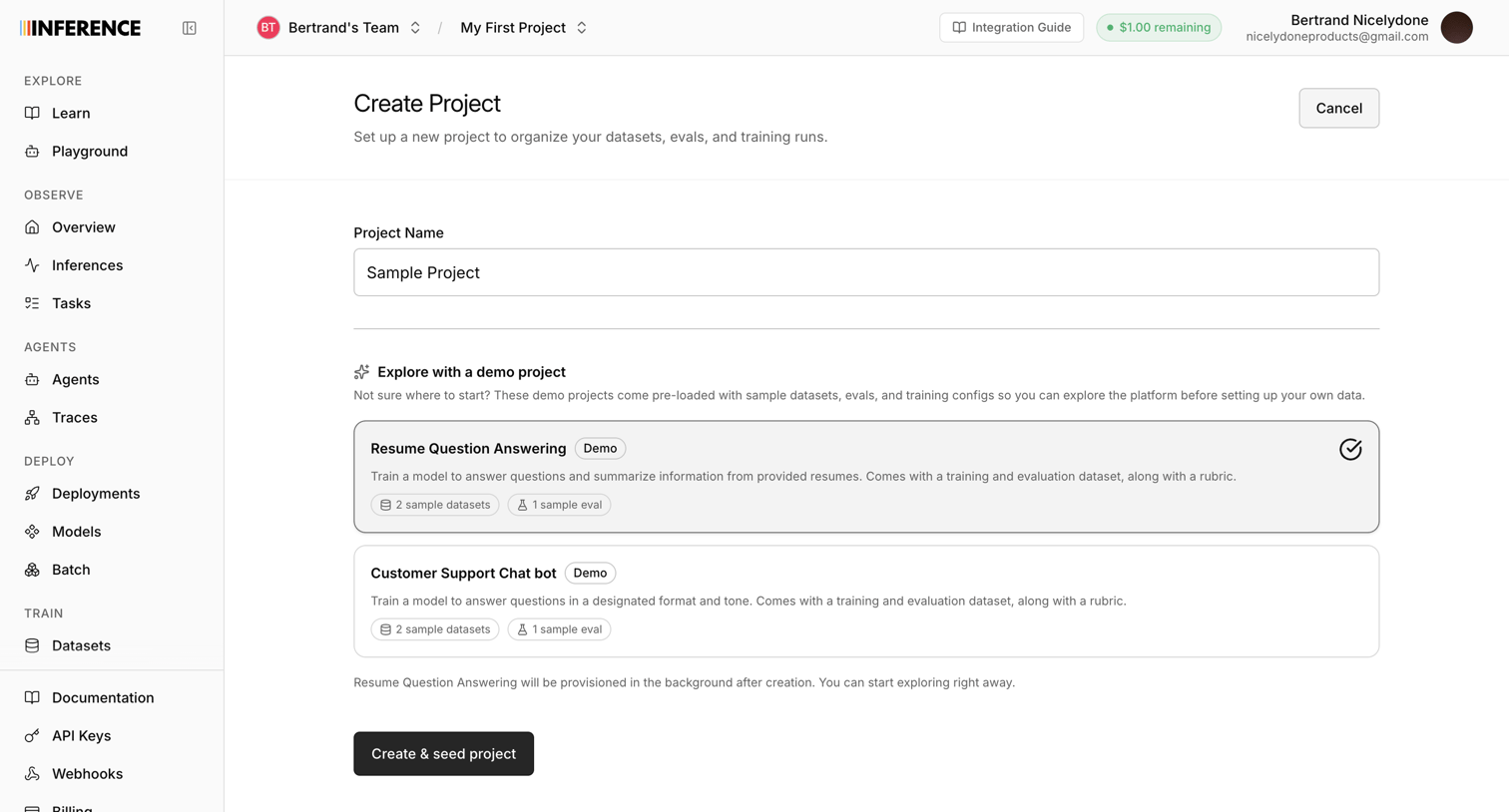

Create page where the user names a new project and optionally selects a demo template like Resume Question Answering to pre-load sample datasets and evals.
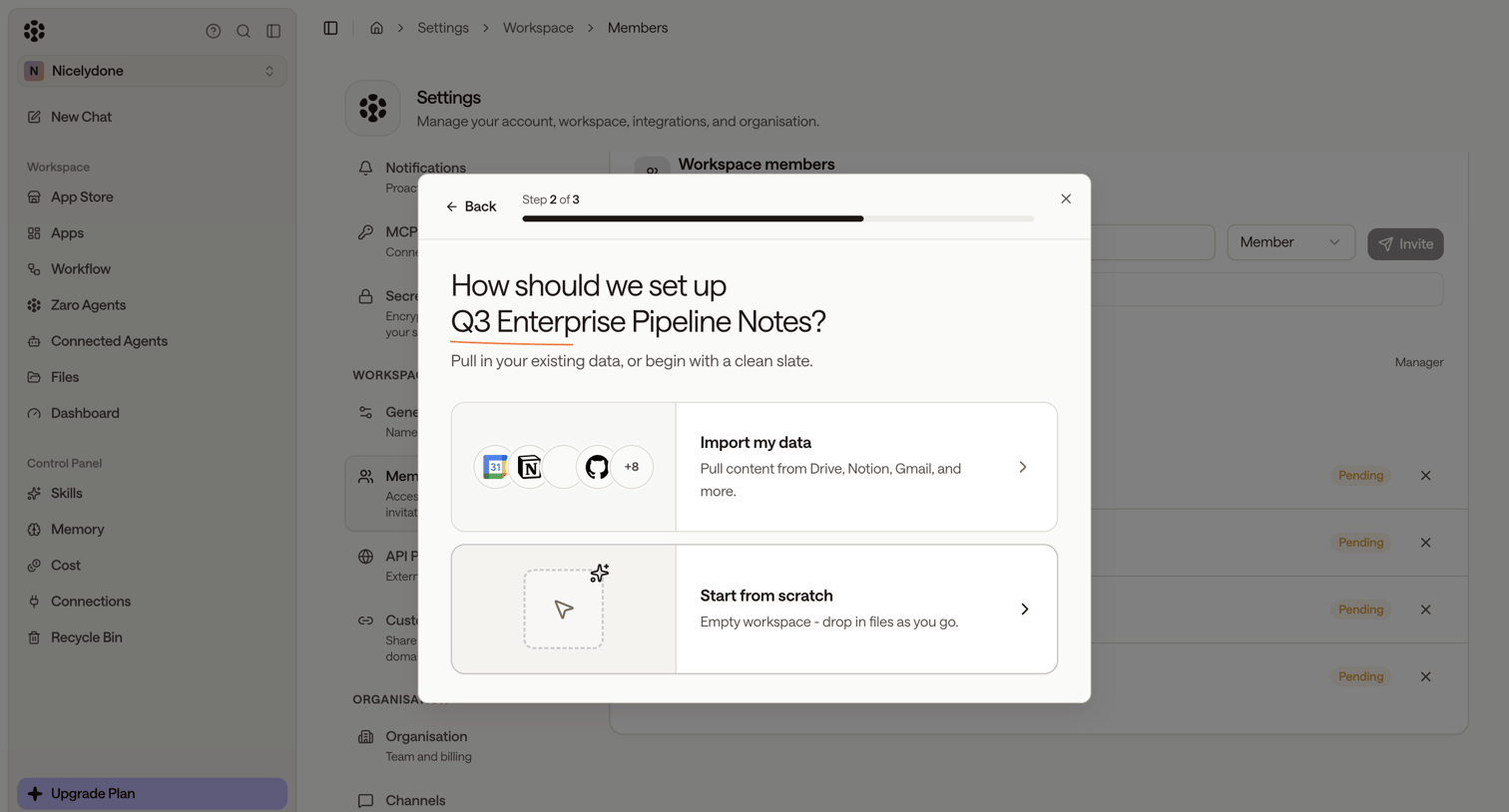

Creation wizard where the user chooses whether to import existing data from external apps or start from scratch to set up a new workspace.
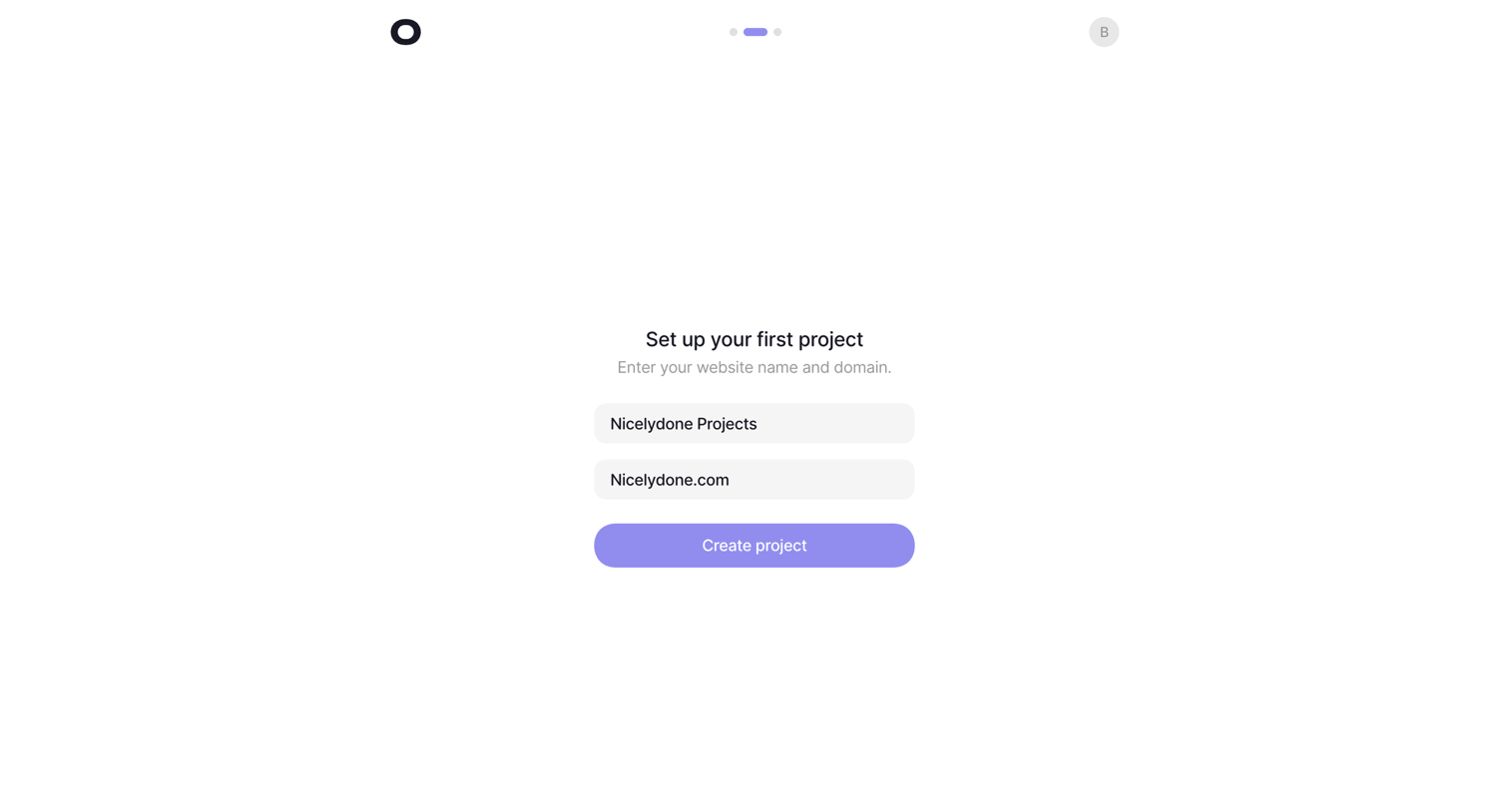

Onboarding step where the user names their first project and provides a website domain.
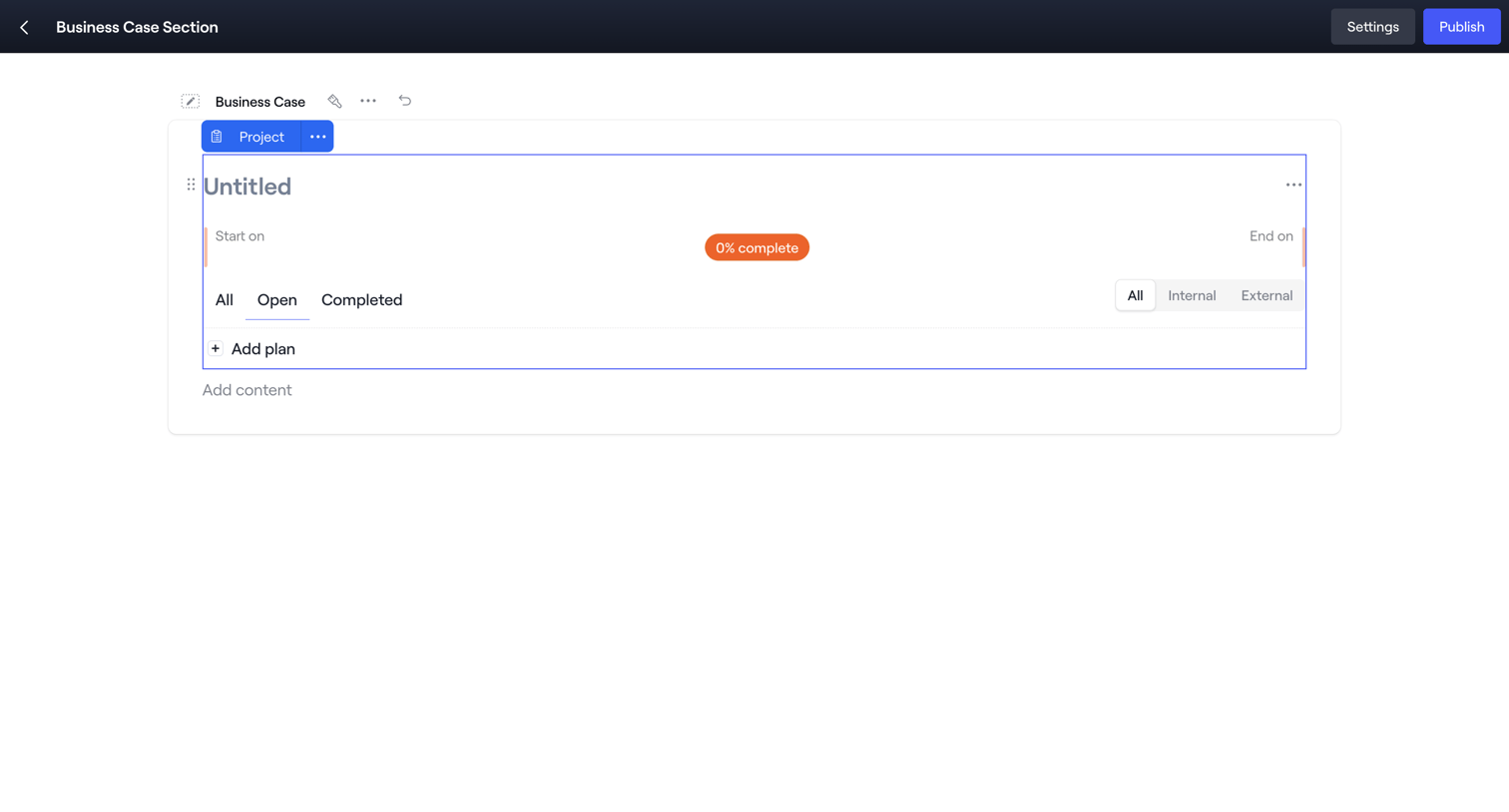

Content editor where the user is building a business case section, currently focusing on a project block with task filters and a progress indicator.
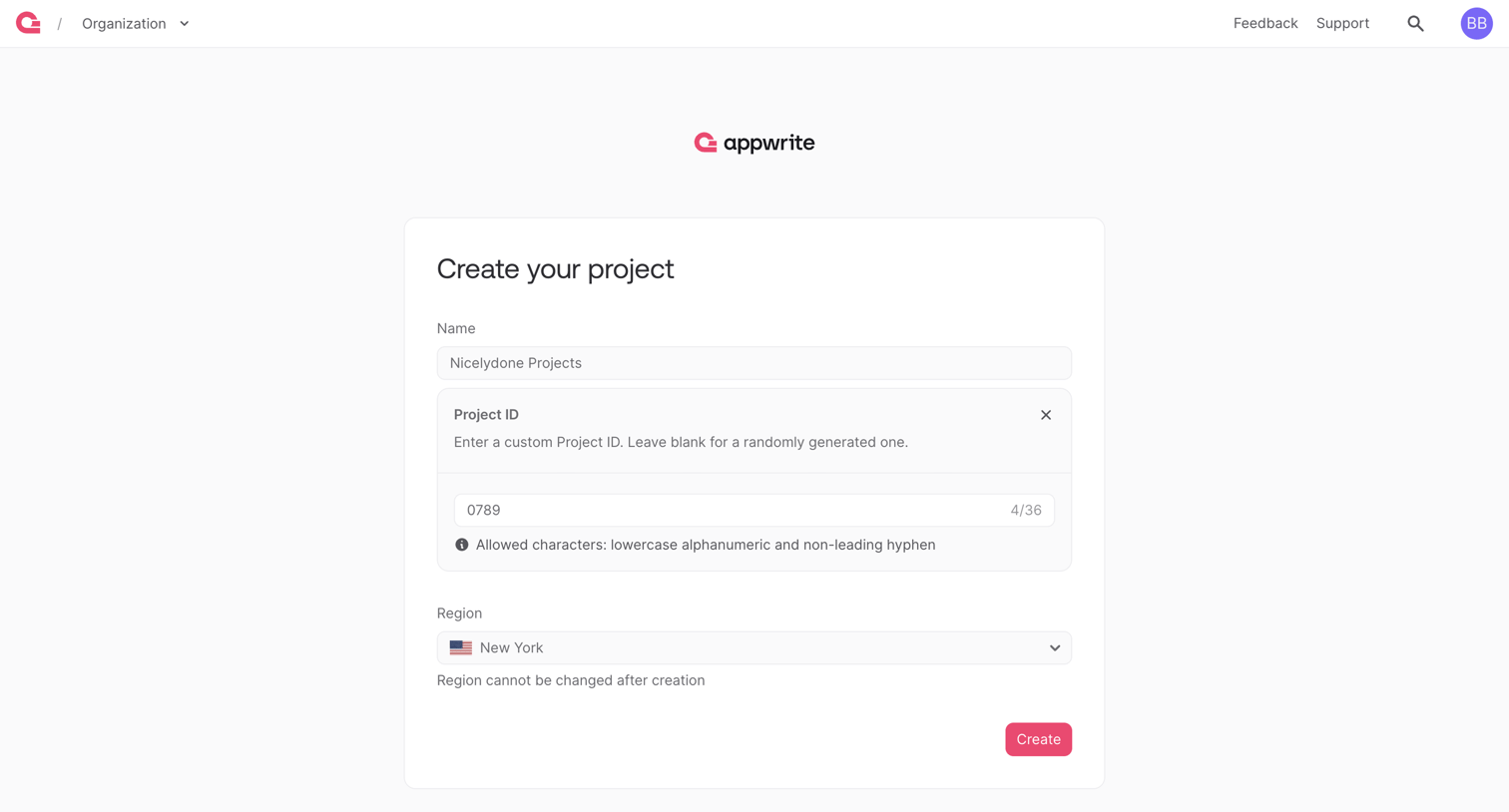

Create page where the user names their new project, optionally sets a custom Project ID, and selects a hosting region.
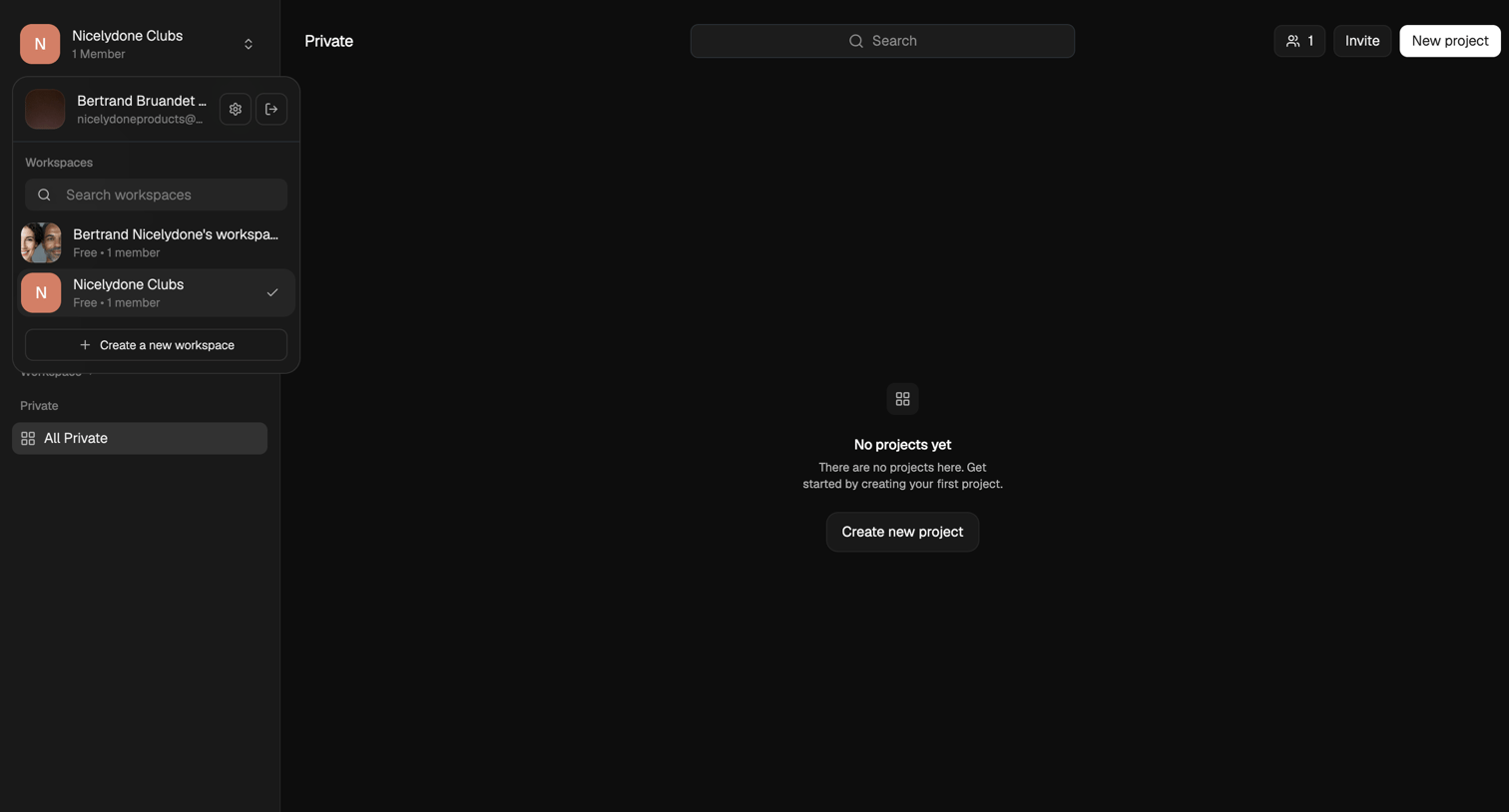

List view where the user is prompted to create their first project in a private workspace.
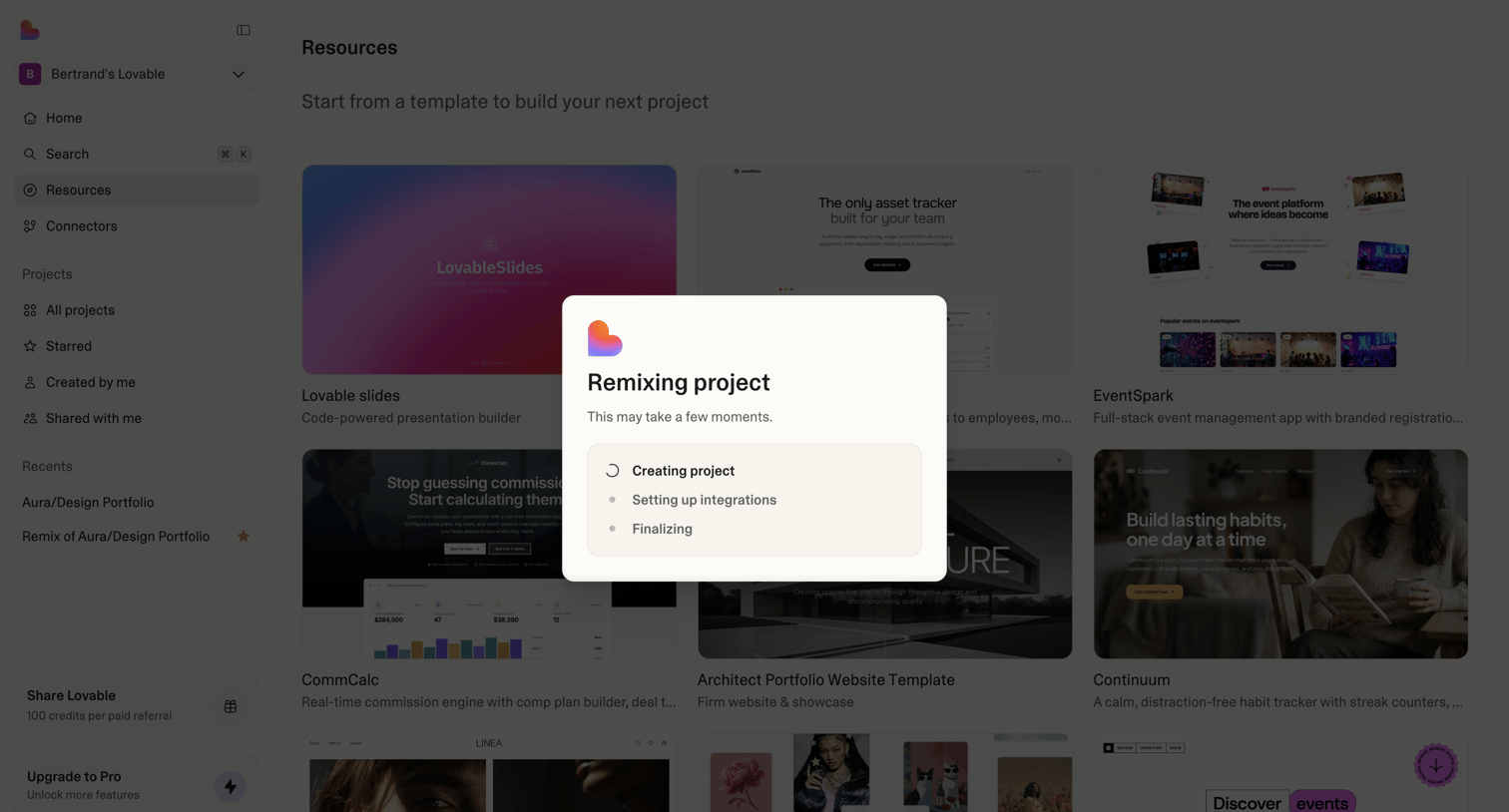

Create page where the user is starting a new project from a template, showing a loading modal with progress steps like creating project and setting up integrations.
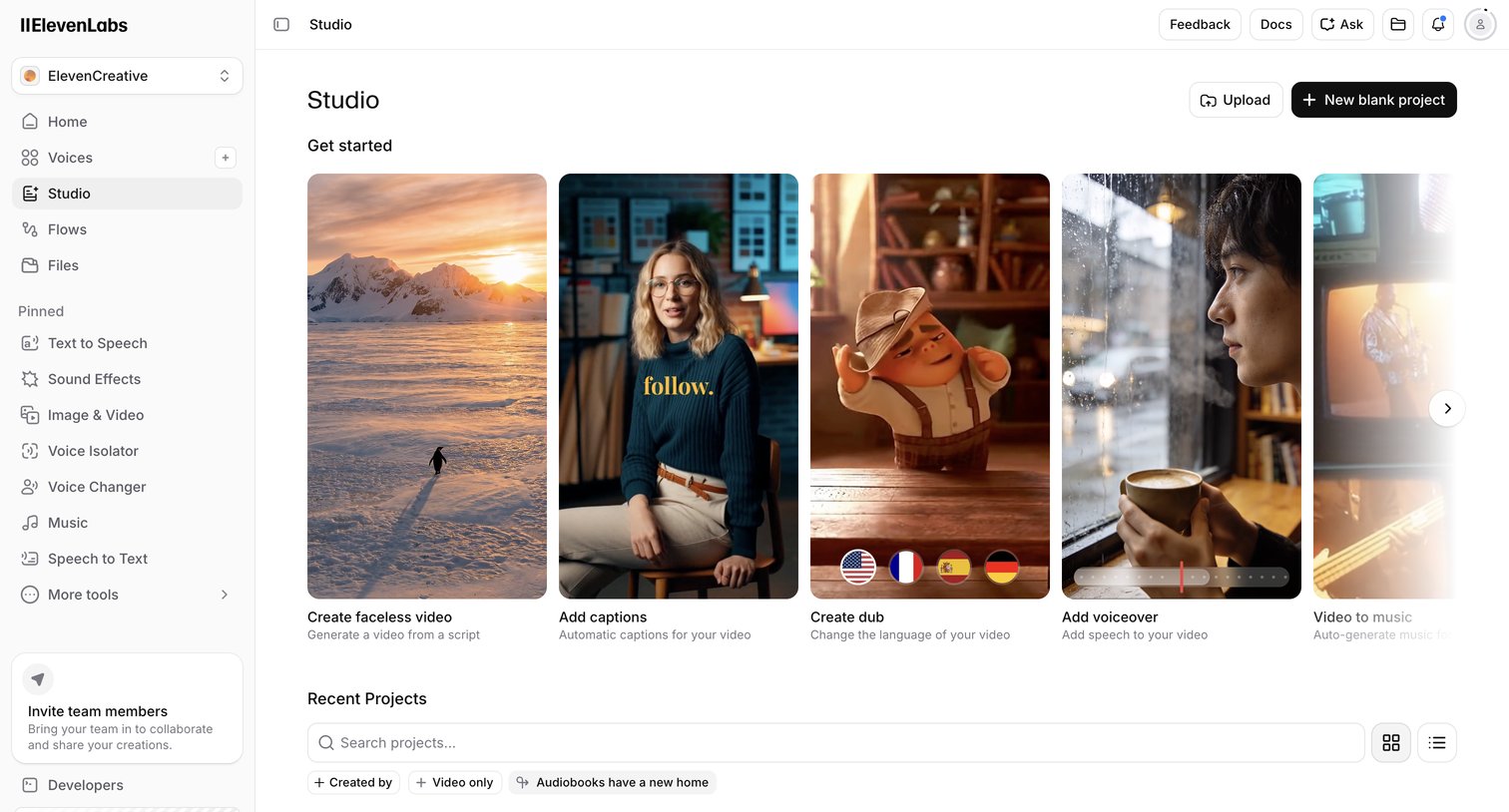

Studio start screen where the user can create a new project from a blank canvas, upload media, or choose from AI generation templates like faceless video and dubbing, while also accessing recent projects.
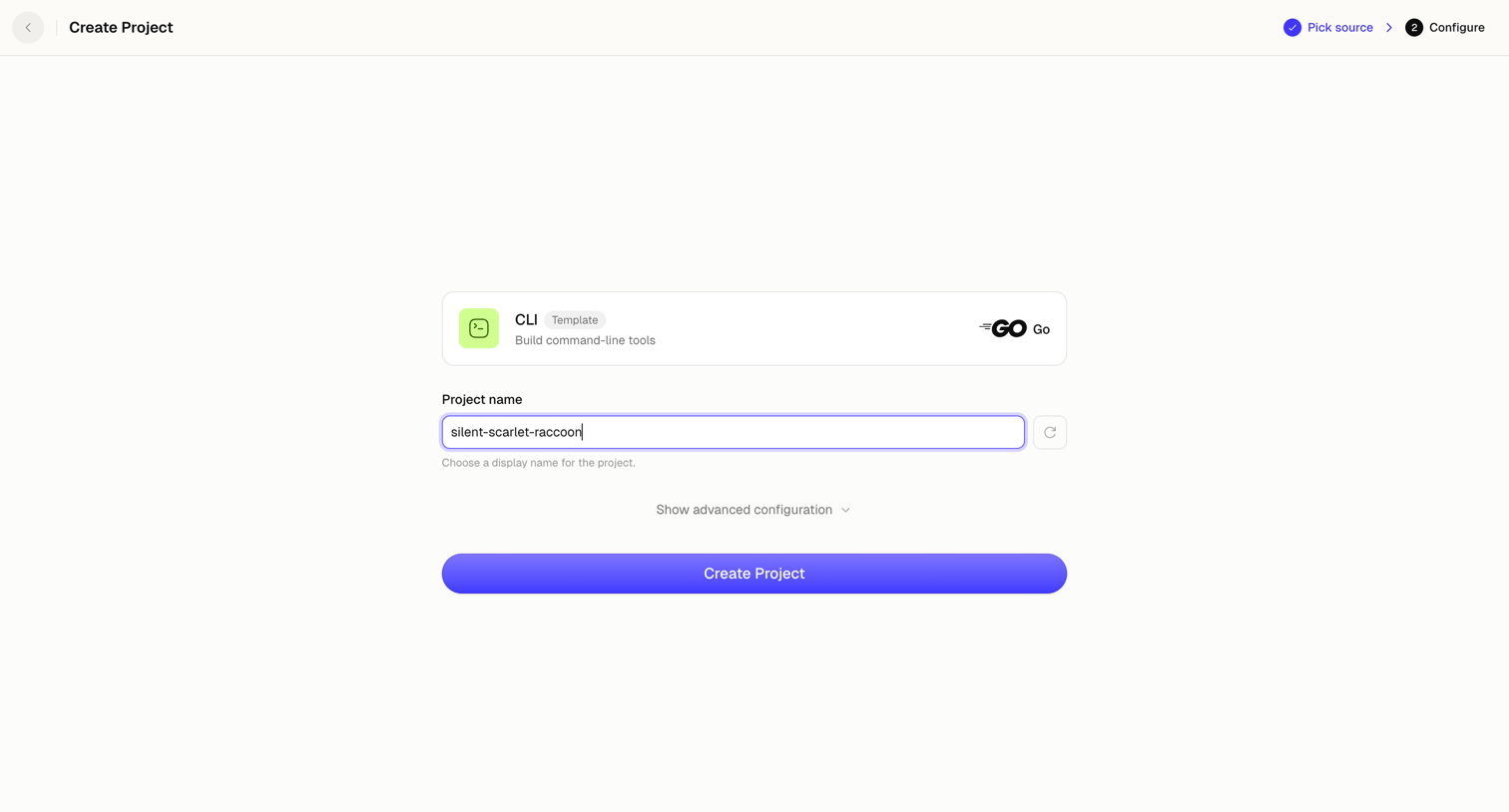

Creation step where the user names their new project, with an auto-generated suggestion, and reviews the selected CLI template before finalizing.
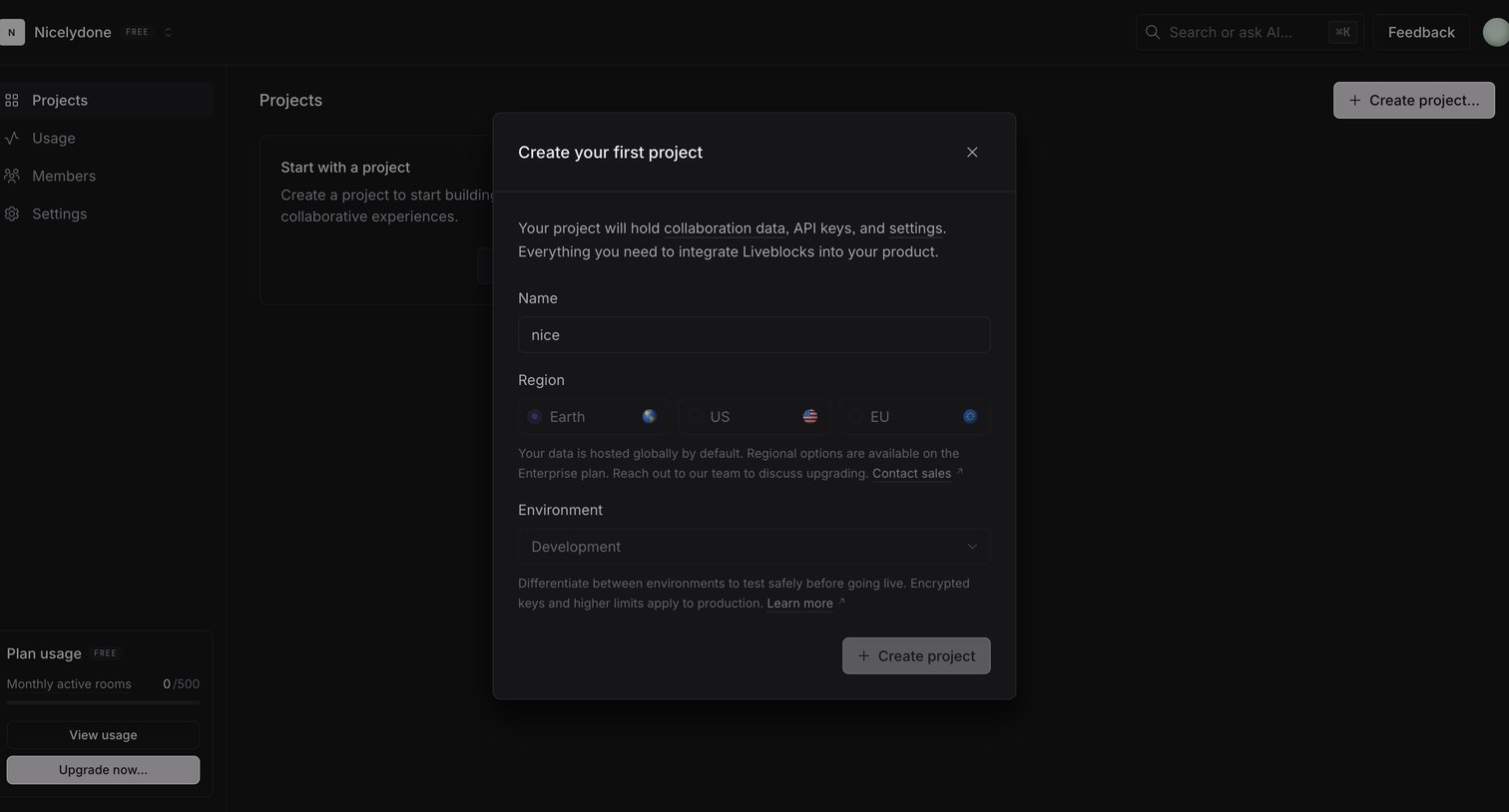

Dashboard with an empty state showing a modal to create a new project, including inputs for name, region, and environment.
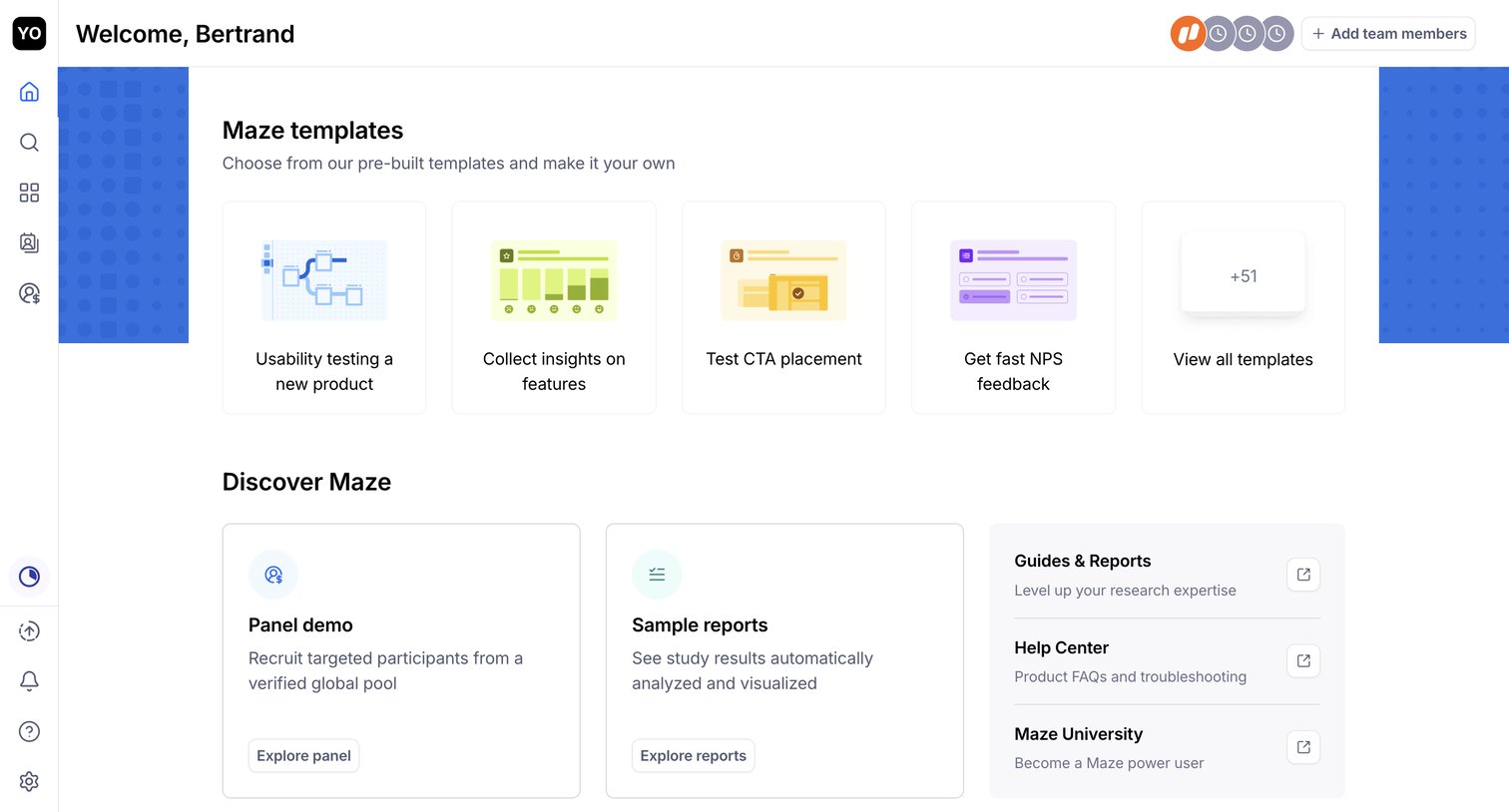

Explore the full SaaS screen library
Upgrade to unlock the full library.
Trusted by the best teams







