Permissions screen examples
Permissions screen design examples from SaaS apps. Browse examples from Dock, Town, Cushion.
Explore the examples
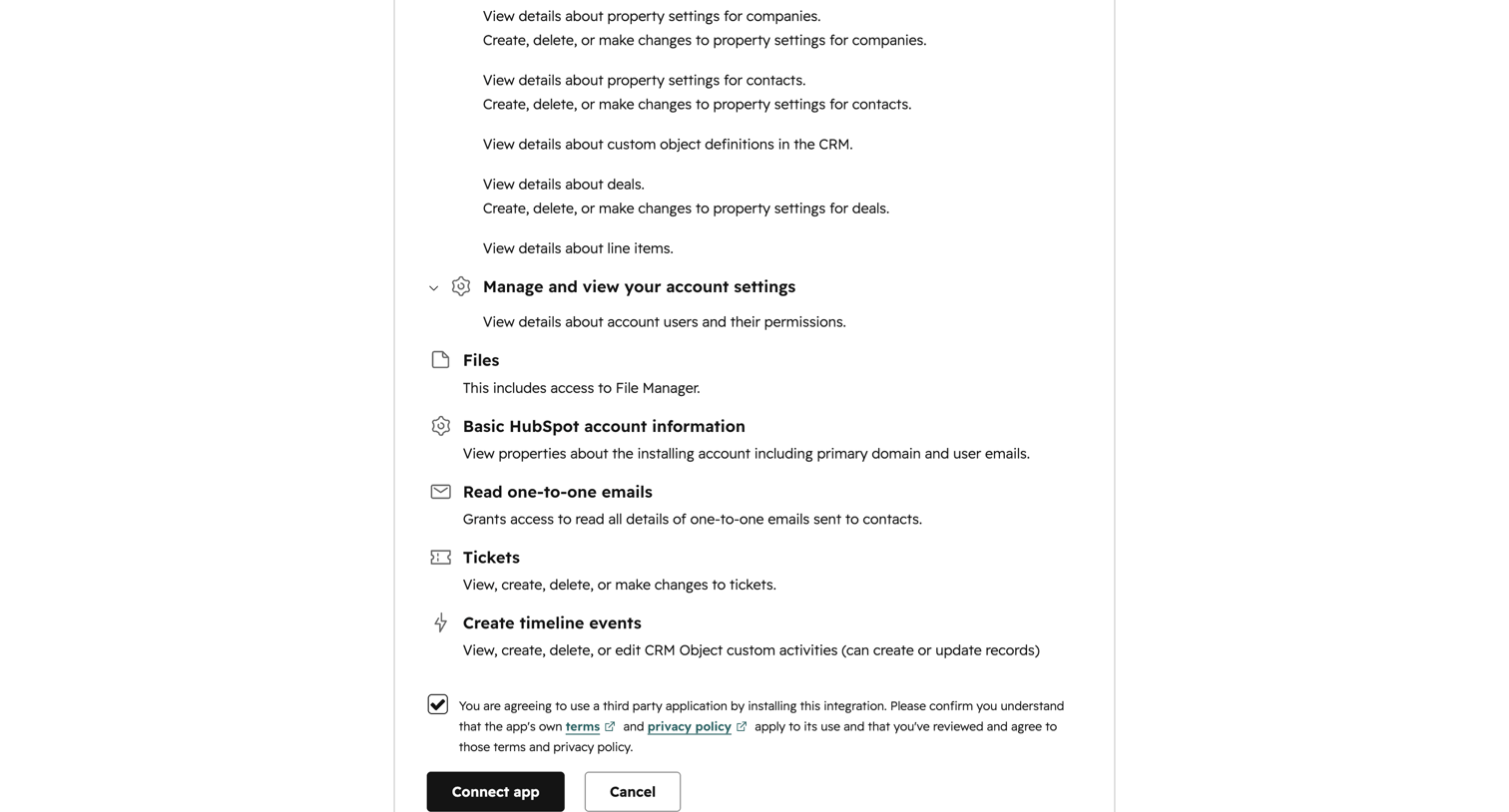

Integration consent screen where the user reviews requested permissions like reading one-to-one emails and managing account settings before connecting a third-party app.
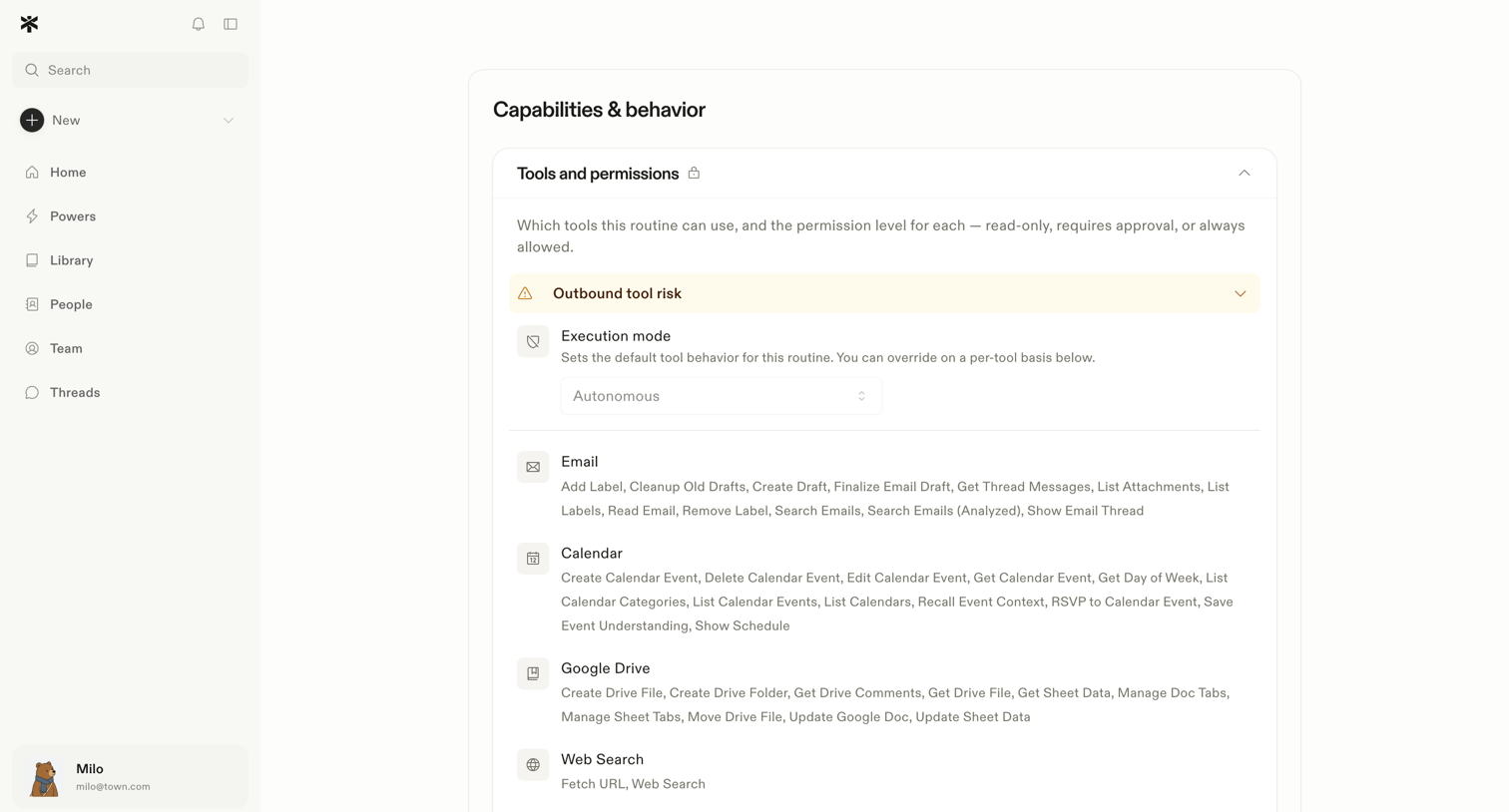

Settings page where the user configures the execution mode and allowed tools like Email, Calendar, and Google Drive for an AI routine.
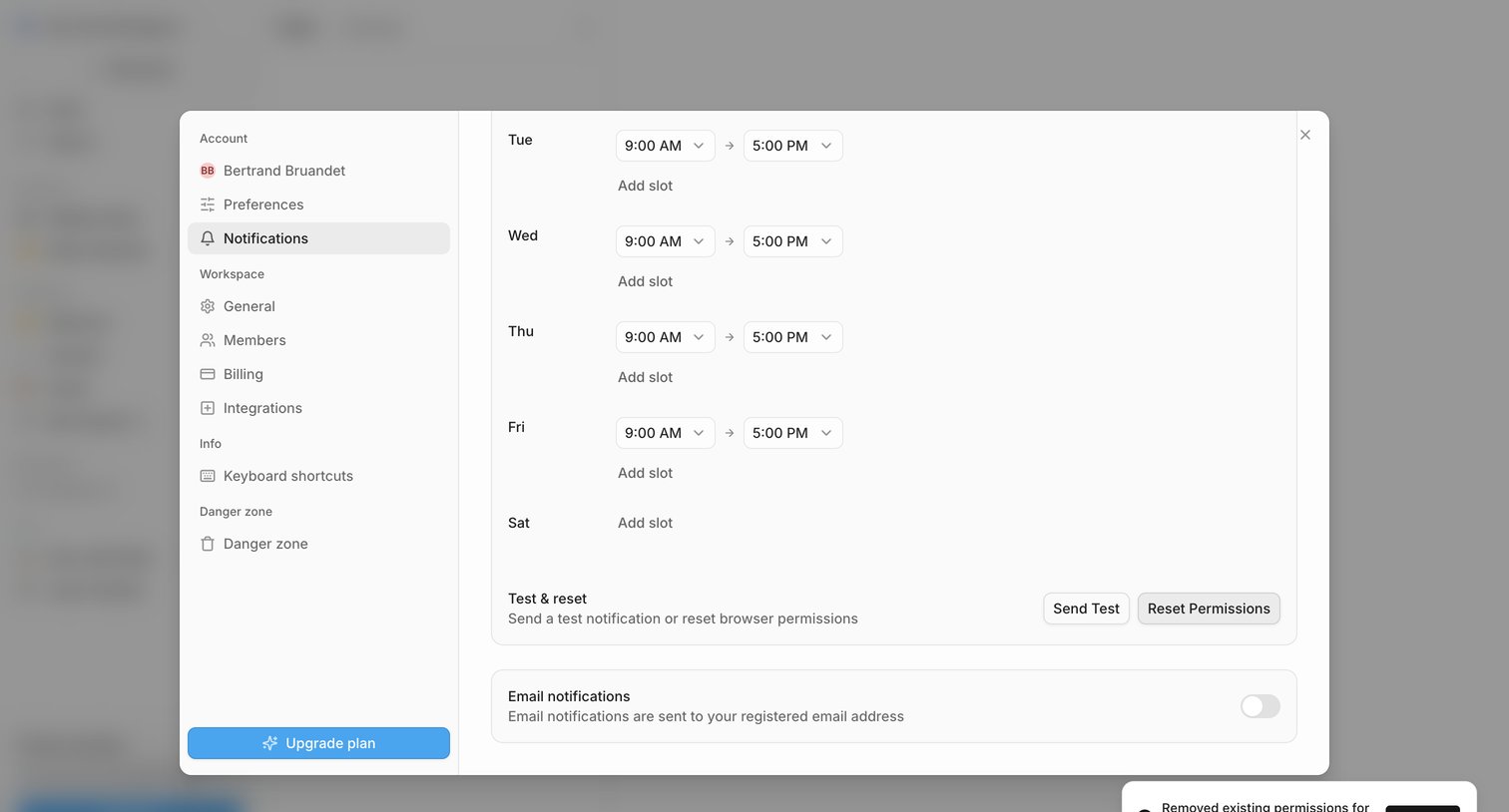

Settings modal where the user configures their weekly notification schedule and toggles email notification preferences.
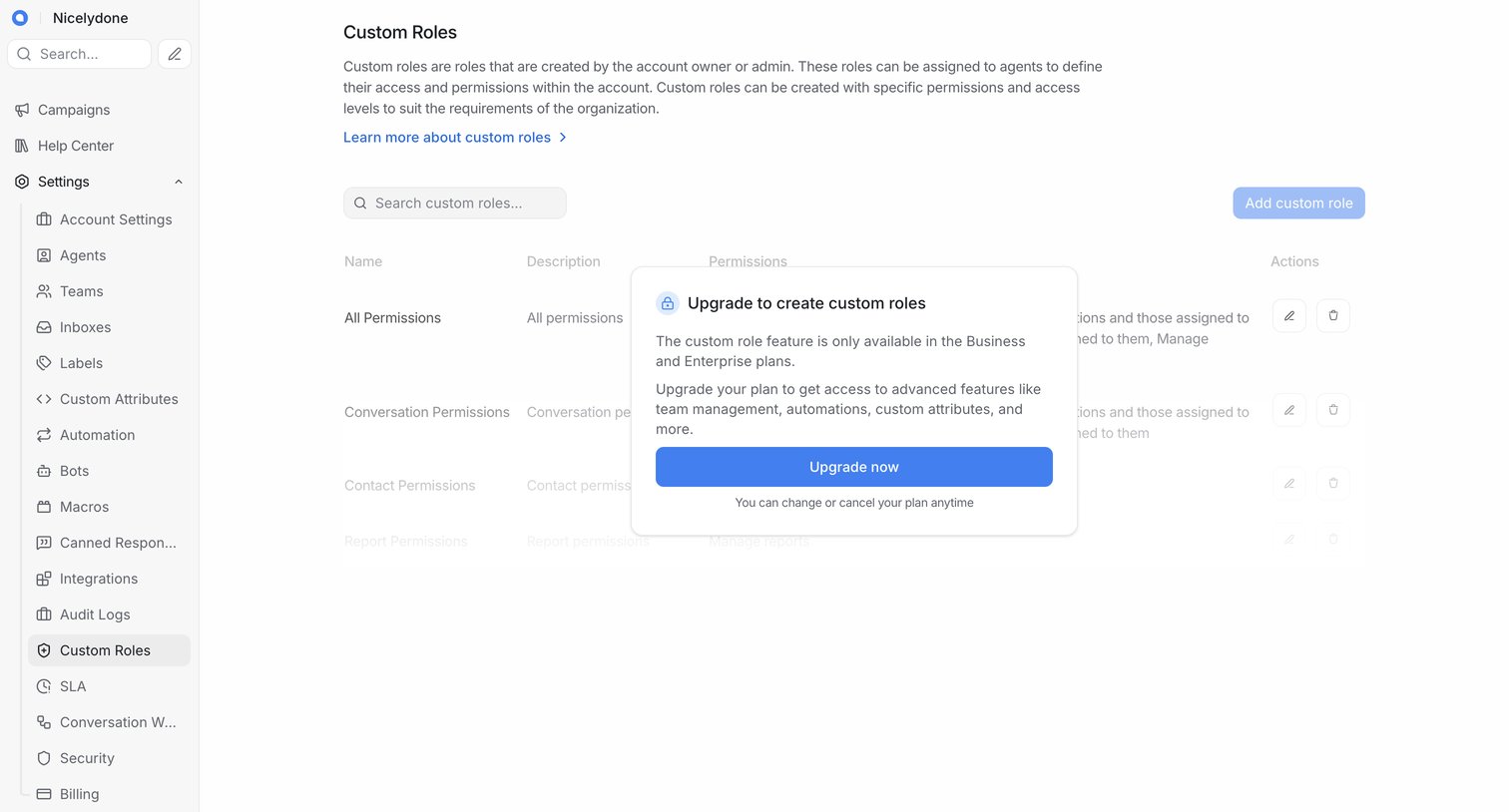

Settings page where the user is blocked from creating custom roles by an upgrade modal prompting them to switch to a Business or Enterprise plan.
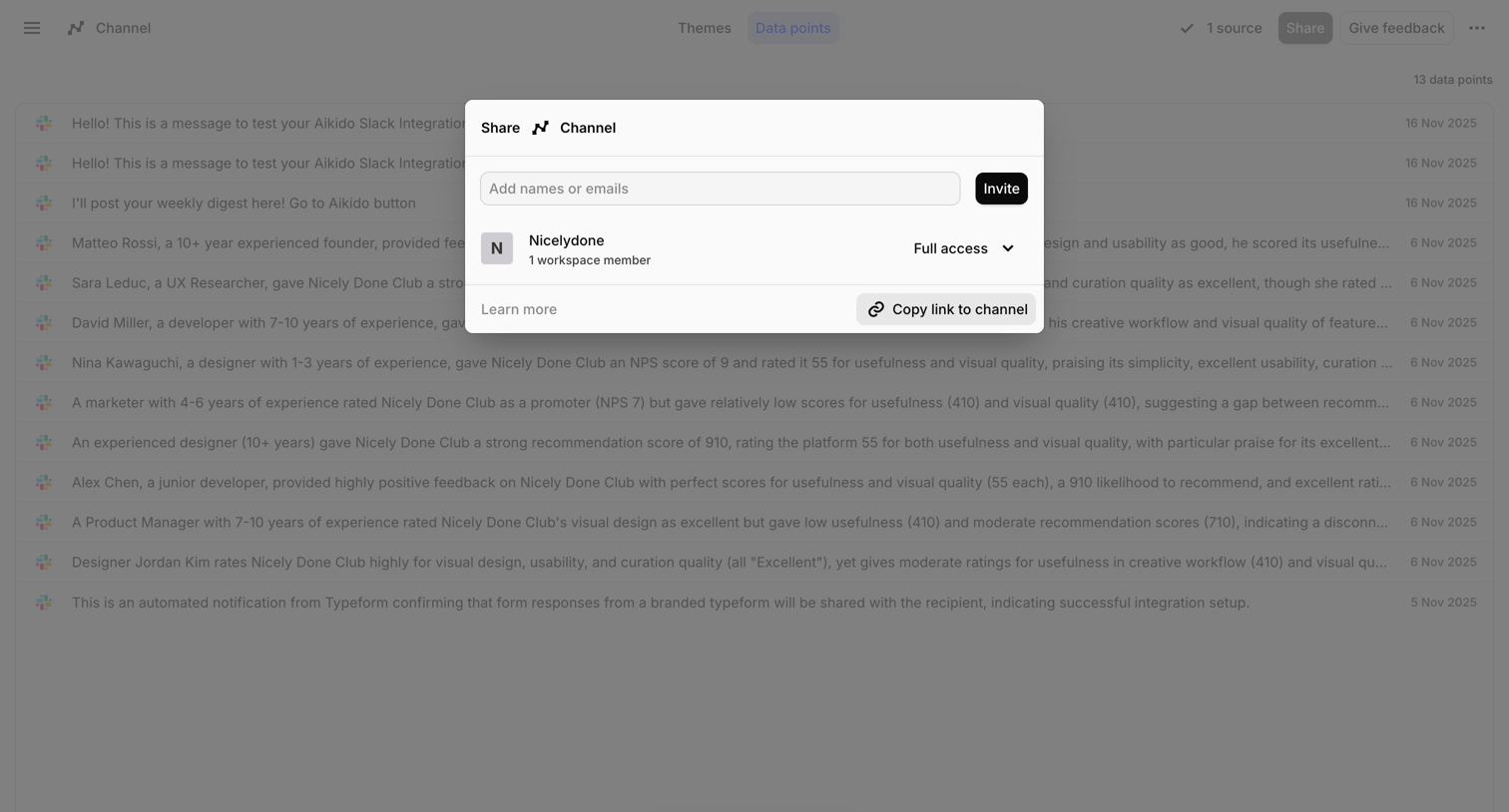

Modal overlay where the user invites teammates by email, manages workspace access, or copies a link to share a data channel.
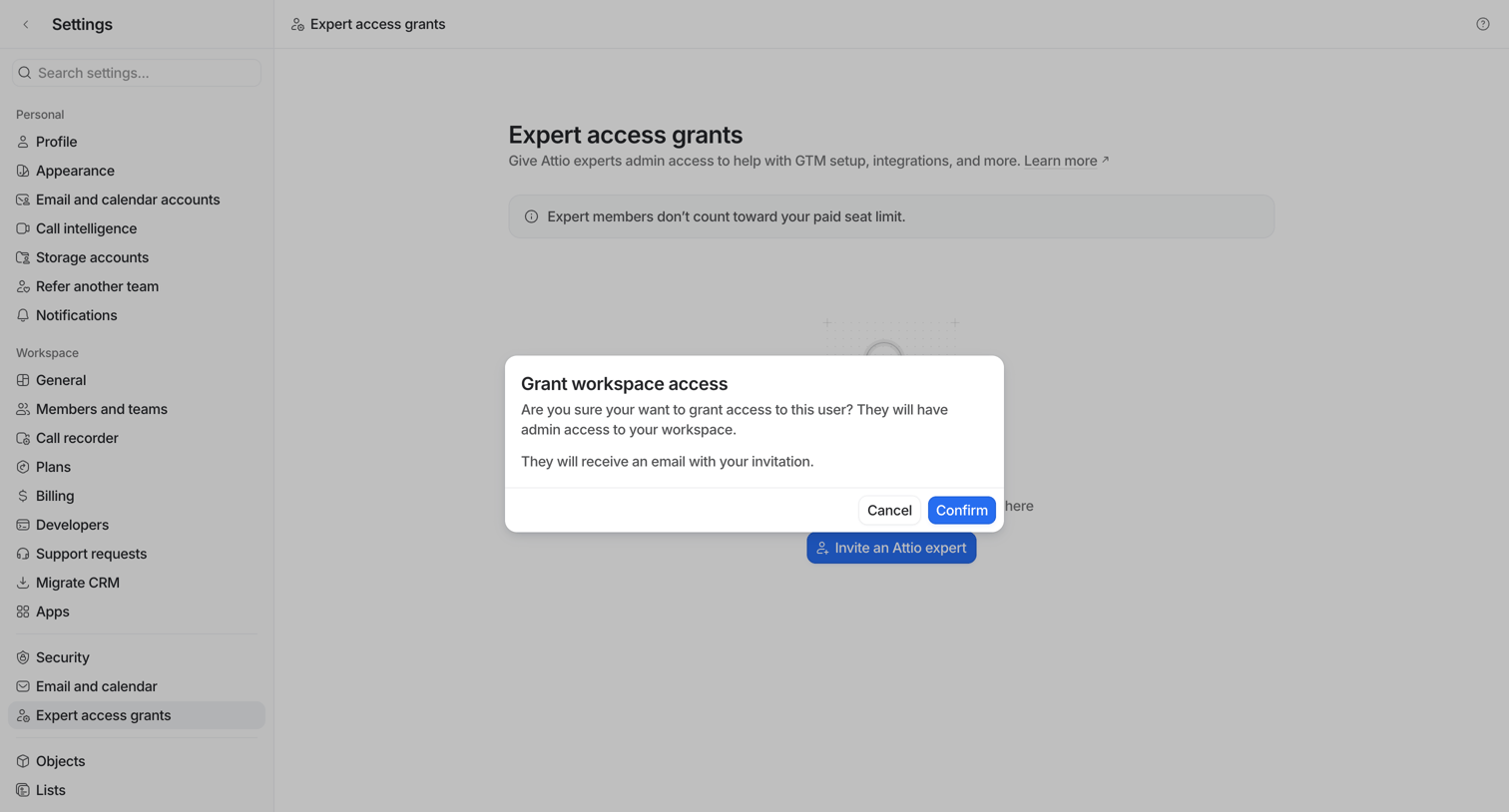

Settings page where the user confirms granting admin workspace access to an external expert via an alert dialog.
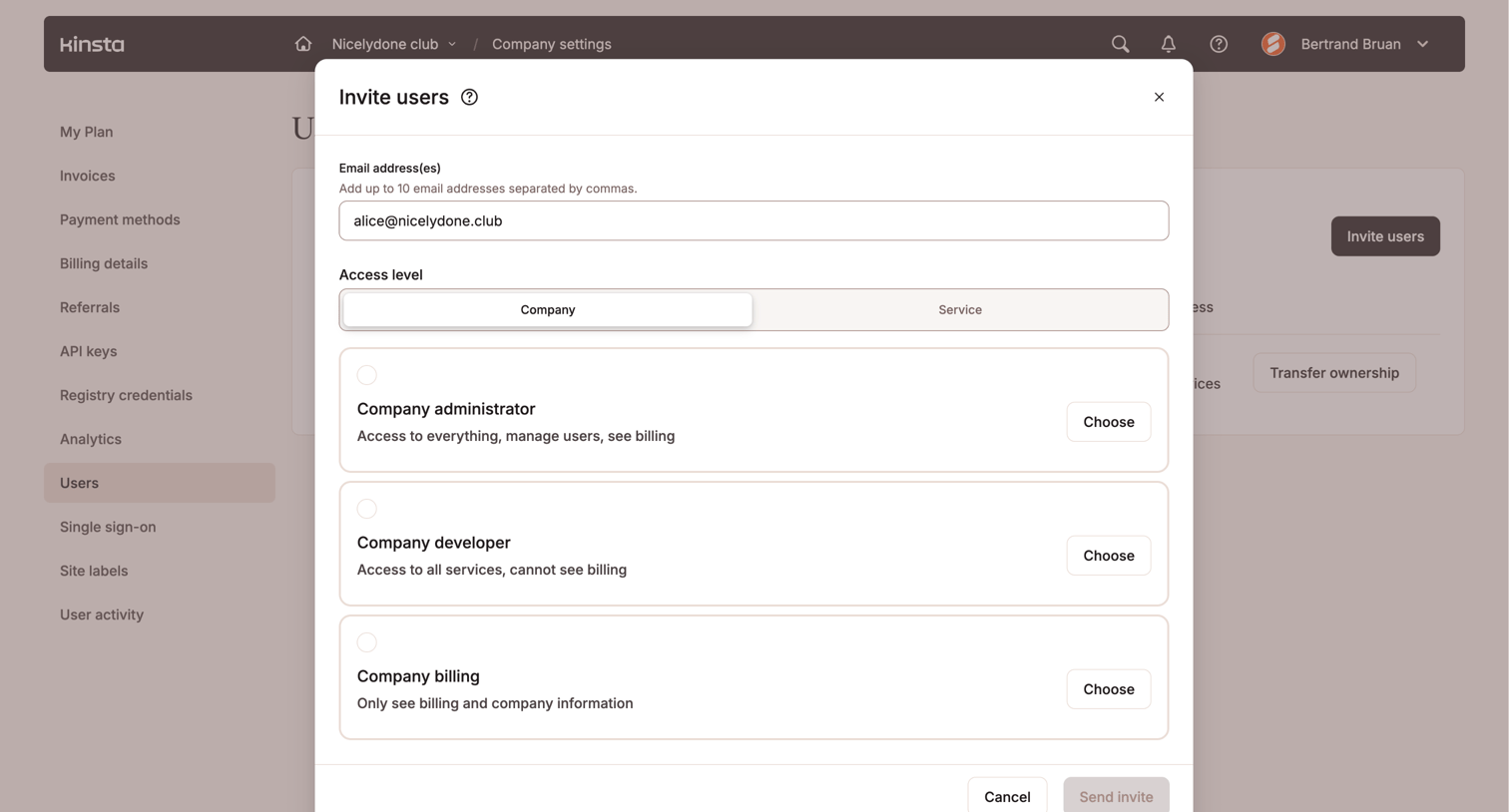

Settings page where the user invites new teammates by entering their email address and selecting an access level like Company administrator or Company developer.
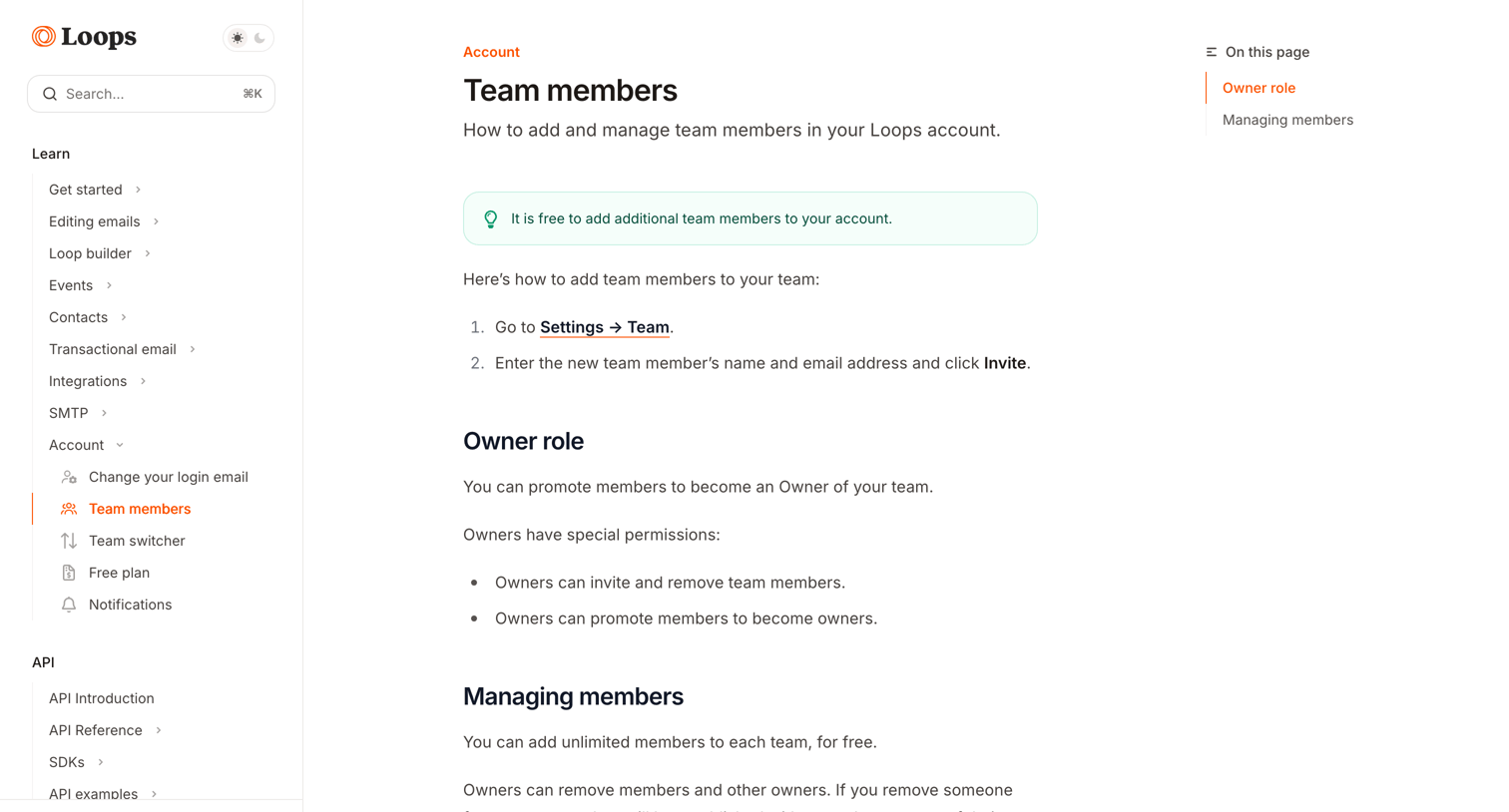

Help center article explaining how to add and manage team members, including details on the owner role and permissions.
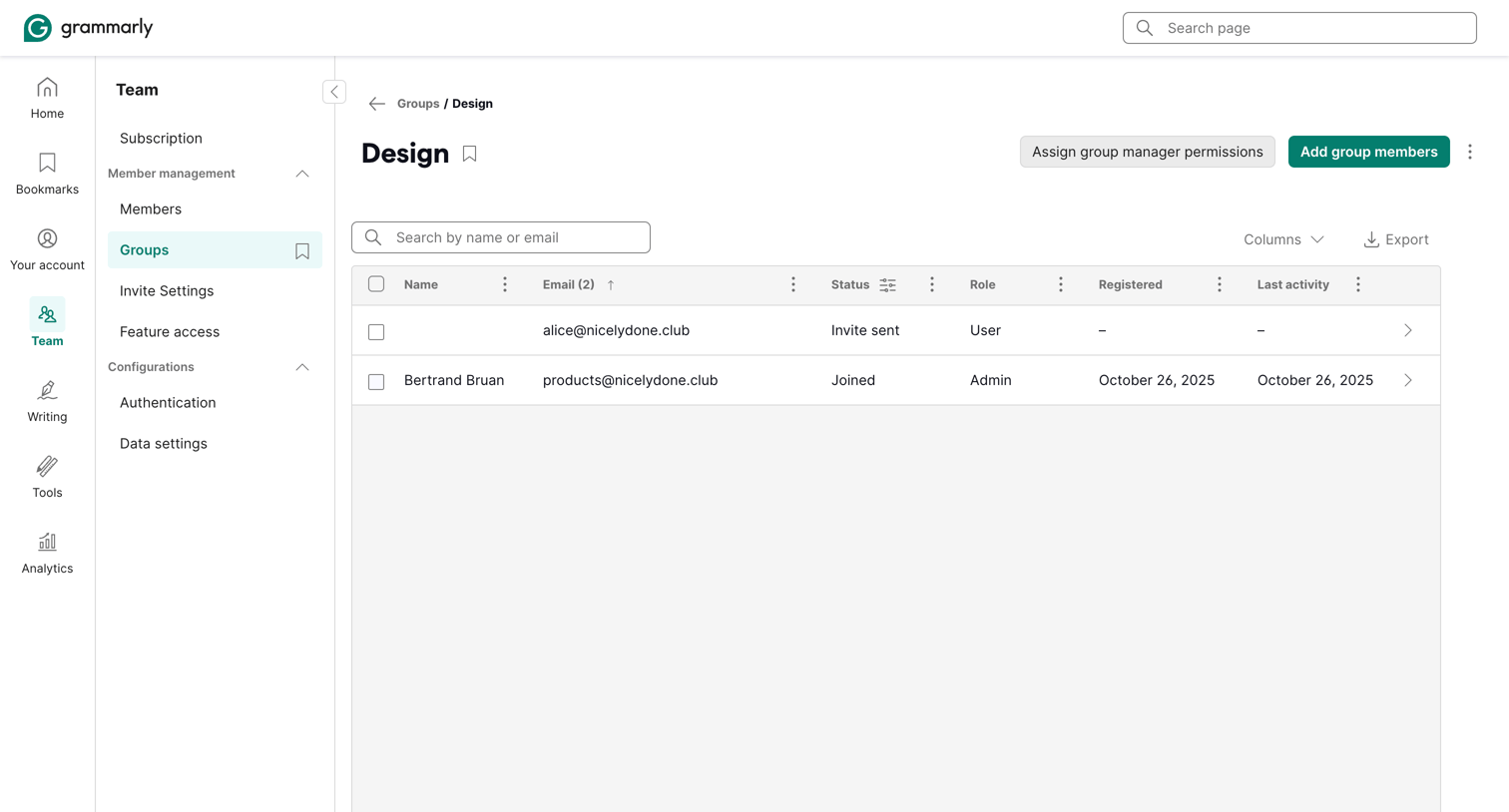

Settings page where an admin manages the members, permissions, and roles for the Design group.
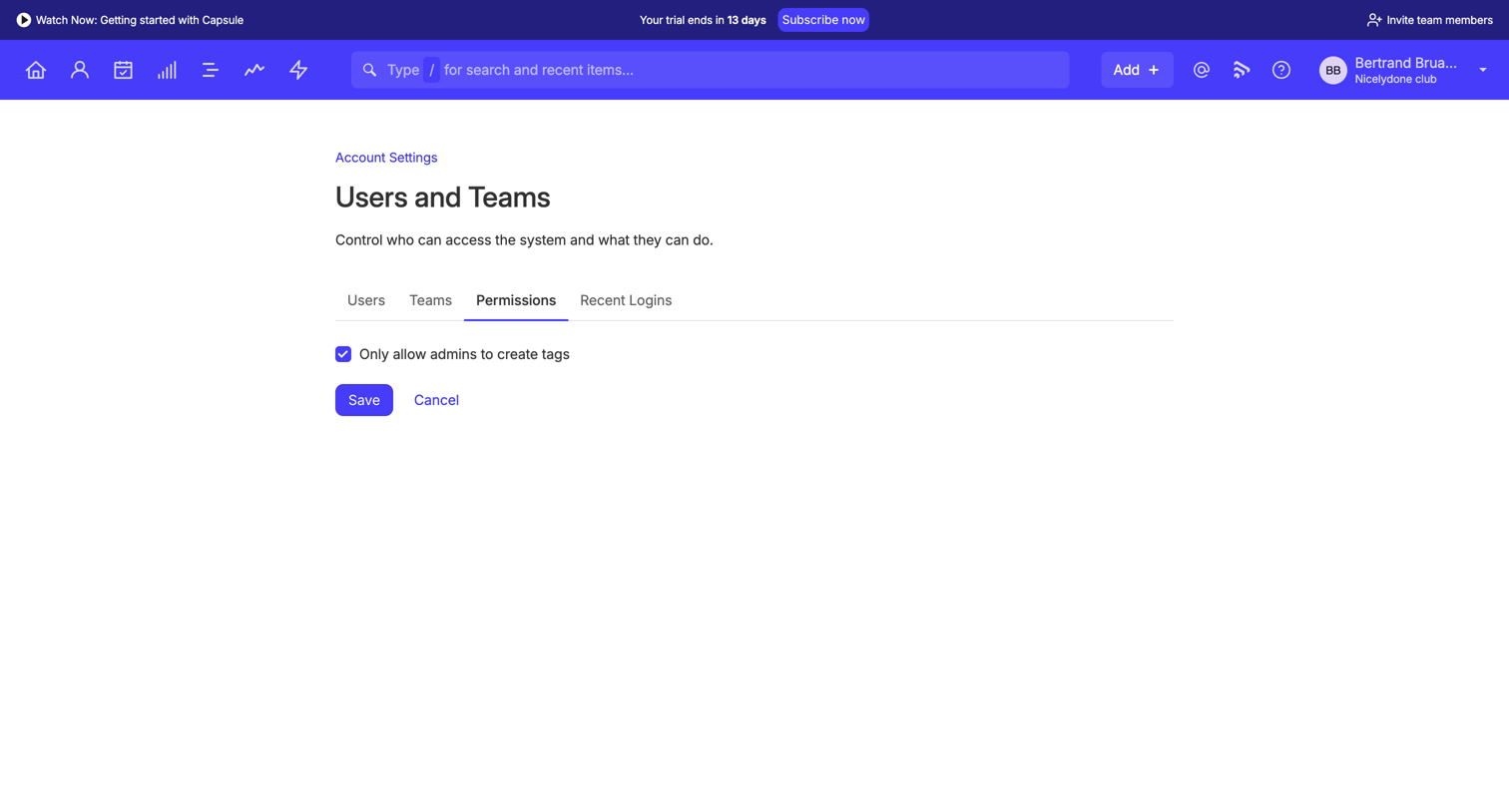

Settings page where the user configures global permissions, specifically toggling whether only admins can create tags.
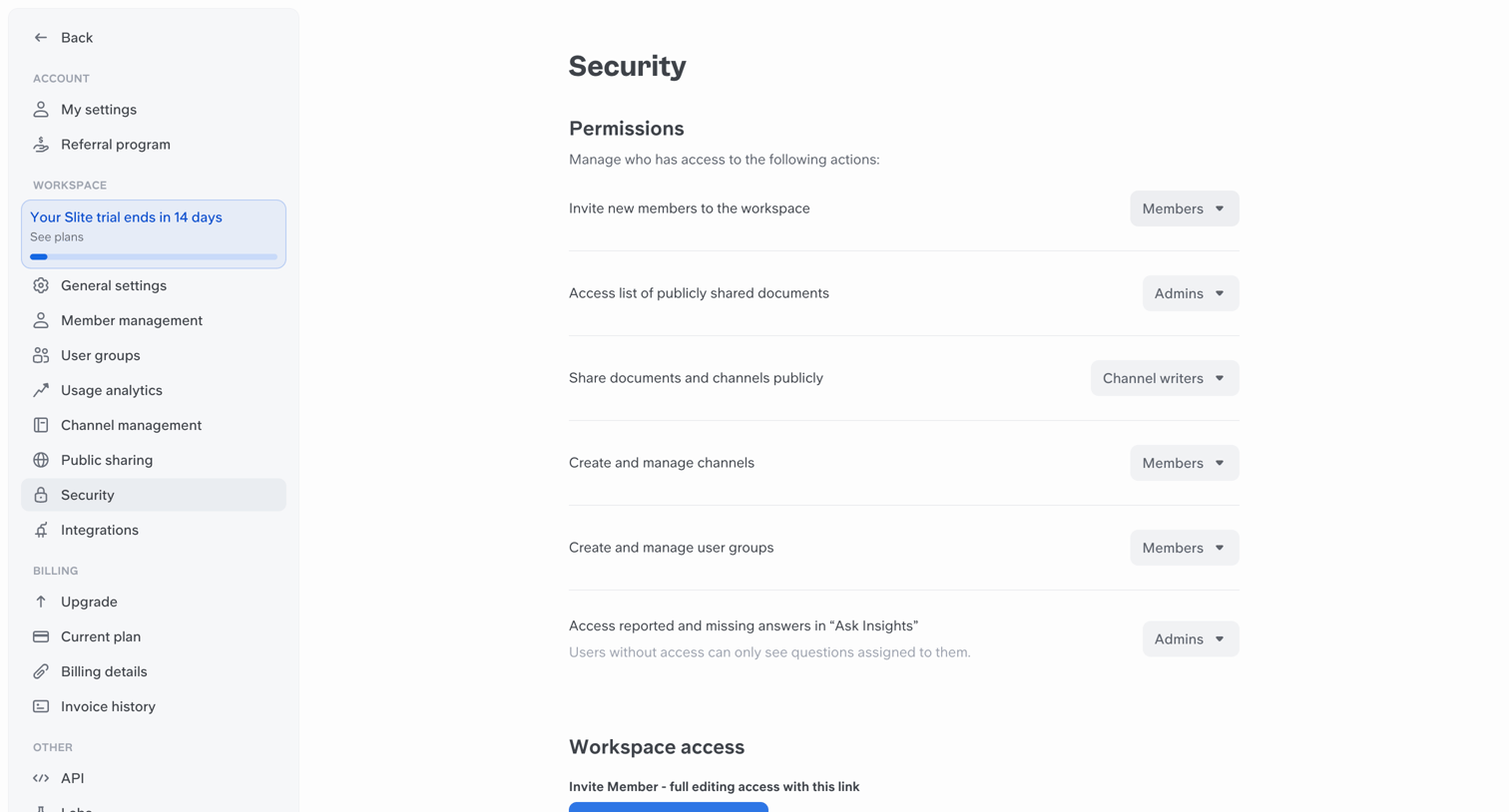

Settings page where the user configures workspace permissions for specific actions like inviting members or managing channels, and can generate a workspace access link.
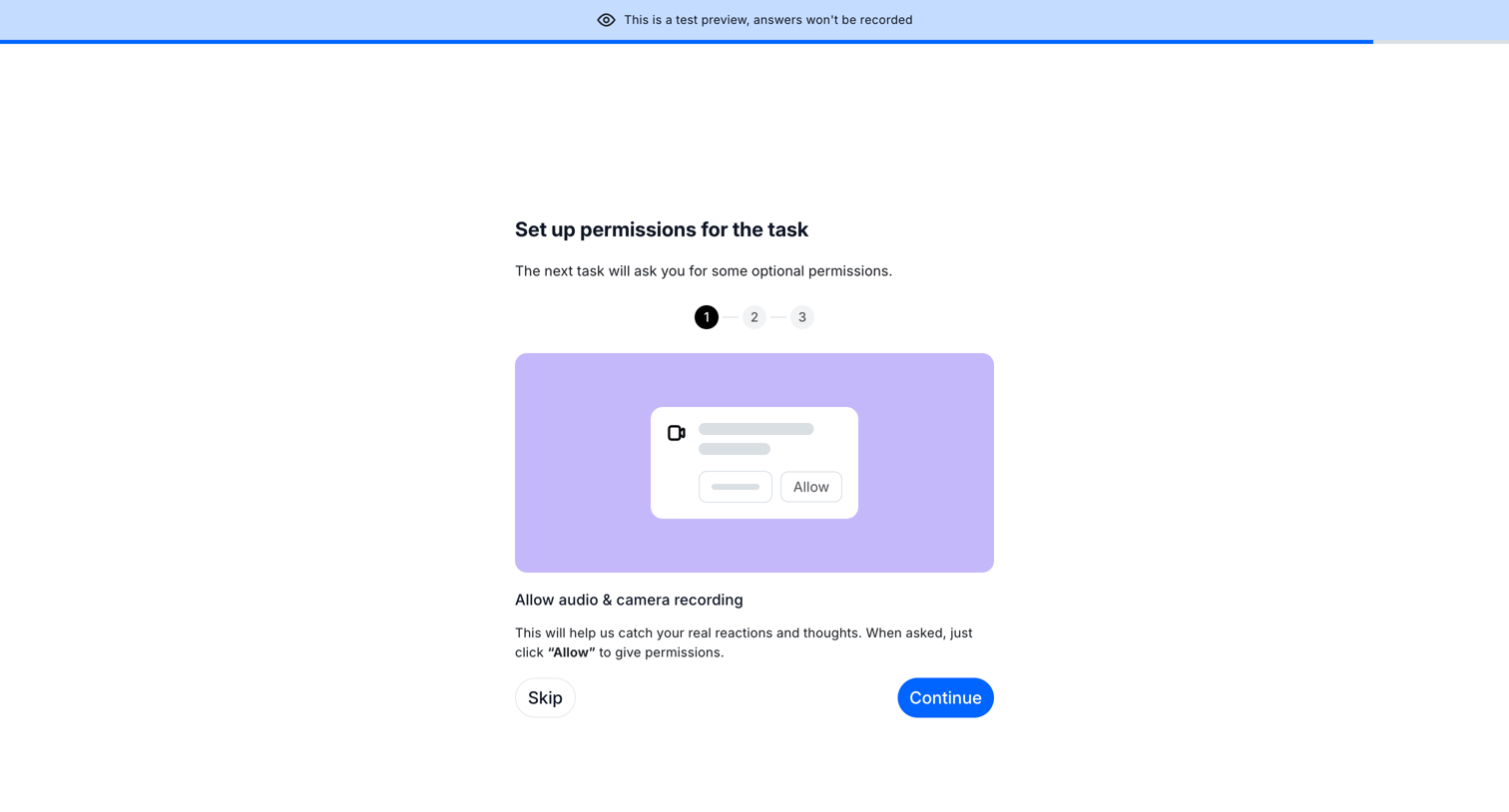

Onboarding step where a test participant is prompted to allow audio and camera recording before starting a task.
Explore the full SaaS screen library
Upgrade to unlock the full library.
Trusted by the best teams







