Payment history screen examples
Payment history screen design examples from SaaS apps. Browse examples from Polar, Latitude.sh, Inference.
Explore the examples
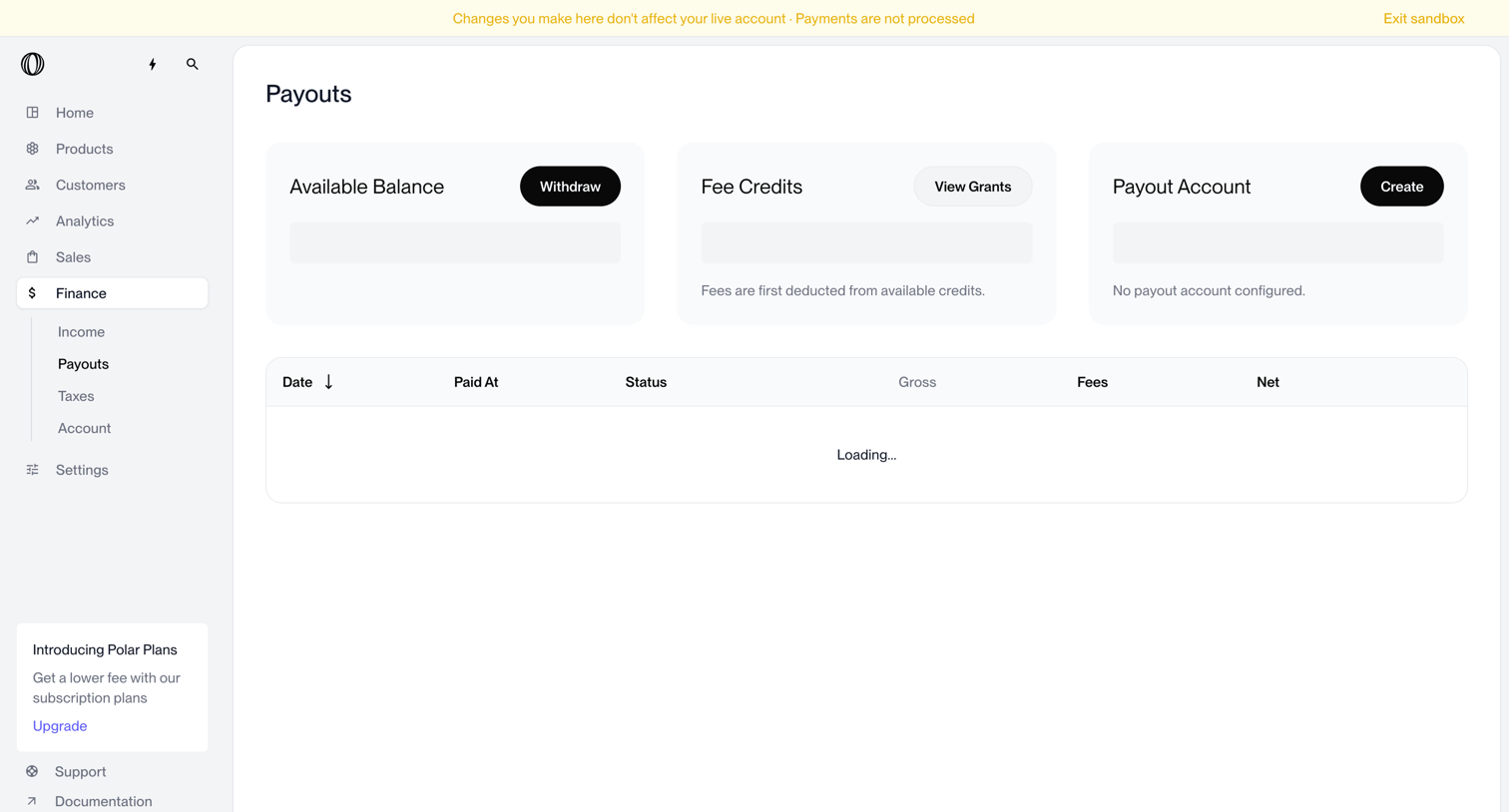

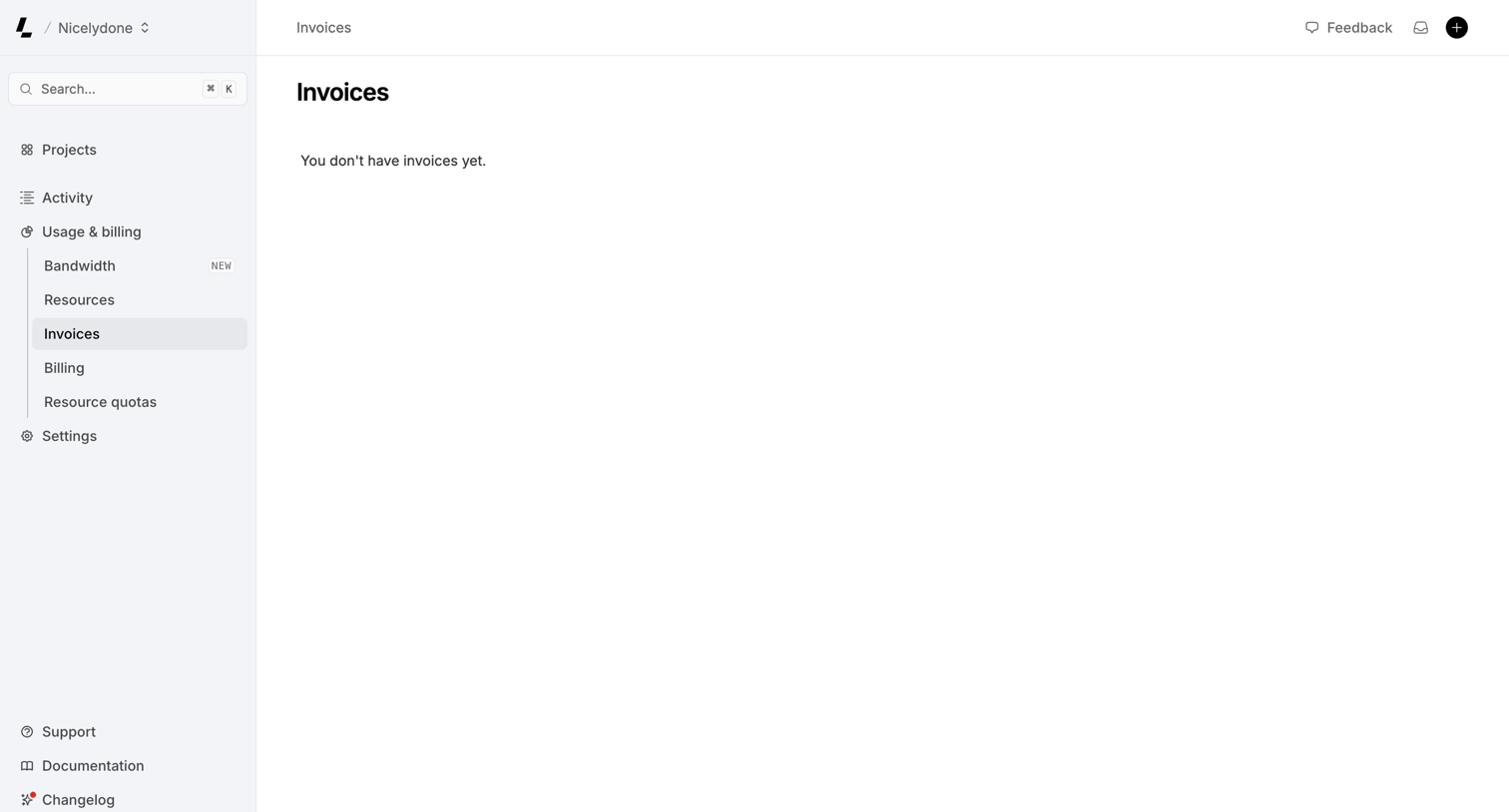

Billing settings page where the user views their invoices, currently showing an empty state with no past billing records.
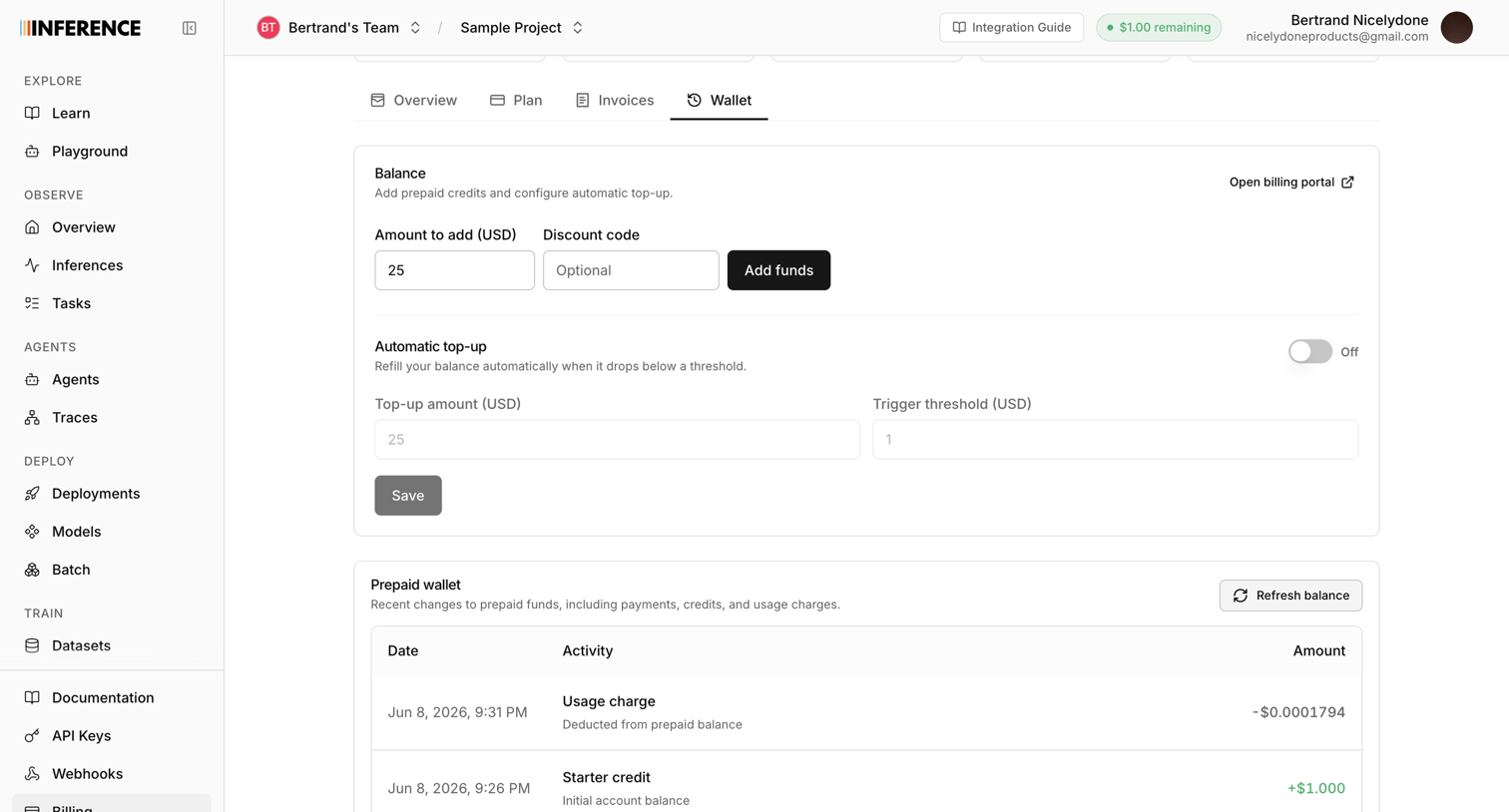

Settings page where the user manages their prepaid wallet by adding funds, configuring automatic top-ups, and reviewing transaction history.
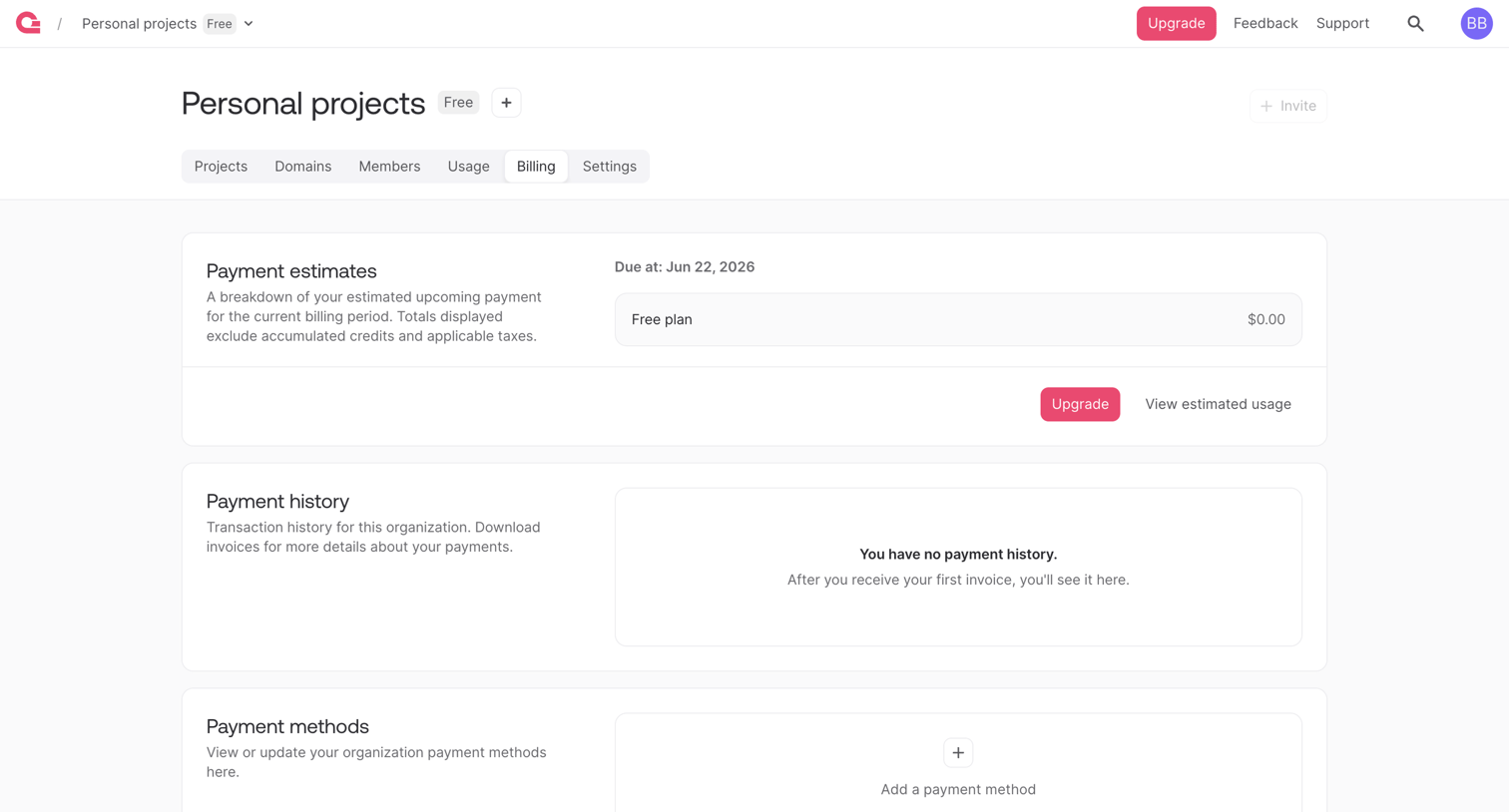

Settings page where the user views payment estimates, history, and manages payment methods for their organization.
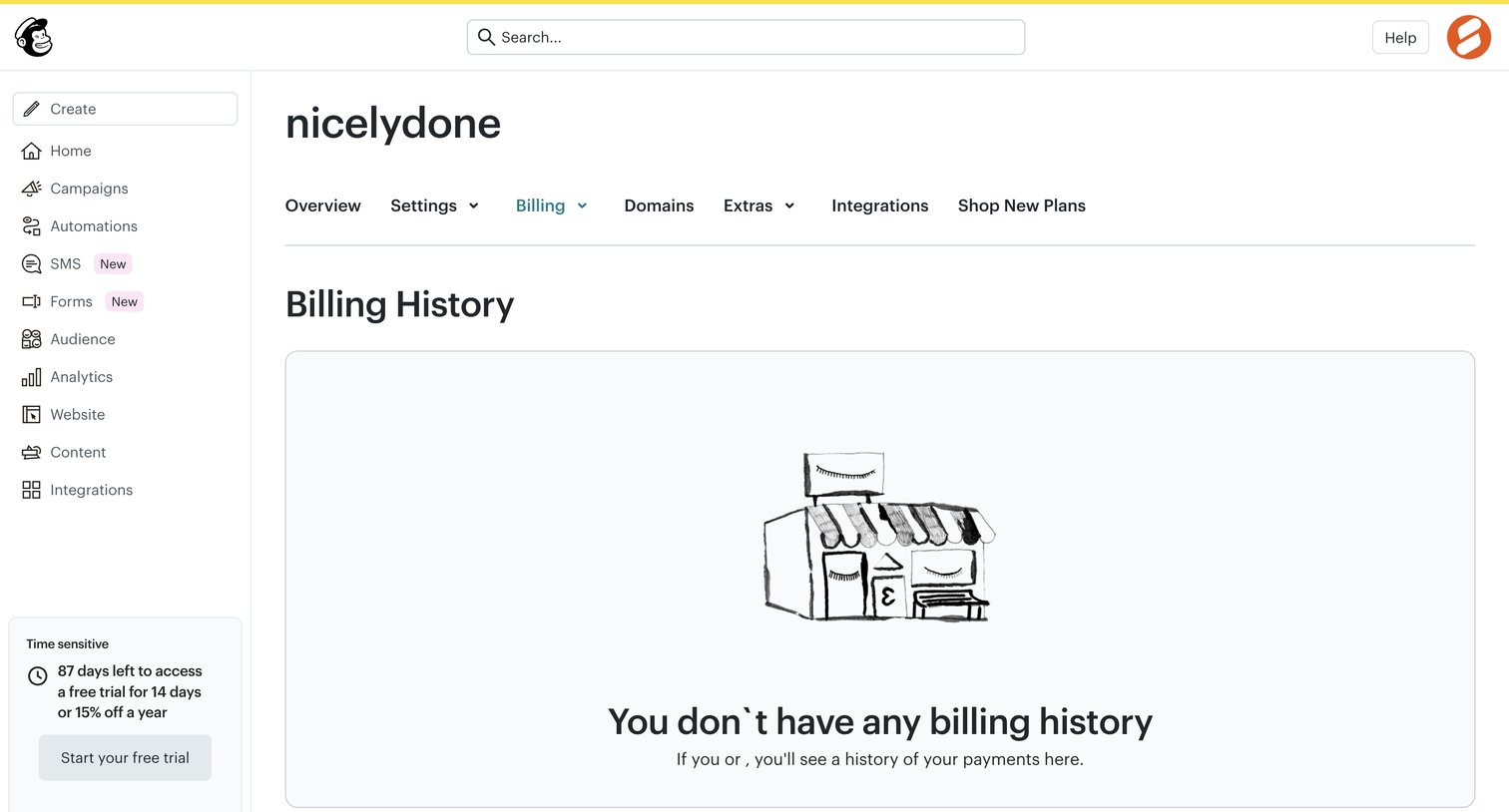

Settings page where the user views their billing history, currently showing an empty state with an illustration and a prompt to start a free trial.
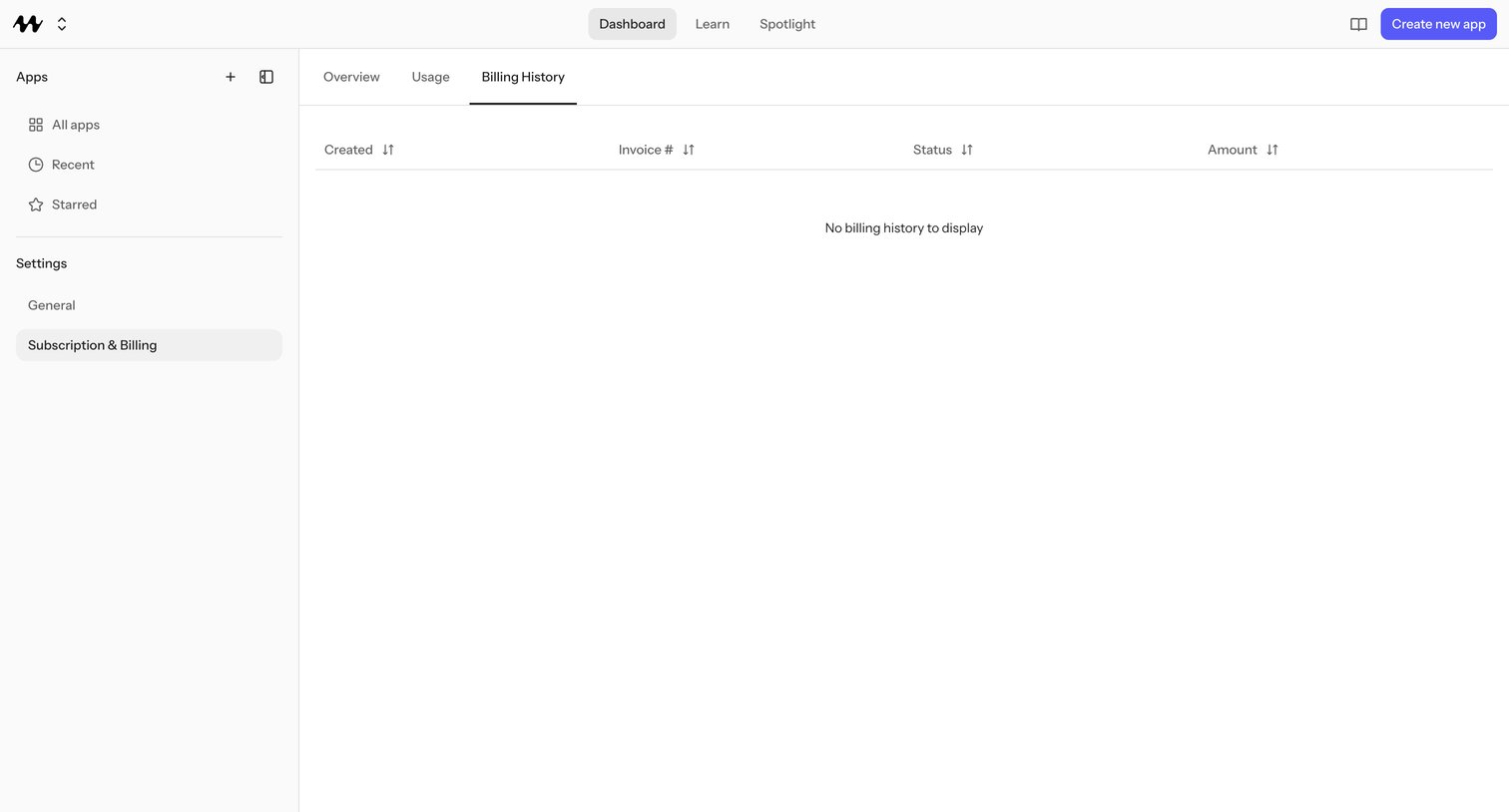

Subscription settings page where the user reviews invoice history across Overview, Usage, and Billing History tabs, with no invoices yet recorded.
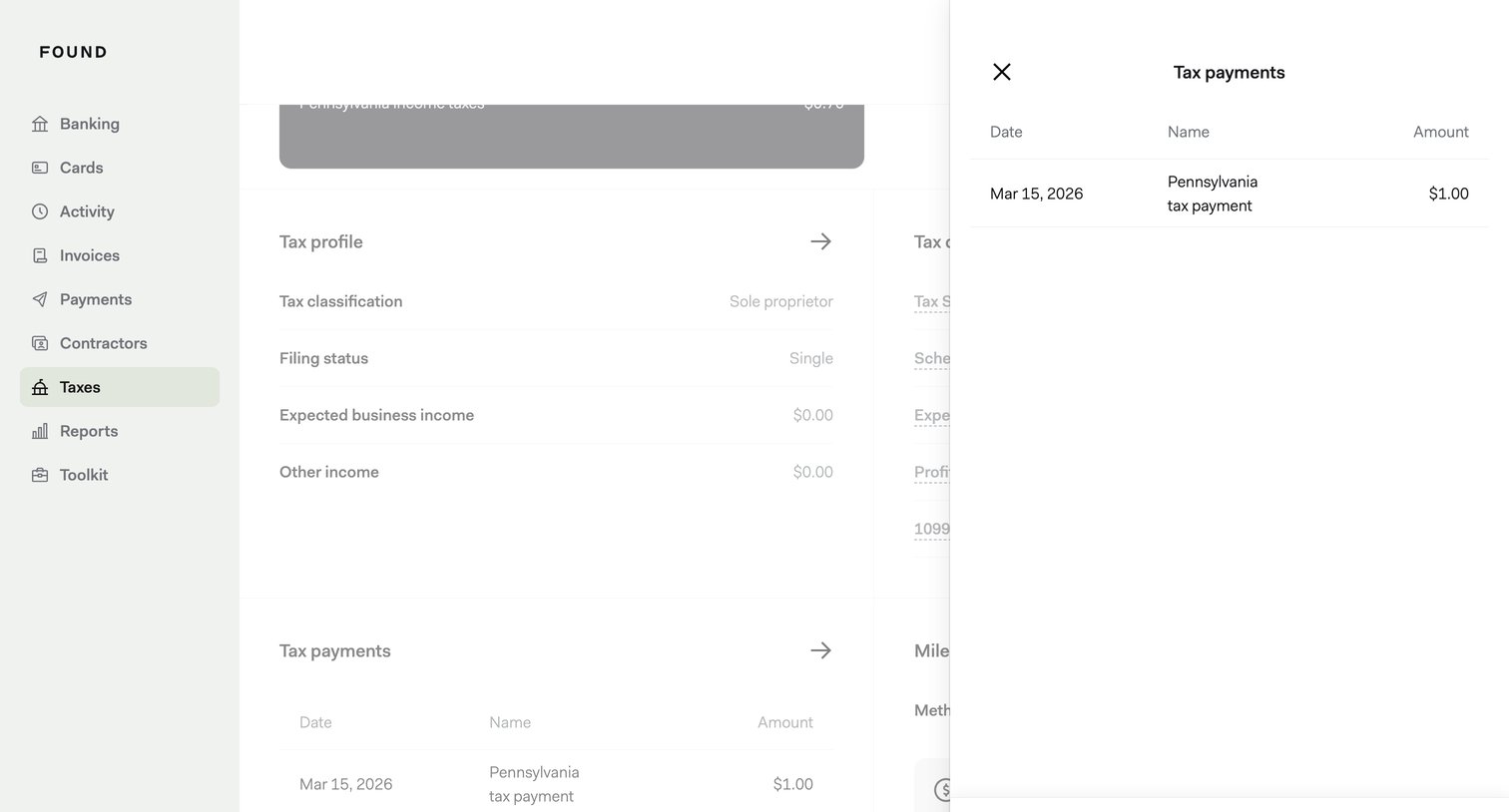

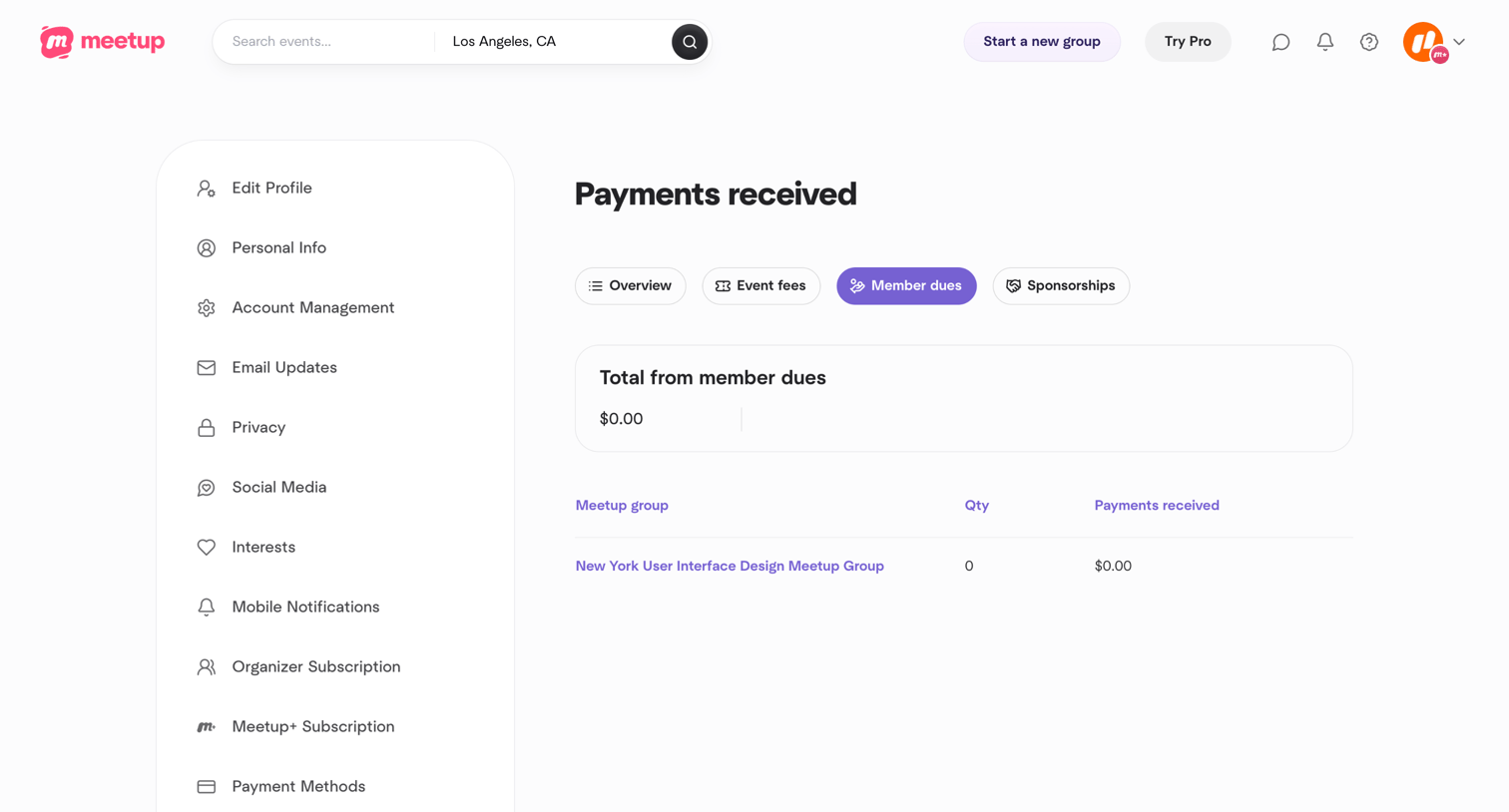

Settings page where the user views a summary of total payments received from member dues for their Meetup groups.
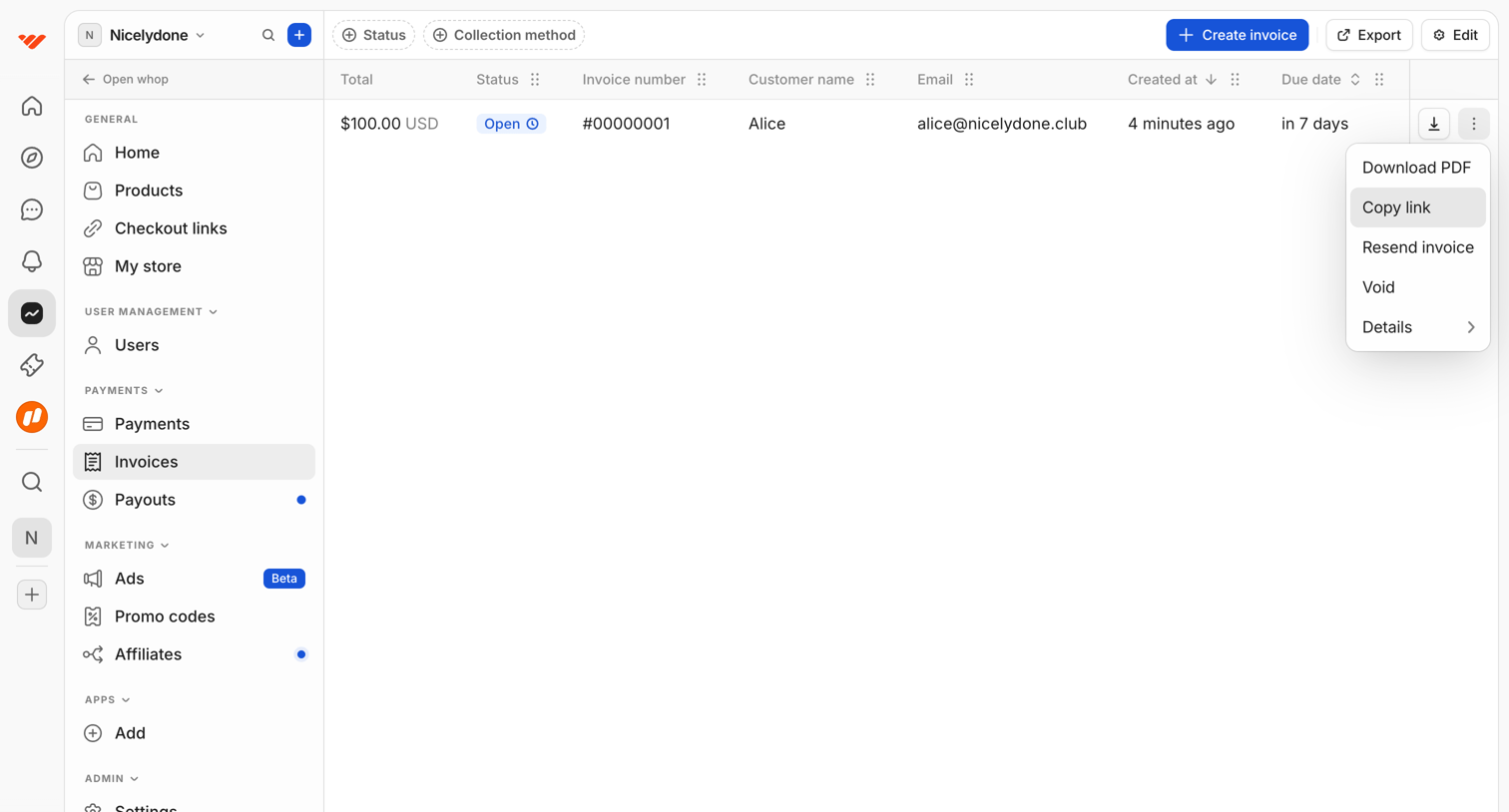

List view where the user manages customer invoices, with options to filter by status or collection method, create new invoices, and perform row-level actions like downloading PDFs or copying links.
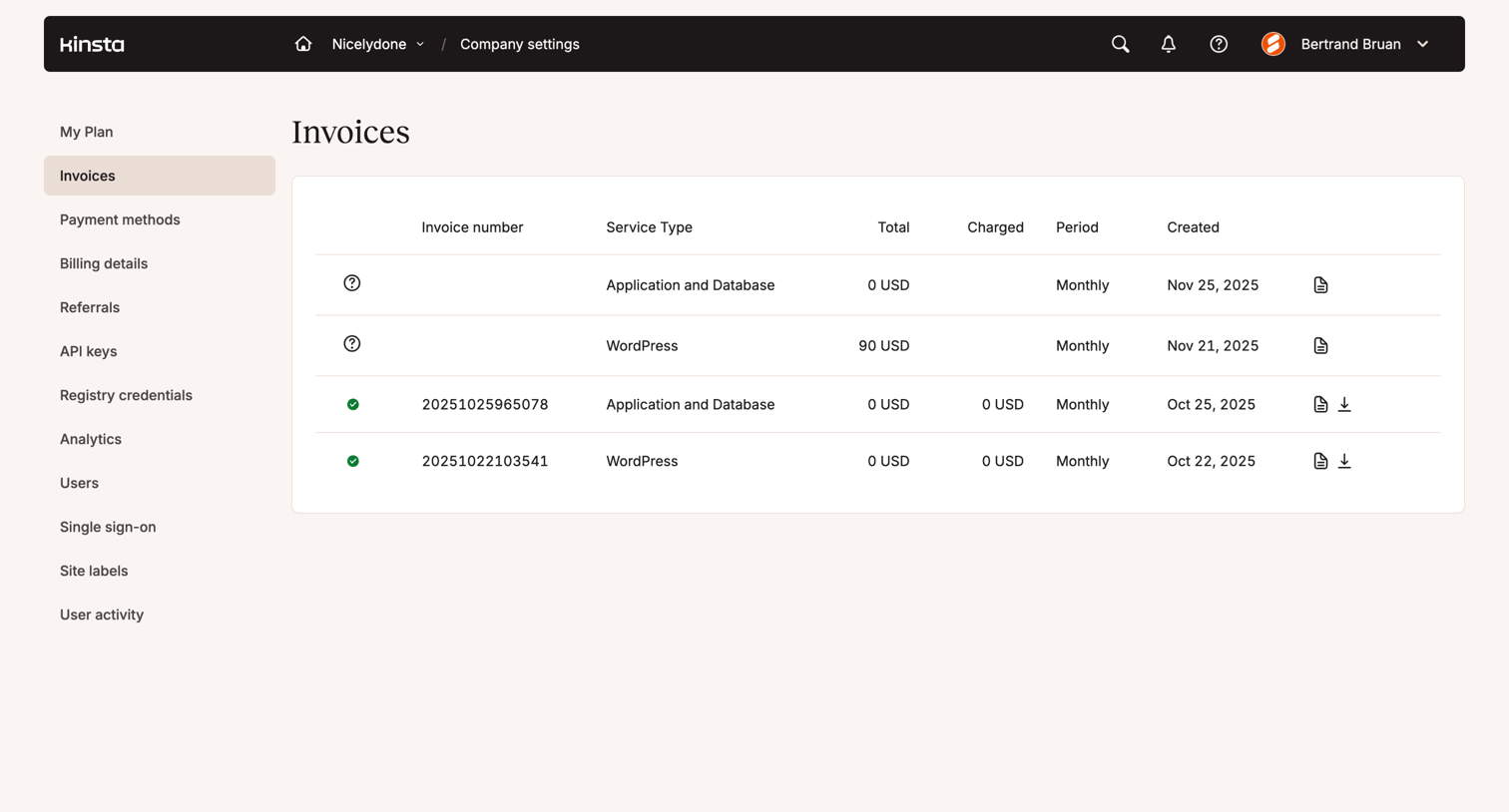

Settings page where the user views their company's billing invoices and can download past statements.
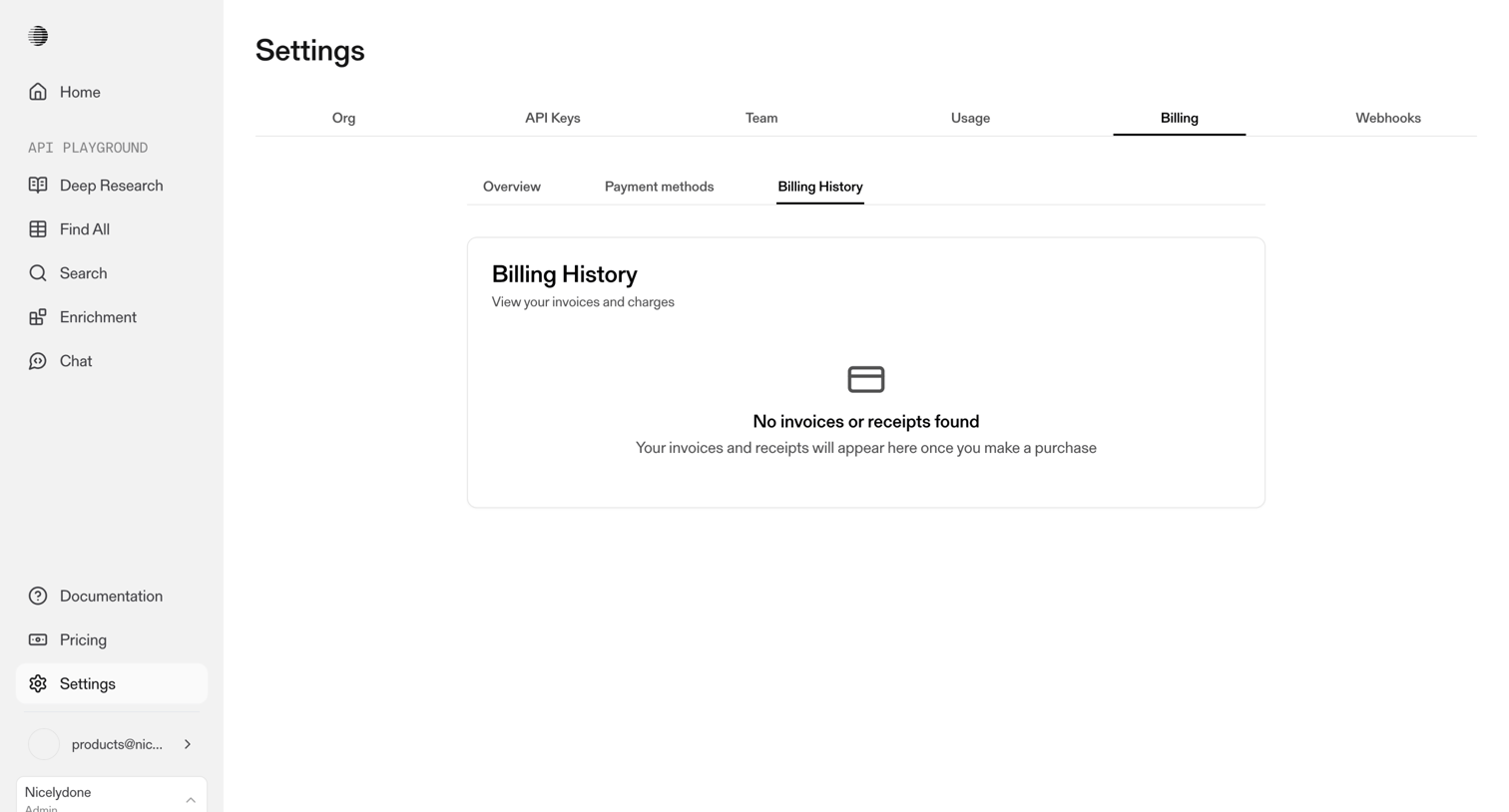

Settings page where the user views their billing history, currently showing an empty state with no invoices or receipts found.
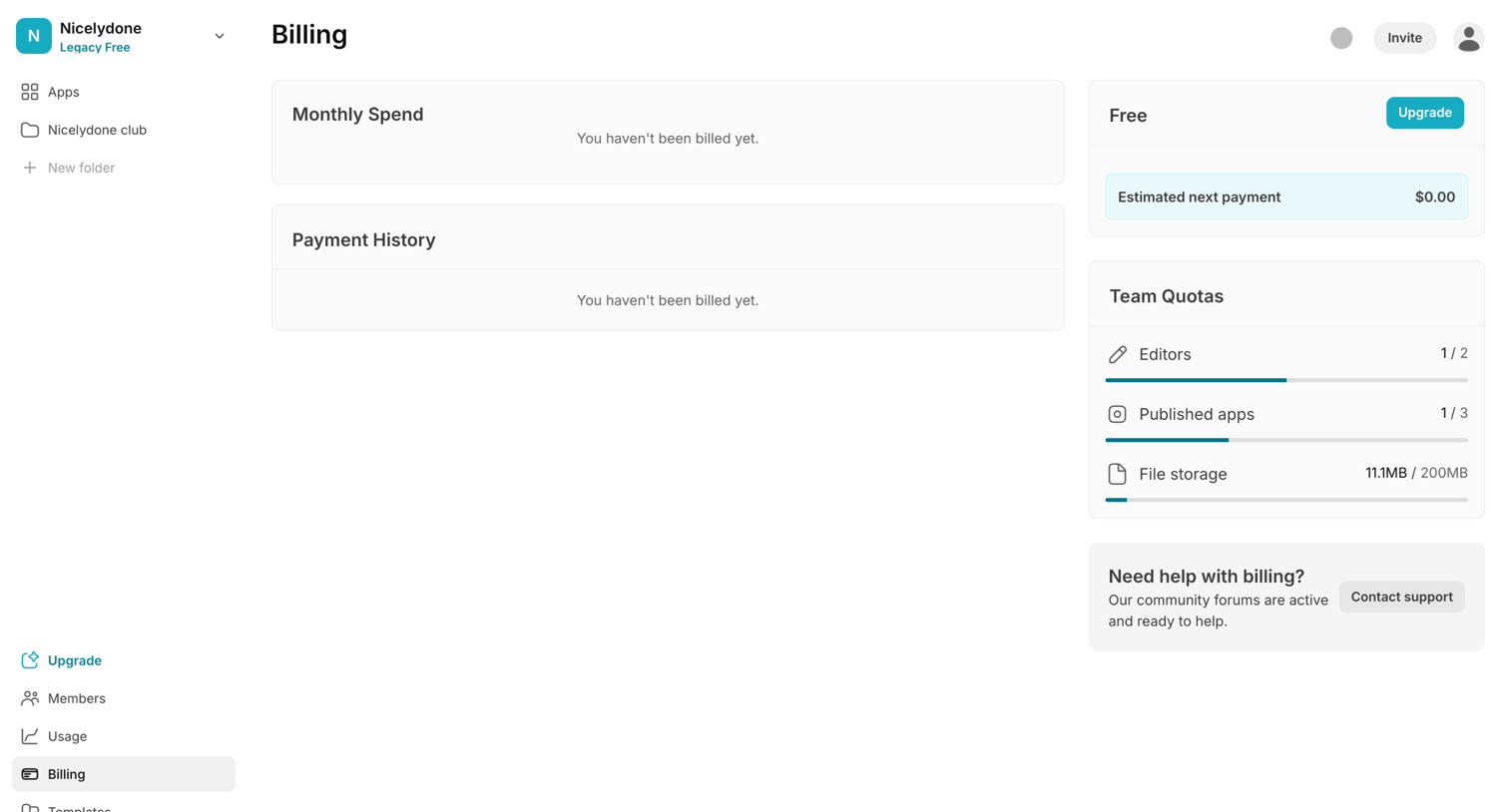

Billing settings page where the user can view their current free plan, monitor team quotas for editors and storage, and upgrade their account.
Explore the full SaaS screen library
Upgrade to unlock the full library.
Trusted by the best teams







