Pay bill screen examples
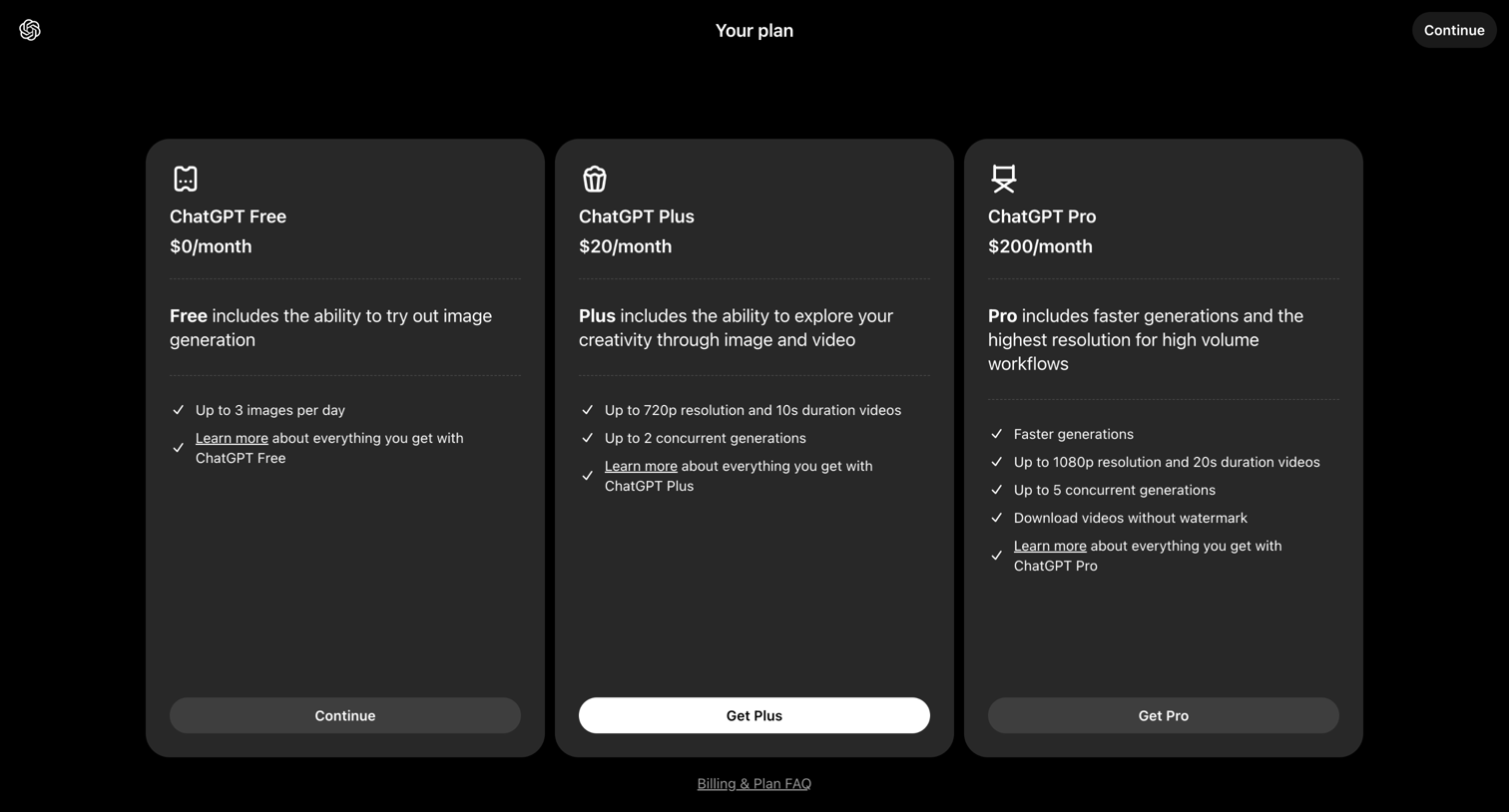
Pay bill screen design examples from SaaS apps. Browse examples from Sora, Shuttle, Monarch.
Explore the examples

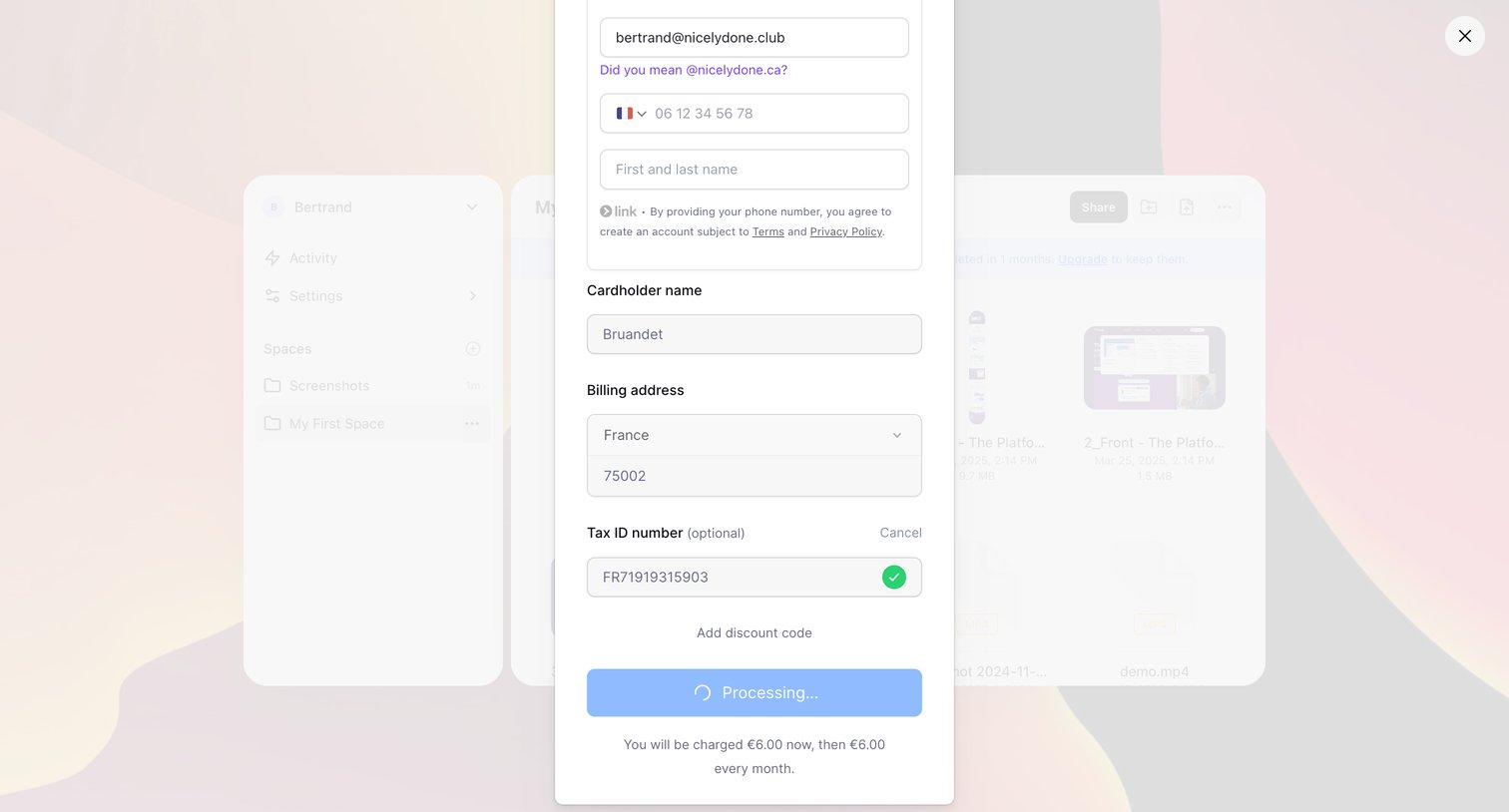

List view where the user is checking out via a payment modal, currently in a processing state after entering their billing address and tax ID.
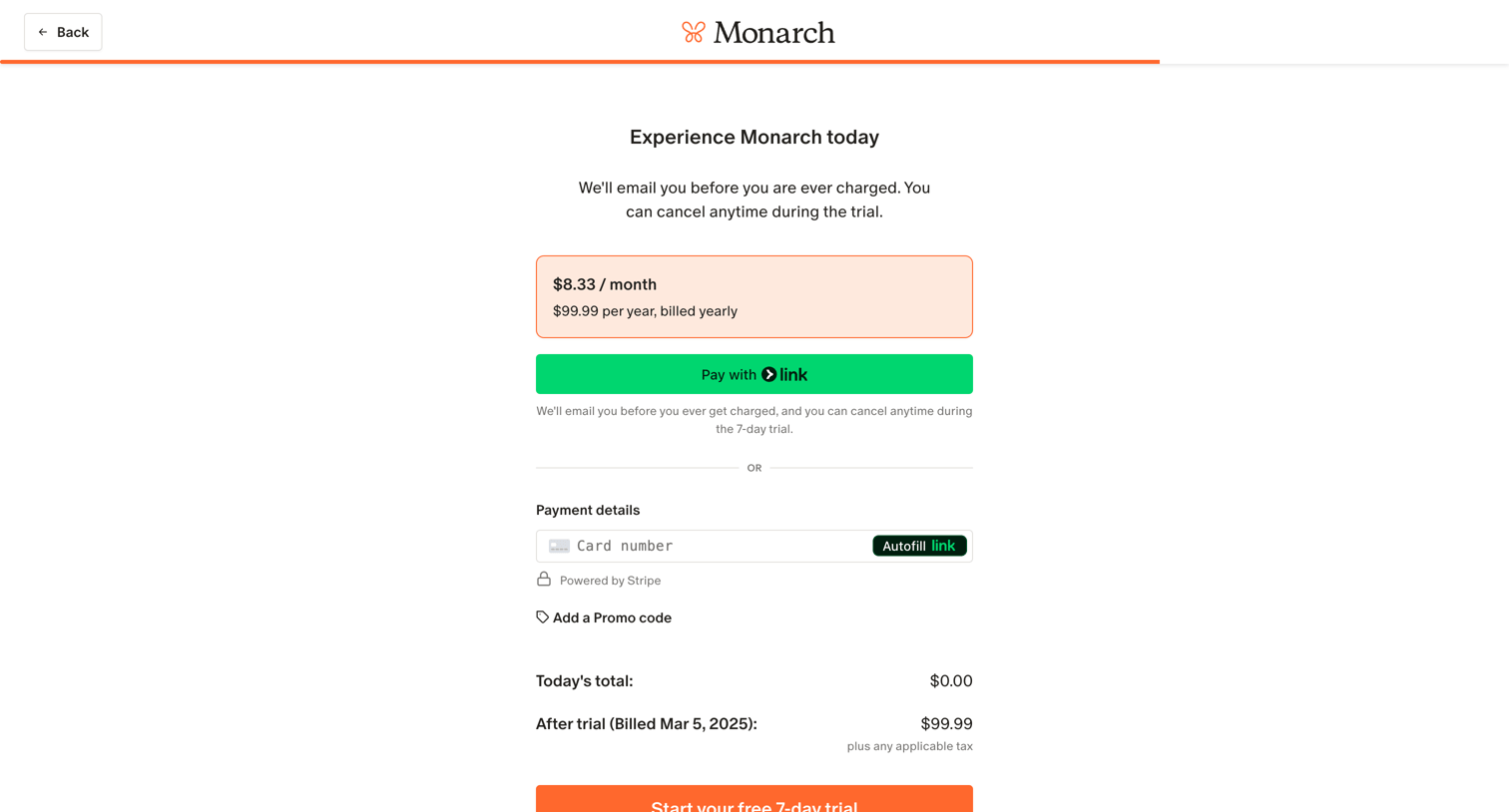

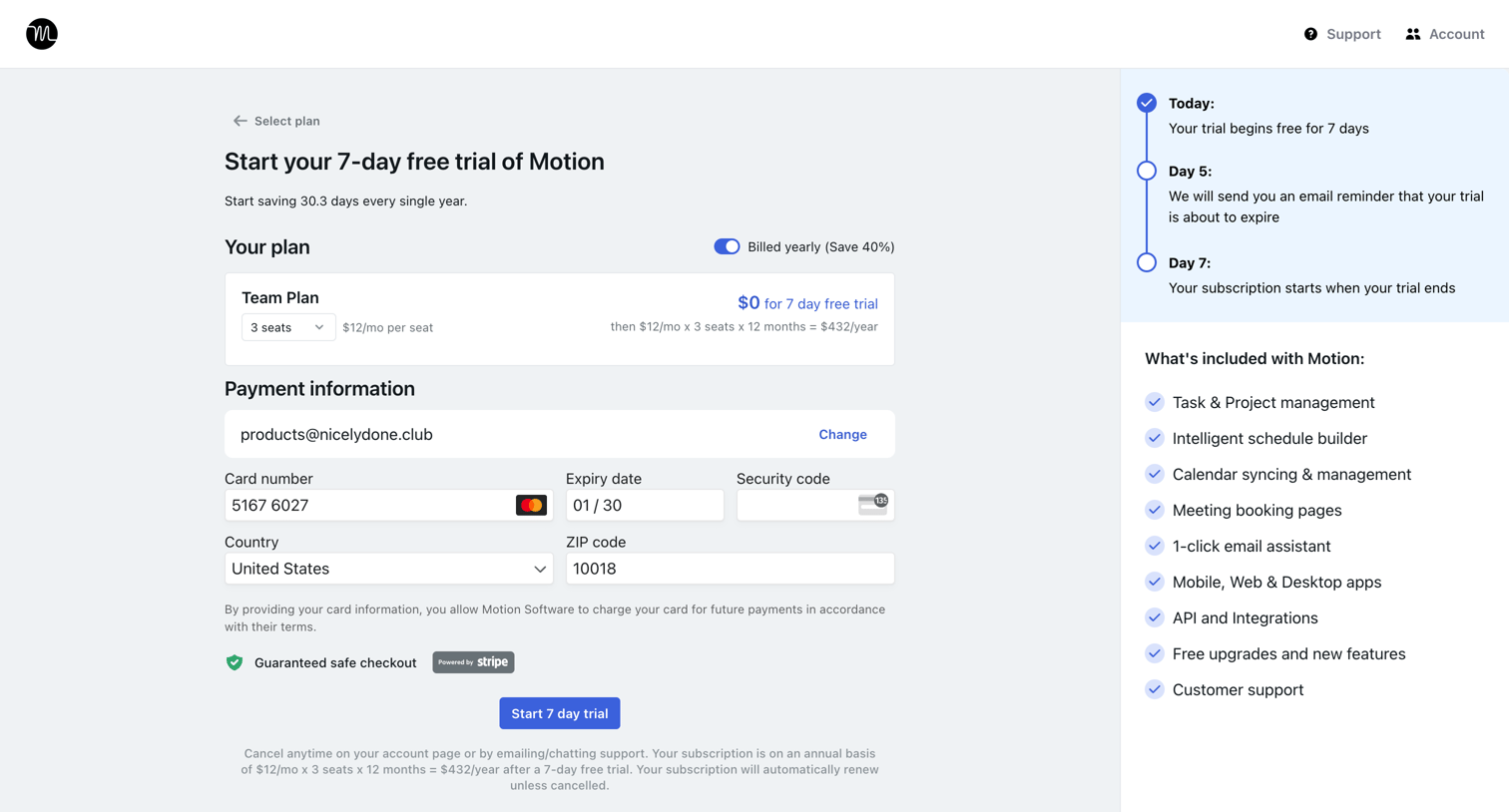
Checkout screen where the user reviews their yearly plan selection and enters payment details to start a 7-day free trial.
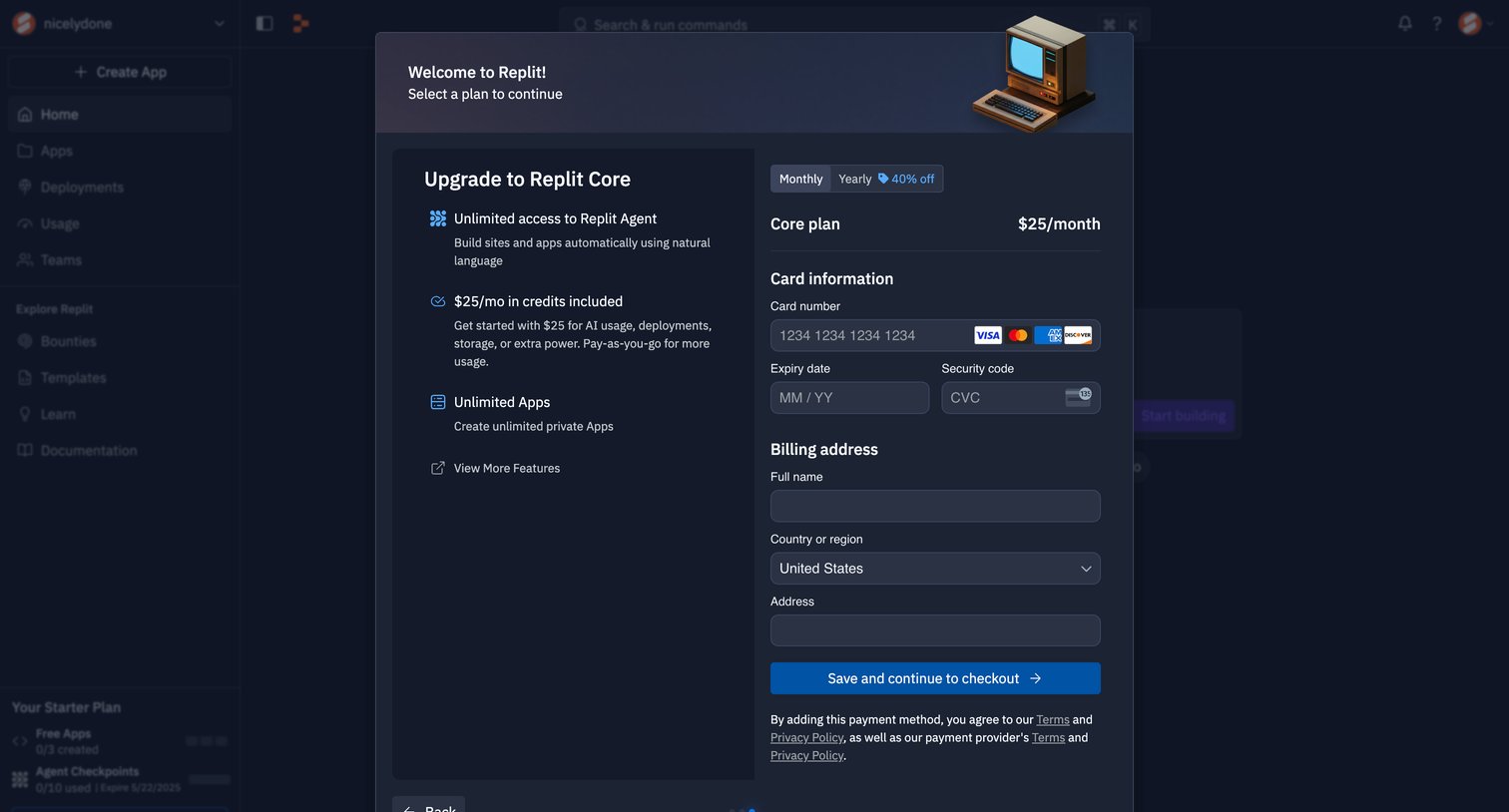

Paywall modal where a new user selects between monthly and yearly billing for the Core plan and enters their credit card details to continue.
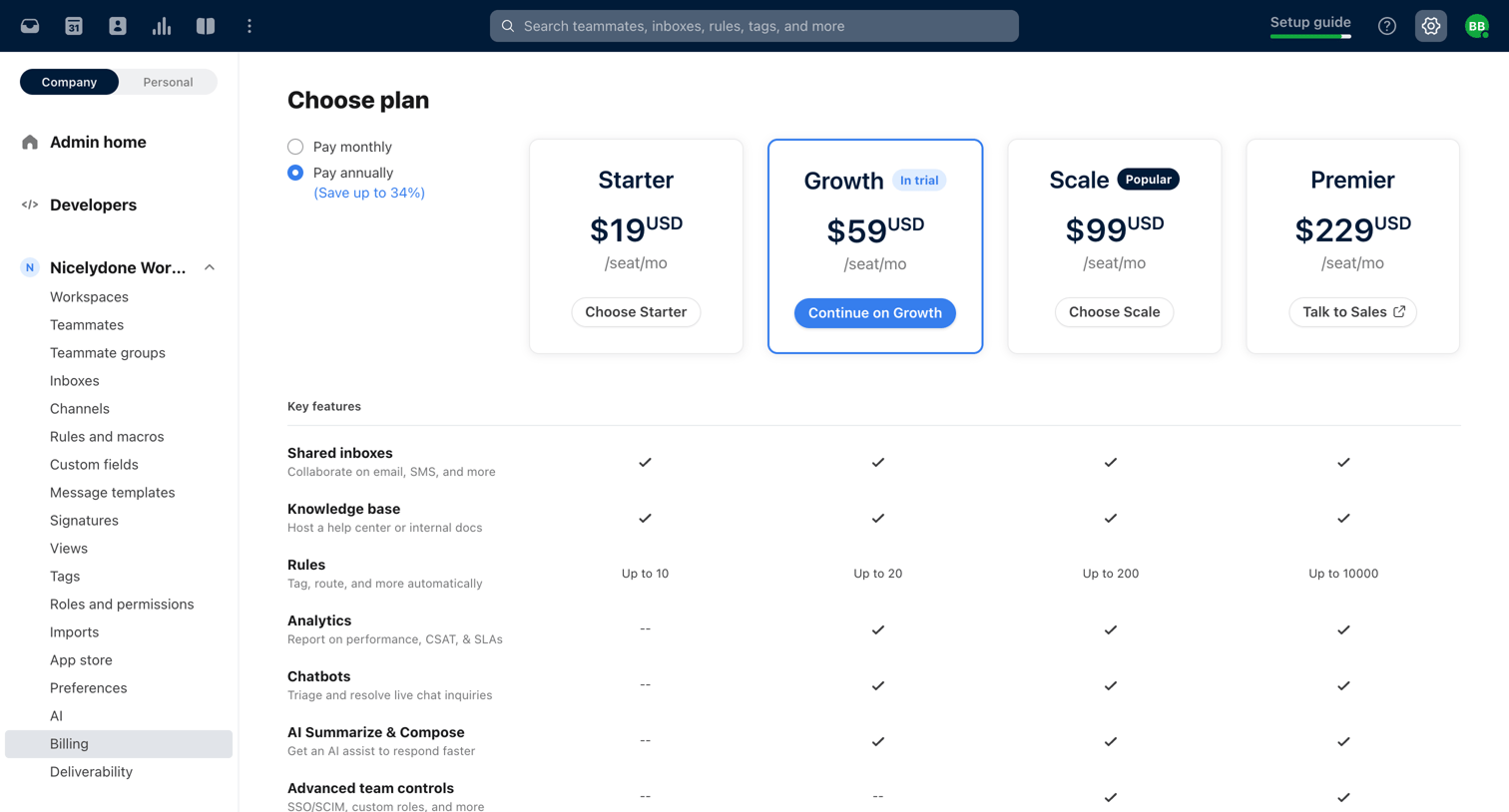

Settings page where the user selects a billing plan from four tiers, compares features, and can toggle between monthly and annual billing.
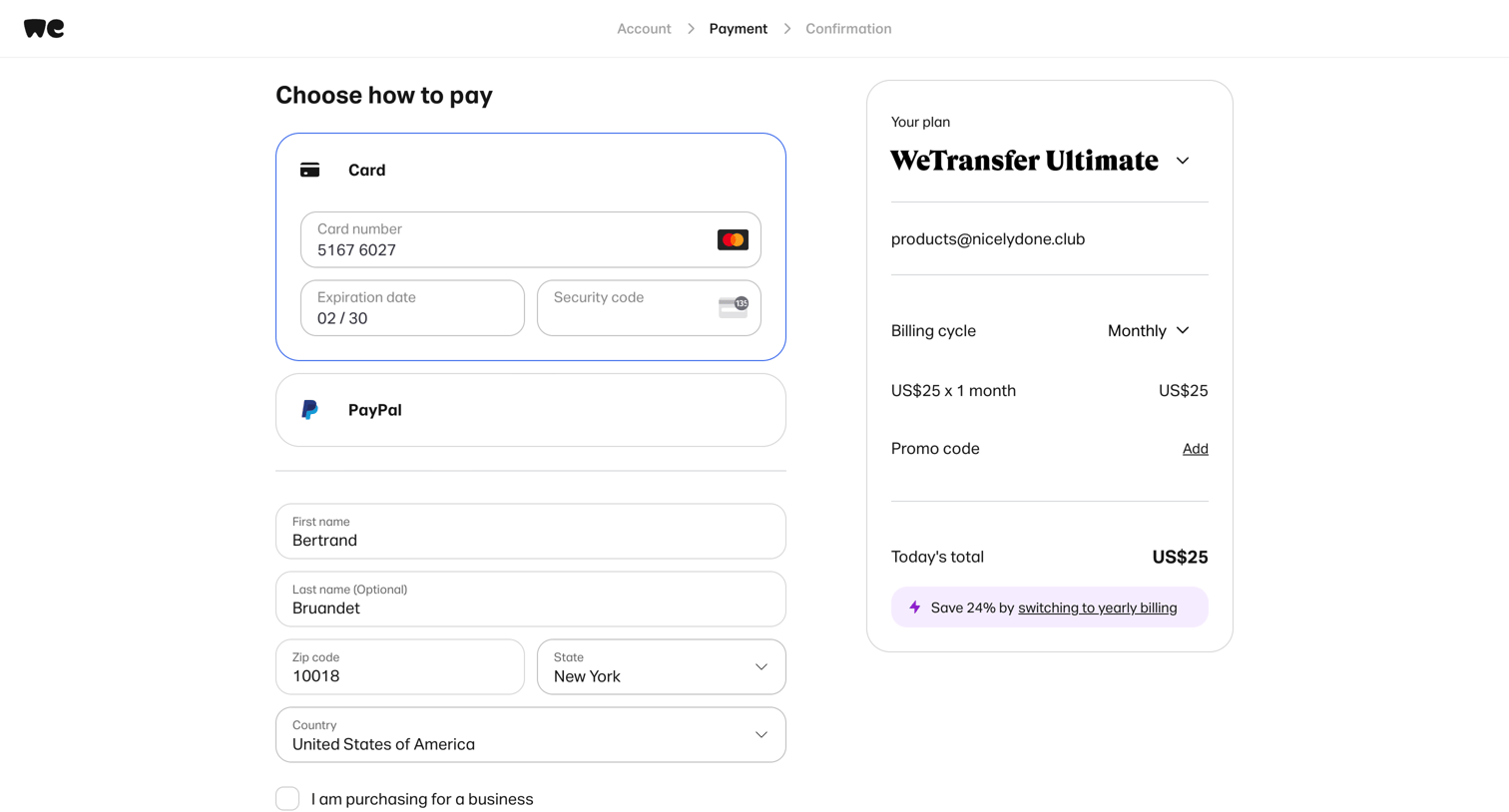

Checkout page where the user enters credit card and billing details to purchase a WeTransfer Ultimate monthly subscription, featuring an order summary and a yearly-billing upsell.
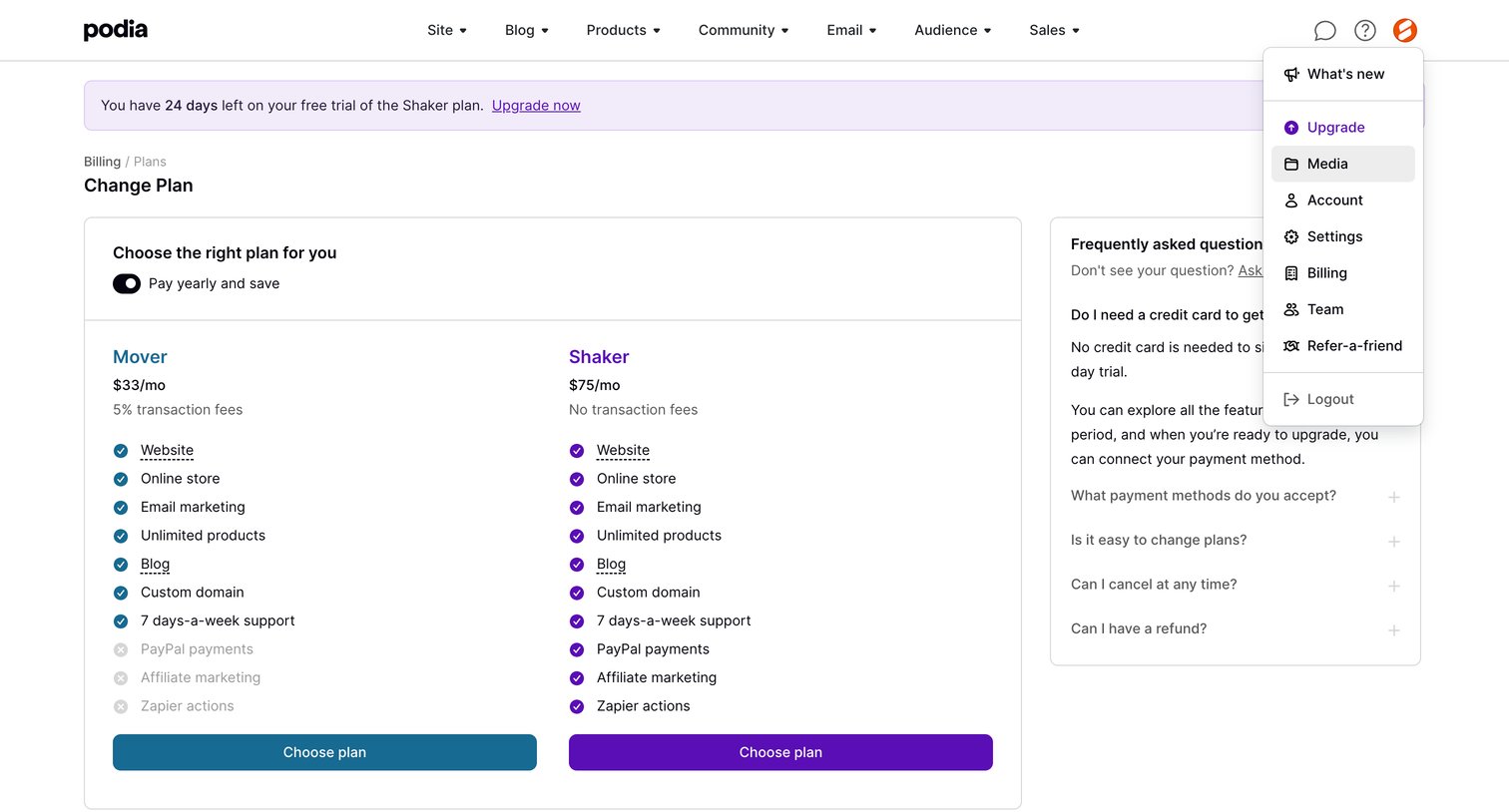

Billing settings page where the user can upgrade their active trial by choosing between the Mover and Shaker subscription plans.
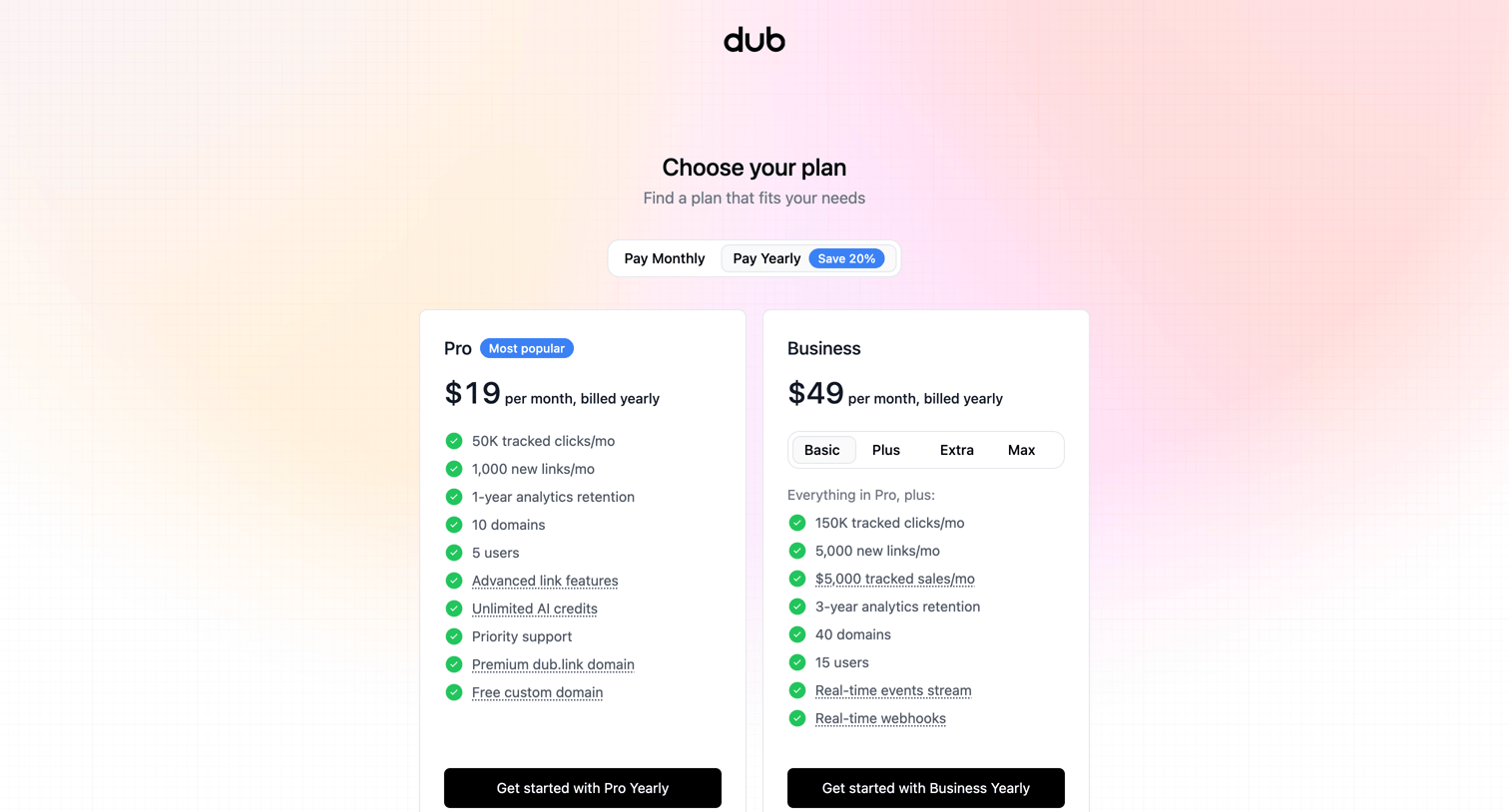

Onboarding step where the user chooses between a Pro and Business subscription plan, with options for monthly or yearly billing.

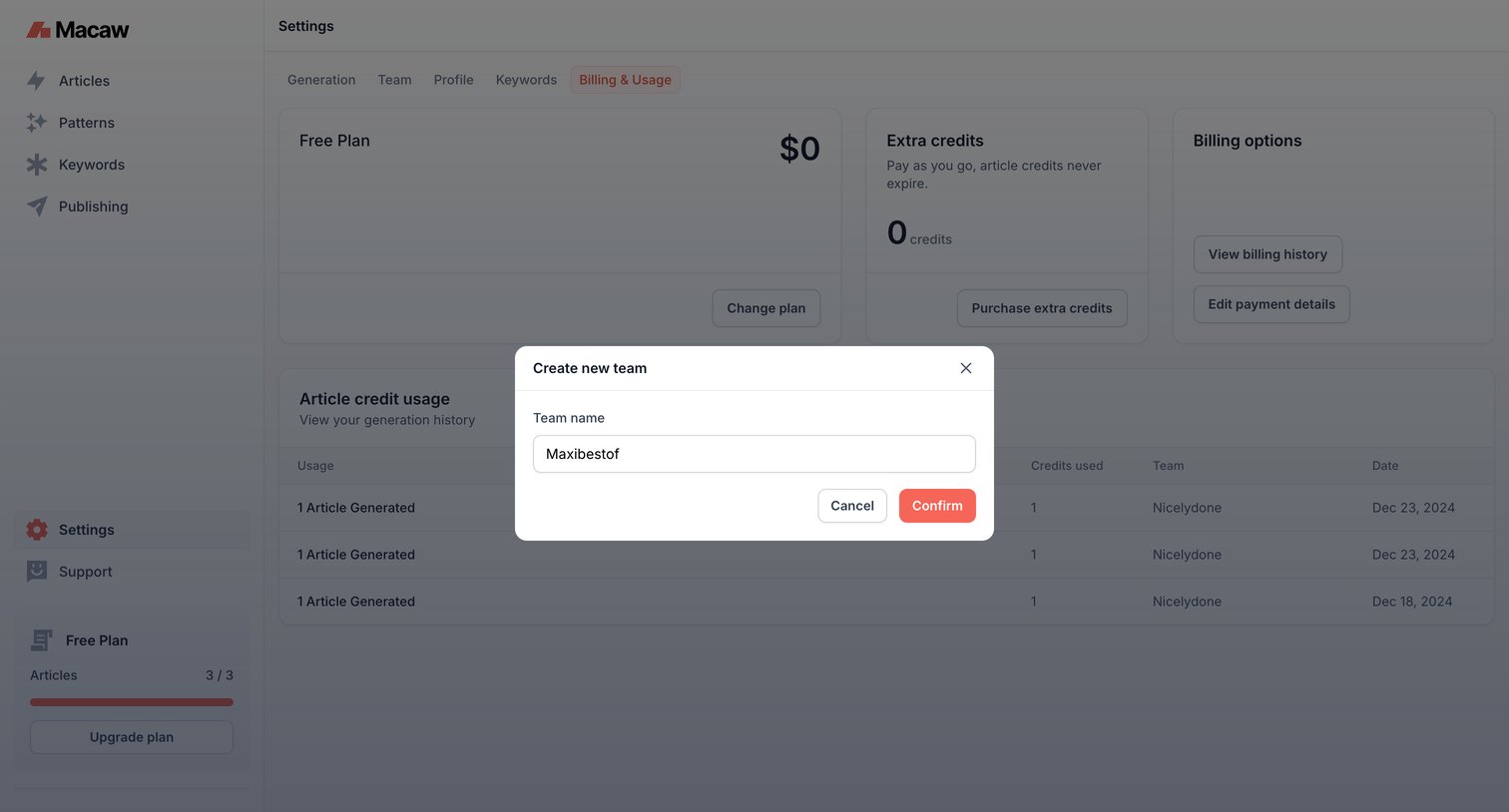

Settings page for billing and usage, overlaid with a modal to create a new team by entering a team name.
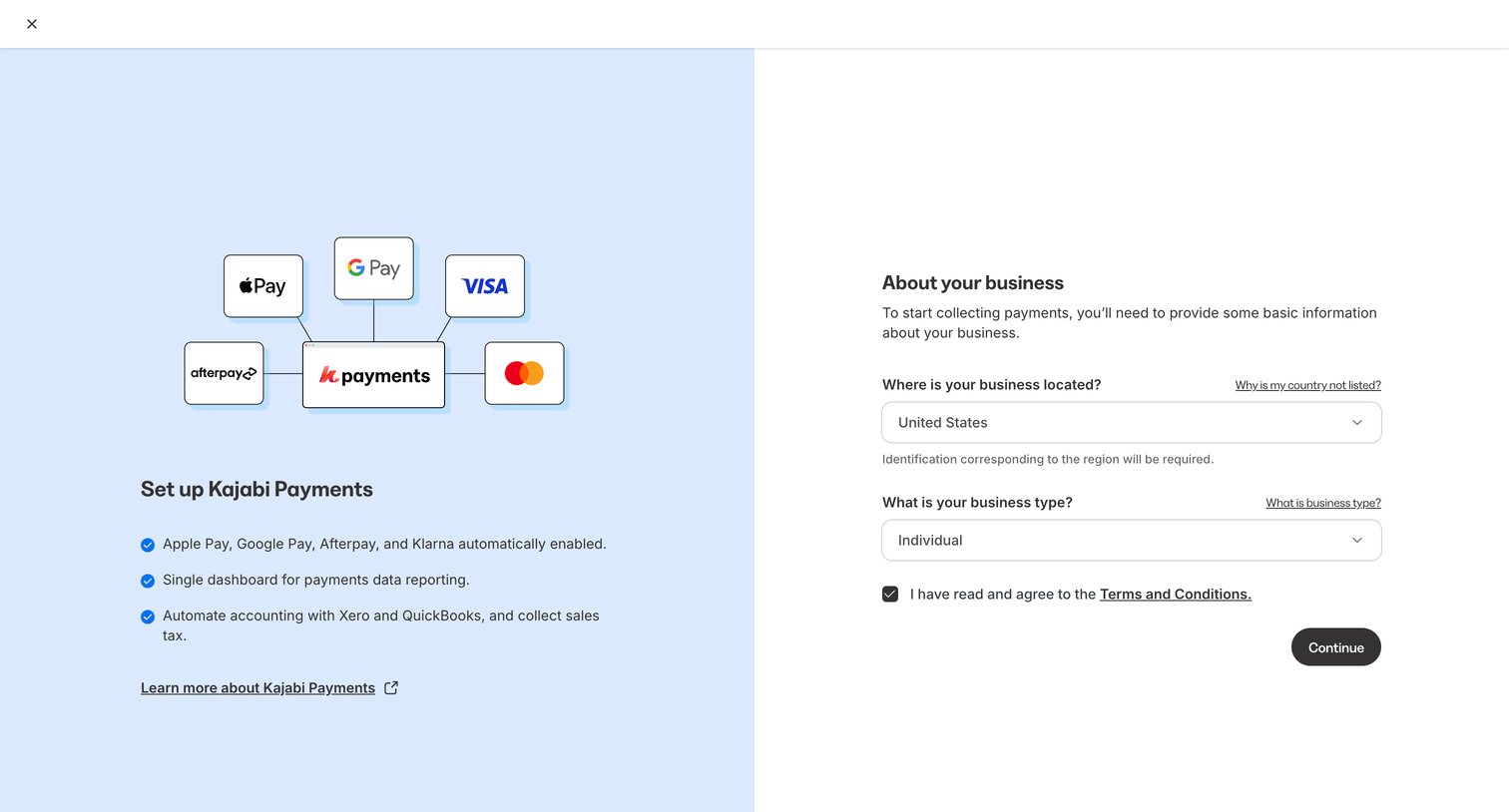

Onboarding step where the user configures their business location and type to set up Kajabi Payments.
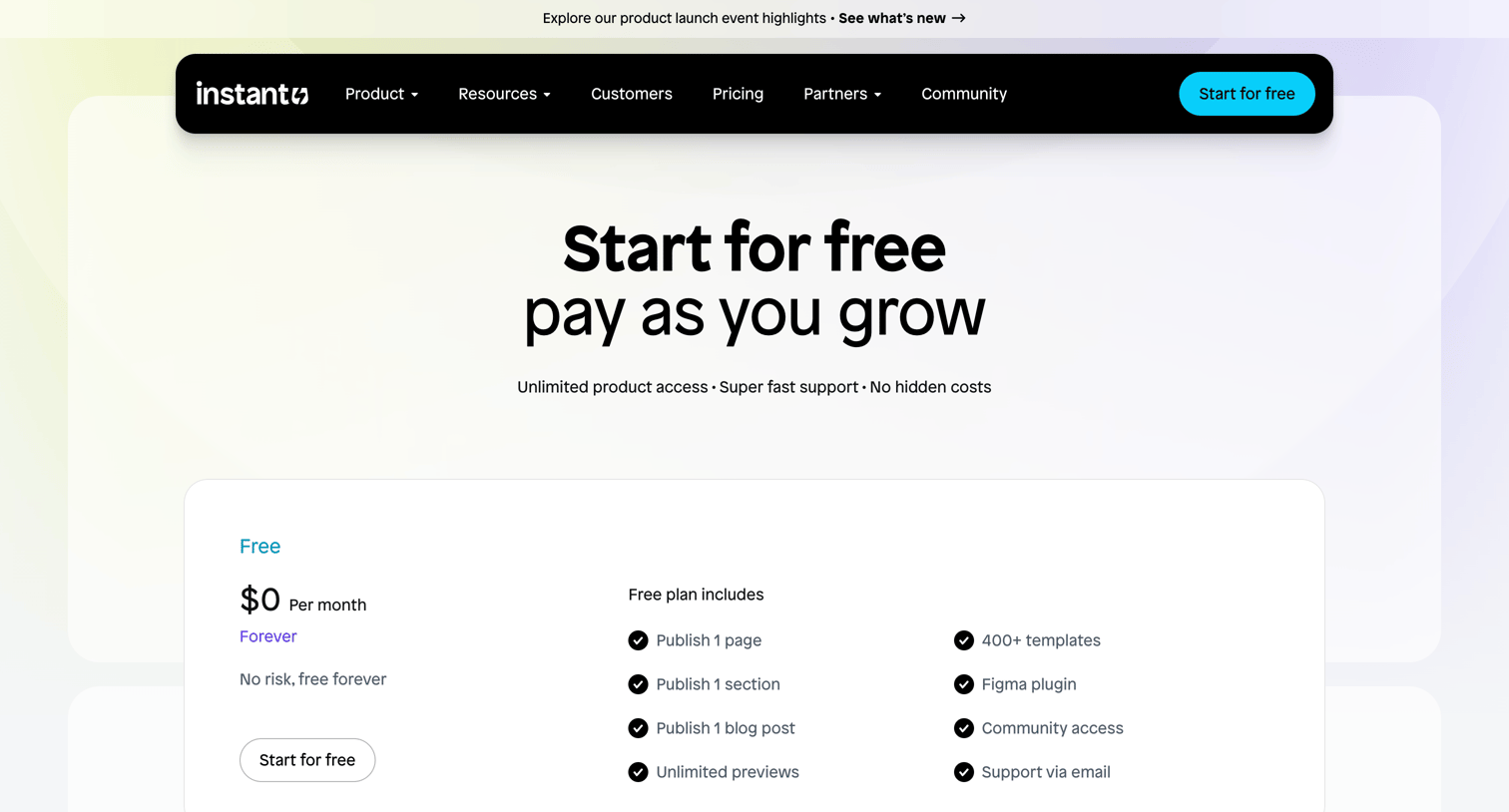

Pricing page where the user compares subscription tiers from Free to Enterprise, views a detailed feature matrix, and toggles between monthly and annual billing.
Explore the full SaaS screen library
Upgrade to unlock the full library.
Trusted by the best teams







