Onboarding modal screen examples
Onboarding modal screen design examples from SaaS apps. See how apps introduce initial guidance above the current workspace. Explore how explanations and next-step controls fit within an onboarding overlay.
Explore the examples
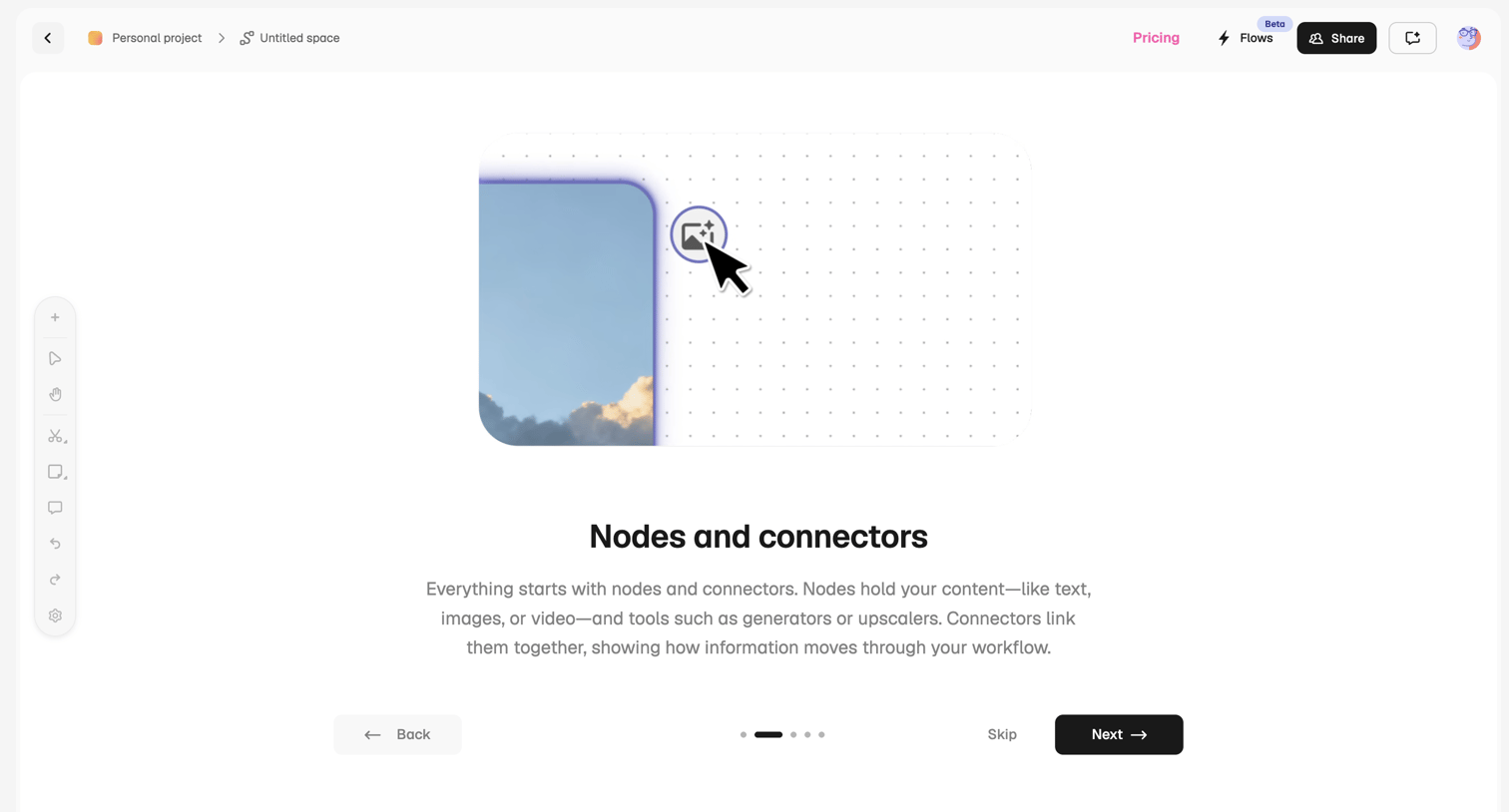

Onboarding step explaining nodes and connectors on a workflow canvas with back, skip, and next controls.
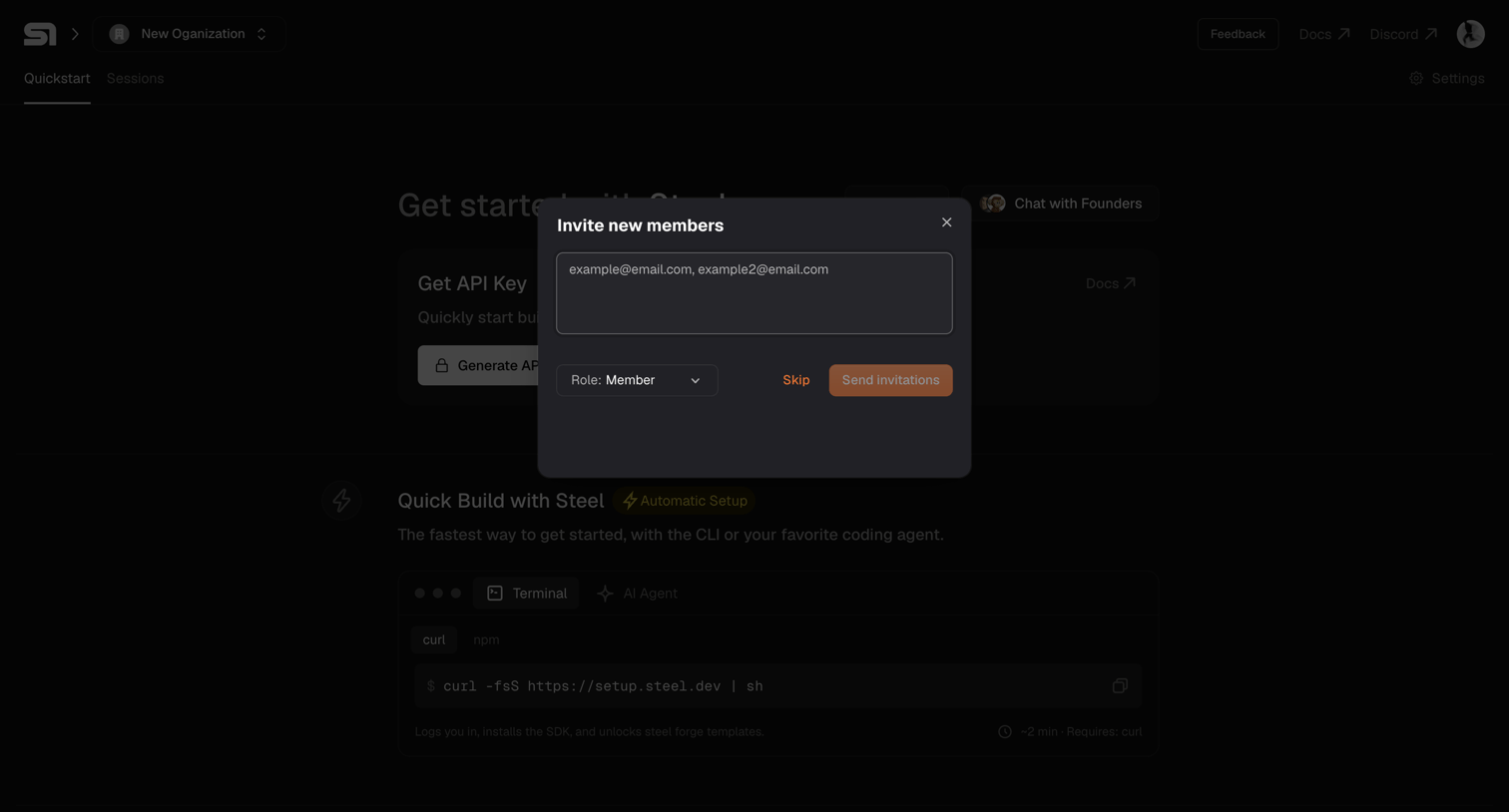

Onboarding quickstart page where the user is prompted to invite new members to their organization via an email text area.
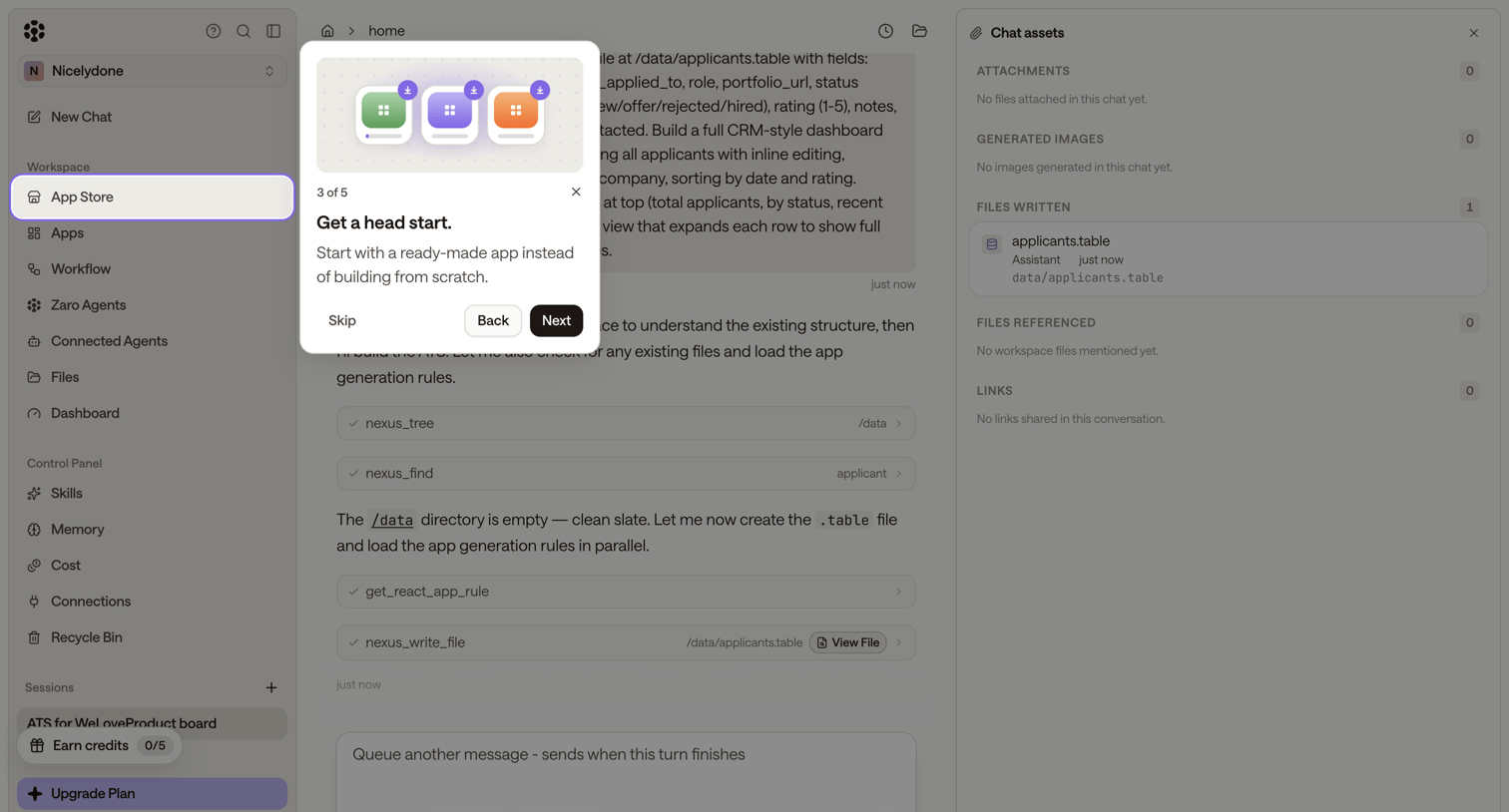

AI chat interface where an onboarding modal prompts the user to start with a ready-made app, overlaid on a workspace showing agent execution steps and generated files.
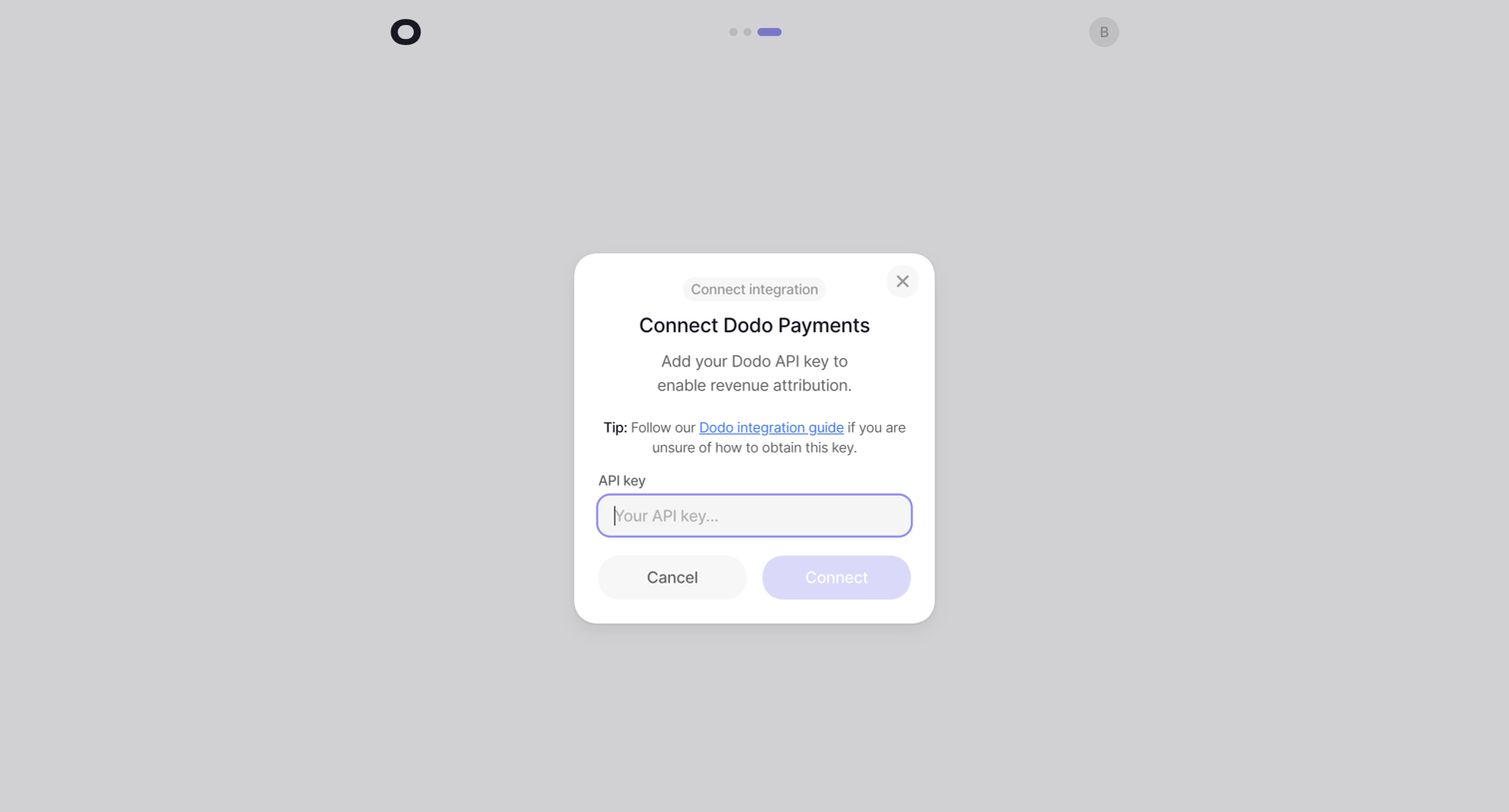

Onboarding step where the user connects their Dodo Payments account by entering an API key to enable revenue attribution.
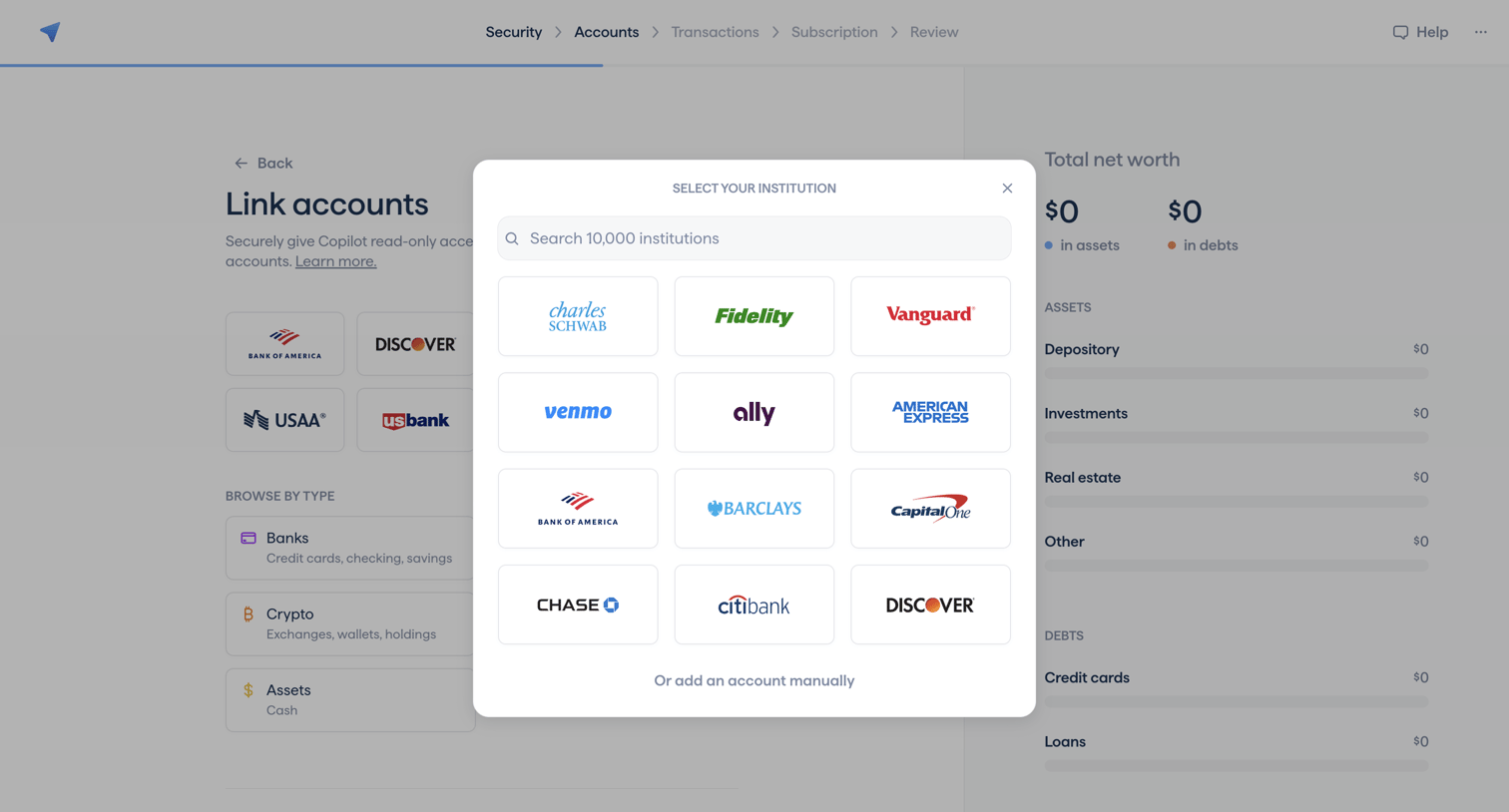

Onboarding step where the user searches for or selects their financial institution to link accounts.
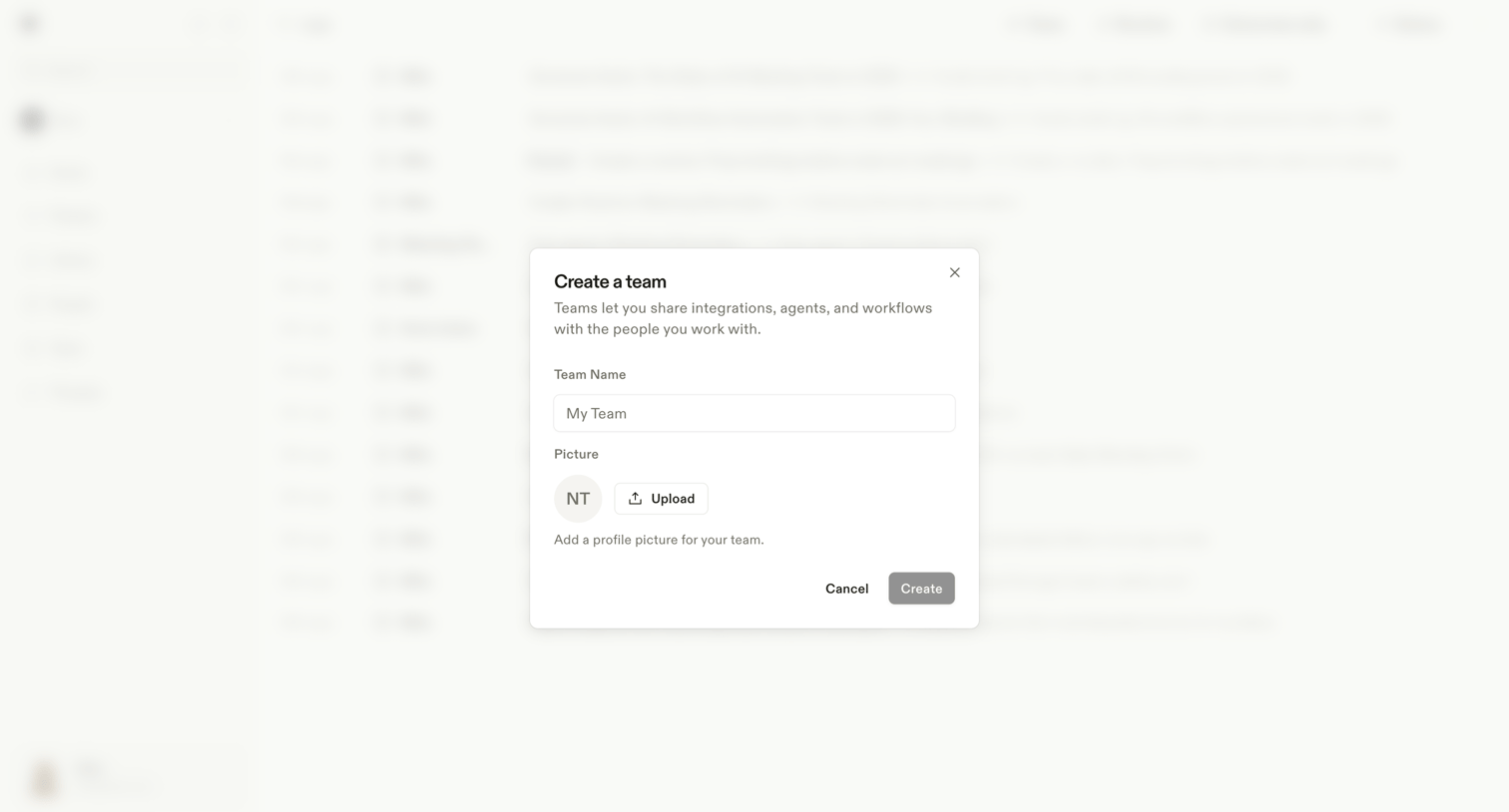

Modal where the user creates a new team by providing a name and uploading a profile picture.
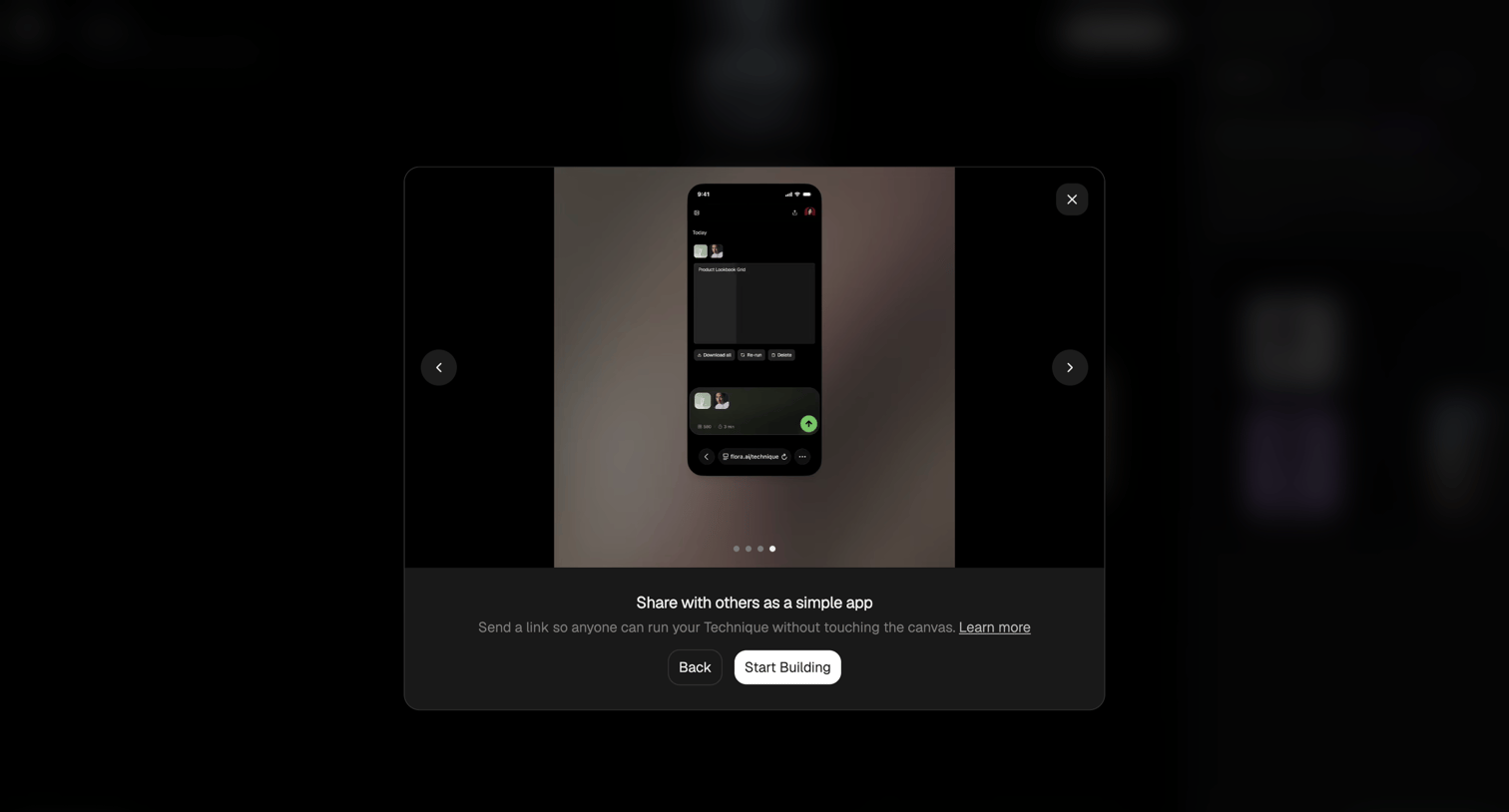

Onboarding modal where the user views a carousel previewing how to share their technique as a simple app before starting to build.
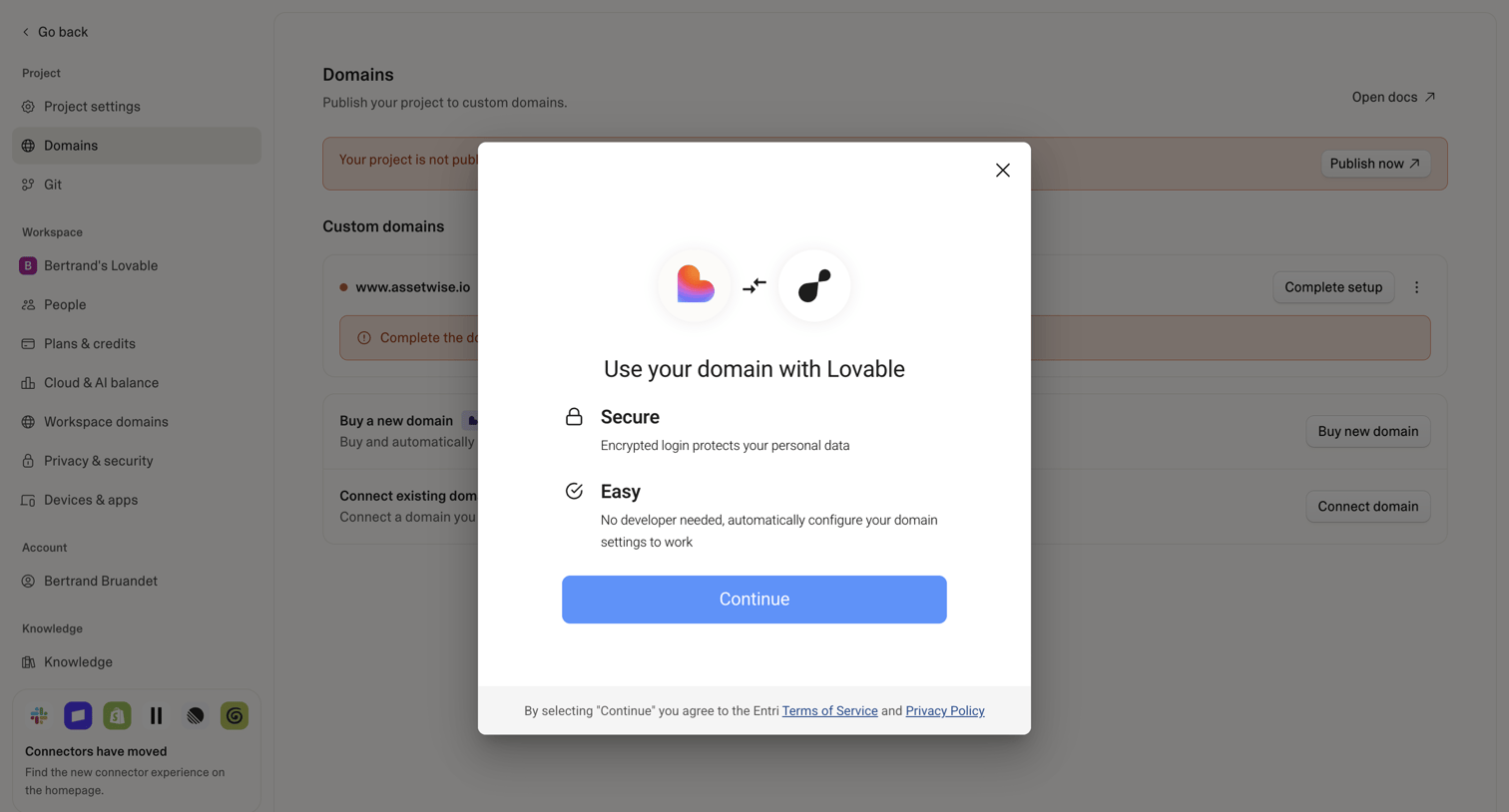

Settings page where the user configures custom domains, currently showing a modal to connect a domain via a third-party service.
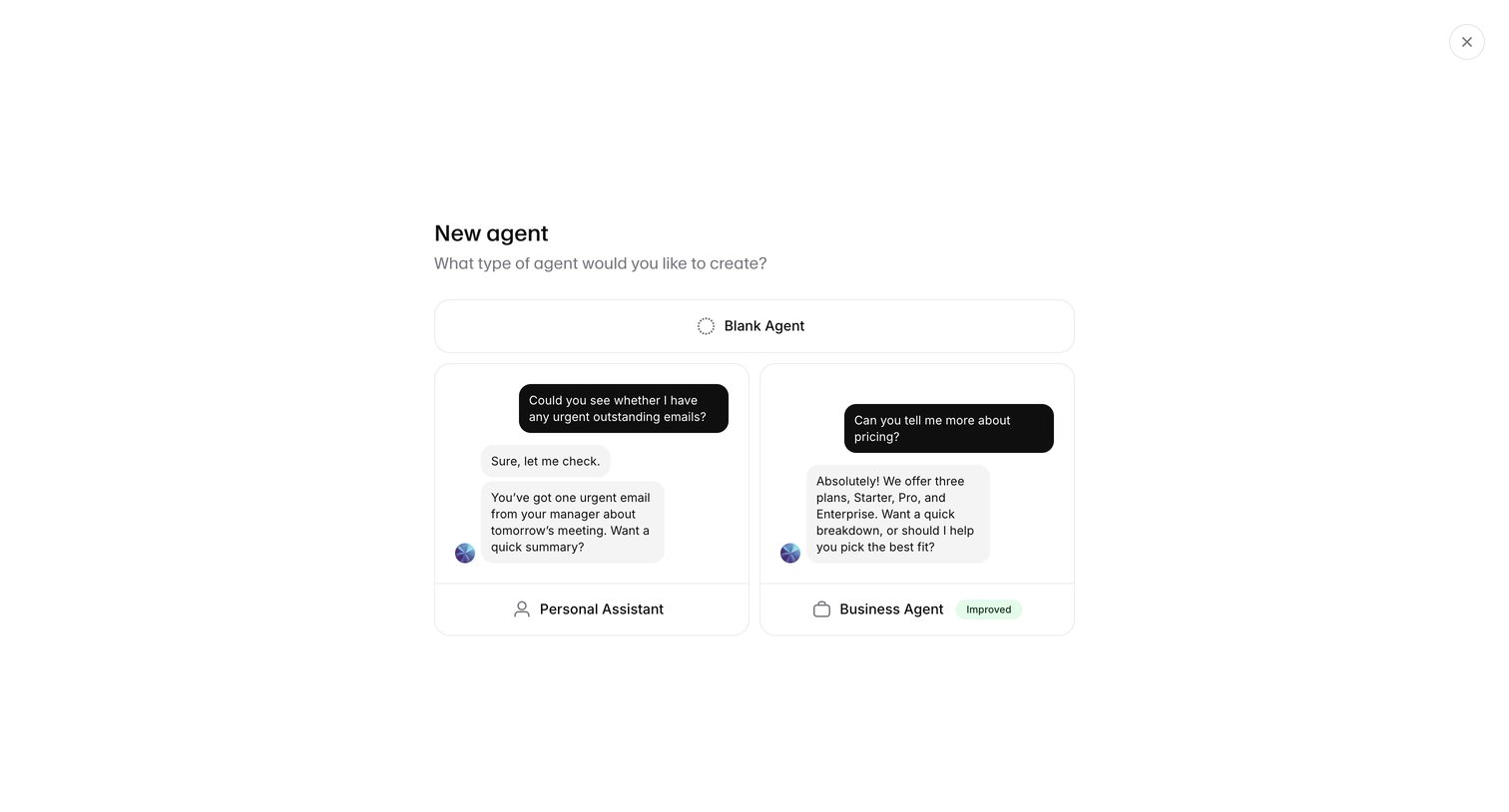

Creation modal where the user selects a starting template for a new AI agent, choosing between a blank agent, a personal assistant, or a business agent.
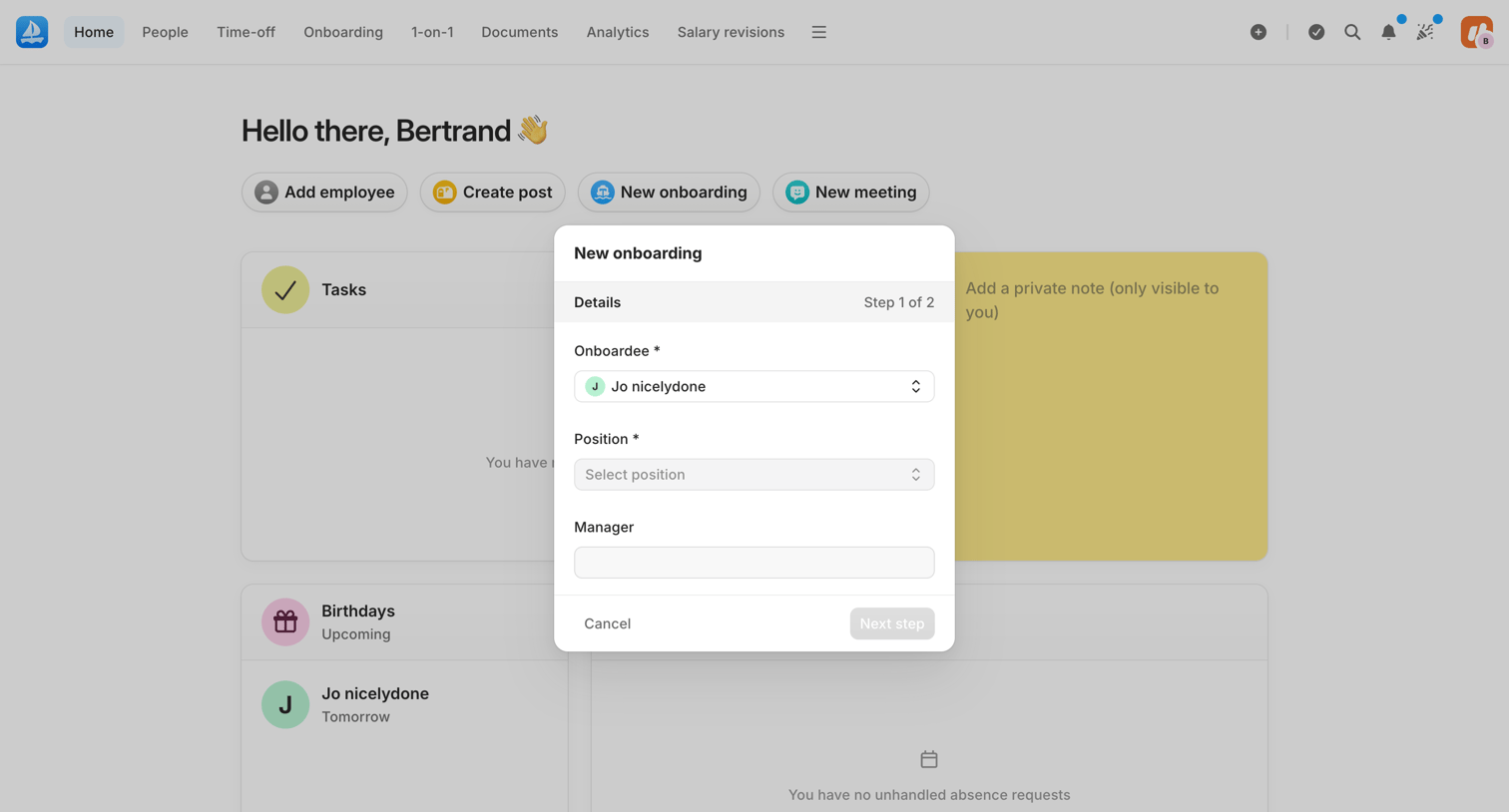

Home dashboard where the user is initiating a new onboarding process via a modal that asks for the onboardee, position, and manager.
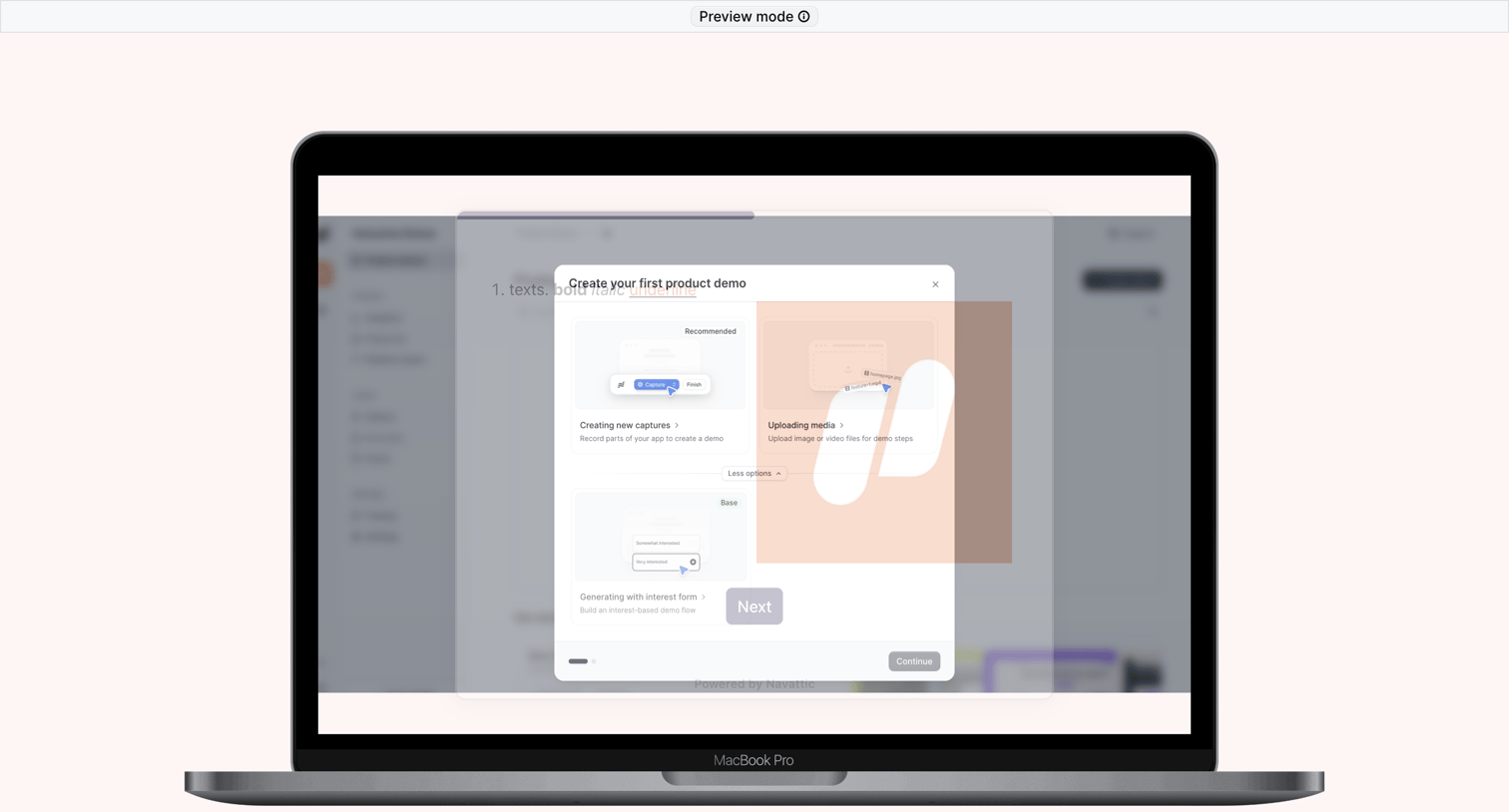

Onboarding modal where the user selects a method to create their first product demo, such as capturing screens or uploading media, guided by a product tour overlay.
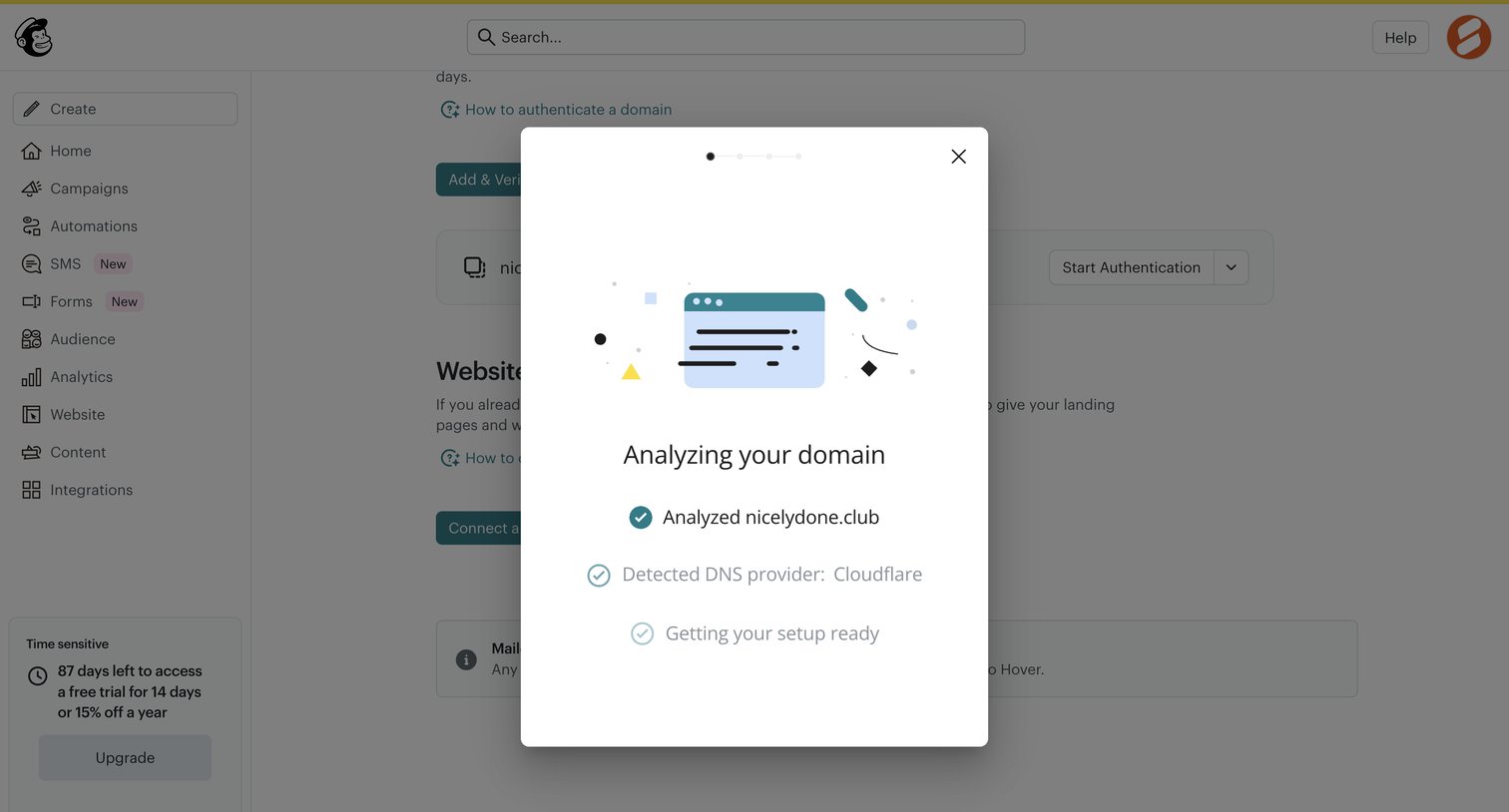

Settings page where the user configures website domains, currently showing a modal analyzing the DNS provider for a newly added domain.
Explore the full SaaS screen library
Upgrade to unlock the full library.
Trusted by the best teams








About Onboarding modal
See how apps introduce initial guidance above the current workspace. Explore how explanations and next-step controls fit within an onboarding overlay.