Monitoring screen examples
Monitoring screen design examples from SaaS apps. Browse examples from Dock, Exa, Flora.
Explore the examples
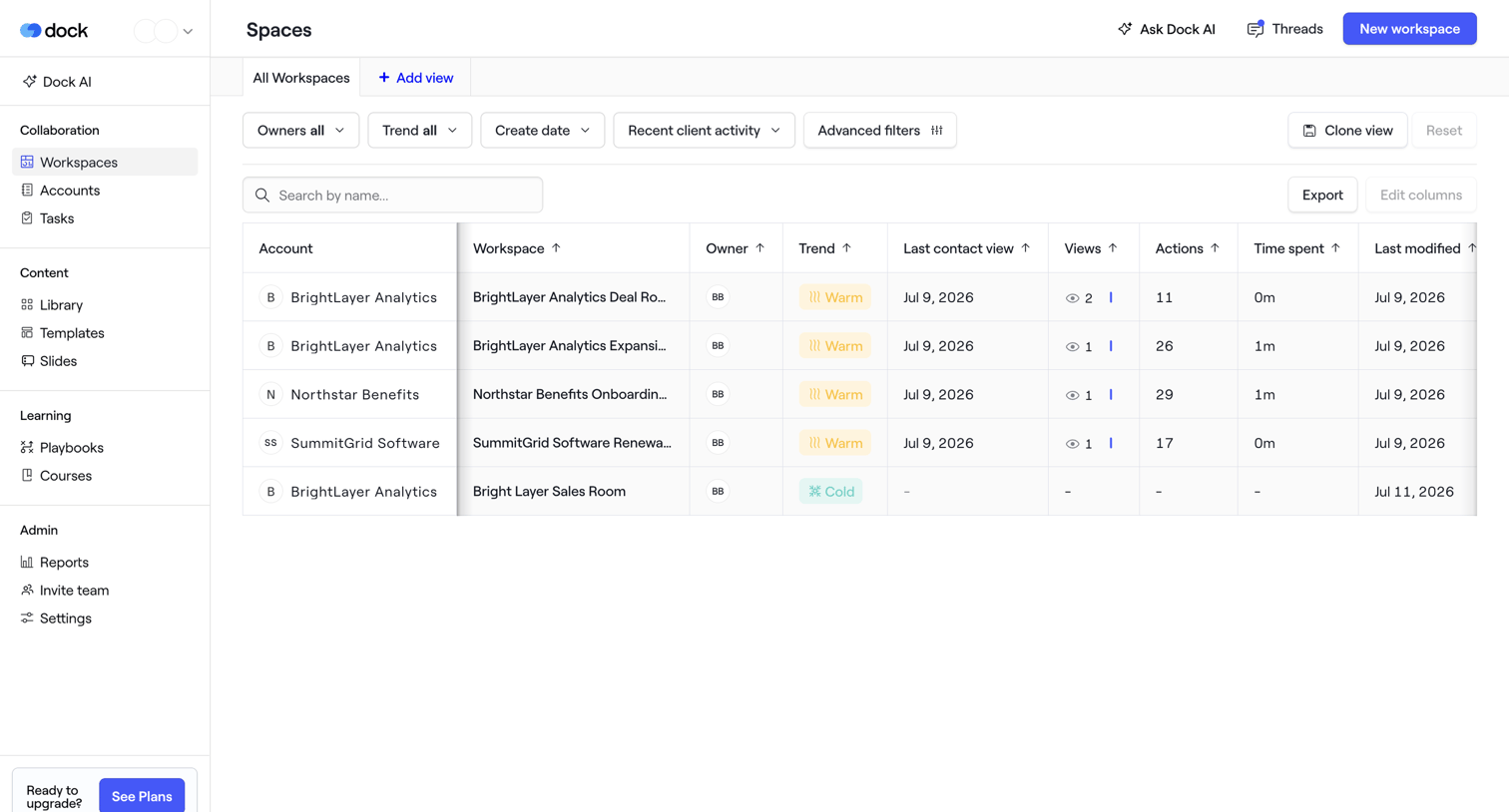

List view where the user manages client workspaces, filtering by owner, trend, and recent activity.
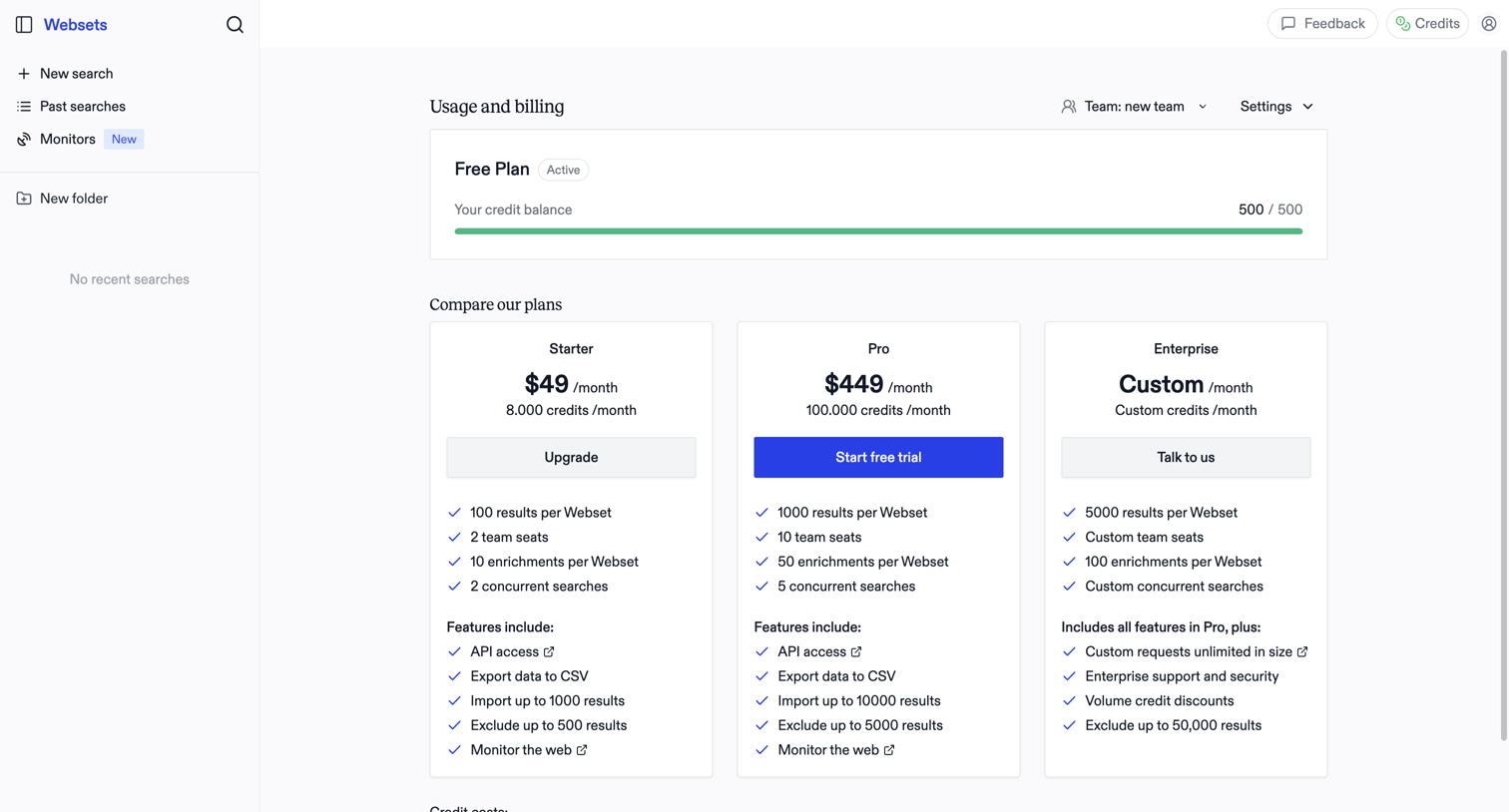

Billing settings page where the user monitors their free plan credit balance and compares paid subscription tiers to upgrade.
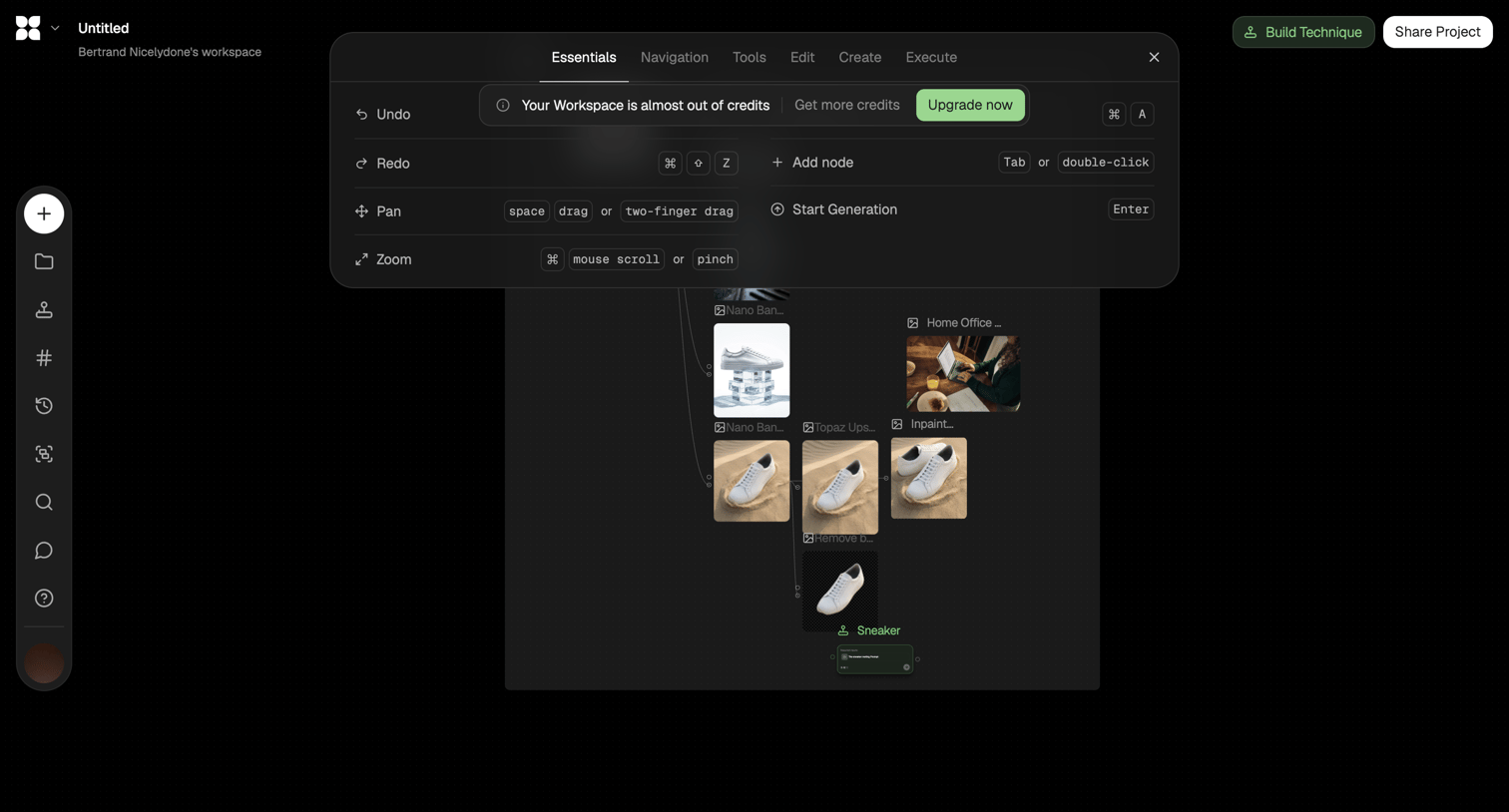

Node-based AI image generation editor where the user views a keyboard shortcut overlay containing a credit usage warning and upgrade prompt.
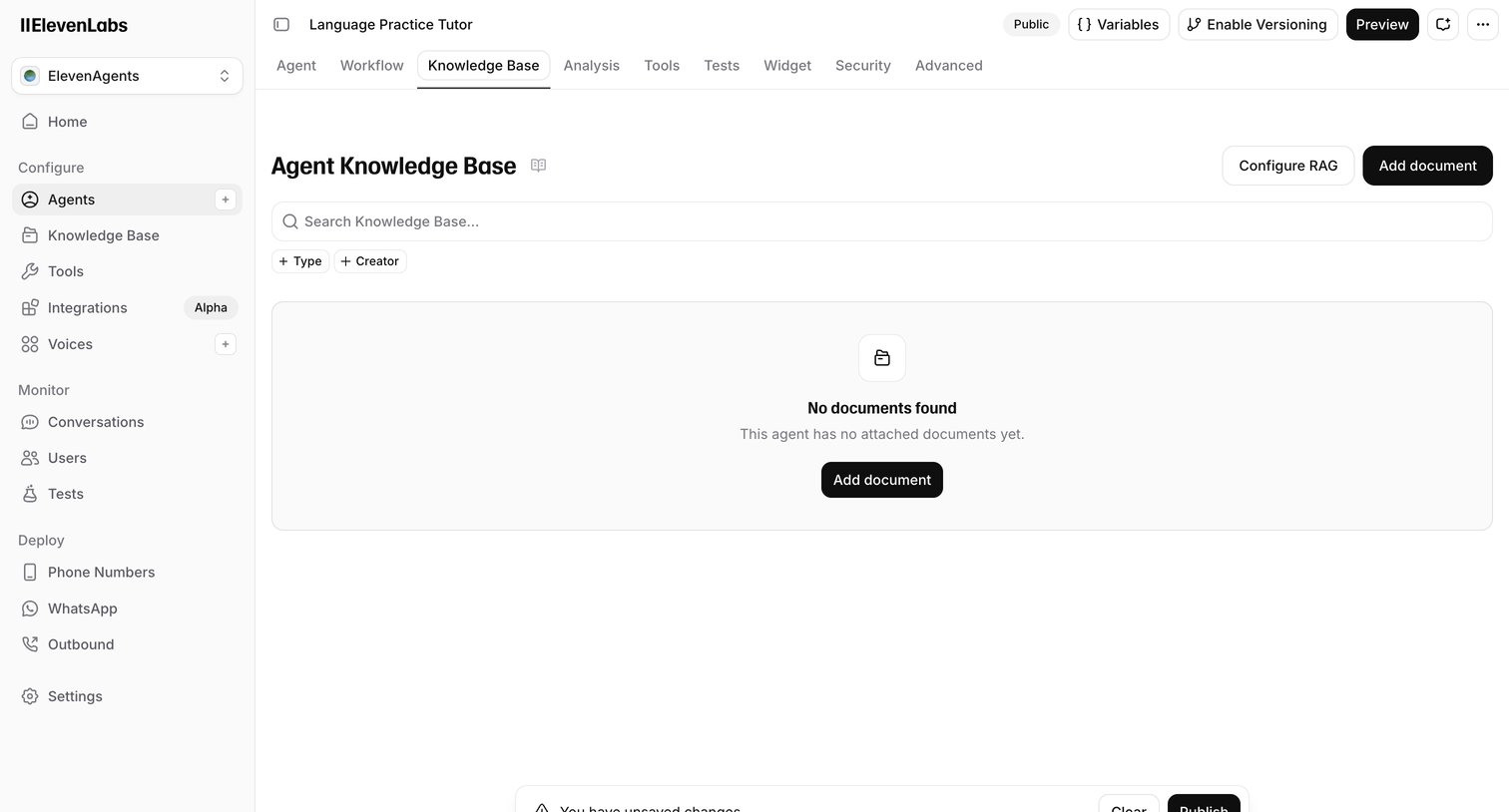

Settings page where the user manages the knowledge base documents for an AI agent, currently showing an empty state and an unsaved changes warning.
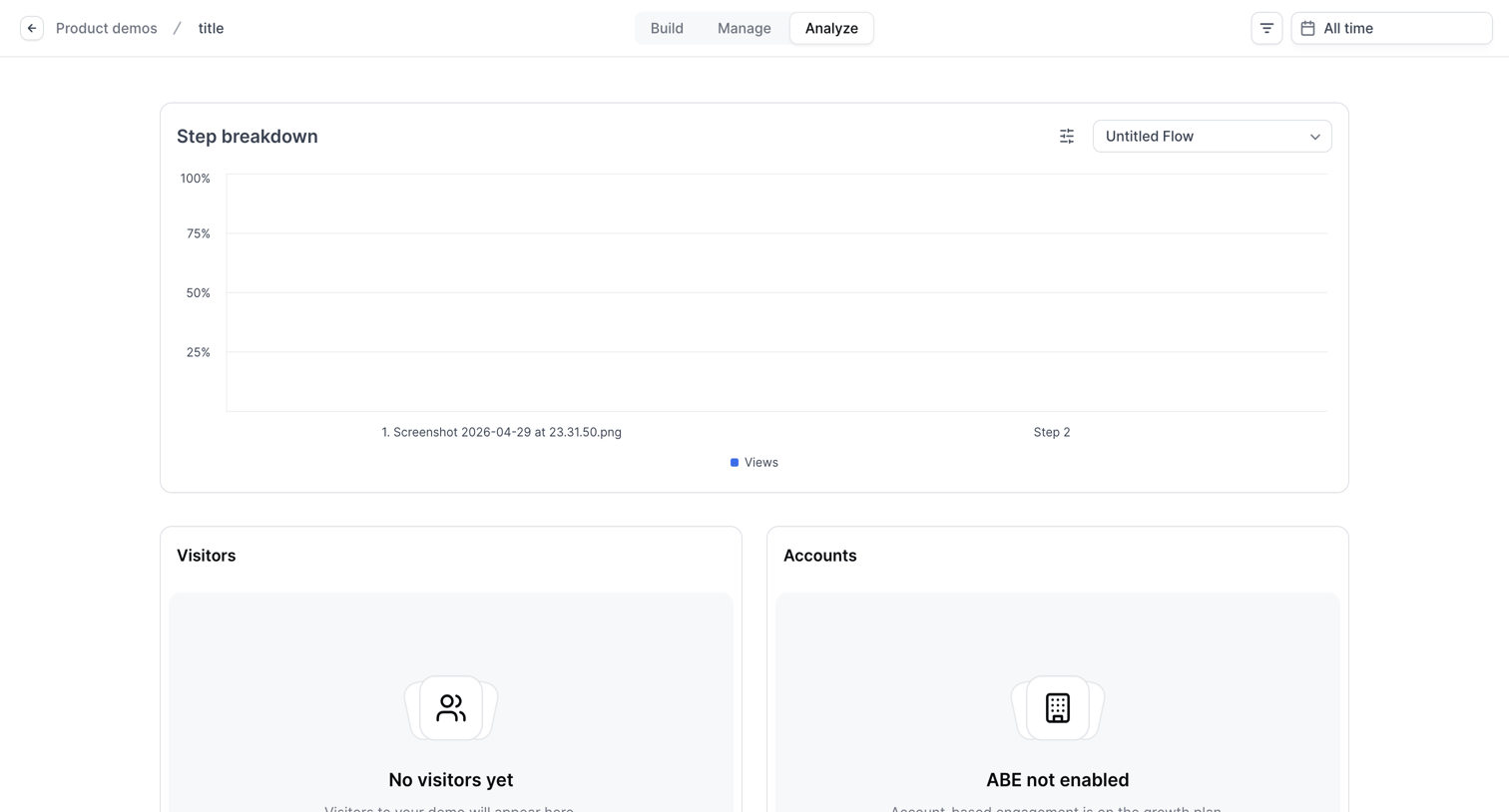

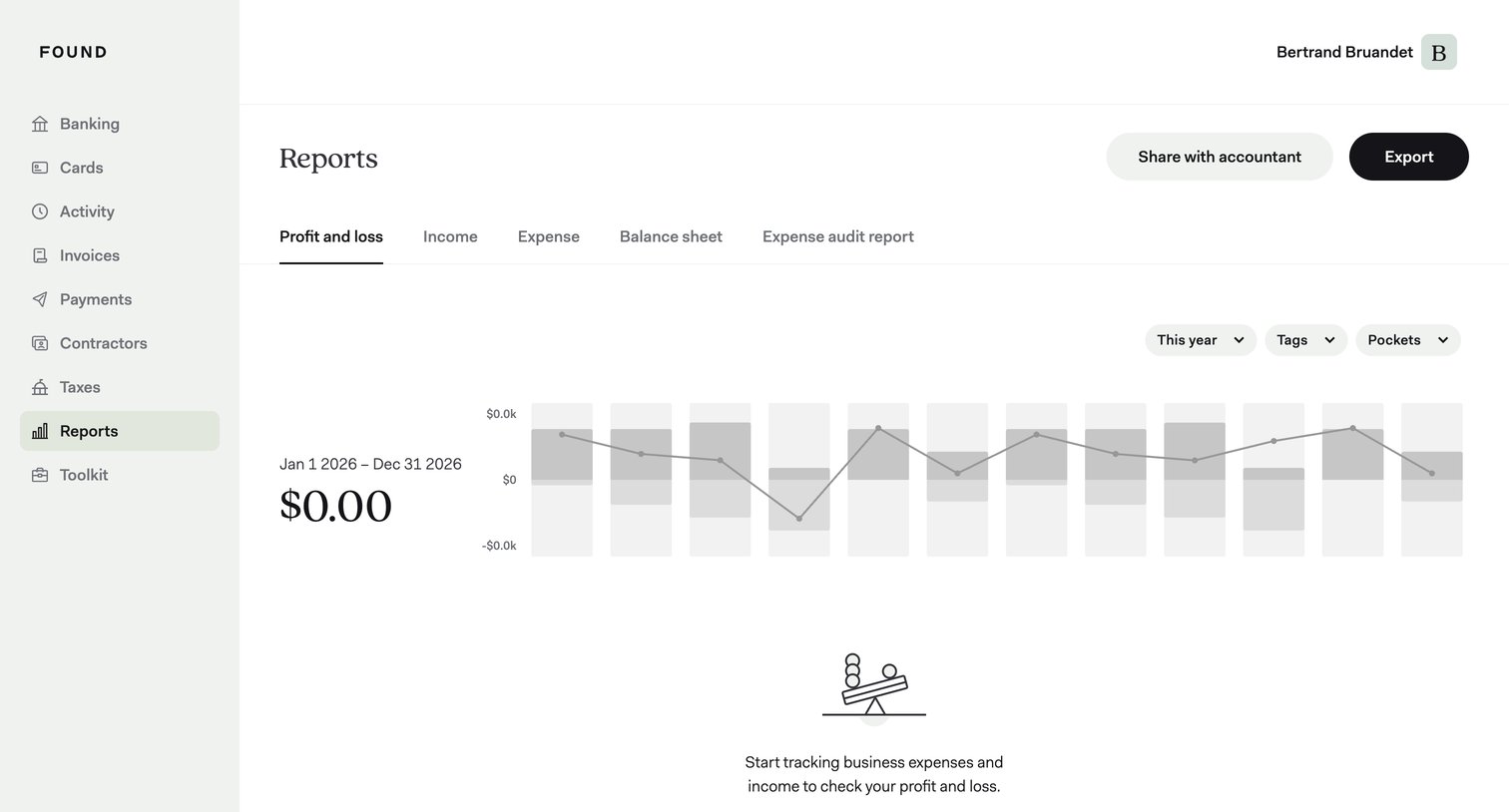

Analytics dashboard showing an empty profit and loss report with a prompt to start tracking expenses, alongside filters for year, tags, and pockets.
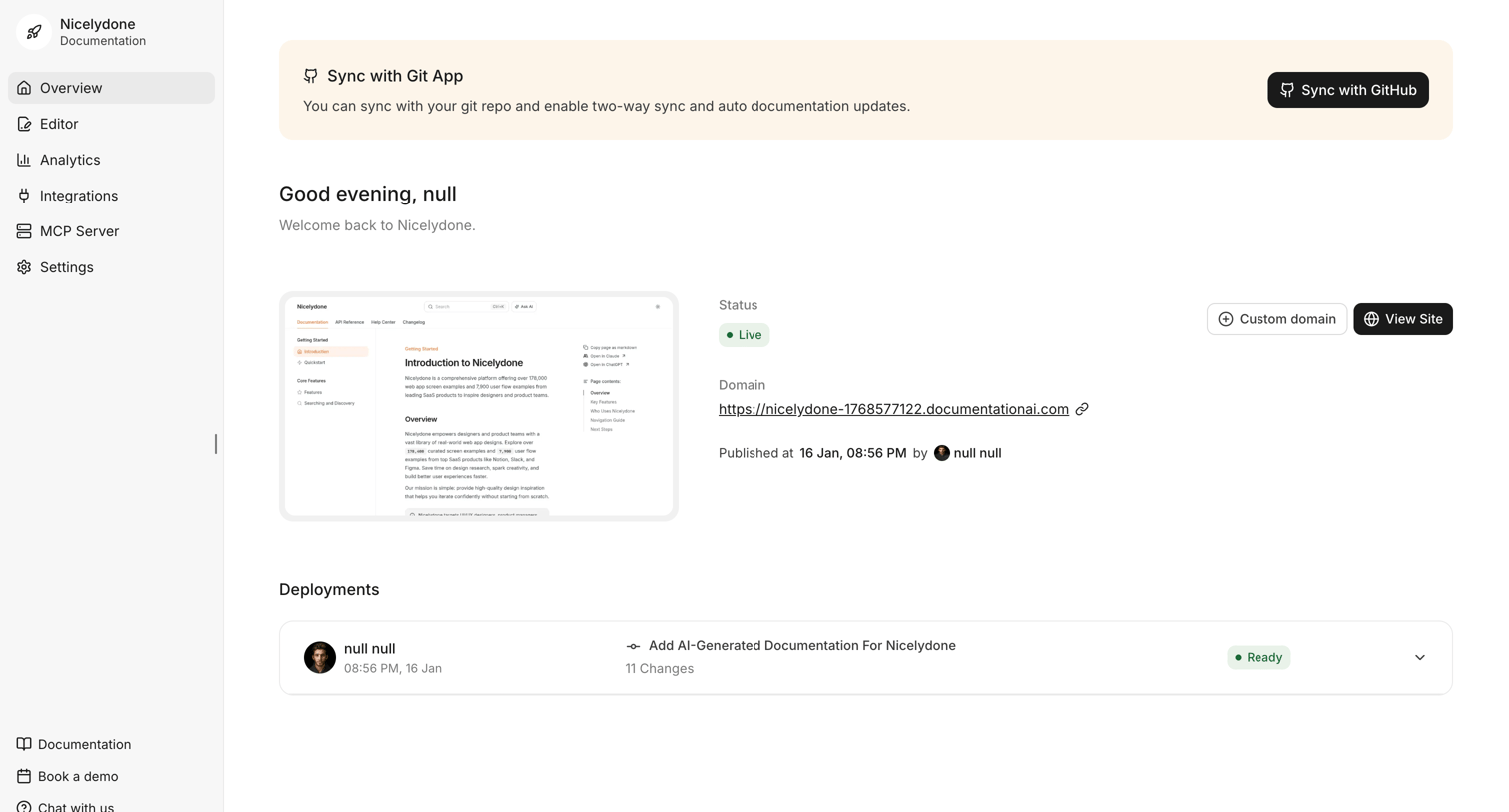

Dashboard for a documentation site showing live status, domain details, recent deployments, and a prompt to sync with a GitHub repository.
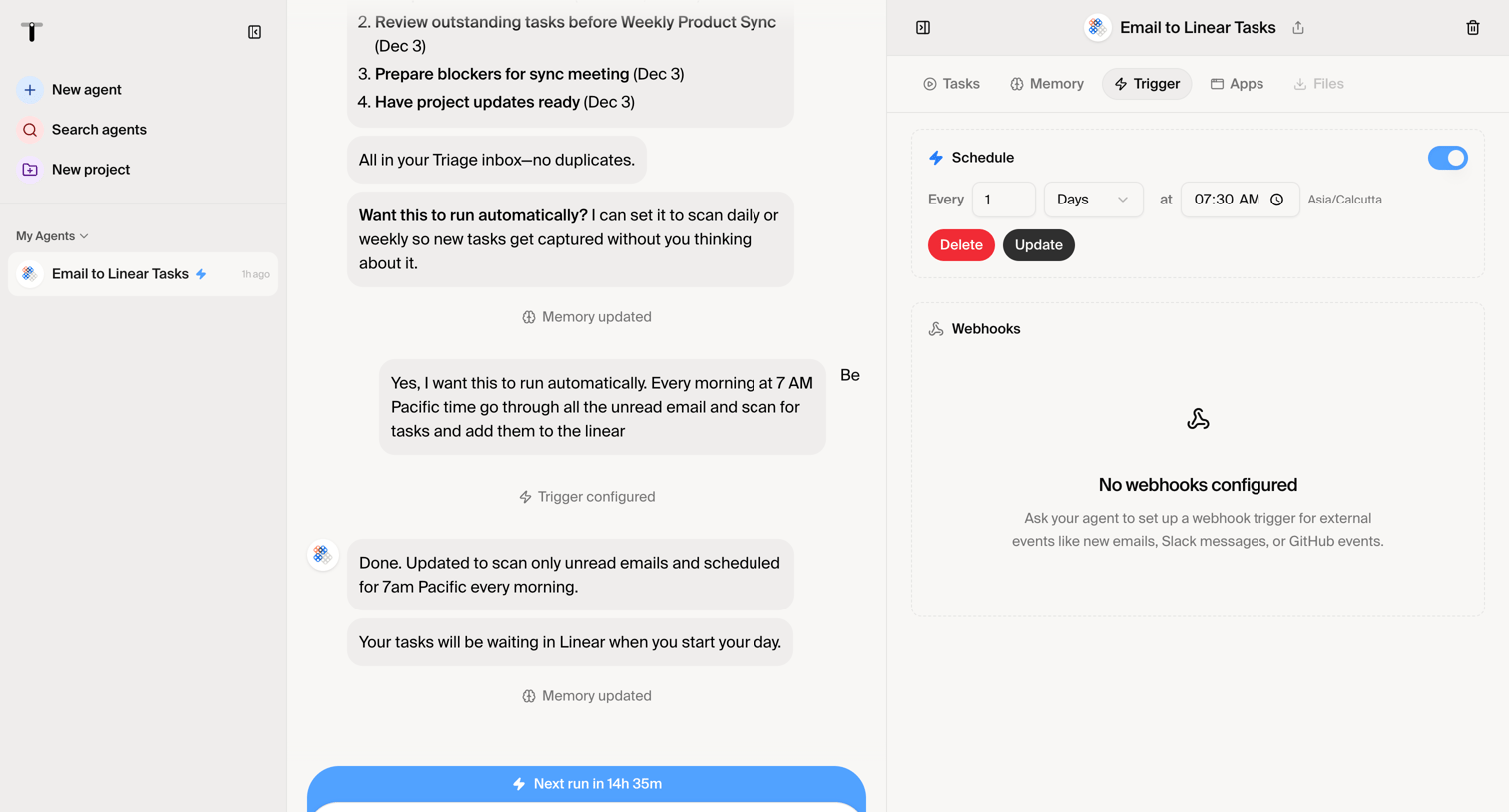

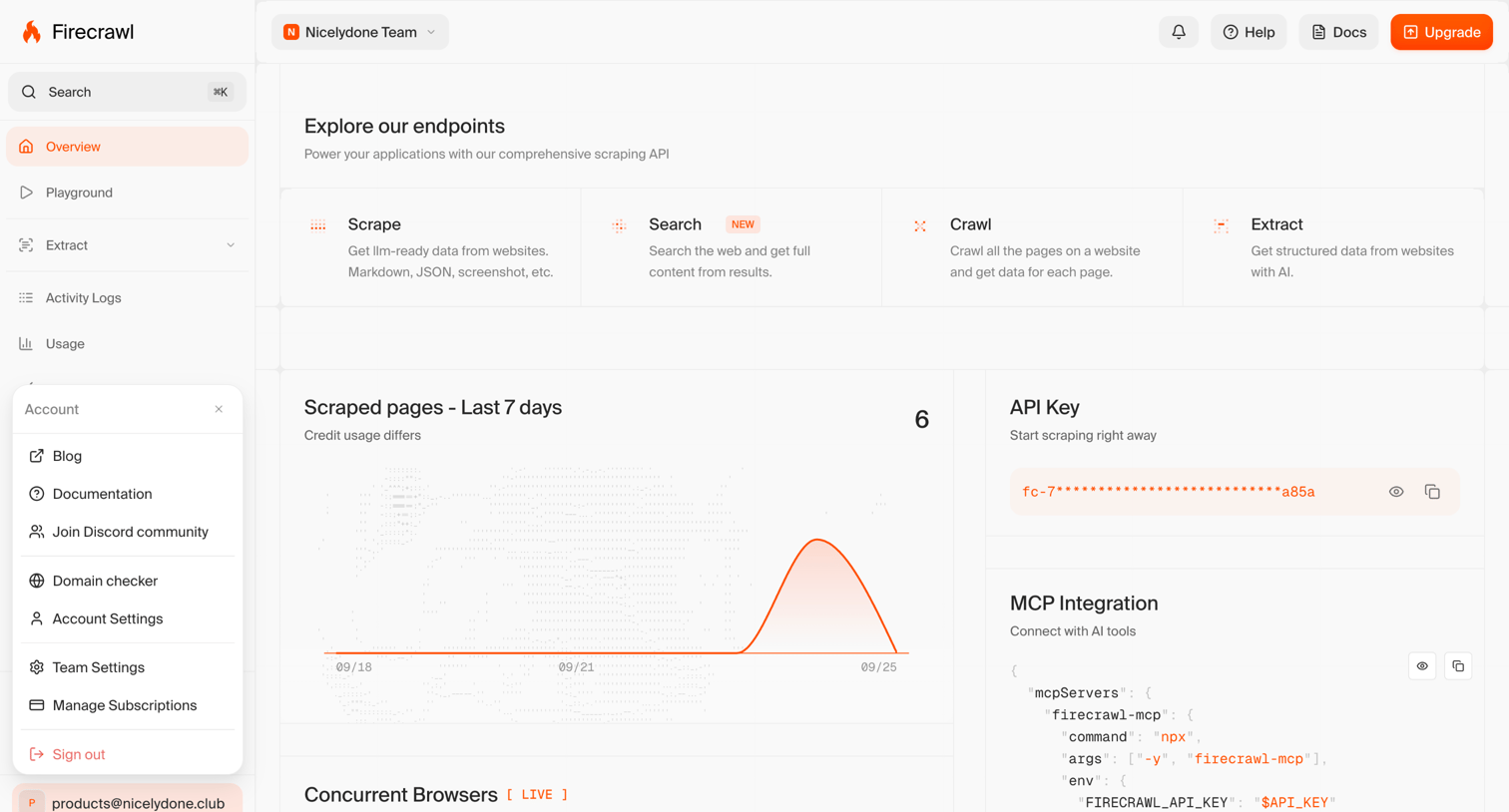

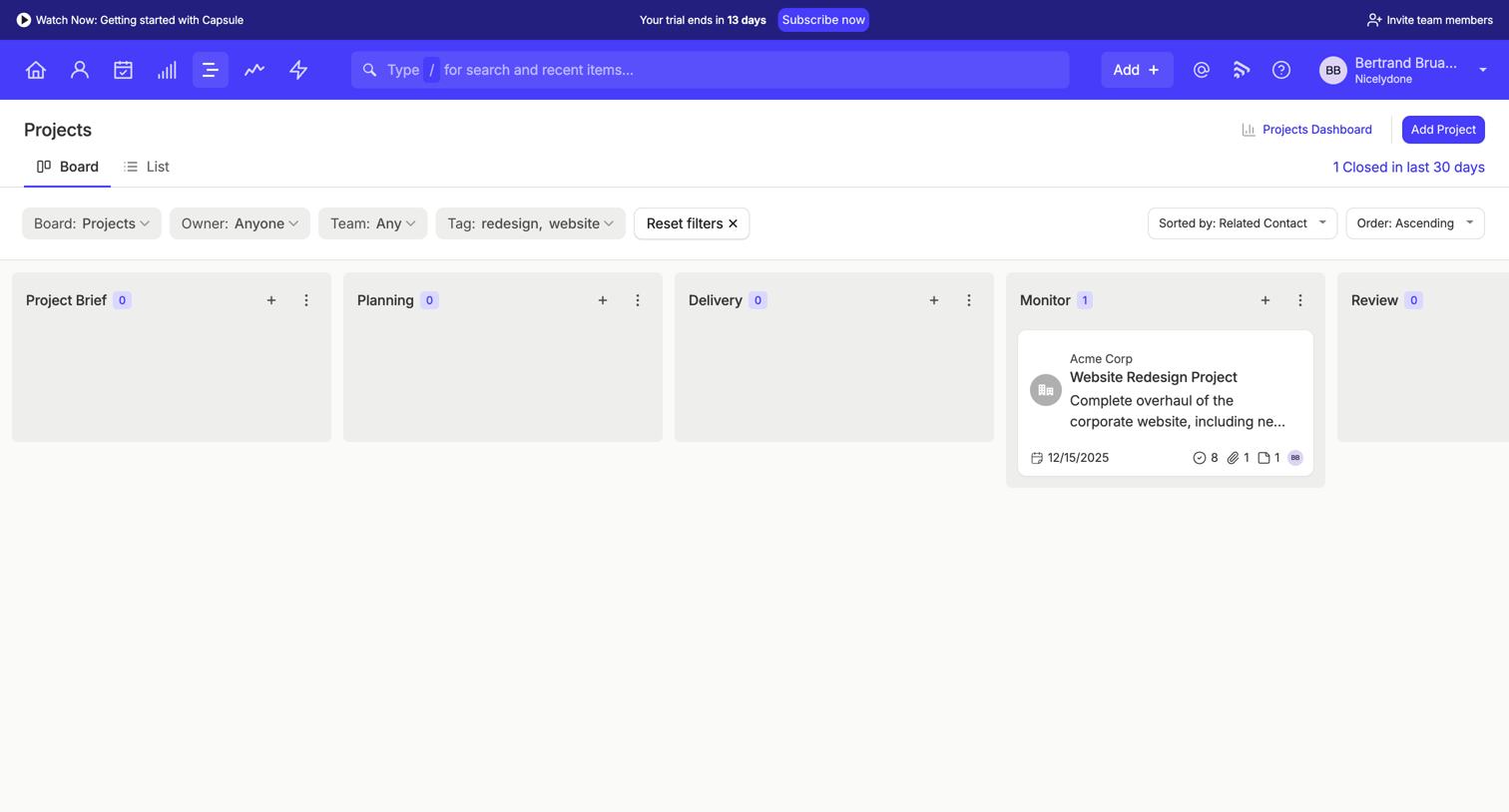

List view where the user manages projects across stages like Planning and Delivery on a kanban board with active filters for tags and owners.
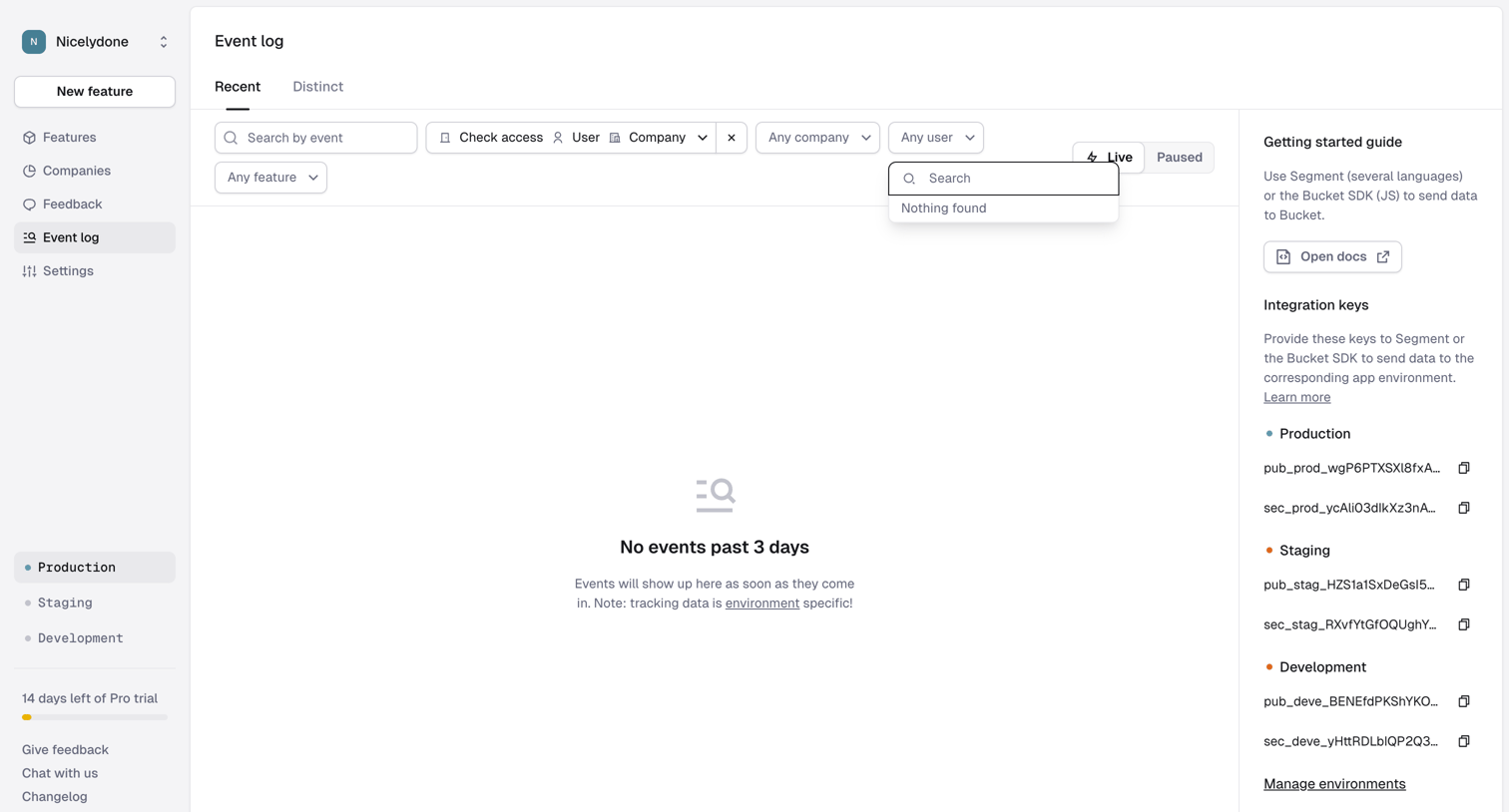

Event log page where the user filters recent events by feature, company, and user, currently showing an empty state.

Explore the full SaaS screen library
Upgrade to unlock the full library.
Trusted by the best teams







