Mind mapping screen examples
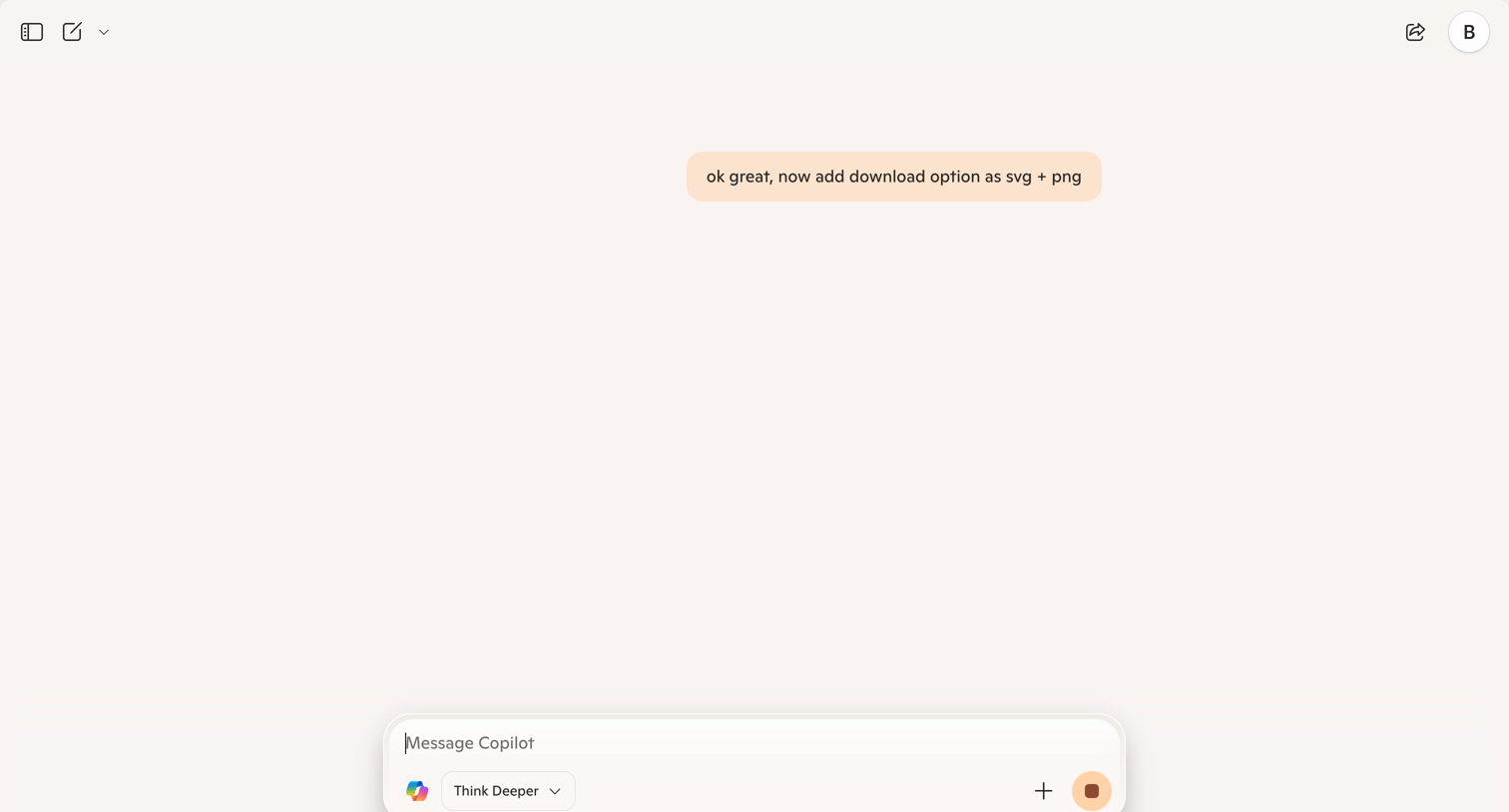
Mind mapping screen design examples from SaaS apps. Browse examples from Orchestra, Craft, Copilot.
Explore the examples
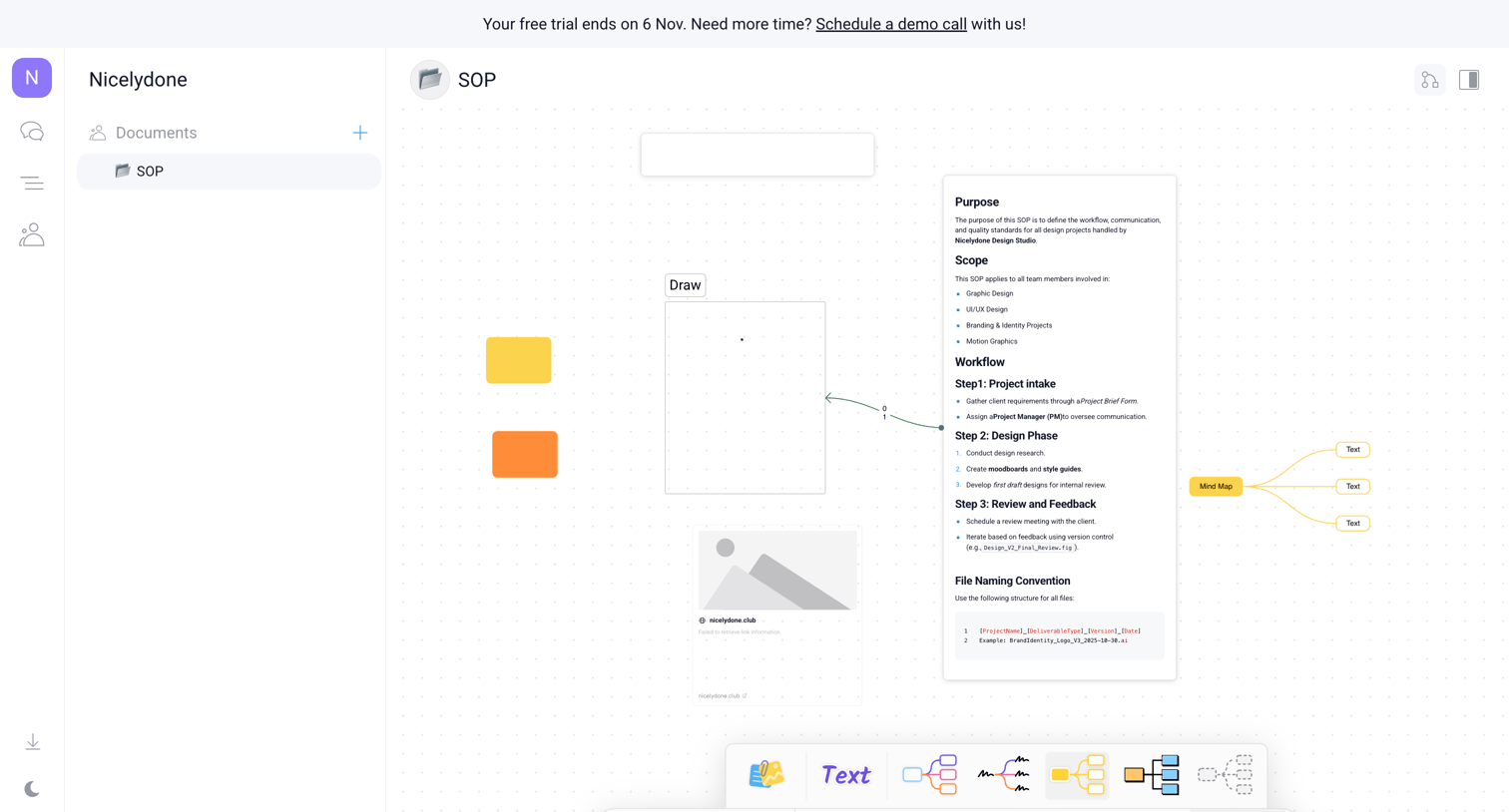

Whiteboard canvas for an SOP document featuring a mind map, text nodes, and a floating tool palette.
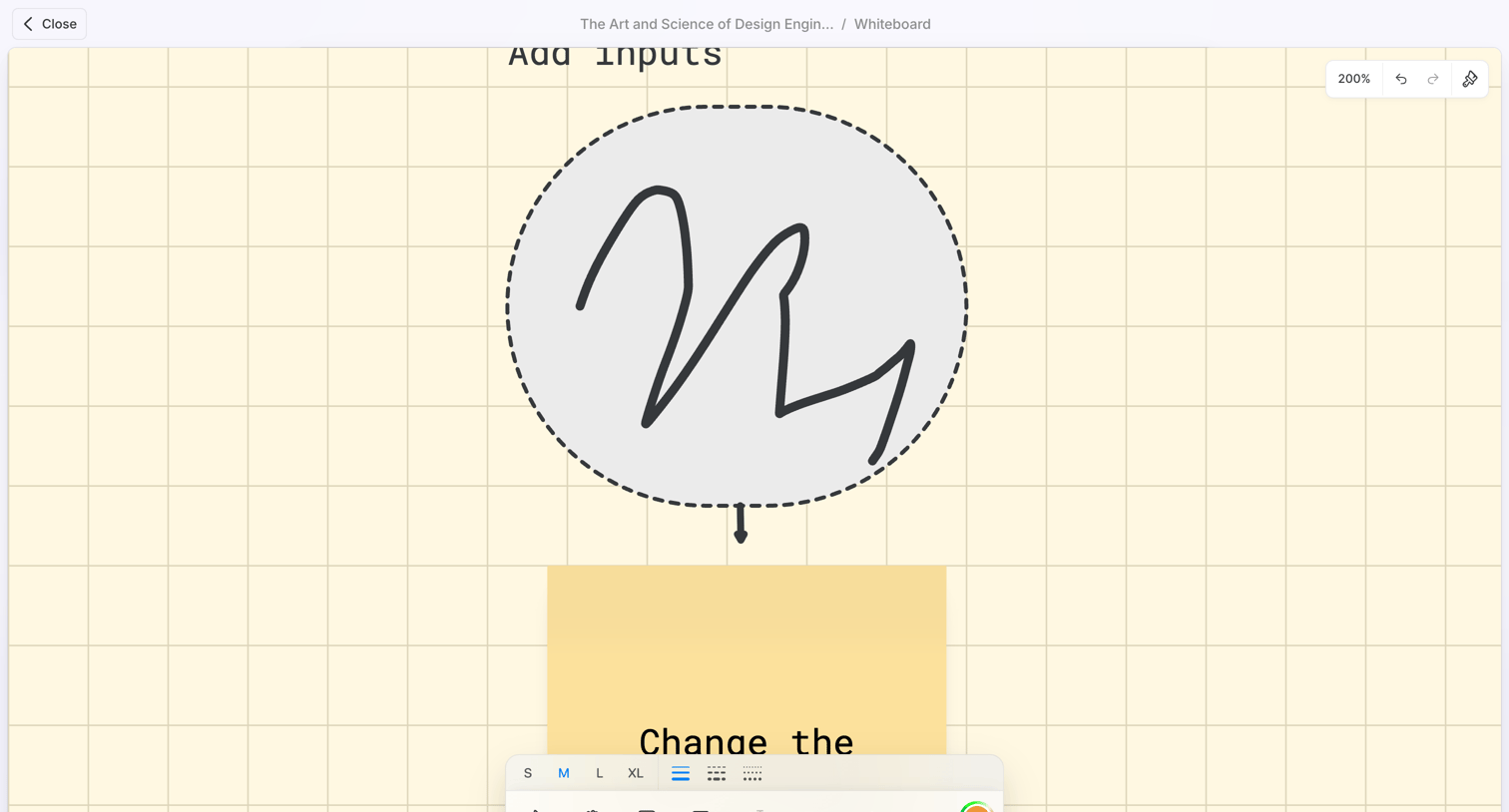

Design editor where the user draws and adds text to a whiteboard canvas using a floating tool palette.

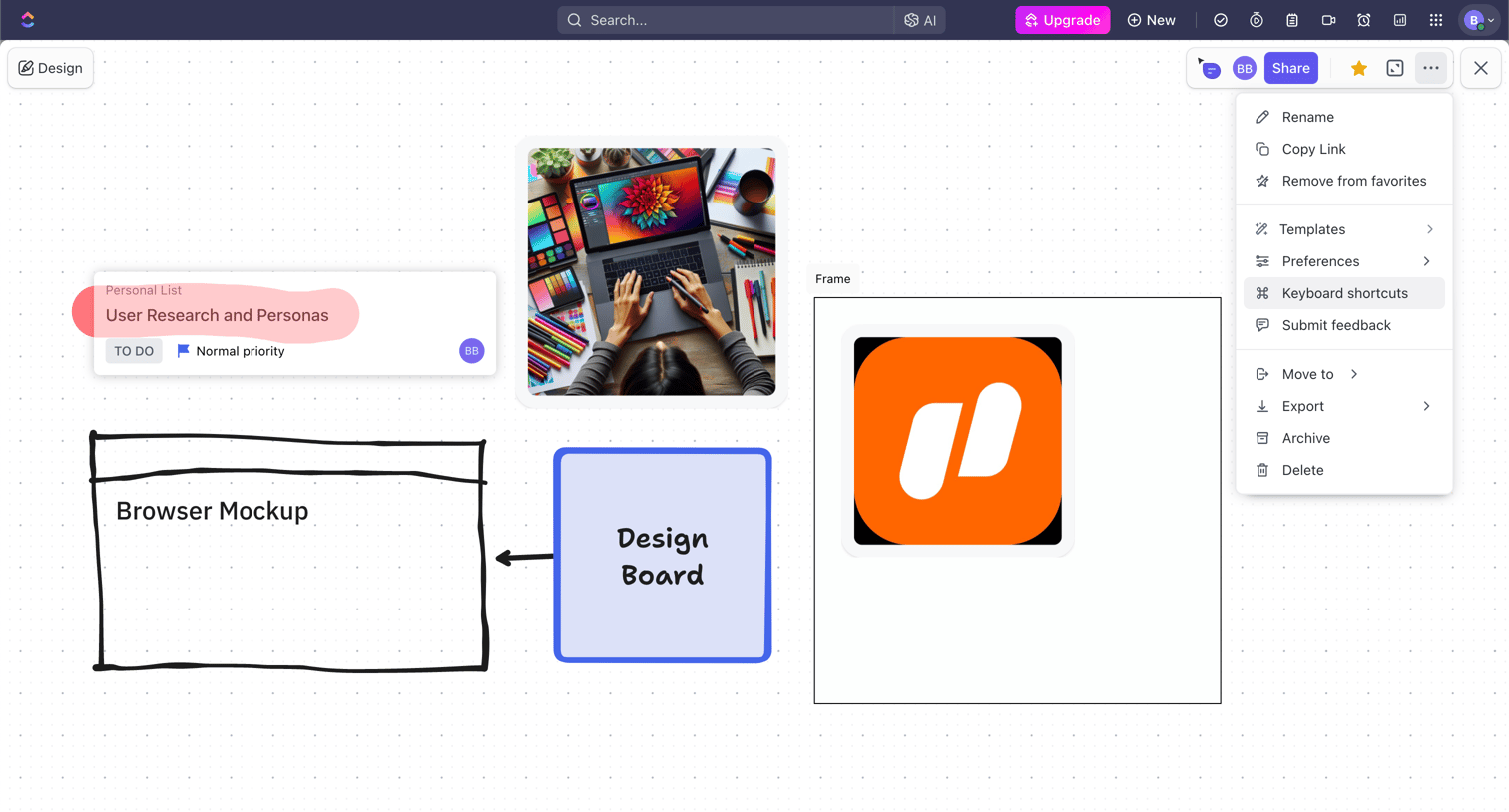

Design editor where the user is building a visual board with tasks, images, and shapes, with the canvas settings menu currently open.
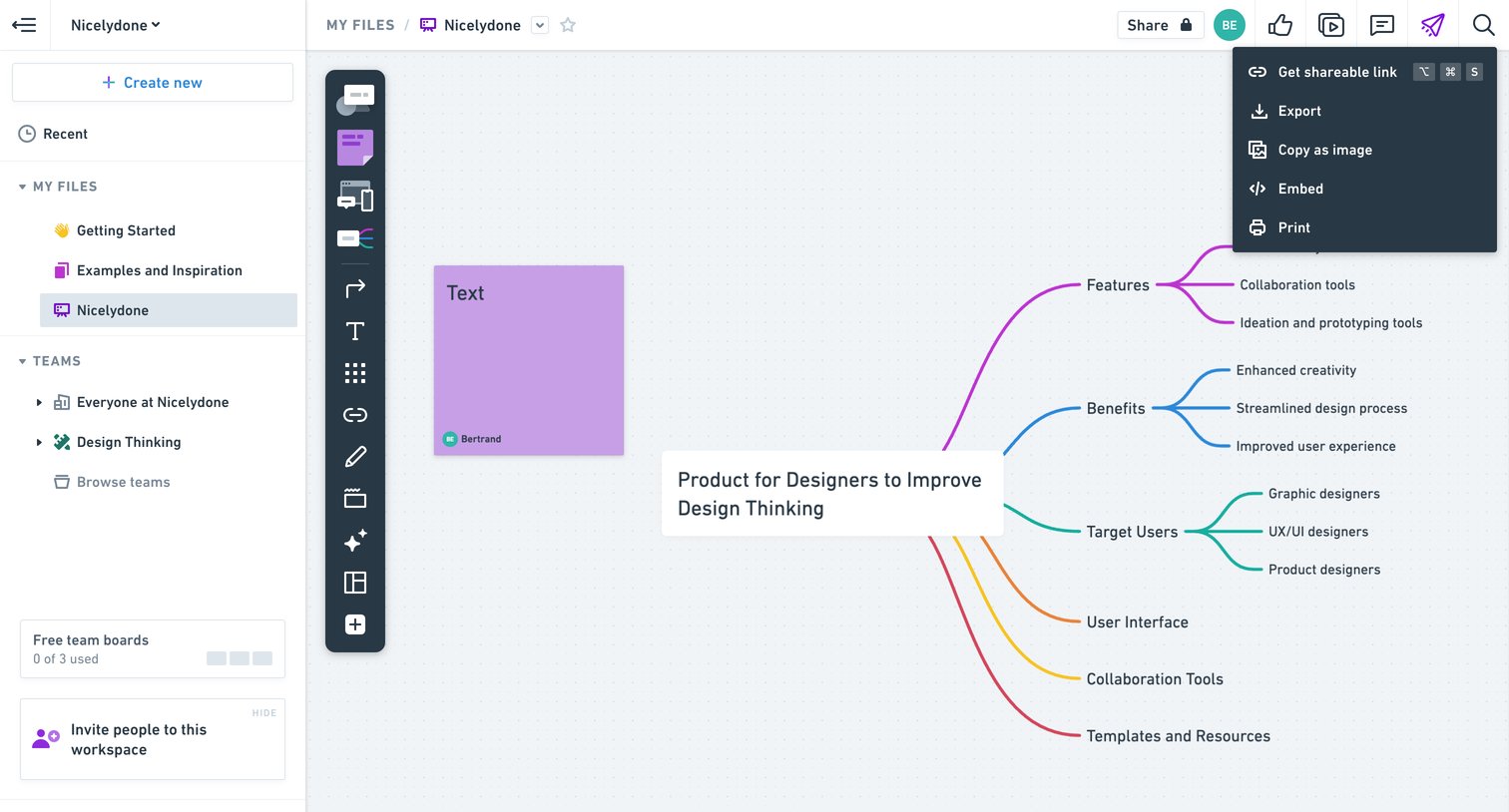

Whiteboard editor where the user is building a mind map about a product for designers, with a share menu open.
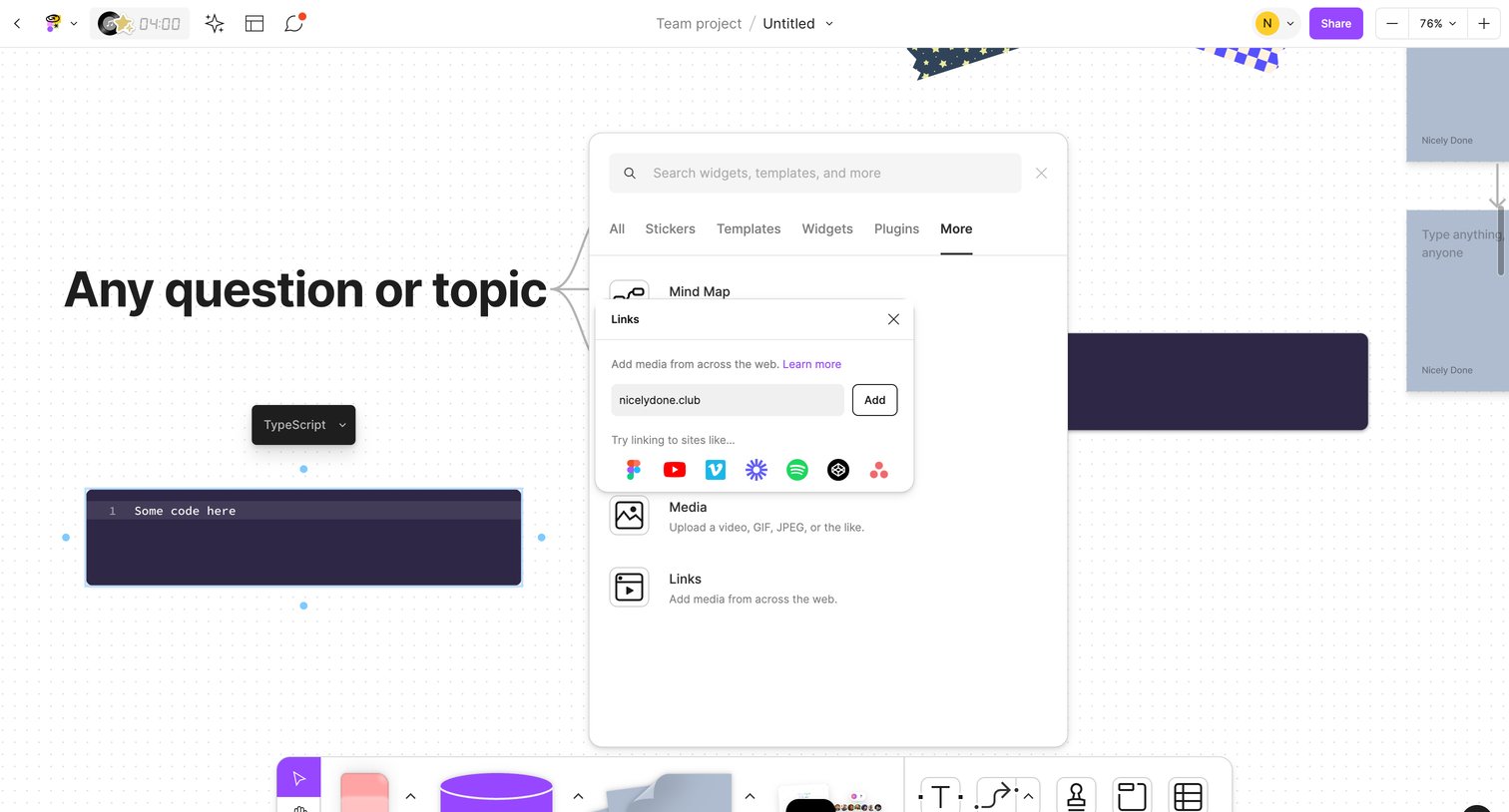

Whiteboard canvas where the user opens a floating widget menu and uses a popover to add a web link.
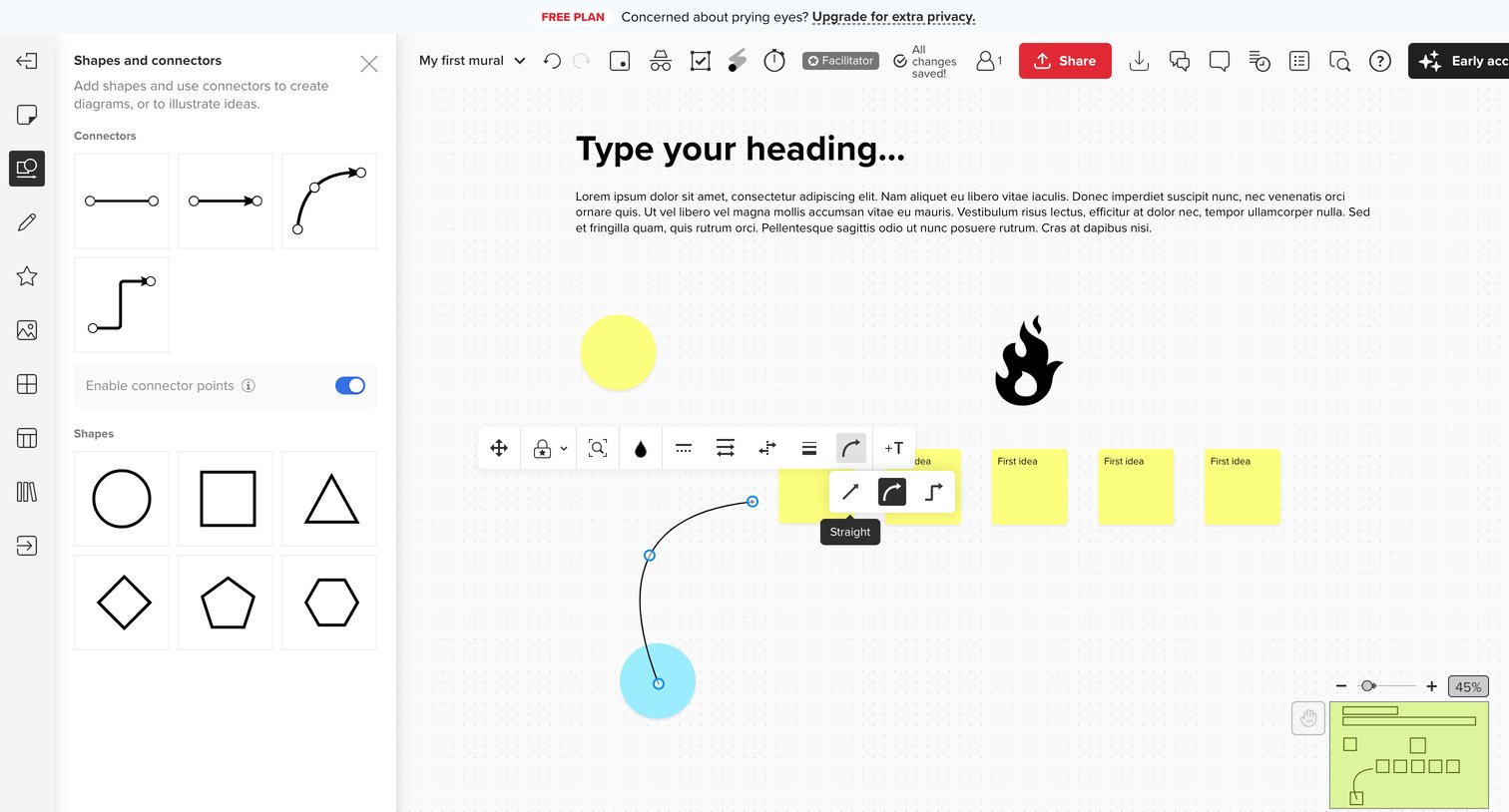

Design editor where the user adds shapes, sticky notes, and curved connectors to an infinite canvas, utilizing a floating toolbar to style the selected line.
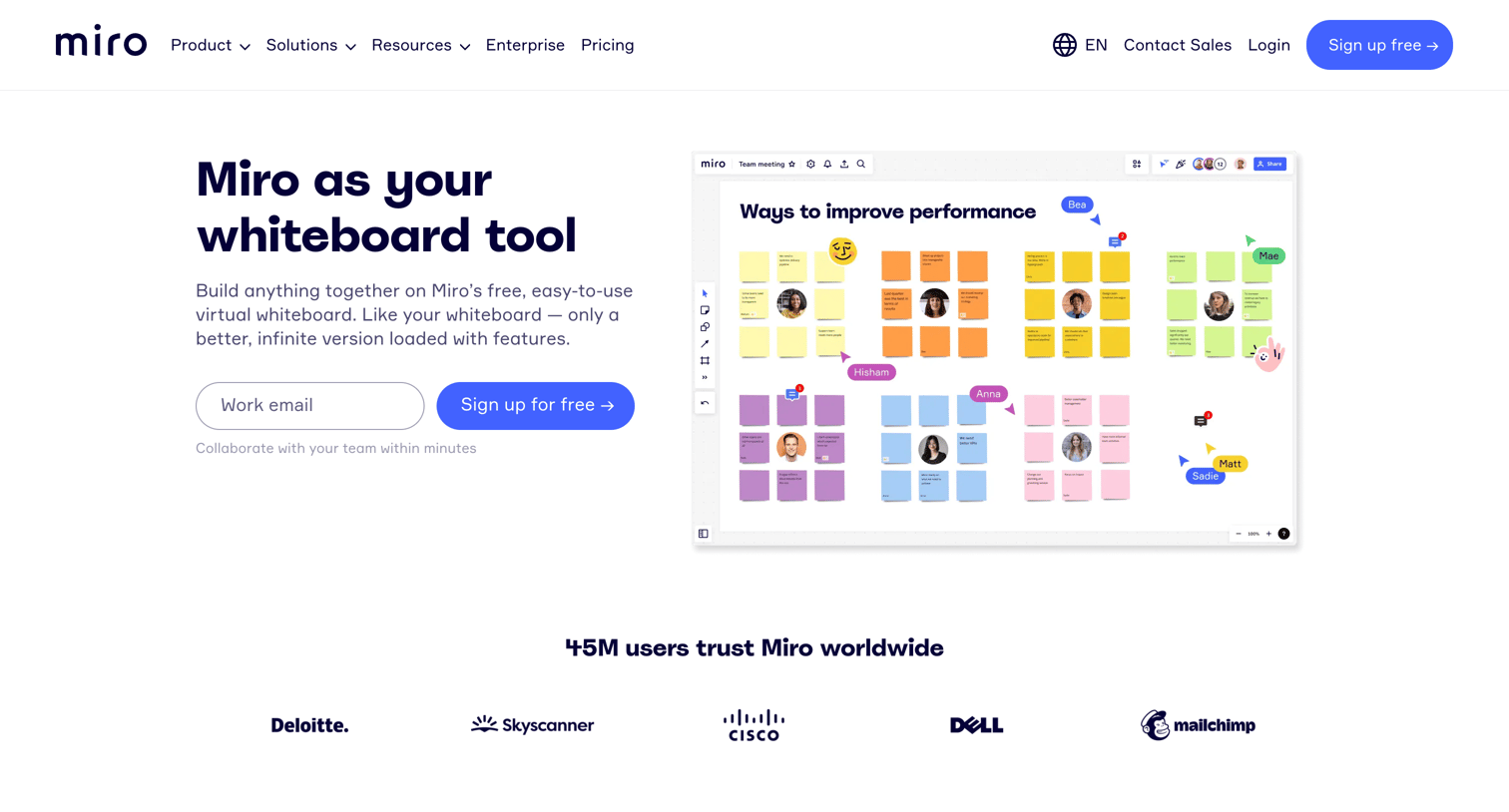

Marketing feature page for Miro's online whiteboard tool, highlighting brainstorming, diagramming, and remote collaboration capabilities with social proof and a free signup CTA.
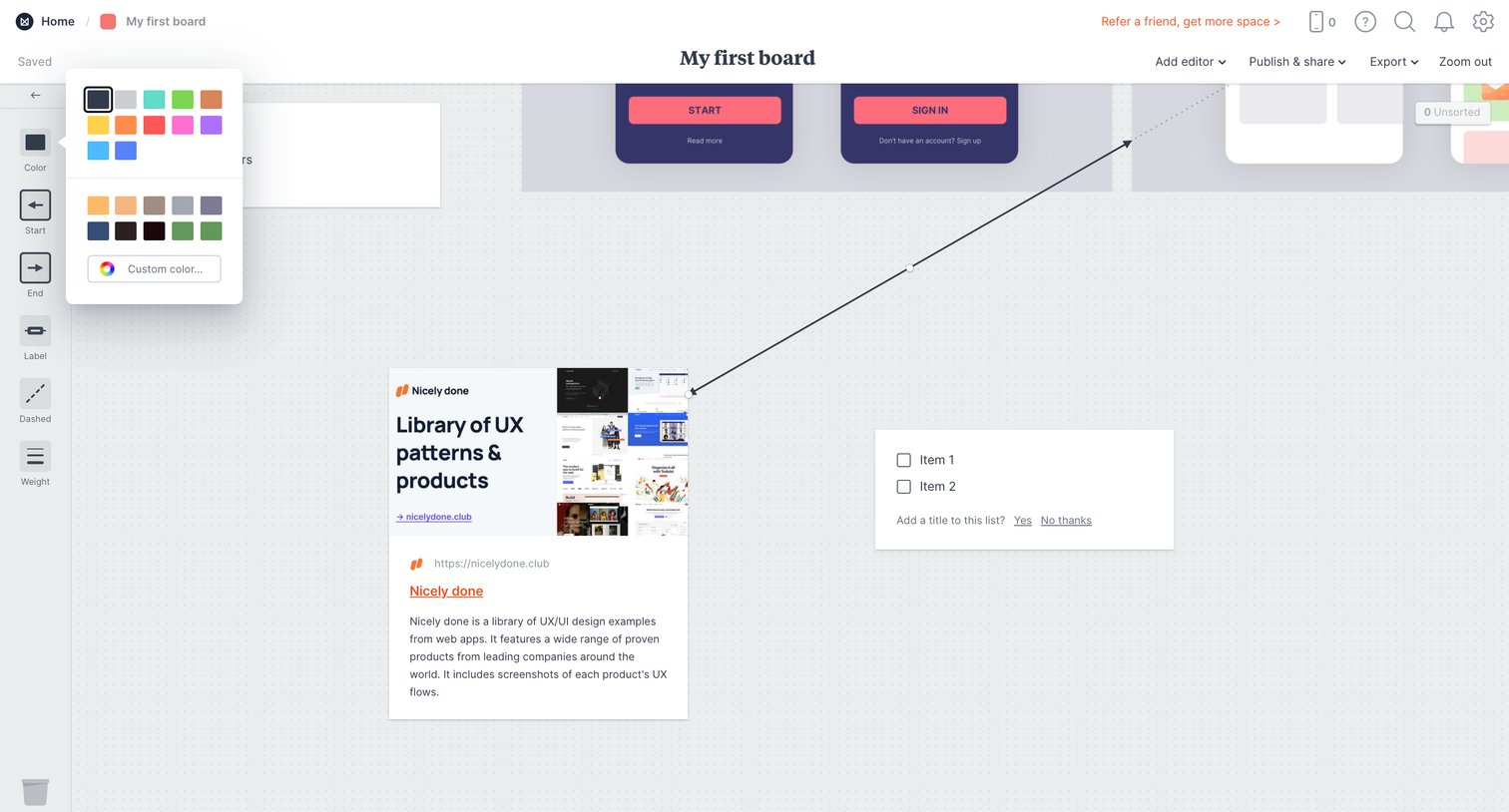

Design editor where the user is customizing the color of a connection line on a freeform whiteboard containing cards and lists.
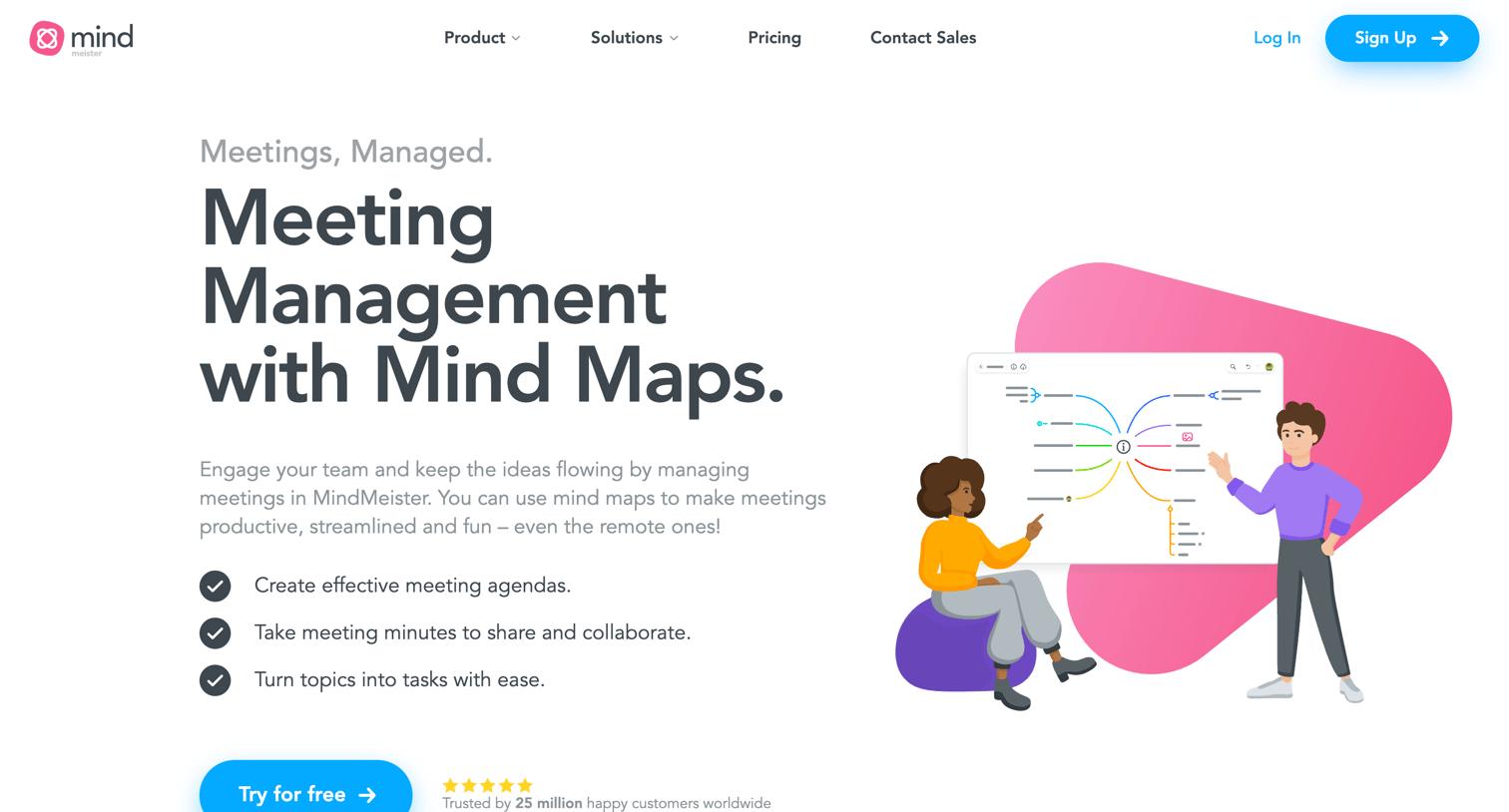

Marketing use case page explaining how to use mind maps for meeting management, featuring interactive feature tabs, integration highlights, and app download links.


Design editor where the user organizes brainstorming ideas on an infinite canvas with text blocks, sticky notes, and drawing tools, currently interacting with an object's context menu.
Explore the full SaaS screen library
Upgrade to unlock the full library.
Trusted by the best teams







