Media assets screen examples
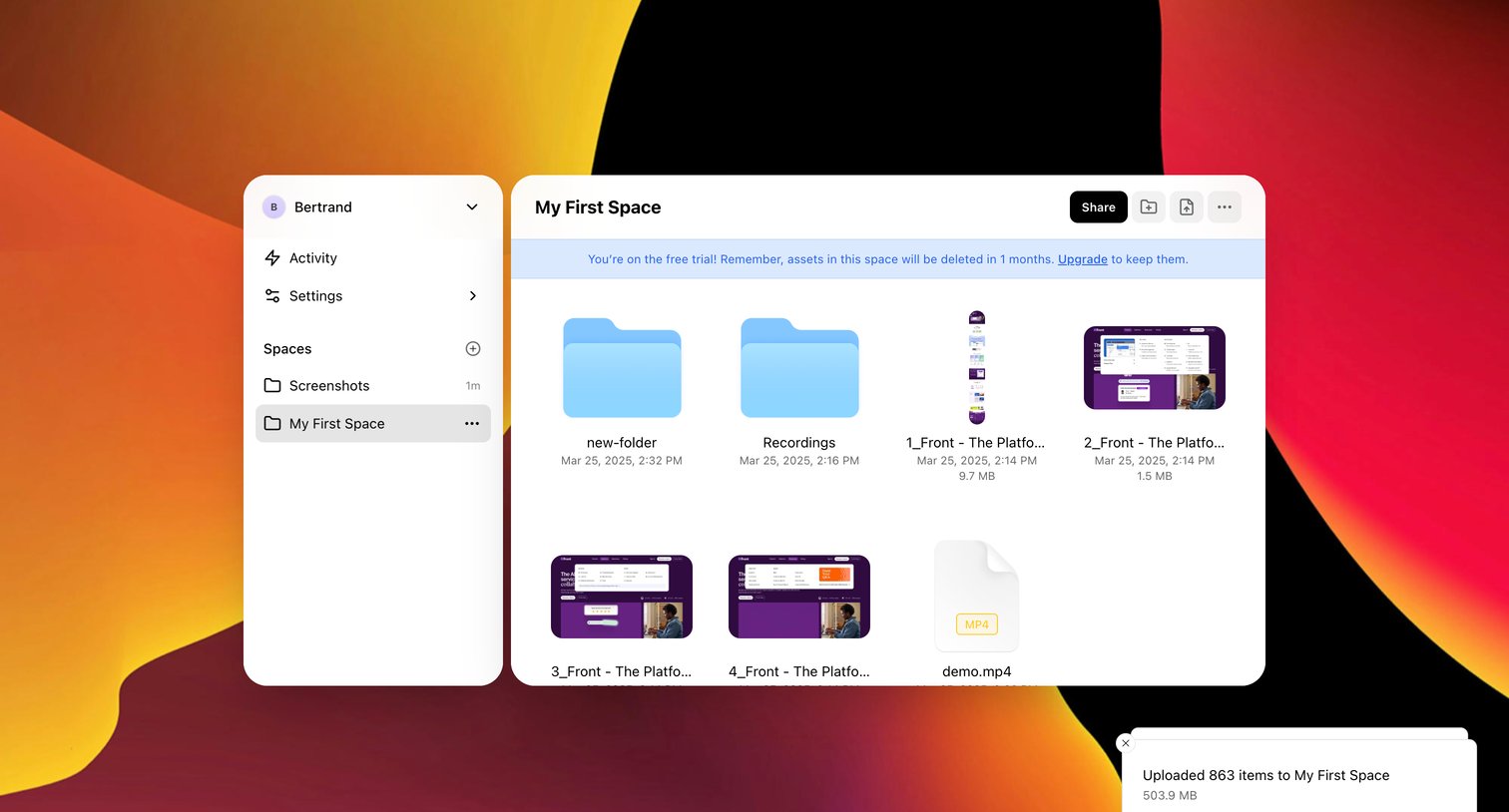
Media assets screen design examples from SaaS apps. Browse examples from Morphic, Kinescope, Okta.
Explore the examples
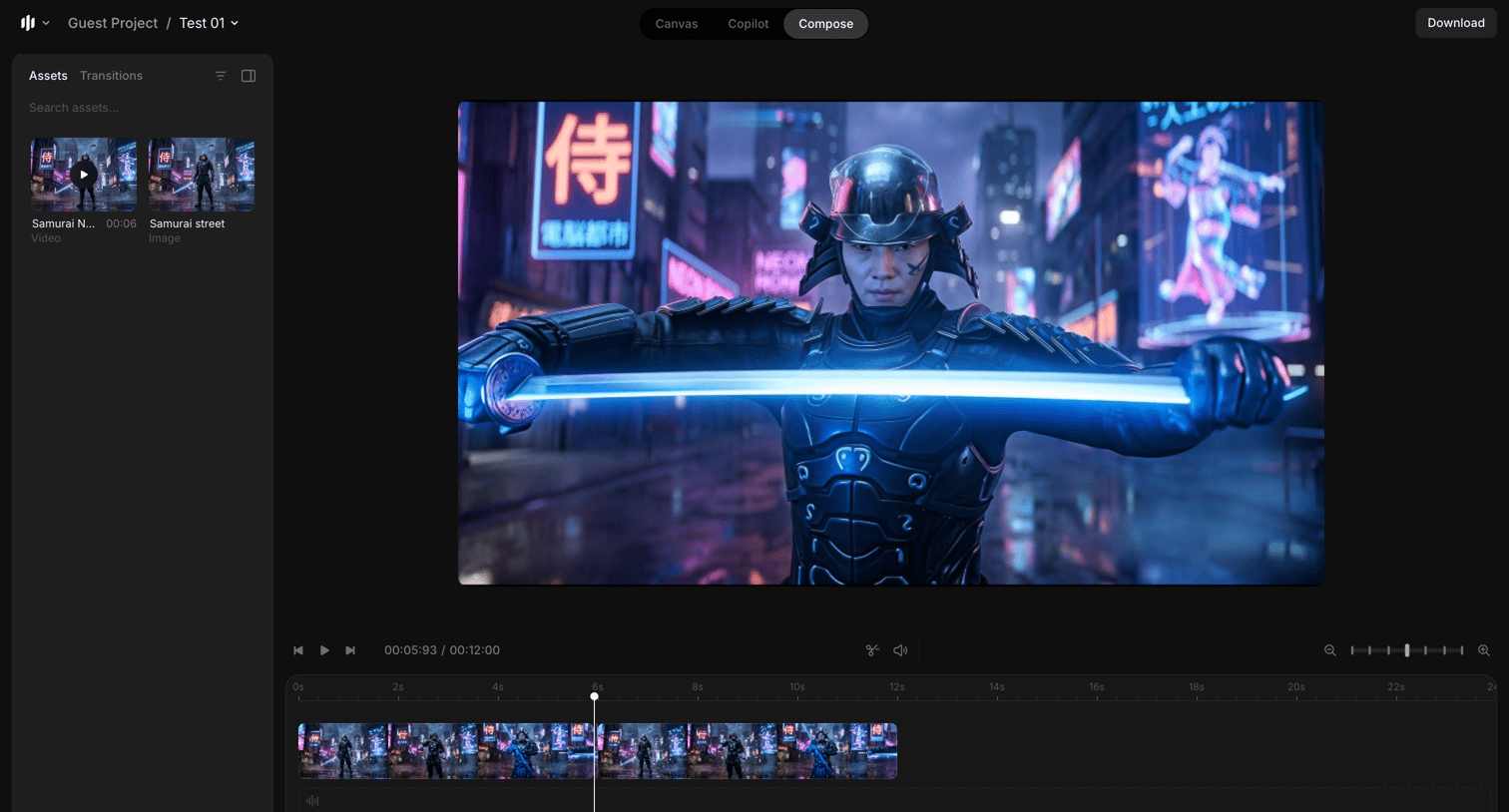

Design editor where the user composes a video timeline, manages uploaded media assets, and previews the sequence.
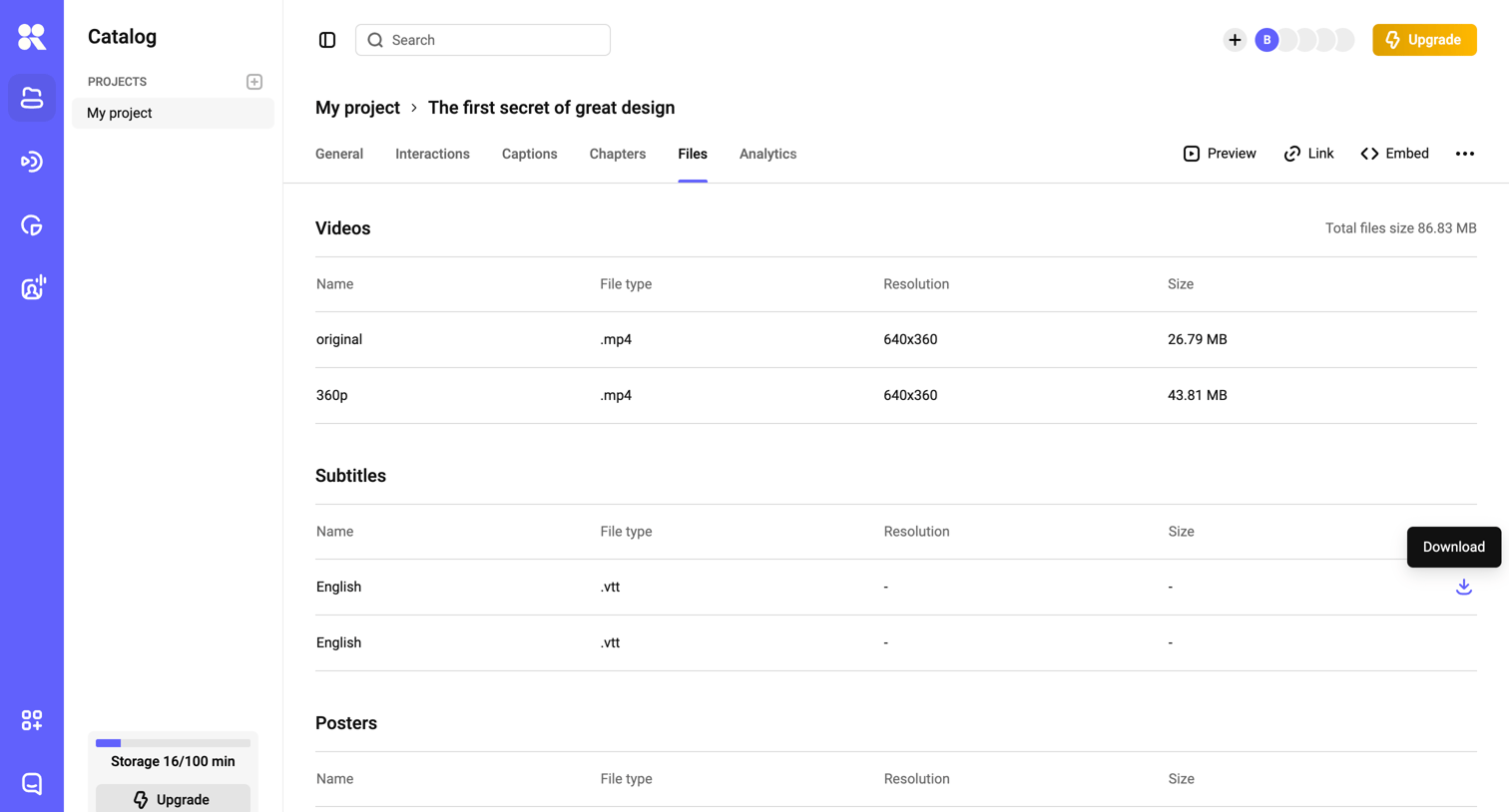

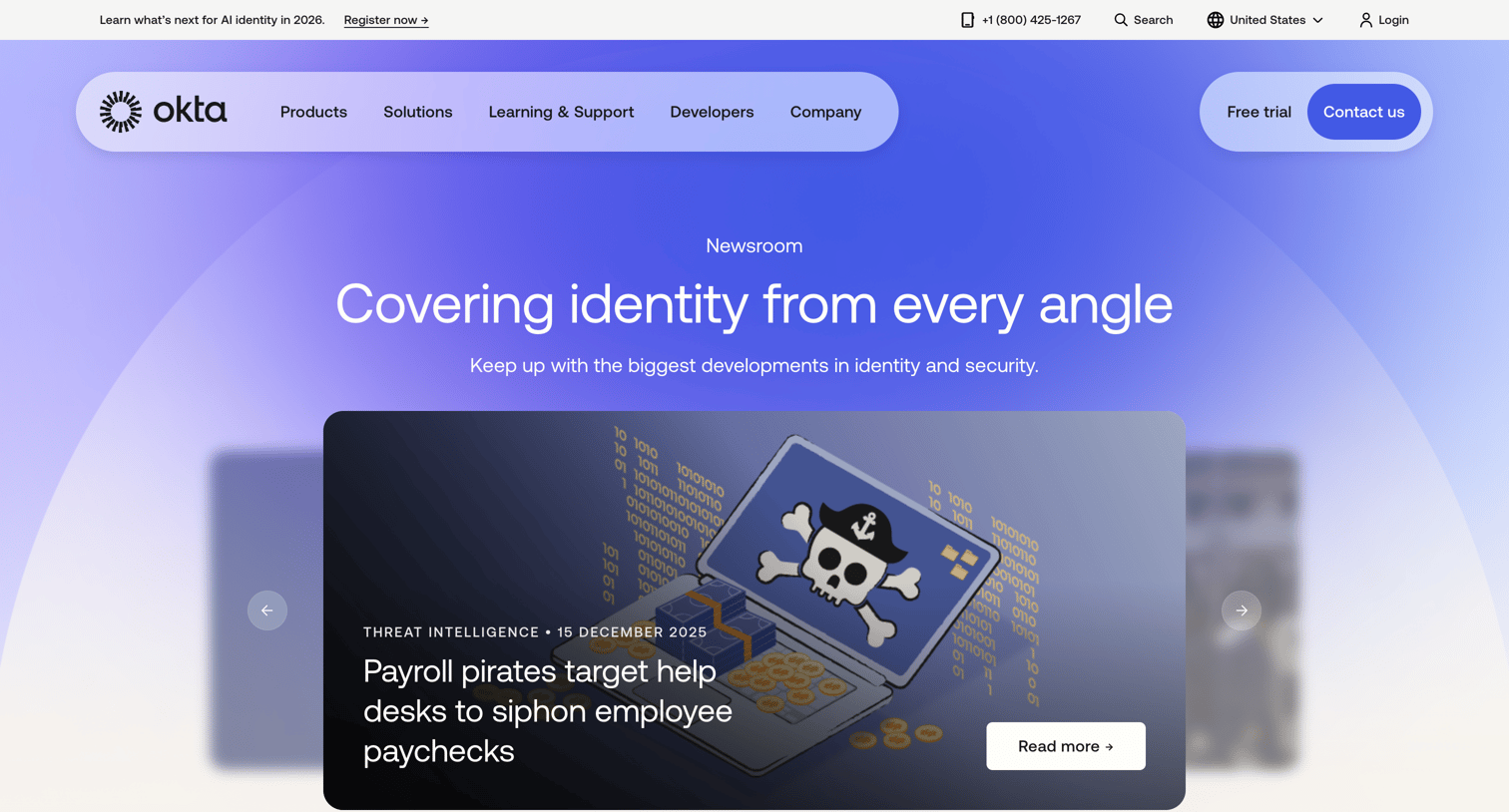

Newsroom page where the user can browse trending stories, filter articles by category, topic, and date, download media assets, and subscribe to an identity newsletter.
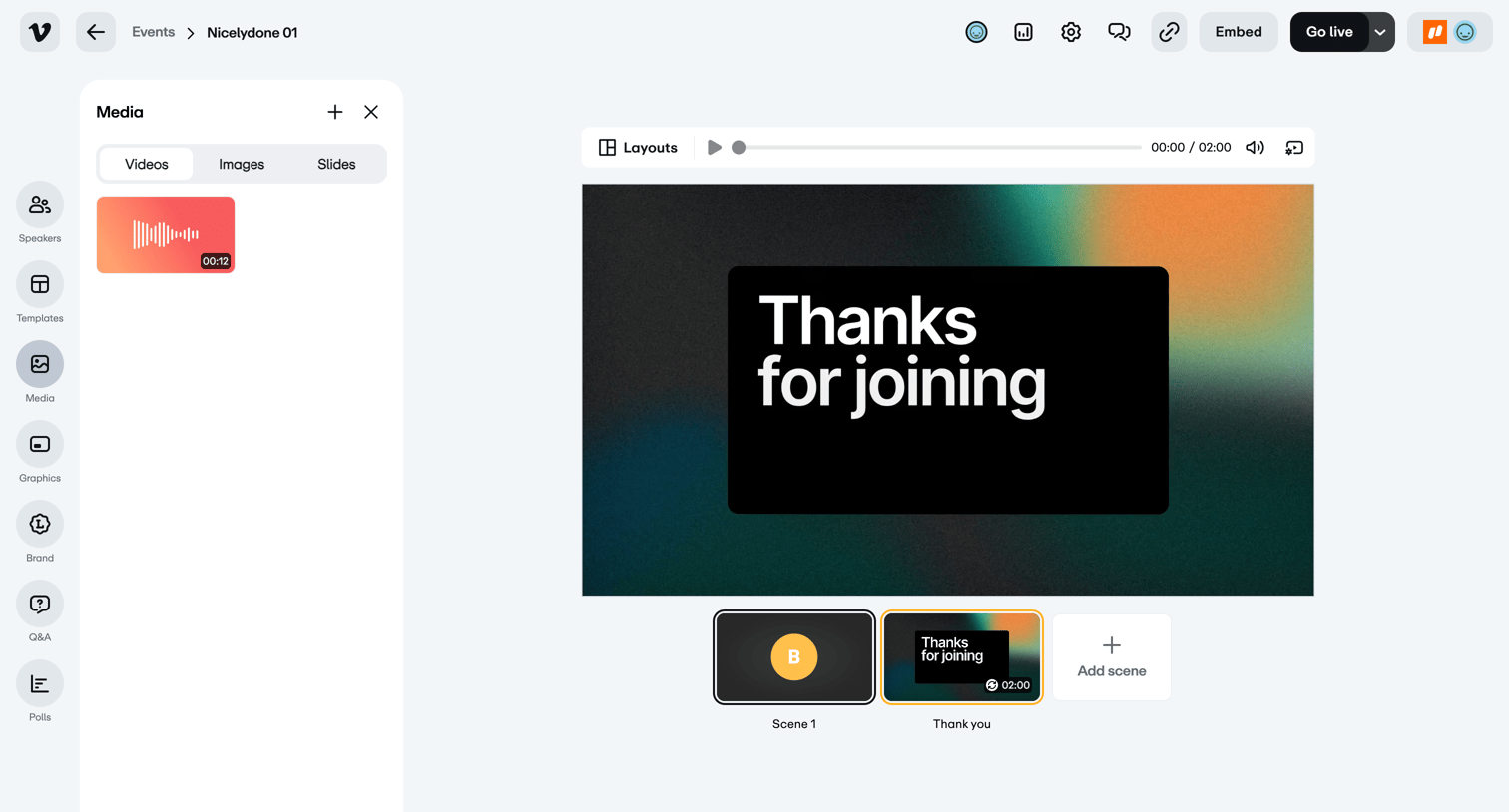

Live broadcast studio where the user manages media assets, configures scenes, and controls audio and video inputs before going live.
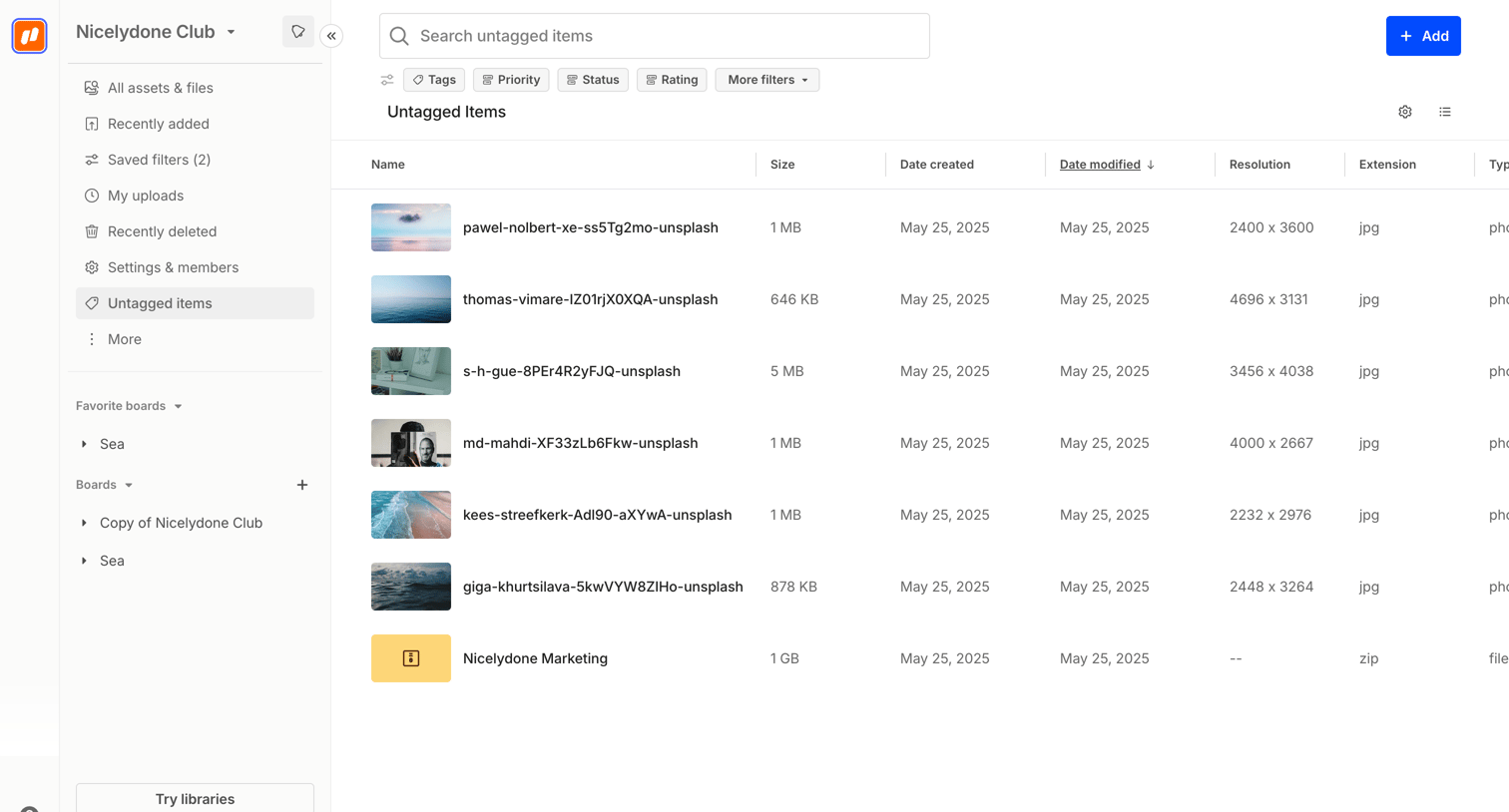

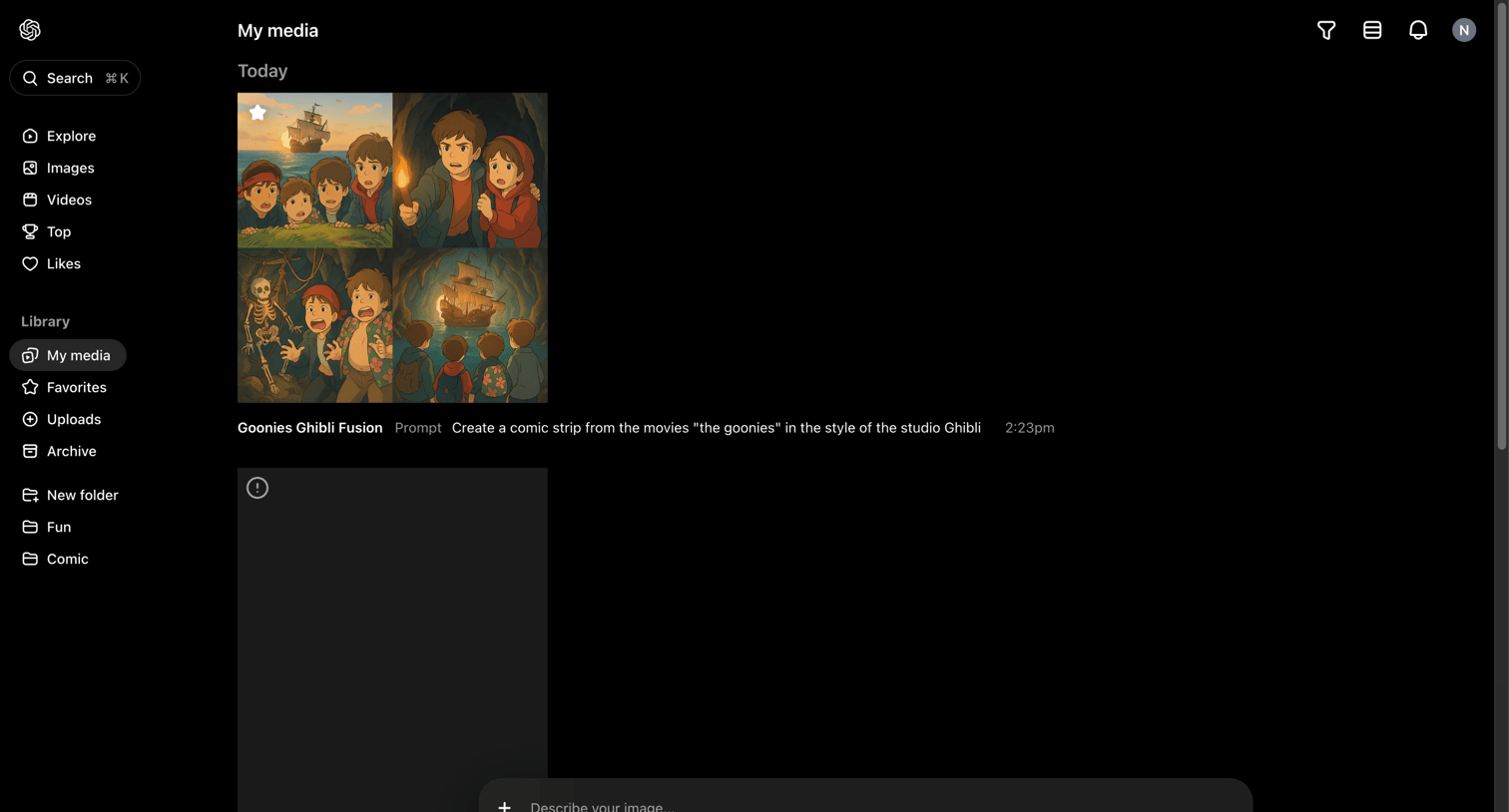

Media library where the user views their past AI generations and can enter a new prompt to create more.
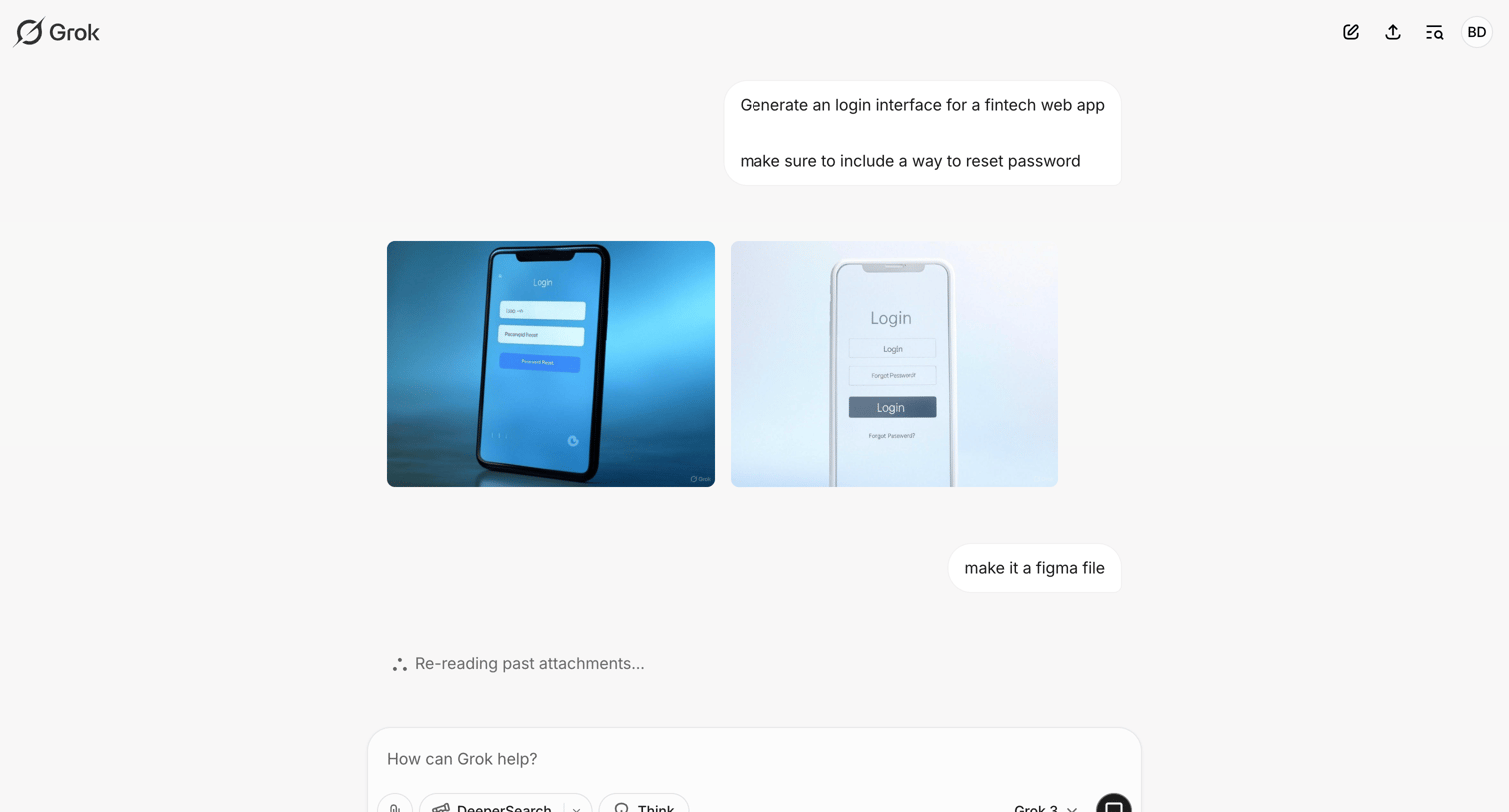

AI chat interface where the user requests a fintech login interface and prompts the model to convert the generated images into a Figma file.

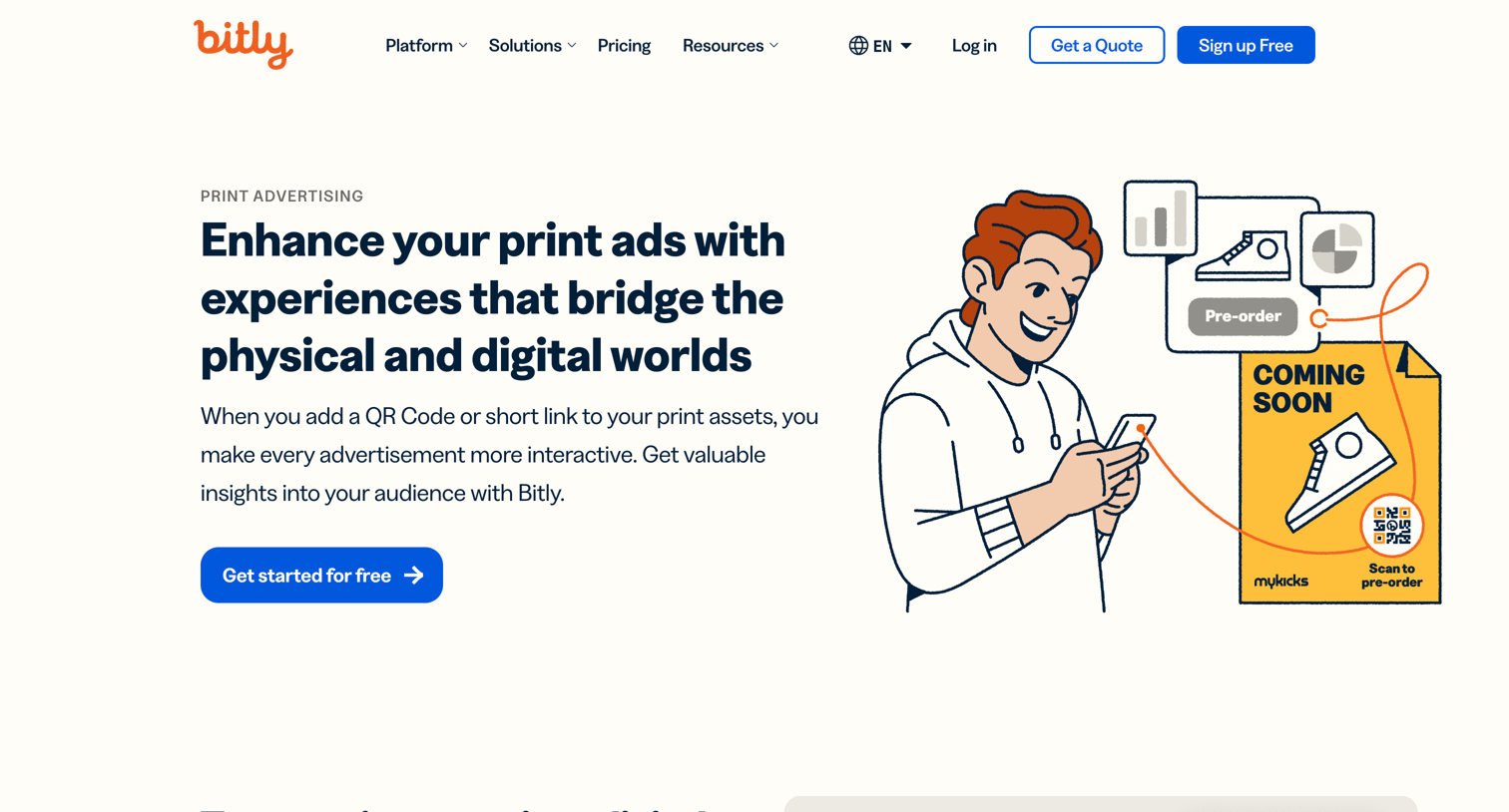

Marketing use case page explaining how to bridge physical and digital worlds with QR codes and short links for print advertising, featuring product mockups and customer testimonials.
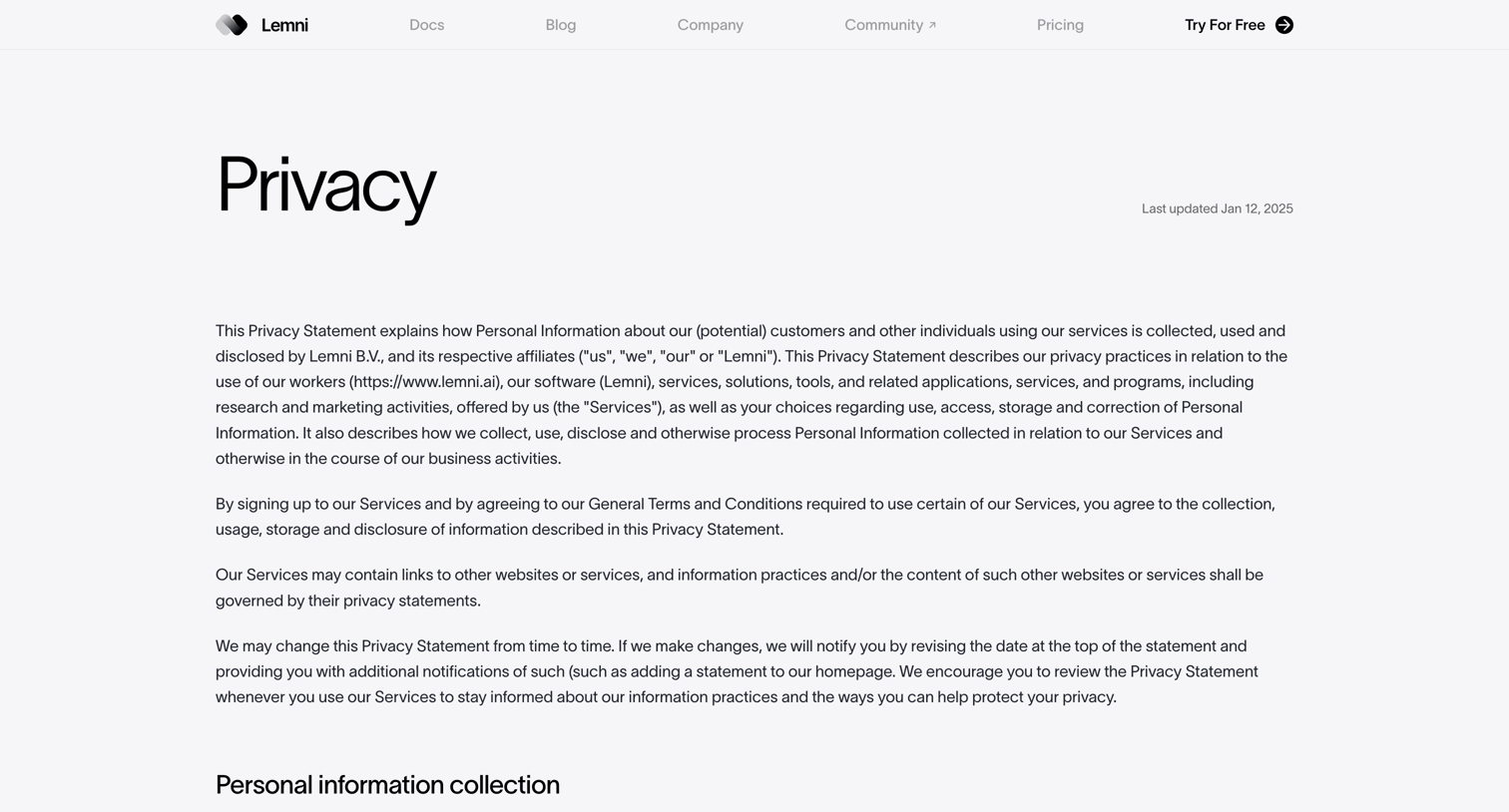

Legal page detailing the company's privacy statement, covering personal information collection, usage, disclosure, security, and EU and California privacy rights.
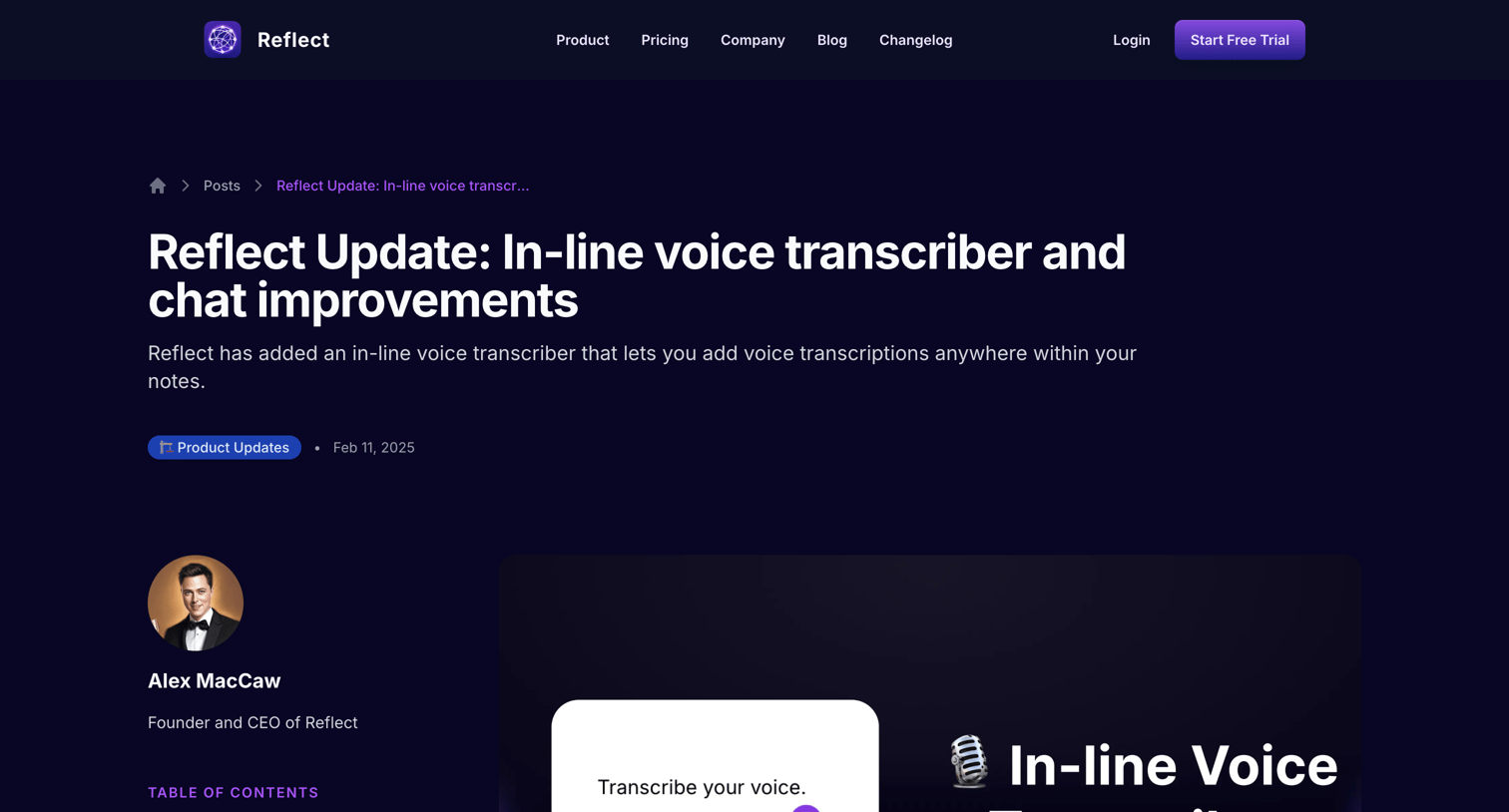

Blog article detailing a new in-line voice transcriber and Gemini AI chat improvements, featuring a left-aligned table of contents and a related posts grid.
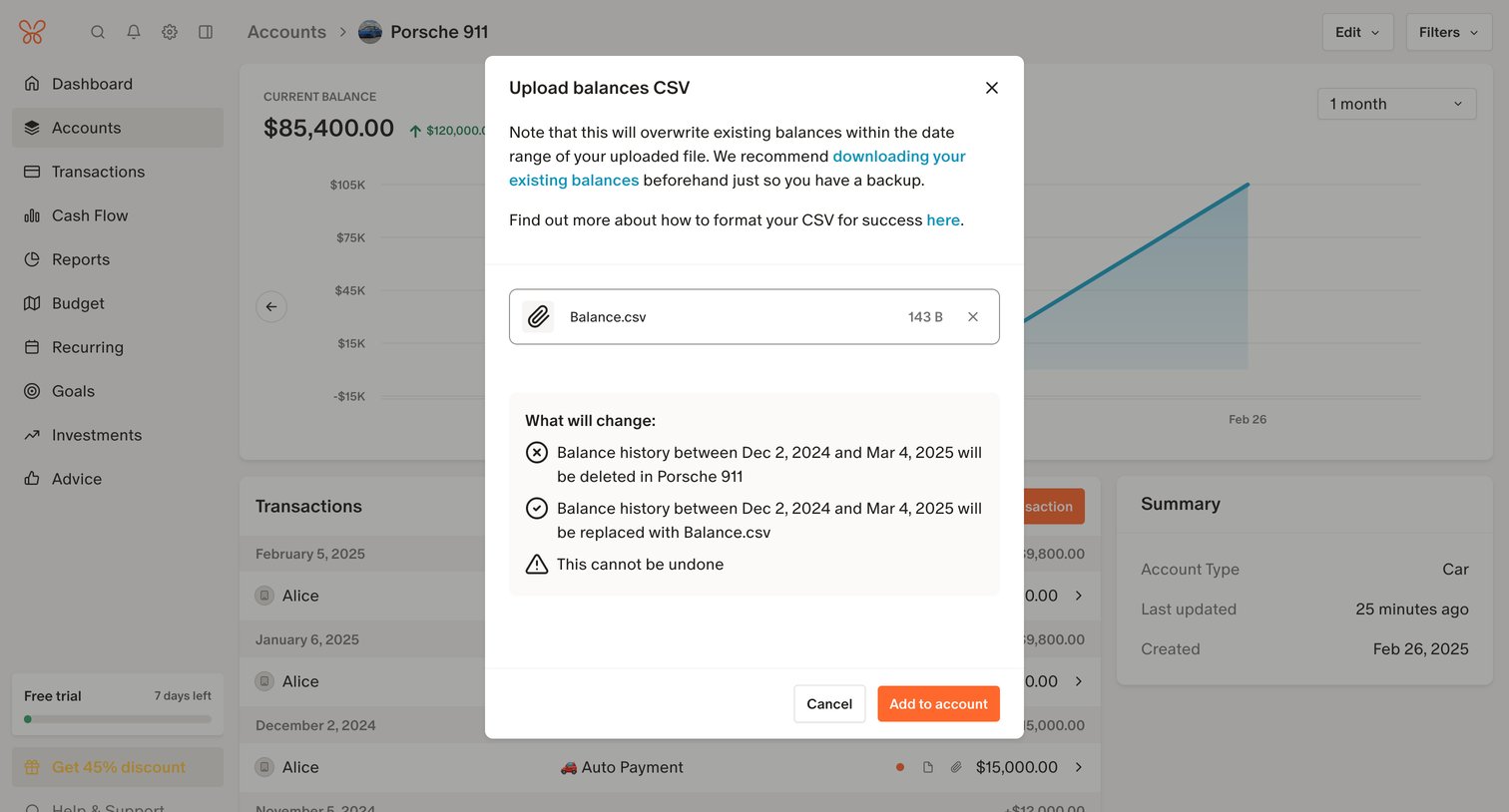

Detail page for an asset account where a modal prompts the user to confirm uploading a CSV file that will overwrite existing balance history.
Explore the full SaaS screen library
Upgrade to unlock the full library.
Trusted by the best teams







