Integration management screen examples
Integration management screen design examples from SaaS apps. See how SaaS apps organize connections to other tools. Explore how integration directories and settings present available services, connection status, and…
Explore the examples
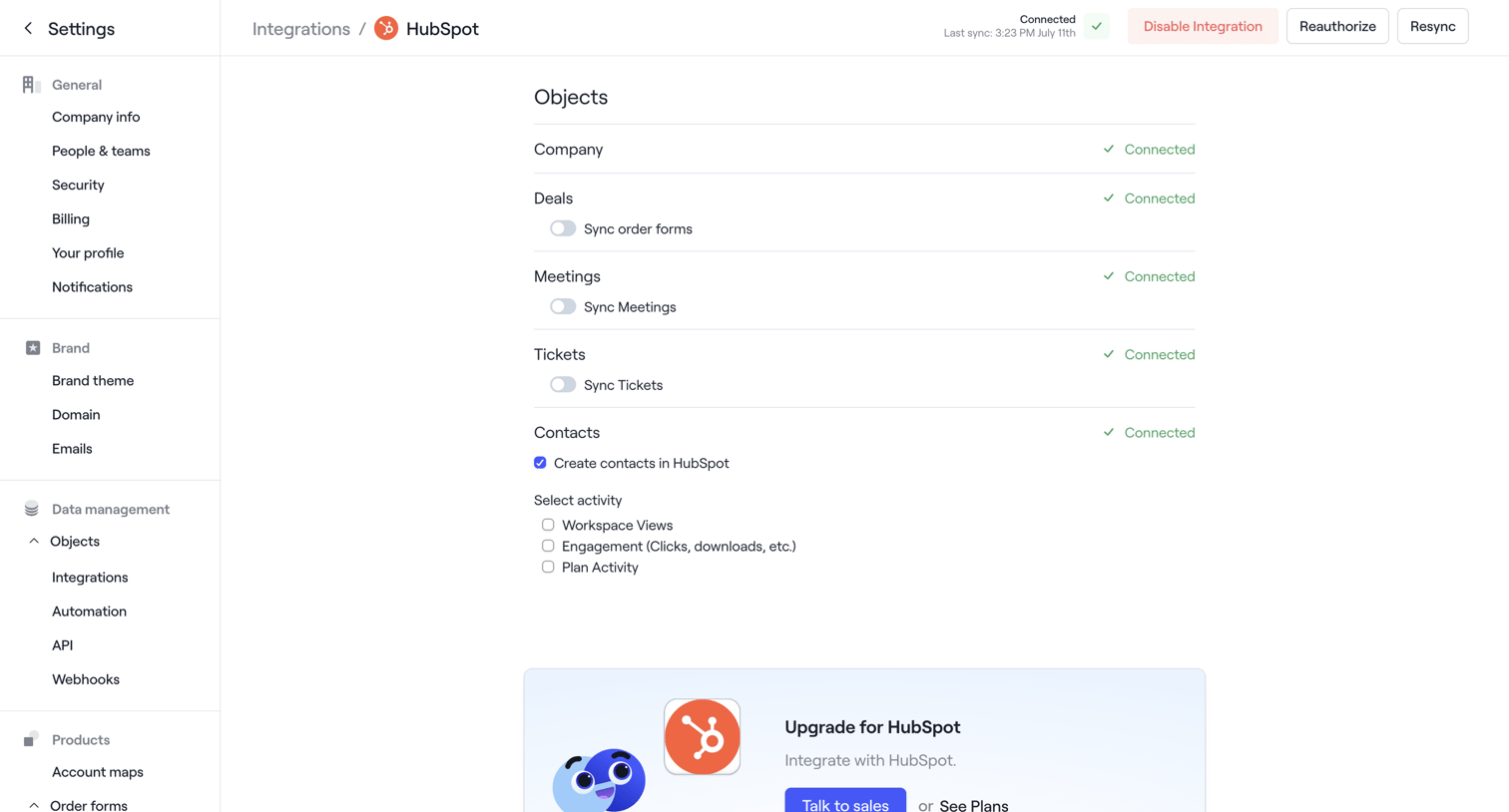

Settings page where the user configures object sync preferences for the HubSpot integration and encounters a rate limit error toast.
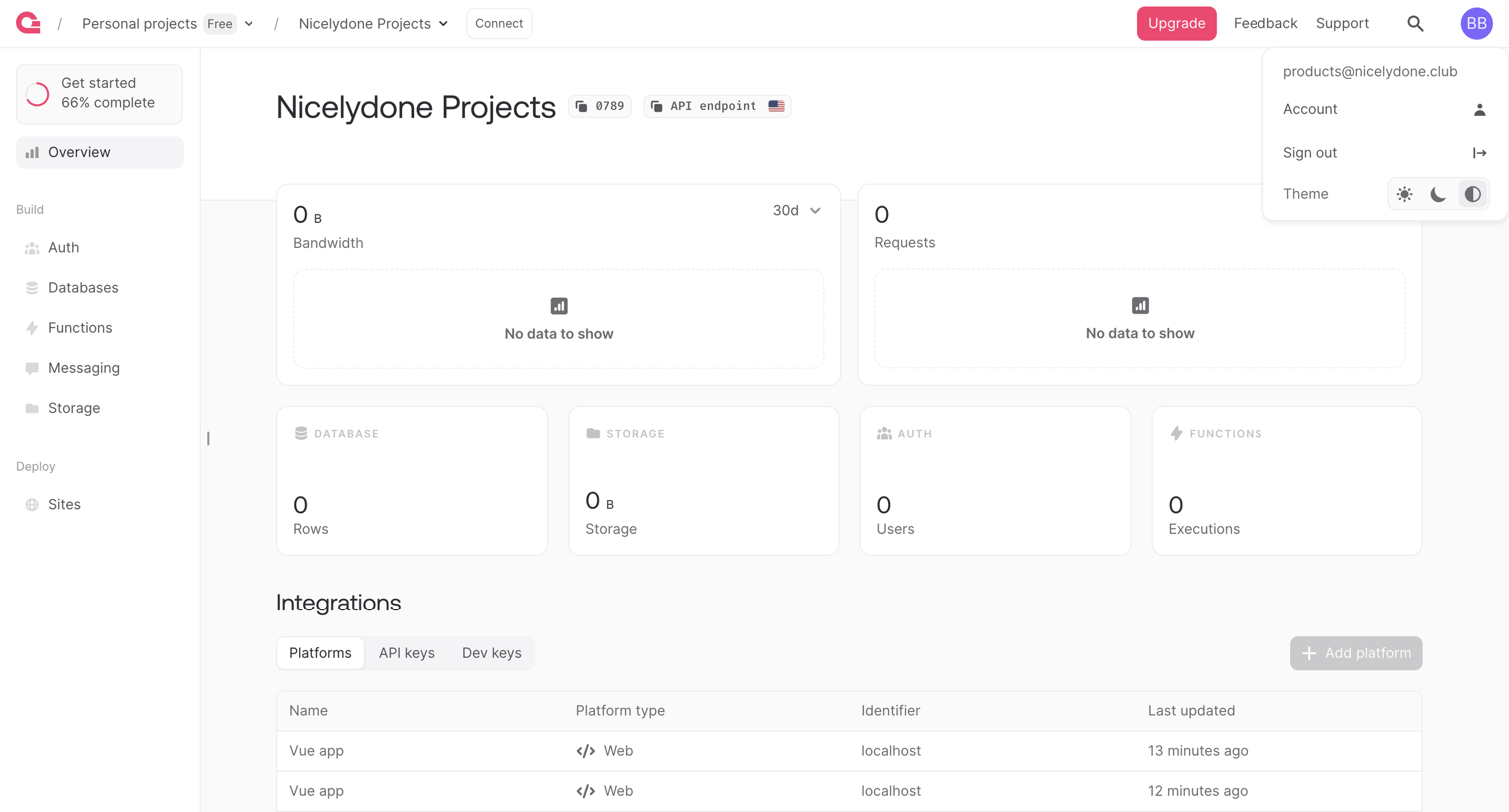

Dashboard showing project metrics like bandwidth and requests, alongside a list of configured platform integrations.
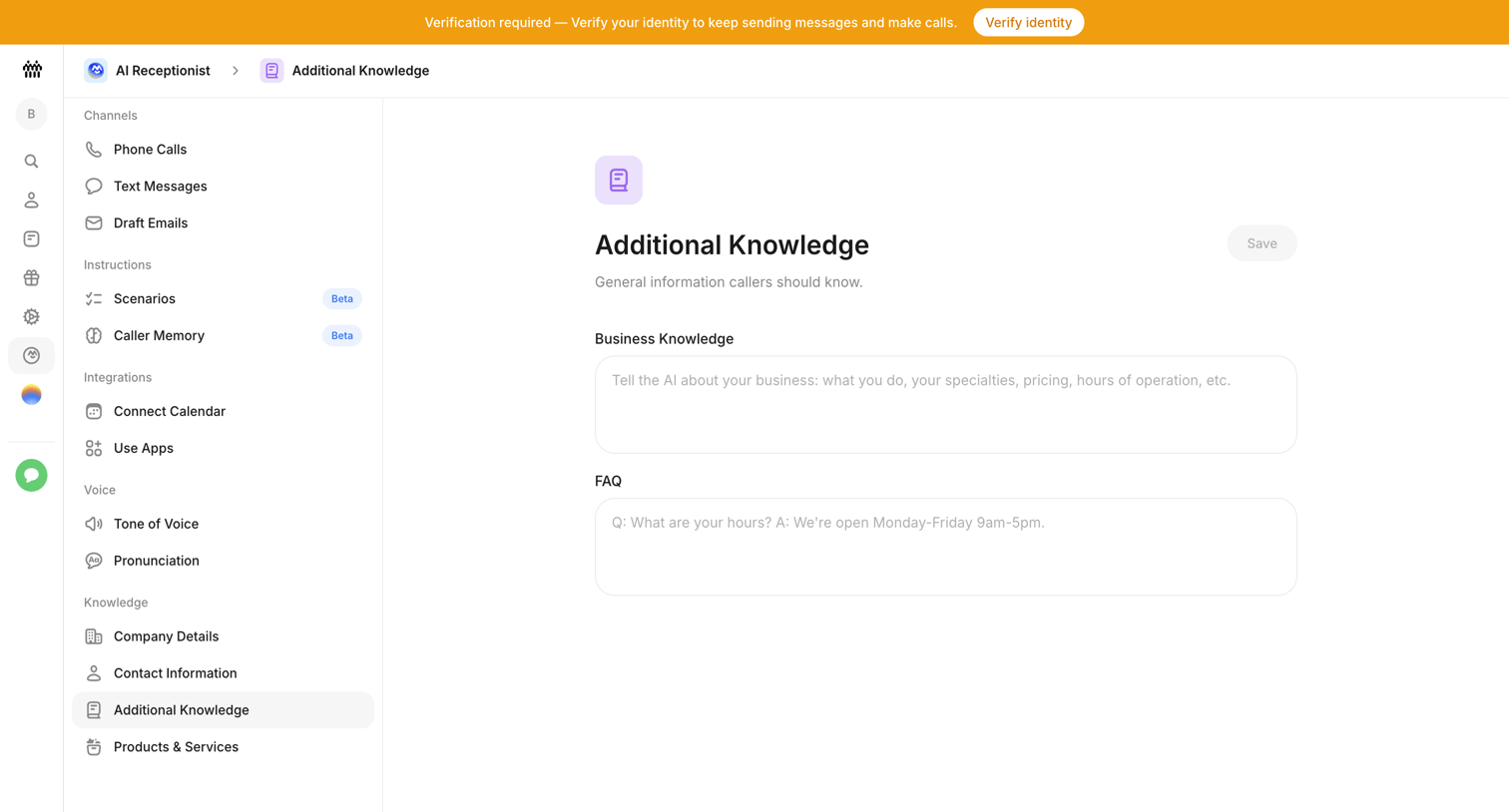

Settings page where the user configures general business knowledge and FAQs for their AI receptionist.
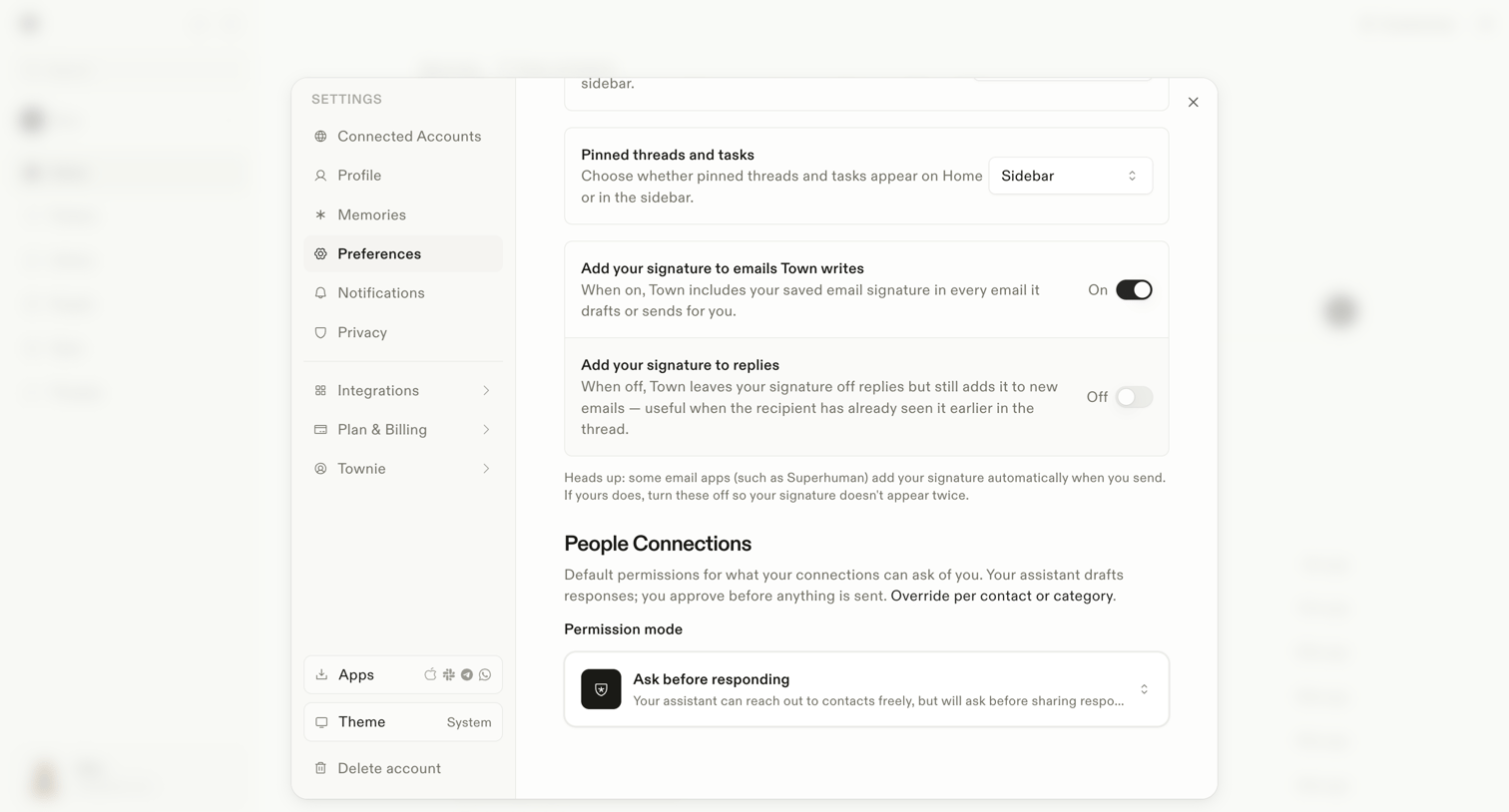

Settings modal where the user configures general preferences like pinned threads location, email signatures, and default permission modes for their AI assistant.
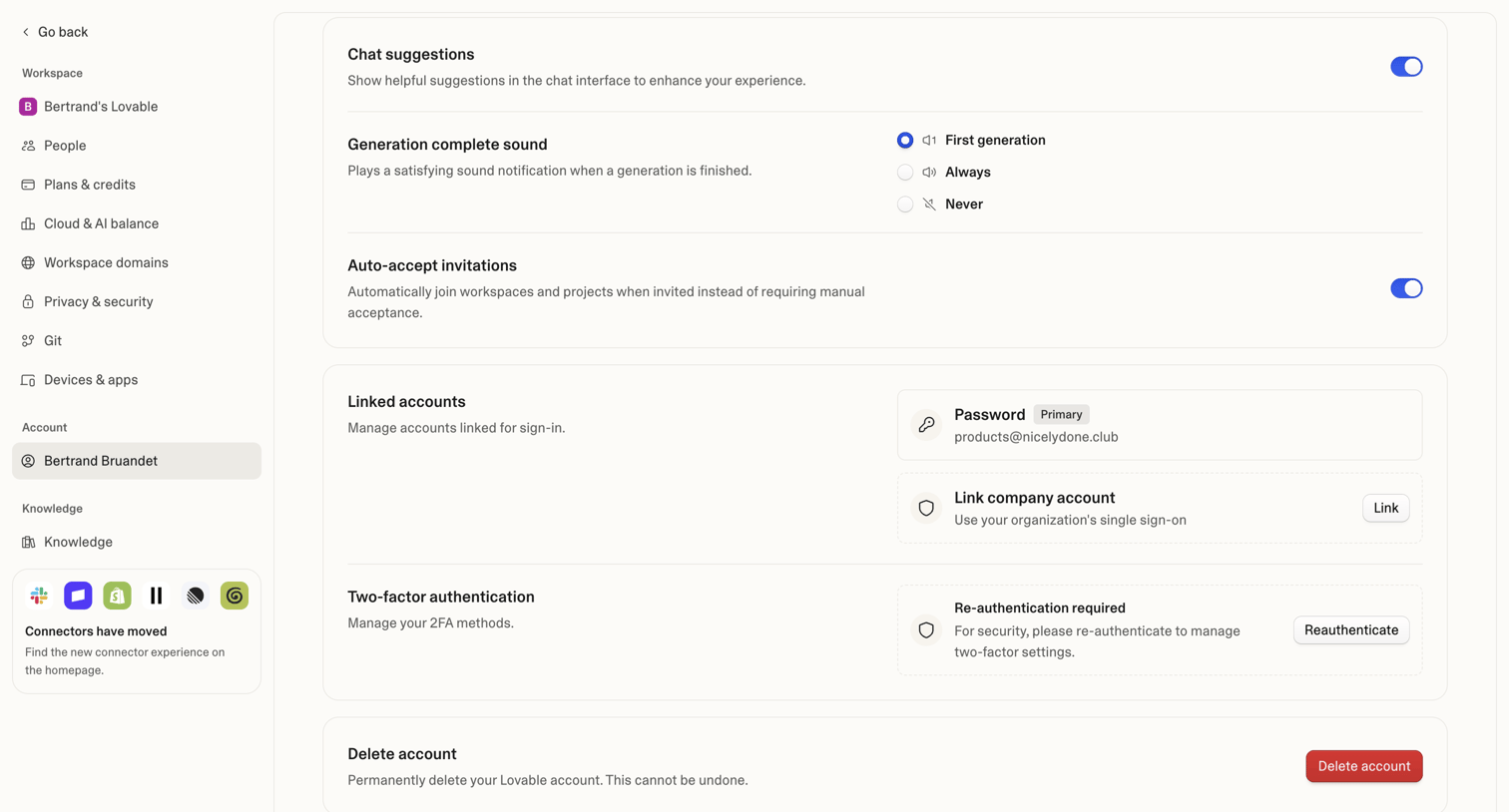

Settings page where the user manages their personal account preferences, linked sign-in methods, two-factor authentication, and account deletion.
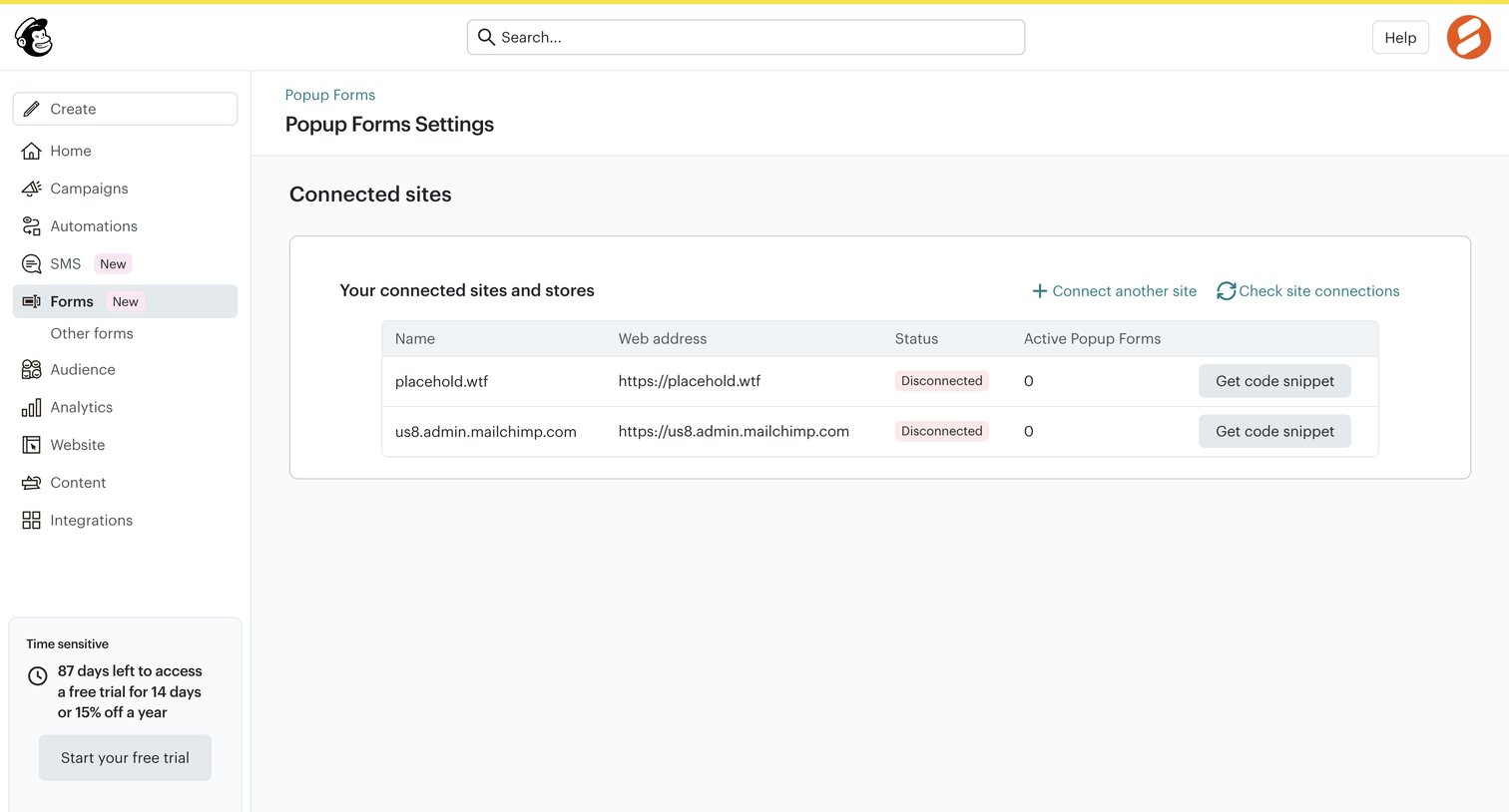

Settings page where the user manages connected sites and stores for their popup forms, including generating code snippets for integration.
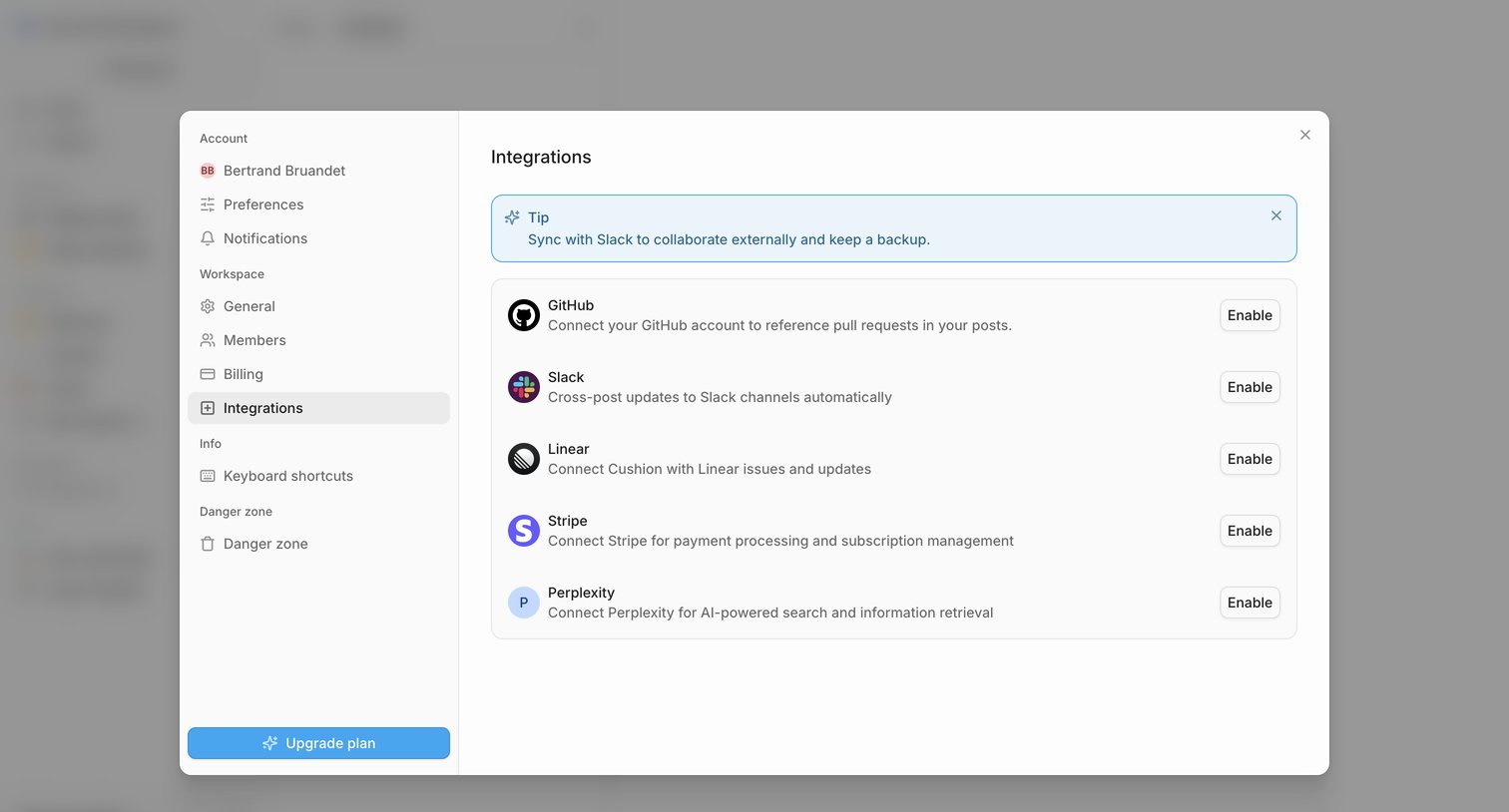

Settings modal where the user connects their workspace to external tools like GitHub, Slack, Linear, Stripe, and Perplexity.
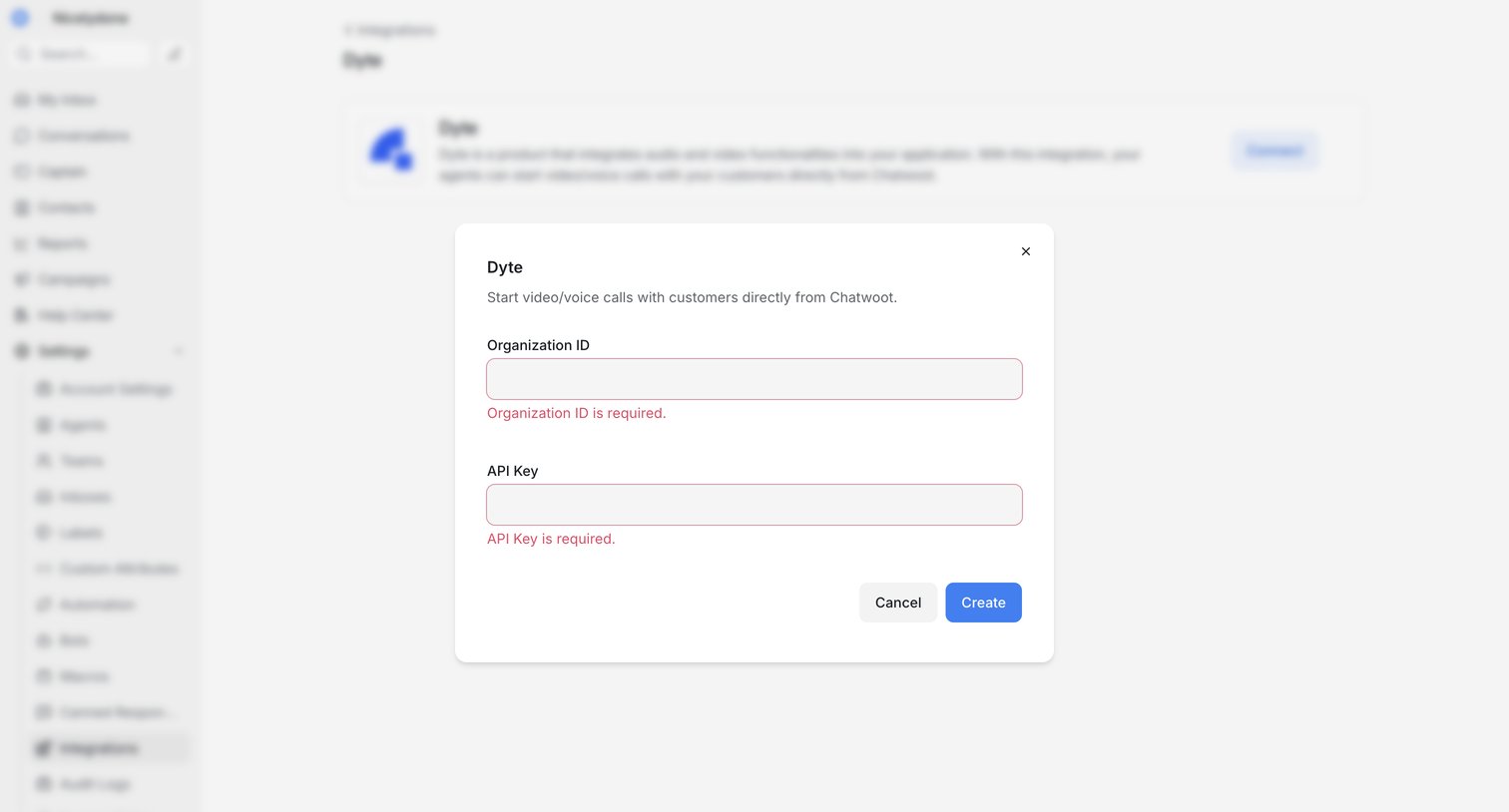

Settings page where the user configures the Dyte integration by entering their Organization ID and API Key, currently showing validation errors in a modal.
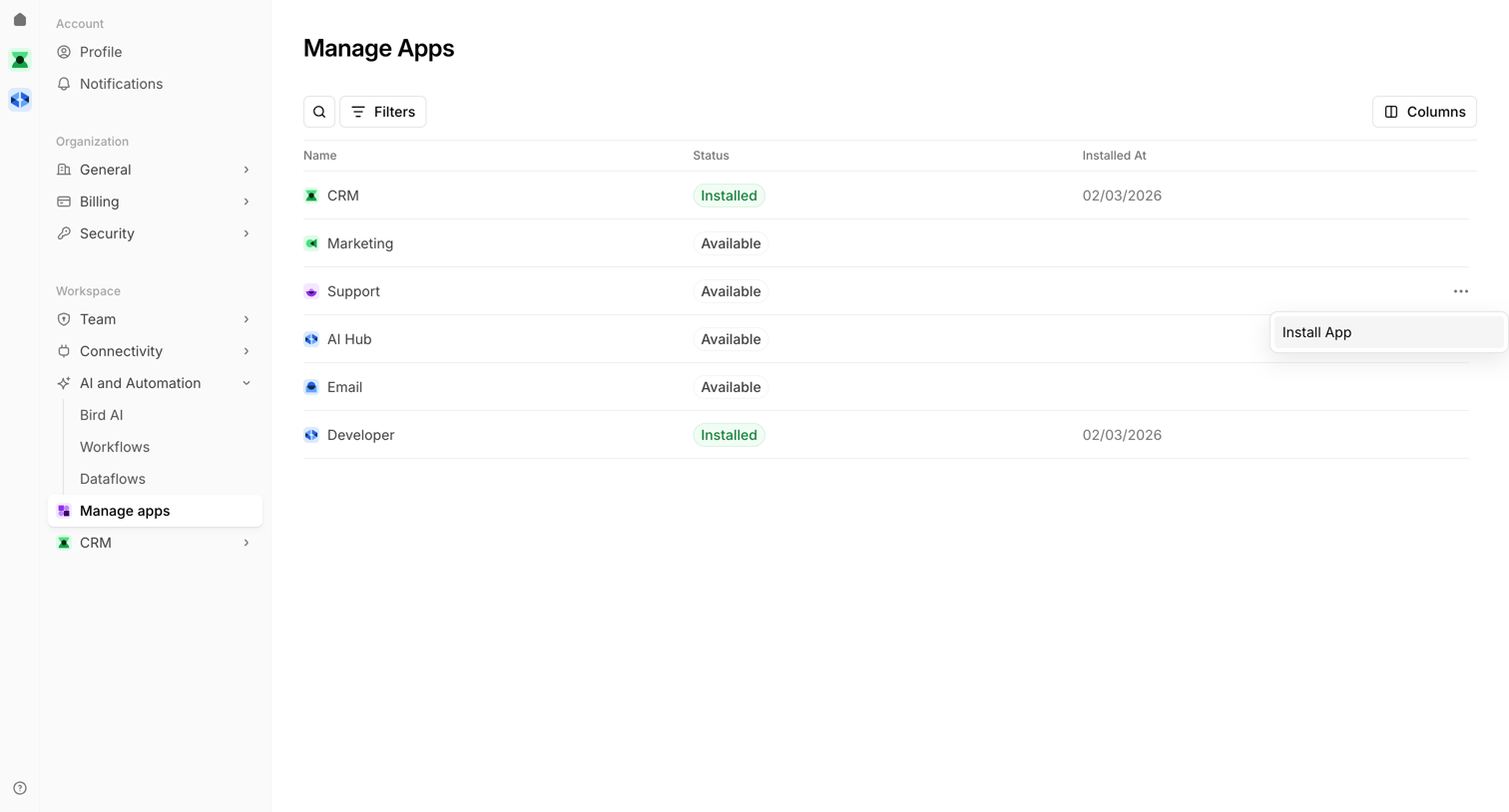

Settings page where the user manages installed apps and discovers available integrations in a data table.
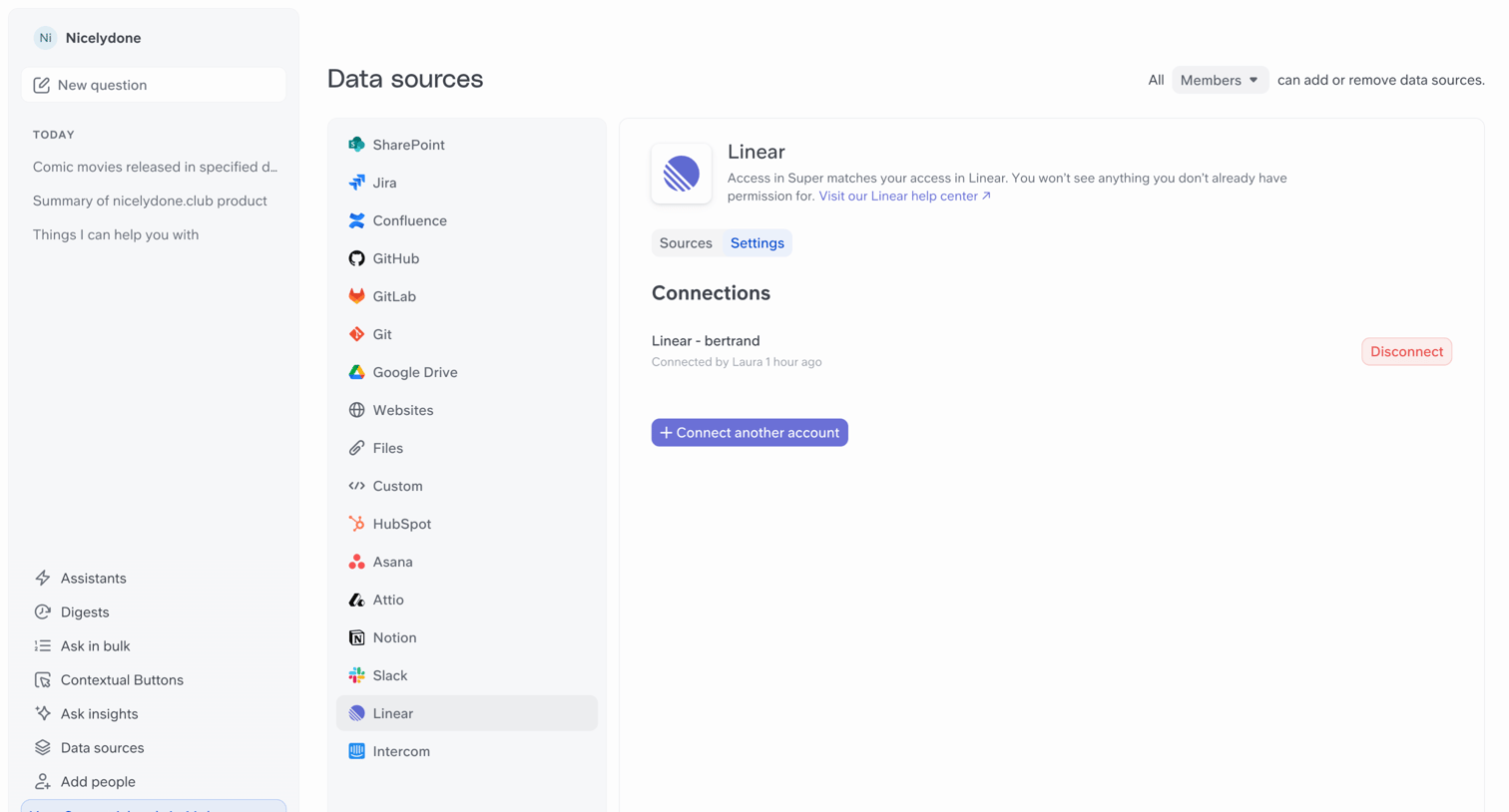

Settings page where the user manages their connected Linear data source, viewing active connections and options to connect or disconnect accounts.
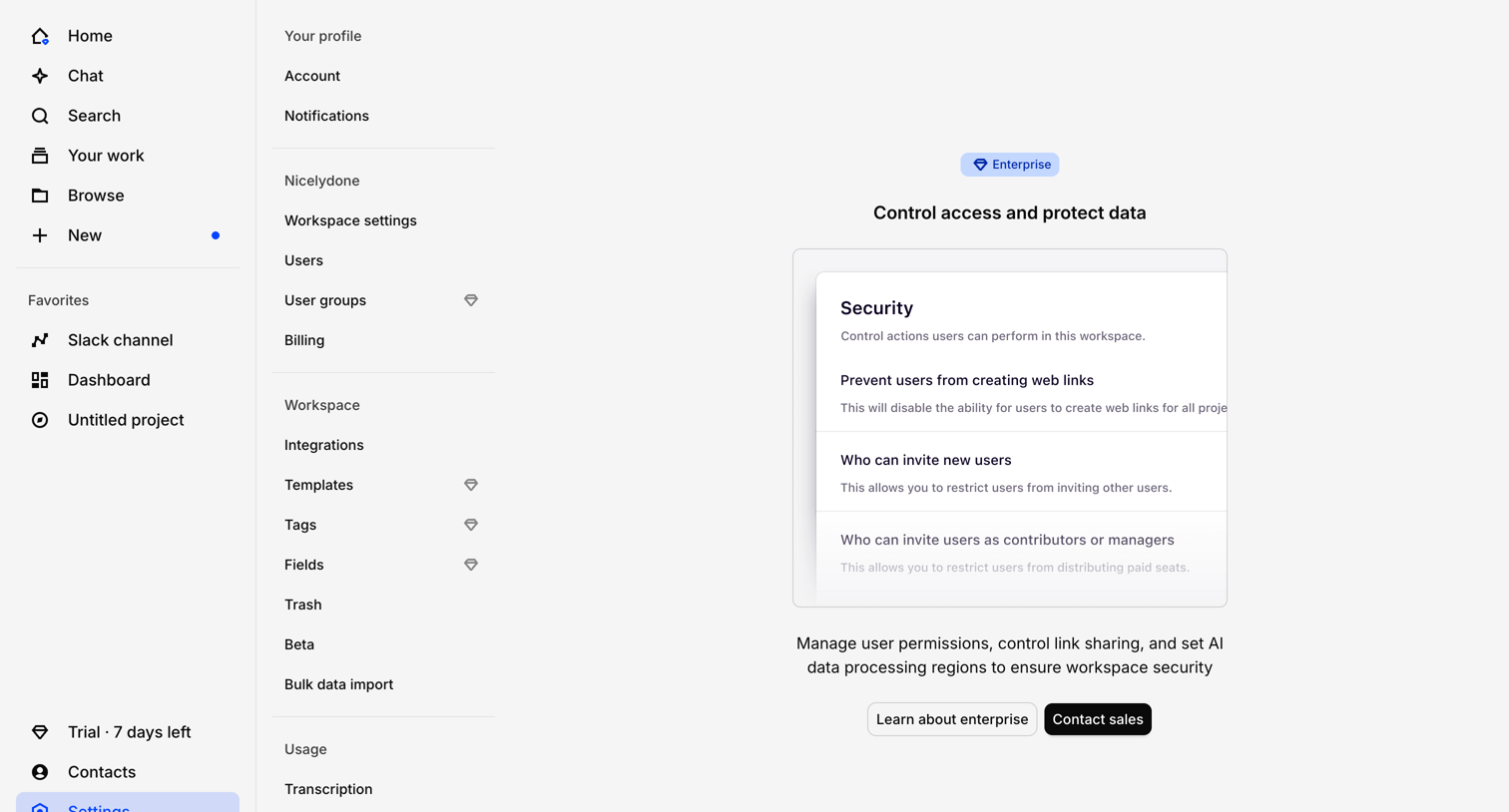

Settings page where the workspace security controls are gated behind an Enterprise plan upgrade prompt.
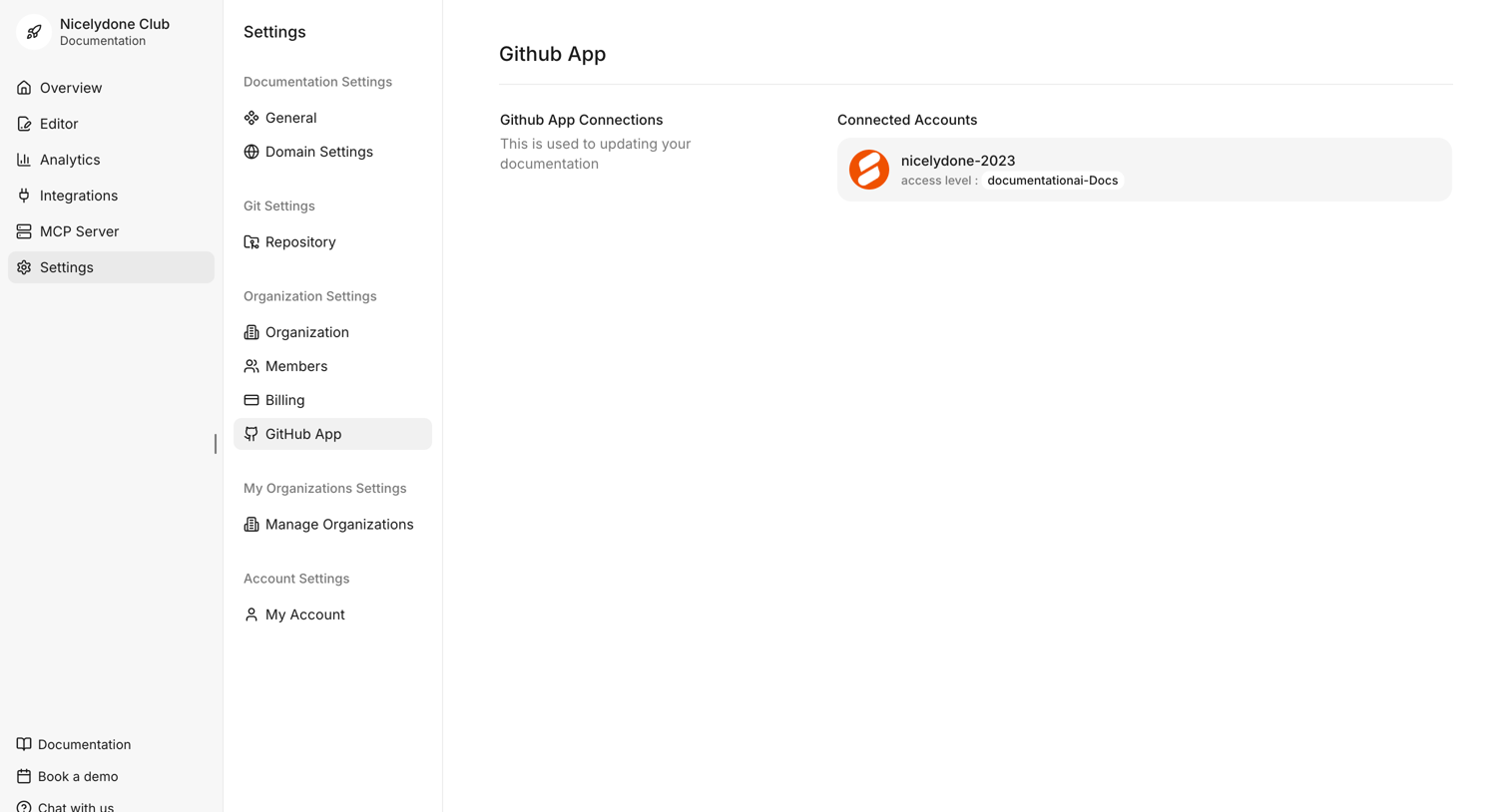

Settings page where the user views and manages their connected GitHub App accounts and repository access levels.
Explore the full SaaS screen library
Upgrade to unlock the full library.
Trusted by the best teams








About Integration management
See how SaaS apps organize connections to other tools. Explore how integration directories and settings present available services, connection status, and configuration actions.