Import data screen examples
Import data screen design examples from SaaS apps. See how apps let people import data. Explore how source selection and input requirements are explained before the transfer begins.
Explore the examples
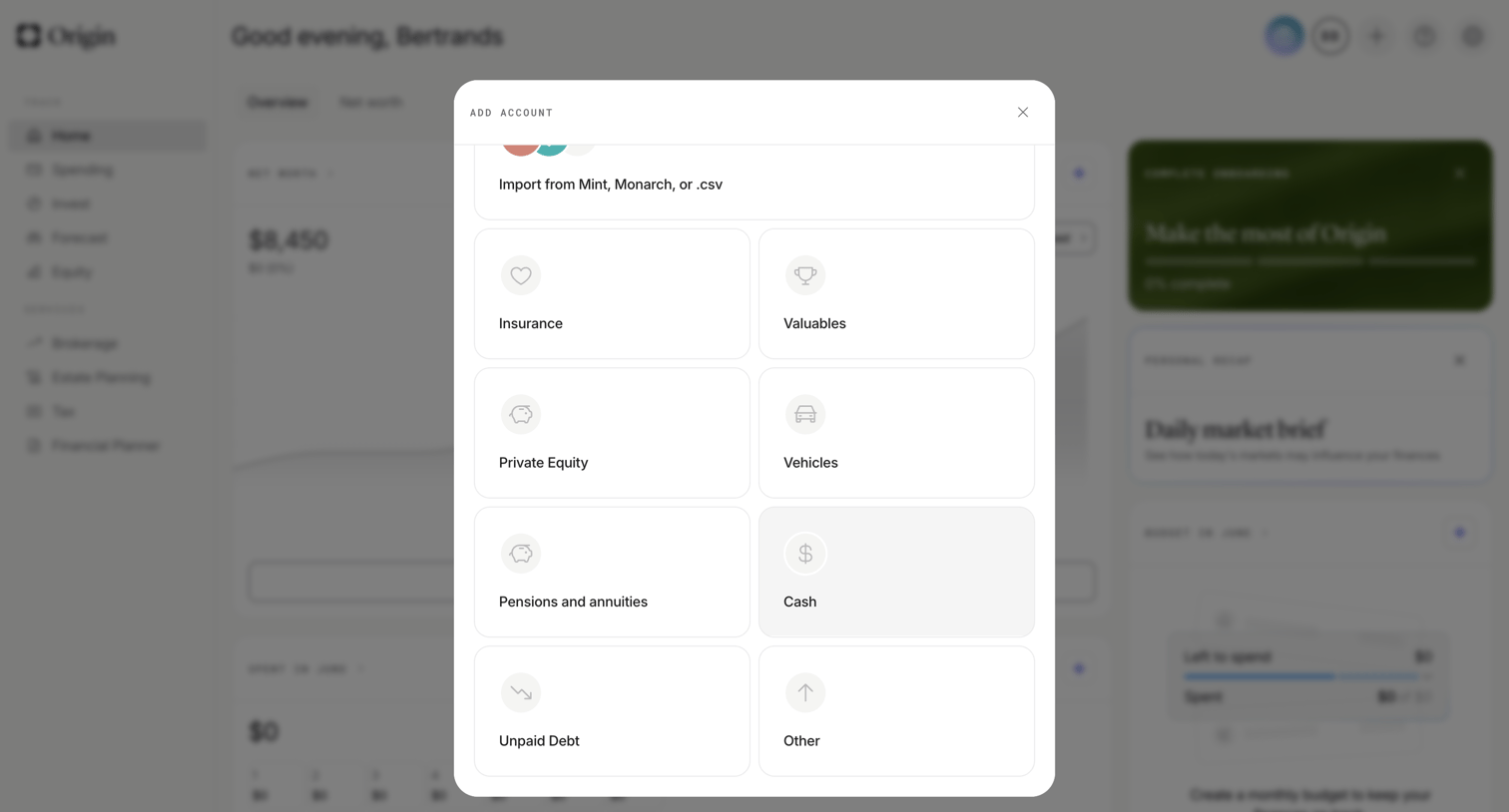

Dashboard with an open modal where the user selects an asset type like insurance, valuables, or private equity to add to their portfolio.
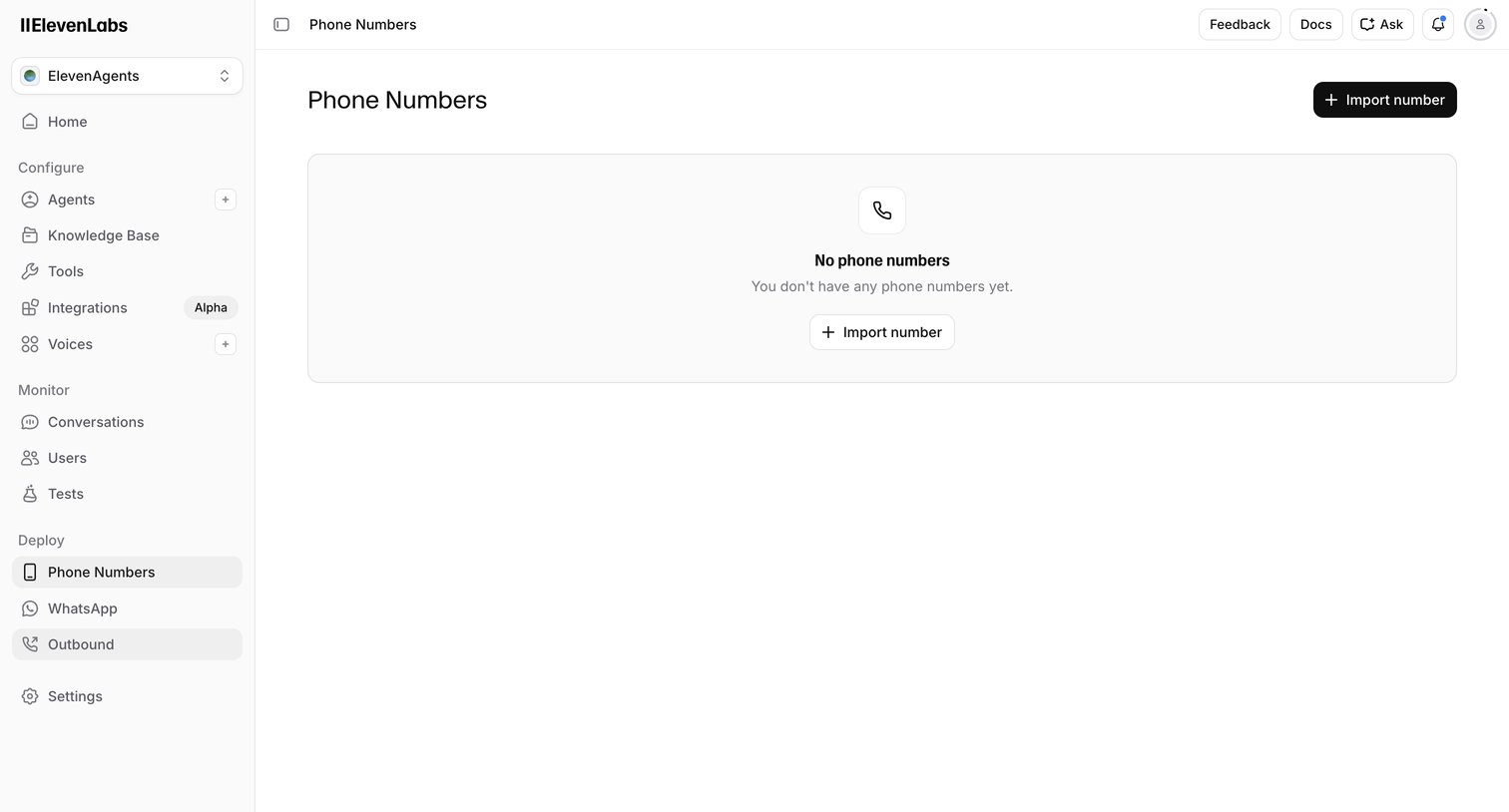

List view where the user can import phone numbers to deploy their AI agents, currently showing an empty state.
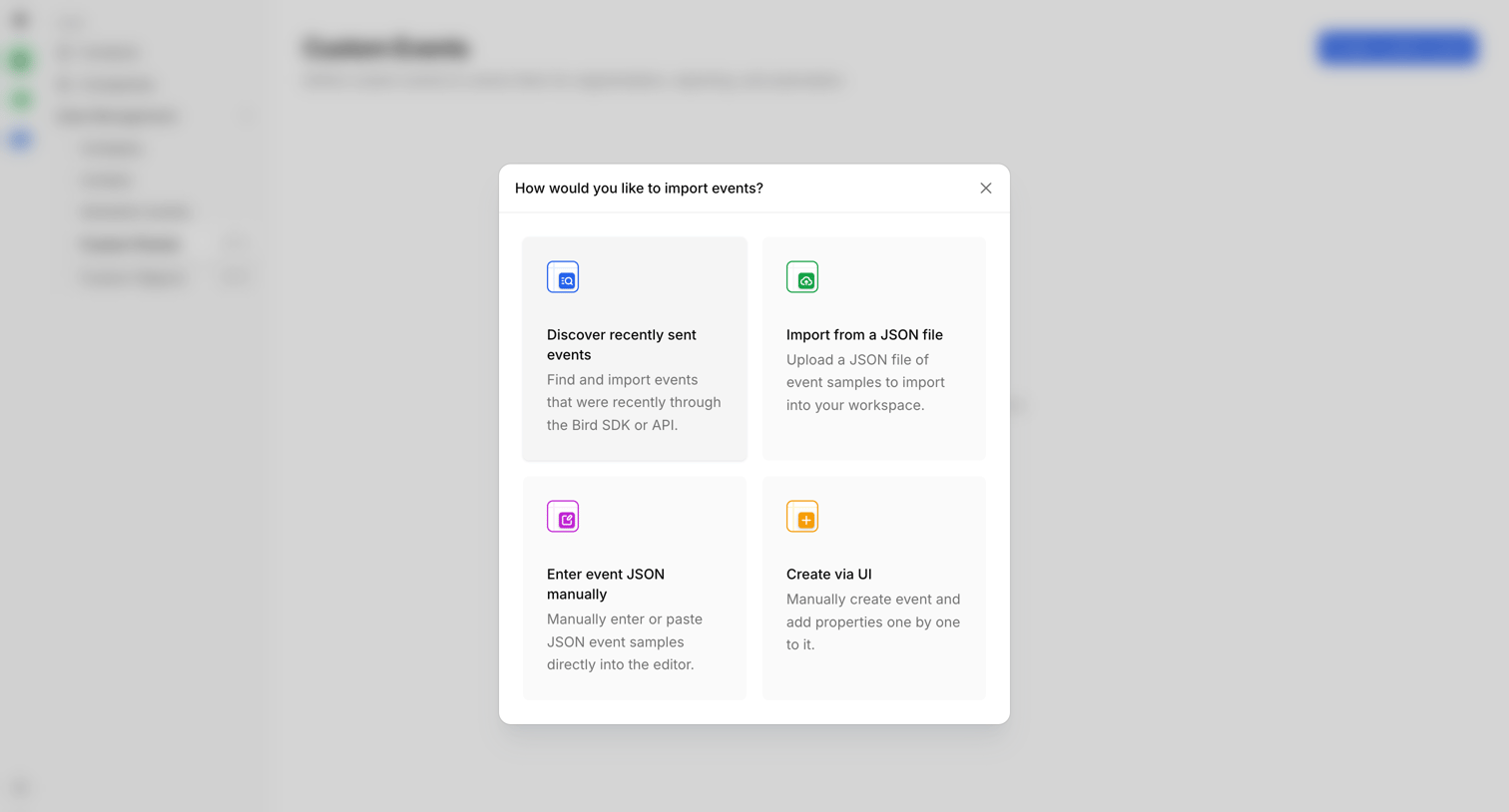

Settings page where the user selects a method to import custom events, choosing between discovering recent events, uploading a JSON file, manual entry, or UI creation.
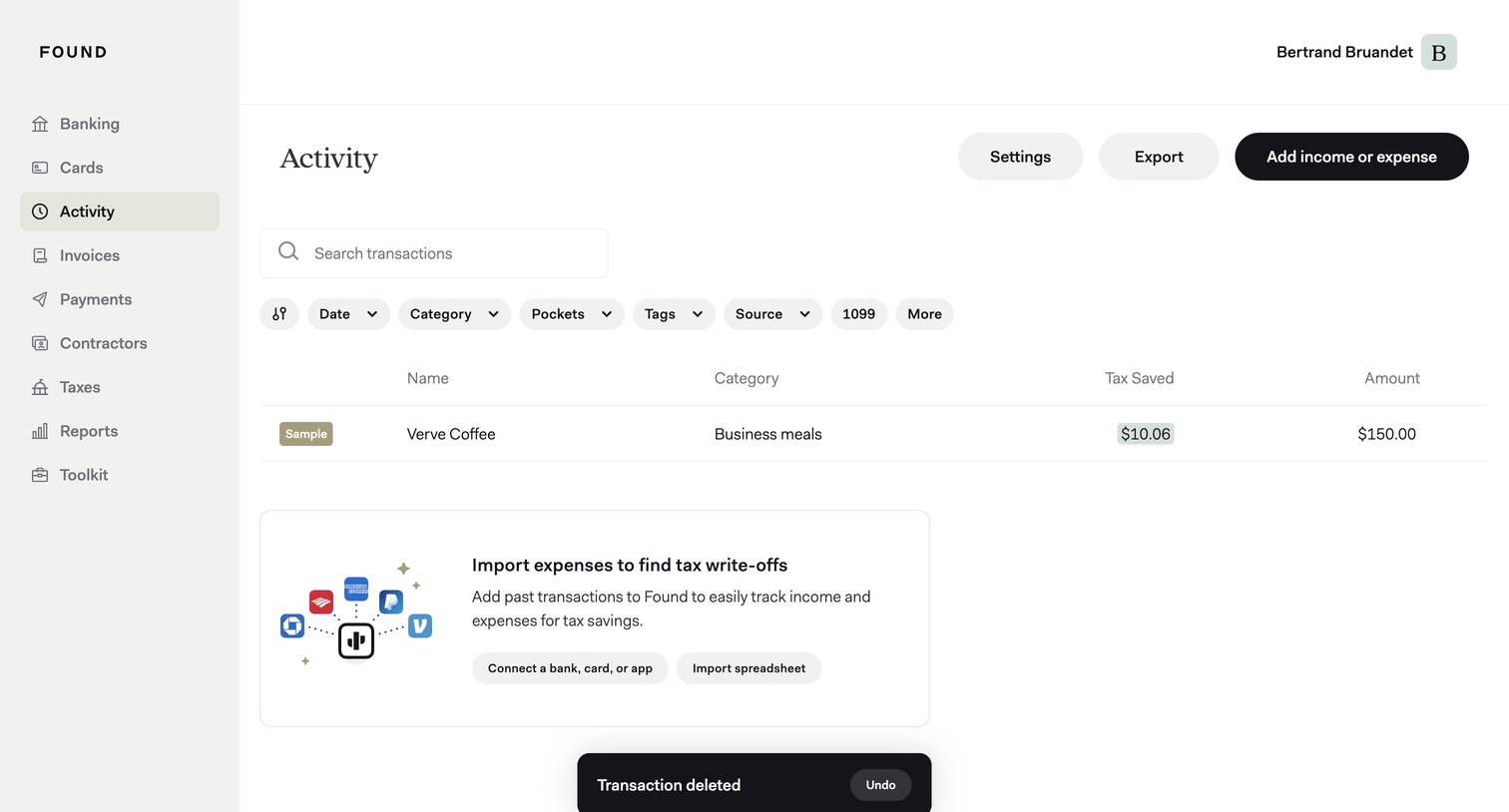

List view showing recent financial activity with options to search, filter by category or date, and import past transactions to find tax write-offs.
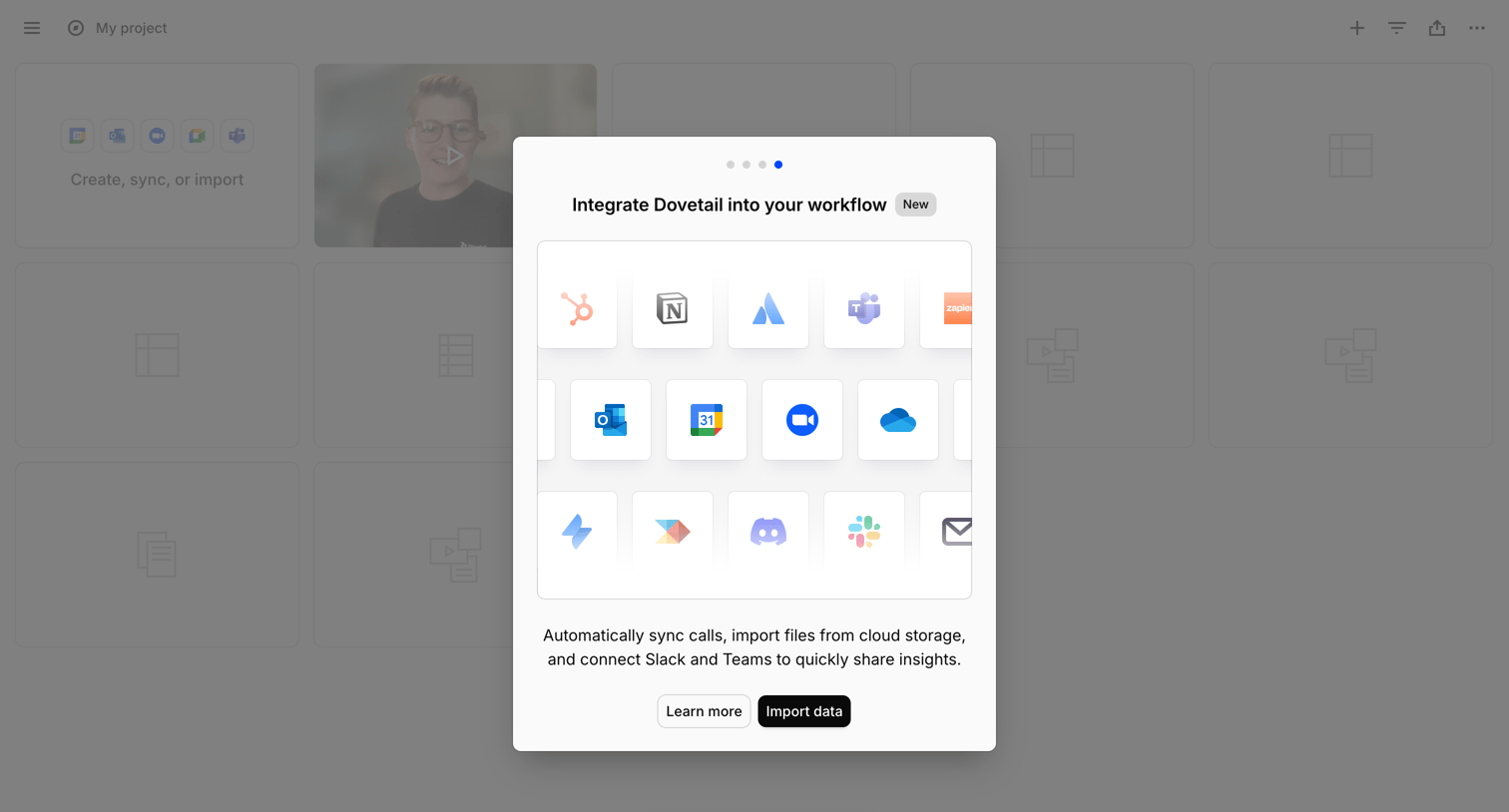

List view with a modal prompting the user to integrate their workflow by connecting apps like Slack, Teams, and Google Drive to import data.
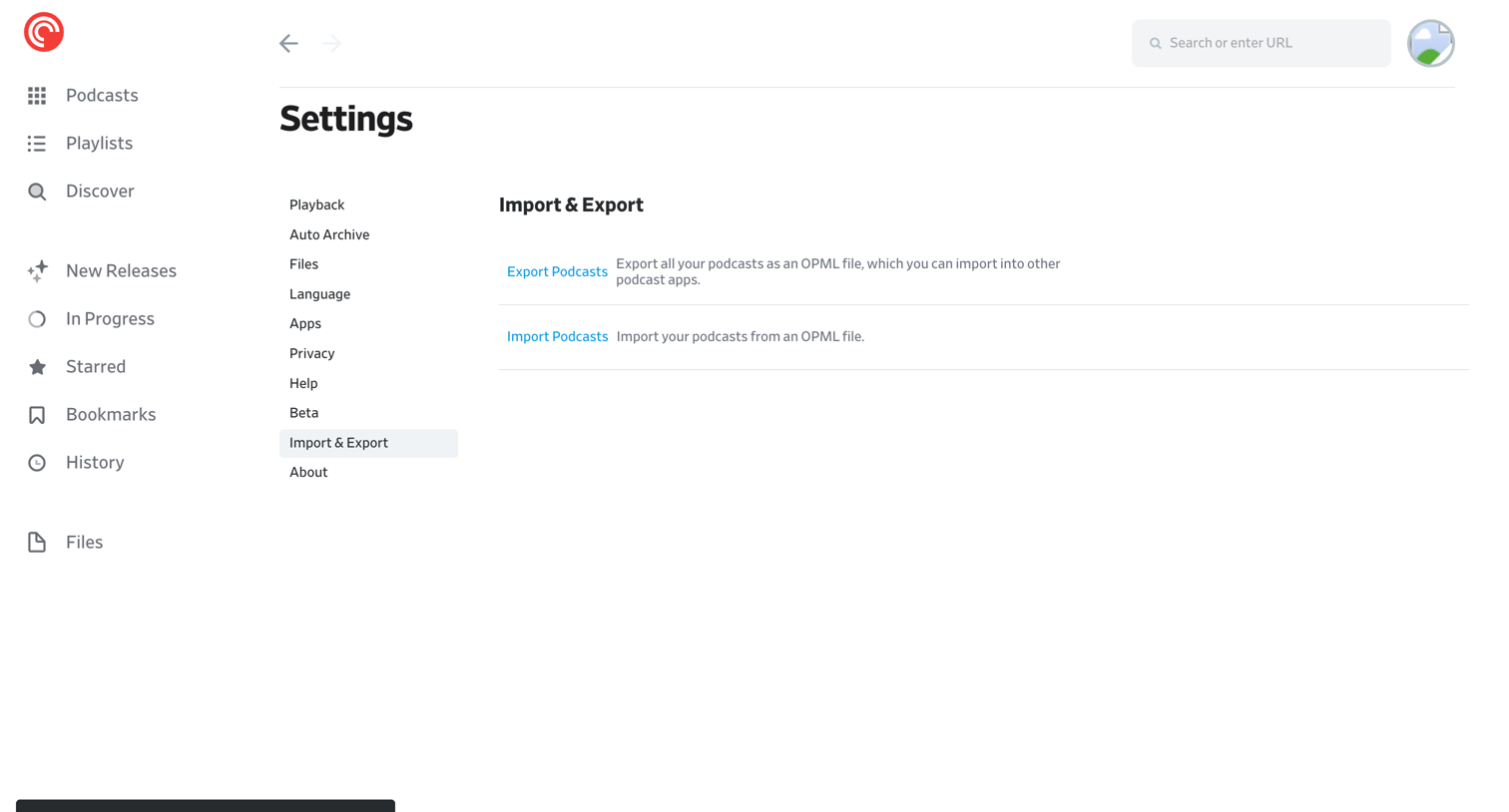

Settings page where the user can export their podcast subscriptions to an OPML file or import an existing OPML file.
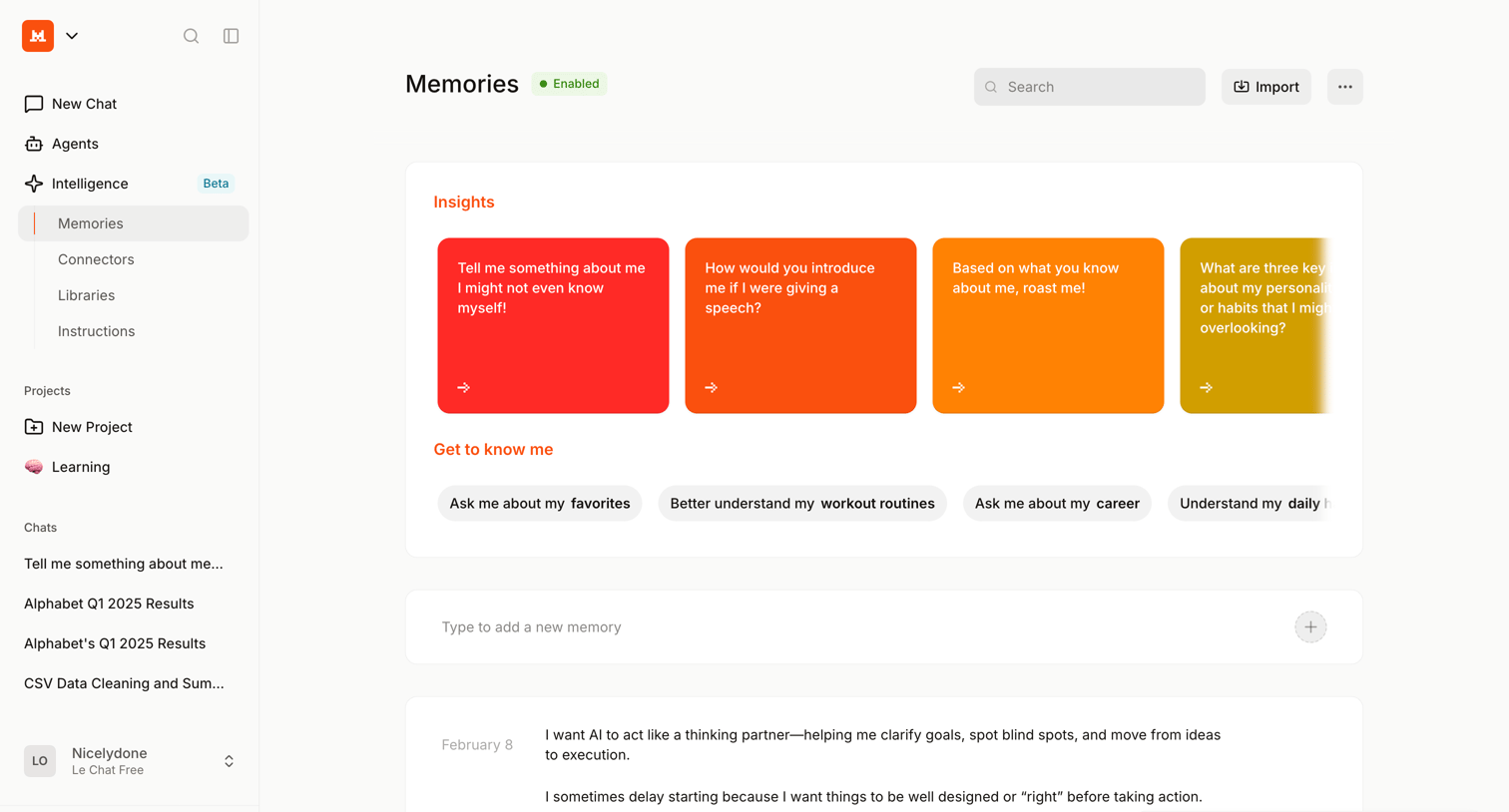

Settings page where the user manages their AI's memory by adding new facts, importing existing data, and reviewing suggested insights to personalize the assistant.
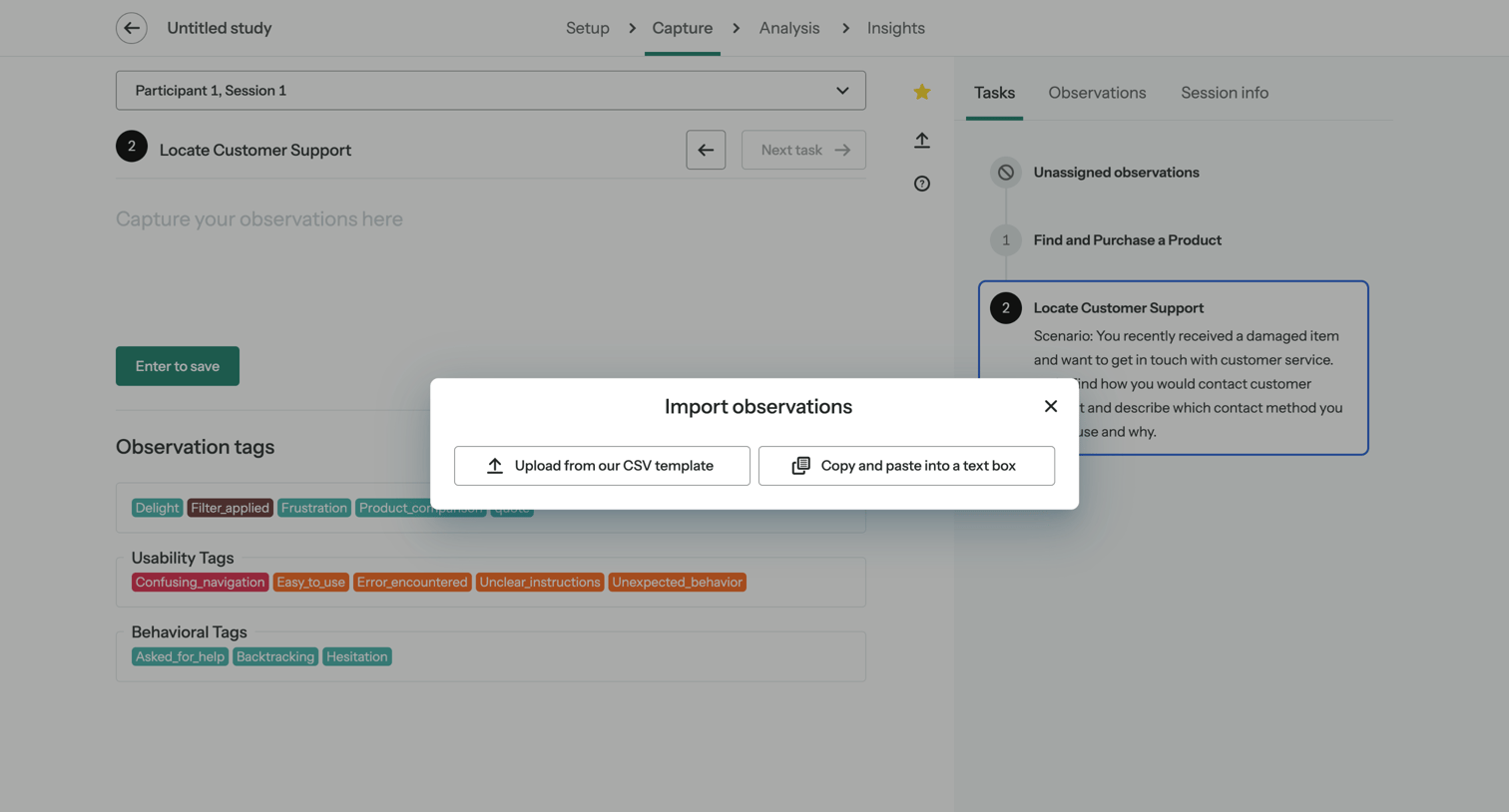

Detail page for a research study session where the user is prompted to import observations via CSV or text paste over the main capture interface.
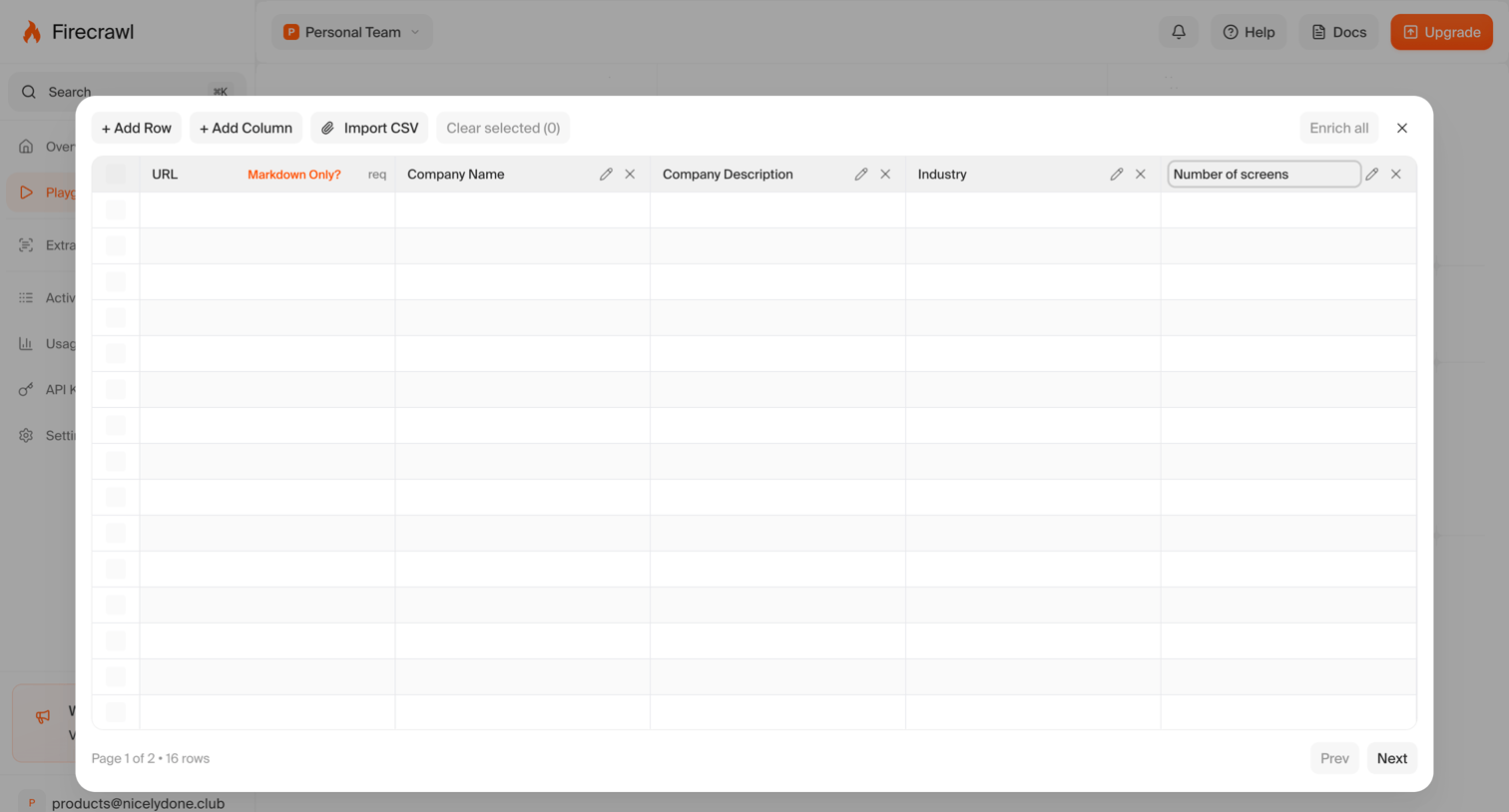

Modal overlay where the user manages extracted data in a table, with options to add rows, import a CSV, and enrich the dataset.
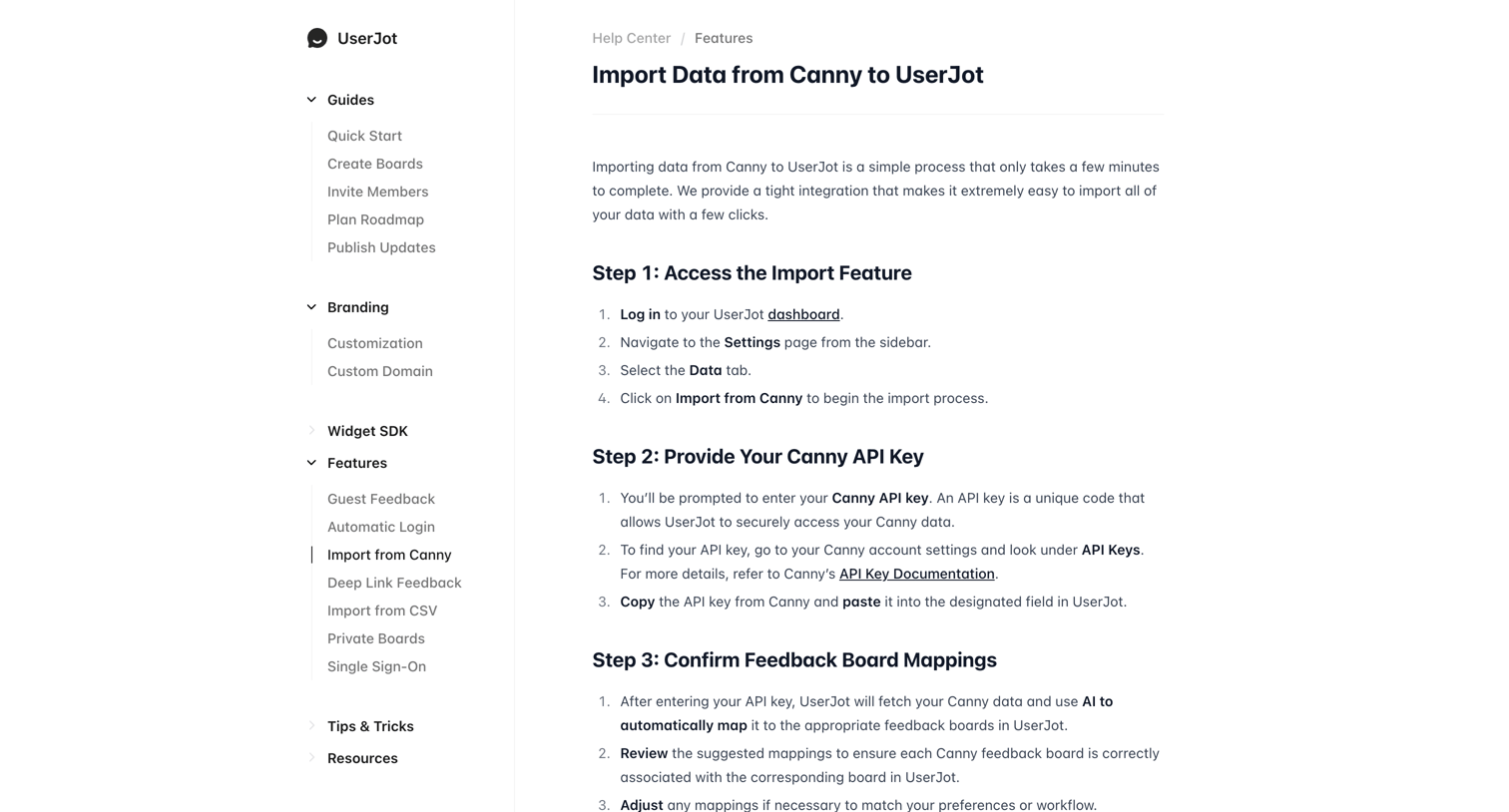

Help center article providing a step-by-step guide on how to import data from Canny to UserJot.
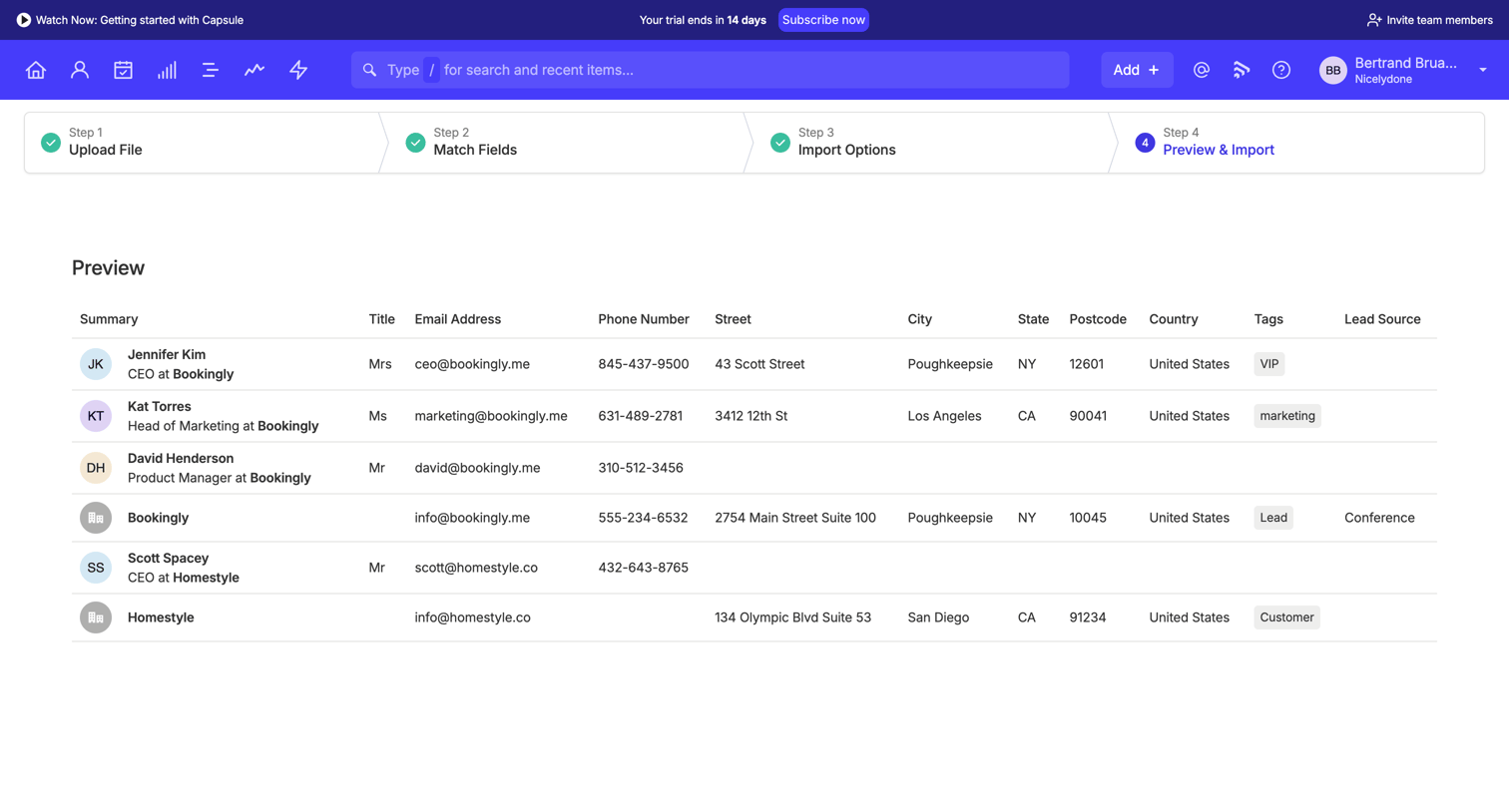

Create page where the user reviews a parsed list of contacts, including email addresses, phone numbers, and tags, before finalizing a data import.

Explore the full SaaS screen library
Upgrade to unlock the full library.
Trusted by the best teams








About Import data
See how apps let people import data. Explore how source selection and input requirements are explained before the transfer begins.