Image gallery screen examples
Image gallery screen design examples from SaaS apps. Browse examples from Magnific, Flora, Mailchimp.
Explore the examples
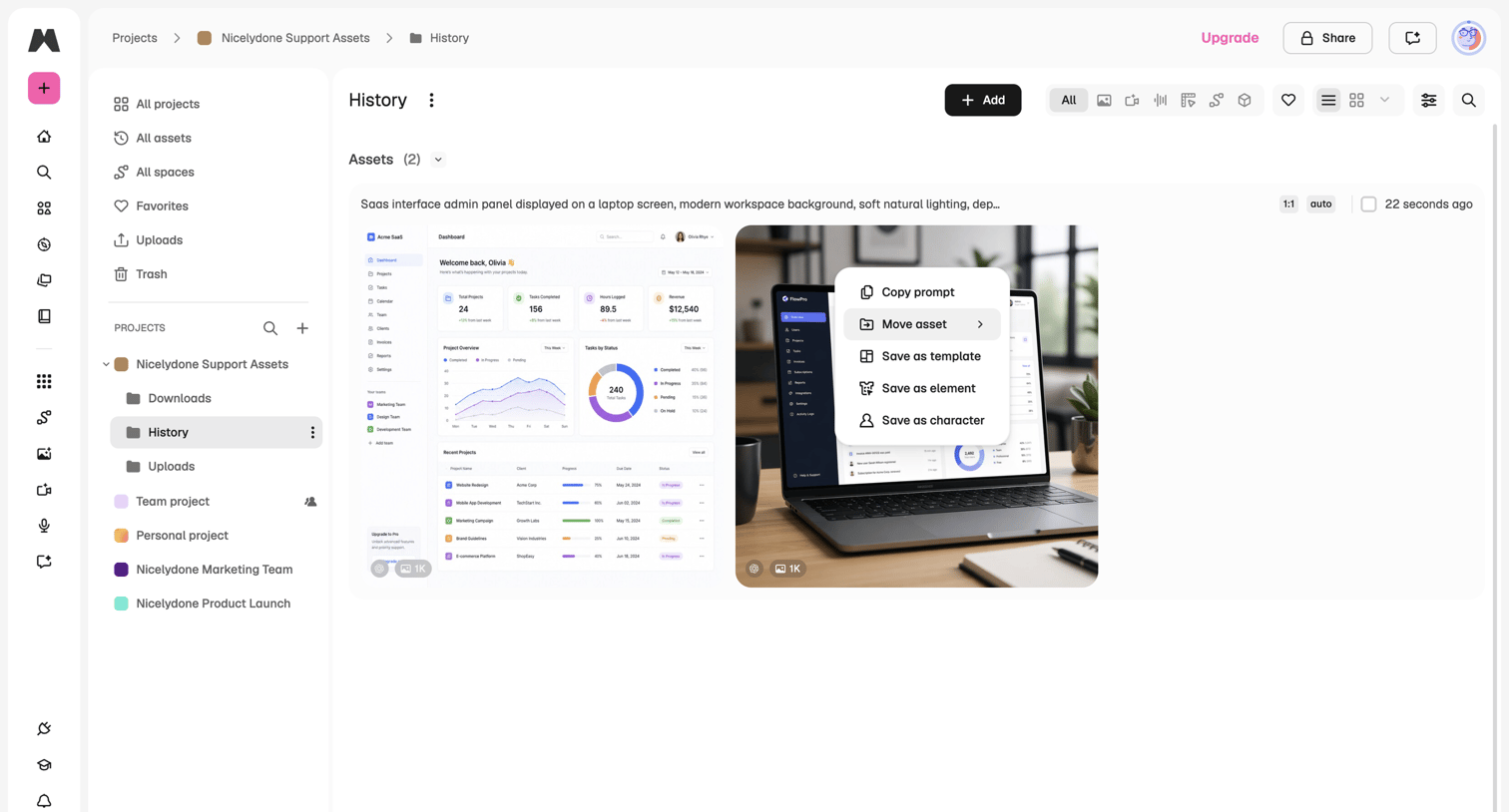

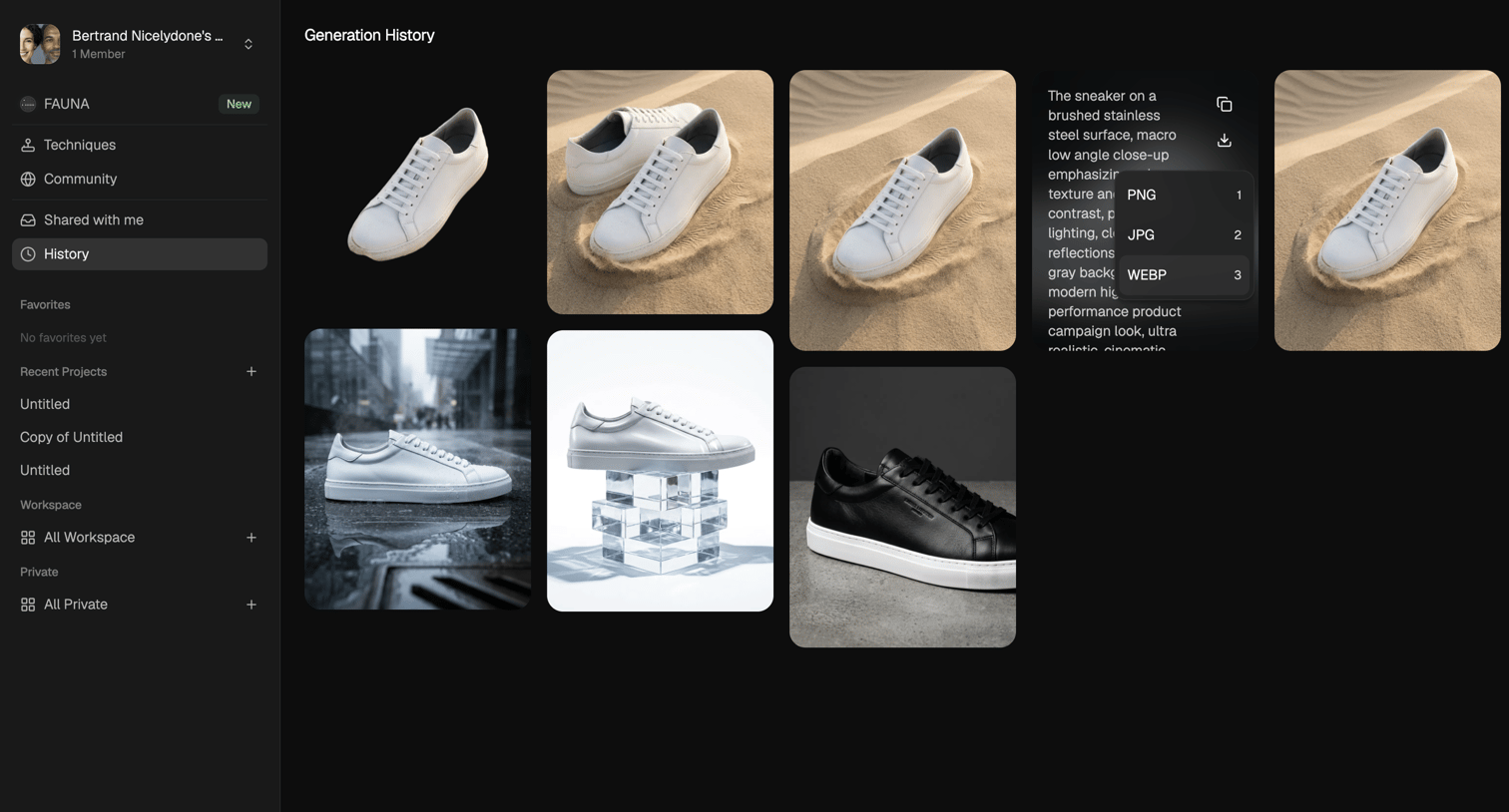

Gallery view where the user browses their past AI-generated images, views the prompts used, and downloads specific file formats.
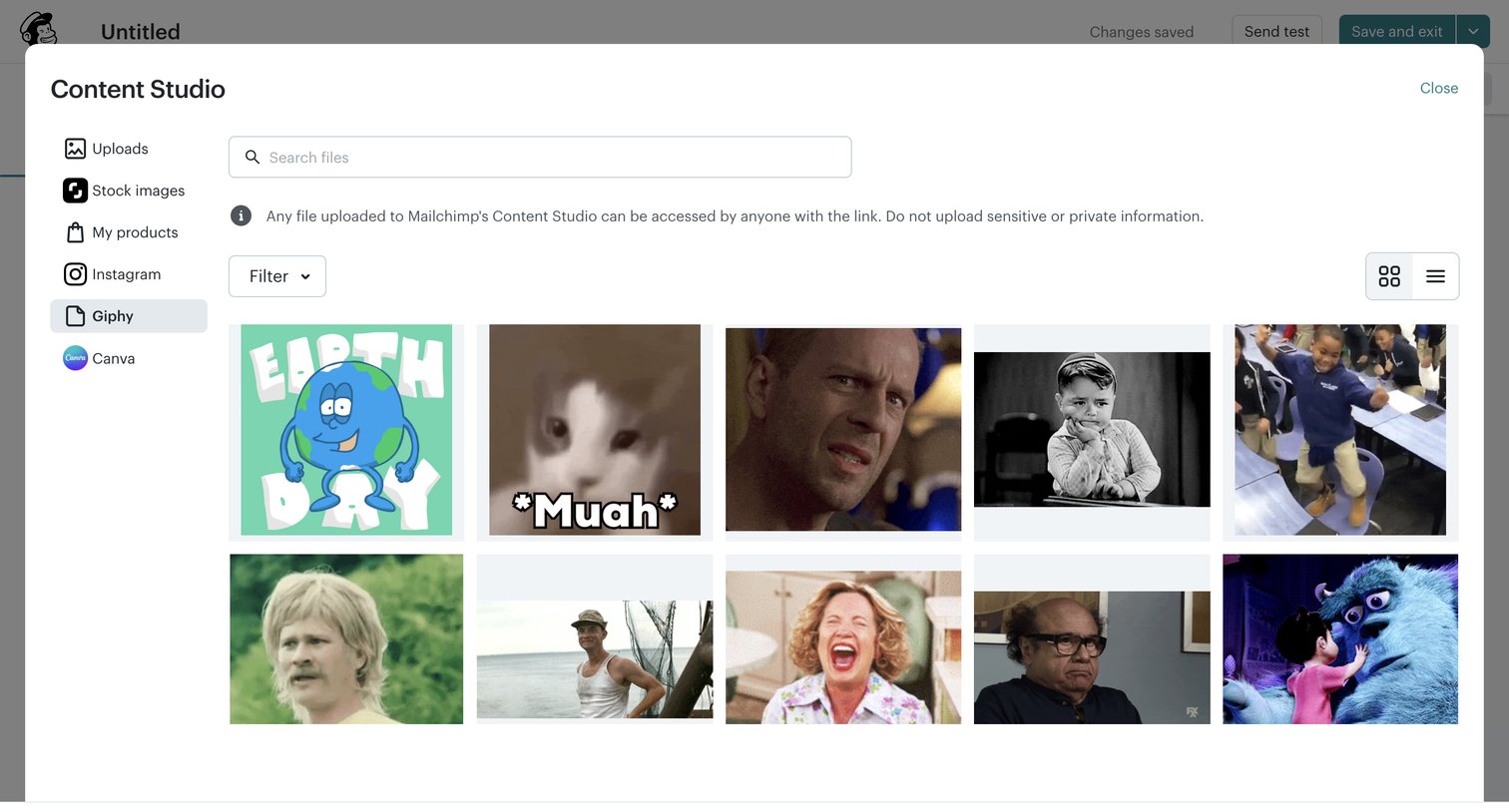

Content editor where the user selects a GIF from the Giphy integration within the Content Studio media library.
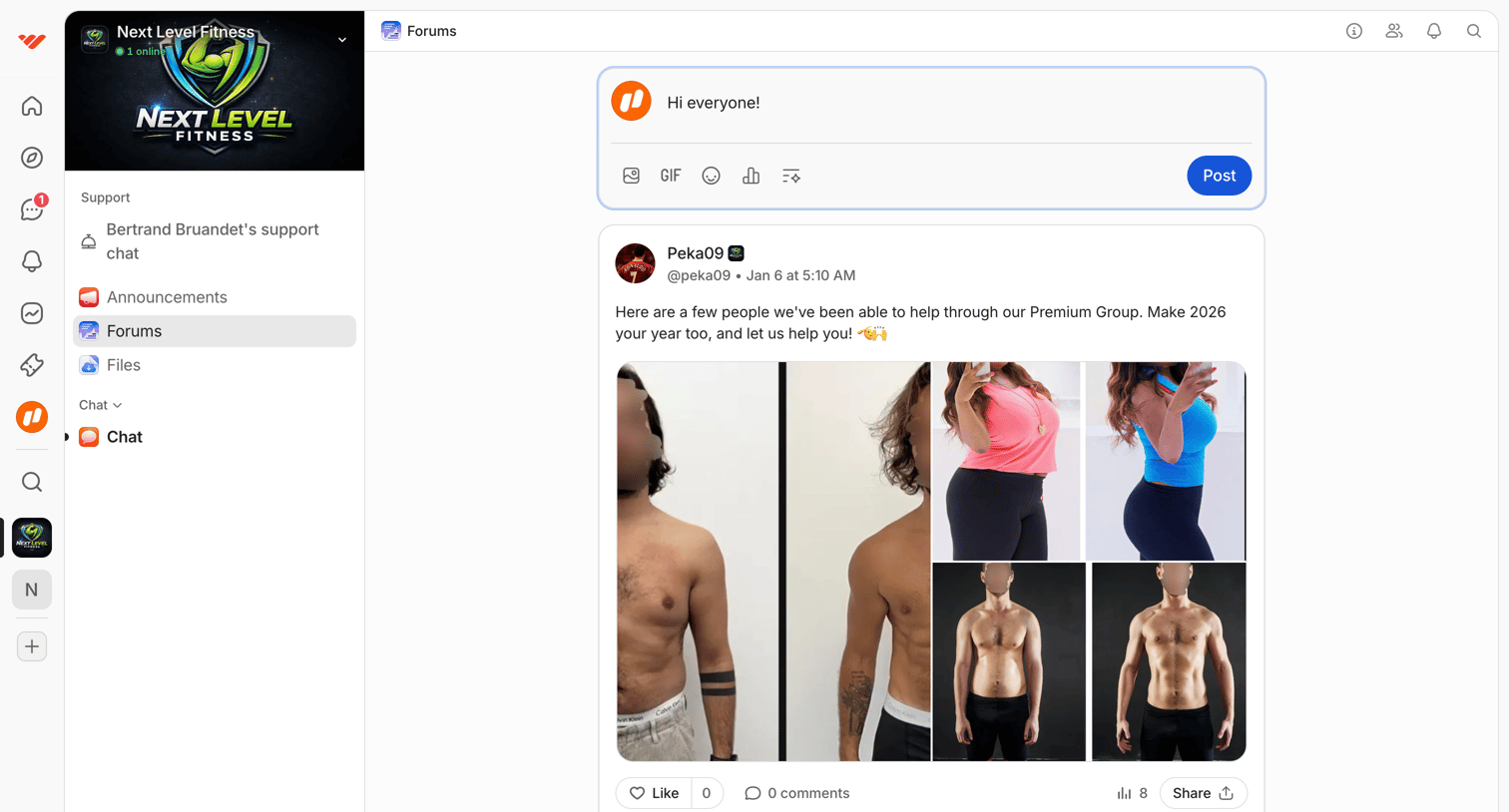

Community forum feed where members can post updates, share image galleries, and interact via likes and comments.
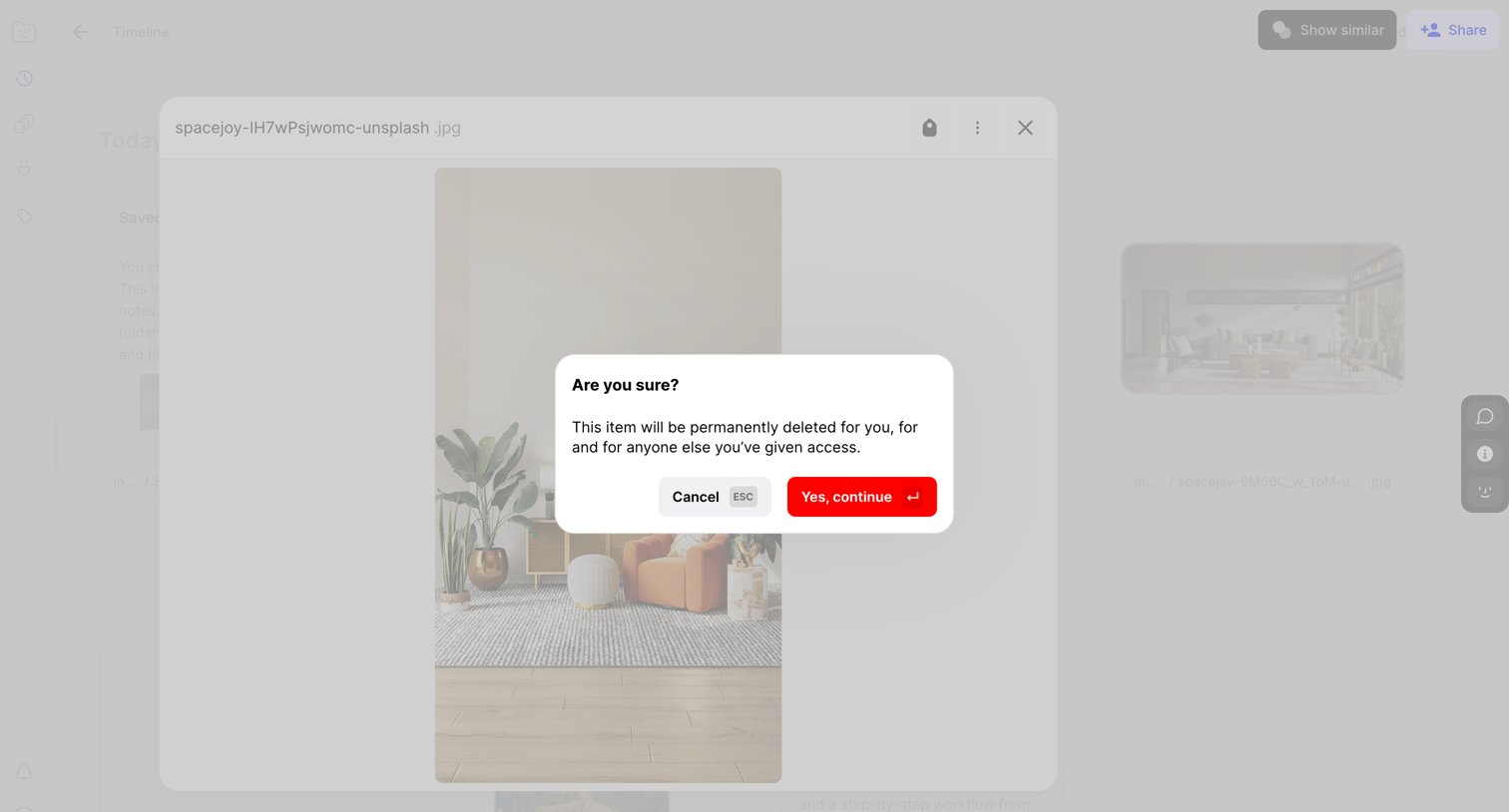

List view where the user is prompted to confirm the permanent deletion of a selected image file.
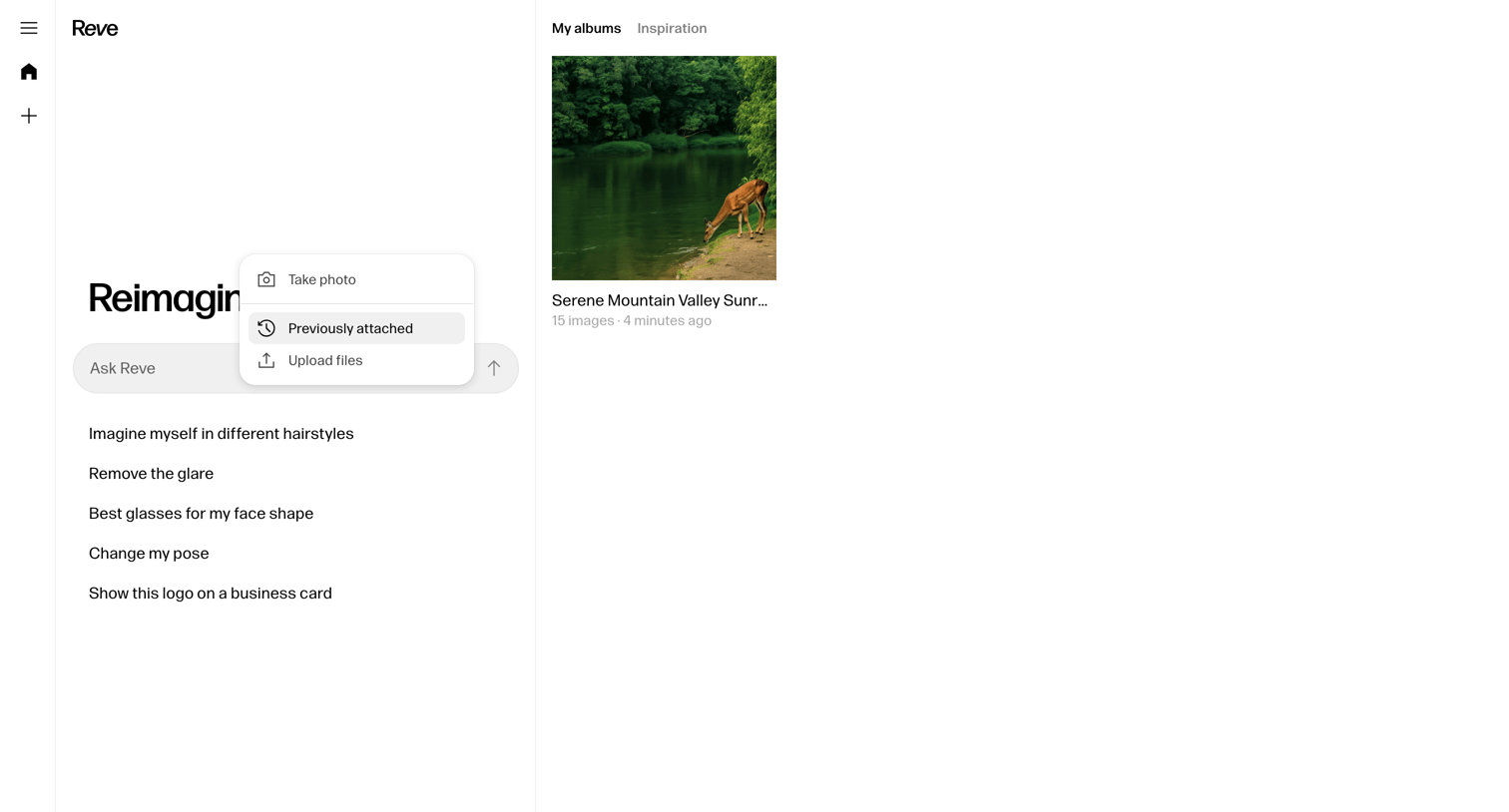

Home screen for an AI image generation tool where the user can enter prompts, select from suggestions, or upload attachments to generate images, while viewing their saved albums.
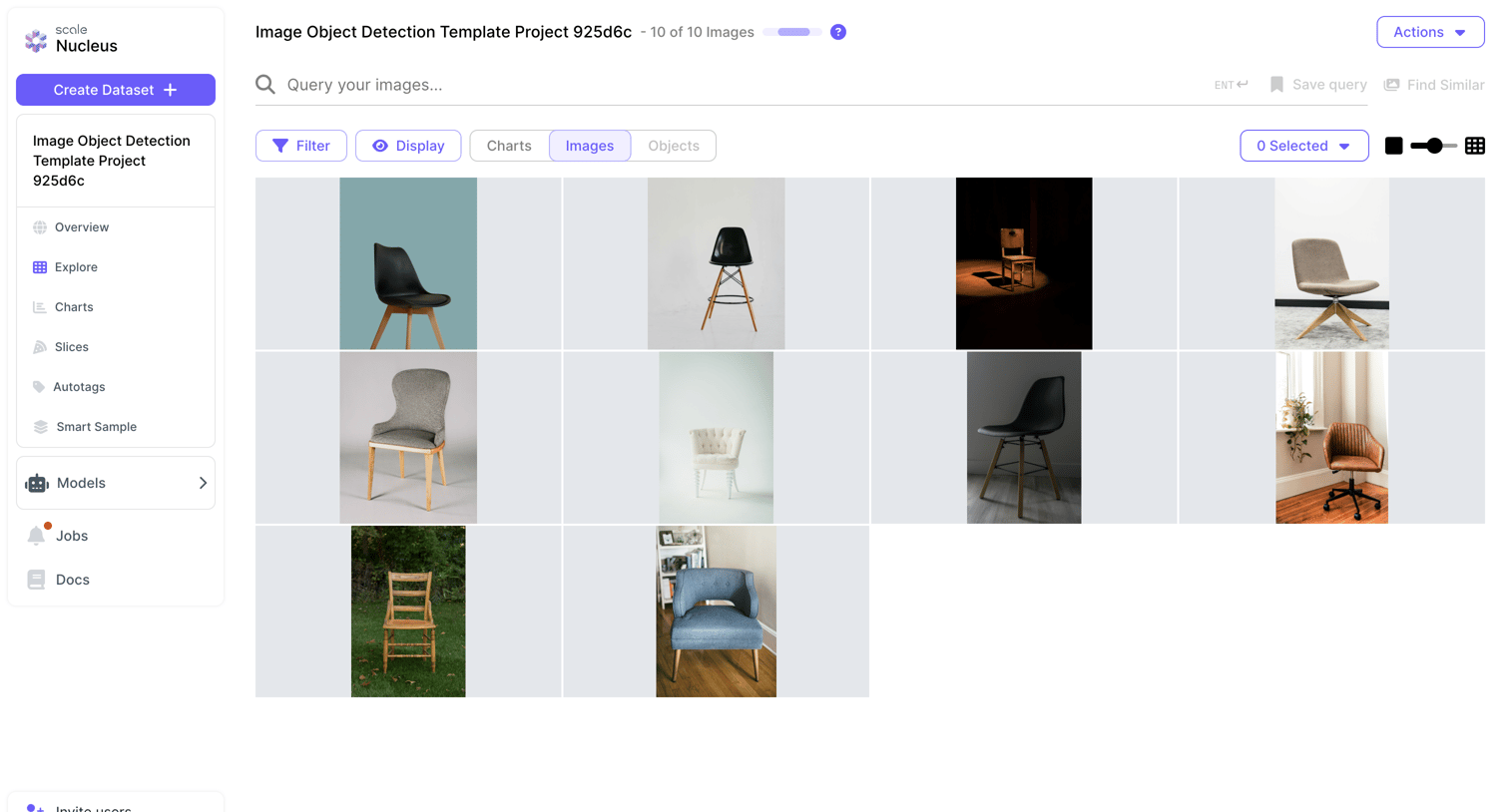

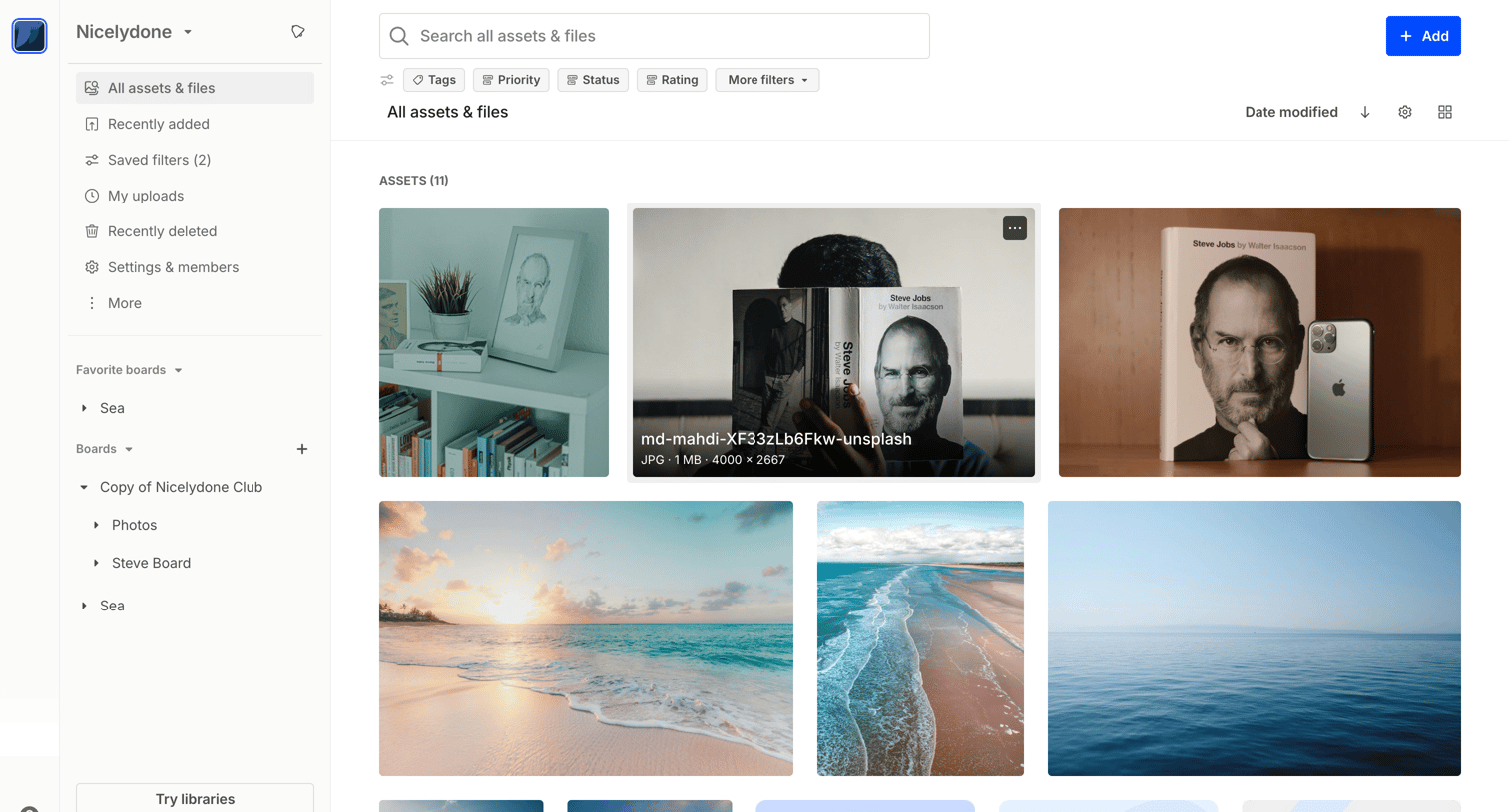
List view where the user browses an image dataset, with tools to query, filter, and adjust the grid display.
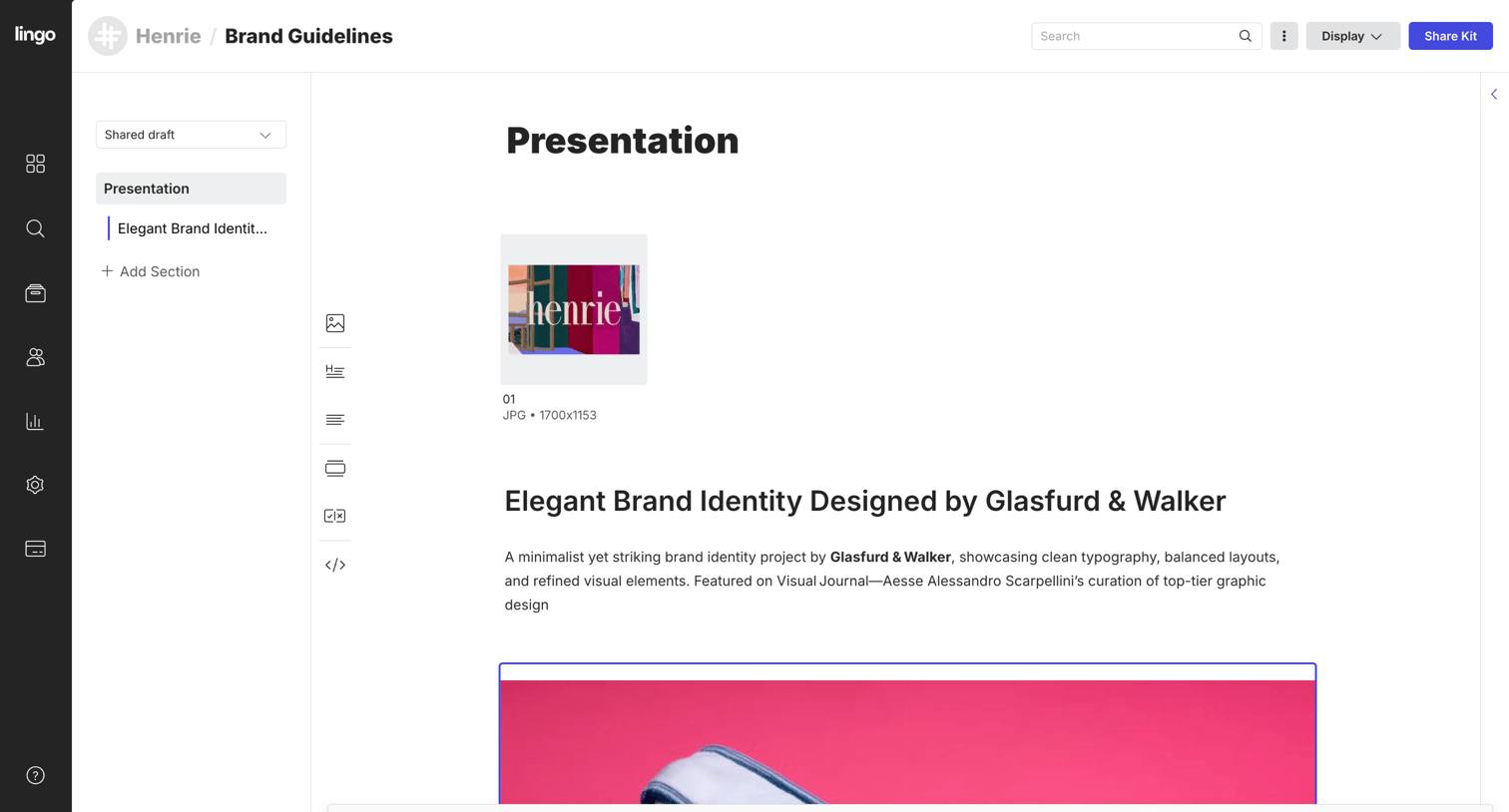

Content editor where the user manages brand guidelines, organizing presentation sections and image assets.

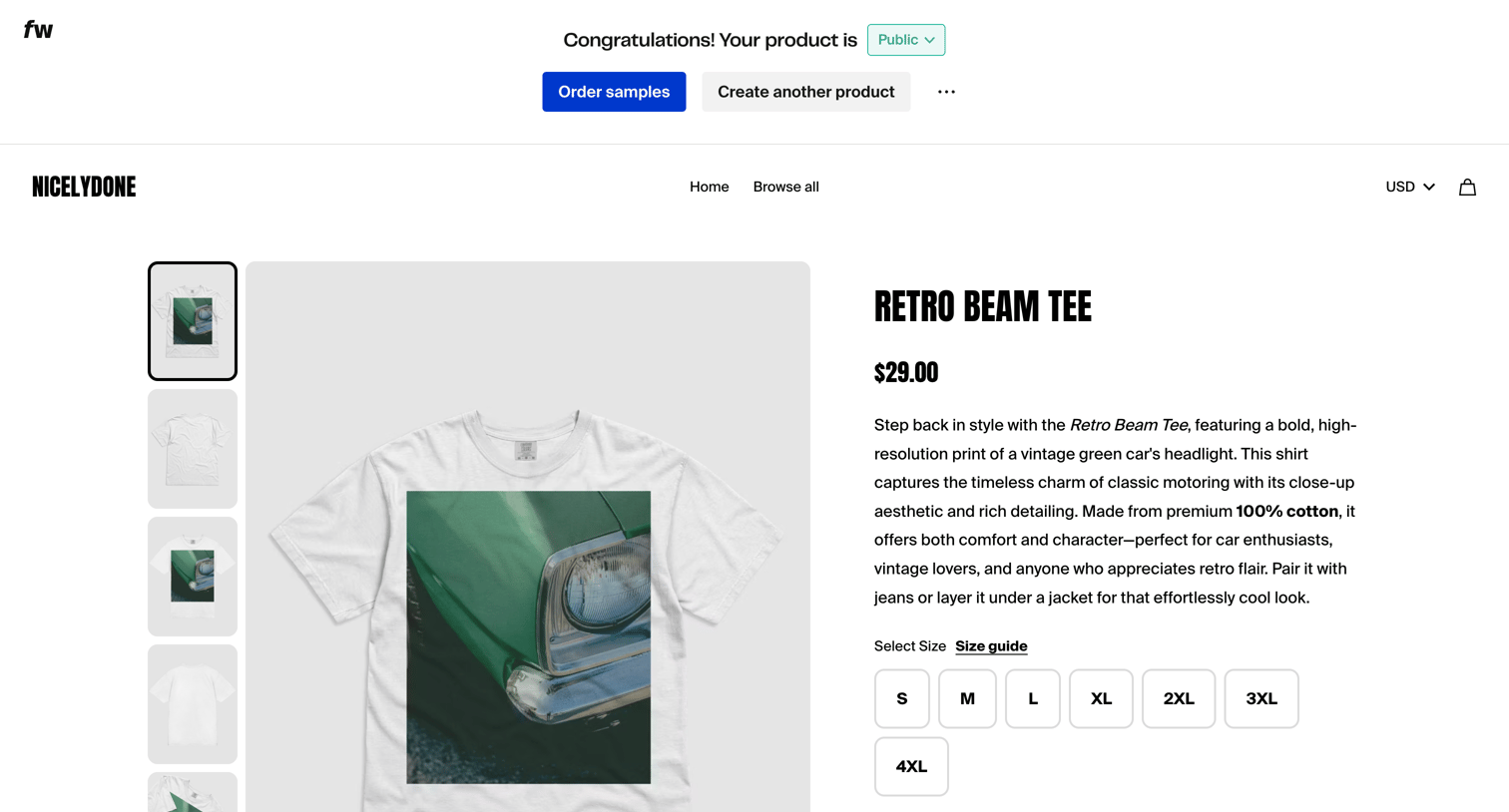

Detail page where an admin previews their newly published product on the storefront, featuring a success banner with actions to order samples or create another item.
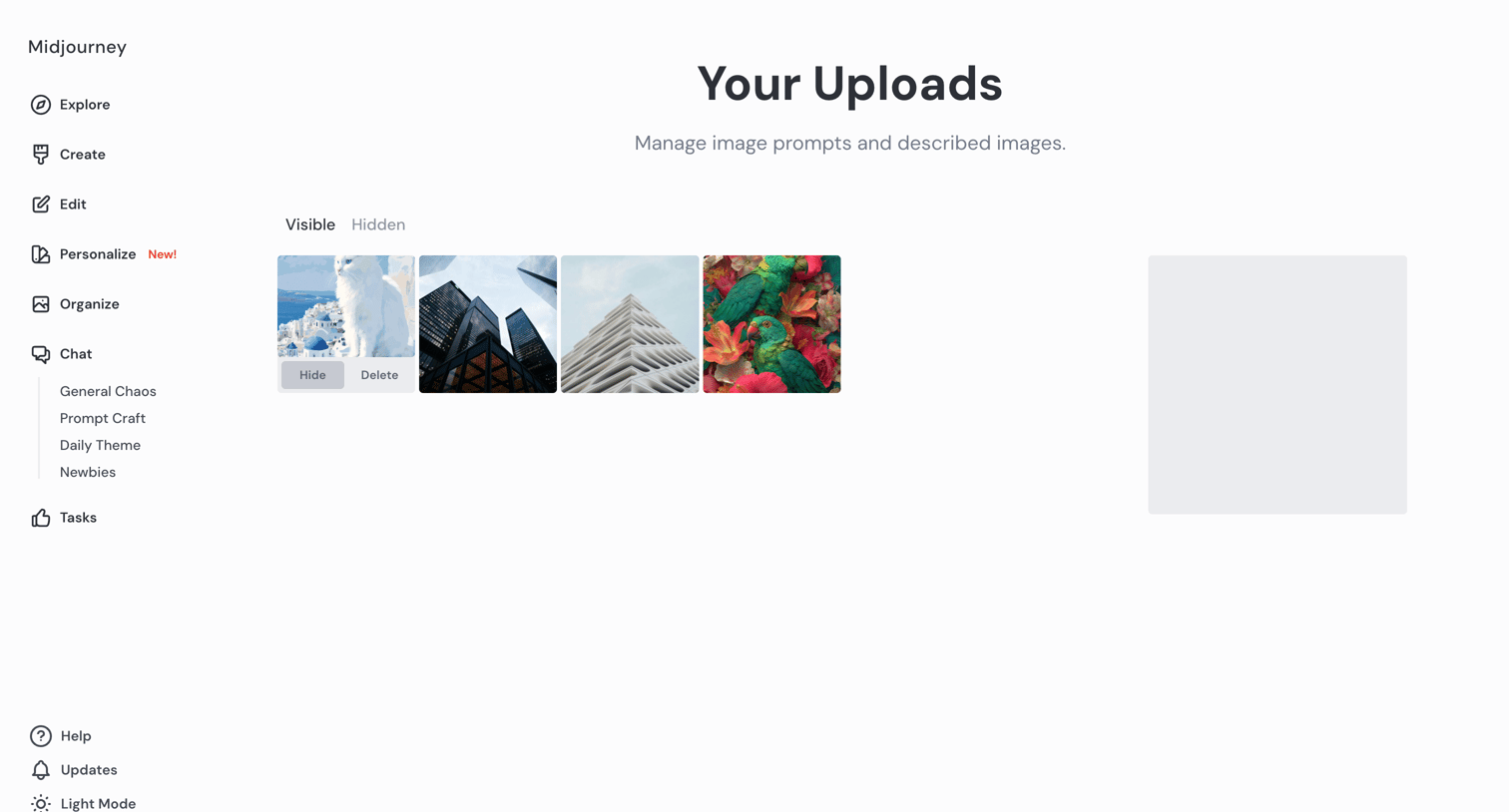

List view where the user manages their uploaded image prompts and described images, with options to hide or delete them.

Explore the full SaaS screen library
Upgrade to unlock the full library.
Trusted by the best teams







