Global search screen examples
Global search screen design examples from SaaS apps. Browse examples from Bud, Polar, Magnific.
Explore the examples
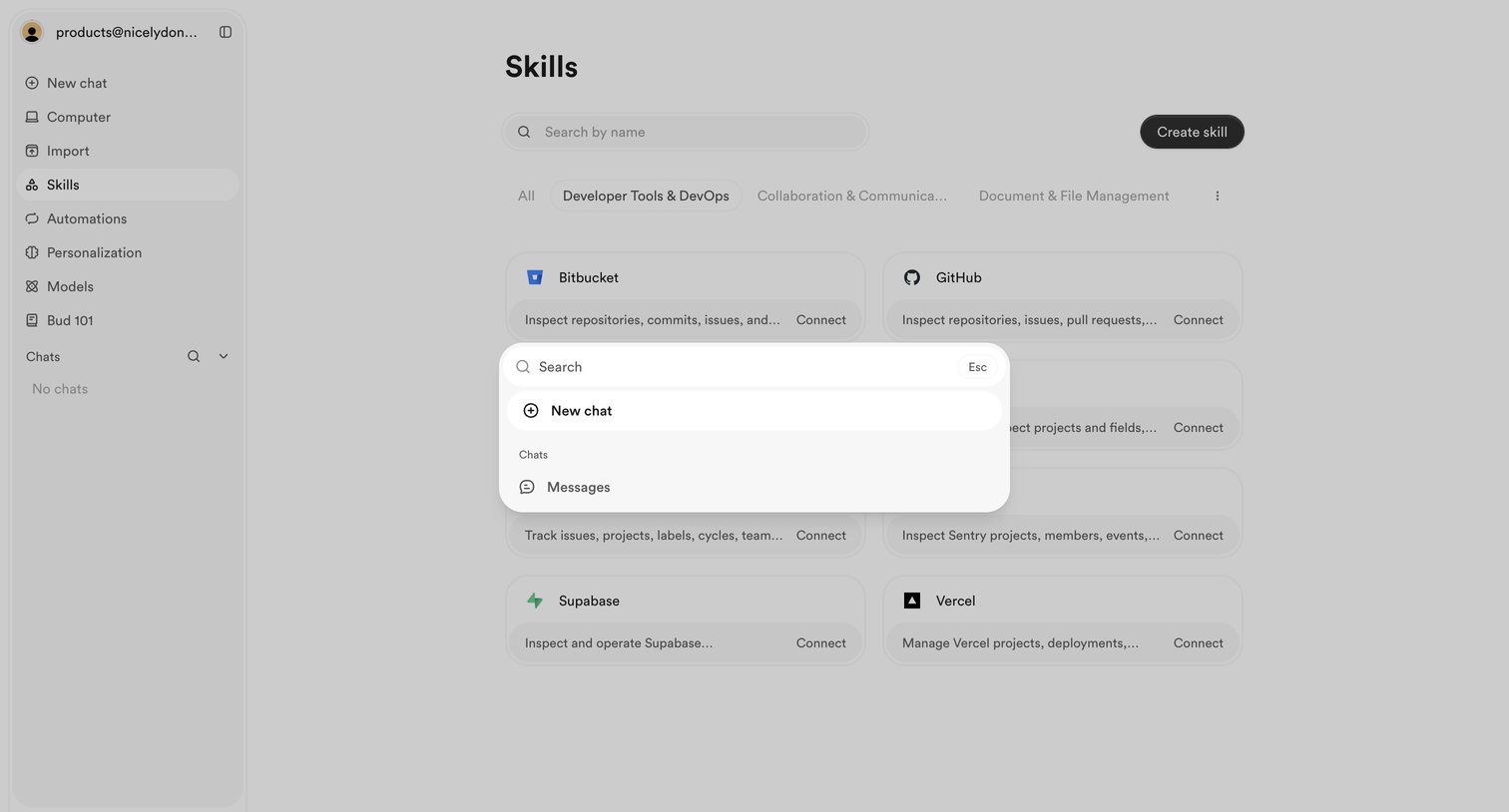

Settings page where the user searches for actions or chats via a command palette overlay, with a background list of connectable skills like GitHub and Vercel.
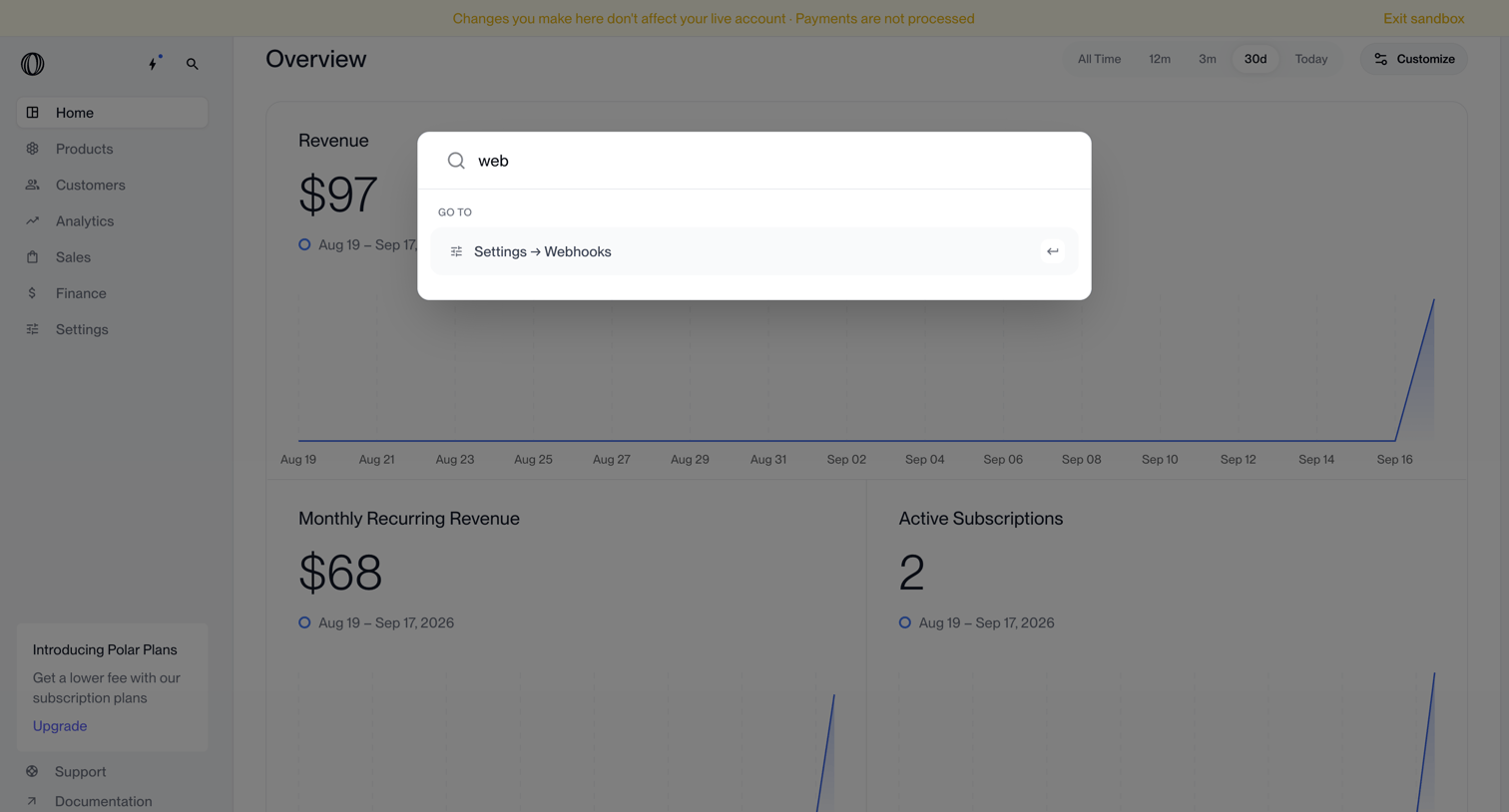

Search overlay where the user navigates to webhook settings via a command palette over a revenue dashboard.
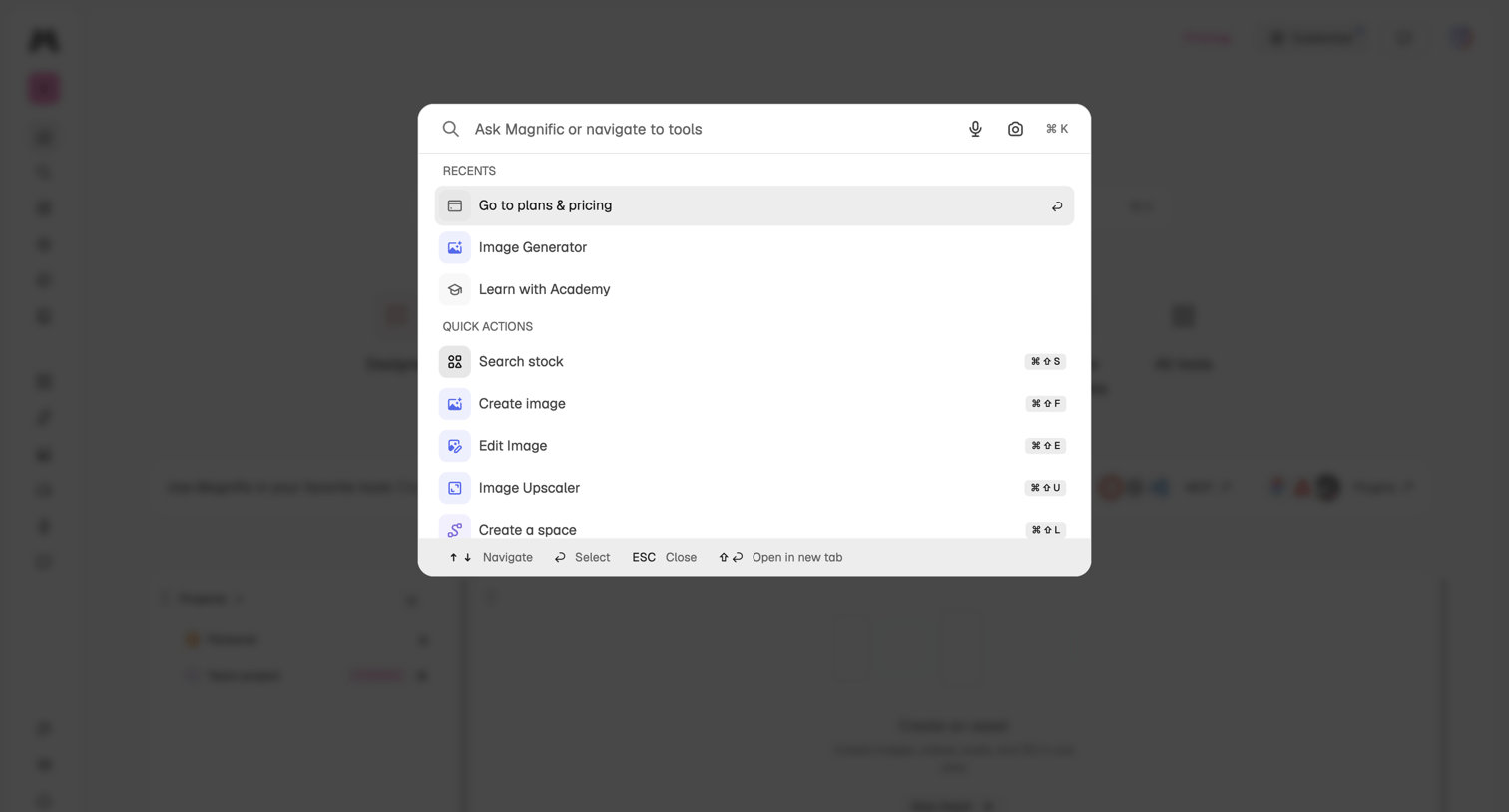

Global search overlay where the user can ask questions, navigate to recent tools like the image generator, or trigger quick actions via keyboard shortcuts.
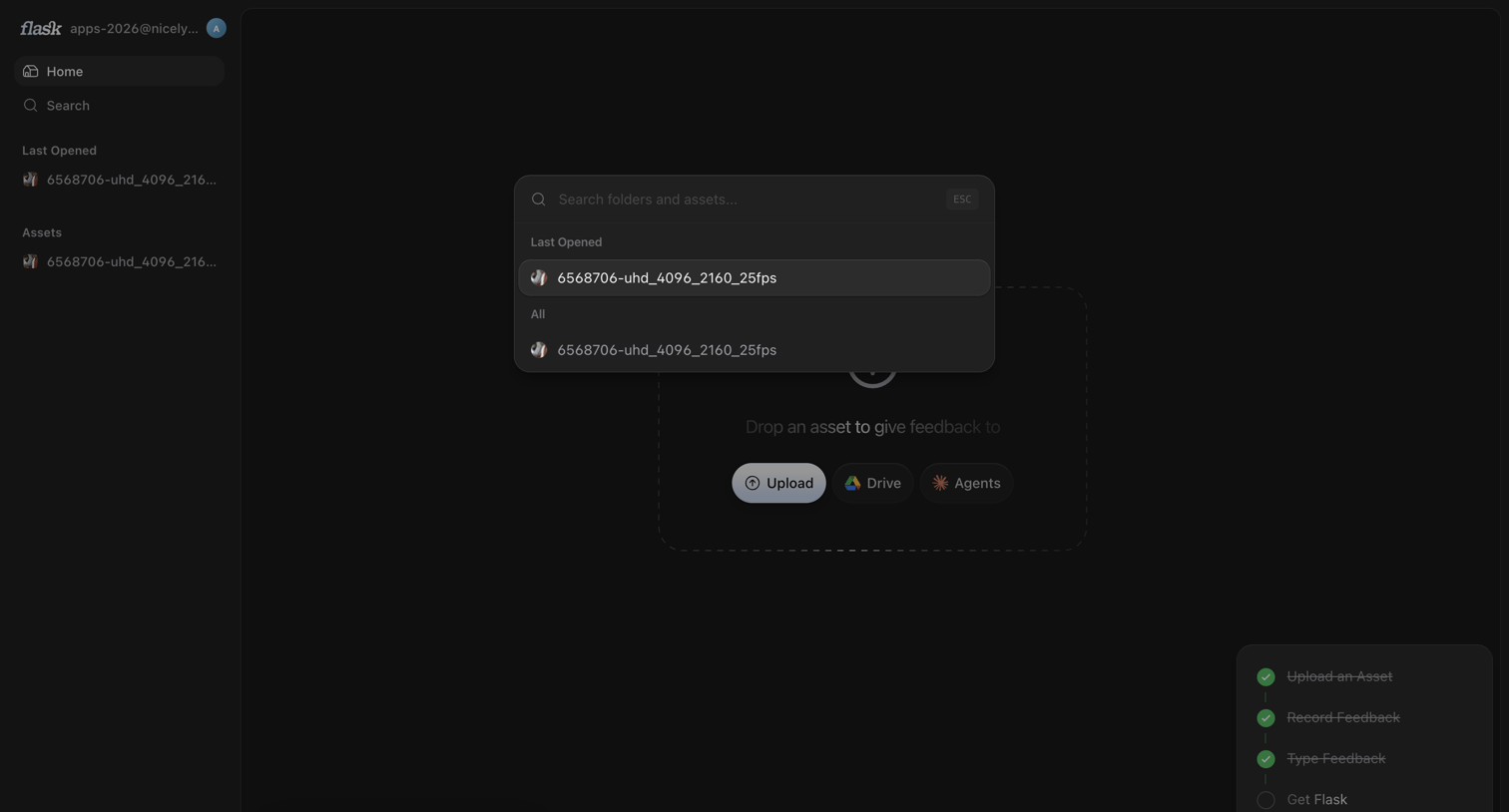

Home screen with an empty-state dropzone for uploading assets and an active global search overlay for finding folders and files.
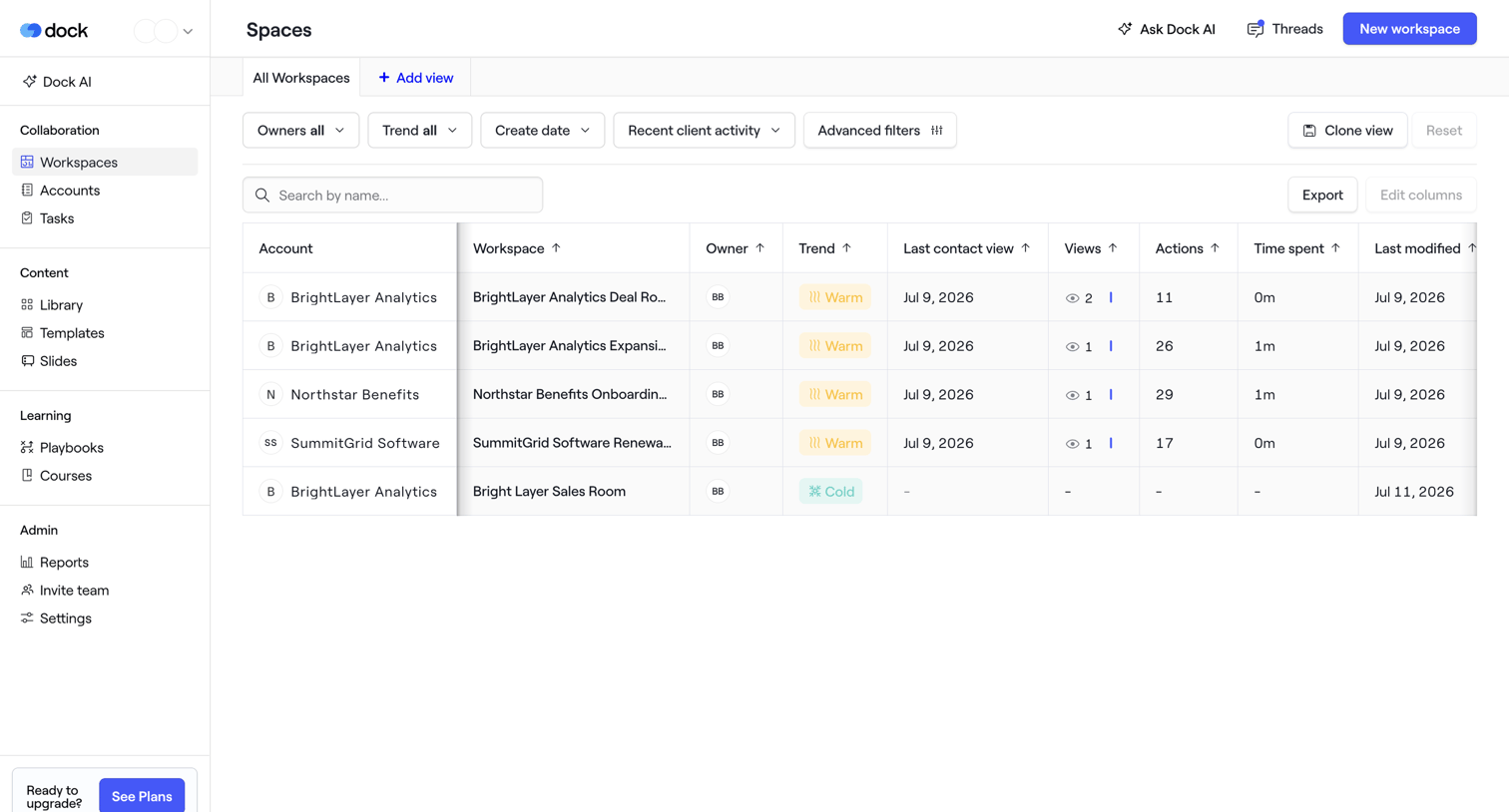

List view where the user manages client workspaces, filtering by owner, trend, and recent activity.
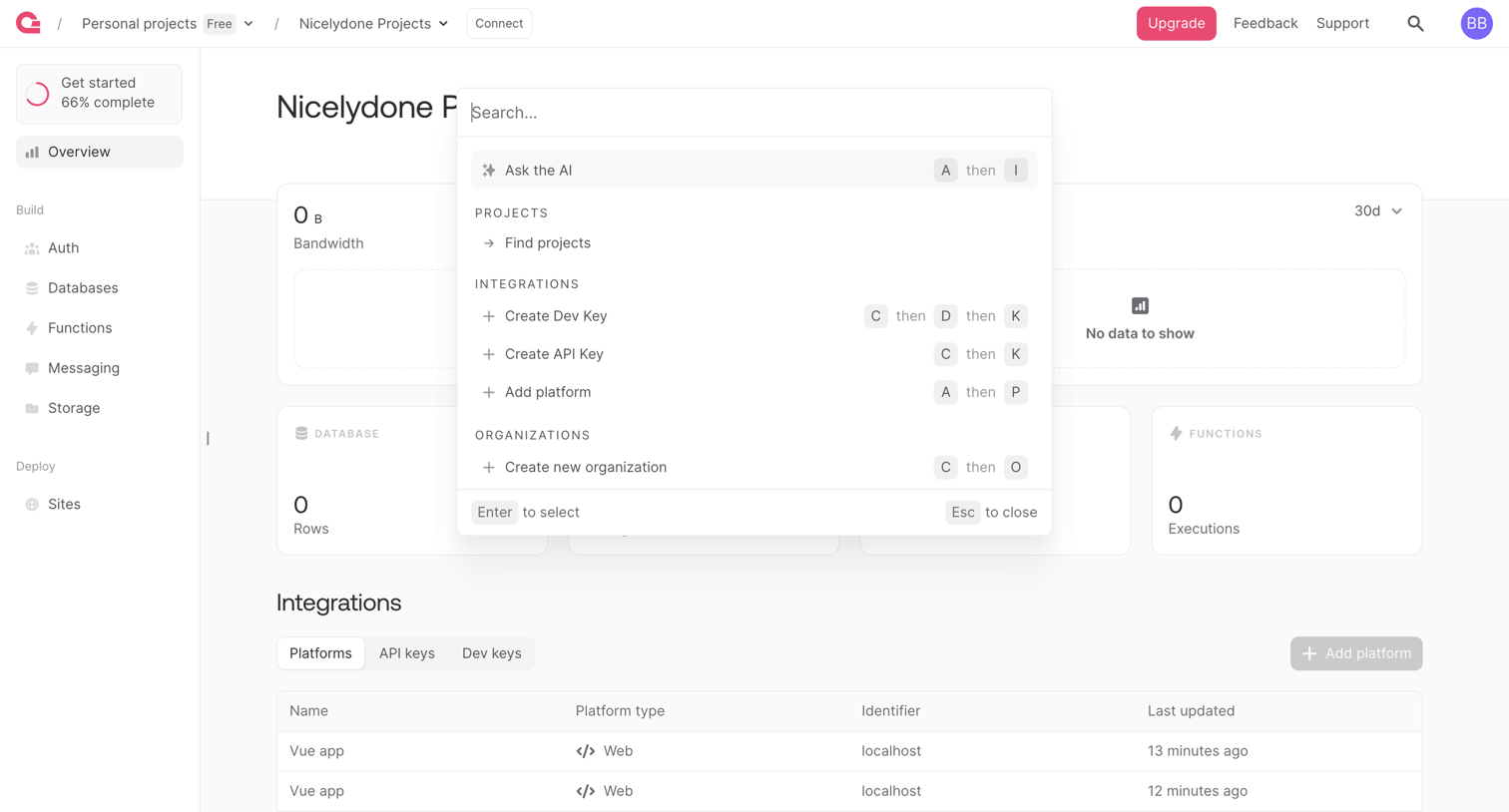

Project dashboard overview showing bandwidth and execution metrics, with a global command palette open for quick navigation and actions.
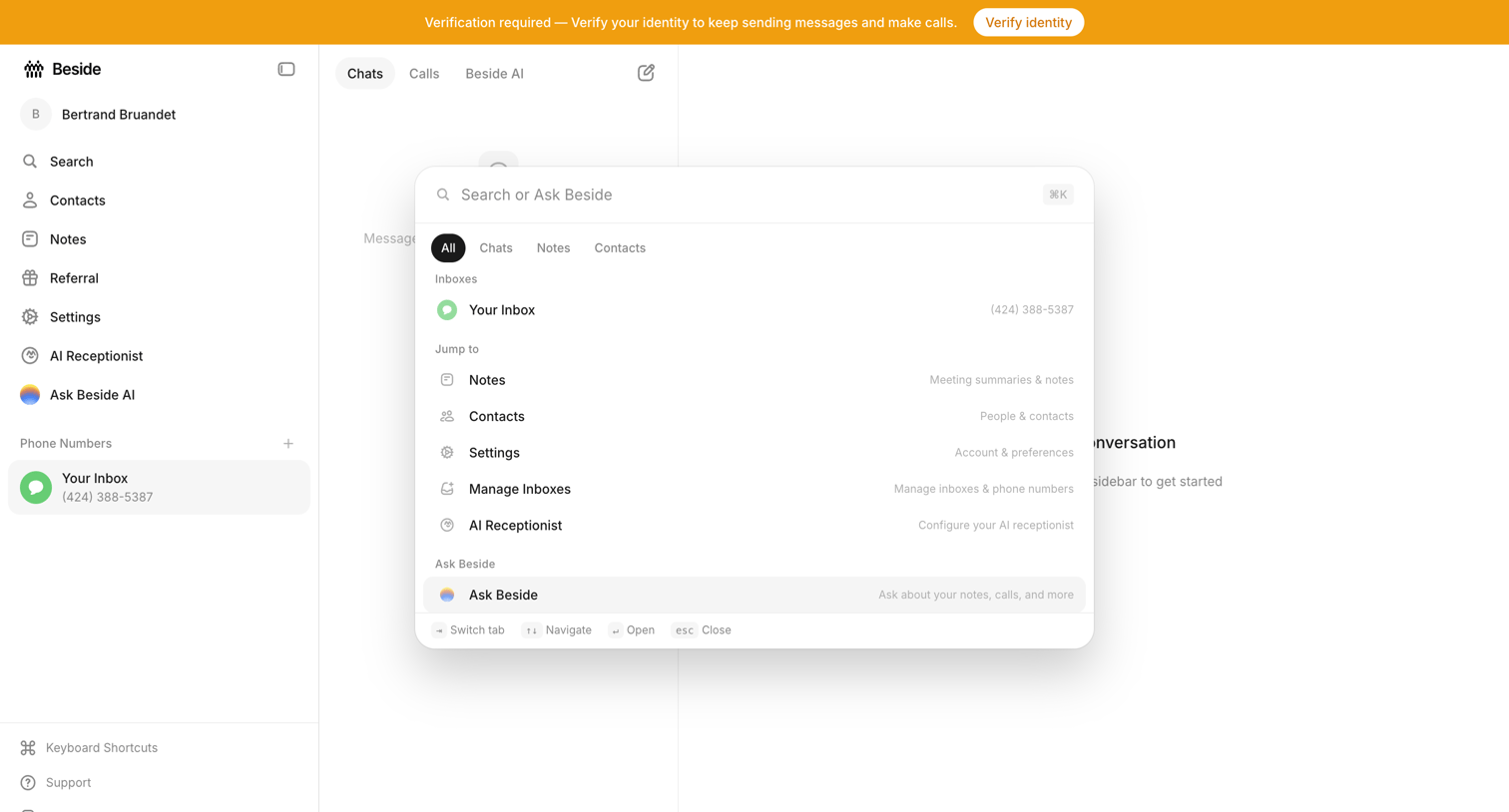

Inbox view with an active command palette overlay where the user can search across chats, notes, contacts, and settings.
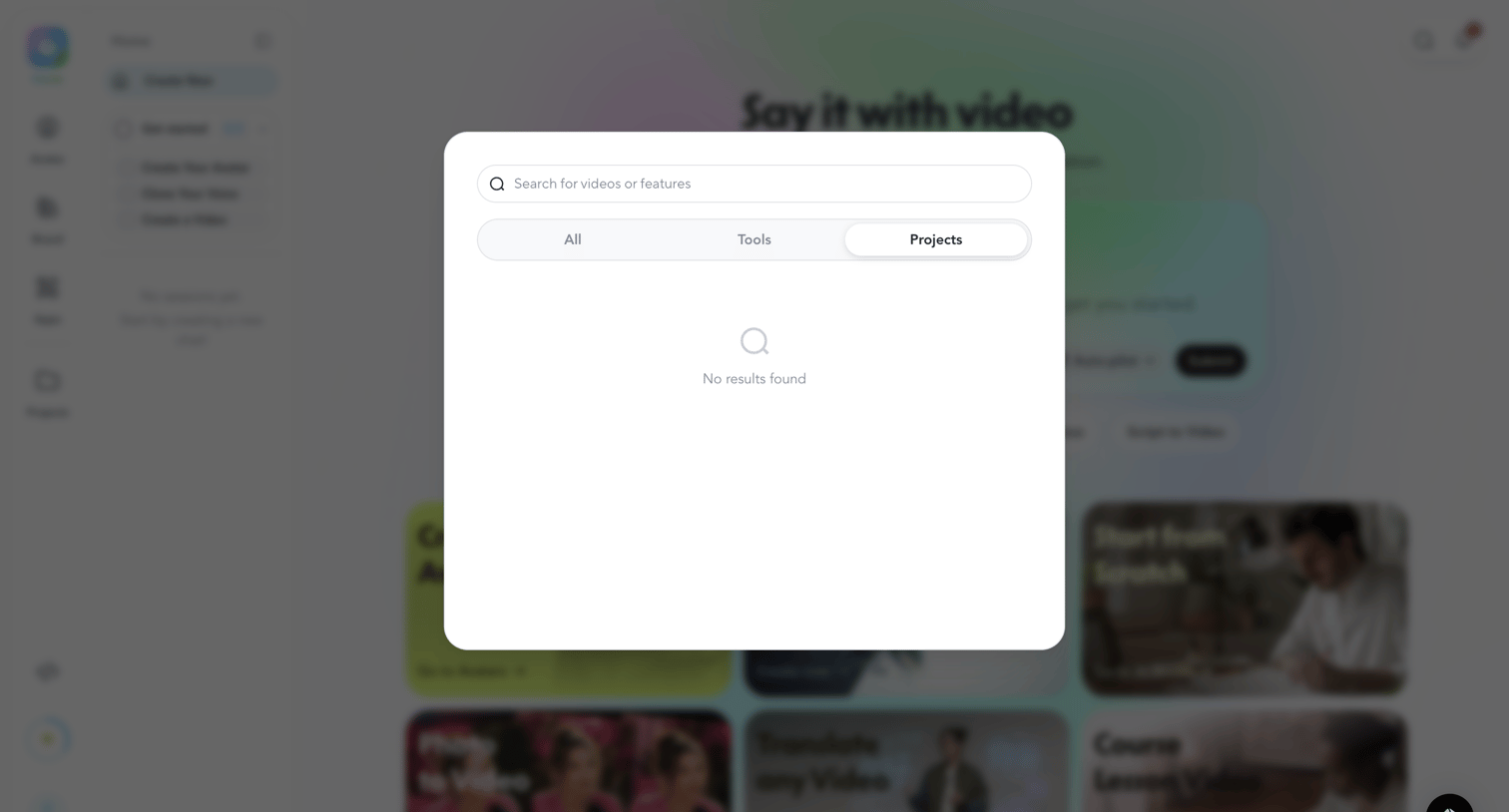

Search overlay where the user looks for videos, tools, or projects, currently displaying an empty state with no results found.
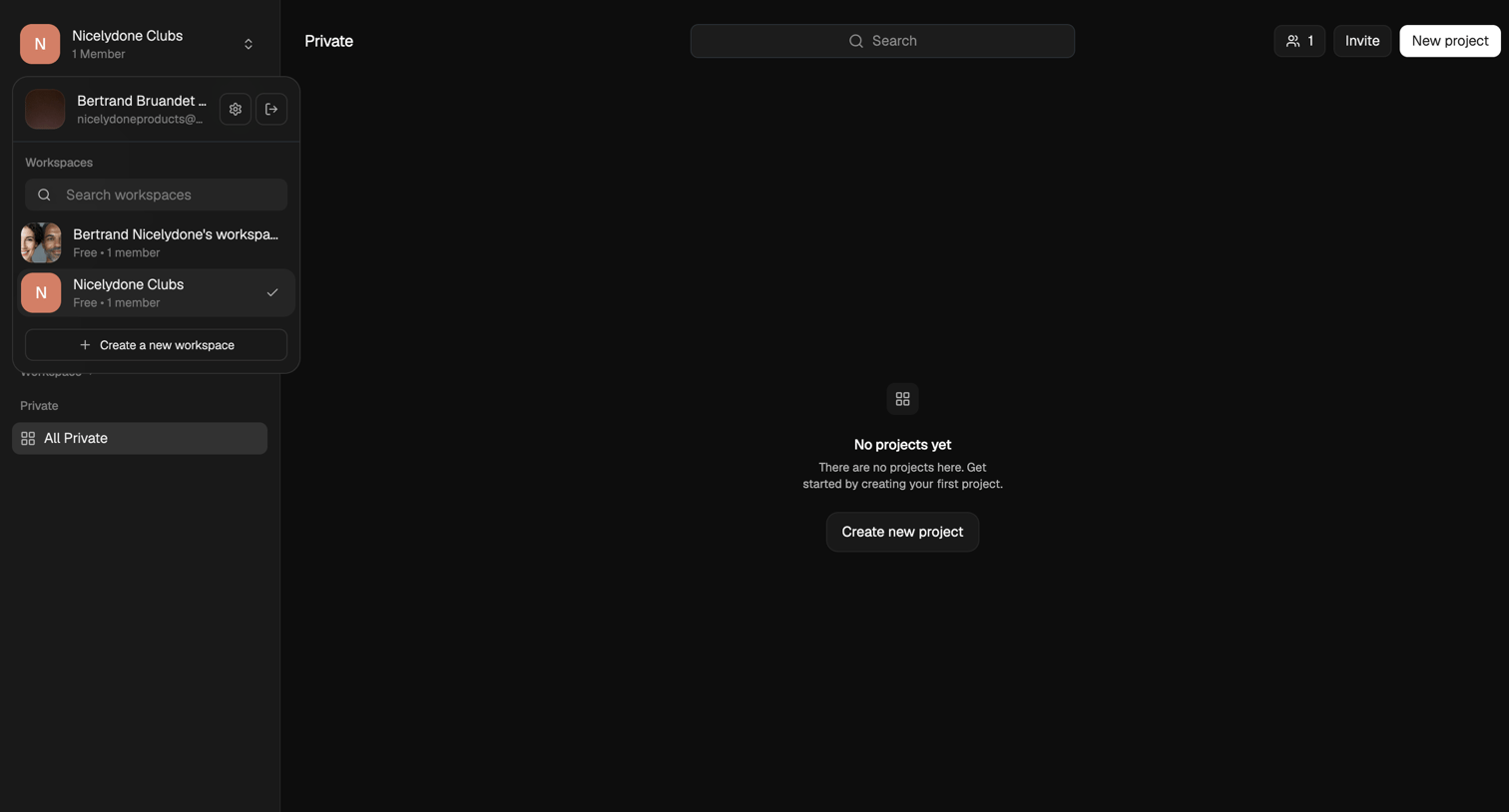

List view where the user is prompted to create their first project in a private workspace.
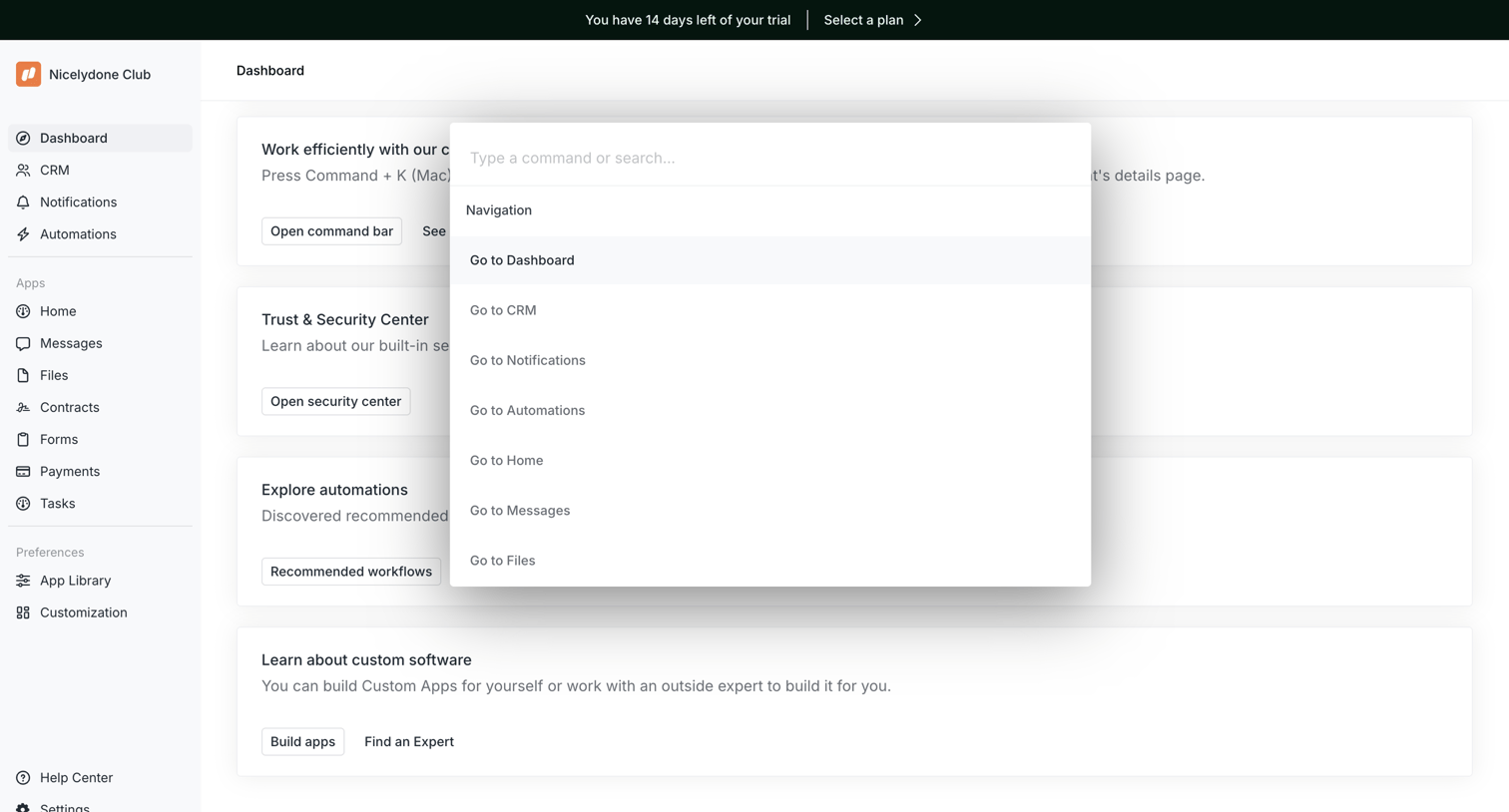

Dashboard featuring a getting-started checklist where the user has opened the command palette to search and navigate across the app.
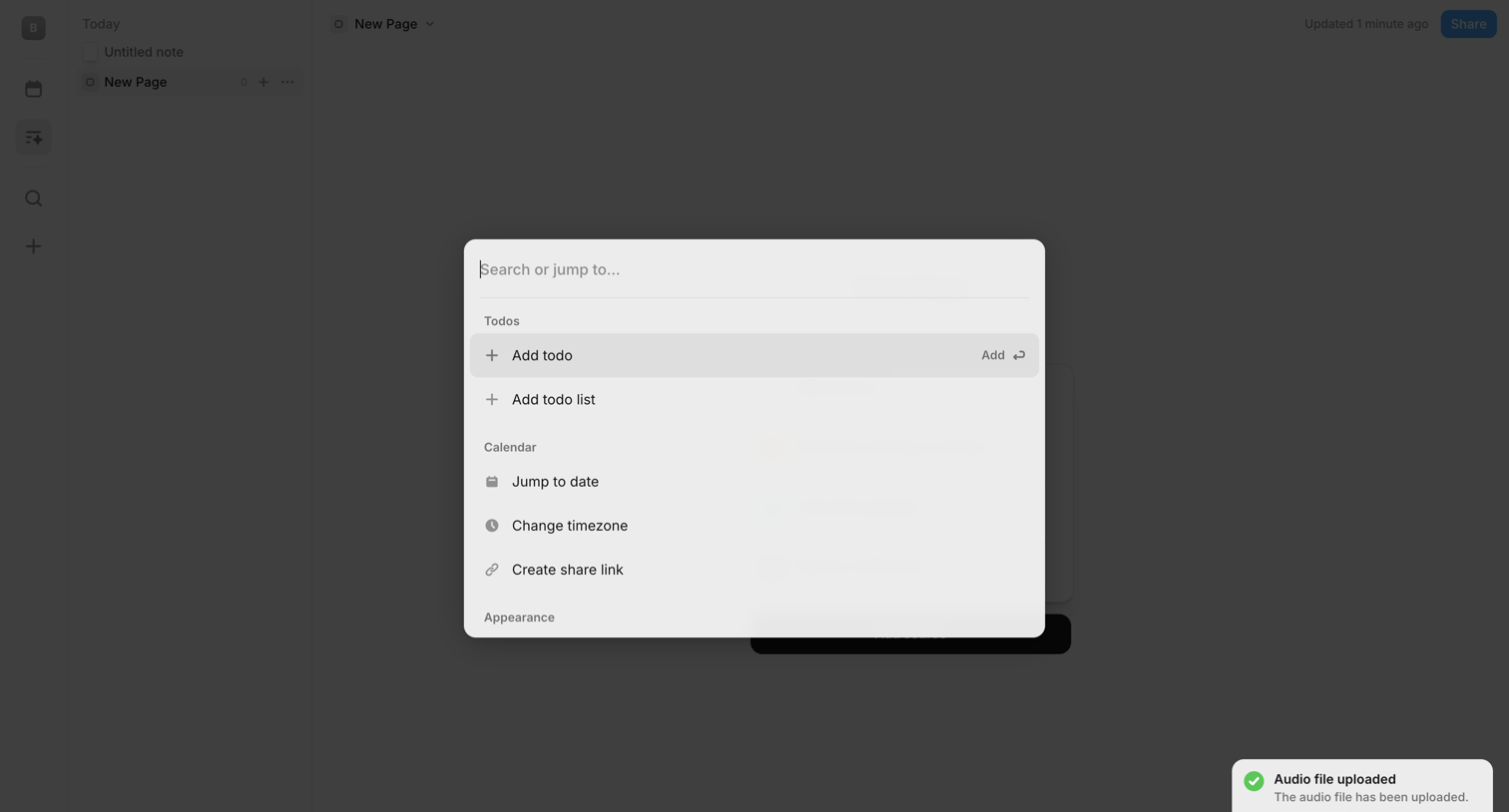

Search overlay where the user jumps to actions like adding a todo, changing the timezone, or creating a share link via a central command palette.
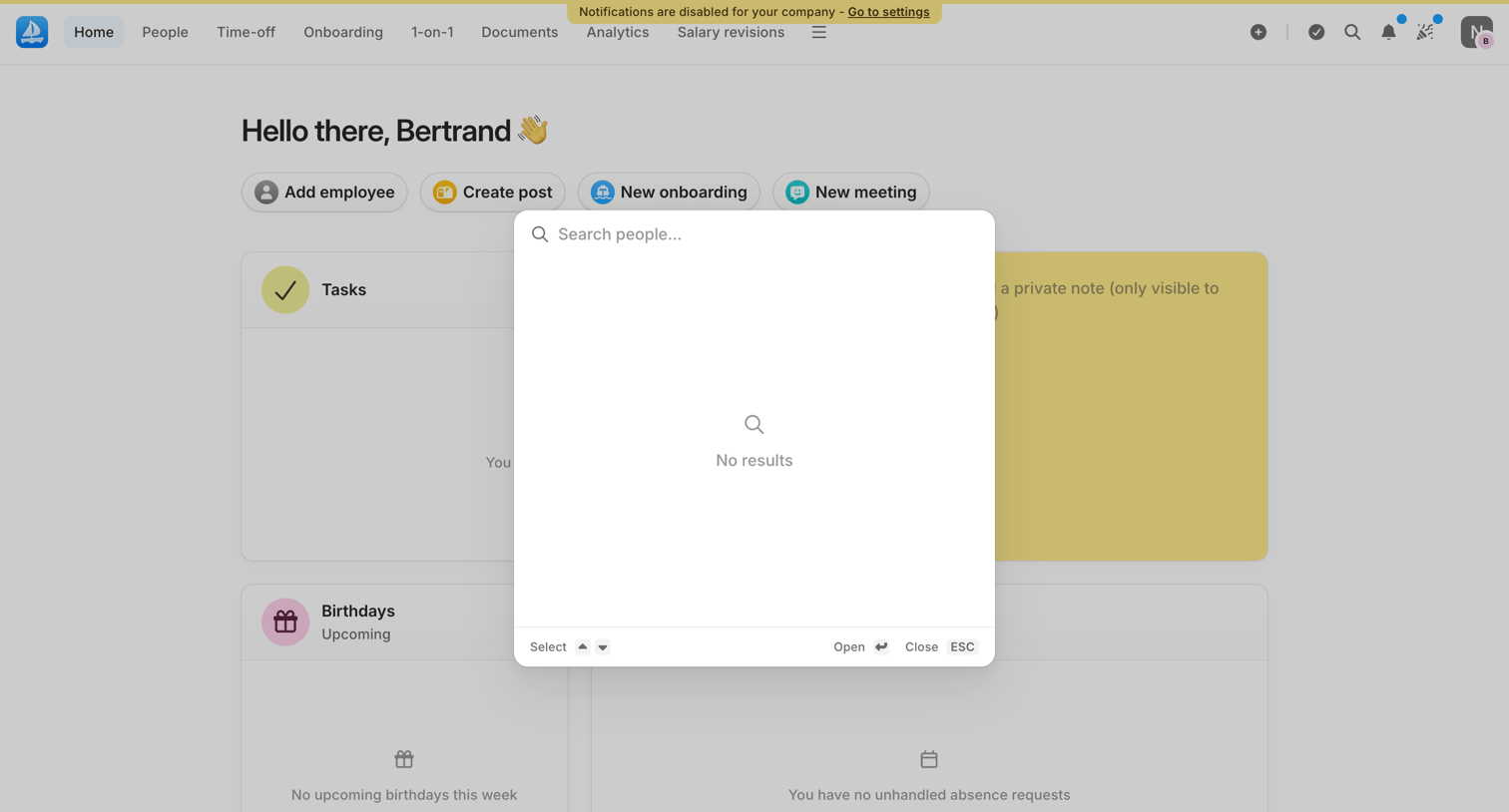

Search overlay where the user looks for people in the directory, currently showing an empty state with no results.
Explore the full SaaS screen library
Upgrade to unlock the full library.
Trusted by the best teams







