Export screen examples
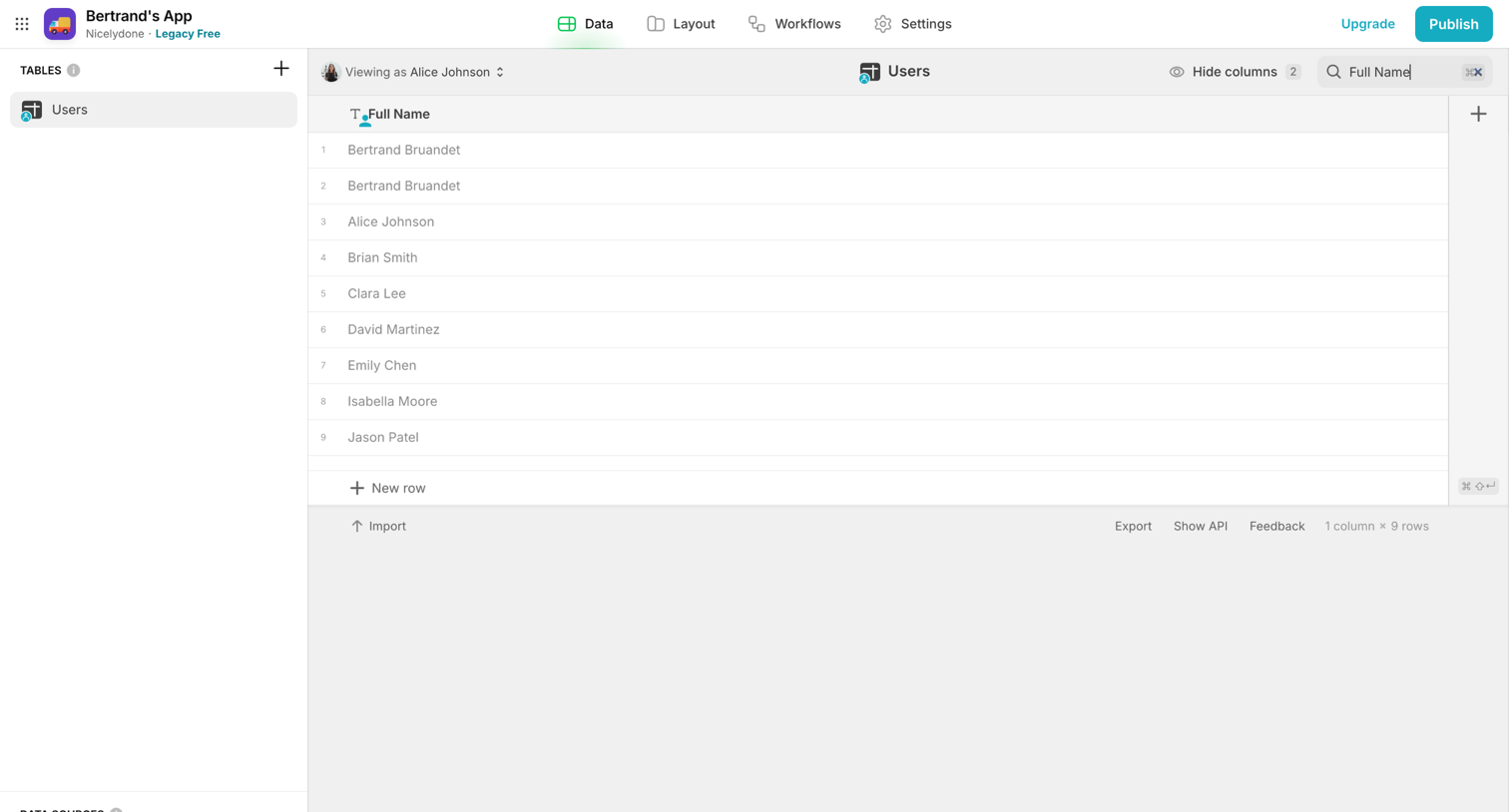
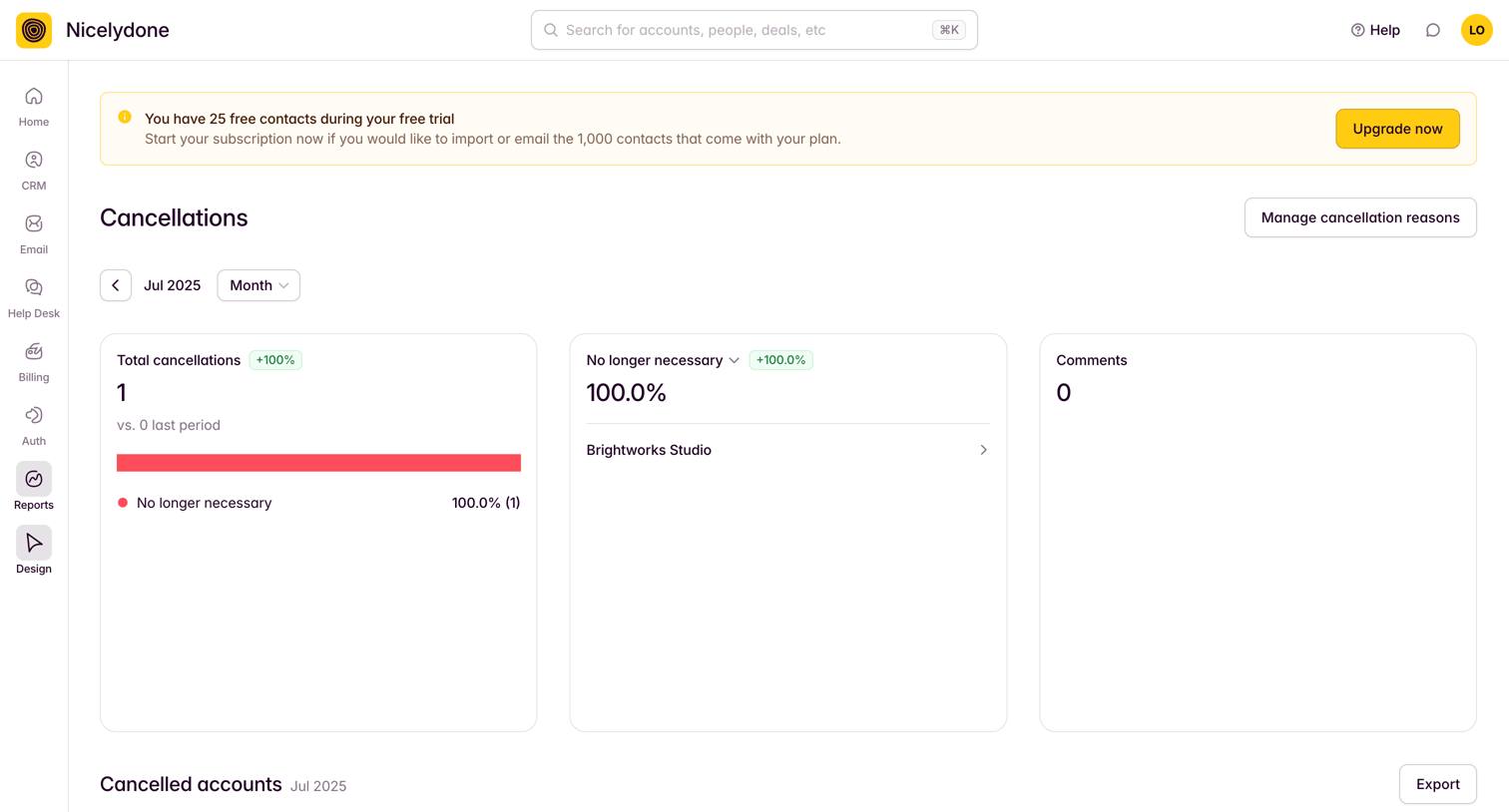
Export screen design examples from SaaS apps. Browse examples from Dock, Found, Paper.
Explore the examples
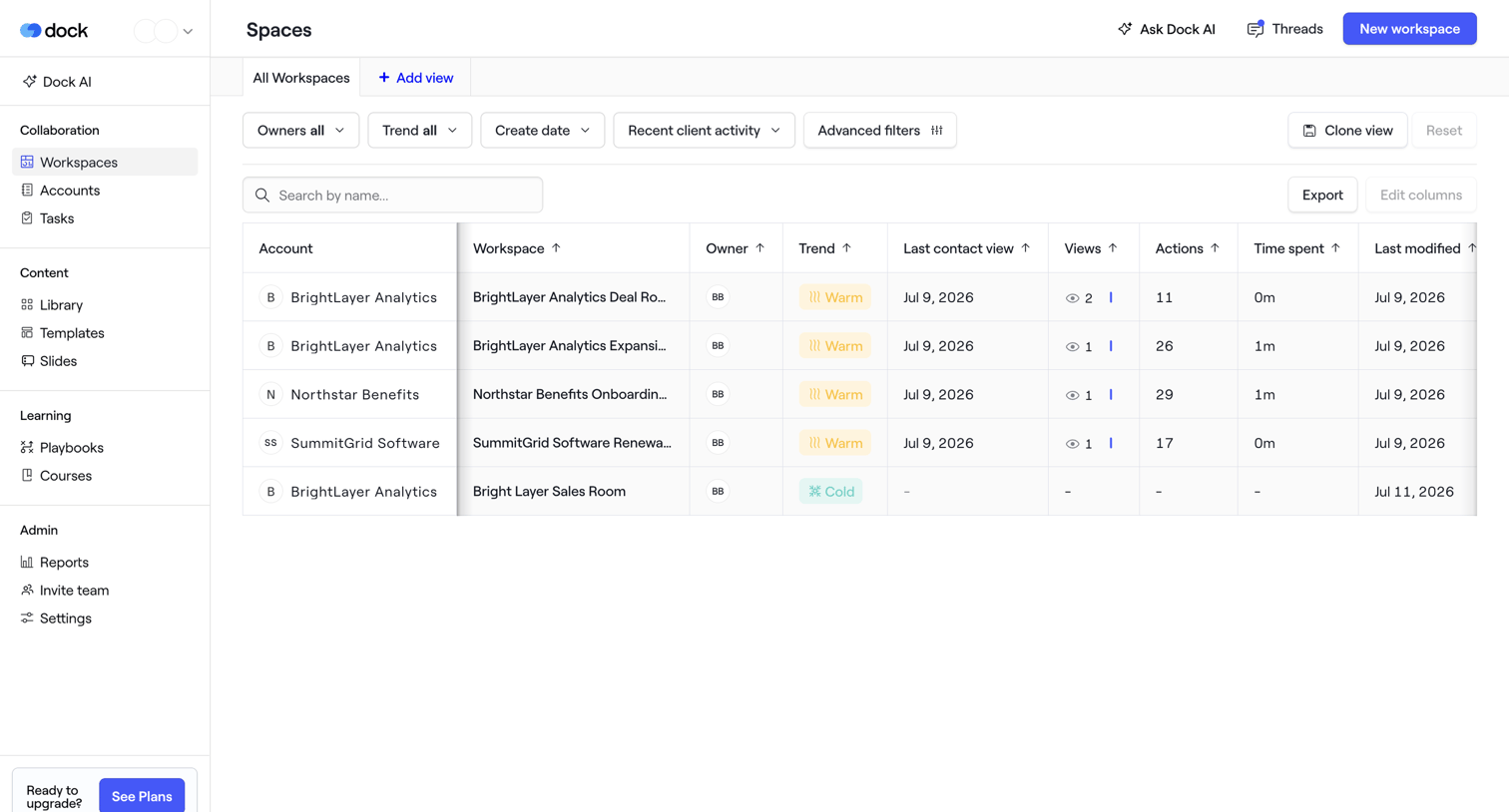

List view where the user manages client workspaces, filtering by owner, trend, and recent activity.
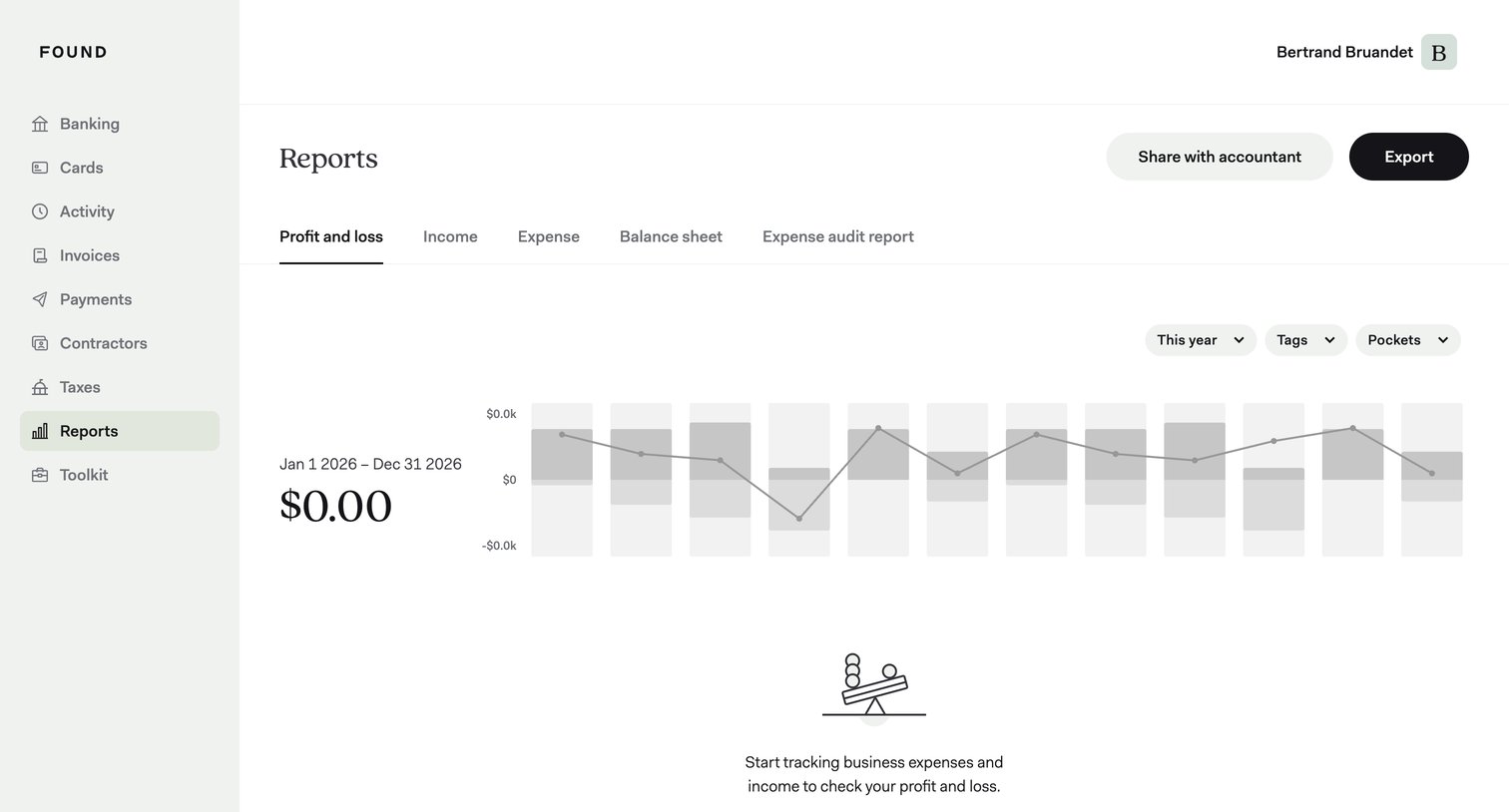

Analytics dashboard showing an empty profit and loss report with a prompt to start tracking expenses, alongside filters for year, tags, and pockets.
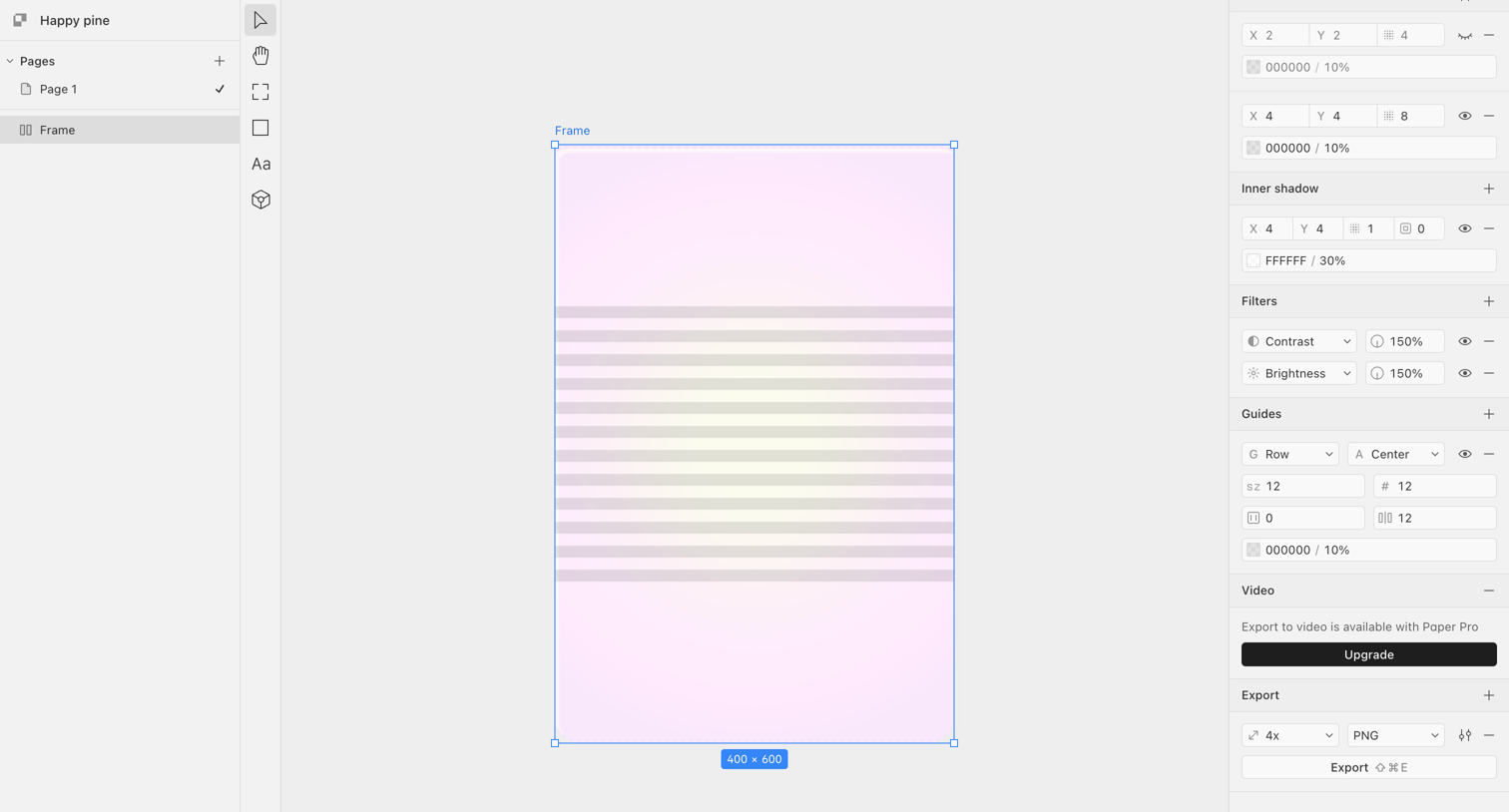

Design editor where the user configures layout guides, inner shadows, and export settings for a selected frame.
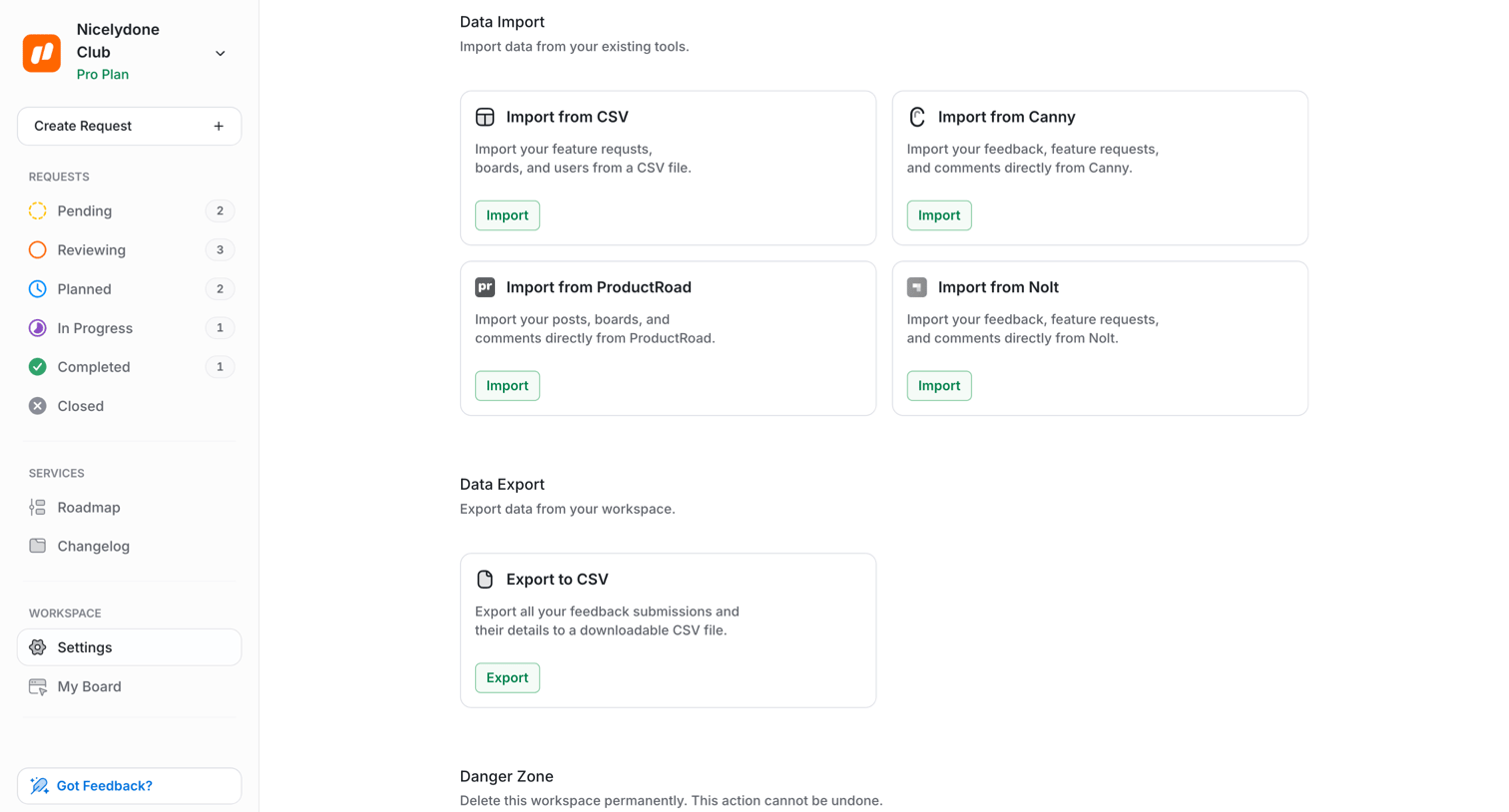

Settings page where the user can import data from external tools like Canny or CSV, export workspace data to CSV, or permanently delete the workspace.
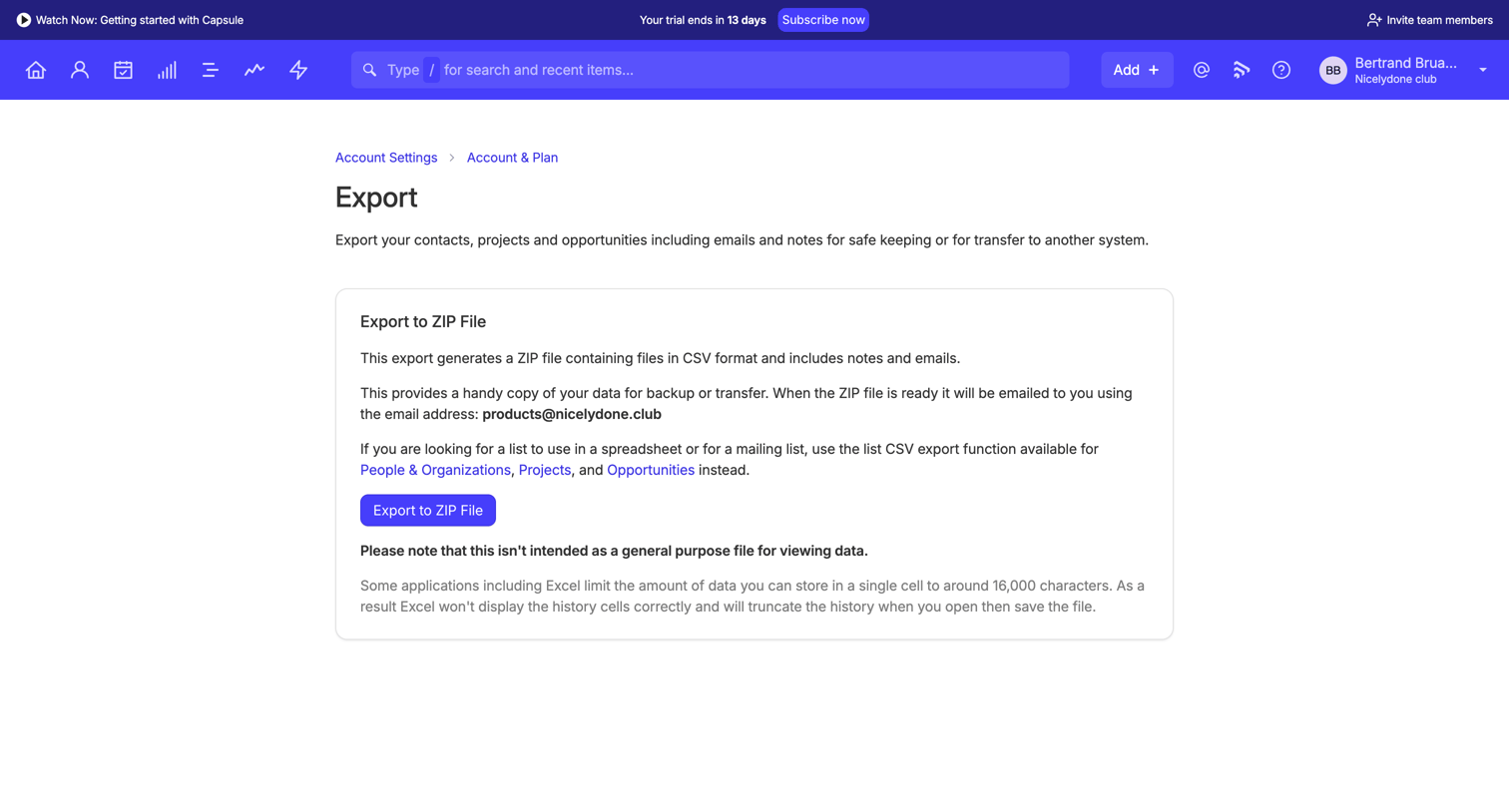

Settings page where the user can export their contacts, projects, and opportunities to a ZIP file for backup or transfer.
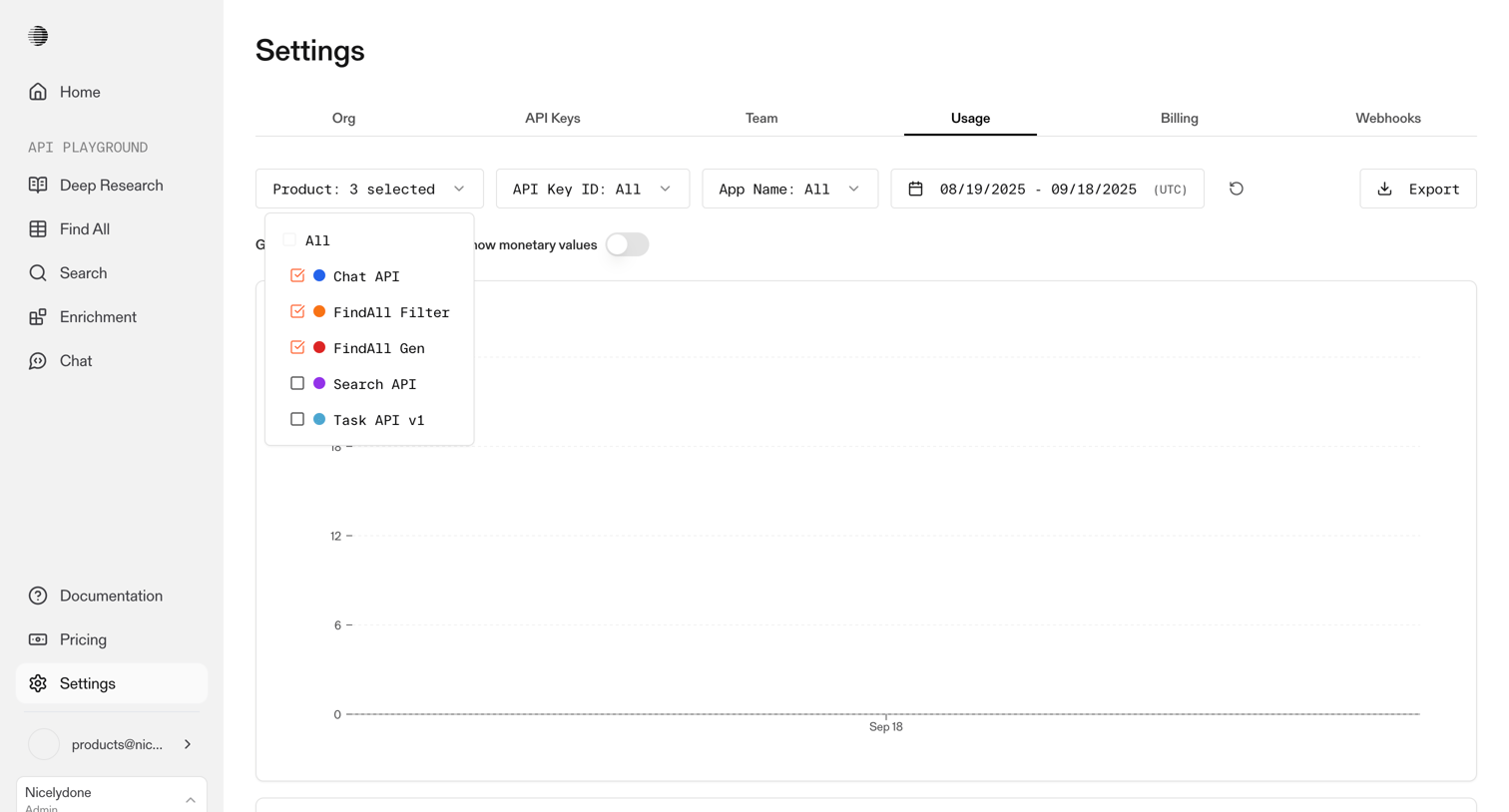

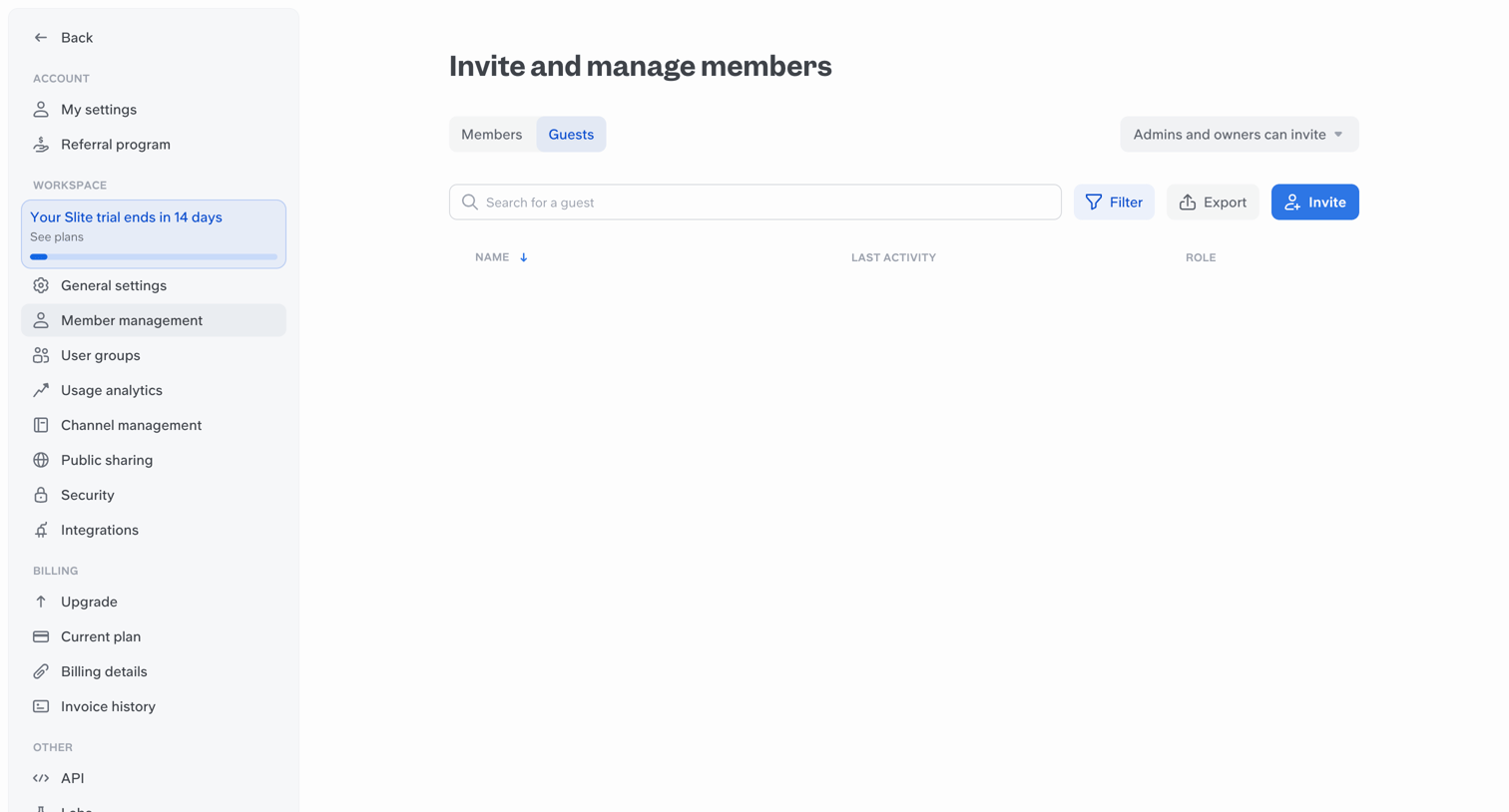

Settings page where the user manages workspace guests, with options to search, filter, export, and invite new users.


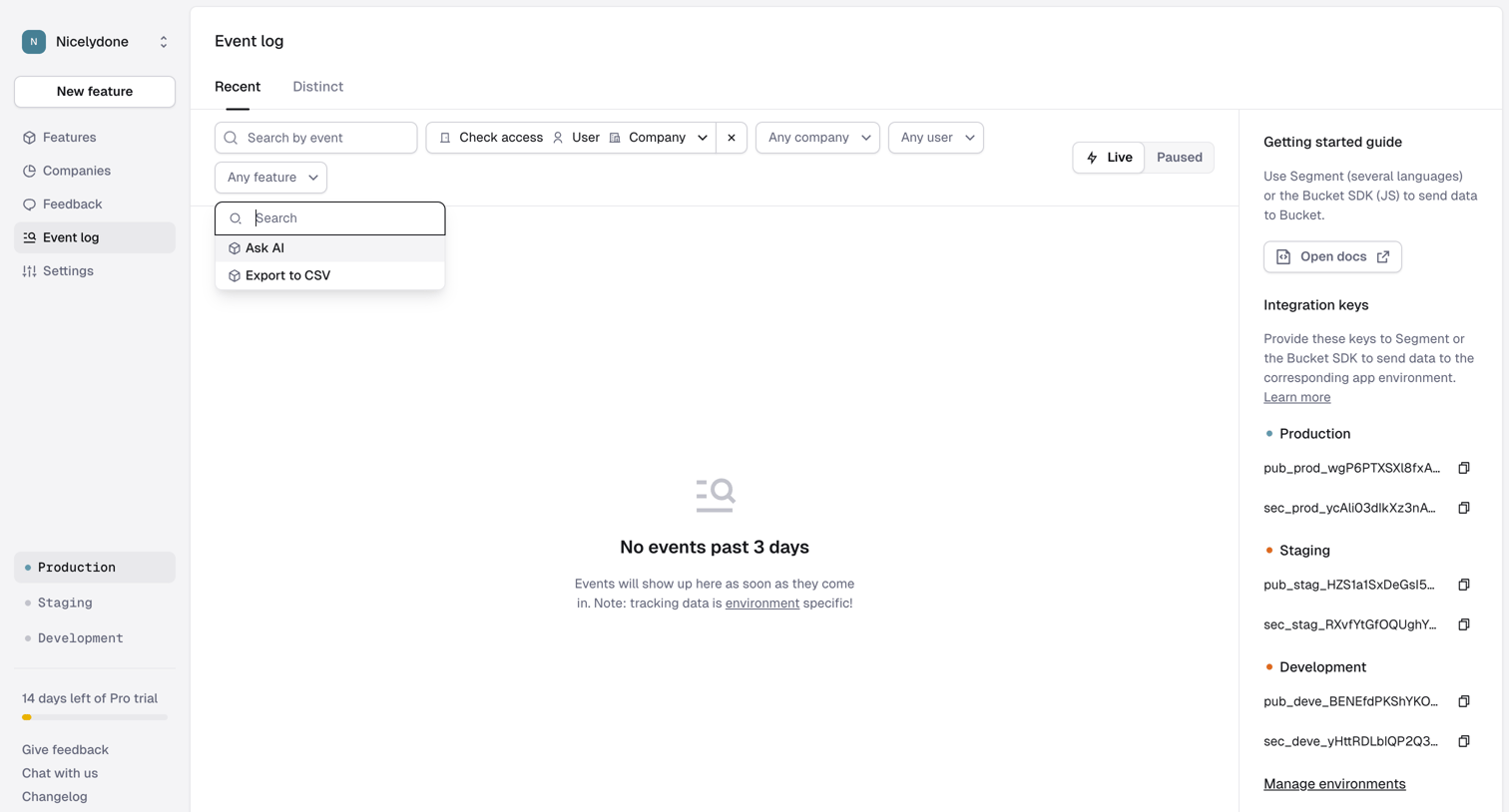

Event log list view showing an empty state with active filters for check access, user, and company events, alongside an integration guide sidebar.

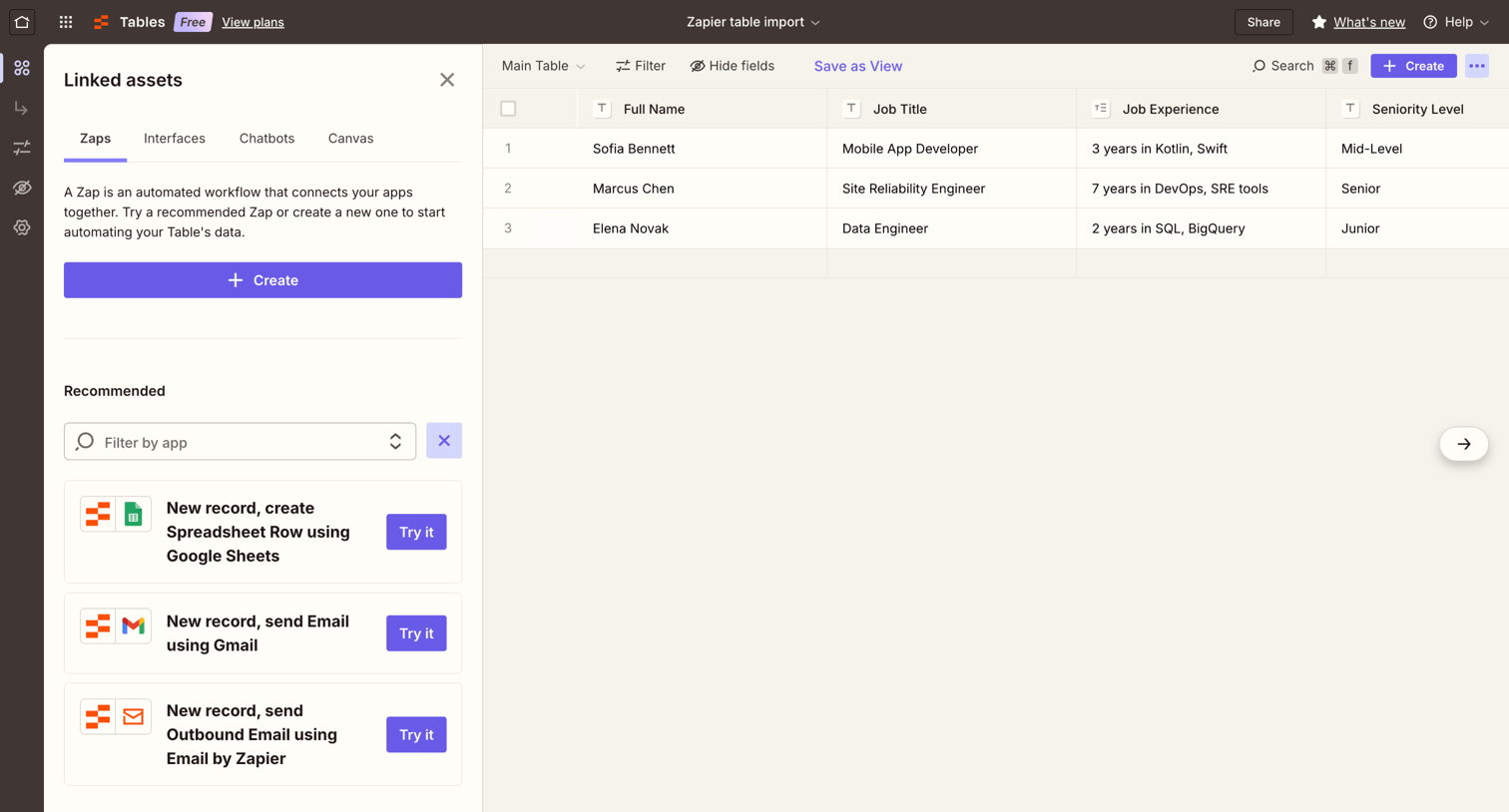

Data table view where the user manages records for job candidates and can connect automated workflows via a linked assets drawer.
Explore the full SaaS screen library
Upgrade to unlock the full library.
Trusted by the best teams







