Delete screen examples
Delete screen design examples from SaaS apps. Browse examples from Beside, Elevenlabs, Found.
Explore the examples
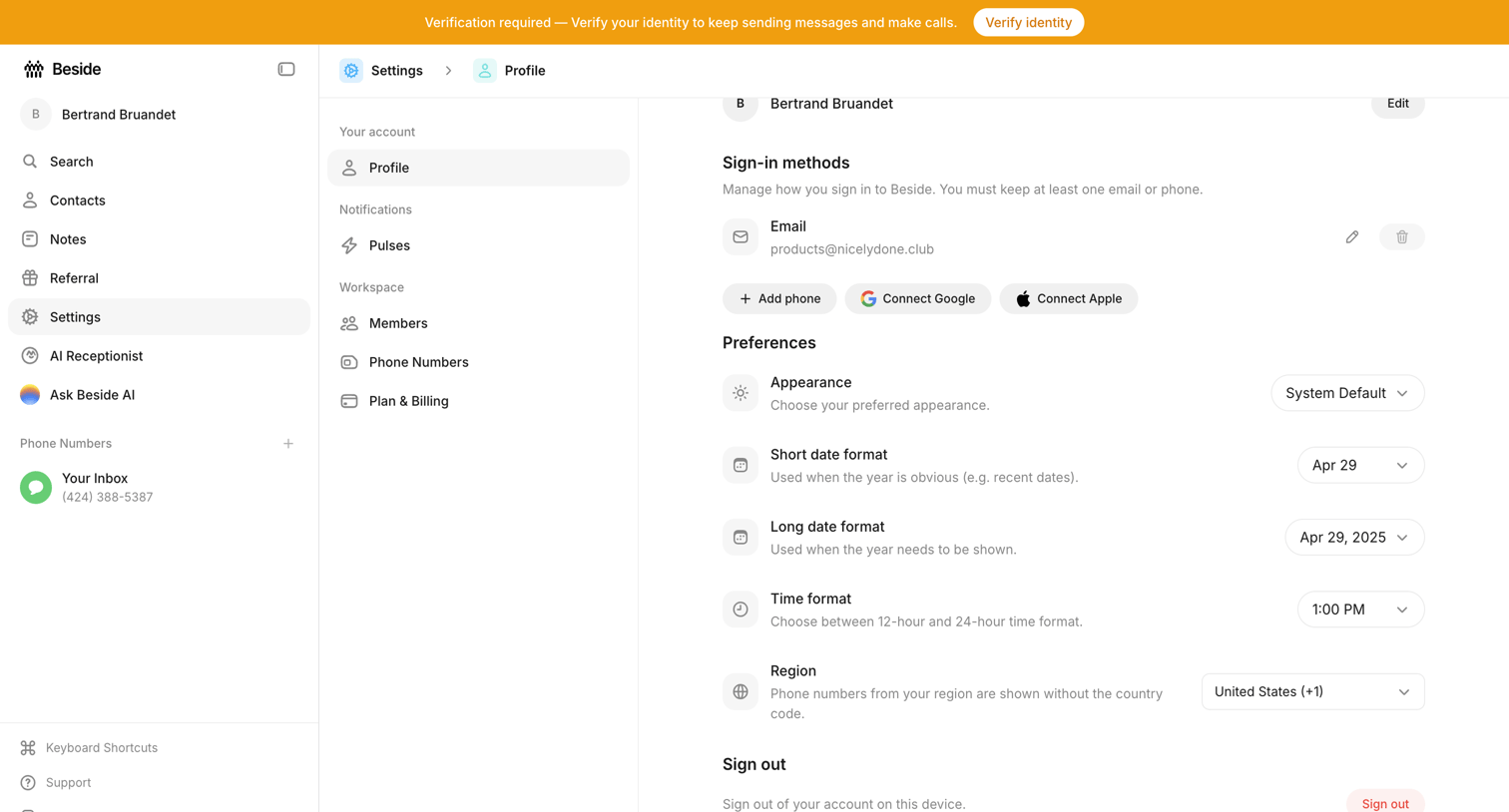

Settings page where the user configures their sign-in methods, appearance preferences, and regional date and time formats.
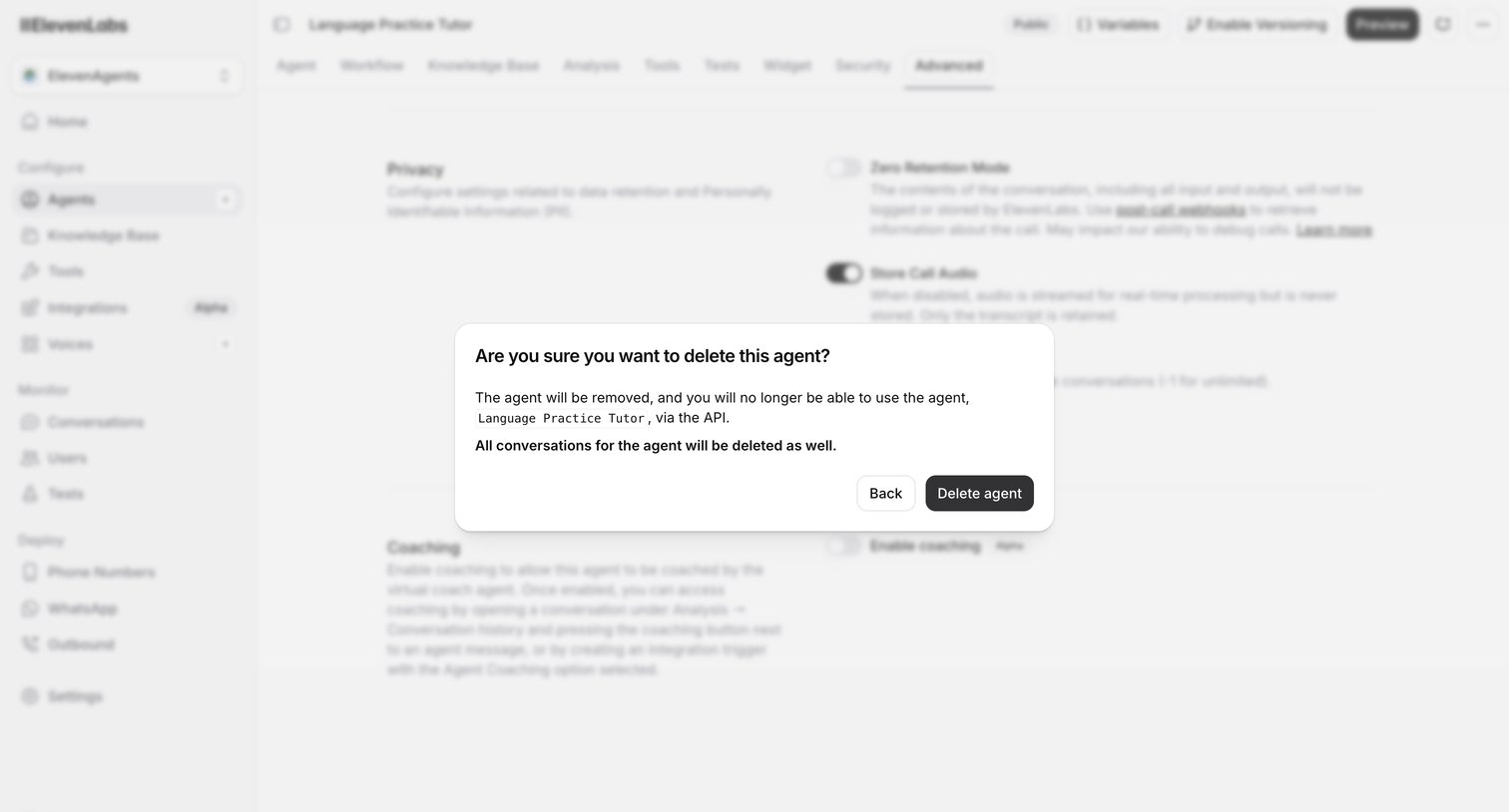

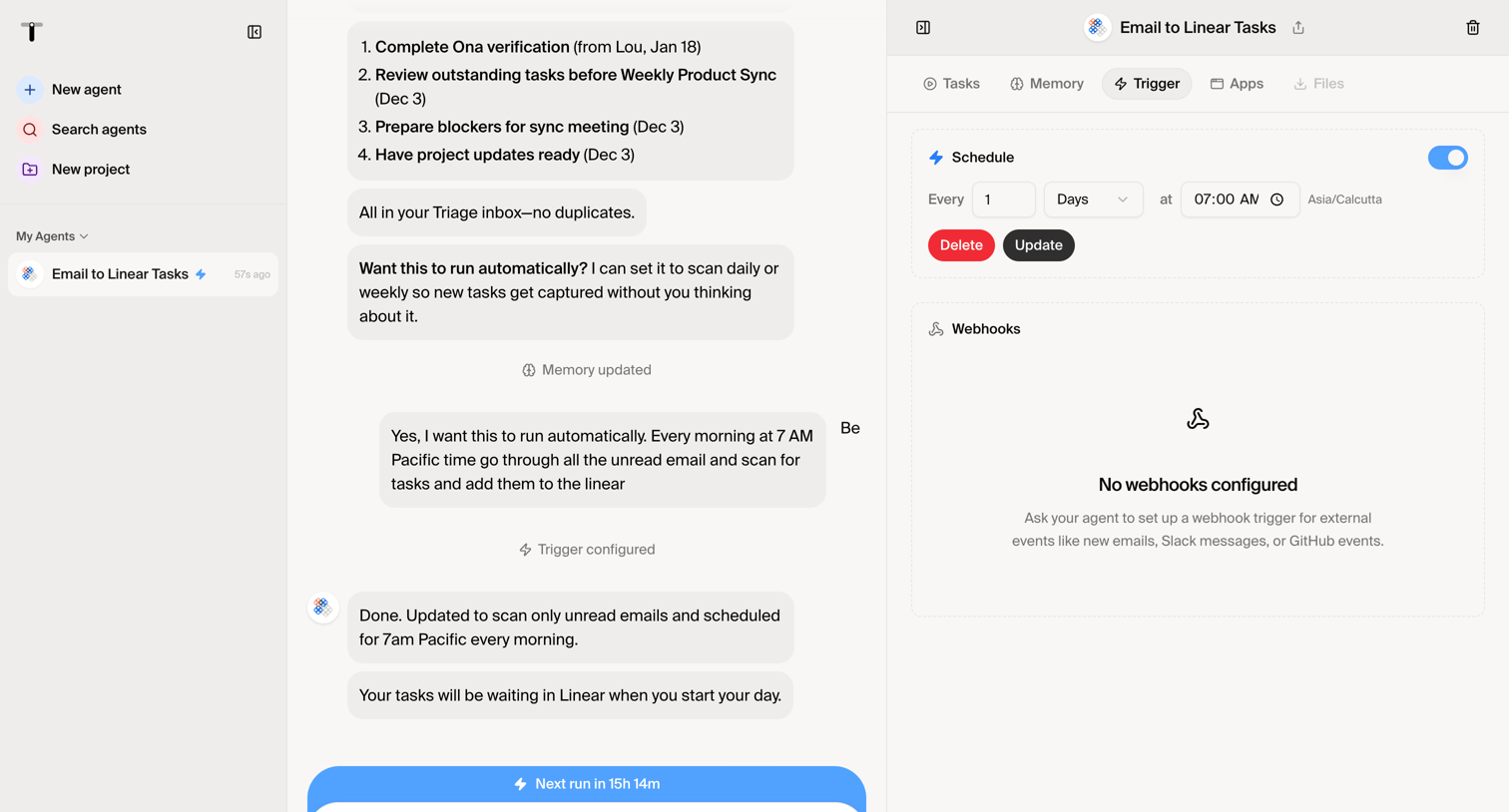
Settings page for an AI agent where a modal prompts the user to confirm the deletion of the agent and its conversation history.
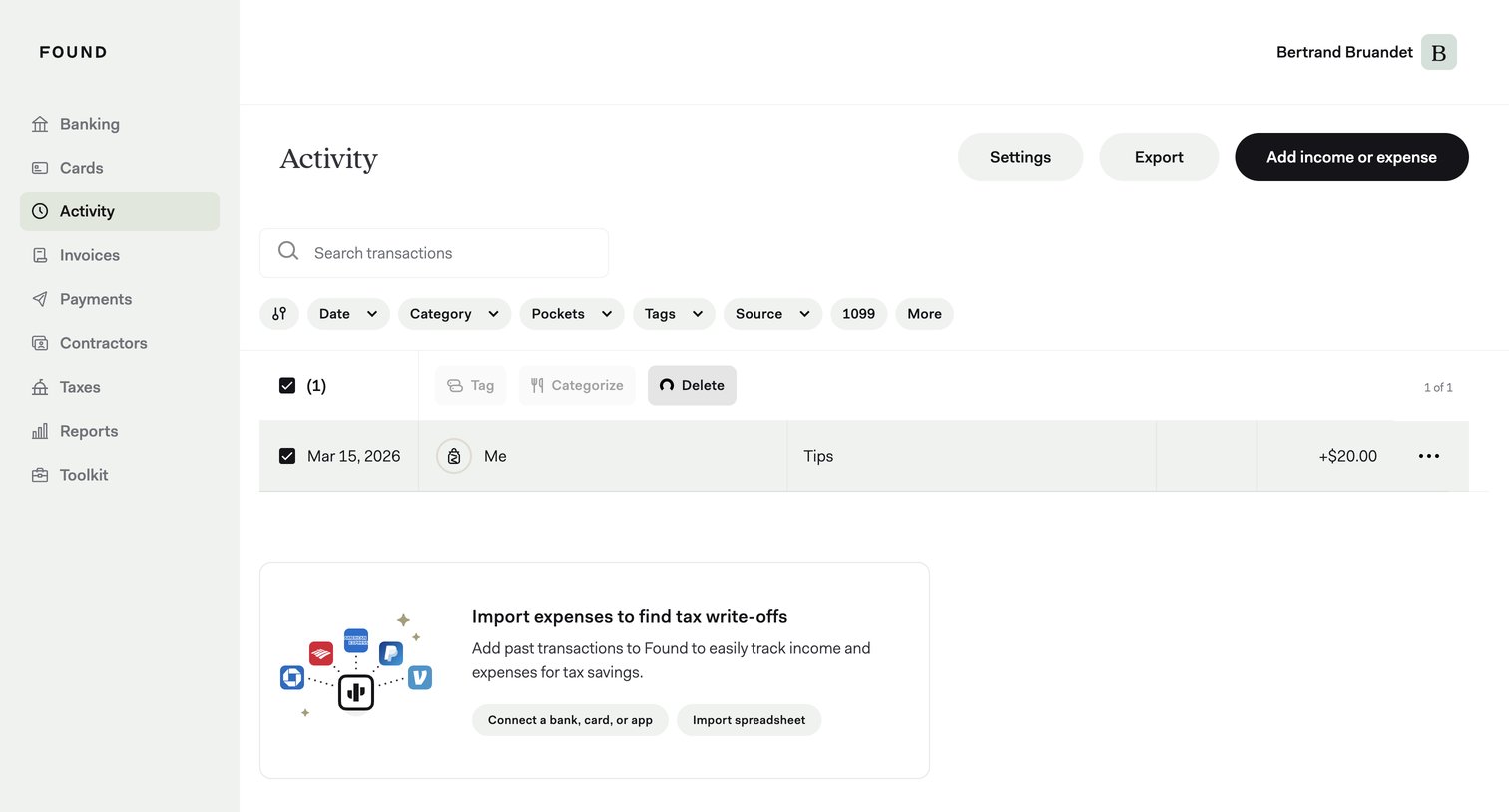

List view where the user manages their financial transactions, featuring search, filter chips, bulk actions, and a prompt to import past expenses for tax write-offs.
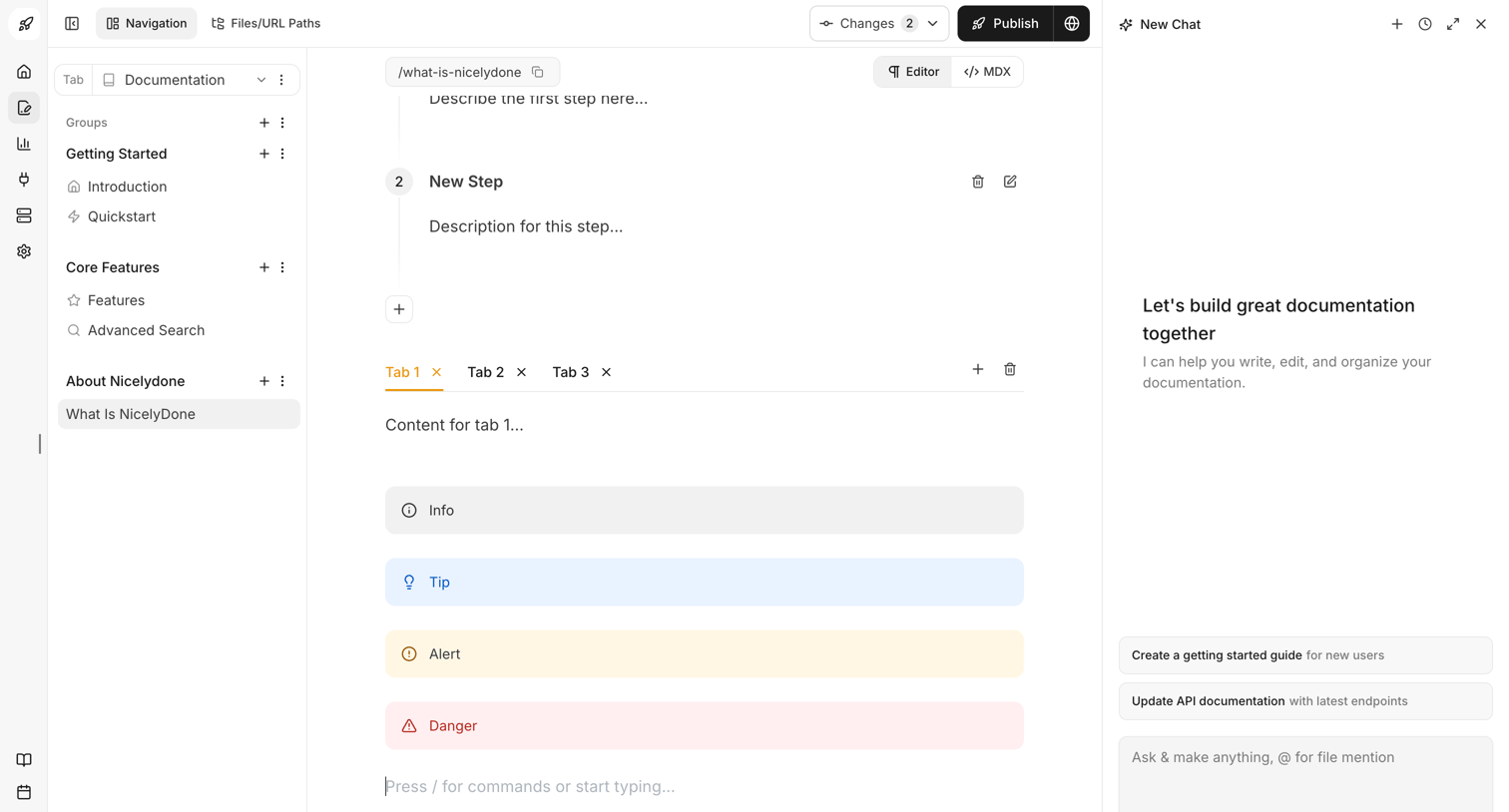

Documentation editor where the user writes content using blocks like steps, tabs, and callouts, alongside an AI chat assistant.
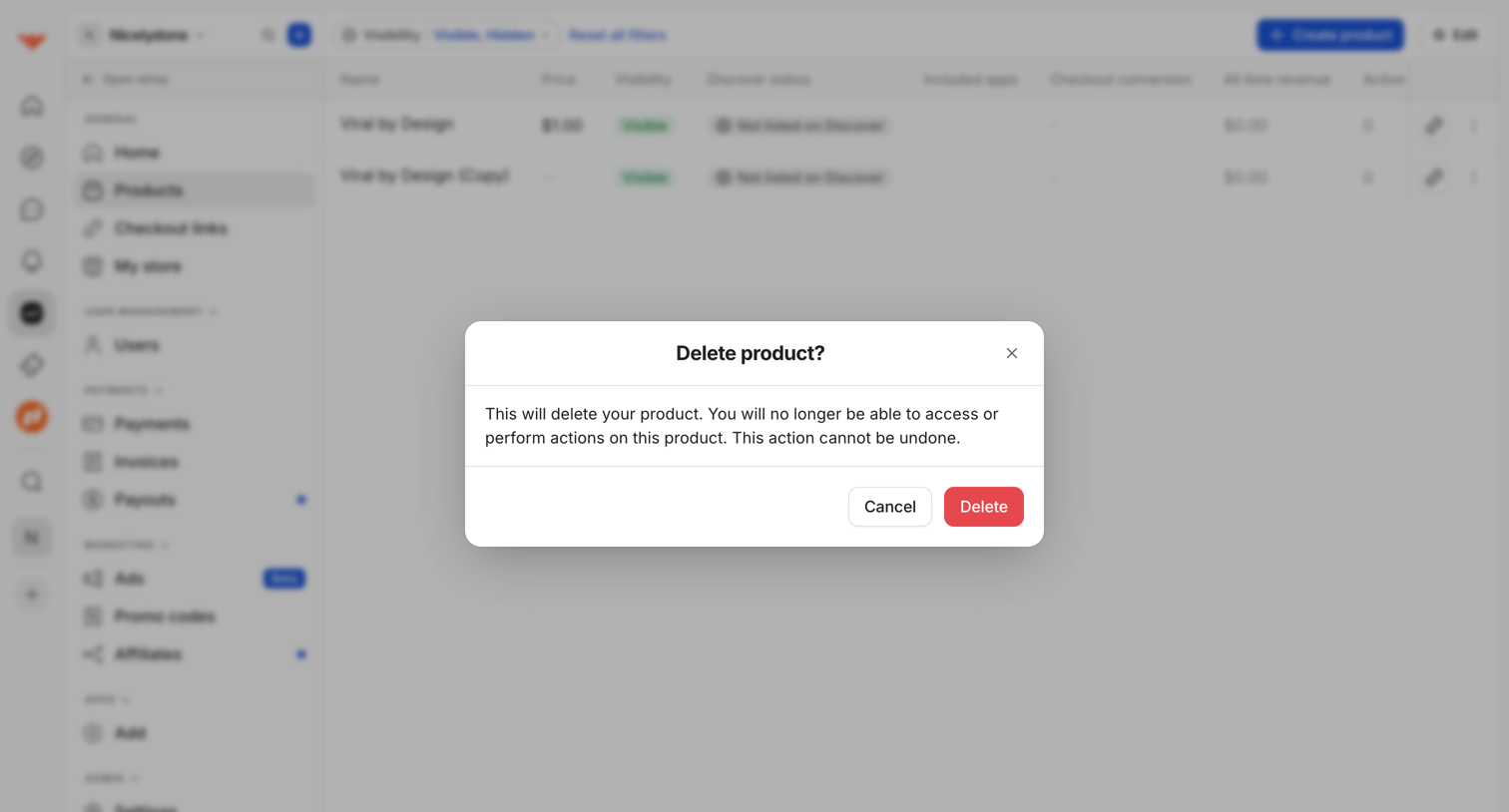

List view of digital products where a modal prompts the user to confirm the irreversible deletion of a selected product.

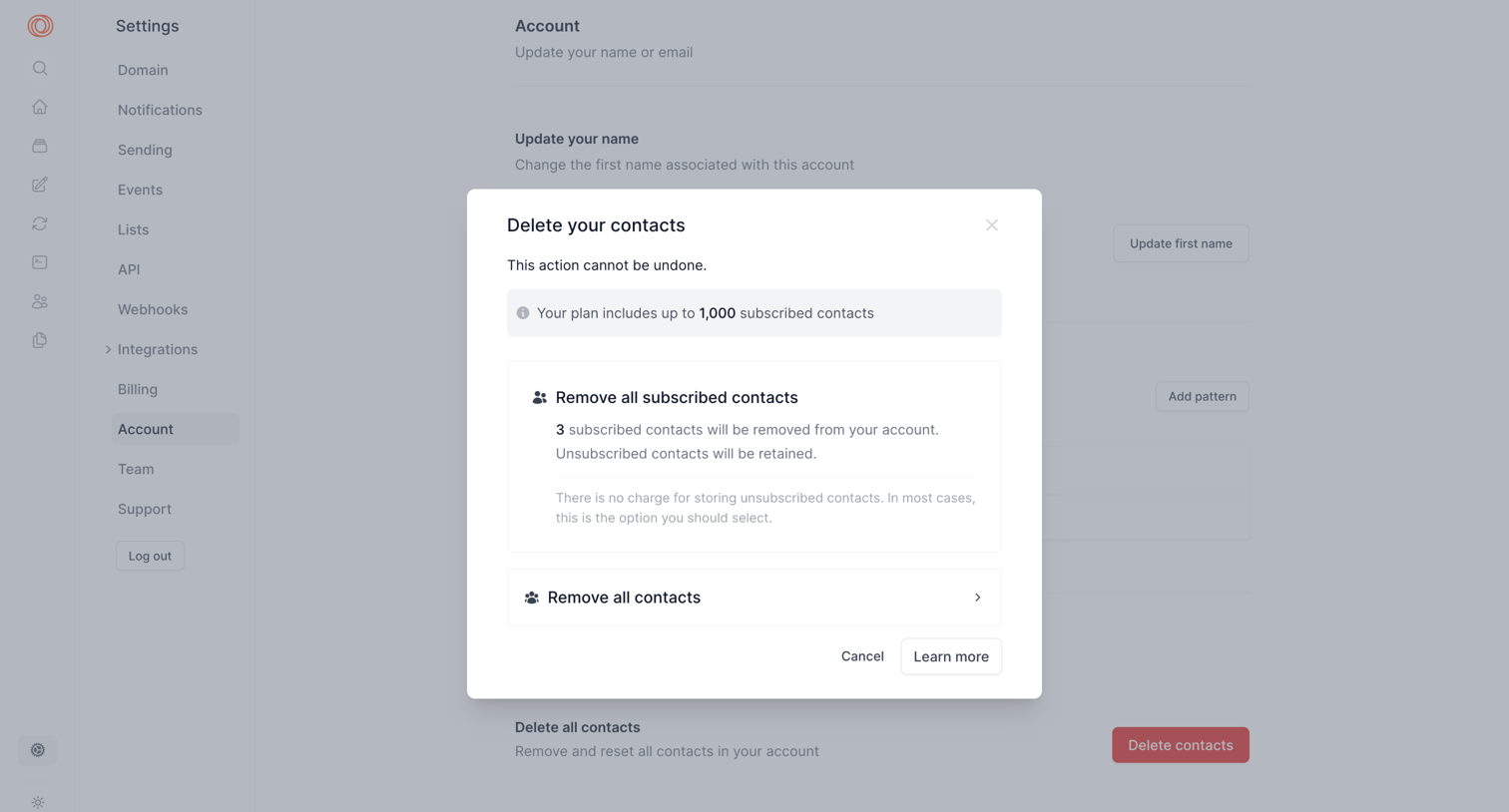

Account settings page where the user is presented with a modal to confirm deleting their contacts, choosing between removing only subscribed contacts or all contacts.
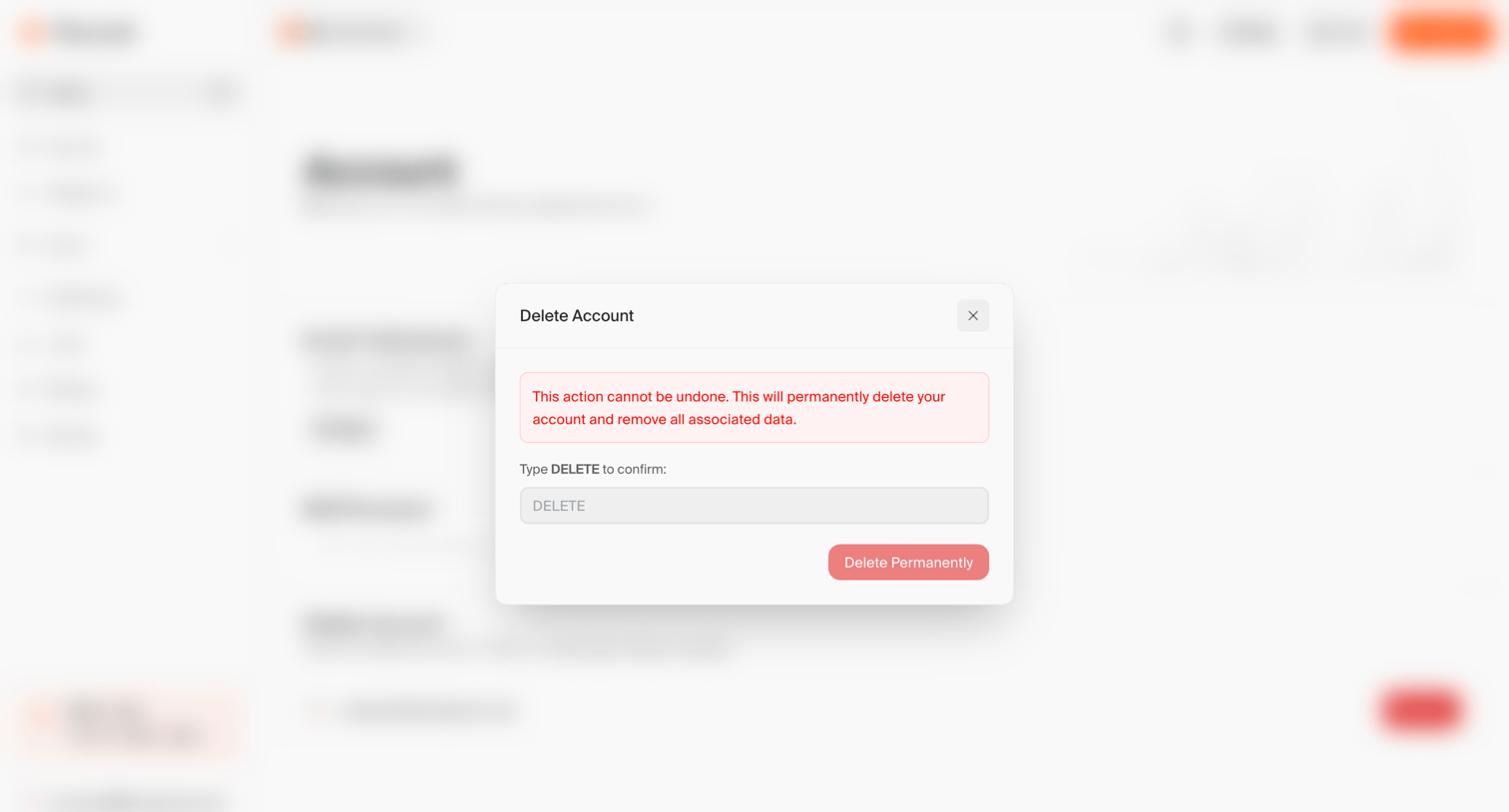

Account settings page where the user is prompted to confirm the permanent deletion of their account by typing 'DELETE' in a modal dialog.
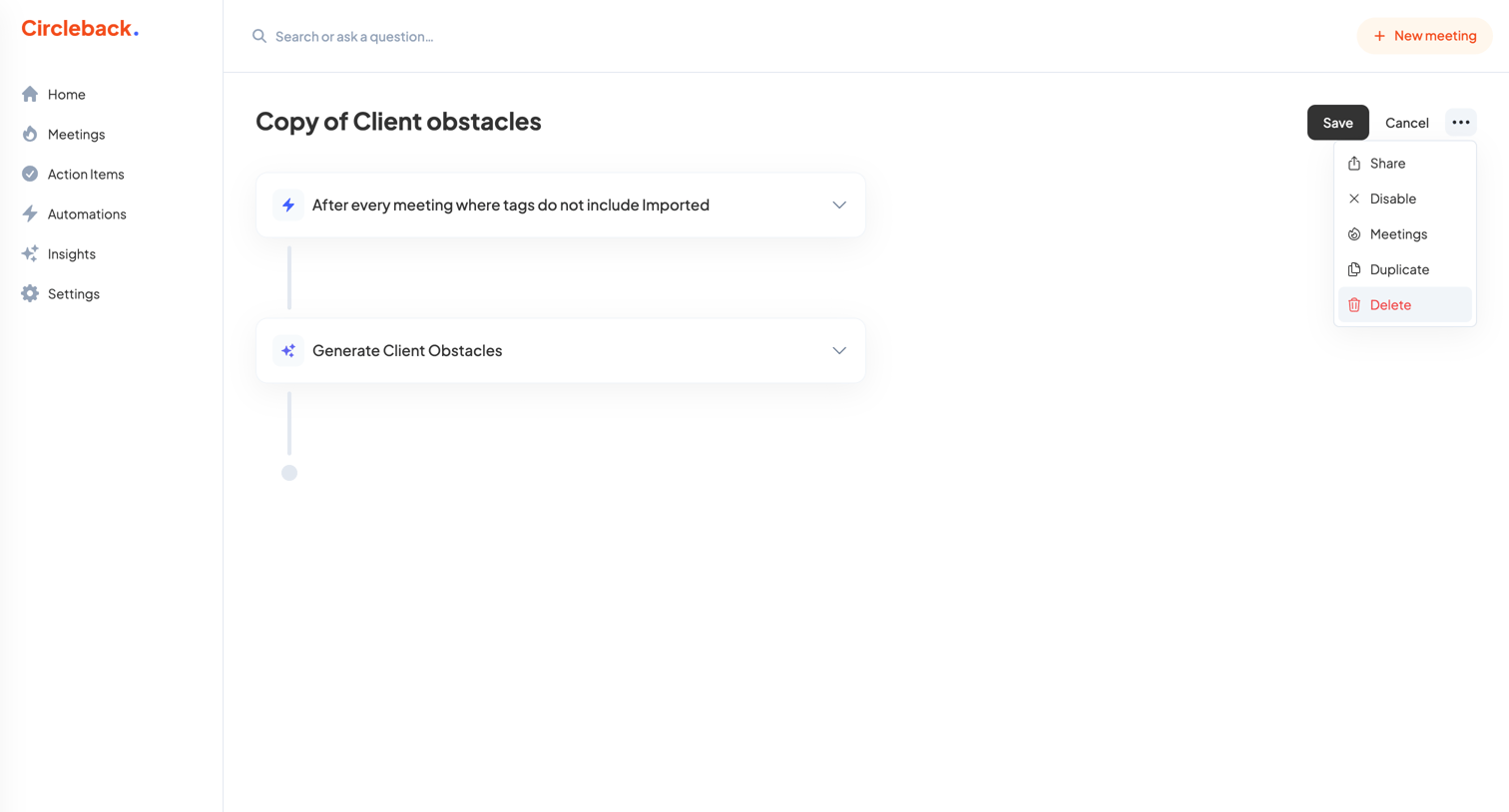

Workflow editor where the user configures an automation to generate client obstacles after every non-imported meeting.
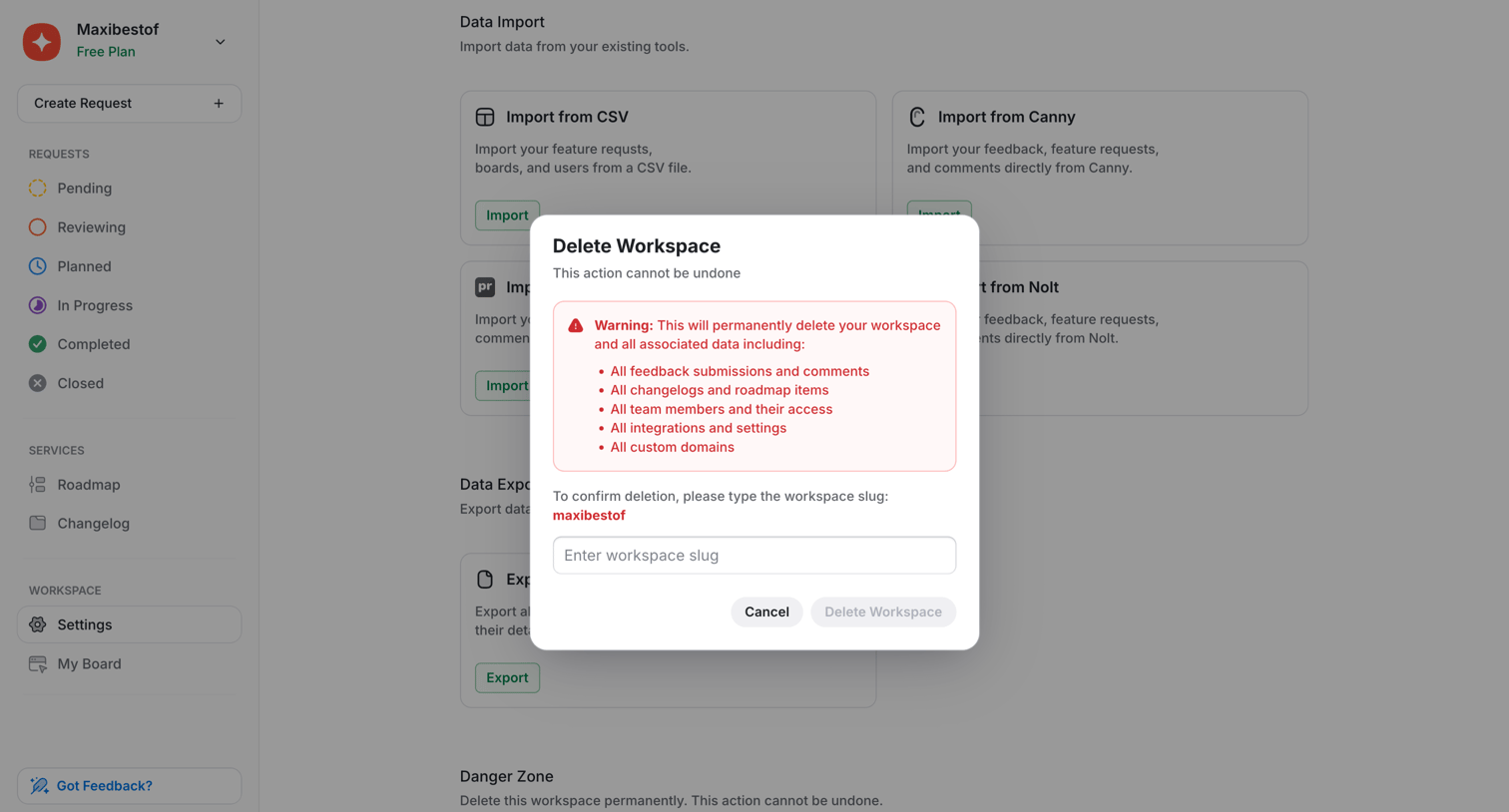

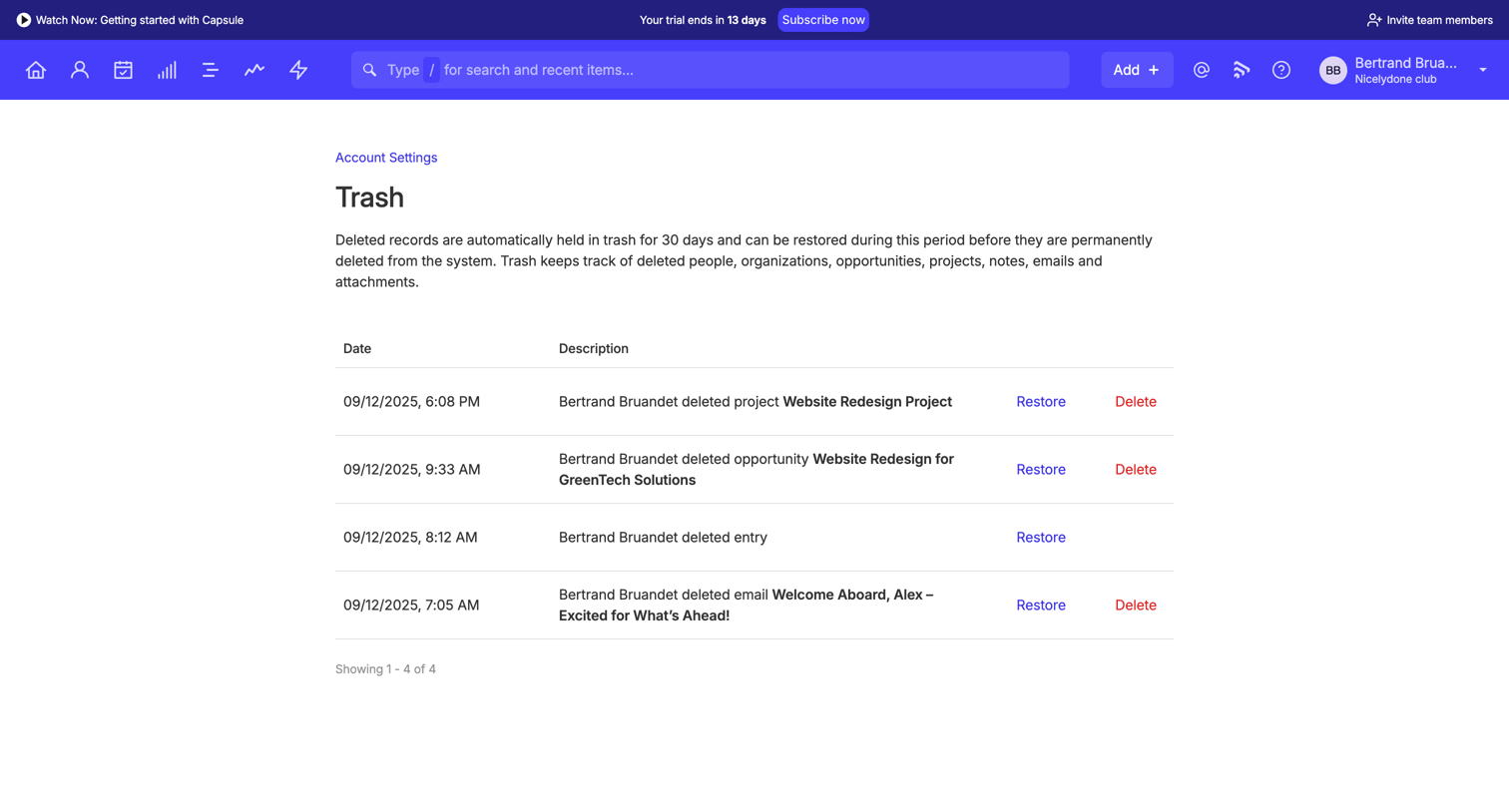

Settings page where the user views a list of deleted records in the trash and can either restore them or permanently delete them.
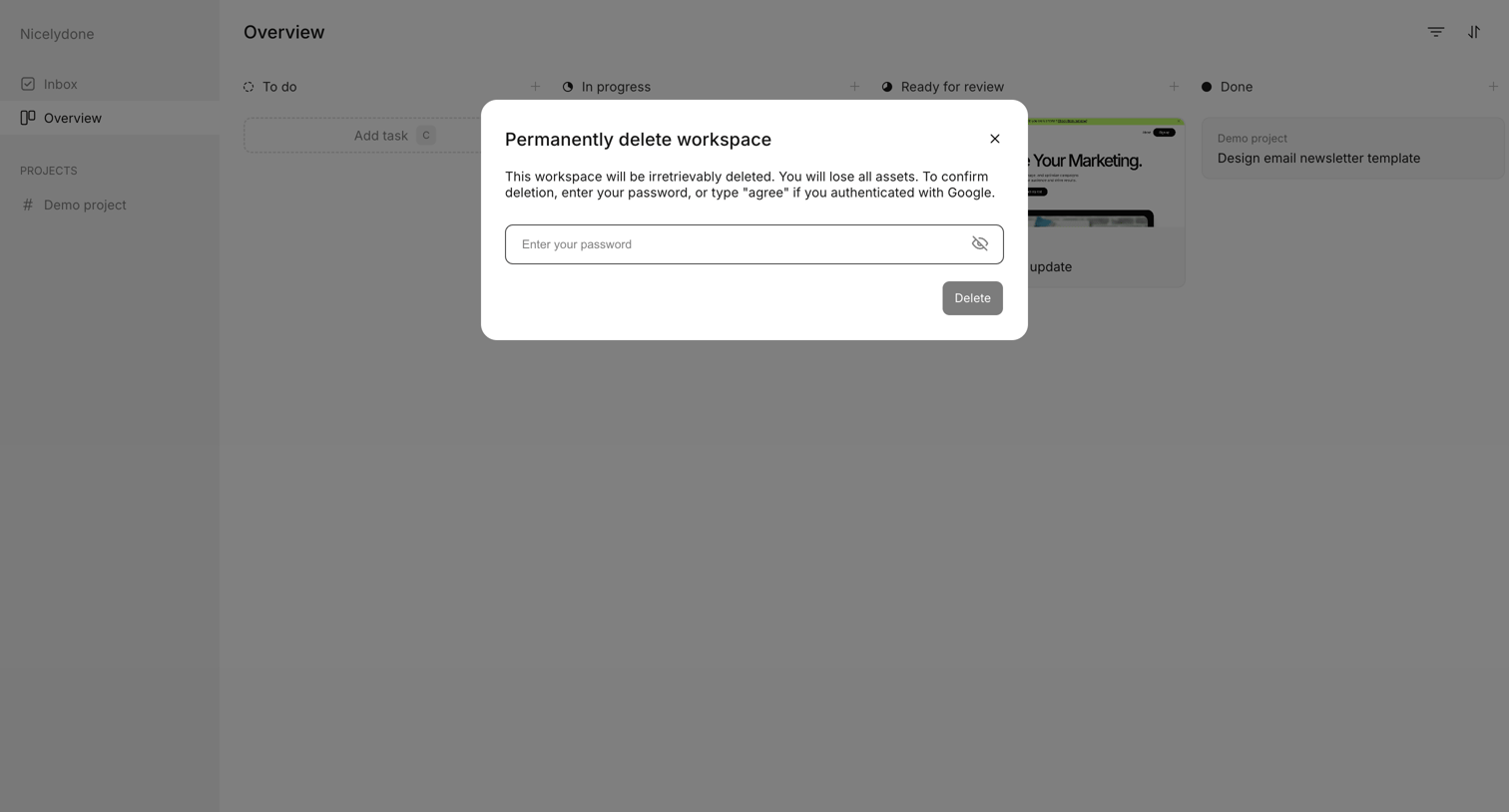

Kanban board overview where a modal prompts the user to confirm permanent workspace deletion by entering their password.
Explore the full SaaS screen library
Upgrade to unlock the full library.
Trusted by the best teams







