Data integration screen examples
Data integration screen design examples from SaaS apps. Browse examples from Zaro, Axiom, Dock.
Explore the examples
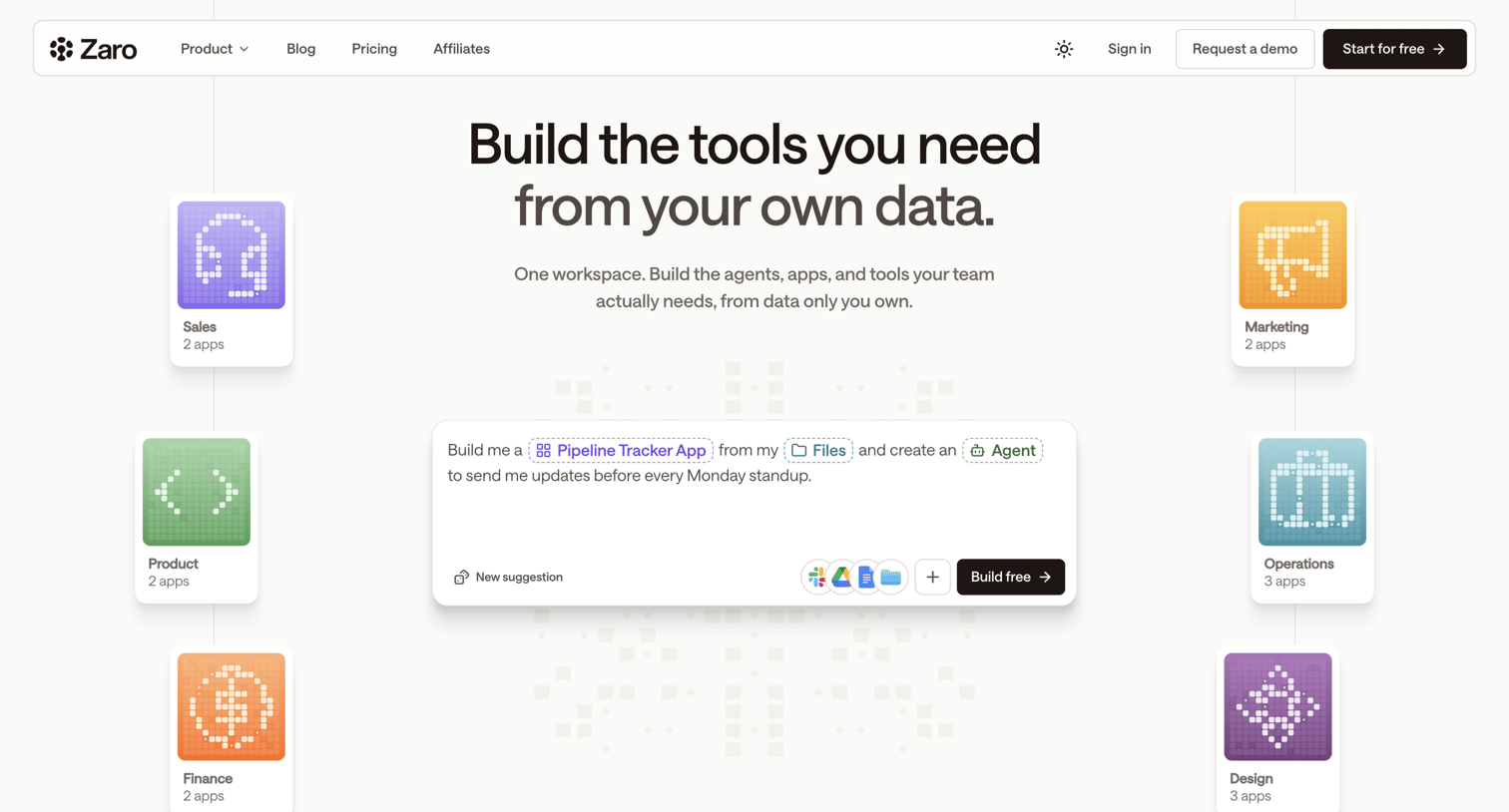

Landing page where the user is introduced to a platform for building custom AI tools and agents using their own data, featuring an interactive prompt composer.
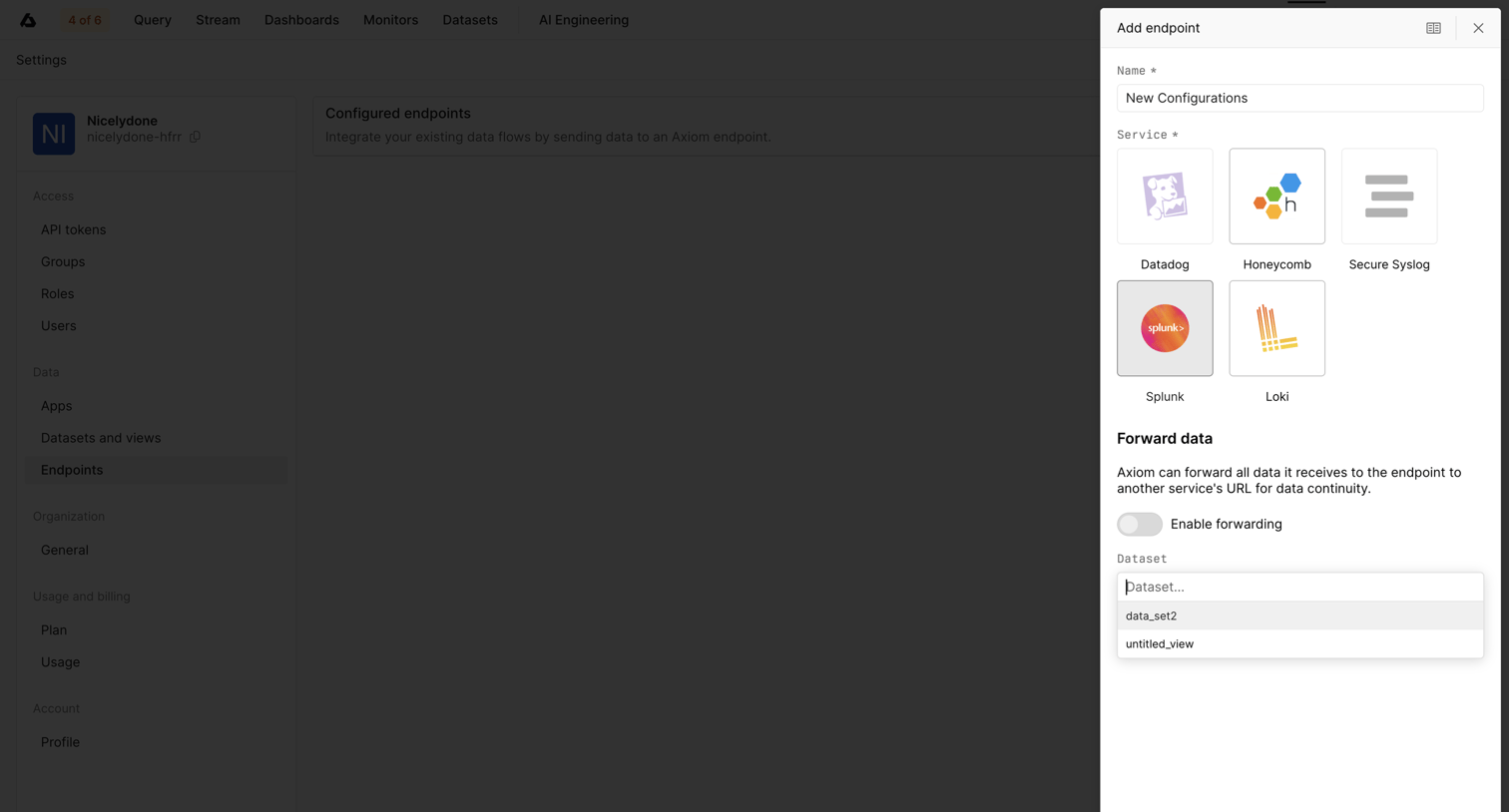

Settings page where the user configures a new data endpoint by selecting a service like Datadog or Splunk and choosing a destination dataset.
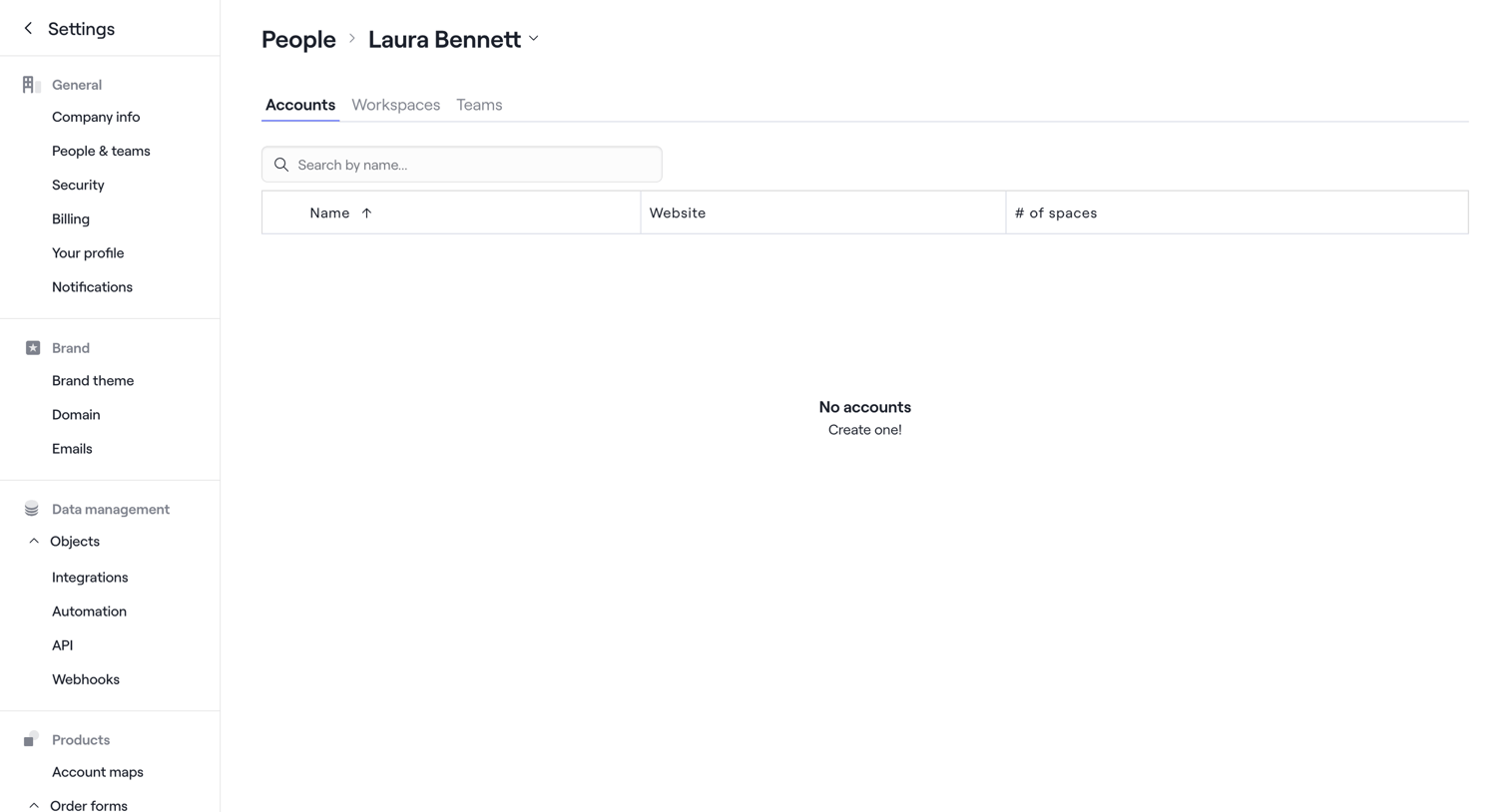

Settings page where an admin views the accounts associated with a specific team member, currently showing an empty state.
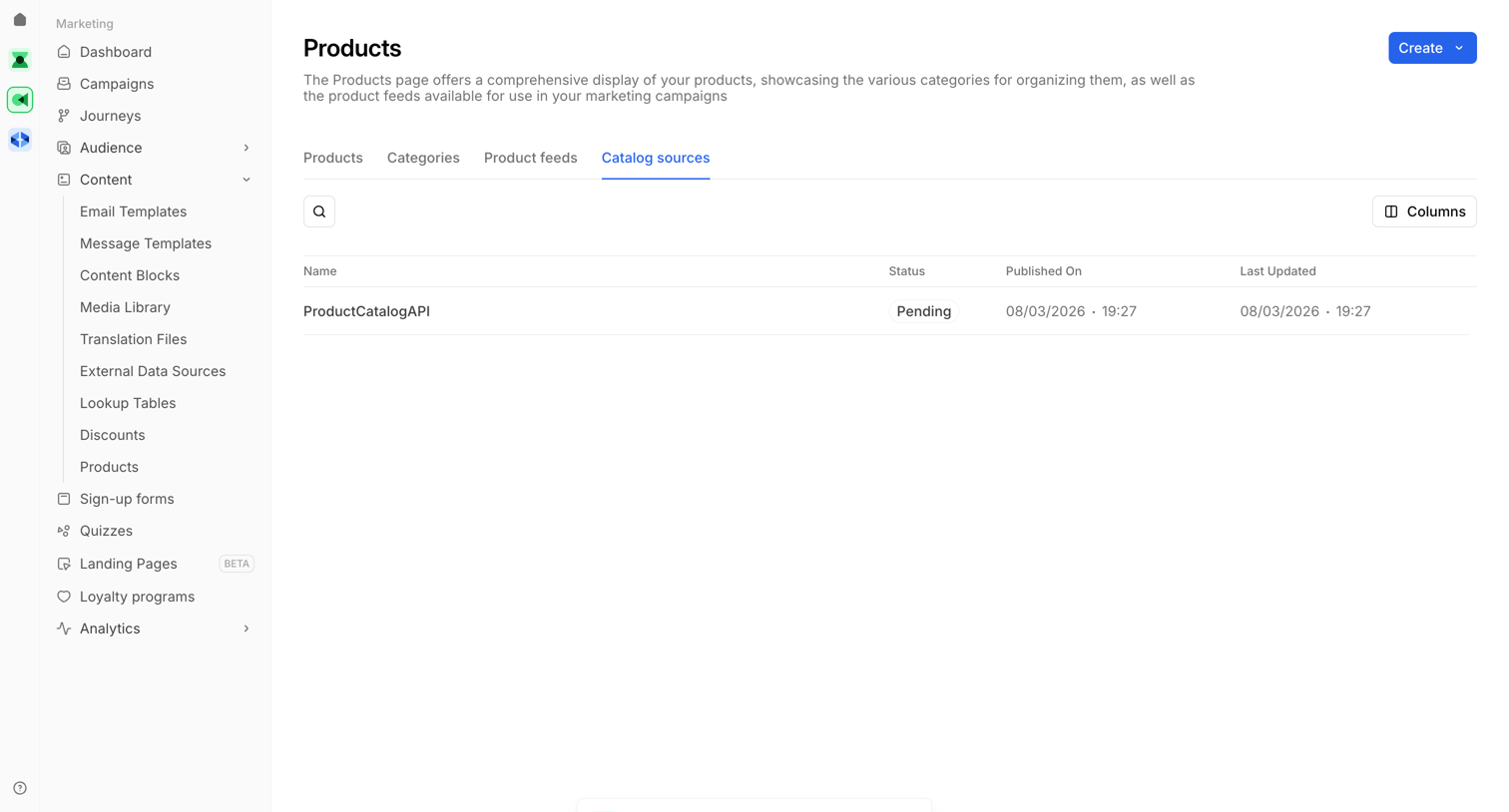

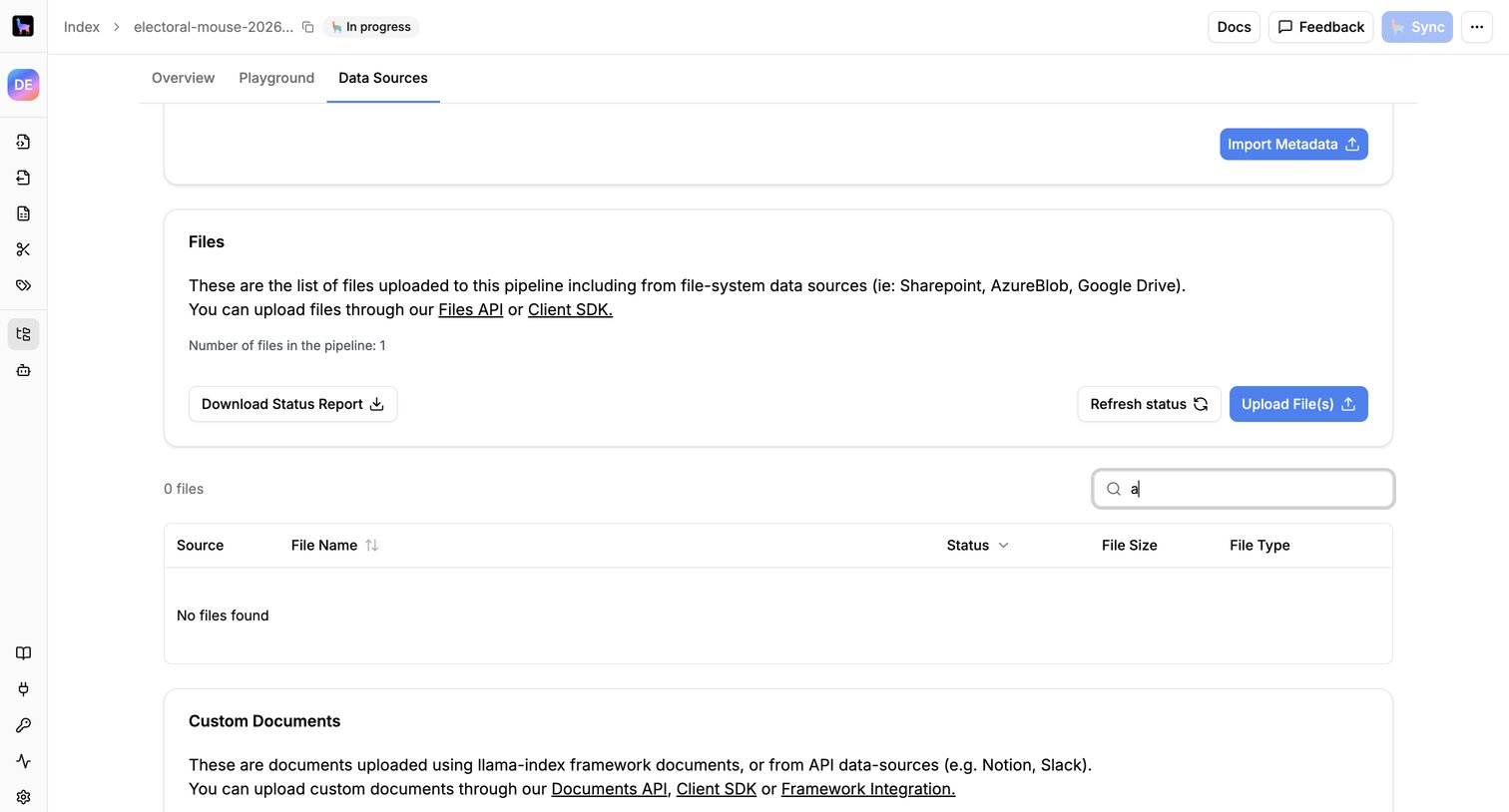

Data sources page where the user manages files and custom documents uploaded to an AI pipeline, featuring an empty data table with an active search query.
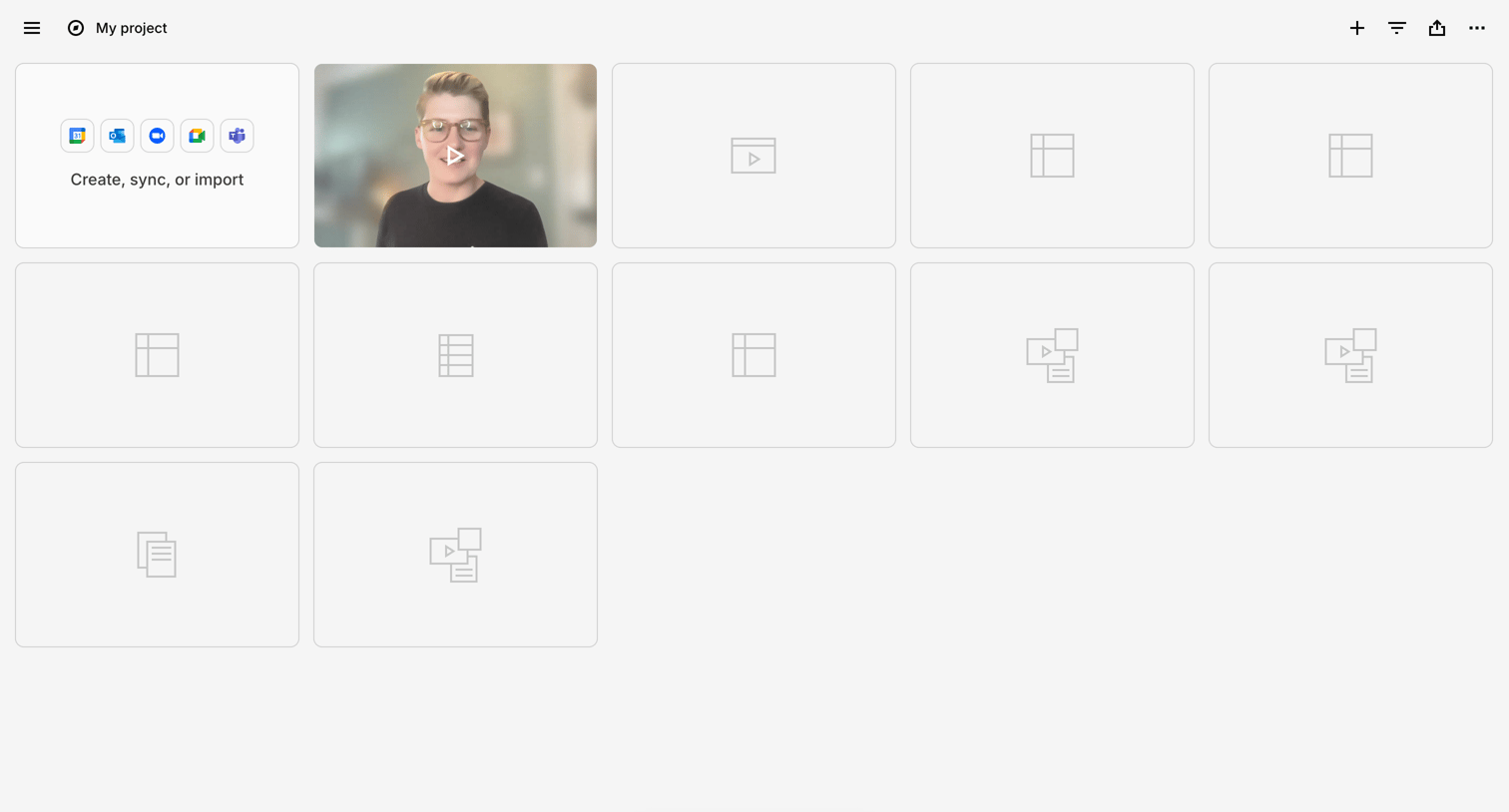

Project workspace displaying a grid of content cards including a prompt to sync integrations, a video thumbnail, and empty placeholders, with a floating AI chat trigger at the bottom.
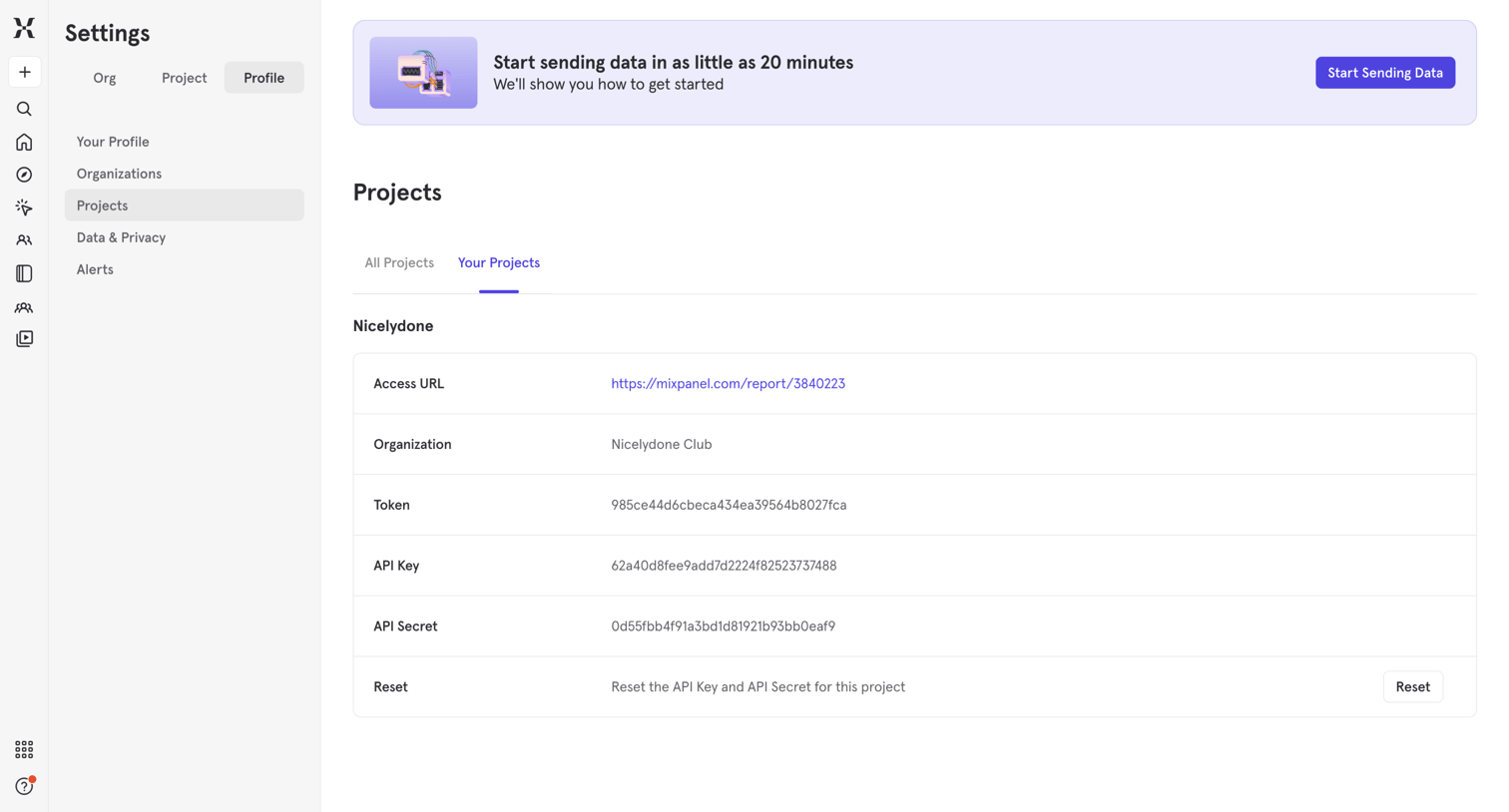

Settings page where the user views their project details, including access URL, organization name, token, and API keys.
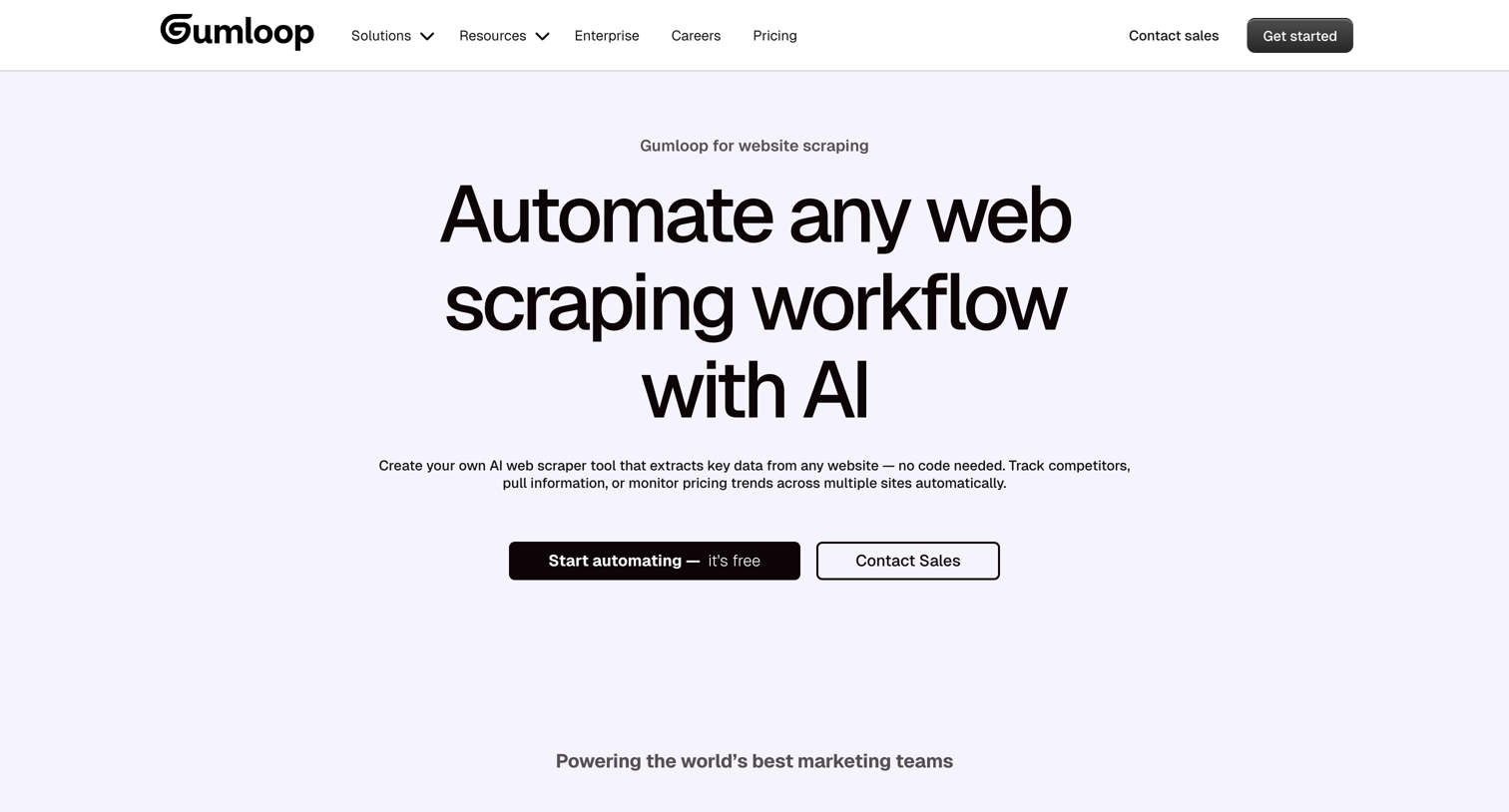

Use case page for website scraping where the user learns how to automate data extraction to Google Sheets or Notion using an AI workflow builder, reads customer testimonials, and views a drag-and-drop interface mockup.
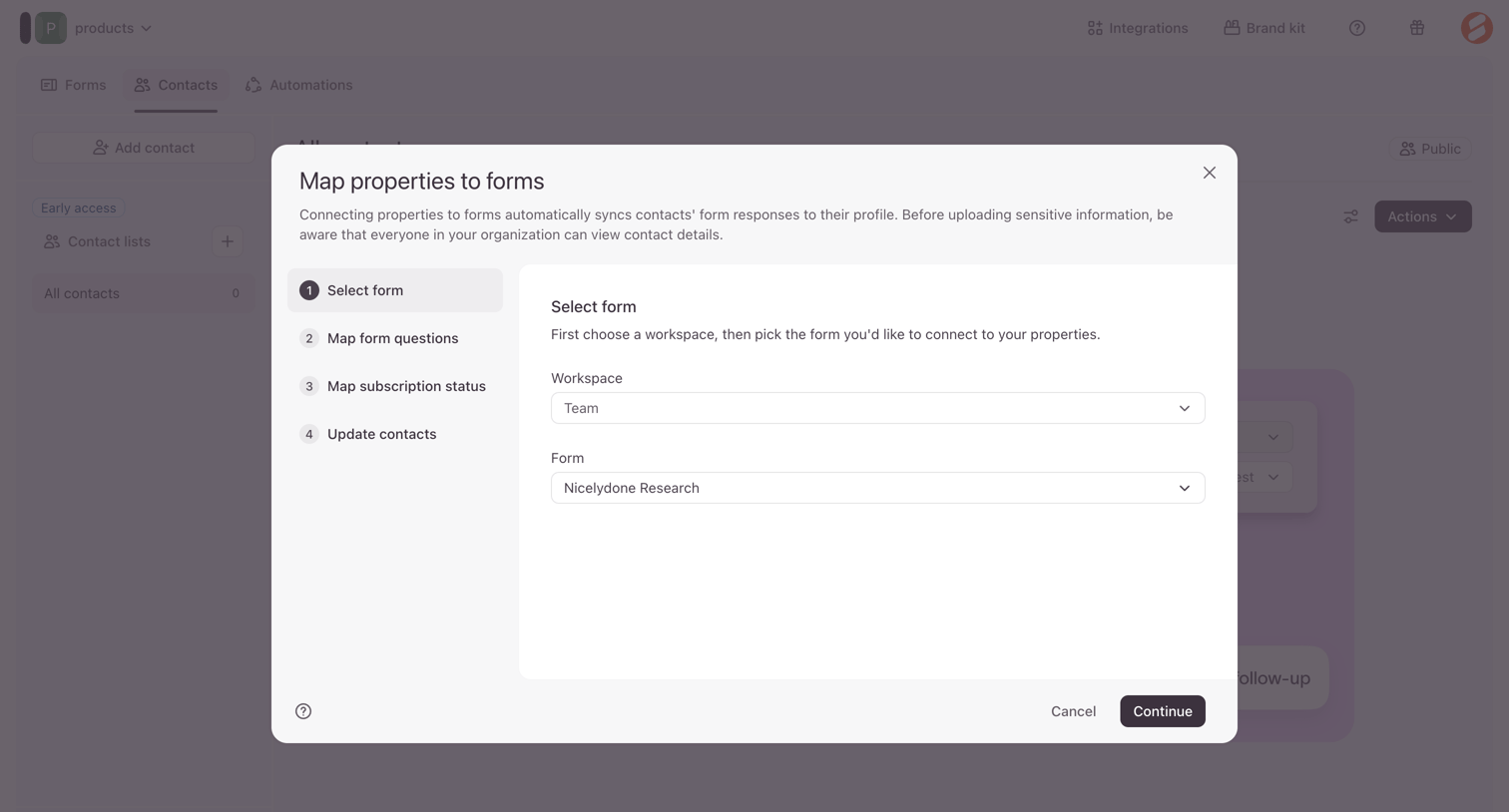

List view where the user maps workspace properties to a specific form to automatically sync contact responses via a multi-step modal.
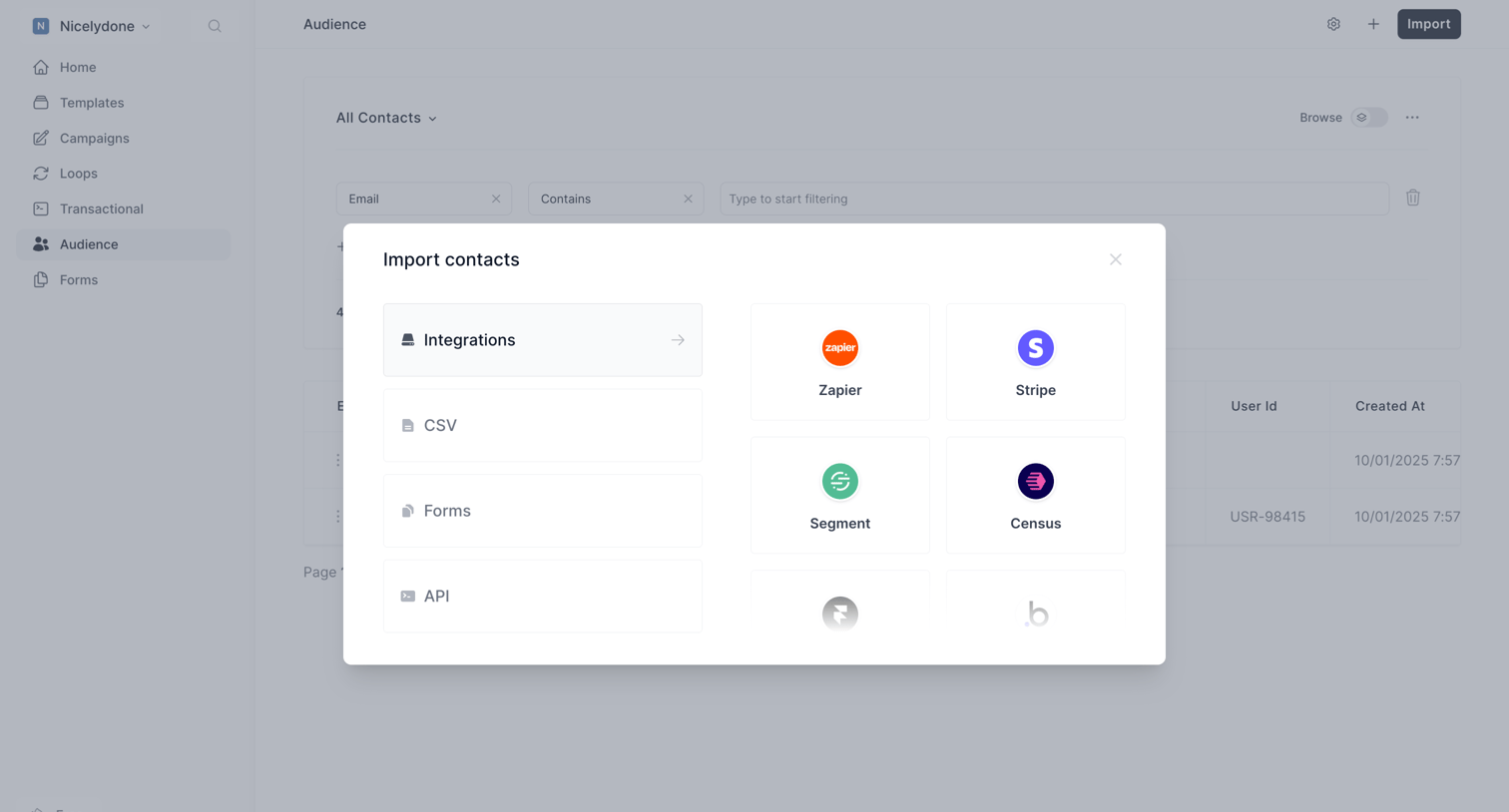

Audience list view where the user is prompted to import contacts via integrations, CSV, forms, or API.
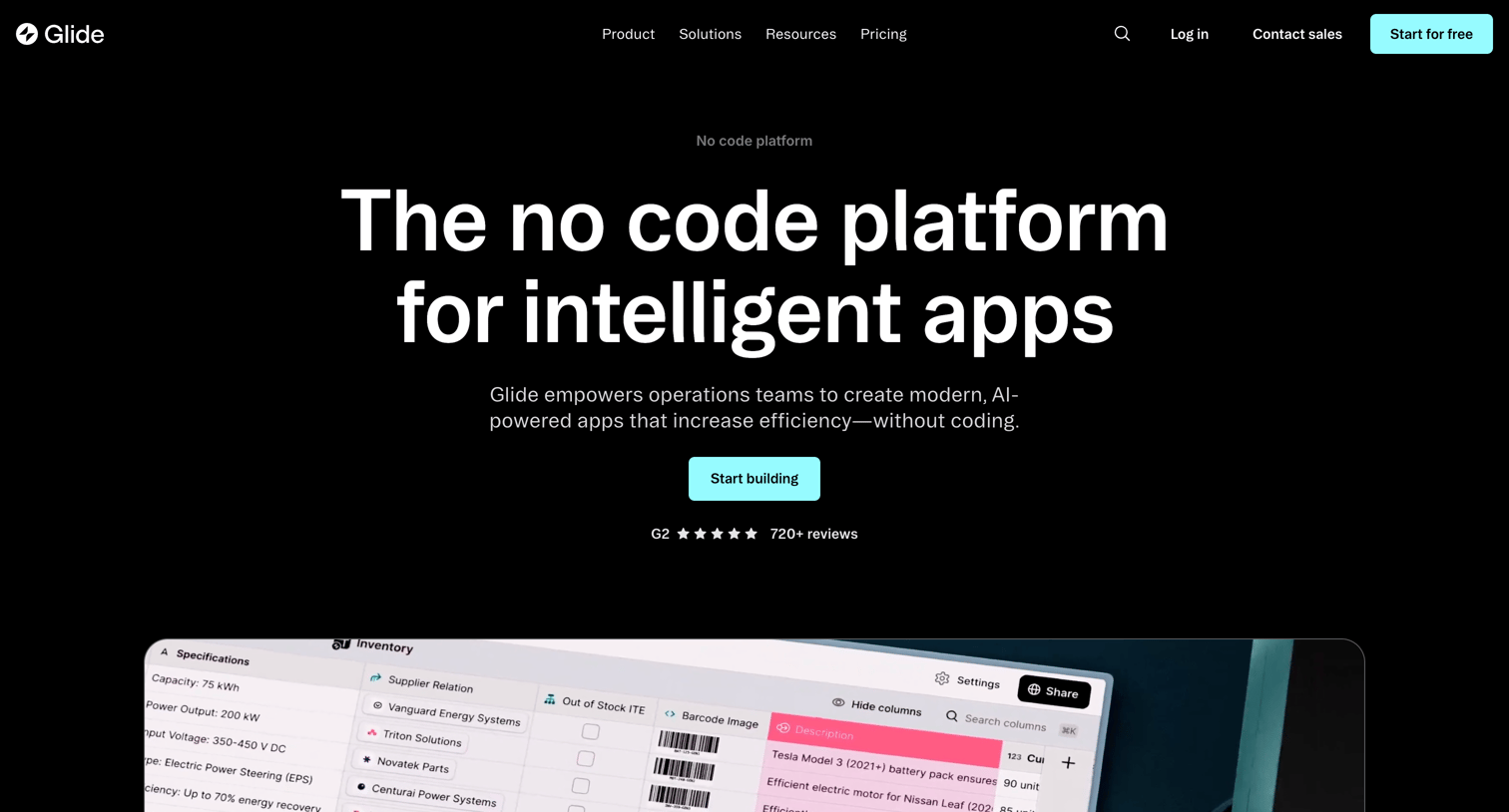

Product page detailing the Glide platform's core capabilities, including data management, workflows, automated design, integrations, and AI features, aimed at teams building custom internal tools.
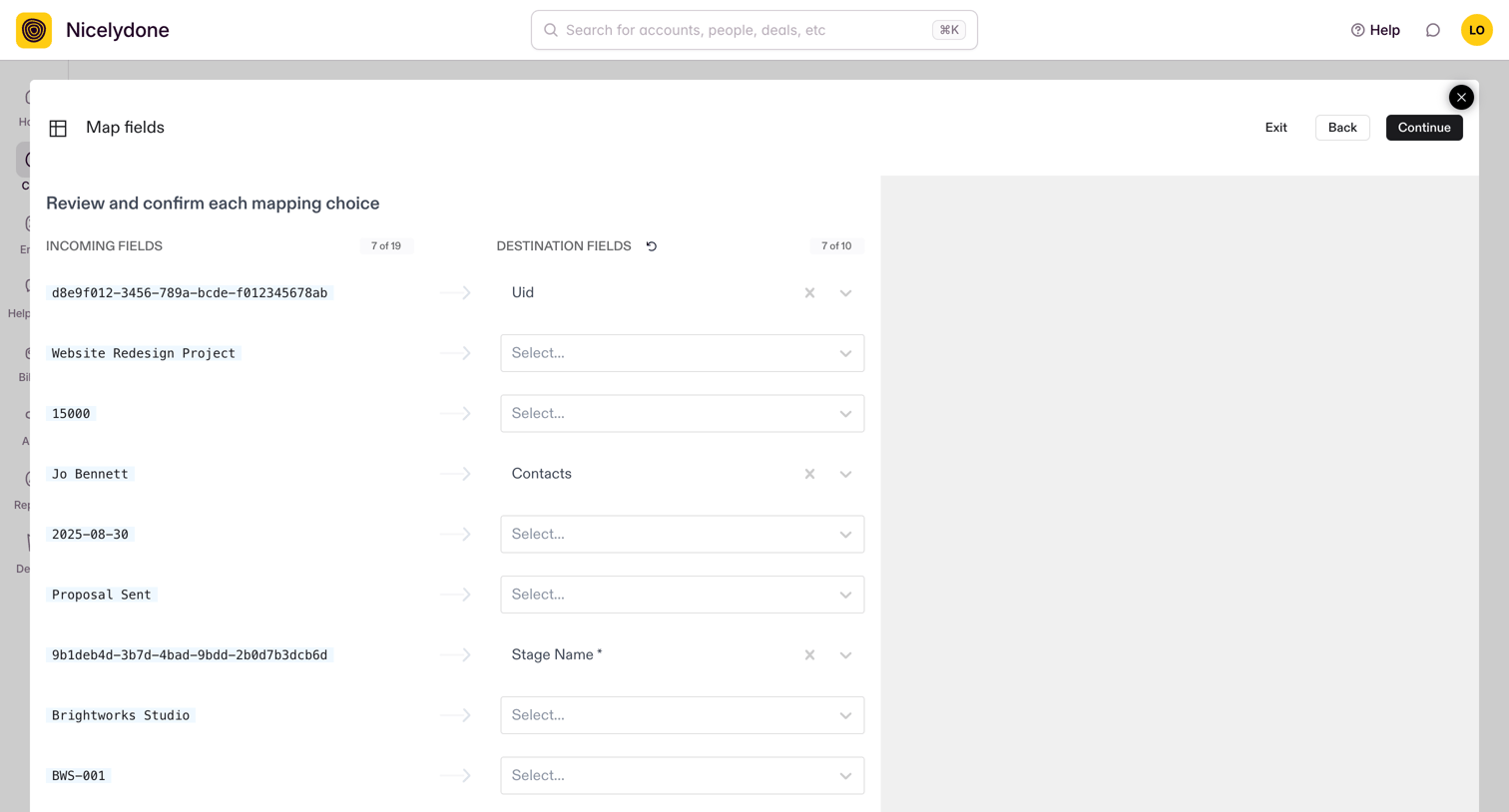

Create flow with an active modal where the user maps incoming data fields like 'Website Redesign Project' to destination fields like 'Stage Name'.
Explore the full SaaS screen library
Upgrade to unlock the full library.
Trusted by the best teams







