Controls screen examples
Controls screen design examples from SaaS apps. Browse examples from Dock, Slite, Mighty.
Explore the examples
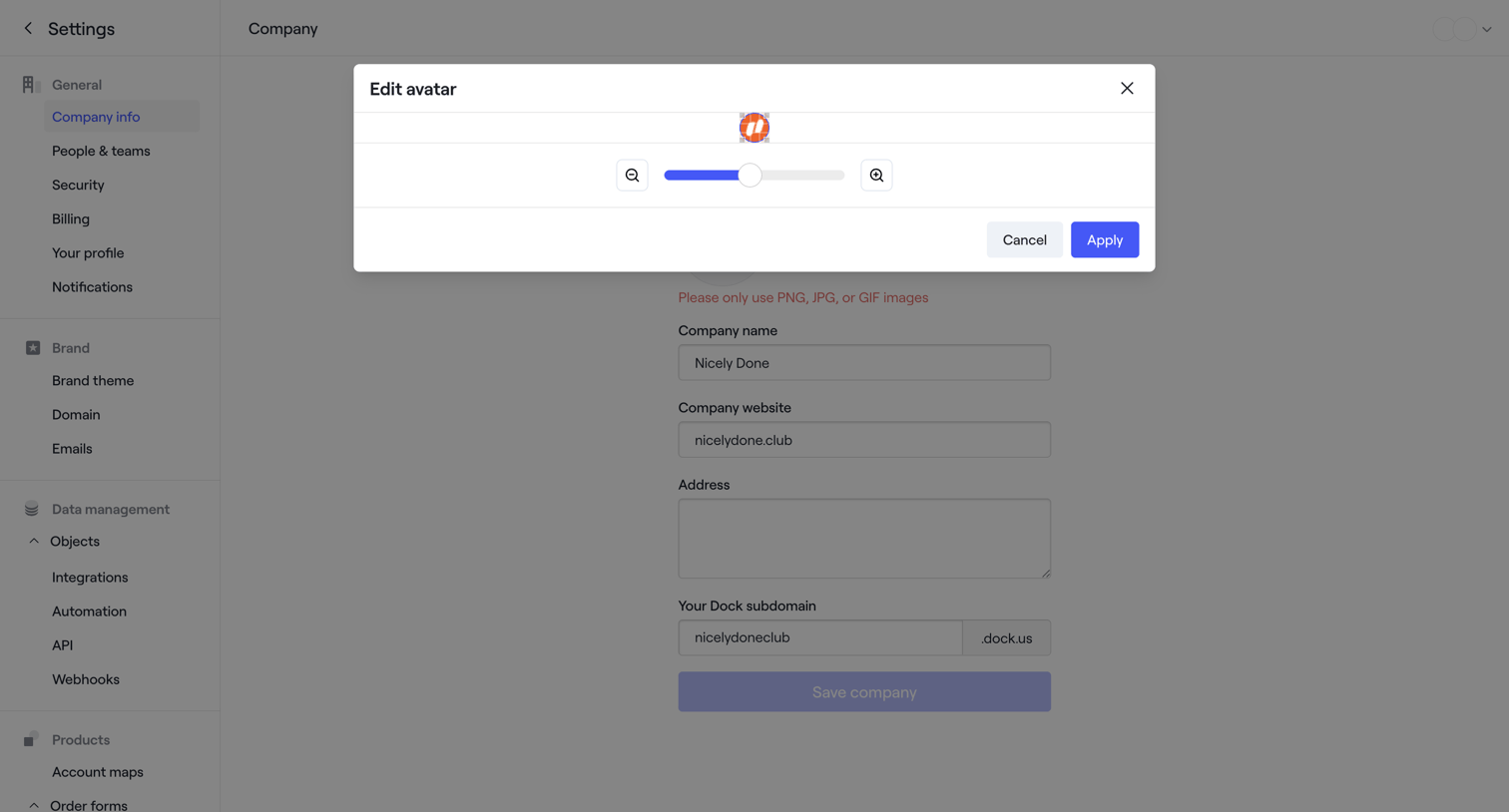

Settings page where the user edits their company profile and adjusts their uploaded avatar image via a zoom slider in a modal.
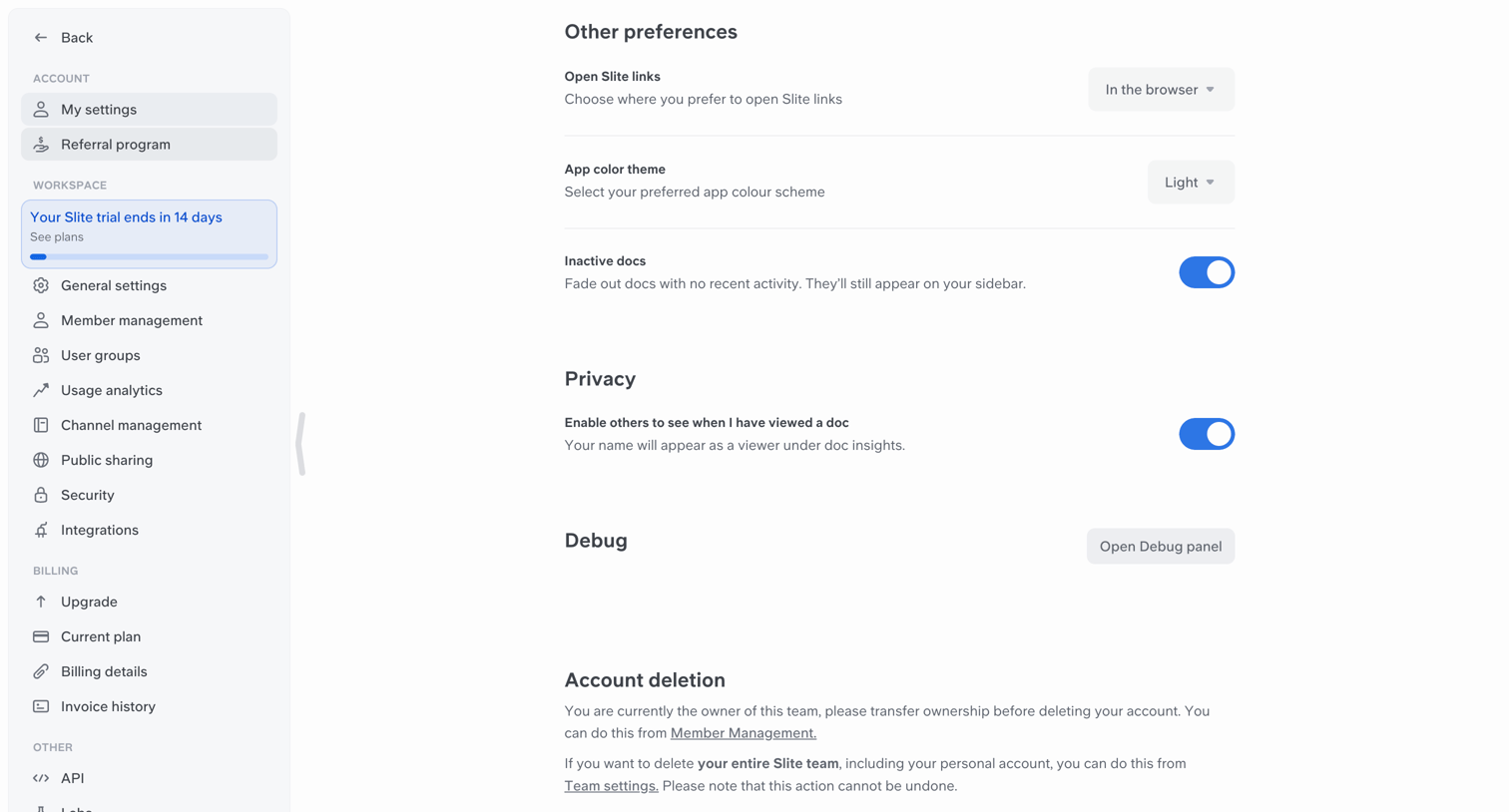

Settings page where the user configures general preferences, privacy options, and views account deletion instructions.
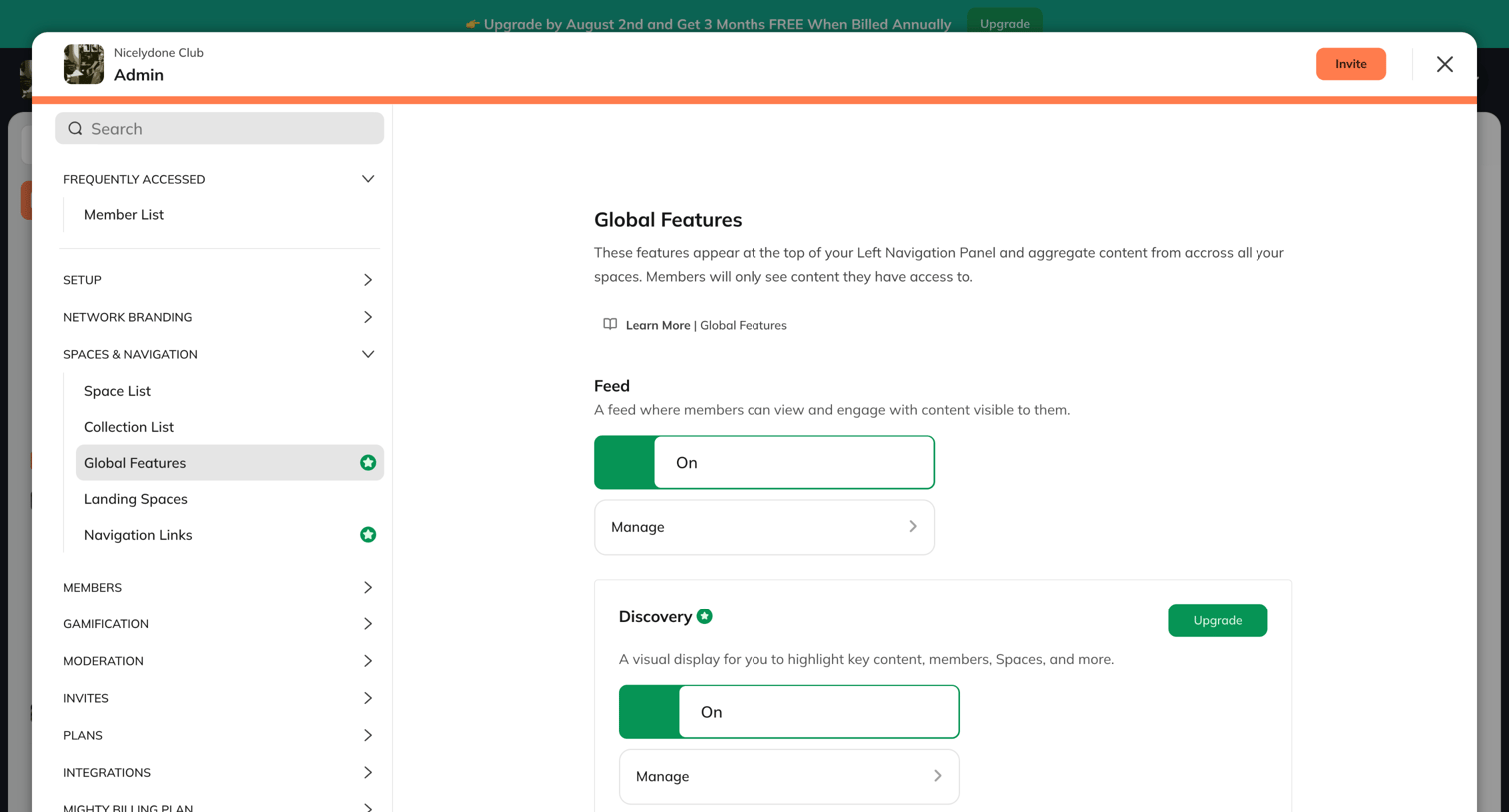

Admin settings modal where the user configures global features like the feed and discovery visibility, with prompts to upgrade for gated features.
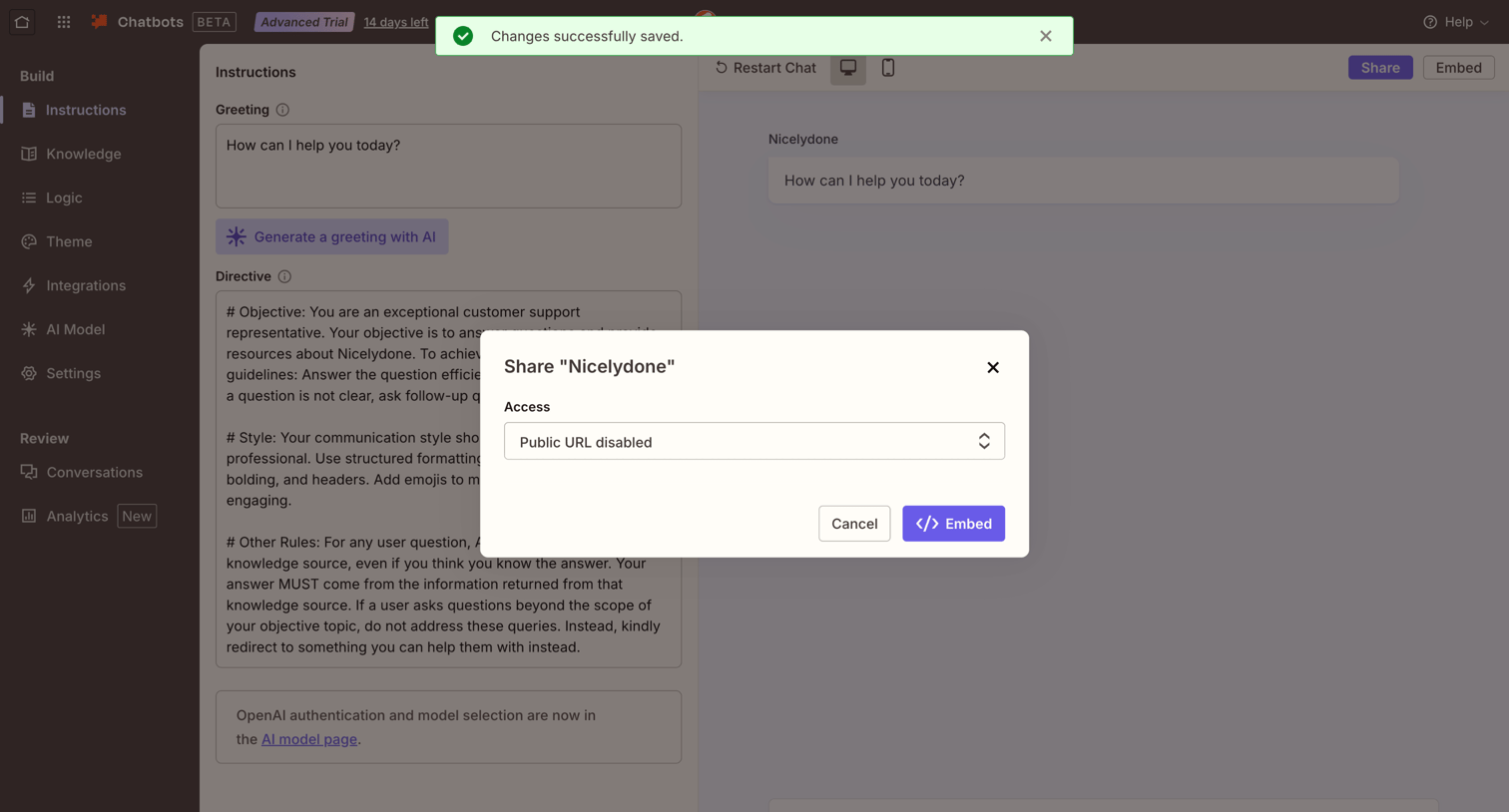

Settings page where the user configures AI instructions for a chatbot and uses a modal to set public URL access permissions.
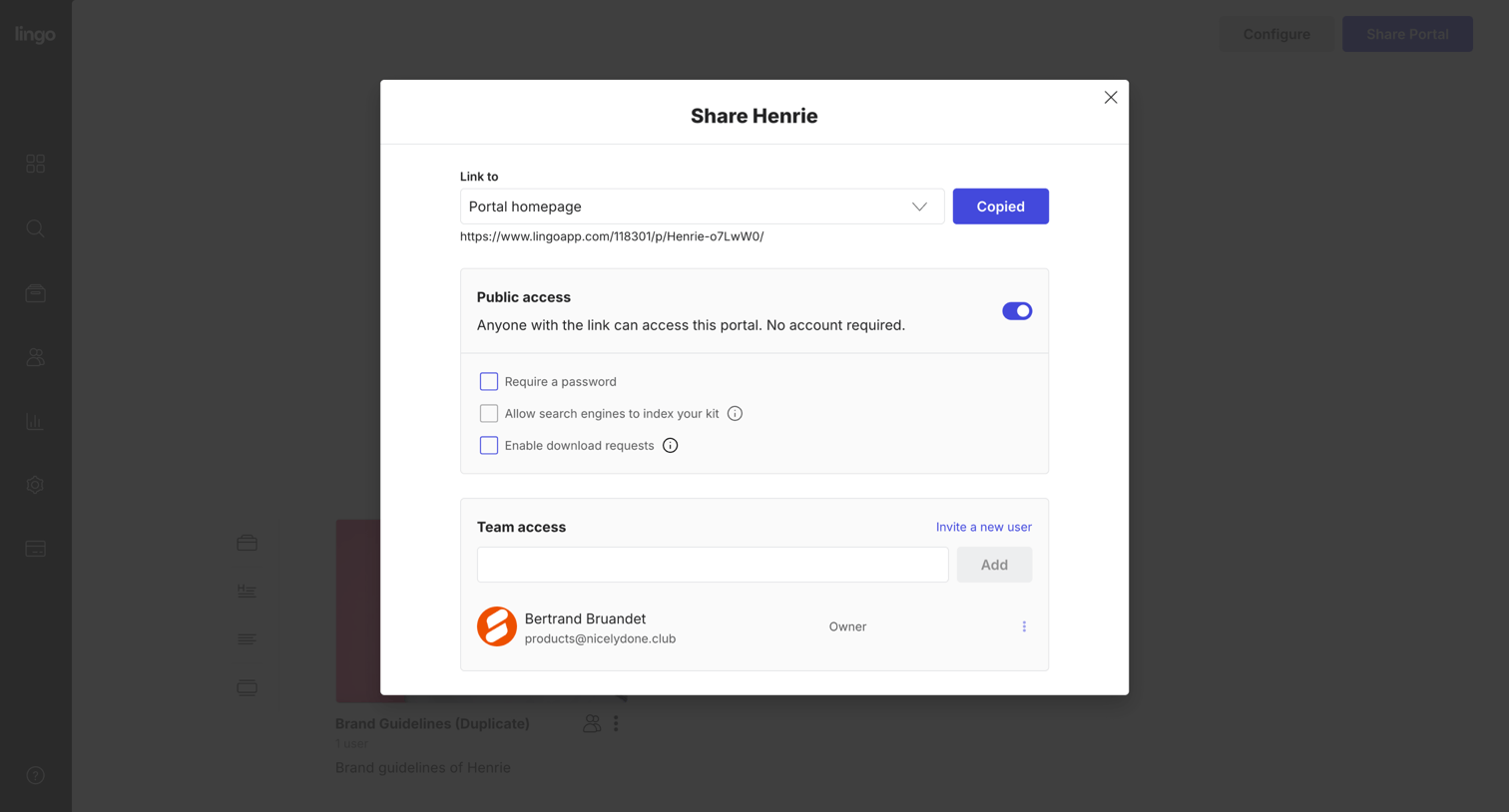

Share modal where the user configures public link access, toggles search engine indexing, and invites teammates to a brand portal.
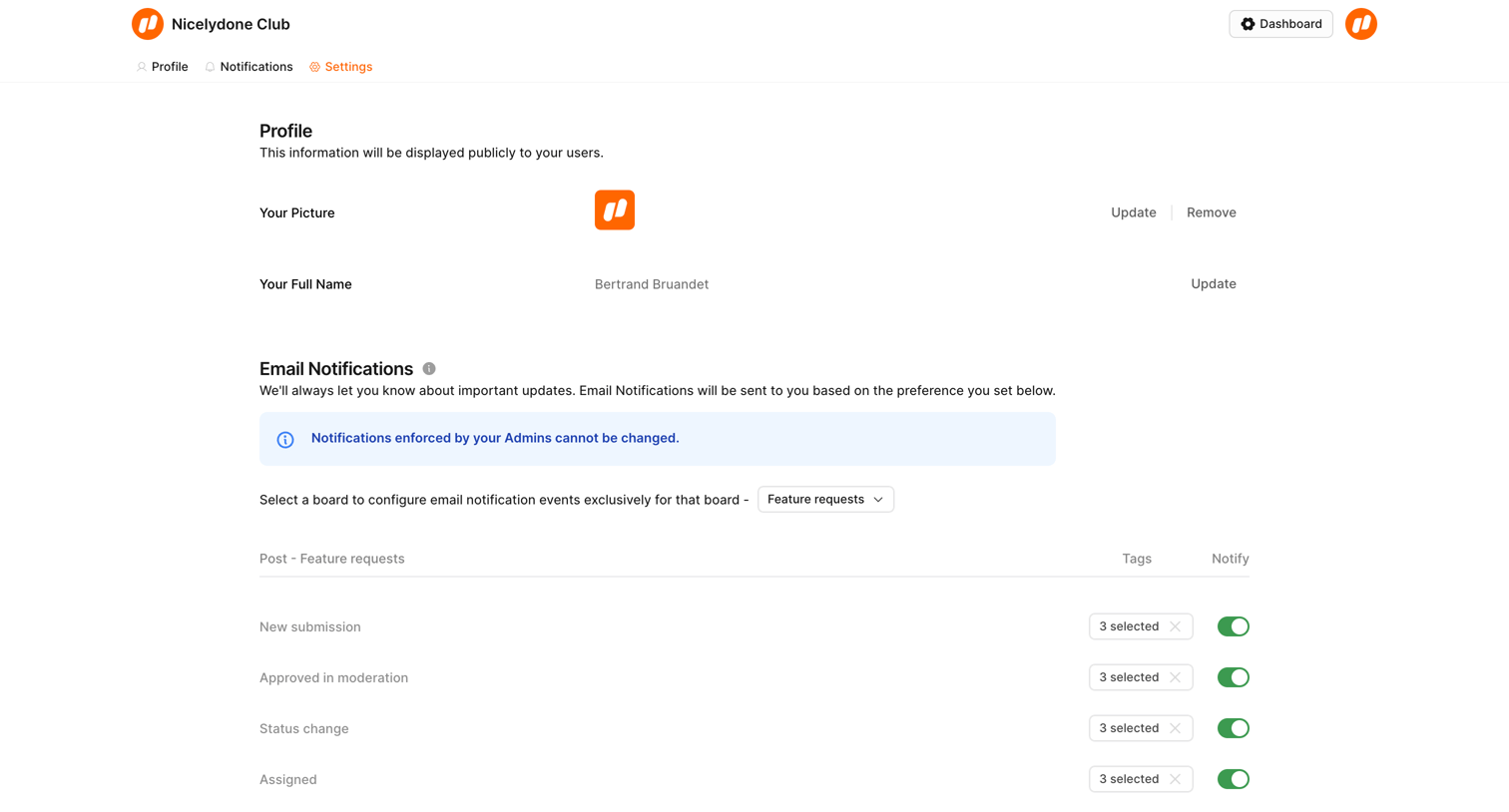

Settings page where the user manages their profile picture, email notification preferences for feature requests, password, passkeys, and account deletion.

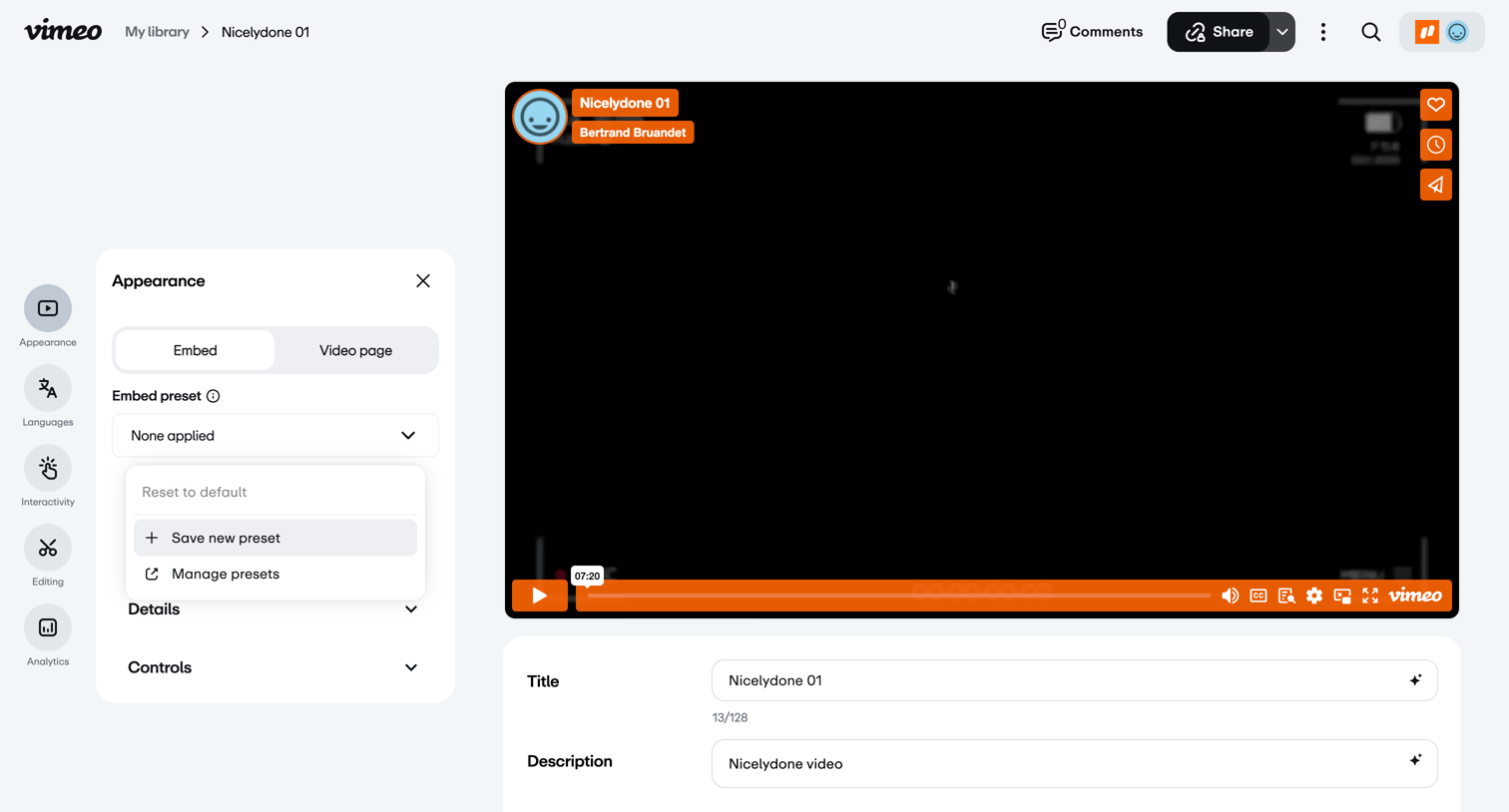

Detail page where the user configures the appearance, embed presets, and metadata for a specific video asset.
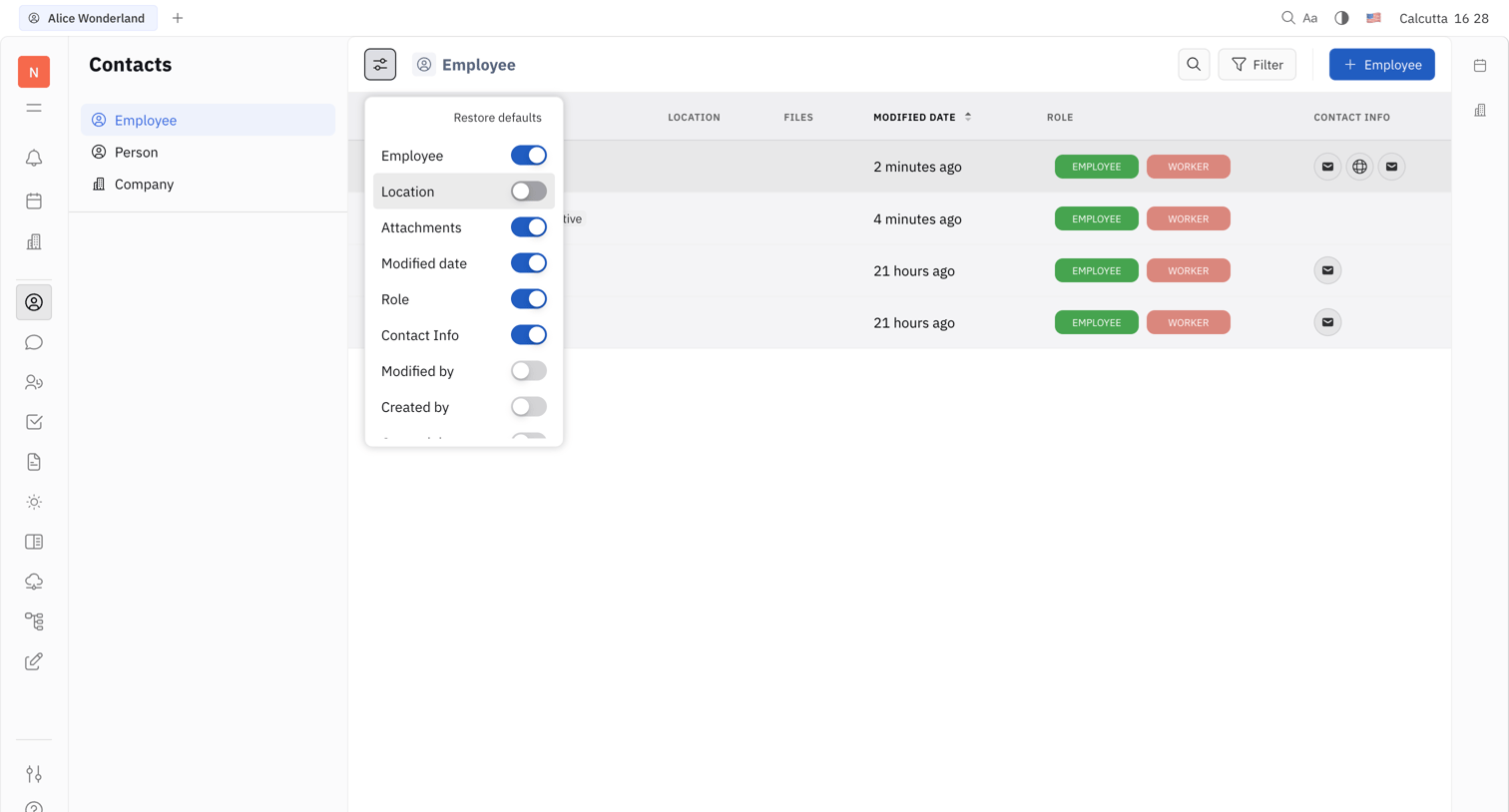

List view where the user manages employee contacts, featuring a data table with customizable column visibility via an open popover.
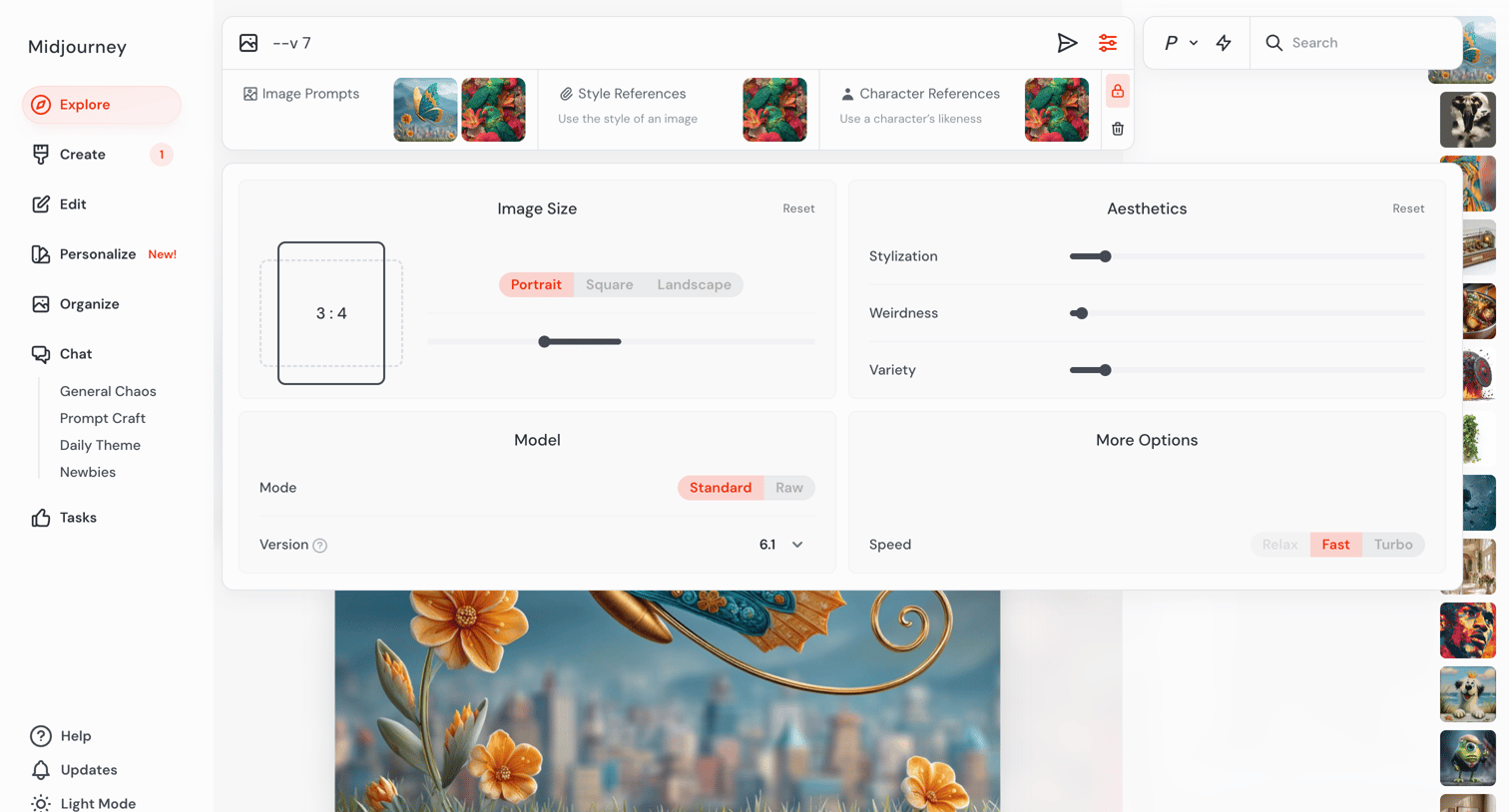

AI image generation interface where the user configures prompt settings like image size, aesthetics, and model version.
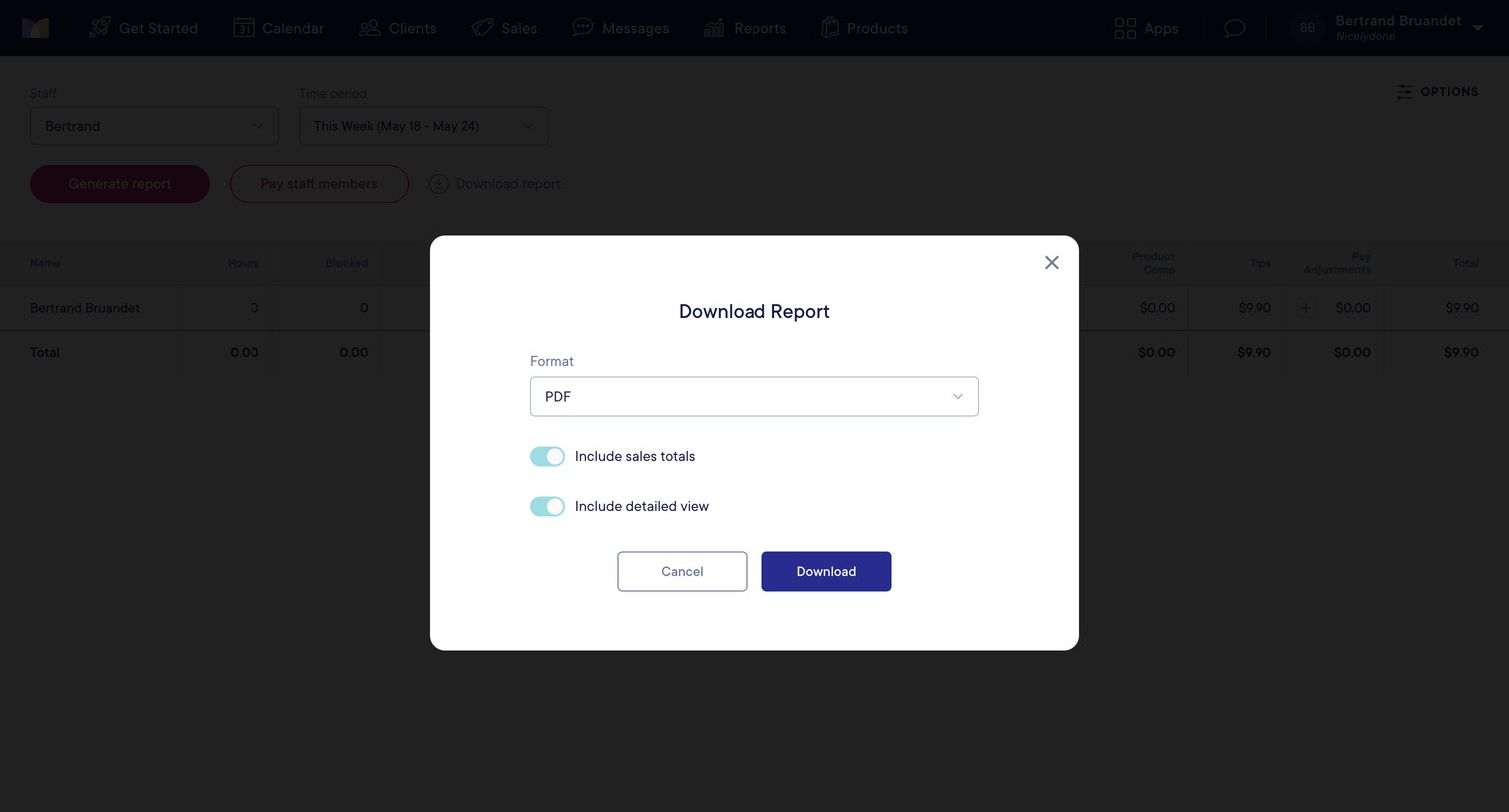

List view where the user configures the format, sales totals, and detailed view options before downloading a payroll report.
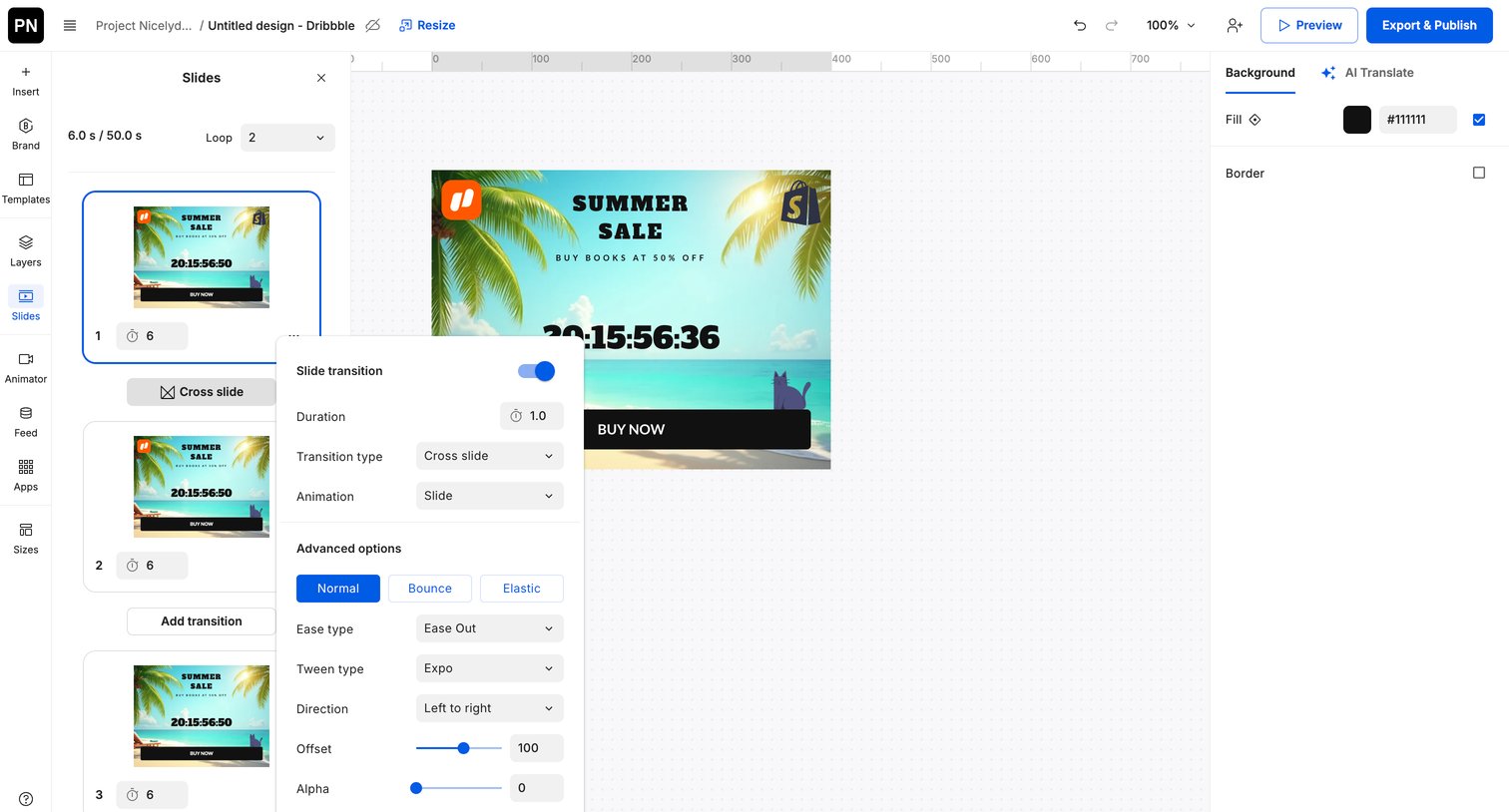

Design editor where the user configures slide transitions, easing, and duration for an animated banner ad.
Explore the full SaaS screen library
Upgrade to unlock the full library.
Trusted by the best teams







