Content management system screen examples
Content management system screen design examples from SaaS apps. Browse examples from Dock, Voiceflow, Kinescope.
Explore the examples
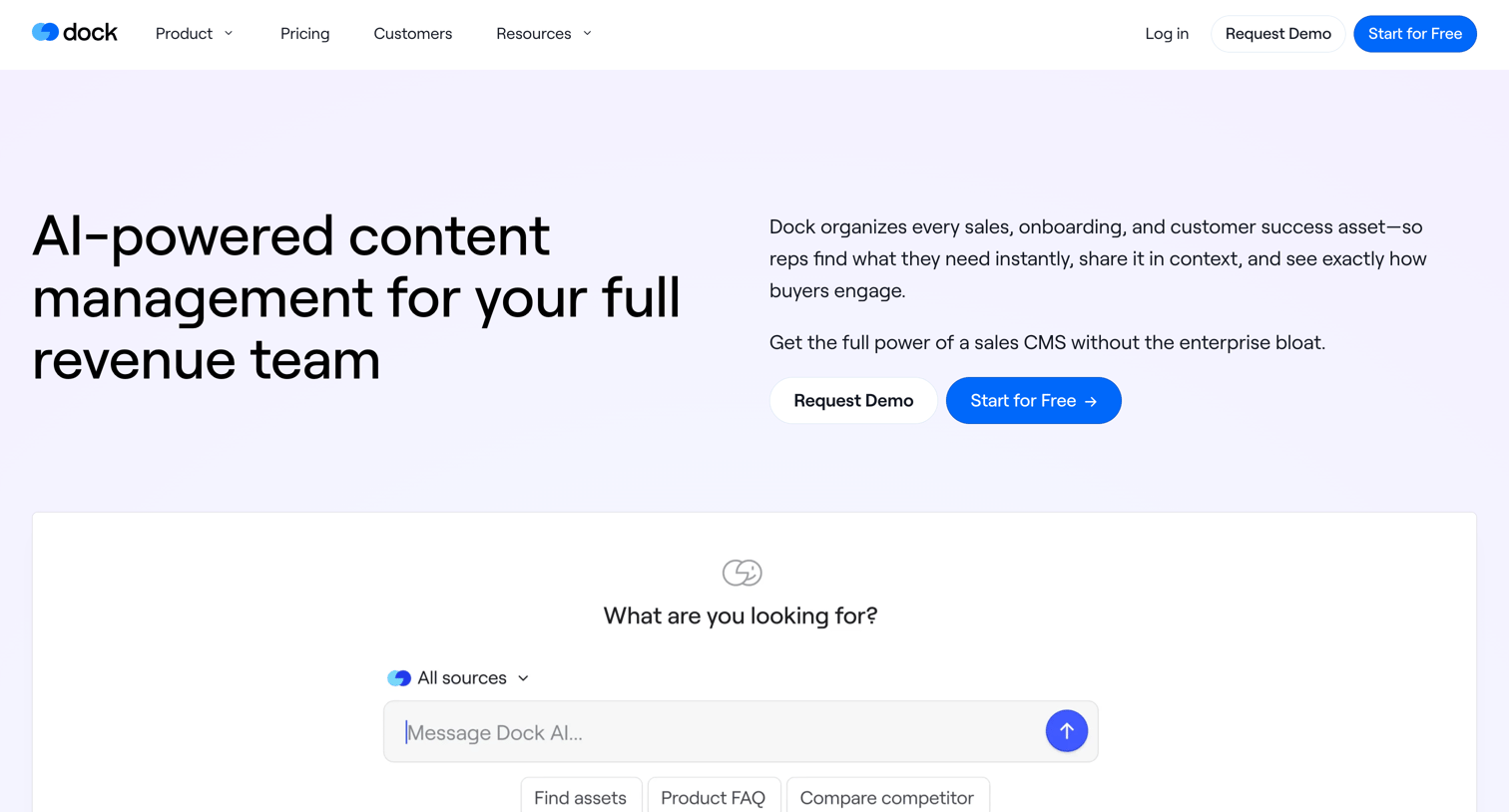

Product page for Dock's content management system, highlighting AI search, client-facing workspaces, and analytics through bento grids and customer testimonials.
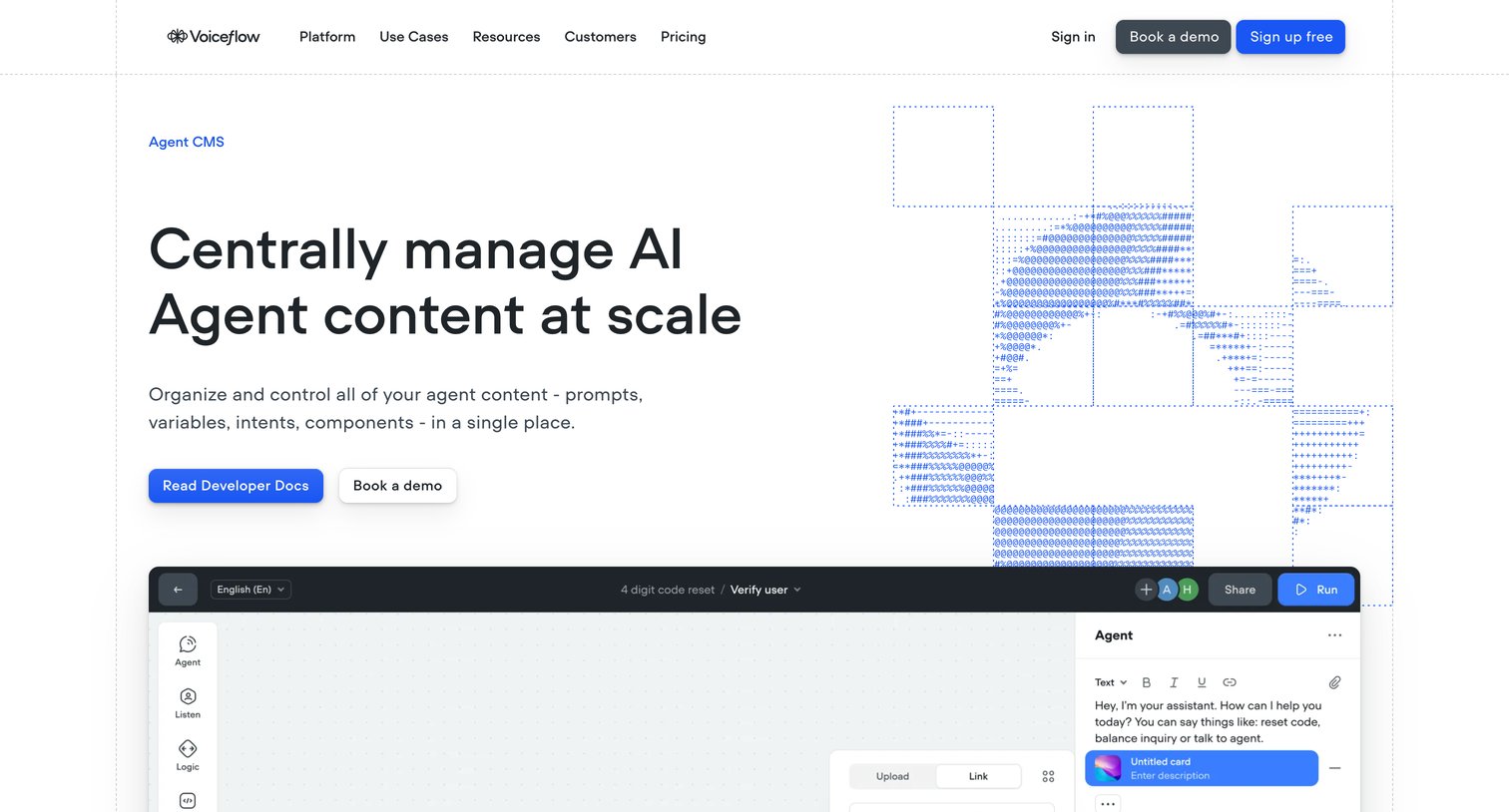

Feature page for the Agent CMS product showcasing centralized content management, a reusable component library, and developer APIs for AI agents.
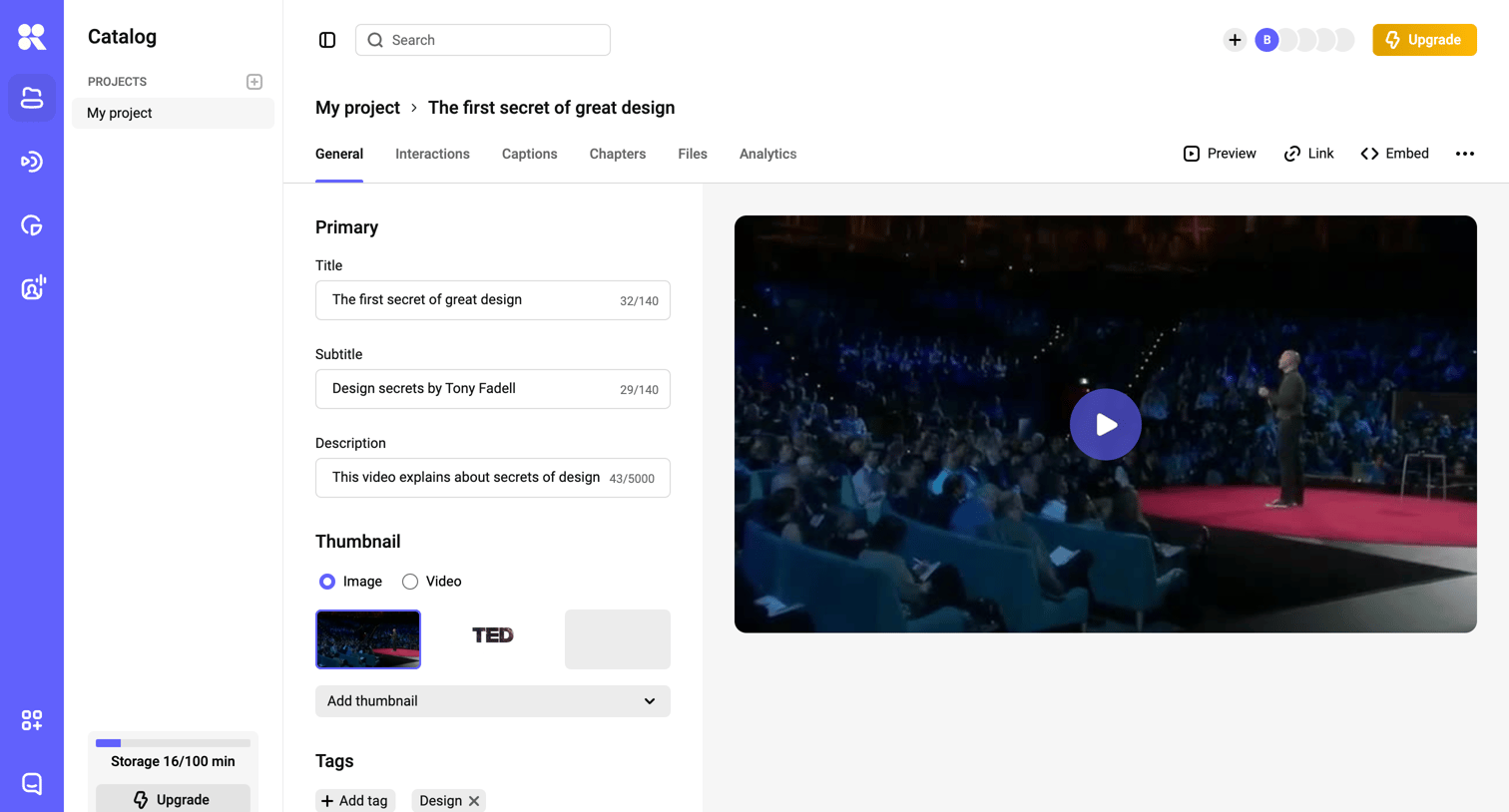

Detail page where the user edits metadata like title, subtitle, description, and thumbnail for a specific video while previewing it.
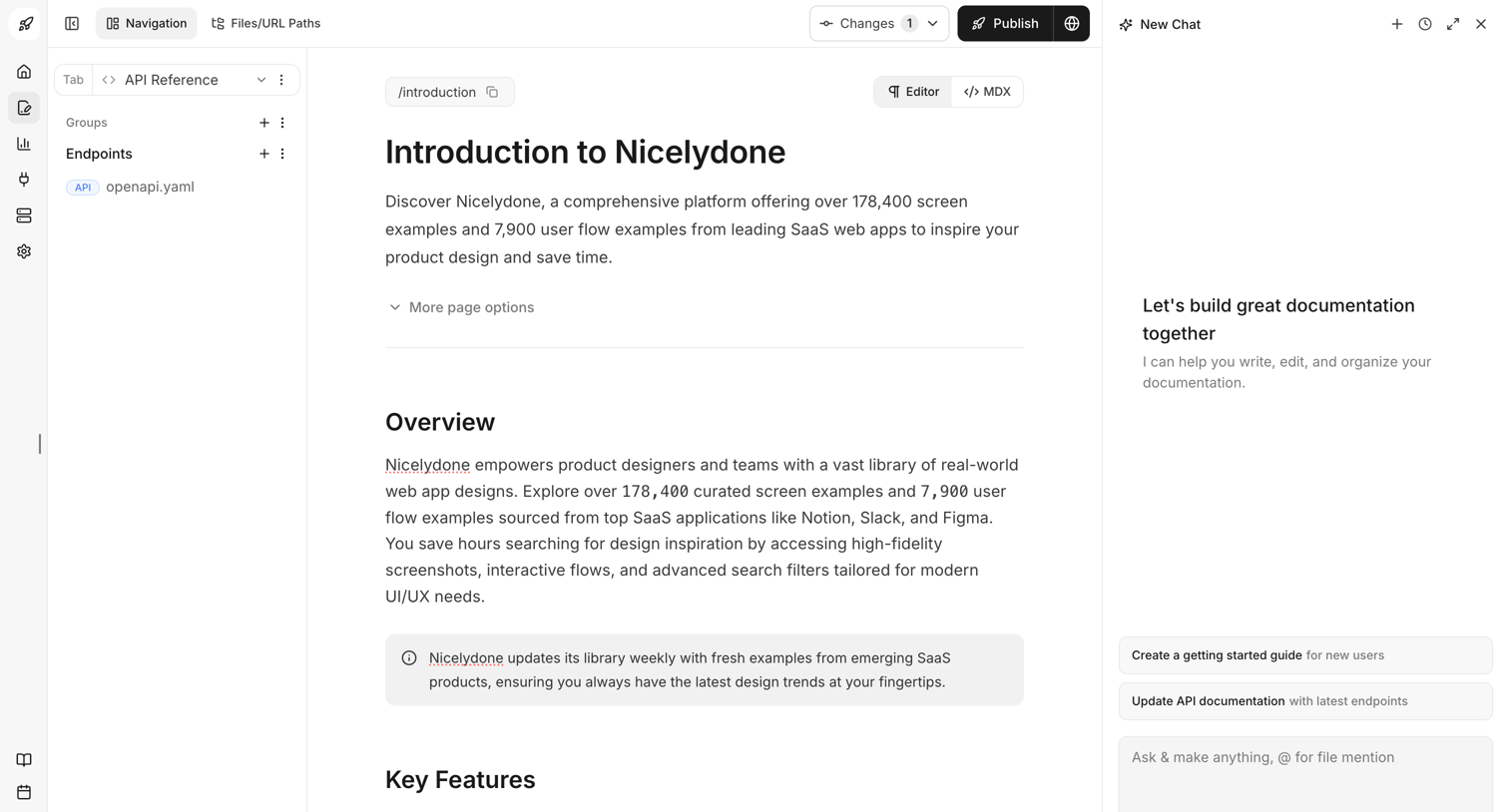

Content editor where the user writes the Introduction to Nicelydone documentation, with an AI assistant panel open on the right to help write and organize.
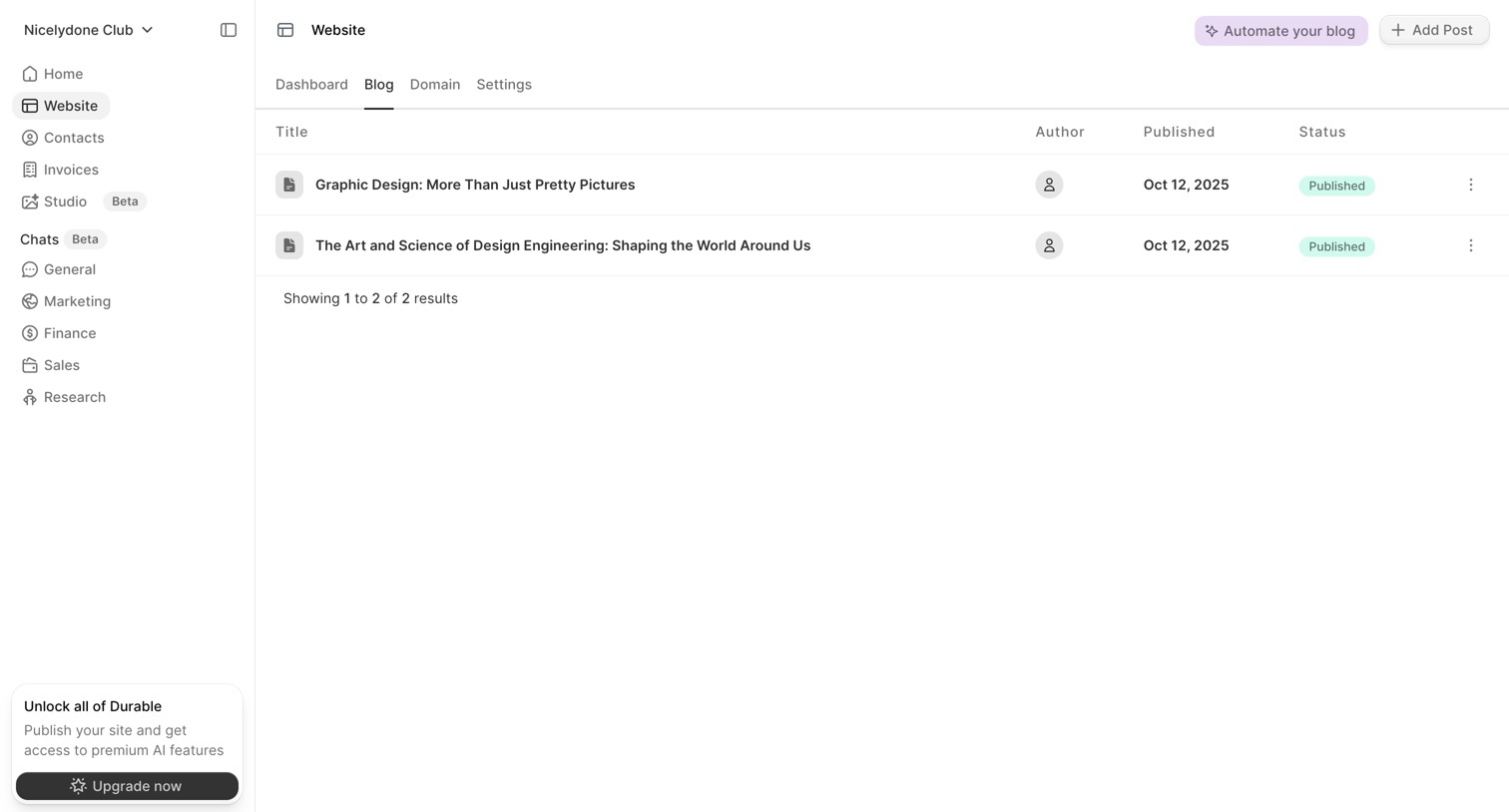

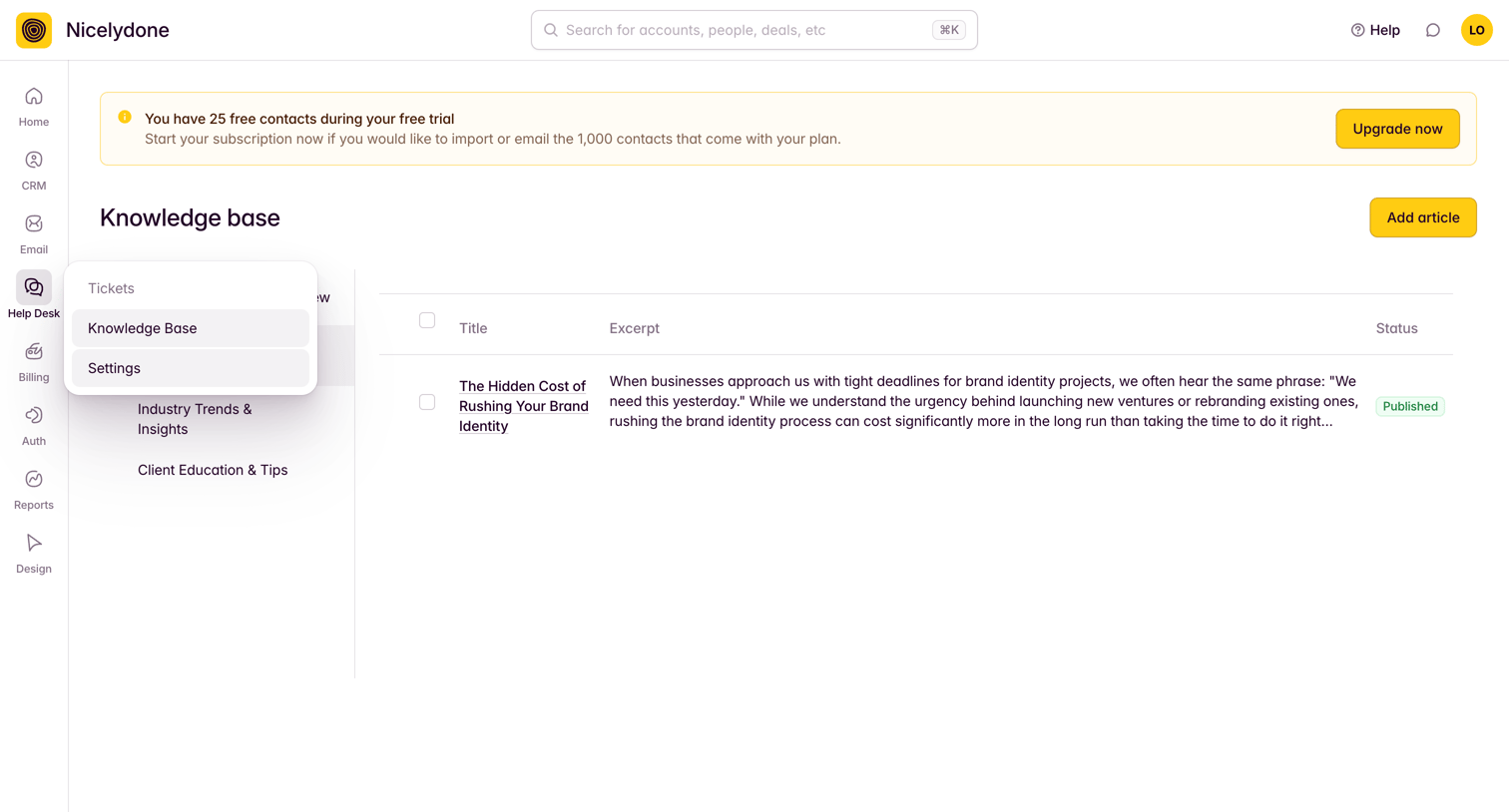

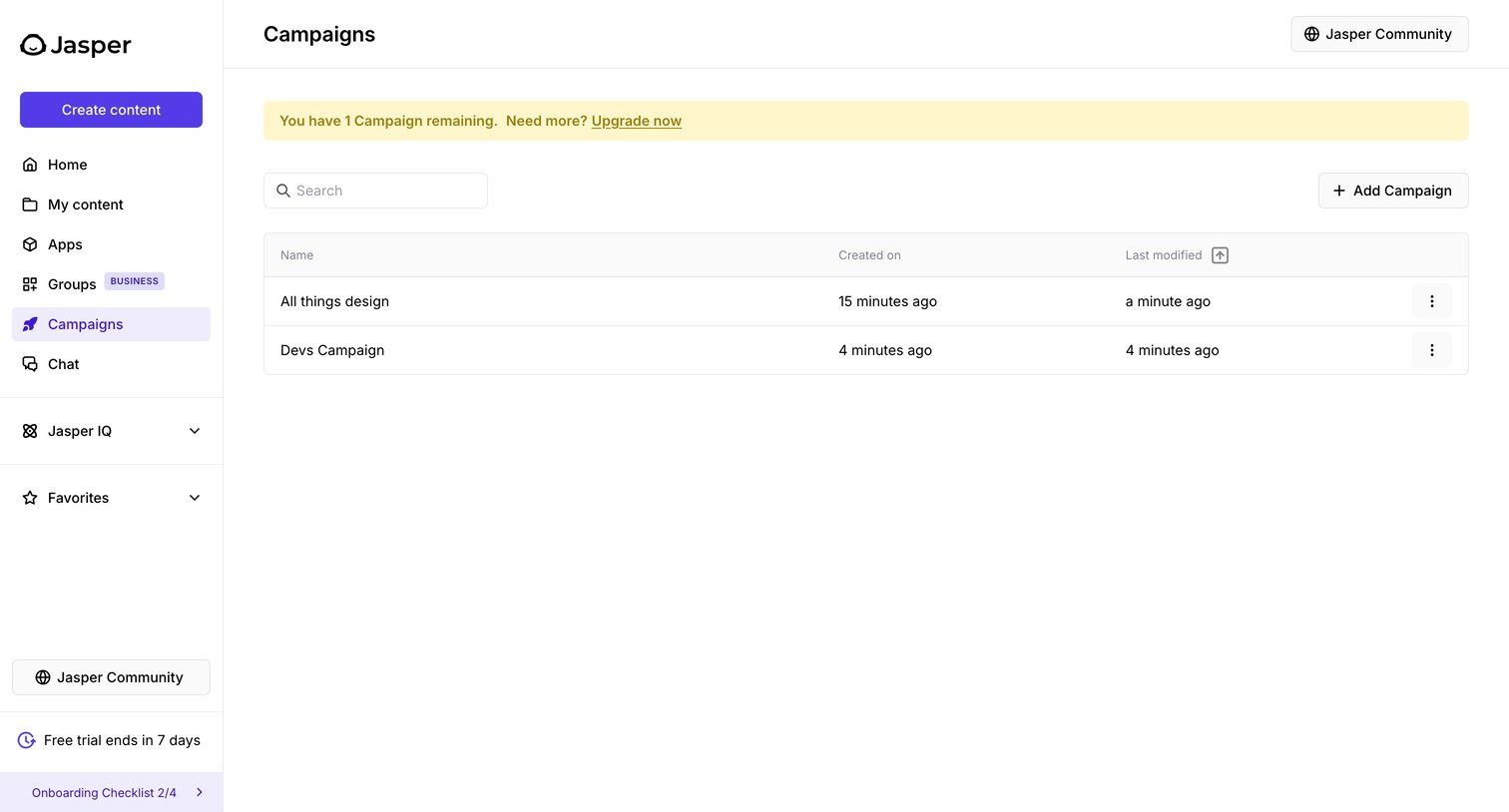
List view where the user manages knowledge base articles, featuring a prominent trial upgrade banner and an open navigation popover.
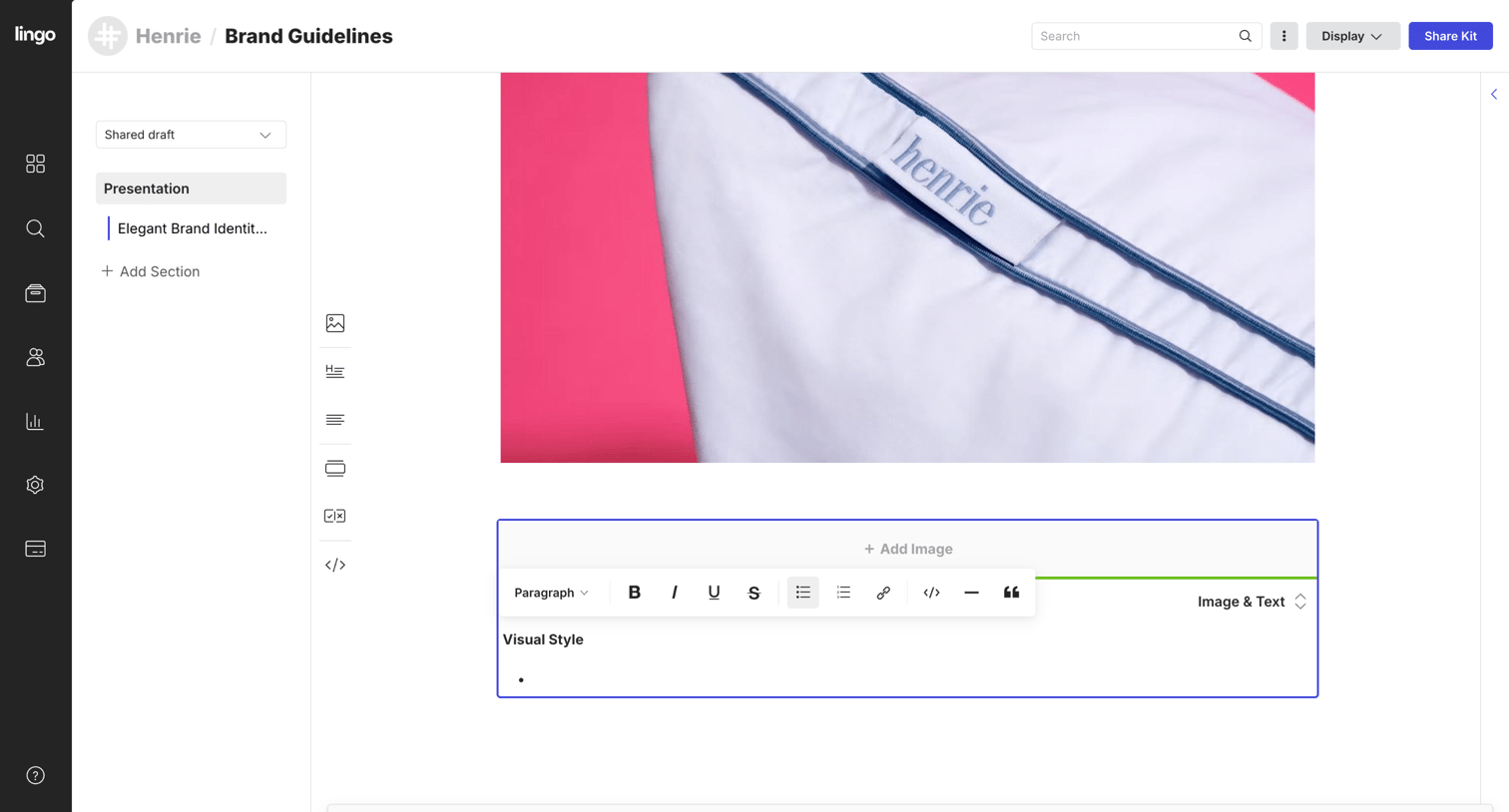

Content editor where the user is building a brand presentation, currently formatting a text block with a floating rich-text toolbar.
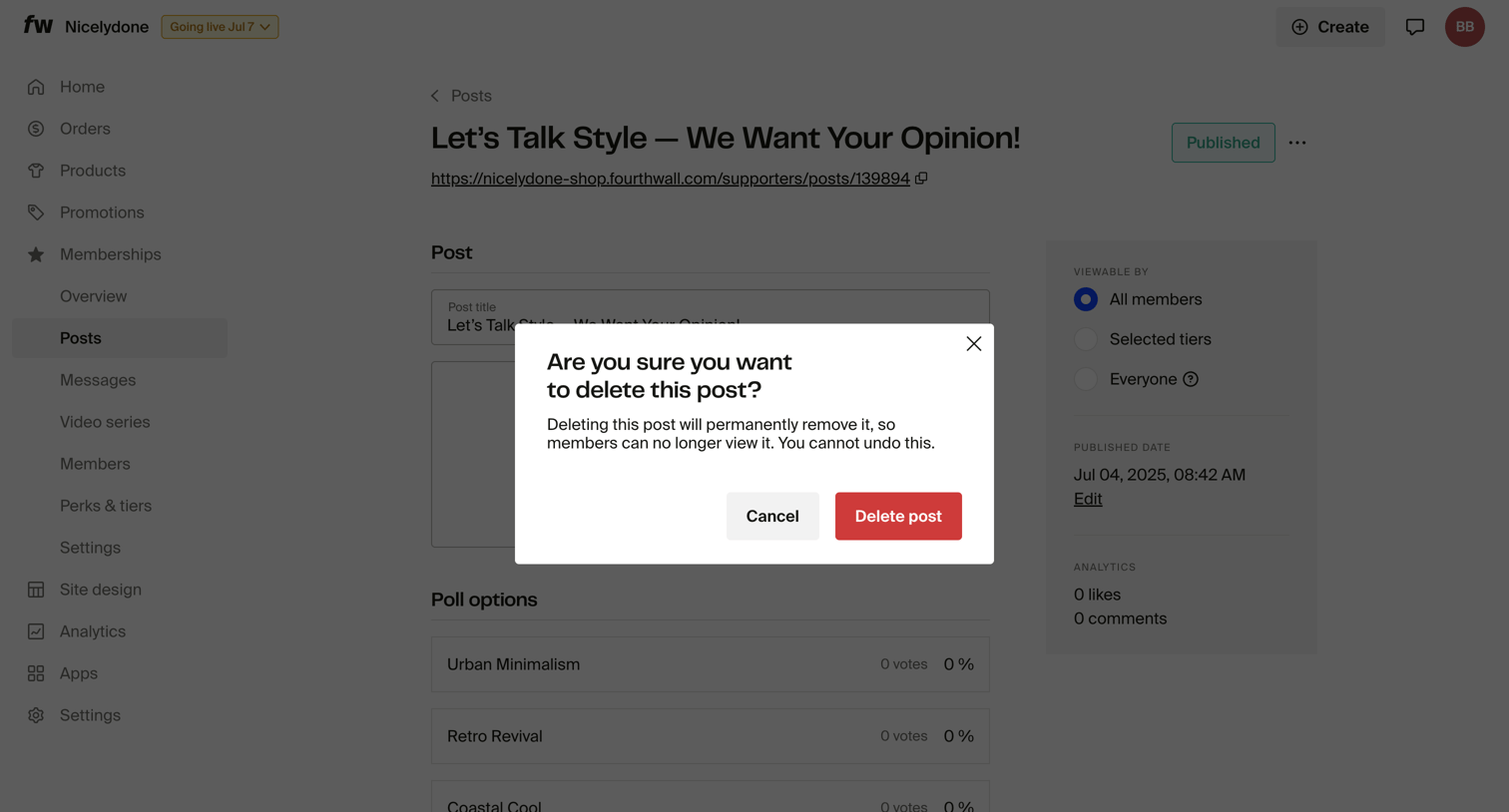

Detail page for a membership post where a modal prompts the user to confirm the permanent deletion of the post.
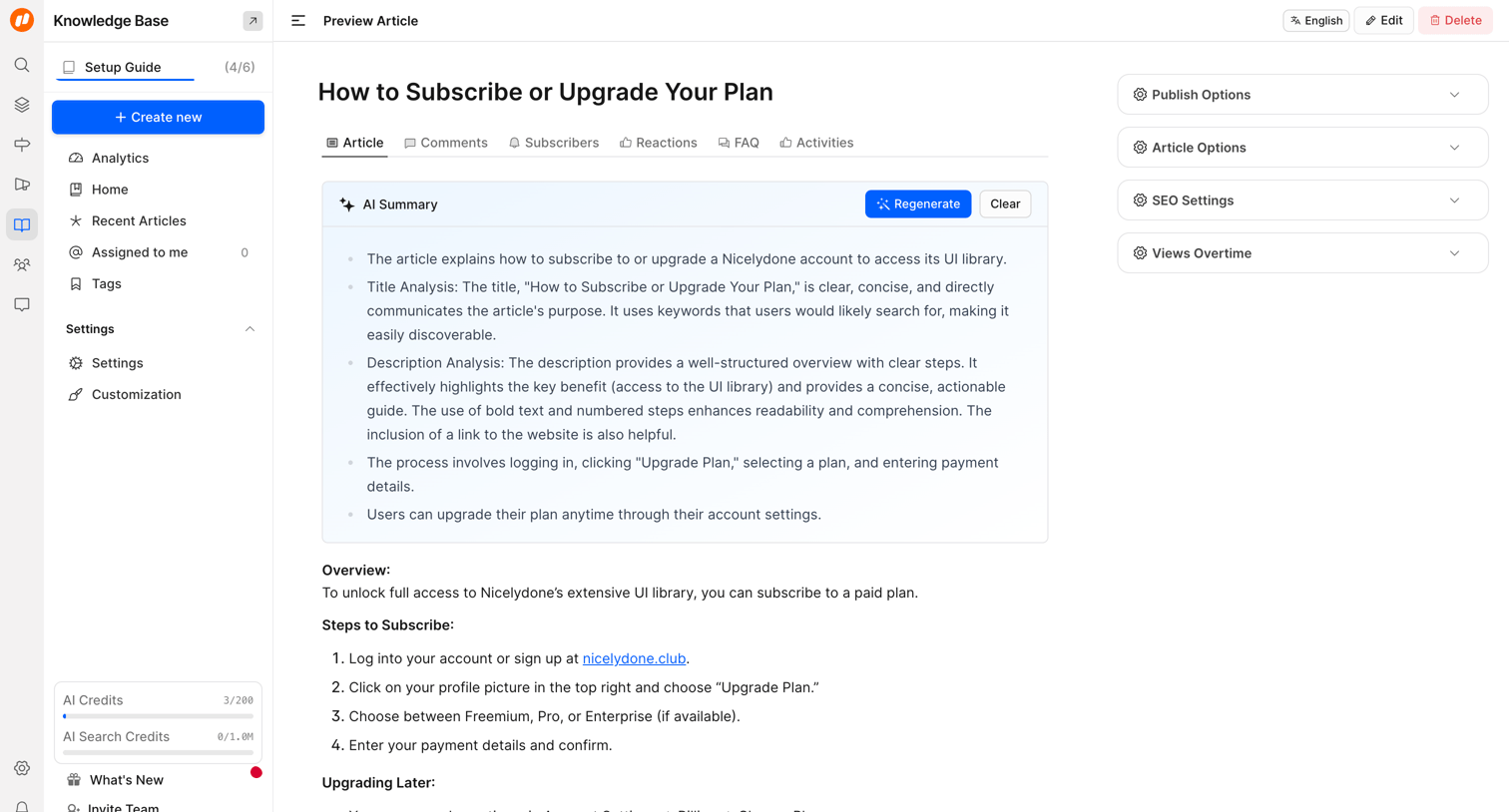

Detail page where the user previews a knowledge base article, reviews an AI-generated summary, and manages publishing and SEO settings via side accordions.
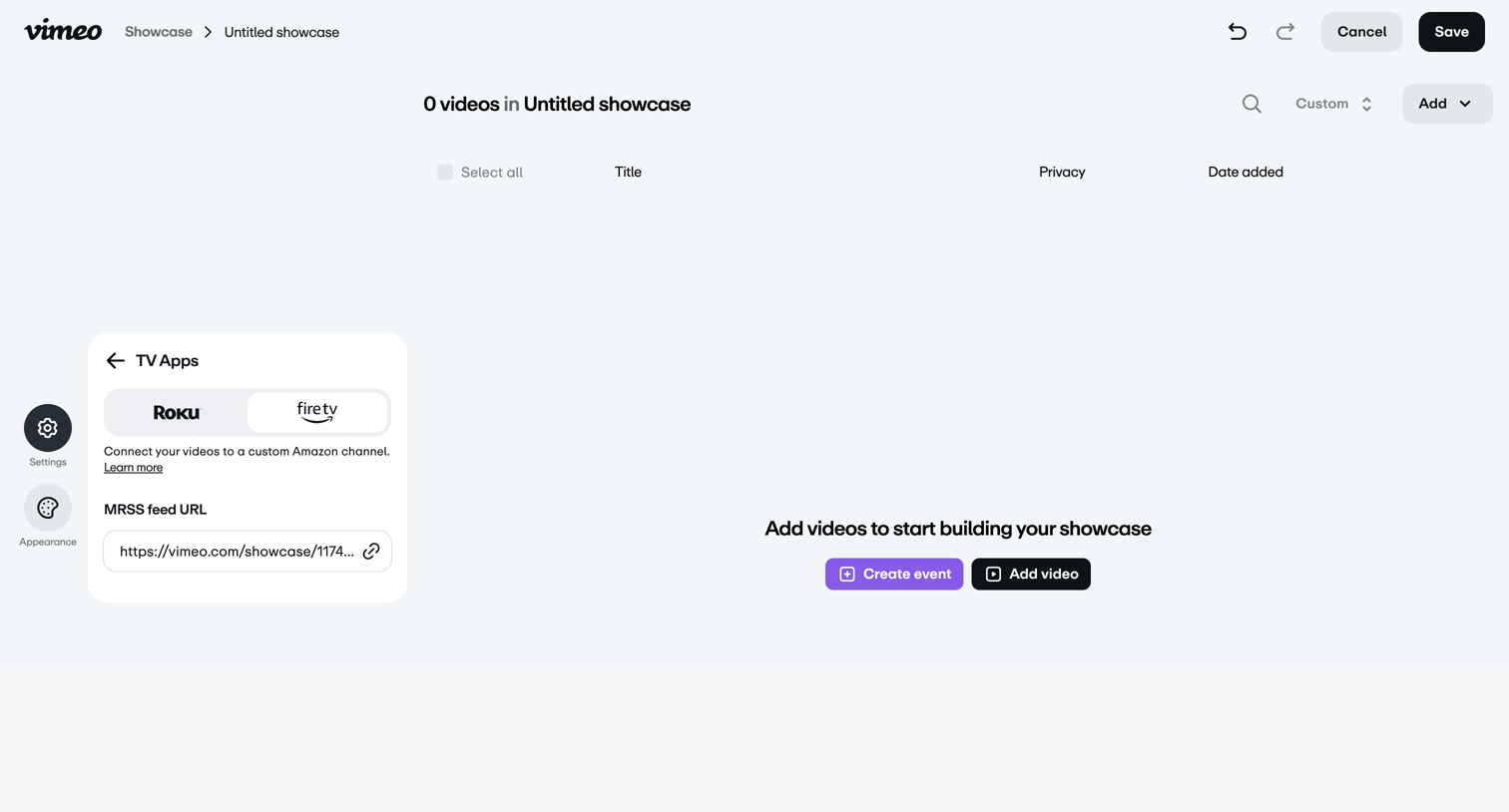

Detail page where the user configures Roku and Fire TV app integrations for a video showcase, currently showing an empty video list prompting them to add content.


Explore the full SaaS screen library
Upgrade to unlock the full library.
Trusted by the best teams







