Content management screen examples
Content management screen design examples from SaaS apps. See how apps organize existing material and its status. Explore how content lists, detail views, and publishing or editing controls relate to each item.
Explore the examples
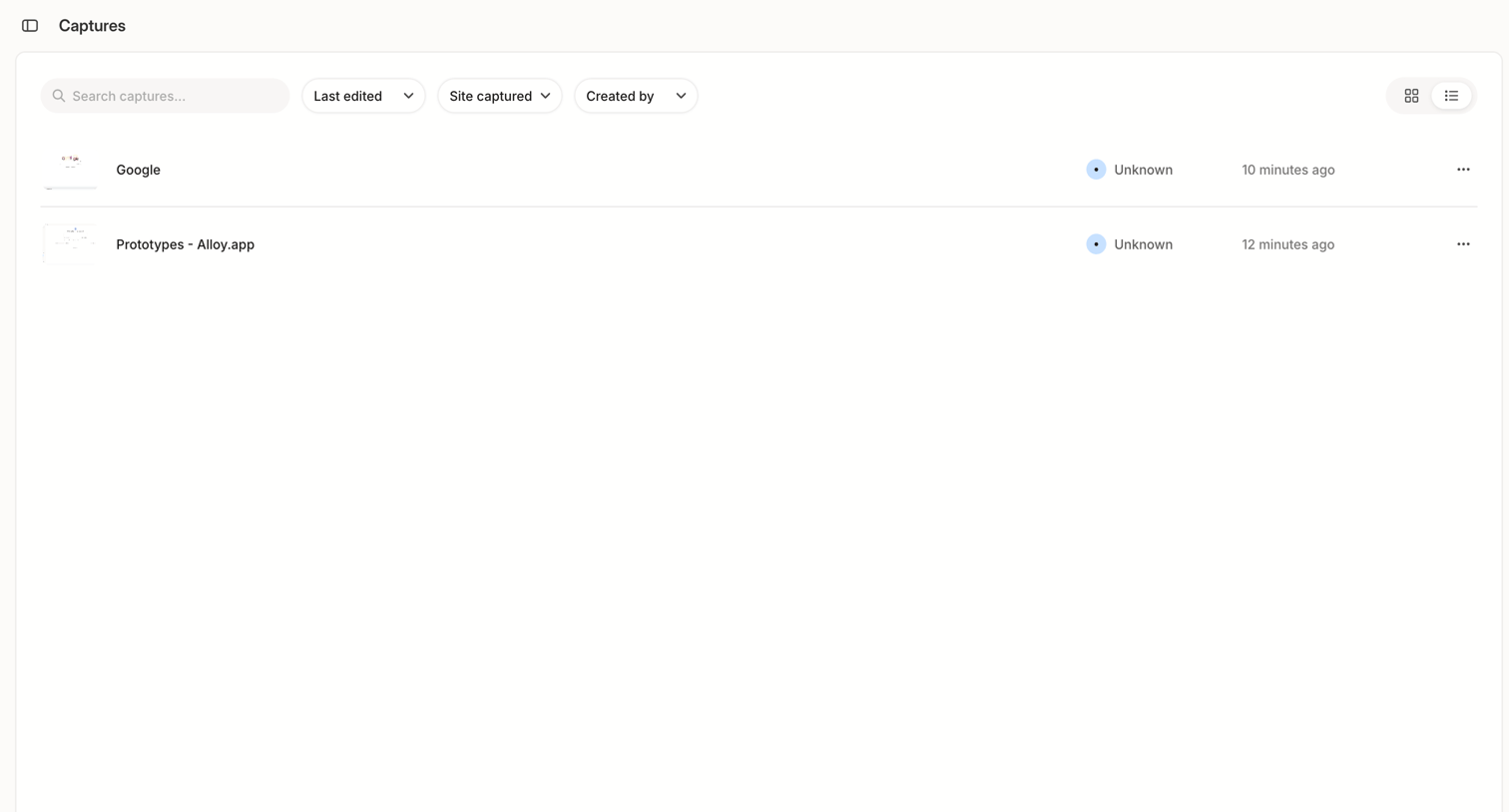

List view where the user manages saved captures, with options to search, filter by edit date or creator, and switch between list and grid layouts.
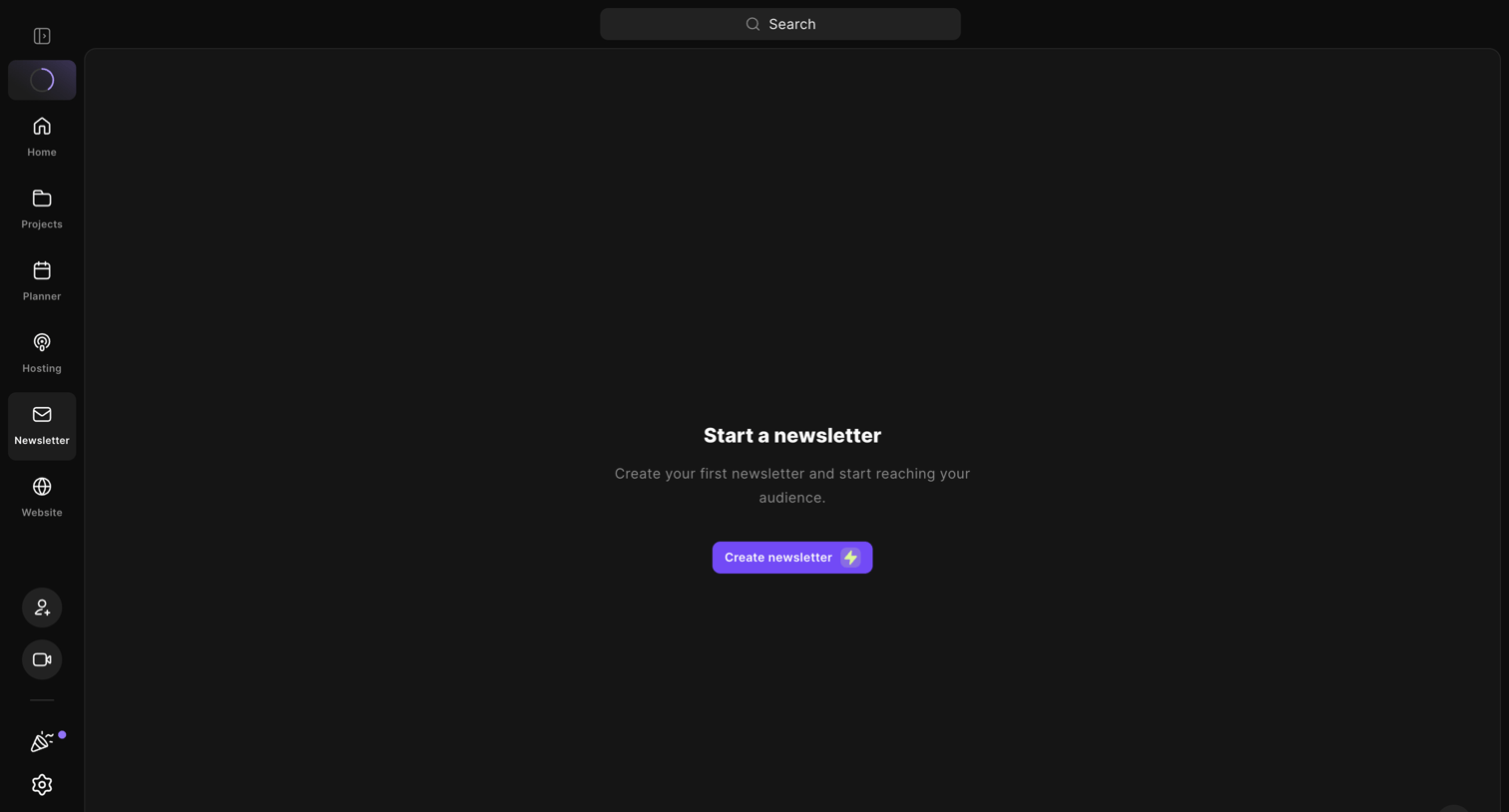

List view where the user is prompted to create their first newsletter to start reaching their audience.
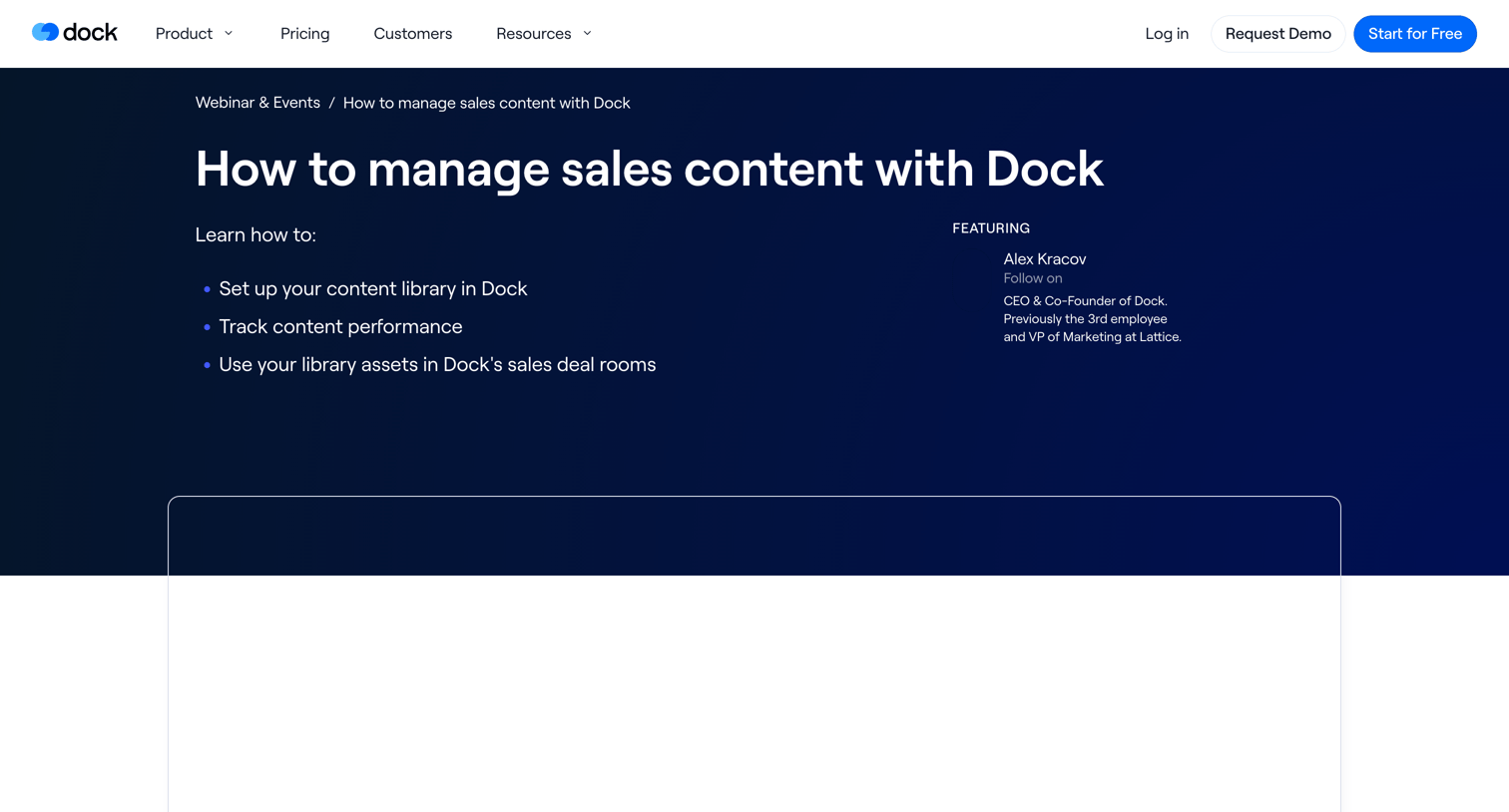

The screen is a marketing page for a webinar, structured with a prominent header, a main content area, and a footer. The header features the Dock logo, horizontal navigation links (Product, Pricing, Customers, Resources), and action buttons (Log in, Request Demo, Start for…
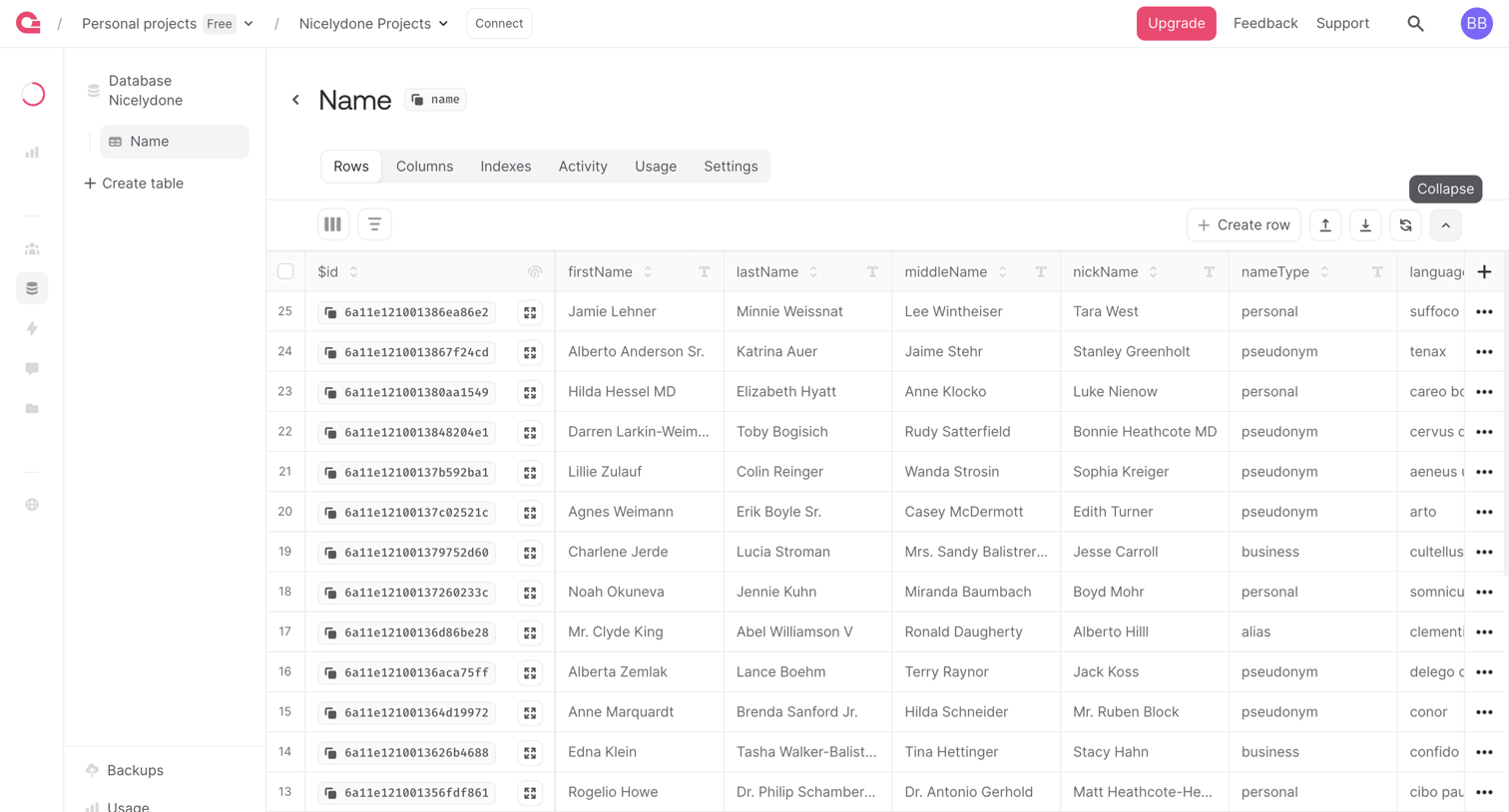

Database management interface where the user views, filters, and edits rows of data within a specific table.
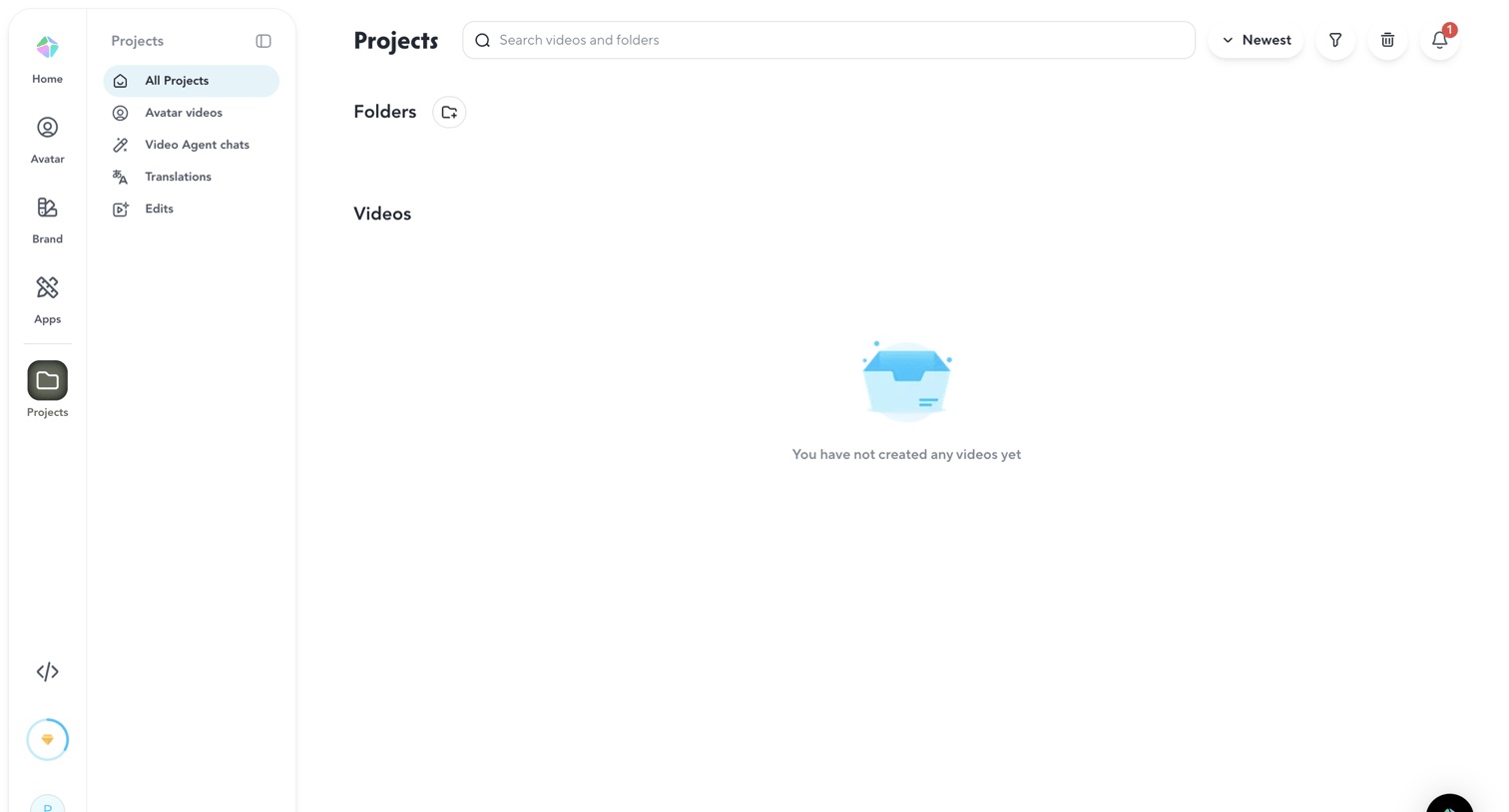

List view where the user manages their video projects and folders, currently showing an empty state with no videos created yet.
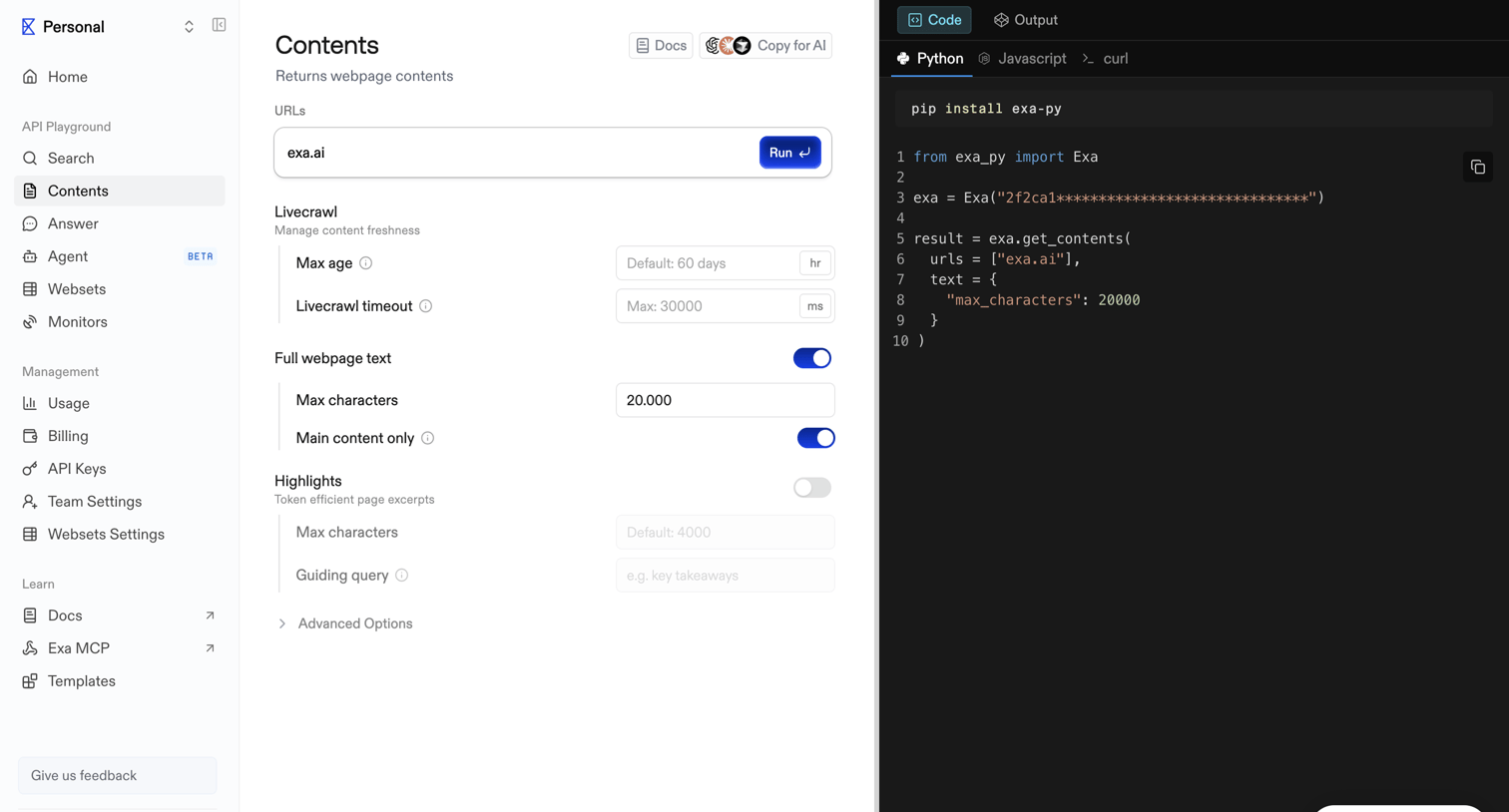

API playground where the user configures parameters like URLs, livecrawl settings, and text extraction options to generate and run a get-contents request.
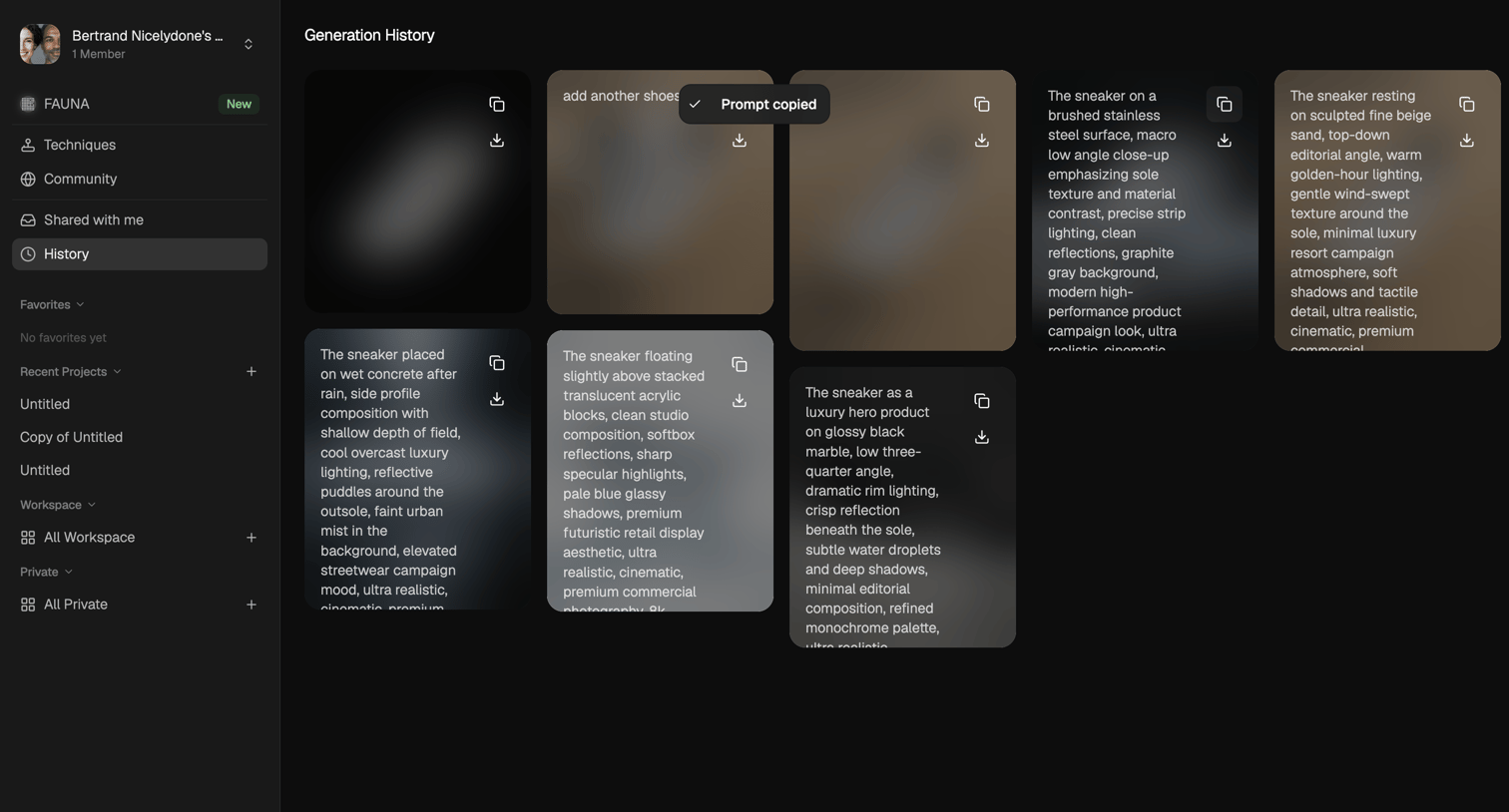

List view where the user browses past AI image generations and their text prompts, with options to copy the prompt or download the asset.
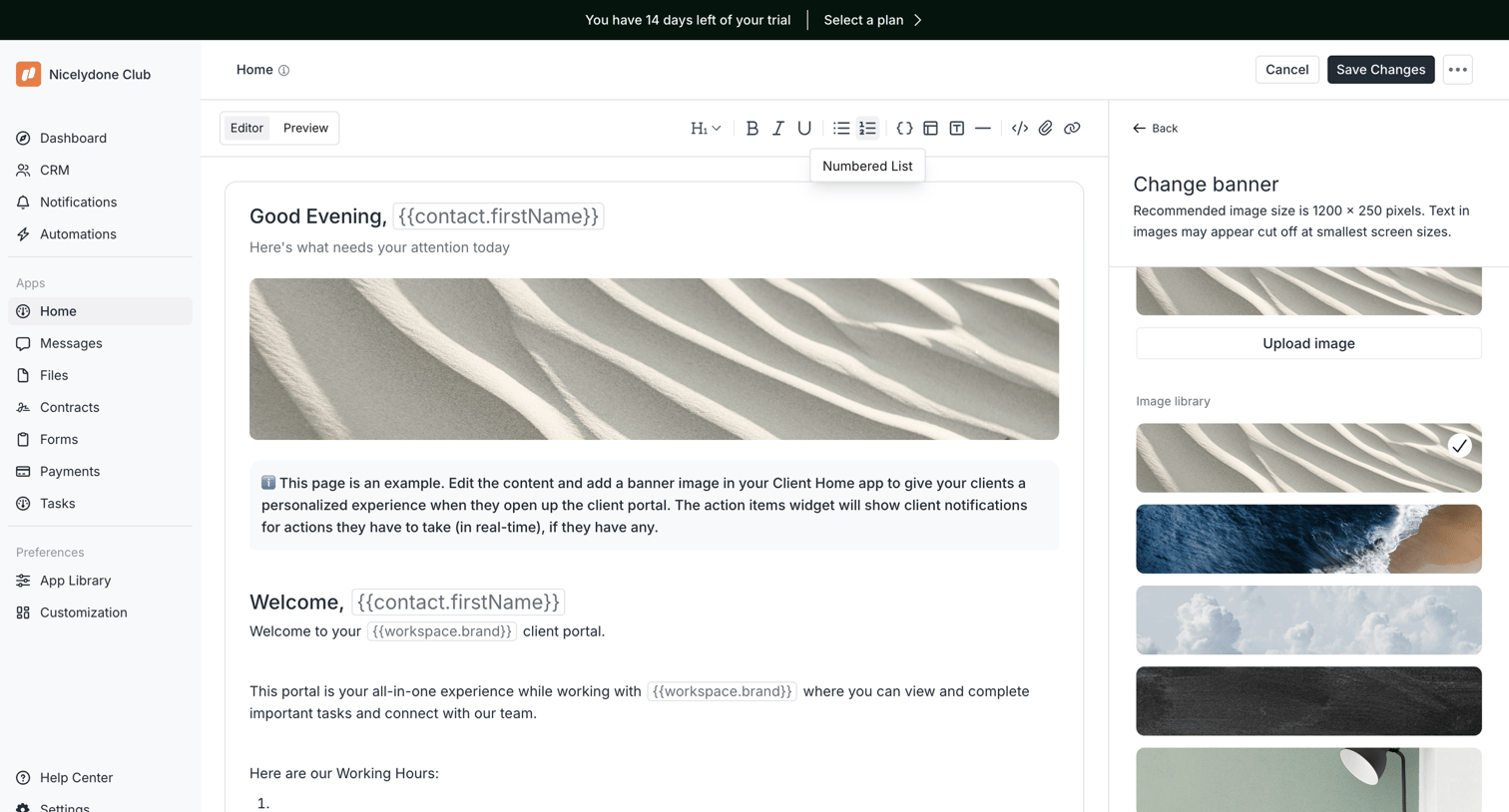

Content editor where the user customizes their client portal home page, including text, variables, and a banner image selected from a right sidebar.
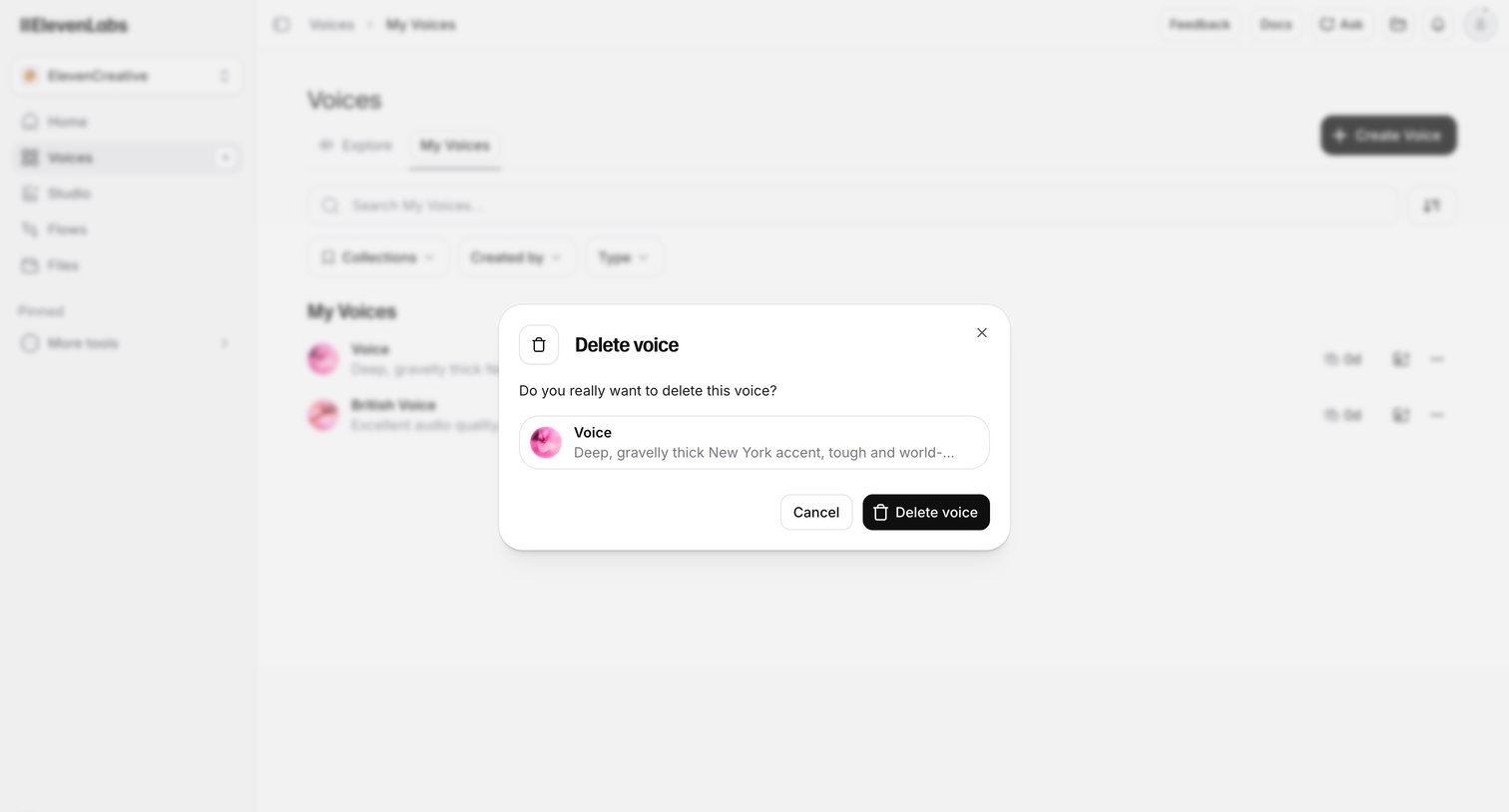

List view where the user is prompted to confirm the deletion of a custom voice via an alert dialog.
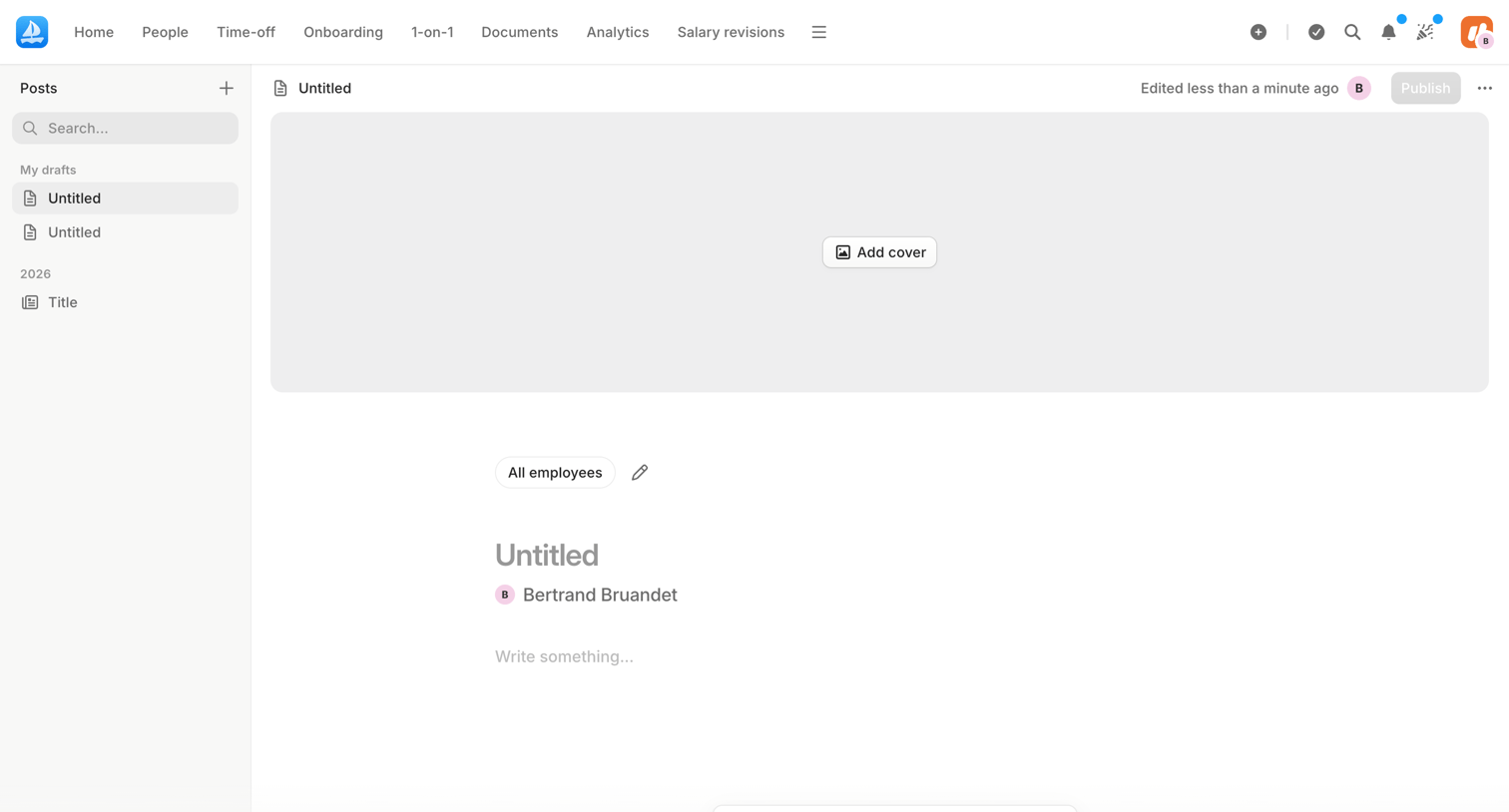

Content editor where the user drafts a new company post, including a cover image, title, audience selection, and rich text body.
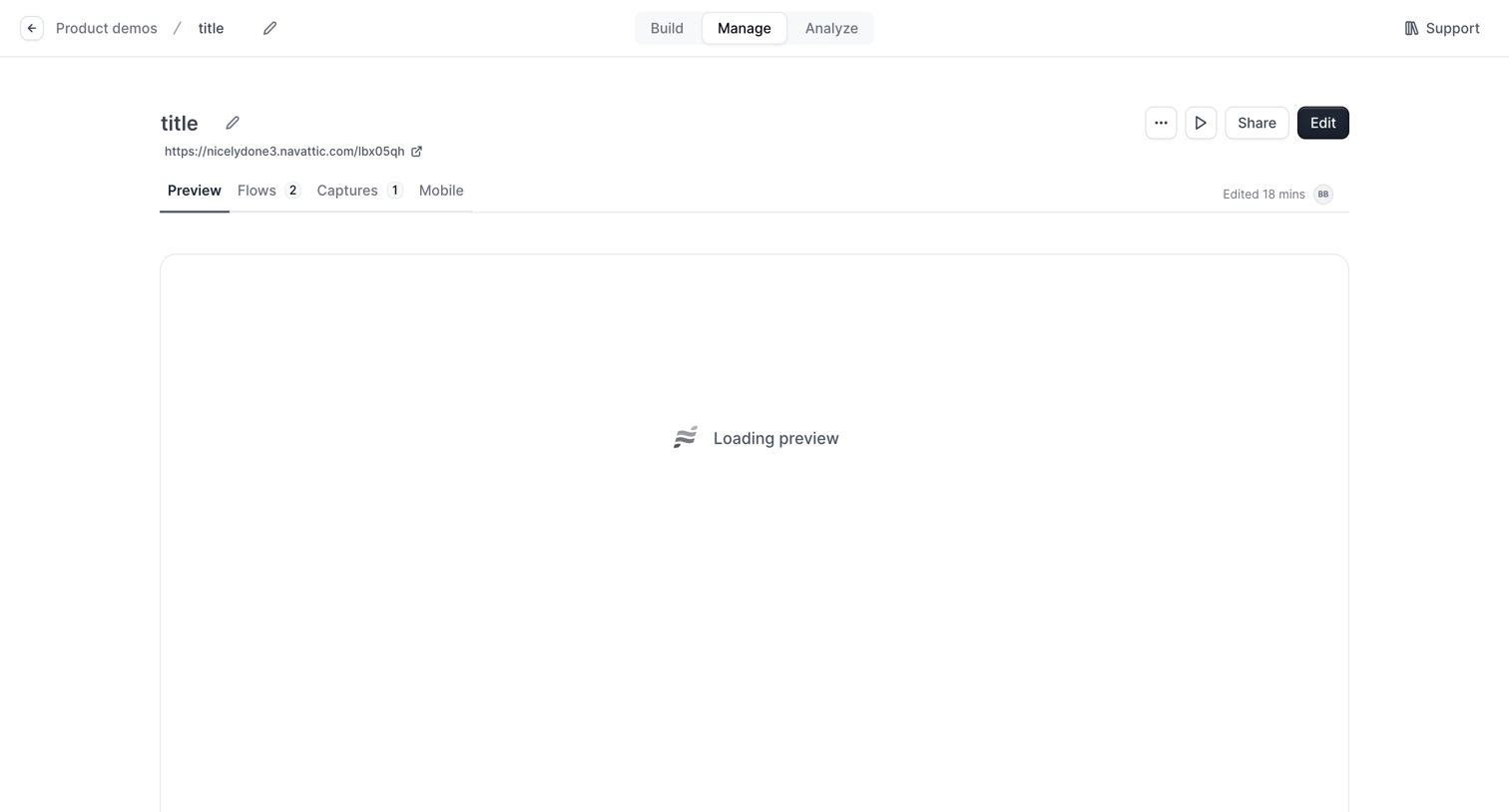

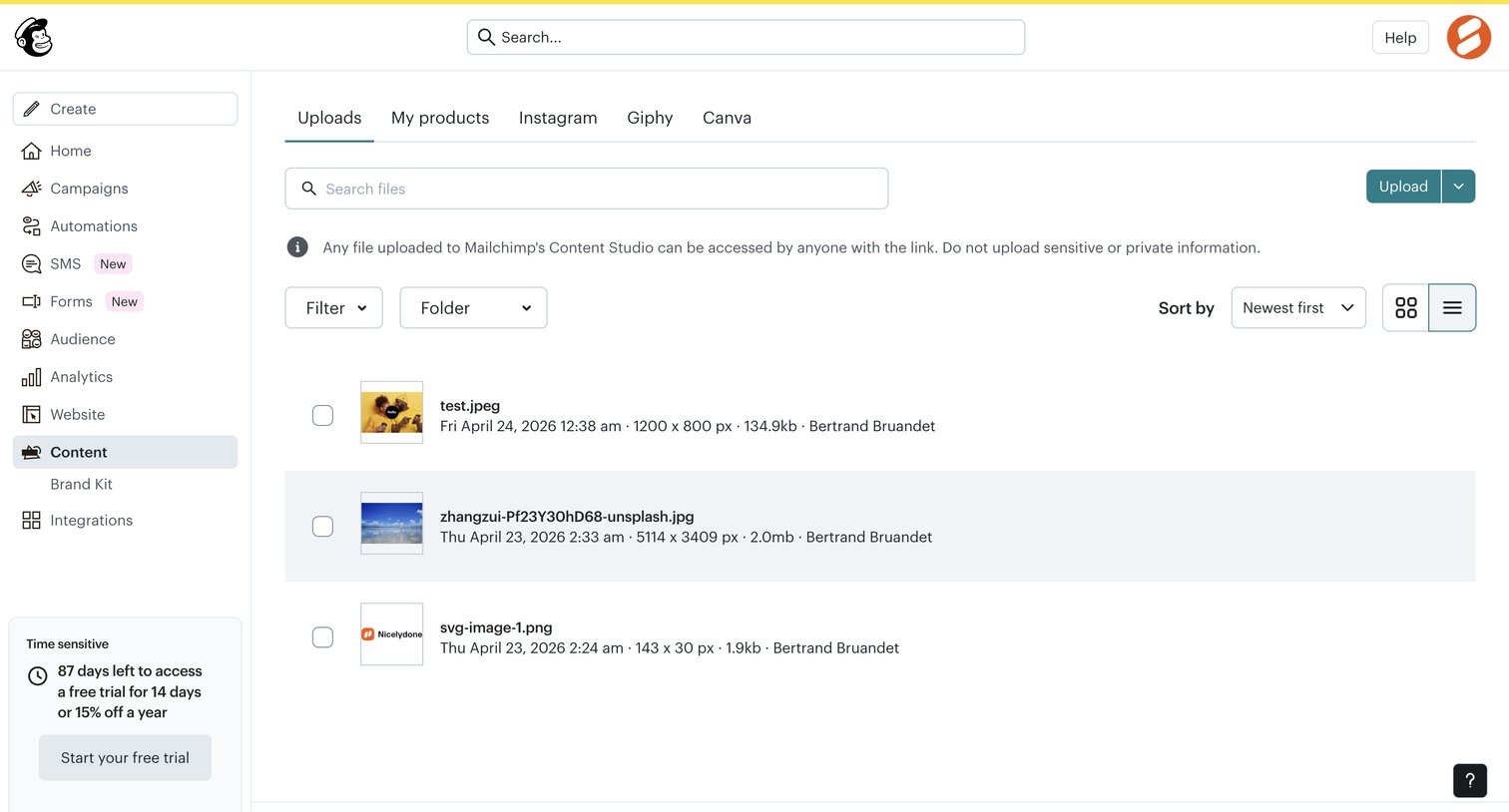

List view where the user manages uploaded files in their content studio, with options to search, filter by folder, and upload new assets.
Explore the full SaaS screen library
Upgrade to unlock the full library.
Trusted by the best teams








About Content management
See how apps organize existing material and its status. Explore how content lists, detail views, and publishing or editing controls relate to each item.