Confirmation screen screen examples
Confirmation screen screen design examples from SaaS apps. Browse examples from Magnific, Dock, Beside.
Explore the examples
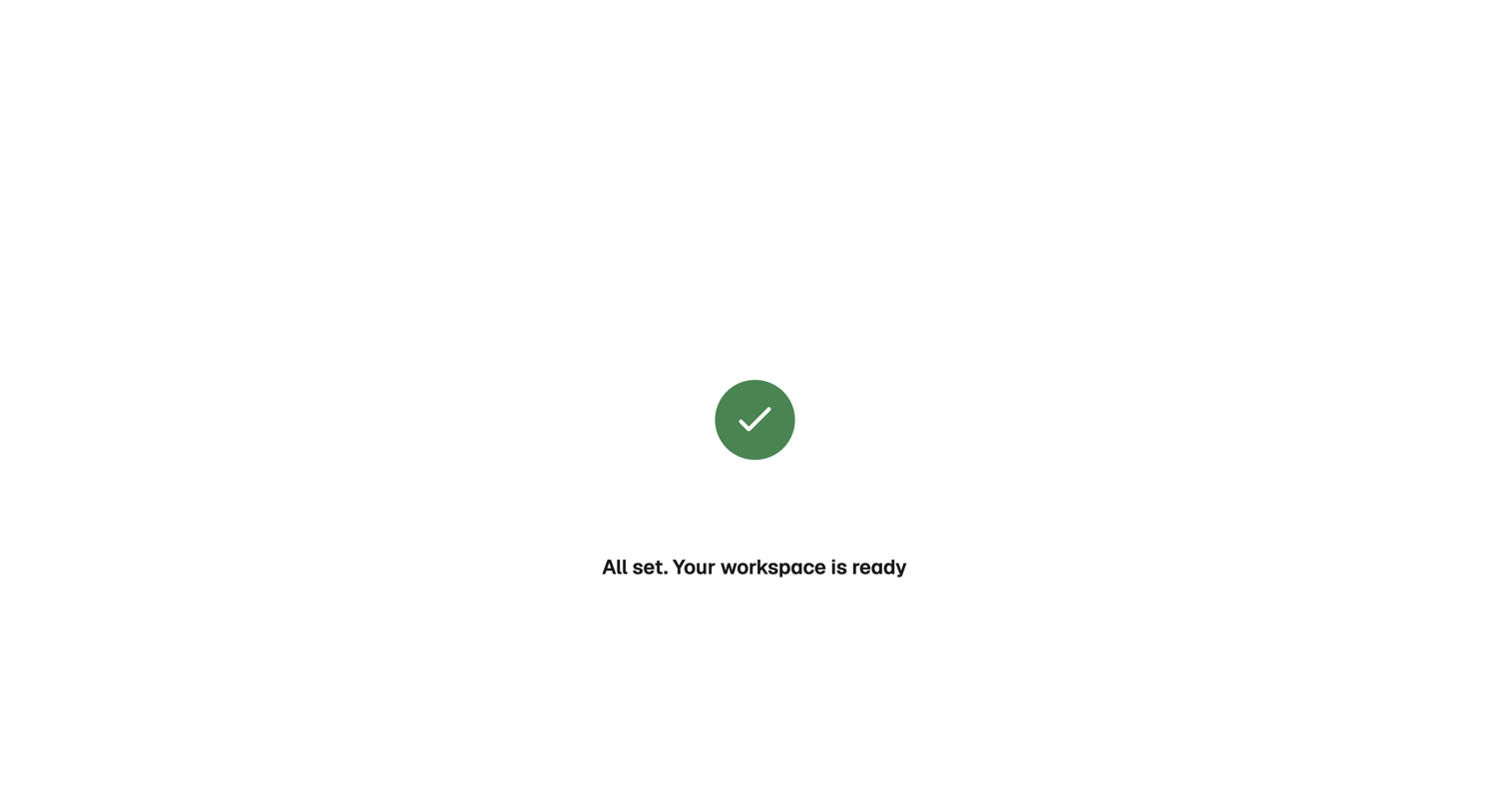

Onboarding step where a success message confirms the user's workspace is ready.
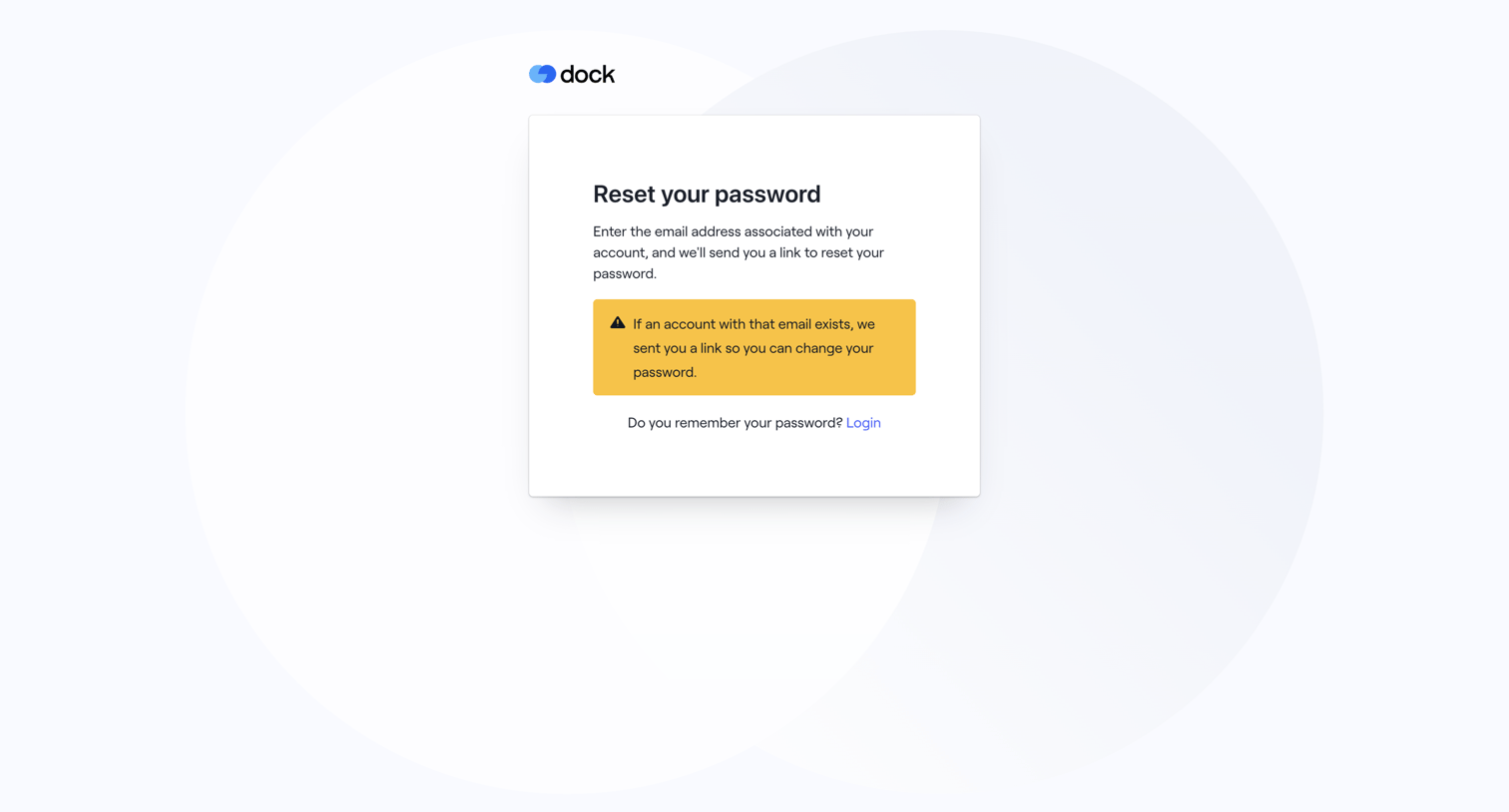

Password recovery screen displaying a confirmation alert that a reset link has been sent if the email exists, along with a link to return to login.
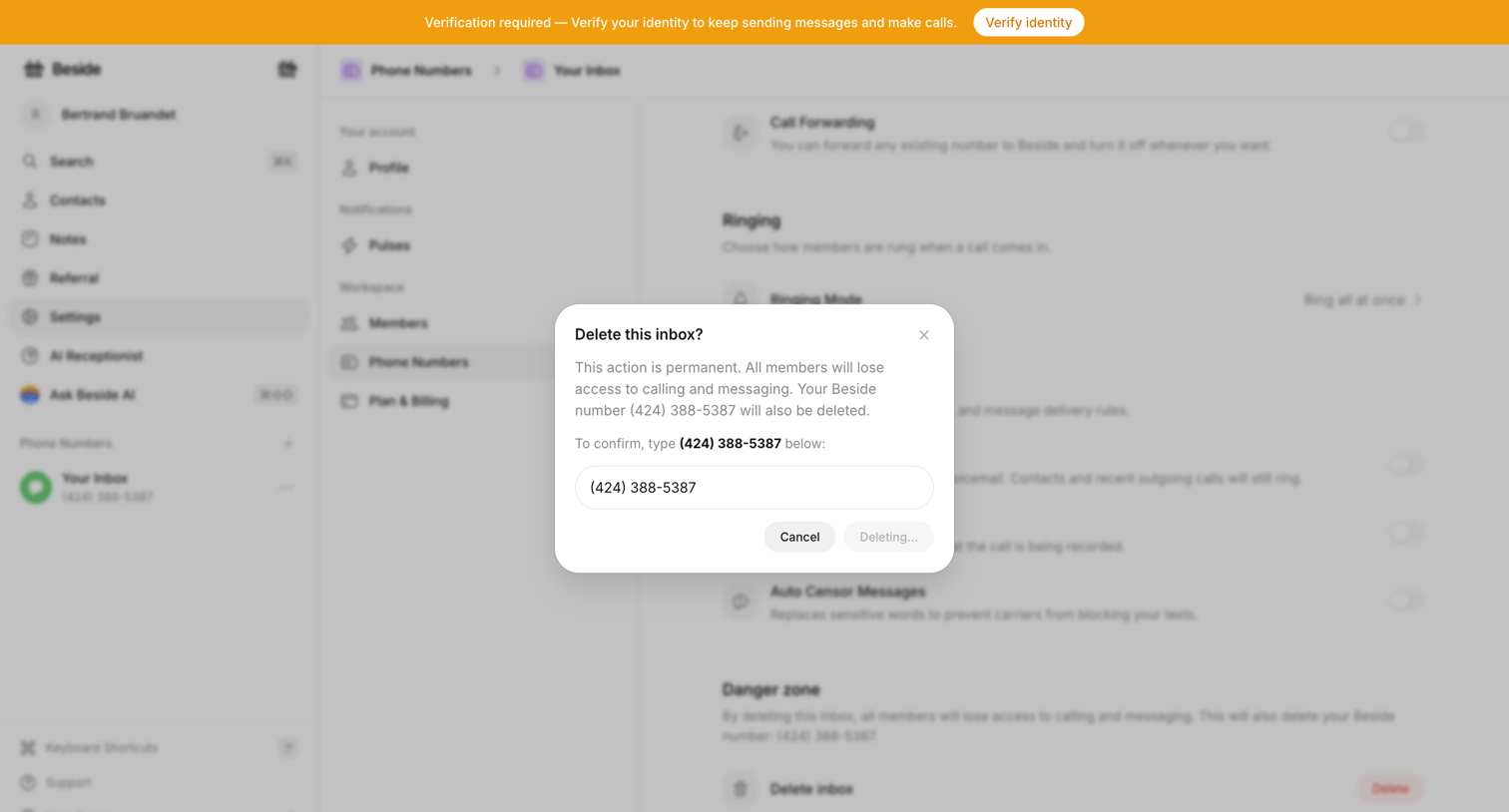

Settings page where the user confirms the destructive action of deleting a phone number inbox by typing the number into a modal.
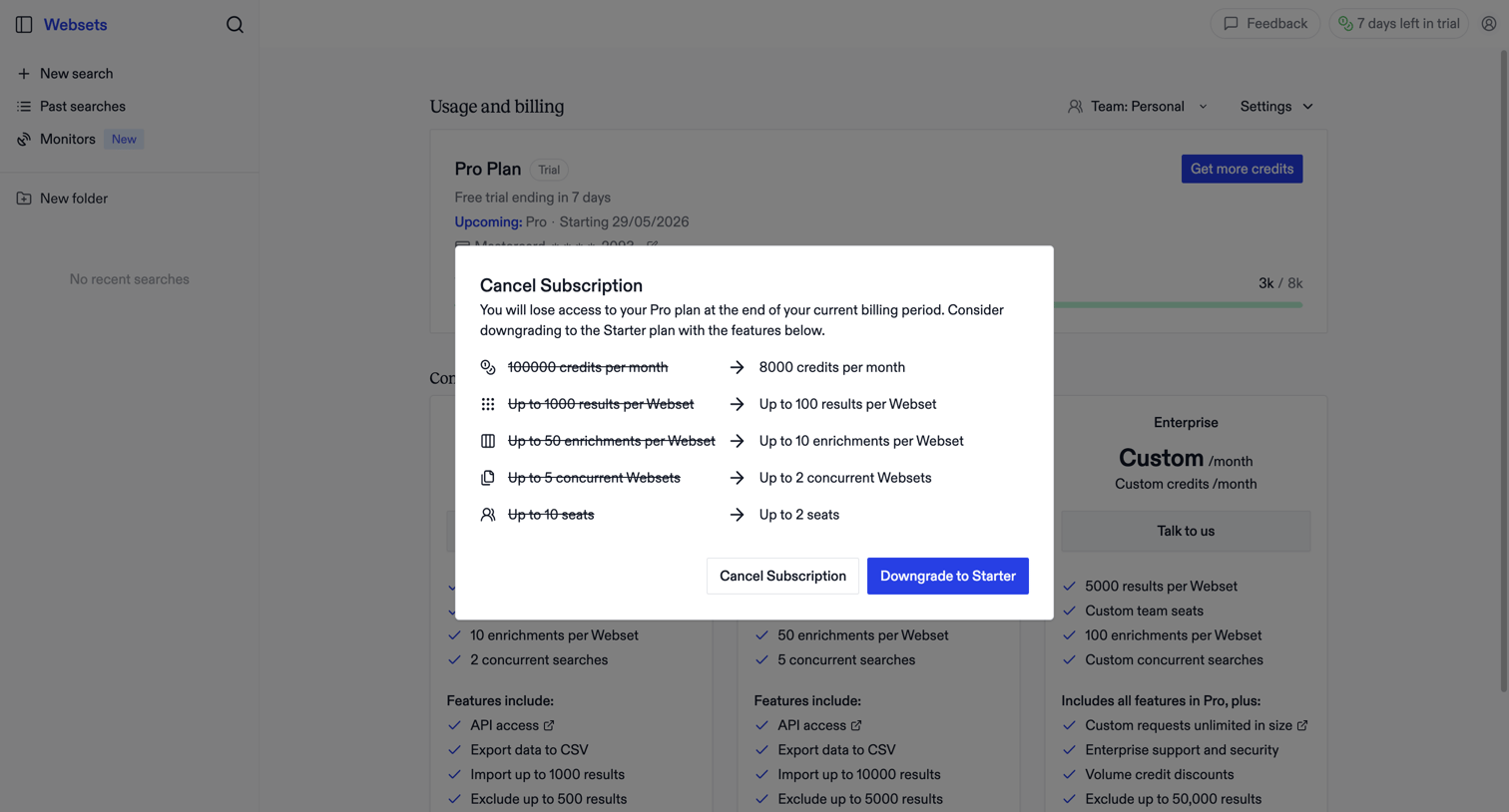

Settings page where a modal prompts the user to reconsider canceling their subscription by offering a downgrade to a Starter plan, highlighting the specific features and limits they will lose.
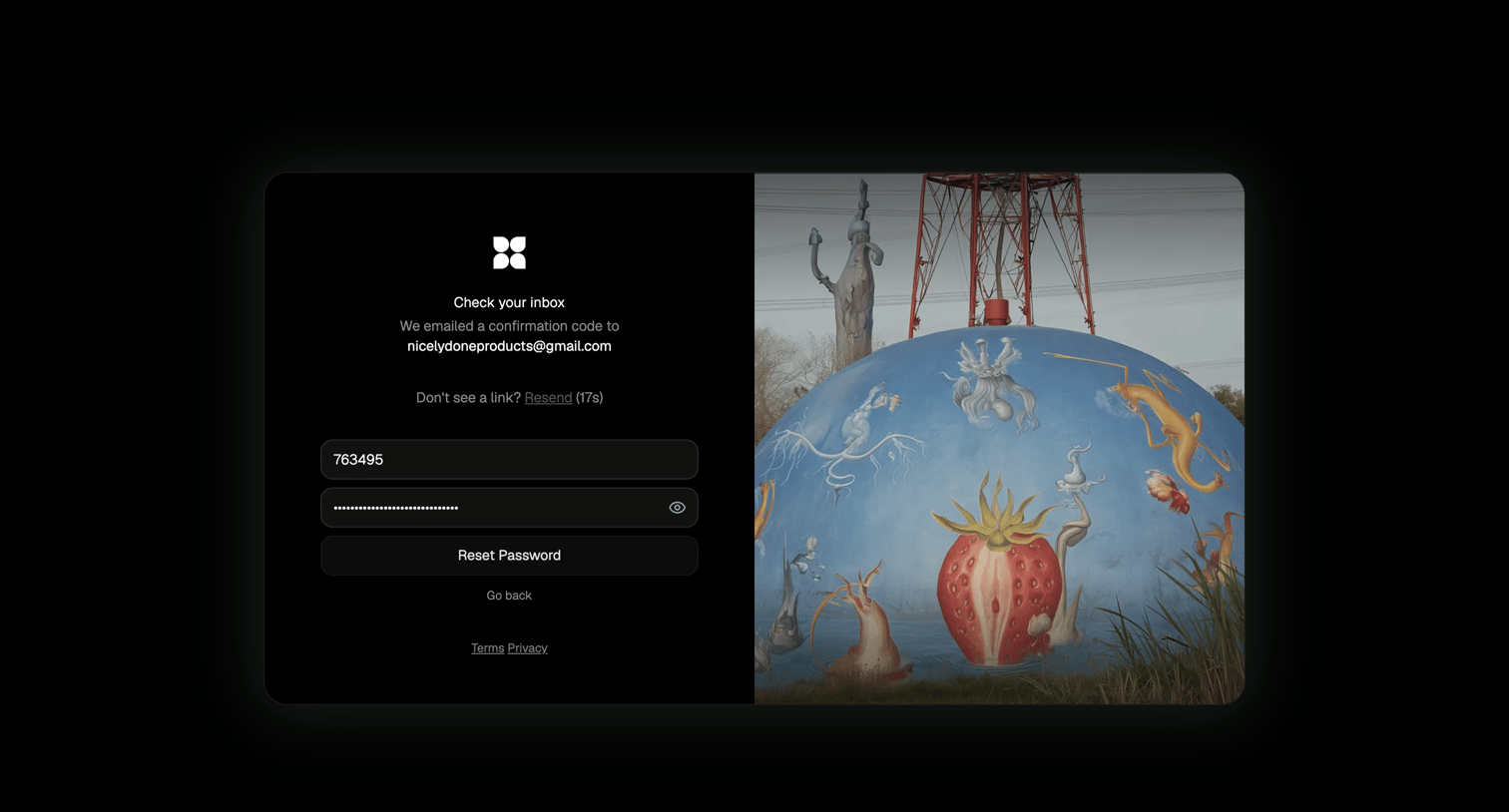

Password recovery screen where the user enters an emailed confirmation code and a new password to regain account access.
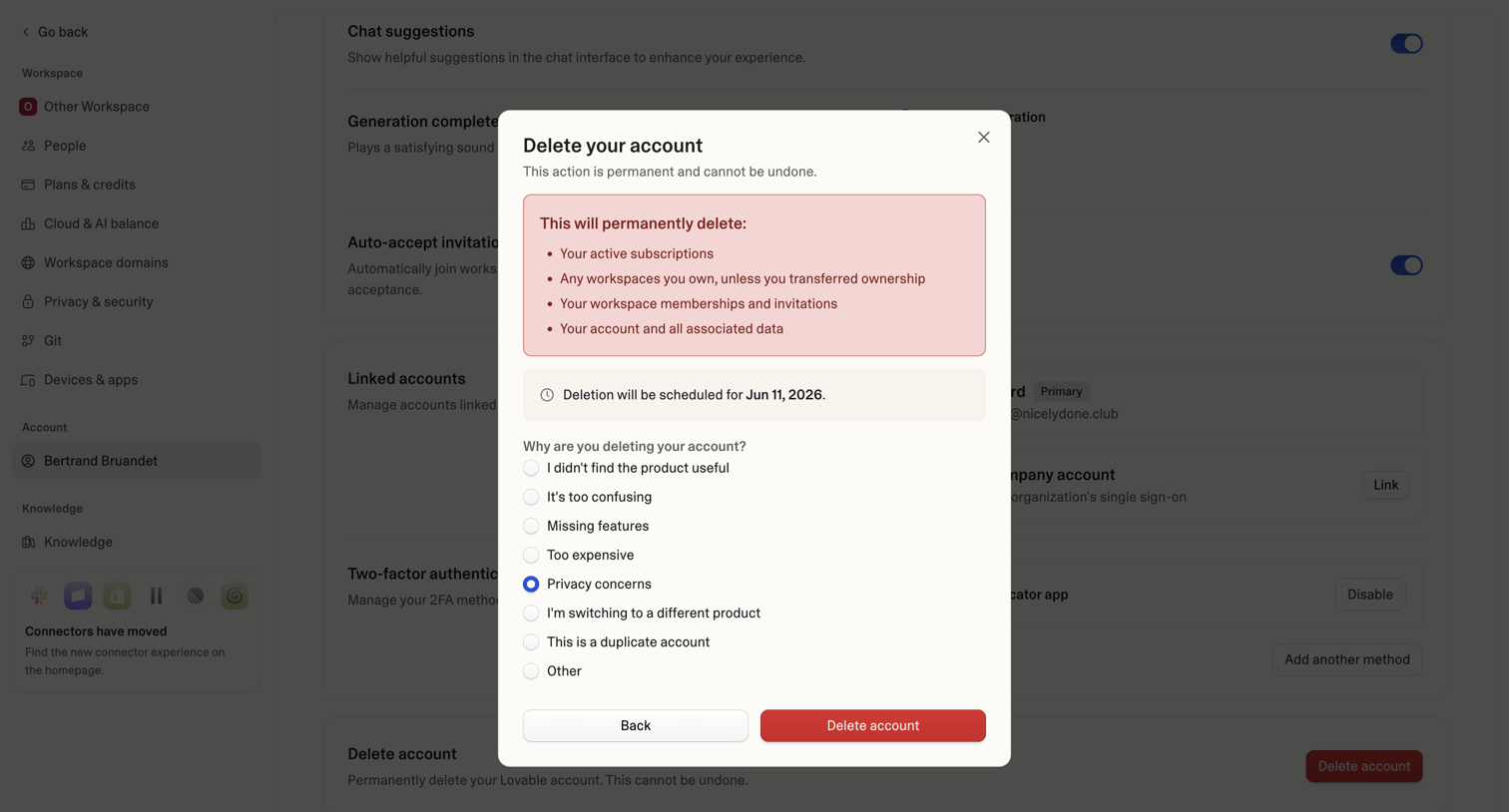

Settings page where the user confirms permanent account deletion and provides a reason for leaving via a radio button survey.
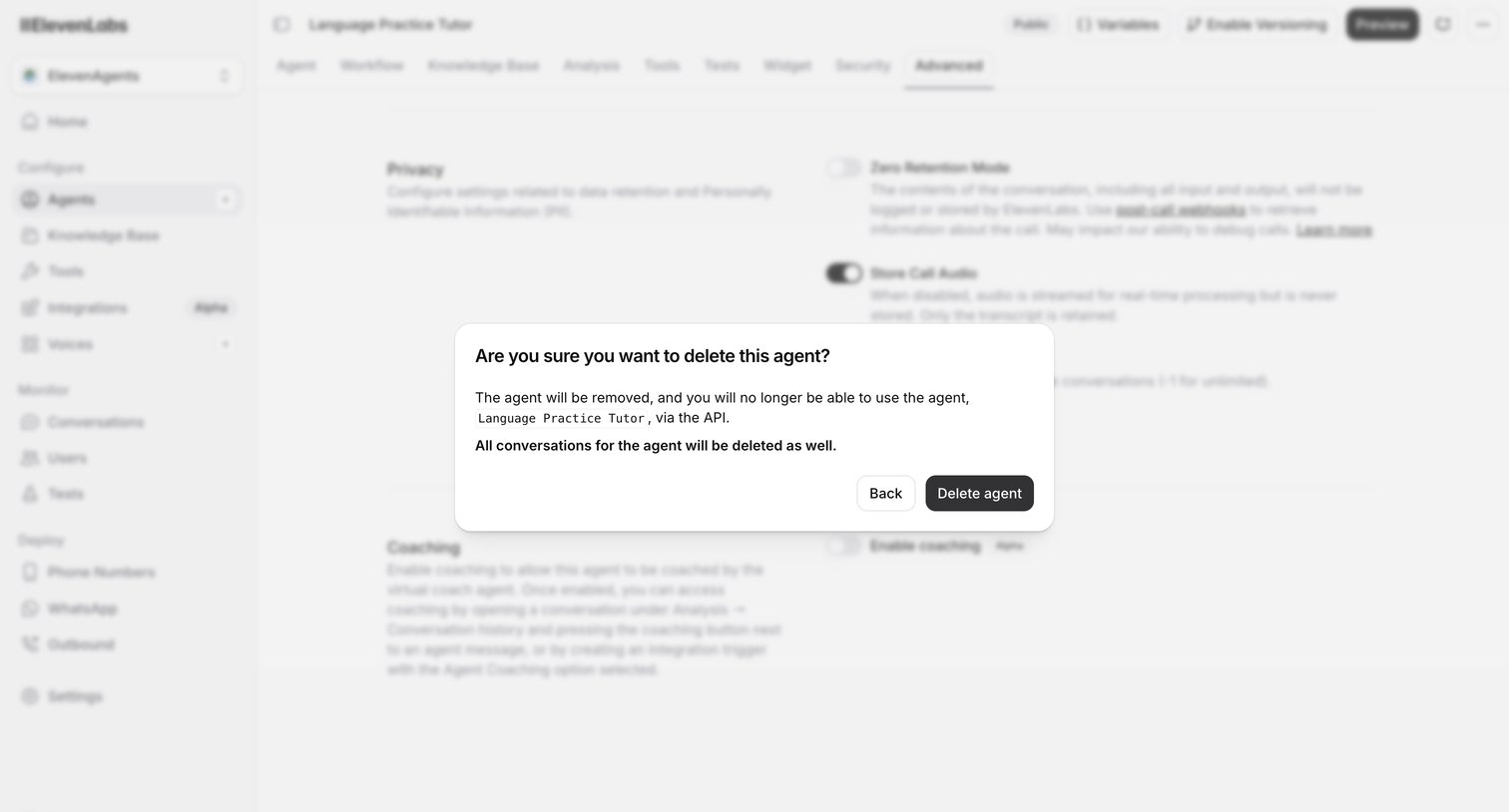

Settings page for an AI agent where a modal prompts the user to confirm the deletion of the agent and its conversation history.
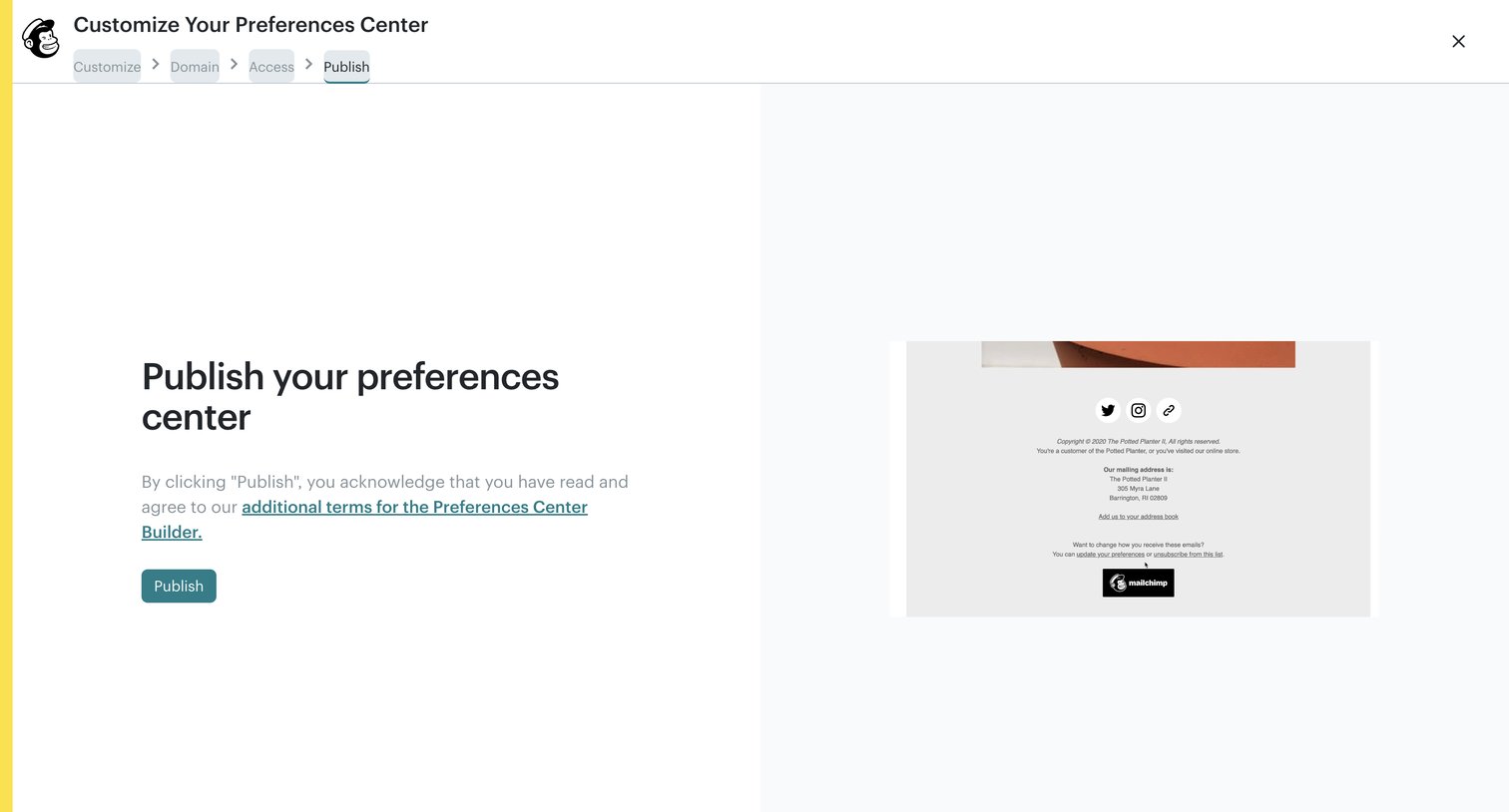

Builder wizard where the user reviews the terms and publishes their customized preferences center.
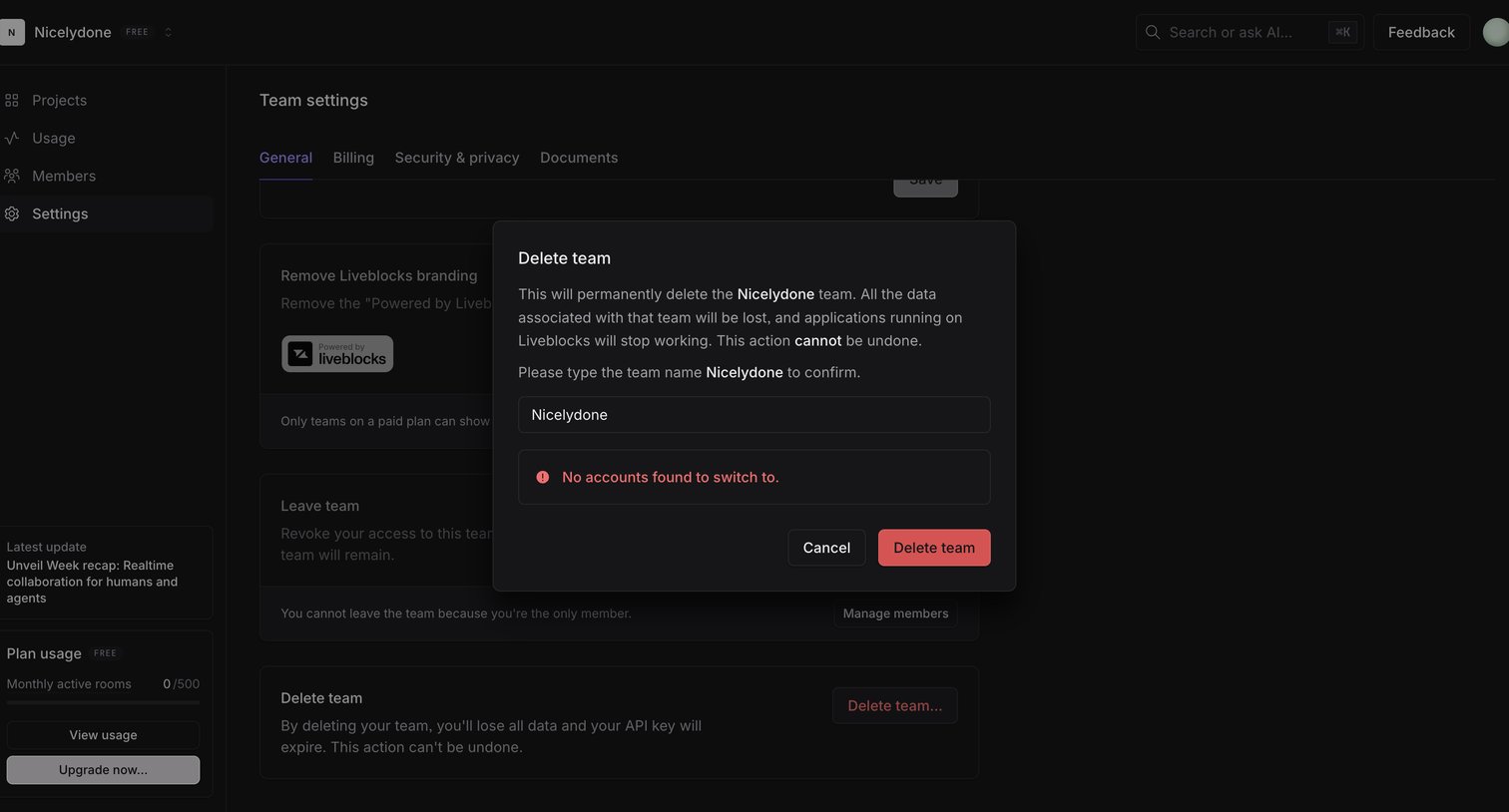

Settings page where the user must type their team name into a modal to confirm permanent deletion.
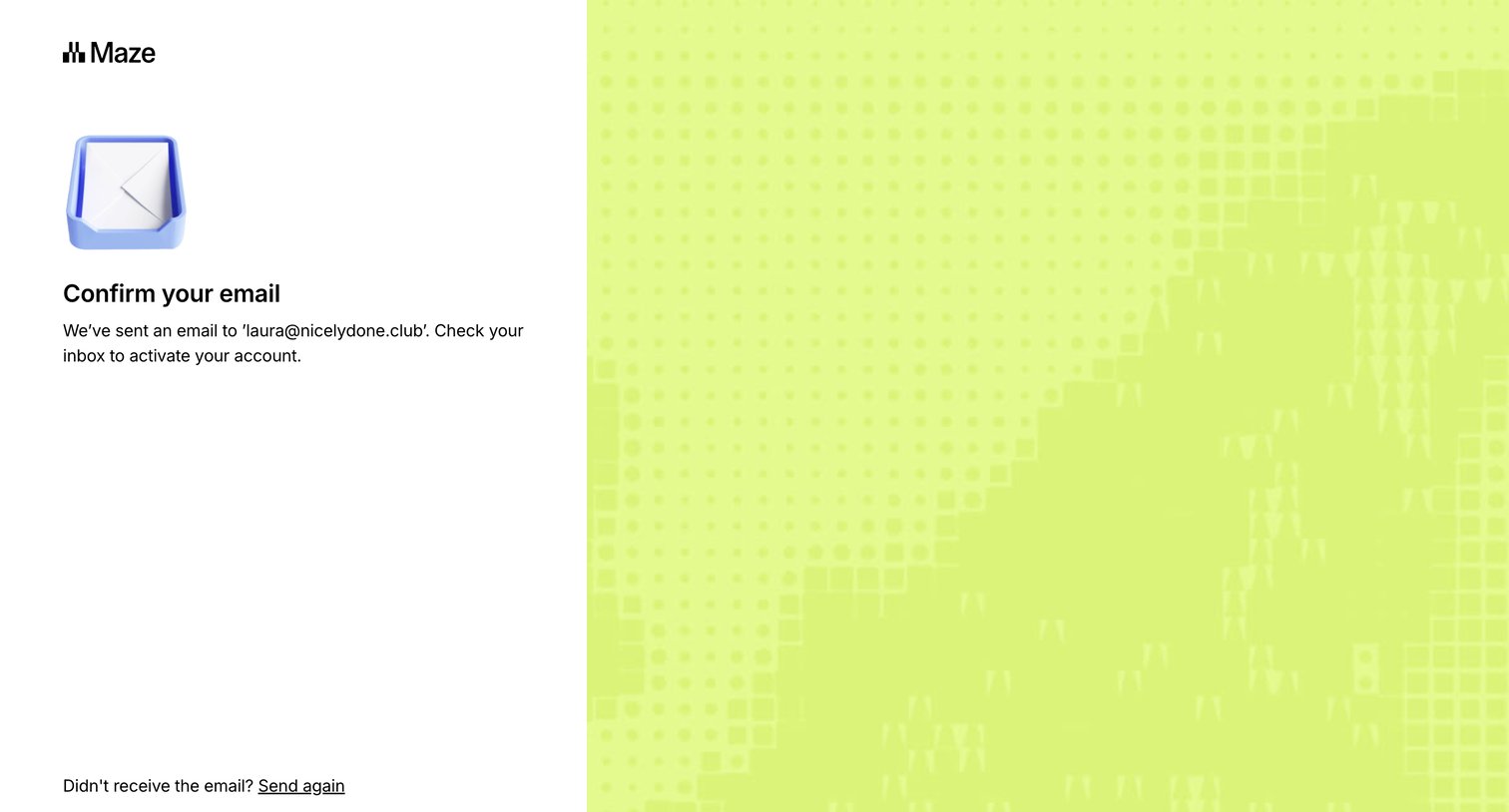

Auth screen where the user is instructed to check their inbox to confirm their email address, with options to resend the link or return to signup.
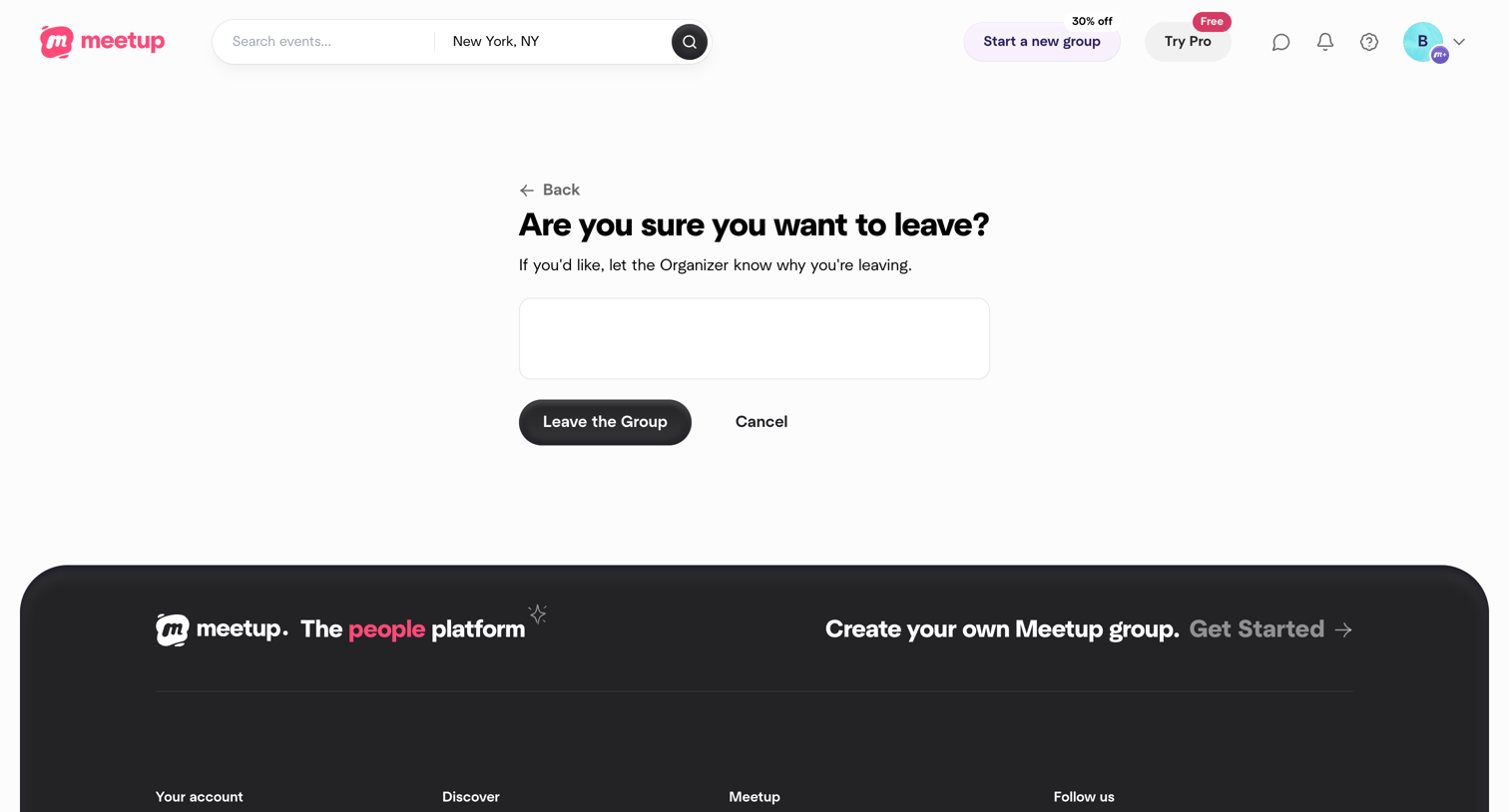

Settings confirmation screen where the user is asked to confirm leaving a group and can optionally provide a reason to the organizer.
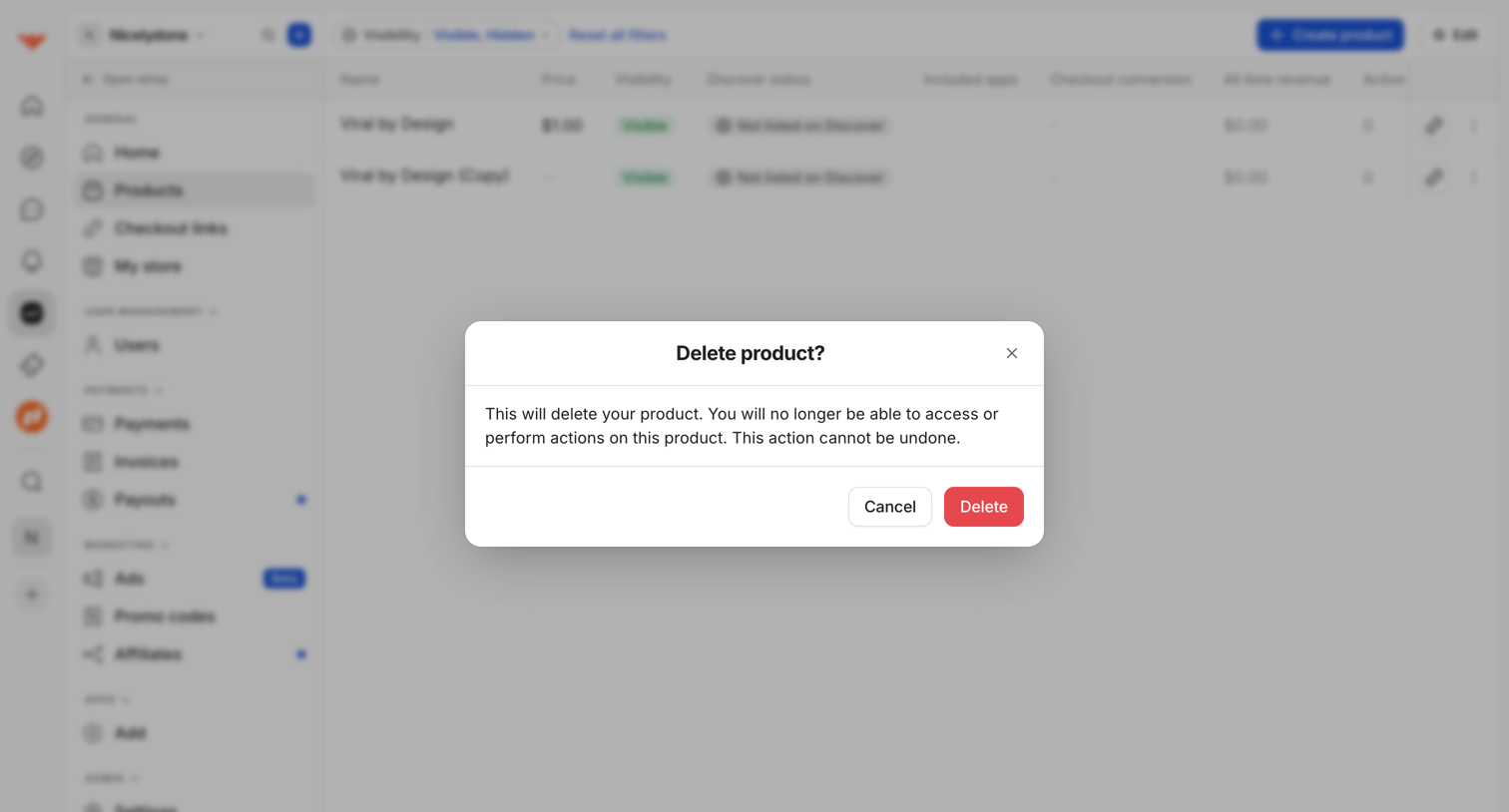

List view of digital products where a modal prompts the user to confirm the irreversible deletion of a selected product.
Explore the full SaaS screen library
Upgrade to unlock the full library.
Trusted by the best teams







