Configuration screen examples
Configuration screen design examples from SaaS apps. Browse examples from Dock, Beside, Exa.
Explore the examples
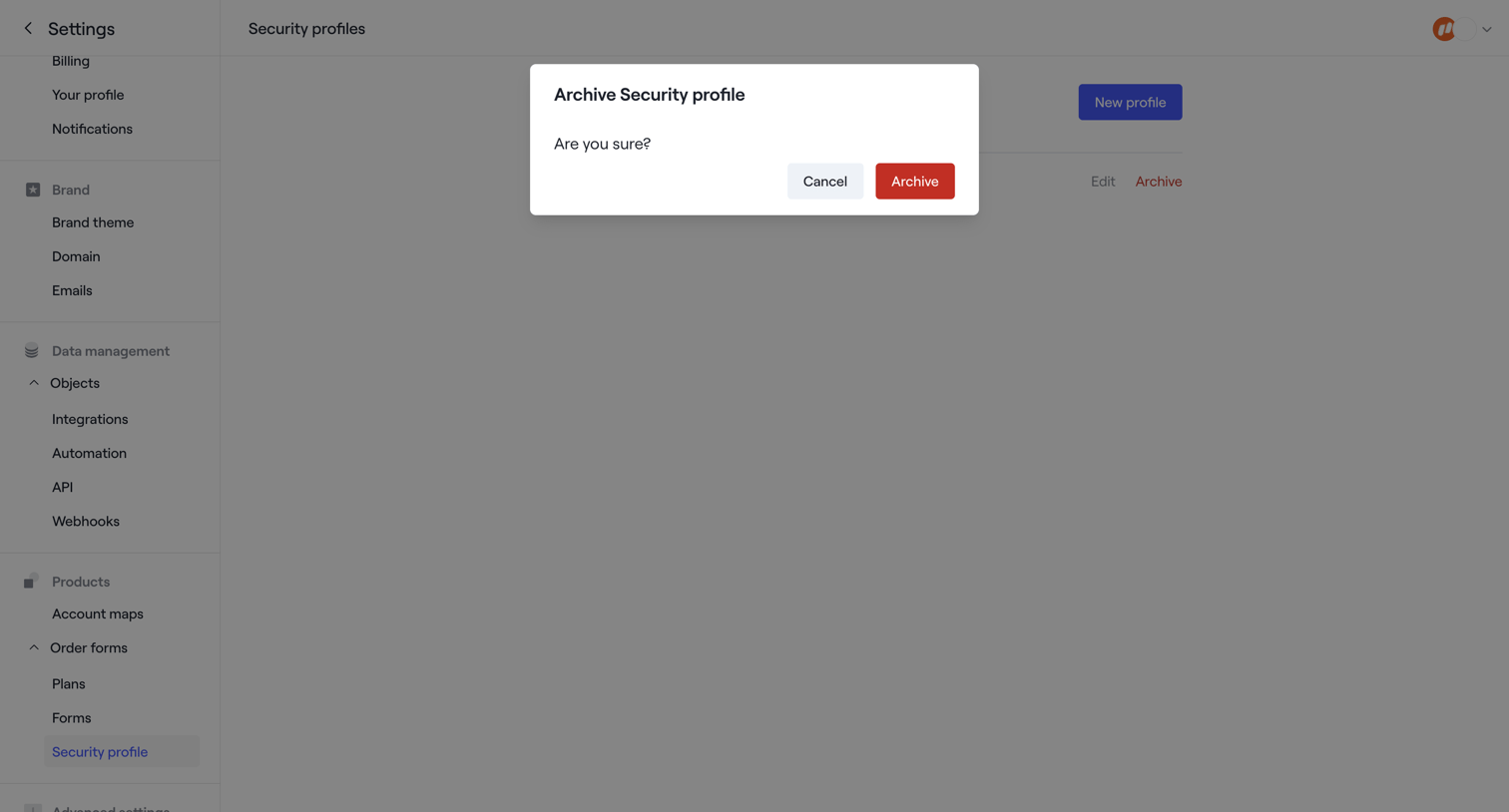

Settings page where the user is prompted to confirm archiving a security profile.
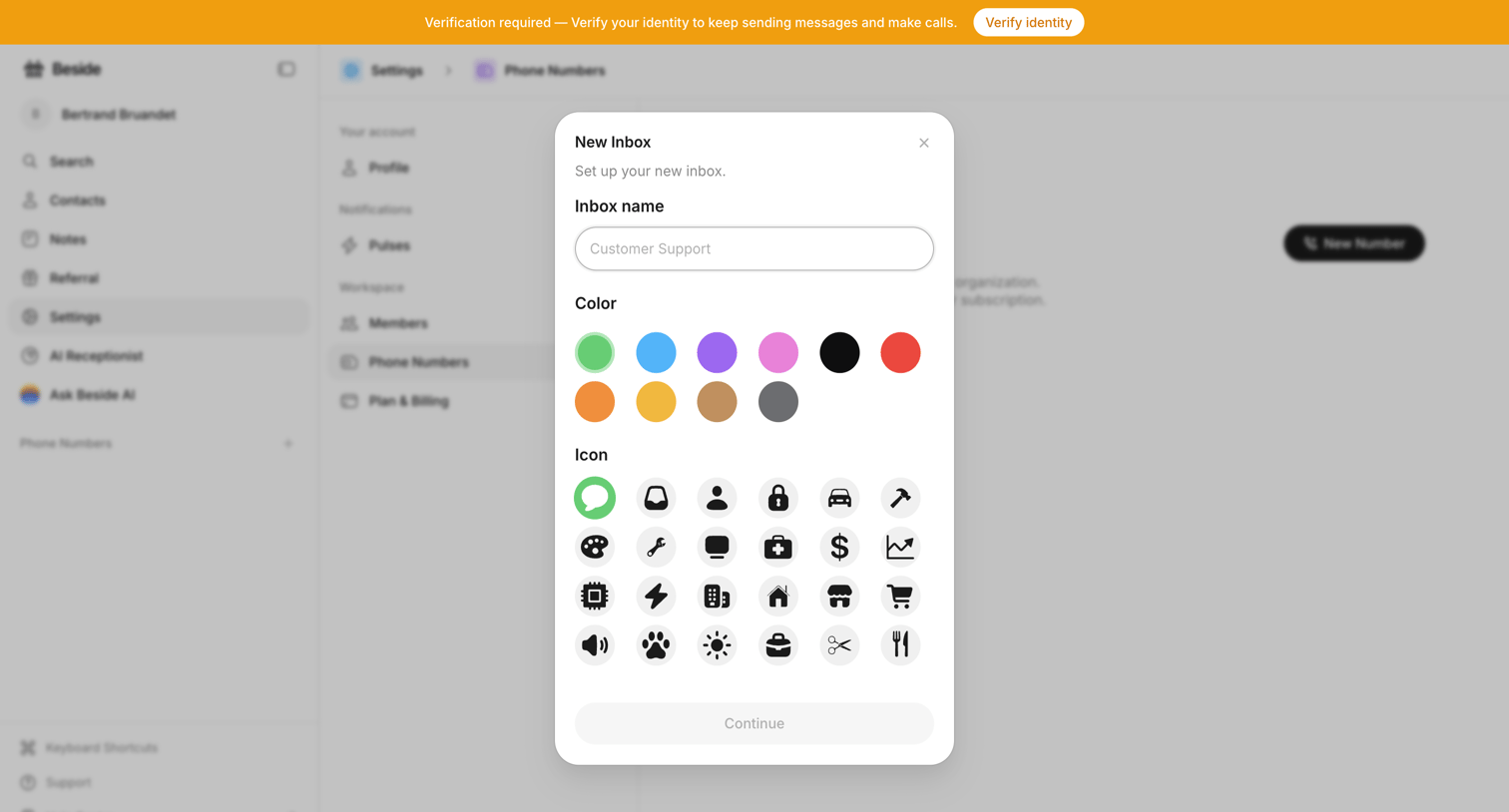

Settings page where the user creates a new inbox by entering a name, selecting a color, and choosing an icon from a grid.
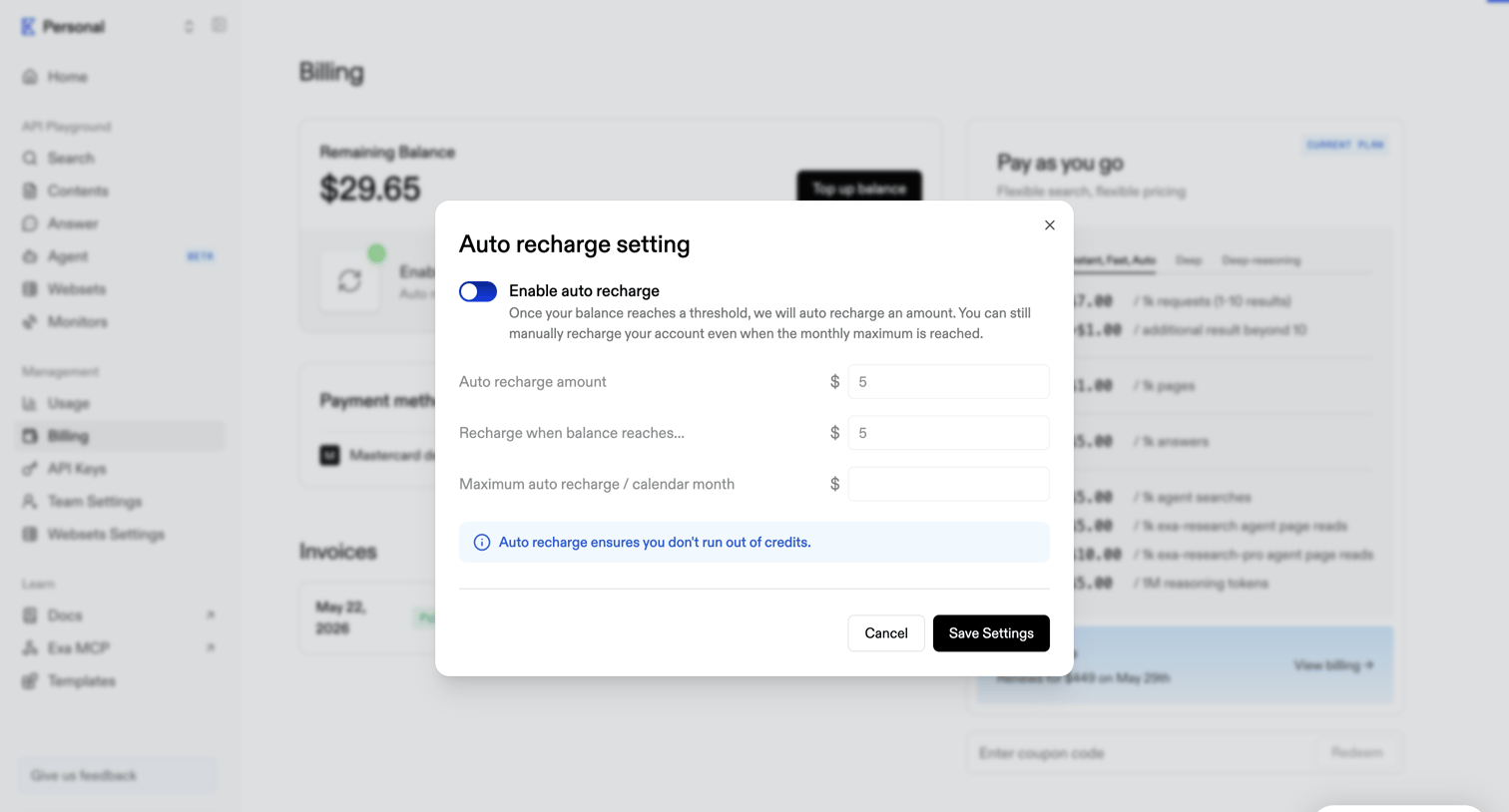

Billing settings modal where the user configures auto-recharge amounts and thresholds to prevent running out of API credits.
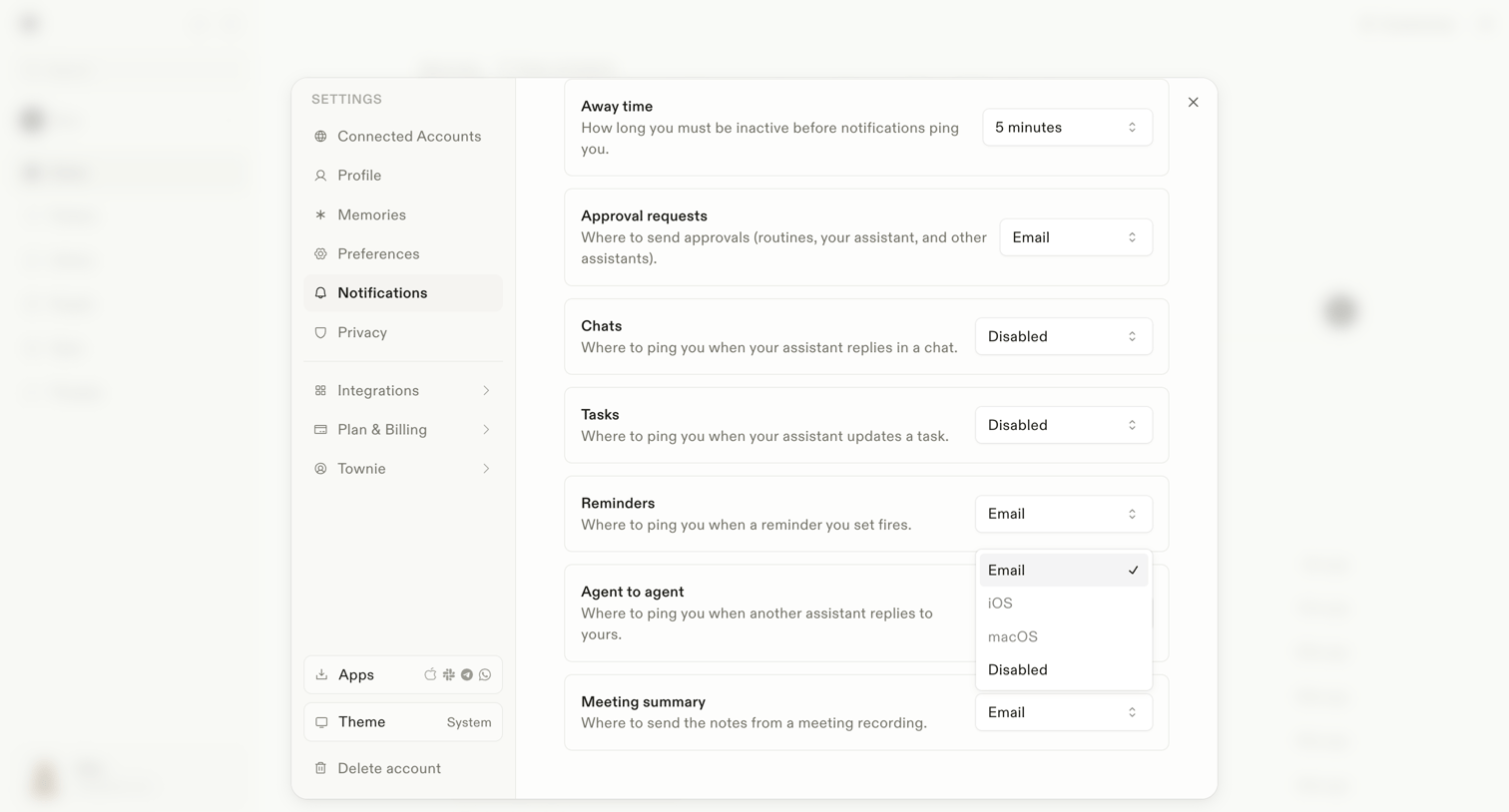

Settings modal where the user configures notification preferences for different events like away time, approval requests, and agent interactions.
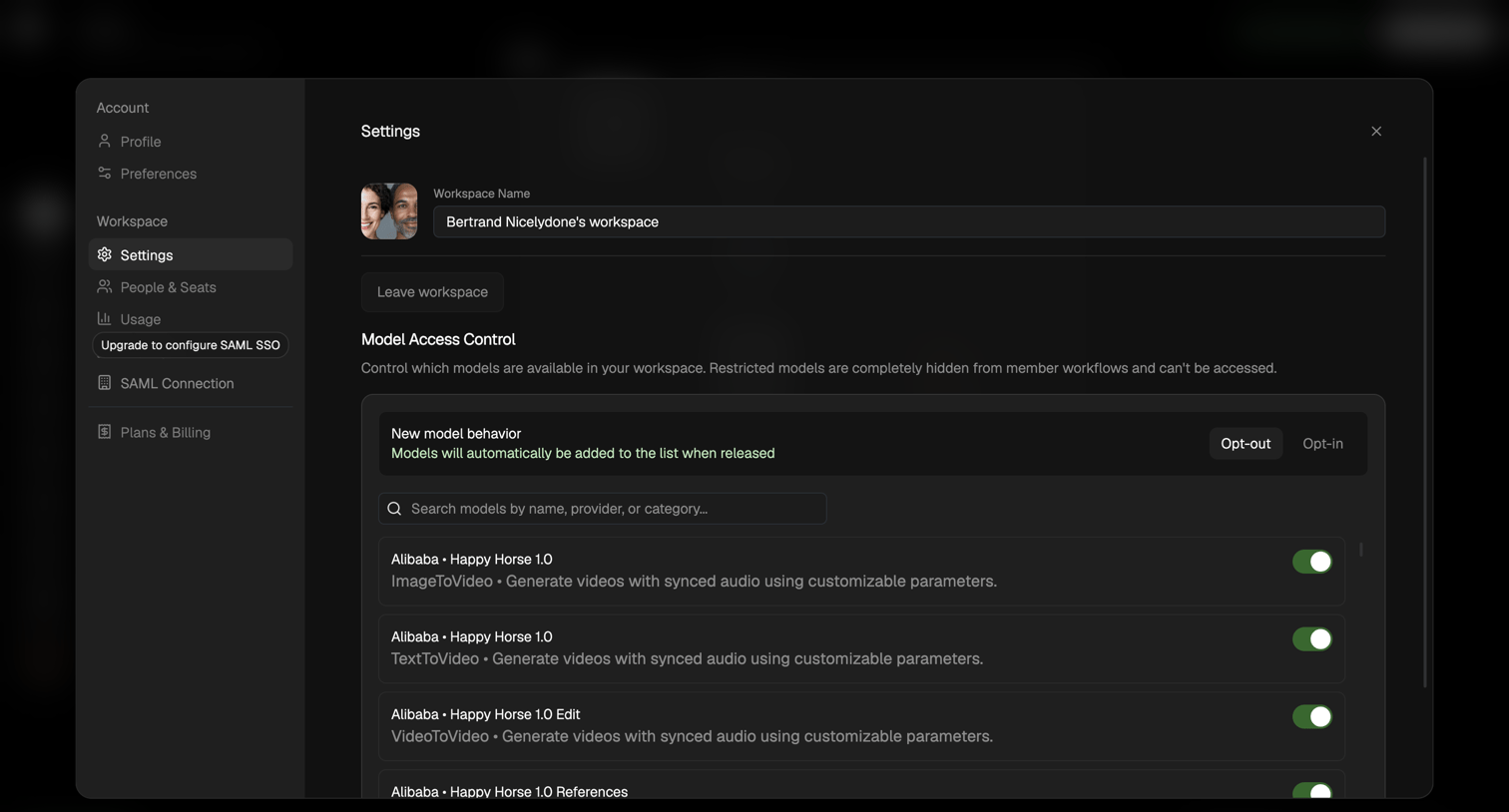

Settings modal where the user configures their workspace name and toggles access to specific AI models like Alibaba Happy Horse.
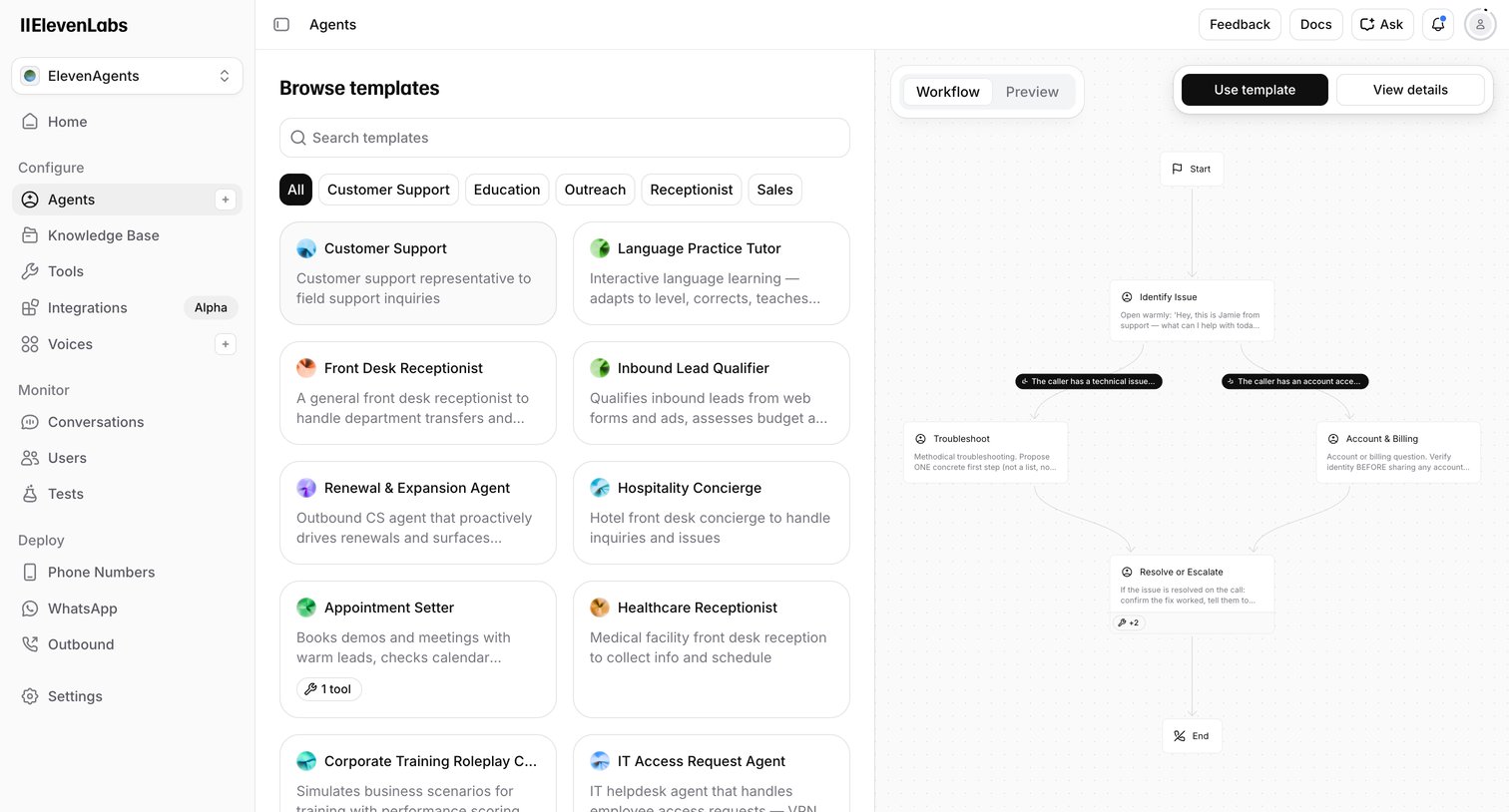

Create page where the user browses voice AI agent templates by category and previews their conversational workflow before starting.
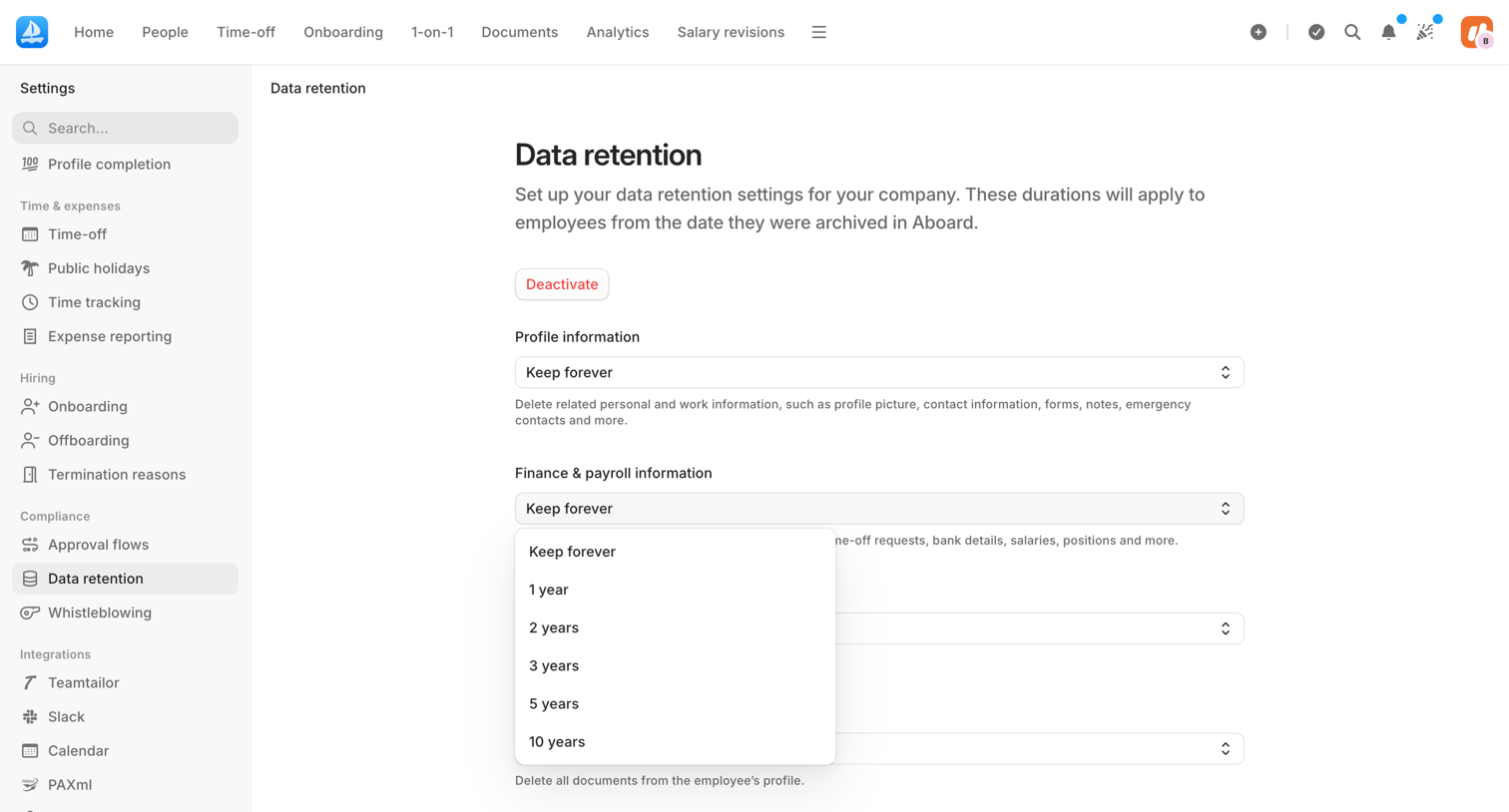

Settings page where an admin configures data retention durations for employee profiles, finance records, documents, and AI logs.
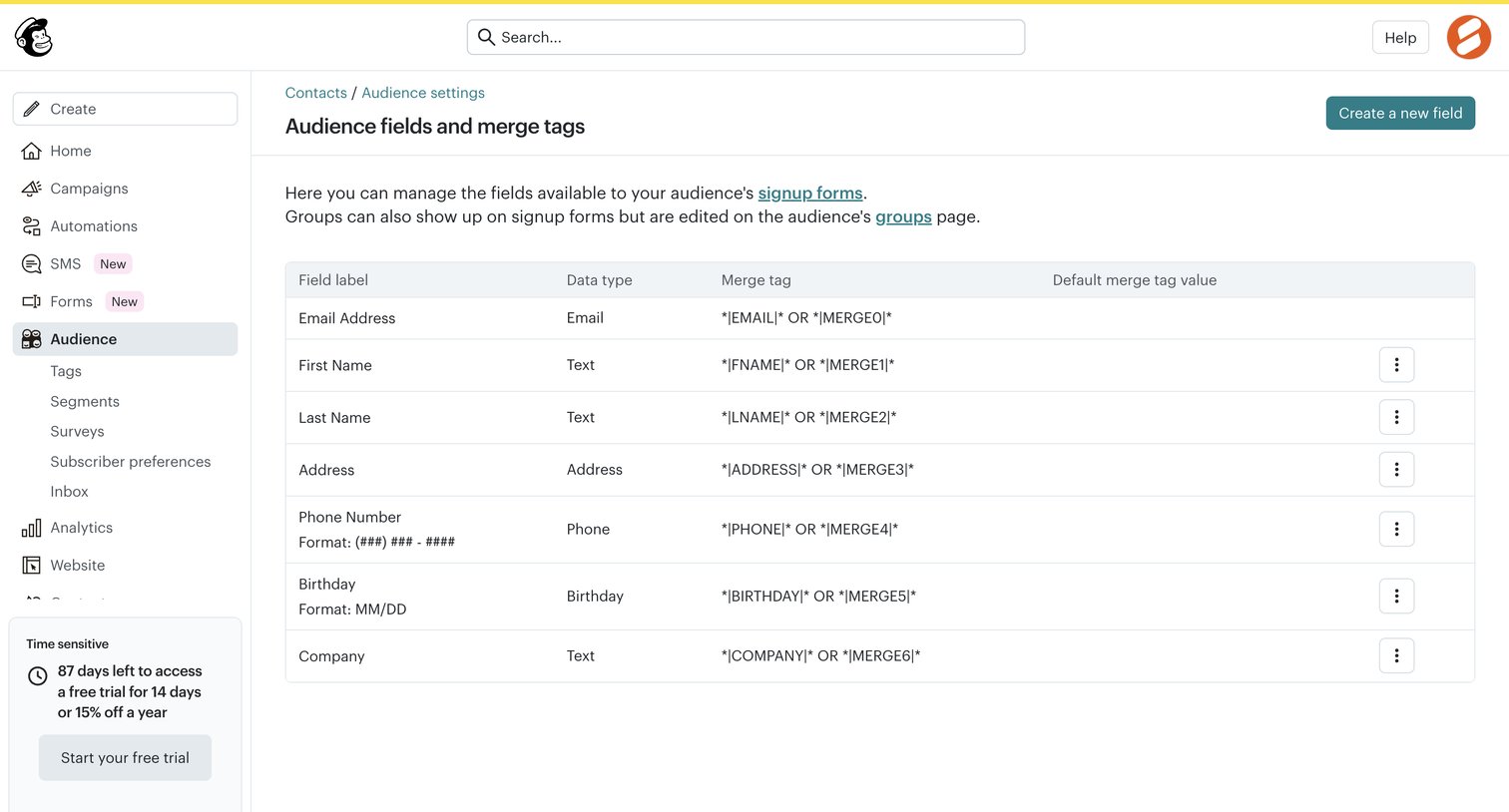

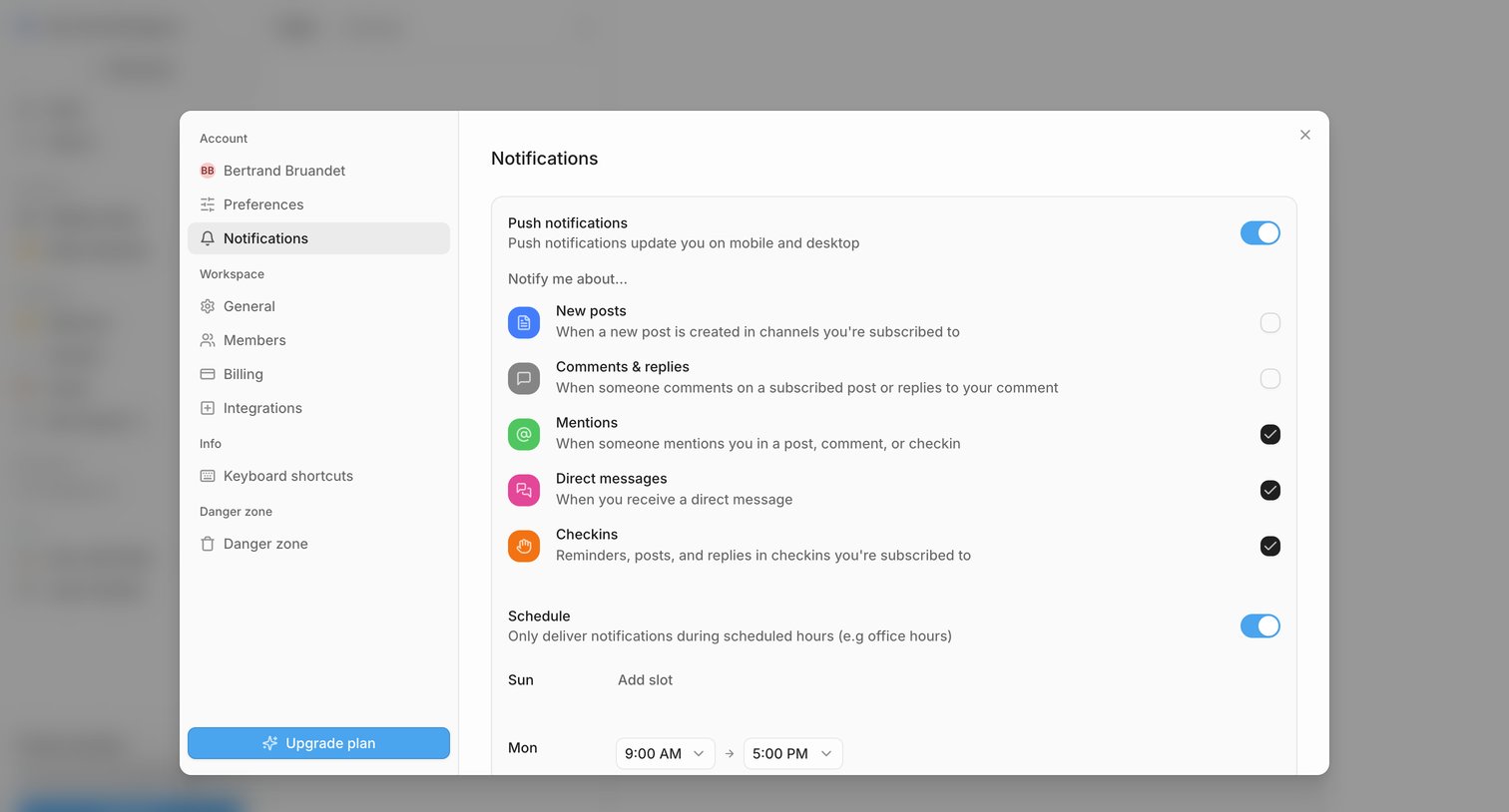

Settings modal where the user configures push notifications, selects specific event triggers like mentions and direct messages, and sets a delivery schedule.
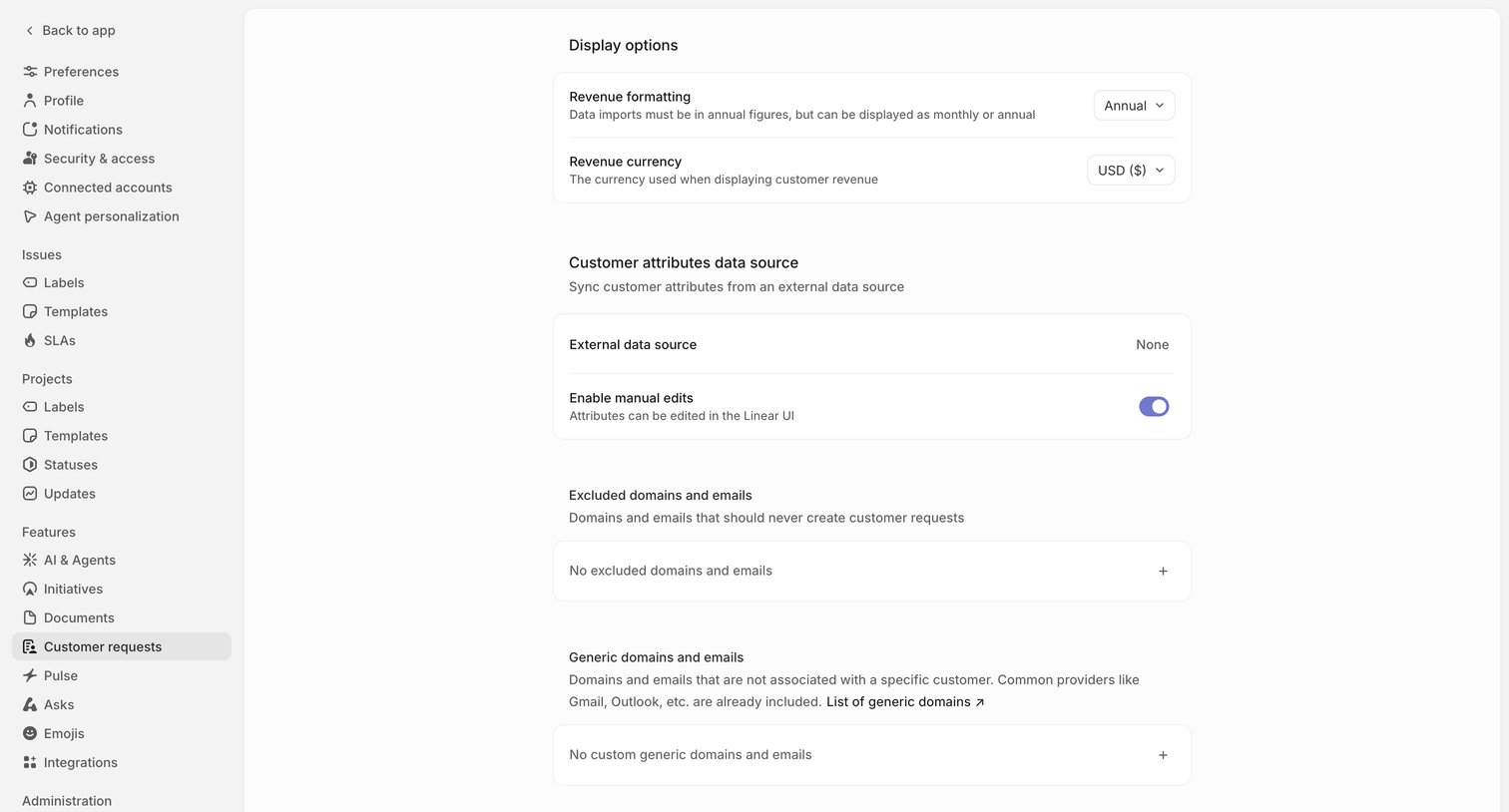

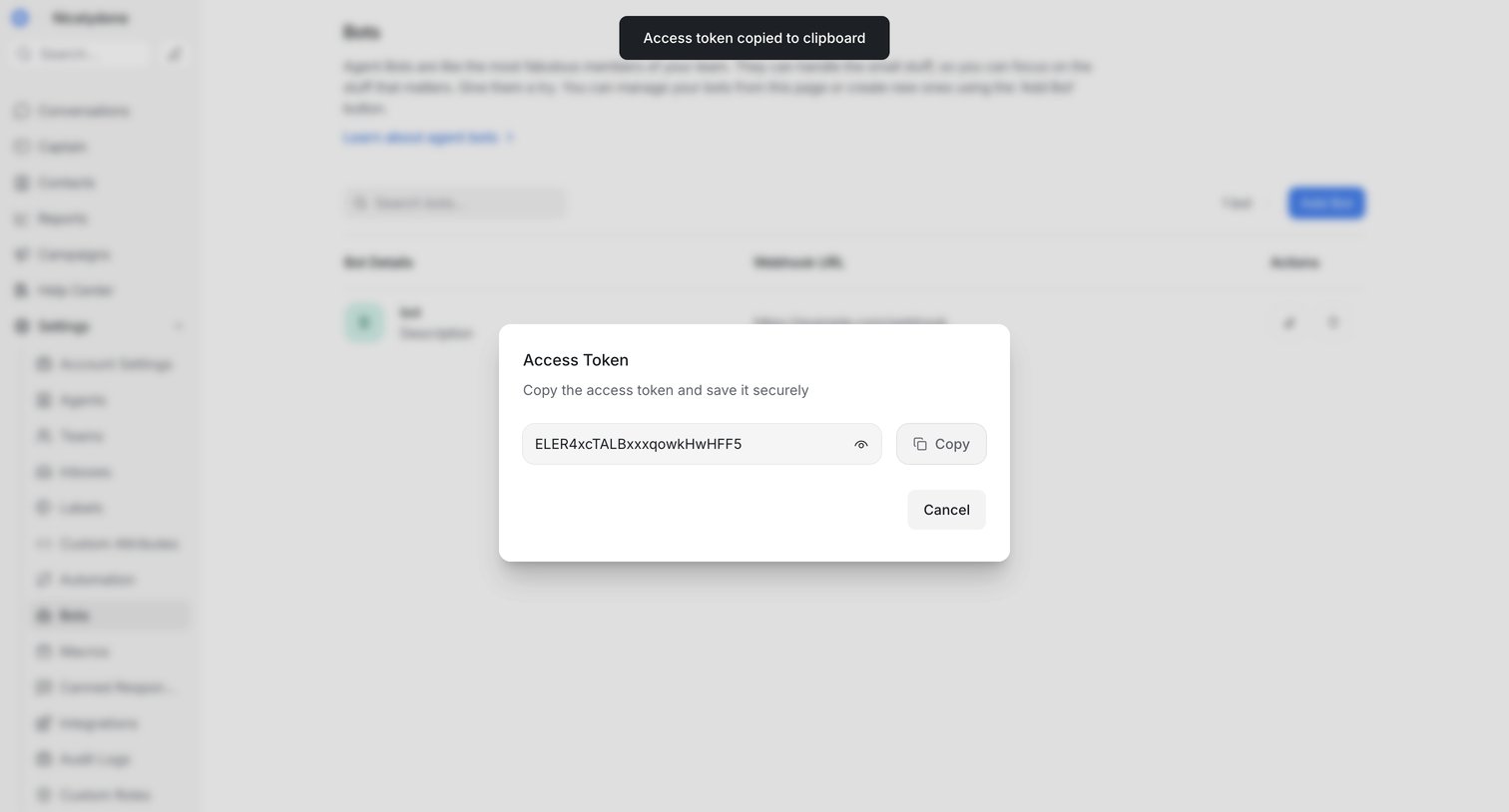

Settings page where the user copies a newly generated access token for an agent bot from a modal dialog.
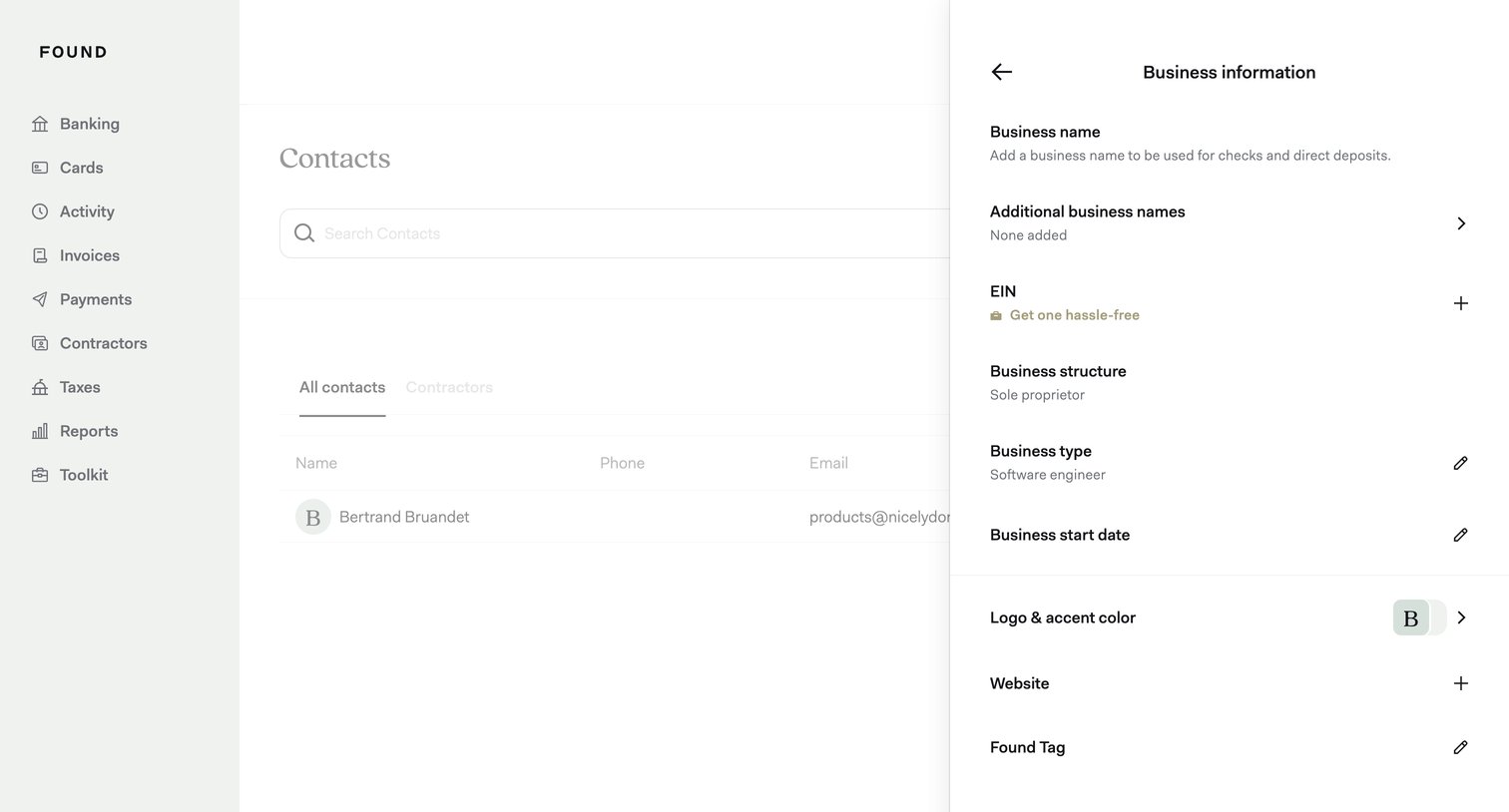

Settings drawer where the user manages their business profile details, including EIN, business structure, and logo.
Explore the full SaaS screen library
Upgrade to unlock the full library.
Trusted by the best teams







