Chat interface screen examples
Chat interface screen design examples from SaaS apps. Browse examples from Bud, Magnific, Alloy.
Explore the examples
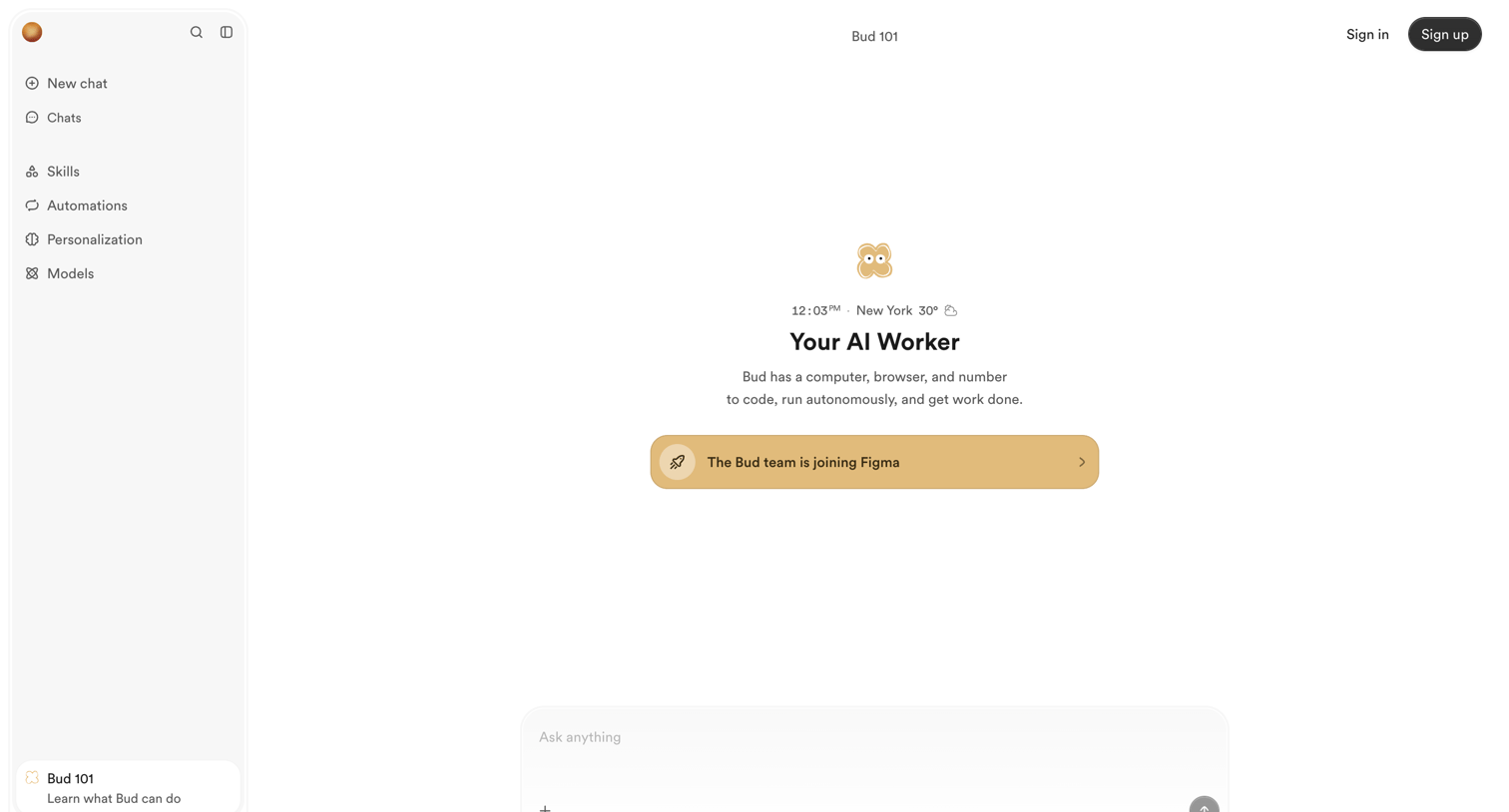

Landing page for an AI worker tool featuring a mock app interface with a central chat composer and a banner announcing an acquisition.
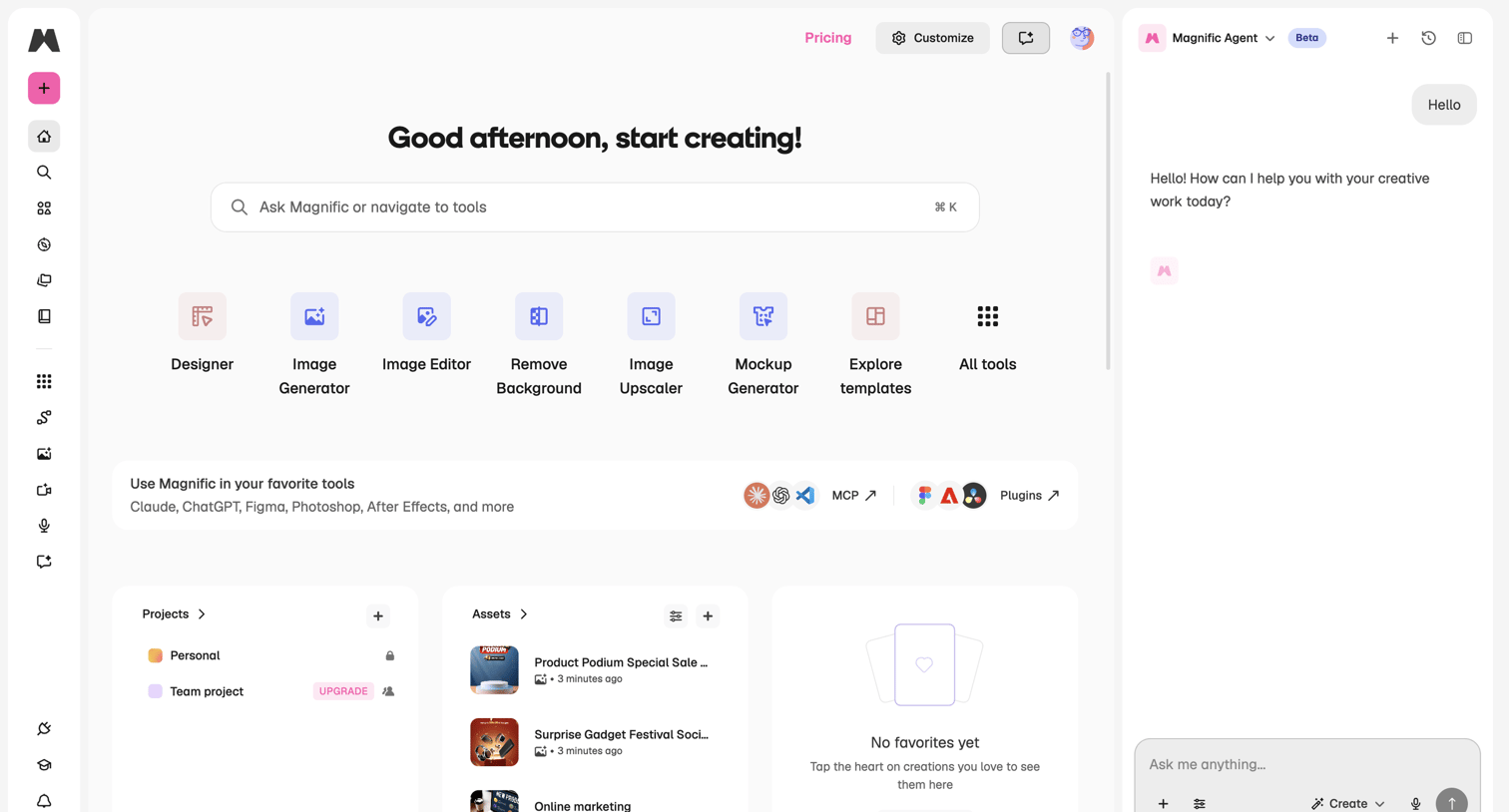

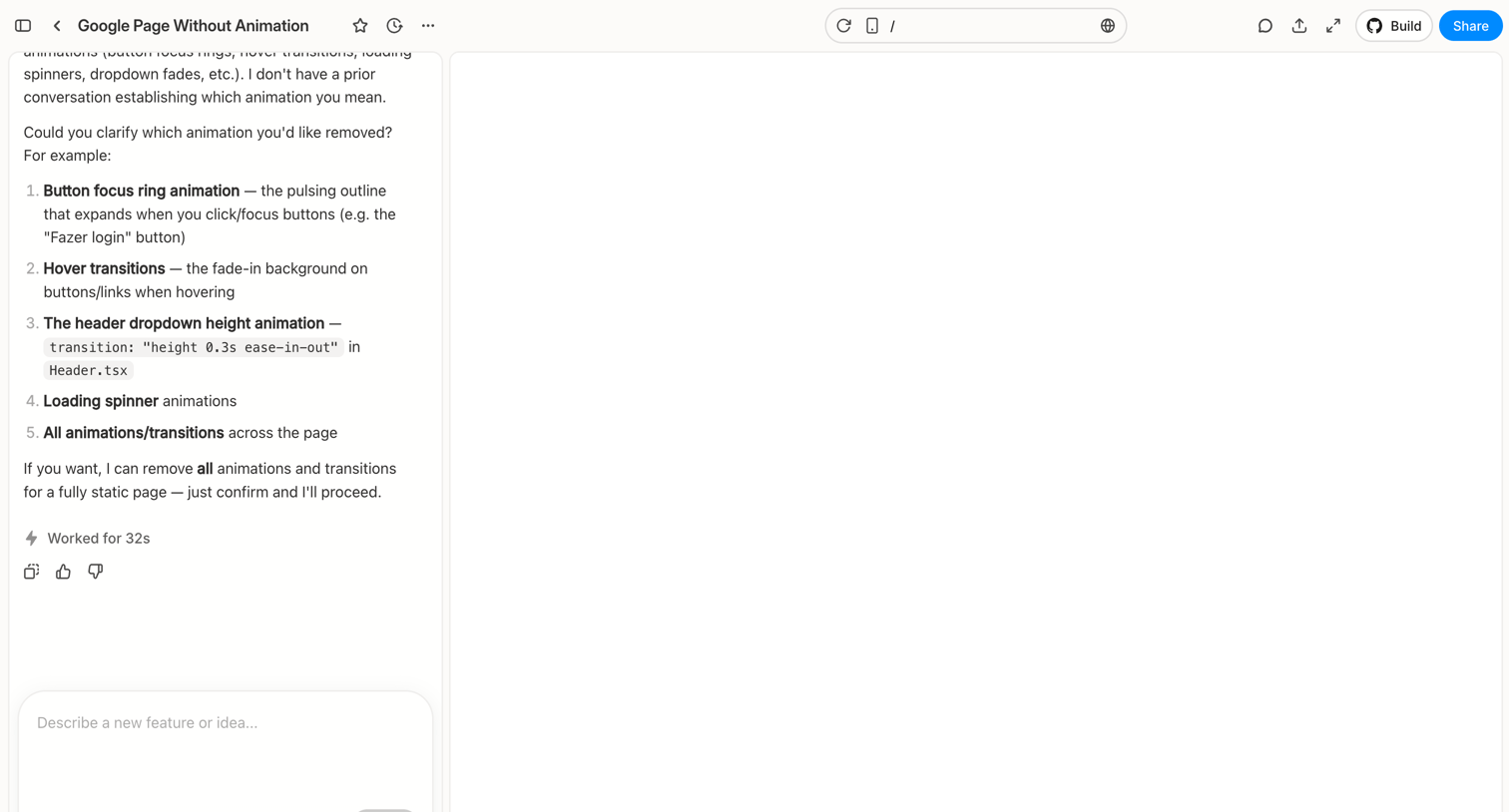

Workspace where the user chats with an AI to modify a web page, featuring a conversational sidebar and a live preview canvas.
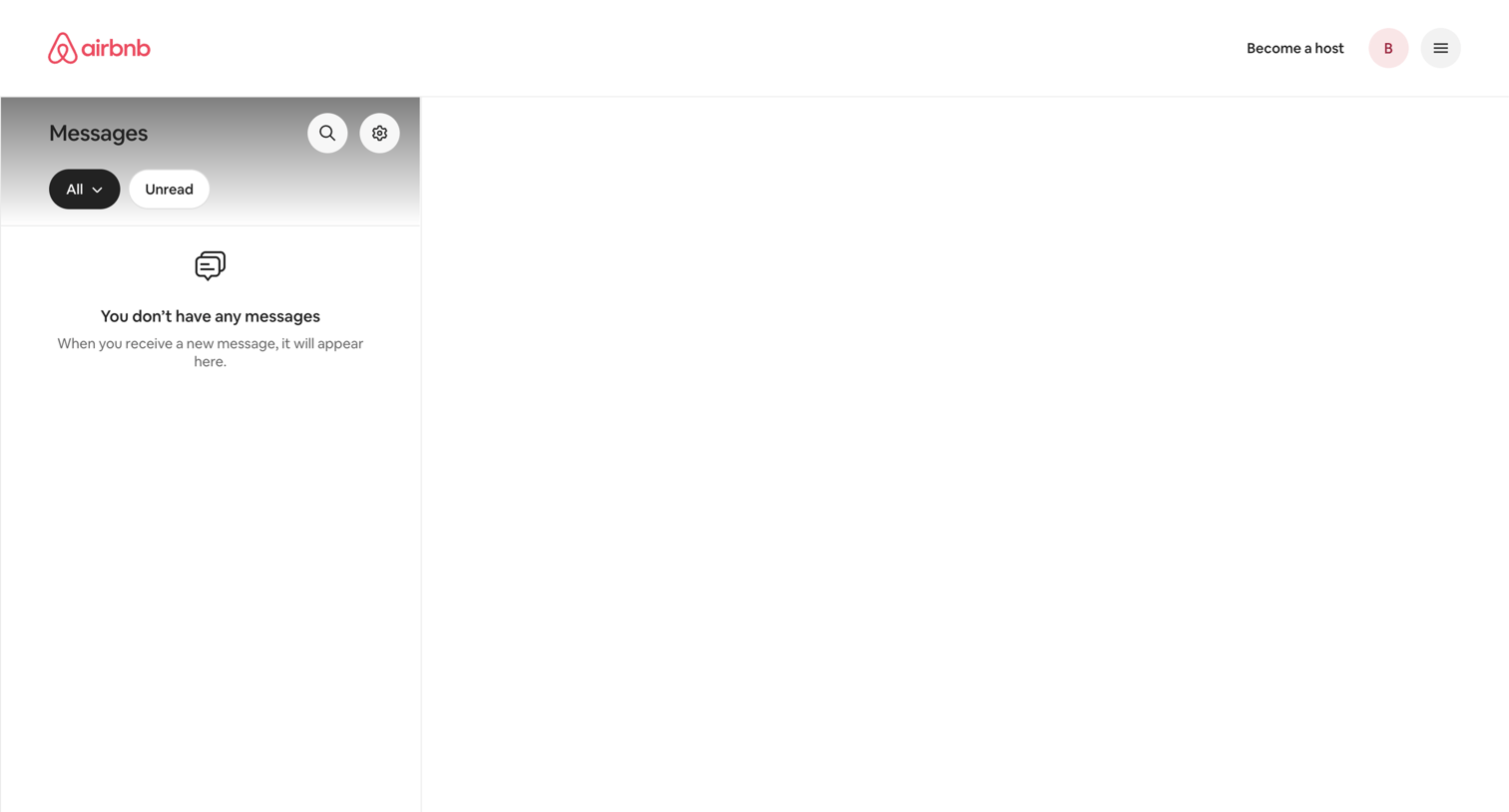

Inbox view where the user manages guest communications, currently showing an empty state with no messages.
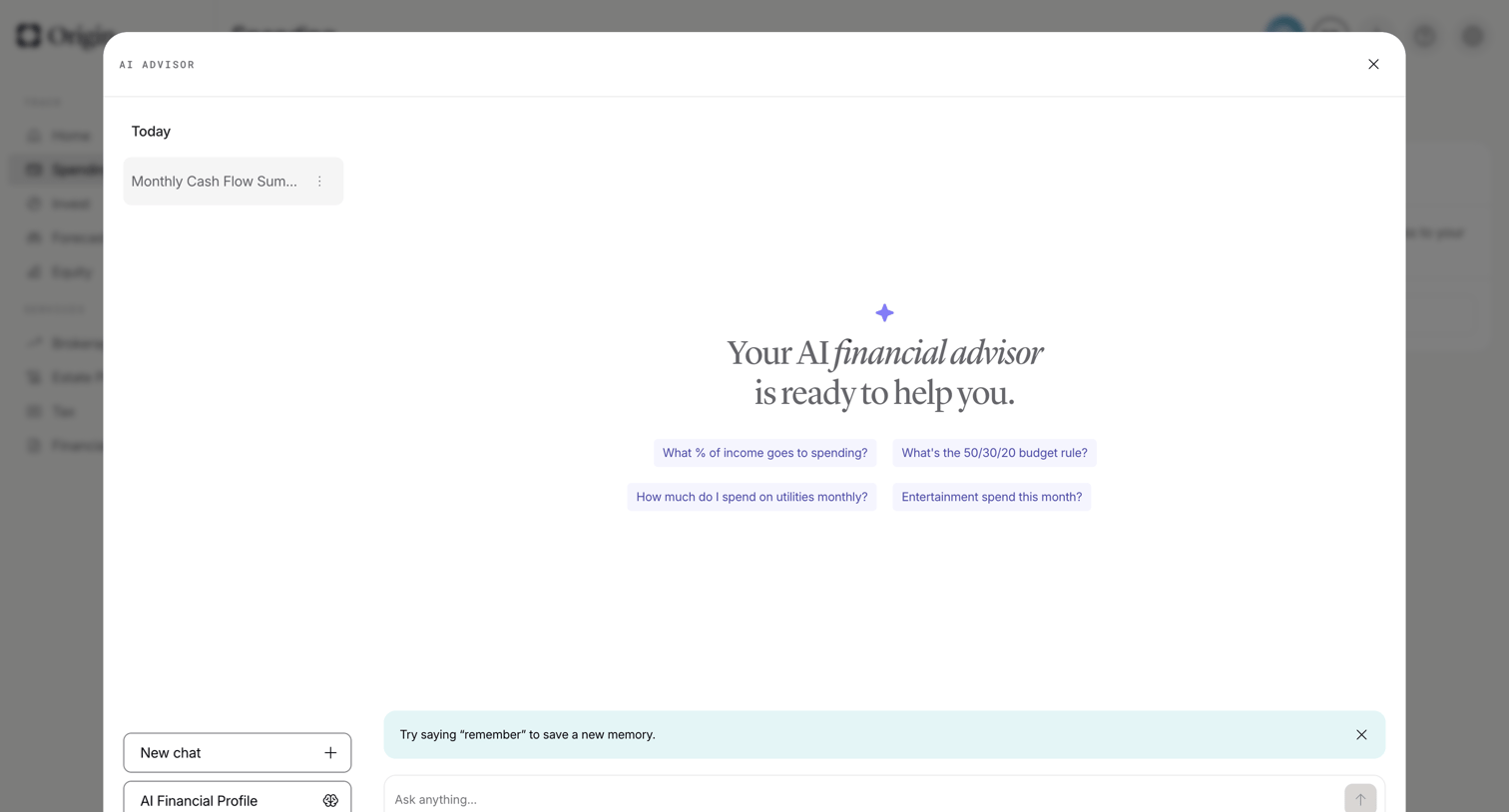

AI chat overlay where the user can ask financial questions, start a new chat, or access their AI financial profile.
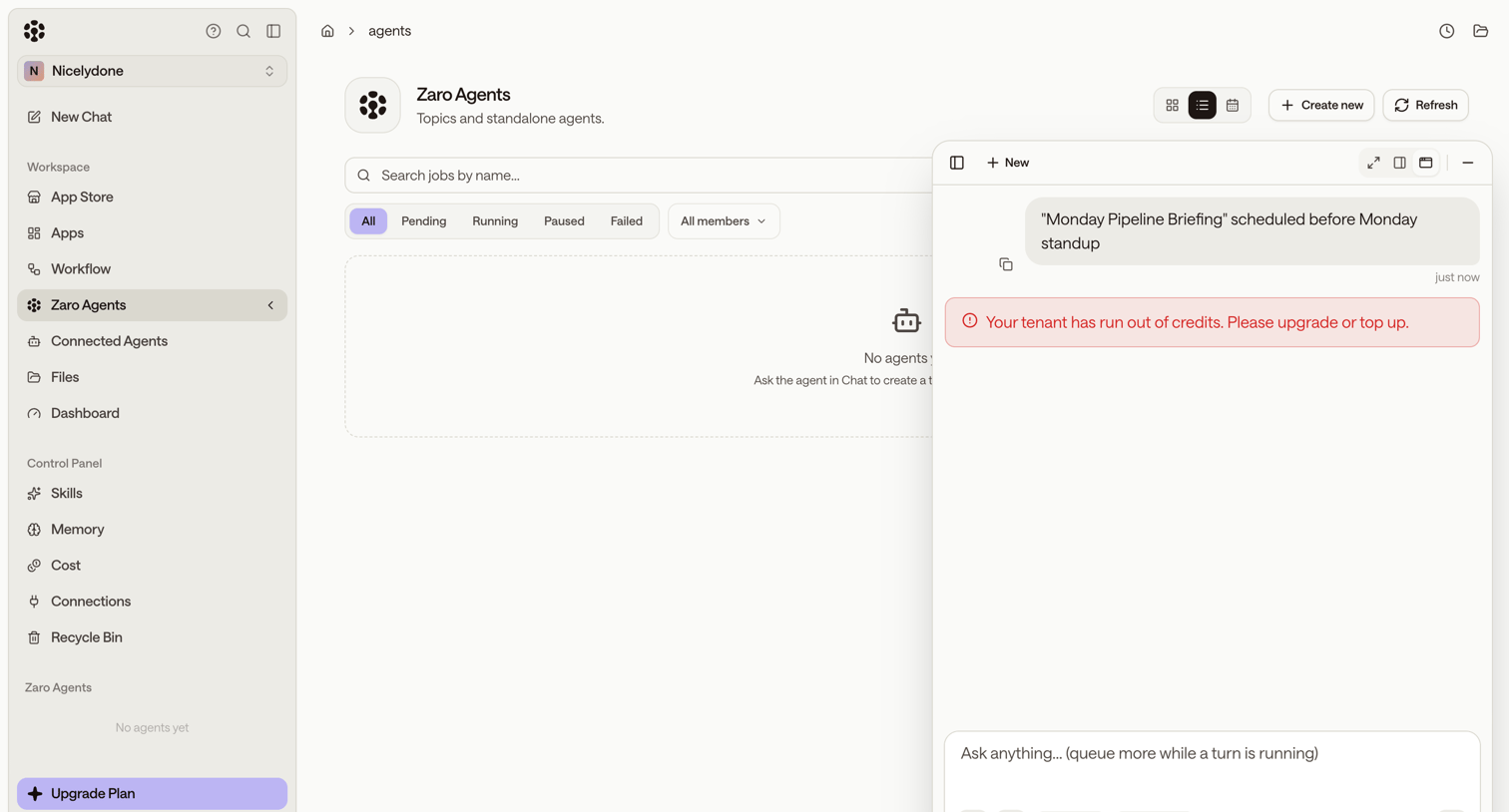

List view for managing AI agents, currently in an empty state, featuring a right-hand AI assistant panel displaying an out-of-credits error message.
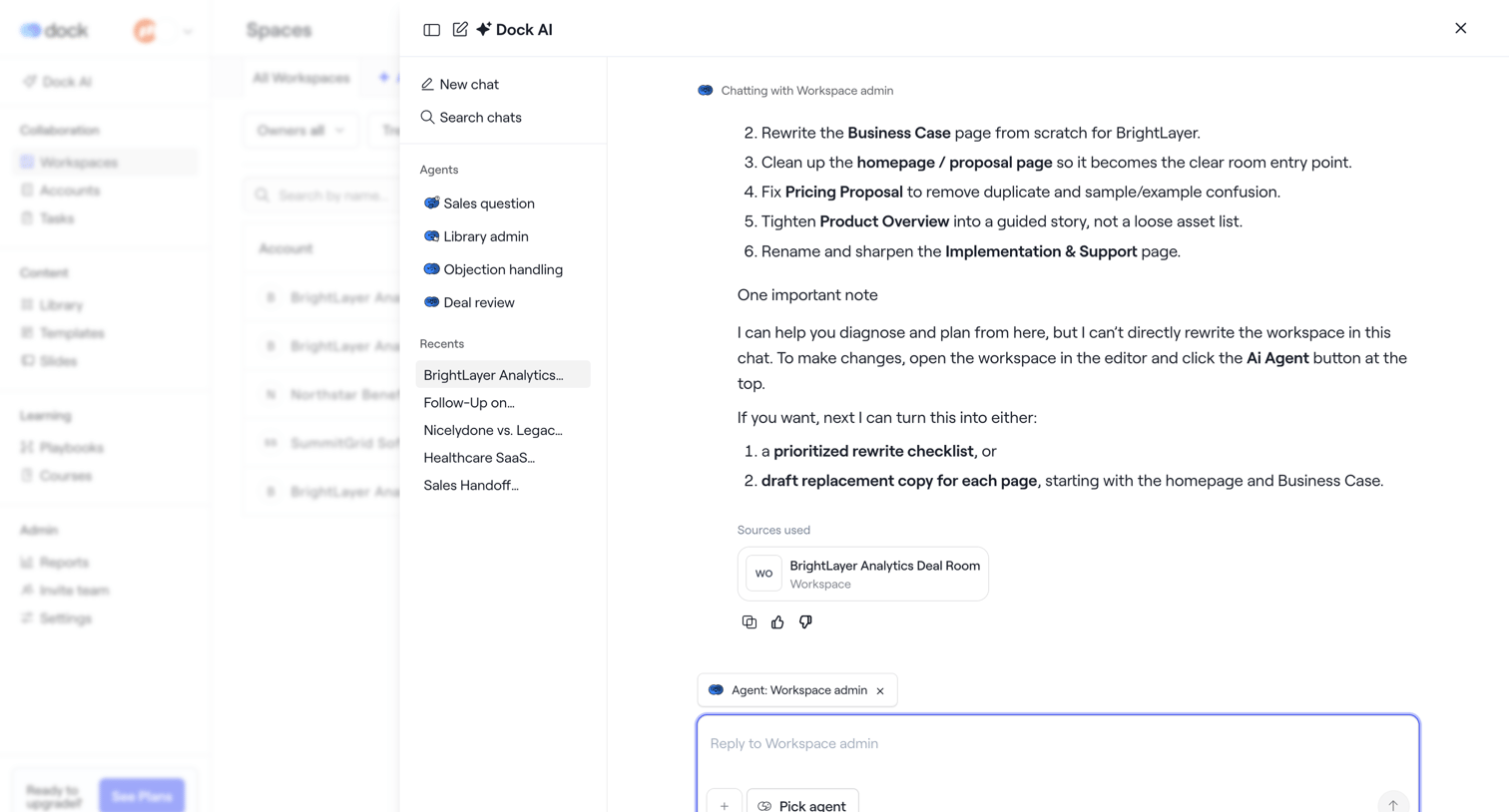

AI chat drawer where the user interacts with a workspace agent to rewrite documents and plan deal room content.

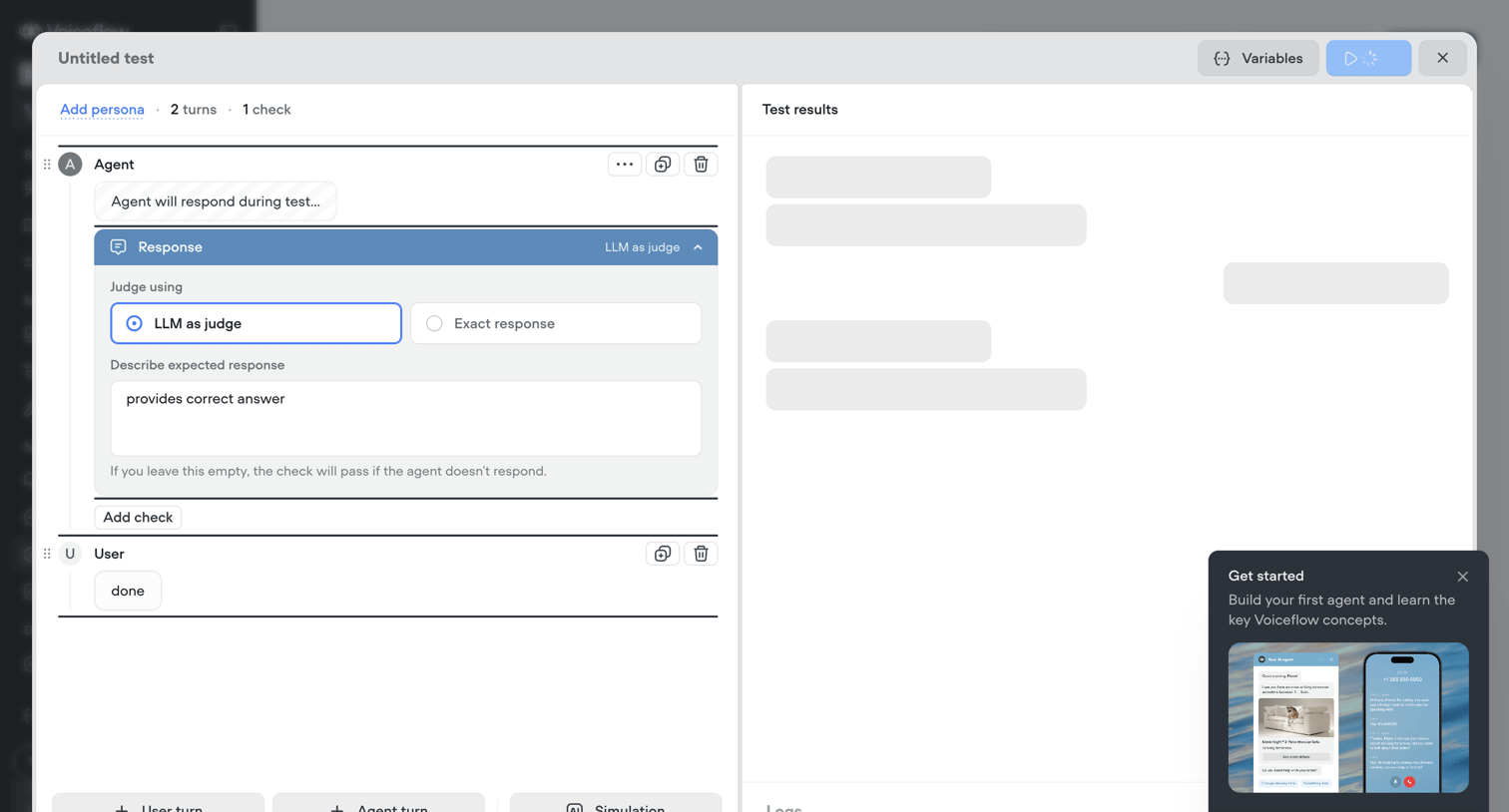

Modal where the user builds a conversational test script for an AI agent, configuring expected responses and LLM evaluation criteria.
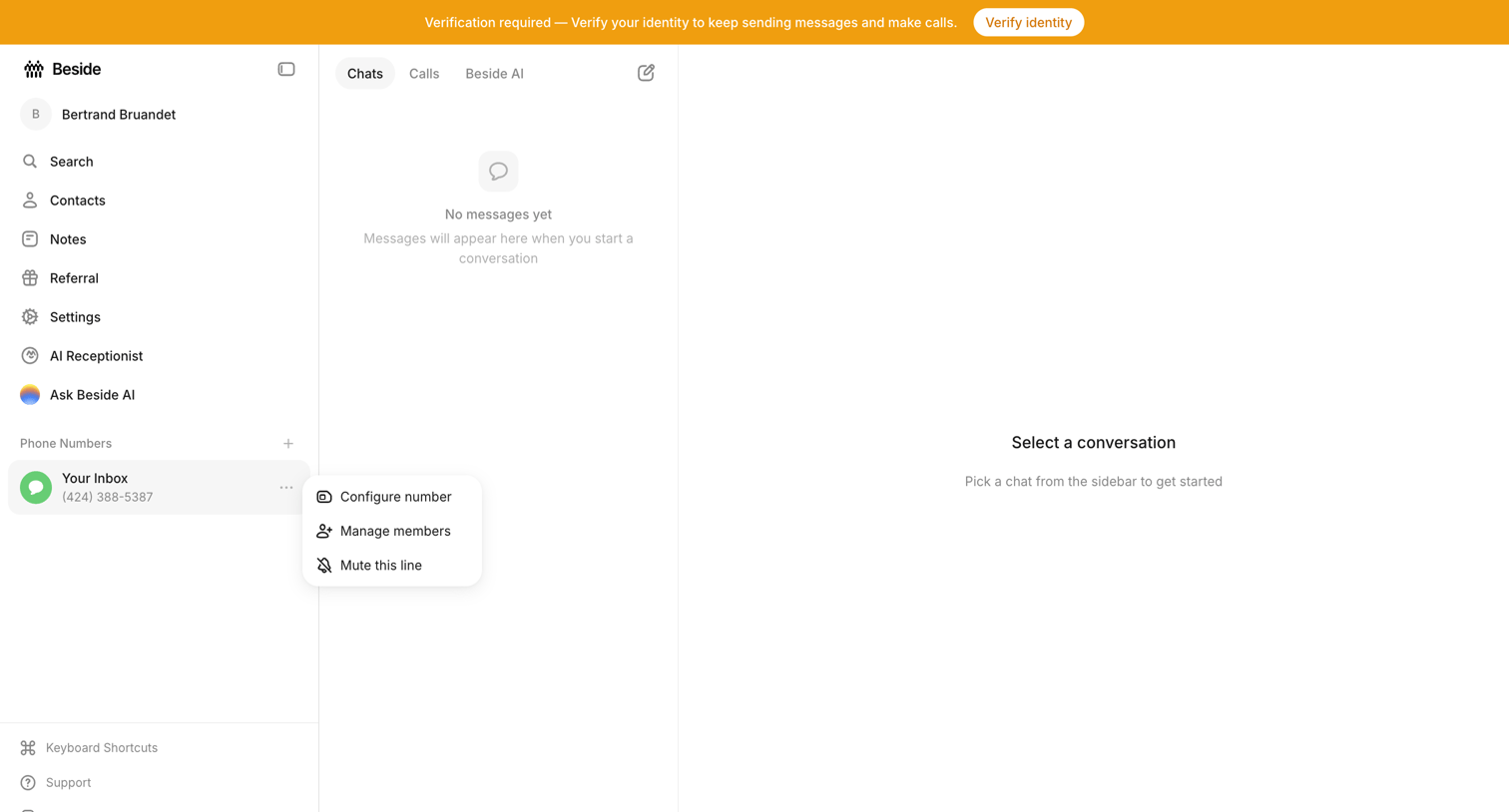

Inbox view where the user sees empty states for both the chat list and conversation detail, while a prominent top banner requires them to verify their identity.
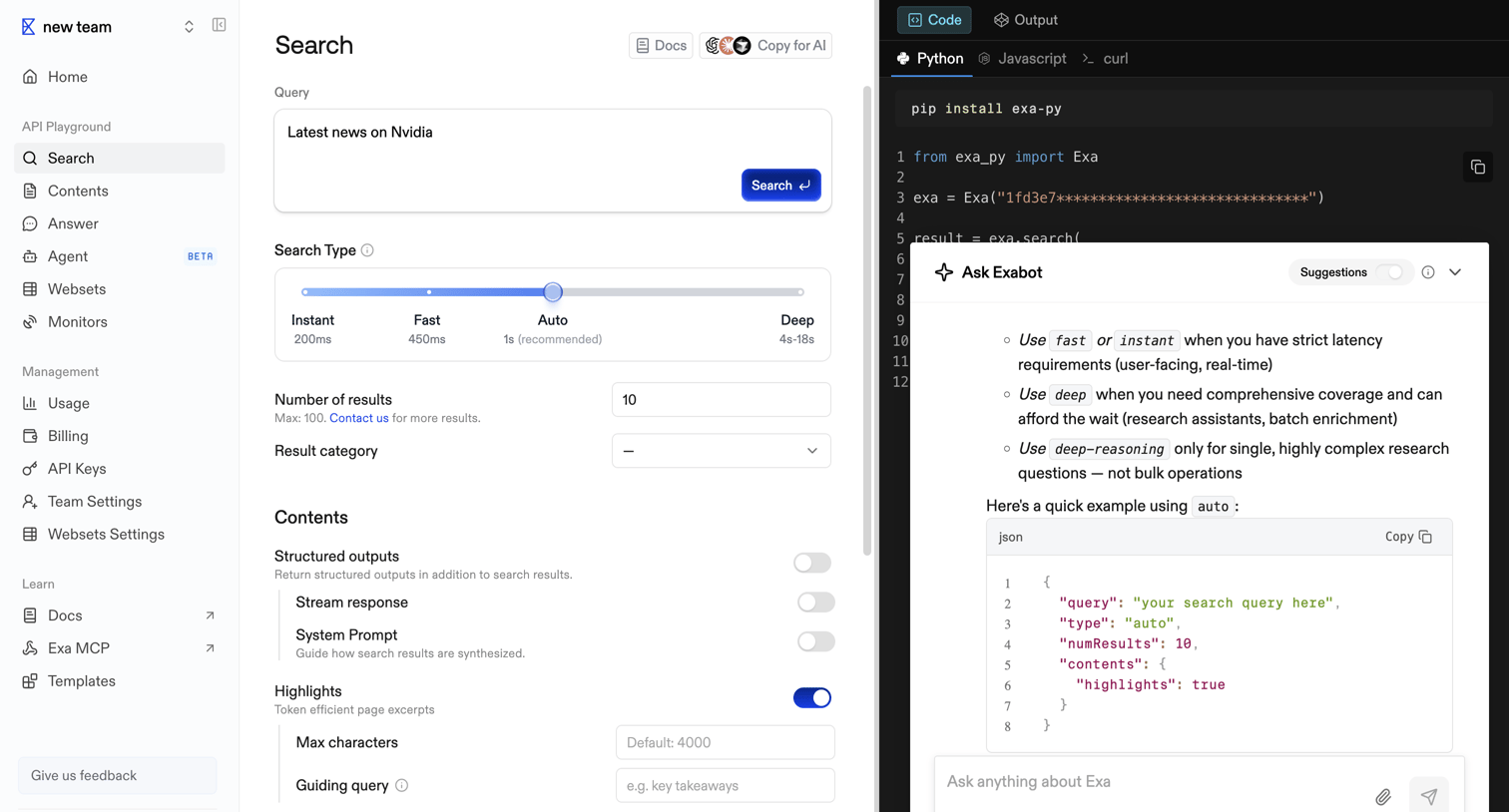

API playground where the user configures a search query with parameters like search type and structured outputs while viewing the generated Python code and interacting with an AI assistant.
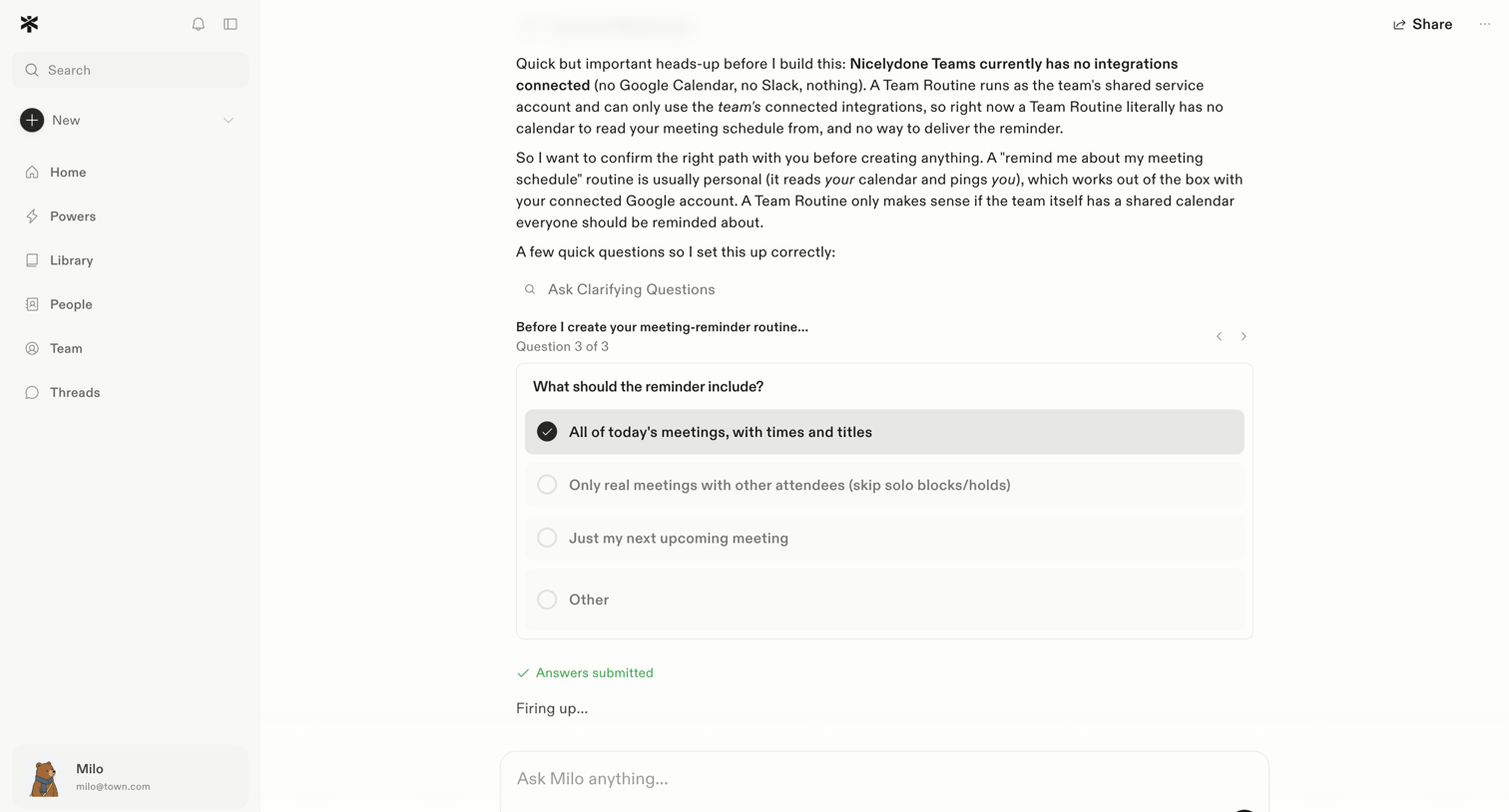

AI chat interface where the user is answering a multiple-choice clarifying question from the assistant to configure a meeting reminder routine.
Explore the full SaaS screen library
Upgrade to unlock the full library.
Trusted by the best teams







