Cancel action screen examples
Cancel action screen design examples from SaaS apps. Browse examples from Dock, Beside, Flora.
Explore the examples
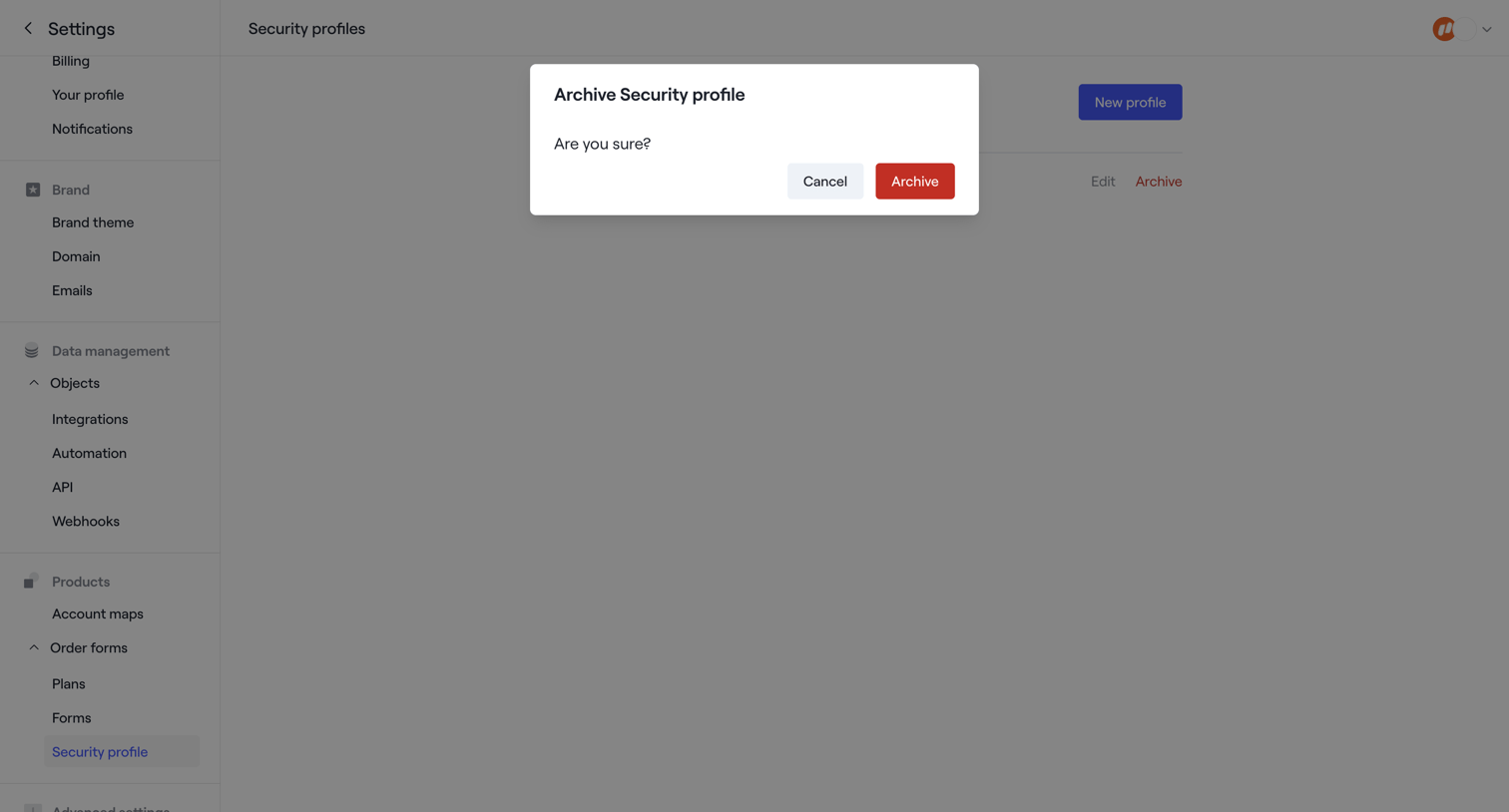

Settings page where the user is prompted to confirm archiving a security profile.
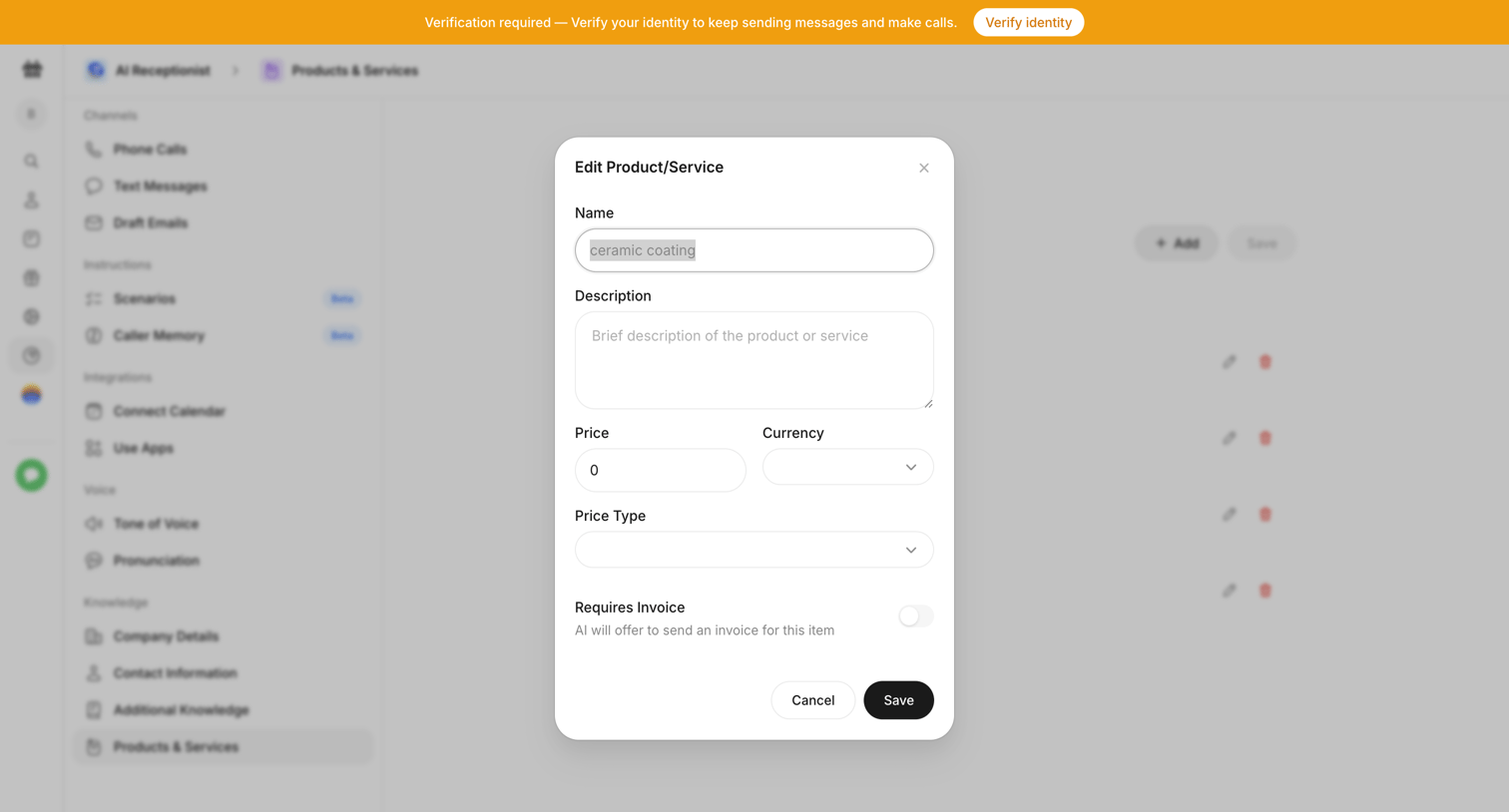

Settings modal where the user edits the name, description, and pricing details of a product or service for the AI receptionist's knowledge base.
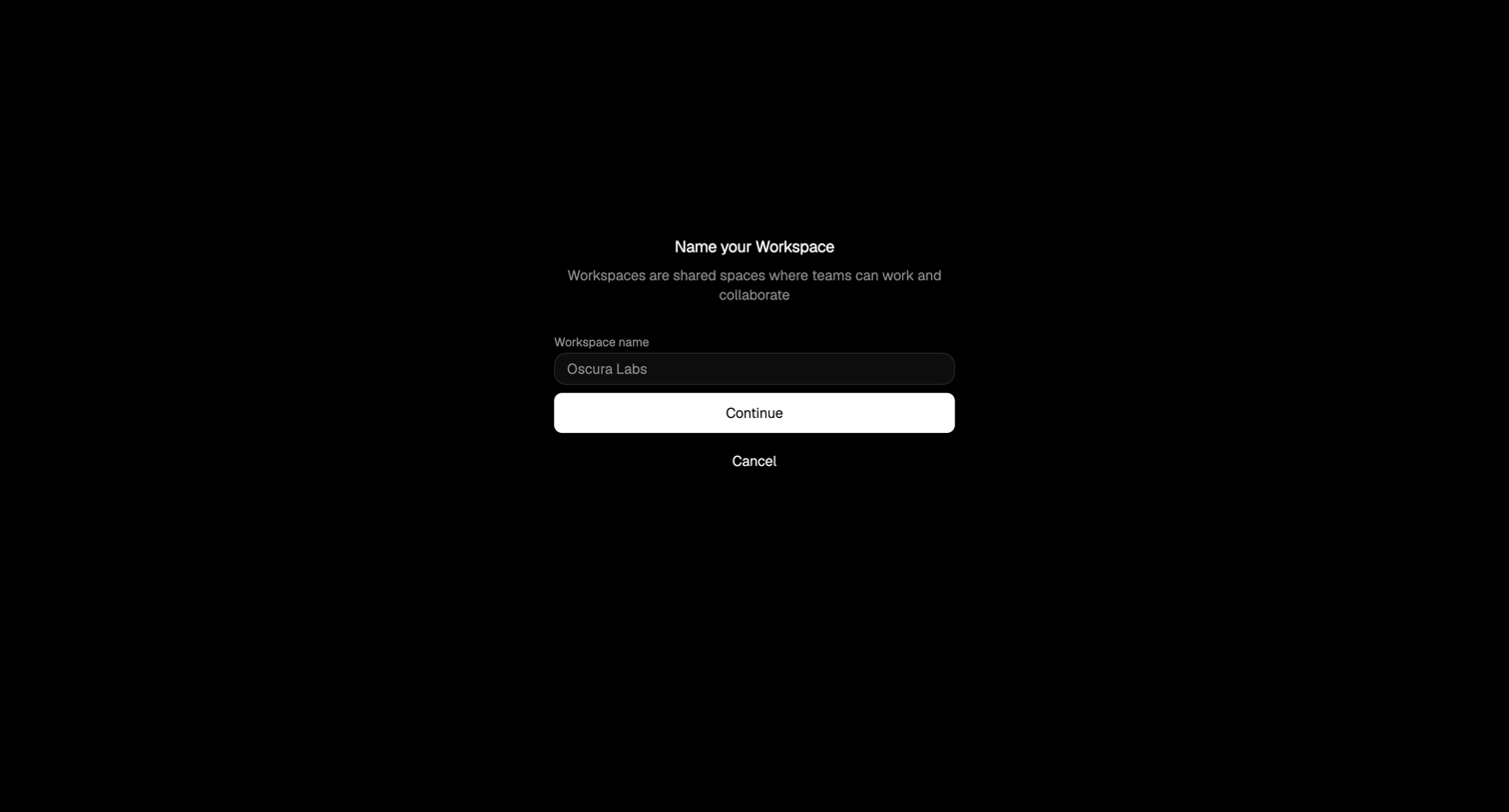

Creation screen where the user enters a name for their new workspace before continuing.
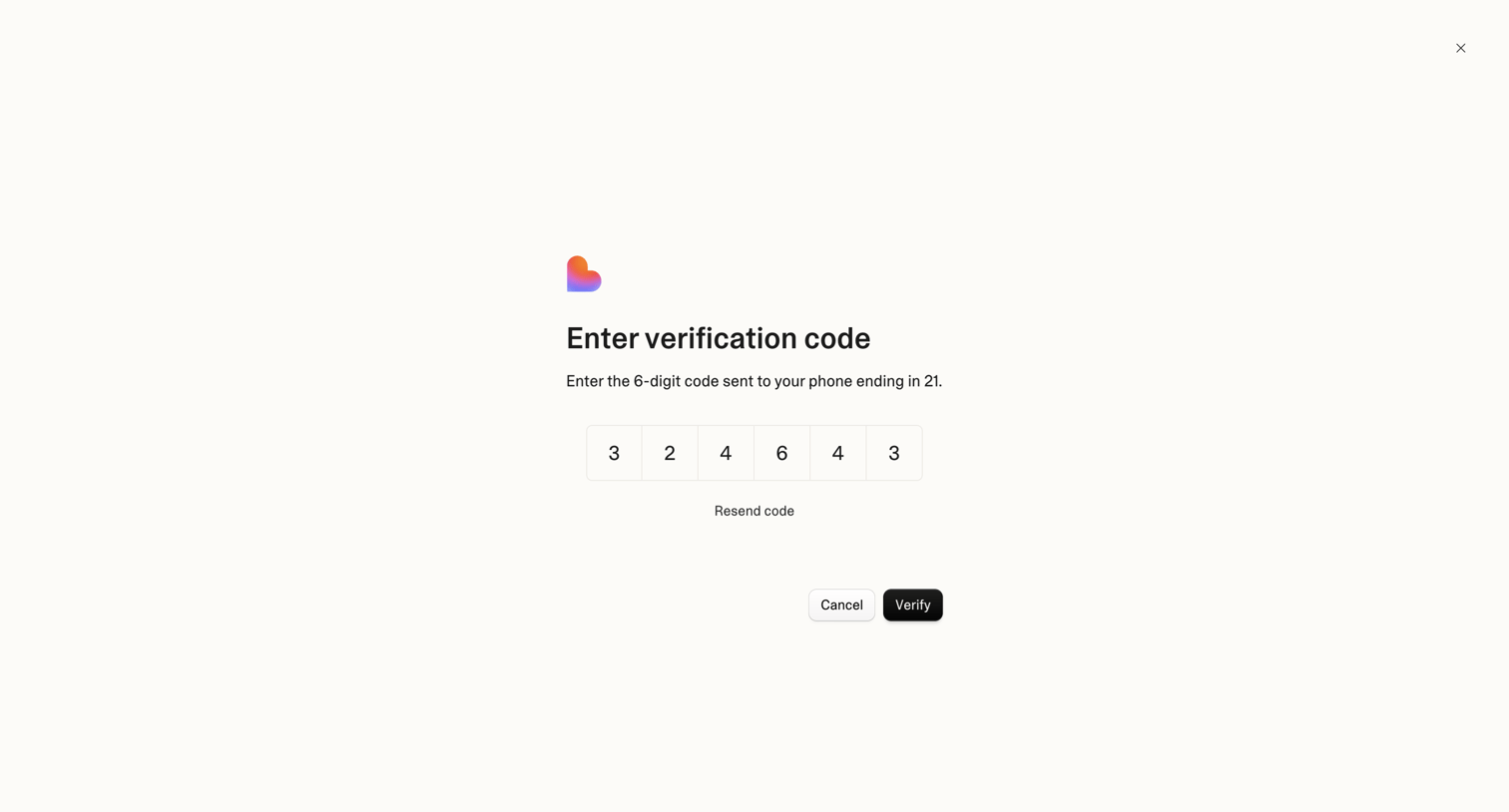

Verification screen where the user enters a 6-digit code sent to their phone to confirm their identity.
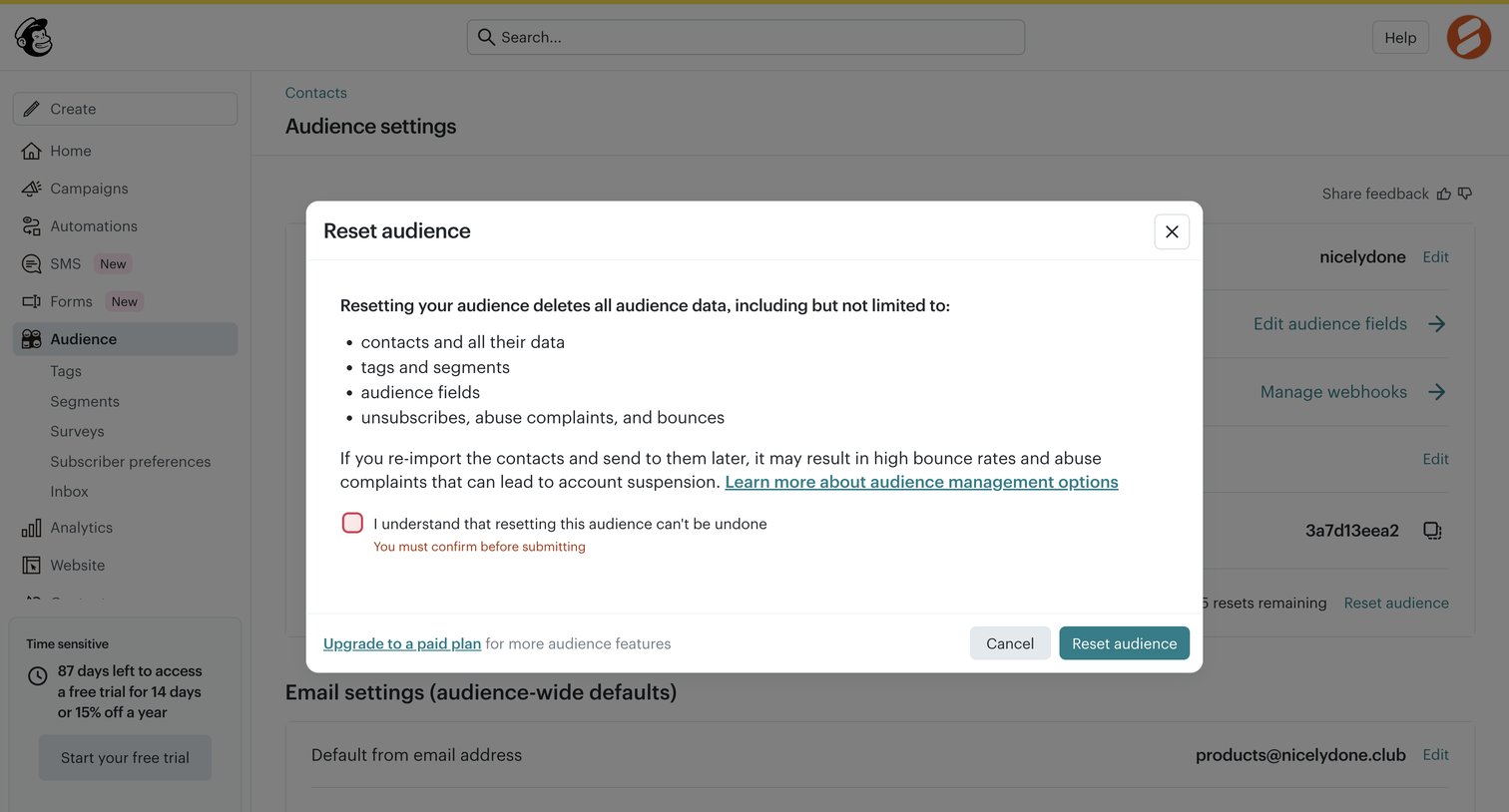

Settings page where the user must confirm they understand the consequences before resetting their audience data via a destructive modal.
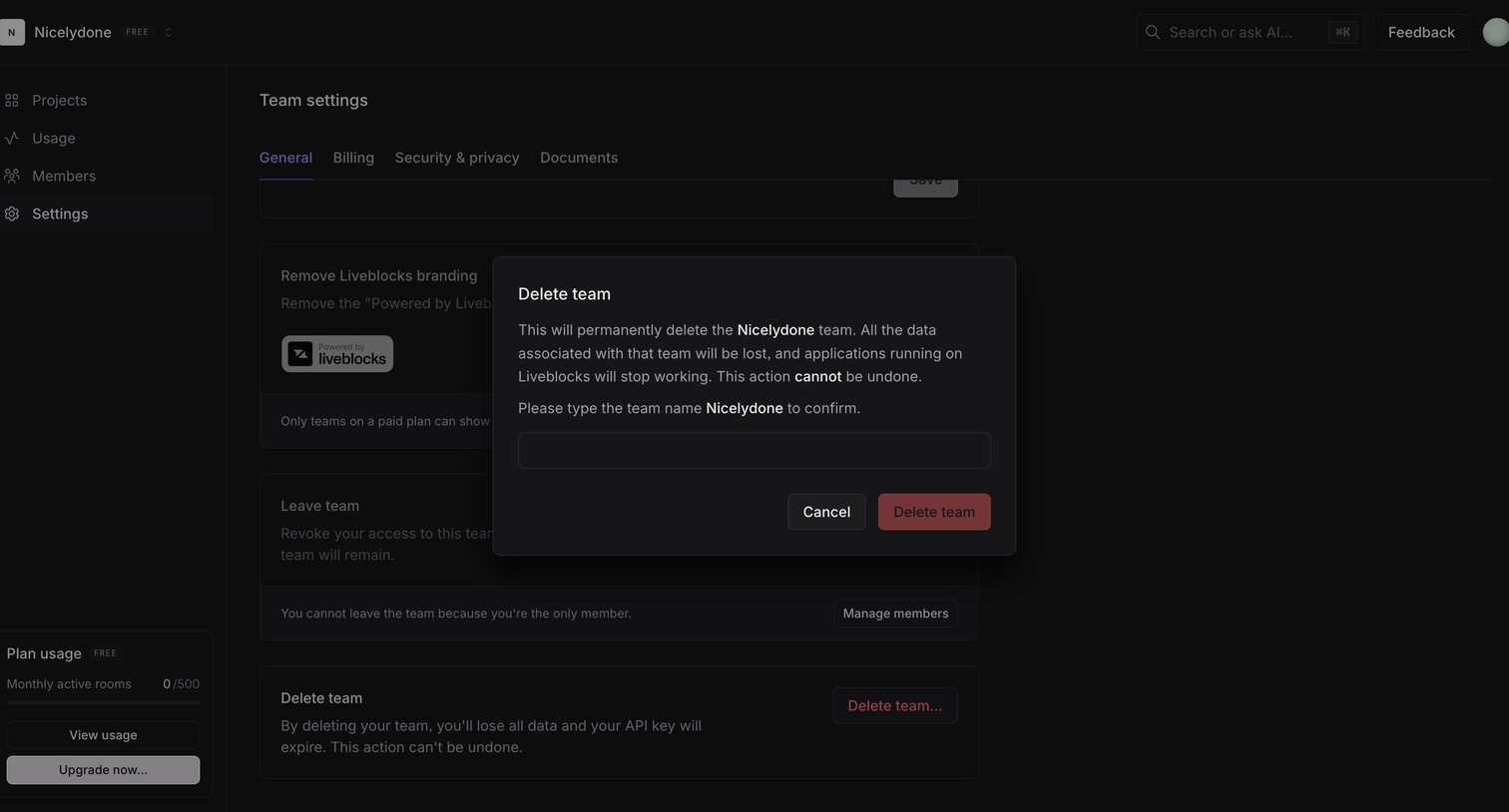

Settings page where the user is prompted to confirm the permanent deletion of their team by typing its name in a modal.
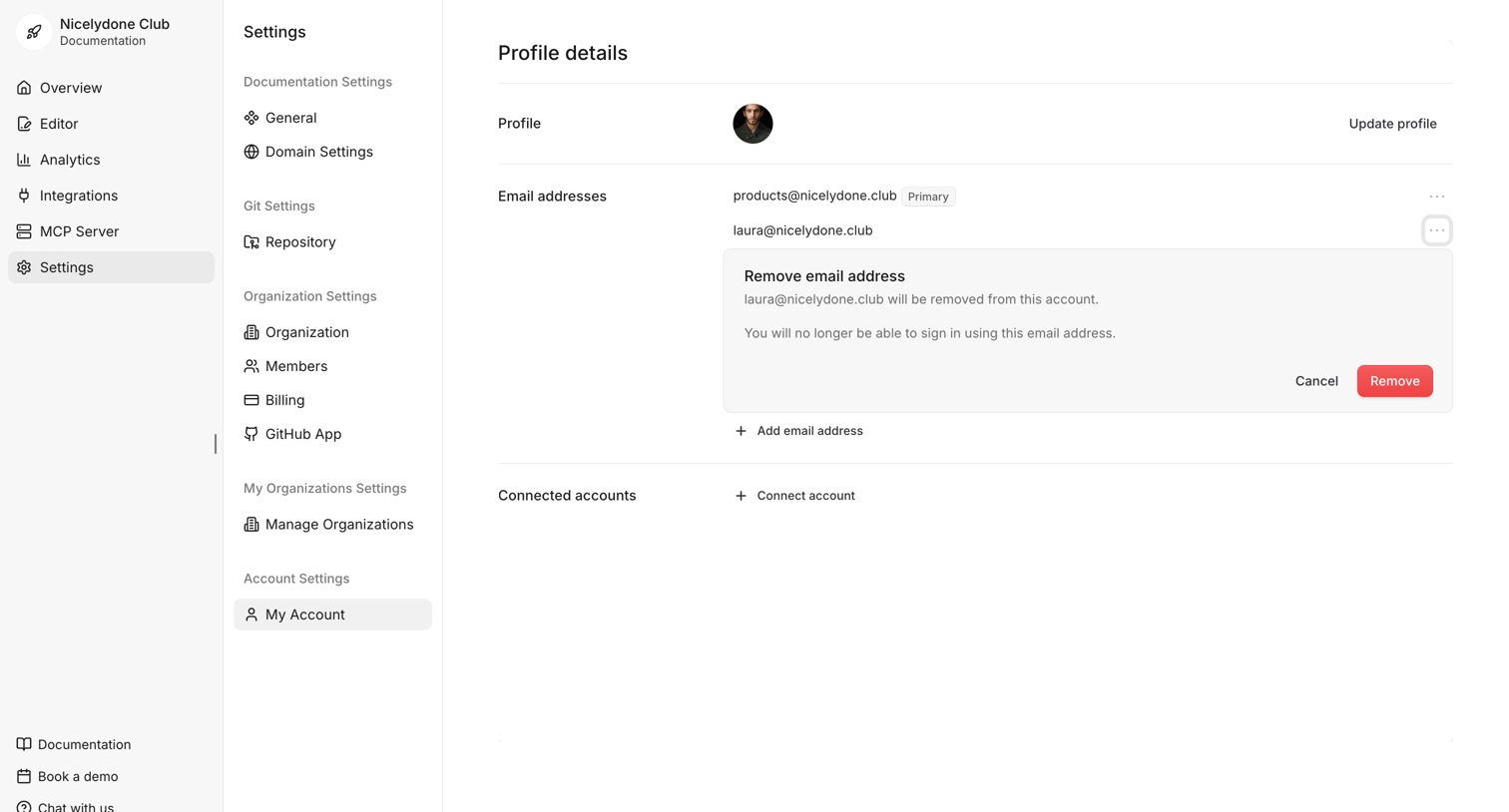

Settings page where the user manages their profile details, email addresses, and connected accounts, currently showing an inline prompt to remove a secondary email address.
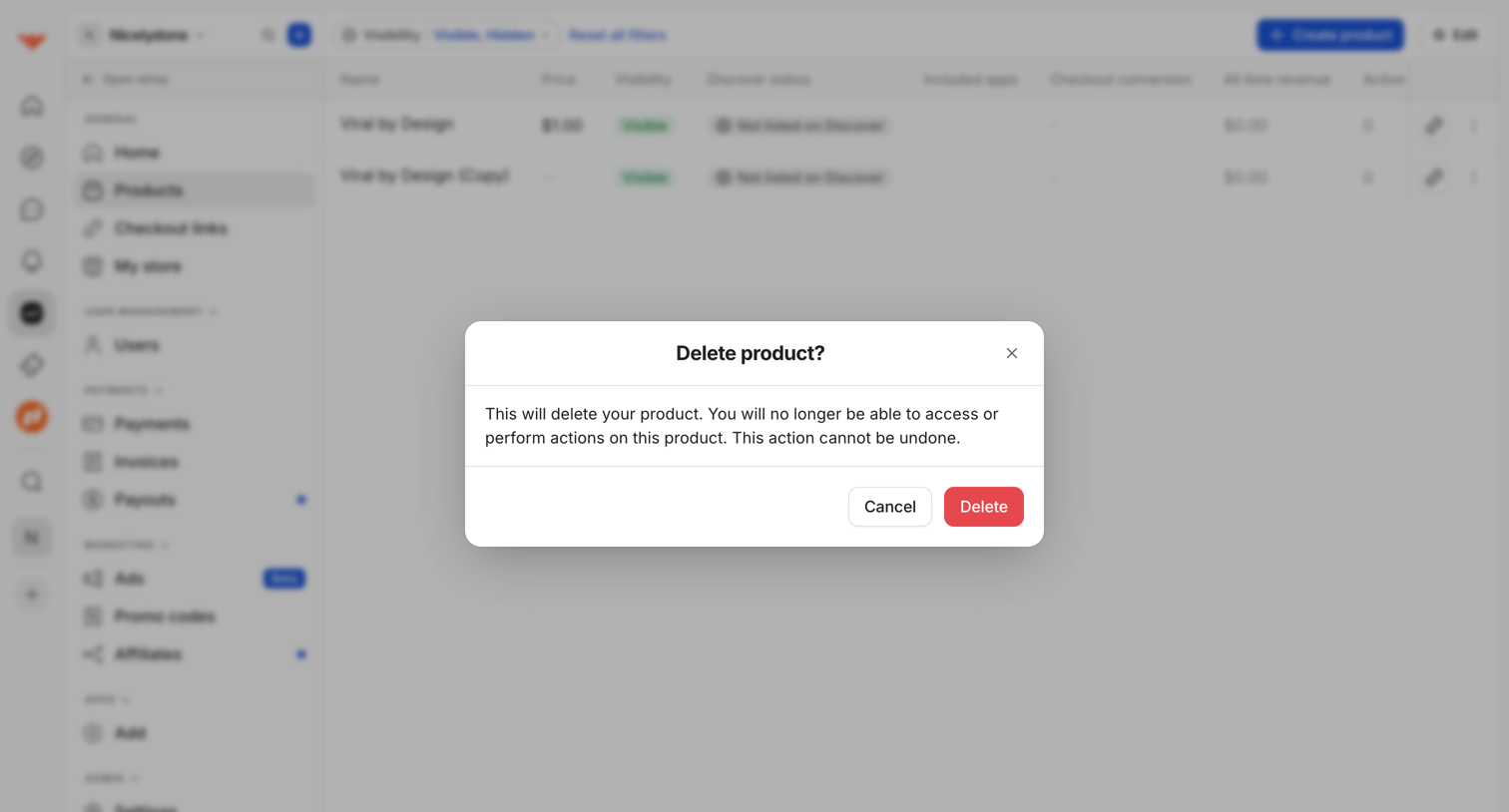

List view of digital products where a modal prompts the user to confirm the irreversible deletion of a selected product.
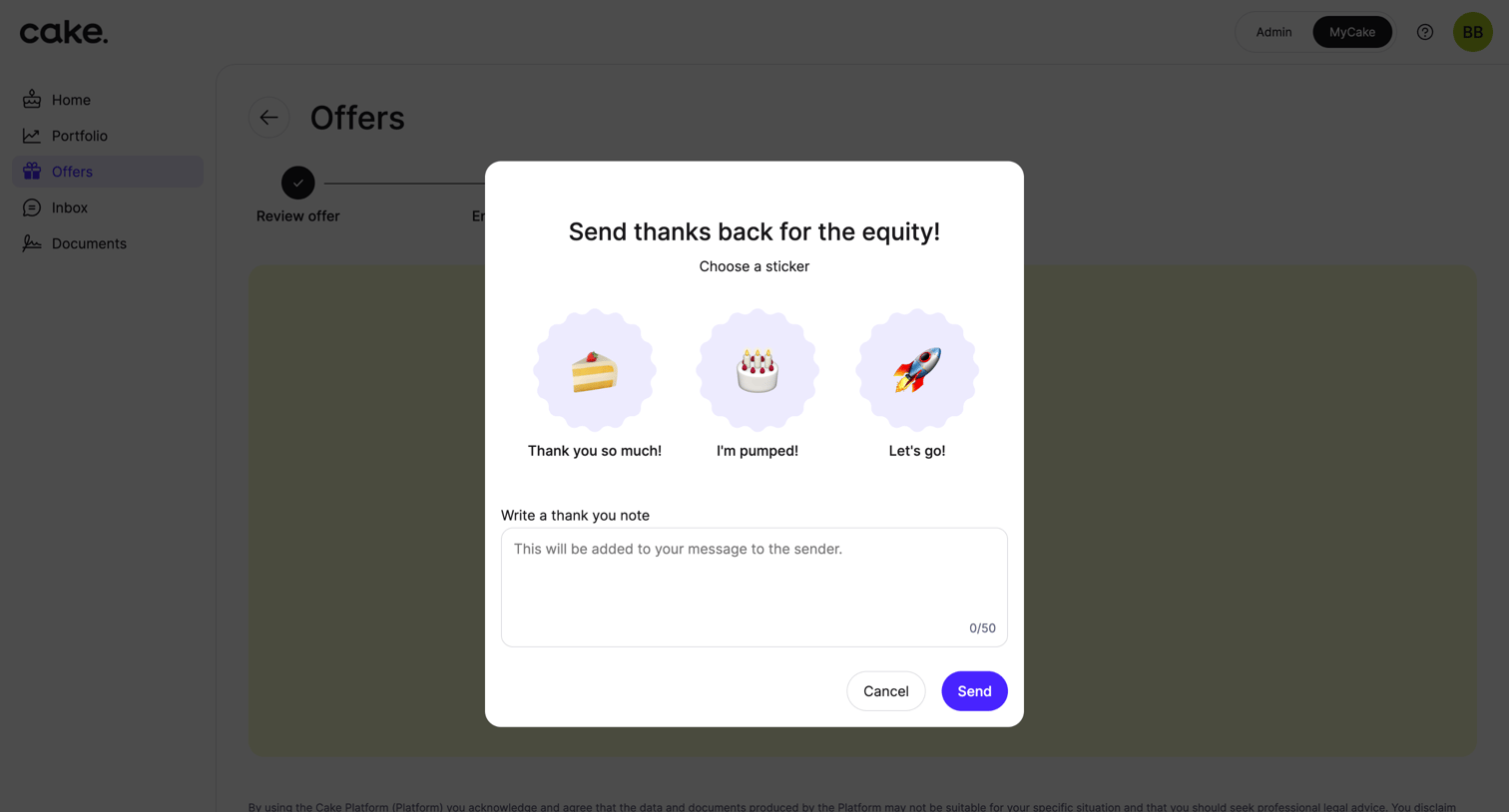

Detail page where the user can send a thank you note and select a celebration sticker after accepting an equity offer.
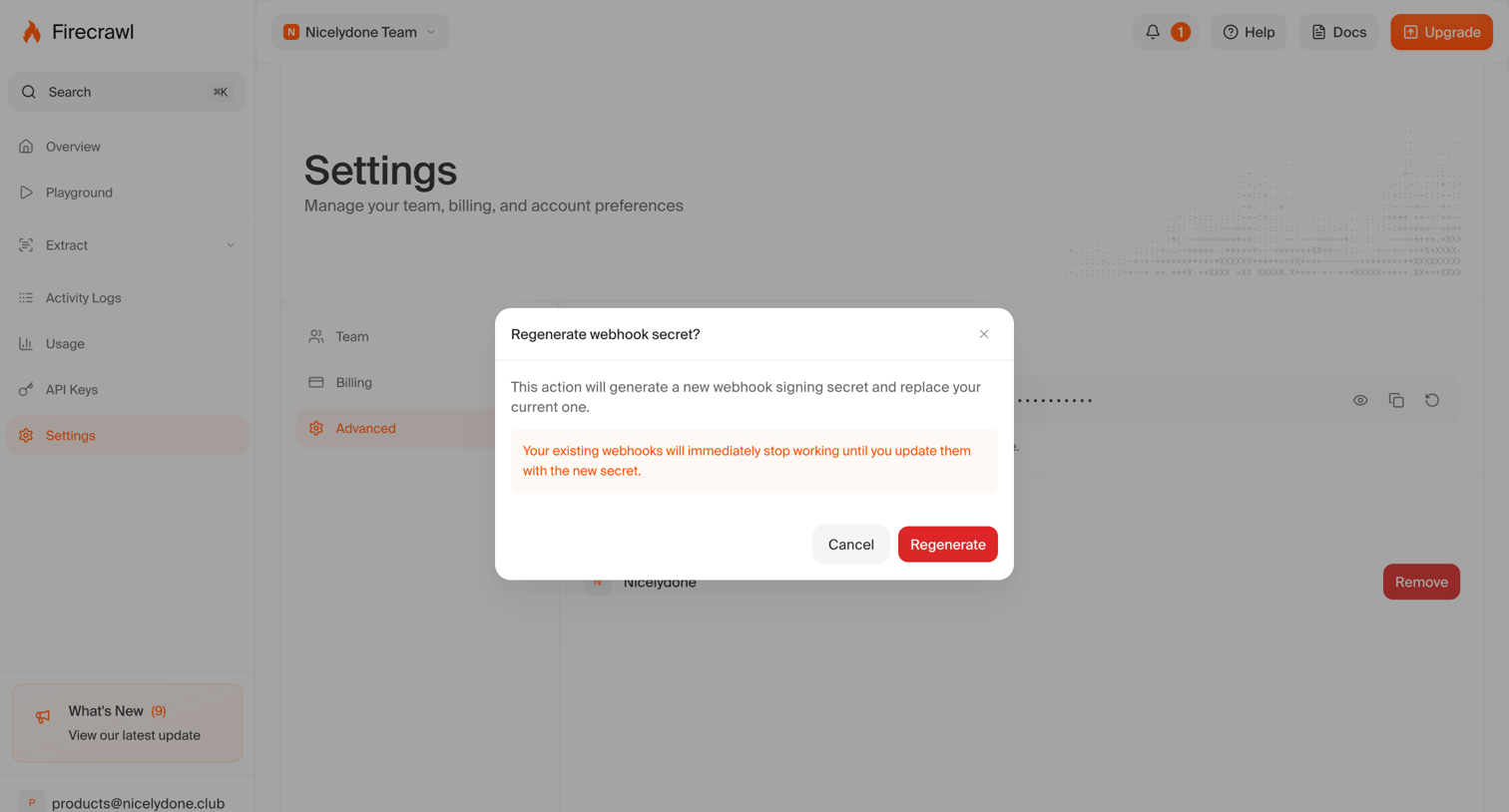

Settings page where the user is prompted to confirm regenerating their webhook signing secret, with a warning that existing webhooks will stop working.
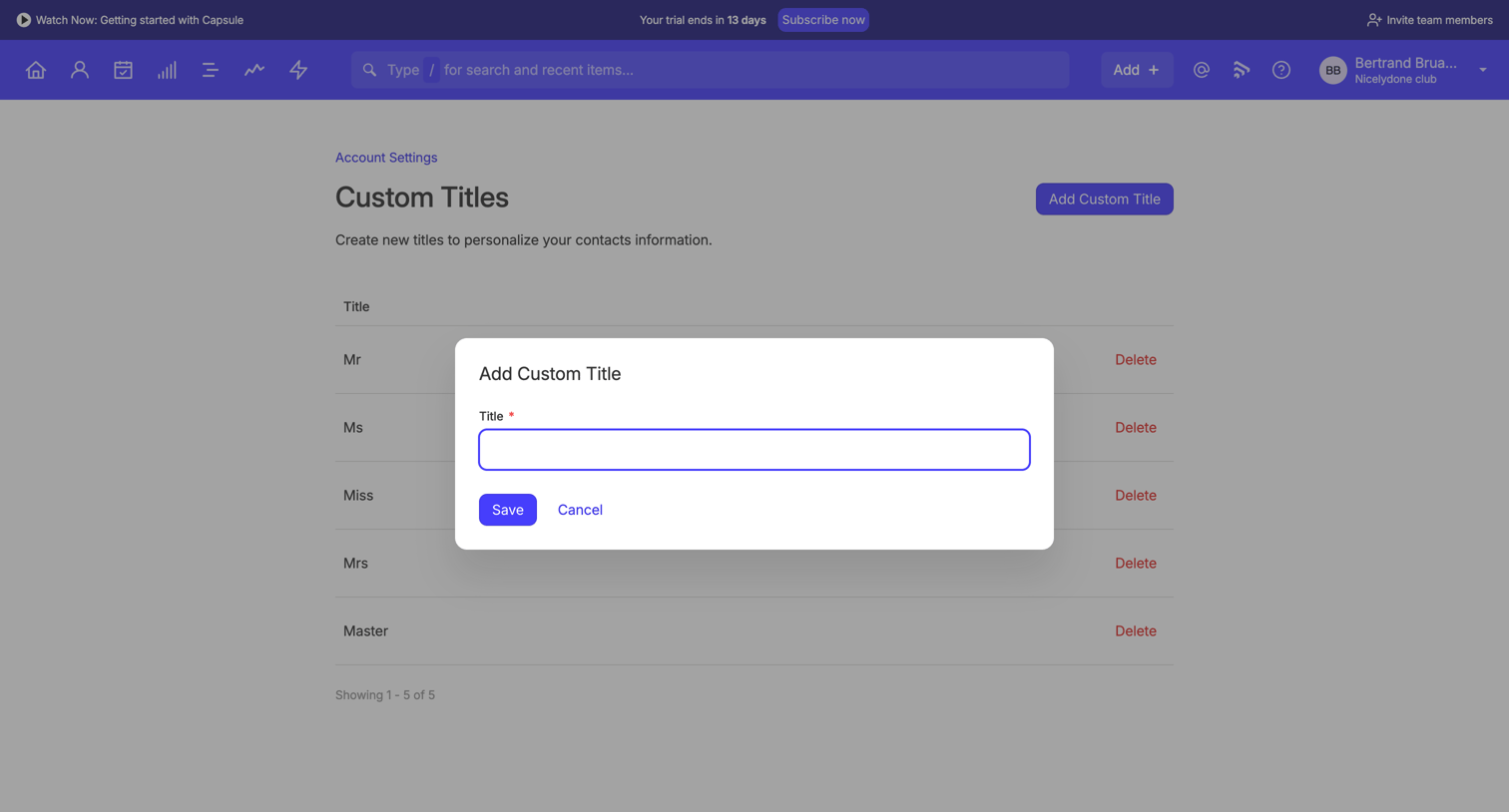

Settings page where the user creates a new custom title for their CRM contacts via a modal overlay.
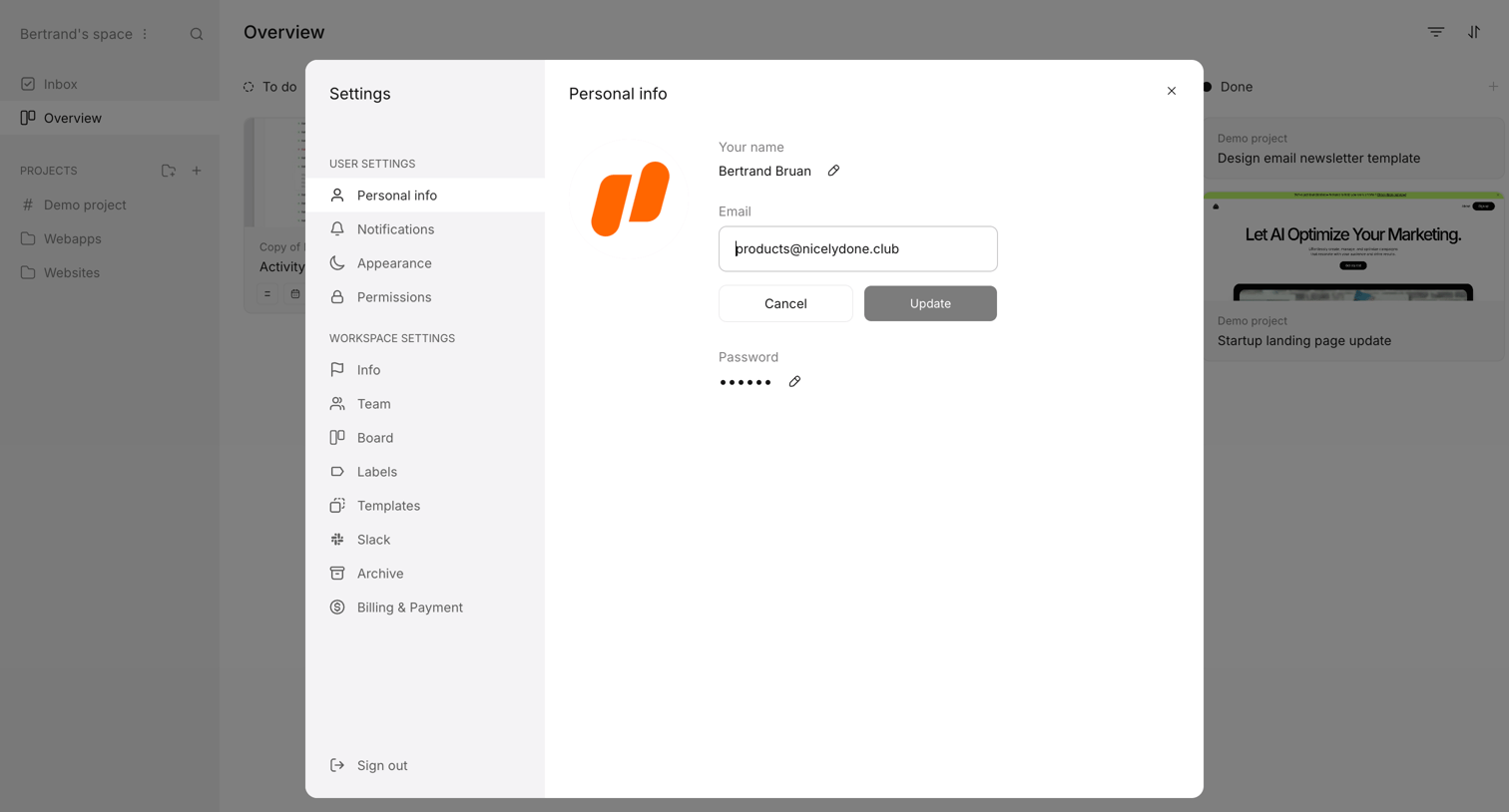

Settings modal where the user updates their personal information, including name, email, and password.
Explore the full SaaS screen library
Upgrade to unlock the full library.
Trusted by the best teams







