Call recording screen examples
Call recording screen design examples from SaaS apps. Browse examples from Dock, Beside, Chatwoot.
Explore the examples
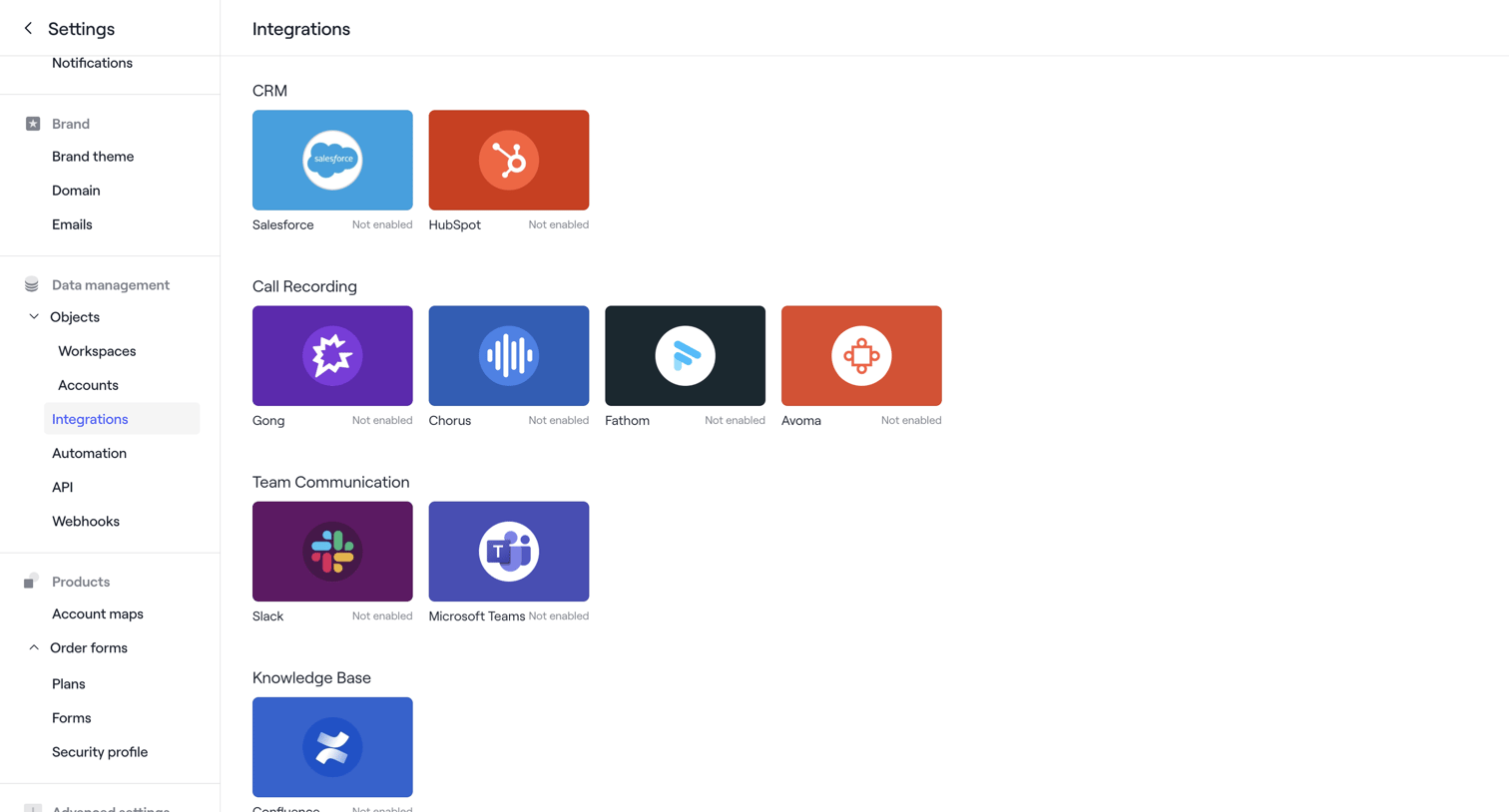

Settings page where the user browses available third-party integrations categorized by CRM, Call Recording, Team Communication, and Knowledge Base, currently showing all as not enabled.
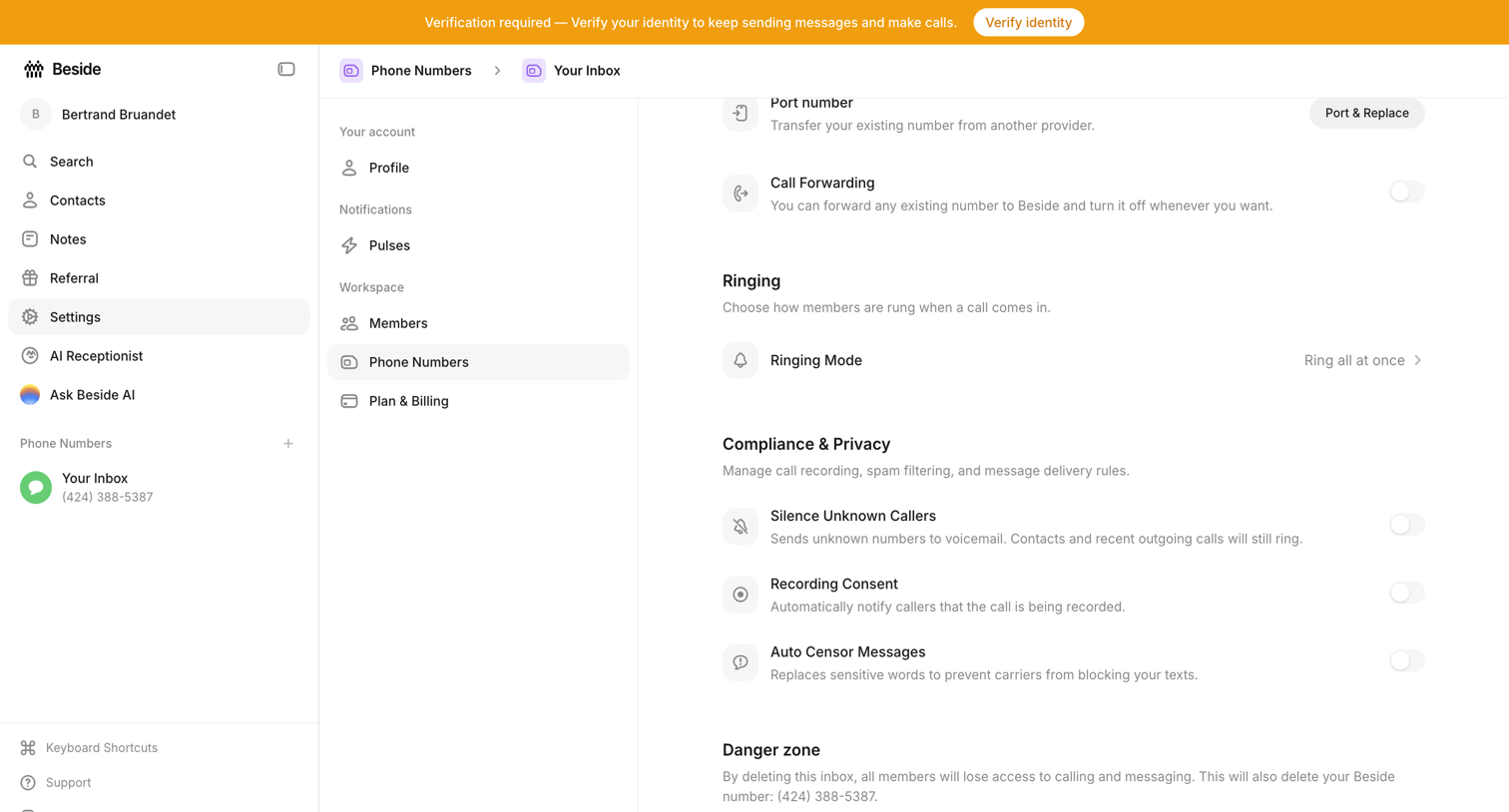

Settings page where the user configures call forwarding, ringing mode, compliance rules, and deletion for a specific phone number inbox.
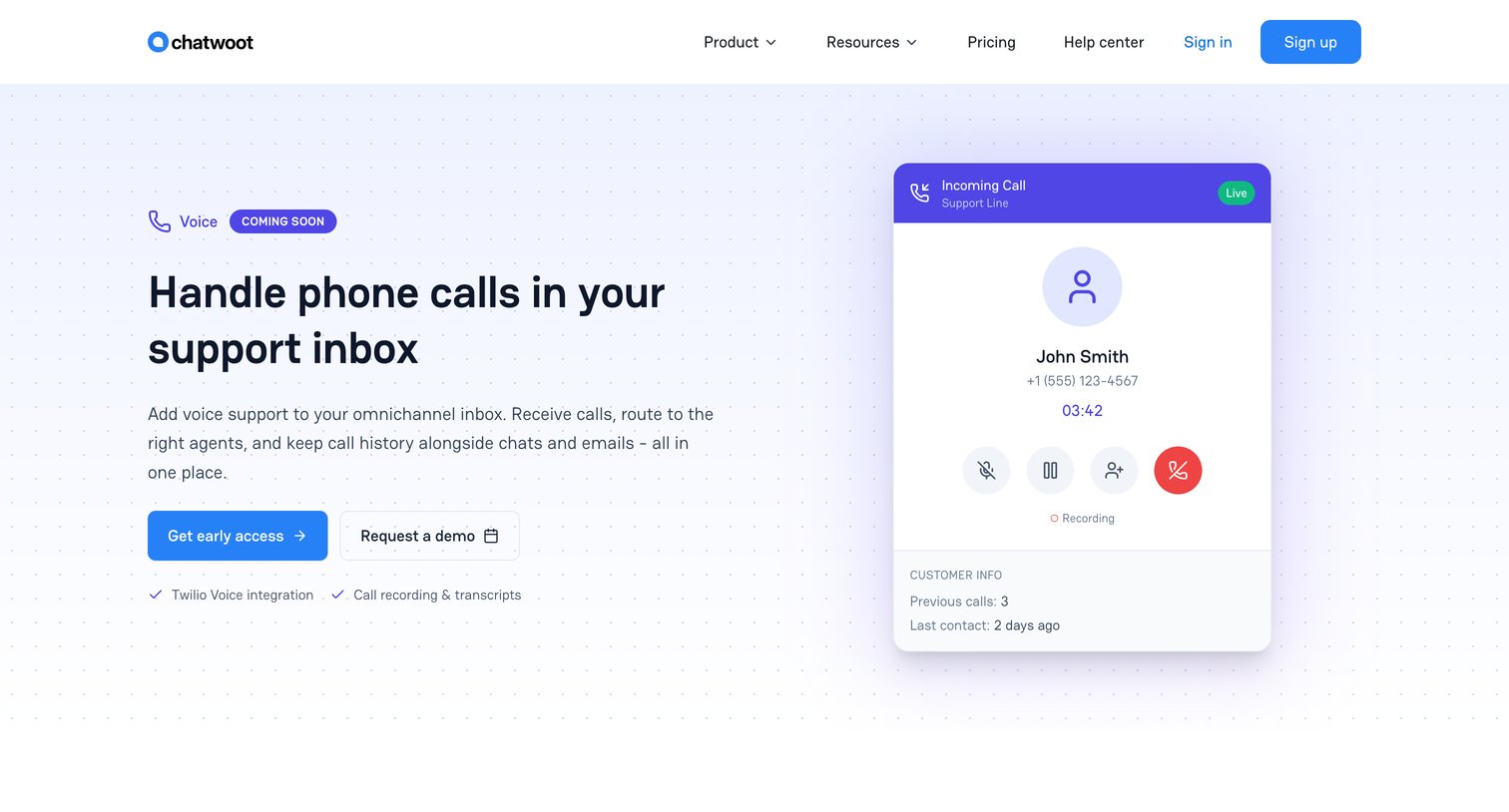

Feature page introducing an upcoming voice support channel, highlighting capabilities like call routing, AI-generated transcripts, and a unified omnichannel inbox.
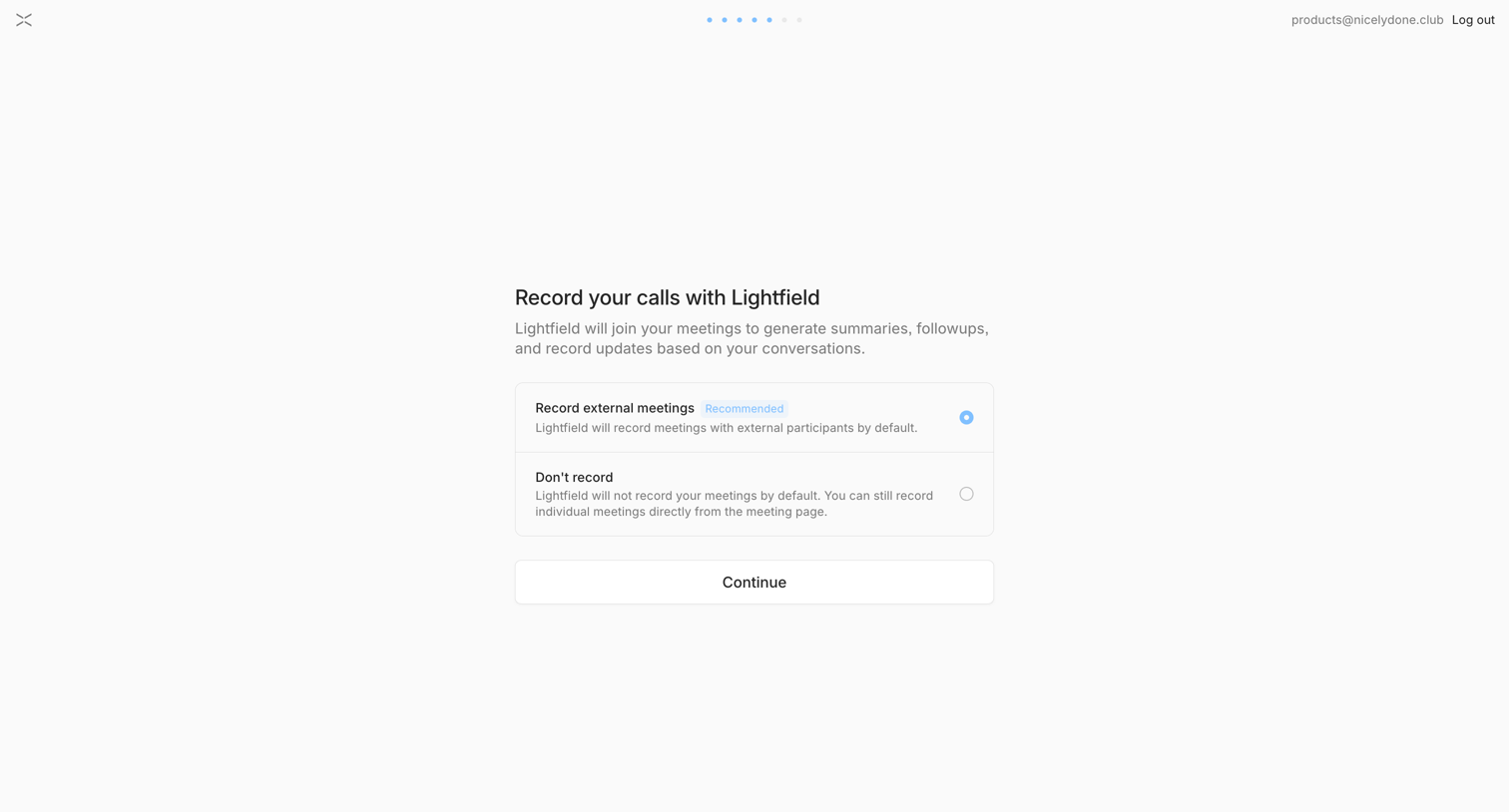

Onboarding step where the user chooses whether to automatically record external meetings by default.
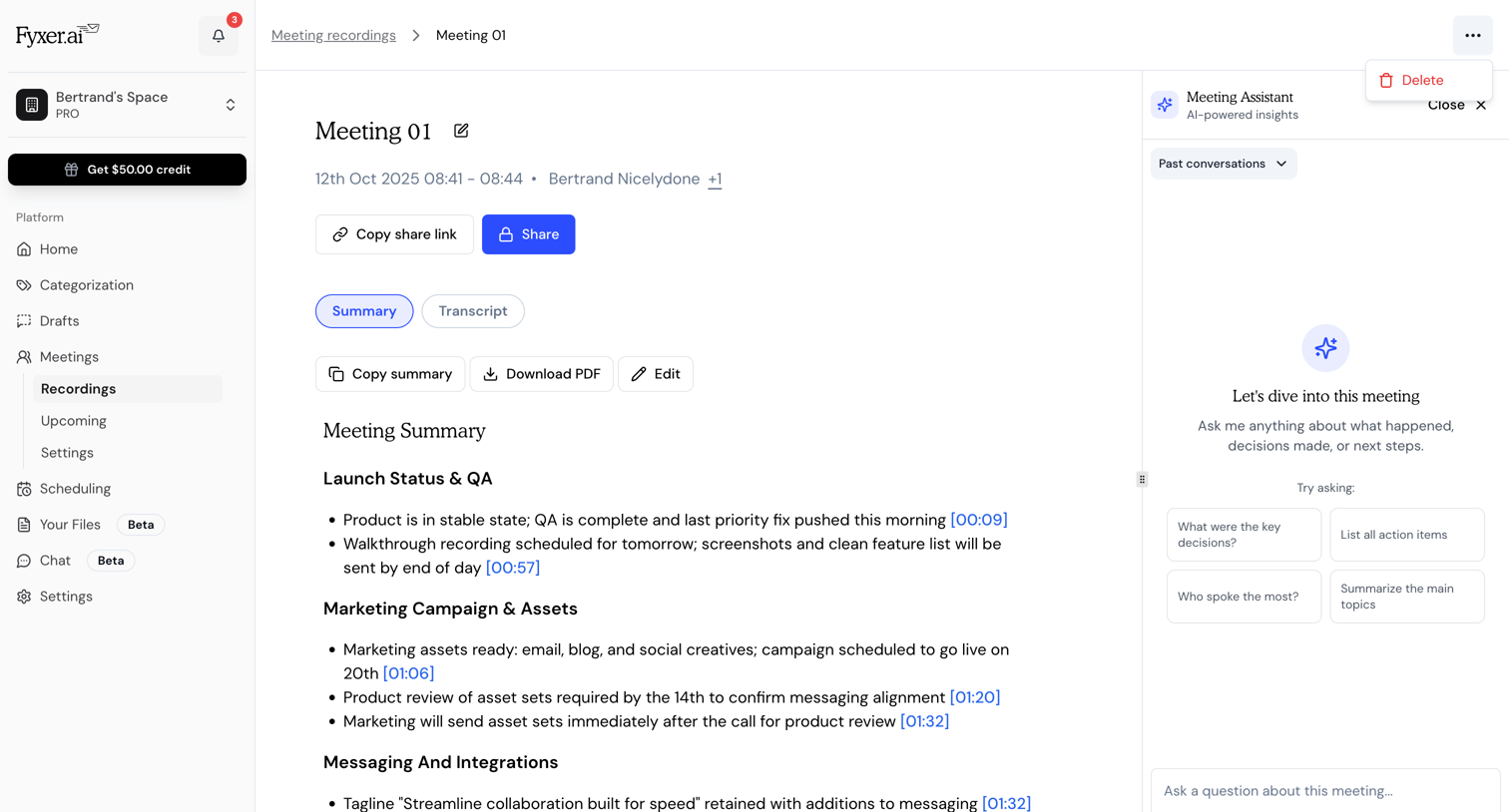

Detail page showing an AI-generated meeting summary with timestamped notes and a side panel for querying the meeting assistant.
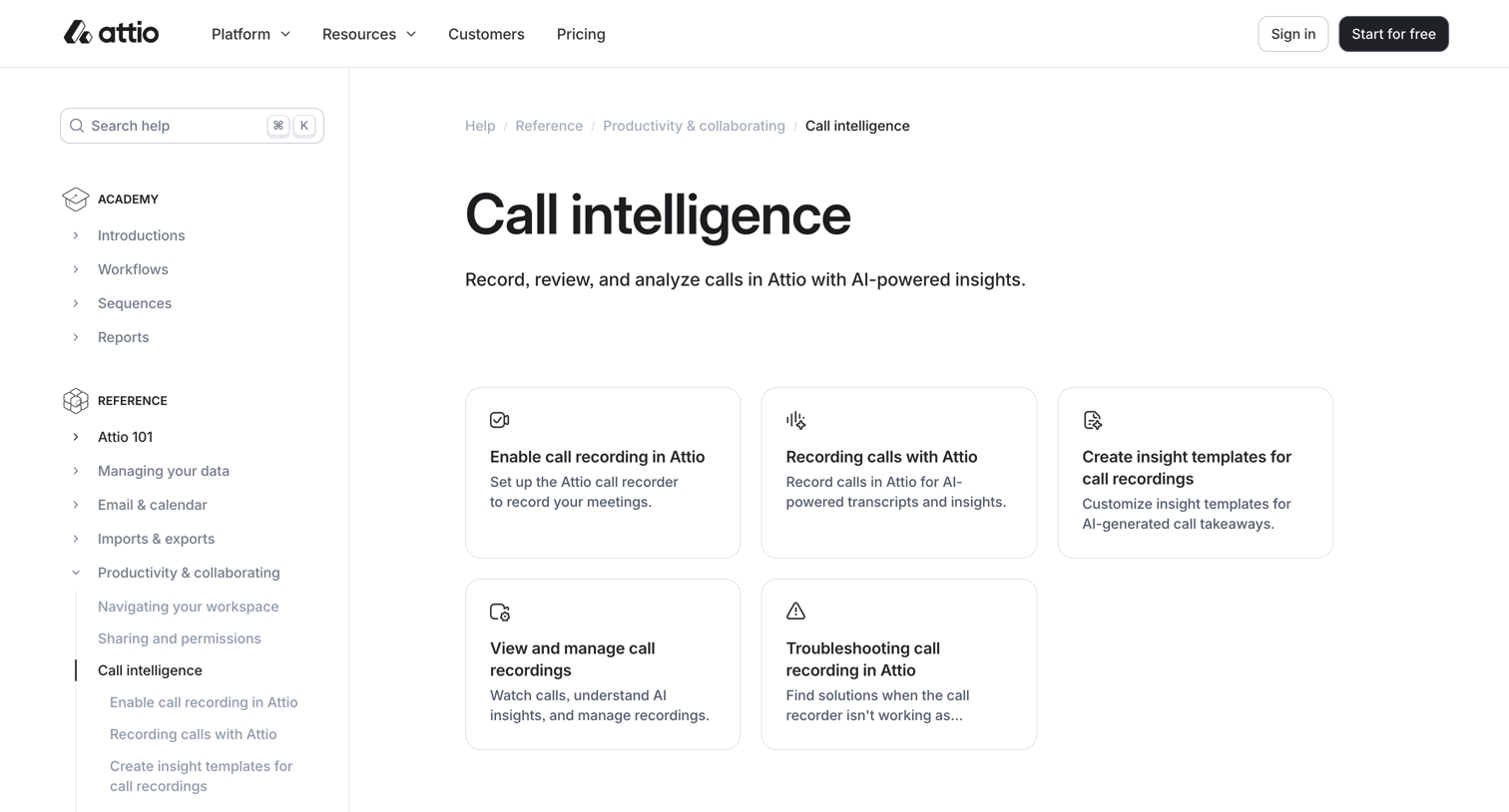

Help center category page where the user can browse articles about setting up and using call recording and AI insights.
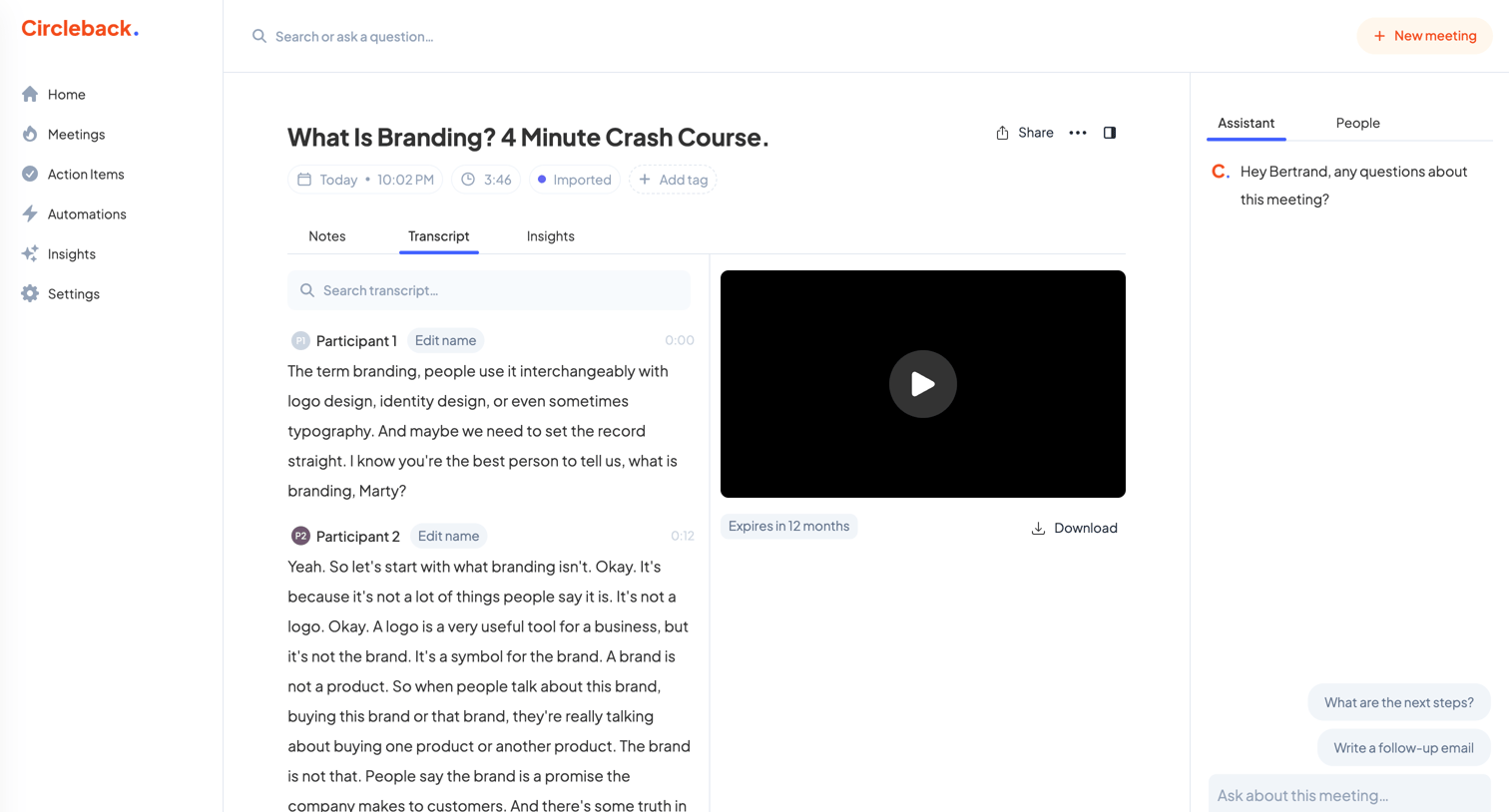

Detail page where the user reviews a meeting transcript alongside a video recording and an AI assistant for querying the content.
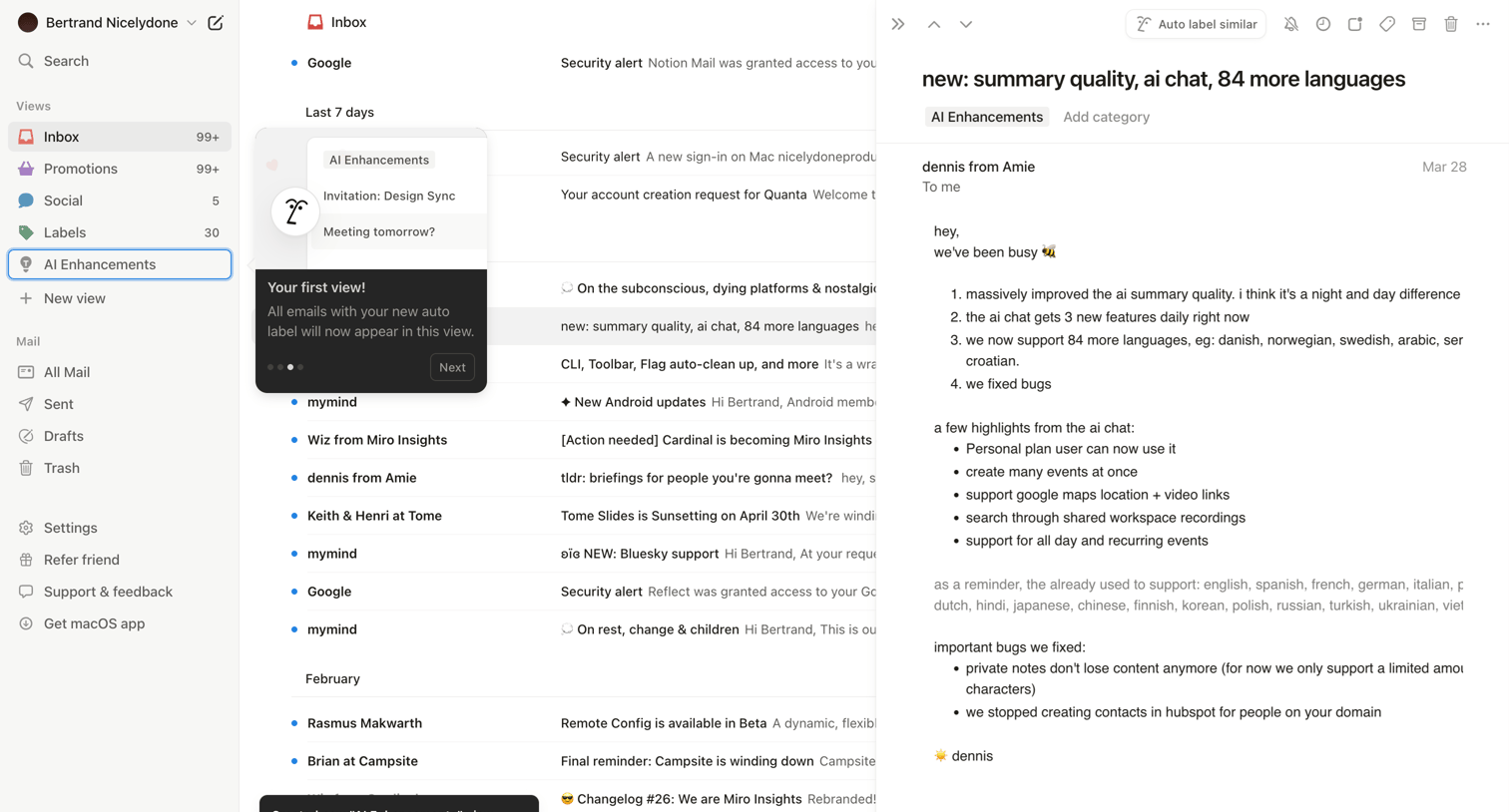

Email inbox where the user views a message about AI updates while a product tour popover highlights a newly created AI Enhancements view.
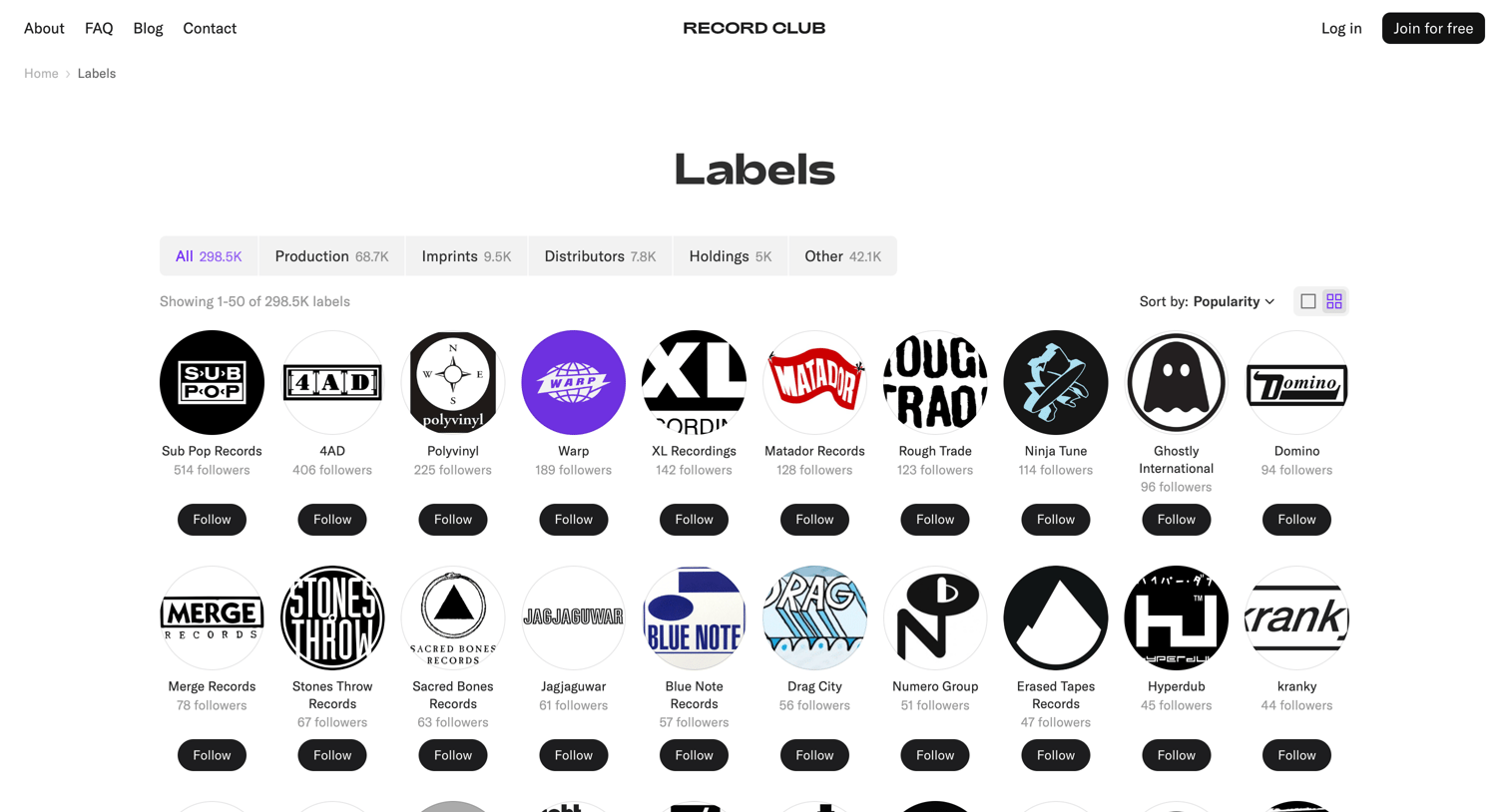

List view where the user browses a directory of record labels, filterable by category like production or imprints, and can follow individual labels.
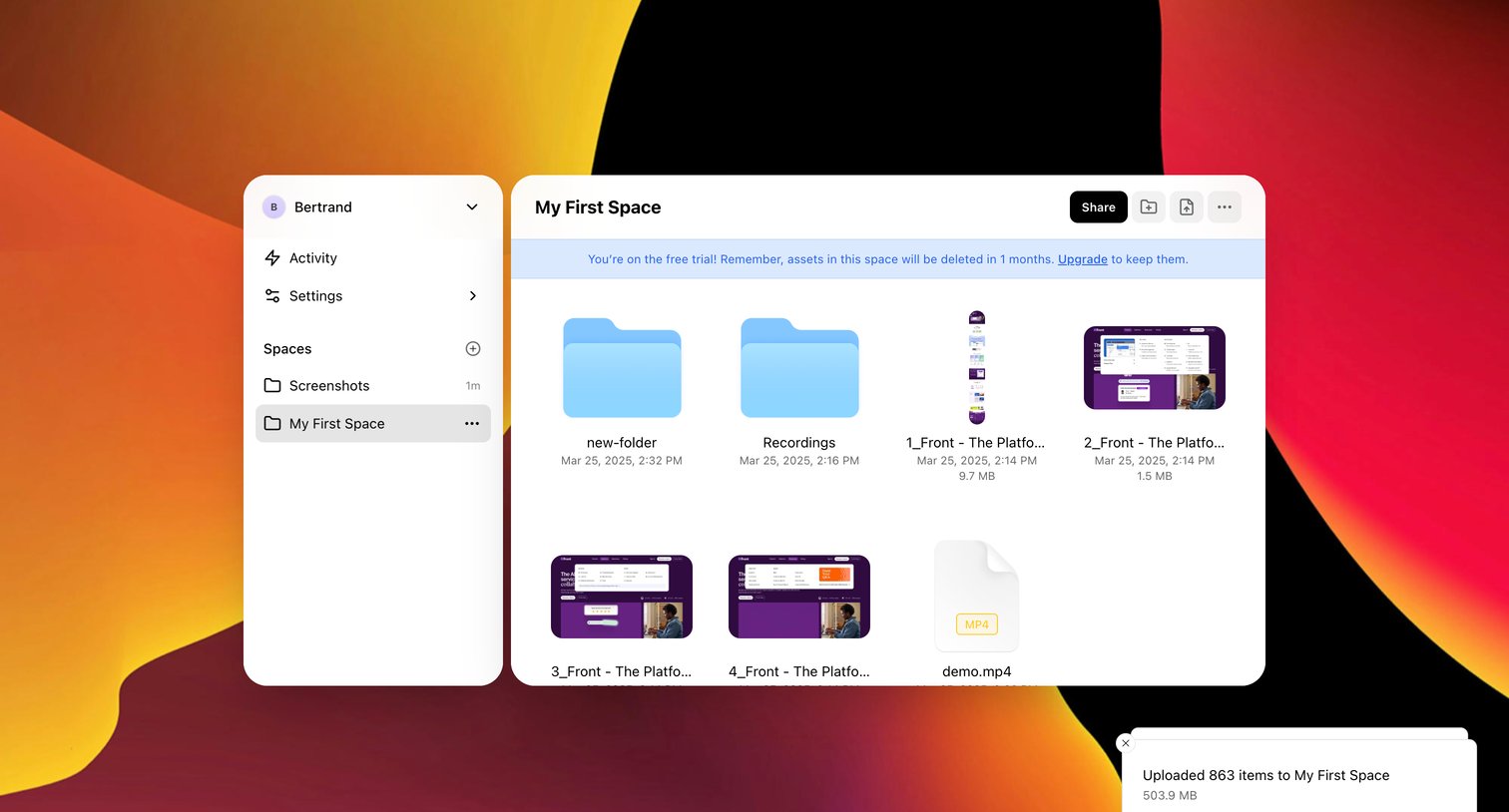

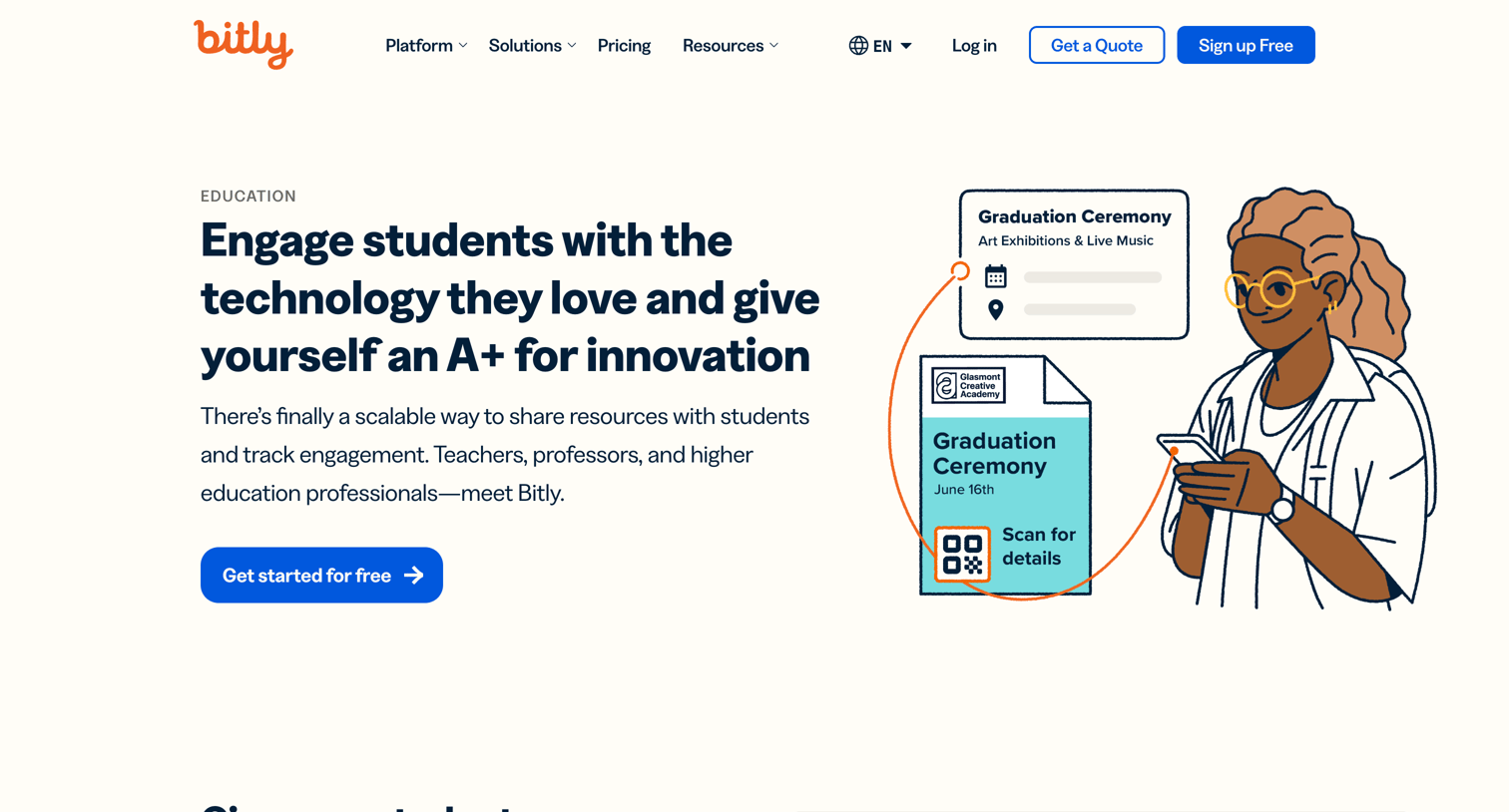

Marketing use case page explaining how educational institutions can use URL shorteners, QR codes, and link-in-bio pages to engage students and track campus communications.
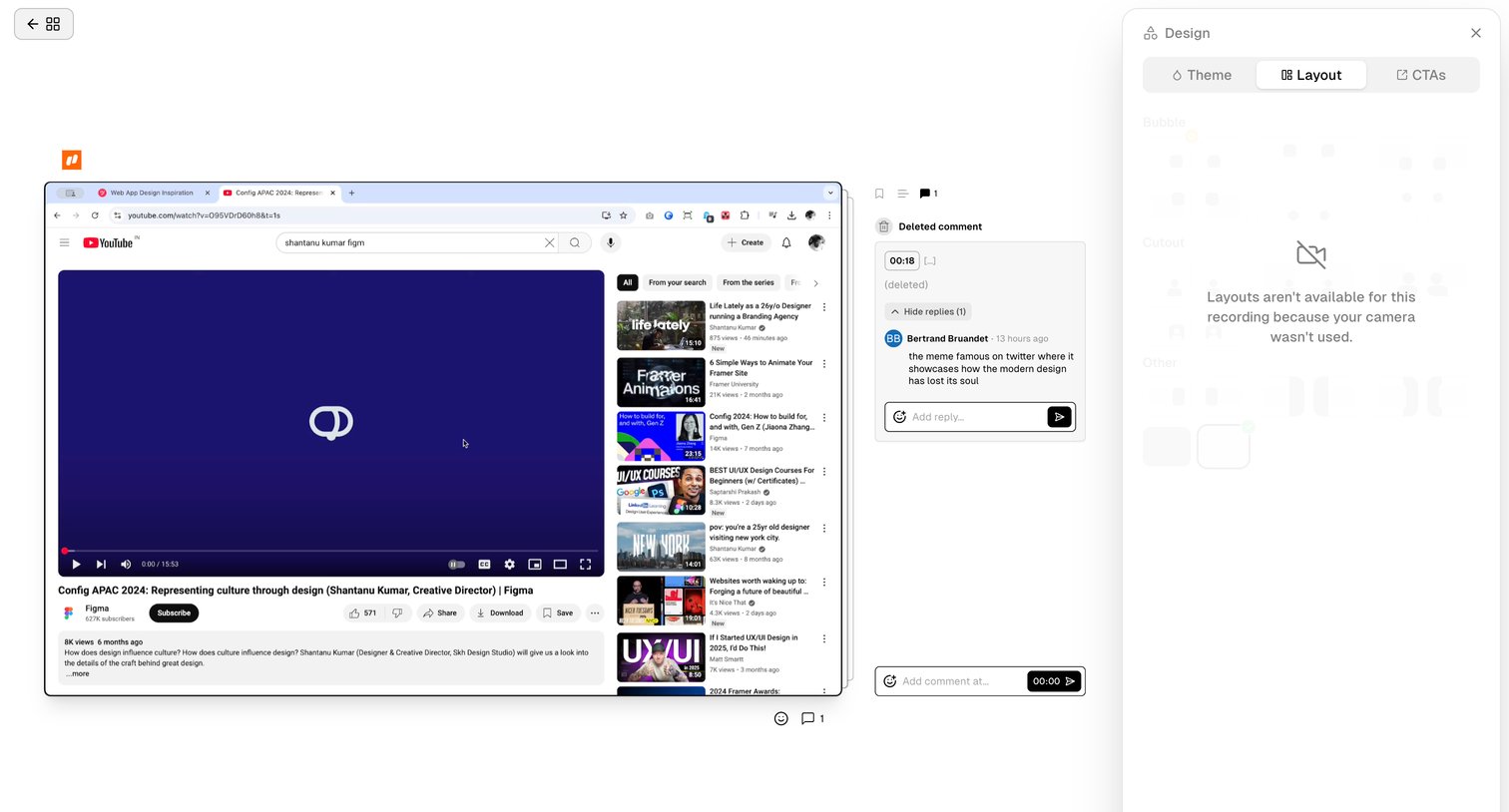

Detail page where a user reviews a video recording, manages timestamped comments, and views a disabled layout settings panel because no camera was used.
Explore the full SaaS screen library
Upgrade to unlock the full library.
Trusted by the best teams







