Bulk edit screen examples
Bulk edit screen design examples from SaaS apps. Browse examples from Copilot, Linear, Dovetail.
Explore the examples
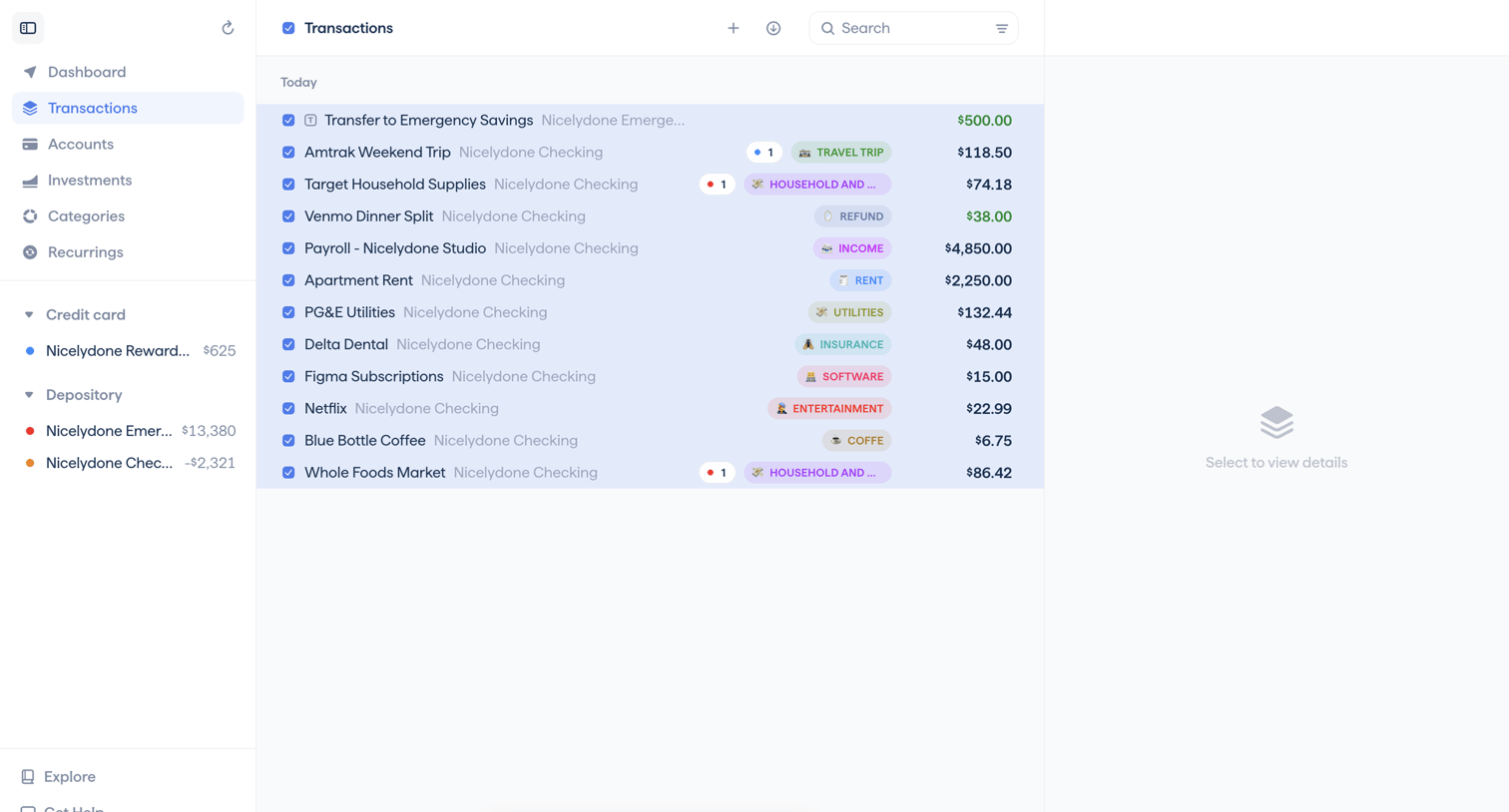

Transactions list view where the user has selected multiple rows to apply bulk actions like type or tag changes via a floating toolbar.
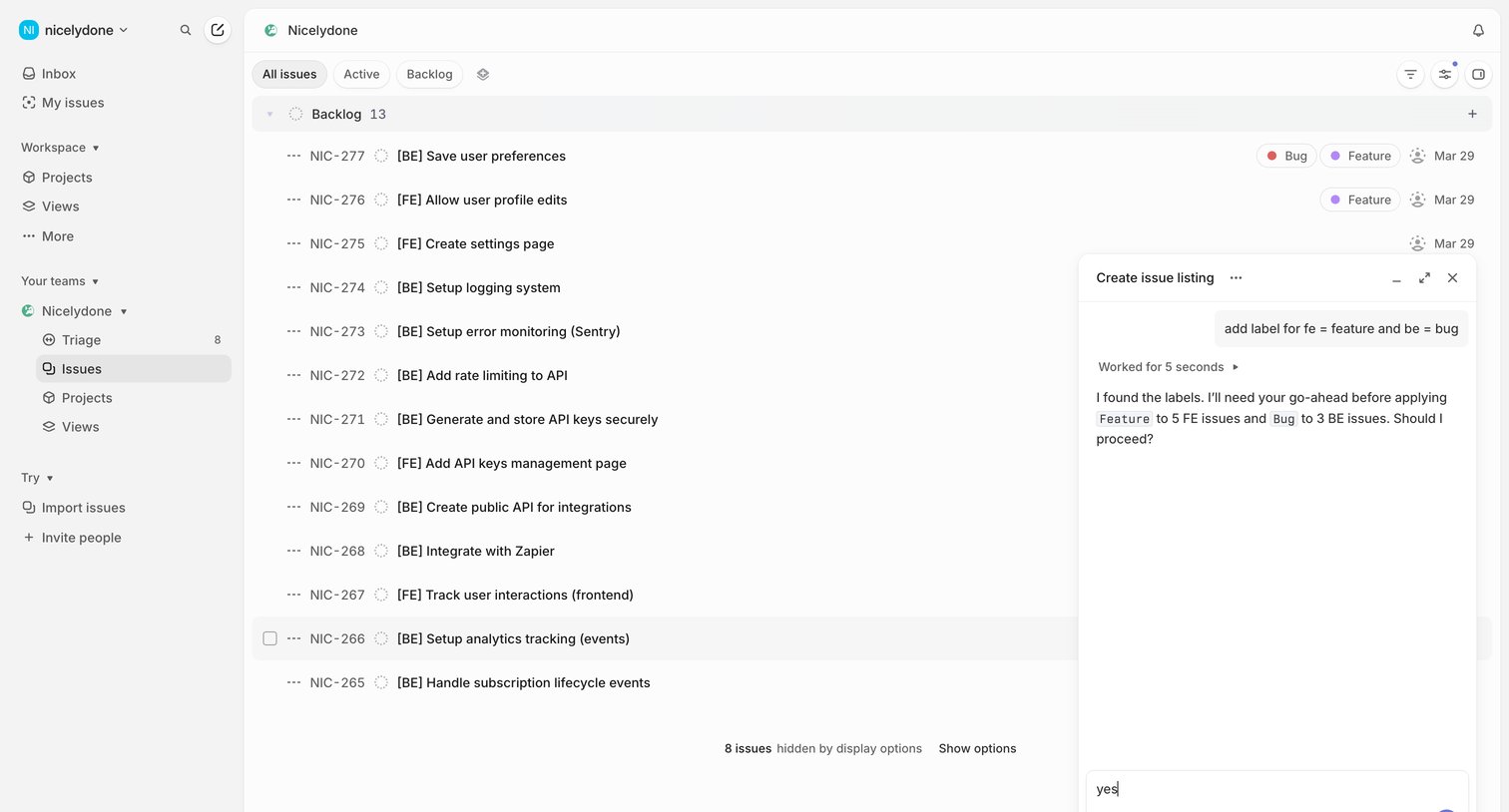

List view where a user views their team's backlog issues while interacting with an AI assistant to bulk-apply labels.
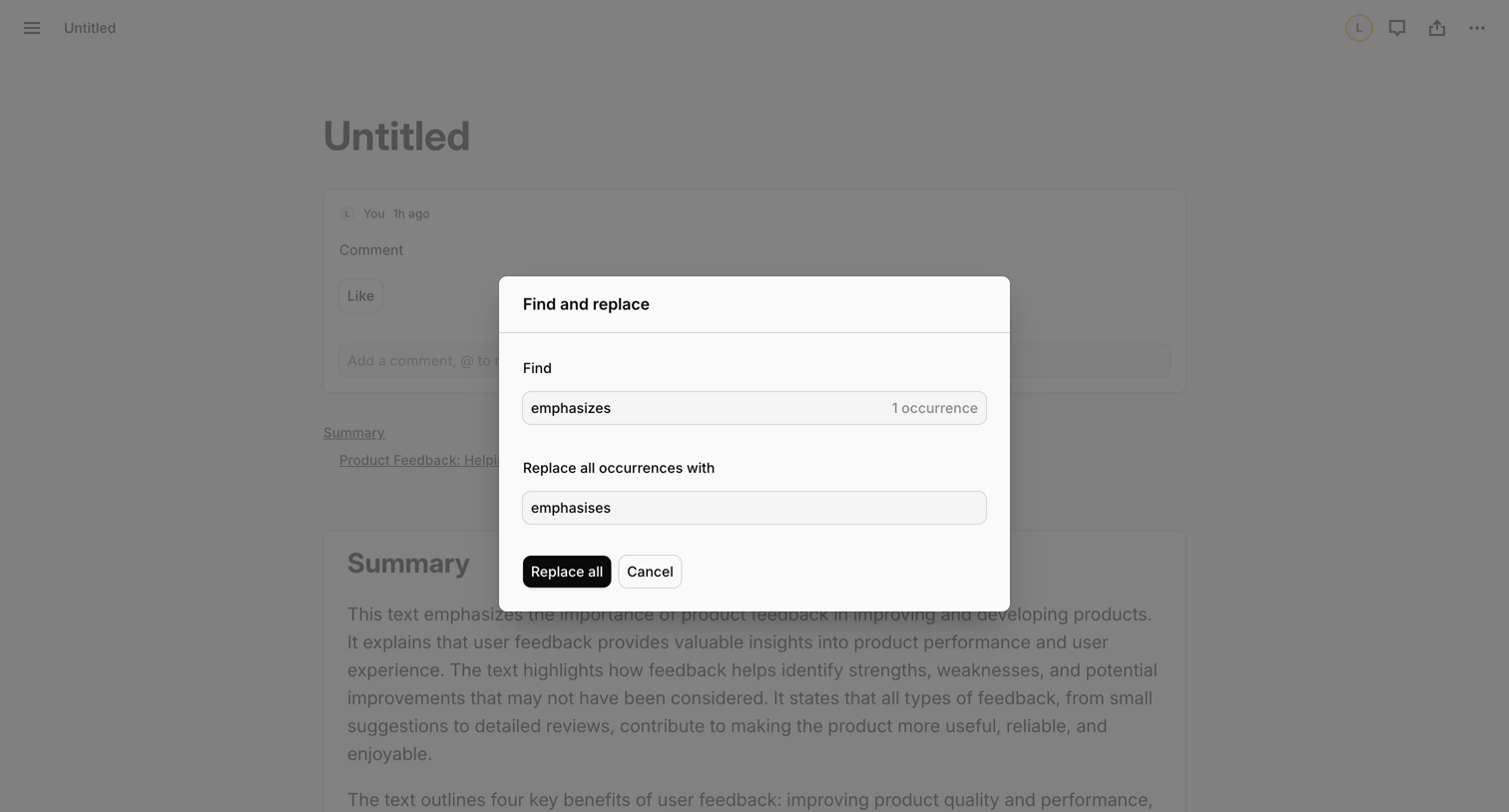

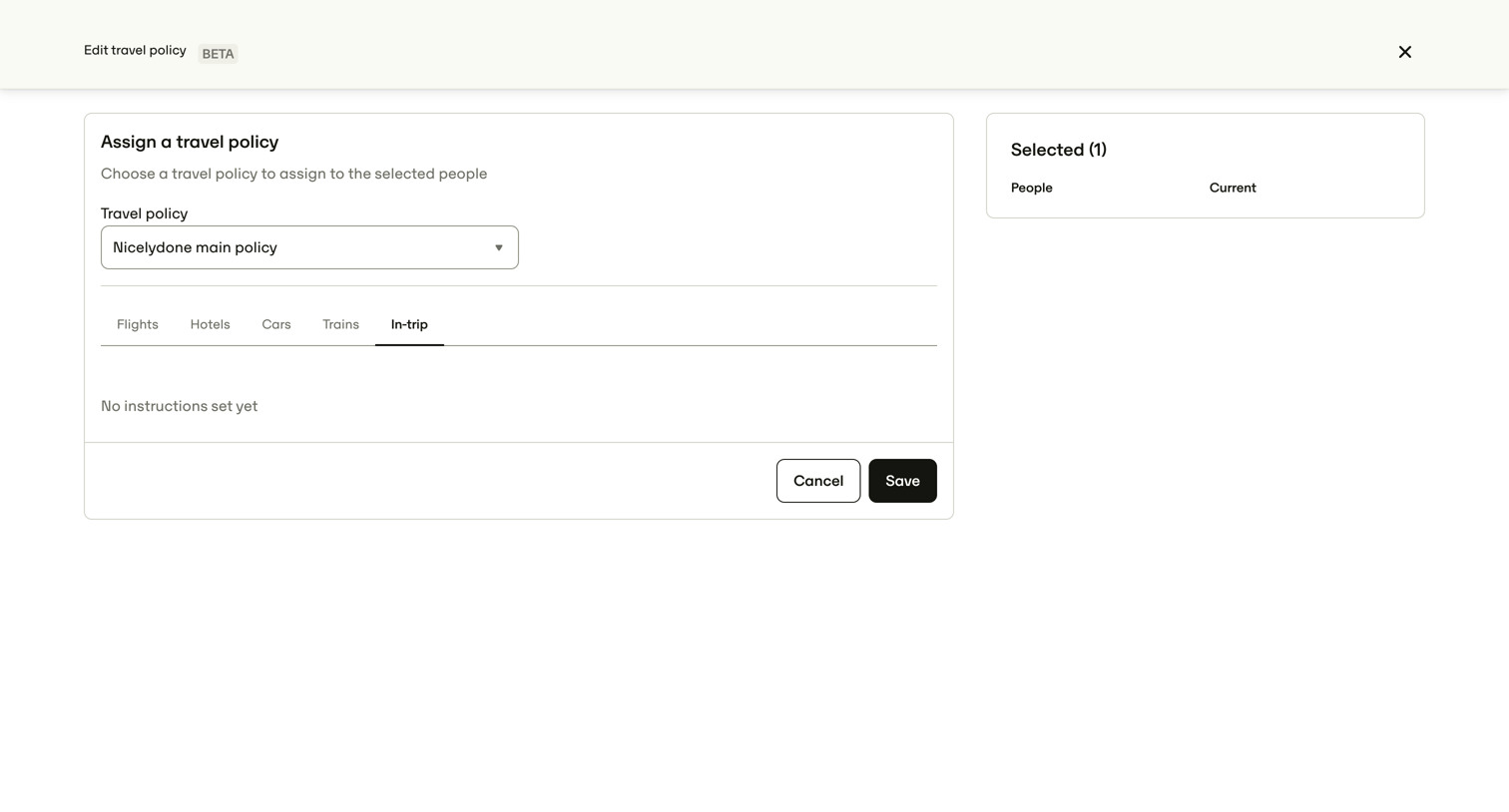

Settings overlay where the user bulk-assigns a specific travel policy to selected teammates.
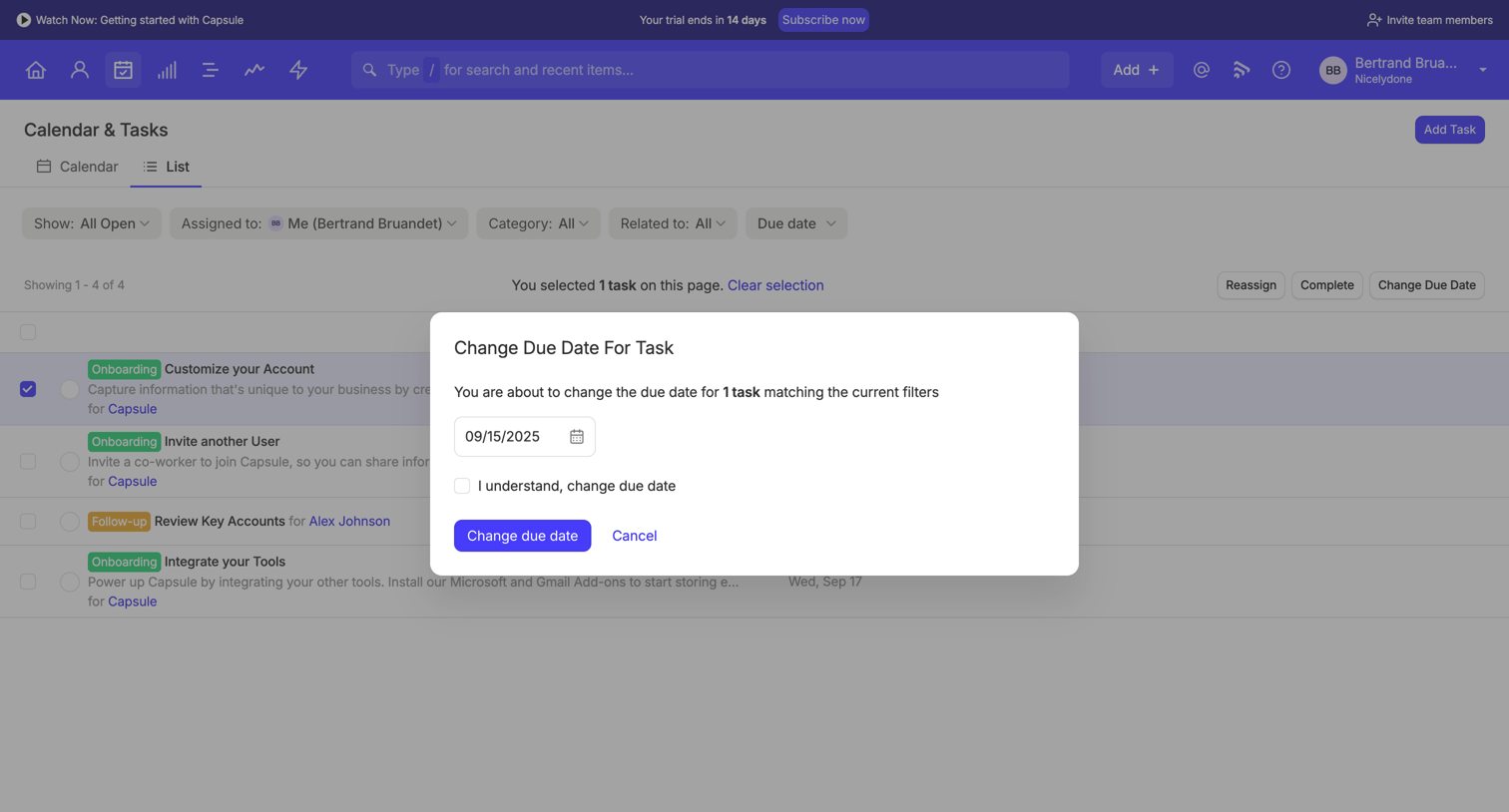

List view of tasks where the user is bulk-editing the due date for a selected onboarding task via a confirmation modal.
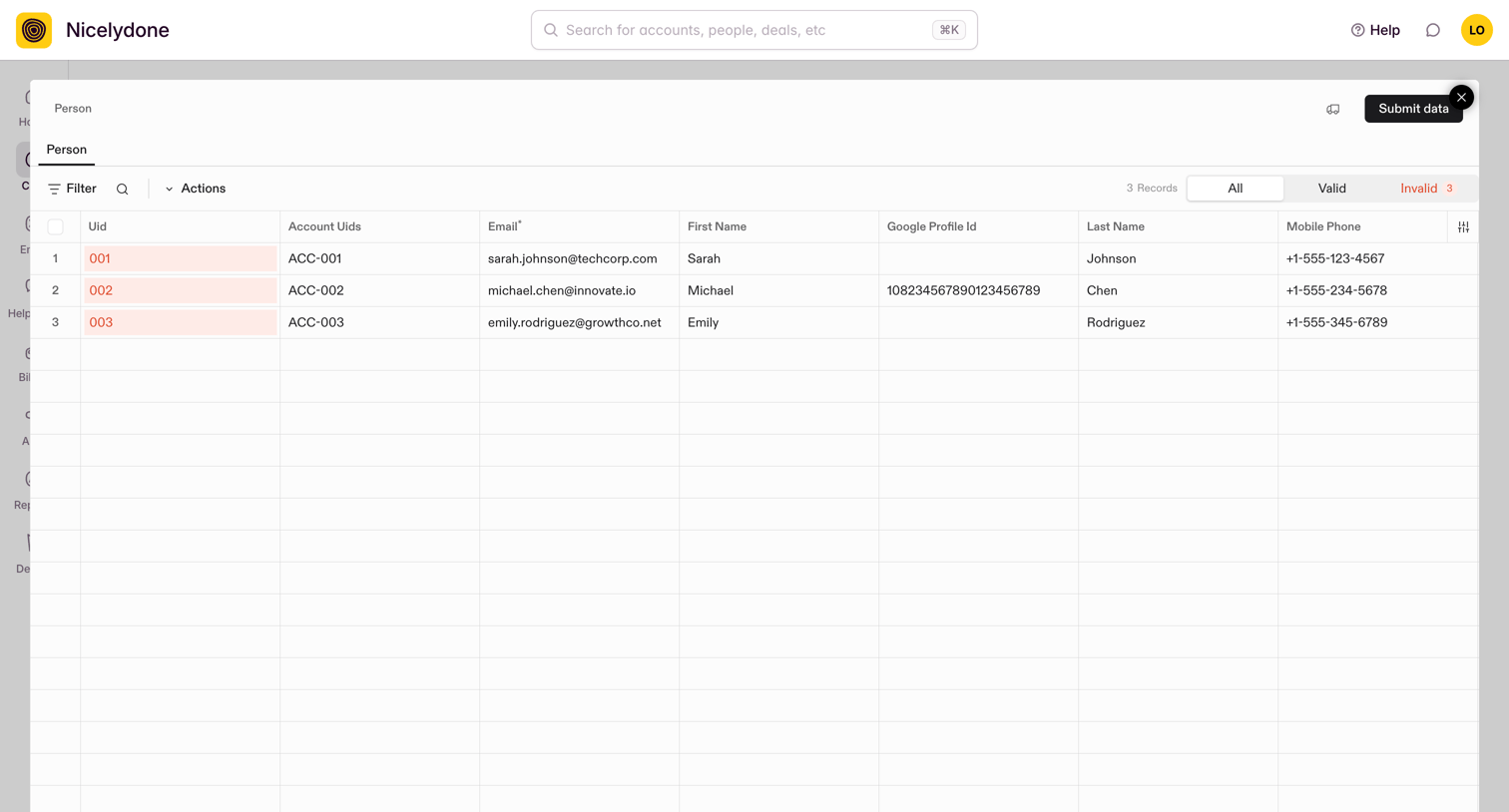

Data import modal where the user reviews a list of person records, filters by validity, and fixes invalid entries before submitting.
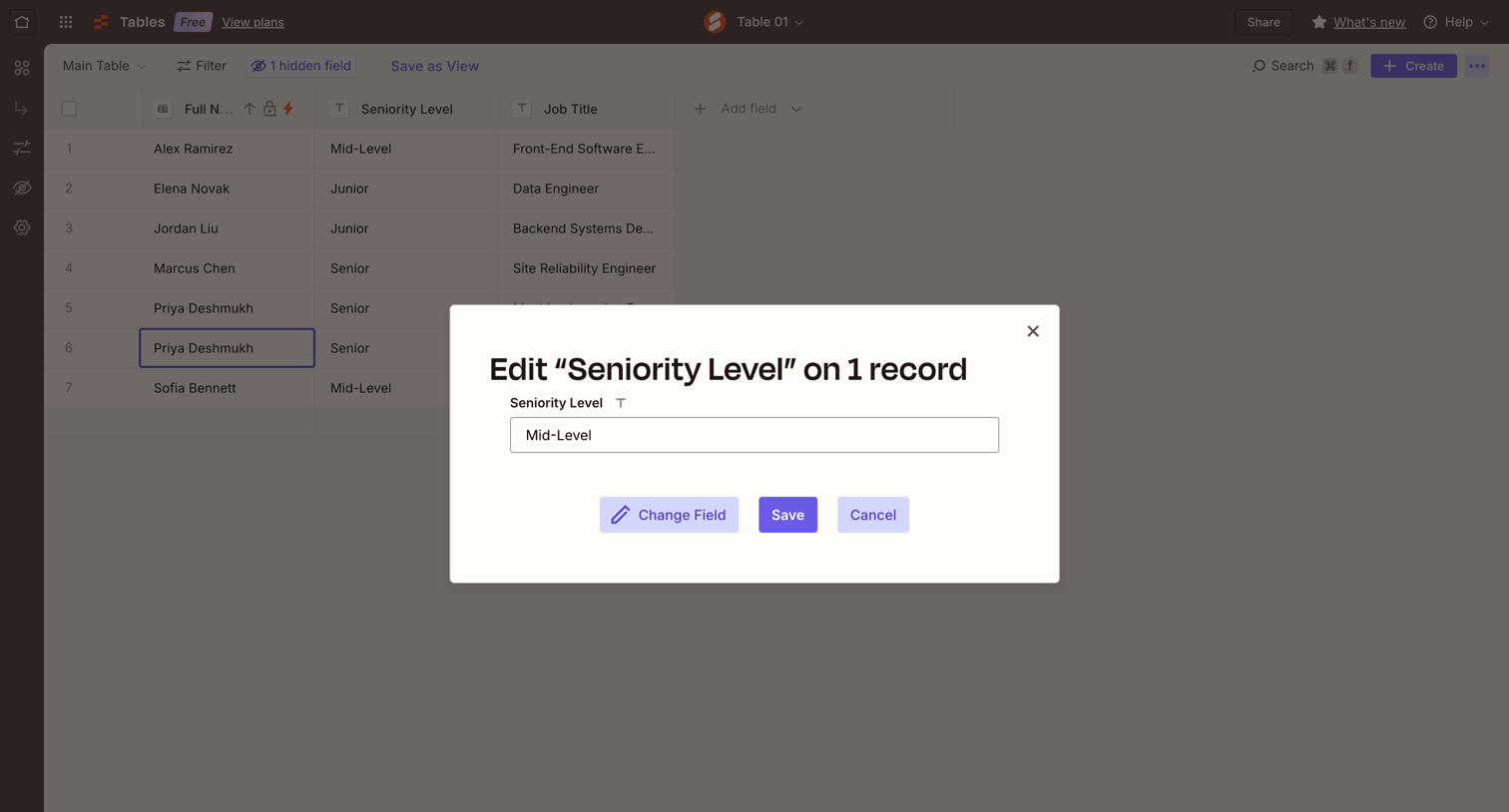

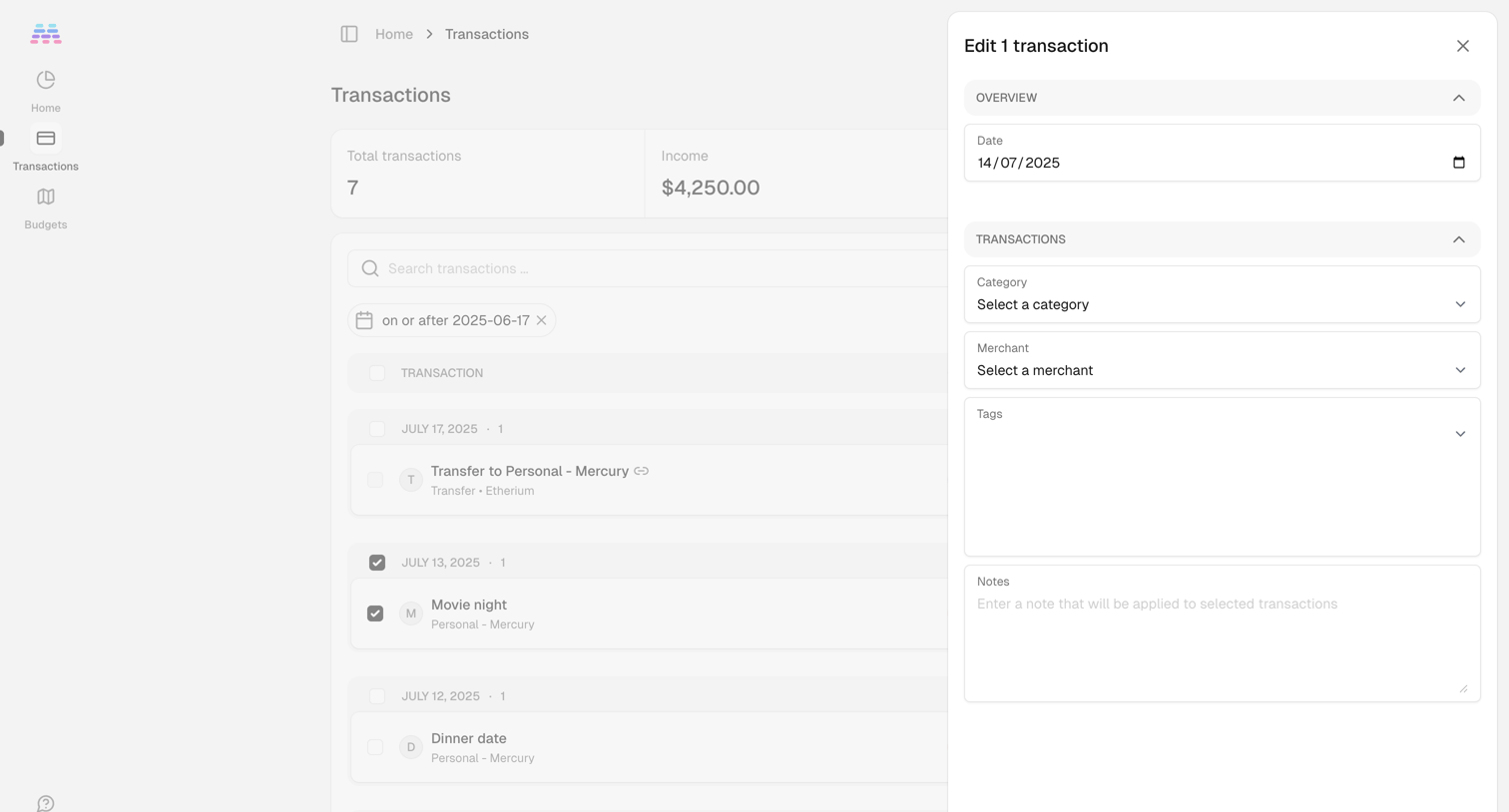

List view where the user is editing a selected transaction's date, category, merchant, tags, and notes via a side drawer.
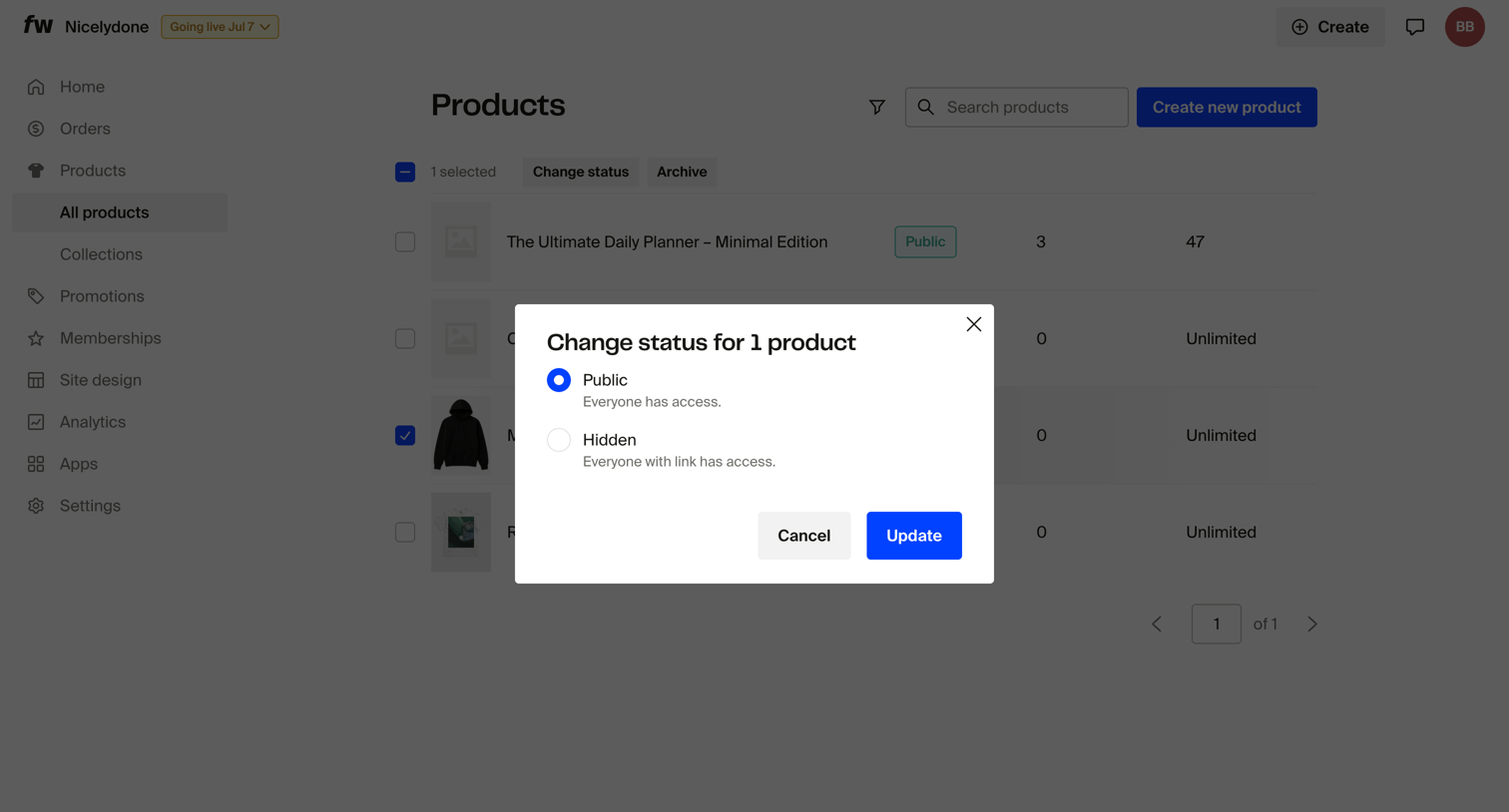

List view where the user updates the visibility status of a selected product to public or hidden via a modal.
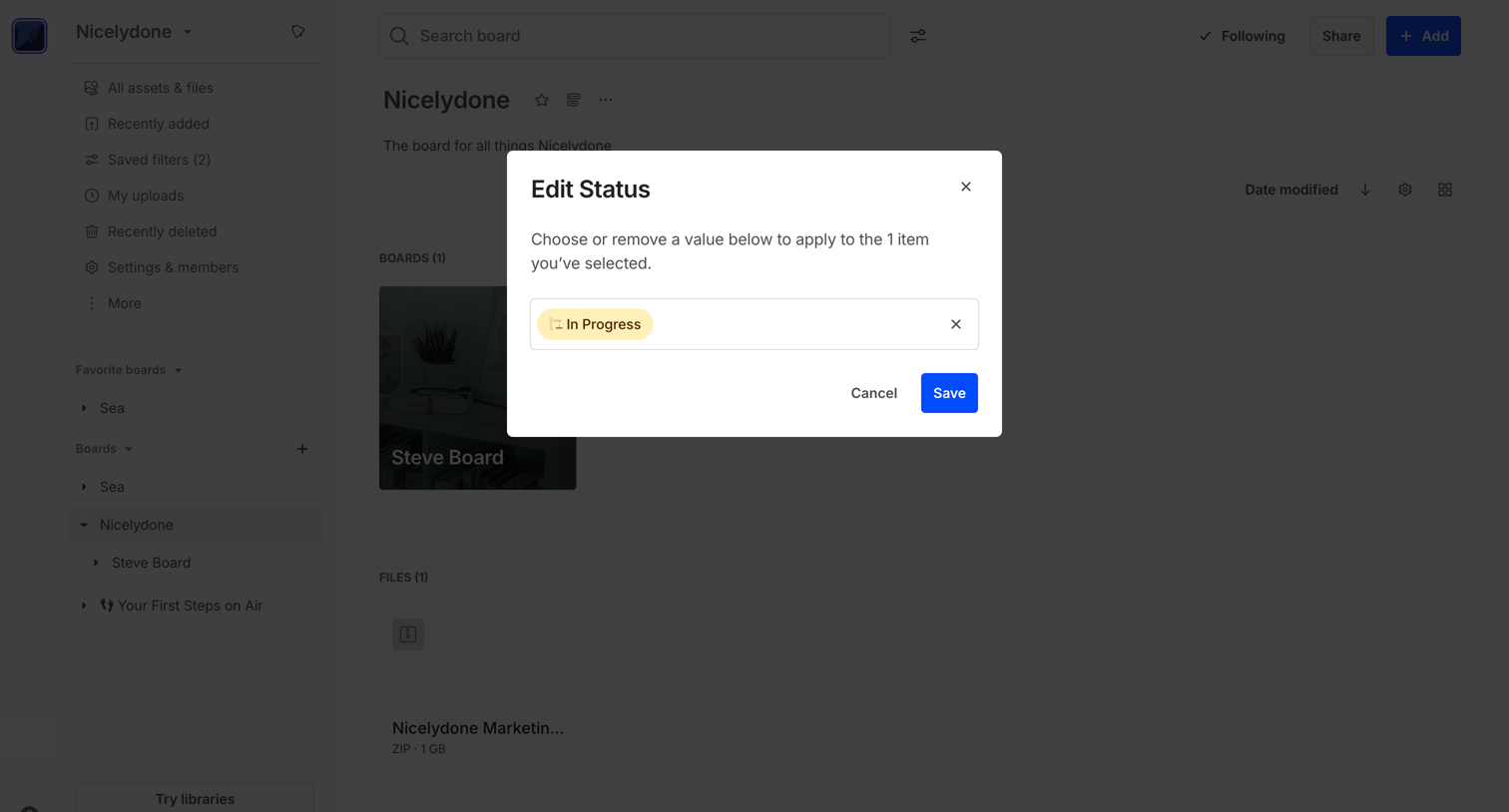

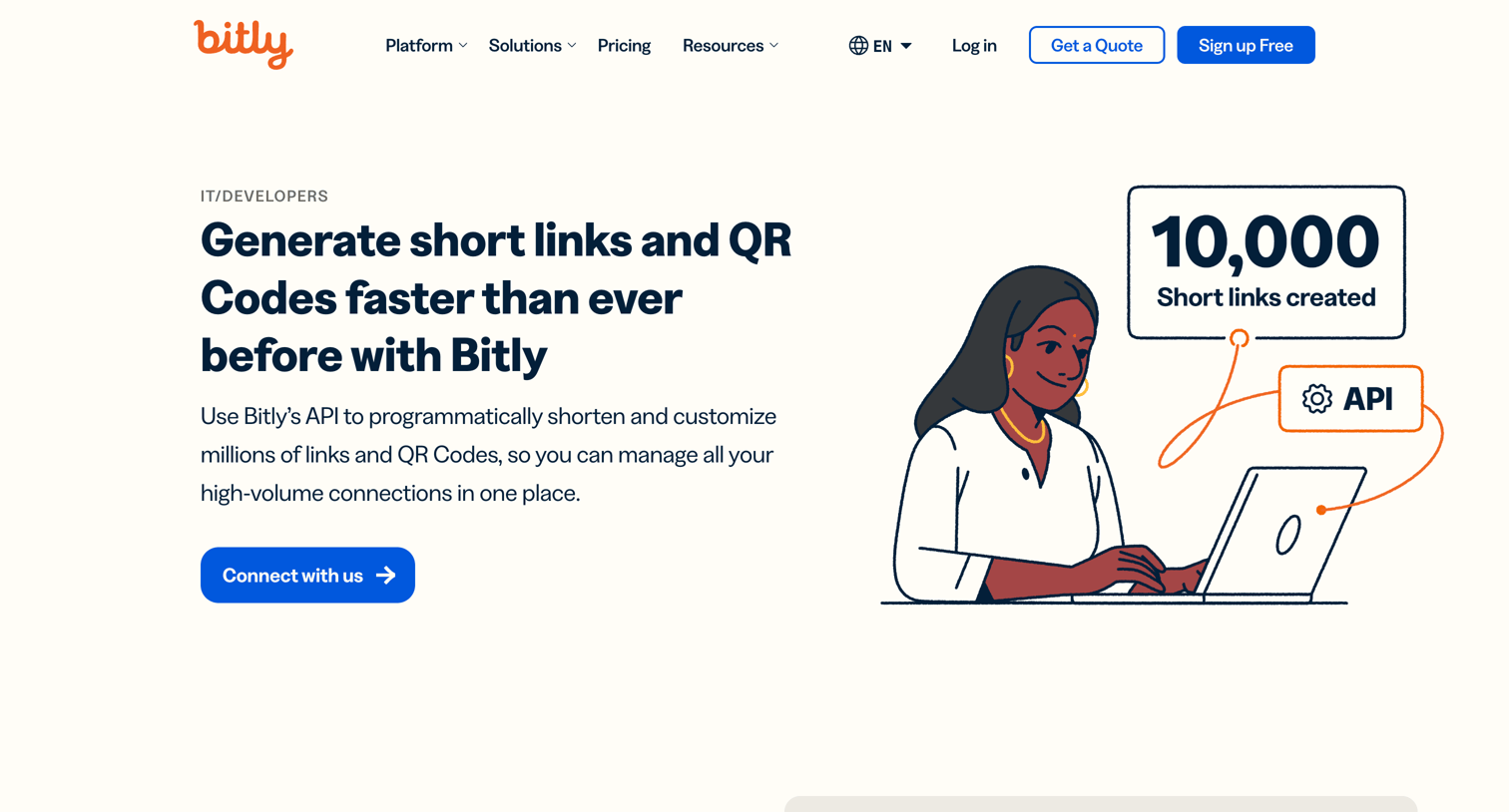

Marketing page explaining how developers can use the API to generate short links and QR codes at scale, featuring product previews, a feature grid, and customer testimonials.
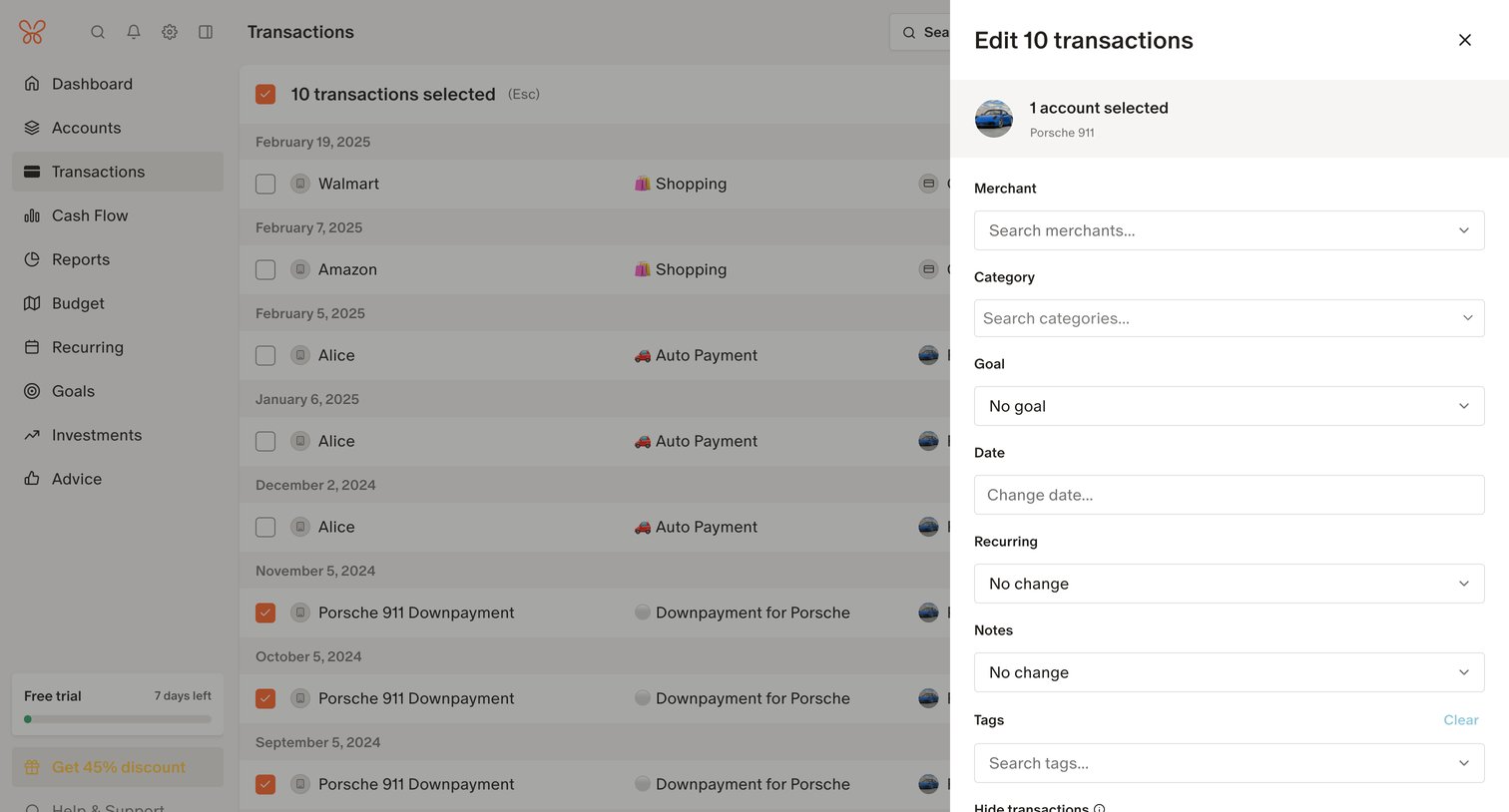

List view where the user is bulk-editing multiple selected transactions via a side drawer, updating fields like merchant, category, and date.
Explore the full SaaS screen library
Upgrade to unlock the full library.
Trusted by the best teams







