Autocomplete screen examples
Autocomplete screen design examples from SaaS apps. Browse examples from Attio, UserJot, Capsule.
Explore the examples
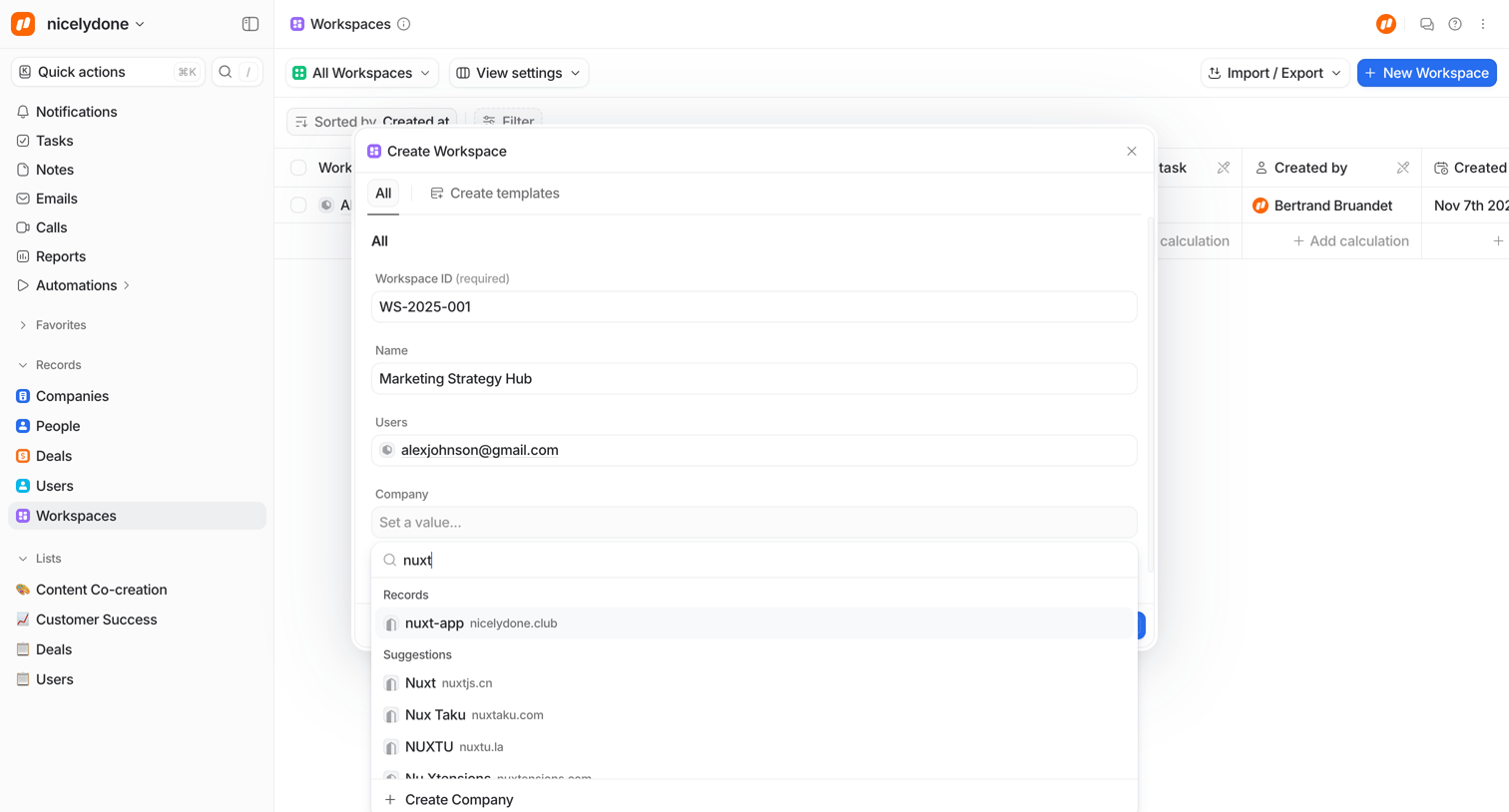

Create modal where the user configures a new workspace by setting an ID, naming it, assigning users, and searching for an associated company via an open combobox.
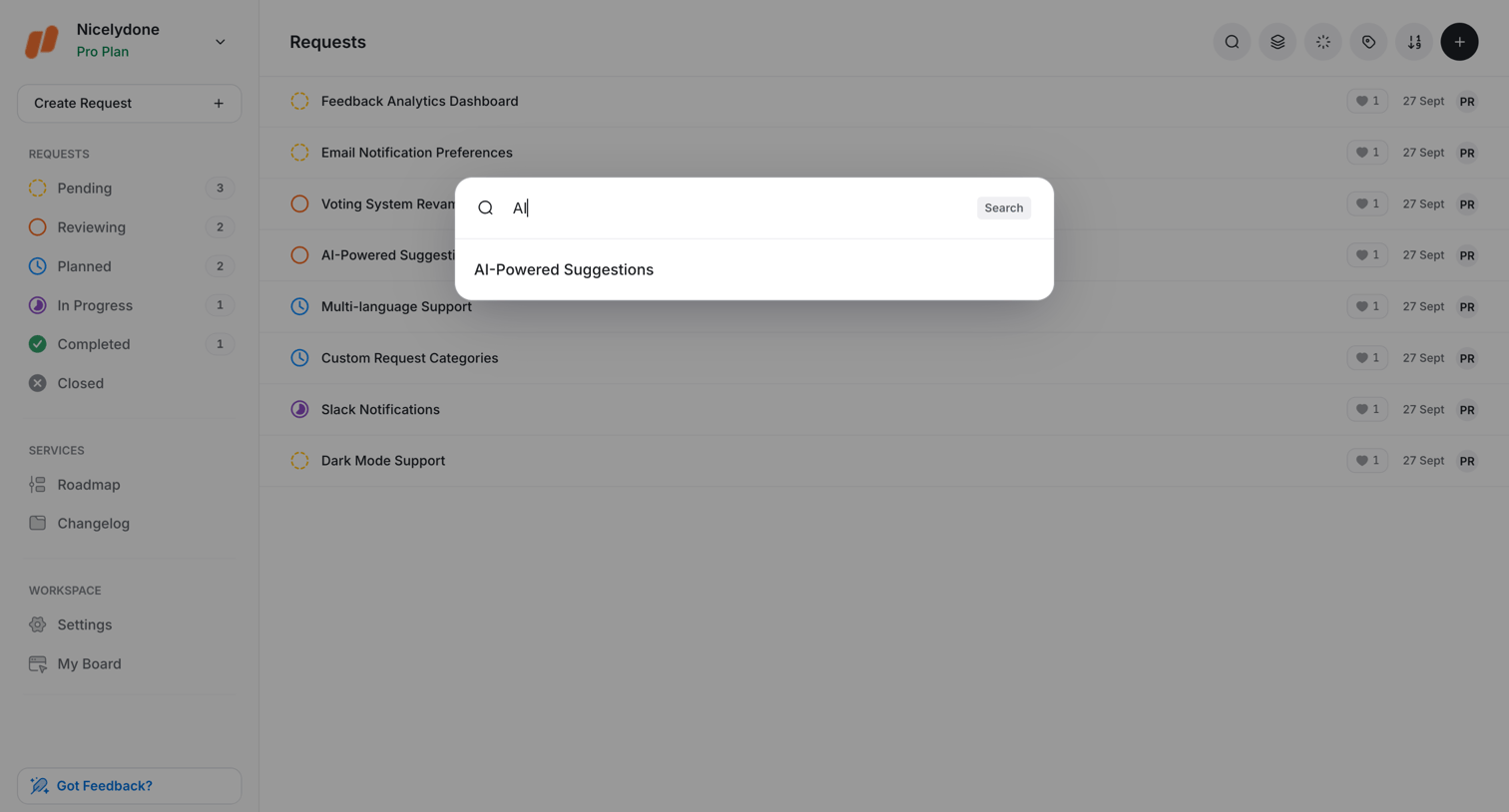

Search overlay where the user searches for specific feature requests like AI-Powered Suggestions.
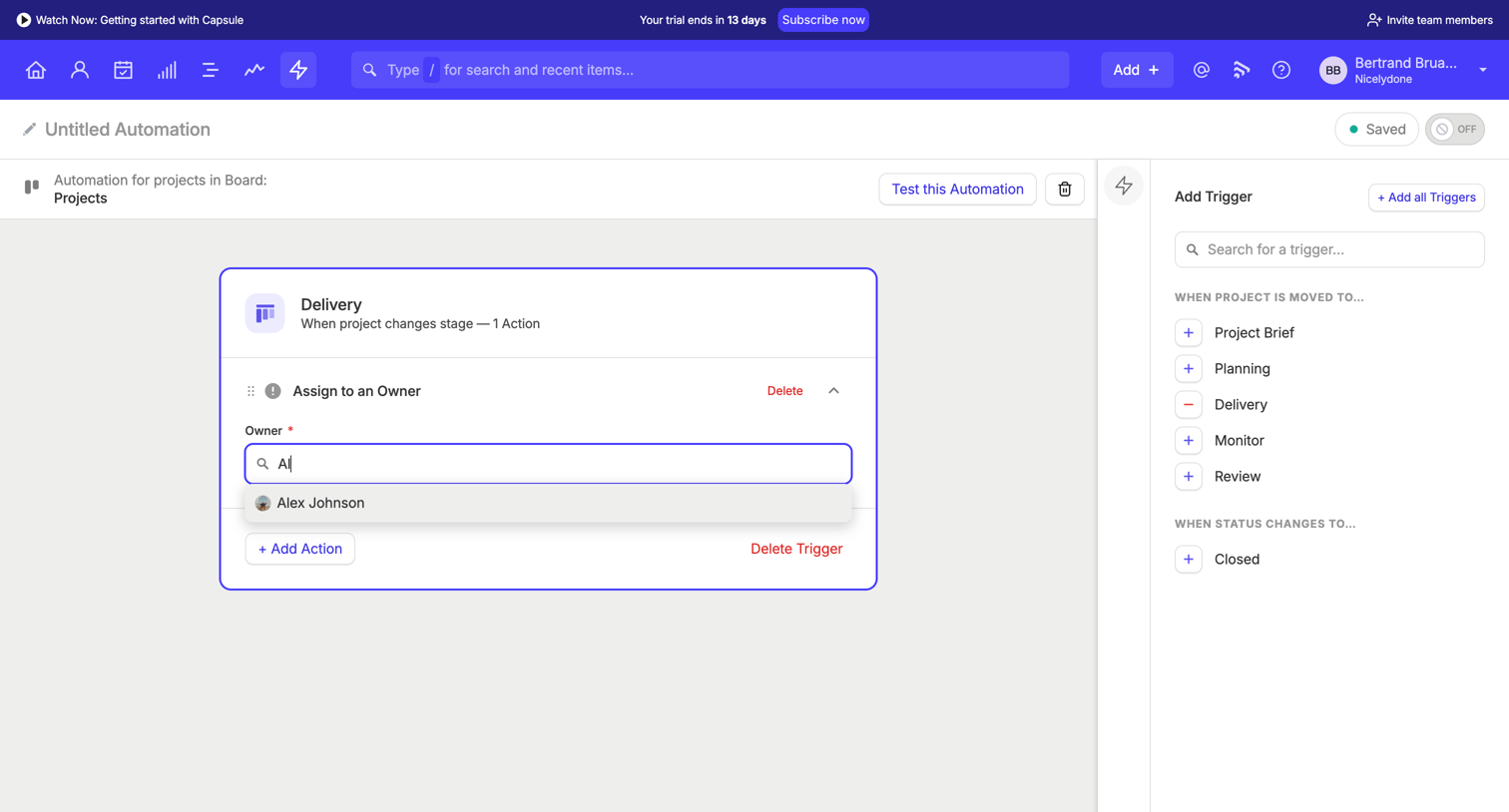

Design editor where the user configures an automation workflow by adding triggers and actions, currently using a combobox to assign an owner to a project delivery stage.
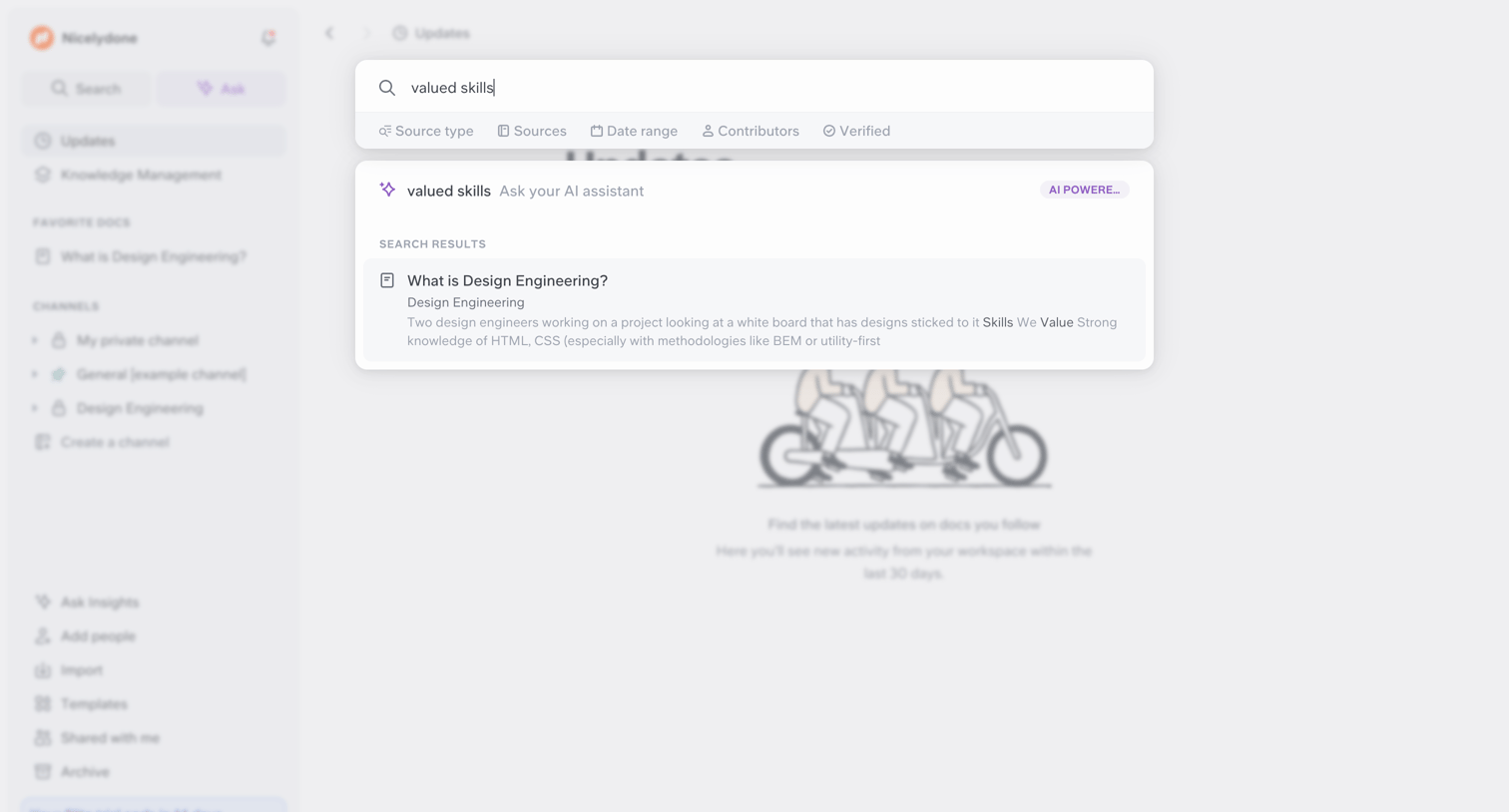

Search overlay where the user looks for 'valued skills', with options to filter by source type, date range, or ask the AI assistant.
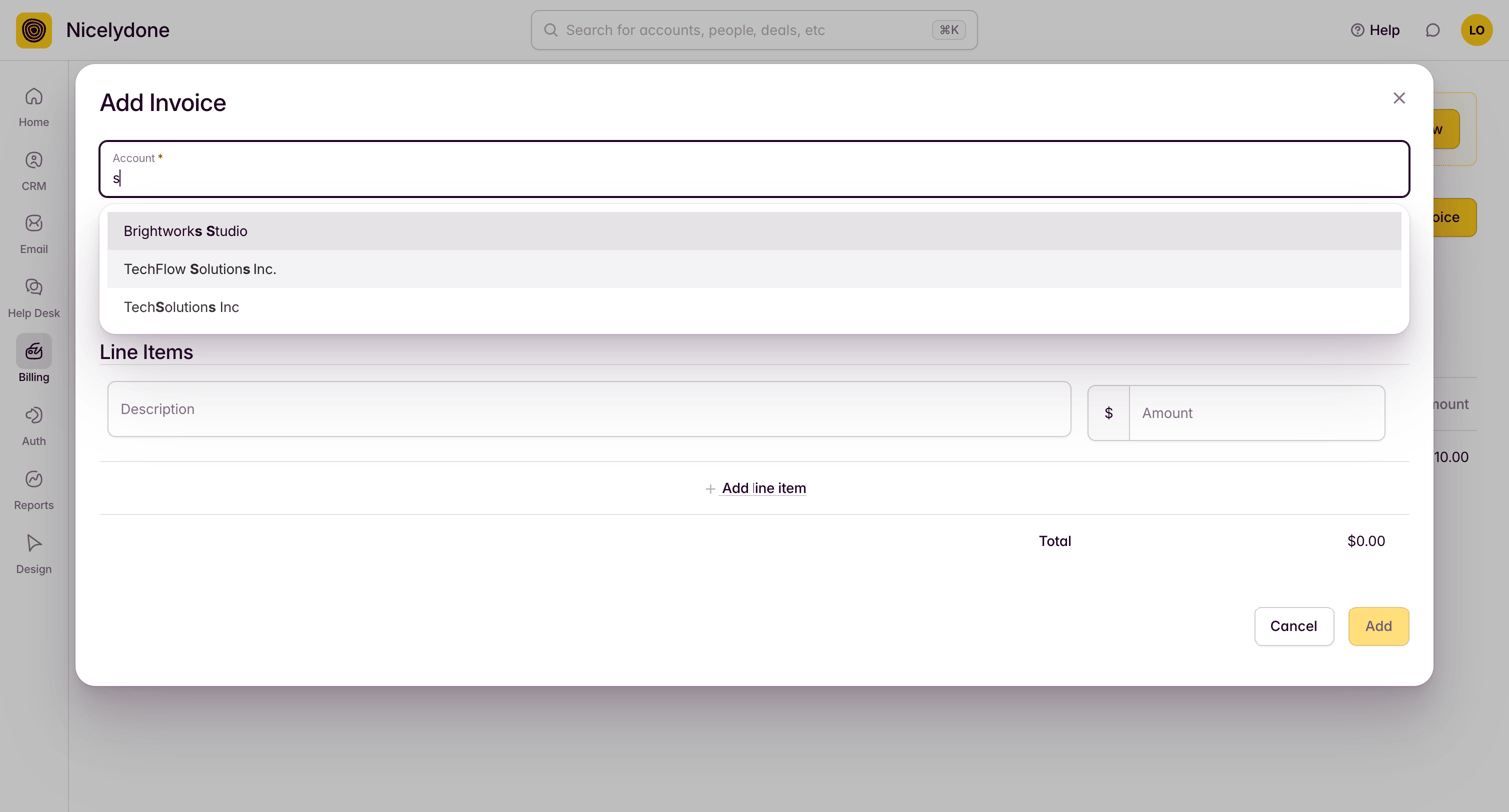

Modal where the user creates a new invoice by searching for an account and adding line items with descriptions and amounts.
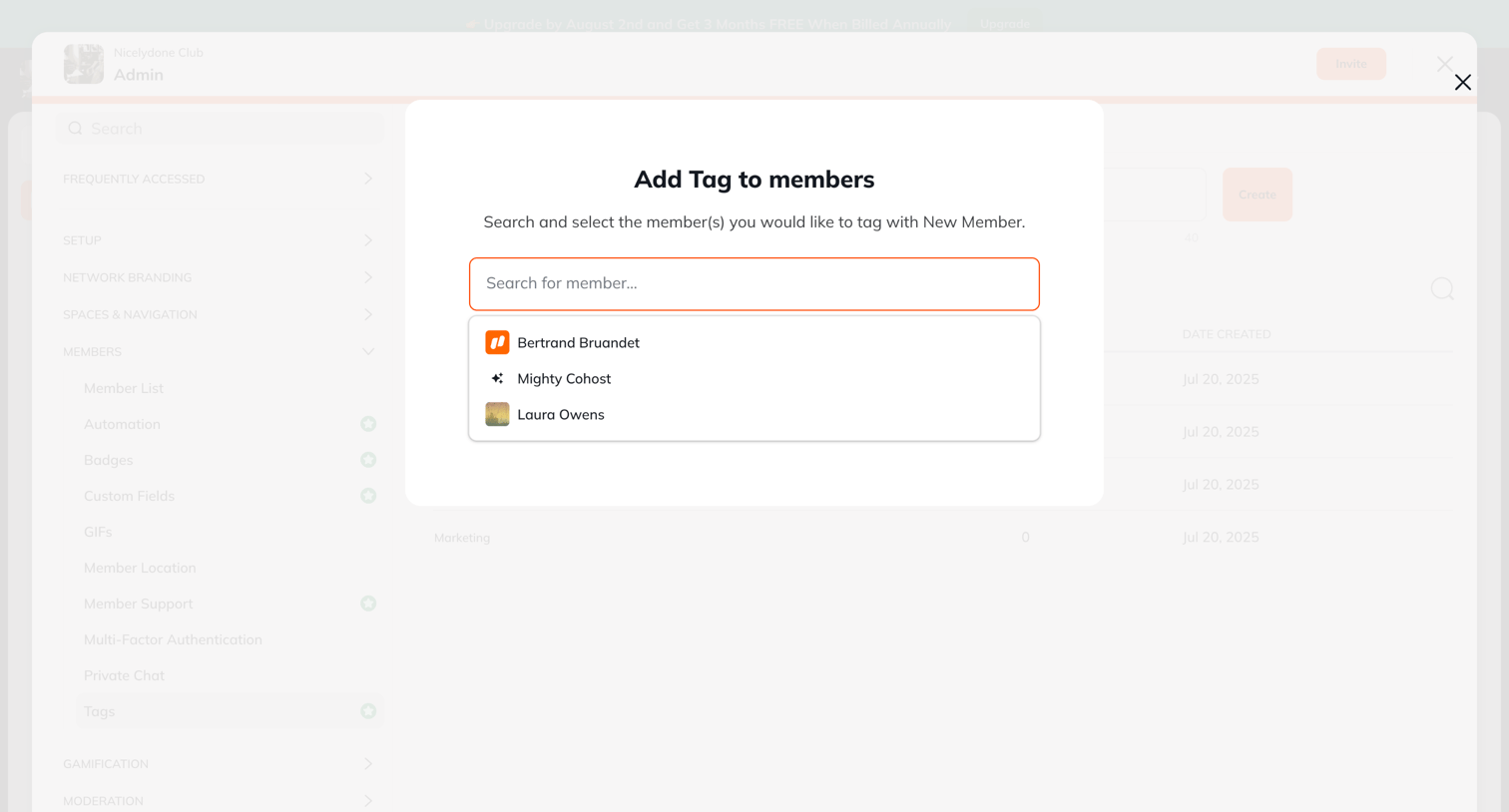

Modal where the admin searches for and selects members to assign a specific tag.
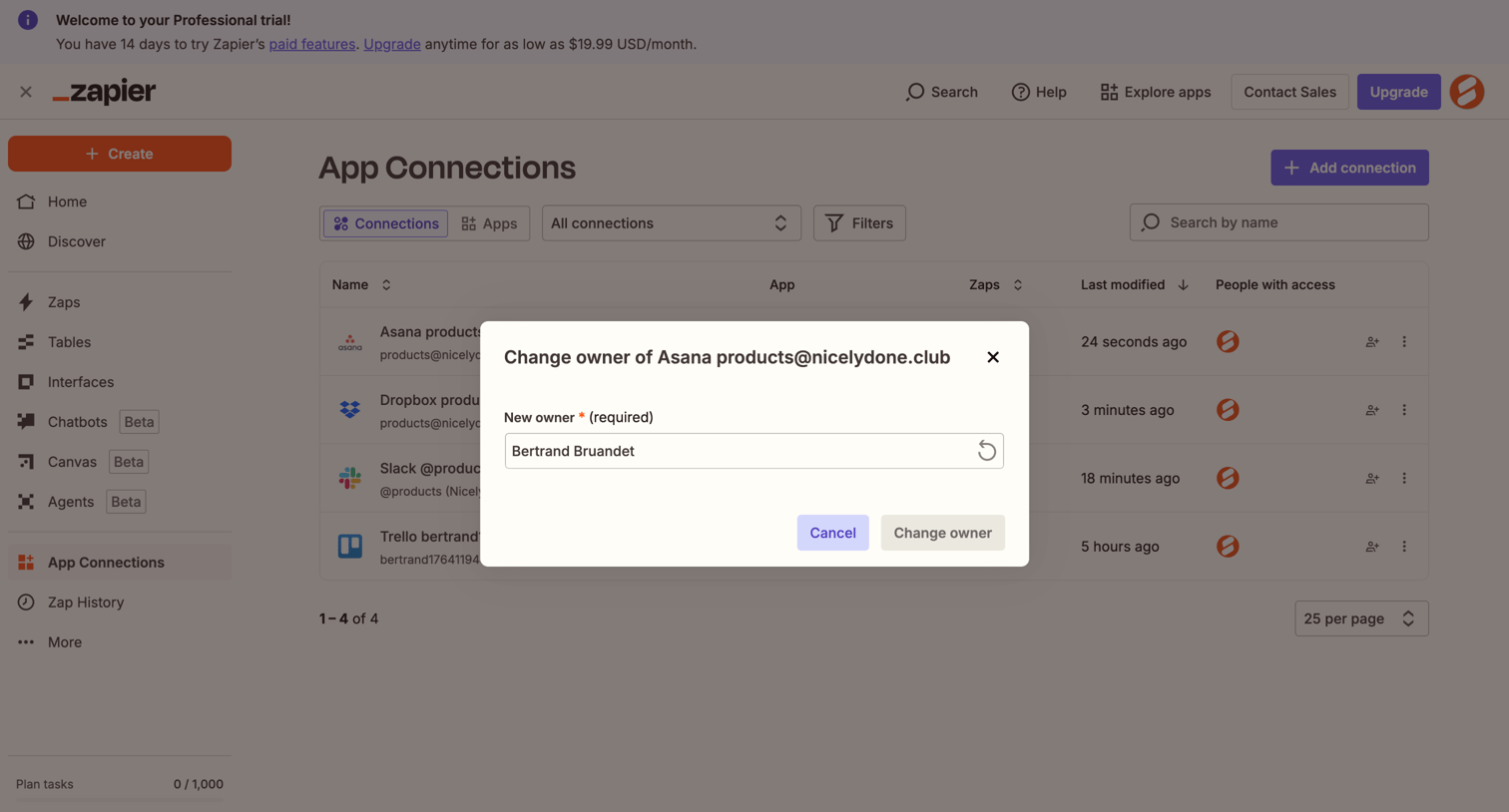

Modal where the user transfers ownership of an Asana app connection to another team member via a dropdown.
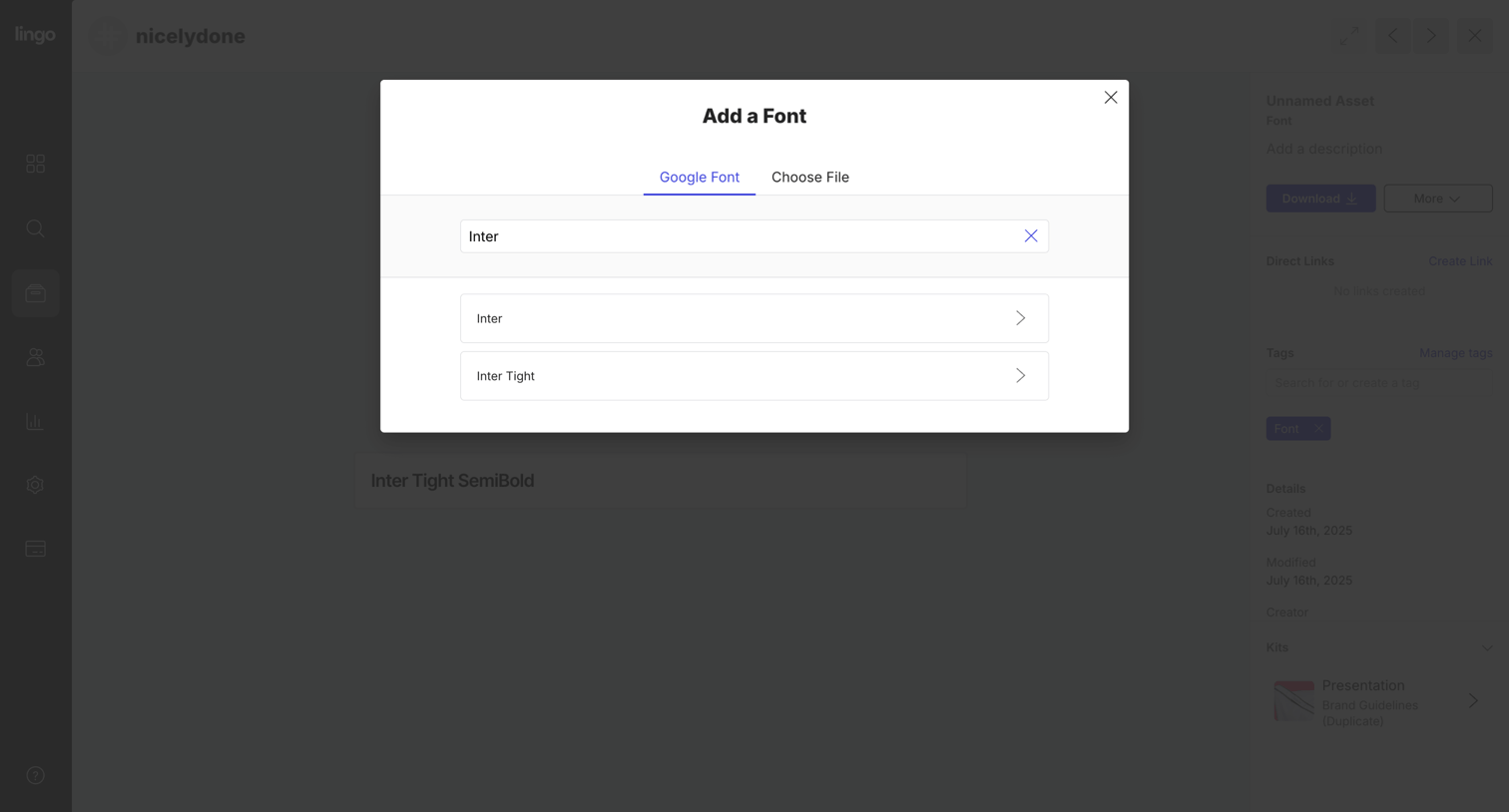

Asset detail page where the user is searching for and adding a Google Font to their design library.
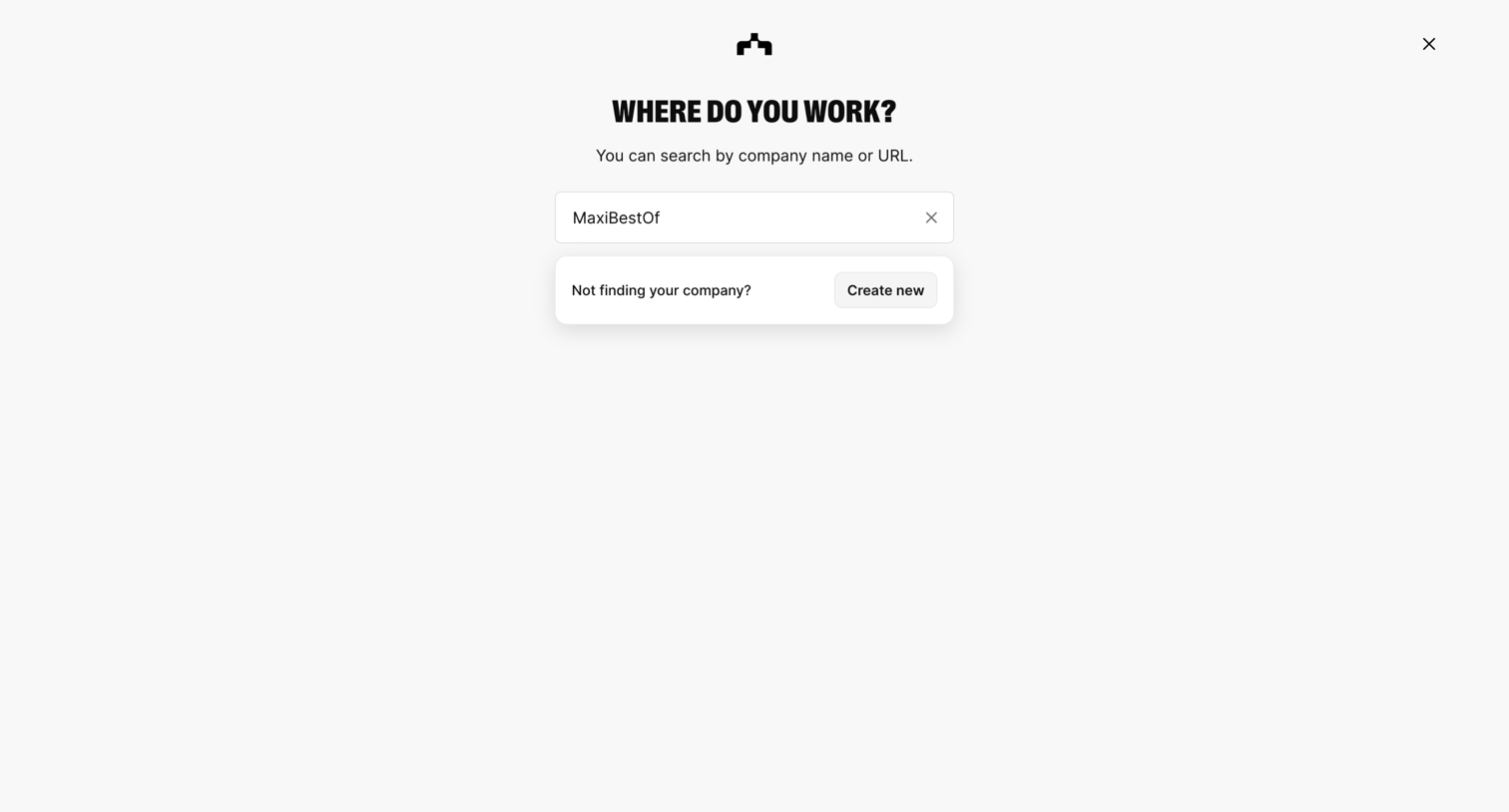

Onboarding step where the user searches for their company by name or URL to join an existing workspace, with a fallback option to create a new one.
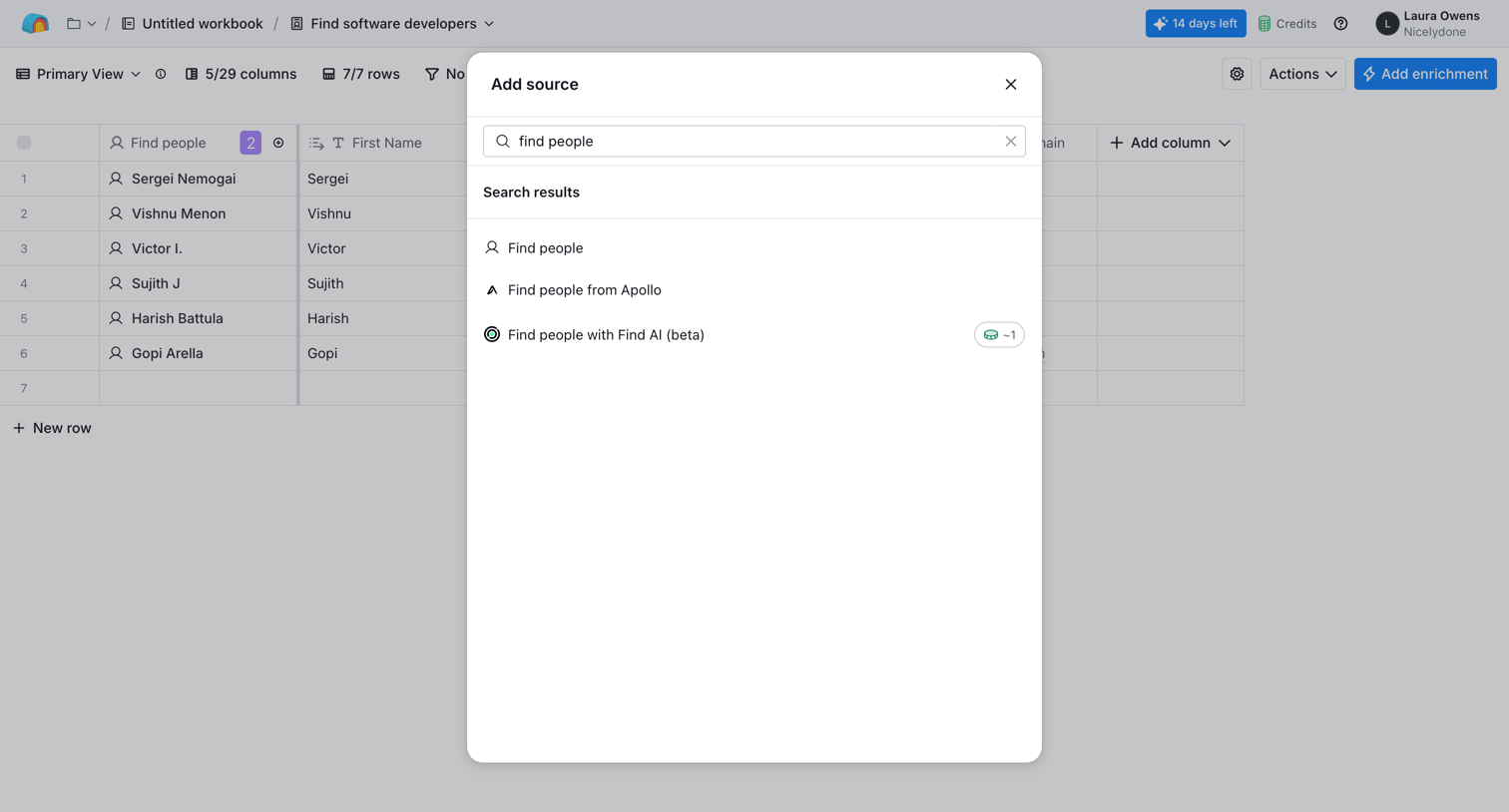

List view where the user searches for and adds a new data source or integration like Apollo to their table.
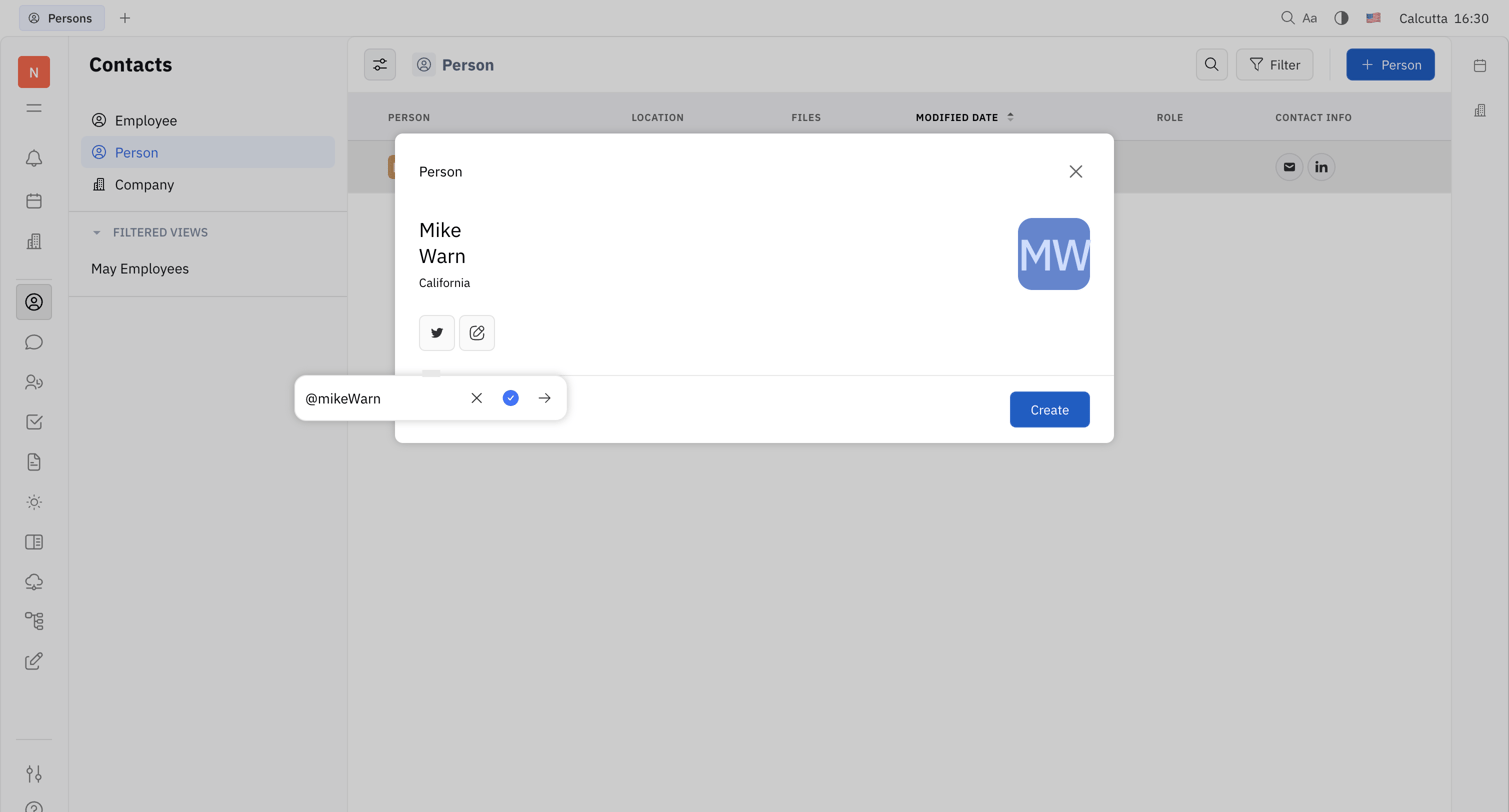

Creation modal where the user adds a new person contact, currently entering their Twitter handle in a floating popover.
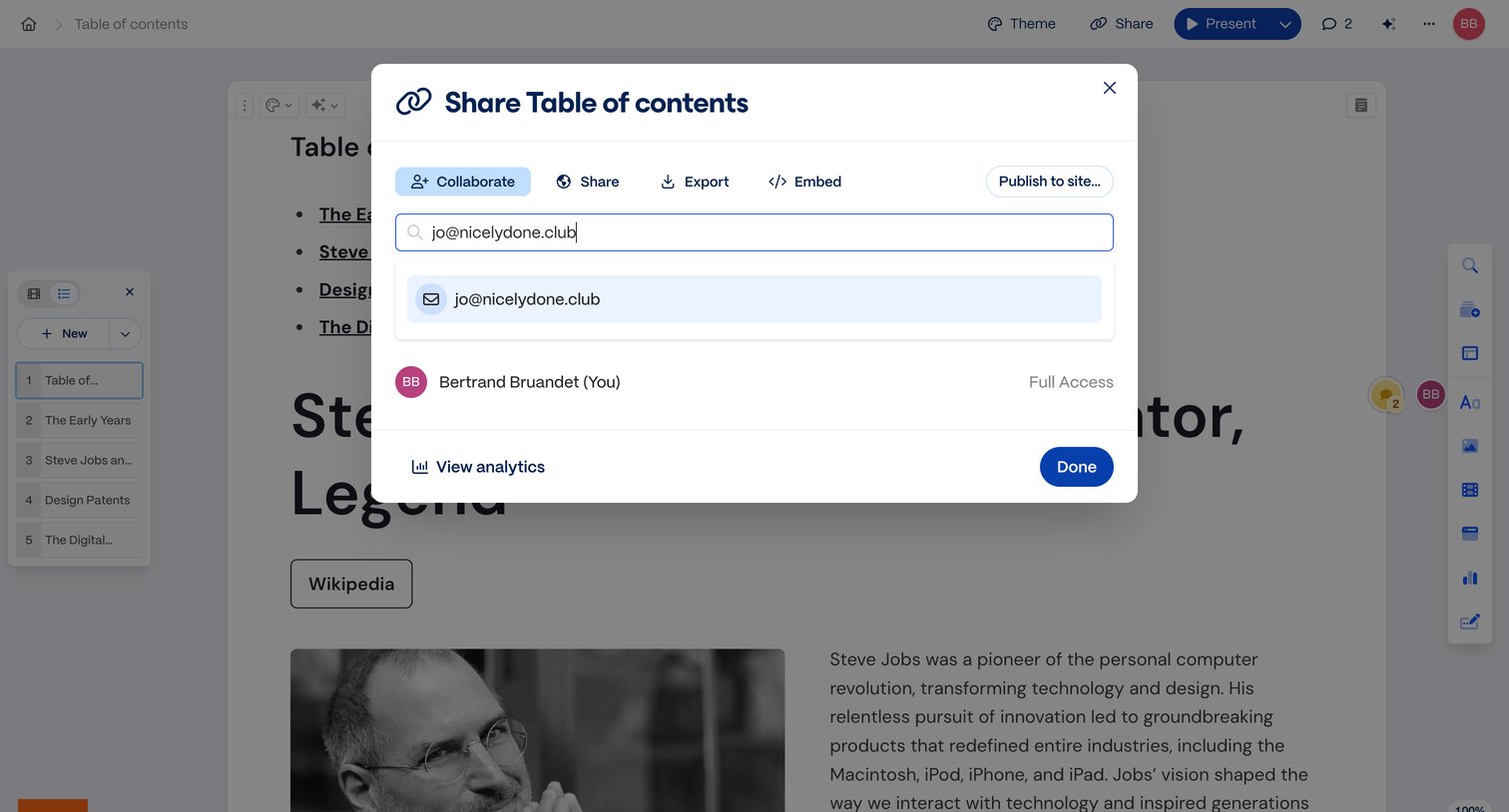

Content editor where the user is inviting a collaborator via email in a share modal.
Explore the full SaaS screen library
Upgrade to unlock the full library.
Trusted by the best teams







