Artificial intelligence screen examples
Artificial intelligence screen design examples from SaaS apps. Browse examples from Dock, Beside, Exa.
Explore the examples
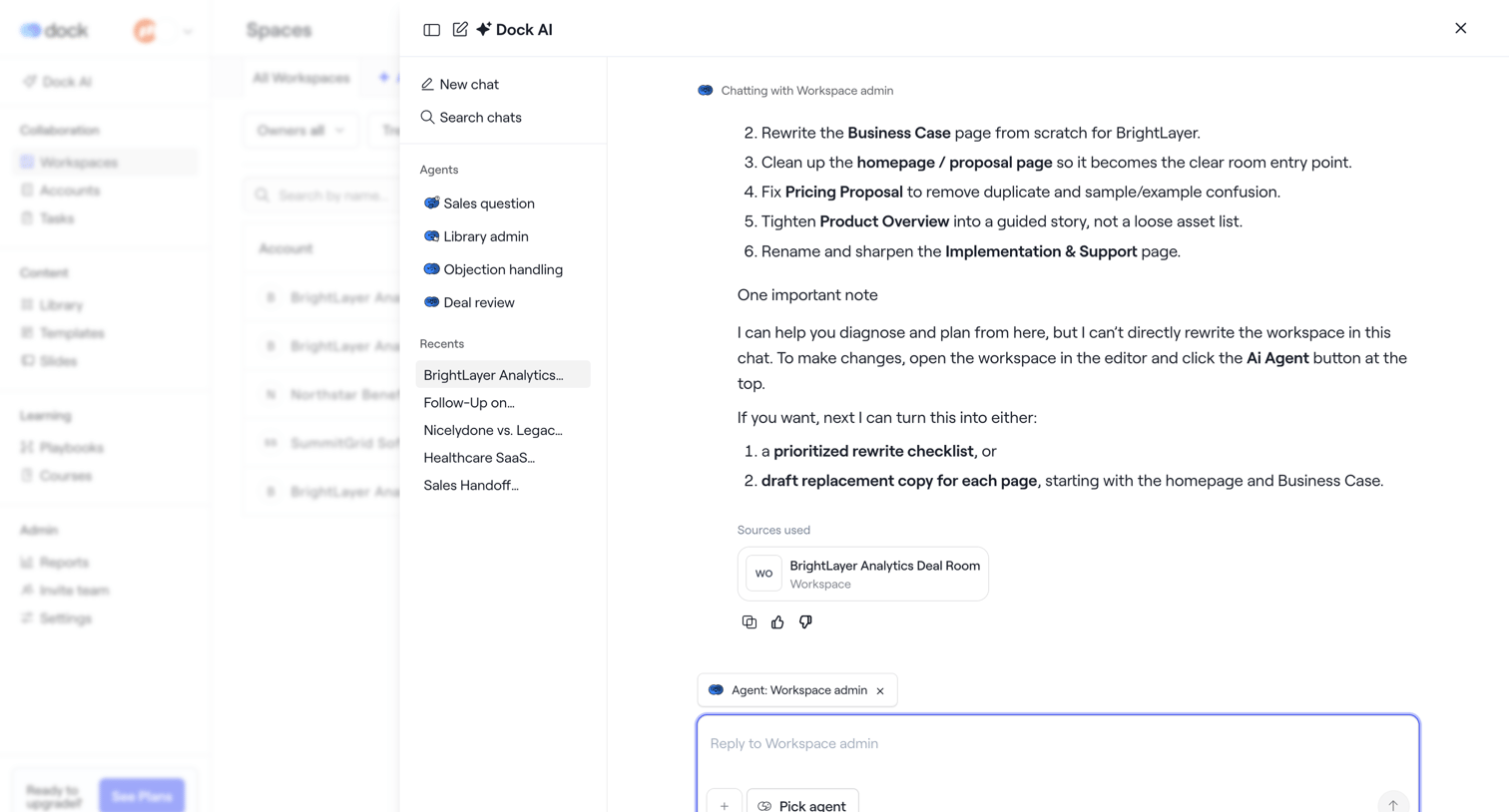

AI chat drawer where the user interacts with a workspace agent to rewrite documents and plan deal room content.
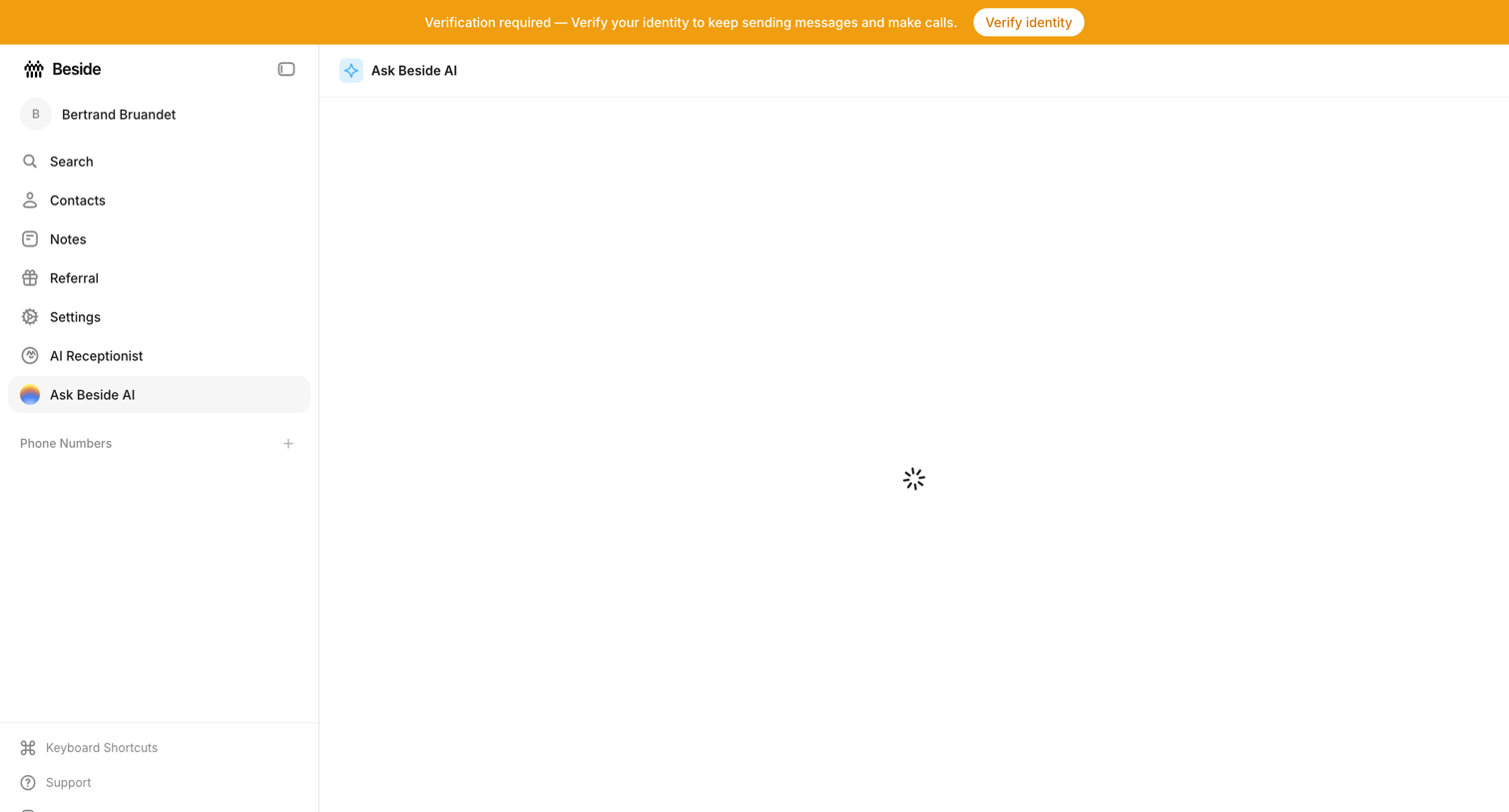

AI chat interface where the main conversation view is currently loading, accompanied by a prominent system banner requiring identity verification.
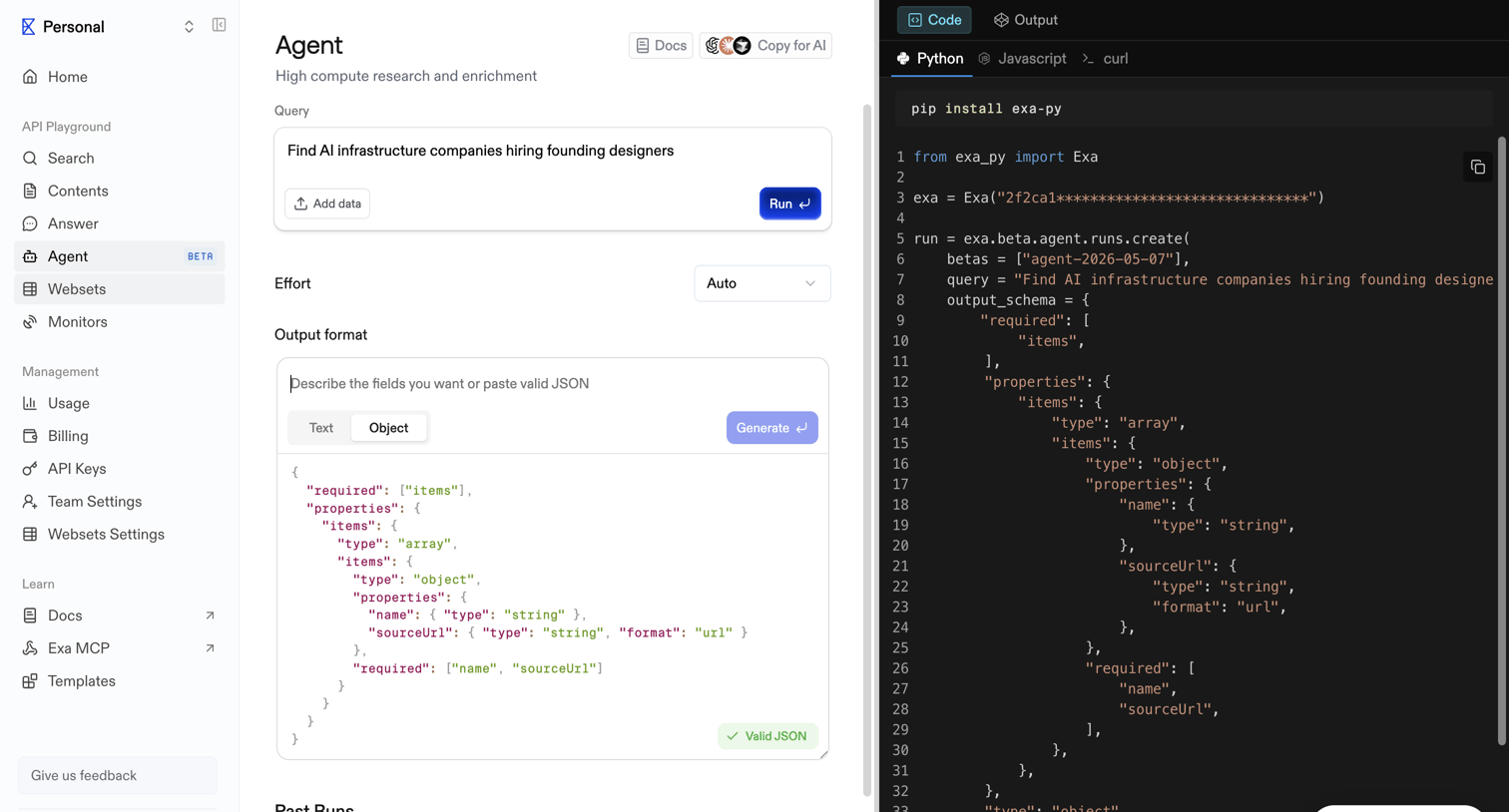

API playground where the user configures an AI agent's query, effort level, and JSON output schema while viewing the corresponding code snippet.
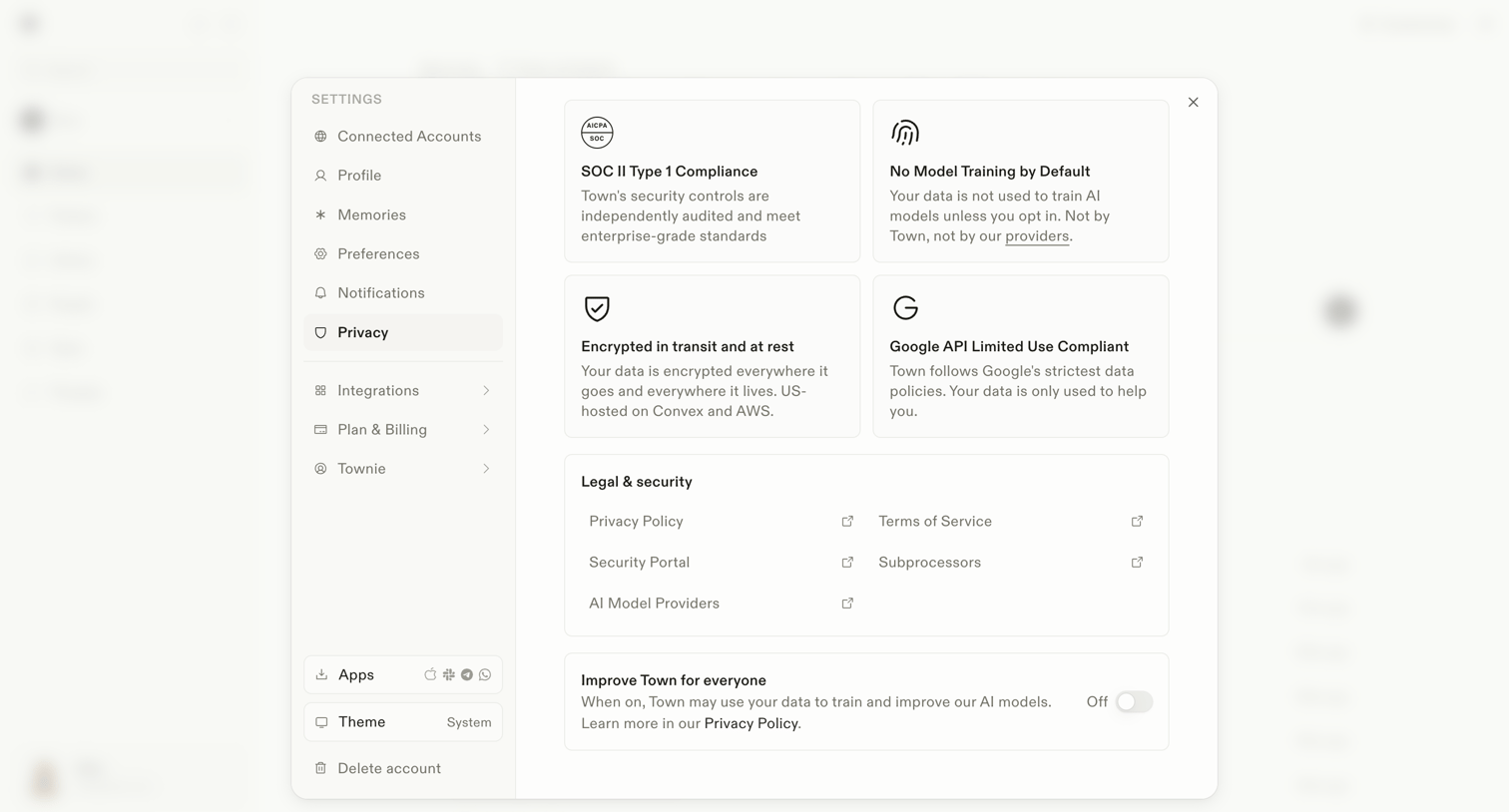

Settings modal where the user reviews security compliance details, accesses legal documents, and toggles data usage for AI model training.
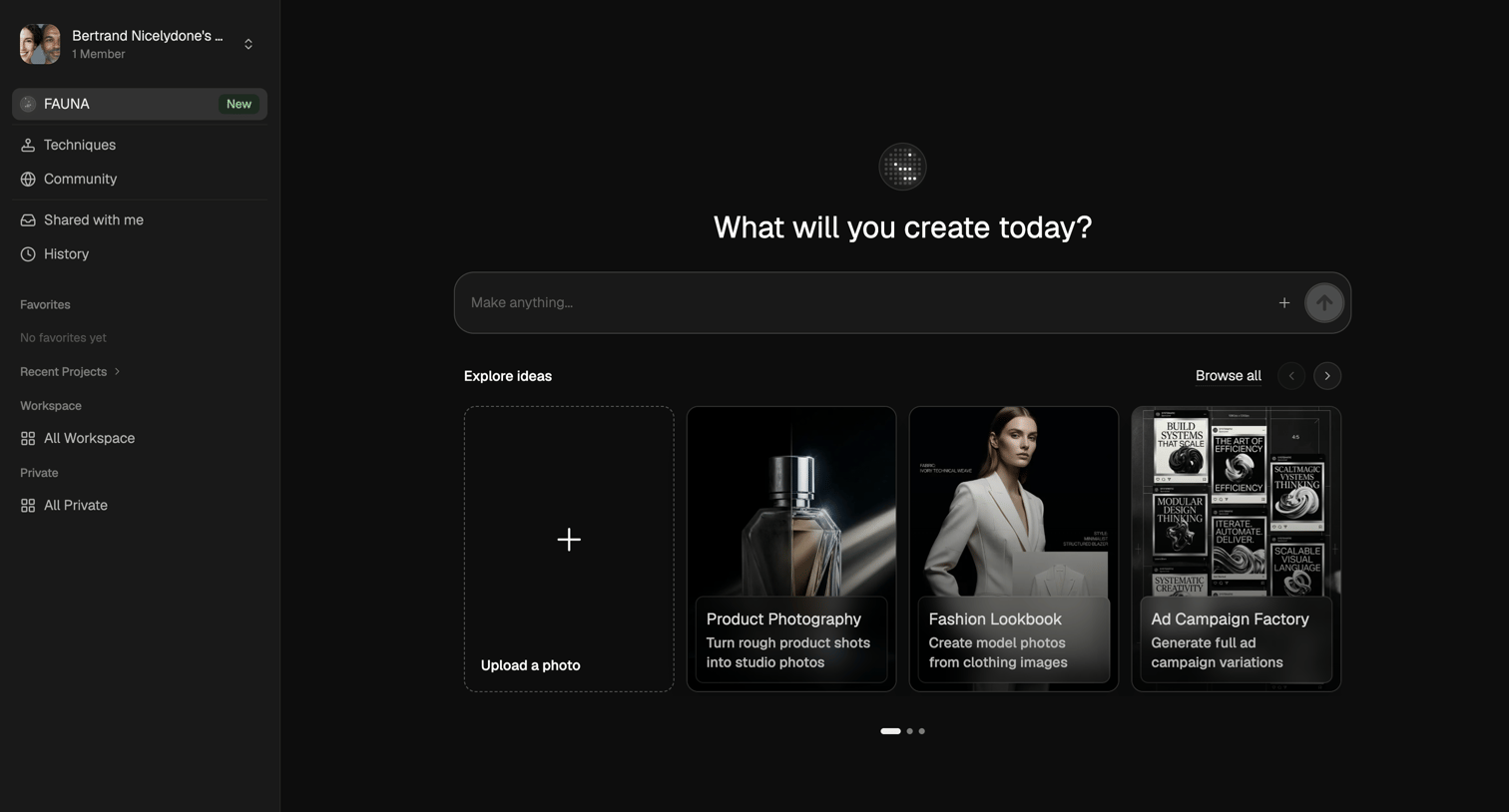

AI generation start screen where the user can enter a prompt to make anything or start from templates like product photography and fashion lookbooks.
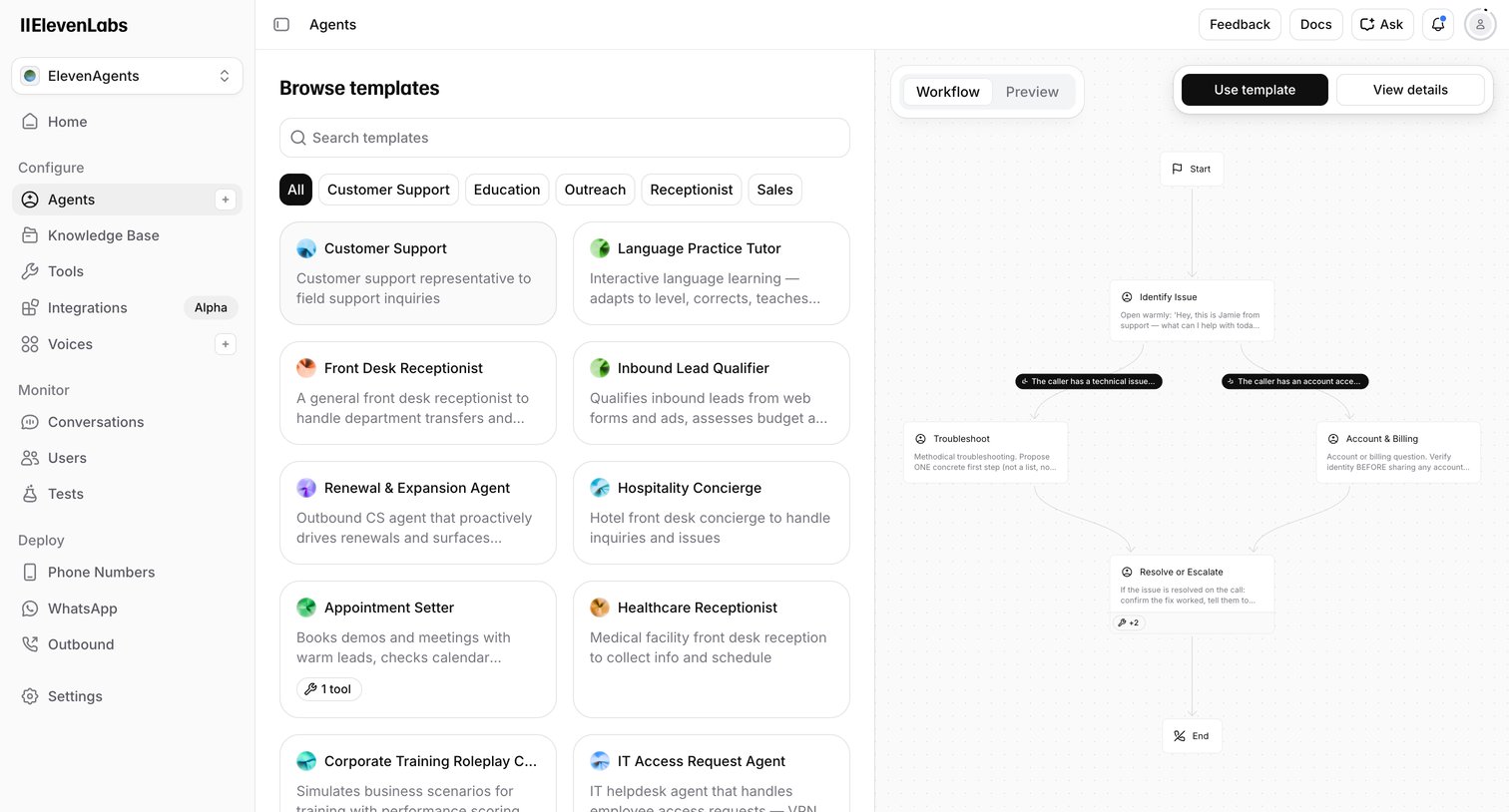

Create page where the user browses voice AI agent templates by category and previews their conversational workflow before starting.
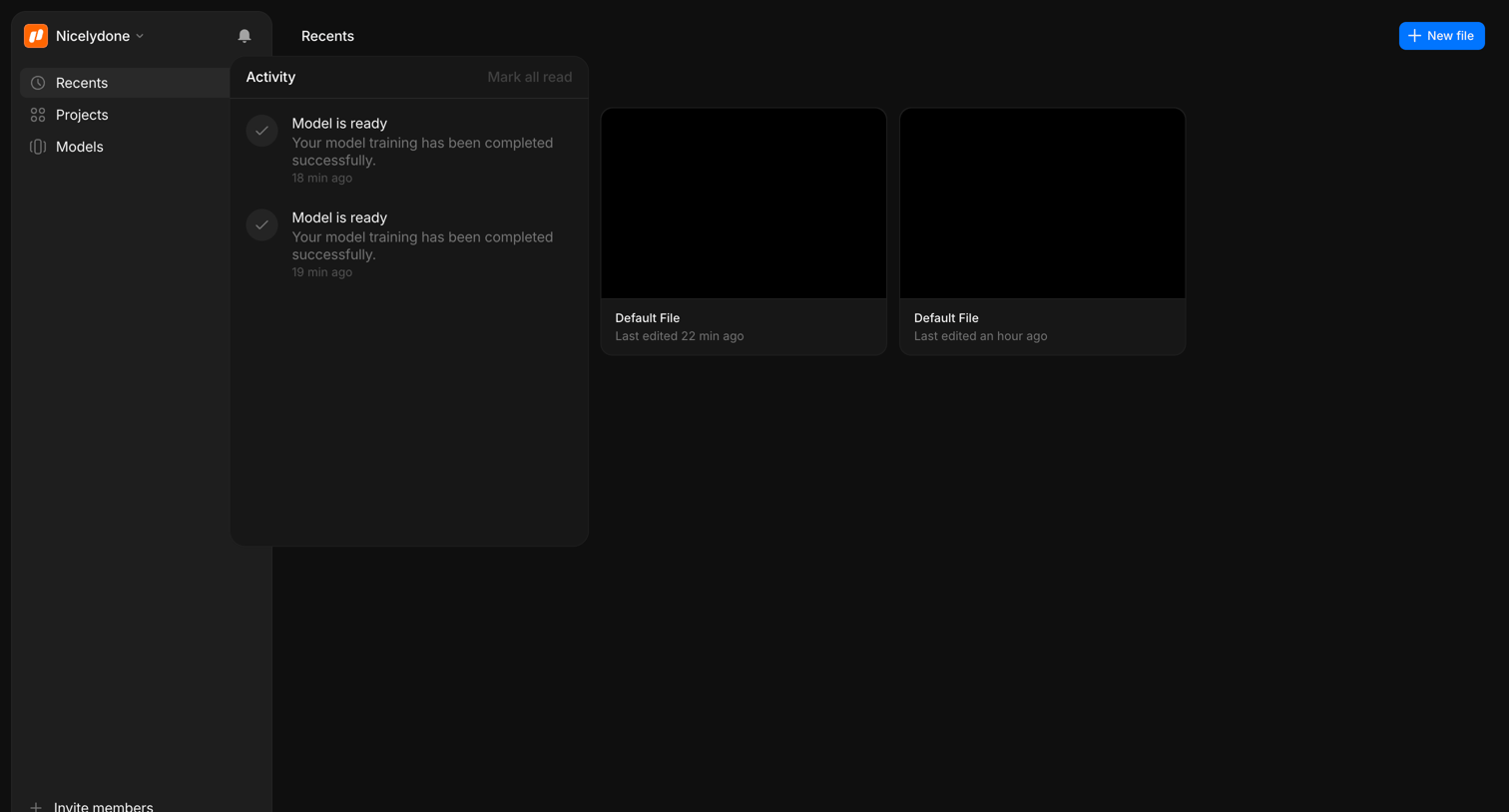

Home screen where the user views recently edited files and checks recent model training activity via a notification panel.
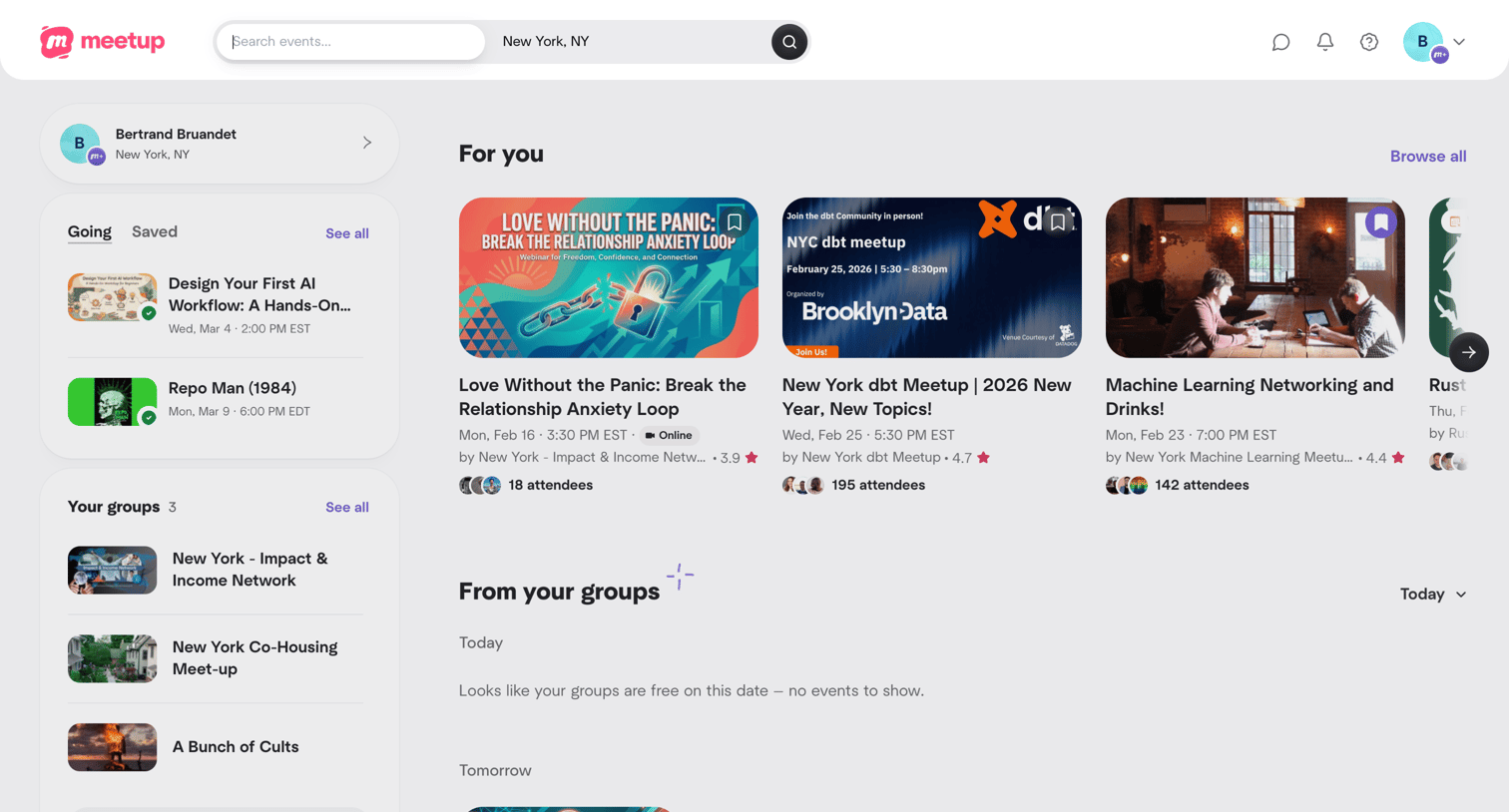

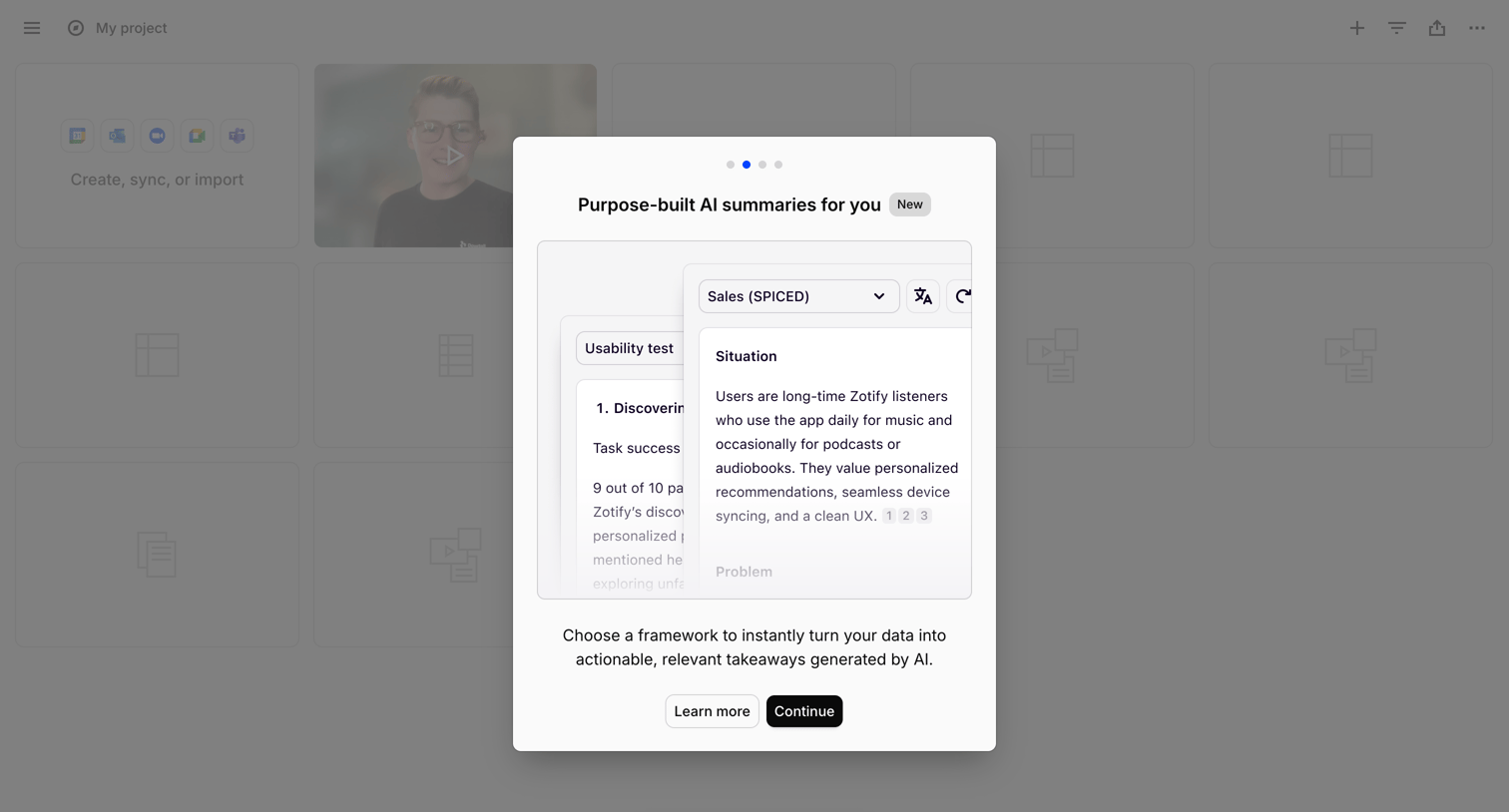

Onboarding modal introducing purpose-built AI summaries, featuring a preview of framework selection and a prompt to continue the tour.
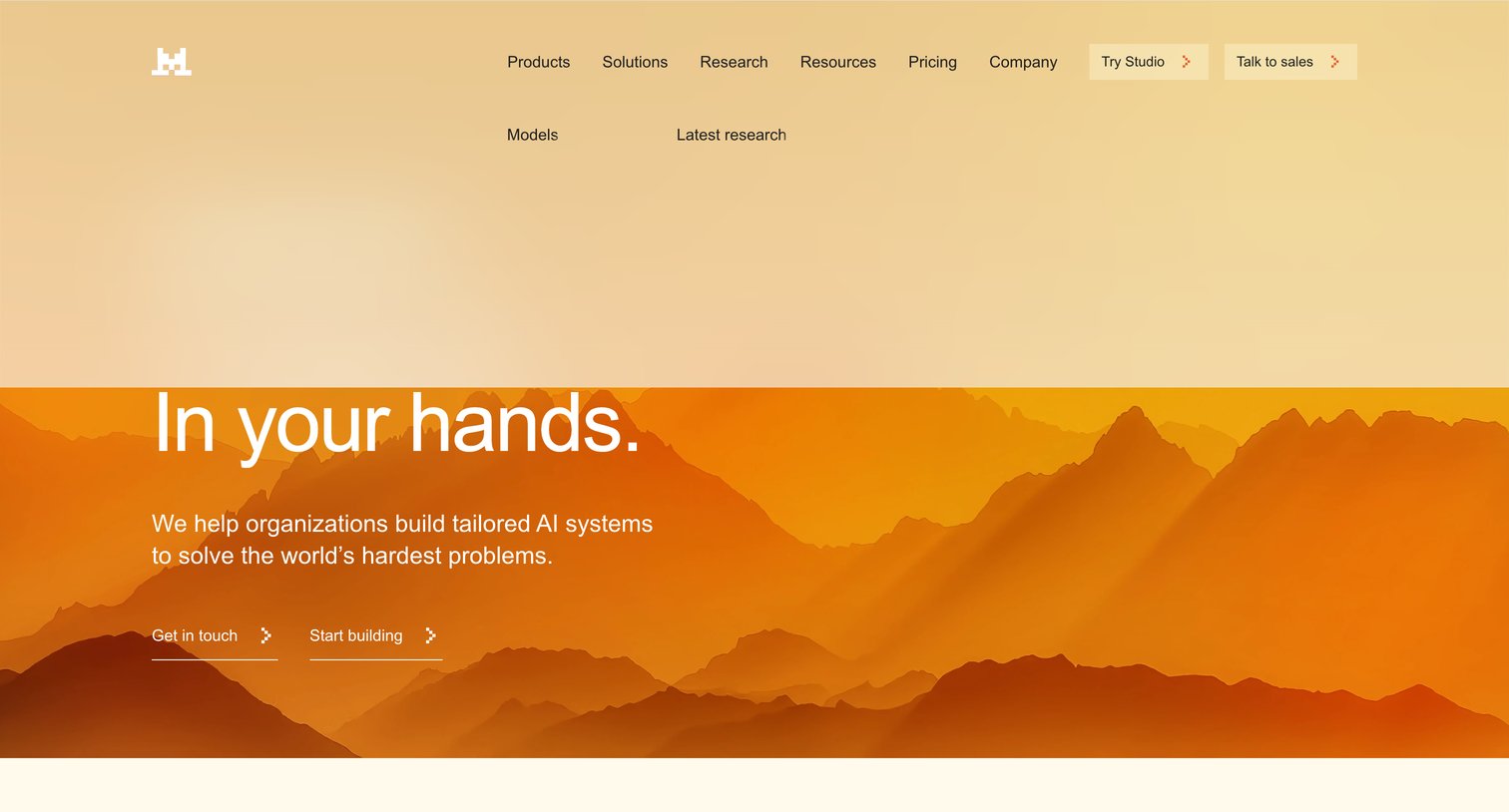

Landing page for an AI model provider featuring a prominent hero section with a mountain landscape and a customer logo wall.
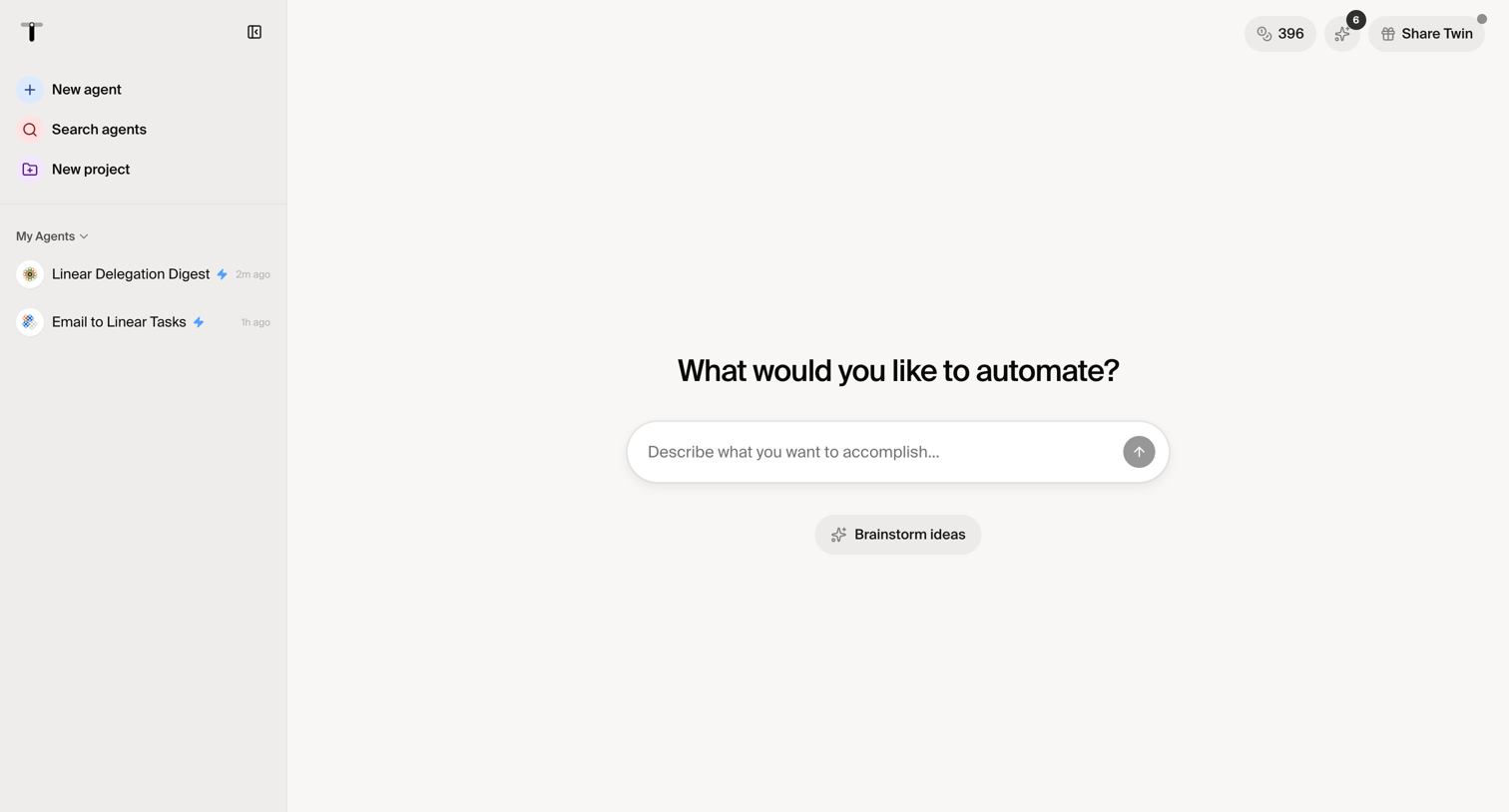

Creation screen where the user describes what they want to automate to generate a new AI agent, with options to brainstorm ideas or select existing agents from the sidebar.
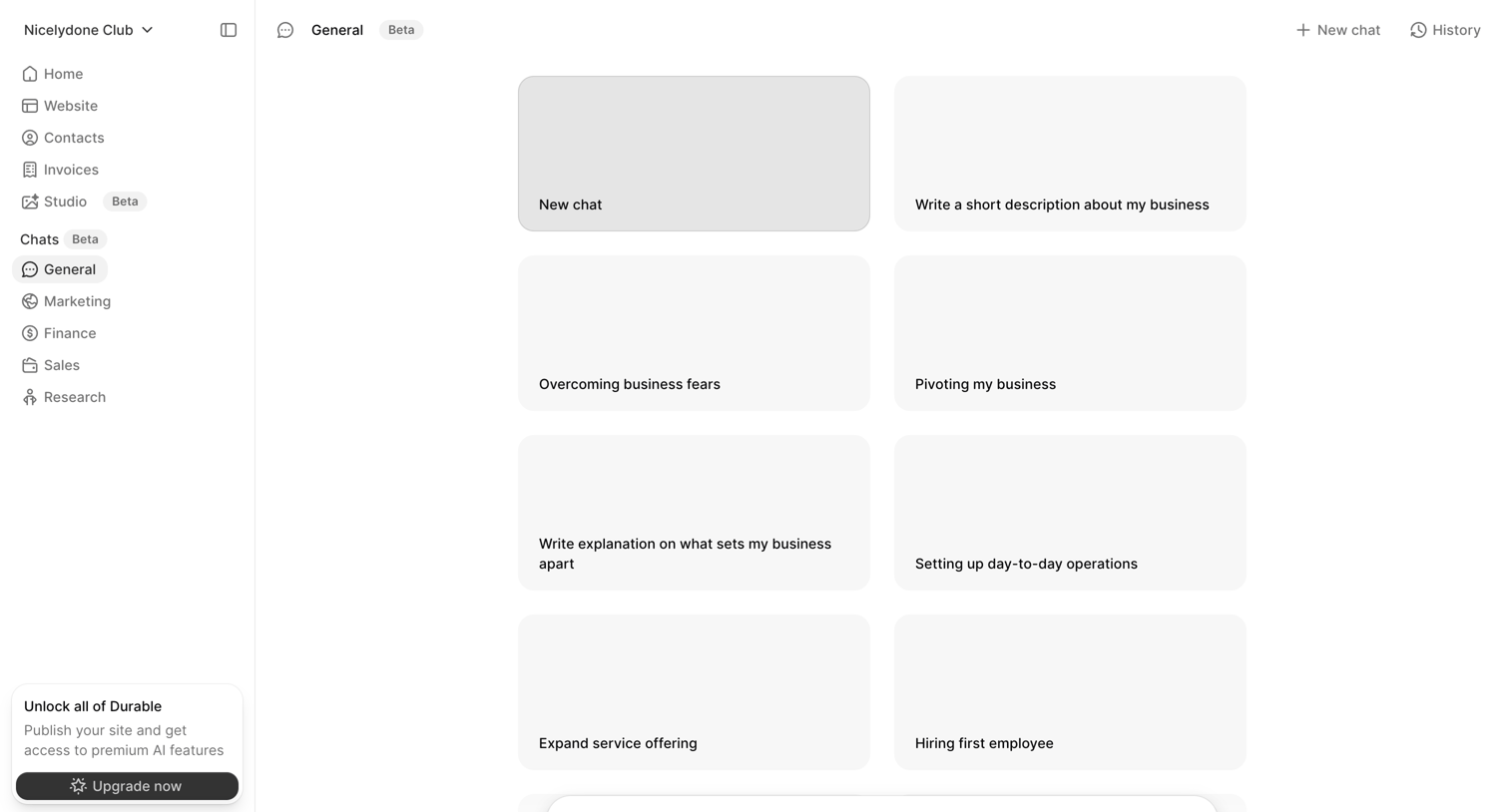

AI chat interface where the user can start a new conversation by selecting from business-focused prompt suggestions or typing a custom message.
Explore the full SaaS screen library
Upgrade to unlock the full library.
Trusted by the best teams







