Announcement screen examples
Announcement screen design examples from SaaS apps. Browse examples from Cobot, Mighty, Midjourney.
Explore the examples


Loading screen for a Stripe billing portal where the user waits to manage their subscription.
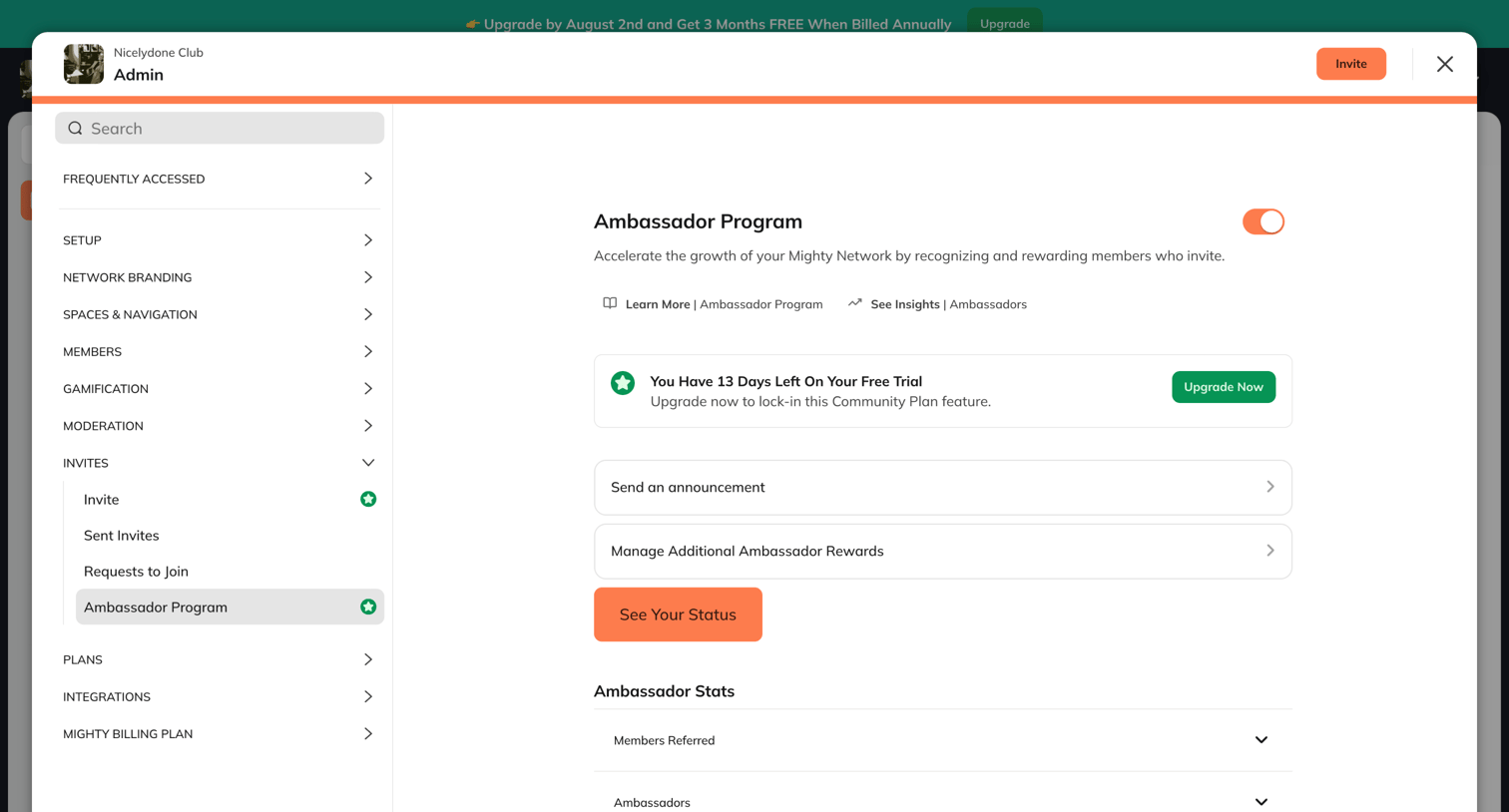

Settings modal where the user can enable the Ambassador Program, view their trial status, and manage announcement and reward configurations.
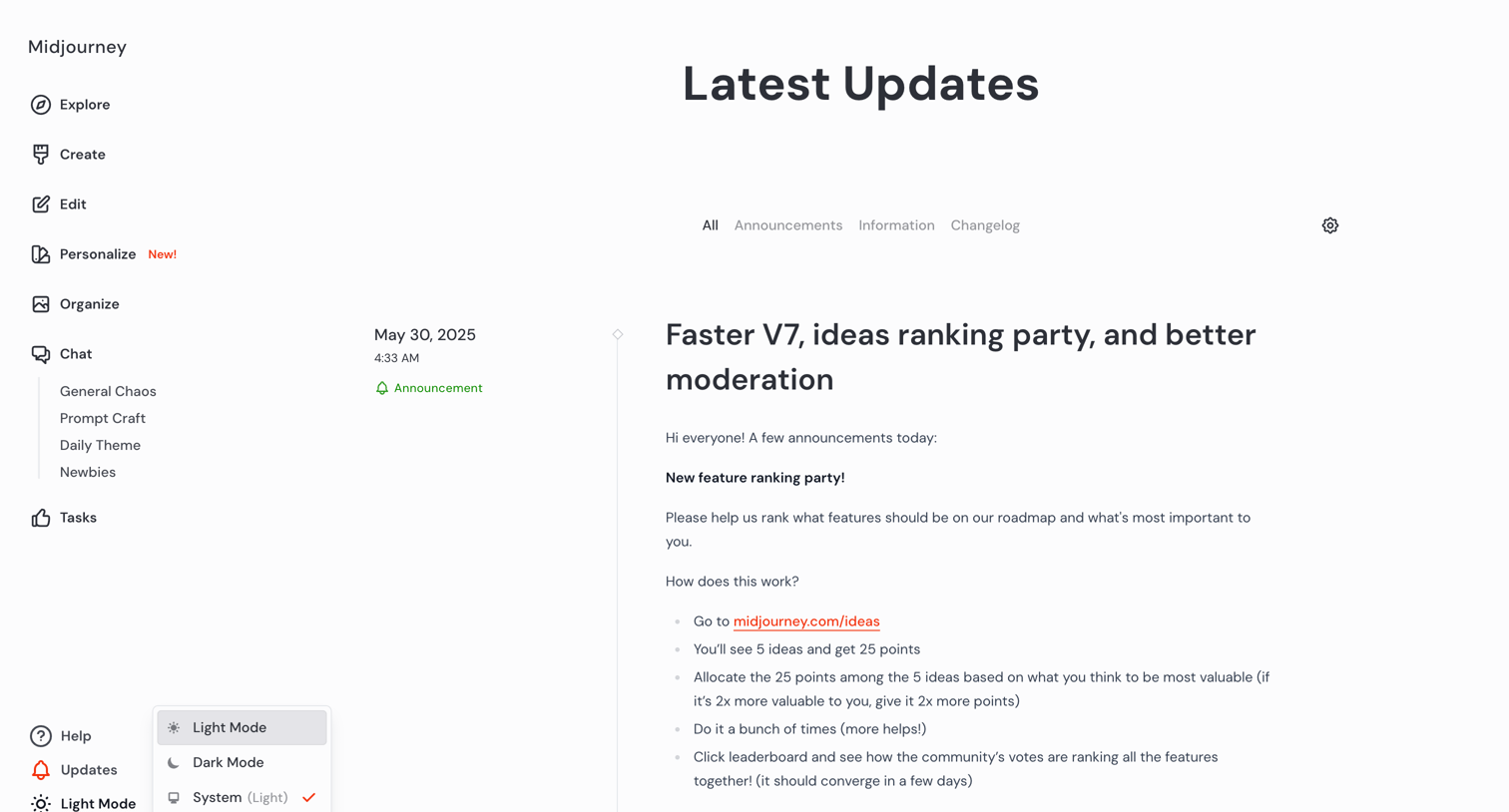

Feed where the user reads the latest product updates, announcements, and changelog entries, with a theme switcher menu currently open.
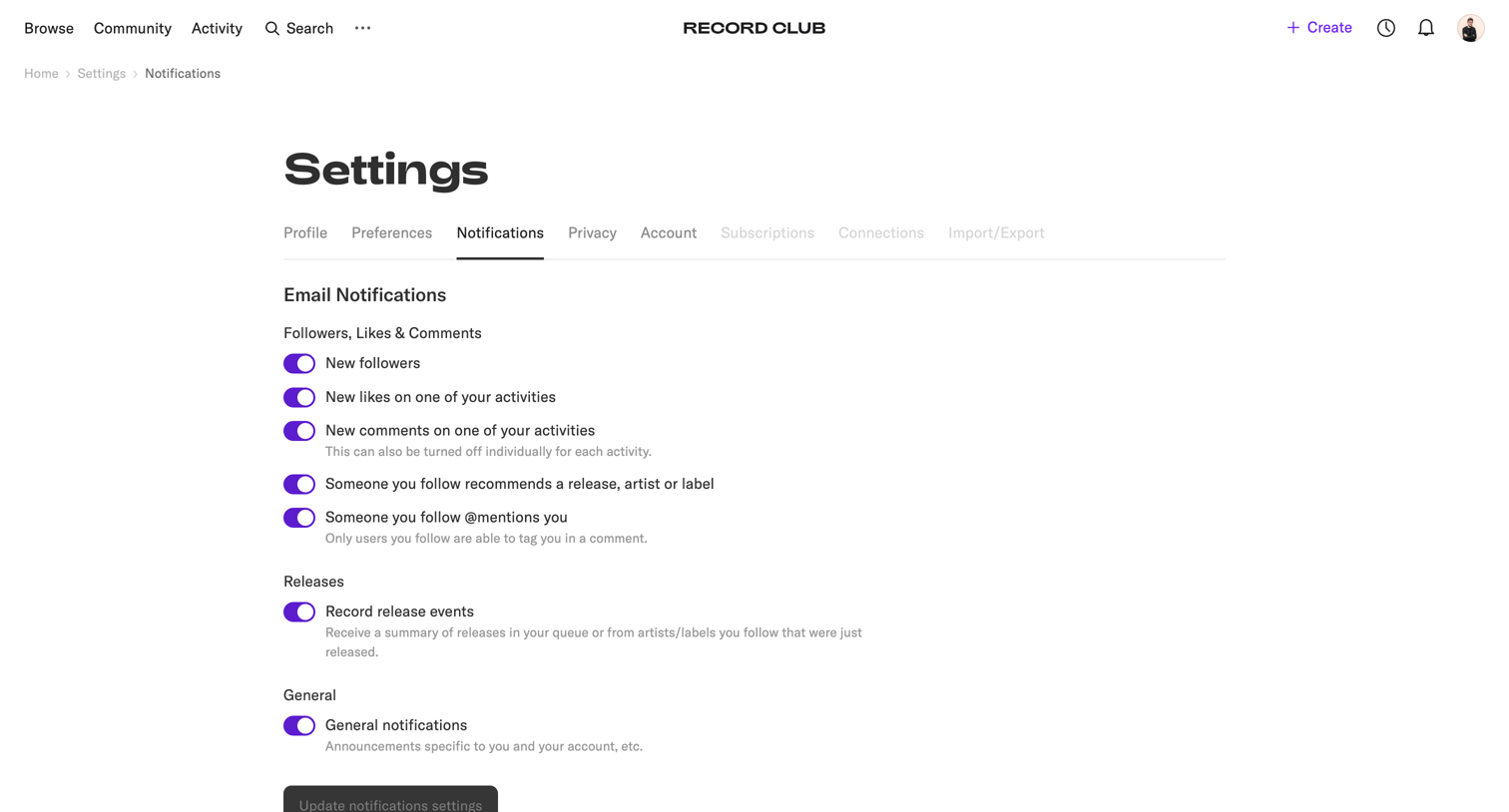

Settings page where the user configures email notifications for followers, likes, comments, releases, and general announcements via a list of toggles.
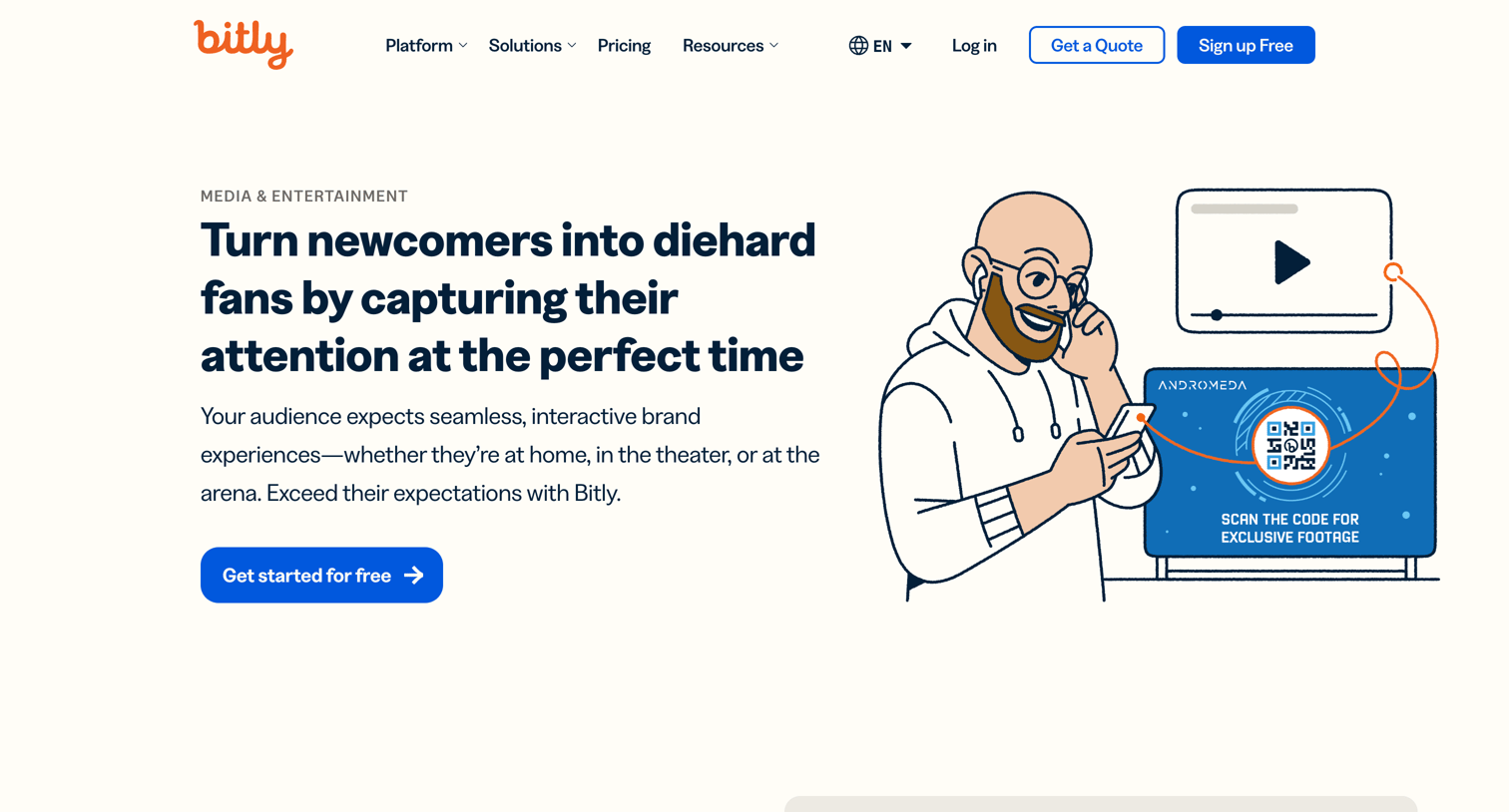

Marketing use case page explaining how media and entertainment brands can use Bitly's URL shortener, QR codes, and link-in-bio features to engage fans and track performance.
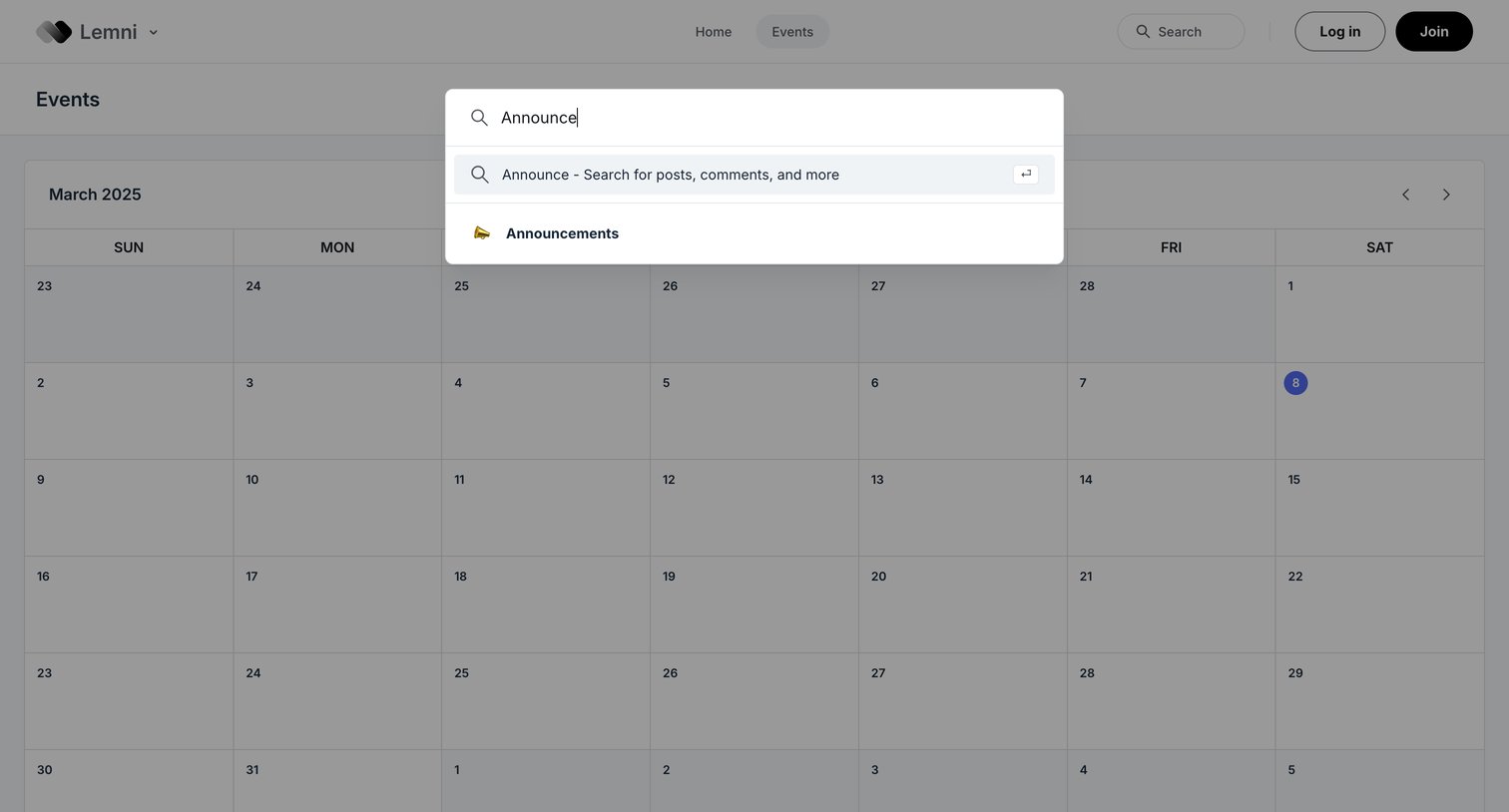

Search overlay where the user types a query to find posts, comments, or specific community channels like Announcements over an events calendar.
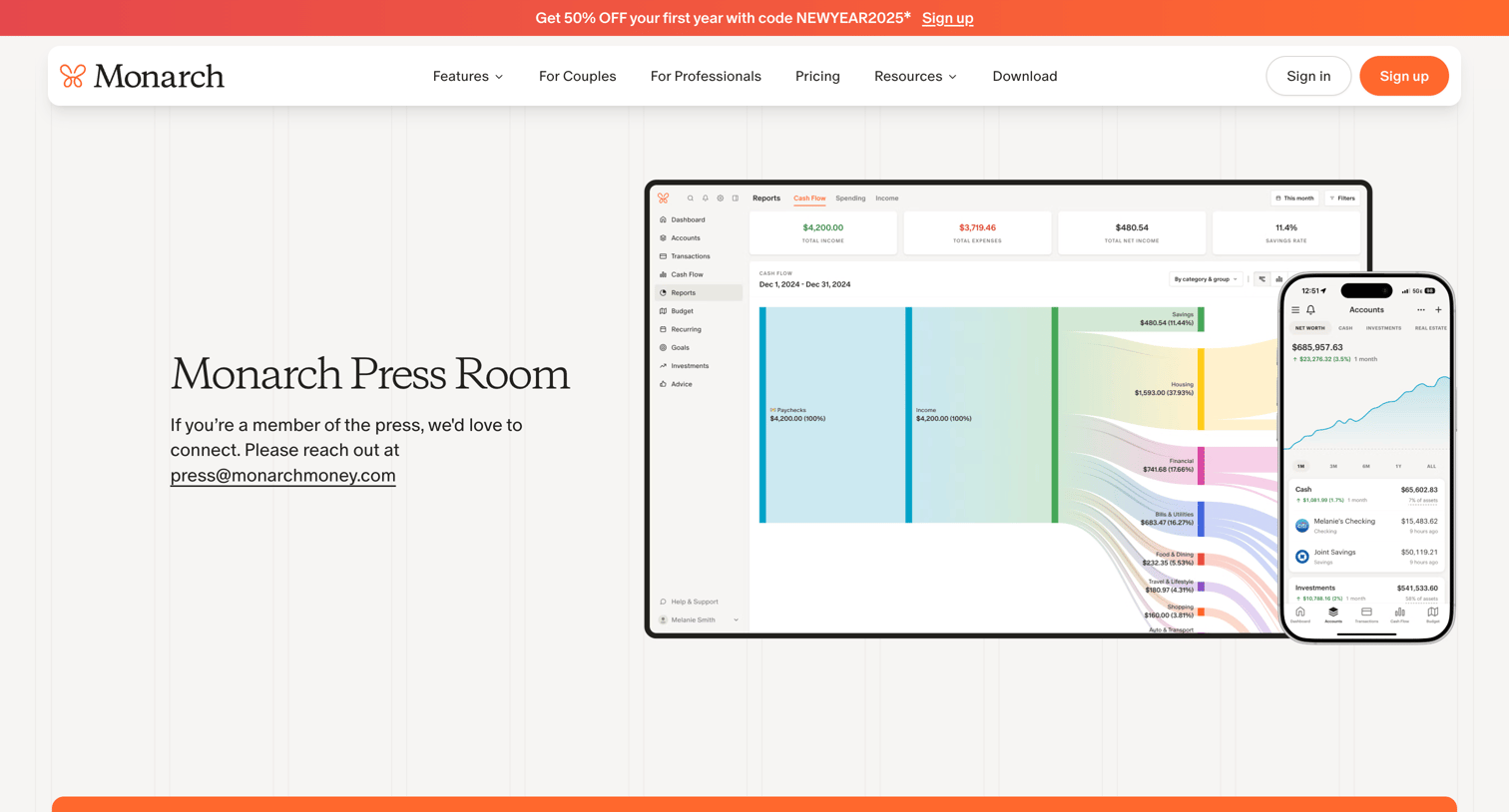

Press room page providing a downloadable press kit, executive bios, and recent media mentions.

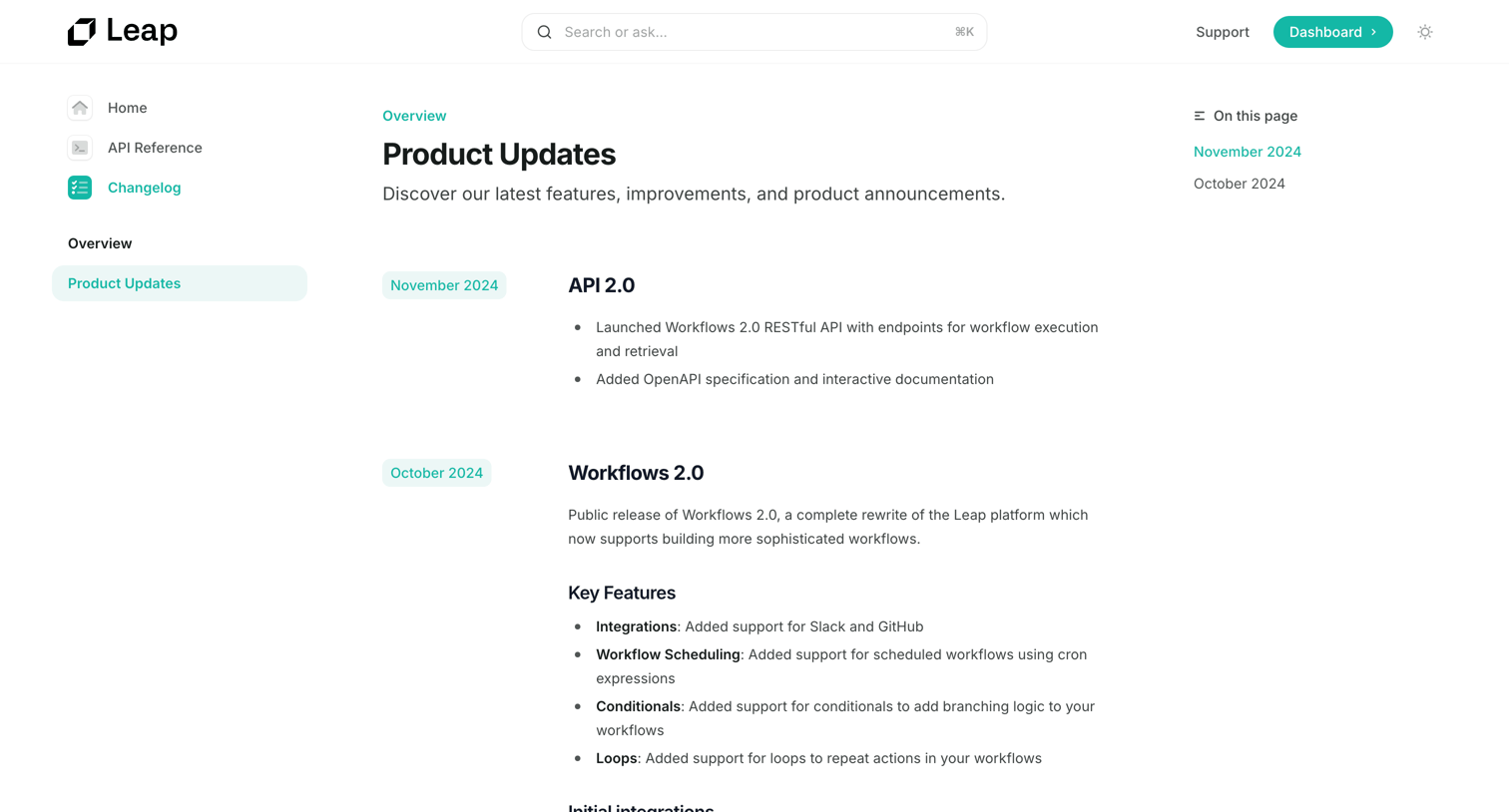

Documentation changelog page listing recent product updates like API 2.0 and Workflows 2.0 with their key features and integrations.
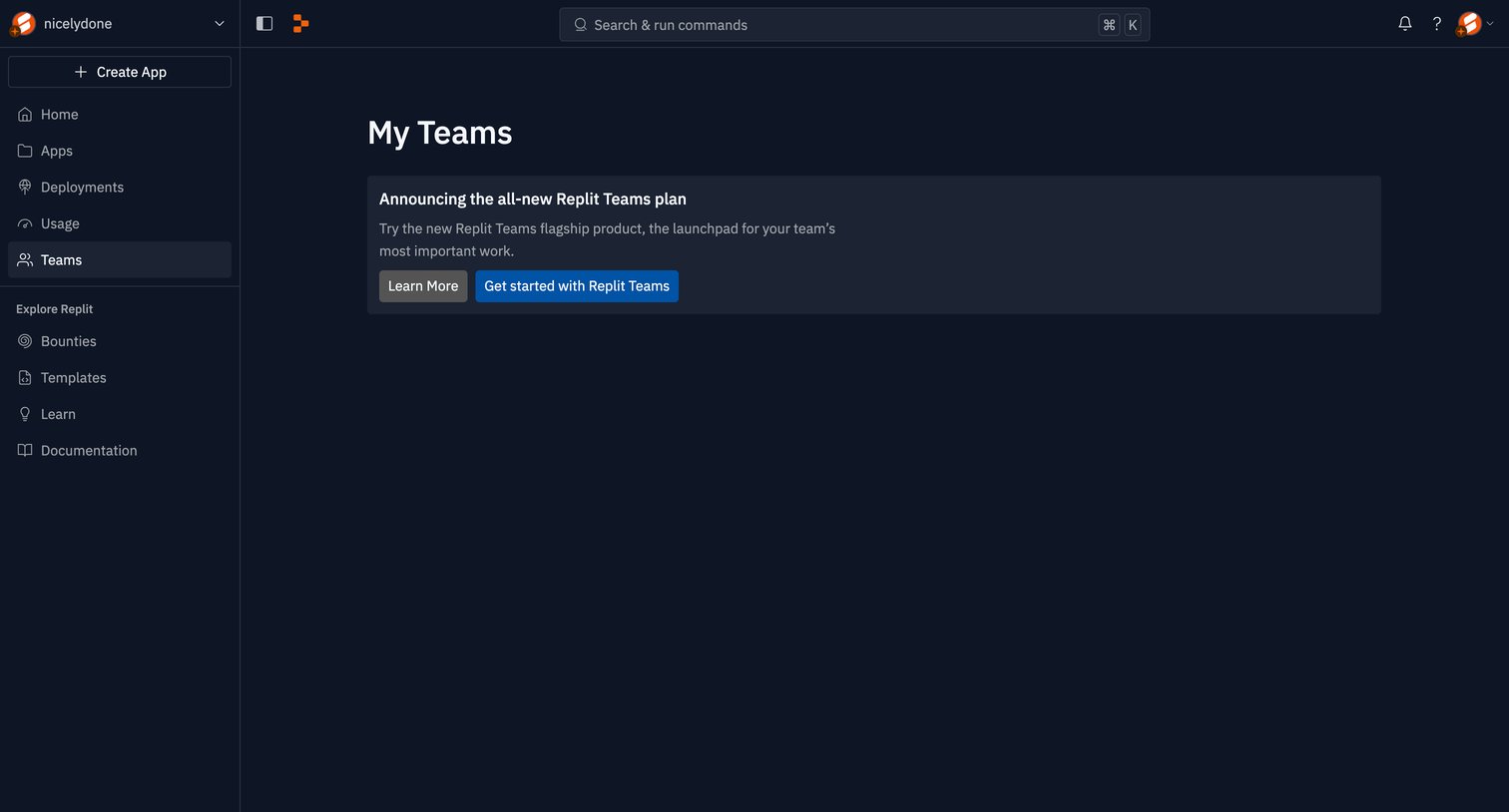

List view where an empty teams section prompts the user to upgrade to the new Replit Teams plan.
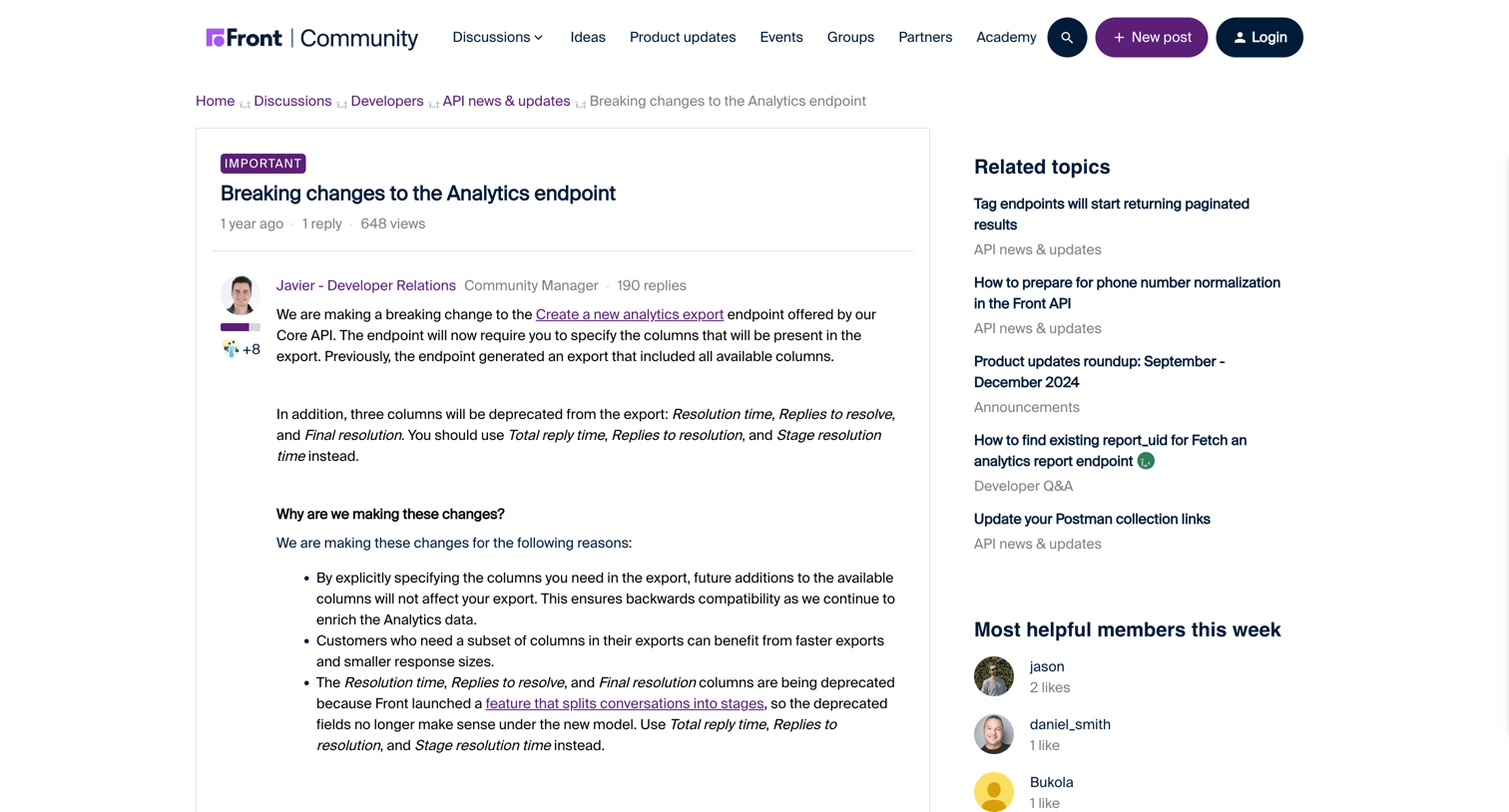

Community forum post detailing breaking changes to the analytics API endpoint, including deprecated columns and instructions for migration, followed by user replies and a rich text editor for adding a new comment.
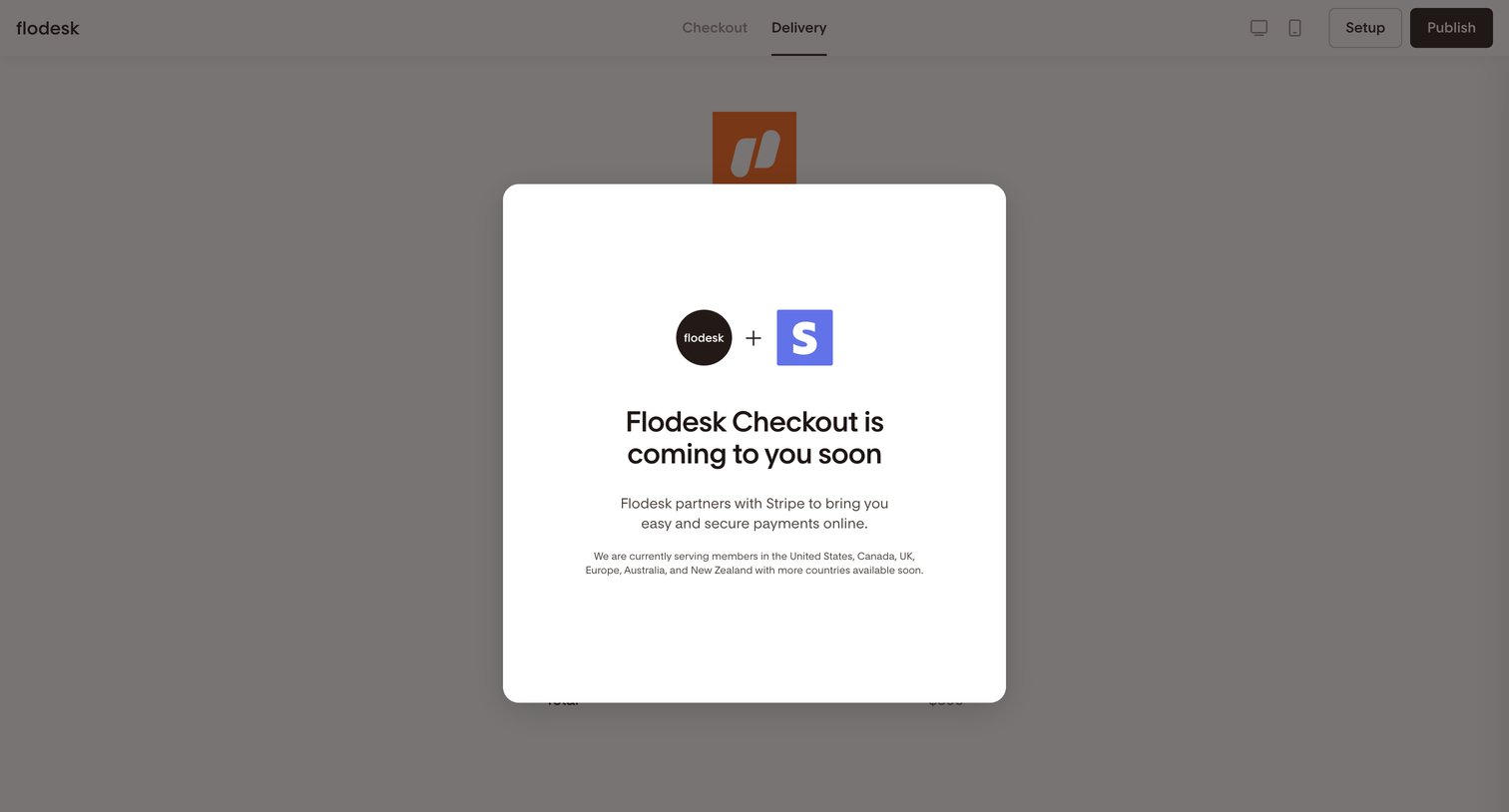

Form builder where a modal informs the user about an upcoming Stripe partnership for checkout payments.
Explore the full SaaS screen library
Upgrade to unlock the full library.
Trusted by the best teams







