Analytics dashboard screen examples
Analytics dashboard screen design examples from SaaS apps. Browse examples from Polar, Axiom, Dock.
Explore the examples
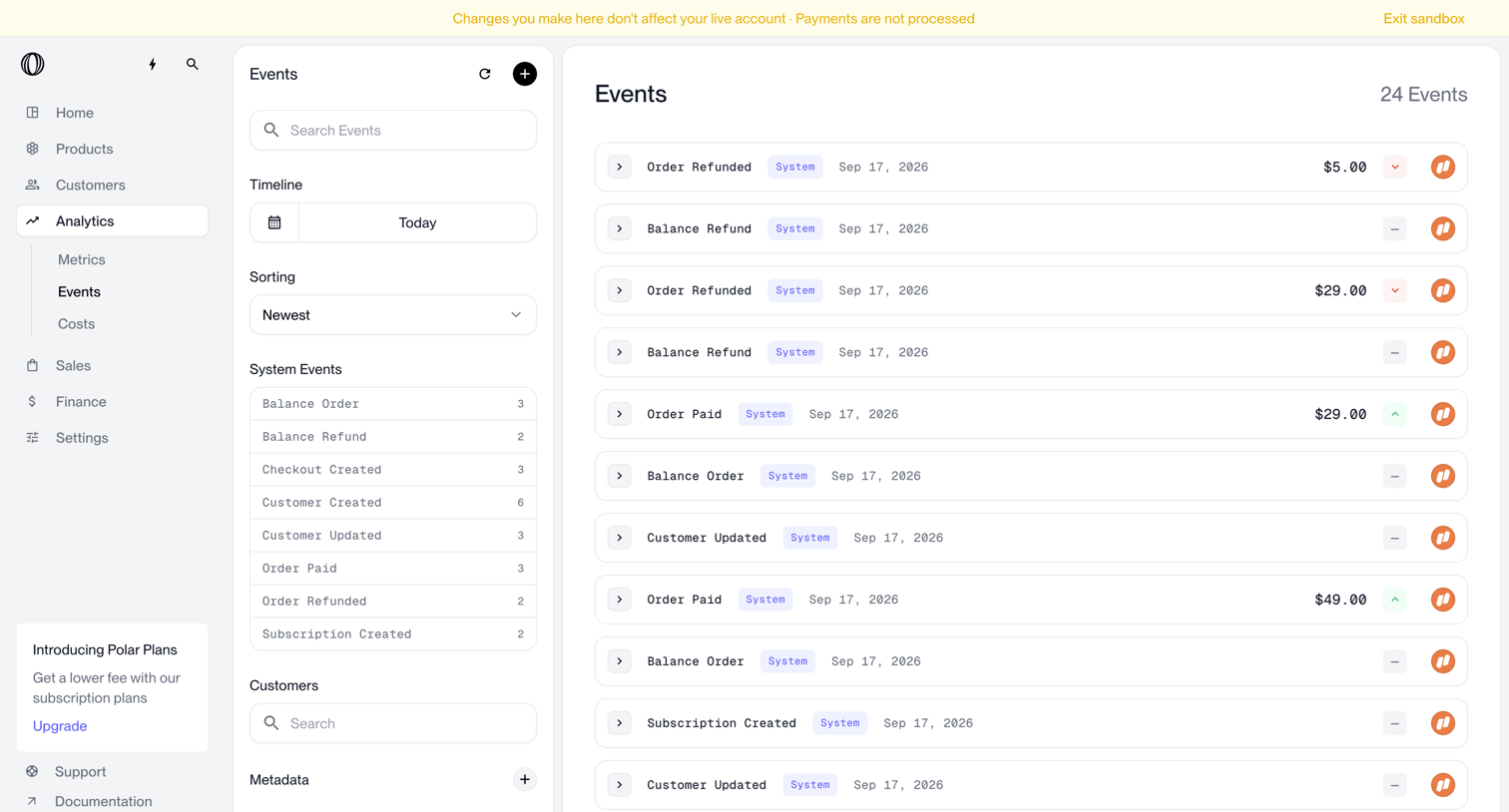

Analytics events list where the user can search, filter by timeline or system events, and view details of individual transactions like refunds and orders.
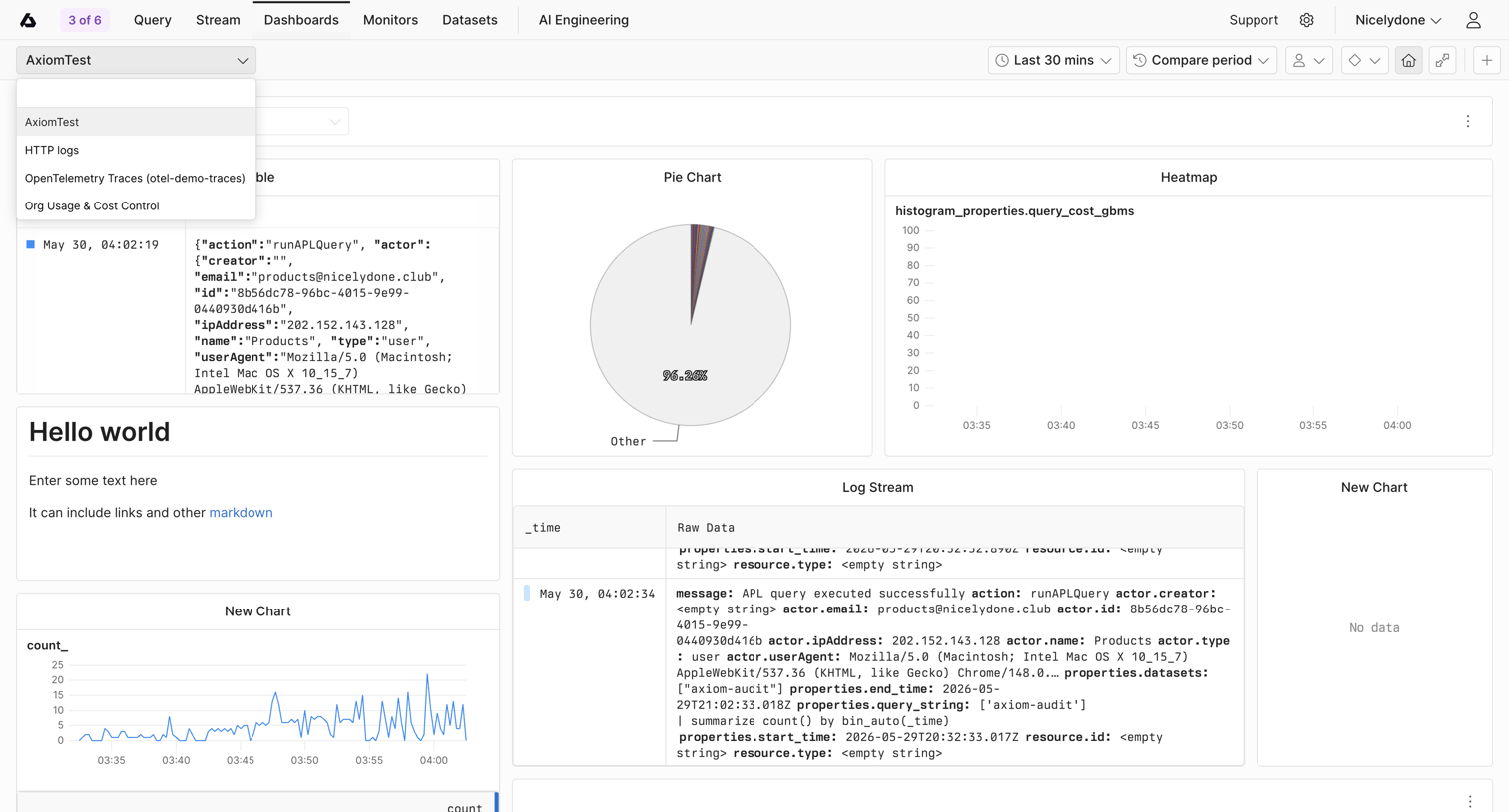

Dashboard displaying log streams, a pie chart, and a line chart, with a dropdown open to switch between different log datasets like HTTP logs and traces.
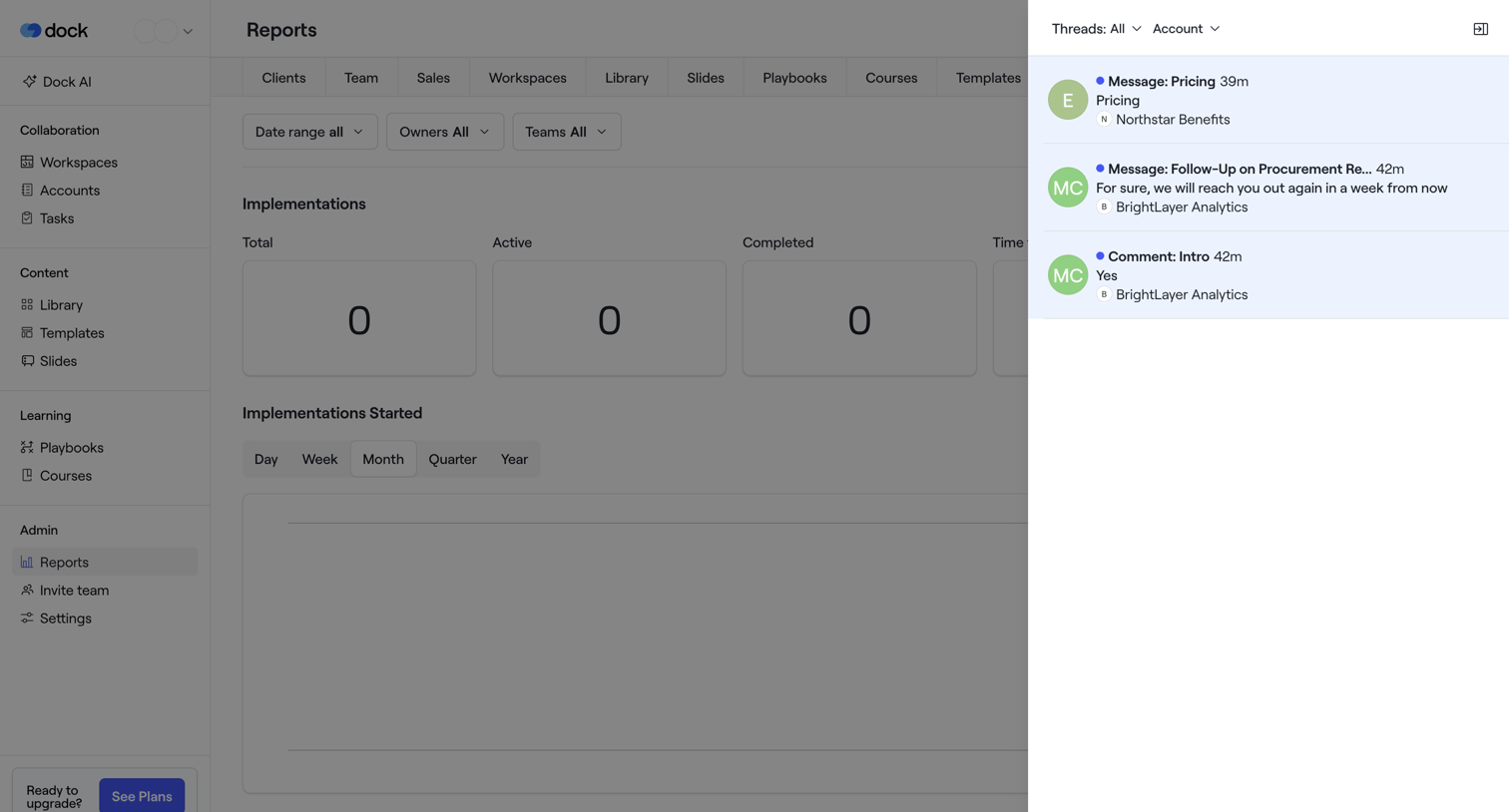

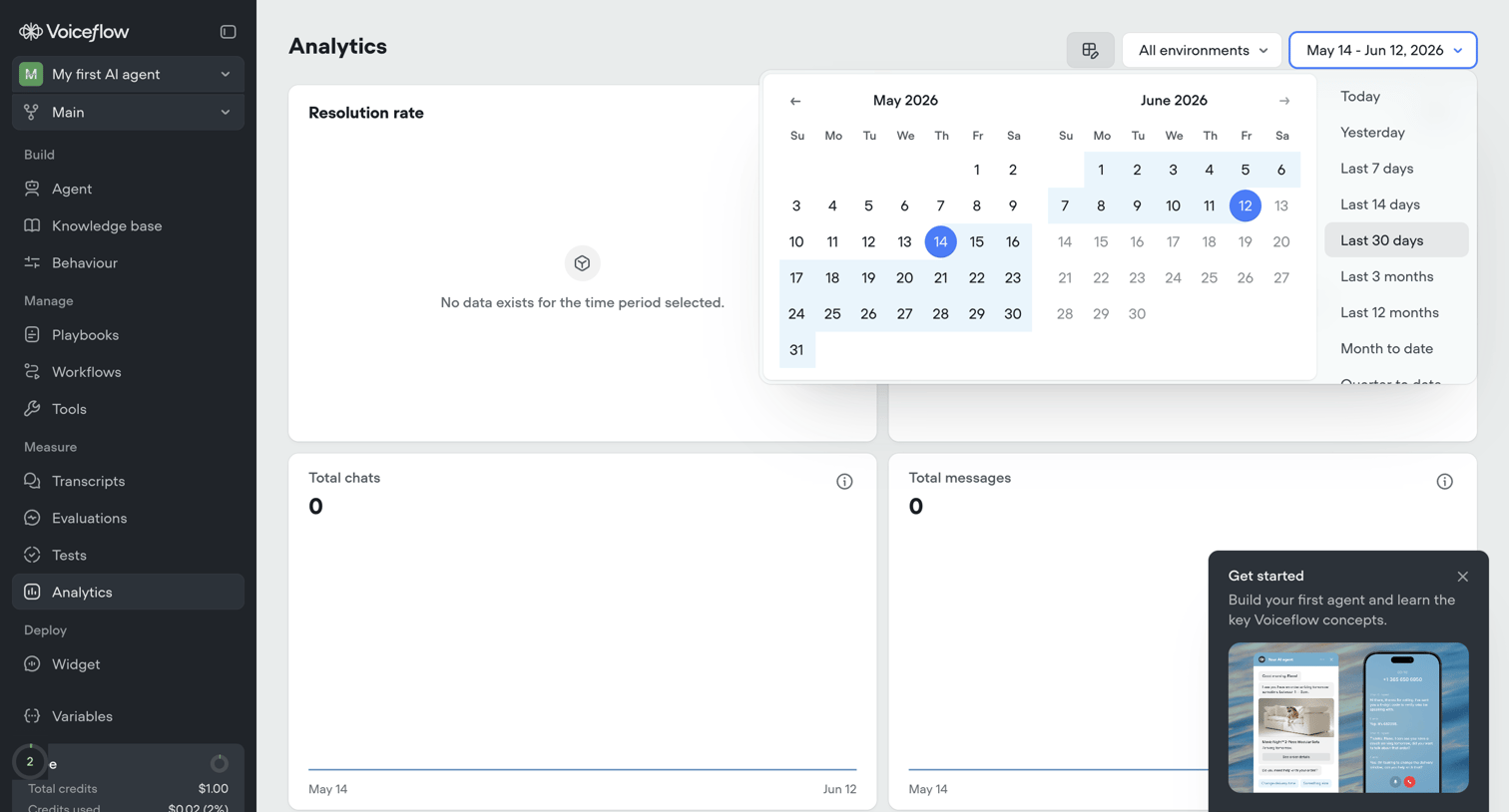

Analytics dashboard for an AI agent showing usage metrics like resolution rate and total chats, currently in an empty state with a date picker open and an onboarding popover.
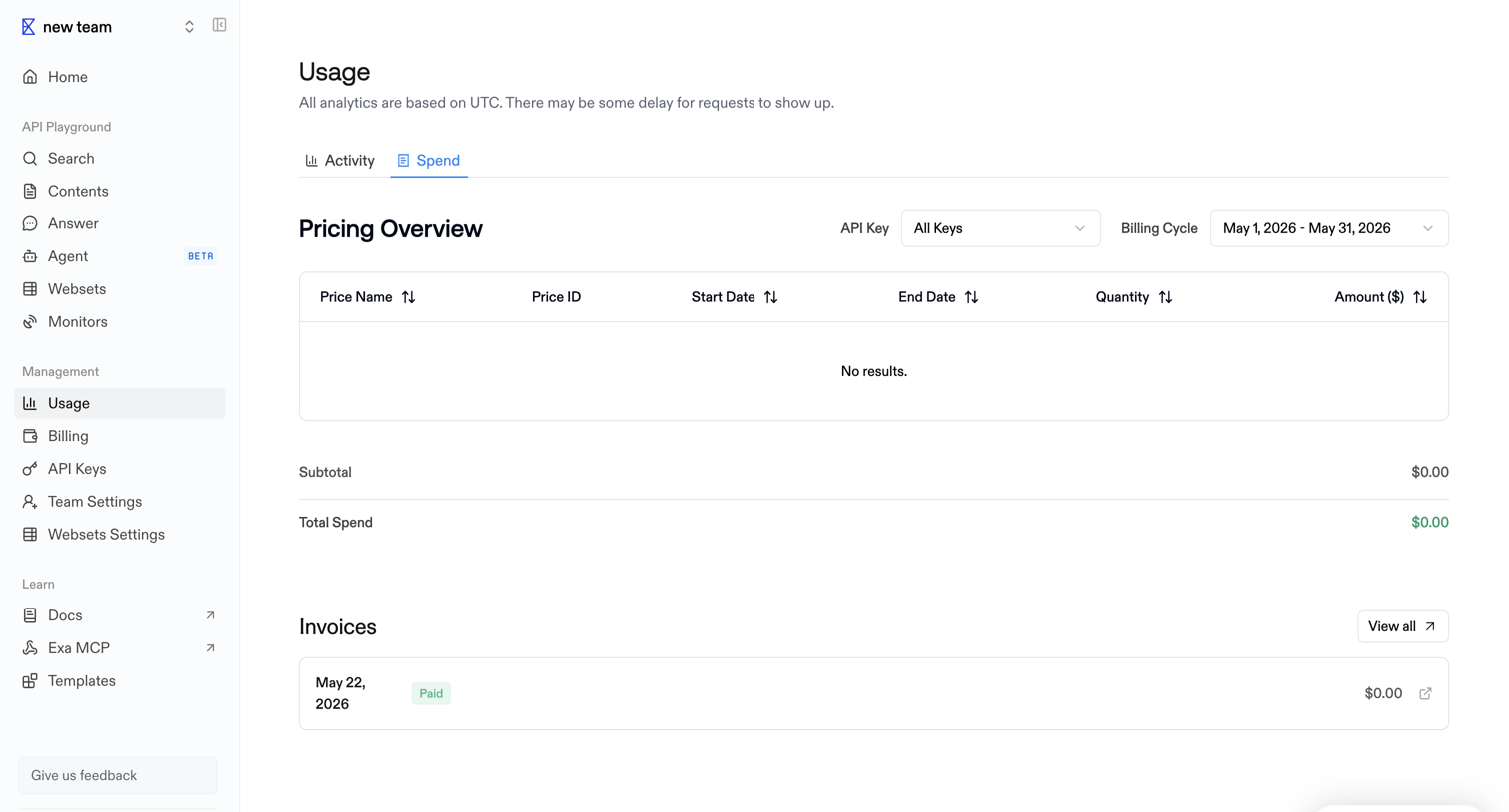

Usage settings page where the user views their pricing overview filtered by API key and billing cycle, along with a history of past invoices.
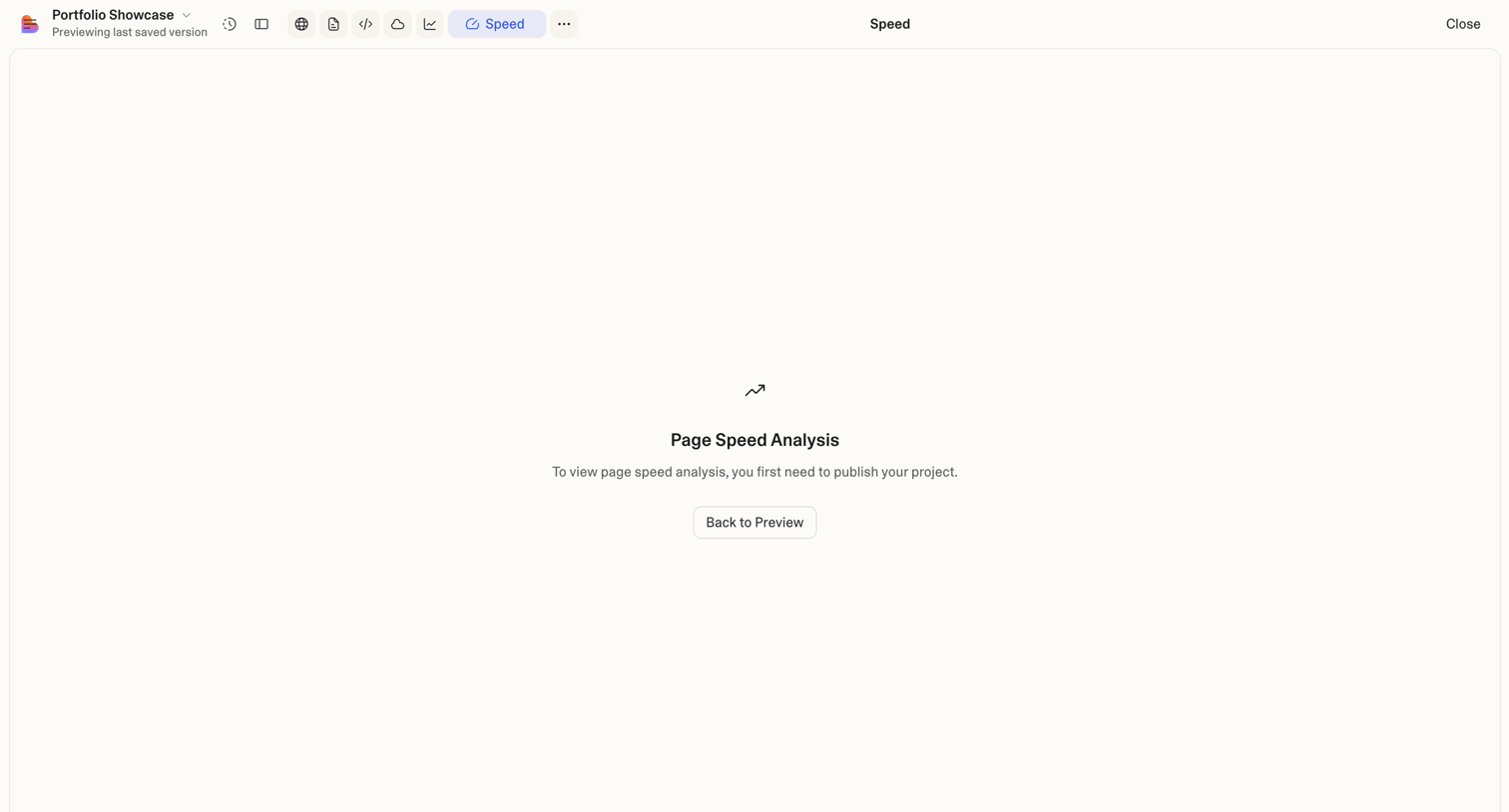

Analytics view where the user is prompted to publish their project before viewing page speed analysis.


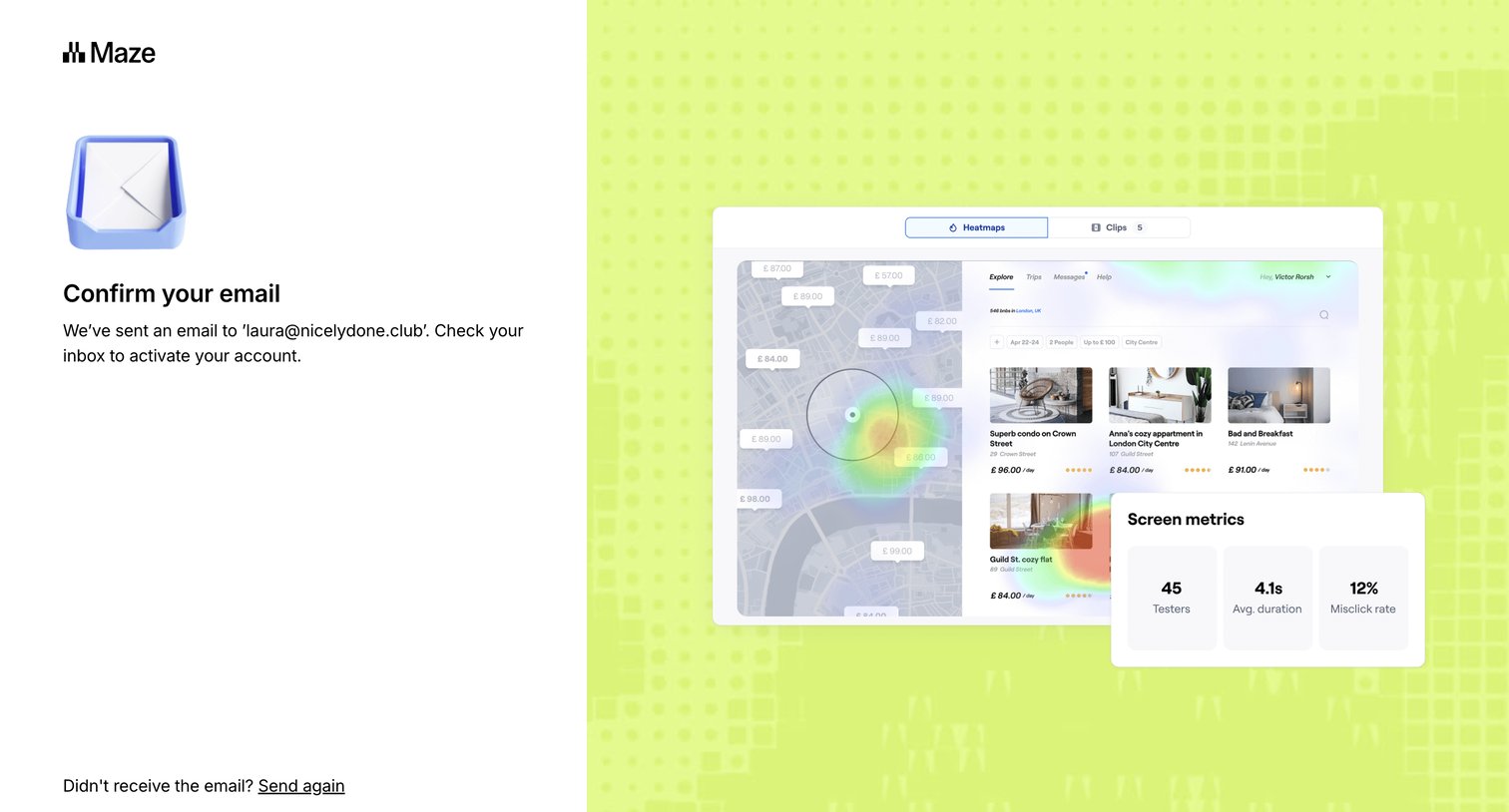

Verification screen where the user is instructed to check their email inbox to activate their account, with options to resend the email or return to signup.
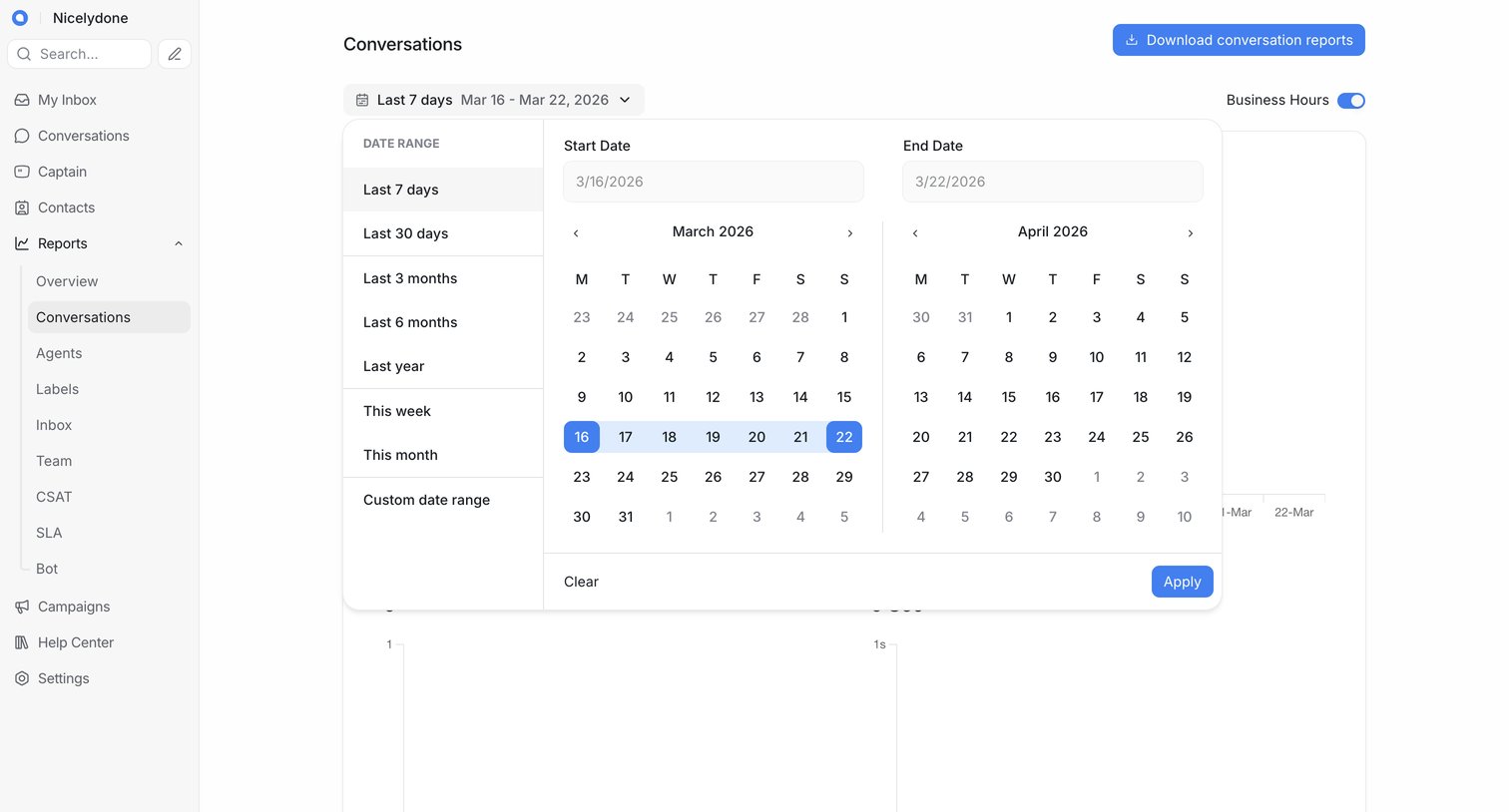

Dashboard showing conversation metrics where the user is selecting a custom date range to filter the data.
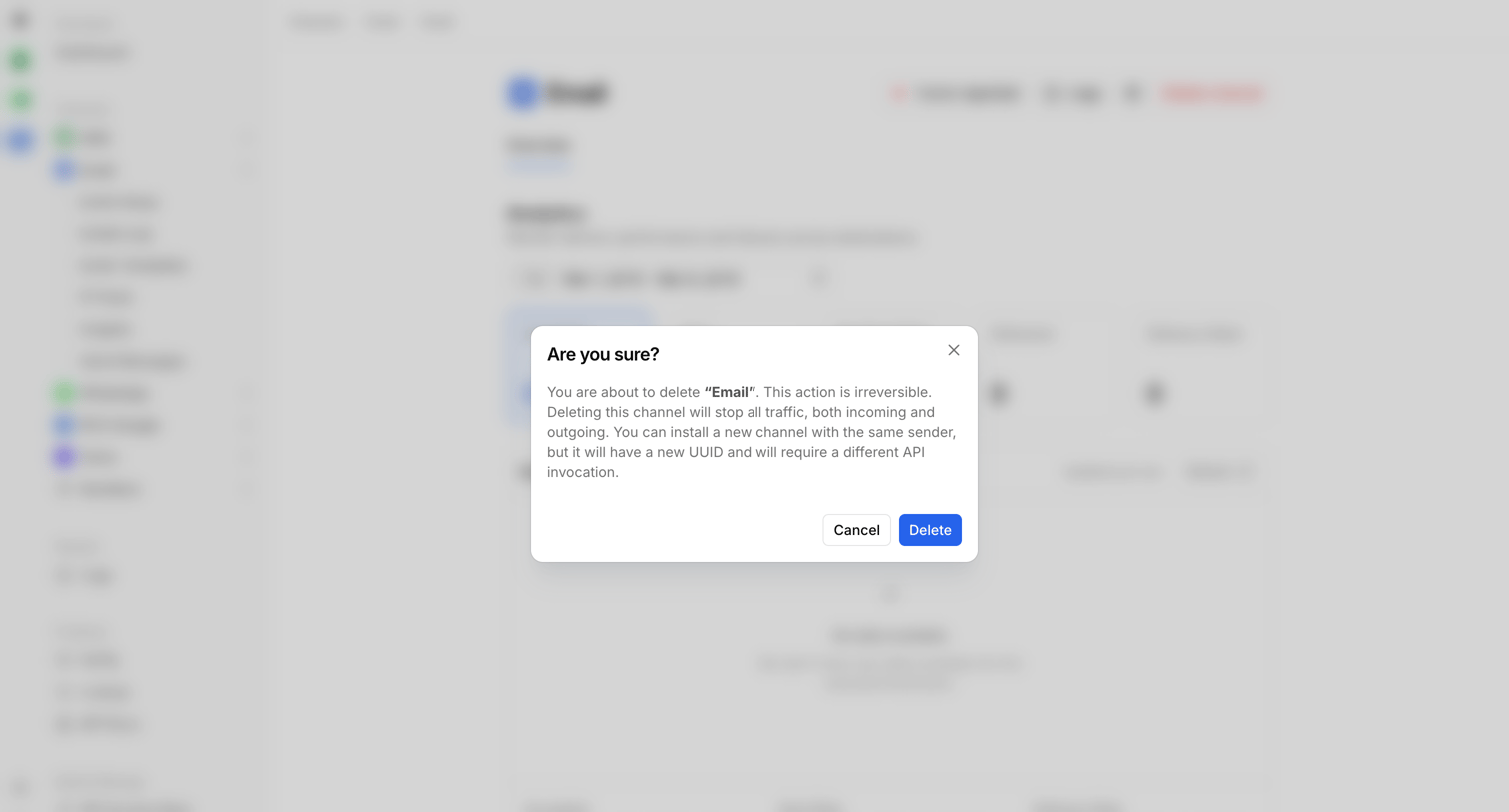

Detail page where the user is prompted to confirm the irreversible deletion of an email channel.
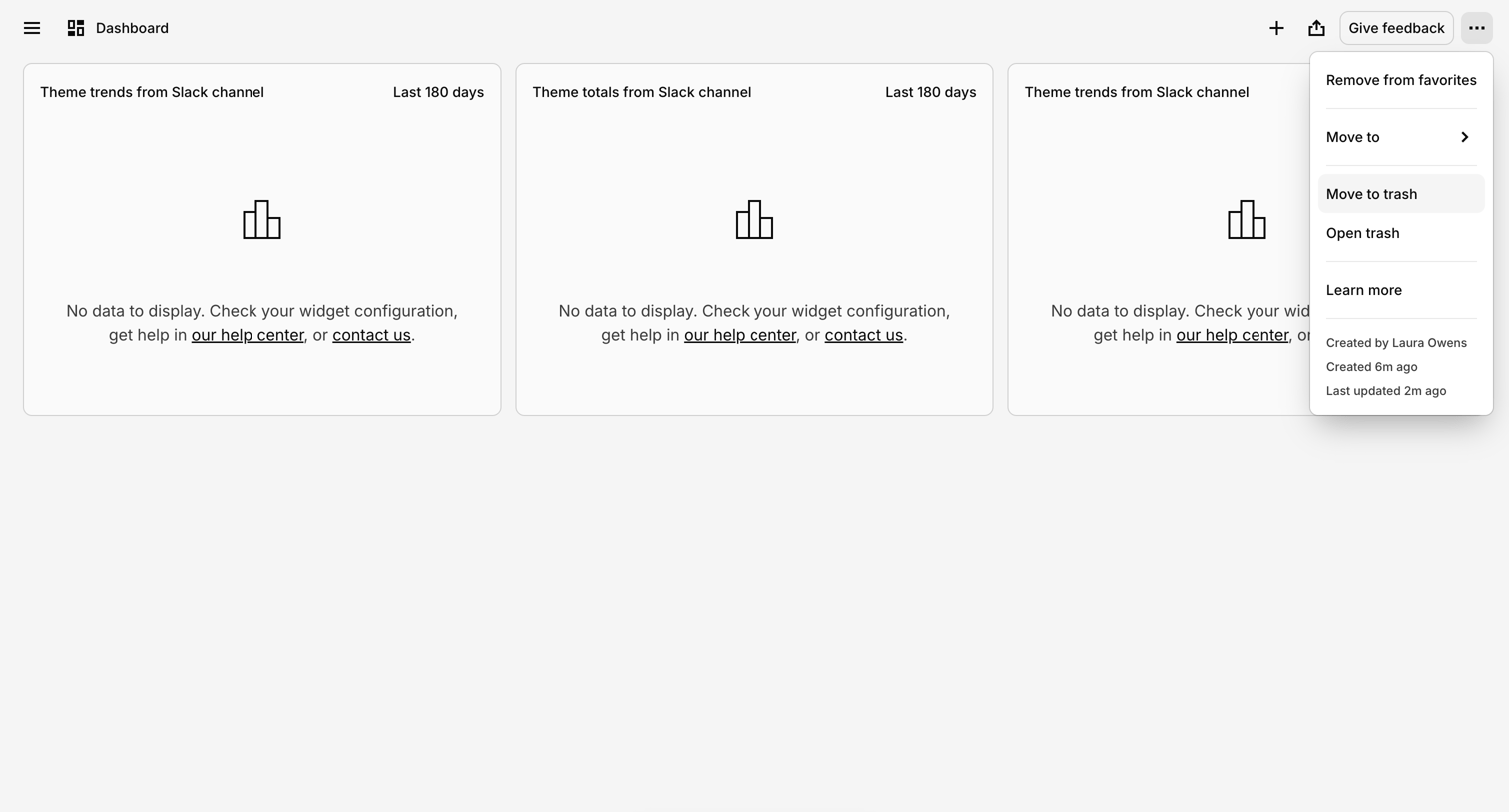

Dashboard where the user sees a grid of empty chart widgets prompting configuration, an open actions menu, and a floating AI chat trigger.
Explore the full SaaS screen library
Upgrade to unlock the full library.
Trusted by the best teams







